Database Systems
Introduction Database Management Systems
1
Lecture 2
Today’s agenda
• Database users
• Advantages of database
• History of database
Database Management
Systems
2
Database Users
• Users may be divided into those who actually use
and control the content (called “Actors on the
Scene”) and those who work to maintain the
database system environment but who are not
actively interested in the database contents as
part of their daily job (called “Workers Behind
the Scene”).
Database Management
Systems
3
Database Users
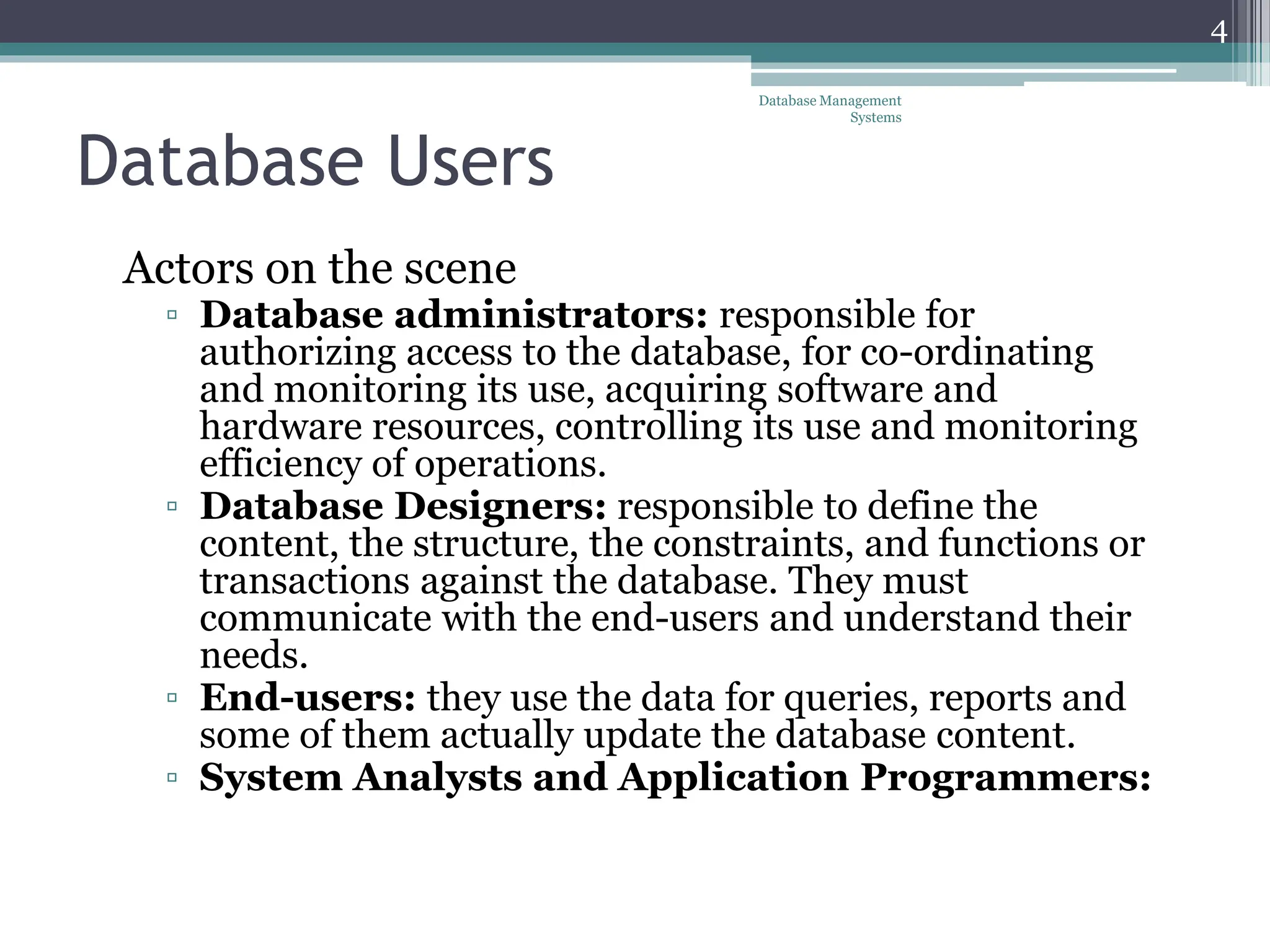
Actors on the scene
▫ Database administrators: responsible for
authorizing access to the database, for co-ordinating
and monitoring its use, acquiring software and
hardware resources, controlling its use and monitoring
efficiency of operations.
▫ Database Designers: responsible to define the
content, the structure, the constraints, and functions or
transactions against the database. They must
communicate with the end-users and understand their
needs.
▫ End-users: they use the data for queries, reports and
some of them actually update the database content.
▫ System Analysts and Application Programmers:
Database Management
Systems
4
Categories of End-users
• Casual : access database occasionally when
needed. They use a sophisticated database
query interface to specify their requests
• Naïve or Parametric : they make up a large
section of the end-user population. Their main
job function revolves around constantly
querying and updating the database, using
standard types of queries and updates—called
canned transactions. Examples are bank-
tellers, reservation clerks, and social media
users, who do this activity for an entire shift of
operations.
Database Management
Systems
5
Categories of End-users
• Sophisticated : these include business
analysts, scientists, engineers and others who
thoroughly familiar themselves with the
system capabilities. Many use tools in the
form of software packages that work closely
with the stored database.
• Stand-alone : mostly maintain personal
databases using ready-to-use packaged
applications. An example is a tax program
user that creates his or her own internal
database.
Database Management
Systems
6
System Analysts and Application
Programmers
• System analysts: determine the requirements
of end users, especially naive and parametric
end users, and develop specifications for
standard canned transactions that meet these
requirements.
• Application programmers: implement
these specifications as programs; then they test,
debug, document, and maintain these canned
transactions. Such analysts and programmers—
commonly referred to as software
developers or software engineers
Database Management
Systems
7
Workers behind the scene
• DBMS designers and Implementers
▫ Design and implement the DBMS modules and interfaces
as a software package, e.g., modules for implementing the
catalog, query language processing, interface processing,
accessing and buffering data, controlling concurrency, and
handling data recovery and security.
• Tool developers
▫ Design and implement tools. The software packages which
facilitate database system design and use in improving
performance. These are optional packages that are often
purchased separately (simulation, test data generation, NL or GI)
• Operators and Maintenance Personals
▫ System administration personals who are responsible for
the actual running and maintenance of the hardware and
software environment of the database system
Database Management
Systems
8
Advantages of Using the Database
Approach
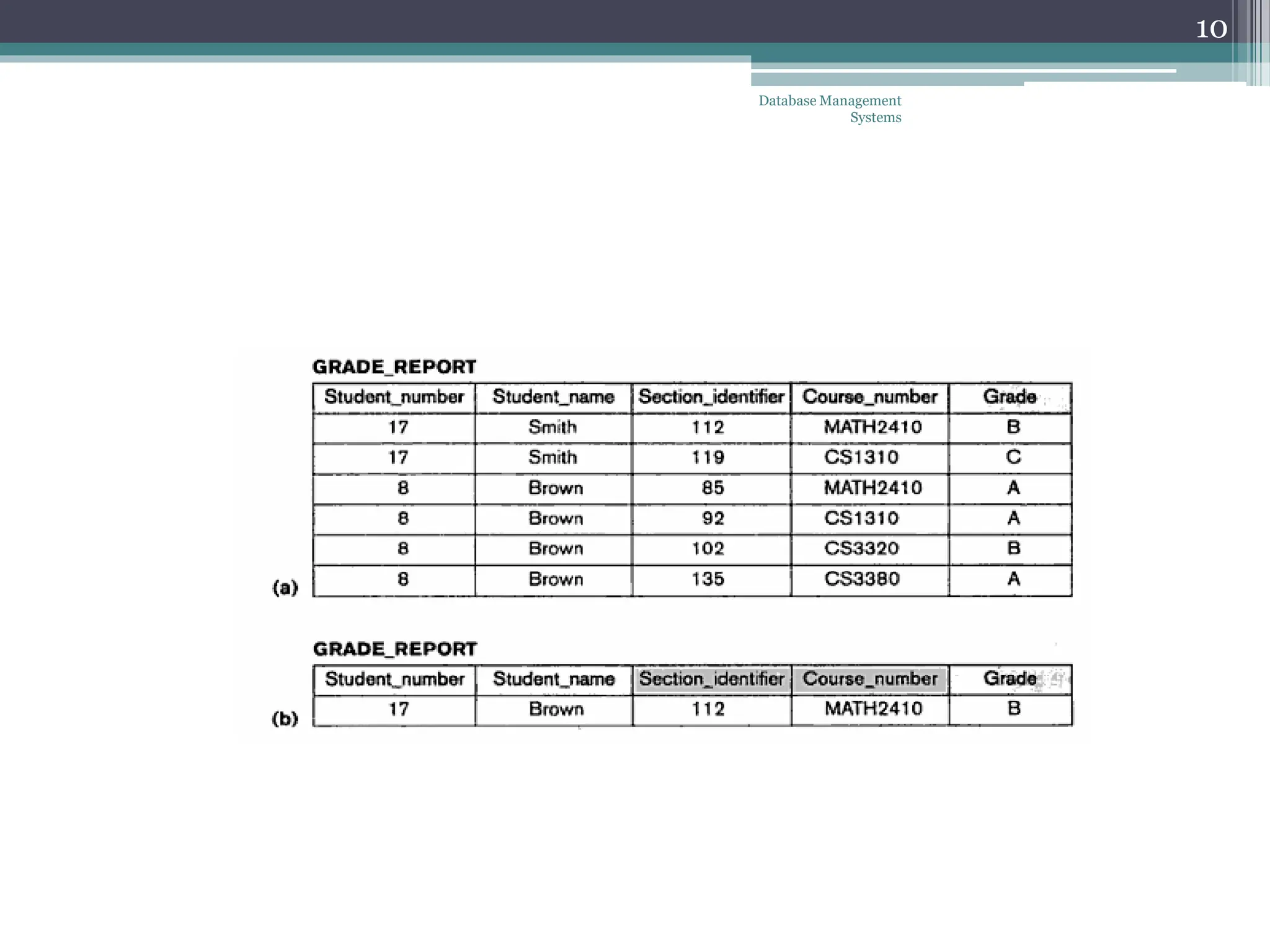
• Controlling redundancy in data storage and in
development and maintenance efforts.
• Restricting unauthorized access to data.
• Providing persistent storage for program Objects
(in Object-oriented DBMS’s)
• Providing Storage Structures for efficient Query
Processing
• Providing backup and recovery services.
Database Management
Systems
9
Database Management
Systems
10
Advantages of Using the Database
Approach
• Providing multiple interfaces to different
classes of users.
• Representing complex relationships
among data.
• Enforcing integrity constraints on the
database.
• Permitting Inferencing and Actions using
rules
Database Management
Systems
11
Database Management
Systems
12
Additional Implications of Using the
Database Approach
• Potential for enforcing standards: this is
very crucial for the success of database
applications in large organizations
Standards refer to data item names,
display formats, screens, report
structures, meta-data (description of
data) etc.
• Reduced application development time:
incremental time to add each new
application is reduced.
Database Management
Systems
13
Additional Implications of Using the
Database Approach
• Flexibility to change data structures:
database structure may evolve as new
requirements are defined.
• Availability of up-to-date information –
very important for on-line transaction
systems such as airline, hotel, car
reservations.
• Economies of scale: by consolidating data
and applications across departments
wasteful overlap of resources and personnel
can be avoided.
Database Management
Systems
14
Historical Development of Database
Technology
• Early Database Applications: The
Hierarchical and Network Models were
introduced in mid 1960’s and dominated
during the seventies. A bulk of the worldwide
database processing still occurs using these
models.
• Relational Model based Systems: The
model that was originally introduced in 1970
was heavily researched and experimented
with in IBM and the universities. Relational
DBMS Products emerged in the 1980’s.
Database Management
Systems
15
Historical Development of Database
Technology
• Object-oriented applications:
OODBMSs were introduced in late 1980’s
and early 1990’s to cater to the need of
complex data processing in CAD and other
applications. Their use has not taken off
much.
• Data on the Web and E-commerce
Applications: Web contains data in HTML
(Hypertext markup language) with links
among pages. This has given rise to a new
set of applications and E-commerce is using
new standards like XML (eXtended Markup
Language).
Database Management
Systems
16
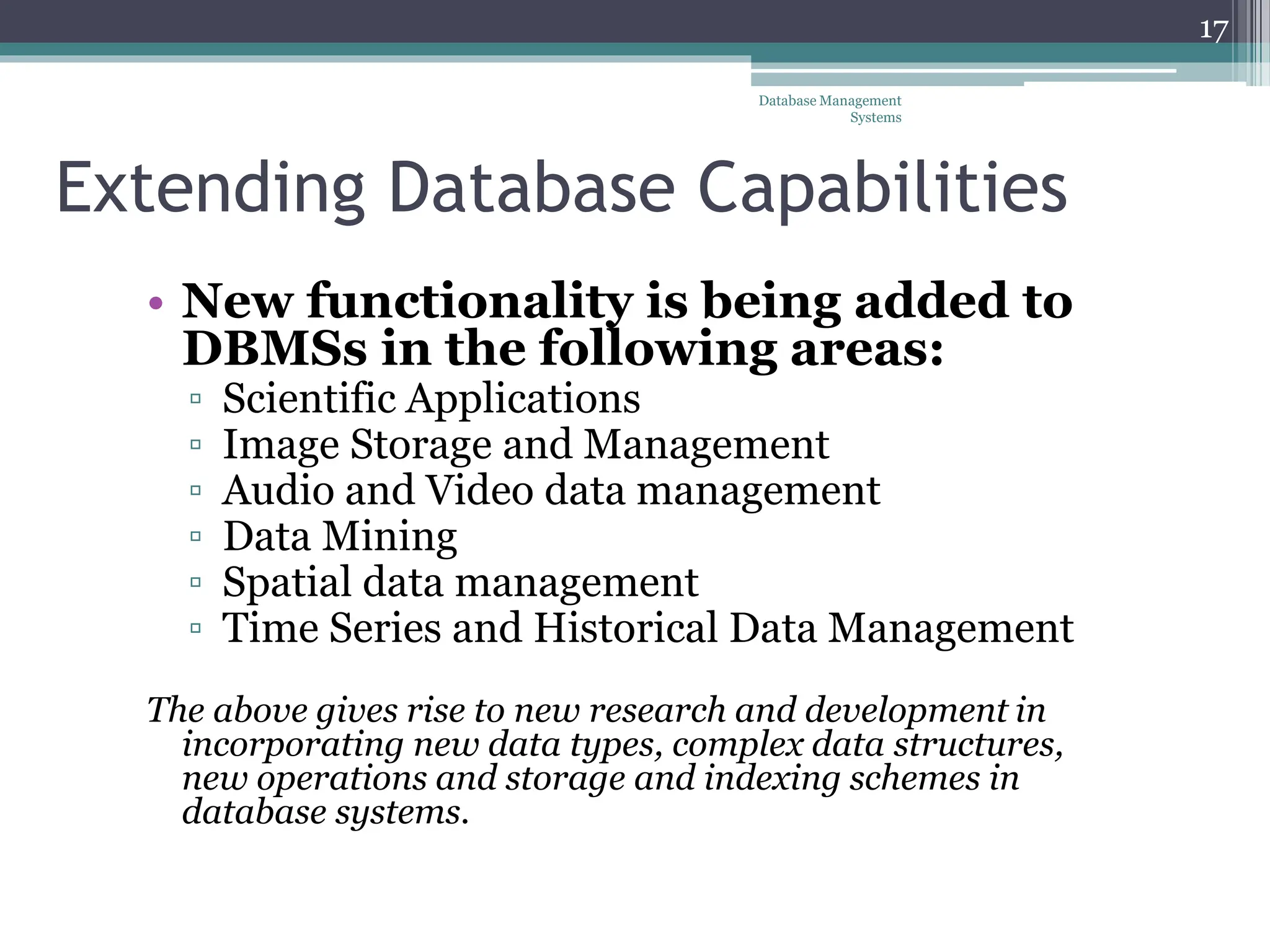
Extending Database Capabilities
• New functionality is being added to
DBMSs in the following areas:
▫ Scientific Applications
▫ Image Storage and Management
▫ Audio and Video data management
▫ Data Mining
▫ Spatial data management
▫ Time Series and Historical Data Management
The above gives rise to new research and development in
incorporating new data types, complex data structures,
new operations and storage and indexing schemes in
database systems.
Database Management
Systems
17
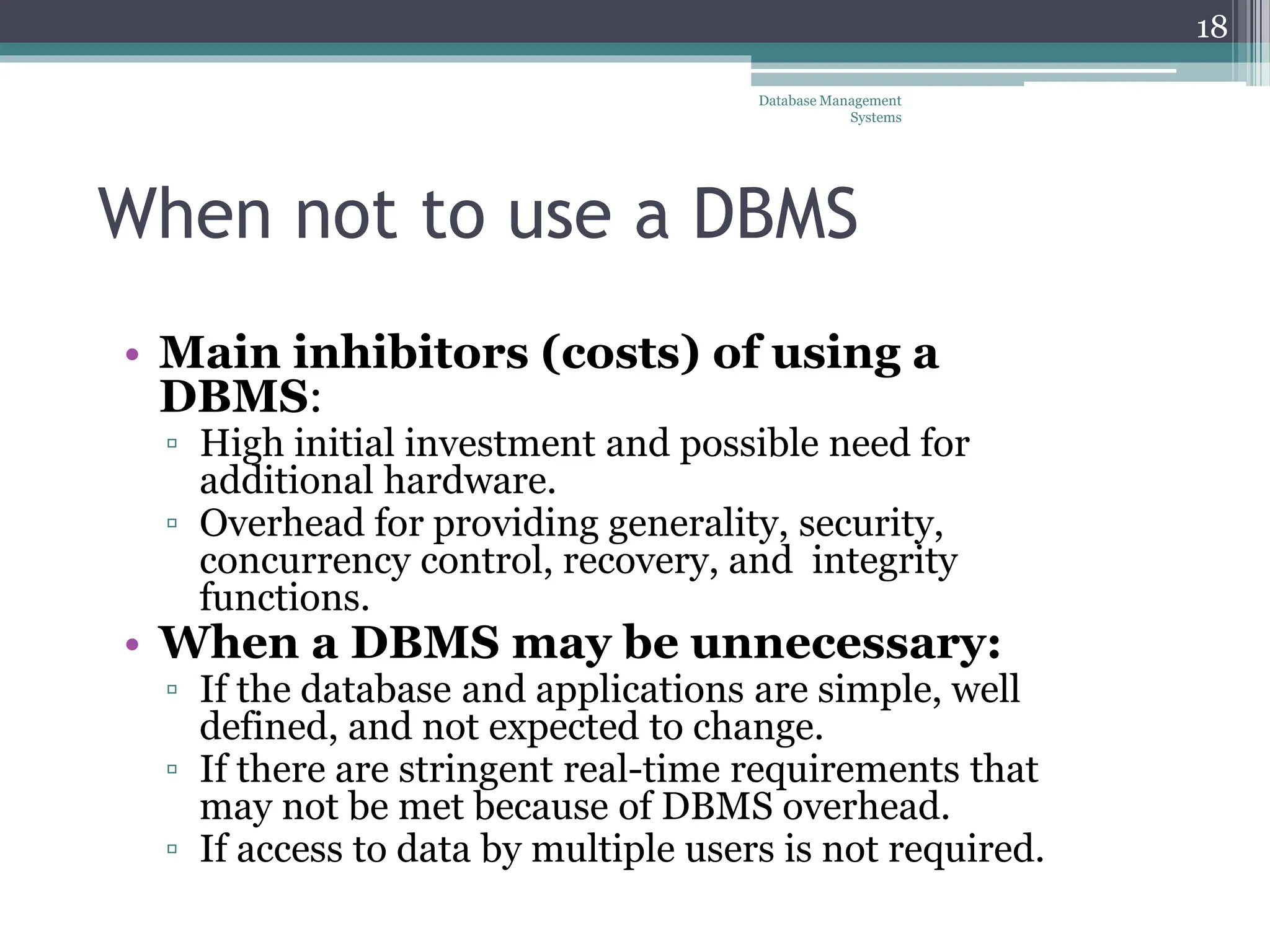
When not to use a DBMS
• Main inhibitors (costs) of using a
DBMS:
▫ High initial investment and possible need for
additional hardware.
▫ Overhead for providing generality, security,
concurrency control, recovery, and integrity
functions.
• When a DBMS may be unnecessary:
▫ If the database and applications are simple, well
defined, and not expected to change.
▫ If there are stringent real-time requirements that
may not be met because of DBMS overhead.
▫ If access to data by multiple users is not required.
Database Management
Systems
18
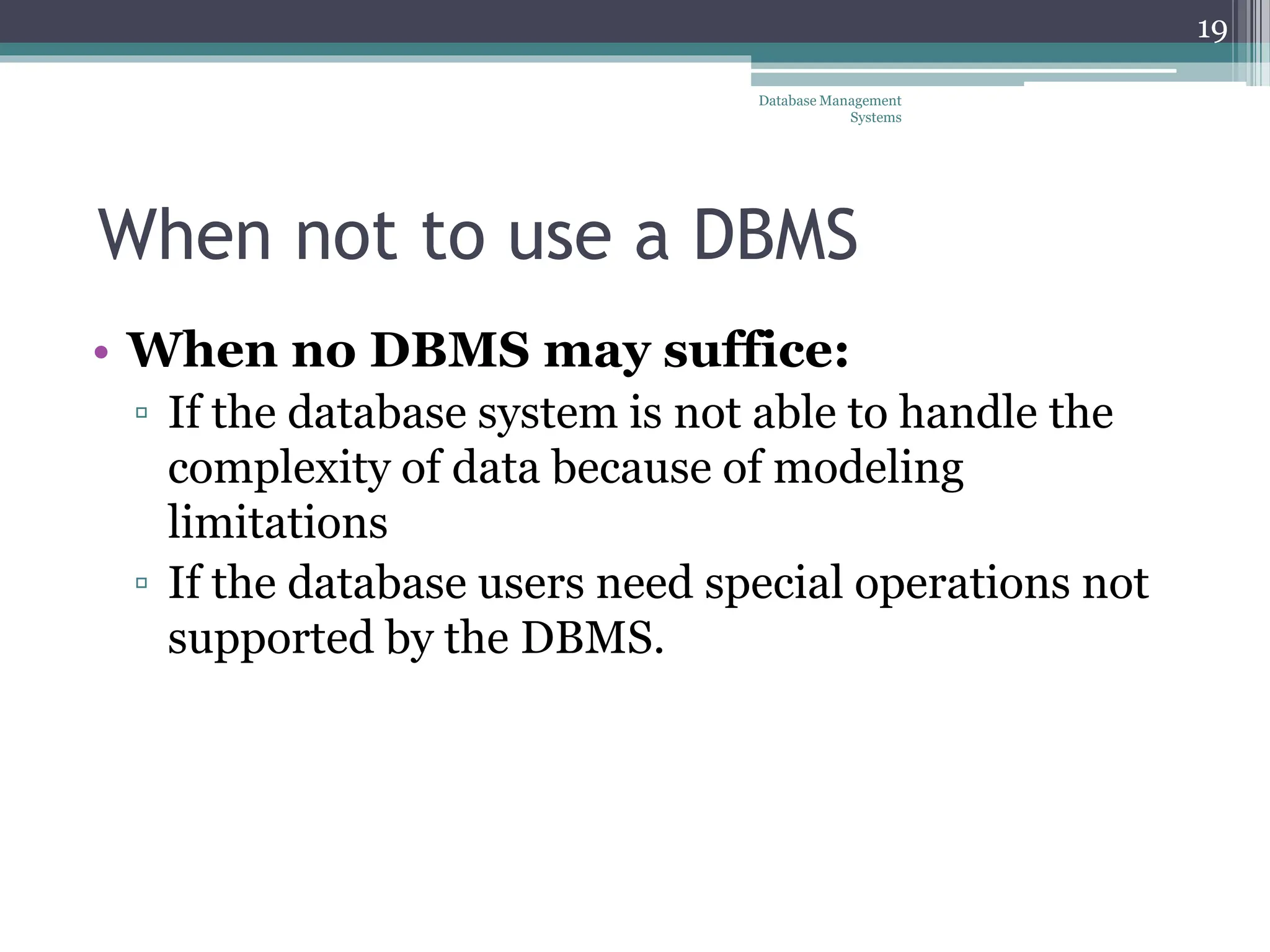
When not to use a DBMS
• When no DBMS may suffice:
▫ If the database system is not able to handle the
complexity of data because of modeling
limitations
▫ If the database users need special operations not
supported by the DBMS.
Database Management
Systems
19
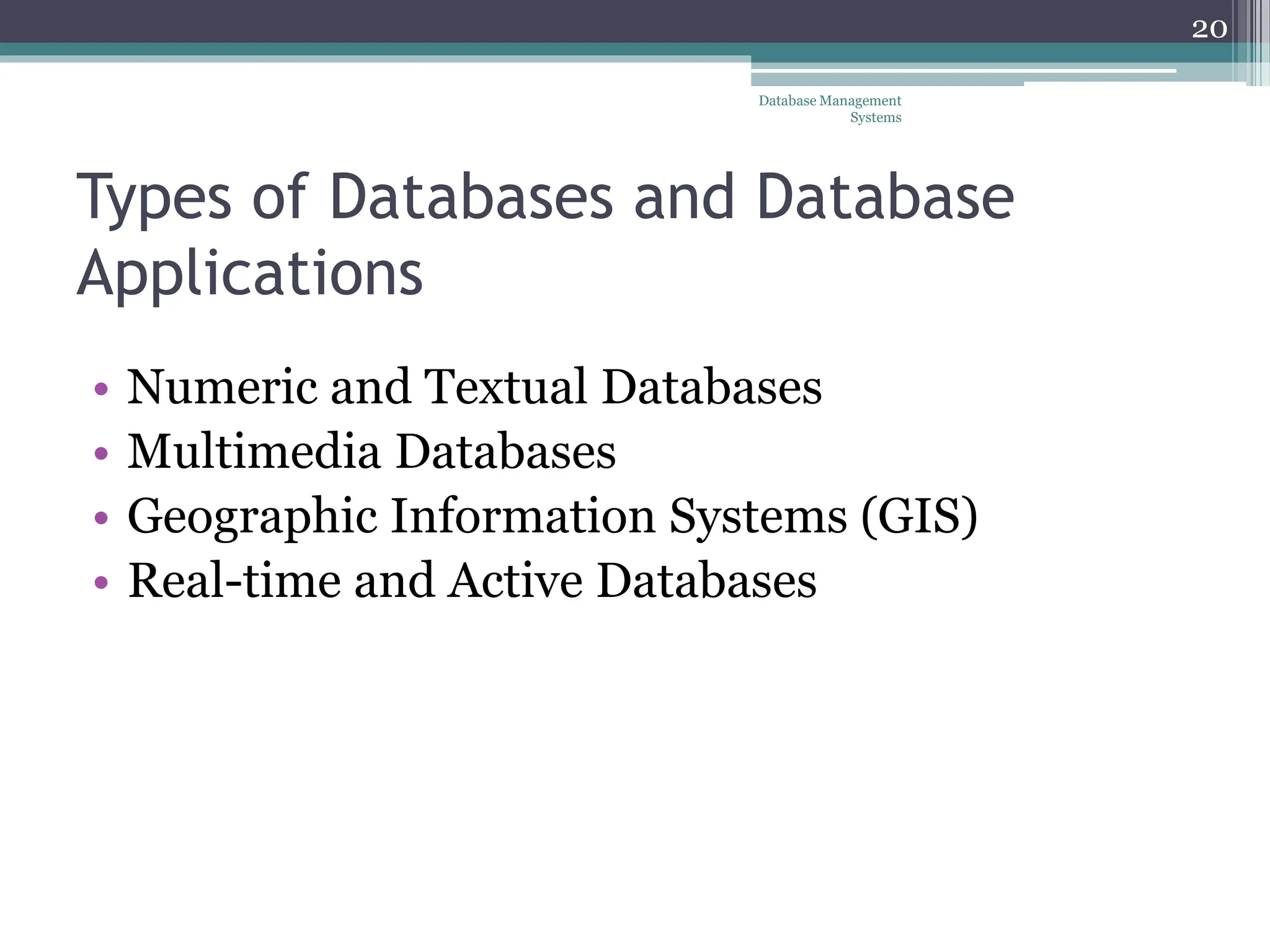
Types of Databases and Database
Applications
• Numeric and Textual Databases
• Multimedia Databases
• Geographic Information Systems (GIS)
• Real-time and Active Databases
Database Management
Systems
20

Data base chapter 2 | detail about the topic

  • 1.
    Database Systems Introduction DatabaseManagement Systems 1 Lecture 2
  • 2.
    Today’s agenda • Databaseusers • Advantages of database • History of database Database Management Systems 2
  • 3.
    Database Users • Usersmay be divided into those who actually use and control the content (called “Actors on the Scene”) and those who work to maintain the database system environment but who are not actively interested in the database contents as part of their daily job (called “Workers Behind the Scene”). Database Management Systems 3
  • 4.
    Database Users Actors onthe scene ▫ Database administrators: responsible for authorizing access to the database, for co-ordinating and monitoring its use, acquiring software and hardware resources, controlling its use and monitoring efficiency of operations. ▫ Database Designers: responsible to define the content, the structure, the constraints, and functions or transactions against the database. They must communicate with the end-users and understand their needs. ▫ End-users: they use the data for queries, reports and some of them actually update the database content. ▫ System Analysts and Application Programmers: Database Management Systems 4
  • 5.
    Categories of End-users •Casual : access database occasionally when needed. They use a sophisticated database query interface to specify their requests • Naïve or Parametric : they make up a large section of the end-user population. Their main job function revolves around constantly querying and updating the database, using standard types of queries and updates—called canned transactions. Examples are bank- tellers, reservation clerks, and social media users, who do this activity for an entire shift of operations. Database Management Systems 5
  • 6.
    Categories of End-users •Sophisticated : these include business analysts, scientists, engineers and others who thoroughly familiar themselves with the system capabilities. Many use tools in the form of software packages that work closely with the stored database. • Stand-alone : mostly maintain personal databases using ready-to-use packaged applications. An example is a tax program user that creates his or her own internal database. Database Management Systems 6
  • 7.
    System Analysts andApplication Programmers • System analysts: determine the requirements of end users, especially naive and parametric end users, and develop specifications for standard canned transactions that meet these requirements. • Application programmers: implement these specifications as programs; then they test, debug, document, and maintain these canned transactions. Such analysts and programmers— commonly referred to as software developers or software engineers Database Management Systems 7
  • 8.
    Workers behind thescene • DBMS designers and Implementers ▫ Design and implement the DBMS modules and interfaces as a software package, e.g., modules for implementing the catalog, query language processing, interface processing, accessing and buffering data, controlling concurrency, and handling data recovery and security. • Tool developers ▫ Design and implement tools. The software packages which facilitate database system design and use in improving performance. These are optional packages that are often purchased separately (simulation, test data generation, NL or GI) • Operators and Maintenance Personals ▫ System administration personals who are responsible for the actual running and maintenance of the hardware and software environment of the database system Database Management Systems 8
  • 9.
    Advantages of Usingthe Database Approach • Controlling redundancy in data storage and in development and maintenance efforts. • Restricting unauthorized access to data. • Providing persistent storage for program Objects (in Object-oriented DBMS’s) • Providing Storage Structures for efficient Query Processing • Providing backup and recovery services. Database Management Systems 9
  • 10.
  • 11.
    Advantages of Usingthe Database Approach • Providing multiple interfaces to different classes of users. • Representing complex relationships among data. • Enforcing integrity constraints on the database. • Permitting Inferencing and Actions using rules Database Management Systems 11
  • 12.
  • 13.
    Additional Implications ofUsing the Database Approach • Potential for enforcing standards: this is very crucial for the success of database applications in large organizations Standards refer to data item names, display formats, screens, report structures, meta-data (description of data) etc. • Reduced application development time: incremental time to add each new application is reduced. Database Management Systems 13
  • 14.
    Additional Implications ofUsing the Database Approach • Flexibility to change data structures: database structure may evolve as new requirements are defined. • Availability of up-to-date information – very important for on-line transaction systems such as airline, hotel, car reservations. • Economies of scale: by consolidating data and applications across departments wasteful overlap of resources and personnel can be avoided. Database Management Systems 14
  • 15.
    Historical Development ofDatabase Technology • Early Database Applications: The Hierarchical and Network Models were introduced in mid 1960’s and dominated during the seventies. A bulk of the worldwide database processing still occurs using these models. • Relational Model based Systems: The model that was originally introduced in 1970 was heavily researched and experimented with in IBM and the universities. Relational DBMS Products emerged in the 1980’s. Database Management Systems 15
  • 16.
    Historical Development ofDatabase Technology • Object-oriented applications: OODBMSs were introduced in late 1980’s and early 1990’s to cater to the need of complex data processing in CAD and other applications. Their use has not taken off much. • Data on the Web and E-commerce Applications: Web contains data in HTML (Hypertext markup language) with links among pages. This has given rise to a new set of applications and E-commerce is using new standards like XML (eXtended Markup Language). Database Management Systems 16
  • 17.
    Extending Database Capabilities •New functionality is being added to DBMSs in the following areas: ▫ Scientific Applications ▫ Image Storage and Management ▫ Audio and Video data management ▫ Data Mining ▫ Spatial data management ▫ Time Series and Historical Data Management The above gives rise to new research and development in incorporating new data types, complex data structures, new operations and storage and indexing schemes in database systems. Database Management Systems 17
  • 18.
    When not touse a DBMS • Main inhibitors (costs) of using a DBMS: ▫ High initial investment and possible need for additional hardware. ▫ Overhead for providing generality, security, concurrency control, recovery, and integrity functions. • When a DBMS may be unnecessary: ▫ If the database and applications are simple, well defined, and not expected to change. ▫ If there are stringent real-time requirements that may not be met because of DBMS overhead. ▫ If access to data by multiple users is not required. Database Management Systems 18
  • 19.
    When not touse a DBMS • When no DBMS may suffice: ▫ If the database system is not able to handle the complexity of data because of modeling limitations ▫ If the database users need special operations not supported by the DBMS. Database Management Systems 19
  • 20.
    Types of Databasesand Database Applications • Numeric and Textual Databases • Multimedia Databases • Geographic Information Systems (GIS) • Real-time and Active Databases Database Management Systems 20