This presentation explains the fundamental design concepts that guide creative thinking and problem-solving in visual communication and user experience.
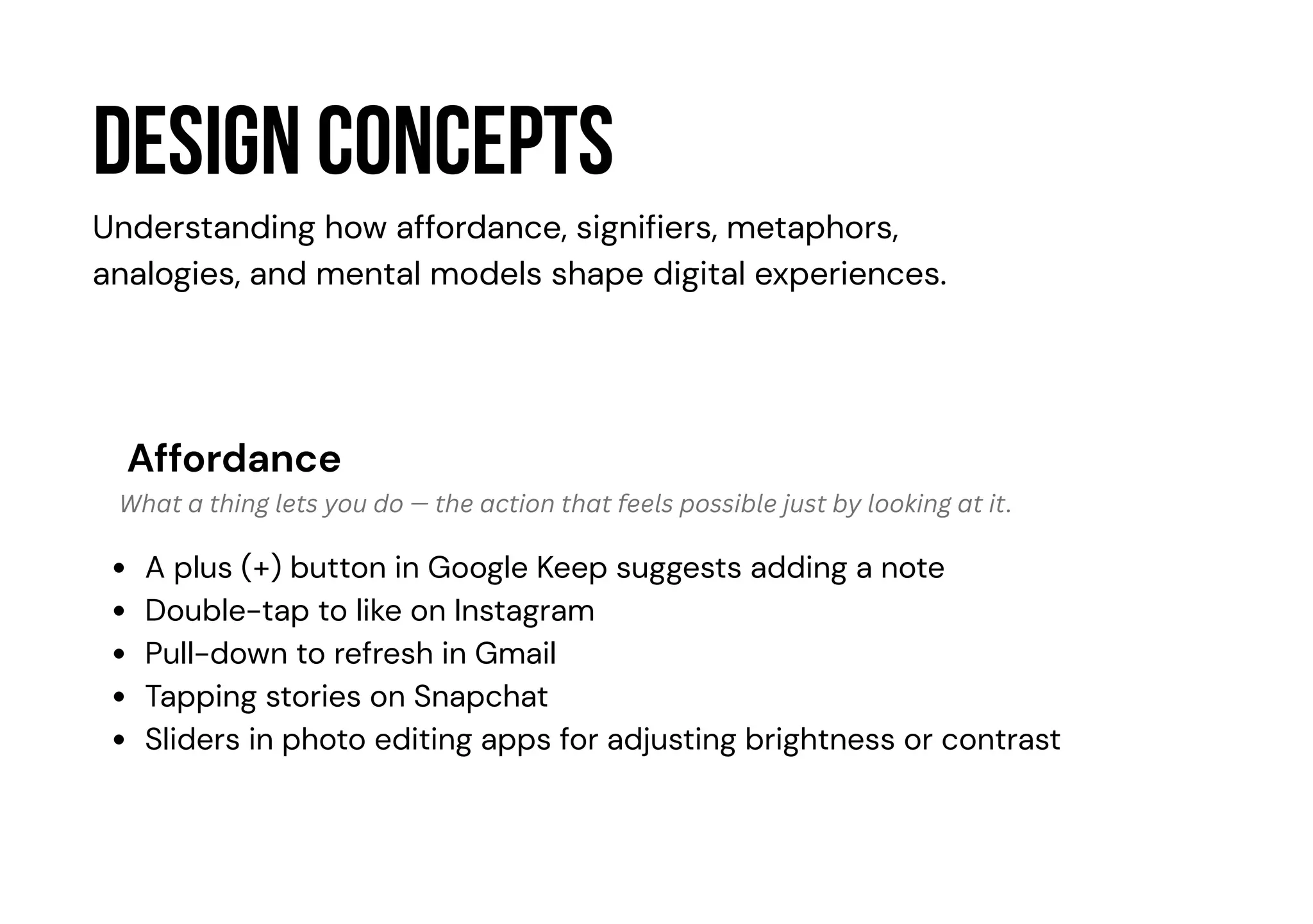
Design concepts
Affordance
A plus(+) button in Google Keep suggests adding a note
Double-tap to like on Instagram
Pull-down to refresh in Gmail
Tapping stories on Snapchat
Sliders in photo editing apps for adjusting brightness or contrast
Understanding how affordance, signifiers, metaphors,
analogies, and mental models shape digital experiences.
What a thing lets you do — the action that feels possible just by looking at it.
2.
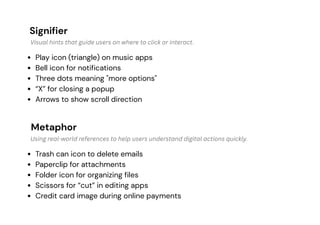
Signifier
Metaphor
Play icon (triangle)on music apps
Bell icon for notifications
Three dots meaning "more options"
“X” for closing a popup
Arrows to show scroll direction
Trash can icon to delete emails
Paperclip for attachments
Folder icon for organizing files
Scissors for “cut” in editing apps
Credit card image during online payments
Visual hints that guide users on where to click or interact.
Using real-world references to help users understand digital actions quickly.
3.
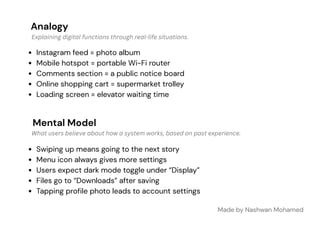
Analogy
Mental Model
Instagram feed= photo album
Mobile hotspot = portable Wi-Fi router
Comments section = a public notice board
Online shopping cart = supermarket trolley
Loading screen = elevator waiting time
Made by Nashwan Mohamed
Swiping up means going to the next story
Menu icon always gives more settings
Users expect dark mode toggle under “Display”
Files go to “Downloads” after saving
Tapping profile photo leads to account settings
Explaining digital functions through real-life situations.
What users believe about how a system works, based on past experience.