Copy and Pasting  Step by Step
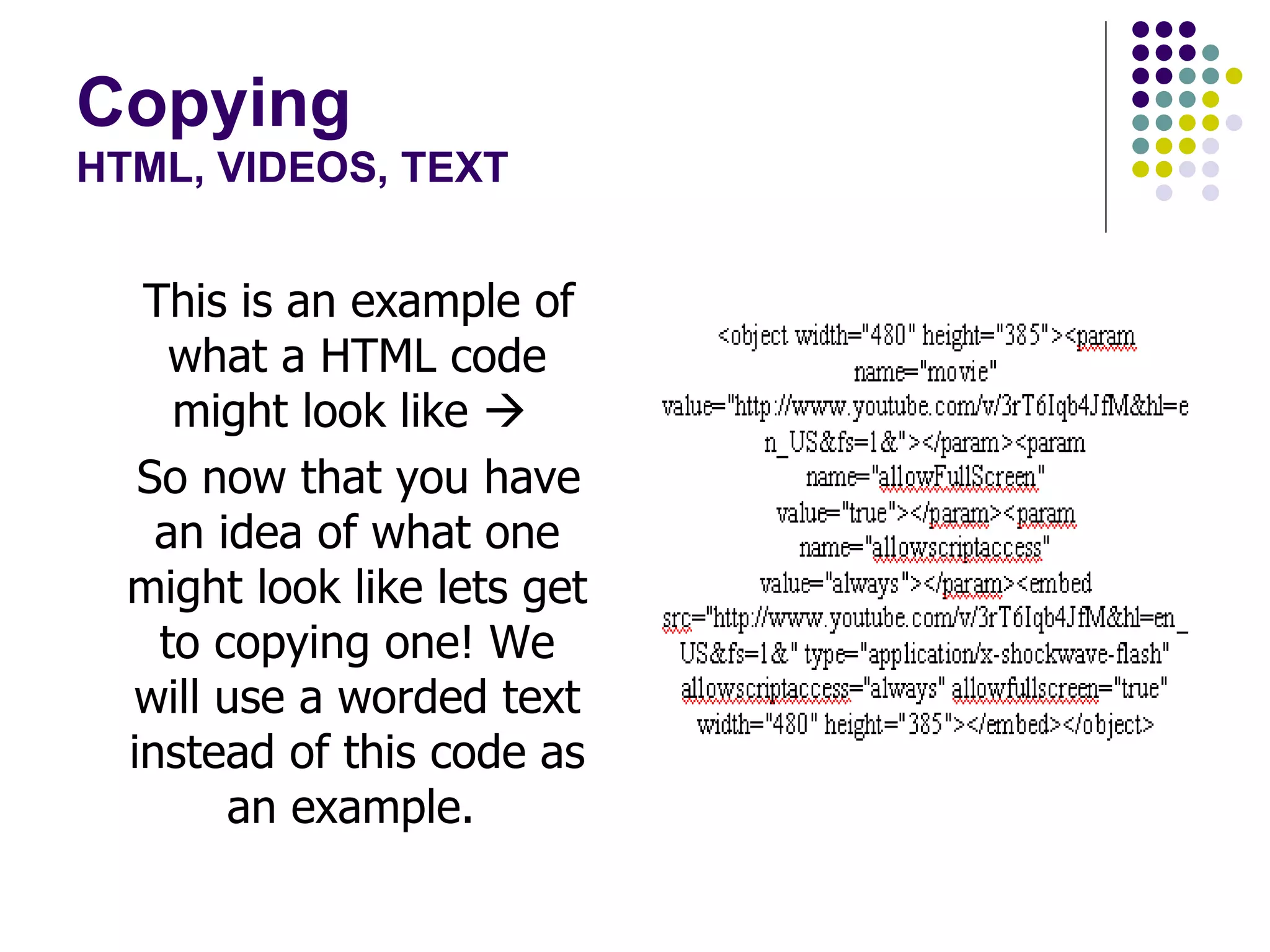
Copying HTML, VIDEOS, TEXT This is an example of what a HTML code might look like     So now that you have an idea of what one might look like lets get to copying one! We will use a worded text instead of this code as an example.
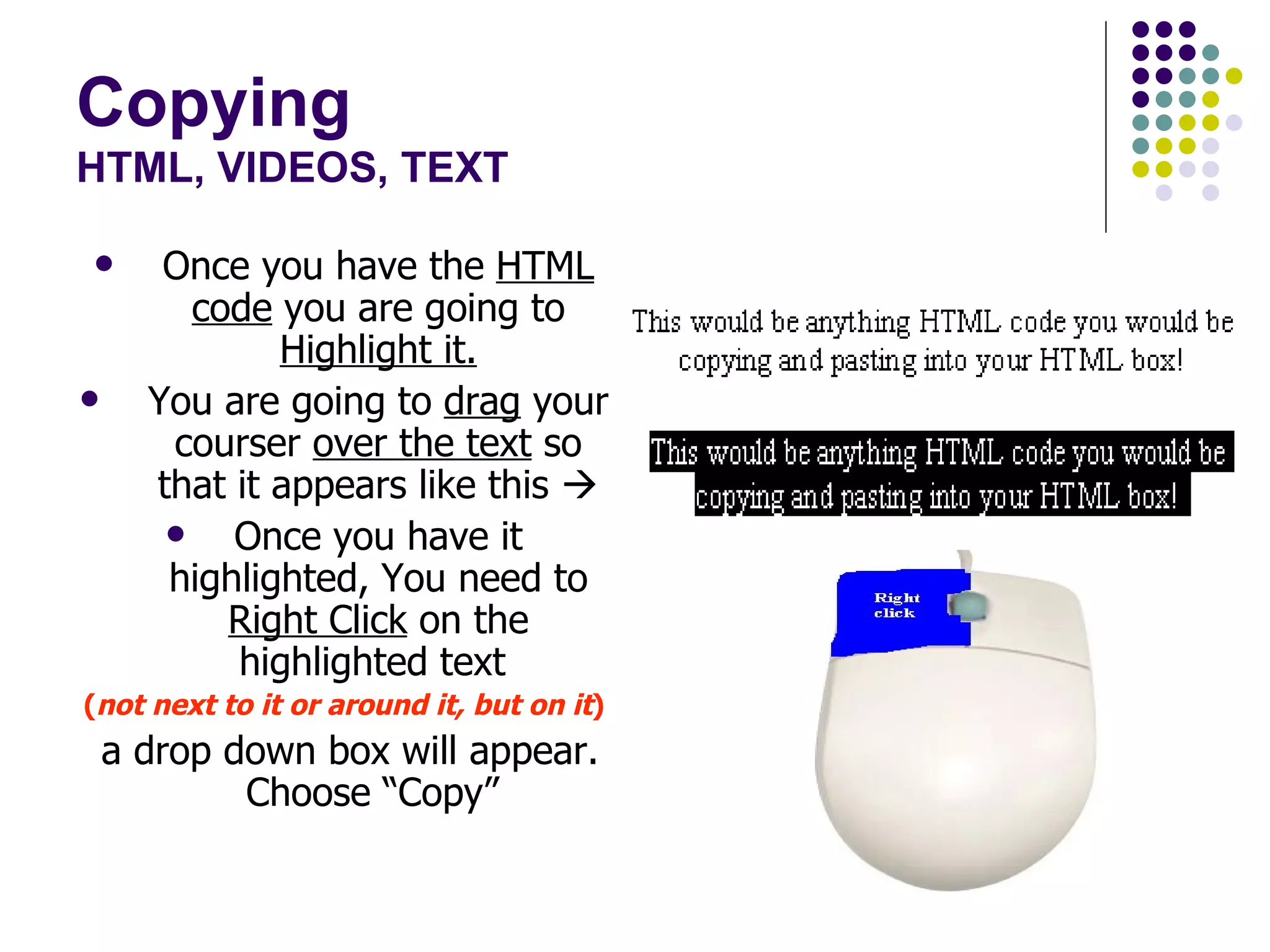
Copying HTML, VIDEOS, TEXT Once you have the  HTML   code  you are going to  Highlight it. You are going to  drag  your courser  over the text  so that it appears like this   Once you have it highlighted, You need to  Right Click  on the highlighted text  ( not next to it or around it, but on it ) a drop down box will appear. Choose “Copy”
Copying HTML, VIDEOS, TEXT 4) You can also use your control buttons to copy and paste as well. To copy using your control buttons ensure that the text is still highlighted and use ctrl + c to copy and ctrl + p to paste.
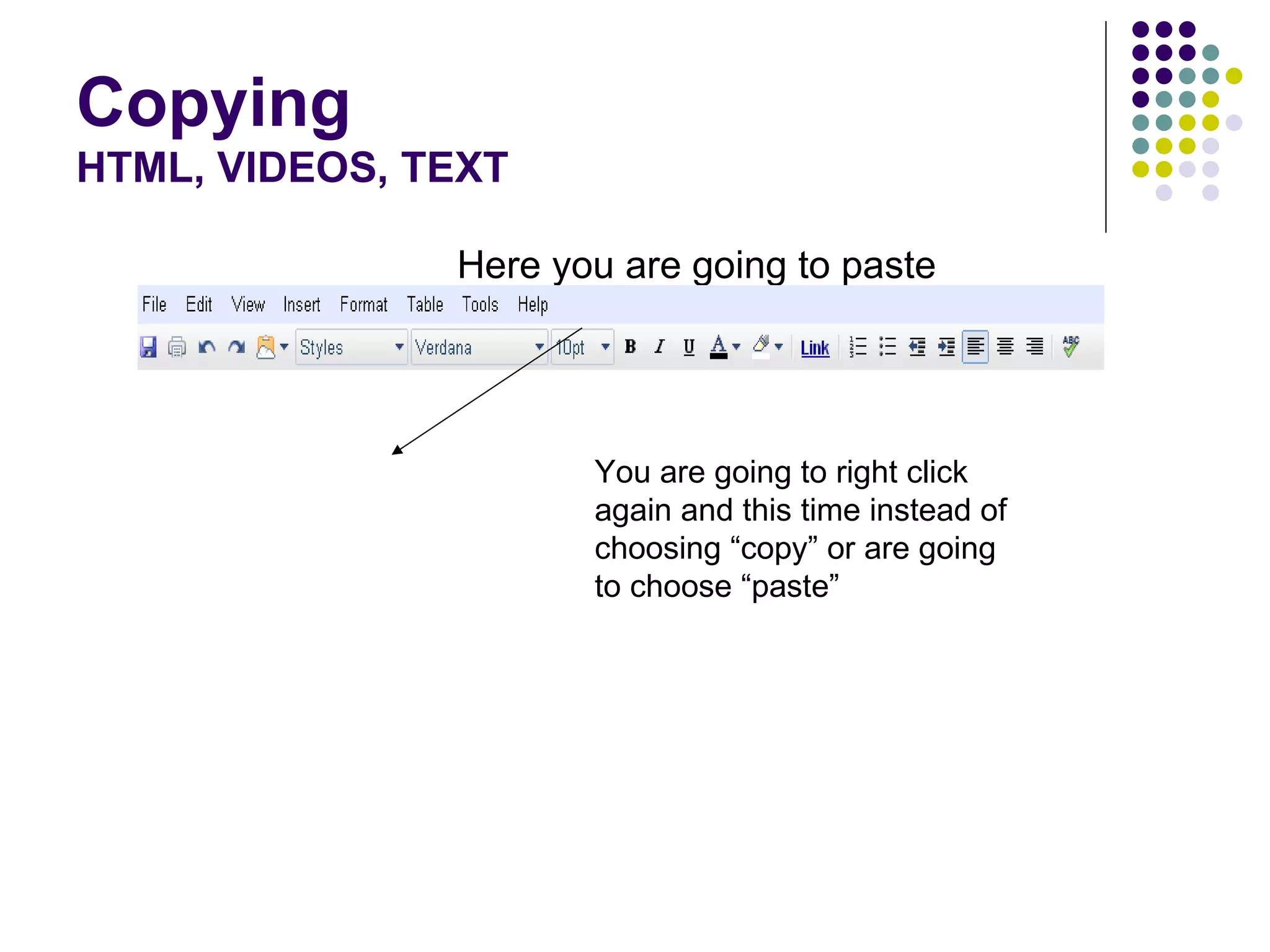
Copying HTML, VIDEOS, TEXT Here you are going to paste You are going to right click again and this time instead of choosing “copy” or are going to choose “paste”
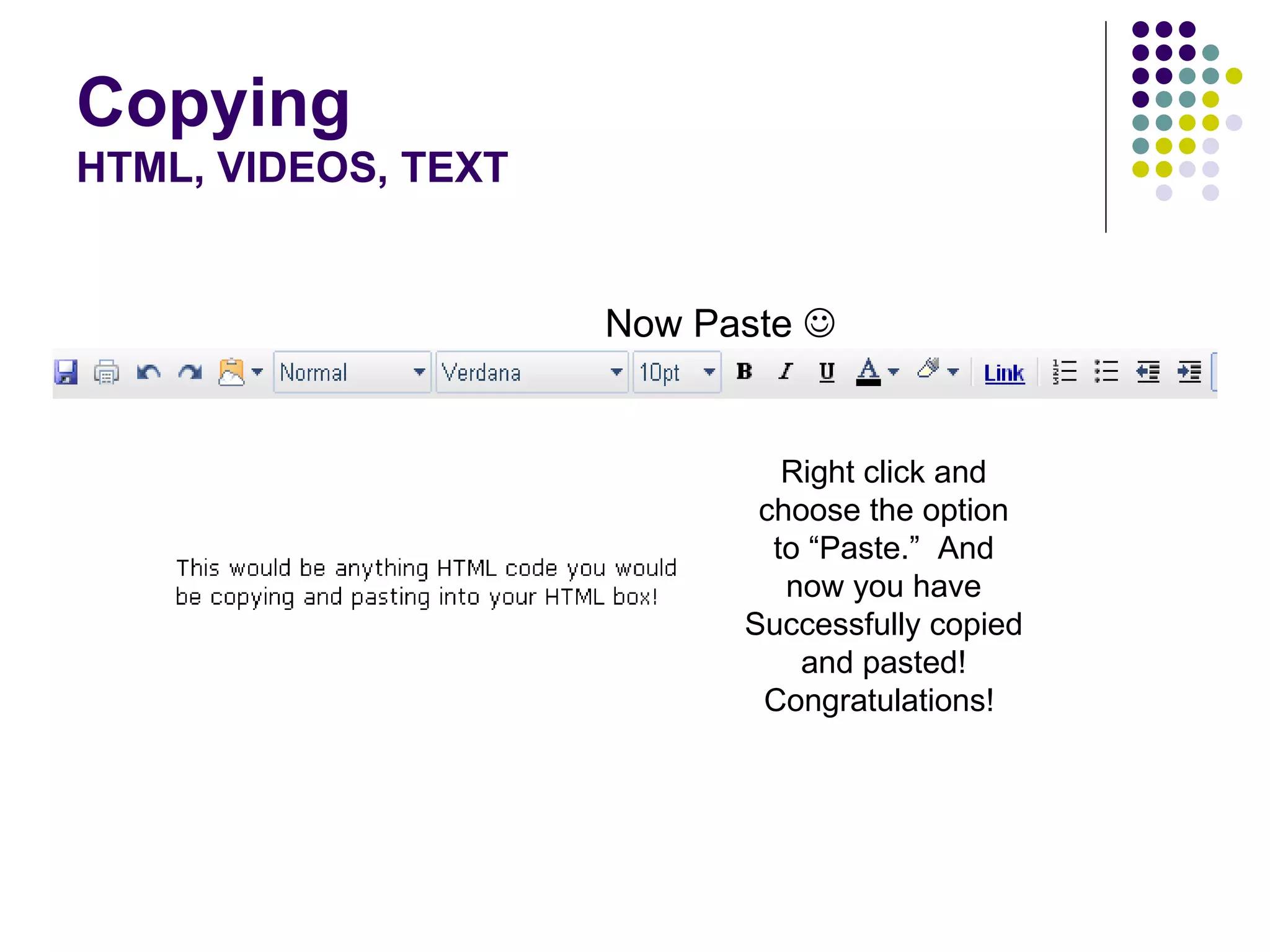
Copying HTML, VIDEOS, TEXT Now Paste     Right click and choose the option to “Paste.”  And now you have Successfully copied and pasted! Congratulations!

Copy And Pasting

  • 1.
    Copy and Pasting Step by Step
  • 2.
    Copying HTML, VIDEOS,TEXT This is an example of what a HTML code might look like  So now that you have an idea of what one might look like lets get to copying one! We will use a worded text instead of this code as an example.
  • 3.
    Copying HTML, VIDEOS,TEXT Once you have the HTML code you are going to Highlight it. You are going to drag your courser over the text so that it appears like this  Once you have it highlighted, You need to Right Click on the highlighted text ( not next to it or around it, but on it ) a drop down box will appear. Choose “Copy”
  • 4.
    Copying HTML, VIDEOS,TEXT 4) You can also use your control buttons to copy and paste as well. To copy using your control buttons ensure that the text is still highlighted and use ctrl + c to copy and ctrl + p to paste.
  • 5.
    Copying HTML, VIDEOS,TEXT Here you are going to paste You are going to right click again and this time instead of choosing “copy” or are going to choose “paste”
  • 6.
    Copying HTML, VIDEOS,TEXT Now Paste  Right click and choose the option to “Paste.” And now you have Successfully copied and pasted! Congratulations!