Remediation
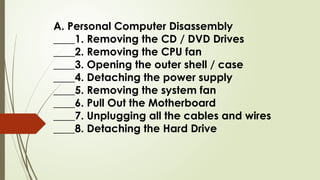
A. Personal Computer Disassembly
____1. Removing the CD / DVD Drives
____2. Removing the CPU fan
____3. Opening the outer shell / case
____4. Detaching the power supply
____5. Removing the system fan
____6. Pull Out the Motherboard
____7. Unplugging all the cables and wires
____8. Detaching the Hard Drive
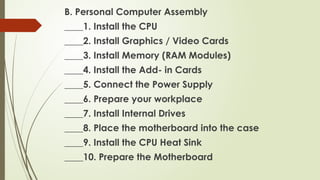
B. Personal Computer Assembly
____1. Install the CPU
____2. Install Graphics / Video Cards
____3. Install Memory (RAM Modules)
____4. Install the Add- in Cards
____5. Connect the Power Supply
____6. Prepare your workplace
____7. Install Internal Drives
____8. Place the motherboard into the case
____9. Install the CPU Heat Sink
____10. Prepare the Motherboard

Computer Assembly and Dissassembly Css.pptx

  • 1.
  • 2.
    A. Personal ComputerDisassembly ____1. Removing the CD / DVD Drives ____2. Removing the CPU fan ____3. Opening the outer shell / case ____4. Detaching the power supply ____5. Removing the system fan ____6. Pull Out the Motherboard ____7. Unplugging all the cables and wires ____8. Detaching the Hard Drive
  • 3.
    B. Personal ComputerAssembly ____1. Install the CPU ____2. Install Graphics / Video Cards ____3. Install Memory (RAM Modules) ____4. Install the Add- in Cards ____5. Connect the Power Supply ____6. Prepare your workplace ____7. Install Internal Drives ____8. Place the motherboard into the case ____9. Install the CPU Heat Sink ____10. Prepare the Motherboard