Journal
Apps
Comparison of
designed for personalized reading (medical) scientific literatur
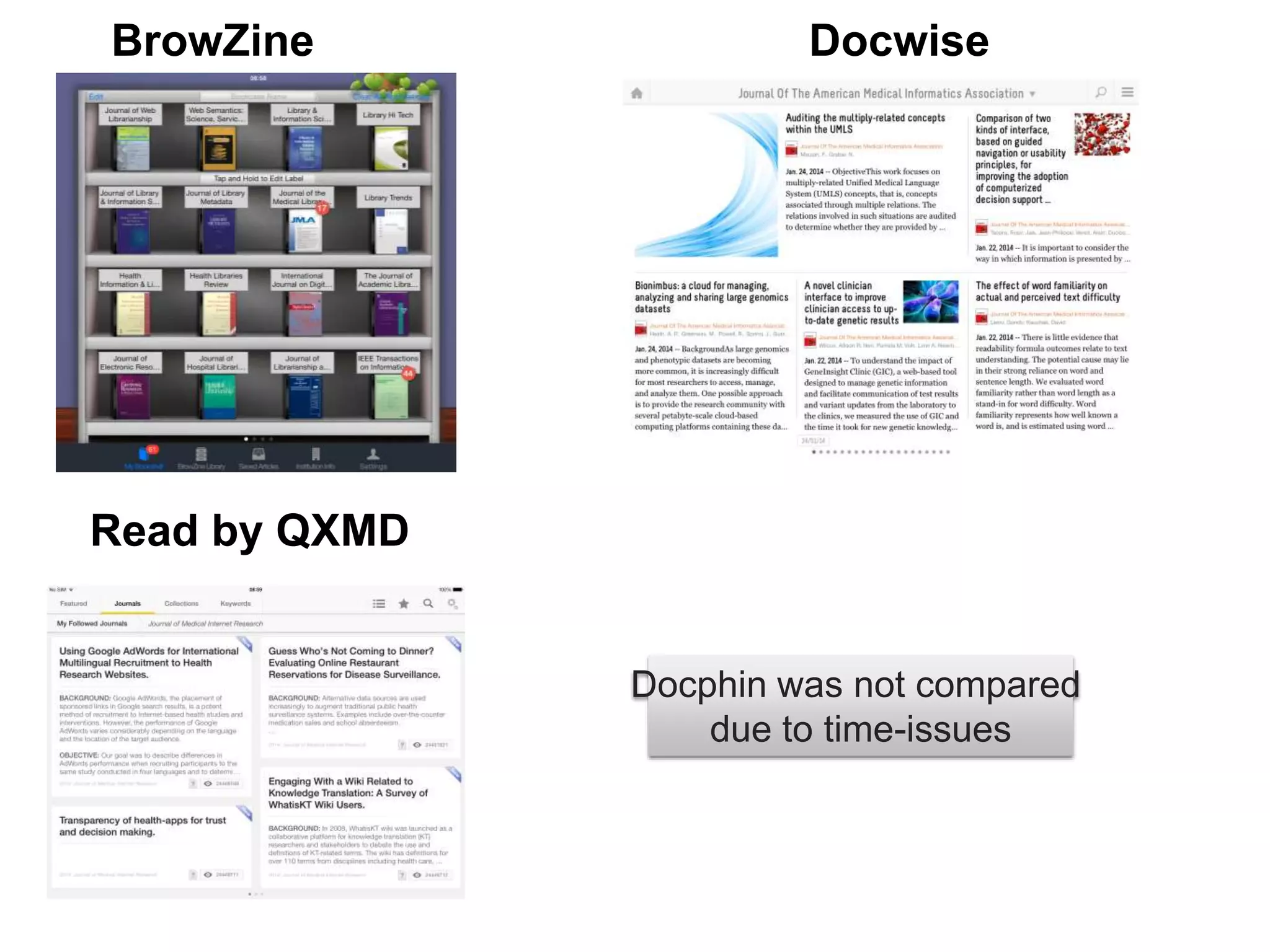
BrowZine Docwise
Read by QXMD
Docphin was not compared
due to time-issues
User Diversity
Off
Campus
?
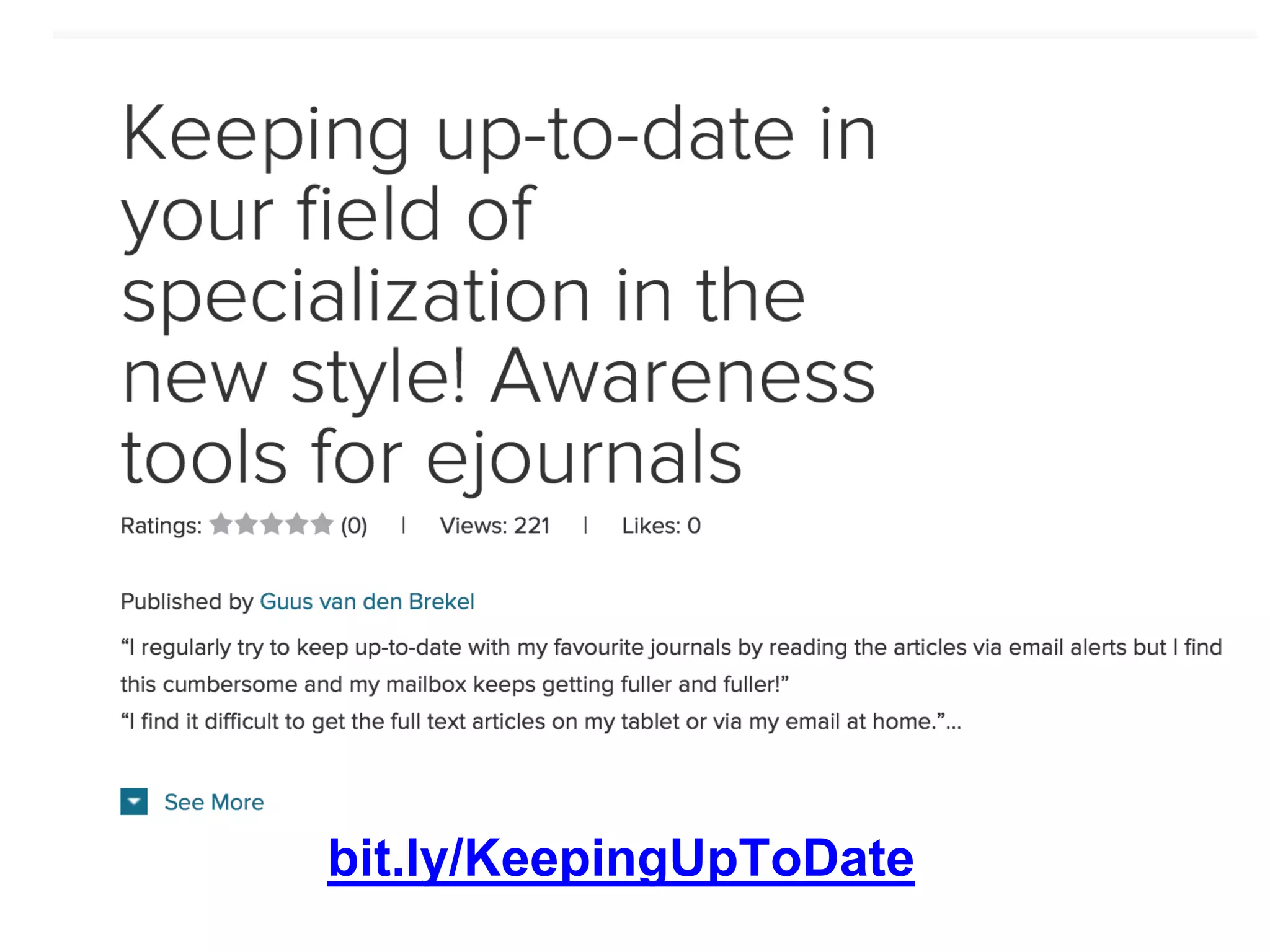
bit.ly/KeepingUpToDate
Who are they?
September 2011, teamsize: 12
atures: TOCs, Bookshelves, integration bibliographic software
Next feature: bookshelves sync with web-version
Tablet: iPad, Android
SmartPhone: iPhone, Android
Web: +
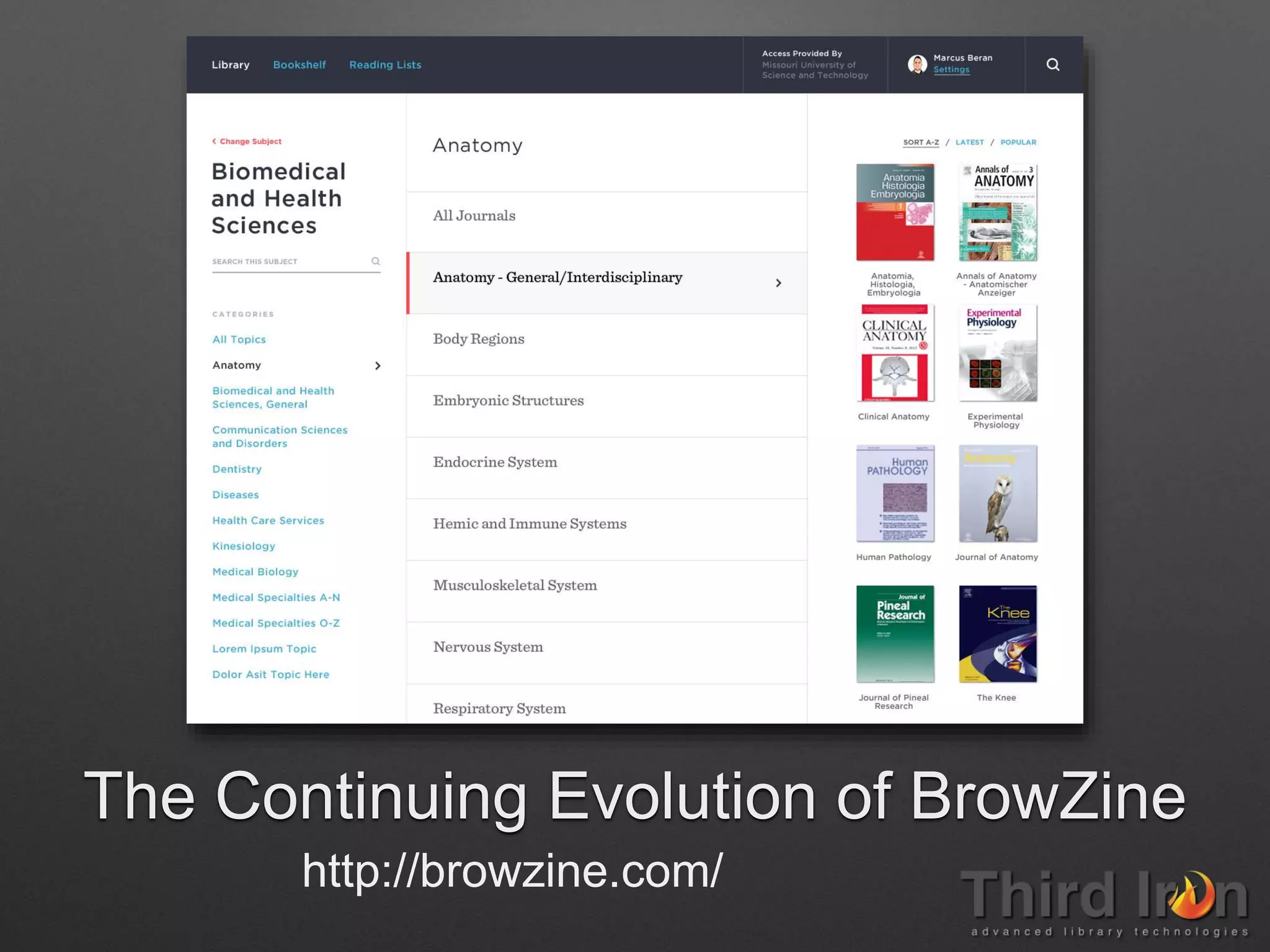
The Continuing Evolution of BrowZine
http://browzine.com/
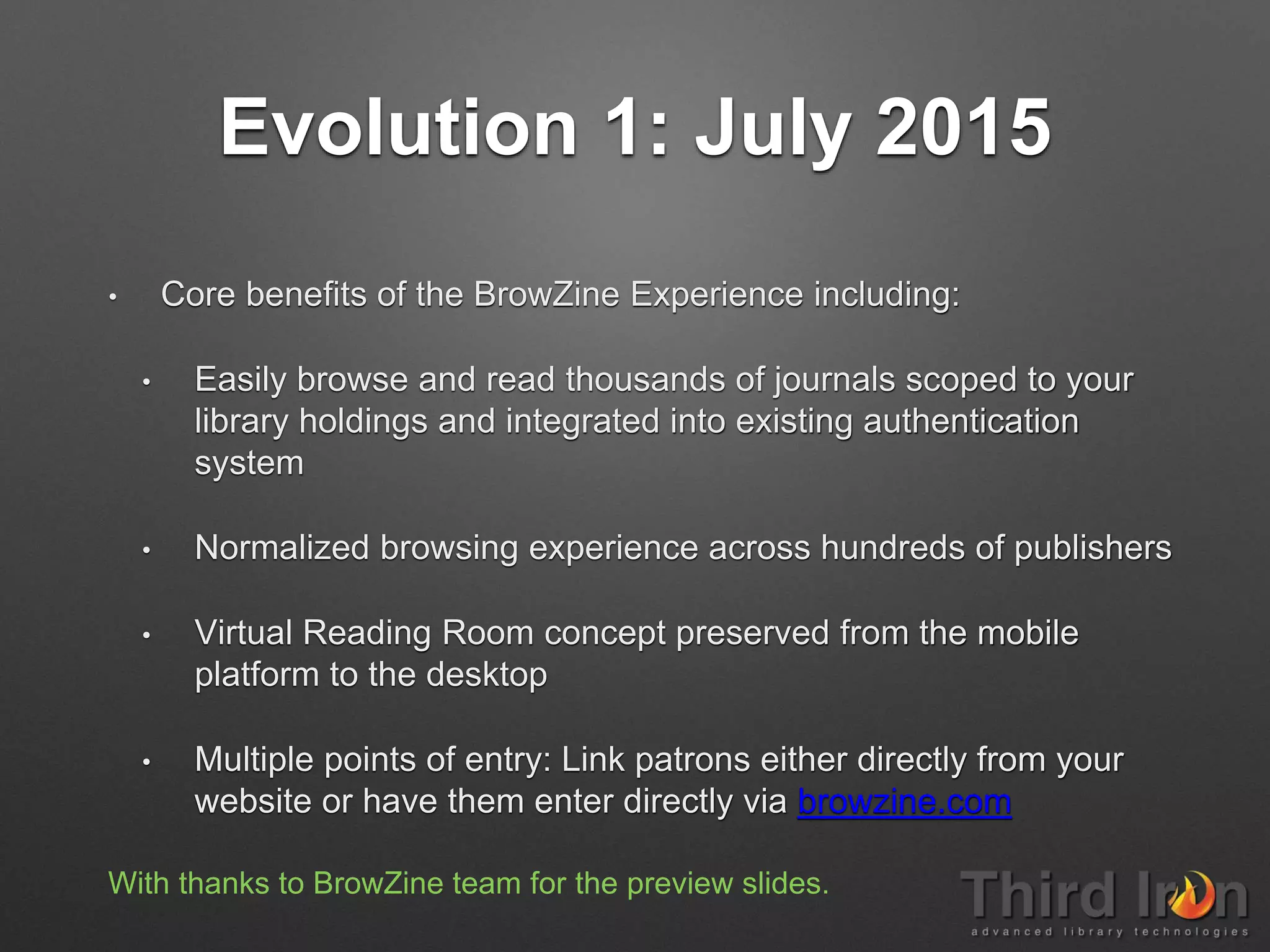
Evolution 1: July 2015
• Core benefits of the BrowZine Experience including:
• Easily browse and read thousands of journals scoped to your
library holdings and integrated into existing authentication
system
• Normalized browsing experience across hundreds of publishers
• Virtual Reading Room concept preserved from the mobile
platform to the desktop
• Multiple points of entry: Link patrons either directly from your
website or have them enter directly via browzine.com
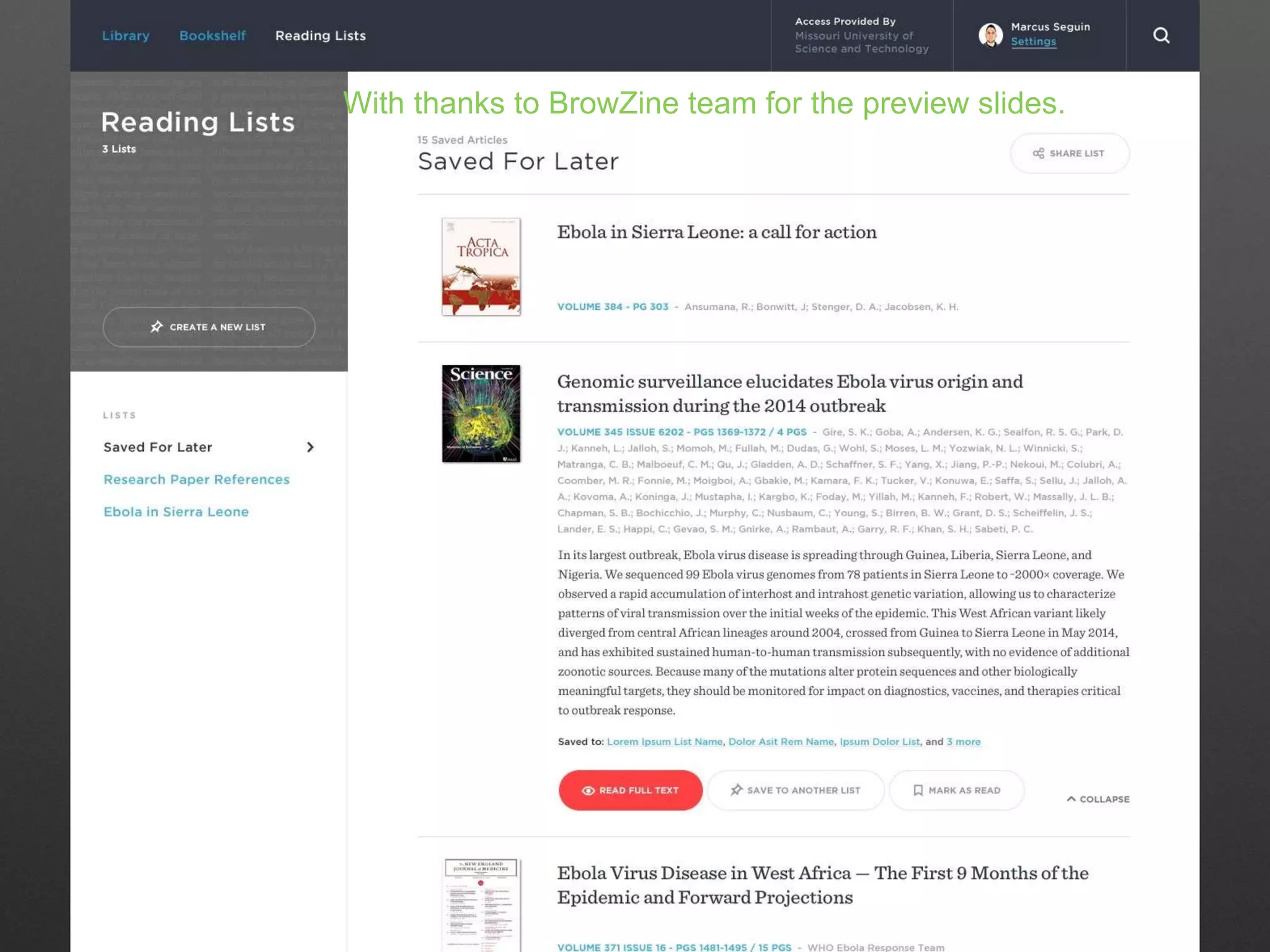
With thanks to BrowZine team for the preview slides.
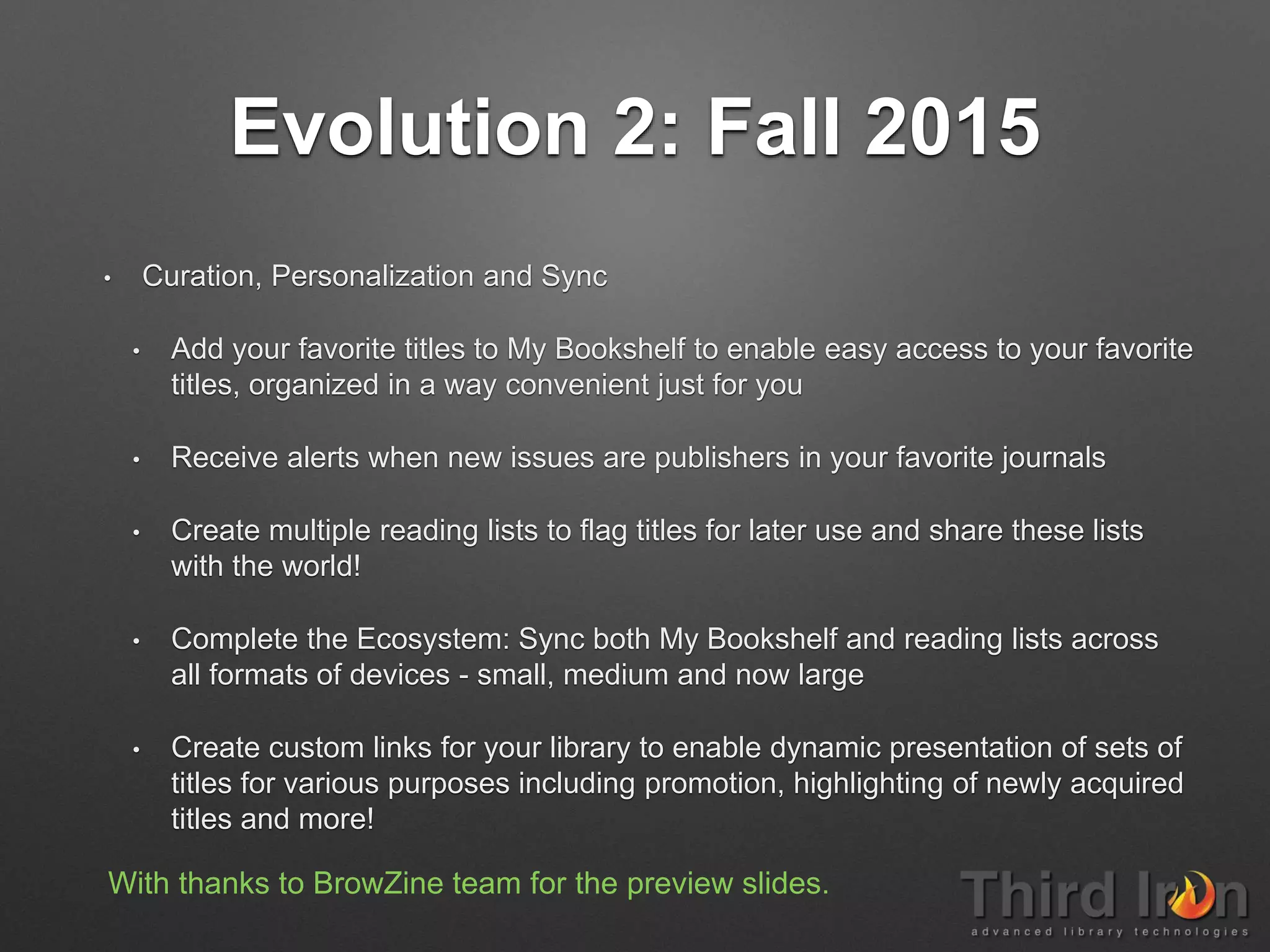
Evolution 2: Fall 2015
• Curation, Personalization and Sync
• Add your favorite titles to My Bookshelf to enable easy access to your favorite
titles, organized in a way convenient just for you
• Receive alerts when new issues are publishers in your favorite journals
• Create multiple reading lists to flag titles for later use and share these lists
with the world!
• Complete the Ecosystem: Sync both My Bookshelf and reading lists across
all formats of devices - small, medium and now large
• Create custom links for your library to enable dynamic presentation of sets of
titles for various purposes including promotion, highlighting of newly acquired
titles and more!
With thanks to BrowZine team for the preview slides.
November 2012, teamsize: 3
Key features: Flipboard-like view, pdf annotation, web-version
Next feature: ?
Tablet: iPad
SmartPhone: iPhone
Web: +
Android: +
Docwise December 2012, now called Docnews;
teamsize: 3
Key features: flipboard-like personalized
updates, Search & Topic Alerts, Add any RSS.
Next feature: ?
Tablet: iPad
SmartPhone: iPhone
Web: -
Android: -
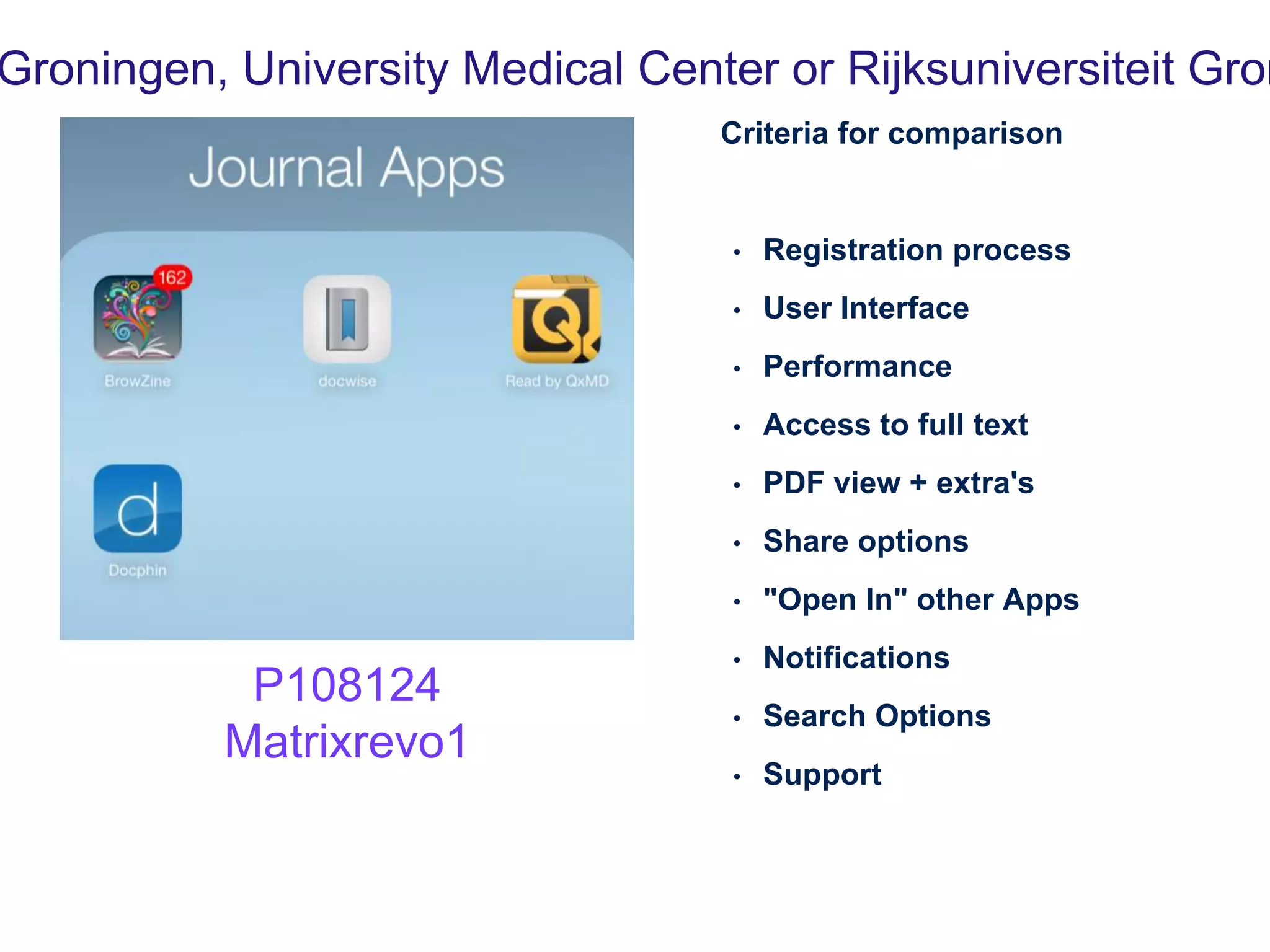
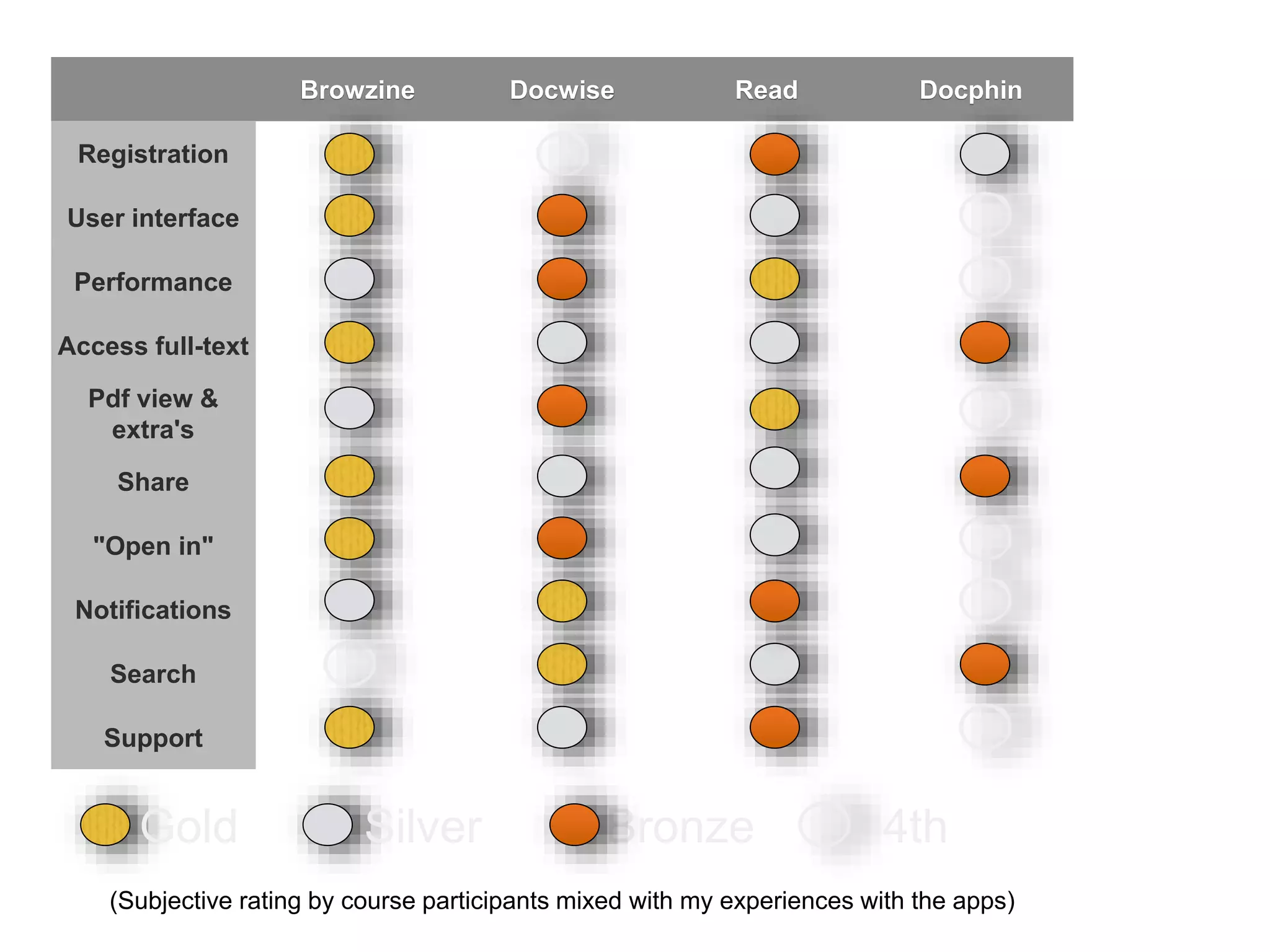
Criteria for comparison
• Registration process
• User Interface
• Performance
• Access to full text
• PDF view + extra's
• Share options
• "Open In" other Apps
• Notifications
• Search Options
• Support
Groningen, University Medical Center or Rijksuniversiteit Gron
P108124
Matrixrevo1
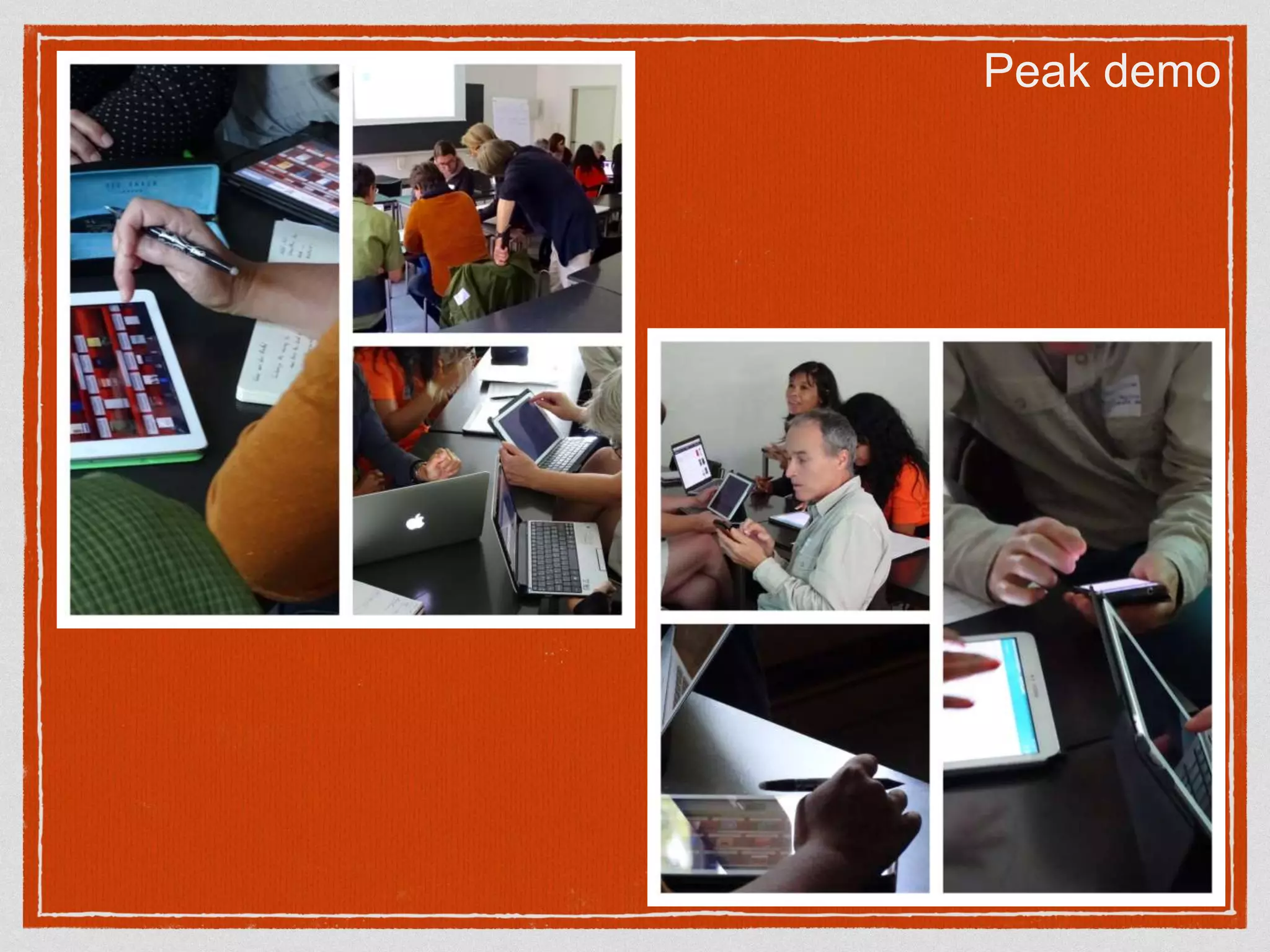
Peak demo
Discover access issues
very quickly
be abled to act faster
Staff end personal subscriptions.
Now they SEE what we have.
It means they did not 'see' our
collection before
The visible collection
vs
How to See What You Are Not Looking At.......
Very cooperative,
fast adding of extra journals,
Search topics & News
Add/ Edit interface needs work
User interface, Annotations
in pdf
Mysterious topic drill down
Trending articles in
Docphin community,
The entering of ads
Browzine Docwise Read Docphin
Registration
User interface
Performance
Access full-text
Pdf view &
extra's
Share
"Open in"
Notifications
Search
Support
Gold BronzeSilver 4th
(Subjective rating by course participants mixed with my experiences with the apps)
Gold BronzeSilver 4th
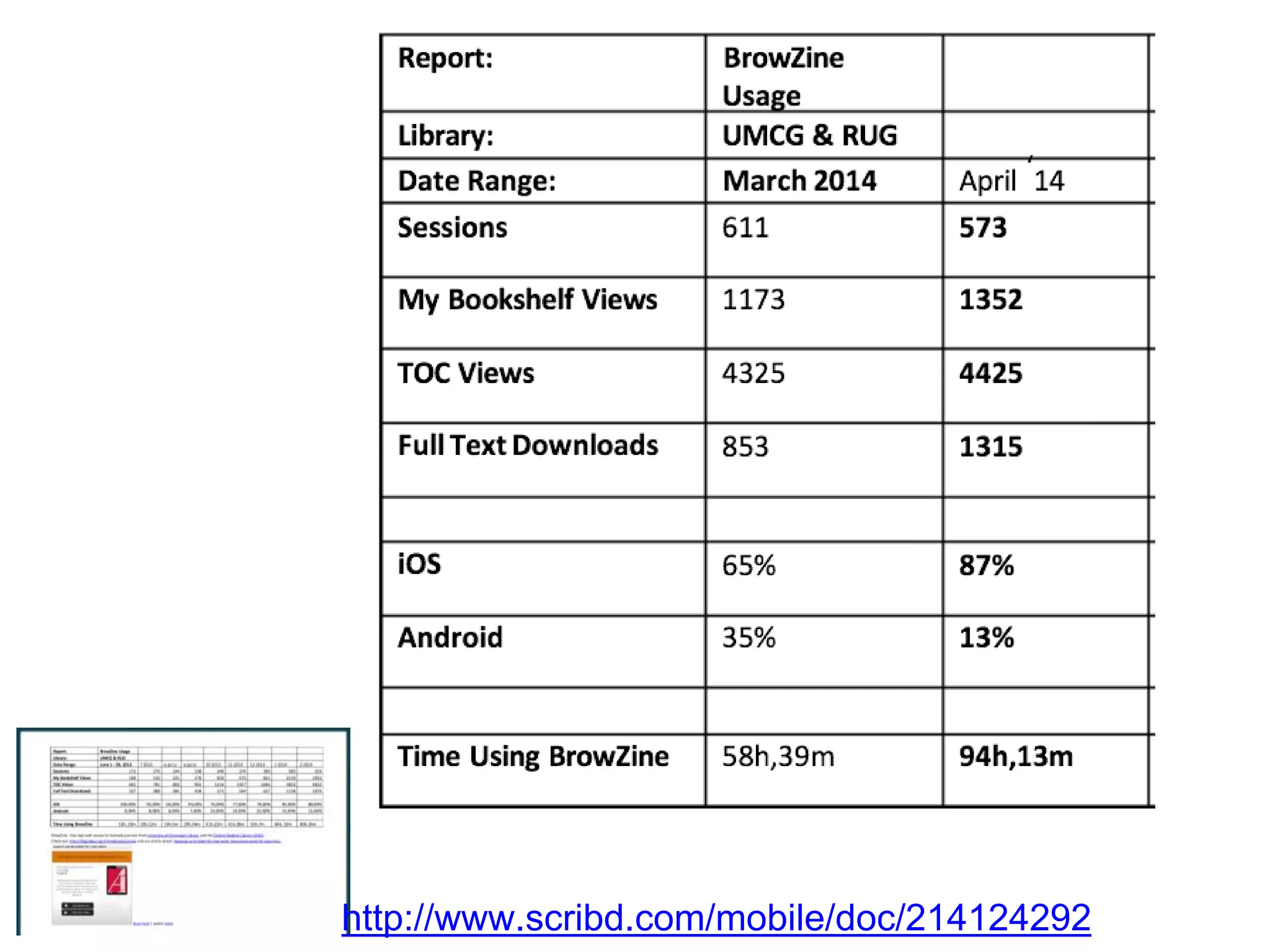
http://www.scribd.com/mobile/doc/214124292
Setting up Journal Apps
http://bit.ly/JournalappsSet
up
http://www.journaltocs.hw.ac.uk
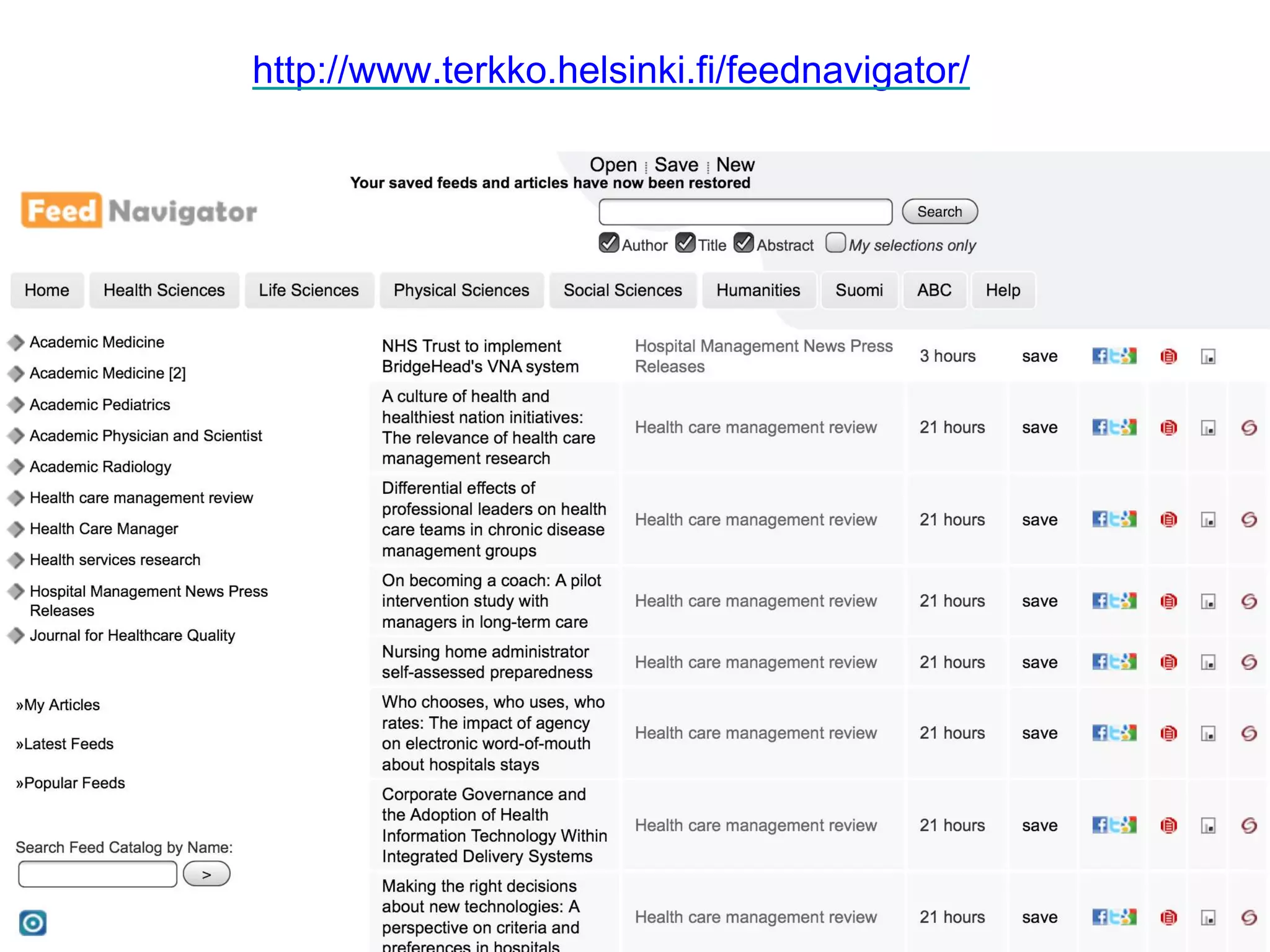
http://www.terkko.helsinki.fi/feednavigator/
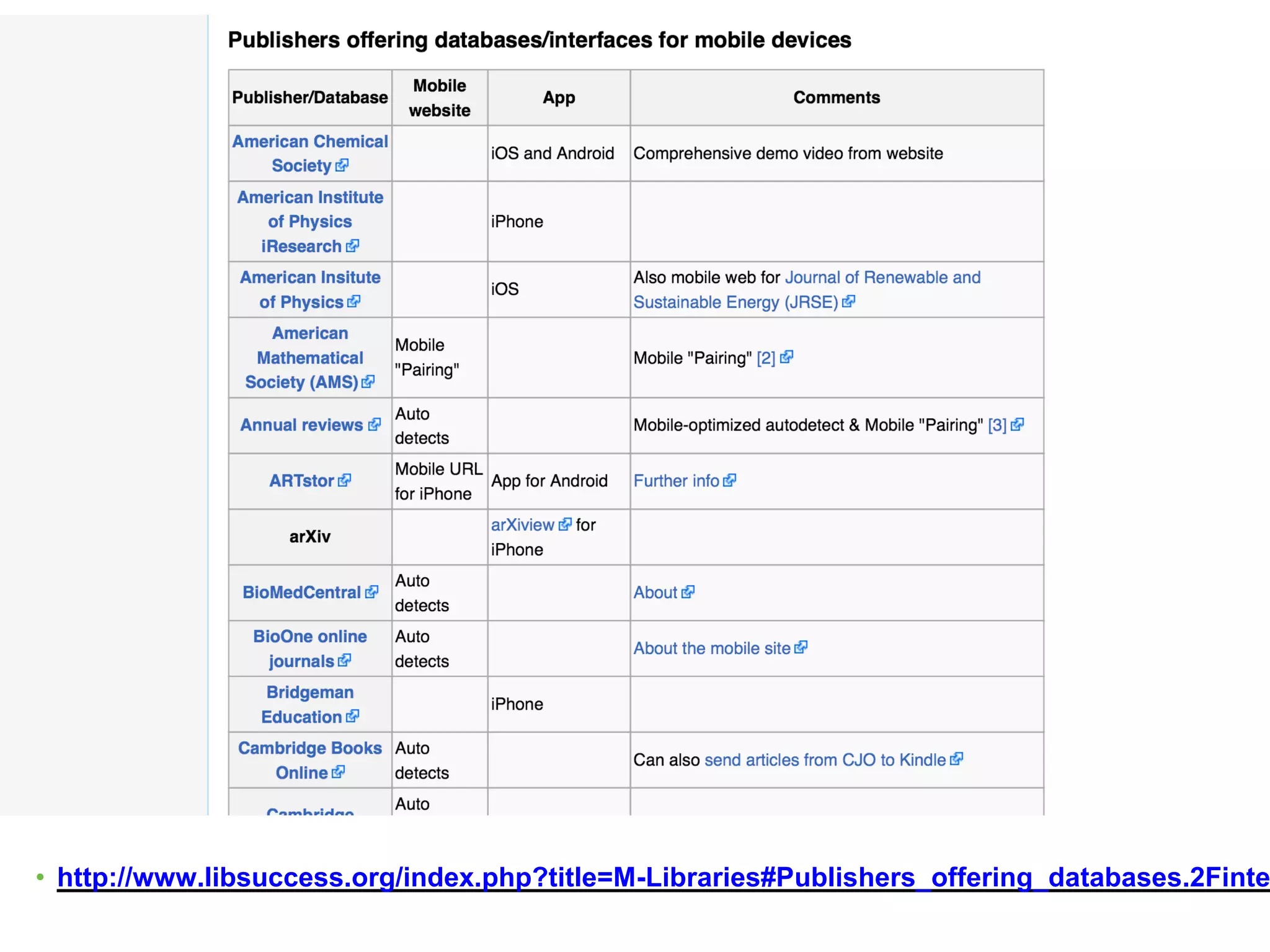
• http://www.libsuccess.org/index.php?title=M-Libraries#Publishers_offering_databases.2Finte
http://info.h5.com/Portals/179343/images/shutterstock_24639607.jpg
O N E S I Z E D O E S N O T F I T A L L
Keep up to date
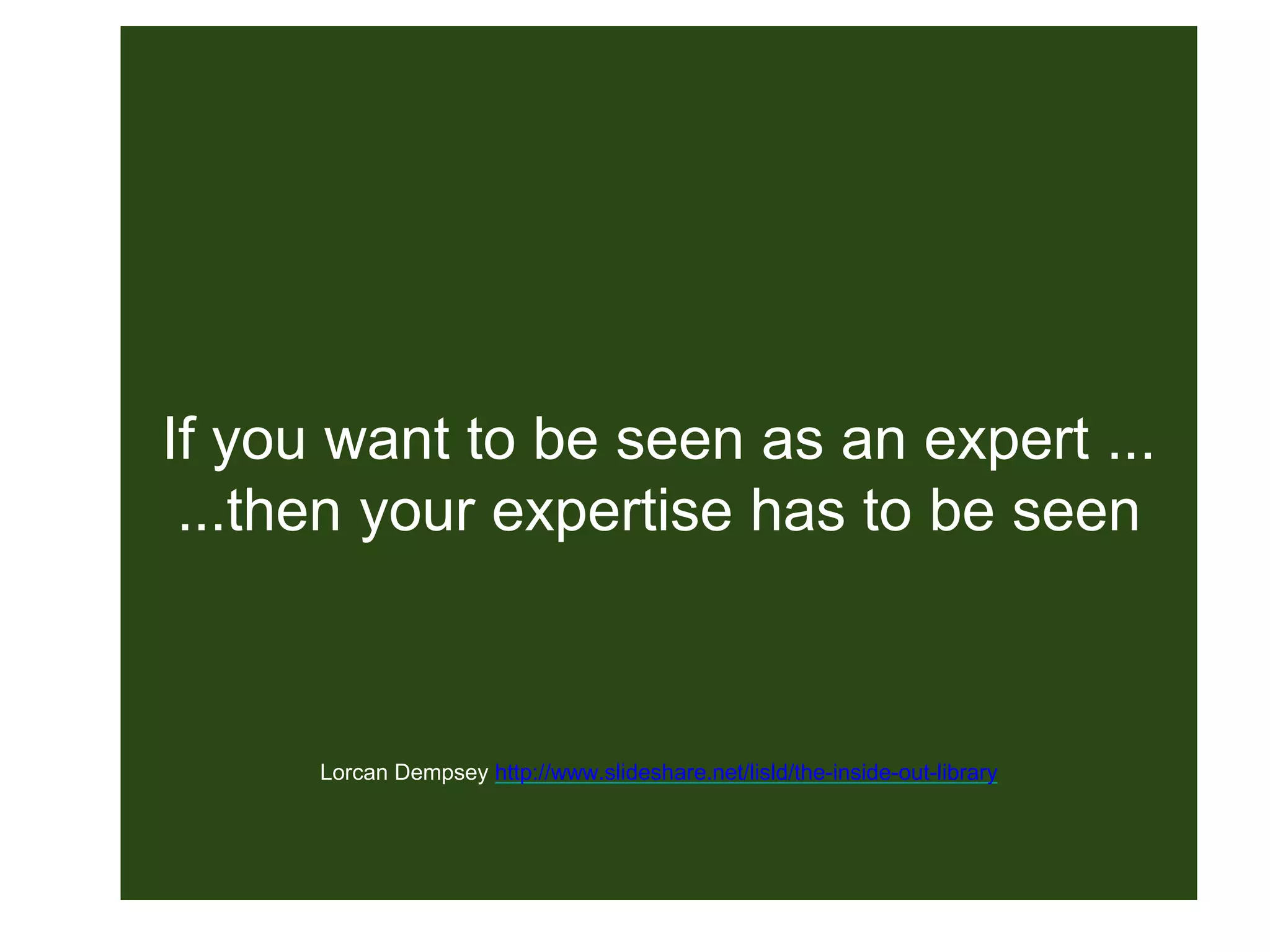
If you want to be seen as an expert ...
...then your expertise has to be seen
Lorcan Dempsey http://www.slideshare.net/lisld/the-inside-out-library
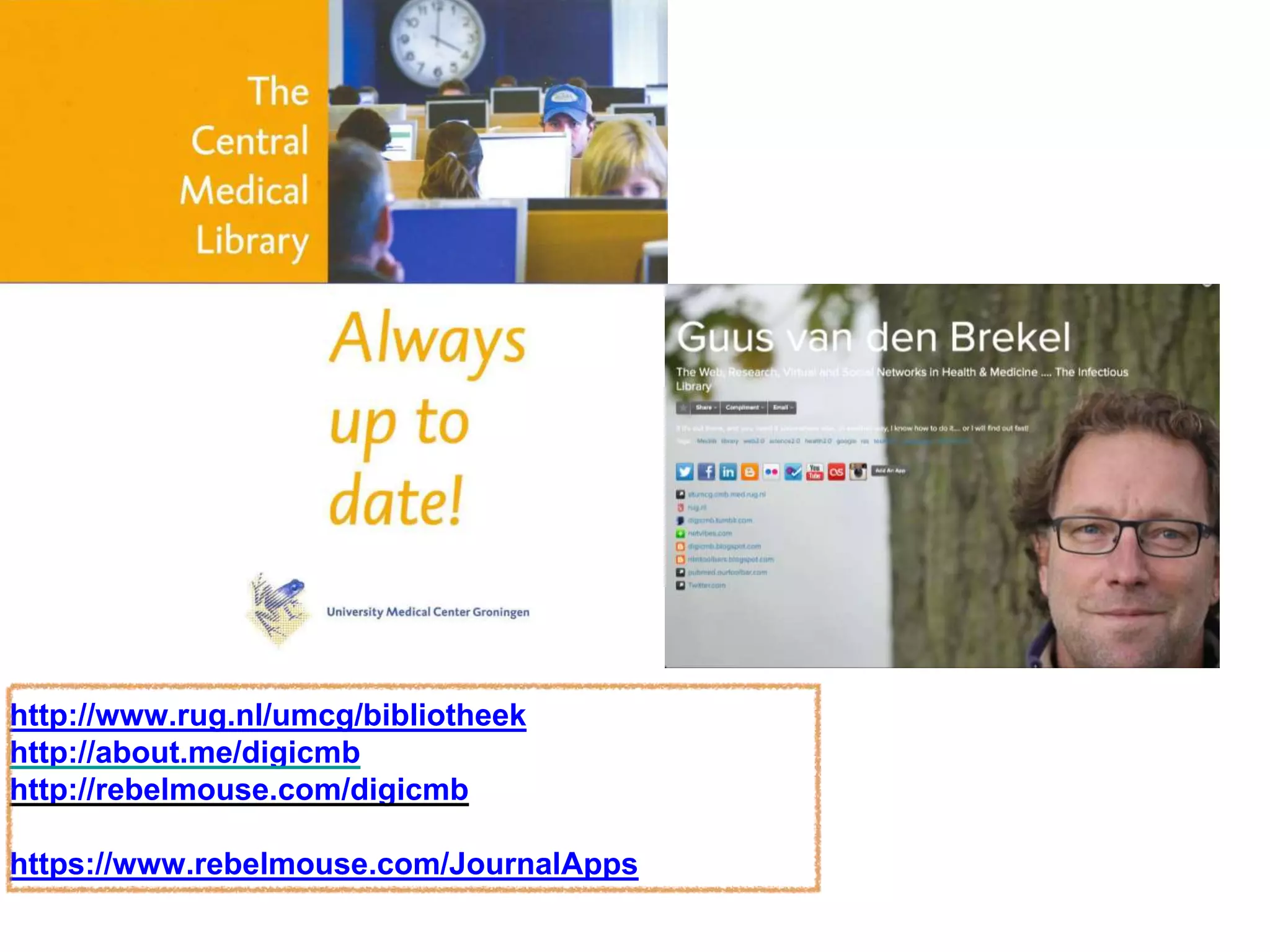
http://www.rug.nl/umcg/bibliotheek
http://about.me/digicmb
http://rebelmouse.com/digicmb
https://www.rebelmouse.com/JournalApps

Comparing journal apps : the Basel Workshop

Editor's Notes

  • #2 Comparison, early 2013 Institutions registration, free Start ups 3 months Support for all 4
  • #3 4 different apps, a lot of different features Why the focus on these apps? Can they be compared? Struggle with keeping up to date!
  • #4 User diversity They are individual persons you are serving with personal tools
  • #5 To decide what apps to go for, or to advise a staff member Ask questions Are they looking for topic via search or Tocs
  • #6 Want to read online first as they appear? Or just the tocs when they are ready?
  • #7 wireless Access to digital library inside organisation And! Off-campus access solution
  • #8 Or you want to keep up in a different way
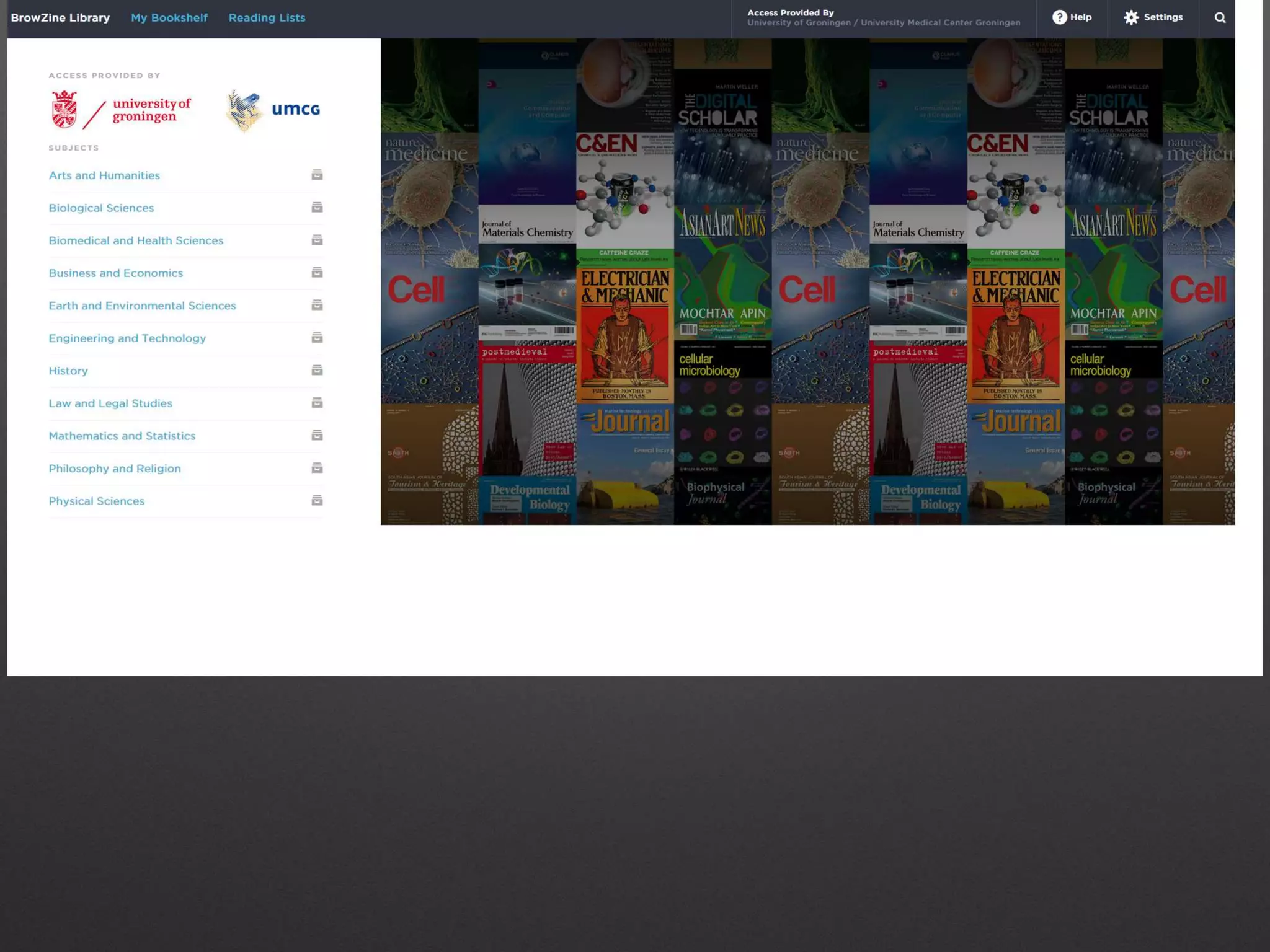
  • #11 Small devices Expanded content: Jstore
  • #12 Suggested Script: We are presenting a first look at the next step in the continuing evolution of our flagship product, BrowZine, coming to your desktop this summer! We’ve prepared some screenshots highlighting the look and functionality of this product as well as will discuss our roll out plan and rough time schedule for release.
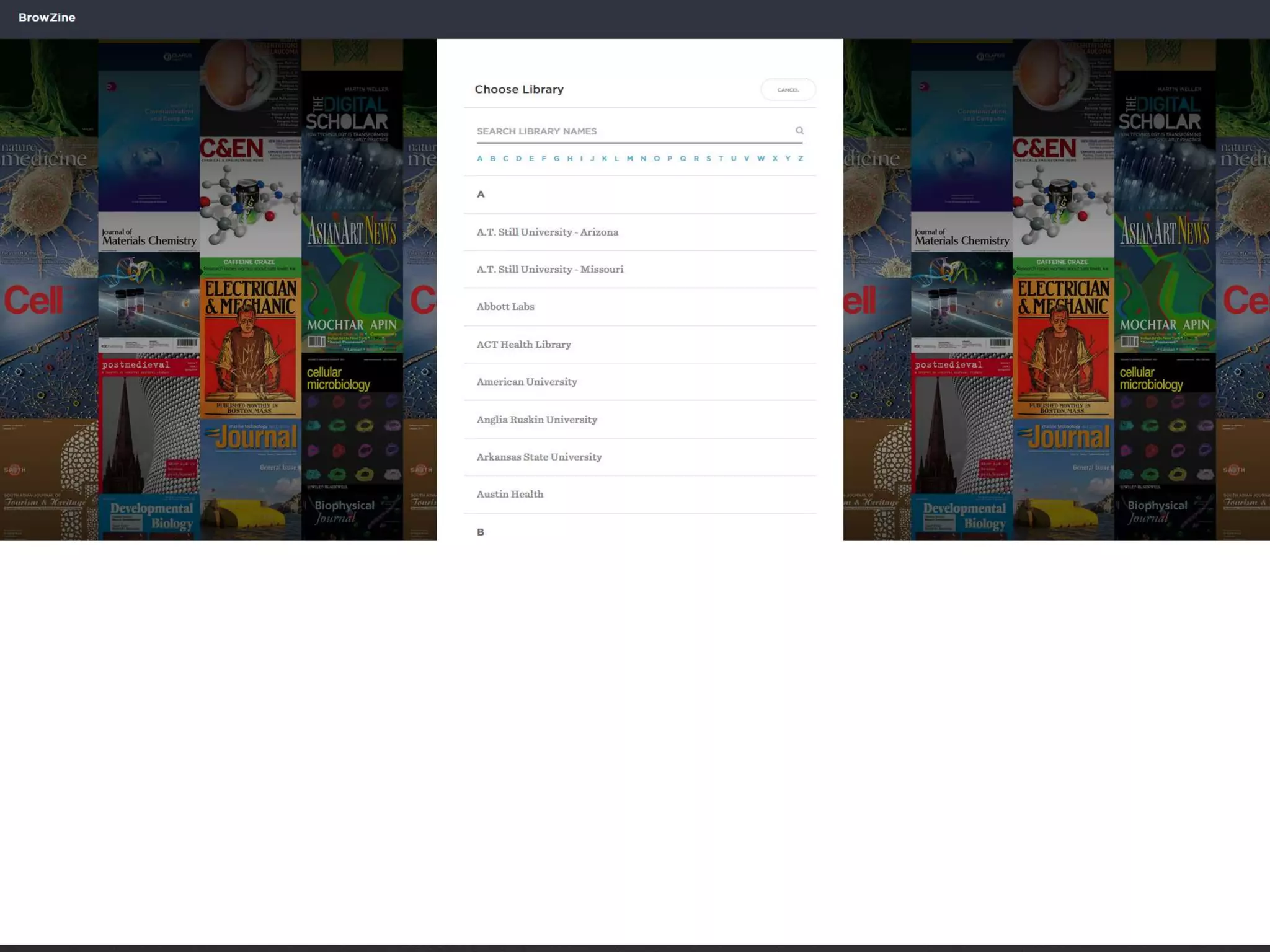
  • #15 You can see that the initial setup to get logged in is a similar one to any users of the mobile version. You simply visit BrowZine.com and, if we don’t recognize your computer’s network via your IP, you will be asked to select your institution by scrolling or searching for your institution’s name. Unsure how your institution might be listed? New to BrowZine when the web version launches will be the ability to filter by country and US State, helping to narrow down the search results.

  • #16 The top level taxonomy features prominent branding as well as a new feature to the right - Recently visited journals (current image shows “popular journals” which will be changes). If this user has used BrowZIne before from the same computer the cookie will store previously looked at titles to automatically create a custom “quick start” menu for the user.
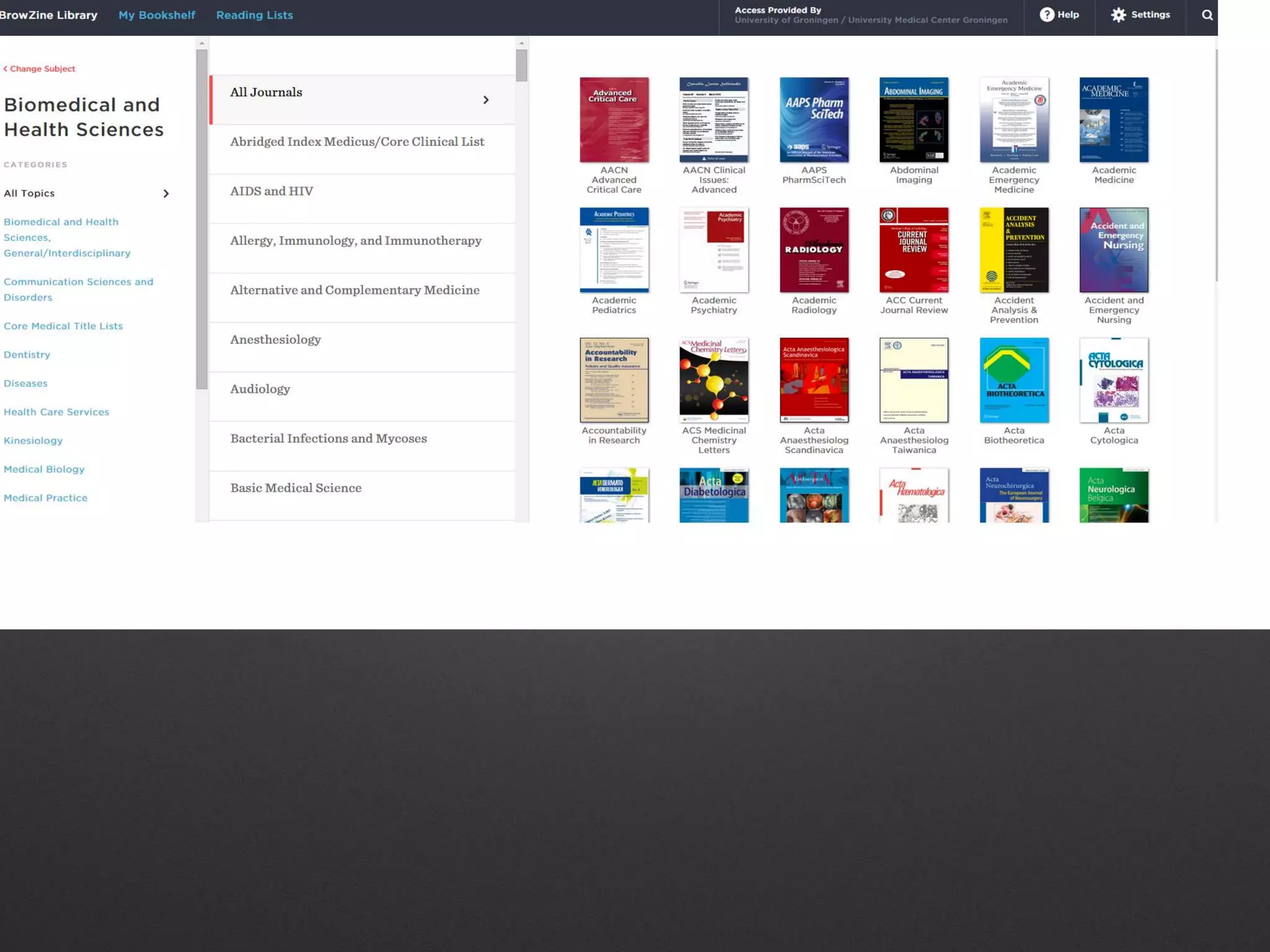
  • #17 After selecting a top tier taxonomy easily drill down a layer and you can see both the second tier, third tier and “bookshelf” view all at the same time with BrowZine on the web! The screen will resize as you drag on a larger monitor revealing multiple additional columns for, say, the shelf on the far right. Search for a title or subject by clicking the “search” icon in the top right. Clicking on a journal cover brings you to ….
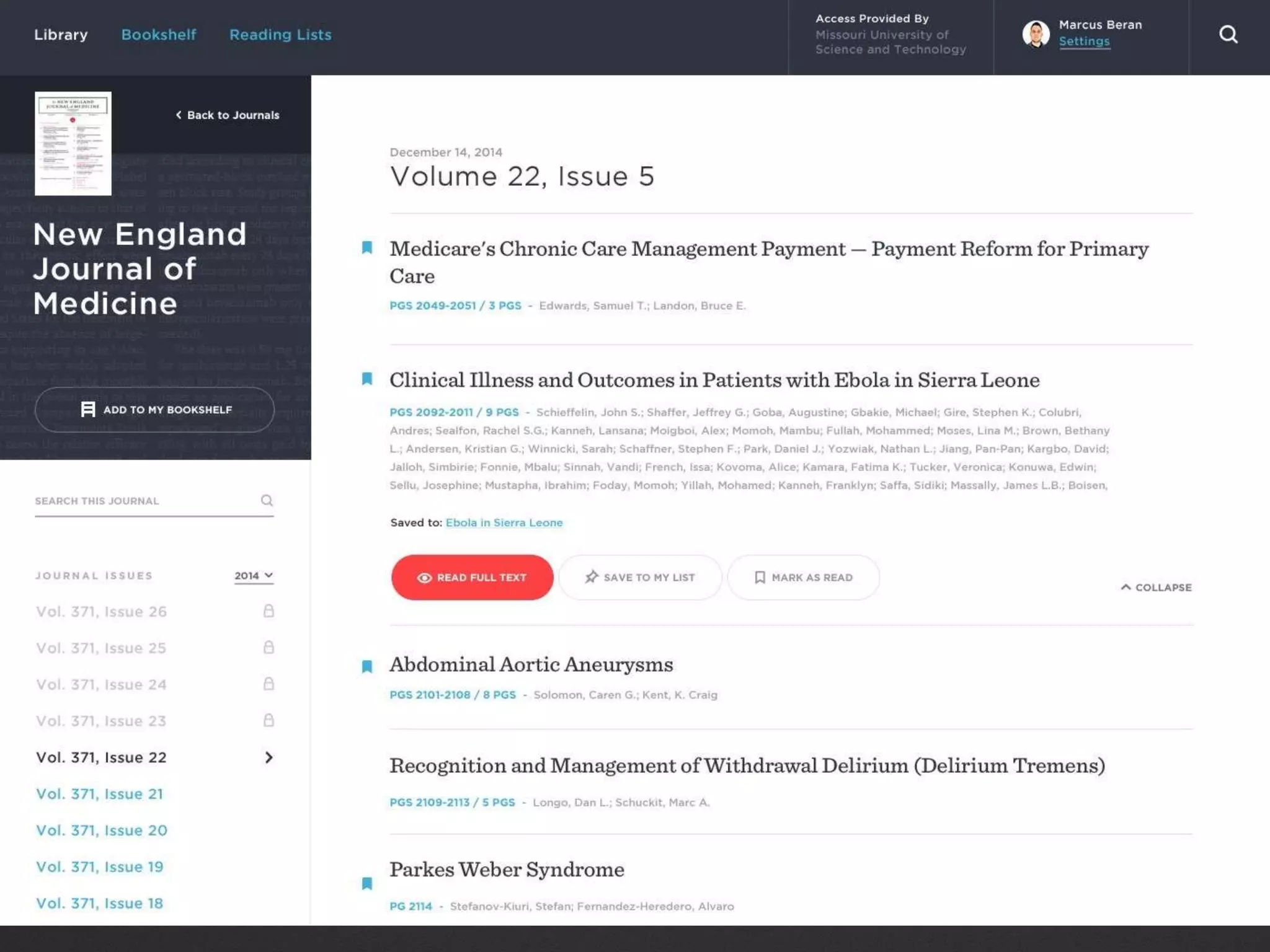
  • #18 … the journal detail view. This will accordion out after a click to reveal the full suite of others (if it was previously truncated), an abstract, when available, and the ability to link to the ARTICLE LEVEL LINK as-is appropriate for this library (direct, EBSCO, ProQuest, etc.) or to request via ILL if the titles is embargoed. In Evolution 2, the “Add to My Bookshelf” feature will appear which will…
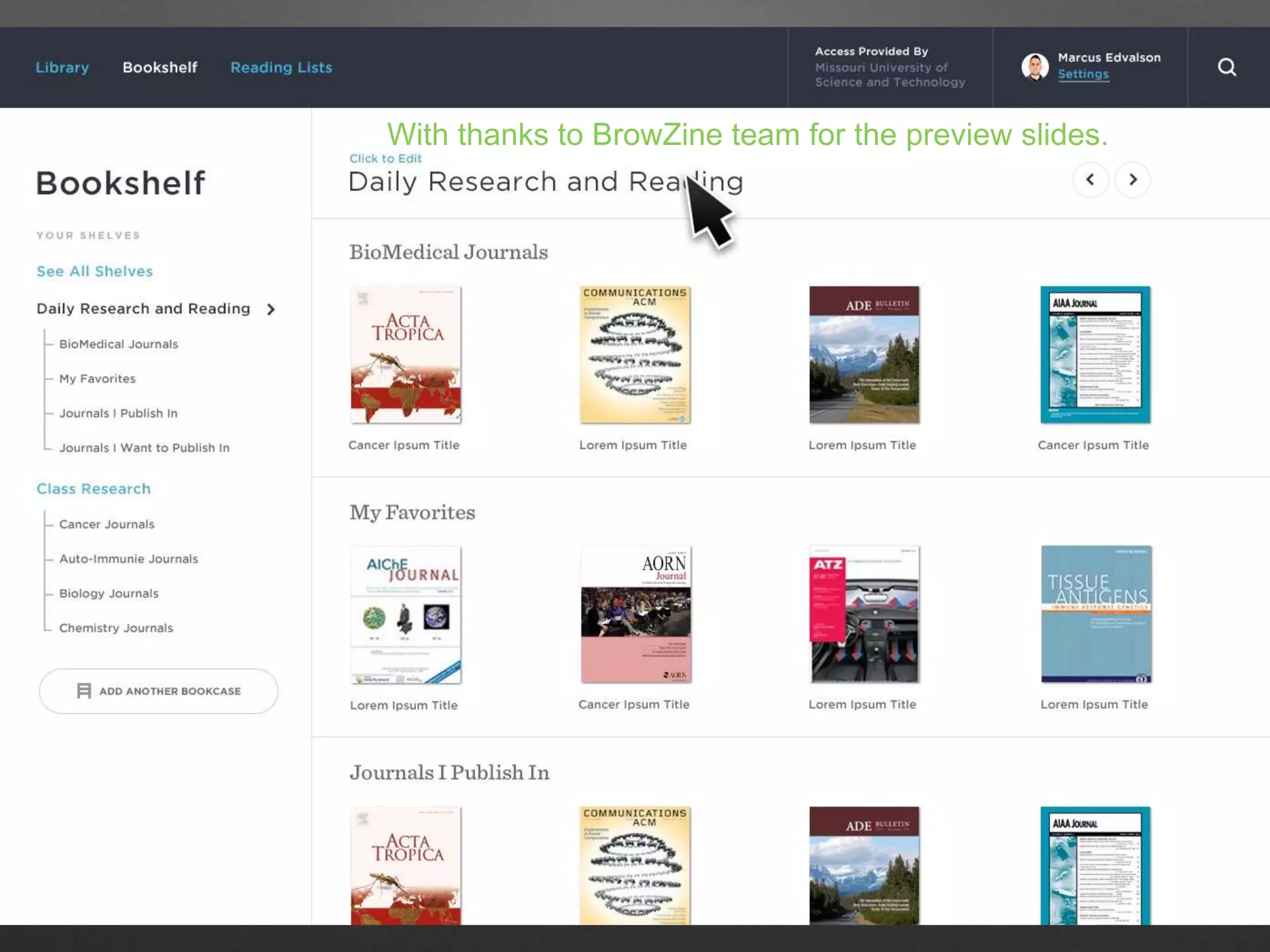
  • #19 … allow you to place titles on My Bookshelf. The look of My Bookshelf has been updated for a dynamic web page environment and features the ability, on the left, to jump to ANY shelf in all of your bookshelves instantly!
  • #20 Also in evolution 2 is the ability to send articles to reading lists. Since the web environment is not conducive to having “saved article”, this area allows you to flag these items which will then appear in the “reading lists” area of the mobile version (forthcoming) which will then allow you to easily download those items again from the source on your mobile device.
  • #32 Very subjective, absolutely not objective
  • #41 Over 11.000 staff, around 4600 researchers that contribute to publishing My library CMB, serves this community, mainly in facilitating medical education, teaching, patient care & research. Team of 6 reonsoble for ... Me: besides being medical information specialist, also coordinator electronic services & innovations Basically: boosting awareness of current staff publications UMCG Resarch Office rsponsible for collecting & analysing. Using their own designed workflow & tools, is publising in rather uninteresting way, pdf, once a year. Huge task which takes them months, and therefore is always too late, behind. 2011 numbers/lists have not yet been published.