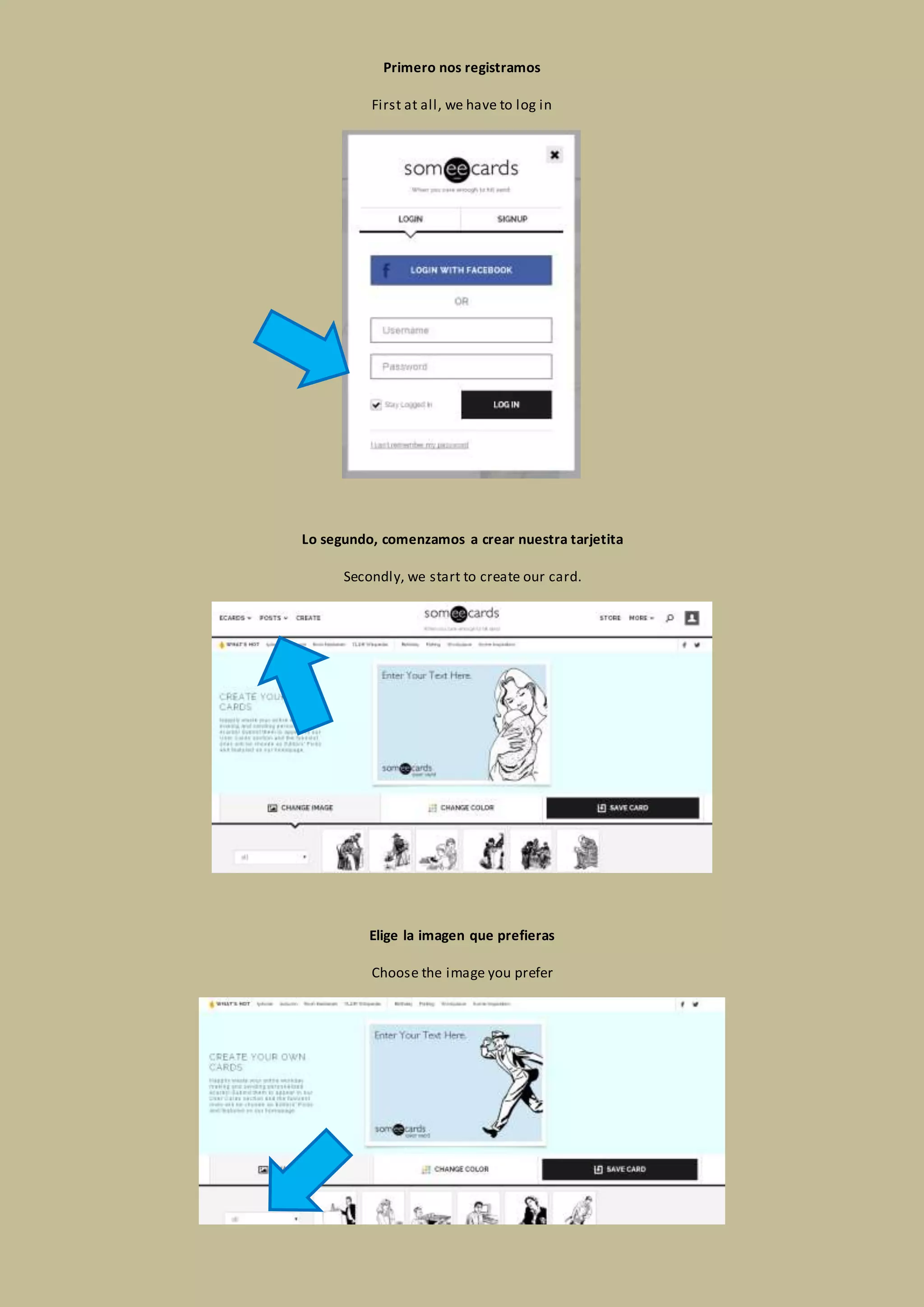
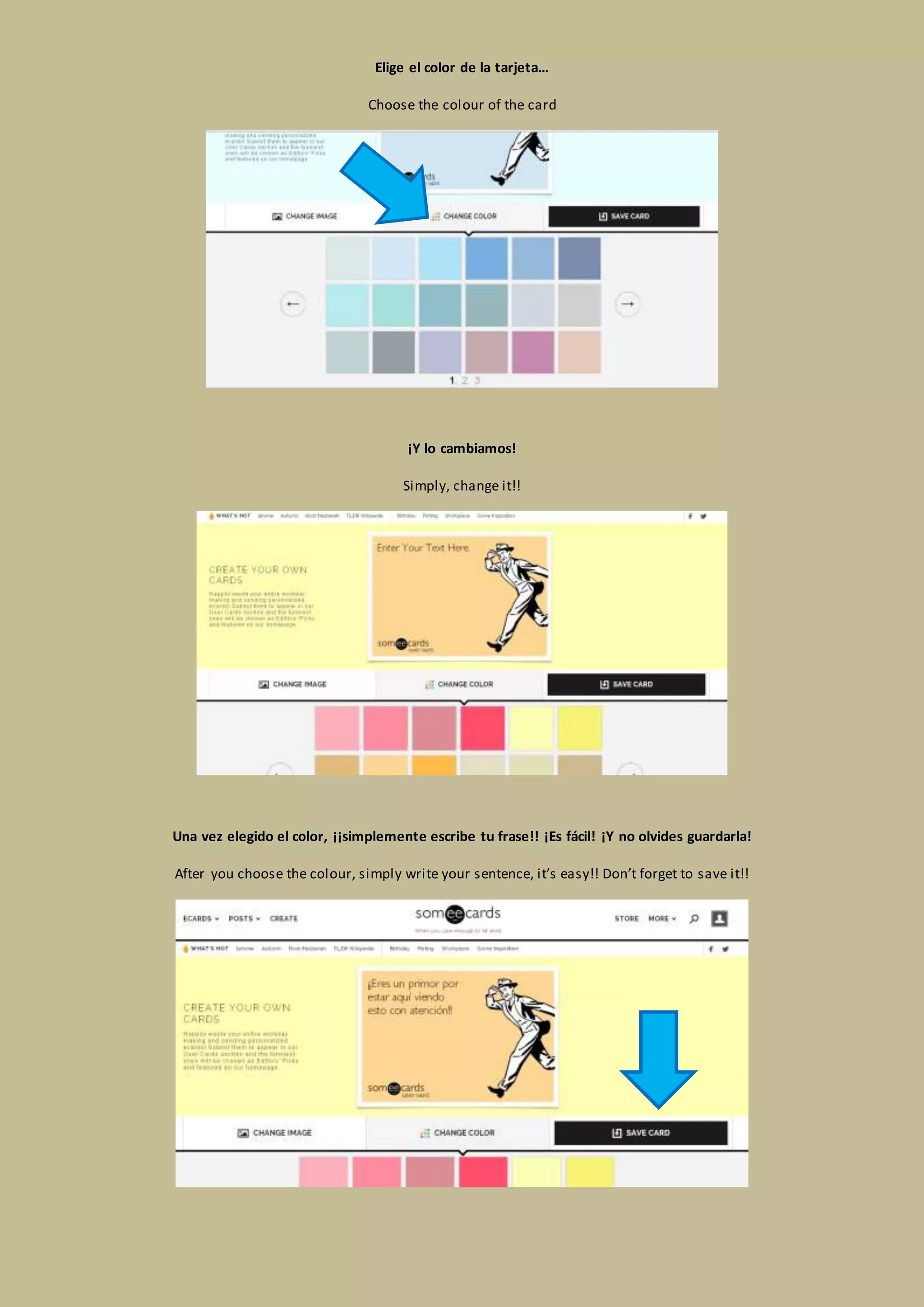
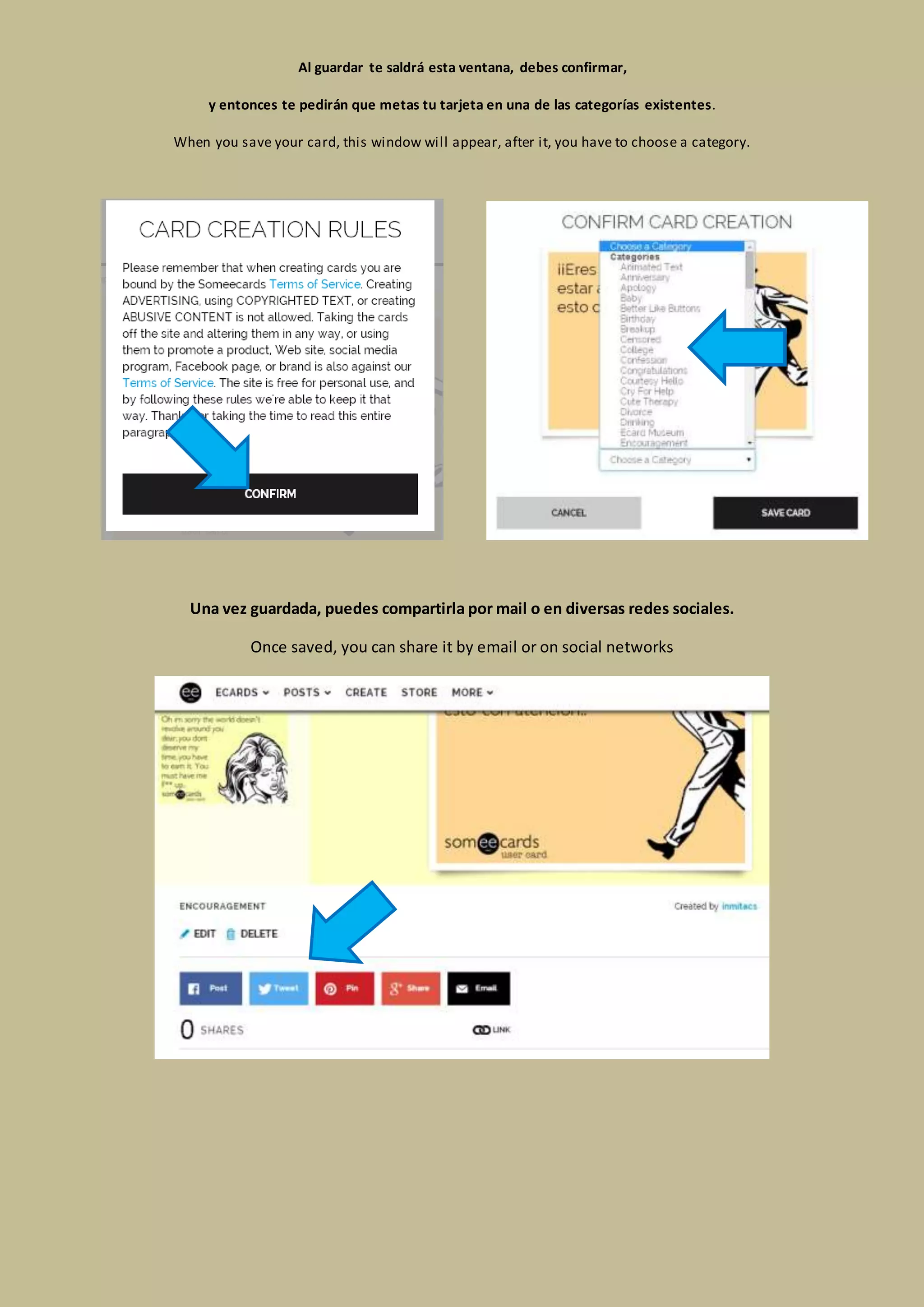
Para crear tu propia tarjeta EECARD primero debes registrarte y luego comenzar a crearla eligiendo una imagen y color, luego escribes tu frase y guardas la tarjeta en una categoría existente, una vez guardada puedes compartirla.
Primero nos registramos
First at all, we have to log in
Lo segundo, comenzamos a crear nuestra tarjetita
Secondly, we start to create our card.
Elige la imagen que prefieras
Choose the image you prefer
3.
Elige el colorde la tarjeta…
Choose the colour of the card
¡Y lo cambiamos!
Simply, change it!!
Una vez elegido el color, ¡¡simplemente escribe tu frase!! ¡Es fácil! ¡Y no olvides guardarla!
After you choose the colour, simply write your sentence, it’s easy!! Don’t forget to save it!!
4.
Al guardar tesaldrá esta ventana, debes confirmar,
y entonces te pedirán que metas tu tarjeta en una de las categorías existentes.
When you save your card, this window will appear, after it, you have to choose a category.
Una vez guardada, puedes compartirla por mail o en diversas redes sociales.
Once saved, you can share it by email or on social networks