Cloud Foundry Monitoring How-To:
Collecting Metrics and Logs
WEBINAR
Anton Soroko
Cloud Foundry/DevOps Engineer
Altoros
September 27th
12 PM EDT
Agenda
- Things we don’t cover
- Logging
- Metrics
- Use cases for CF
- Preview of upcoming webinars
- Q & A
Things we don’t cover
• Cloud Foundry fundamentals
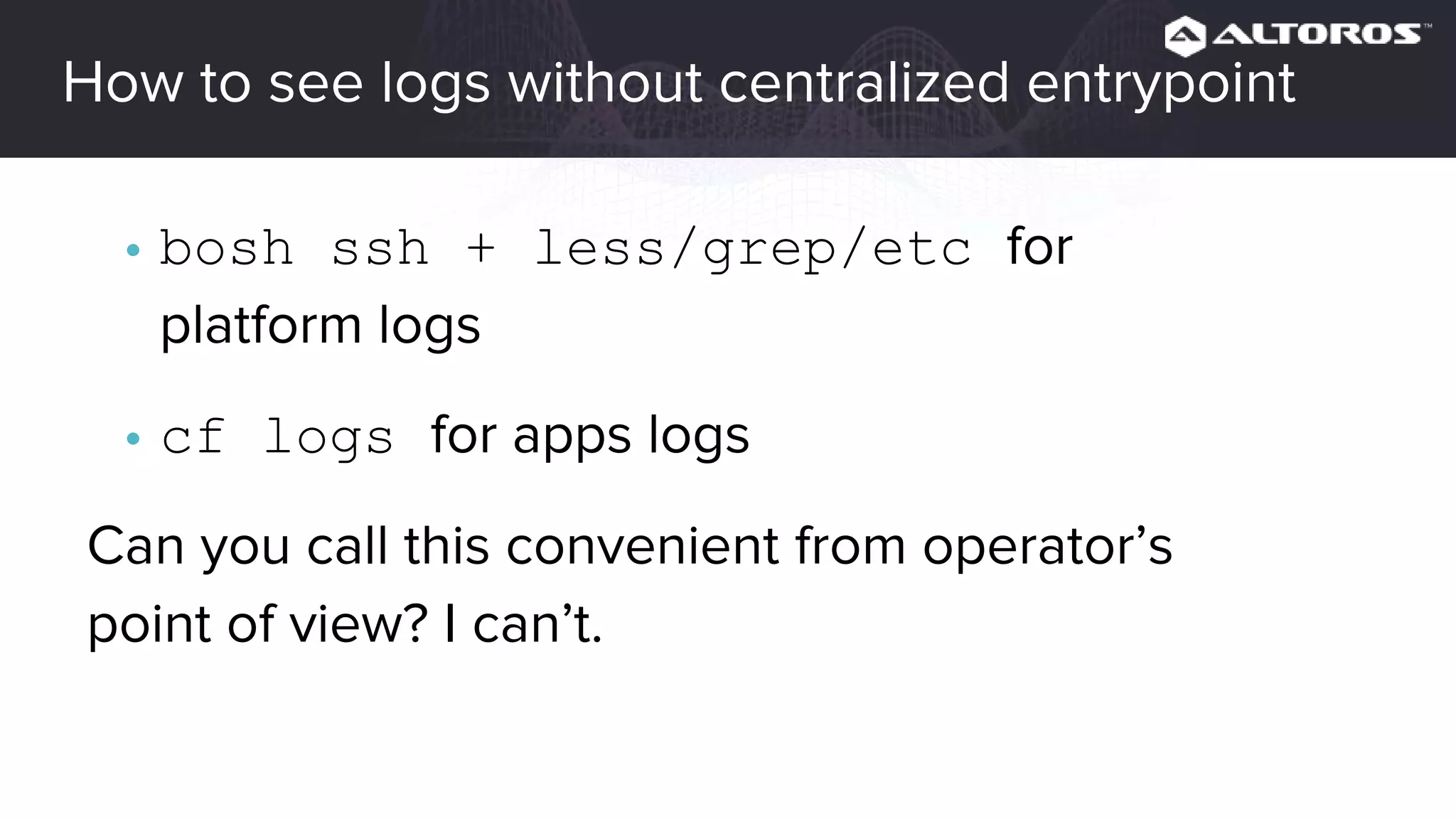
Logging
• Why do we need centralized logging?
• Logs in Cloud Foundry
• How to store
• How to parse
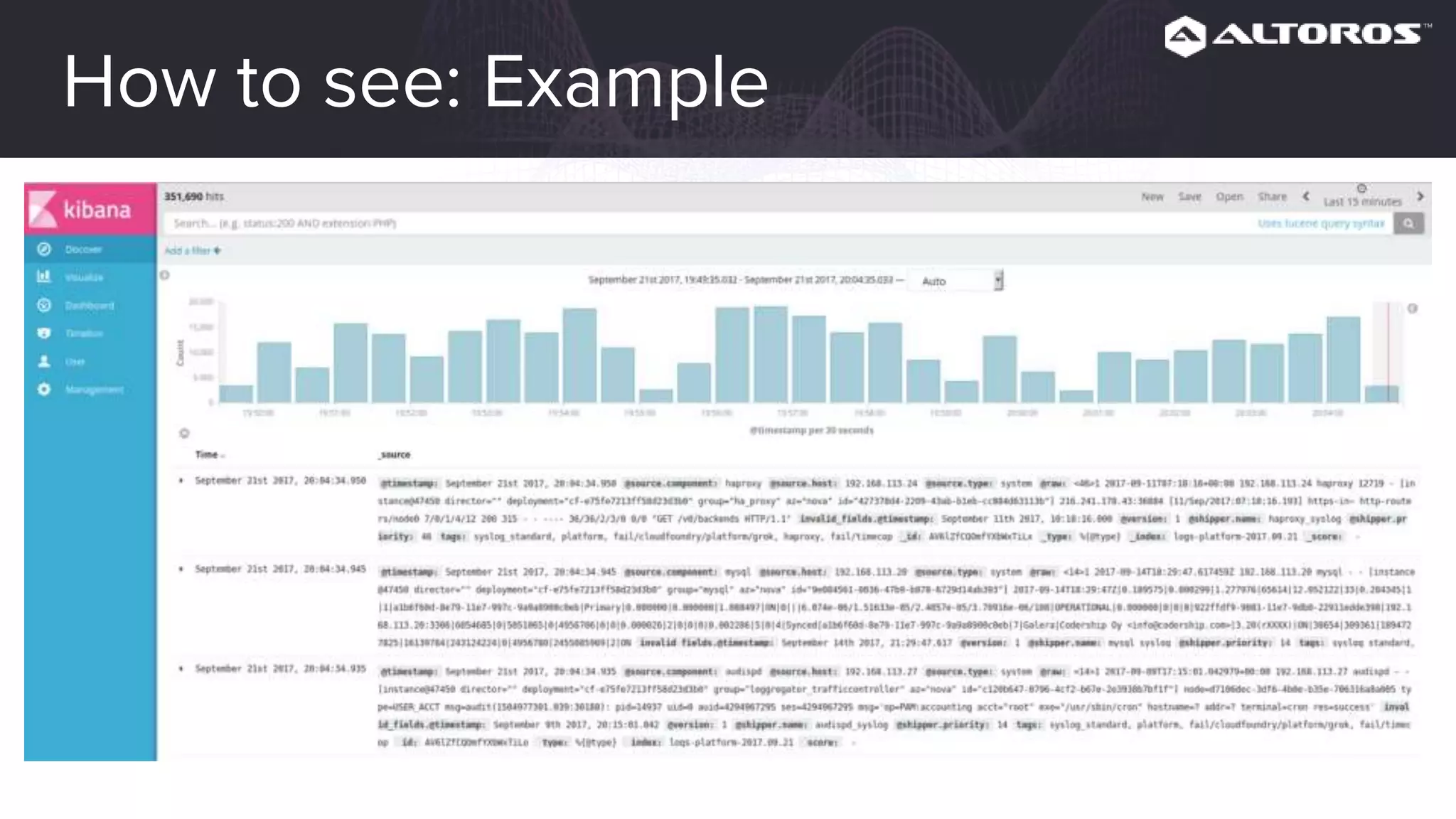
• How to see
• The Logsearch project
• Tips and tricks
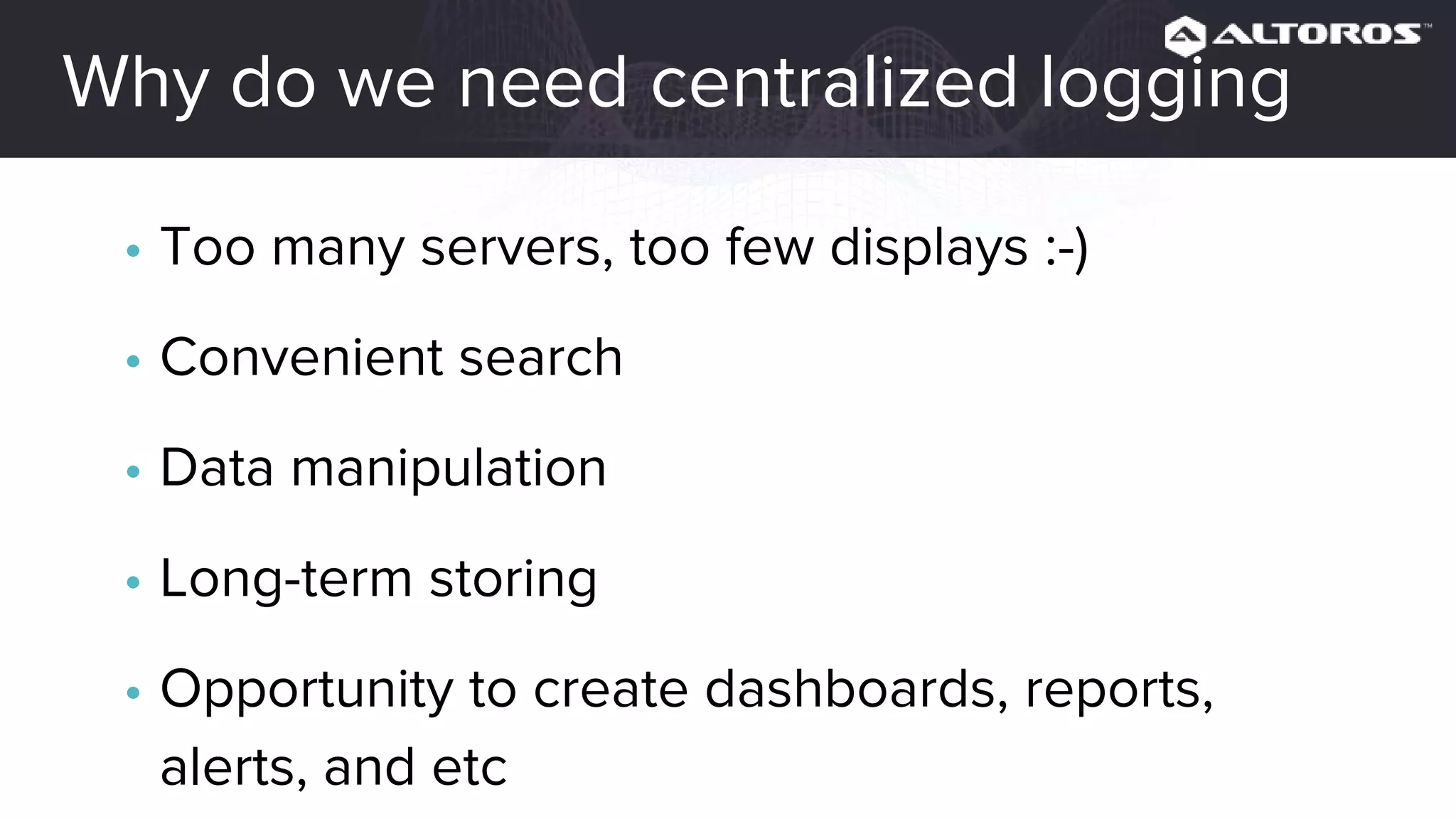
How to see logs without centralized entrypoint
• bosh ssh + less/grep/etc for
platform logs
• cf logs for apps logs
Can you call this convenient from operator’s
point of view? I can’t.
Why do we need centralized logging
• Too many servers, too few displays :-)
• Convenient search
• Data manipulation
• Long-term storing
• Opportunity to create dashboards, reports,
alerts, and etc.
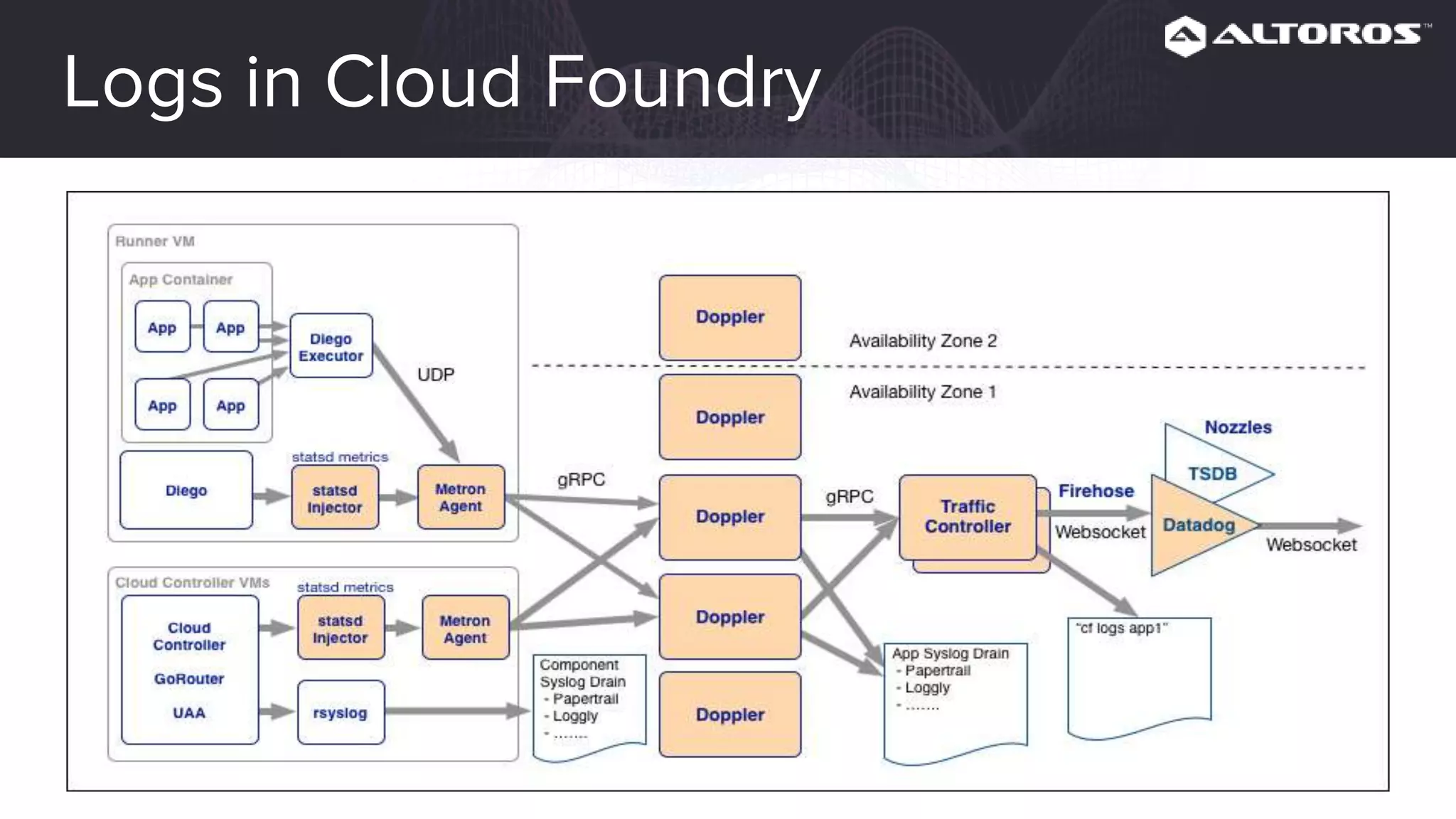
Logs in Cloud Foundry
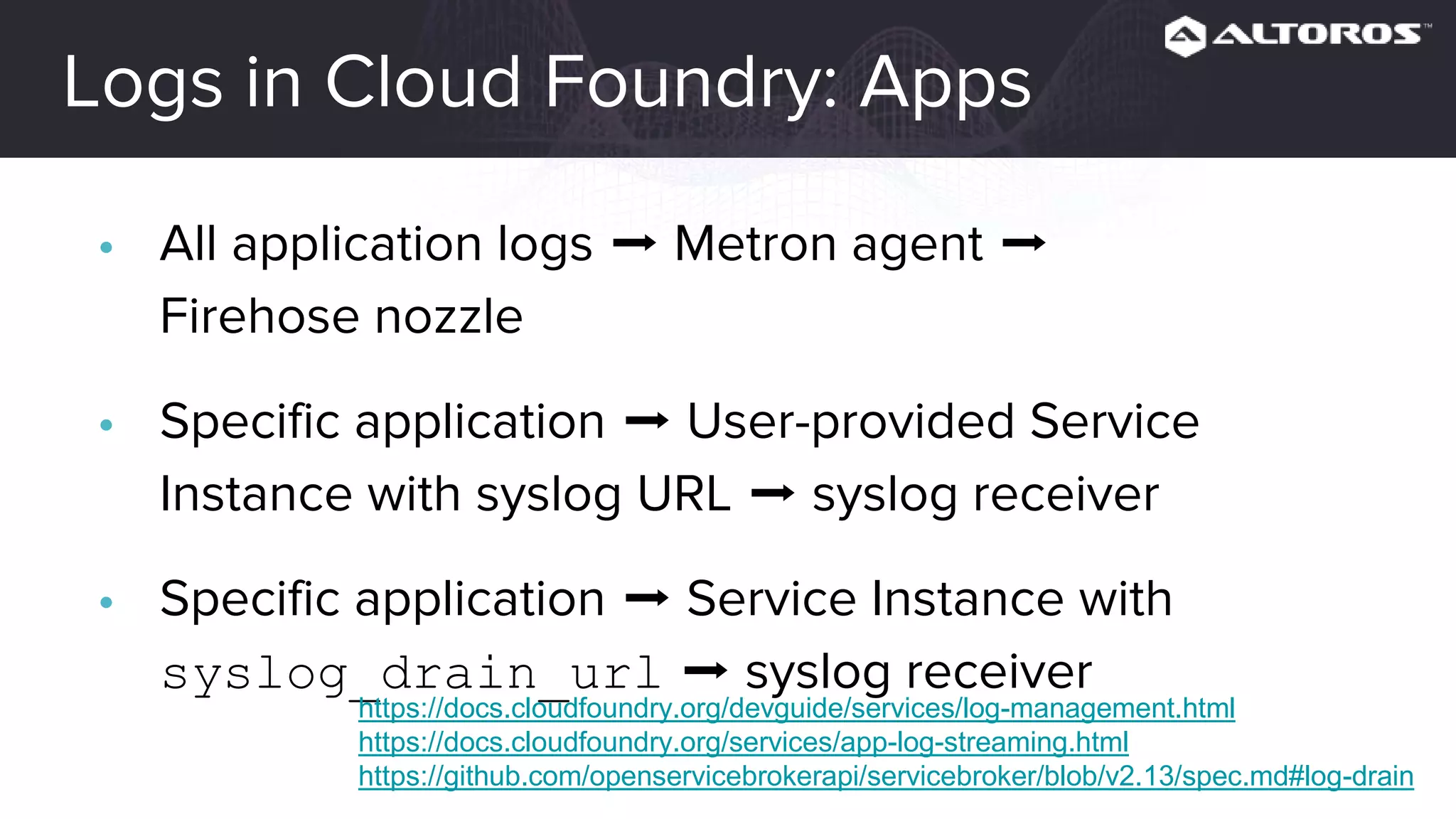
Logs in Cloud Foundry: Apps
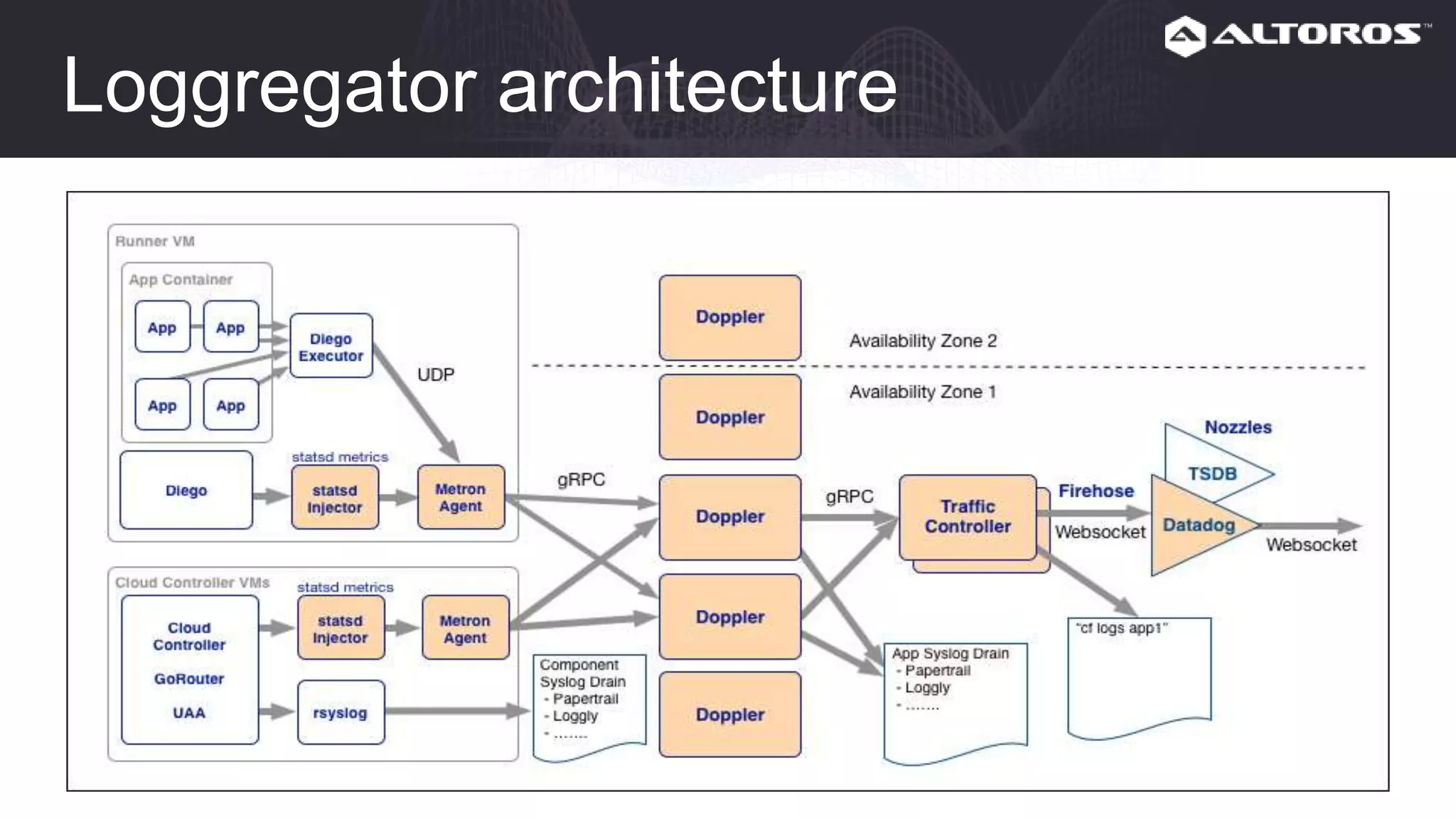
• All application logs ➡ Metron agent ➡ Firehose nozzle
• Specific application ➡ User-provided Service Instance
with syslog URL ➡ syslog receiver
• Specific application ➡ Service Instance with
syslog_drain_url ➡ syslog receiver
https://docs.cloudfoundry.org/devguide/services/log-management.html
https://docs.cloudfoundry.org/services/app-log-streaming.html
https://github.com/openservicebrokerapi/servicebroker/blob/v2.13/spec.md#log-drain
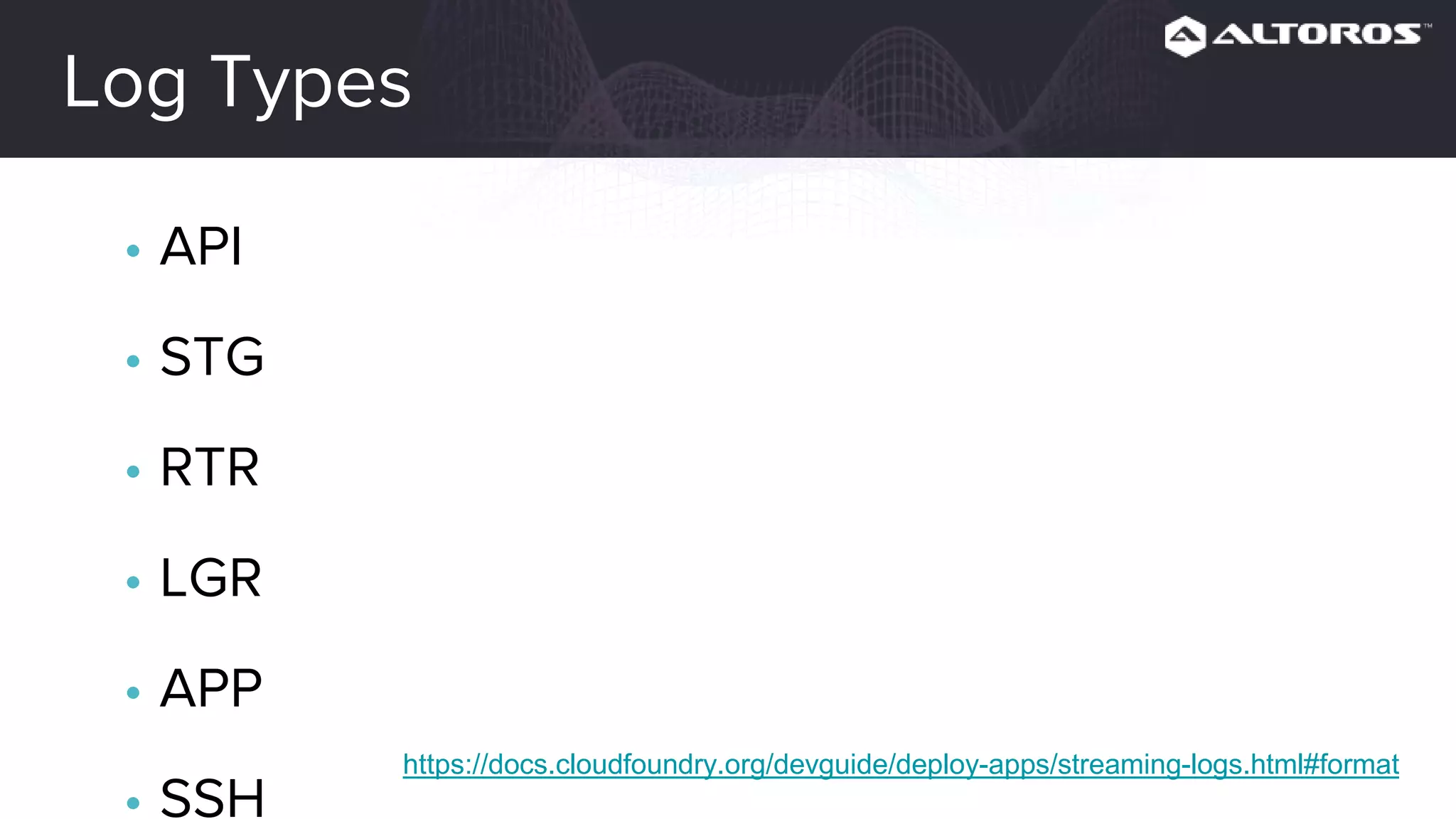
Log Types
• API
• STG
• RTR
• LGR
• APP
• SSH
• CELL https://docs.cloudfoundry.org/devguide/deploy-apps/streaming-logs.html#format
Logs Example: LogMessage
origin:"gorouter" eventType:LogMessage
timestamp:1506013802423591256 deployment:"cf" job:"router"
index:"96a3dc0c-1f24-47fc-af5b-51b848214627" ip:"192.168.111.30"
logMessage:<message:"dora.demo.altoros.com - [2017-09-
21T17:10:02.416+0000] "GET / HTTP/1.1" 200 0 13 "-" "Mozilla/5.0
(X11; Ubuntu; Linux x86_64; rv:47.0) Gecko/20100101 Firefox/47.0" ...
app_id:"deb57035-9763-448c-9cd4-99312078b6e6" ...>
Logs Example: LogMessage
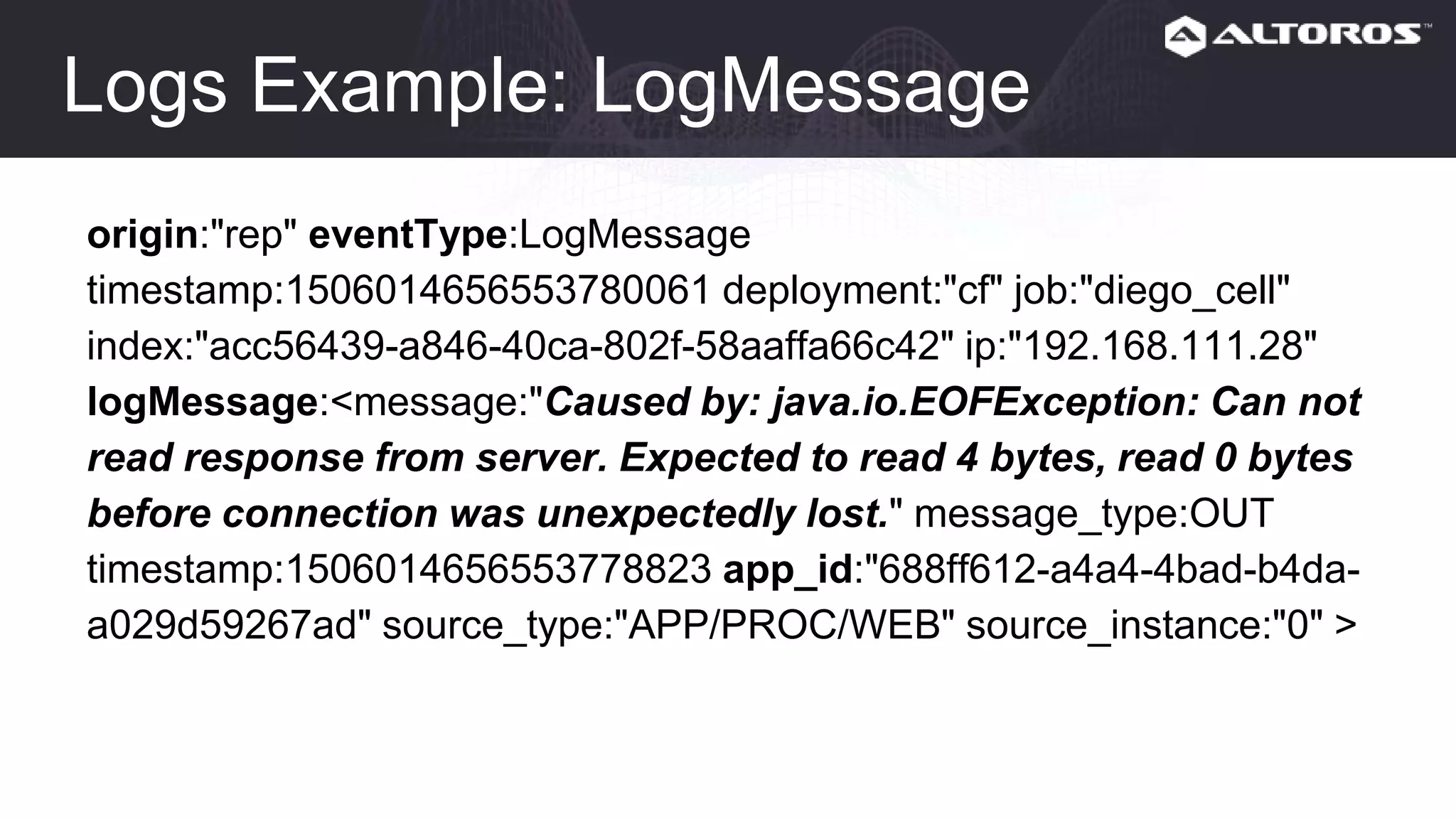
origin:"rep" eventType:LogMessage
timestamp:1506014656553780061 deployment:"cf" job:"diego_cell"
index:"acc56439-a846-40ca-802f-58aaffa66c42" ip:"192.168.111.28"
logMessage:<message:"Caused by: java.io.EOFException: Can not
read response from server. Expected to read 4 bytes, read 0 bytes
before connection was unexpectedly lost." message_type:OUT
timestamp:1506014656553778823 app_id:"688ff612-a4a4-4bad-b4da-
a029d59267ad" source_type:"APP/PROC/WEB" source_instance:"0" >
Logs in Cloud Foundry: Platform
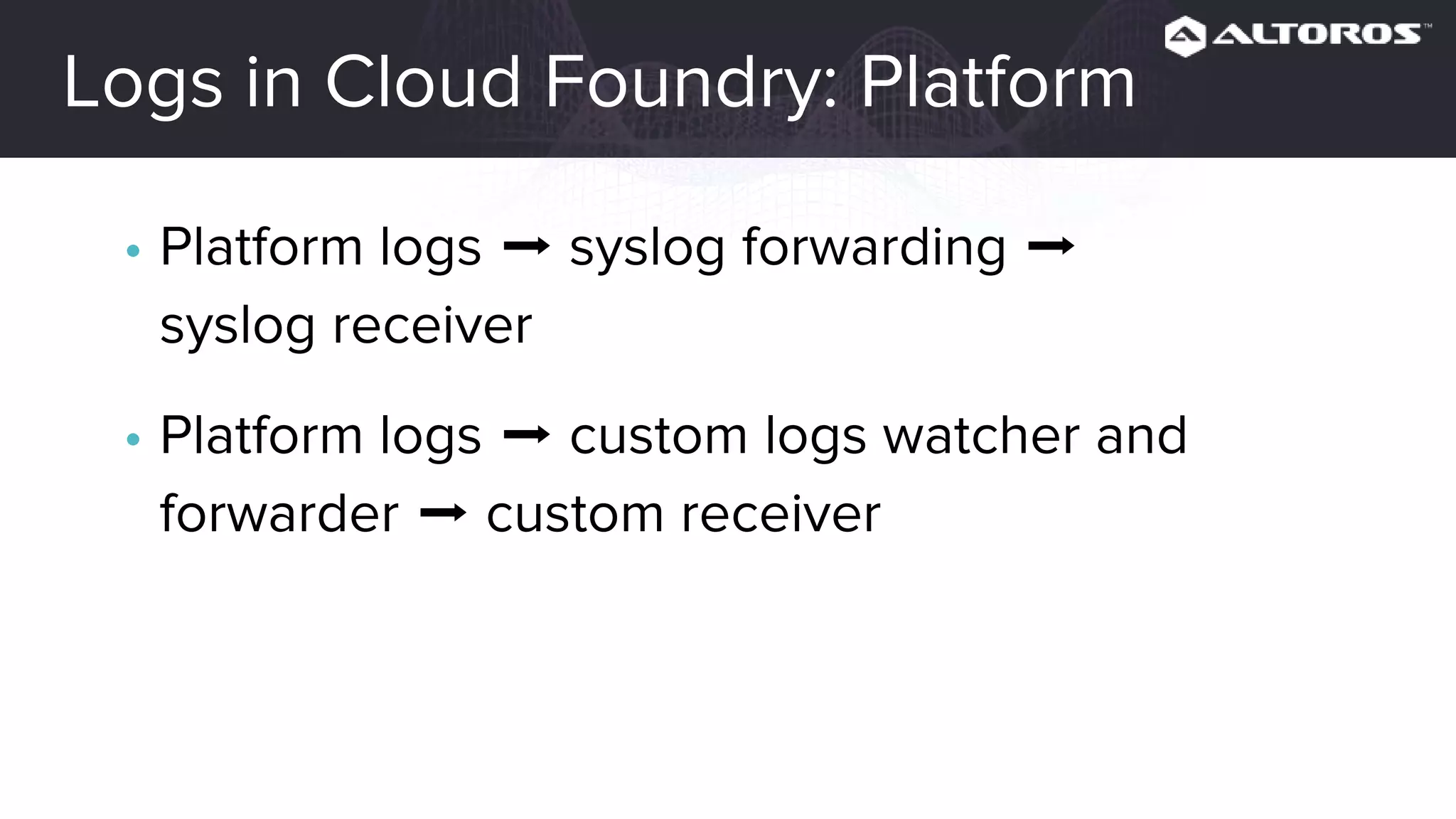
• Platform logs ➡ syslog forwarding ➡
syslog receiver
• Platform logs ➡ custom logs watcher and
forwarder ➡ custom receiver
Logs in Cloud Foundry: Platform
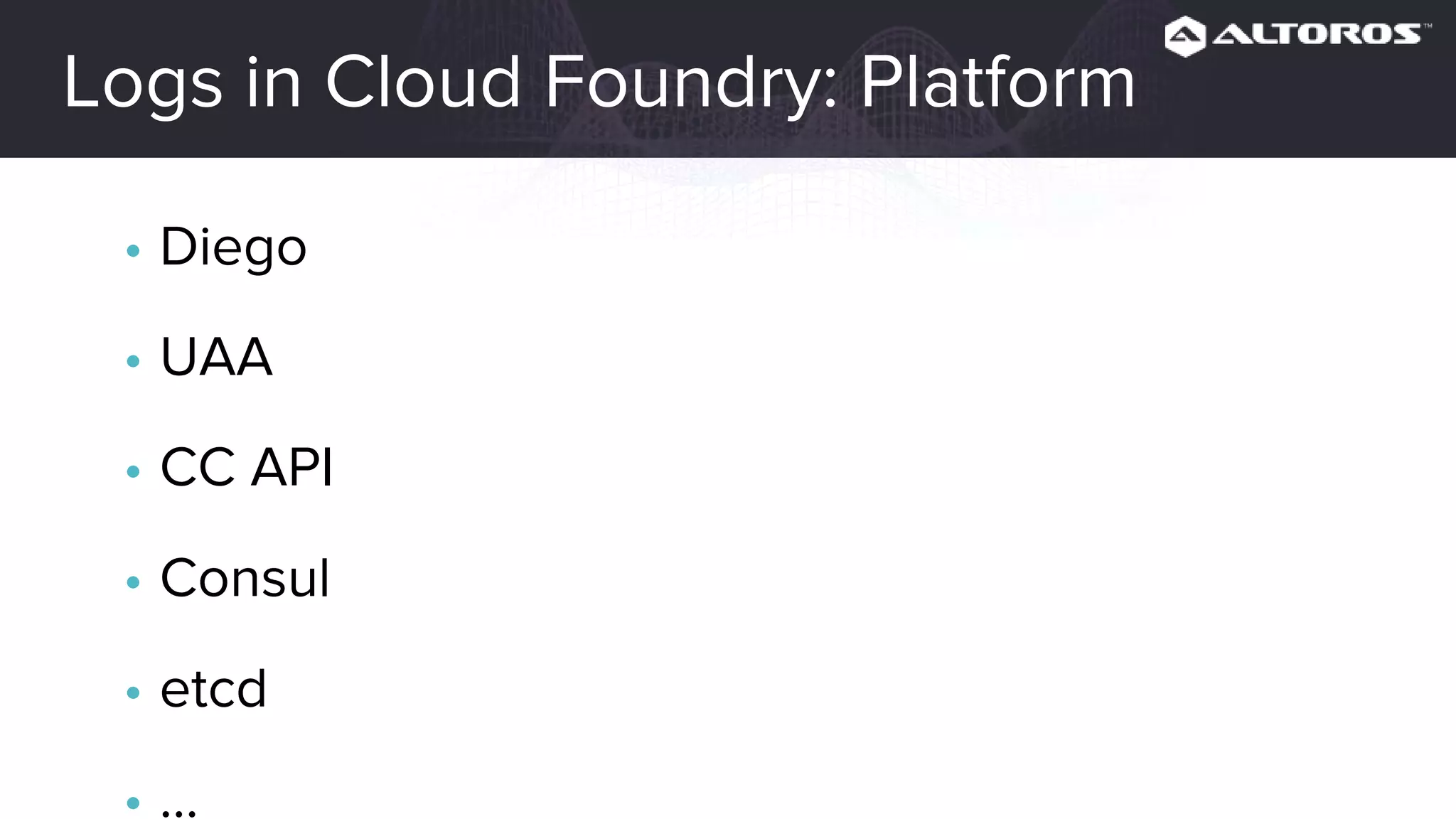
• Diego
• UAA
• CC API
• Consul
• etcd
• ...
How to store
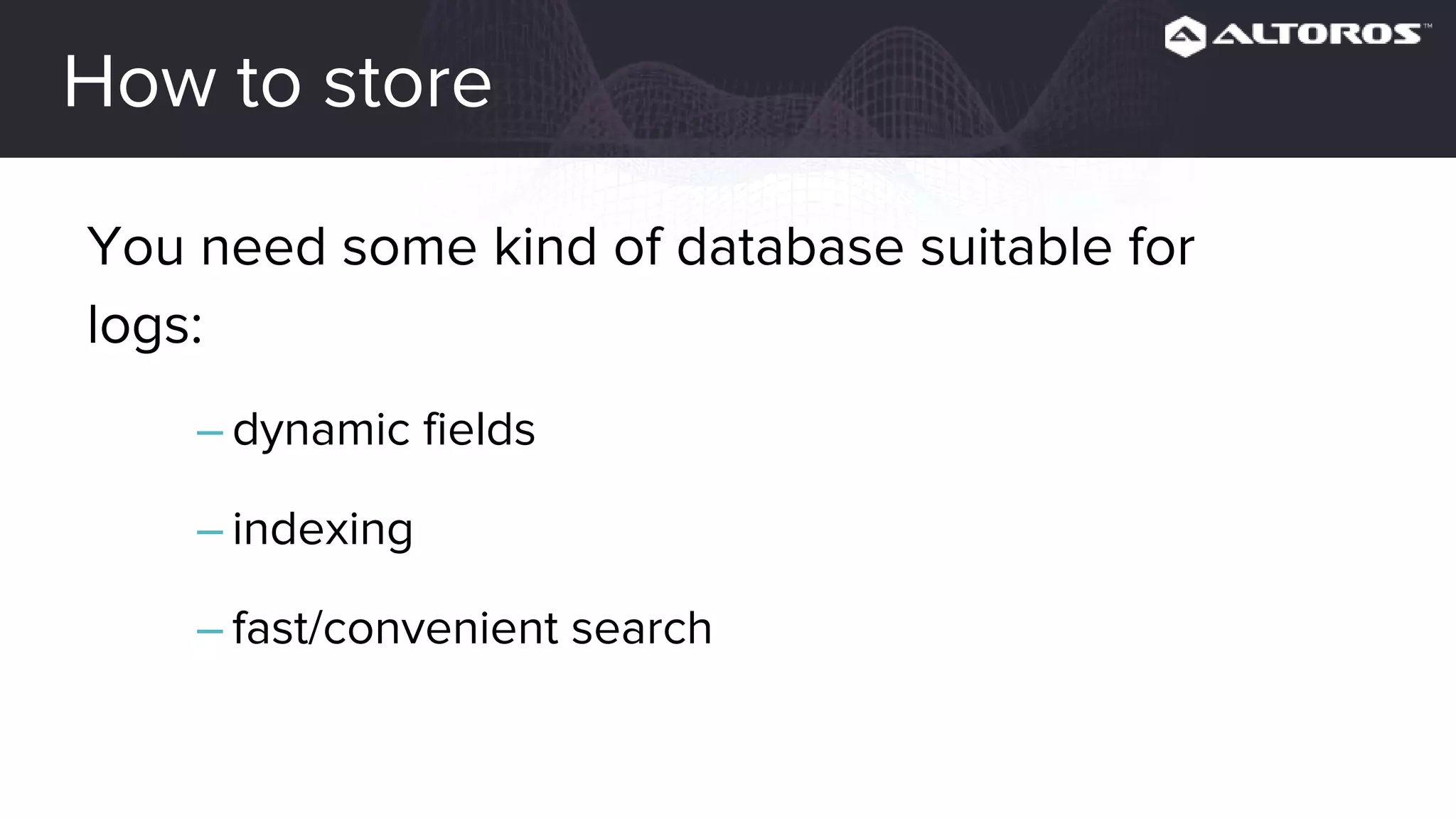
You need some kind of database suitable for
logs:
– dynamic fields
– indexing
– fast/convenient search
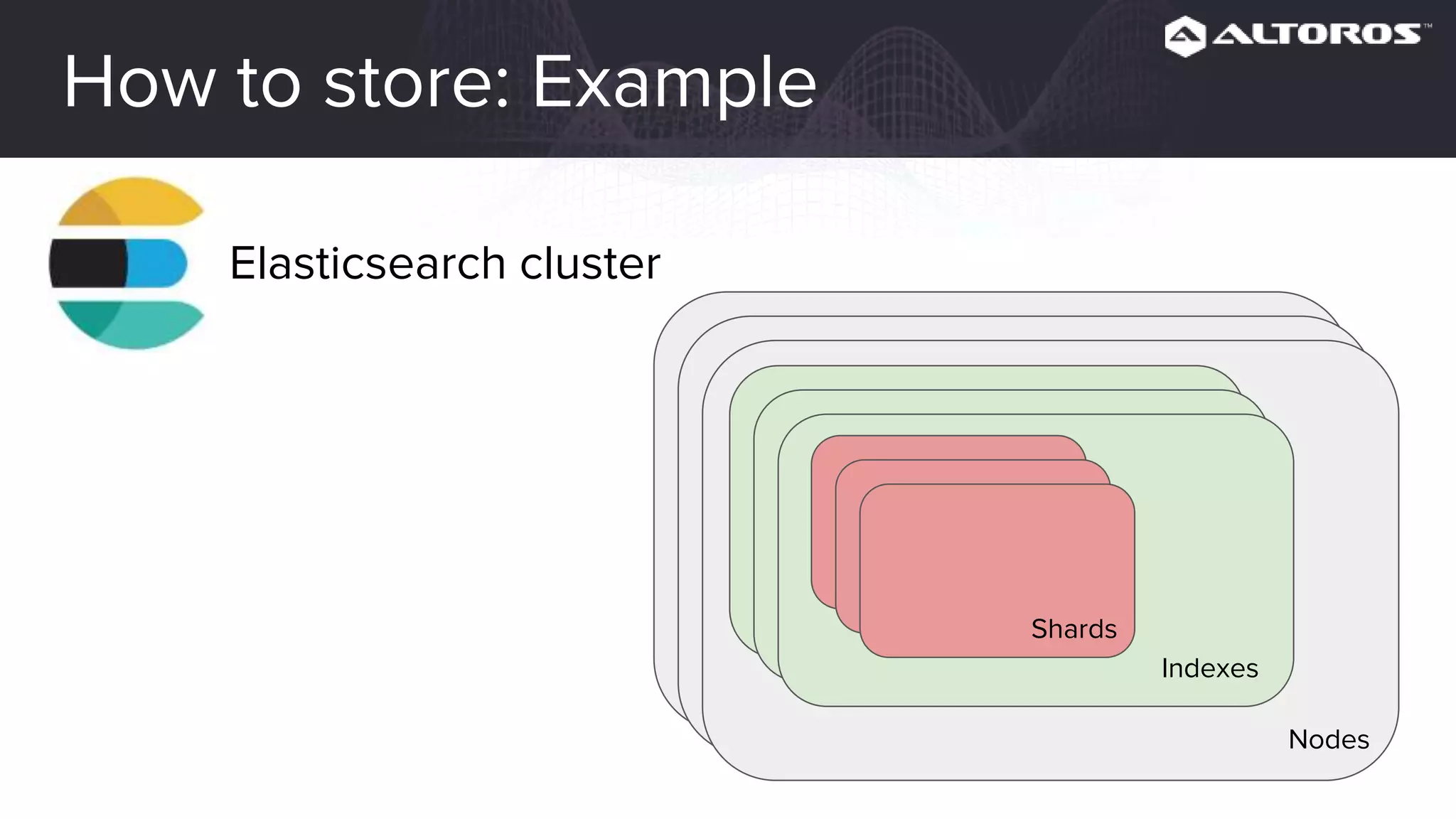
How to store: Example
Elasticsearch cluster
Indexes
Nodes
Shards
How to parse
Parser should be able to parse logs in
different formats:
– syslog (RFC 5424) for platform logs
– plain text for apps
– custom format for apps (e.g. JSON)
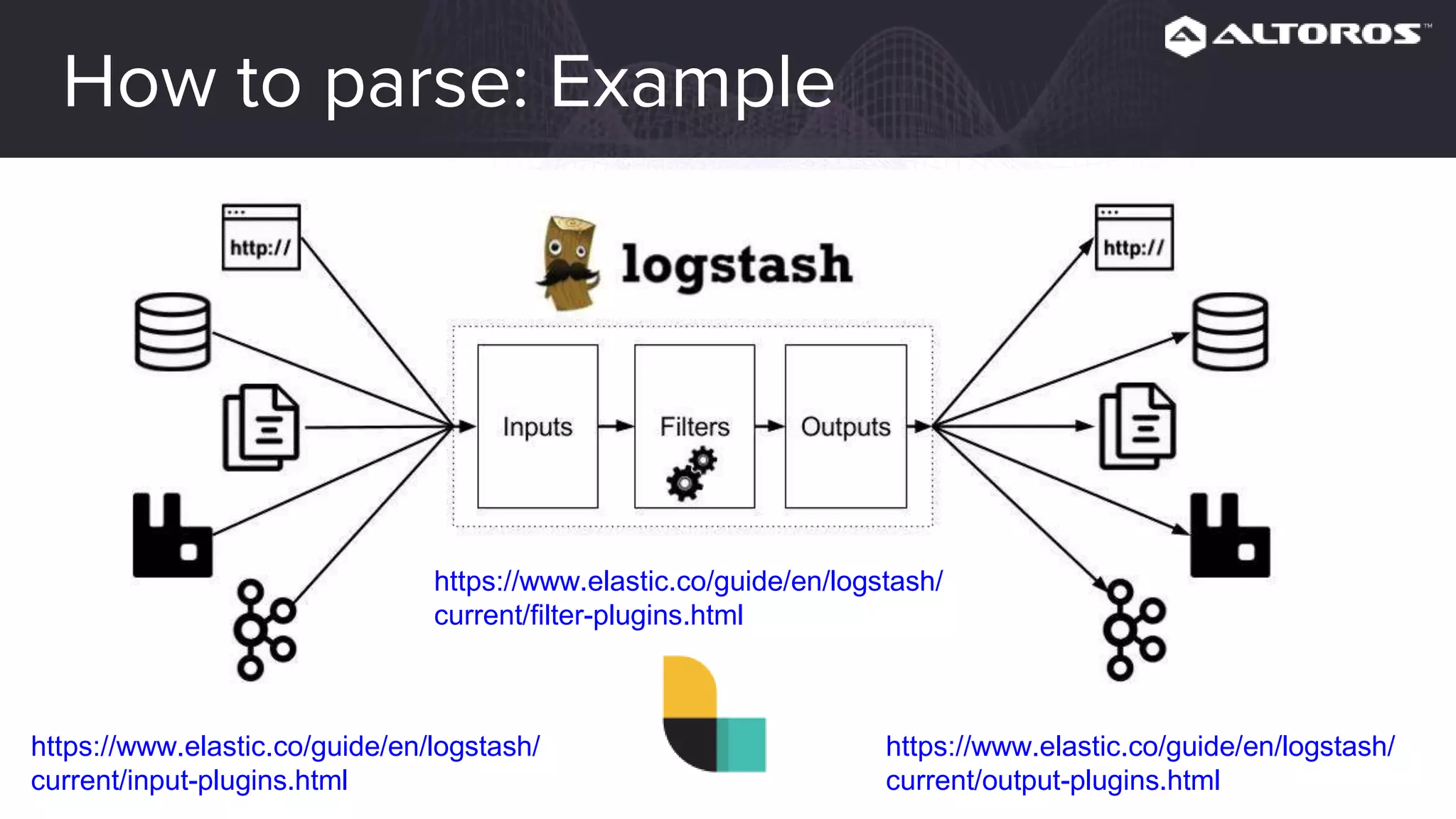
How to parse: Example
https://www.elastic.co/guide/en/logstash/
current/input-plugins.html
https://www.elastic.co/guide/en/logstash/
current/output-plugins.html
https://www.elastic.co/guide/en/logstash/
current/filter-plugins.html
How to see
Personally I would like to see to see the
following features in the UI:
– convenient search and filtering
– graphs and dashboards
How to see: Example
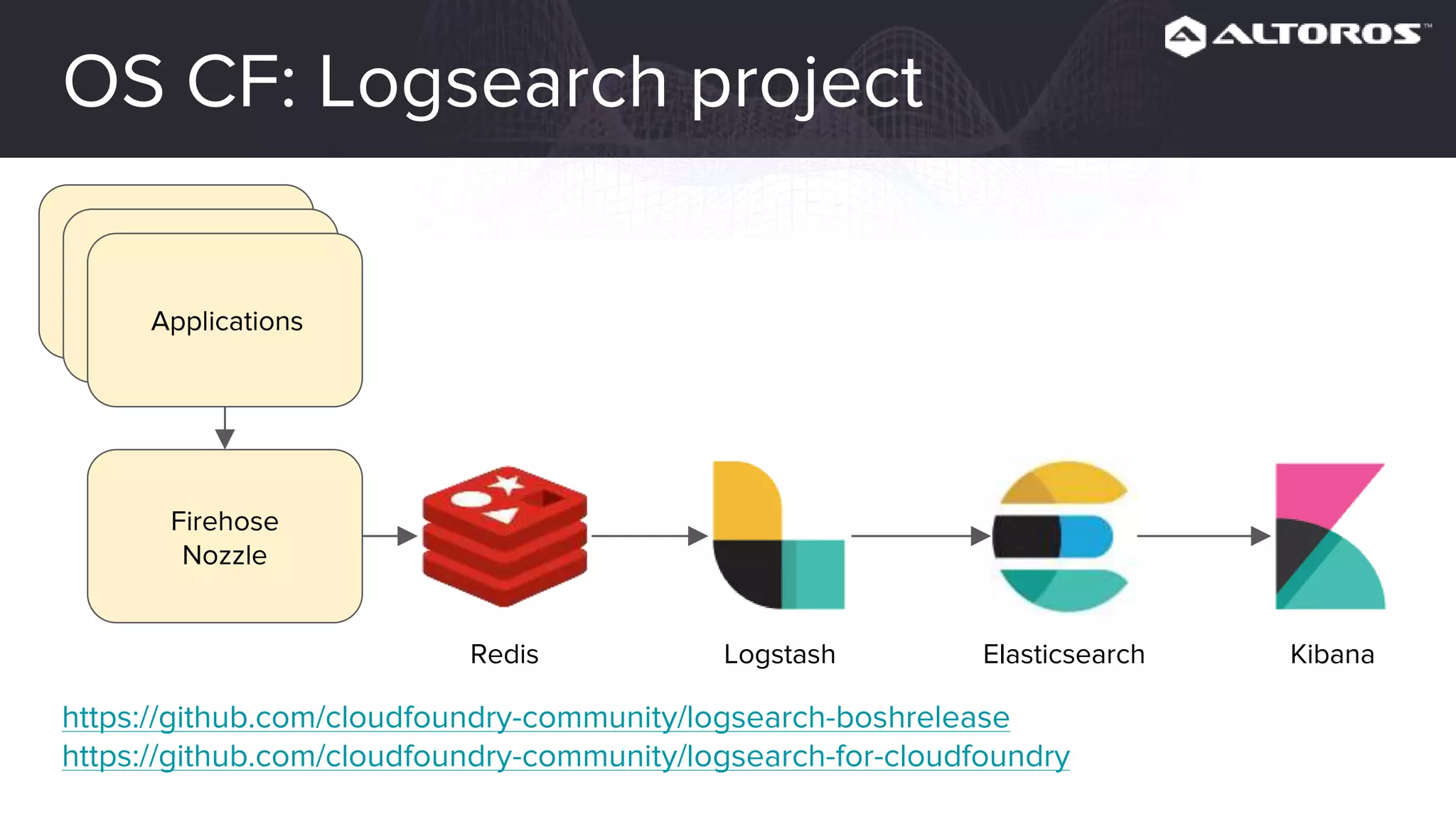
OS CF: Logsearch project
Applications
Firehose
Nozzle
Logstash Elasticsearch KibanaRedis
https://github.com/cloudfoundry-community/logsearch-boshrelease
https://github.com/cloudfoundry-community/logsearch-for-cloudfoundry
PCF: Altoros Log Search for PCF
https://network.pivotal.io/products/altoros-log-search
Tips and tricks
• Decrease the log level in CF Deployment
(e.g. debug) to avoid information overload
• To ease application log parsing, you might
want to consider using the JSON format
for logs
Metrics
• Main concepts of monitoring
• Levels of Cloud Foundry monitoring
• Monitoring approaches for each CF level
• Architecture of a simple monitoring solution
Why monitoring is important
• We want to know what is going on
• We want to know it before our clients do
• We want to be able to troubleshoot problems
• We want to measure (e.g. capacity planning)
Why we need metrics
We already have logs and maybe some checks
and alerts, why do we need metrics?
Why we need metrics
With the help of metrics we can:
• do measurement
• prove assumptions
• do troubleshooting
• make predictions
• set up alerts based on historical data
Also graphs are human friendly :-)
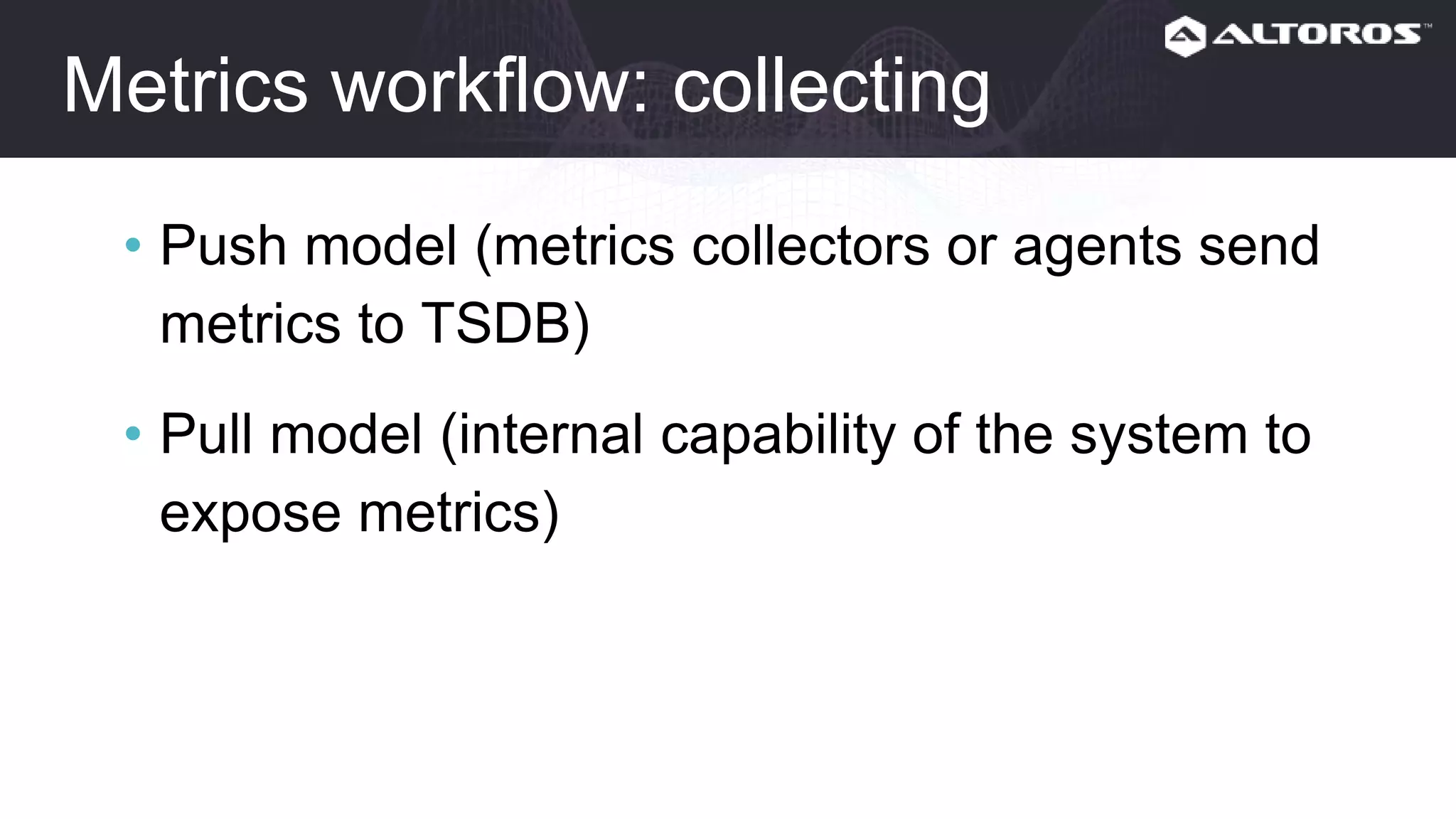
Metrics workflow
• Collecting
• Storing
• Visualizing
• Analyzing
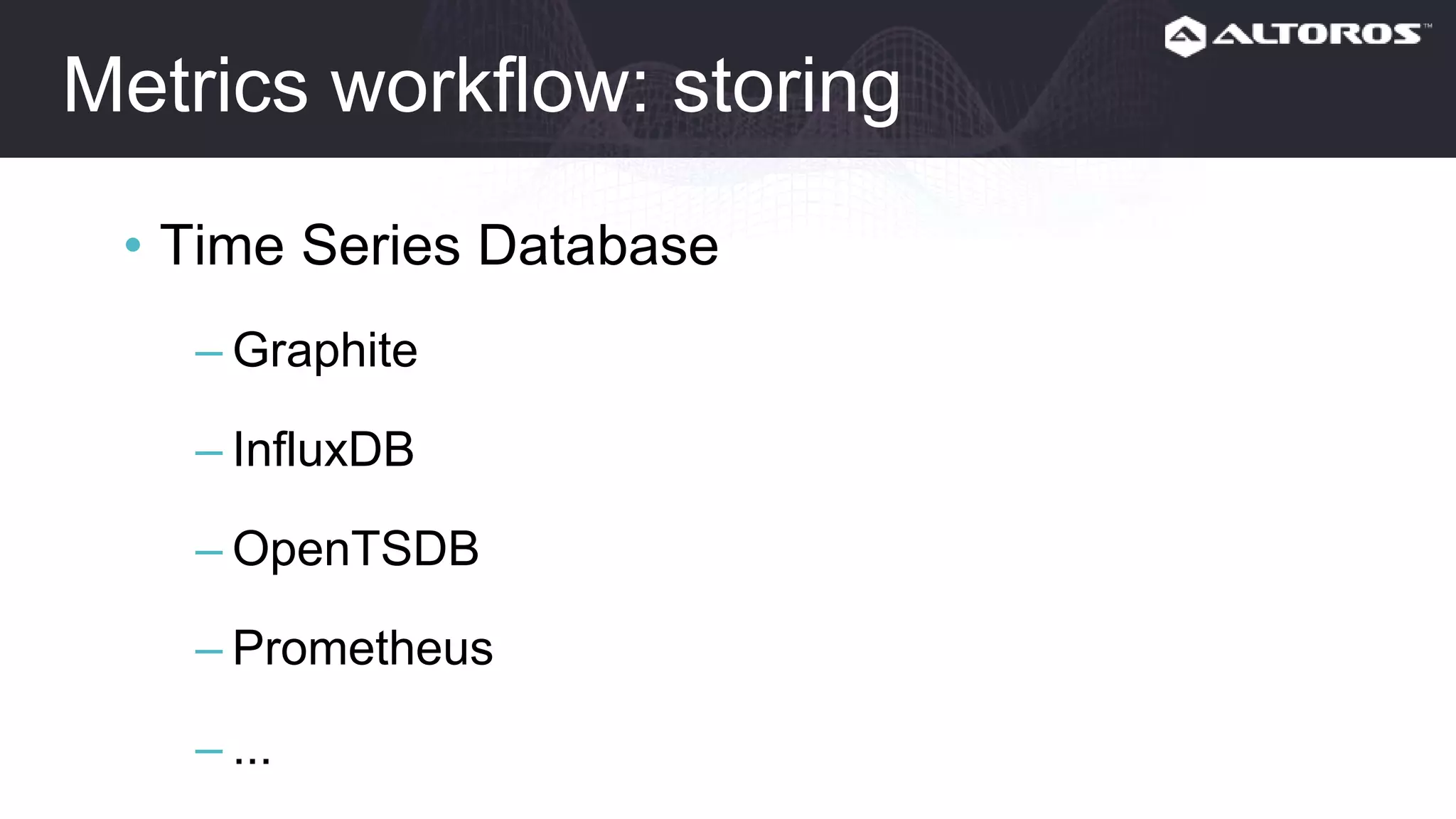
Metrics workflow: collecting
• Push model (metrics collectors or agents send
metrics to TSDB)
• Pull model (internal capability of the system to
expose metrics)
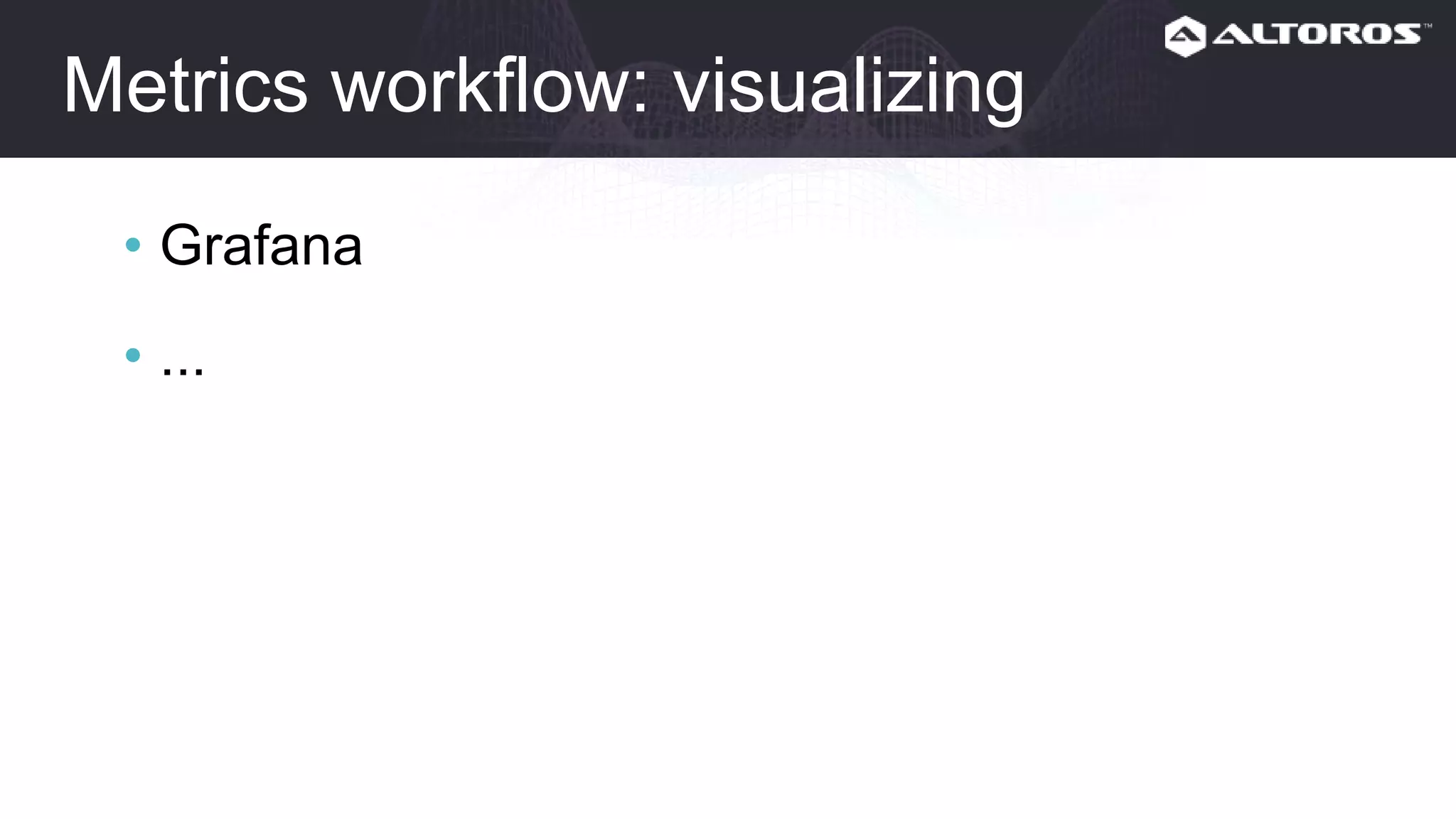
Metrics workflow: storing
• Time Series Database
– Graphite
– InfluxDB
– OpenTSDB
– Prometheus
– ...
Metrics workflow: visualizing
• Grafana
• ...
Metrics workflow: Analyzing
• Reactive
– alerts
– troubleshooting
• Proactive
– trends
– capacity planning
– etc.
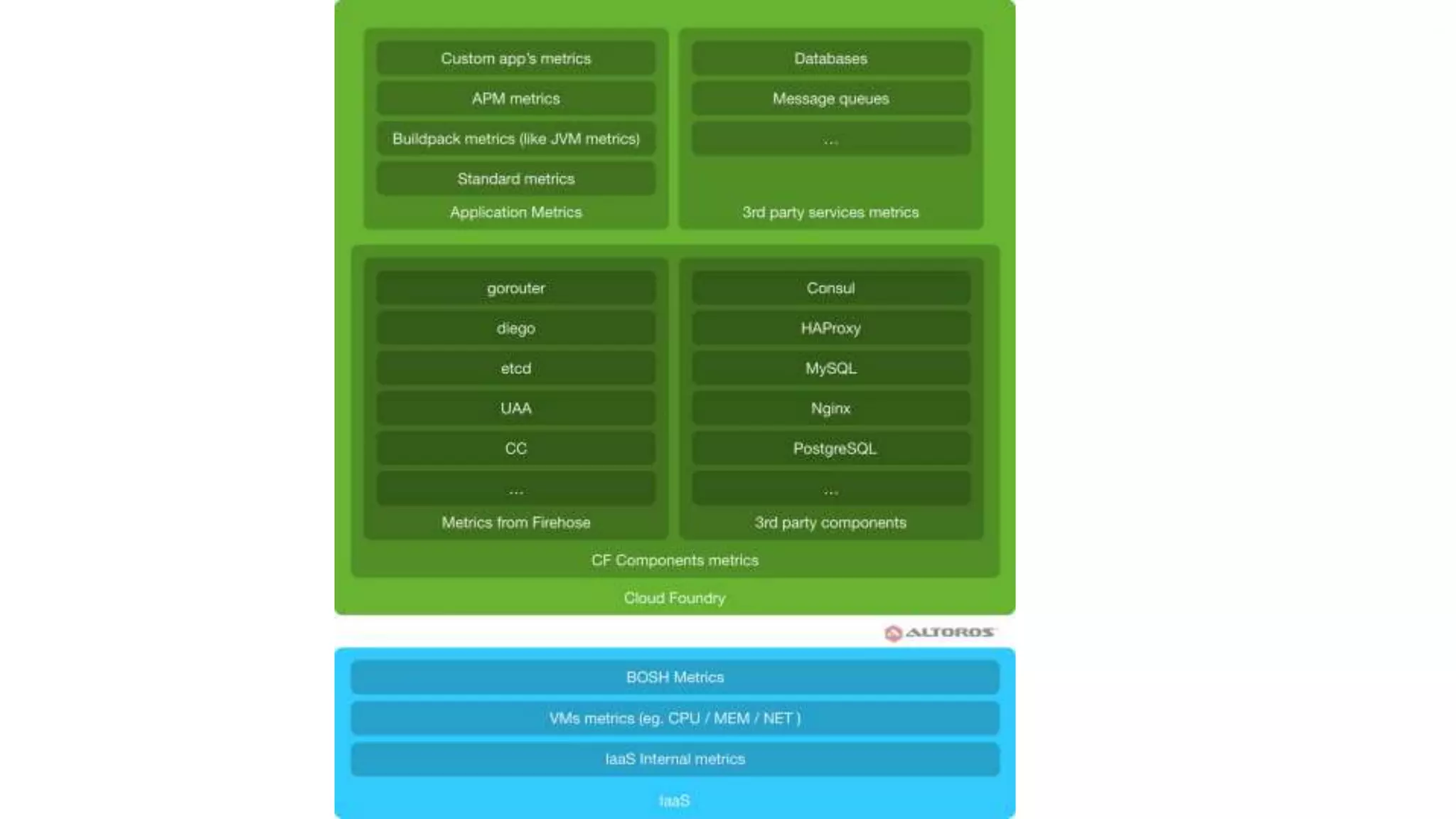
Levels of CF monitoring
• IaaS
• BOSH
• CF
• Applications
• Backing services
IaaS monitoring
• Collect metrics for VMs
– Metrics collectors
• collectd
• diamond
• telegraf
• prometheus exporters
• Collect internal IaaS Metrics
– Internal API (so you can use a metrics collector)
– Vendor-specific monitoring systems
BOSH monitoring
• BOSH Health Monitor
• BOSH HM Forwarder
• PCF JMX Bridge (PCF only)
Note: these metrics are quite limited.
https://bosh.io/docs/hm-config.html
https://github.com/cloudfoundry/bosh-hm-forwarder
https://network.pivotal.io/products/ops-metrics
CF monitoring
• Firehose nozzles for CF own components:
– for your on-premises TSDB
– for SaaS monitoring
• Monitoring agents for 3rd party CF components:
– consul
– MySQL/PostgreSQL
– HAProxy
• Direct API calls (deprecated, don’t use it)
Loggregator architecture
Event types
• ValueMetric indicates the value of a metric at an instant in time.
• CounterEvent represents the increment of a counter. It contains
only the change in the value; it is the responsibility of downstream
consumers to maintain the value of the counter.
• LogMessage contains a "log line" and associated metadata.
• Error event represents an error in the originating process.
• ContainerMetric records resource usage of an app in a container.
• HttpStartStop event represents the whole lifecycle of an HTTP
request.
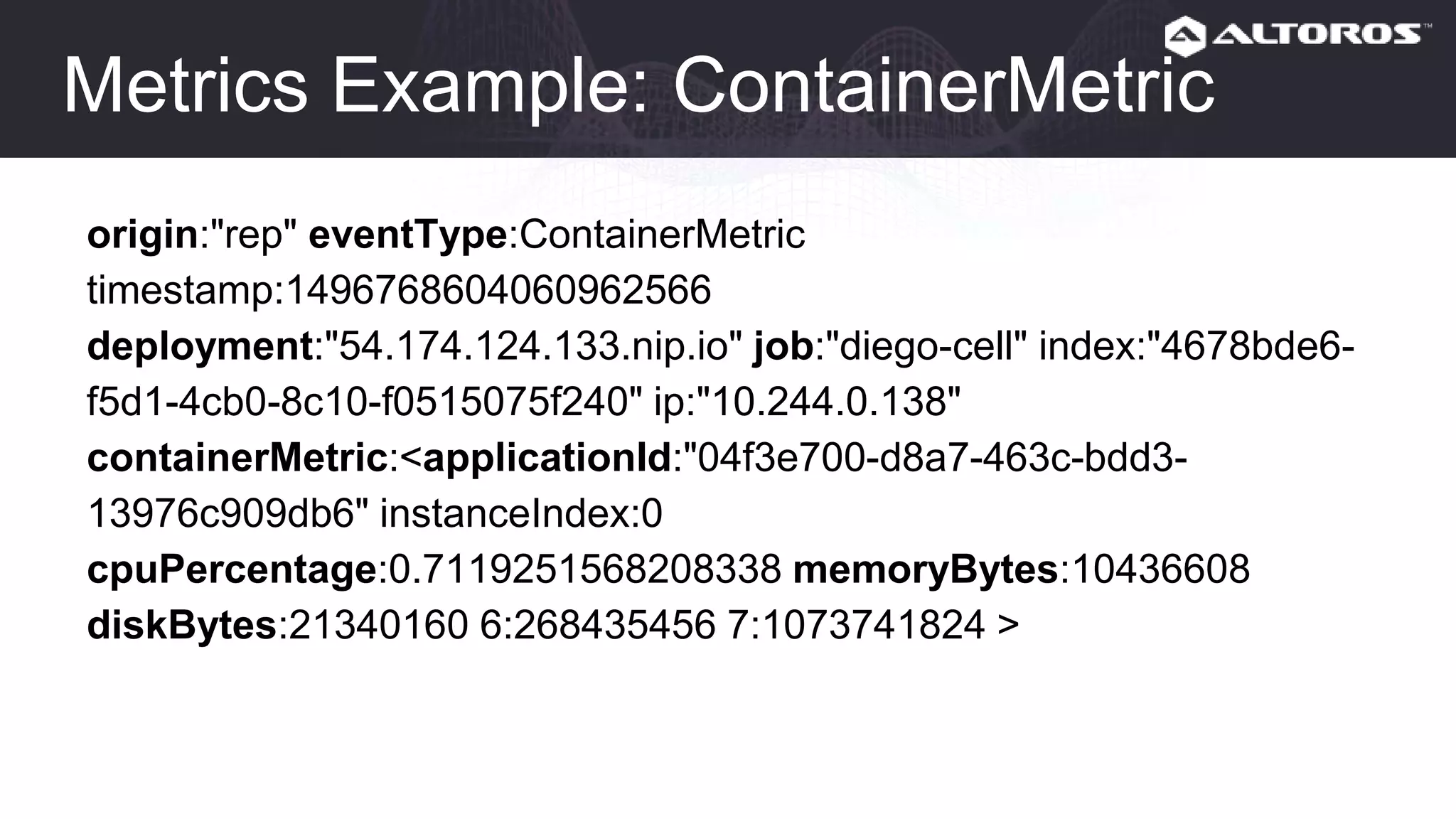
Metrics Example: ContainerMetric
origin:"rep" eventType:ContainerMetric
timestamp:1496768604060962566
deployment:"54.174.124.133.nip.io" job:"diego-cell" index:"4678bde6-
f5d1-4cb0-8c10-f0515075f240" ip:"10.244.0.138"
containerMetric:<applicationId:"04f3e700-d8a7-463c-bdd3-
13976c909db6" instanceIndex:0
cpuPercentage:0.7119251568208338 memoryBytes:10436608
diskBytes:21340160 6:268435456 7:1073741824 >
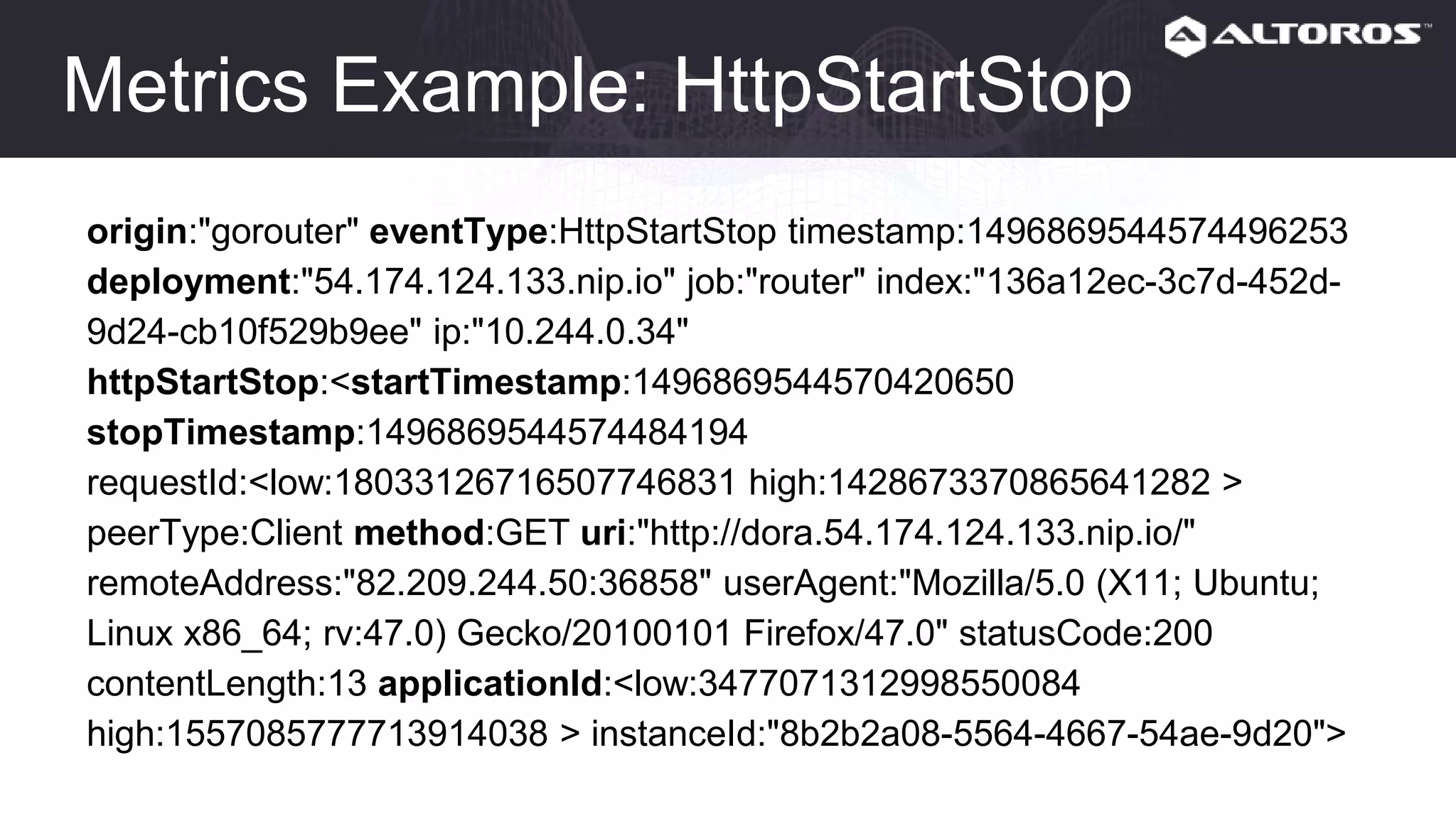
Metrics Example: HttpStartStop
origin:"gorouter" eventType:HttpStartStop timestamp:1496869544574496253
deployment:"54.174.124.133.nip.io" job:"router" index:"136a12ec-3c7d-452d-
9d24-cb10f529b9ee" ip:"10.244.0.34"
httpStartStop:<startTimestamp:1496869544570420650
stopTimestamp:1496869544574484194
requestId:<low:18033126716507746831 high:1428673370865641282 >
peerType:Client method:GET uri:"http://dora.54.174.124.133.nip.io/"
remoteAddress:"82.209.244.50:36858" userAgent:"Mozilla/5.0 (X11; Ubuntu;
Linux x86_64; rv:47.0) Gecko/20100101 Firefox/47.0" statusCode:200
contentLength:13 applicationId:<low:3477071312998550084
high:1557085777713914038 > instanceId:"8b2b2a08-5564-4667-54ae-9d20">
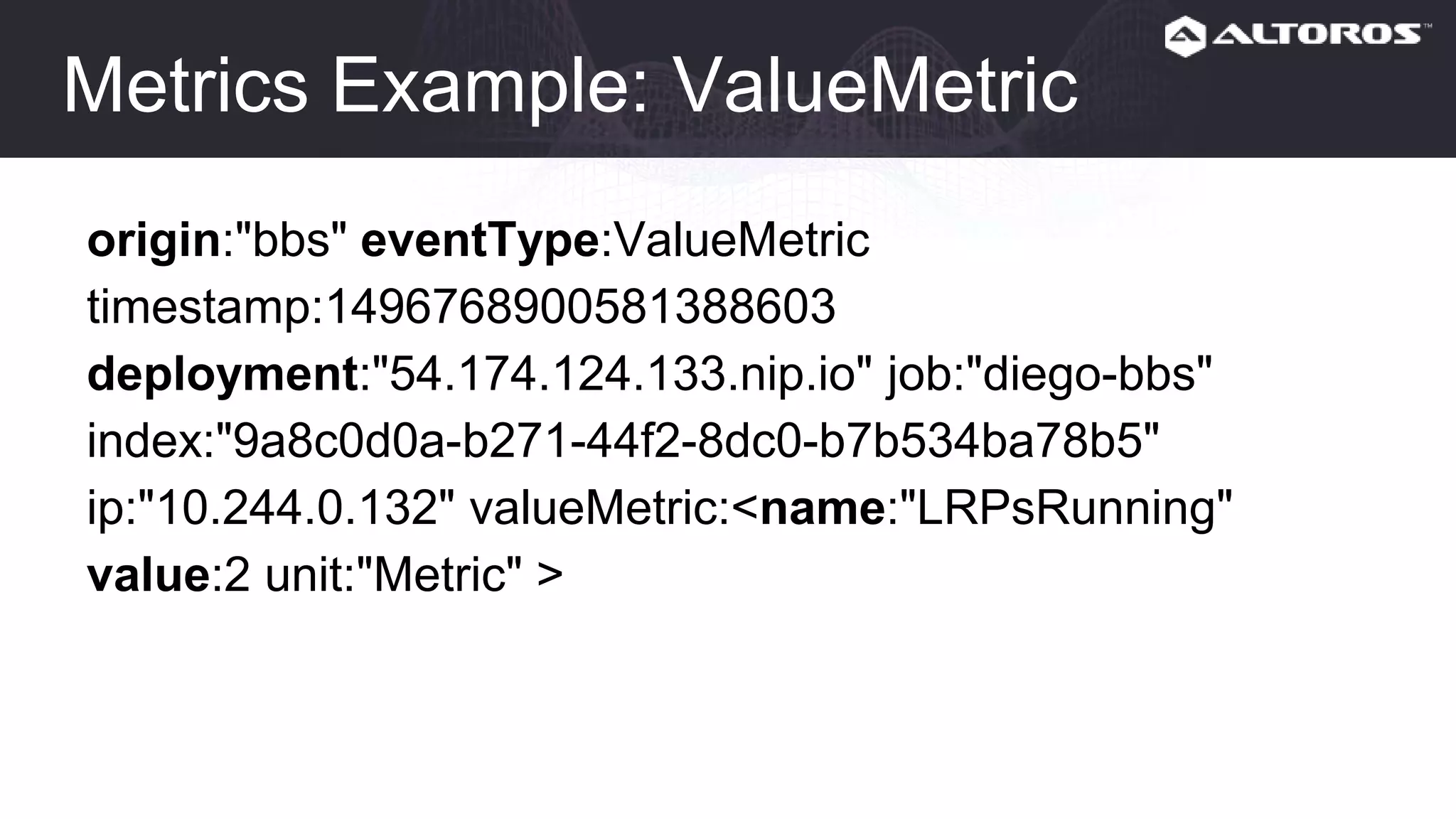
Metrics Example: ValueMetric
origin:"bbs" eventType:ValueMetric
timestamp:1496768900581388603
deployment:"54.174.124.133.nip.io" job:"diego-bbs"
index:"9a8c0d0a-b271-44f2-8dc0-b7b534ba78b5"
ip:"10.244.0.132" valueMetric:<name:"LRPsRunning"
value:2 unit:"Metric" >
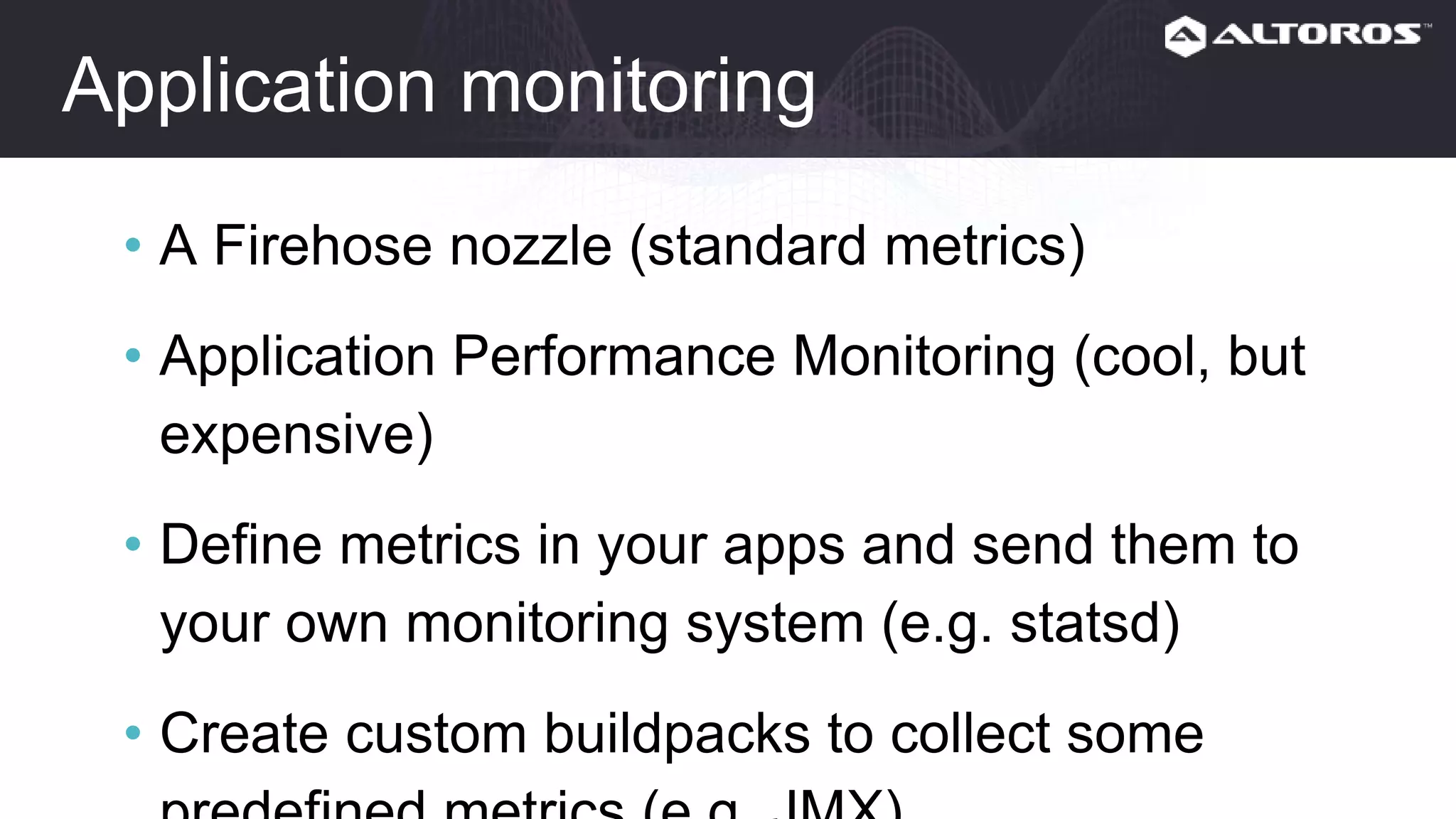
Application monitoring
• A Firehose nozzle (standard metrics)
• Application Performance Monitoring (cool, but
expensive)
• Define metrics in your apps and send them to
your own monitoring system (e.g. statsd)
• Create custom buildpacks to collect some
predefined metrics (e.g. JMX)
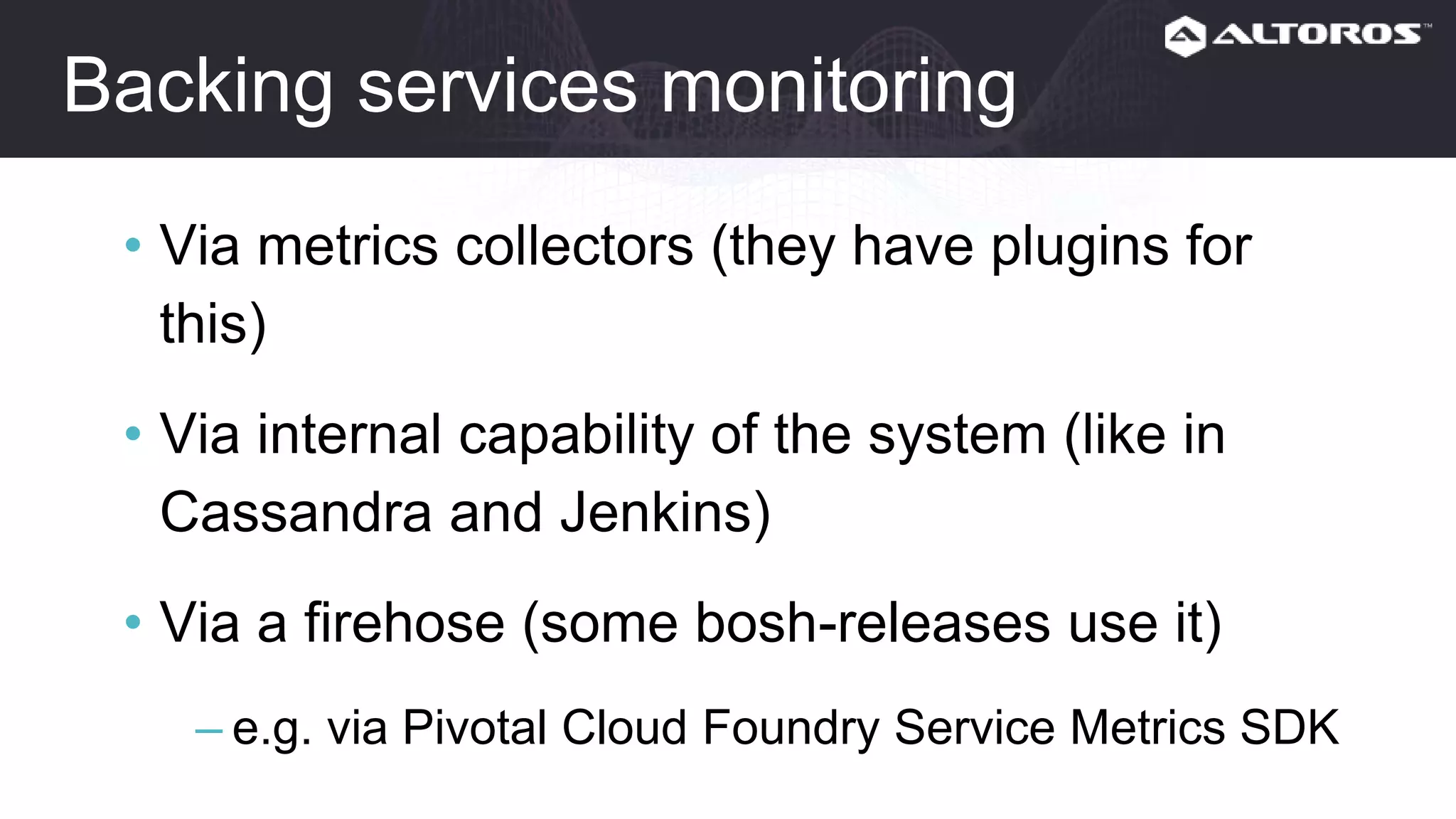
Backing services monitoring
• Via metrics collectors (they have plugins for this)
• Via internal capability of the system (like in
Cassandra and Jenkins)
• Via a firehose (some bosh-releases use it)
– e.g. via Pivotal Cloud Foundry Service Metrics SDK
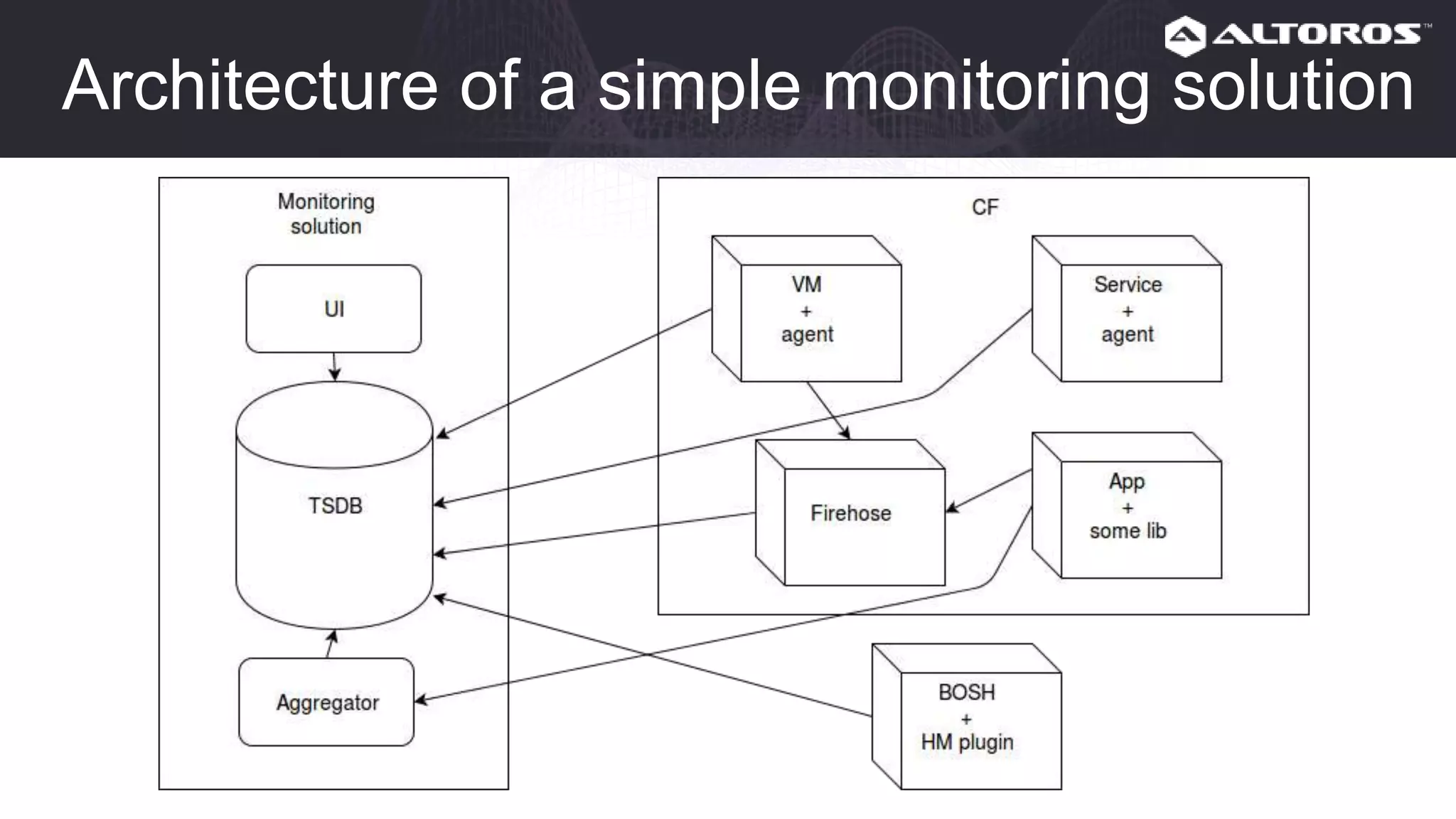
Architecture of a simple monitoring solution
Altoros Heartbeat for PCF
https://www.altoros.com/heartbeat/
https://network.pivotal.io/products/altoros-heartbeat
Next time: Use cases for logs in CF
• SSH bruteforce
• Post-deploy checks
• Troubleshooting
Next time: Real-life use cases for metrics
• etcd slows CF down
• CF is broken after a major upgrade
Next time: Deep dive into Logsearch
• Deployment
• Architecture
• How it works: Storing, Parsing, Visualization
• Tips and tricks
Next time: Examples
• Examples of monitoring for each CF level
Next time: Basic but useful metrics
• BOSH
• Diego
• Gorouter
• CC
• etcd
Next time: Advanced metrics
• Capacity planning
• Security
• Derived metrics (e.g. from the HttpStartStop
event)
Next time: Seamless integration into CF
• Deploy your monitoring solution with BOSH
• Deploy your monitoring agents by adding them
to your manifests or deploy them as BOSH
addons
• Create a service broker
• Create a custom buildpack
Monitoring: useful links
• https://docs.cloudfoundry.org/running/all_metrics.html
• https://docs.pivotal.io/pivotalcf/1-
12/monitoring/metrics.html
• https://docs.cloudfoundry.org/devguide/deploy-
apps/streaming-logs.html
• https://www.altoros.com/blog/cloud-foundry-
deployment-metrics-that-matter-most/
Q & A
Anton Soroko
anton.soroko@altoros.com
Thank you!
https://www.altoros.com/heartbeat/

Cloud Foundry Monitoring How-To: Collecting Metrics and Logs

  • 1.
    Cloud Foundry MonitoringHow-To: Collecting Metrics and Logs WEBINAR Anton Soroko Cloud Foundry/DevOps Engineer Altoros September 27th 12 PM EDT
  • 2.
    Agenda - Things wedon’t cover - Logging - Metrics - Use cases for CF - Preview of upcoming webinars - Q & A
  • 3.
    Things we don’tcover • Cloud Foundry fundamentals
  • 4.
    Logging • Why dowe need centralized logging? • Logs in Cloud Foundry • How to store • How to parse • How to see • The Logsearch project • Tips and tricks
  • 5.
    How to seelogs without centralized entrypoint • bosh ssh + less/grep/etc for platform logs • cf logs for apps logs Can you call this convenient from operator’s point of view? I can’t.
  • 6.
    Why do weneed centralized logging • Too many servers, too few displays :-) • Convenient search • Data manipulation • Long-term storing • Opportunity to create dashboards, reports, alerts, and etc.
  • 7.
  • 8.
    Logs in CloudFoundry: Apps • All application logs ➡ Metron agent ➡ Firehose nozzle • Specific application ➡ User-provided Service Instance with syslog URL ➡ syslog receiver • Specific application ➡ Service Instance with syslog_drain_url ➡ syslog receiver https://docs.cloudfoundry.org/devguide/services/log-management.html https://docs.cloudfoundry.org/services/app-log-streaming.html https://github.com/openservicebrokerapi/servicebroker/blob/v2.13/spec.md#log-drain
  • 9.
    Log Types • API •STG • RTR • LGR • APP • SSH • CELL https://docs.cloudfoundry.org/devguide/deploy-apps/streaming-logs.html#format
  • 10.
    Logs Example: LogMessage origin:"gorouter"eventType:LogMessage timestamp:1506013802423591256 deployment:"cf" job:"router" index:"96a3dc0c-1f24-47fc-af5b-51b848214627" ip:"192.168.111.30" logMessage:<message:"dora.demo.altoros.com - [2017-09- 21T17:10:02.416+0000] "GET / HTTP/1.1" 200 0 13 "-" "Mozilla/5.0 (X11; Ubuntu; Linux x86_64; rv:47.0) Gecko/20100101 Firefox/47.0" ... app_id:"deb57035-9763-448c-9cd4-99312078b6e6" ...>
  • 11.
    Logs Example: LogMessage origin:"rep"eventType:LogMessage timestamp:1506014656553780061 deployment:"cf" job:"diego_cell" index:"acc56439-a846-40ca-802f-58aaffa66c42" ip:"192.168.111.28" logMessage:<message:"Caused by: java.io.EOFException: Can not read response from server. Expected to read 4 bytes, read 0 bytes before connection was unexpectedly lost." message_type:OUT timestamp:1506014656553778823 app_id:"688ff612-a4a4-4bad-b4da- a029d59267ad" source_type:"APP/PROC/WEB" source_instance:"0" >
  • 12.
    Logs in CloudFoundry: Platform • Platform logs ➡ syslog forwarding ➡ syslog receiver • Platform logs ➡ custom logs watcher and forwarder ➡ custom receiver
  • 13.
    Logs in CloudFoundry: Platform • Diego • UAA • CC API • Consul • etcd • ...
  • 14.
    How to store Youneed some kind of database suitable for logs: – dynamic fields – indexing – fast/convenient search
  • 15.
    How to store:Example Elasticsearch cluster Indexes Nodes Shards
  • 16.
    How to parse Parsershould be able to parse logs in different formats: – syslog (RFC 5424) for platform logs – plain text for apps – custom format for apps (e.g. JSON)
  • 17.
    How to parse:Example https://www.elastic.co/guide/en/logstash/ current/input-plugins.html https://www.elastic.co/guide/en/logstash/ current/output-plugins.html https://www.elastic.co/guide/en/logstash/ current/filter-plugins.html
  • 18.
    How to see PersonallyI would like to see to see the following features in the UI: – convenient search and filtering – graphs and dashboards
  • 19.
    How to see:Example
  • 20.
    OS CF: Logsearchproject Applications Firehose Nozzle Logstash Elasticsearch KibanaRedis https://github.com/cloudfoundry-community/logsearch-boshrelease https://github.com/cloudfoundry-community/logsearch-for-cloudfoundry
  • 21.
    PCF: Altoros LogSearch for PCF https://network.pivotal.io/products/altoros-log-search
  • 22.
    Tips and tricks •Decrease the log level in CF Deployment (e.g. debug) to avoid information overload • To ease application log parsing, you might want to consider using the JSON format for logs
  • 23.
    Metrics • Main conceptsof monitoring • Levels of Cloud Foundry monitoring • Monitoring approaches for each CF level • Architecture of a simple monitoring solution
  • 24.
    Why monitoring isimportant • We want to know what is going on • We want to know it before our clients do • We want to be able to troubleshoot problems • We want to measure (e.g. capacity planning)
  • 25.
    Why we needmetrics We already have logs and maybe some checks and alerts, why do we need metrics?
  • 26.
    Why we needmetrics With the help of metrics we can: • do measurement • prove assumptions • do troubleshooting • make predictions • set up alerts based on historical data Also graphs are human friendly :-)
  • 27.
    Metrics workflow • Collecting •Storing • Visualizing • Analyzing
  • 28.
    Metrics workflow: collecting •Push model (metrics collectors or agents send metrics to TSDB) • Pull model (internal capability of the system to expose metrics)
  • 29.
    Metrics workflow: storing •Time Series Database – Graphite – InfluxDB – OpenTSDB – Prometheus – ...
  • 30.
  • 31.
    Metrics workflow: Analyzing •Reactive – alerts – troubleshooting • Proactive – trends – capacity planning – etc.
  • 32.
    Levels of CFmonitoring • IaaS • BOSH • CF • Applications • Backing services
  • 34.
    IaaS monitoring • Collectmetrics for VMs – Metrics collectors • collectd • diamond • telegraf • prometheus exporters • Collect internal IaaS Metrics – Internal API (so you can use a metrics collector) – Vendor-specific monitoring systems
  • 35.
    BOSH monitoring • BOSHHealth Monitor • BOSH HM Forwarder • PCF JMX Bridge (PCF only) Note: these metrics are quite limited. https://bosh.io/docs/hm-config.html https://github.com/cloudfoundry/bosh-hm-forwarder https://network.pivotal.io/products/ops-metrics
  • 36.
    CF monitoring • Firehosenozzles for CF own components: – for your on-premises TSDB – for SaaS monitoring • Monitoring agents for 3rd party CF components: – consul – MySQL/PostgreSQL – HAProxy • Direct API calls (deprecated, don’t use it)
  • 37.
  • 38.
    Event types • ValueMetricindicates the value of a metric at an instant in time. • CounterEvent represents the increment of a counter. It contains only the change in the value; it is the responsibility of downstream consumers to maintain the value of the counter. • LogMessage contains a "log line" and associated metadata. • Error event represents an error in the originating process. • ContainerMetric records resource usage of an app in a container. • HttpStartStop event represents the whole lifecycle of an HTTP request.
  • 39.
    Metrics Example: ContainerMetric origin:"rep"eventType:ContainerMetric timestamp:1496768604060962566 deployment:"54.174.124.133.nip.io" job:"diego-cell" index:"4678bde6- f5d1-4cb0-8c10-f0515075f240" ip:"10.244.0.138" containerMetric:<applicationId:"04f3e700-d8a7-463c-bdd3- 13976c909db6" instanceIndex:0 cpuPercentage:0.7119251568208338 memoryBytes:10436608 diskBytes:21340160 6:268435456 7:1073741824 >
  • 40.
    Metrics Example: HttpStartStop origin:"gorouter"eventType:HttpStartStop timestamp:1496869544574496253 deployment:"54.174.124.133.nip.io" job:"router" index:"136a12ec-3c7d-452d- 9d24-cb10f529b9ee" ip:"10.244.0.34" httpStartStop:<startTimestamp:1496869544570420650 stopTimestamp:1496869544574484194 requestId:<low:18033126716507746831 high:1428673370865641282 > peerType:Client method:GET uri:"http://dora.54.174.124.133.nip.io/" remoteAddress:"82.209.244.50:36858" userAgent:"Mozilla/5.0 (X11; Ubuntu; Linux x86_64; rv:47.0) Gecko/20100101 Firefox/47.0" statusCode:200 contentLength:13 applicationId:<low:3477071312998550084 high:1557085777713914038 > instanceId:"8b2b2a08-5564-4667-54ae-9d20">
  • 41.
    Metrics Example: ValueMetric origin:"bbs"eventType:ValueMetric timestamp:1496768900581388603 deployment:"54.174.124.133.nip.io" job:"diego-bbs" index:"9a8c0d0a-b271-44f2-8dc0-b7b534ba78b5" ip:"10.244.0.132" valueMetric:<name:"LRPsRunning" value:2 unit:"Metric" >
  • 42.
    Application monitoring • AFirehose nozzle (standard metrics) • Application Performance Monitoring (cool, but expensive) • Define metrics in your apps and send them to your own monitoring system (e.g. statsd) • Create custom buildpacks to collect some predefined metrics (e.g. JMX)
  • 43.
    Backing services monitoring •Via metrics collectors (they have plugins for this) • Via internal capability of the system (like in Cassandra and Jenkins) • Via a firehose (some bosh-releases use it) – e.g. via Pivotal Cloud Foundry Service Metrics SDK
  • 44.
    Architecture of asimple monitoring solution
  • 45.
    Altoros Heartbeat forPCF https://www.altoros.com/heartbeat/ https://network.pivotal.io/products/altoros-heartbeat
  • 46.
    Next time: Usecases for logs in CF • SSH bruteforce • Post-deploy checks • Troubleshooting
  • 47.
    Next time: Real-lifeuse cases for metrics • etcd slows CF down • CF is broken after a major upgrade
  • 48.
    Next time: Deepdive into Logsearch • Deployment • Architecture • How it works: Storing, Parsing, Visualization • Tips and tricks
  • 49.
    Next time: Examples •Examples of monitoring for each CF level
  • 50.
    Next time: Basicbut useful metrics • BOSH • Diego • Gorouter • CC • etcd
  • 51.
    Next time: Advancedmetrics • Capacity planning • Security • Derived metrics (e.g. from the HttpStartStop event)
  • 52.
    Next time: Seamlessintegration into CF • Deploy your monitoring solution with BOSH • Deploy your monitoring agents by adding them to your manifests or deploy them as BOSH addons • Create a service broker • Create a custom buildpack
  • 53.
    Monitoring: useful links •https://docs.cloudfoundry.org/running/all_metrics.html • https://docs.pivotal.io/pivotalcf/1- 12/monitoring/metrics.html • https://docs.cloudfoundry.org/devguide/deploy- apps/streaming-logs.html • https://www.altoros.com/blog/cloud-foundry- deployment-metrics-that-matter-most/
  • 54.
    Q & A AntonSoroko anton.soroko@altoros.com Thank you! https://www.altoros.com/heartbeat/

Editor's Notes

  • #10 API - Users make API calls to request changes in app state STG - The Diego cell or the Droplet Execution Agent emits STG logs when staging or restaging an app. RTR - The Router emits RTR logs when it routes HTTP requests to the app. Zipkin Trace Logging - If Zipkin trace logging is enabled in Cloud Foundry, then Gorouter access log messages contain Zipkin HTTP headers. LGR - Loggregator emits LGR to indicate problems with the logging process. APP - Every app emits logs according to choices by the developer. SSH - The Diego cell emits SSH logs when a user accesses an application container through SSH by using the cf ssh command. CELL - The Diego cell emits CELL logs when it starts or stops the app. The Diego cell also emits messages when an app crashes.