5-Step Deployment of Hyperledger Fabric
on Multiple Nodes
Powered by
Vitaliy Chernov
VP Blockchain Practice,
Blockchain Trainer at Altoros
Network architecture: the Orderer + 3 Orgs
Organization A
Organization B Organization C
• Peer 0
• Peer 1
• Peer 0
• Peer 1
• Peer 0
• Peer 1
Common
channel
Orderer
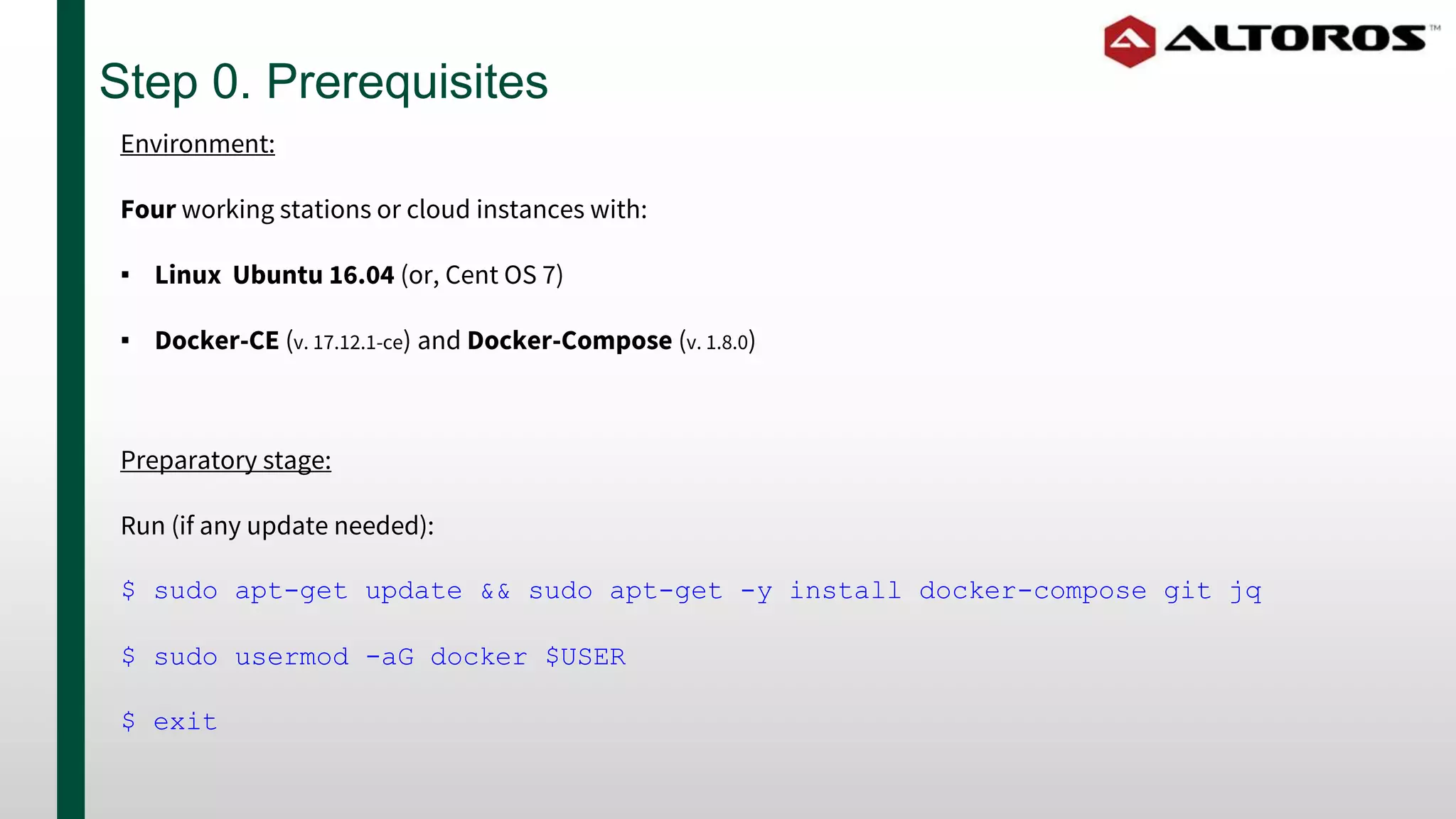
Step 0. Prerequisites
Preparatory stage:
Run (if any update needed):
$ sudo apt-get update && sudo apt-get -y install docker-compose git jq
$ sudo usermod -aG docker $USER
$ exit
Environment:
Four working stations or cloud instances with:
▪ Linux Ubuntu 16.04 (or, Cent OS 7)
▪ Docker-CE (v. 17.12.1-ce) and Docker-Compose (v. 1.8.0)
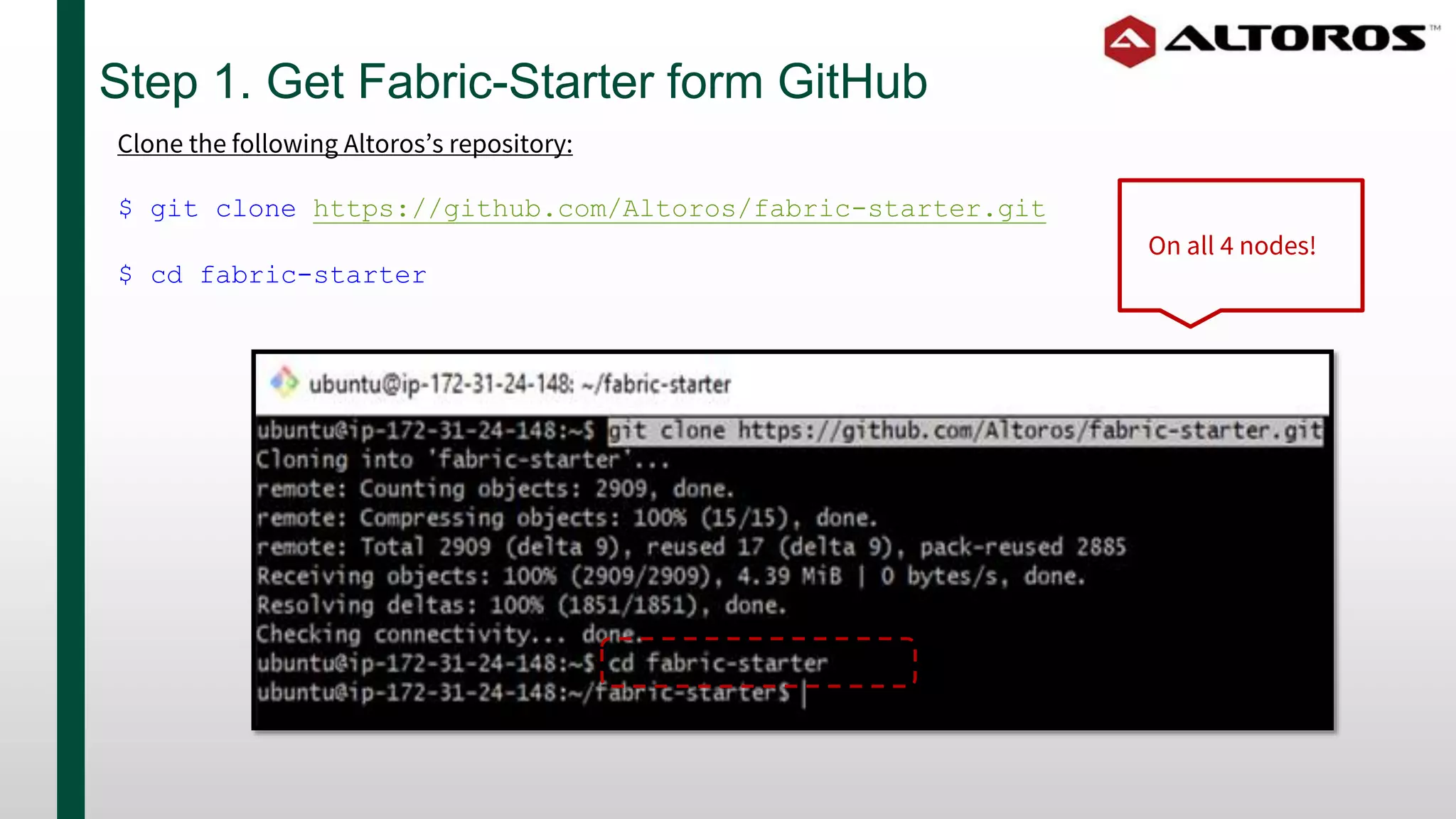
Step 1. Get Fabric-Starter form GitHub
Clone the following Altoros’s repository:
$ git clone https://github.com/Altoros/fabric-starter.git
$ cd fabric-starter
On all 4 nodes!
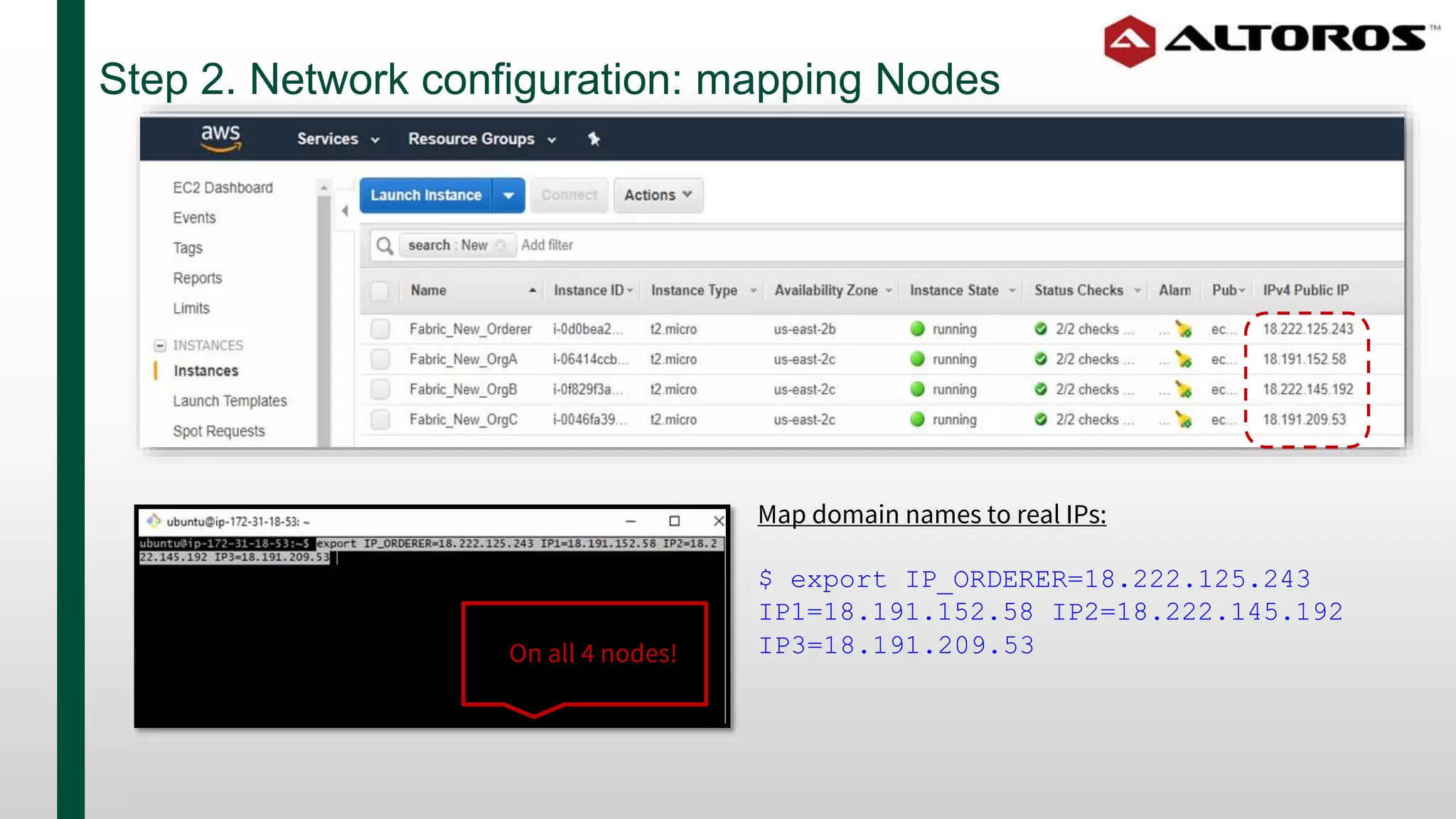
Step 2. Network configuration: mapping Nodes
Map domain names to real IPs:
$ export IP_ORDERER=18.222.125.243
IP1=18.191.152.58 IP2=18.222.145.192
IP3=18.191.209.53On all 4 nodes!
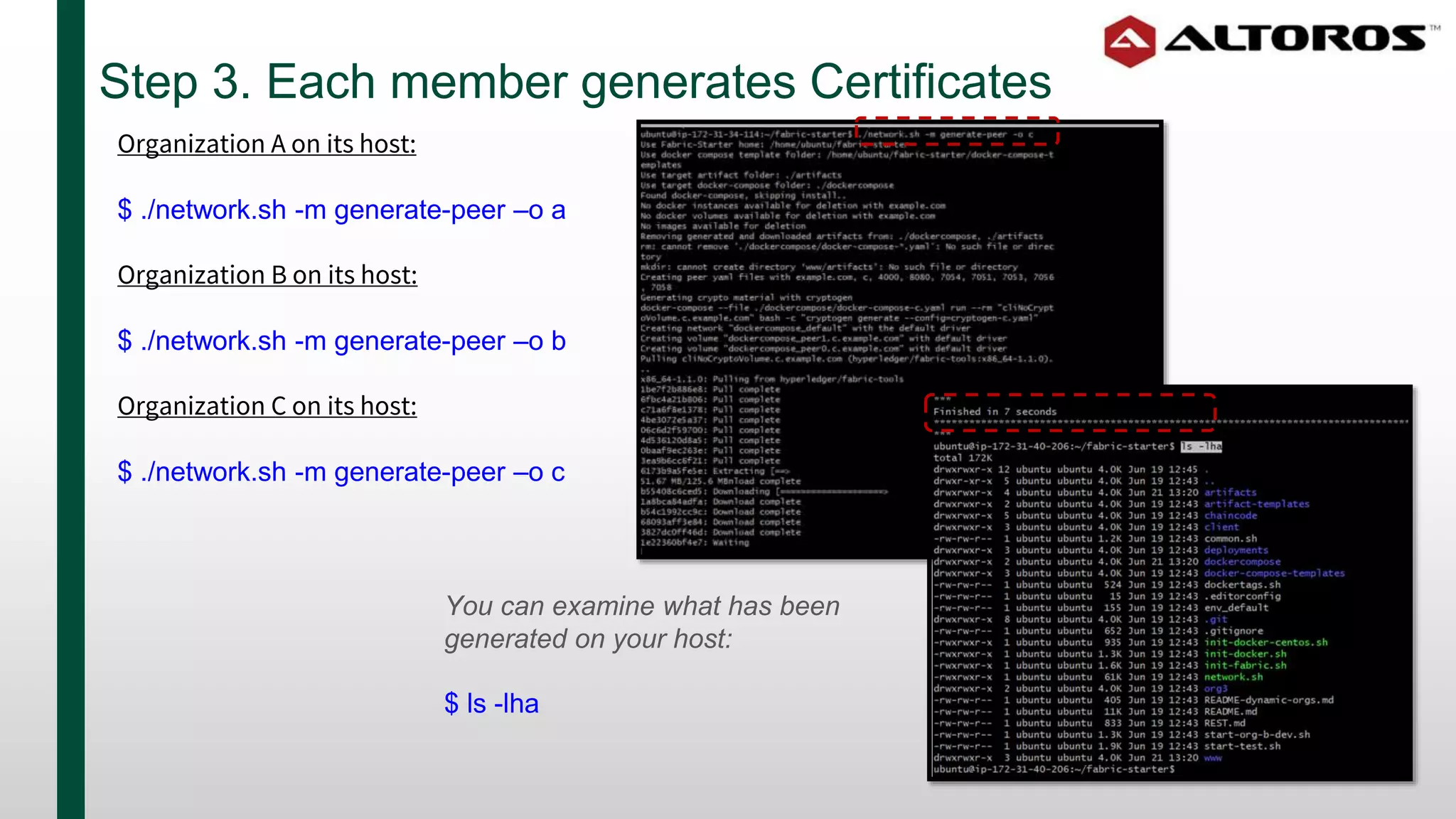
Step 3. Each member generates Certificates
Organization A on its host:
$ ./network.sh -m generate-peer –o a
Organization B on its host:
$ ./network.sh -m generate-peer –o b
Organization C on its host:
$ ./network.sh -m generate-peer –o c
You can examine what has been
generated on your host:
$ ls -lha
Step 4. Generating the Orderer
The Orderer generates a genesis block:
$ ./network.sh -m generate-orderer
Start the Orderer:
$ ./network.sh -m up-orderer
Step 5. Orgs connect their Peers
Organization A on its host:
$ ./network.sh -m up-1
Organization B on its host:
$ ./network.sh -m up-2
Organization C on its host:
$ ./network.sh -m up-3
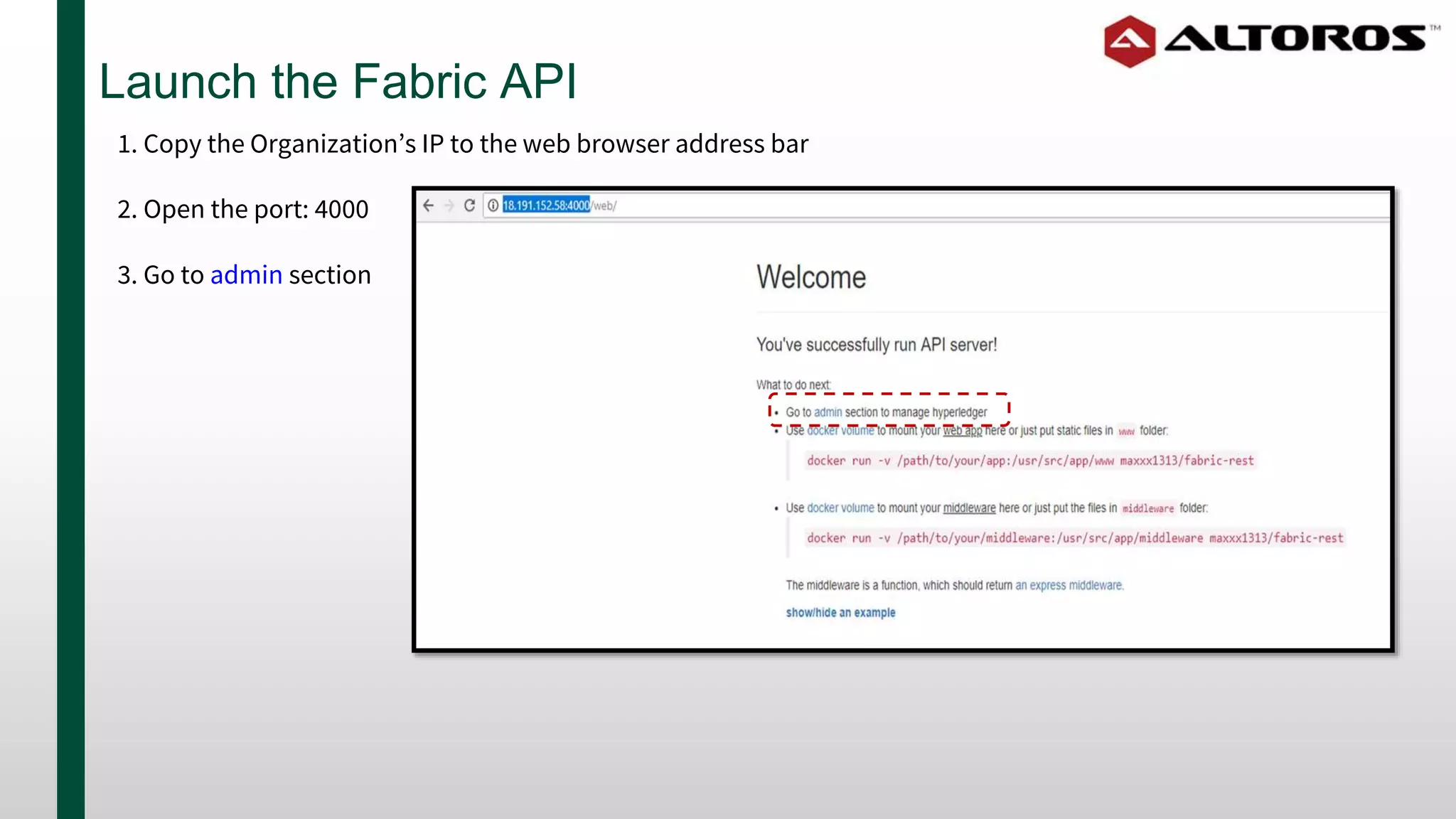
Launch the Fabric API
1. Copy the Organization’s IP to the web browser address bar
2. Open the port: 4000
3. Go to admin section
Experiment with your private blockchain
#HyperledgerAMS
Use BLOCKCHAIN2018 code to get 15% discount
on Altoros blockchain training:
● 3-day Hyperledger Fabric developer course > altoros.com/blockchaintech
● 1-day Hyperledger business course > altoros.com/blockchainbiz

5-Step Deployment of Hyperledger Fabric on Multiple Nodes

  • 1.
    5-Step Deployment ofHyperledger Fabric on Multiple Nodes Powered by Vitaliy Chernov VP Blockchain Practice, Blockchain Trainer at Altoros
  • 2.
    Network architecture: theOrderer + 3 Orgs Organization A Organization B Organization C • Peer 0 • Peer 1 • Peer 0 • Peer 1 • Peer 0 • Peer 1 Common channel Orderer
  • 3.
    Step 0. Prerequisites Preparatorystage: Run (if any update needed): $ sudo apt-get update && sudo apt-get -y install docker-compose git jq $ sudo usermod -aG docker $USER $ exit Environment: Four working stations or cloud instances with: ▪ Linux Ubuntu 16.04 (or, Cent OS 7) ▪ Docker-CE (v. 17.12.1-ce) and Docker-Compose (v. 1.8.0)
  • 4.
    Step 1. GetFabric-Starter form GitHub Clone the following Altoros’s repository: $ git clone https://github.com/Altoros/fabric-starter.git $ cd fabric-starter On all 4 nodes!
  • 5.
    Step 2. Networkconfiguration: mapping Nodes Map domain names to real IPs: $ export IP_ORDERER=18.222.125.243 IP1=18.191.152.58 IP2=18.222.145.192 IP3=18.191.209.53On all 4 nodes!
  • 6.
    Step 3. Eachmember generates Certificates Organization A on its host: $ ./network.sh -m generate-peer –o a Organization B on its host: $ ./network.sh -m generate-peer –o b Organization C on its host: $ ./network.sh -m generate-peer –o c You can examine what has been generated on your host: $ ls -lha
  • 7.
    Step 4. Generatingthe Orderer The Orderer generates a genesis block: $ ./network.sh -m generate-orderer Start the Orderer: $ ./network.sh -m up-orderer
  • 8.
    Step 5. Orgsconnect their Peers Organization A on its host: $ ./network.sh -m up-1 Organization B on its host: $ ./network.sh -m up-2 Organization C on its host: $ ./network.sh -m up-3
  • 9.
    Launch the FabricAPI 1. Copy the Organization’s IP to the web browser address bar 2. Open the port: 4000 3. Go to admin section
  • 10.
    Experiment with yourprivate blockchain
  • 11.
    #HyperledgerAMS Use BLOCKCHAIN2018 codeto get 15% discount on Altoros blockchain training: ● 3-day Hyperledger Fabric developer course > altoros.com/blockchaintech ● 1-day Hyperledger business course > altoros.com/blockchainbiz

Editor's Notes

  • #4  Don’t forget allowing Docker run as a “non-root USER”
  • #7  This step creates the Certificates of Authority that help Organizations to recognize each other through the network. After collecting those certificates from members the Orderer can generate a Genesis block and channel transaction files.