Cloud Computing

    Cloud
  Computing
   Presented by:

                   Jazia JABALLAH
                               L/O/G/O
                   Zeineb YAHYAOUI
                     www.themegallery.com

    Academic Year: 2009/2010           1
DB Server          EMail
Web Server      App Server
                                       Linux         Windows
Windows            Linux
                                      MySQL          Exchange
   IIS           Glassfish


               significant infrastructure costs


  Facebook spent $68 million on their servers in 2007 [1]       2
Web Server
 “Don't put
  all your
eggs in one
  basket”


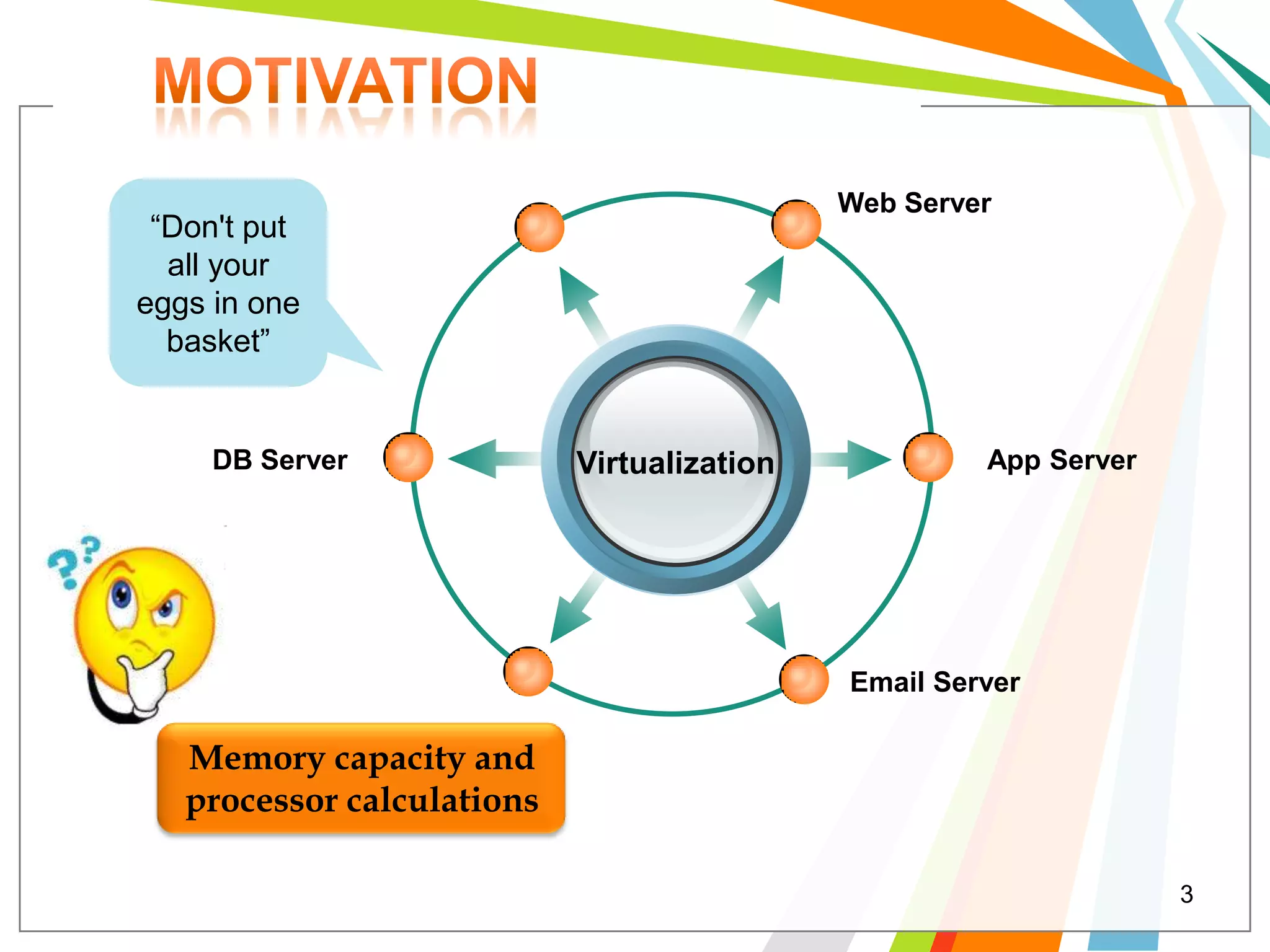
     DB Server              Virtualization            App Server


                                             Email Server

   Memory capacity and
   processor calculations

                                                                   3
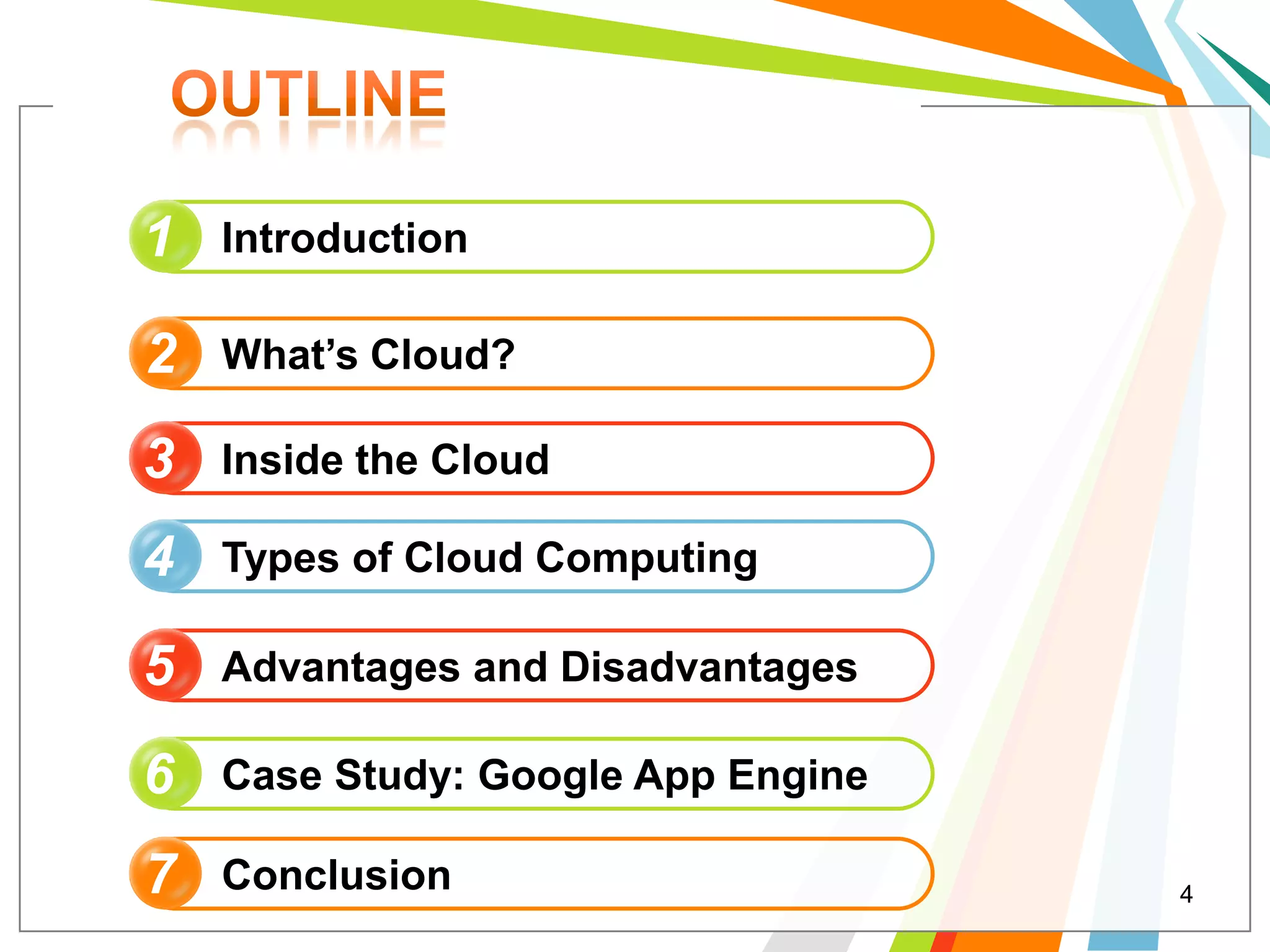
1   Introduction

2   What’s Cloud?

3   Inside the Cloud

4   Types of Cloud Computing

5   Advantages and Disadvantages

6   Case Study: Google App Engine

7   Conclusion                      4
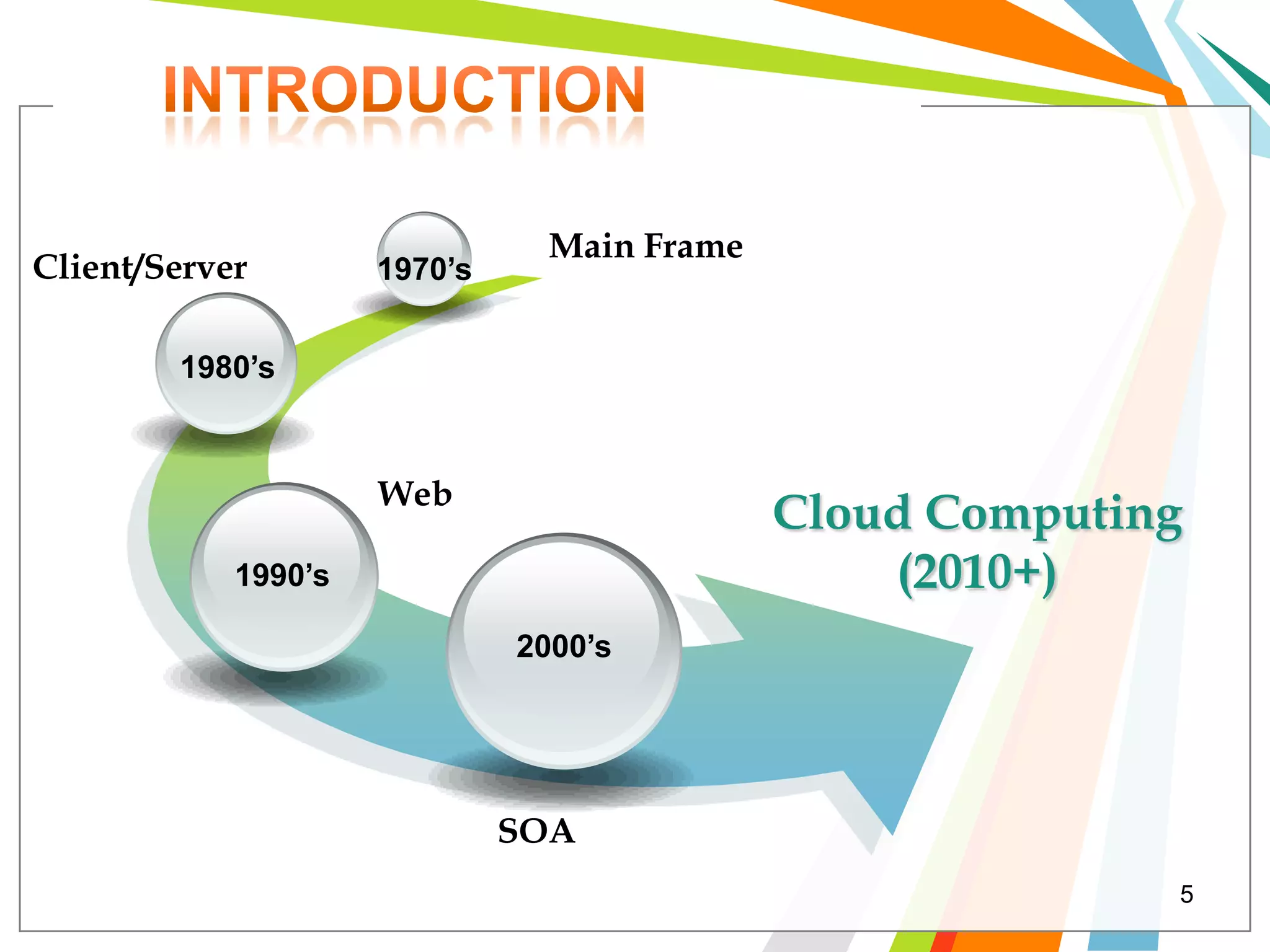
Main Frame
Client/Server        1970’s


        1980’s


                     Web
                                             Cloud Computing
            1990’s                               (2010+)
                              2000’s


                              SOA
                                                           5
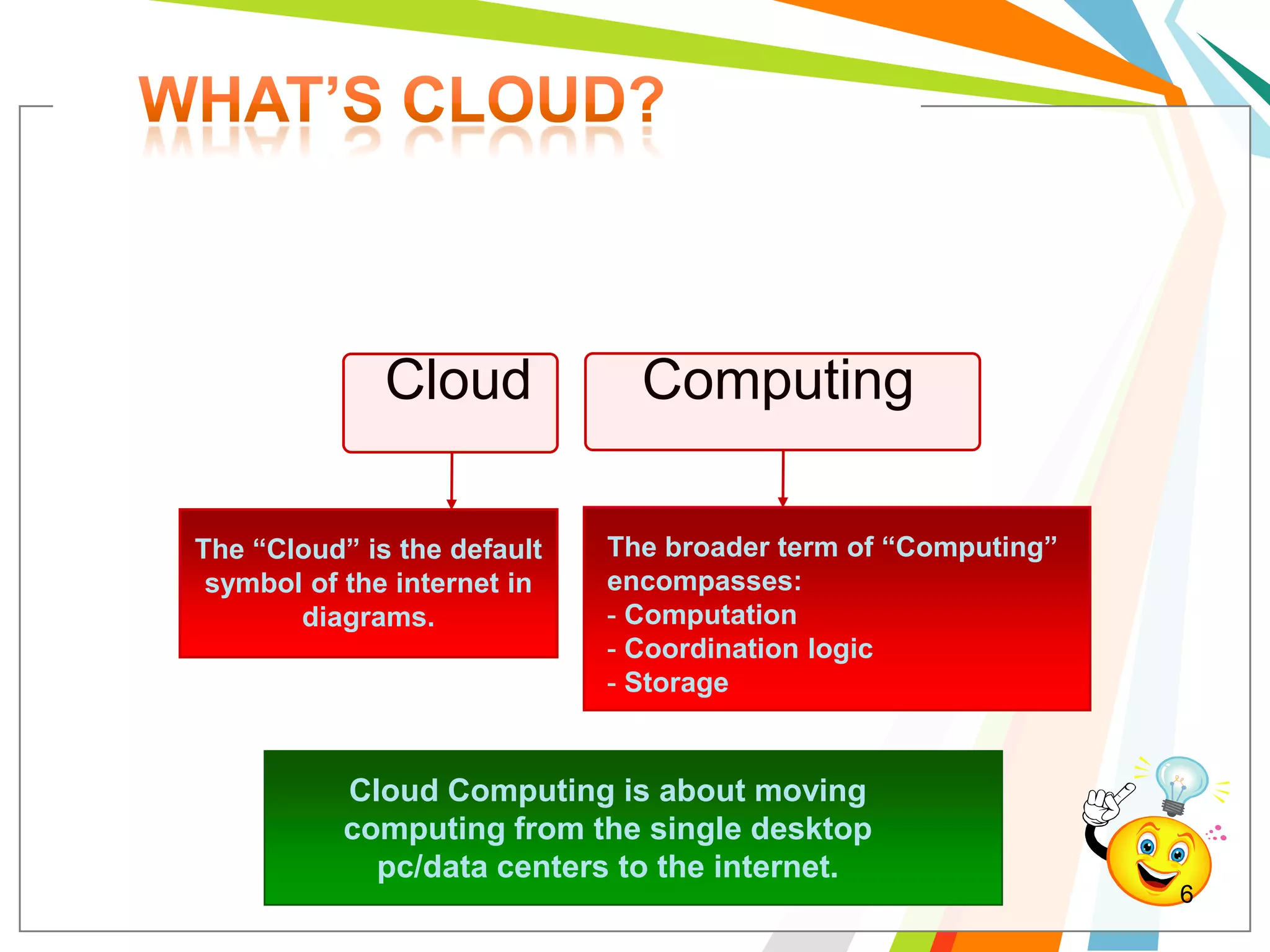
Cloud            Computing

The “Cloud” is the default   The broader term of “Computing”
 symbol of the internet in   encompasses:
       diagrams.             - Computation
                             - Coordination logic
                             - Storage


           Cloud Computing is about moving
           computing from the single desktop
             pc/data centers to the internet.
                                                               6
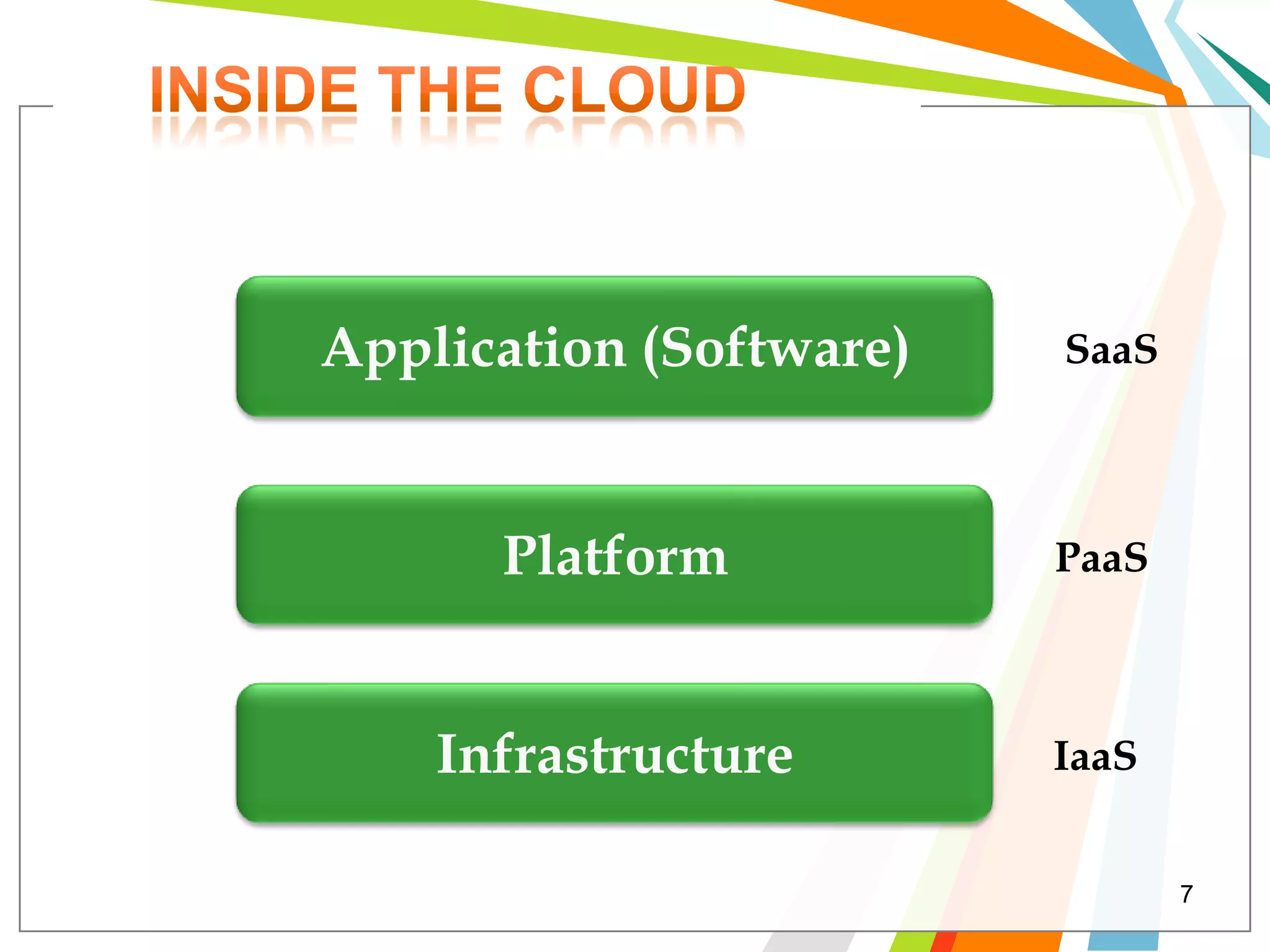
Application (Software)   SaaS


      Platform           PaaS


    Infrastructure       IaaS


                                7
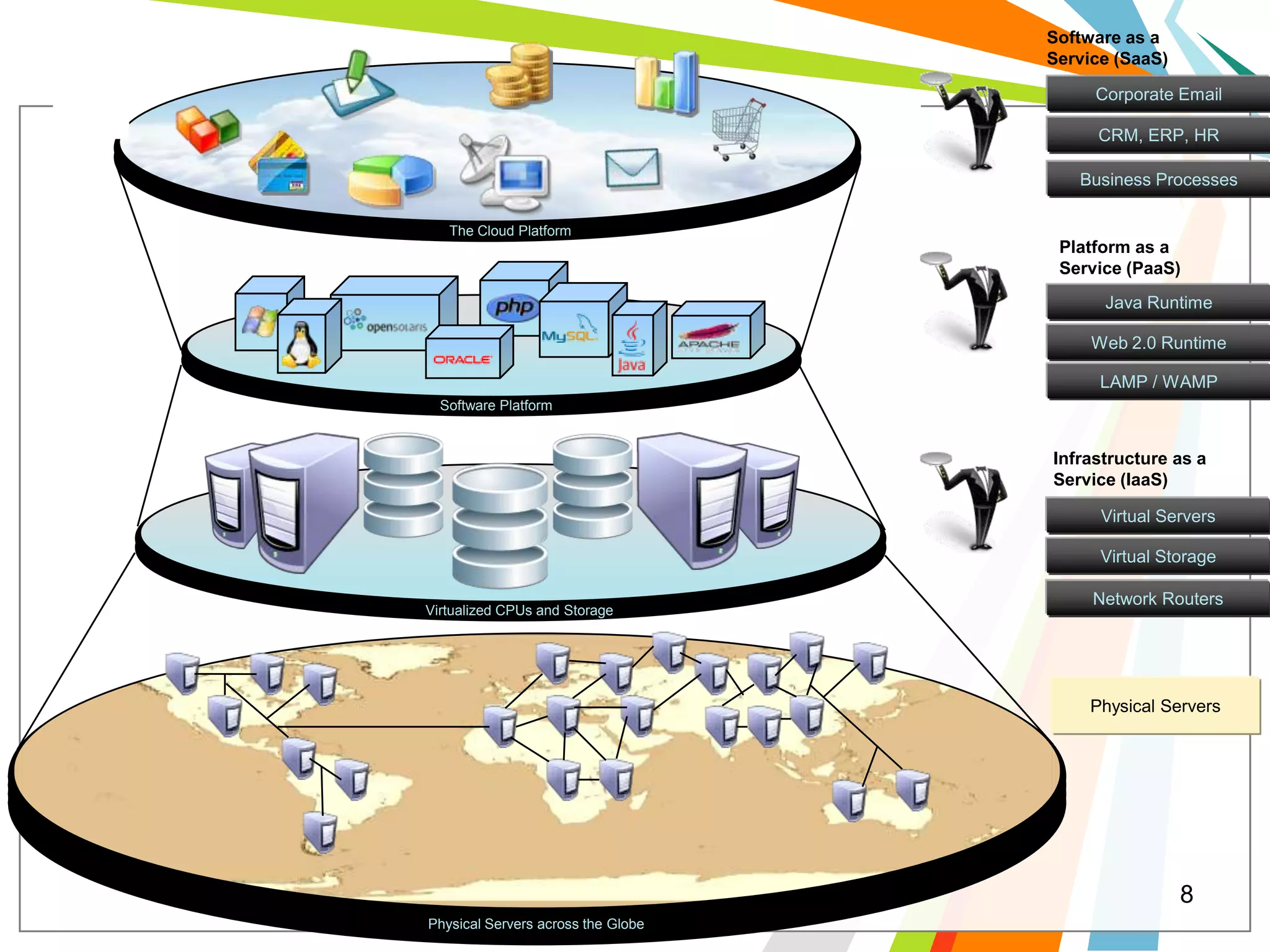
Software as a
                                    Service (SaaS)

                                         Corporate Email

                                         CRM, ERP, HR

                                       Business Processes

   The Cloud Platform
                                     Platform as a
                                     Service (PaaS)
                                          Java Runtime

                                         Web 2.0 Runtime

                                          LAMP / WAMP
  Software Platform


                                    Infrastructure as a
                                    Service (IaaS)

                                          Virtual Servers

                                          Virtual Storage

                                         Network Routers
Virtualized CPUs and Storage


                                         Physical Servers


                                                     8
Physical Servers across the Globe
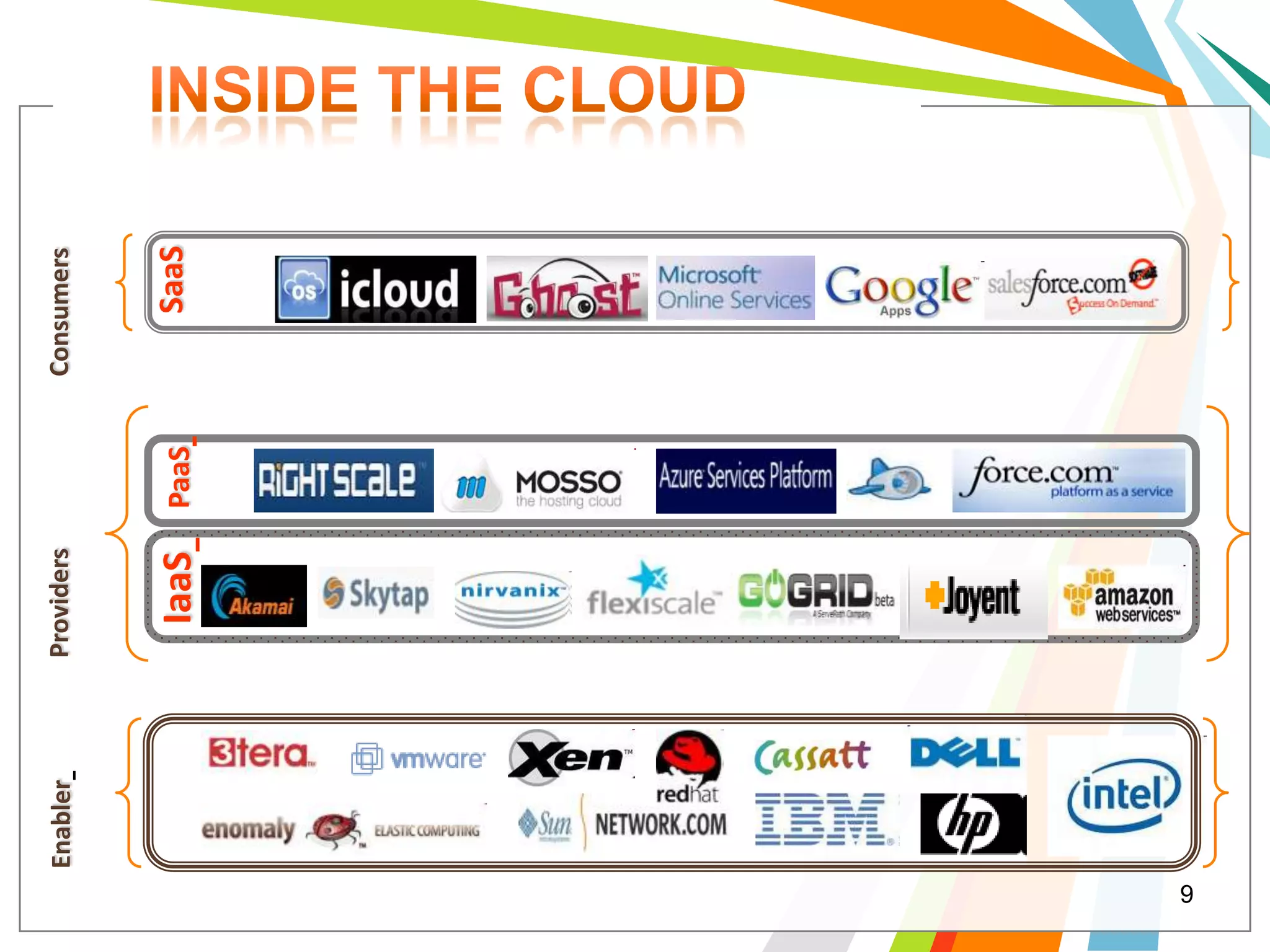
Enabler   Providers          Consumers


                IaaS      PaaS       SaaS


9
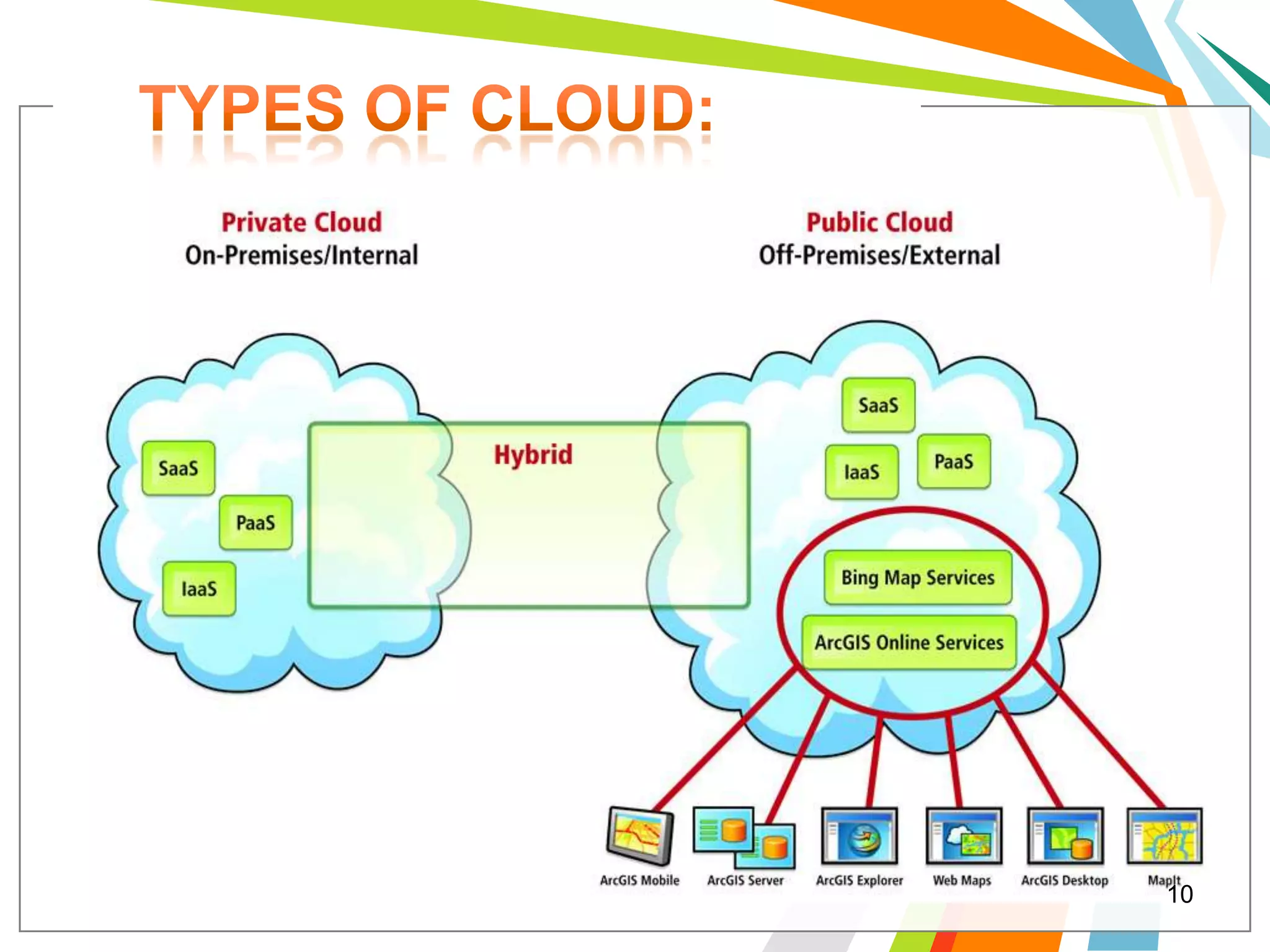
10
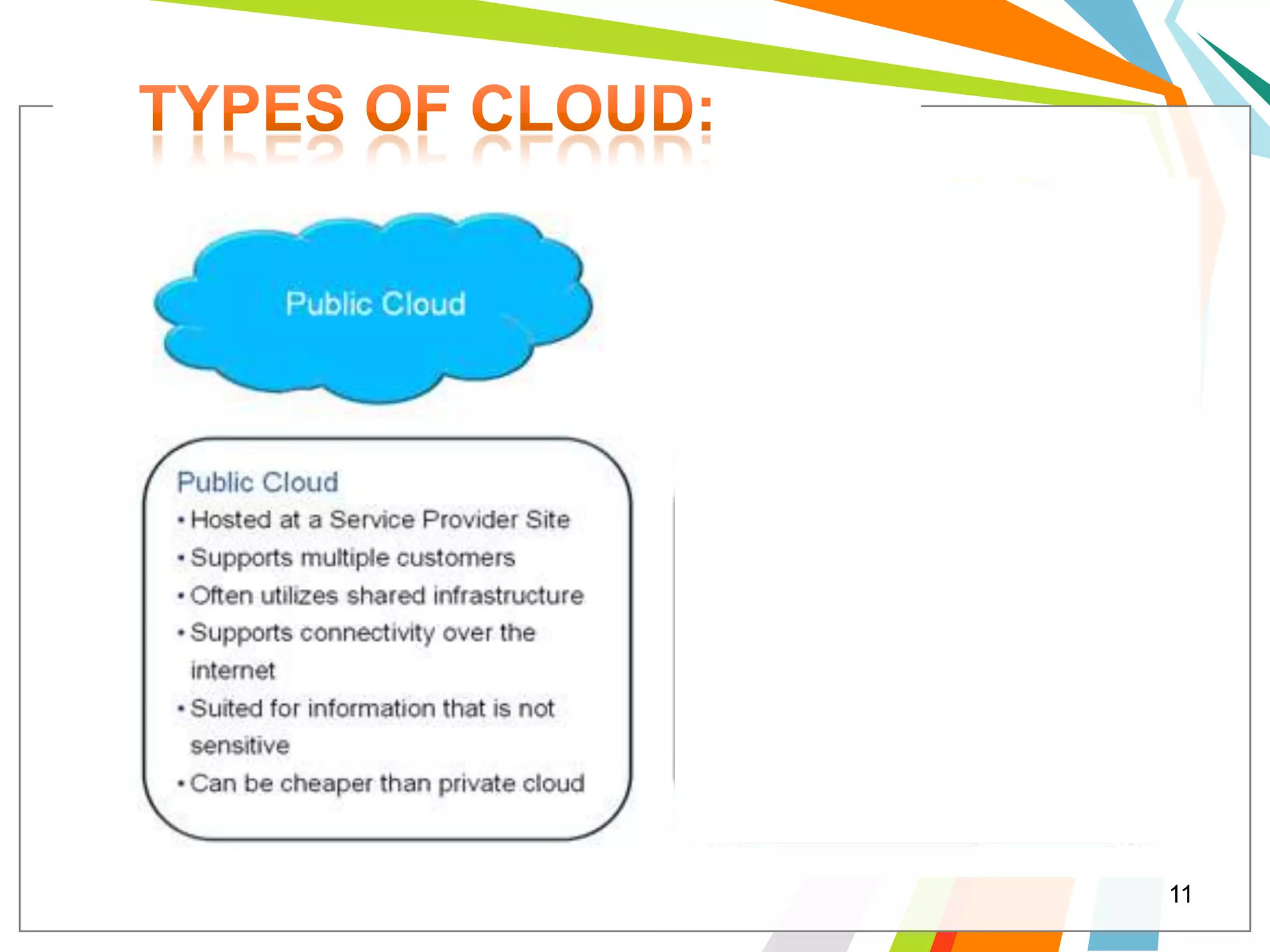
11
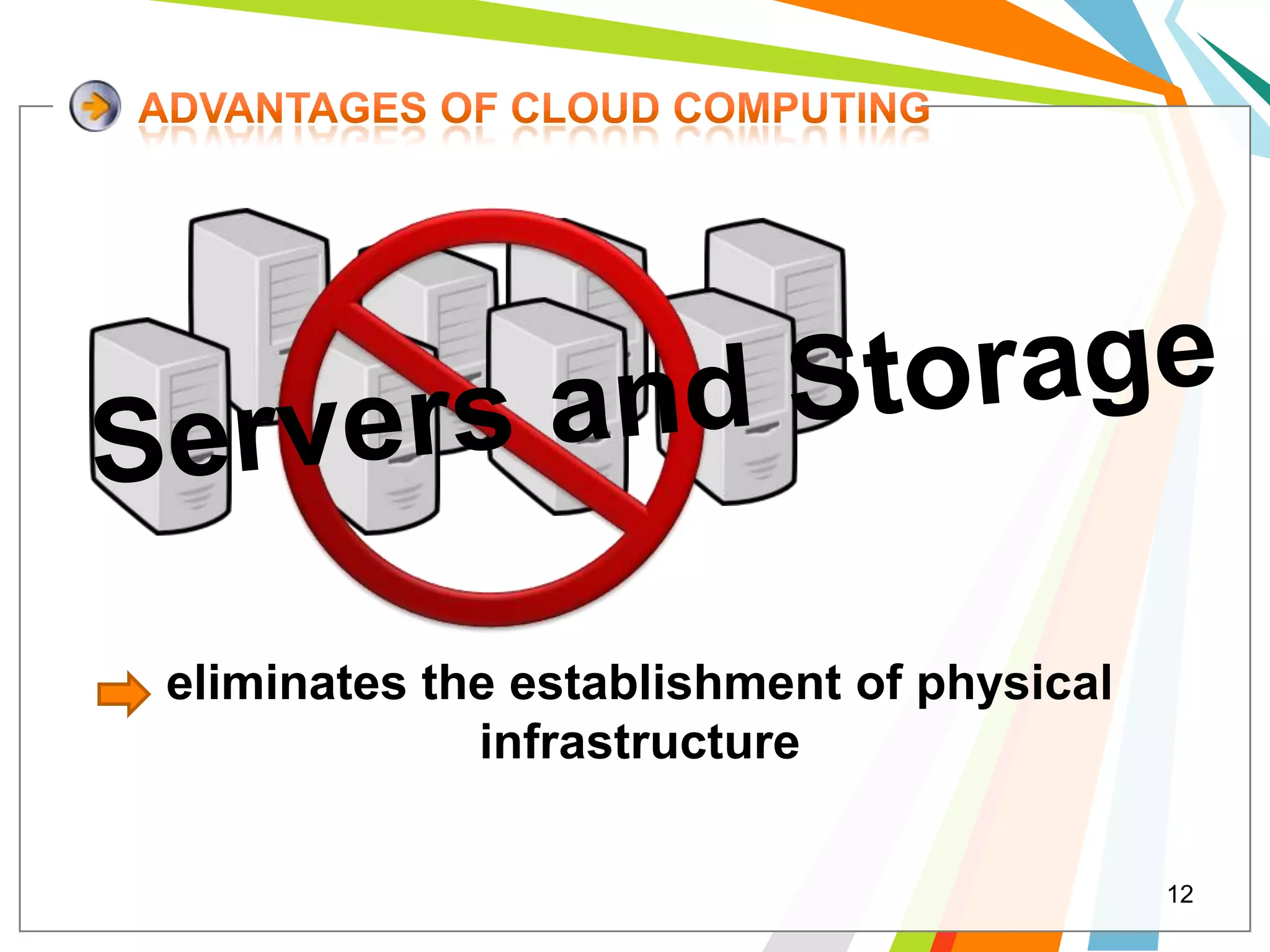
eliminates the establishment of physical
             infrastructure

                                           12
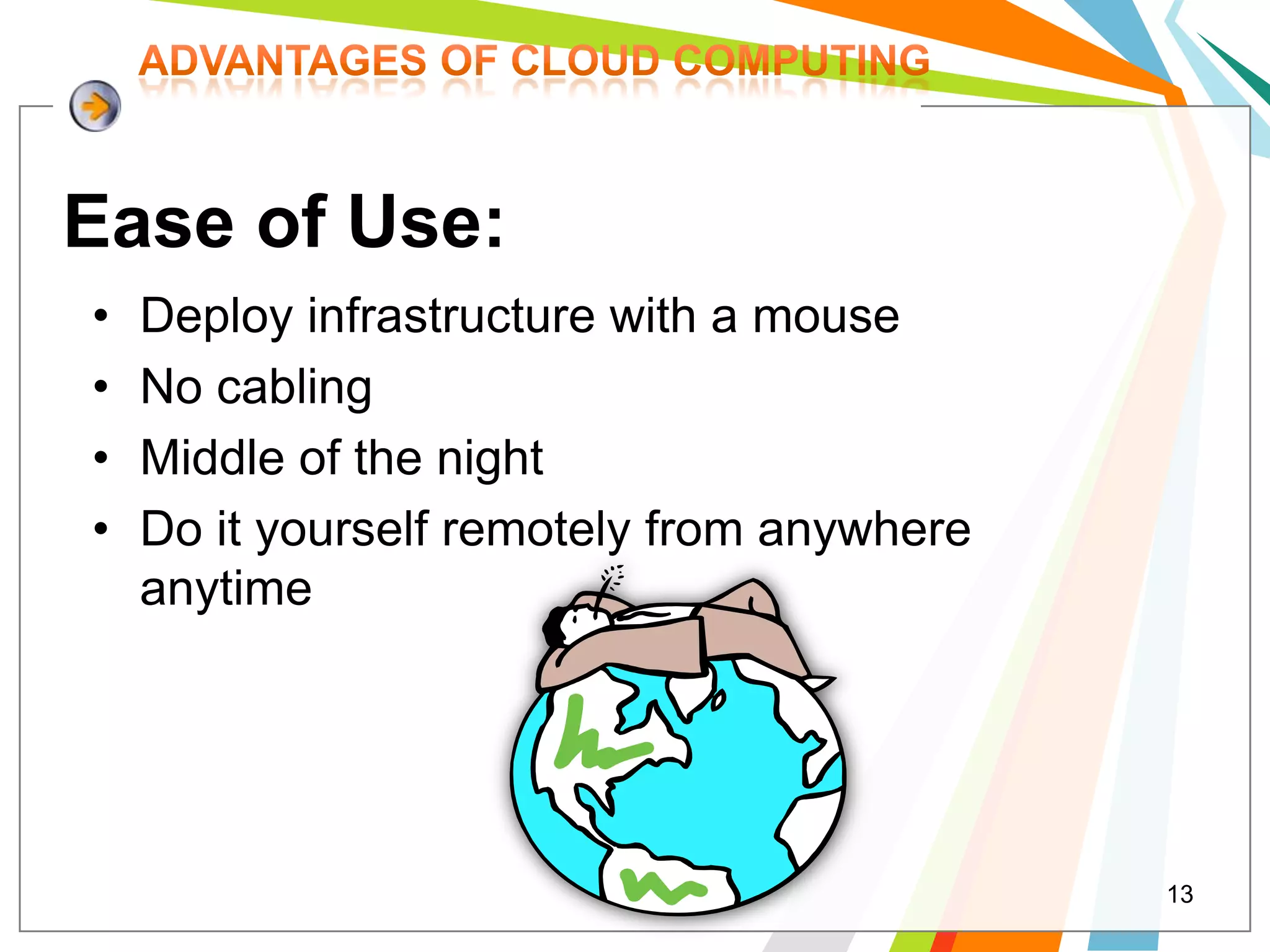
Ease of Use:
•   Deploy infrastructure with a mouse
•   No cabling
•   Middle of the night
•   Do it yourself remotely from anywhere
    anytime


                                            13
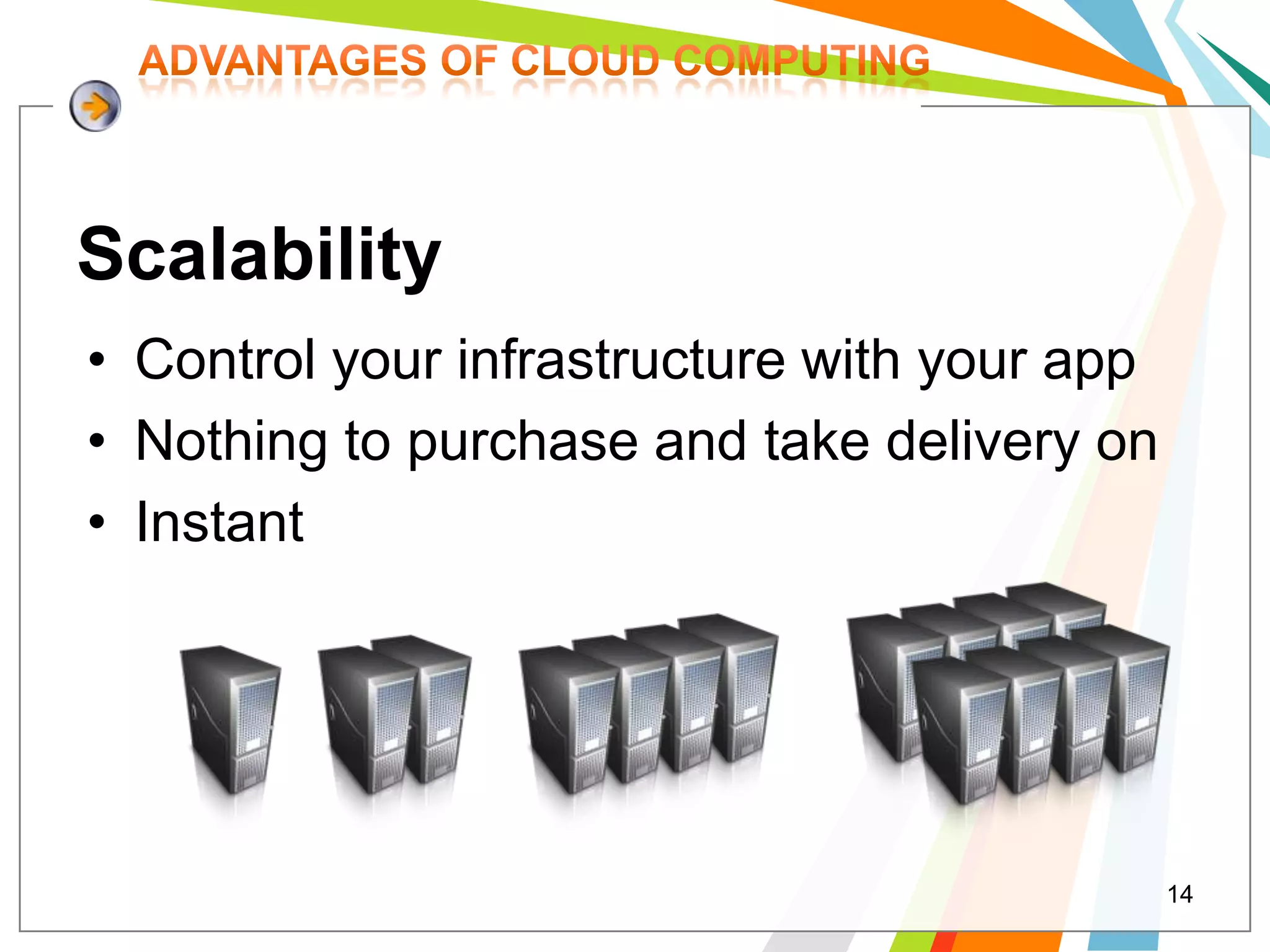
Scalability
• Control your infrastructure with your app
• Nothing to purchase and take delivery on
• Instant


                                              14
Risk
•   Nothing to buy
•   Cancel immediately
•   Change instantly, even operating systems
•   Throw it out
•   Rebuild it instantly after testing
                                   RISK

                                           15
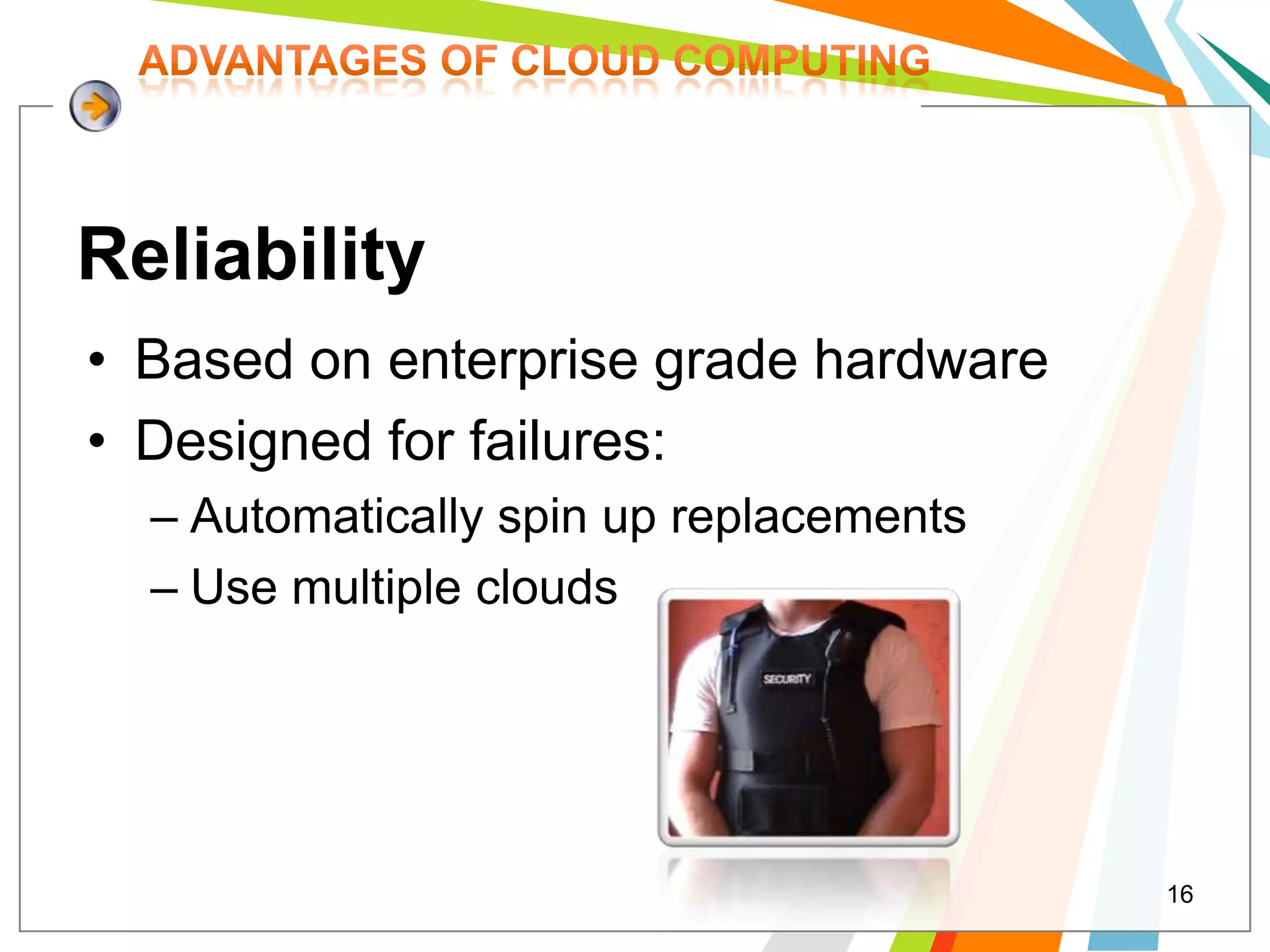
Reliability
• Based on enterprise grade hardware
• Designed for failures:
  – Automatically spin up replacements
  – Use multiple clouds


                                         16
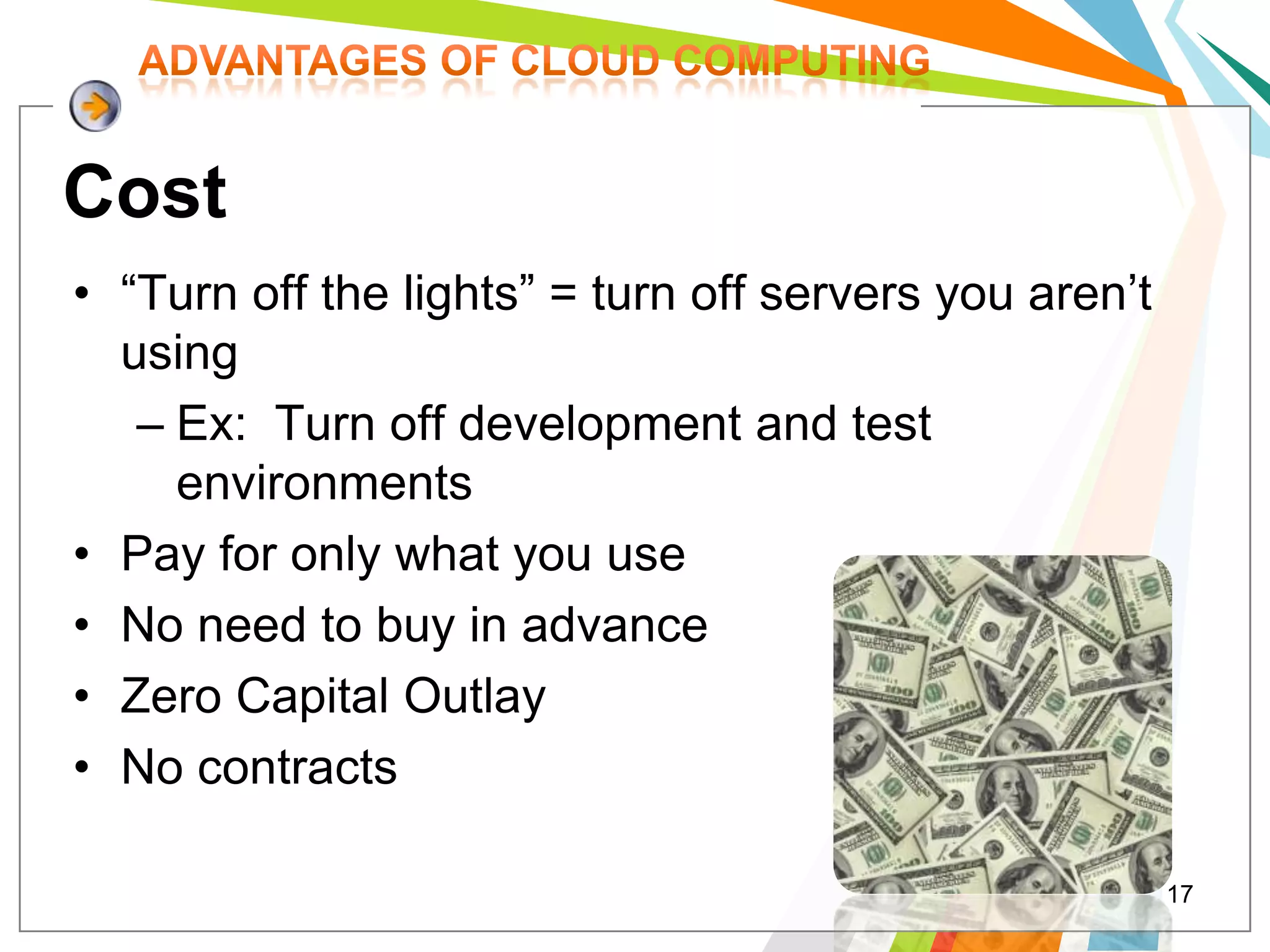
Cost
• “Turn off the lights” = turn off servers you aren’t
  using
   – Ex: Turn off development and test
     environments
• Pay for only what you use
• No need to buy in advance
• Zero Capital Outlay
• No contracts

                                                        17
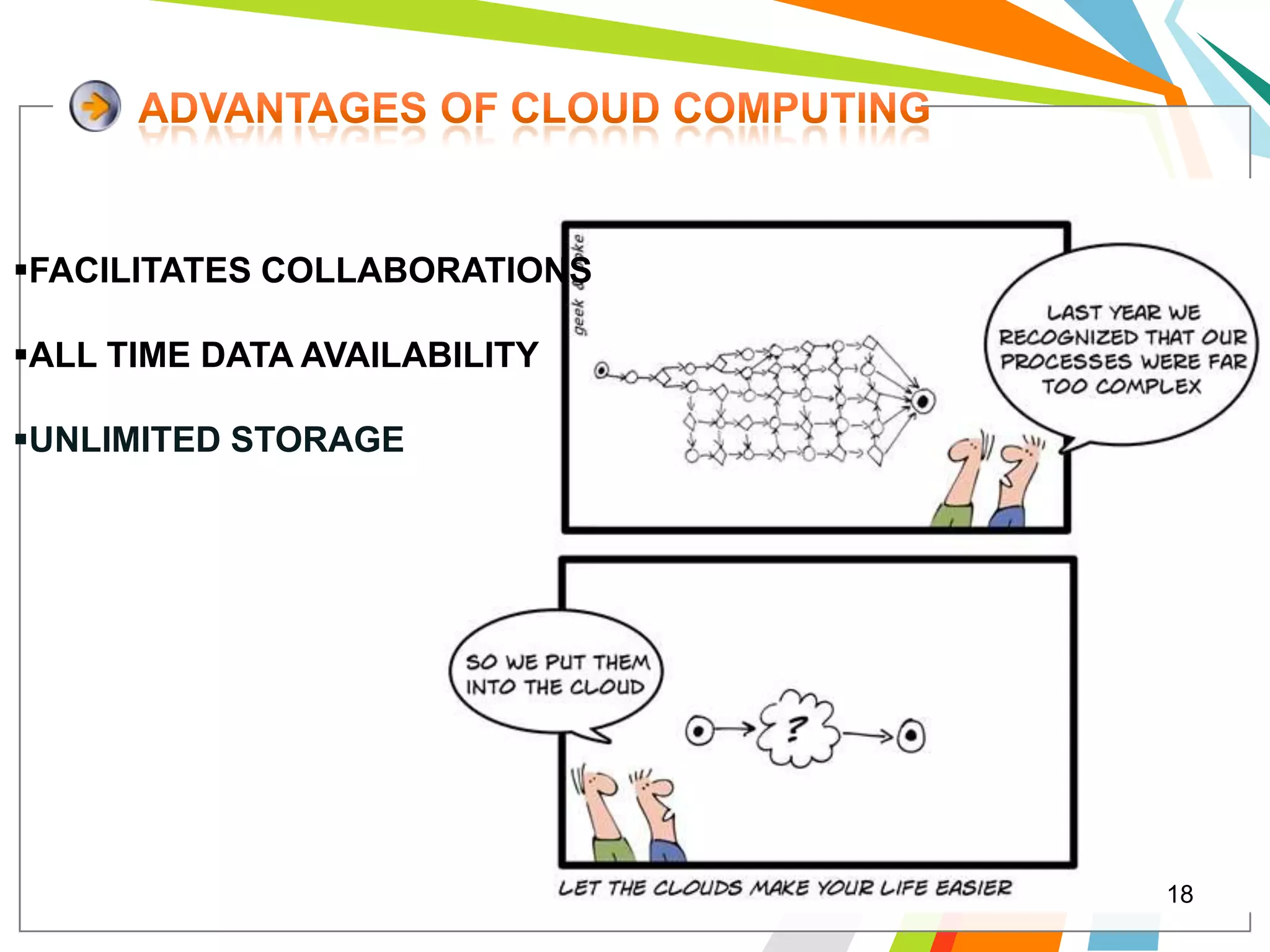
FACILITATES COLLABORATIONS

ALL TIME DATA AVAILABILITY

UNLIMITED STORAGE


                              18
TOTALLY   INTERNET   CONNECTION
ORIENTED

REQUIRE HIGH BANDWIDTH OF
NET CONNECTION

DENIAL   OF   SERVICE   ATTACKS
AGAINST THE SERVICE PROVIDER.


                                   19
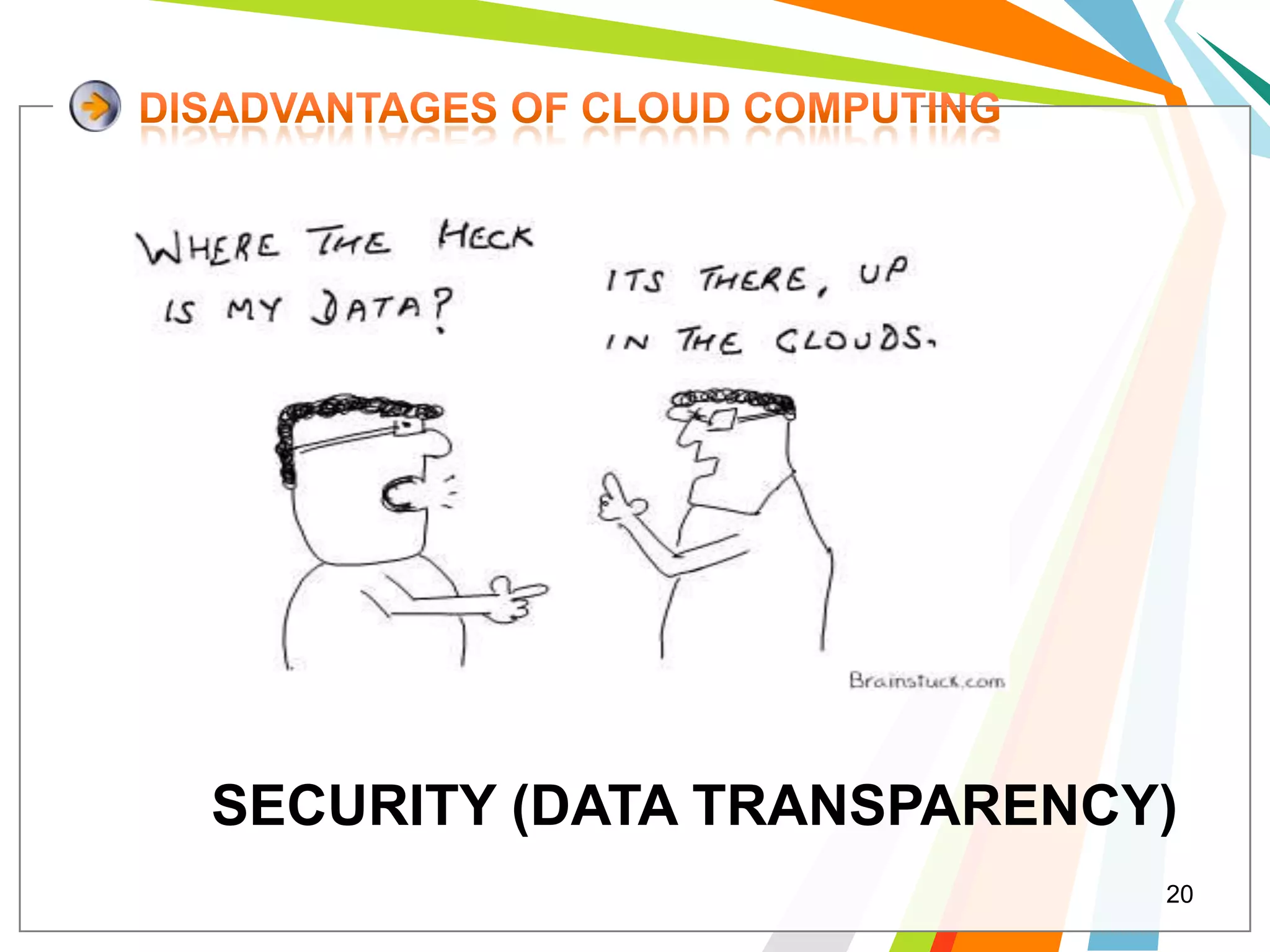
SECURITY (DATA TRANSPARENCY)
                           20
1                     2                   3

It allows people   Write a web             Google App
                                           Engine is free up
to run their web   program in
                                           to a certain level
application on     Python or in            of used resources.

Google's           Java and

infrastructure.    submit to
                   Google. It will
                   take care of the rest


                                                                21
Cloud computing – Only PaaS & SaaS, No IaaS
Initially started with Python Runtime
Recently added support for Java
Can deploy standard J2EE WAR Files
Requires a special deployment descriptor
Provides simple storage as integrated feature
Storage supports GQL – Google Query Language


                                                22
• Download Google App Engine SDK for Java:

            appengine-java-sdk-1.3.3.1.zip
• Download the Google Plugin for Eclipse:
         http://dl.google.com/eclipse/plugin/3.4


                Demo
                                                   23
 HAS     GOOD     HARDWARE
  MANAGEMENT
 SECURITY IS ADVANTAGE AS
  WELL AS THREAT
 MADE BUSINESS LIFE EASY
 HOWEVER NOT AVAILABLE TO
  ALL


                              24
USE OF IT DEPEND ON THE TYPE OF
BUSINESS IS DONE
FLEXIBLE IN TERMS OF DATA
AVAILABILITY   AND      RESOURCE
USABILITY
HUGE     DATA  AVAILABILITY BUT
MAINTENANCE IS A CHALLENGE


                                   25
There are a lot of criticisms
about the security in cloud
computing.
Some have said stored
information in the cloud is
safer than on premise, but
others disagree.


                                 26
L/O/G/O
www.themegallery.com

                 27
28

Cloud computing

  • 1.
    Cloud Computing Cloud Computing Presented by: Jazia JABALLAH L/O/G/O Zeineb YAHYAOUI www.themegallery.com Academic Year: 2009/2010 1
  • 2.
    DB Server EMail Web Server App Server Linux Windows Windows Linux MySQL Exchange IIS Glassfish significant infrastructure costs Facebook spent $68 million on their servers in 2007 [1] 2
  • 3.
    Web Server “Don'tput all your eggs in one basket” DB Server Virtualization App Server Email Server Memory capacity and processor calculations 3
  • 4.
    1 Introduction 2 What’s Cloud? 3 Inside the Cloud 4 Types of Cloud Computing 5 Advantages and Disadvantages 6 Case Study: Google App Engine 7 Conclusion 4
  • 5.
    Main Frame Client/Server 1970’s 1980’s Web Cloud Computing 1990’s (2010+) 2000’s SOA 5
  • 6.
    Cloud Computing The “Cloud” is the default The broader term of “Computing” symbol of the internet in encompasses: diagrams. - Computation - Coordination logic - Storage Cloud Computing is about moving computing from the single desktop pc/data centers to the internet. 6
  • 7.
    Application (Software) SaaS Platform PaaS Infrastructure IaaS 7
  • 8.
    Software as a Service (SaaS) Corporate Email CRM, ERP, HR Business Processes The Cloud Platform Platform as a Service (PaaS) Java Runtime Web 2.0 Runtime LAMP / WAMP Software Platform Infrastructure as a Service (IaaS) Virtual Servers Virtual Storage Network Routers Virtualized CPUs and Storage Physical Servers 8 Physical Servers across the Globe
  • 9.
    Enabler Providers Consumers IaaS PaaS SaaS 9
  • 10.
  • 11.
  • 12.
    eliminates the establishmentof physical infrastructure 12
  • 13.
    Ease of Use: • Deploy infrastructure with a mouse • No cabling • Middle of the night • Do it yourself remotely from anywhere anytime 13
  • 14.
    Scalability • Control yourinfrastructure with your app • Nothing to purchase and take delivery on • Instant 14
  • 15.
    Risk • Nothing to buy • Cancel immediately • Change instantly, even operating systems • Throw it out • Rebuild it instantly after testing RISK 15
  • 16.
    Reliability • Based onenterprise grade hardware • Designed for failures: – Automatically spin up replacements – Use multiple clouds 16
  • 17.
    Cost • “Turn offthe lights” = turn off servers you aren’t using – Ex: Turn off development and test environments • Pay for only what you use • No need to buy in advance • Zero Capital Outlay • No contracts 17
  • 18.
    FACILITATES COLLABORATIONS ALL TIMEDATA AVAILABILITY UNLIMITED STORAGE 18
  • 19.
    TOTALLY INTERNET CONNECTION ORIENTED REQUIRE HIGH BANDWIDTH OF NET CONNECTION DENIAL OF SERVICE ATTACKS AGAINST THE SERVICE PROVIDER. 19
  • 20.
  • 21.
    1 2 3 It allows people Write a web Google App Engine is free up to run their web program in to a certain level application on Python or in of used resources. Google's Java and infrastructure. submit to Google. It will take care of the rest 21
  • 22.
    Cloud computing –Only PaaS & SaaS, No IaaS Initially started with Python Runtime Recently added support for Java Can deploy standard J2EE WAR Files Requires a special deployment descriptor Provides simple storage as integrated feature Storage supports GQL – Google Query Language 22
  • 23.
    • Download GoogleApp Engine SDK for Java: appengine-java-sdk-1.3.3.1.zip • Download the Google Plugin for Eclipse: http://dl.google.com/eclipse/plugin/3.4 Demo 23
  • 24.
     HAS GOOD HARDWARE MANAGEMENT  SECURITY IS ADVANTAGE AS WELL AS THREAT  MADE BUSINESS LIFE EASY  HOWEVER NOT AVAILABLE TO ALL 24
  • 25.
    USE OF ITDEPEND ON THE TYPE OF BUSINESS IS DONE FLEXIBLE IN TERMS OF DATA AVAILABILITY AND RESOURCE USABILITY HUGE DATA AVAILABILITY BUT MAINTENANCE IS A CHALLENGE 25
  • 26.
    There are alot of criticisms about the security in cloud computing. Some have said stored information in the cloud is safer than on premise, but others disagree. 26
  • 27.
  • 28.