Cloud ComputingAmy SprulesImage retrieved from www.photobucket.com
JetCloudItinerary Works as a large server
Contains information for individuals and businesses
Can be retrieved on a number as devices e.g. Computers, mobile phones etc
Available anywhere around the world
More cost effective option
 Reduces electricity costs
Environmentally friendlyImage Retrieved from http://www.123rf.com/photo_2869149_airport-departures-timetable--vector-file-include-layers-whit-letter-source.html
Image retrieved from http://forum.cyberairlines.net/archive/index.php/thread-2078.html
Integral resource in the classroomAdvantages for teacher, student and schoolProvides a convenient style of learning for students“The ability to use rapidly changing and evolving technologies to create, communicate, collaborate, express one’s self and influence others is a critical 21st century skill.” (Bittman. T, 2008)Image retrieved from www.photobucket.com
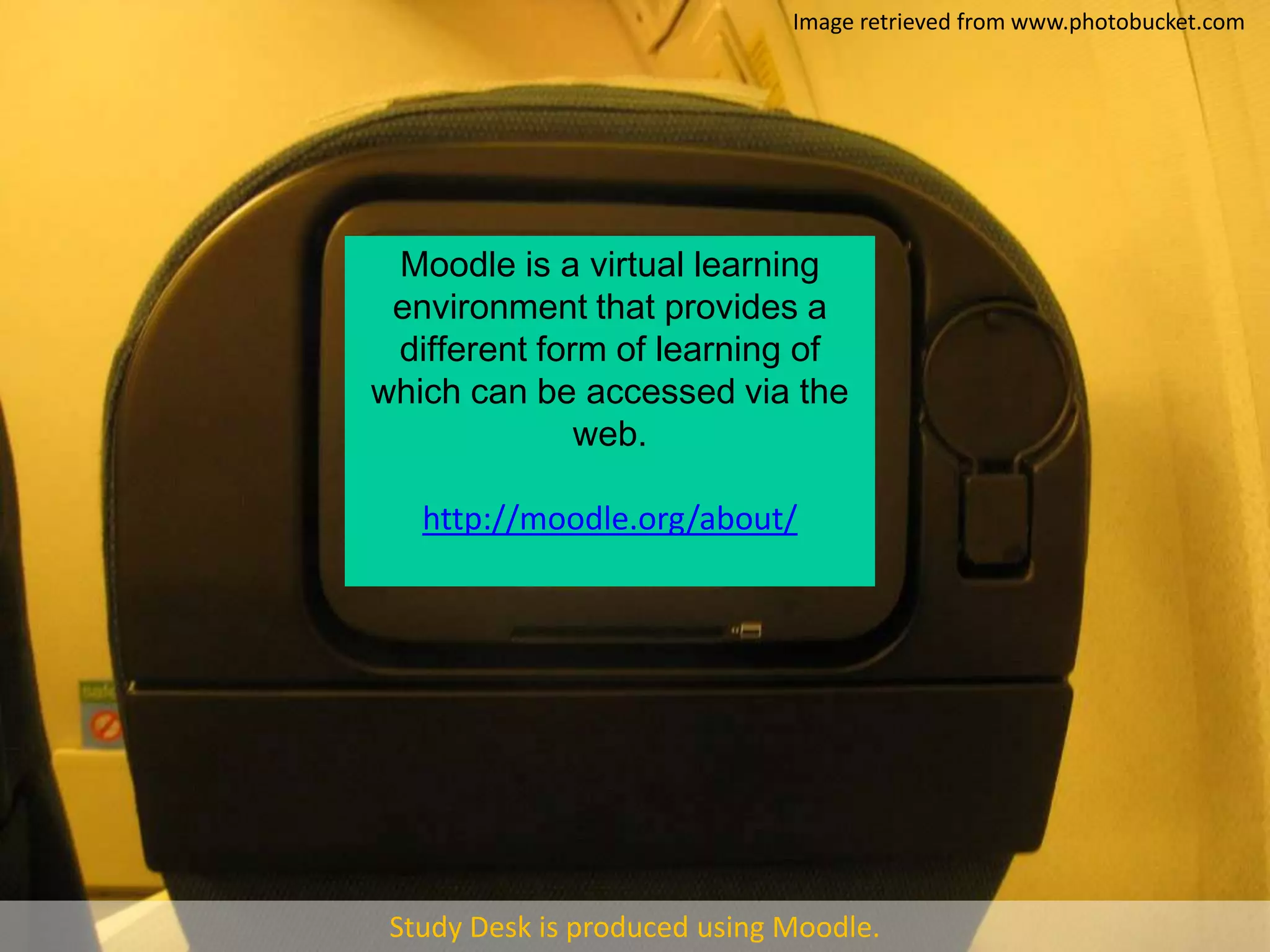
Image retrieved from www.photobucket.comMoodle is a virtual learning environment that provides a different form of learning of which can be accessed via the web.http://moodle.org/about/Study Desk is produced using Moodle.

Cloud computing

  • 1.
    Cloud ComputingAmy SprulesImageretrieved from www.photobucket.com
  • 2.
  • 3.
    Contains information forindividuals and businesses
  • 4.
    Can be retrievedon a number as devices e.g. Computers, mobile phones etc
  • 5.
  • 6.
  • 7.
  • 8.
    Environmentally friendlyImage Retrievedfrom http://www.123rf.com/photo_2869149_airport-departures-timetable--vector-file-include-layers-whit-letter-source.html
  • 9.
    Image retrieved fromhttp://forum.cyberairlines.net/archive/index.php/thread-2078.html
  • 10.
    Integral resource inthe classroomAdvantages for teacher, student and schoolProvides a convenient style of learning for students“The ability to use rapidly changing and evolving technologies to create, communicate, collaborate, express one’s self and influence others is a critical 21st century skill.” (Bittman. T, 2008)Image retrieved from www.photobucket.com
  • 11.
    Image retrieved fromwww.photobucket.comMoodle is a virtual learning environment that provides a different form of learning of which can be accessed via the web.http://moodle.org/about/Study Desk is produced using Moodle.
  • 12.
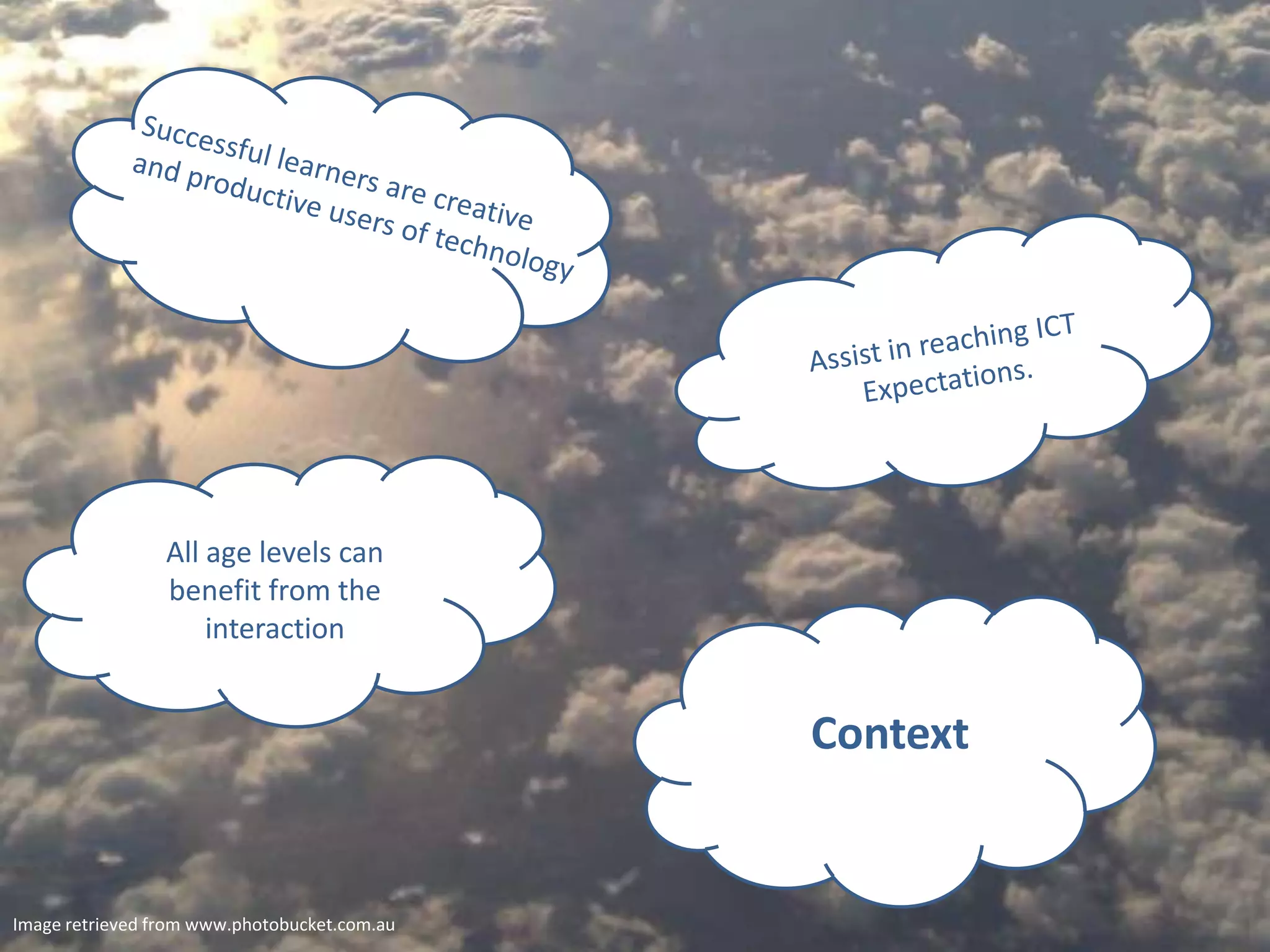
    Successful learners arecreative and productive users of technologyAssist in reaching ICT Expectations.All age levels can benefit from the interactionContextImage retrieved from www.photobucket.com.au
  • 13.
    Pedagogical ApproachesWill seeteacher: Step back from traditional roles
  • 14.
    Draw ona constructionist approach to teaching and learningWill see students:Draw on prior knowledge
  • 15.
    Engage infurther learning through technologyClassroom OrganisationWhole class activities – class set laptops or computer labsRotational and small group work – 4 – 5 computers situated in classroomHomework tasks – computer at home or access at school during lunch and before or after school
  • 16.
    Legal/Ethical ConsiderationsMinimise securityrisks by:Using programs such as moodle
  • 17.
    Providing links tosite previously checked
  • 18.
    Keeping login safefrom access of othersImplemented in all Key Learning AreasImplemented through: Uploading tasks and activities
  • 19.
  • 20.
  • 21.
    Students uploadingassignmentsTechnology is a broad field that draws on a range of subjects including home economics, manufacturing, engineering, manual arts, aerospace, graphics and information processing and technology. (Department of Education and Training, 2005)
  • 22.
    ReferencesBittman, T. (2008).Cloud Computing and K-12 Education. Retrieved March 22, 2011 from http://blogs.gartner.com/thomas_bittman/2008/11/26/cloud-computing-and-k-12-education/Education Queensland. (2009).Student ICT Expectations. Retrieved March 22, 2011 from http://education.qld.gov.au/smartclassrooms/pdf/student-ict-expectations.pdfQueensland Government (Department of Education and Training). (2005). Technology. Retrieved March 22, 2011 from http://education.qld.gov.au/curriculum/area/technology/index.htmlXyroproductions. (2009, October 11). “The Cloud” Explained. [Video file]. Video posted on http://www.youtube.com/watch?v=dPC9ZguKqeA&feature=relatedImage retrieved from http://eu.fotolia.com/id/22115292