Clone multiple permission sets from

selected org to current Org
Clone

Permission

Sets
Use Case
As both the orgs (Org 1 & Org 2) are not inter-linked to each other, Alex (an administrator of
ABC Company), will have to manually copy each and every entities and complete his

action.
For eg: In case, if a developer has to clone a permission sets with many objects, record

type, layouts permissions etc, then admin would have to open each and every permission

set and clone them to new org.
These type of work requests would take much more effort and time, but with our

Salesforce Appexchange Bulk Object Field Creator (BOFC) App user can Clone multiple

permission sets within “Current Salesforce org” or from any “External Salesforce org” in

few clicks.
ABC Company is expanding its business and want to setup a new

Salesforce org (Org 2) which is replica of existing salesforce org (Org 1).
Benefits of using BOFC Application
User can clone multiple Permission Sets in single GO using BOFC
This feature has an option for a user to override any existing

permission sets or create the permission sets which are not

available
User can clone permission sets from Same or External (non-

linked) Salesforce org
Simple Point & Click UI only.
01
02
03
04
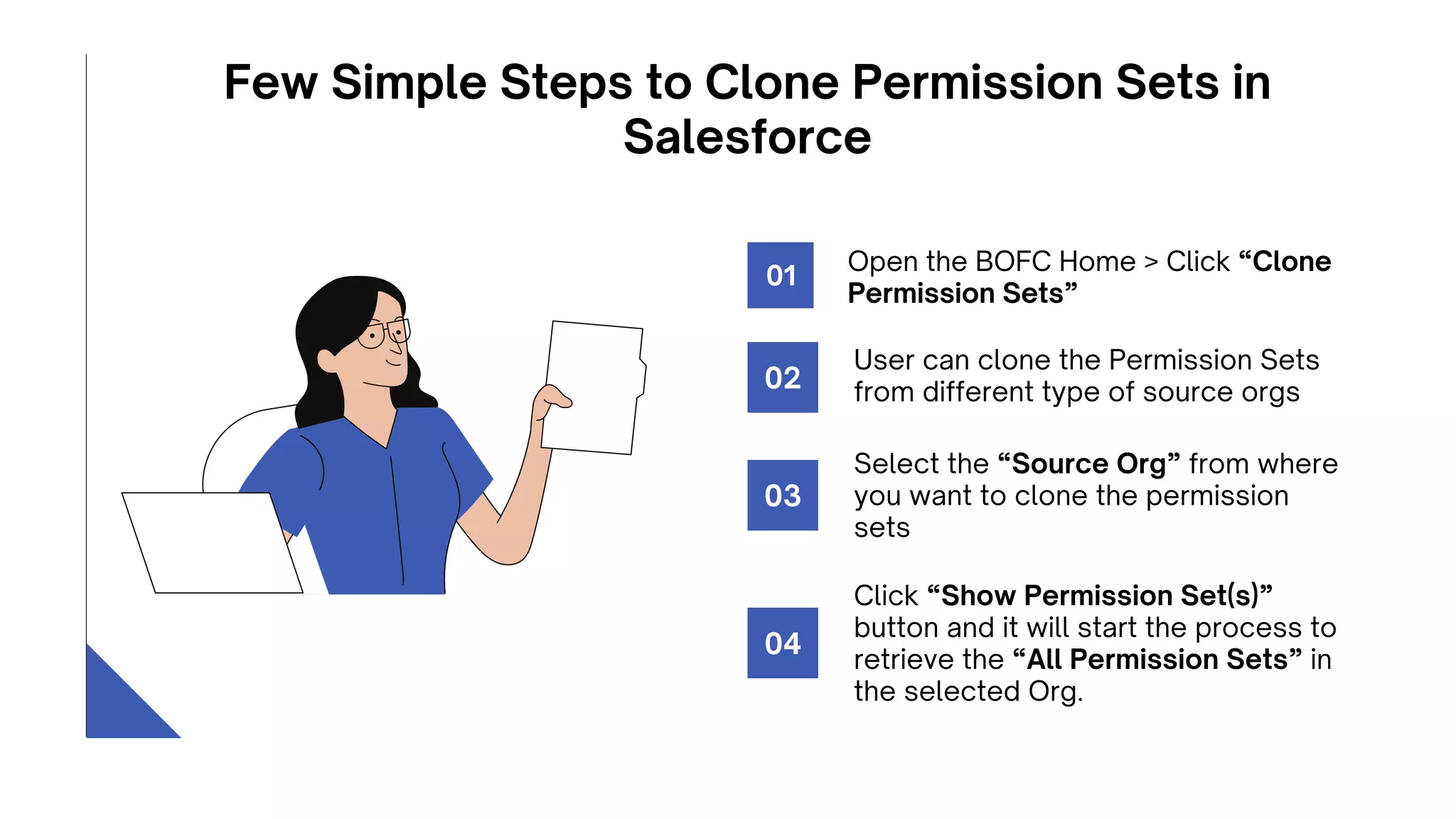
Few Simple Steps to Clone Permission Sets in

Salesforce
Open the BOFC Home > Click “Clone

Permission Sets”
01
User can clone the Permission Sets

from different type of source orgs
02
Select the “Source Org” from where

you want to clone the permission

sets
03
Click “Show Permission Set(s)”

button and it will start the process to

retrieve the “All Permission Sets” in

the selected Org.
04
Once the “Click here to Clone in Current

Org” buttons is clicked, it will update the

status against each row for all the

permission sets.
06
Select (single or multiple) permission sets

which needs to be cloned. Once ready, click

on “Clone here to Initiate Clone” button to

initiate the process.
05
Few Simple Steps to Clone Permission Sets in

Salesforce
Conclusion
BOFC is trusted by over 35000 users across the globe & we’re still counting. It has received

amazing 210+ reviews from Salesforce admins/developers, including MVPs & influencers. It’s

changing the way they carry out metadata operations. Are you ready for that change? Get ready to

simplify your metadata operations with BOFC, the world’s #1 Salesforce metadata application.

Connect with our experts to know more.
Connect Socially
FACEBOOK
@BulkObjectField
Creator/
LINKEDIN
@salesforce-bofc-
bulk-object-field-
creator
TWITTER
@SalesforceBOFC
YOUTUBE
@BulkObjectFieldCre
ator
support@tech9logy.com
MAILING ADDRESS
+91 9953170767
MOBILE
0129 – 4032277
PHONE NUMBER
REACH
OUT
Thank You

Clone Permission Sets.pdf

  • 1.
    Clone multiple permissionsets from selected org to current Org Clone Permission Sets
  • 2.
    Use Case As boththe orgs (Org 1 & Org 2) are not inter-linked to each other, Alex (an administrator of ABC Company), will have to manually copy each and every entities and complete his action. For eg: In case, if a developer has to clone a permission sets with many objects, record type, layouts permissions etc, then admin would have to open each and every permission set and clone them to new org. These type of work requests would take much more effort and time, but with our Salesforce Appexchange Bulk Object Field Creator (BOFC) App user can Clone multiple permission sets within “Current Salesforce org” or from any “External Salesforce org” in few clicks. ABC Company is expanding its business and want to setup a new Salesforce org (Org 2) which is replica of existing salesforce org (Org 1).
  • 3.
    Benefits of usingBOFC Application User can clone multiple Permission Sets in single GO using BOFC This feature has an option for a user to override any existing permission sets or create the permission sets which are not available User can clone permission sets from Same or External (non- linked) Salesforce org Simple Point & Click UI only. 01 02 03 04
  • 4.
    Few Simple Stepsto Clone Permission Sets in Salesforce Open the BOFC Home > Click “Clone Permission Sets” 01 User can clone the Permission Sets from different type of source orgs 02 Select the “Source Org” from where you want to clone the permission sets 03 Click “Show Permission Set(s)” button and it will start the process to retrieve the “All Permission Sets” in the selected Org. 04
  • 5.
    Once the “Clickhere to Clone in Current Org” buttons is clicked, it will update the status against each row for all the permission sets. 06 Select (single or multiple) permission sets which needs to be cloned. Once ready, click on “Clone here to Initiate Clone” button to initiate the process. 05 Few Simple Steps to Clone Permission Sets in Salesforce
  • 6.
    Conclusion BOFC is trustedby over 35000 users across the globe & we’re still counting. It has received amazing 210+ reviews from Salesforce admins/developers, including MVPs & influencers. It’s changing the way they carry out metadata operations. Are you ready for that change? Get ready to simplify your metadata operations with BOFC, the world’s #1 Salesforce metadata application. Connect with our experts to know more.
  • 7.
  • 8.
  • 9.