How to Use it: -  Seat in front of your computer screen; -  Look strait at the camera; -  Click on the button “Take Picture” -  And the most important, do not move until the picture is been processed !!!. T ake Picture We are invinting you to test the latest Sony inovation. With this new system, you will be able to use your computer screen as a web-cam to take your own picture.
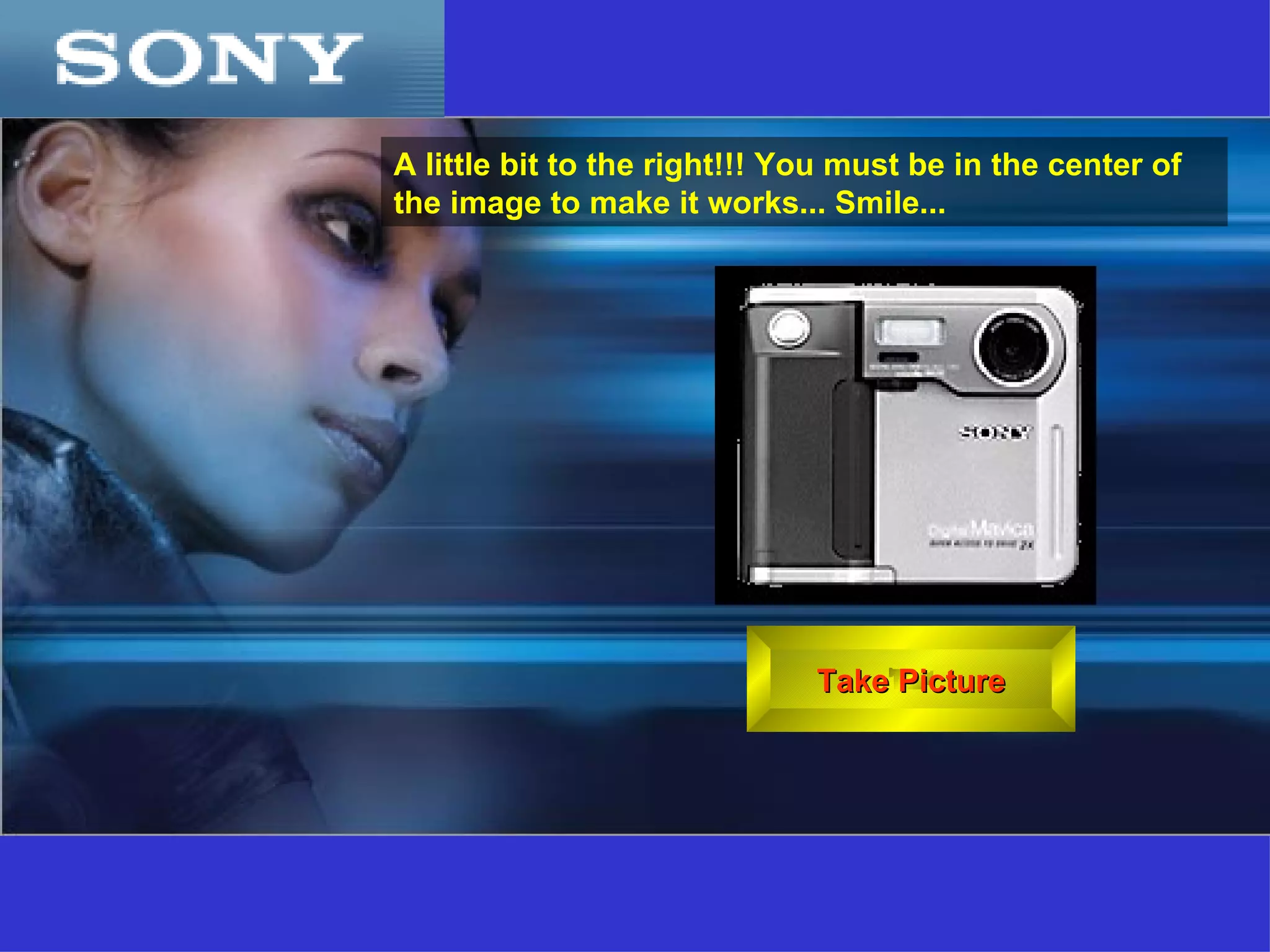
Take Picture A little bit to the right !!!  You must be in the center of the image to make it works ...  Smile ...
See Picture Processing  100%
 
Are you nuts?   Did you really believe that you could use your computer screen to take a picture?   Click on  ESC  and go back to work !!!! T. Gaspar

Click ur photo, right now!!!

  • 1.
    How to Useit: - Seat in front of your computer screen; - Look strait at the camera; - Click on the button “Take Picture” - And the most important, do not move until the picture is been processed !!!. T ake Picture We are invinting you to test the latest Sony inovation. With this new system, you will be able to use your computer screen as a web-cam to take your own picture.
  • 2.
    Take Picture Alittle bit to the right !!! You must be in the center of the image to make it works ... Smile ...
  • 3.
  • 4.
  • 5.
    Are you nuts? Did you really believe that you could use your computer screen to take a picture? Click on ESC and go back to work !!!! T. Gaspar