Requirements
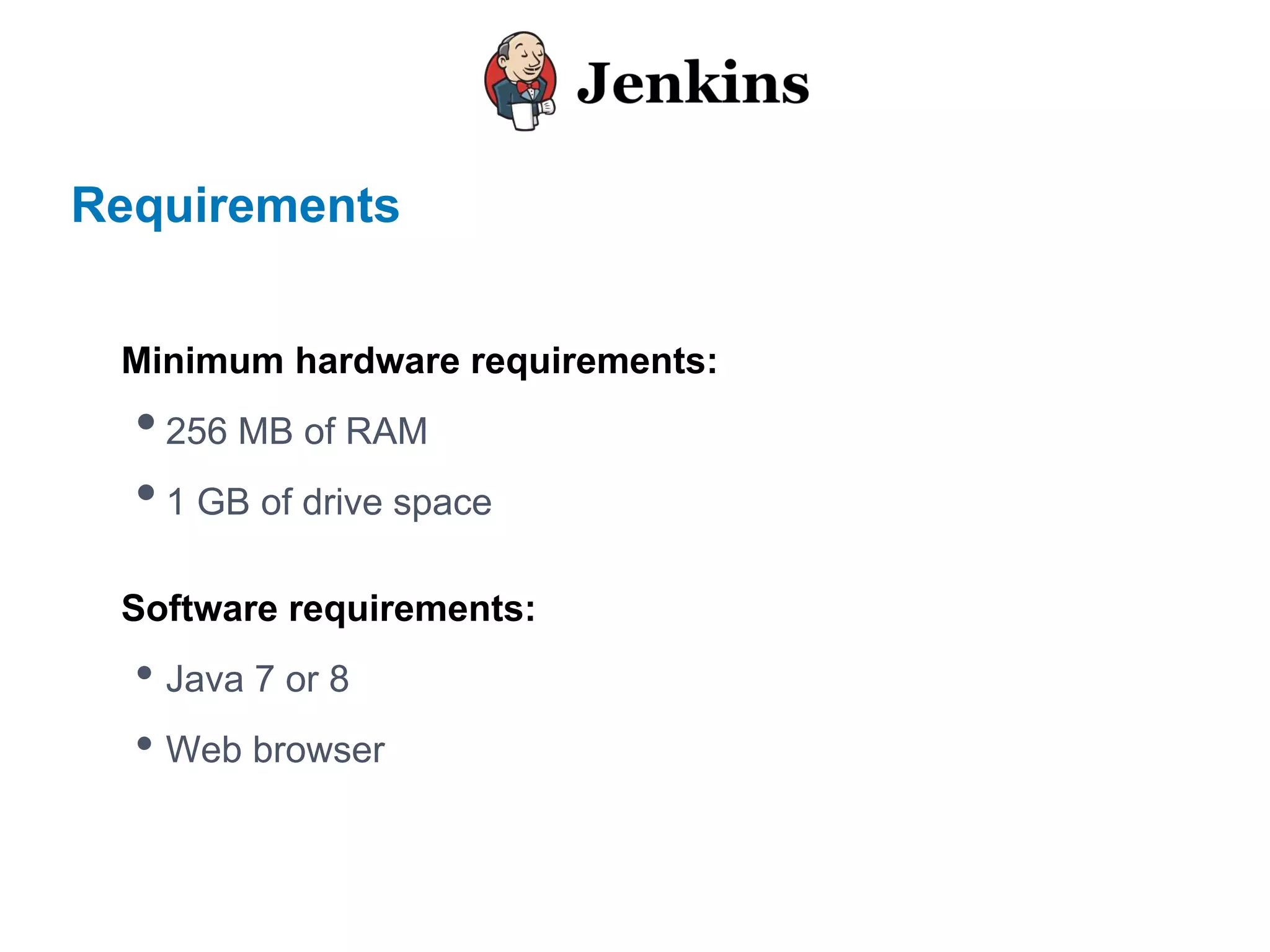
Minimum hardware requirements:
•256 MB of RAM
•1 GB of drive space
Software requirements:
• Java 7 or 8
• Web browser
Installation
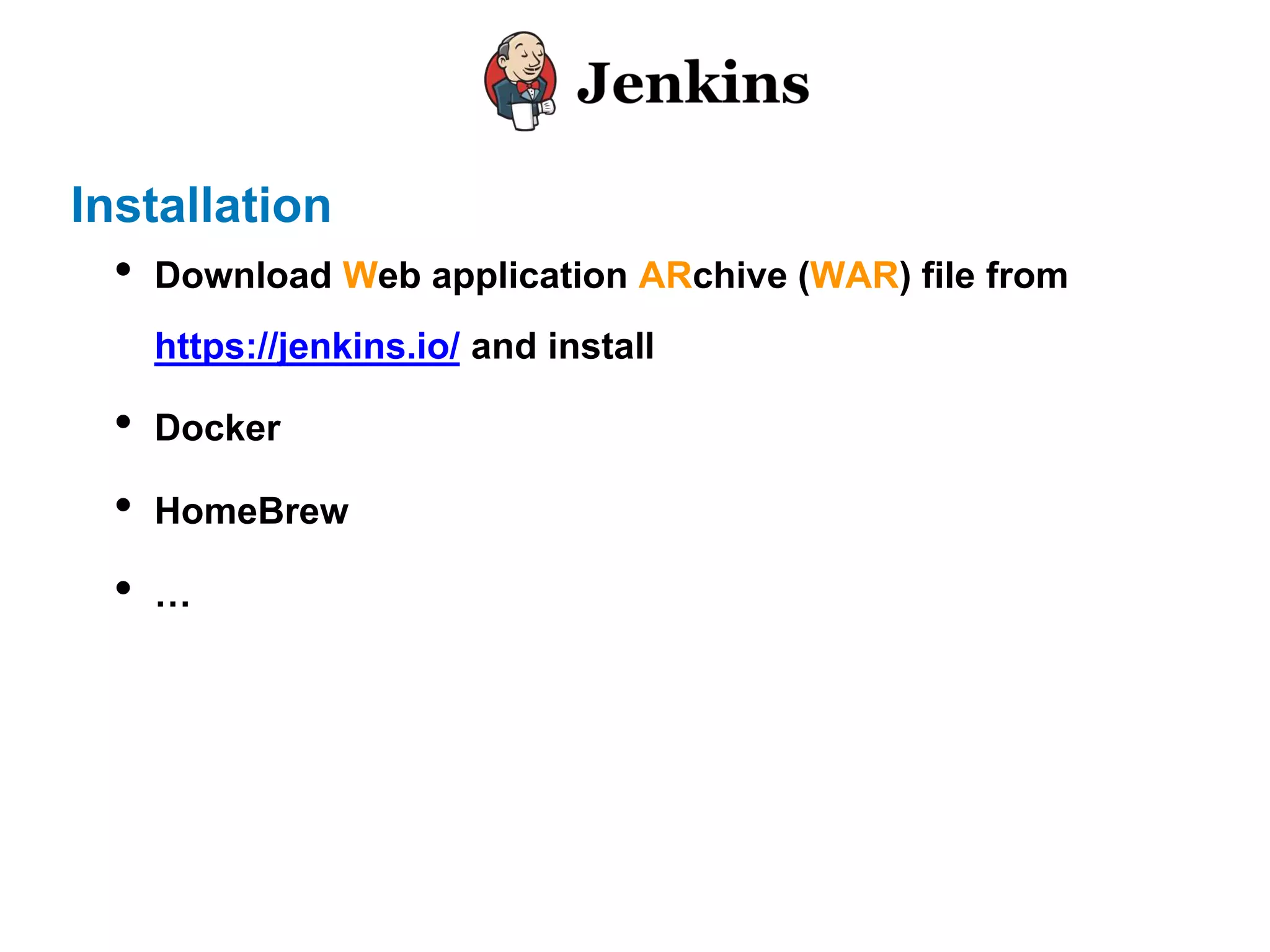
• Download Web application ARchive (WAR) file from
https://jenkins.io/ and install
• Docker
• HomeBrew
• …
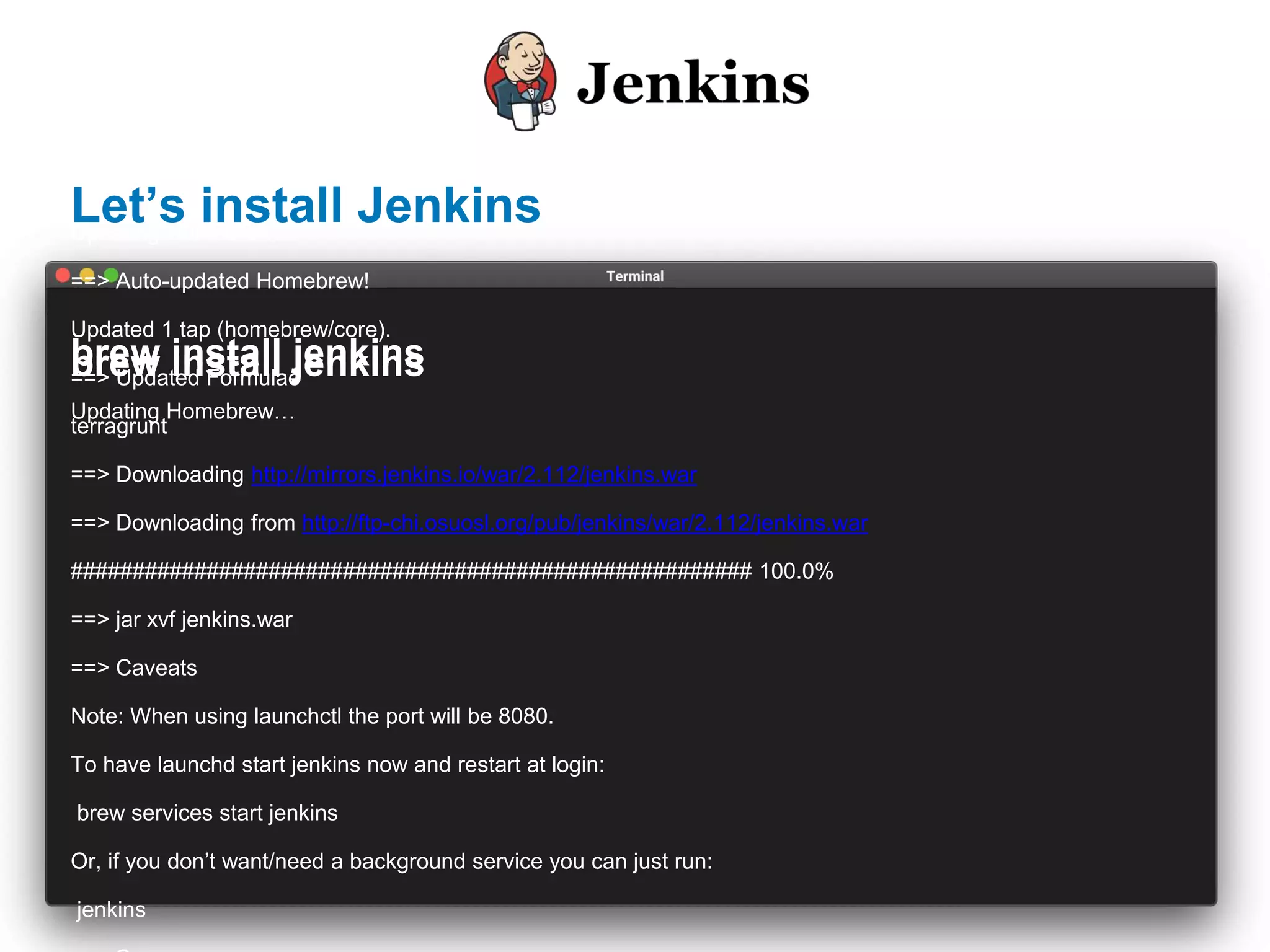
brew install jenkins
Updating Homebrew…
==> Auto-updated Homebrew!
Updated 1 tap (homebrew/core).
==> Updated Formulae
terragrunt
==> Downloading http://mirrors.jenkins.io/war/2.112/jenkins.war
==> Downloading from http://ftp-chi.osuosl.org/pub/jenkins/war/2.112/jenkins.war
####################################################### 100.0%
==> jar xvf jenkins.war
==> Caveats
Note: When using launchctl the port will be 8080.
To have launchd start jenkins now and restart at login:
brew services start jenkins
Or, if you don’t want/need a background service you can just run:
jenkins
brew install jenkins
Updating Homebrew…
brew install jenkins
Let’s install Jenkins
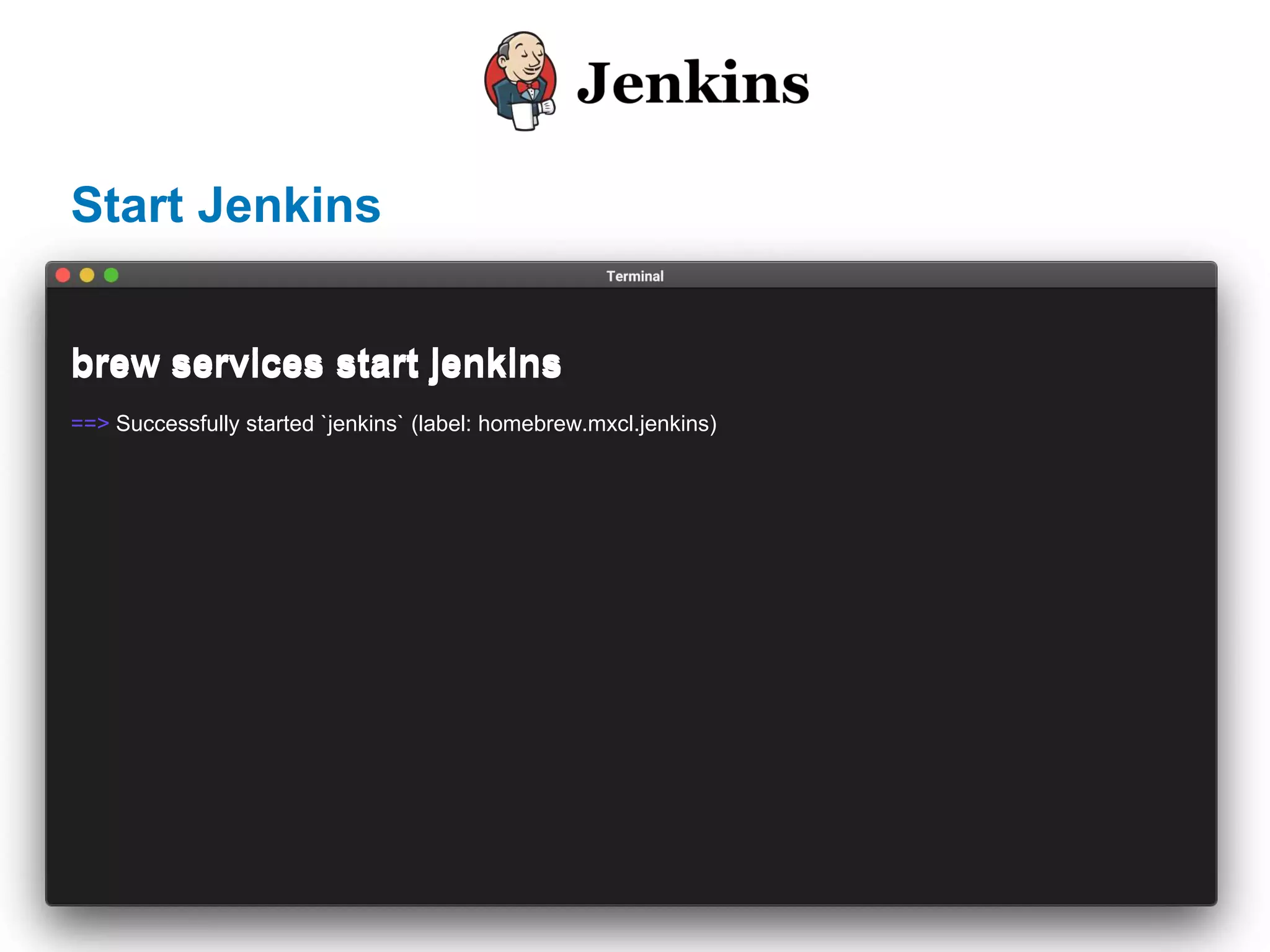
Start Jenkins
brew services start jenkins
==> Successfully started `jenkins` (label: homebrew.mxcl.jenkins)
brew services start jenkins
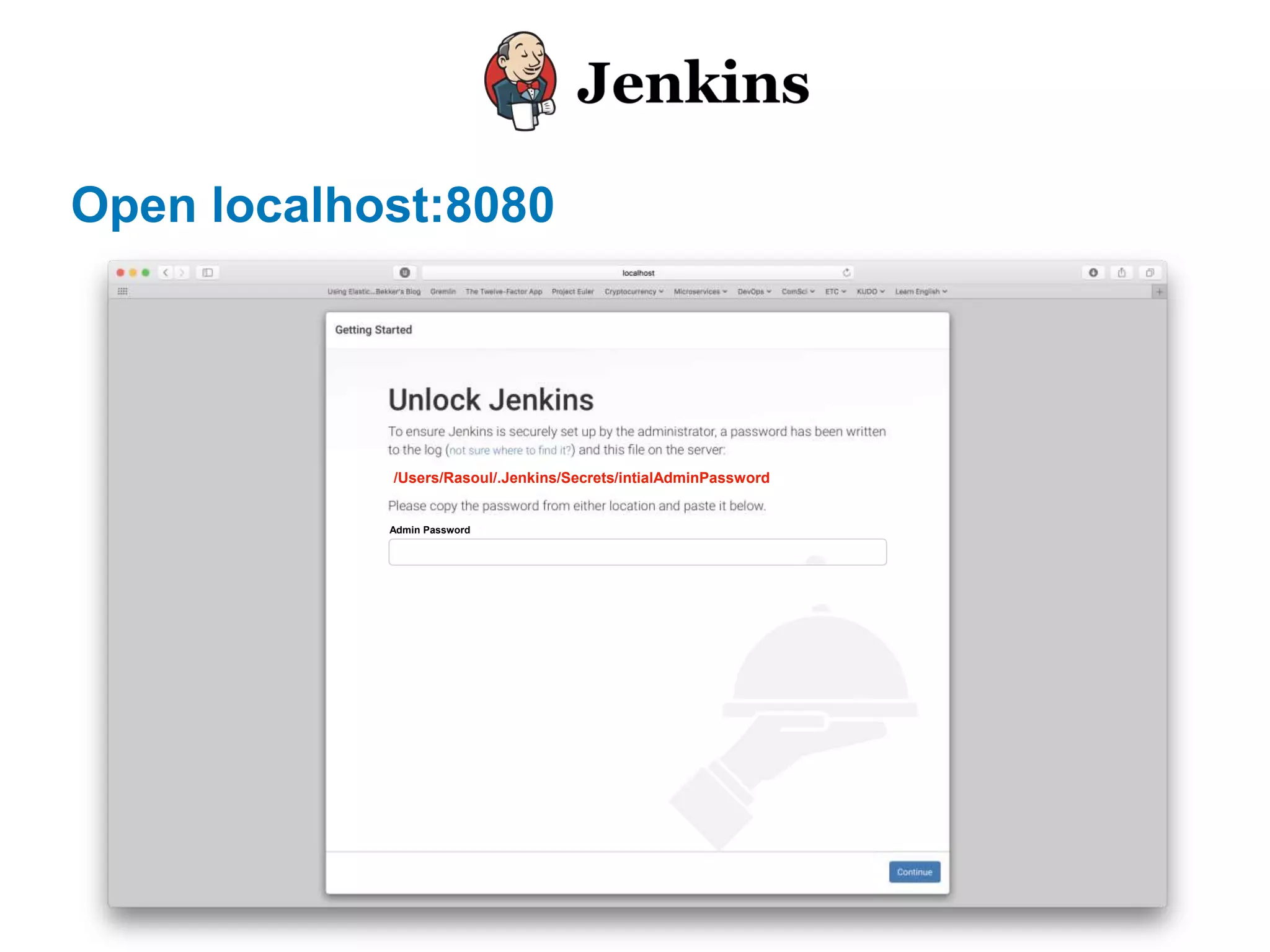
Open localhost:8080
/Users/Rasoul/.Jenkins/Secrets/intialAdminPassword
Admin Password
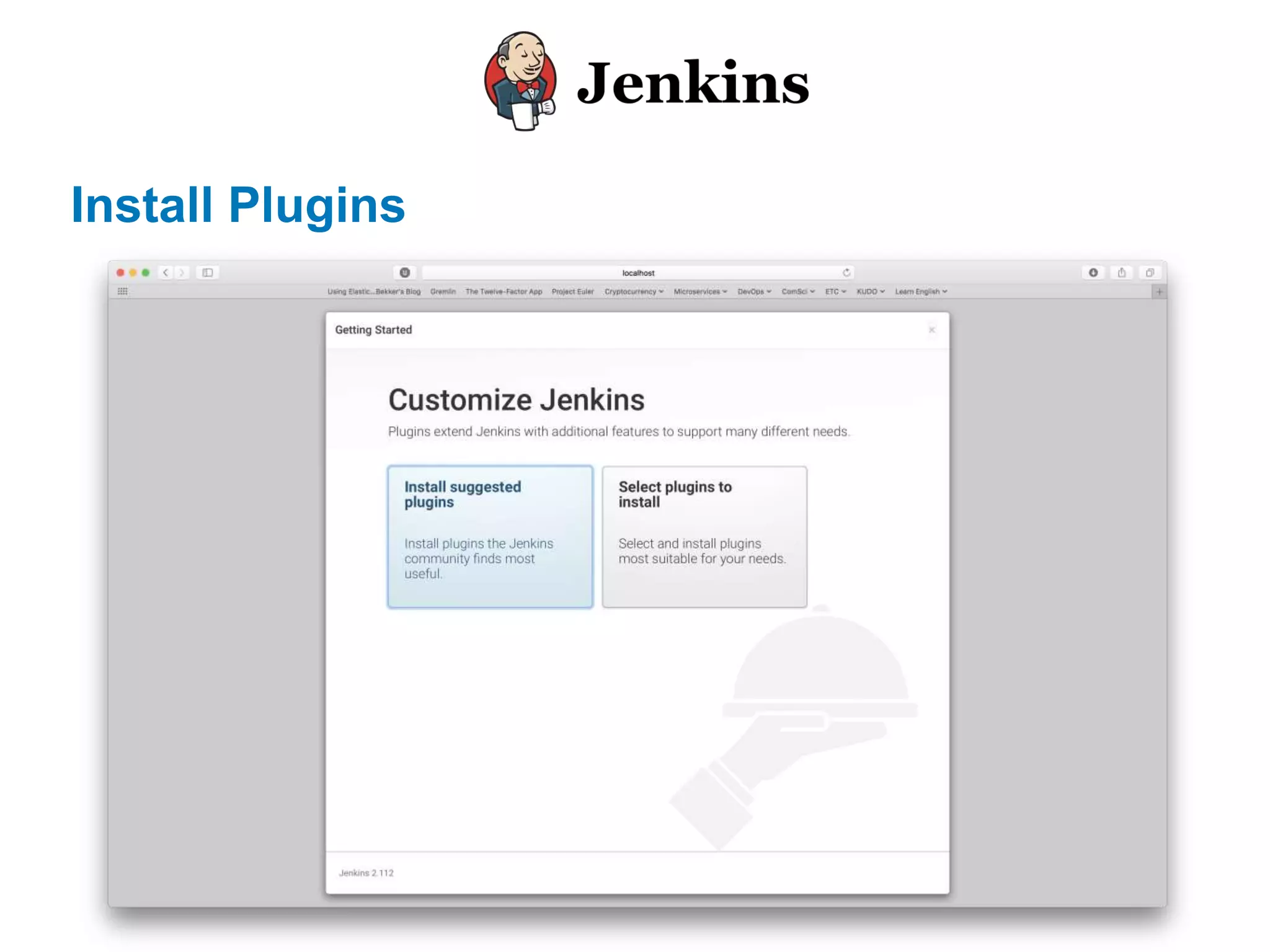
Install Plugins
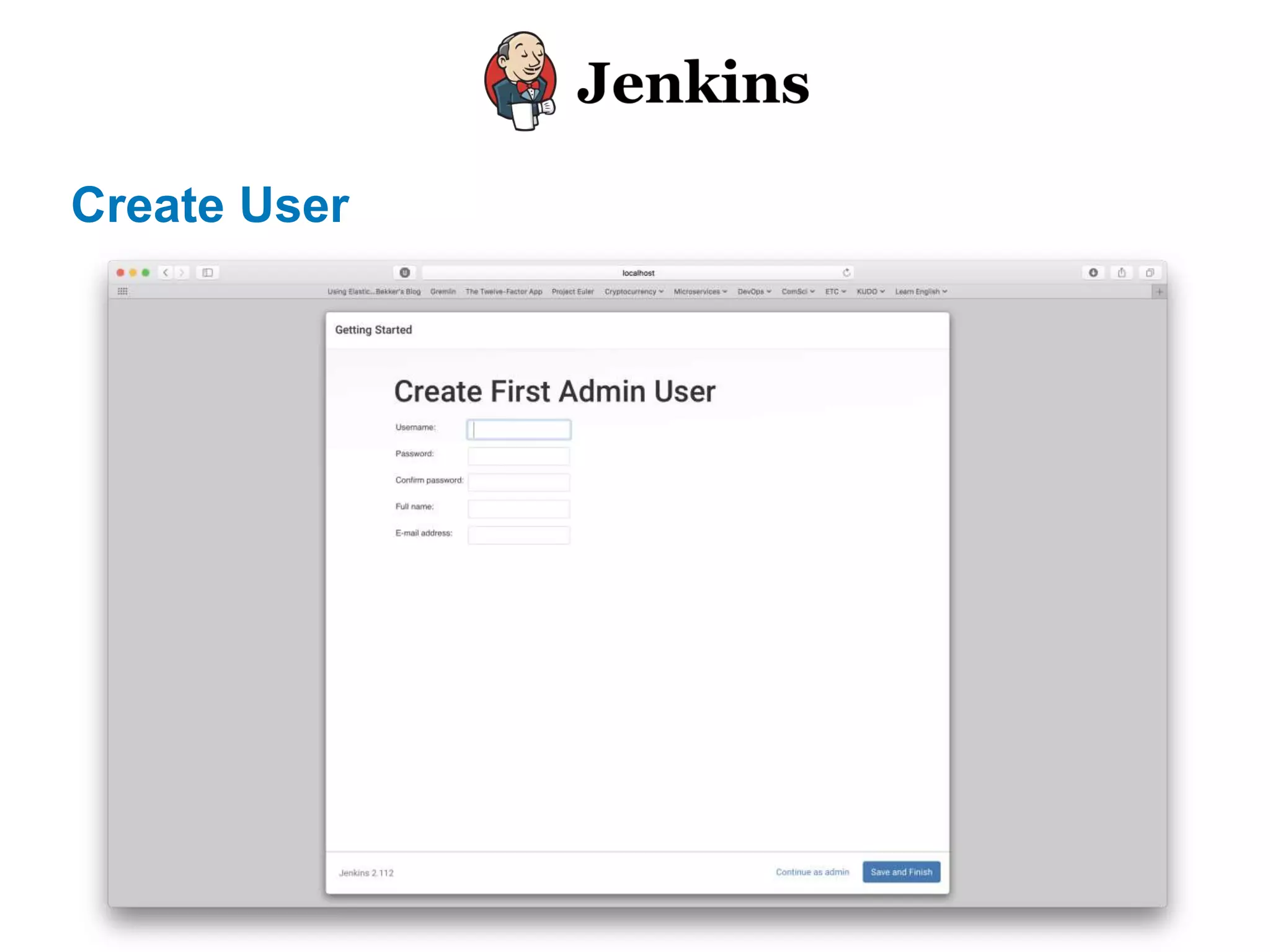
Create User
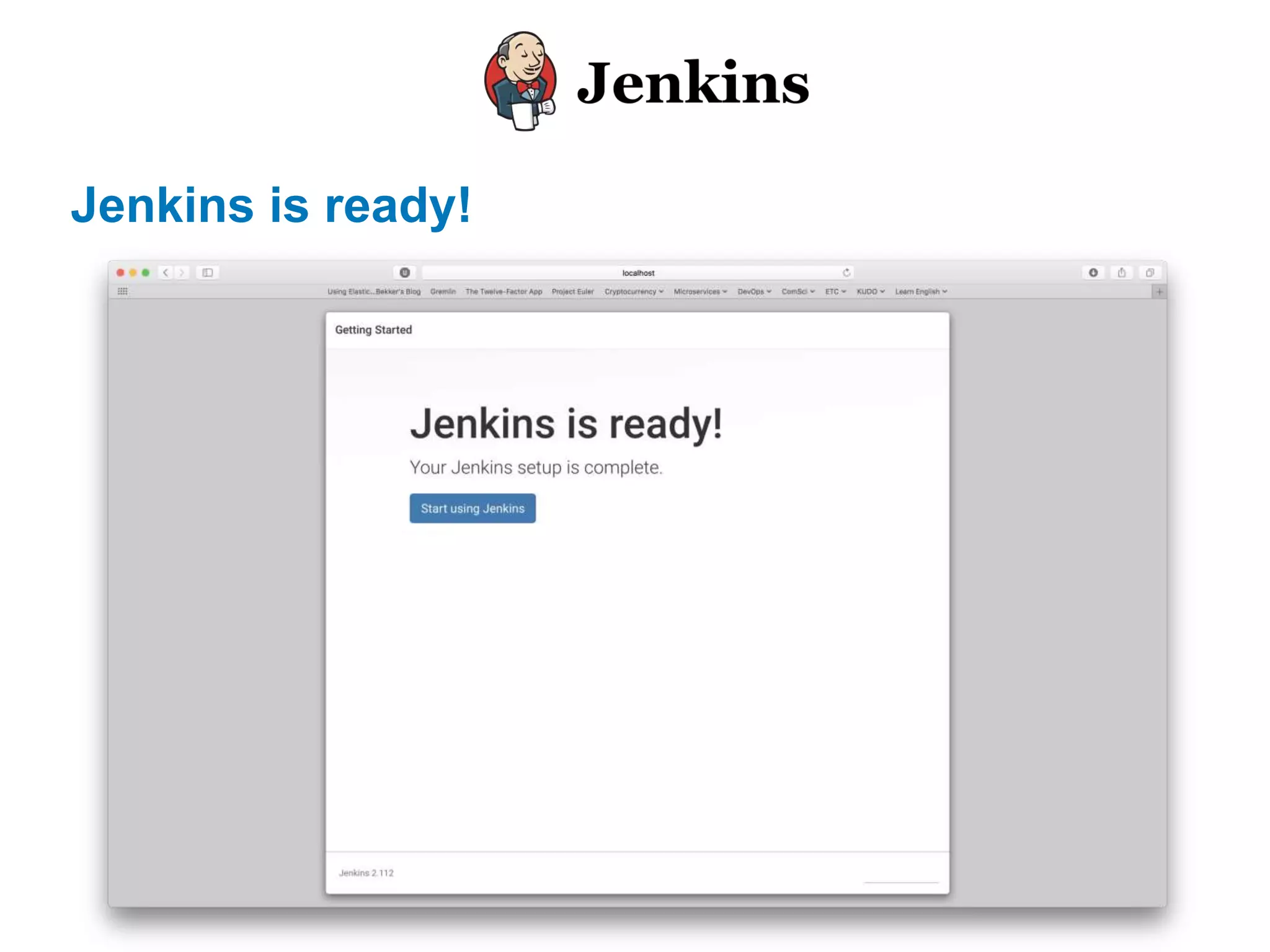
Jenkins is ready!
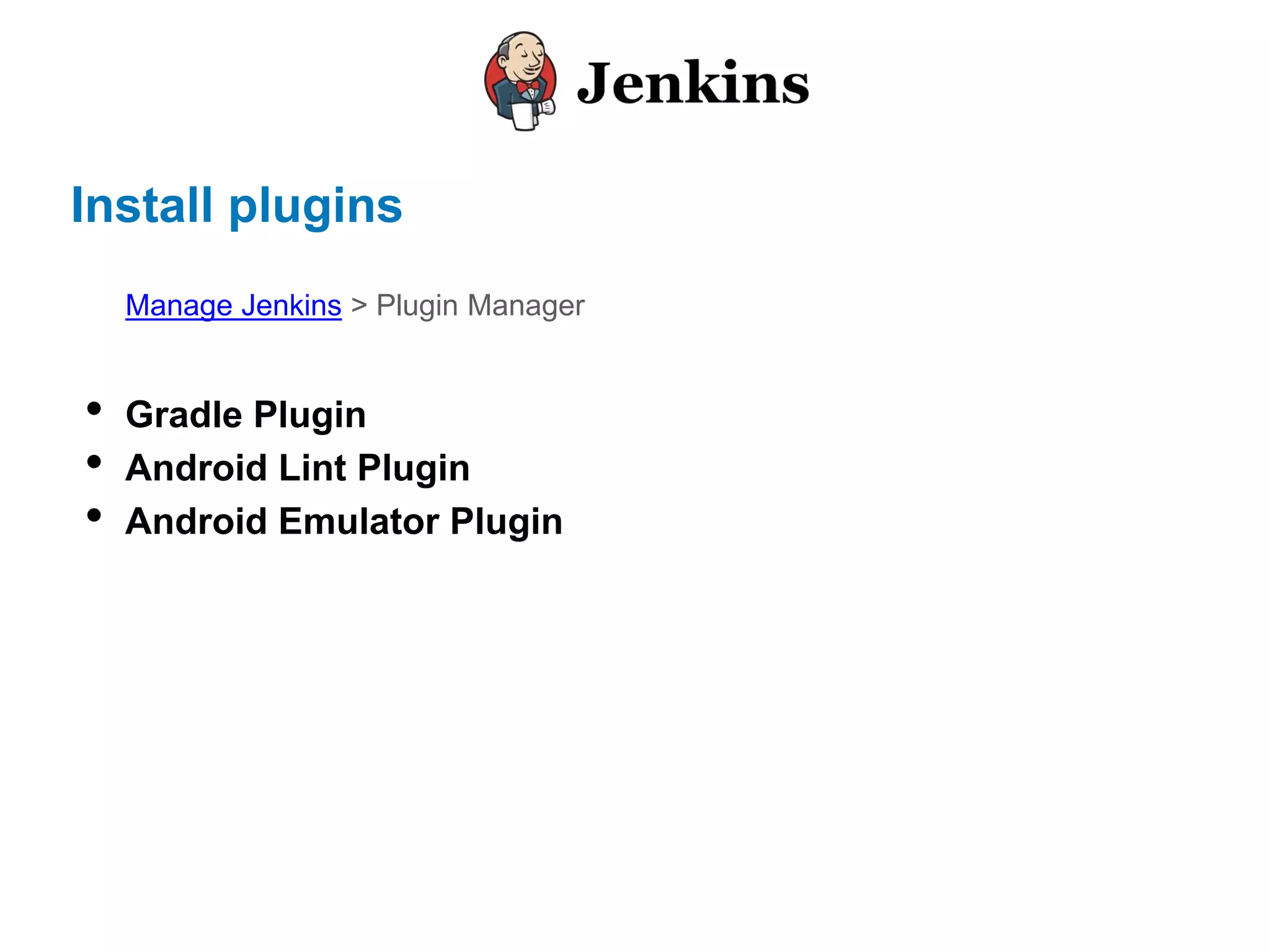
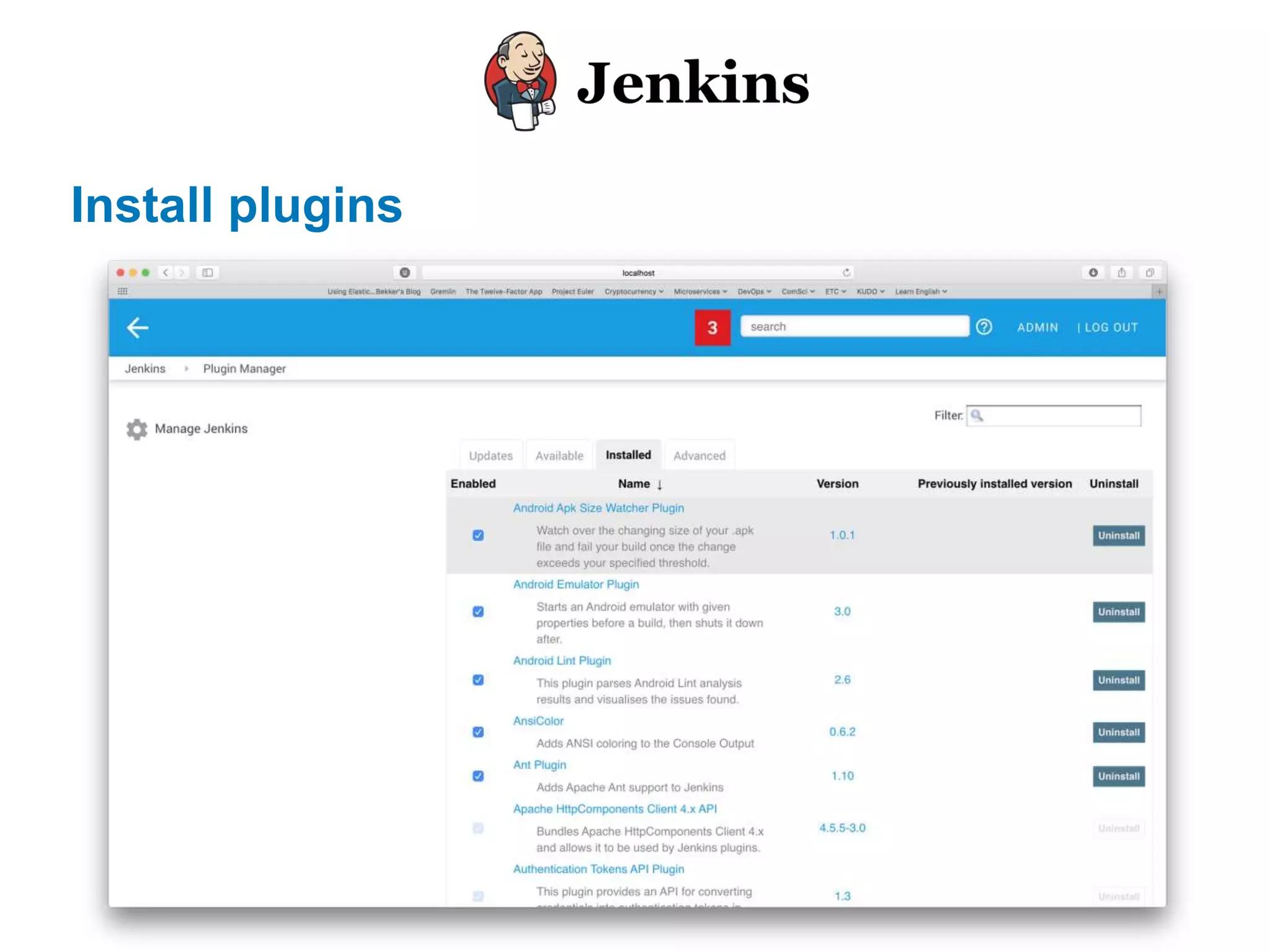
Install plugins
• Gradle Plugin
• Android Lint Plugin
• Android Emulator Plugin
Manage Jenkins > Plugin Manager
Install plugins
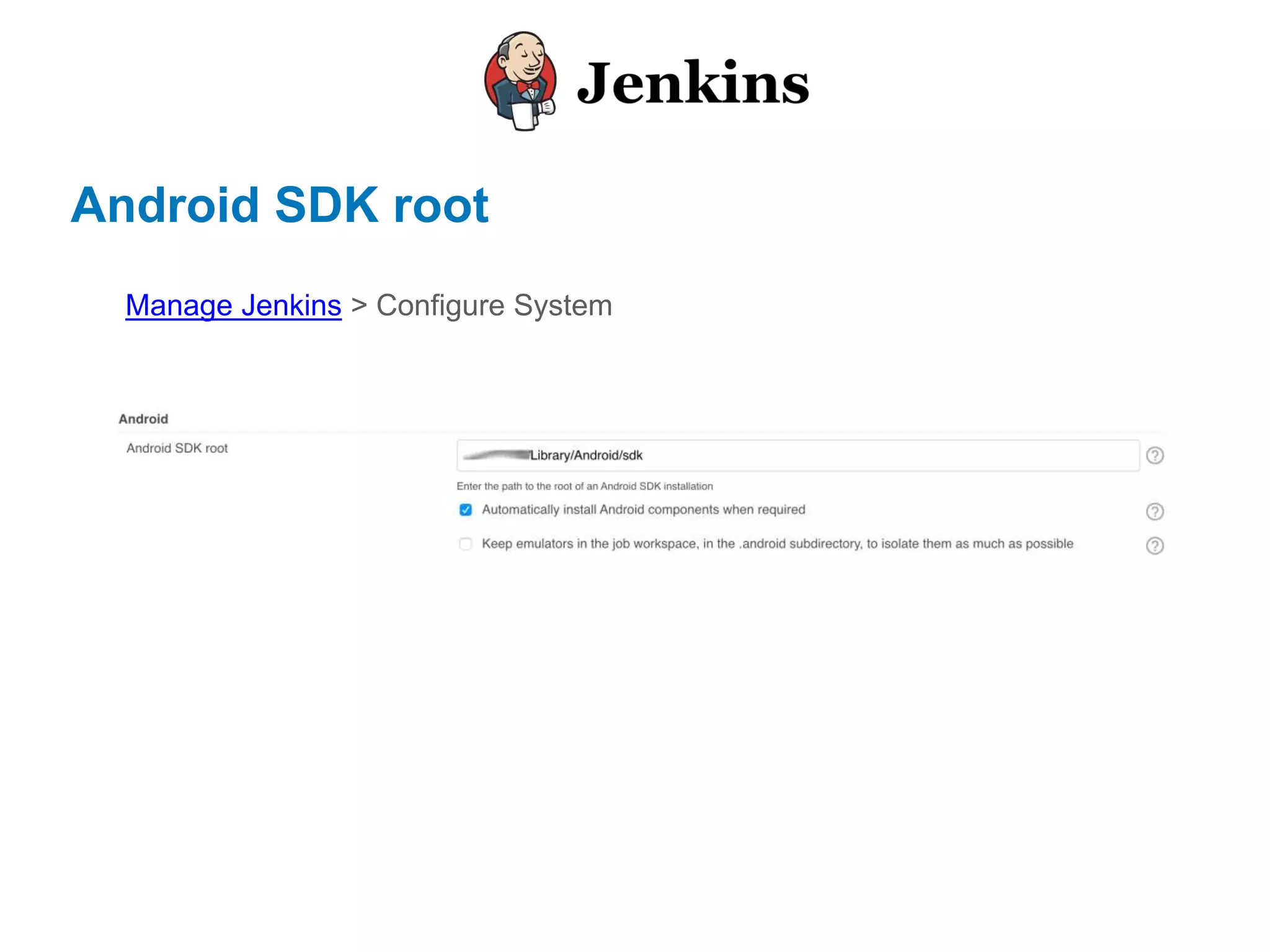
Android SDK root
Manage Jenkins > Configure System
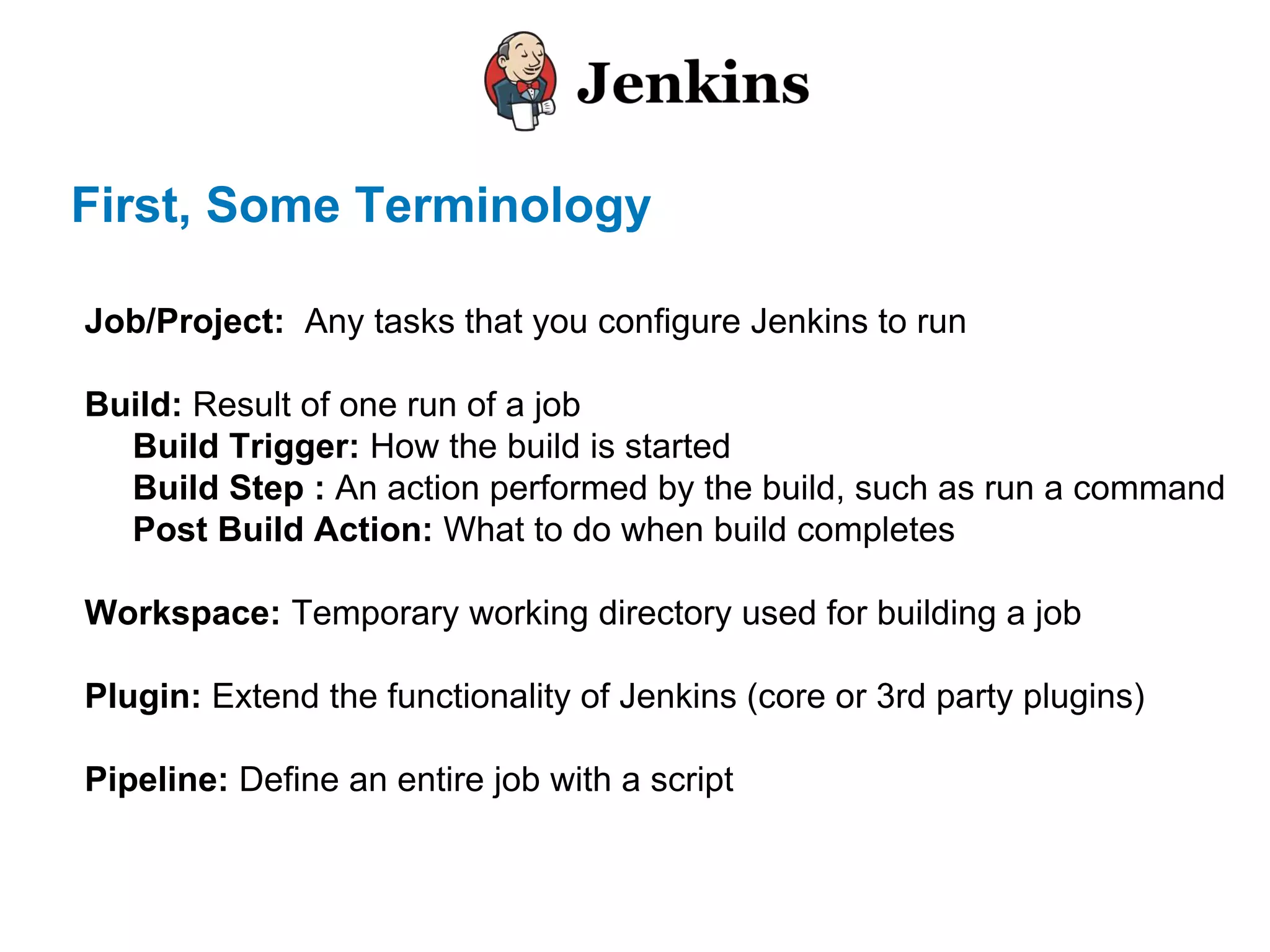
First, Some Terminology
Job/Project: Any tasks that you configure Jenkins to run
Build: Result of one run of a job
Build Trigger: How the build is started
Build Step : An action performed by the build, such as run a command
Post Build Action: What to do when build completes
Workspace: Temporary working directory used for building a job
Plugin: Extend the functionality of Jenkins (core or 3rd party plugins)
Pipeline: Define an entire job with a script
Let’s see in action
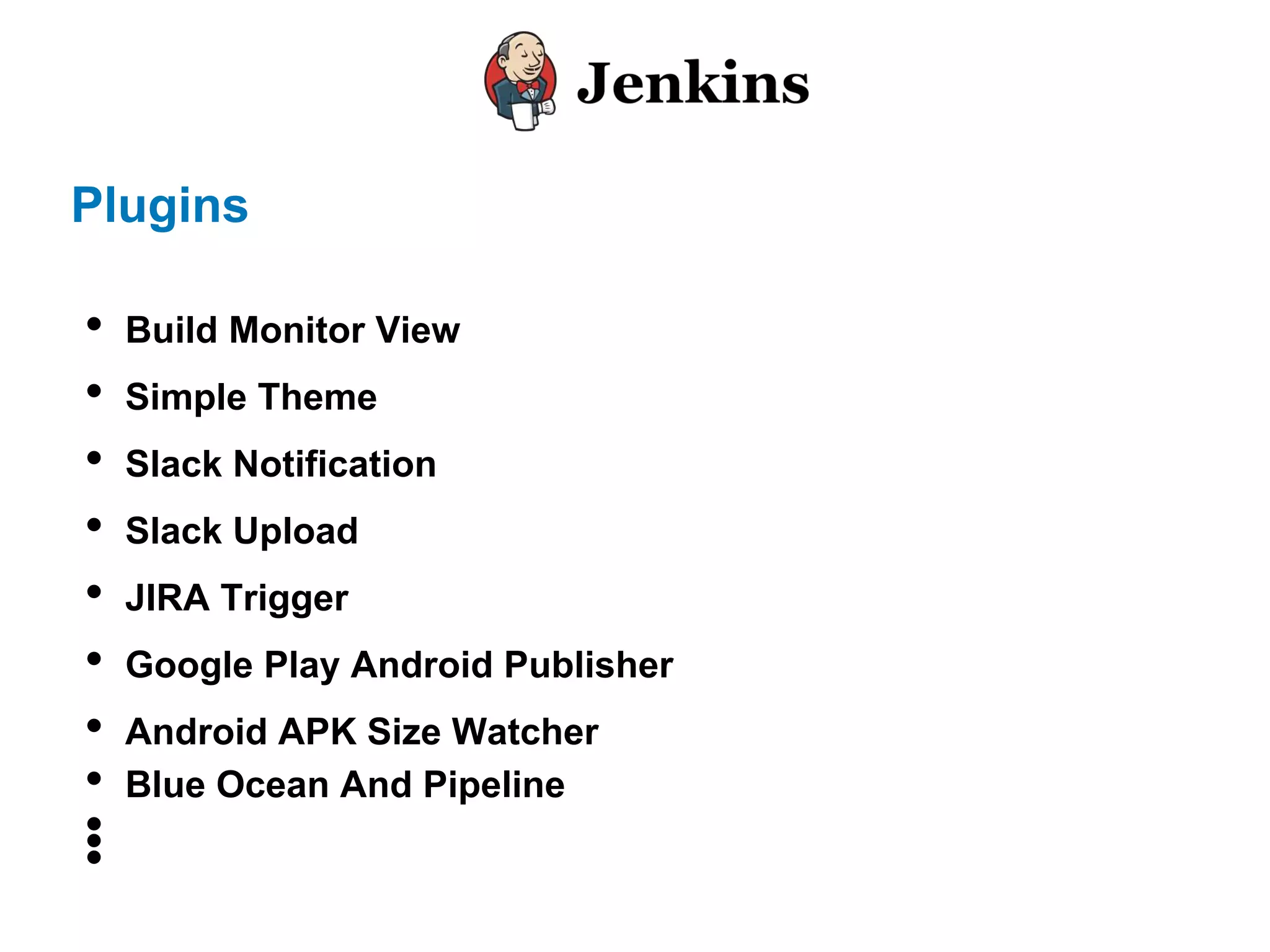
Plugins
• Build Monitor View
• Simple Theme
• Slack Notification
• Slack Upload
• JIRA Trigger
• Google Play Android Publisher
• Android APK Size Watcher
• Blue Ocean And Pipeline
•••
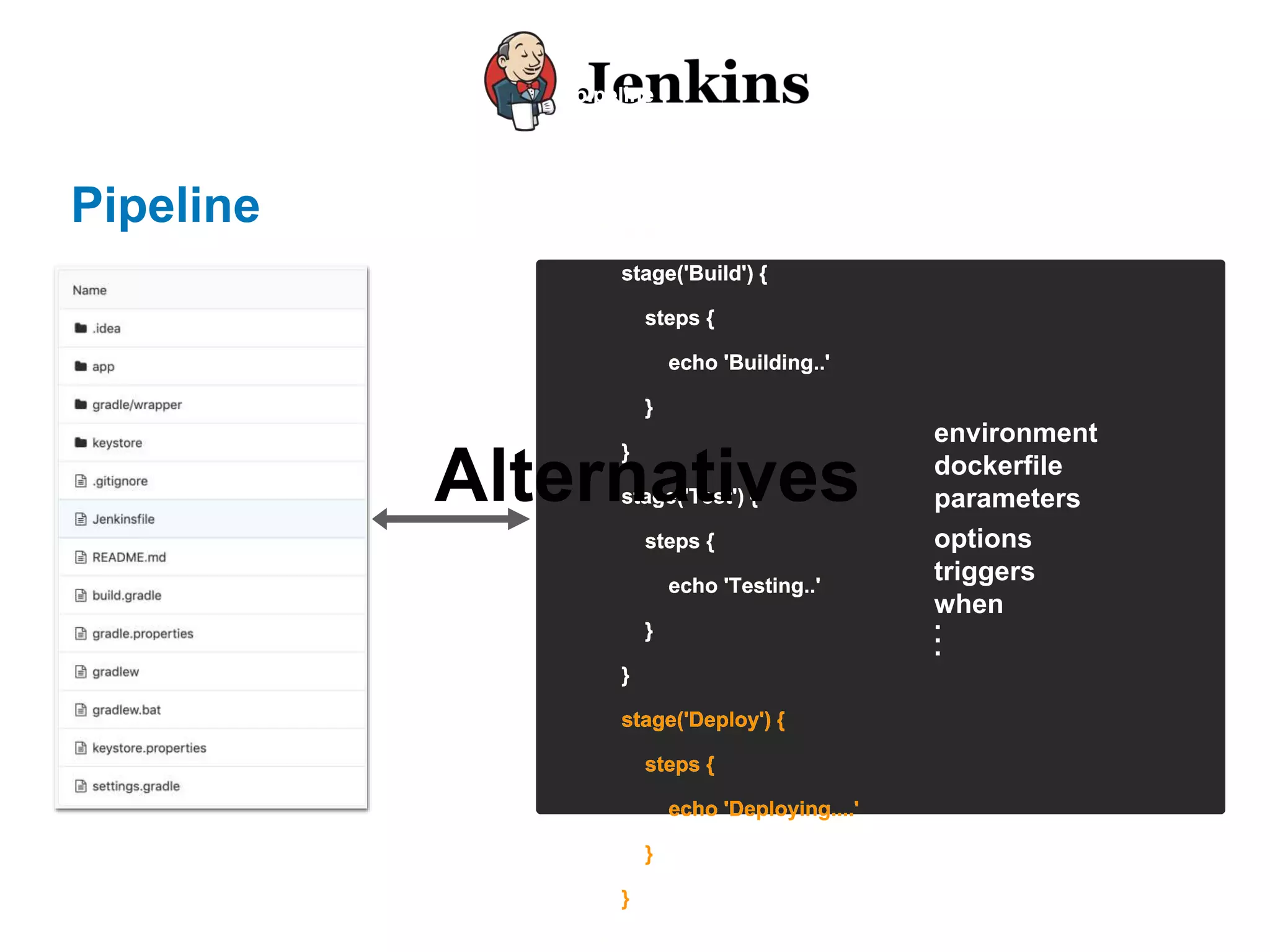
Pipeline
pipeline {
agent any
stages {
stage('Build') {
steps {
echo 'Building..'
}
}
stage('Test') {
steps {
echo 'Testing..'
}
}
stage('Deploy') {
steps {
echo 'Deploying....'
}
}
}
pipeline {
agent any
stages {
stage('Build') {
steps {
echo 'Building..'
}
}
stage('Test') {
steps {
echo 'Testing..'
}
}
stage('Deploy') {
steps {
echo 'Deploying....'
}
}
}
pipeline {
agent any
stages {
stage('Build') {
steps {
echo 'Building..'
}
}
stage('Test') {
steps {
echo 'Testing..'
}
}
stage('Deploy') {
steps {
echo 'Deploying....'
}
}
}
pipeline {
agent any
stages {
stage('Build') {
steps {
echo 'Building..'
}
}
stage('Test') {
steps {
echo 'Testing..'
}
}
stage('Deploy') {
steps {
echo 'Deploying....'
}
}
}
pipeline {
agent any
stages {
stage('Build') {
steps {
echo 'Building..'
}
}
stage('Test') {
steps {
echo 'Testing..'
}
}
stage('Deploy') {
steps {
echo 'Deploying....'
}
}
}
pipeline {
agent any
stages {
stage('Build') {
steps {
echo 'Building..'
}
}
stage('Test') {
steps {
echo 'Testing..'
}
}
stage('Deploy') {
steps {
echo 'Deploying....'
}
}
}
pipeline {
agent any
stages {
stage('Build') {
steps {
echo 'Building..'
}
}
stage('Test') {
steps {
echo 'Testing..'
}
}
stage('Deploy') {
steps {
echo 'Deploying....'
}
}
}
pipeline {
agent any
stages {
stage('Build') {
steps {
echo 'Building..'
}
}
stage('Test') {
steps {
echo 'Testing..'
}
}
stage('Deploy') {
steps {
echo 'Deploying....'
}
}
}
environment
dockerfile
parameters
options
triggers
when
...
Alternatives
Let’s see in action
Alternative
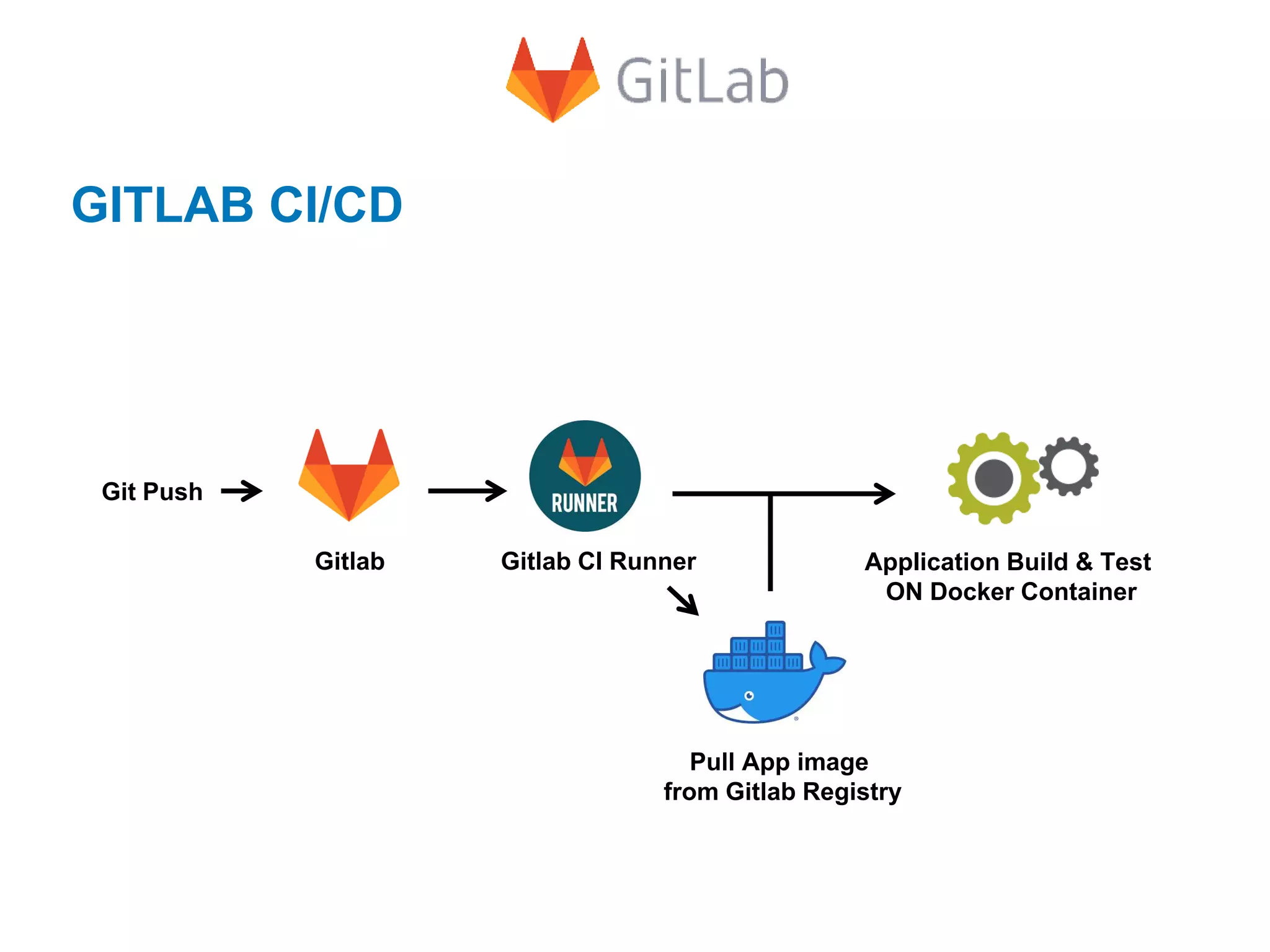
GITLAB CI/CD
Gitlab Gitlab CI Runner
Git Push
Pull App image
from Gitlab Registry
Application Build & Test
ON Docker Container
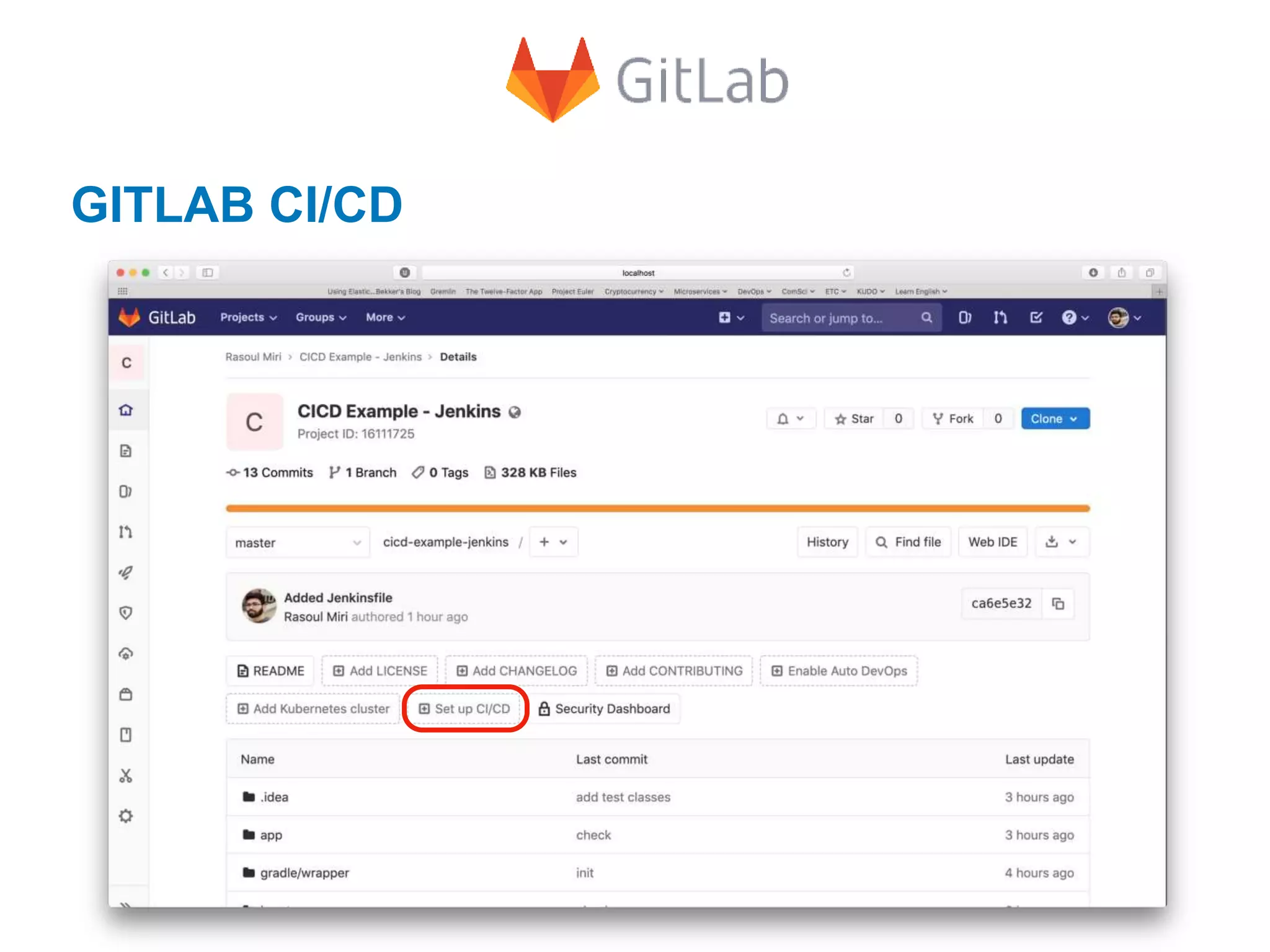
GITLAB CI/CD
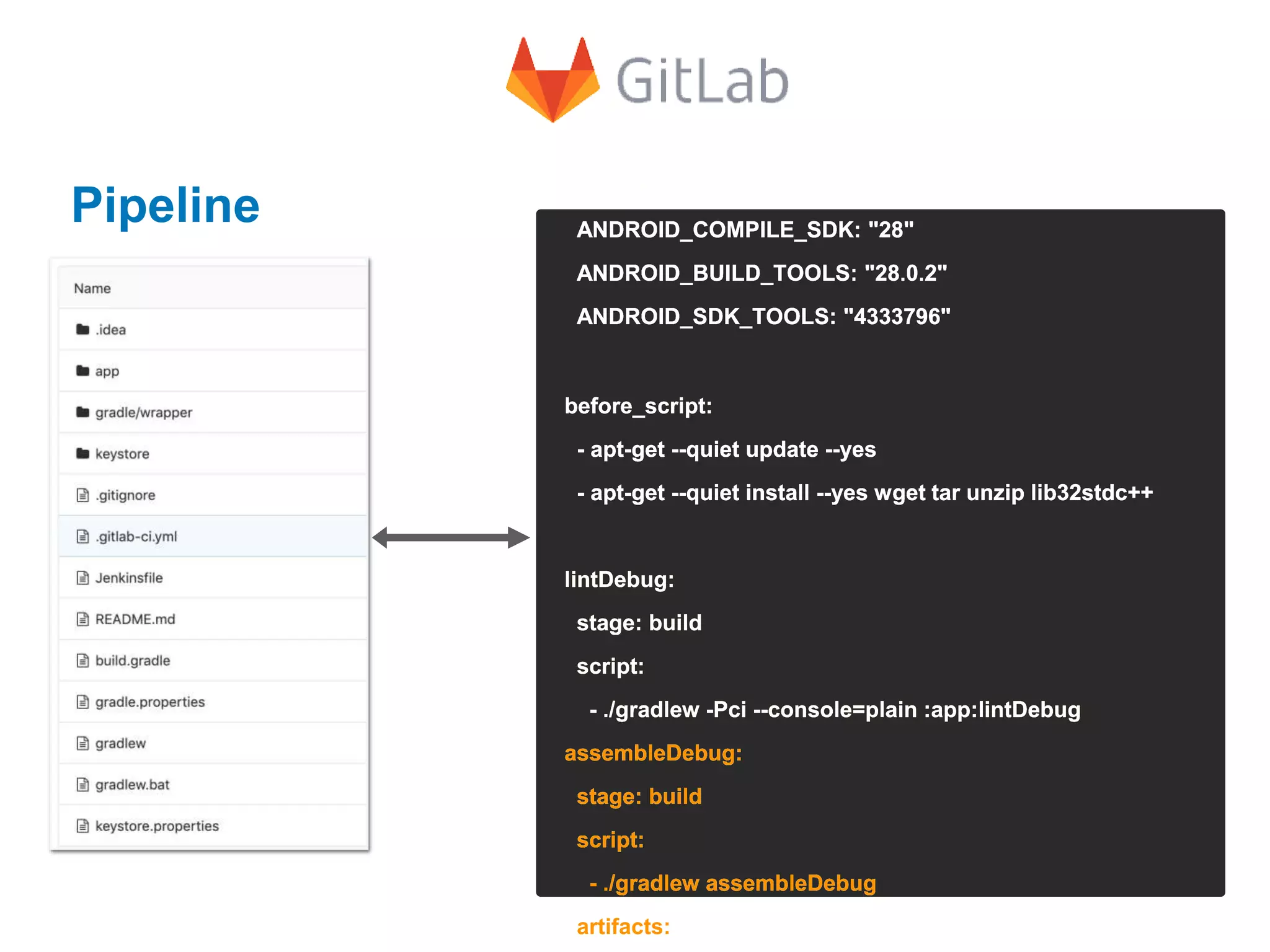
Pipeline
image: openjdk:8-jdk
variables:
ANDROID_COMPILE_SDK: "28"
ANDROID_BUILD_TOOLS: "28.0.2"
ANDROID_SDK_TOOLS: "4333796"
before_script:
- apt-get --quiet update --yes
- apt-get --quiet install --yes wget tar unzip lib32stdc++
lintDebug:
stage: build
script:
- ./gradlew -Pci --console=plain :app:lintDebug
assembleDebug:
stage: build
script:
- ./gradlew assembleDebug
artifacts:
image: openjdk:8-jdk
variables:
ANDROID_COMPILE_SDK: "28"
ANDROID_BUILD_TOOLS: "28.0.2"
ANDROID_SDK_TOOLS: "4333796"
before_script:
- apt-get --quiet update --yes
- apt-get --quiet install --yes wget tar unzip lib32stdc++
lintDebug:
stage: build
script:
- ./gradlew -Pci --console=plain :app:lintDebug
assembleDebug:
stage: build
script:
- ./gradlew assembleDebug
artifacts:
image: openjdk:8-jdk
variables:
ANDROID_COMPILE_SDK: "28"
ANDROID_BUILD_TOOLS: "28.0.2"
ANDROID_SDK_TOOLS: "4333796"
before_script:
- apt-get --quiet update --yes
- apt-get --quiet install --yes wget tar unzip lib32stdc++
lintDebug:
stage: build
script:
- ./gradlew -Pci --console=plain :app:lintDebug
assembleDebug:
stage: build
script:
- ./gradlew assembleDebug
artifacts:
image: openjdk:8-jdk
variables:
ANDROID_COMPILE_SDK: "28"
ANDROID_BUILD_TOOLS: "28.0.2"
ANDROID_SDK_TOOLS: "4333796"
before_script:
- apt-get --quiet update --yes
- apt-get --quiet install --yes wget tar unzip lib32stdc++
lintDebug:
stage: build
script:
- ./gradlew -Pci --console=plain :app:lintDebug
assembleDebug:
stage: build
script:
- ./gradlew assembleDebug
artifacts:
image: openjdk:8-jdk
variables:
ANDROID_COMPILE_SDK: "28"
ANDROID_BUILD_TOOLS: "28.0.2"
ANDROID_SDK_TOOLS: "4333796"
before_script:
- apt-get --quiet update --yes
- apt-get --quiet install --yes wget tar unzip lib32stdc++
lintDebug:
stage: build
script:
- ./gradlew -Pci --console=plain :app:lintDebug
assembleDebug:
stage: build
script:
- ./gradlew assembleDebug
artifacts:
Let’s see in action
Any Questions?
Thanks for your attention

CI/CD for android

  • 11.
    Requirements Minimum hardware requirements: •256MB of RAM •1 GB of drive space Software requirements: • Java 7 or 8 • Web browser
  • 12.
    Installation • Download Webapplication ARchive (WAR) file from https://jenkins.io/ and install • Docker • HomeBrew • …
  • 13.
    brew install jenkins UpdatingHomebrew… ==> Auto-updated Homebrew! Updated 1 tap (homebrew/core). ==> Updated Formulae terragrunt ==> Downloading http://mirrors.jenkins.io/war/2.112/jenkins.war ==> Downloading from http://ftp-chi.osuosl.org/pub/jenkins/war/2.112/jenkins.war ####################################################### 100.0% ==> jar xvf jenkins.war ==> Caveats Note: When using launchctl the port will be 8080. To have launchd start jenkins now and restart at login: brew services start jenkins Or, if you don’t want/need a background service you can just run: jenkins brew install jenkins Updating Homebrew… brew install jenkins Let’s install Jenkins
  • 14.
    Start Jenkins brew servicesstart jenkins ==> Successfully started `jenkins` (label: homebrew.mxcl.jenkins) brew services start jenkins
  • 15.
  • 16.
  • 17.
  • 18.
  • 19.
    Install plugins • GradlePlugin • Android Lint Plugin • Android Emulator Plugin Manage Jenkins > Plugin Manager
  • 20.
  • 21.
    Android SDK root ManageJenkins > Configure System
  • 22.
    First, Some Terminology Job/Project:Any tasks that you configure Jenkins to run Build: Result of one run of a job Build Trigger: How the build is started Build Step : An action performed by the build, such as run a command Post Build Action: What to do when build completes Workspace: Temporary working directory used for building a job Plugin: Extend the functionality of Jenkins (core or 3rd party plugins) Pipeline: Define an entire job with a script
  • 23.
  • 24.
    Plugins • Build MonitorView • Simple Theme • Slack Notification • Slack Upload • JIRA Trigger • Google Play Android Publisher • Android APK Size Watcher • Blue Ocean And Pipeline •••
  • 25.
    Pipeline pipeline { agent any stages{ stage('Build') { steps { echo 'Building..' } } stage('Test') { steps { echo 'Testing..' } } stage('Deploy') { steps { echo 'Deploying....' } } } pipeline { agent any stages { stage('Build') { steps { echo 'Building..' } } stage('Test') { steps { echo 'Testing..' } } stage('Deploy') { steps { echo 'Deploying....' } } } pipeline { agent any stages { stage('Build') { steps { echo 'Building..' } } stage('Test') { steps { echo 'Testing..' } } stage('Deploy') { steps { echo 'Deploying....' } } } pipeline { agent any stages { stage('Build') { steps { echo 'Building..' } } stage('Test') { steps { echo 'Testing..' } } stage('Deploy') { steps { echo 'Deploying....' } } } pipeline { agent any stages { stage('Build') { steps { echo 'Building..' } } stage('Test') { steps { echo 'Testing..' } } stage('Deploy') { steps { echo 'Deploying....' } } } pipeline { agent any stages { stage('Build') { steps { echo 'Building..' } } stage('Test') { steps { echo 'Testing..' } } stage('Deploy') { steps { echo 'Deploying....' } } } pipeline { agent any stages { stage('Build') { steps { echo 'Building..' } } stage('Test') { steps { echo 'Testing..' } } stage('Deploy') { steps { echo 'Deploying....' } } } pipeline { agent any stages { stage('Build') { steps { echo 'Building..' } } stage('Test') { steps { echo 'Testing..' } } stage('Deploy') { steps { echo 'Deploying....' } } } environment dockerfile parameters options triggers when ... Alternatives
  • 26.
  • 27.
  • 28.
    GITLAB CI/CD Gitlab GitlabCI Runner Git Push Pull App image from Gitlab Registry Application Build & Test ON Docker Container
  • 29.
  • 30.
    Pipeline image: openjdk:8-jdk variables: ANDROID_COMPILE_SDK: "28" ANDROID_BUILD_TOOLS:"28.0.2" ANDROID_SDK_TOOLS: "4333796" before_script: - apt-get --quiet update --yes - apt-get --quiet install --yes wget tar unzip lib32stdc++ lintDebug: stage: build script: - ./gradlew -Pci --console=plain :app:lintDebug assembleDebug: stage: build script: - ./gradlew assembleDebug artifacts: image: openjdk:8-jdk variables: ANDROID_COMPILE_SDK: "28" ANDROID_BUILD_TOOLS: "28.0.2" ANDROID_SDK_TOOLS: "4333796" before_script: - apt-get --quiet update --yes - apt-get --quiet install --yes wget tar unzip lib32stdc++ lintDebug: stage: build script: - ./gradlew -Pci --console=plain :app:lintDebug assembleDebug: stage: build script: - ./gradlew assembleDebug artifacts: image: openjdk:8-jdk variables: ANDROID_COMPILE_SDK: "28" ANDROID_BUILD_TOOLS: "28.0.2" ANDROID_SDK_TOOLS: "4333796" before_script: - apt-get --quiet update --yes - apt-get --quiet install --yes wget tar unzip lib32stdc++ lintDebug: stage: build script: - ./gradlew -Pci --console=plain :app:lintDebug assembleDebug: stage: build script: - ./gradlew assembleDebug artifacts: image: openjdk:8-jdk variables: ANDROID_COMPILE_SDK: "28" ANDROID_BUILD_TOOLS: "28.0.2" ANDROID_SDK_TOOLS: "4333796" before_script: - apt-get --quiet update --yes - apt-get --quiet install --yes wget tar unzip lib32stdc++ lintDebug: stage: build script: - ./gradlew -Pci --console=plain :app:lintDebug assembleDebug: stage: build script: - ./gradlew assembleDebug artifacts: image: openjdk:8-jdk variables: ANDROID_COMPILE_SDK: "28" ANDROID_BUILD_TOOLS: "28.0.2" ANDROID_SDK_TOOLS: "4333796" before_script: - apt-get --quiet update --yes - apt-get --quiet install --yes wget tar unzip lib32stdc++ lintDebug: stage: build script: - ./gradlew -Pci --console=plain :app:lintDebug assembleDebug: stage: build script: - ./gradlew assembleDebug artifacts:
  • 31.
  • 32.
  • 33.
    Thanks for yourattention

Editor's Notes