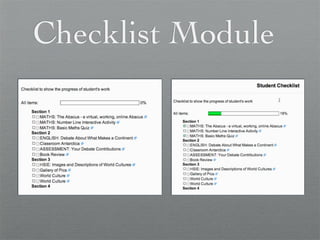
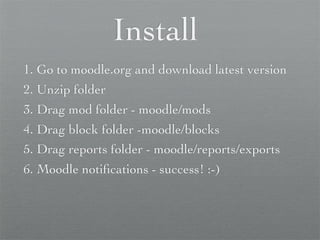
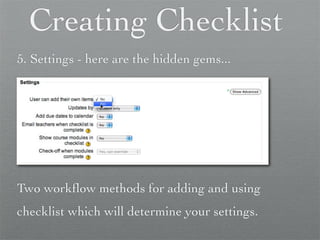
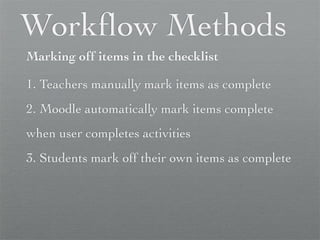
The document provides instructions for installing the Checklist Module on Moodle and customizing checklists. It explains two workflow methods for adding checklist items and marking them off as complete either manually or automatically through Moodle. Settings in the Checklist activity determine whether items are added and marked off manually by teachers or automatically by Moodle based on activity completions.


![Getting Started with Apache Spark: Big Data Made Simple [Free Meetup]](https://cdn.slidesharecdn.com/ss_thumbnails/apachesparkgettingstarted-260203175547-8361bcc3-thumbnail.jpg?width=640&height=640&fit=bounds)


