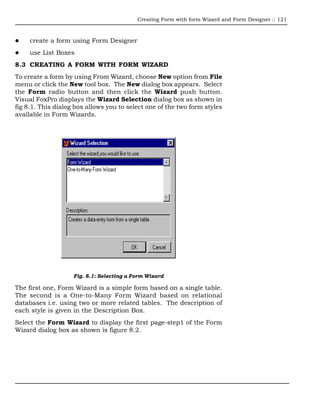
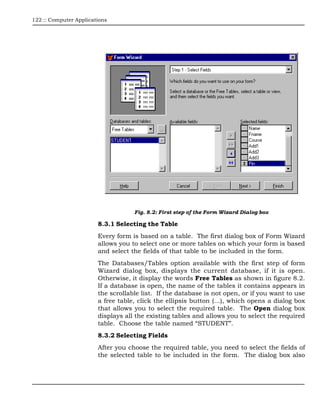
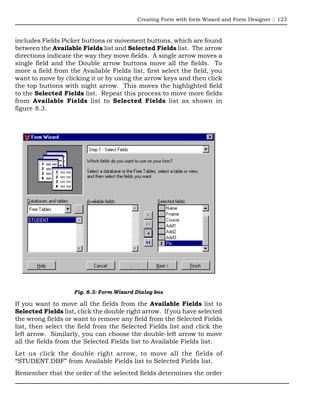
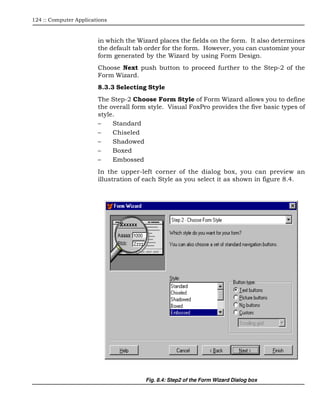
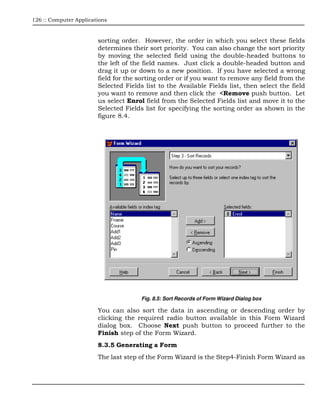
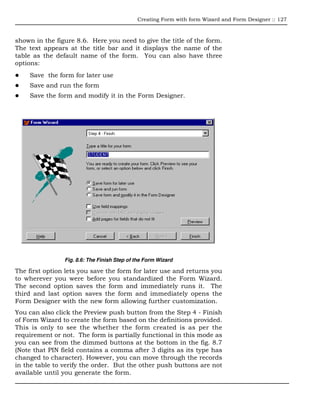
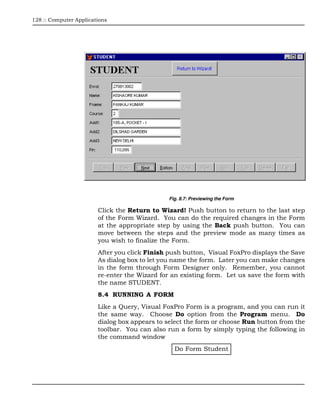
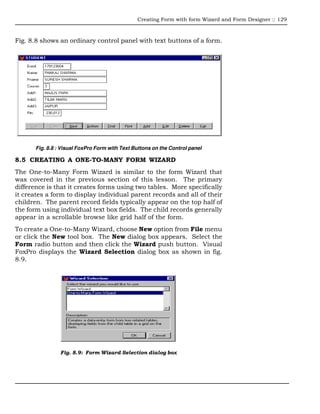
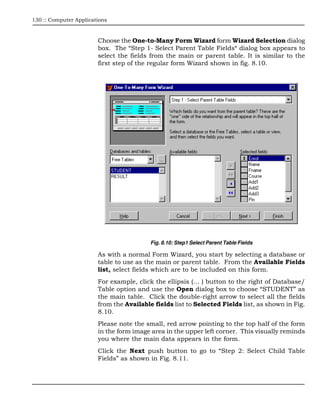
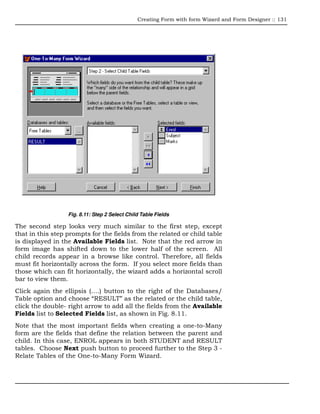
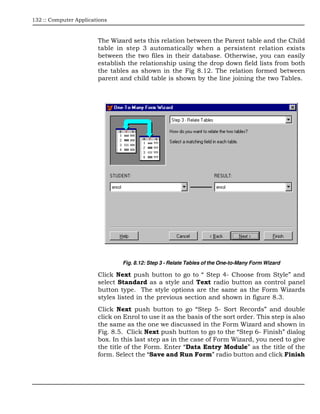
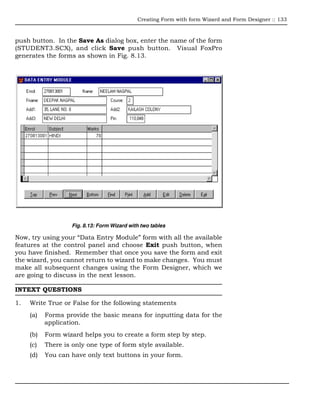
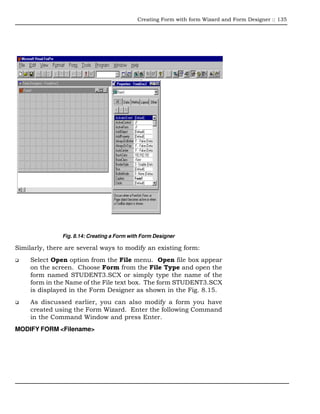
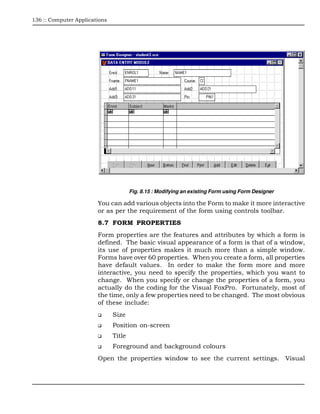
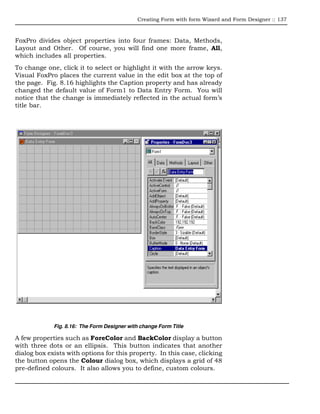


This document discusses creating forms in Visual FoxPro using the Form Wizard and Form Designer. The Form Wizard is a step-by-step process for creating basic forms based on a single table. It allows selecting fields, specifying sort order, choosing a style, and generating the form. The One-to-Many Form Wizard creates forms using two related tables, with parent records on top and child records in a browse control on bottom. The Form Designer can be used to further customize forms after generating them with the Form Wizard. It allows precisely positioning and formatting controls on forms without code. Forms provide input interfaces for applications and are stored as .SCX files in Visual FoxPro.


