Cache scope and strategy
By,
Harish
Cache Scope
● The Cache Scope is a Mule feature for storing and reusing frequently called data.
The Cache Scope saves on time and processing load.
Overview:
● You can place any no of message processors into a cache scope and configure the
caching strategy to store the responses.
● Mule’s default caching strategy defines how data are stored and reused.
● But if you want to adjust cache behavior, you can customize a global caching
strategy in Mule and make it available for use by all cache scopes in your
application.
Behavior:
● Mule sends a message into the cache scope and the parent flow expects an output.
● The cache scope processes the message, delivers the output to the parent flow and
saves the output (that is, caches the response).
● The next time Mule sends the same kind of message into the cache scope, the cache
scope may offer a cached response rather than invoking, again, a potentially
time-consuming process.
Usage:
● You can use a cache scope to reduce the processing load on the Mule instance and
speed up message processing within a flow. It is particularly effective for:
-->Processing repeated requests for the same information.
-->Processing requests for information that involve large, non-consumable message
payloads.
Caching Strategy
● The caching strategy defines the actions a cache scope takes when a message enters
its sub flow.
-->If there is no cached response event (a cache “miss”), cache scope processes the
message.
-->If there is a cached response event (a cache “hit”), cache scope offers the cached
response event rather than processing the message.
● You can customize a global caching strategy in Mule for the cache scopes in your
application to follow, or you can use Mule’s default caching strategy.
Default Caching Strategy:
● A message enters the cache scope.
● Cache scope determines whether the message’s payload is consumable. A
consumable payload can only be read once before it is lost – such as a streaming
payload – and cannot be cached.
-->If the message payload is consumable, cache scope always processes the message;
nothing is cached and the caching strategy is abandoned.
-->If the message payload is not consumable, cache scope continues to the next step
in the caching strategy.
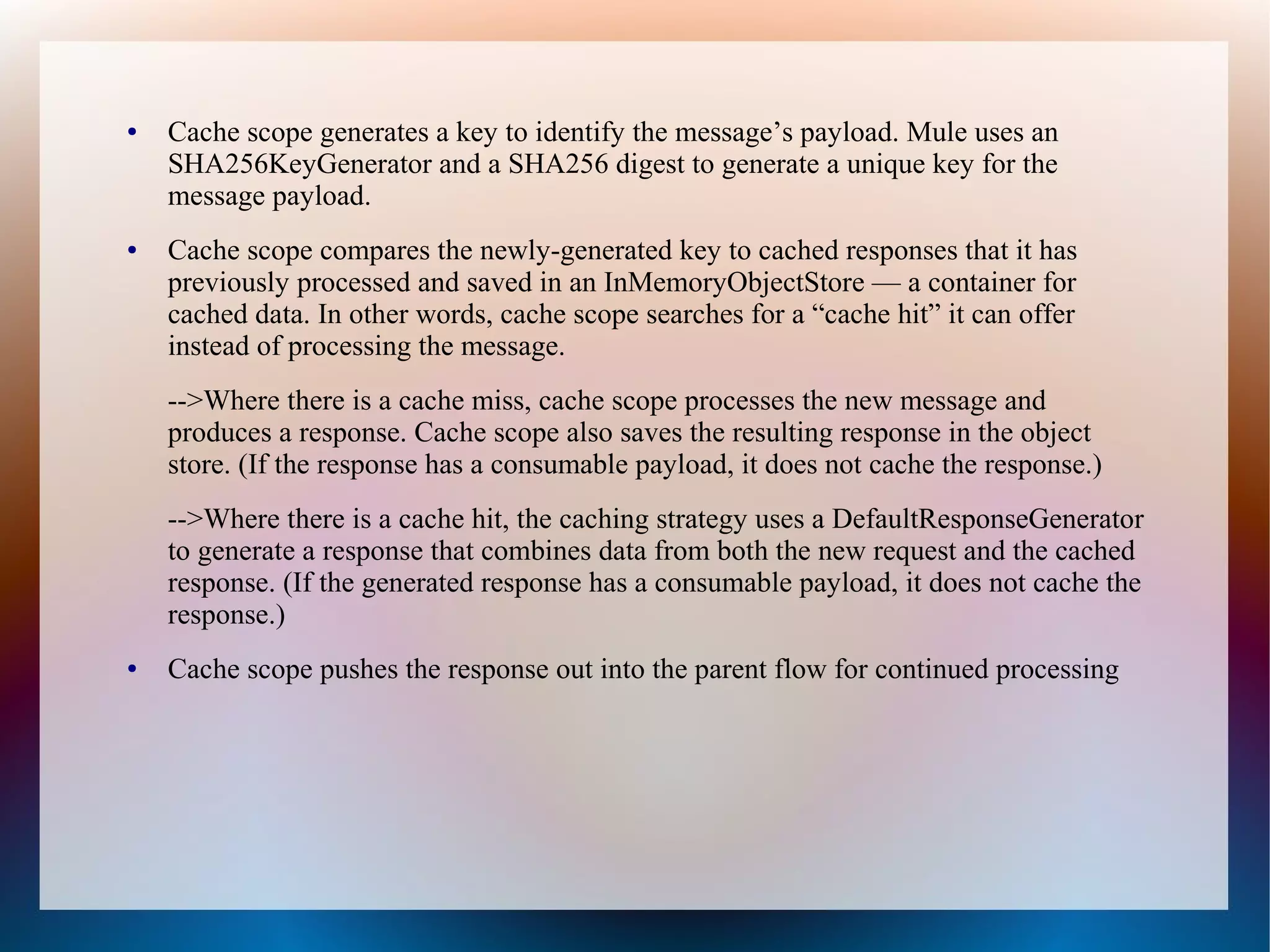
● Cache scope generates a key to identify the message’s payload. Mule uses an
SHA256KeyGenerator and a SHA256 digest to generate a unique key for the
message payload.
● Cache scope compares the newly-generated key to cached responses that it has
previously processed and saved in an InMemoryObjectStore — a container for
cached data. In other words, cache scope searches for a “cache hit” it can offer
instead of processing the message.
-->Where there is a cache miss, cache scope processes the new message and
produces a response. Cache scope also saves the resulting response in the object
store. (If the response has a consumable payload, it does not cache the response.)
-->Where there is a cache hit, the caching strategy uses a DefaultResponseGenerator
to generate a response that combines data from both the new request and the cached
response. (If the generated response has a consumable payload, it does not cache the
response.)
● Cache scope pushes the response out into the parent flow for continued processing
Field Descriptions
● Display Name field - Value is Cache - Customize to display a unique name for the
scope in your application.
● Caching strategy reference
● Use Default caching strategy (Default) - Select if you want the cache scope to follow
Mule’s Default Caching Strategy.
● Reference to a strategy - Select to configure the cache scope to follow a global
caching strategy that you have created; select the global caching strategy from the
drop-down menu or create one by clicking the green plus sign.
● Filter field:
● Process all messages (Default) - Select if you want the cache scope to execute the
caching strategy for all messages that enter the scope.
● Filter messages using an expression - Select if you want the cache scope to execute
the caching strategy ONLY for messages that match the expression(s) defined in this
field.
● If the message matches the expression(s), Mule executes the caching strategy.
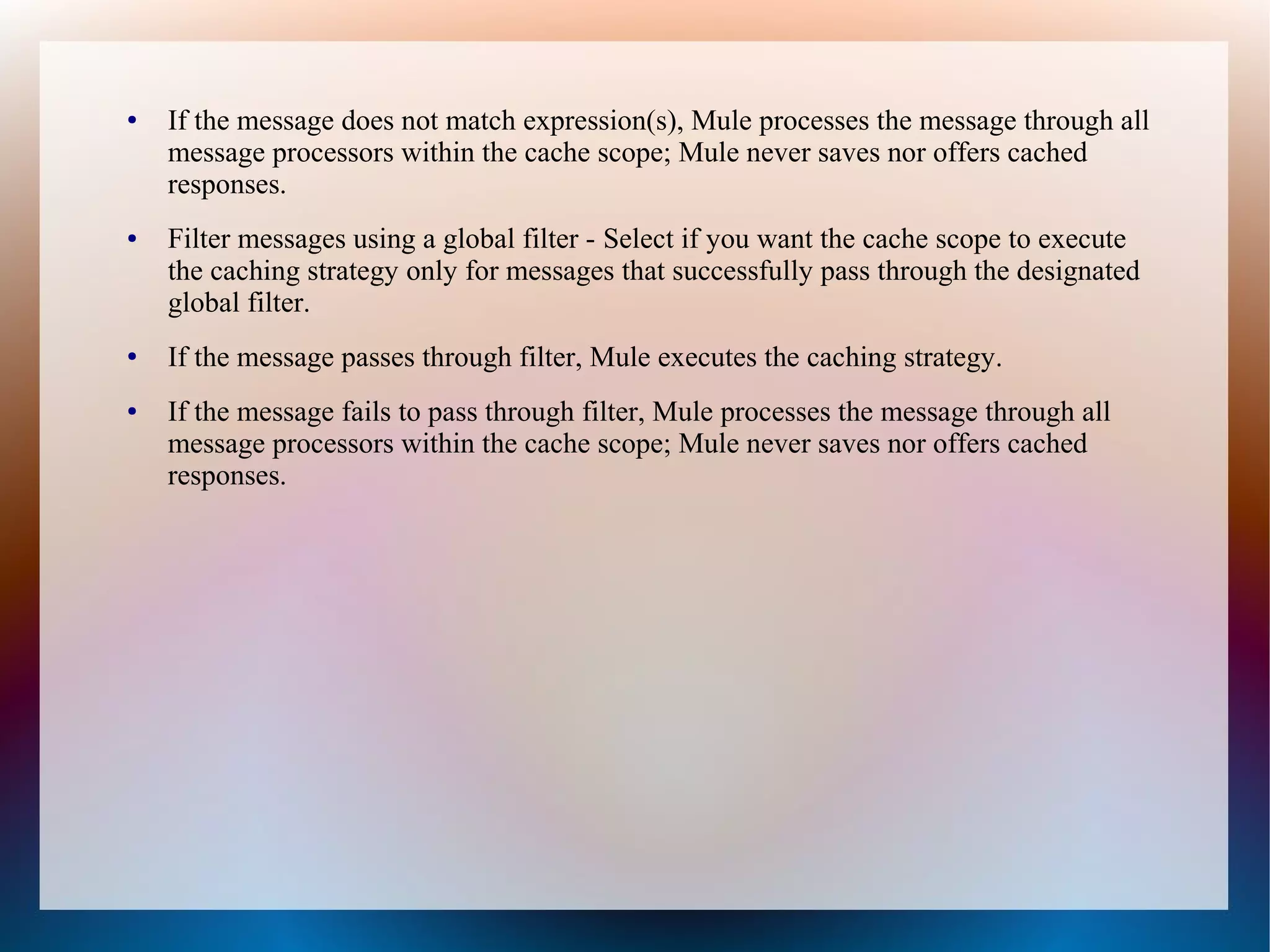
● If the message does not match expression(s), Mule processes the message through all
message processors within the cache scope; Mule never saves nor offers cached
responses.
● Filter messages using a global filter - Select if you want the cache scope to execute
the caching strategy only for messages that successfully pass through the designated
global filter.
● If the message passes through filter, Mule executes the caching strategy.
● If the message fails to pass through filter, Mule processes the message through all
message processors within the cache scope; Mule never saves nor offers cached
responses.
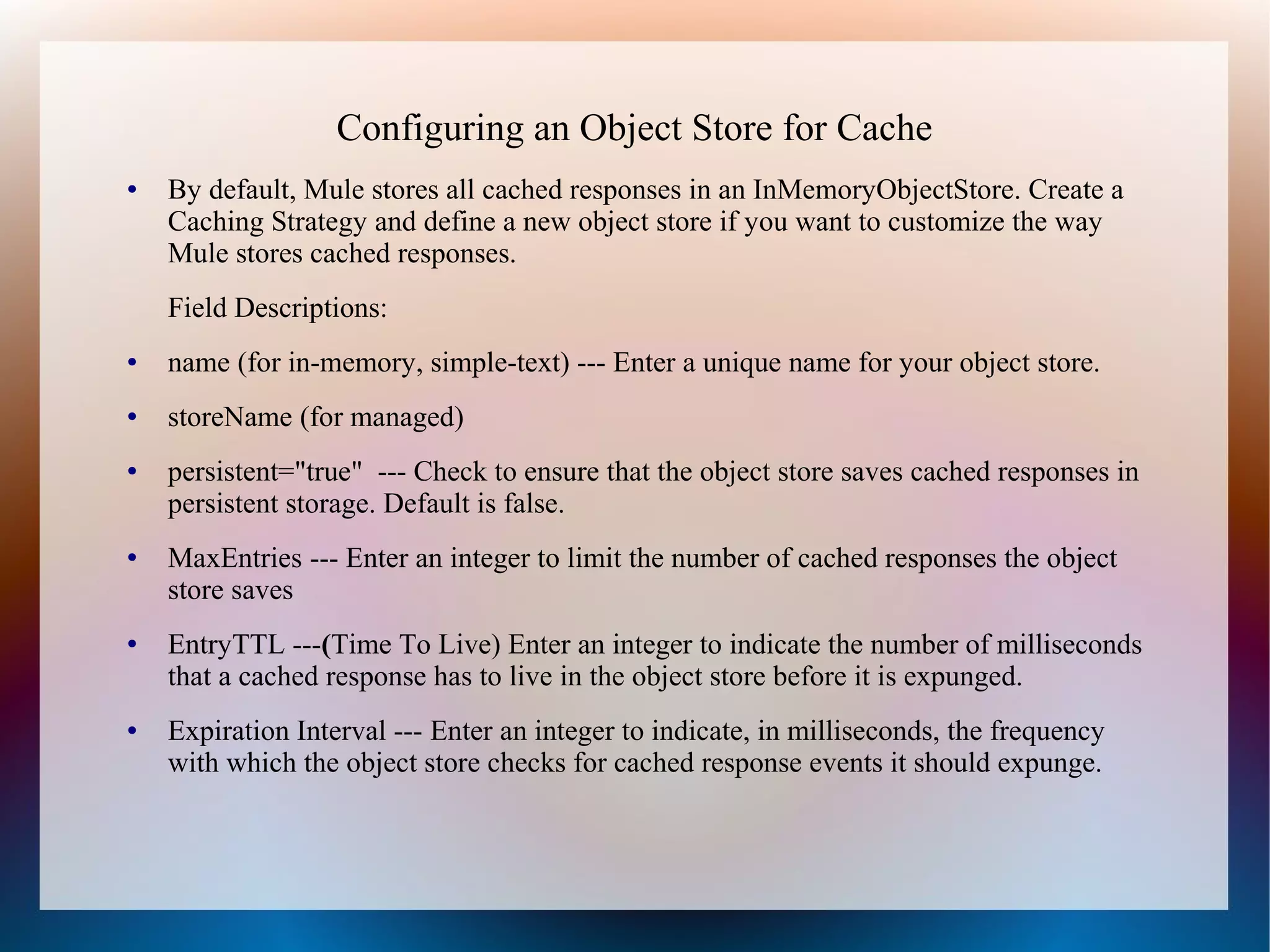
Configuring an Object Store for Cache
● By default, Mule stores all cached responses in an InMemoryObjectStore. Create a
Caching Strategy and define a new object store if you want to customize the way
Mule stores cached responses.
Field Descriptions:
● name (for in-memory, simple-text) --- Enter a unique name for your object store.
● storeName (for managed)
● persistent="true" --- Check to ensure that the object store saves cached responses in
persistent storage. Default is false.
● MaxEntries --- Enter an integer to limit the number of cached responses the object
store saves
● EntryTTL ---(Time To Live) Enter an integer to indicate the number of milliseconds
that a cached response has to live in the object store before it is expunged.
● Expiration Interval --- Enter an integer to indicate, in milliseconds, the frequency
with which the object store checks for cached response events it should expunge.
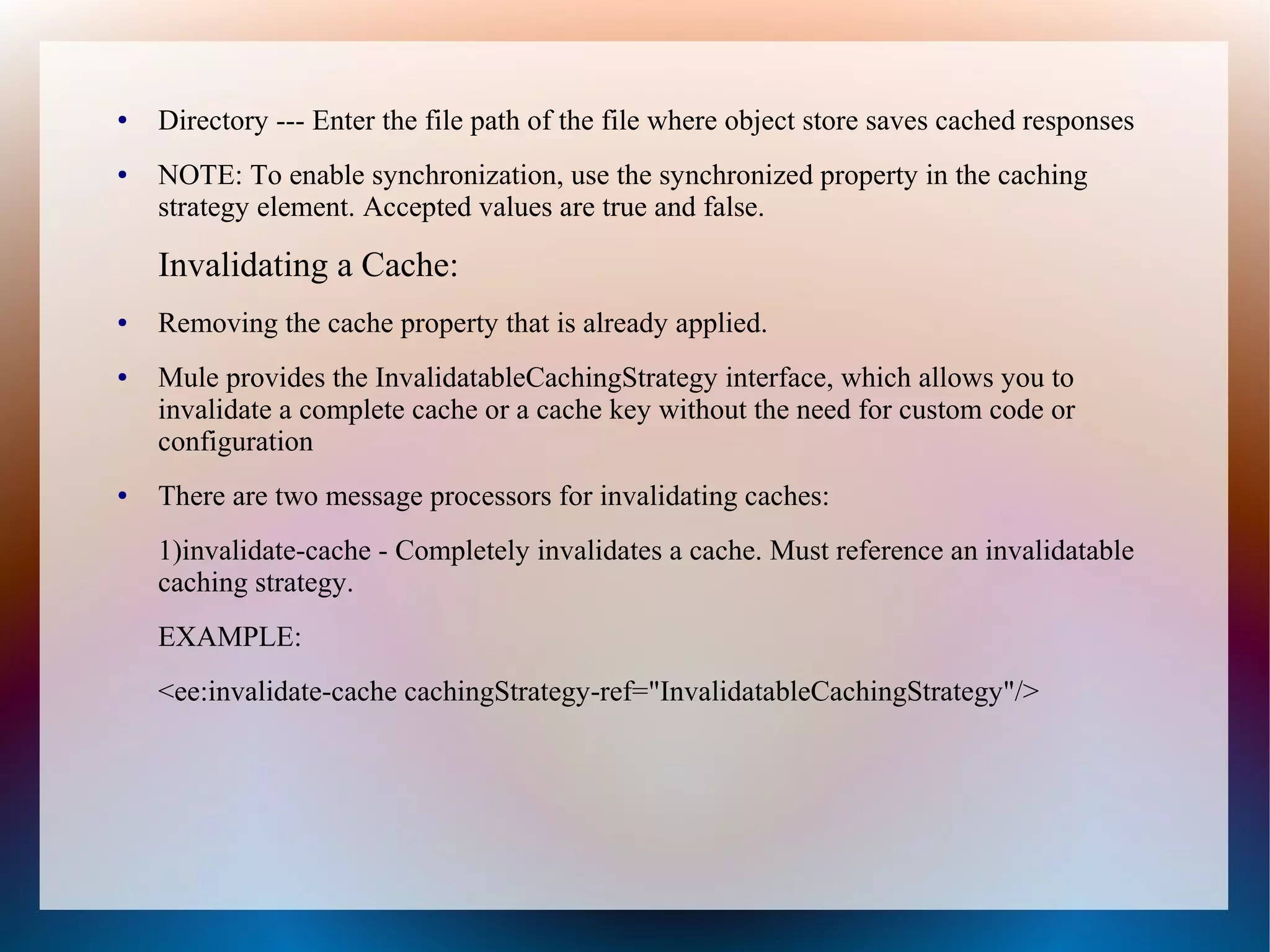
● Directory --- Enter the file path of the file where object store saves cached responses
● NOTE: To enable synchronization, use the synchronized property in the caching
strategy element. Accepted values are true and false.
Invalidating a Cache:
● Removing the cache property that is already applied.
● Mule provides the InvalidatableCachingStrategy interface, which allows you to
invalidate a complete cache or a cache key without the need for custom code or
configuration
● There are two message processors for invalidating caches:
1)invalidate-cache - Completely invalidates a cache. Must reference an invalidatable
caching strategy.
EXAMPLE:
<ee:invalidate-cache cachingStrategy-ref="InvalidatableCachingStrategy"/>
● 2) invalidate-key - Calculates a cache key from the current event, then searches for it
in the cache and removes it if present. Must reference an invalidatable caching
strategy and, optionally, a MuleEventKeyGenerator. If no MuleEventKeyGenerator
is provided, Mule uses the default implementation
(SHA256MuleEventKeyGenerator).
EXAMPLE:
<ee:invalidate-key cachingStrategy-ref="InvalidatableCachingStrategy"
keyGenerator-ref="MD5MuleEventKeyGenerator"/>

Cache scope and strategy

  • 1.
    Cache scope andstrategy By, Harish
  • 2.
    Cache Scope ● TheCache Scope is a Mule feature for storing and reusing frequently called data. The Cache Scope saves on time and processing load. Overview: ● You can place any no of message processors into a cache scope and configure the caching strategy to store the responses. ● Mule’s default caching strategy defines how data are stored and reused. ● But if you want to adjust cache behavior, you can customize a global caching strategy in Mule and make it available for use by all cache scopes in your application.
  • 3.
    Behavior: ● Mule sendsa message into the cache scope and the parent flow expects an output. ● The cache scope processes the message, delivers the output to the parent flow and saves the output (that is, caches the response). ● The next time Mule sends the same kind of message into the cache scope, the cache scope may offer a cached response rather than invoking, again, a potentially time-consuming process. Usage: ● You can use a cache scope to reduce the processing load on the Mule instance and speed up message processing within a flow. It is particularly effective for: -->Processing repeated requests for the same information. -->Processing requests for information that involve large, non-consumable message payloads.
  • 4.
    Caching Strategy ● Thecaching strategy defines the actions a cache scope takes when a message enters its sub flow. -->If there is no cached response event (a cache “miss”), cache scope processes the message. -->If there is a cached response event (a cache “hit”), cache scope offers the cached response event rather than processing the message. ● You can customize a global caching strategy in Mule for the cache scopes in your application to follow, or you can use Mule’s default caching strategy. Default Caching Strategy: ● A message enters the cache scope. ● Cache scope determines whether the message’s payload is consumable. A consumable payload can only be read once before it is lost – such as a streaming payload – and cannot be cached. -->If the message payload is consumable, cache scope always processes the message; nothing is cached and the caching strategy is abandoned. -->If the message payload is not consumable, cache scope continues to the next step in the caching strategy.
  • 5.
    ● Cache scopegenerates a key to identify the message’s payload. Mule uses an SHA256KeyGenerator and a SHA256 digest to generate a unique key for the message payload. ● Cache scope compares the newly-generated key to cached responses that it has previously processed and saved in an InMemoryObjectStore — a container for cached data. In other words, cache scope searches for a “cache hit” it can offer instead of processing the message. -->Where there is a cache miss, cache scope processes the new message and produces a response. Cache scope also saves the resulting response in the object store. (If the response has a consumable payload, it does not cache the response.) -->Where there is a cache hit, the caching strategy uses a DefaultResponseGenerator to generate a response that combines data from both the new request and the cached response. (If the generated response has a consumable payload, it does not cache the response.) ● Cache scope pushes the response out into the parent flow for continued processing
  • 6.
    Field Descriptions ● DisplayName field - Value is Cache - Customize to display a unique name for the scope in your application. ● Caching strategy reference ● Use Default caching strategy (Default) - Select if you want the cache scope to follow Mule’s Default Caching Strategy. ● Reference to a strategy - Select to configure the cache scope to follow a global caching strategy that you have created; select the global caching strategy from the drop-down menu or create one by clicking the green plus sign. ● Filter field: ● Process all messages (Default) - Select if you want the cache scope to execute the caching strategy for all messages that enter the scope. ● Filter messages using an expression - Select if you want the cache scope to execute the caching strategy ONLY for messages that match the expression(s) defined in this field. ● If the message matches the expression(s), Mule executes the caching strategy.
  • 7.
    ● If themessage does not match expression(s), Mule processes the message through all message processors within the cache scope; Mule never saves nor offers cached responses. ● Filter messages using a global filter - Select if you want the cache scope to execute the caching strategy only for messages that successfully pass through the designated global filter. ● If the message passes through filter, Mule executes the caching strategy. ● If the message fails to pass through filter, Mule processes the message through all message processors within the cache scope; Mule never saves nor offers cached responses.
  • 8.
    Configuring an ObjectStore for Cache ● By default, Mule stores all cached responses in an InMemoryObjectStore. Create a Caching Strategy and define a new object store if you want to customize the way Mule stores cached responses. Field Descriptions: ● name (for in-memory, simple-text) --- Enter a unique name for your object store. ● storeName (for managed) ● persistent="true" --- Check to ensure that the object store saves cached responses in persistent storage. Default is false. ● MaxEntries --- Enter an integer to limit the number of cached responses the object store saves ● EntryTTL ---(Time To Live) Enter an integer to indicate the number of milliseconds that a cached response has to live in the object store before it is expunged. ● Expiration Interval --- Enter an integer to indicate, in milliseconds, the frequency with which the object store checks for cached response events it should expunge.
  • 9.
    ● Directory ---Enter the file path of the file where object store saves cached responses ● NOTE: To enable synchronization, use the synchronized property in the caching strategy element. Accepted values are true and false. Invalidating a Cache: ● Removing the cache property that is already applied. ● Mule provides the InvalidatableCachingStrategy interface, which allows you to invalidate a complete cache or a cache key without the need for custom code or configuration ● There are two message processors for invalidating caches: 1)invalidate-cache - Completely invalidates a cache. Must reference an invalidatable caching strategy. EXAMPLE: <ee:invalidate-cache cachingStrategy-ref="InvalidatableCachingStrategy"/>
  • 10.
    ● 2) invalidate-key- Calculates a cache key from the current event, then searches for it in the cache and removes it if present. Must reference an invalidatable caching strategy and, optionally, a MuleEventKeyGenerator. If no MuleEventKeyGenerator is provided, Mule uses the default implementation (SHA256MuleEventKeyGenerator). EXAMPLE: <ee:invalidate-key cachingStrategy-ref="InvalidatableCachingStrategy" keyGenerator-ref="MD5MuleEventKeyGenerator"/>