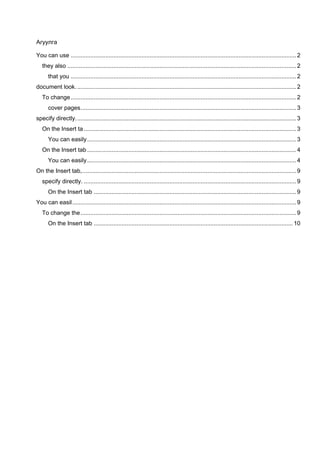
The document discusses how to format text and change the overall look of a document in Microsoft Word. It describes how the Insert tab contains galleries that coordinate with the document's overall look and can be used to insert things like tables, headers, footers, lists, and cover pages. It also explains how the Quick Styles gallery on the Home tab and Theme options on the Page Layout tab allow changing the formatting of text or entire look of the document respectively. Reset commands are mentioned that can restore the original template styling.