Bloomberg Off Campus
Access
To access Bloomberg off campus you need to:
1. Book a slot for terminal access
2. Create a BMC (Bloomberg Market Concepts) account
3. Request terminal access
The following steps will guide you through the process
Book a slot for terminal access
https://uct.ac.za.libcal.com/reserve/bloomberg
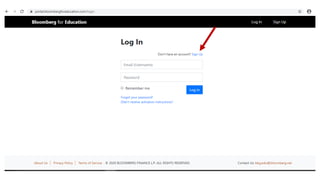
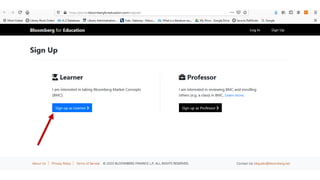
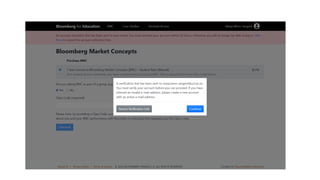
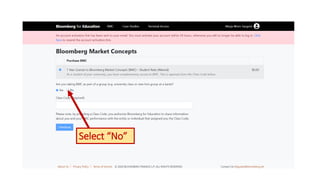
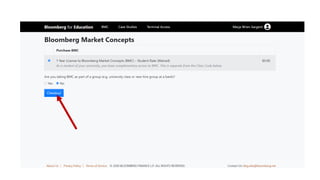
Creating a BMC account
https://portal.bloombergforeducation.com/
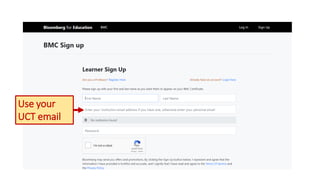
Use your
UCT email
Select “No”
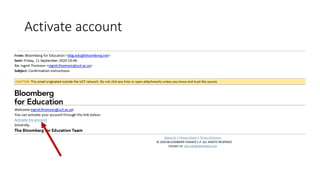
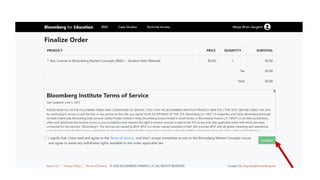
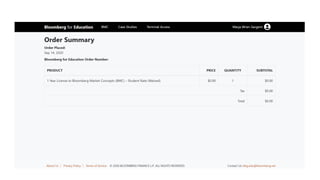
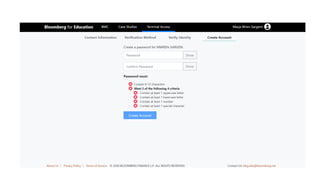
Activate account
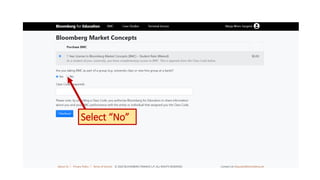
Select “No”
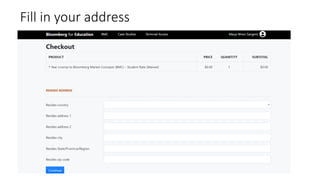
Fill in your address
Request for terminal access
Contact the library on any of these email addresses:
lib-commerce@uct.ac.za
maureen.chiware@uct.ac.za
mary.lister@gsb.uct.ac.za
jamie.hendricks@uct.ac.za
zanele.majebe@uct.ac.za
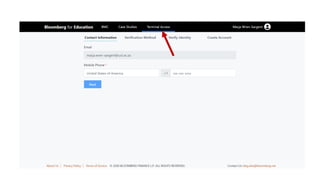
Once the library responds that account has
been activated, sign in to your BMC account
https://portal.bloombergforeducation.com/
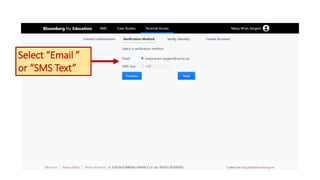
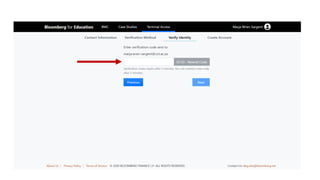
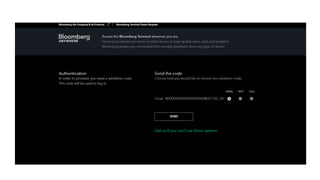
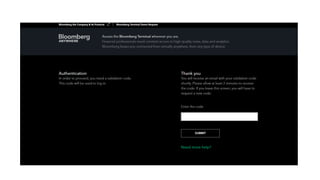
Select “Email ”
or “SMS Text”
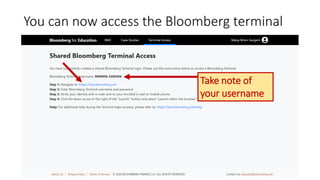
Take note of
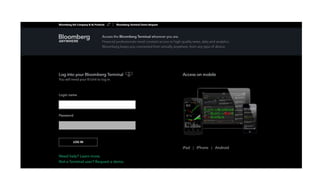
your username
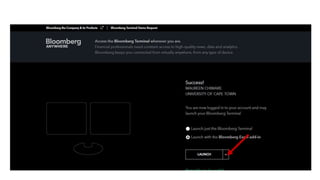
You can now access the Bloomberg terminal
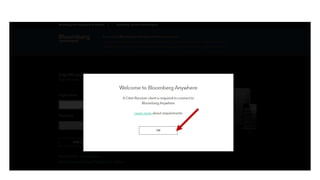
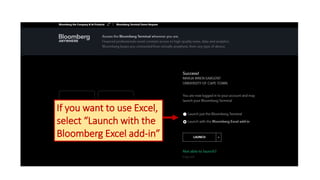
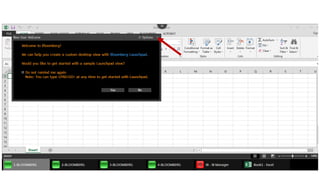
If you want to use Excel,
select “Launch with the
Bloomberg Excel add-in”
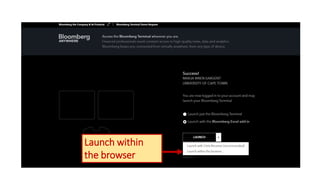
Launch within
the browser
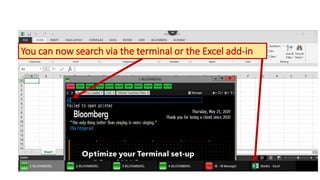
You can now search via the terminal or the Excel add-in
Keep your account active
NOTE: Bloomberg will deactivate an account that is inactive for a period
of 90 days
Book a slot each time you need to use the Bloomberg terminal
https://uct.ac.za.libcal.com/reserve/bloomberg

Bloomberg off campus access

Editor's Notes

  • #29 If you want to use the Bloomberg Excel plug-in, choose that option
  • #31 NO
  • #32 Can now start searching either on the terminal or via Excel