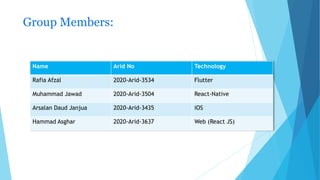
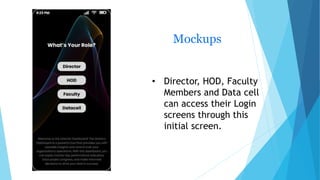
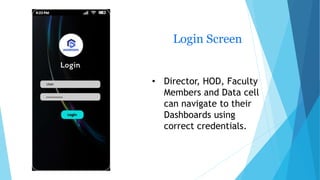
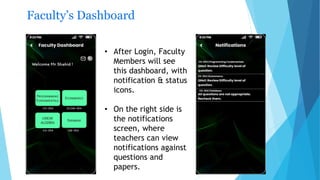
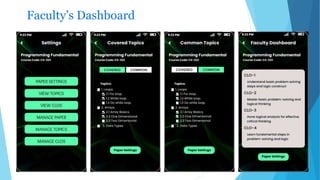
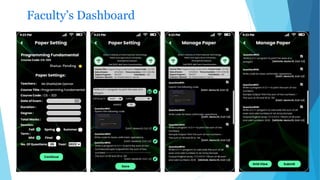
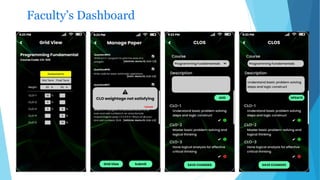
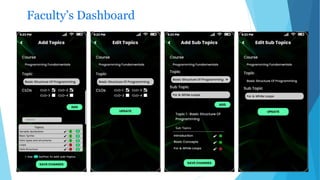
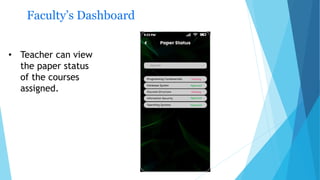
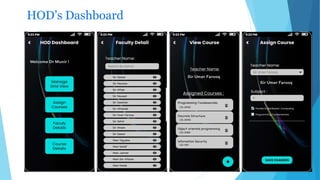
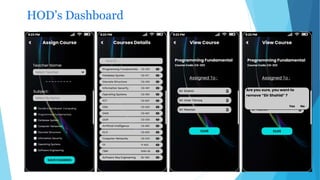
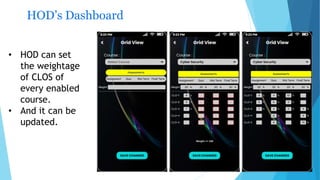
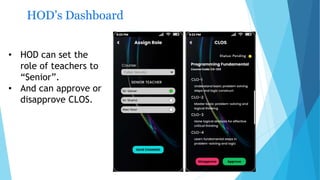
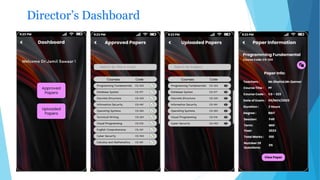
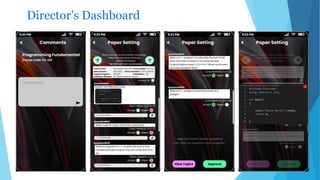
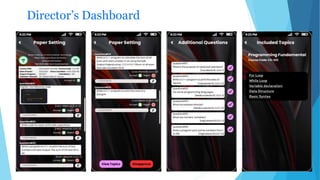
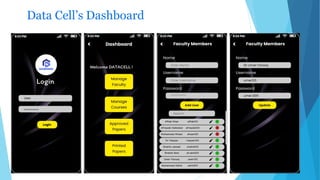
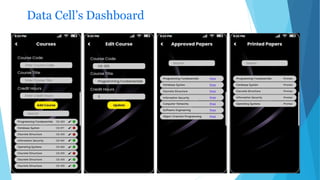
This document summarizes a dashboard being created for paper setting at a university. It includes mockups and descriptions of the login screen and dashboards for faculty, heads of department, directors, and the data cell. The faculty dashboard allows viewing notifications and paper status. The head of department dashboard permits setting and updating course CLO weightages and approving CLOs. The director's dashboard provides overall oversight. The data cell dashboard supports backend data functions. The project is being developed using Flutter, React Native, iOS, and React JS technologies.