Attack Vectors
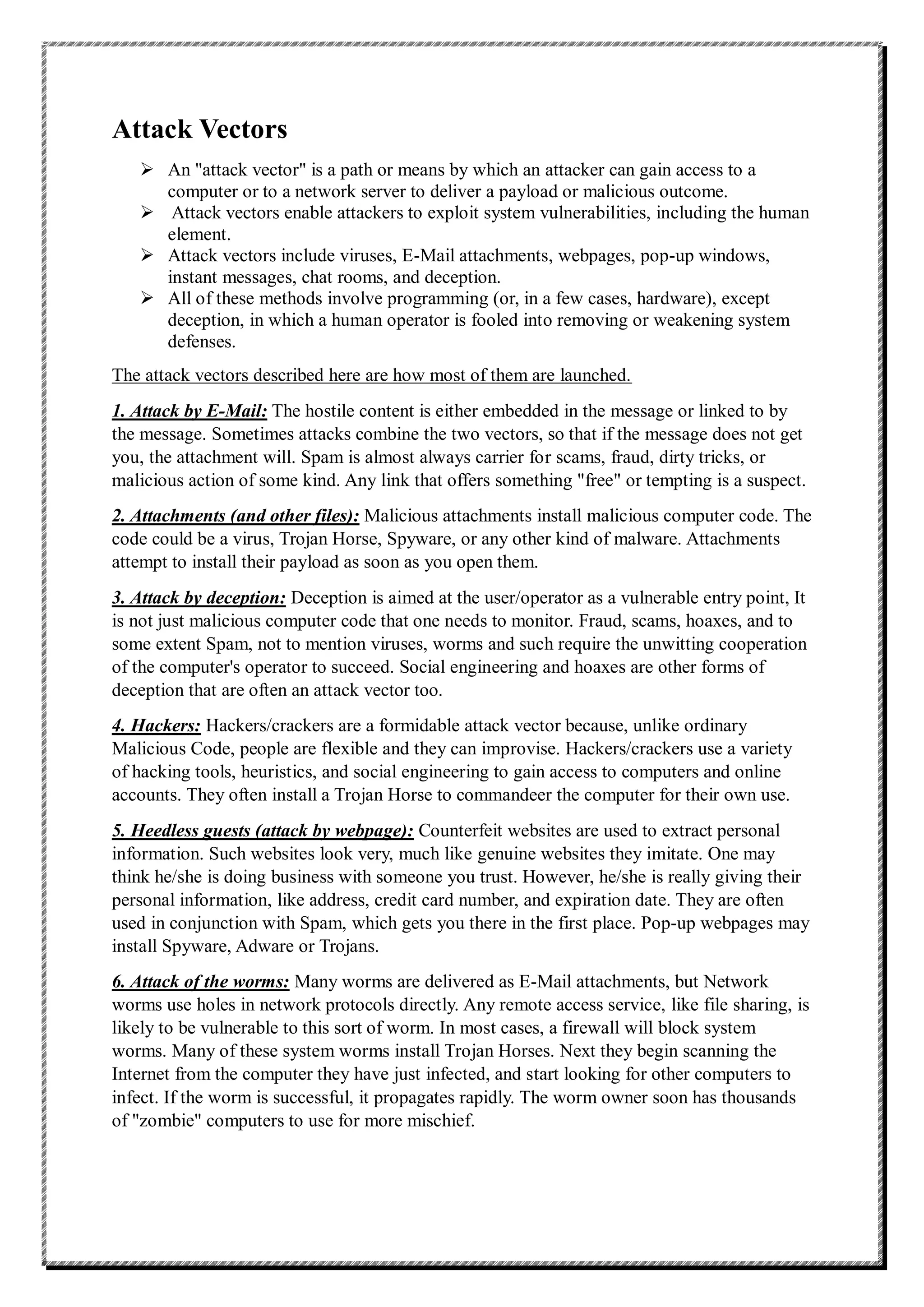
 An "attack vector" is a path or means by which an attacker can gain access to a
computer or to a network server to deliver a payload or malicious outcome.
 Attack vectors enable attackers to exploit system vulnerabilities, including the human
element.
 Attack vectors include viruses, E-Mail attachments, webpages, pop-up windows,
instant messages, chat rooms, and deception.
 All of these methods involve programming (or, in a few cases, hardware), except
deception, in which a human operator is fooled into removing or weakening system
defenses.
The attack vectors described here are how most of them are launched.
1. Attack by E-Mail: The hostile content is either embedded in the message or linked to by
the message. Sometimes attacks combine the two vectors, so that if the message does not get
you, the attachment will. Spam is almost always carrier for scams, fraud, dirty tricks, or
malicious action of some kind. Any link that offers something "free" or tempting is a suspect.
2. Attachments (and other files): Malicious attachments install malicious computer code. The
code could be a virus, Trojan Horse, Spyware, or any other kind of malware. Attachments
attempt to install their payload as soon as you open them.
3. Attack by deception: Deception is aimed at the user/operator as a vulnerable entry point, It
is not just malicious computer code that one needs to monitor. Fraud, scams, hoaxes, and to
some extent Spam, not to mention viruses, worms and such require the unwitting cooperation
of the computer's operator to succeed. Social engineering and hoaxes are other forms of
deception that are often an attack vector too.
4. Hackers: Hackers/crackers are a formidable attack vector because, unlike ordinary
Malicious Code, people are flexible and they can improvise. Hackers/crackers use a variety
of hacking tools, heuristics, and social engineering to gain access to computers and online
accounts. They often install a Trojan Horse to commandeer the computer for their own use.
5. Heedless guests (attack by webpage): Counterfeit websites are used to extract personal
information. Such websites look very, much like genuine websites they imitate. One may
think he/she is doing business with someone you trust. However, he/she is really giving their
personal information, like address, credit card number, and expiration date. They are often
used in conjunction with Spam, which gets you there in the first place. Pop-up webpages may
install Spyware, Adware or Trojans.
6. Attack of the worms: Many worms are delivered as E-Mail attachments, but Network
worms use holes in network protocols directly. Any remote access service, like file sharing, is
likely to be vulnerable to this sort of worm. In most cases, a firewall will block system
worms. Many of these system worms install Trojan Horses. Next they begin scanning the
Internet from the computer they have just infected, and start looking for other computers to
infect. If the worm is successful, it propagates rapidly. The worm owner soon has thousands
of "zombie" computers to use for more mischief.
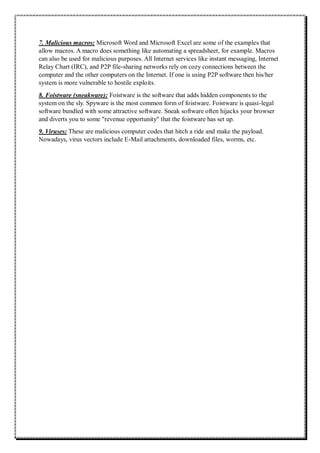
7. Malicious macros: Microsoft Word and Microsoft Excel are some of the examples that
allow macros. A macro does something like automating a spreadsheet, for example. Macros
can also be used for malicious purposes. All Internet services like instant messaging, Internet
Relay Chart (IRC), and P2P file-sharing networks rely on cozy connections between the
computer and the other computers on the Internet. If one is using P2P software then his/her
system is more vulnerable to hostile exploits.
8. Foistware (sneakware): Foistware is the software that adds hidden components to the
system on the sly. Spyware is the most common form of foistware. Foistware is quasi-legal
software bundled with some attractive software. Sneak software often hijacks your browser
and diverts you to some "revenue opportunity" that the foistware has set up.
9. Viruses: These are malicious computer codes that hitch a ride and make the payload.
Nowadays, virus vectors include E-Mail attachments, downloaded files, worms, etc.

attack vector in cyber security access to a computer

  • 1.
    Attack Vectors  An"attack vector" is a path or means by which an attacker can gain access to a computer or to a network server to deliver a payload or malicious outcome.  Attack vectors enable attackers to exploit system vulnerabilities, including the human element.  Attack vectors include viruses, E-Mail attachments, webpages, pop-up windows, instant messages, chat rooms, and deception.  All of these methods involve programming (or, in a few cases, hardware), except deception, in which a human operator is fooled into removing or weakening system defenses. The attack vectors described here are how most of them are launched. 1. Attack by E-Mail: The hostile content is either embedded in the message or linked to by the message. Sometimes attacks combine the two vectors, so that if the message does not get you, the attachment will. Spam is almost always carrier for scams, fraud, dirty tricks, or malicious action of some kind. Any link that offers something "free" or tempting is a suspect. 2. Attachments (and other files): Malicious attachments install malicious computer code. The code could be a virus, Trojan Horse, Spyware, or any other kind of malware. Attachments attempt to install their payload as soon as you open them. 3. Attack by deception: Deception is aimed at the user/operator as a vulnerable entry point, It is not just malicious computer code that one needs to monitor. Fraud, scams, hoaxes, and to some extent Spam, not to mention viruses, worms and such require the unwitting cooperation of the computer's operator to succeed. Social engineering and hoaxes are other forms of deception that are often an attack vector too. 4. Hackers: Hackers/crackers are a formidable attack vector because, unlike ordinary Malicious Code, people are flexible and they can improvise. Hackers/crackers use a variety of hacking tools, heuristics, and social engineering to gain access to computers and online accounts. They often install a Trojan Horse to commandeer the computer for their own use. 5. Heedless guests (attack by webpage): Counterfeit websites are used to extract personal information. Such websites look very, much like genuine websites they imitate. One may think he/she is doing business with someone you trust. However, he/she is really giving their personal information, like address, credit card number, and expiration date. They are often used in conjunction with Spam, which gets you there in the first place. Pop-up webpages may install Spyware, Adware or Trojans. 6. Attack of the worms: Many worms are delivered as E-Mail attachments, but Network worms use holes in network protocols directly. Any remote access service, like file sharing, is likely to be vulnerable to this sort of worm. In most cases, a firewall will block system worms. Many of these system worms install Trojan Horses. Next they begin scanning the Internet from the computer they have just infected, and start looking for other computers to infect. If the worm is successful, it propagates rapidly. The worm owner soon has thousands of "zombie" computers to use for more mischief.
  • 2.
    7. Malicious macros:Microsoft Word and Microsoft Excel are some of the examples that allow macros. A macro does something like automating a spreadsheet, for example. Macros can also be used for malicious purposes. All Internet services like instant messaging, Internet Relay Chart (IRC), and P2P file-sharing networks rely on cozy connections between the computer and the other computers on the Internet. If one is using P2P software then his/her system is more vulnerable to hostile exploits. 8. Foistware (sneakware): Foistware is the software that adds hidden components to the system on the sly. Spyware is the most common form of foistware. Foistware is quasi-legal software bundled with some attractive software. Sneak software often hijacks your browser and diverts you to some "revenue opportunity" that the foistware has set up. 9. Viruses: These are malicious computer codes that hitch a ride and make the payload. Nowadays, virus vectors include E-Mail attachments, downloaded files, worms, etc.