ARRAYS IN PHP
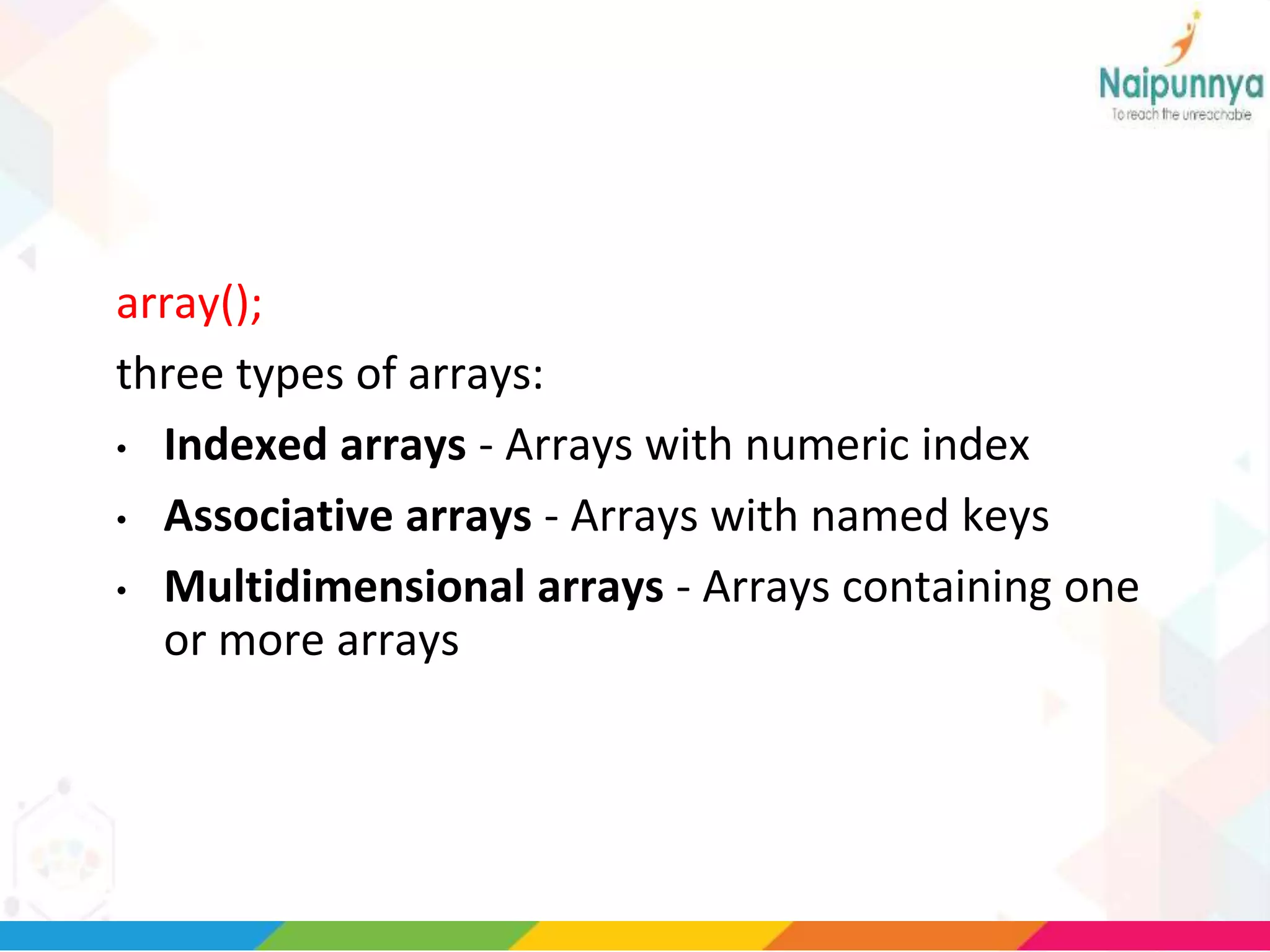
array();
three types of arrays:
• Indexed arrays - Arrays with numeric index
• Associative arrays - Arrays with named keys
• Multidimensional arrays - Arrays containing one
or more arrays
PHP Indexed Arrays
• two ways to create indexed arrays:
$cars=array("Volvo","BMW","Toyota");
Or :
• $cars[0]="Volvo";
$cars[1]="BMW";
$cars[2]="Toyota";
EXAMPLE
<?php
$cars=array("Volvo","BMW","Toyota");
echo "I like " . $cars[0] . ", " . $cars[1] . " and " . $cars[2] .
".";
?>
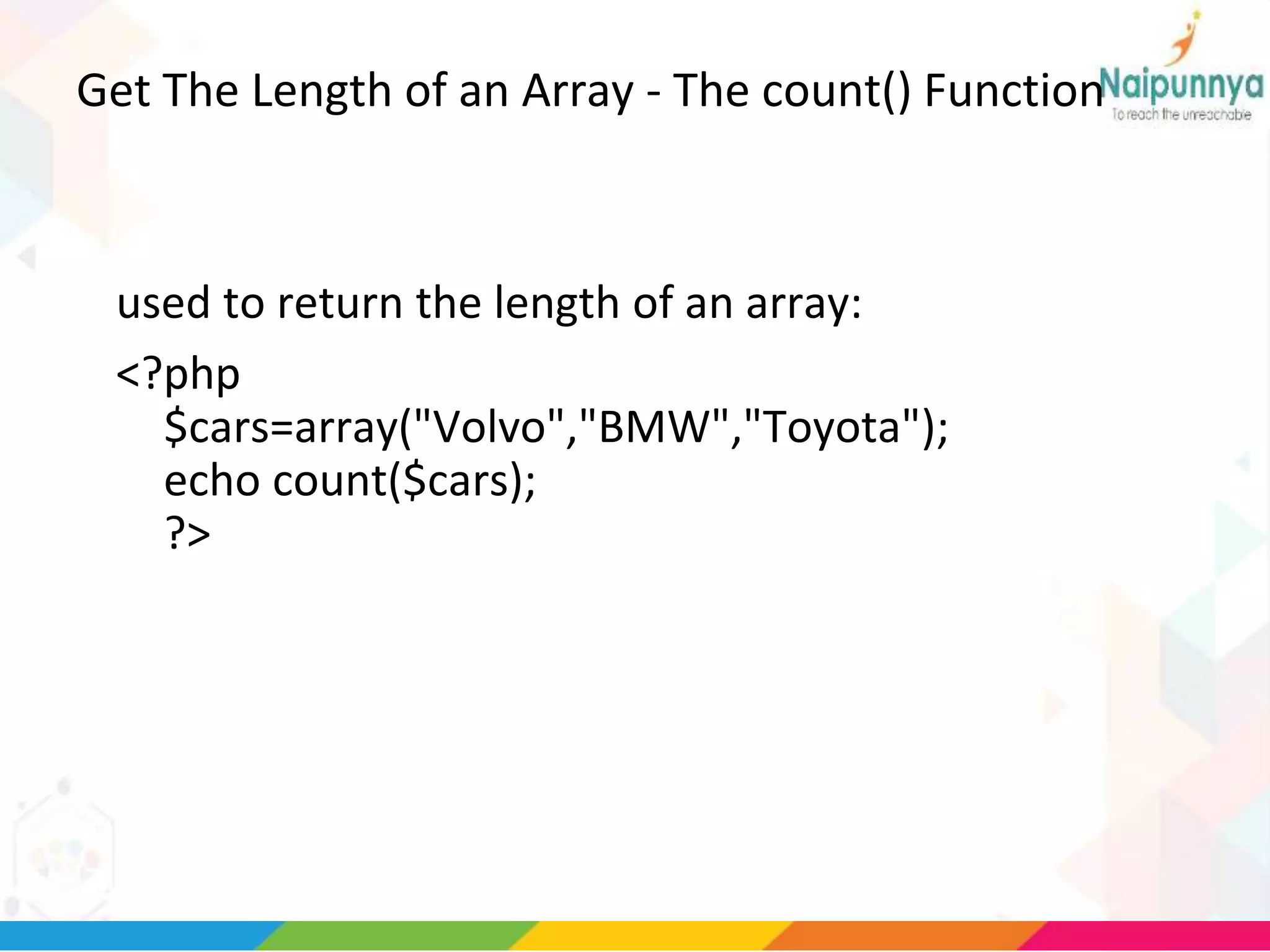
Get The Length of an Array - The count() Function
used to return the length of an array:
<?php
$cars=array("Volvo","BMW","Toyota");
echo count($cars);
?>
Loop Through an Indexed Array
<?php
$cars=array("Volvo","BMW","Toyota");
$arrlength=count($cars);
for($x=0;$x<$arrlength;$x++)
{
echo $cars[$x];
echo "<br>";
}
?>
PHP Associative Arrays
• Associative arrays are arrays that use named keys that you
assign to them.
$age=array("Peter"=>"35","Ben"=>"37","Joe"=>"43");
or:
$age['Peter']="35";
$age['Ben']="37";
$age['Joe']="43";
• The named keys can then be used in a script:
Example
<?php
$age=array("Peter"=>"35","Ben"=>"37","Joe"=>"43");
echo "Peter is " . $age['Peter'] . " years old.";
?>
•
Loop Through an Associative
Array
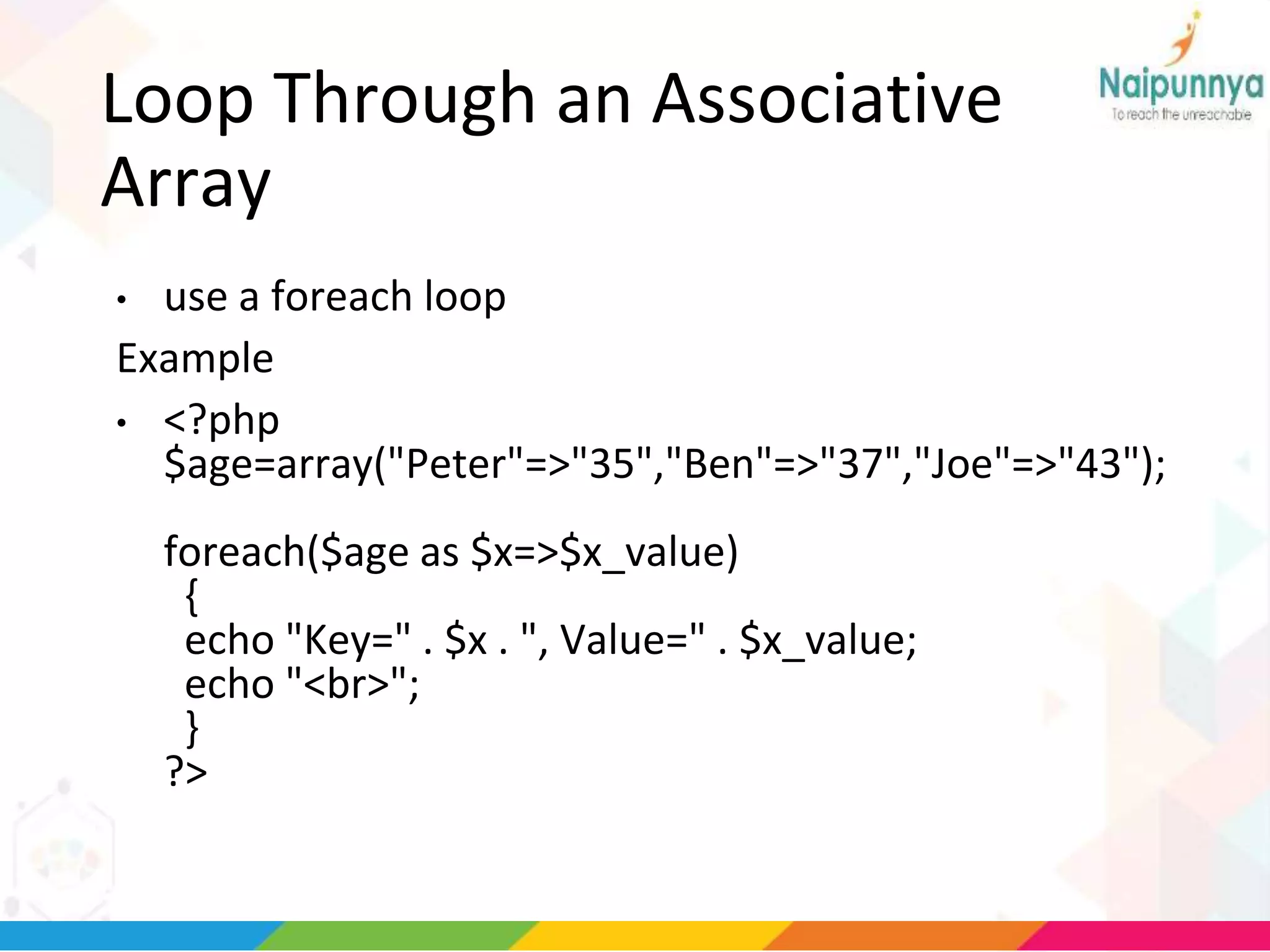
• use a foreach loop
Example
• <?php
$age=array("Peter"=>"35","Ben"=>"37","Joe"=>"43");
foreach($age as $x=>$x_value)
{
echo "Key=" . $x . ", Value=" . $x_value;
echo "<br>";
}
?>
Multidimensional Arrays
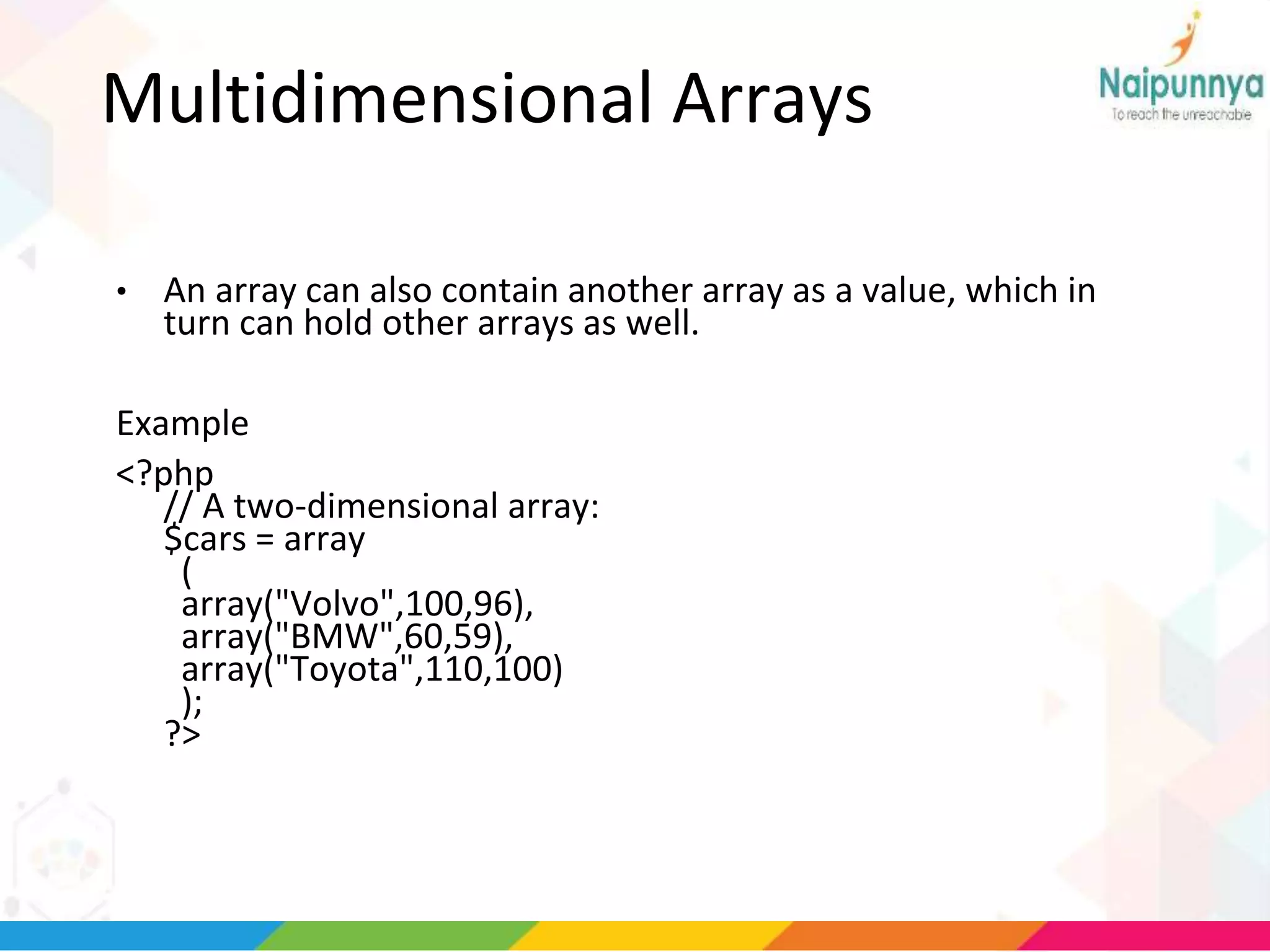
• An array can also contain another array as a value, which in
turn can hold other arrays as well.
Example
<?php
// A two-dimensional array:
$cars = array
(
array("Volvo",100,96),
array("BMW",60,59),
array("Toyota",110,100)
);
?>
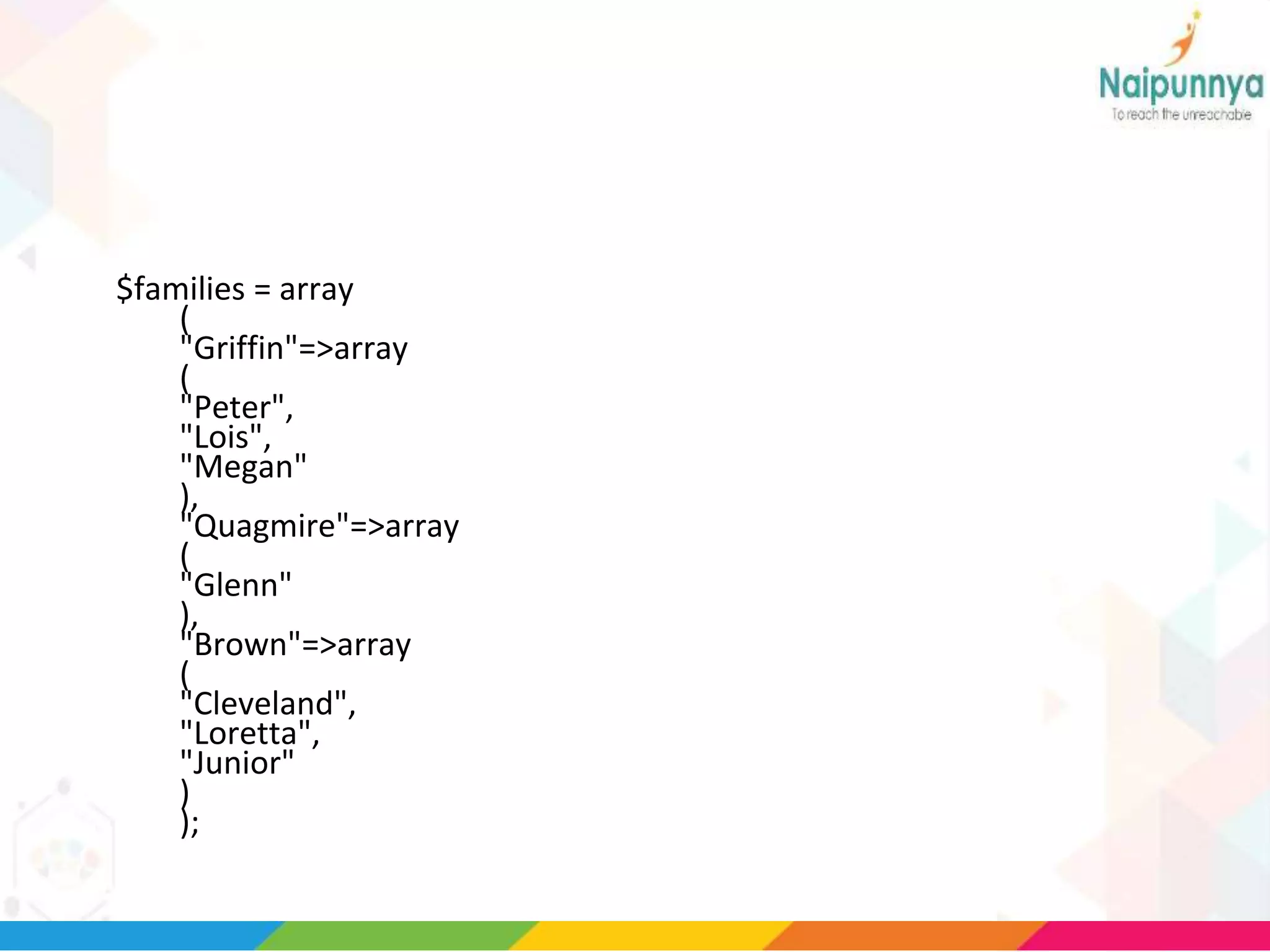
$families = array
(
"Griffin"=>array
(
"Peter",
"Lois",
"Megan"
),
"Quagmire"=>array
(
"Glenn"
),
"Brown"=>array
(
"Cleveland",
"Loretta",
"Junior"
)
);
Array
(
[Griffin] => Array
(
[0] => Peter
[1] => Lois
[2] => Megan
)
[Quagmire] => Array
(
[0] => Glenn
)
[Brown] => Array
(
[0] => Cleveland
[1] => Loretta
[2] => Junior
)
)
echo "Is " . $families['Griffin'][2] .
" a part of the Griffin family?";
• Output
• Is Megan a part of the Griffin family?
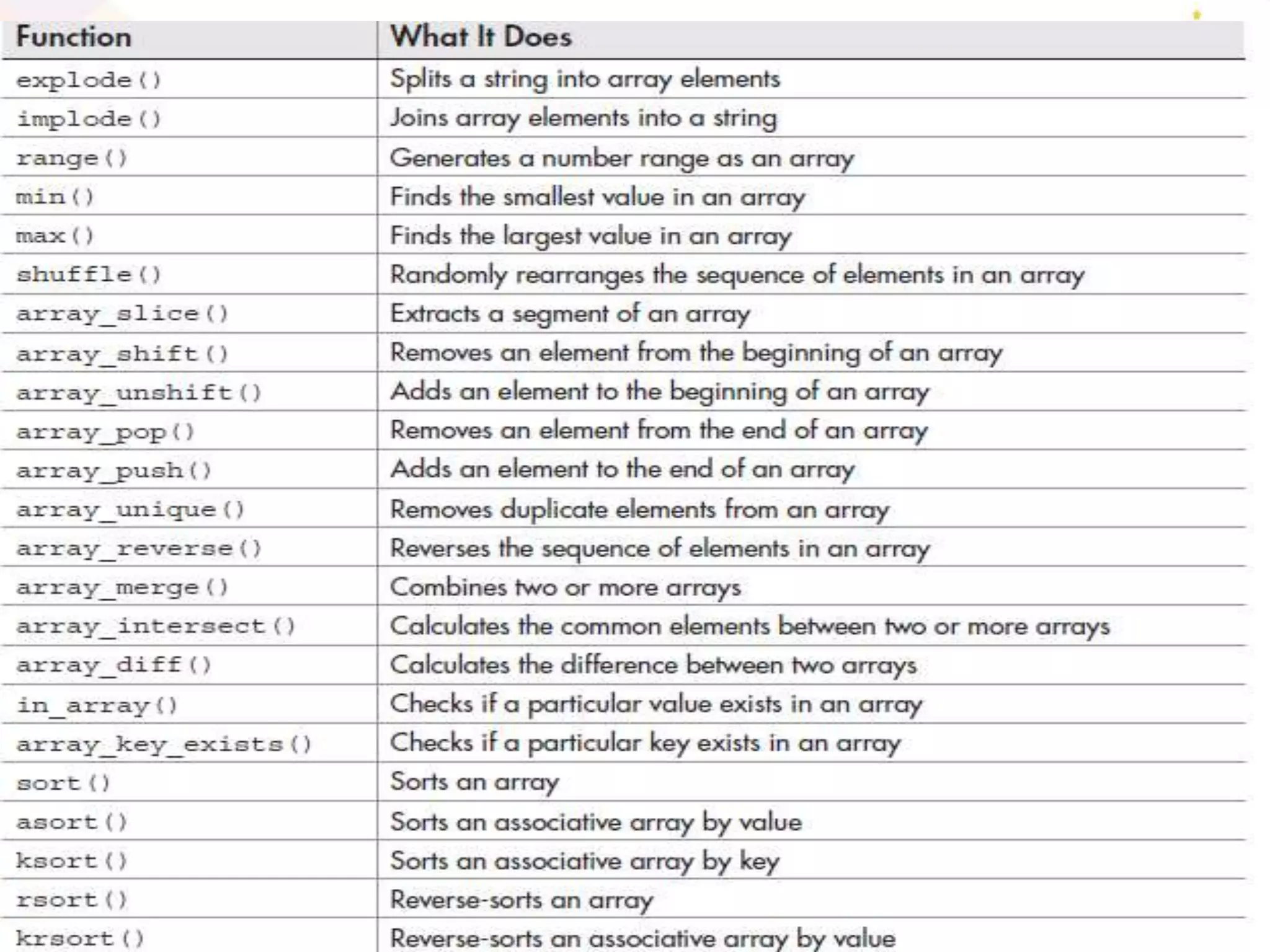
Array functions
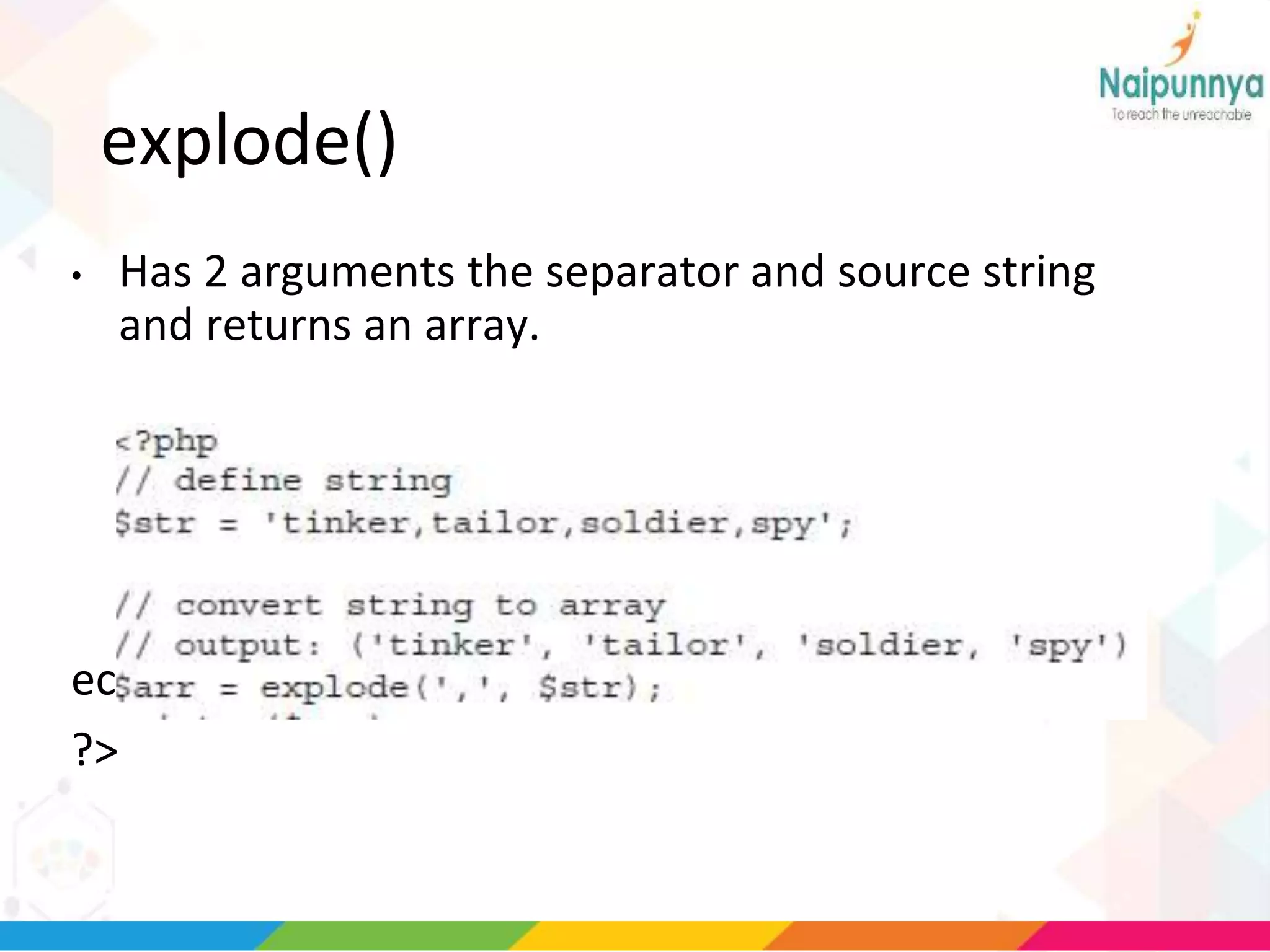
explode()
• Has 2 arguments the separator and source string
and returns an array.
echo $arr;
?>
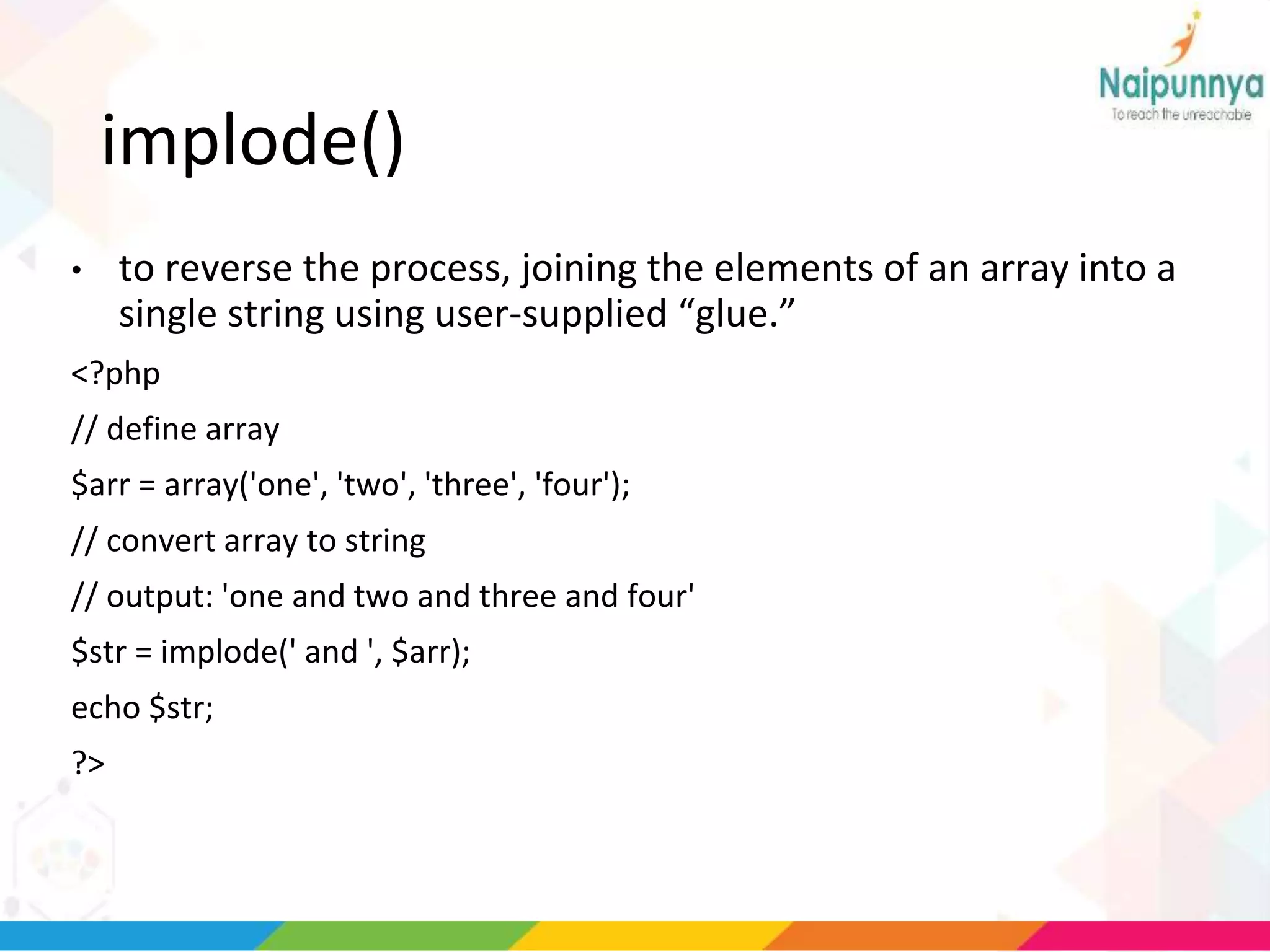
implode()
• to reverse the process, joining the elements of an array into a
single string using user-supplied “glue.”
<?php
// define array
$arr = array('one', 'two', 'three', 'four');
// convert array to string
// output: 'one and two and three and four'
$str = implode(' and ', $arr);
echo $str;
?>
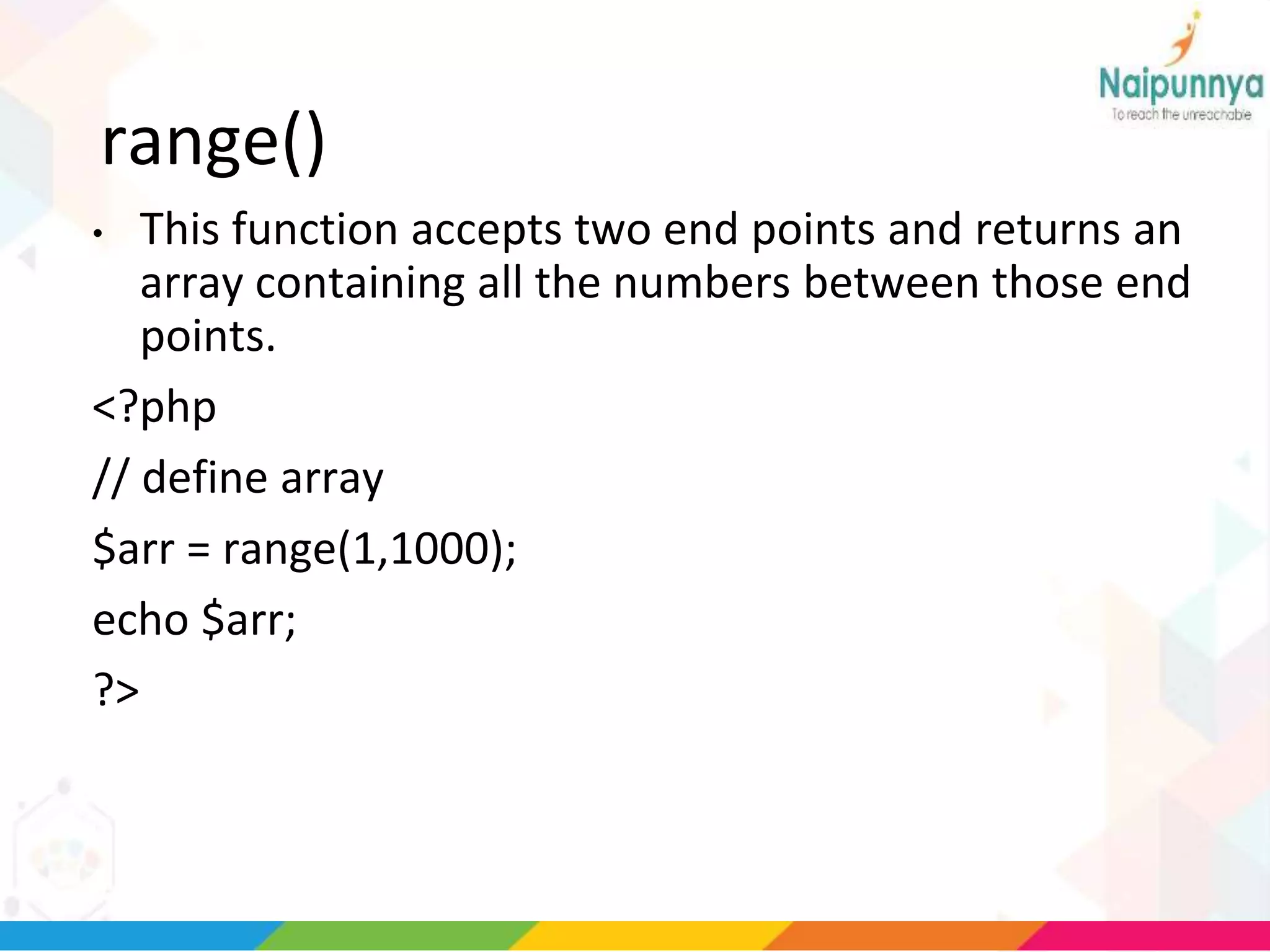
range()
• This function accepts two end points and returns an
array containing all the numbers between those end
points.
<?php
// define array
$arr = range(1,1000);
echo $arr;
?>
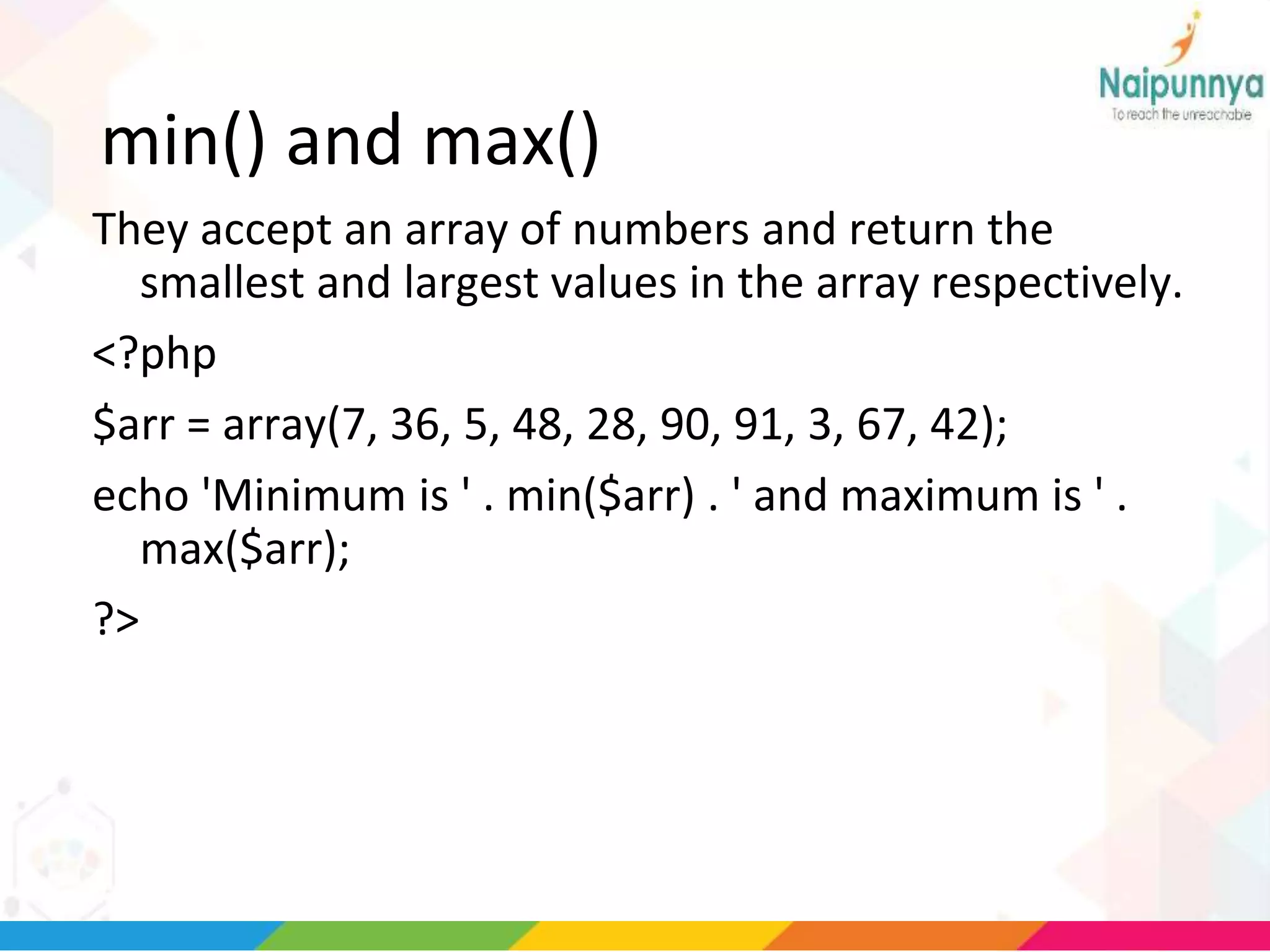
min() and max()
They accept an array of numbers and return the
smallest and largest values in the array respectively.
<?php
$arr = array(7, 36, 5, 48, 28, 90, 91, 3, 67, 42);
echo 'Minimum is ' . min($arr) . ' and maximum is ' .
max($arr);
?>
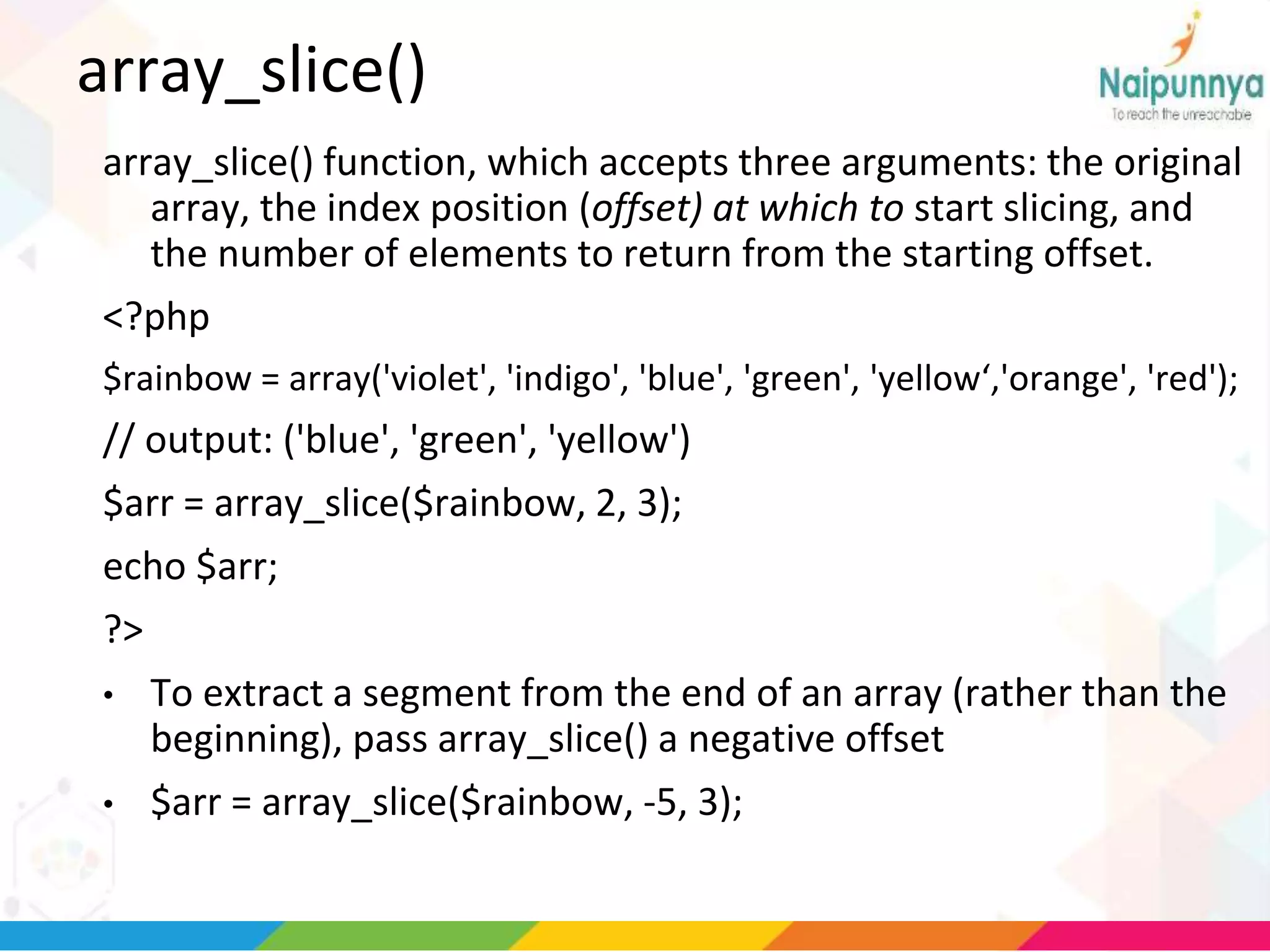
array_slice()
array_slice() function, which accepts three arguments: the original
array, the index position (offset) at which to start slicing, and
the number of elements to return from the starting offset.
<?php
$rainbow = array('violet', 'indigo', 'blue', 'green', 'yellow‘,'orange', 'red');
// output: ('blue', 'green', 'yellow')
$arr = array_slice($rainbow, 2, 3);
echo $arr;
?>
• To extract a segment from the end of an array (rather than the
beginning), pass array_slice() a negative offset
• $arr = array_slice($rainbow, -5, 3);
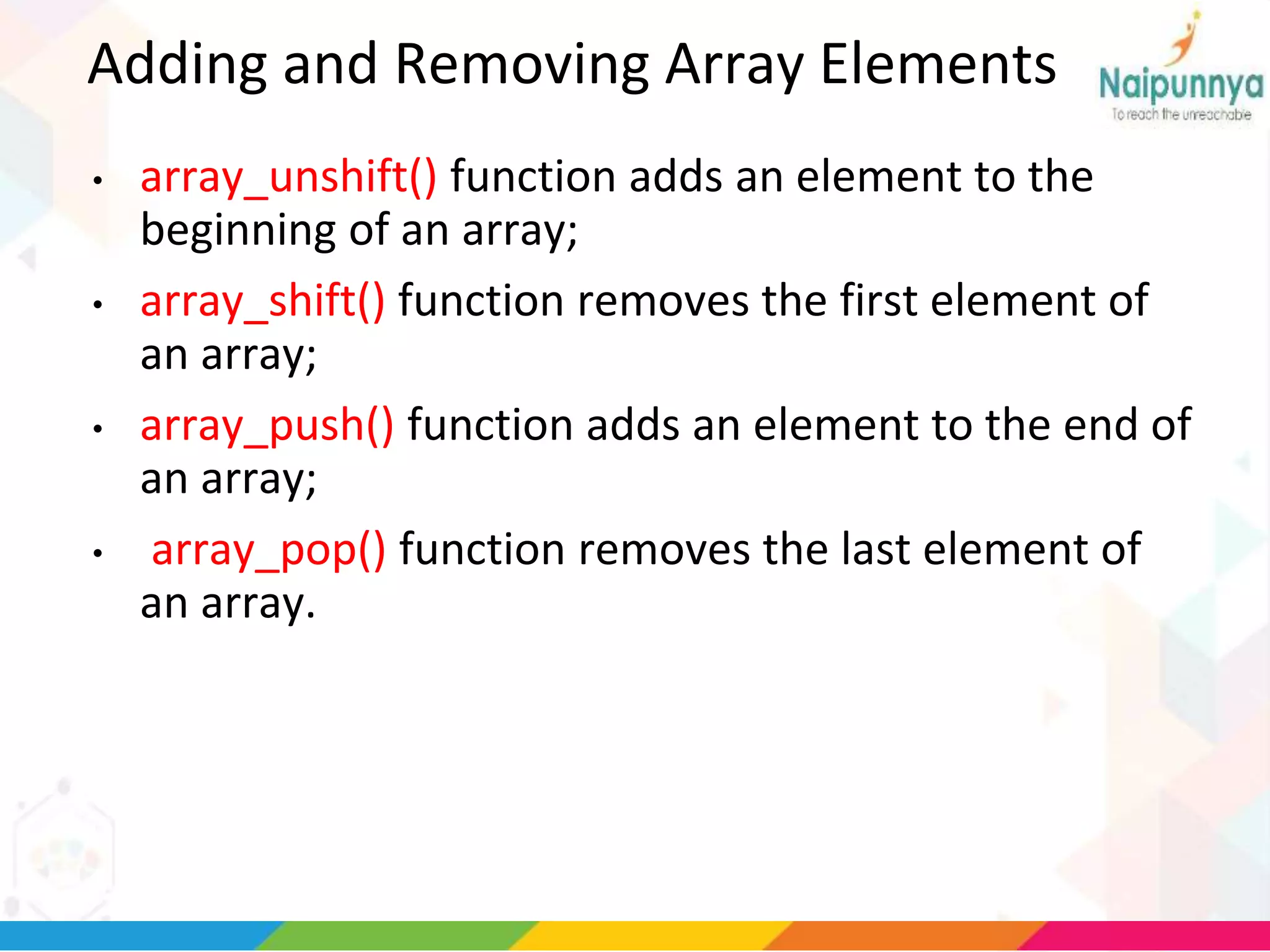
Adding and Removing Array Elements
• array_unshift() function adds an element to the
beginning of an array;
• array_shift() function removes the first element of
an array;
• array_push() function adds an element to the end of
an array;
• array_pop() function removes the last element of
an array.
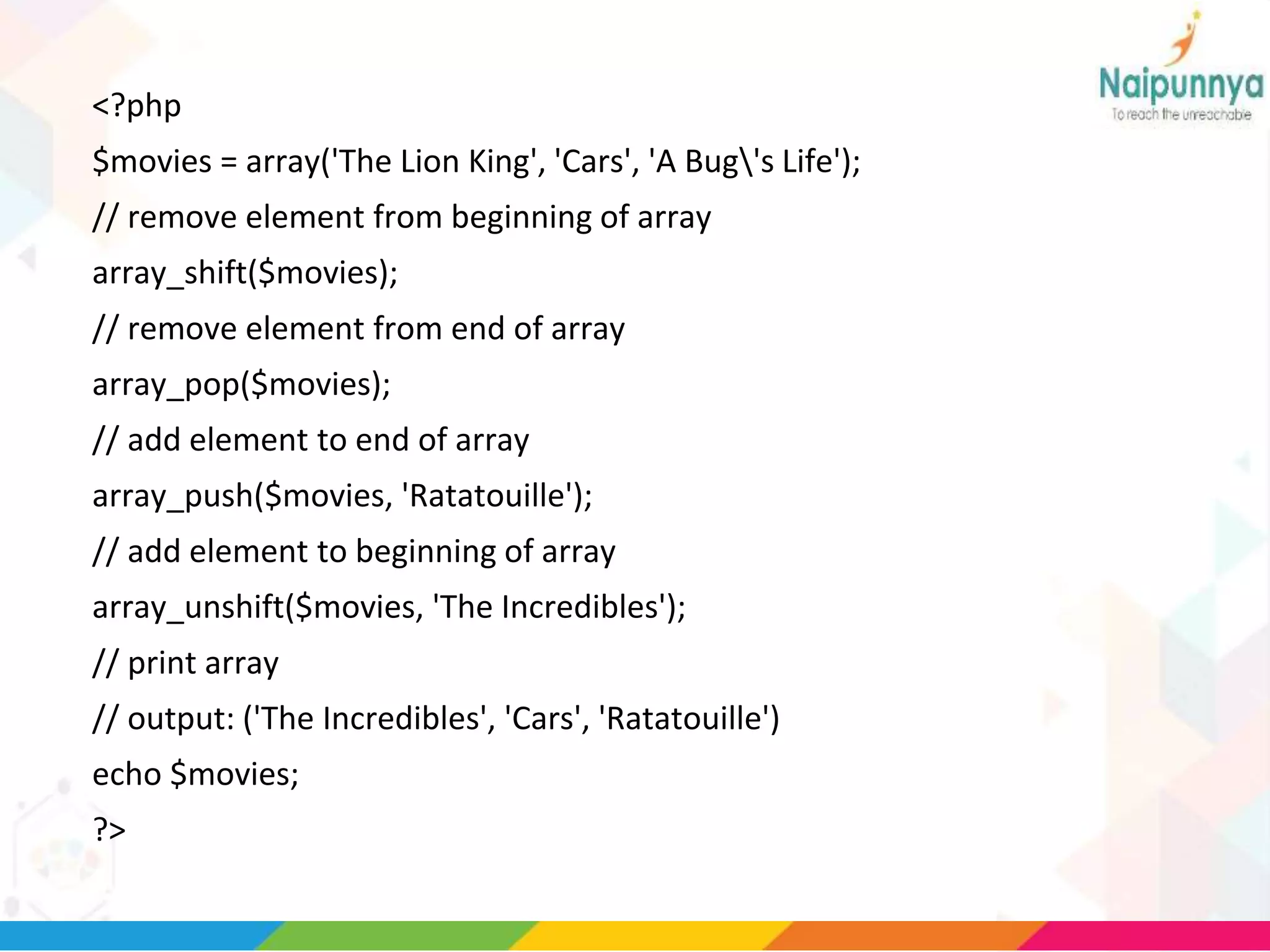
<?php
$movies = array('The Lion King', 'Cars', 'A Bug's Life');
// remove element from beginning of array
array_shift($movies);
// remove element from end of array
array_pop($movies);
// add element to end of array
array_push($movies, 'Ratatouille');
// add element to beginning of array
array_unshift($movies, 'The Incredibles');
// print array
// output: ('The Incredibles', 'Cars', 'Ratatouille')
echo $movies;
?>
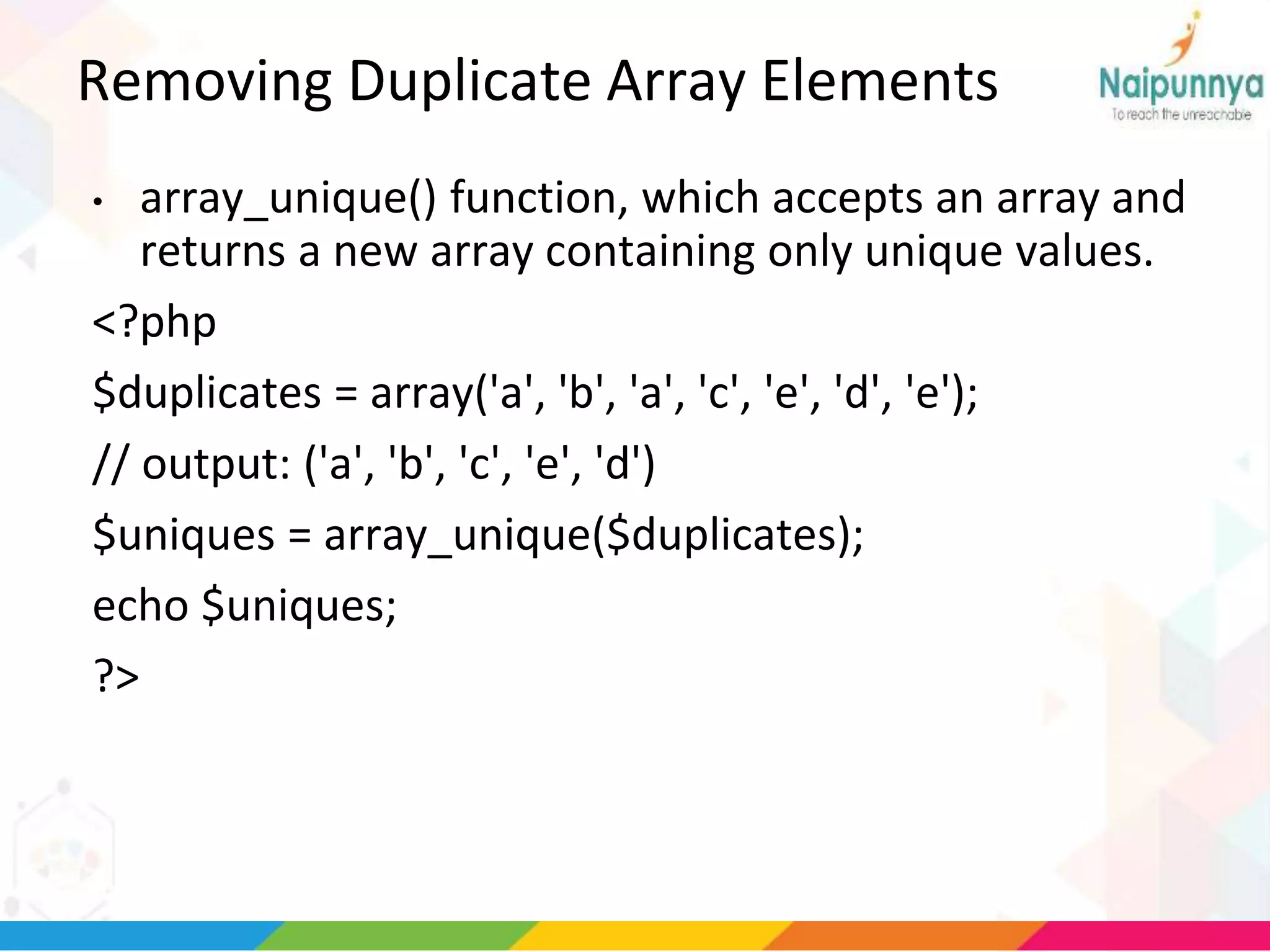
Removing Duplicate Array Elements
• array_unique() function, which accepts an array and
returns a new array containing only unique values.
<?php
$duplicates = array('a', 'b', 'a', 'c', 'e', 'd', 'e');
// output: ('a', 'b', 'c', 'e', 'd')
$uniques = array_unique($duplicates);
echo $uniques;
?>
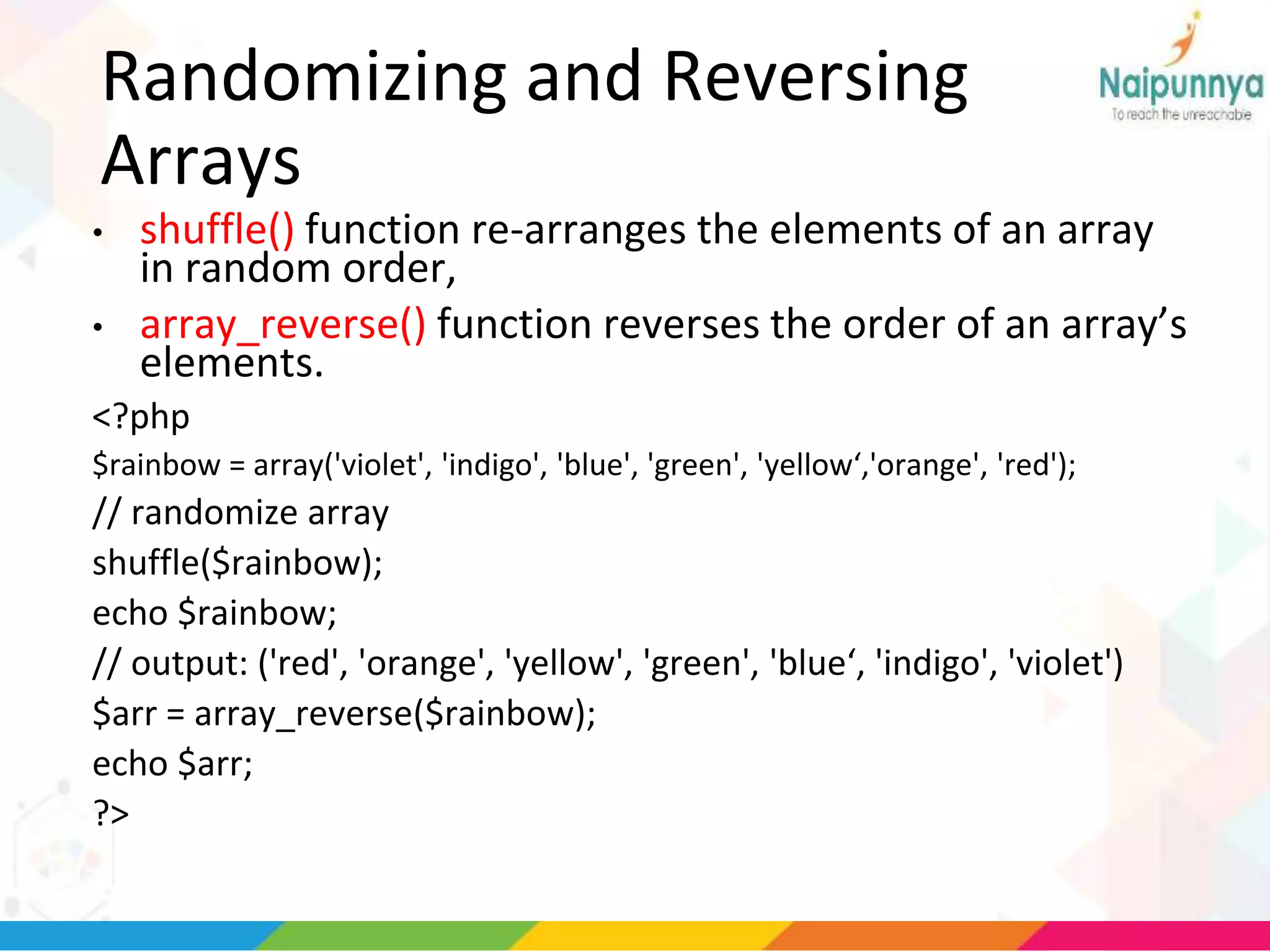
Randomizing and Reversing
Arrays
• shuffle() function re-arranges the elements of an array
in random order,
• array_reverse() function reverses the order of an array’s
elements.
<?php
$rainbow = array('violet', 'indigo', 'blue', 'green', 'yellow‘,'orange', 'red');
// randomize array
shuffle($rainbow);
echo $rainbow;
// output: ('red', 'orange', 'yellow', 'green', 'blue‘, 'indigo', 'violet')
$arr = array_reverse($rainbow);
echo $arr;
?>
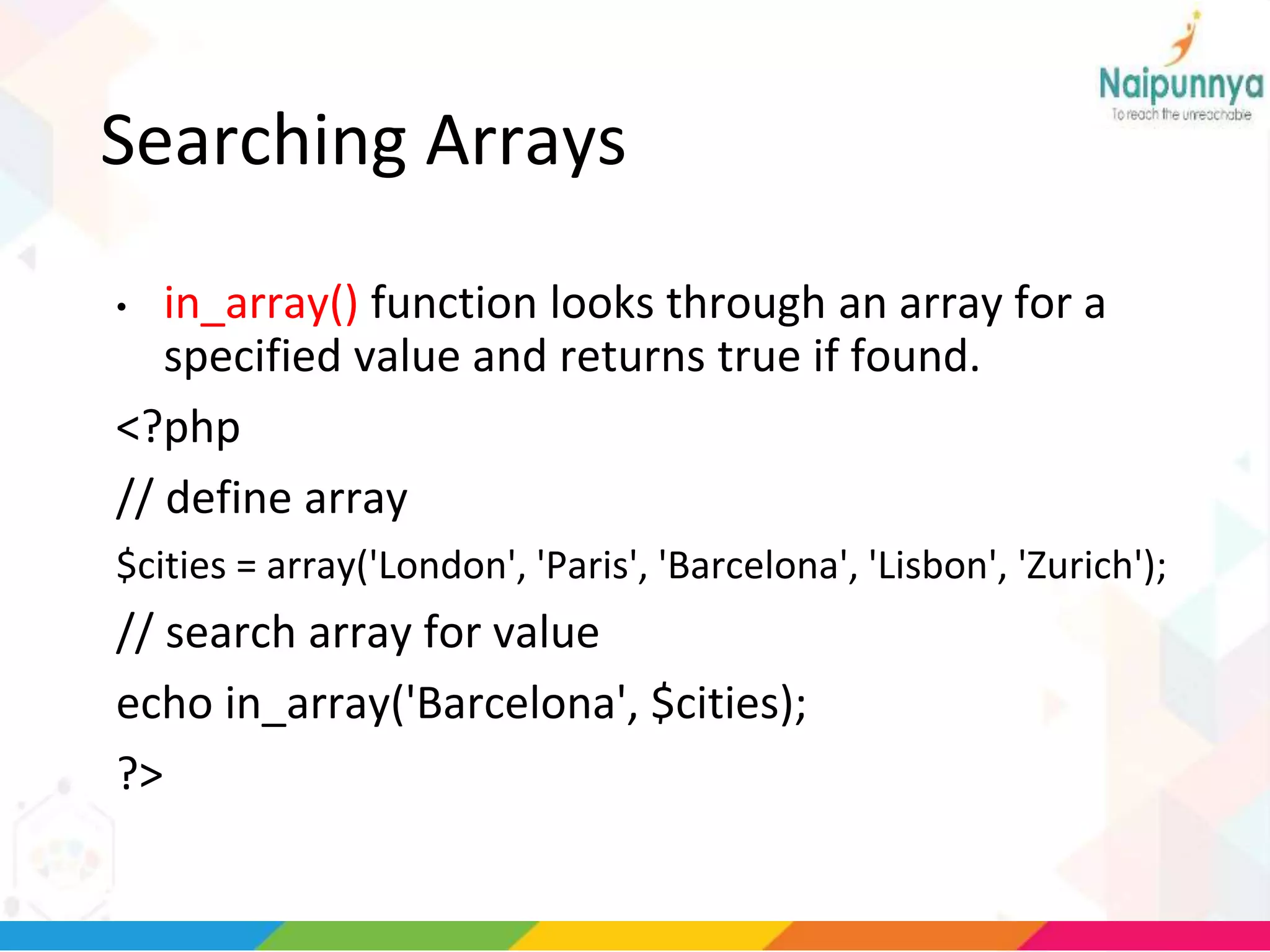
Searching Arrays
• in_array() function looks through an array for a
specified value and returns true if found.
<?php
// define array
$cities = array('London', 'Paris', 'Barcelona', 'Lisbon', 'Zurich');
// search array for value
echo in_array('Barcelona', $cities);
?>
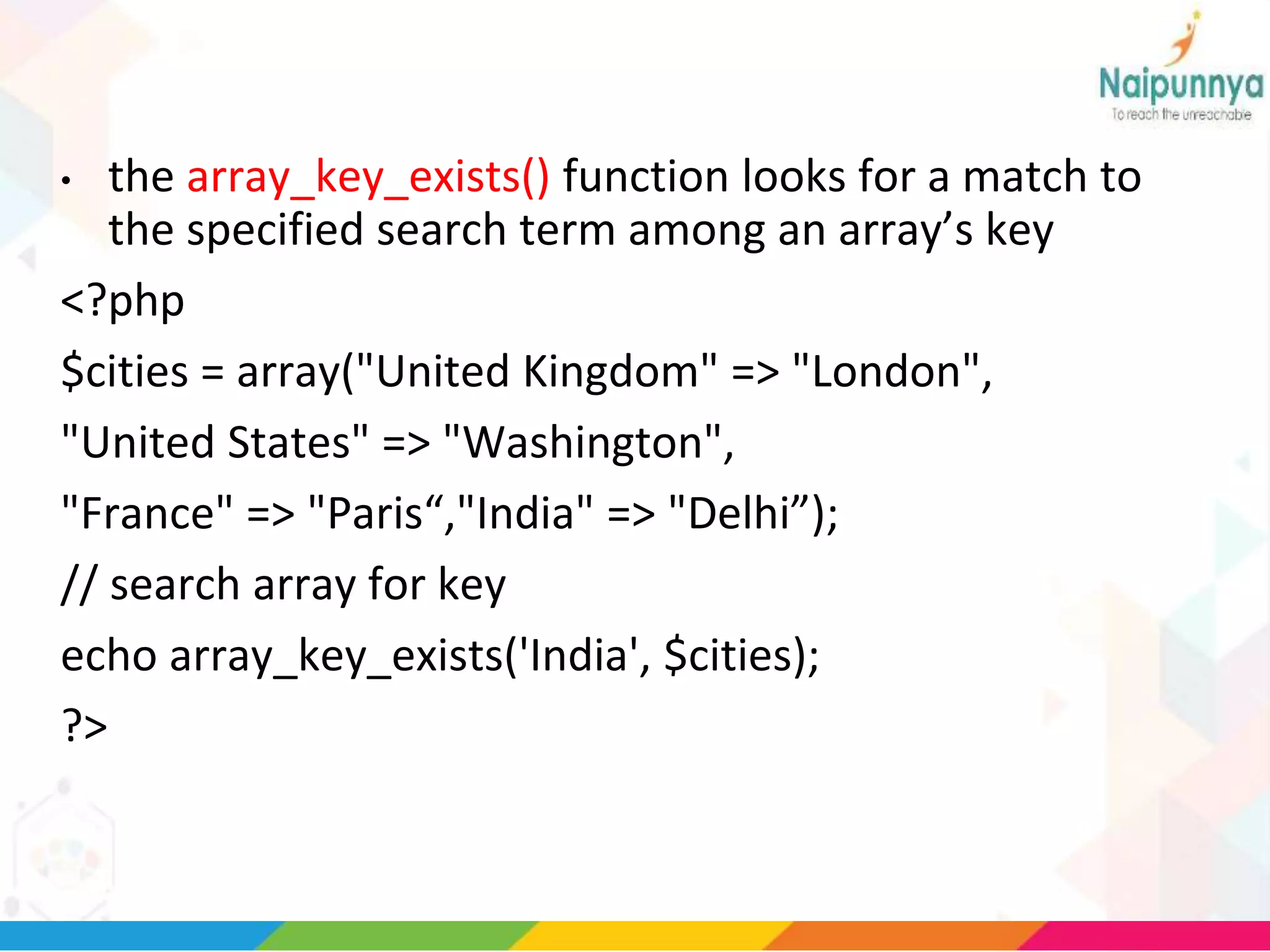
• the array_key_exists() function looks for a match to
the specified search term among an array’s key
<?php
$cities = array("United Kingdom" => "London",
"United States" => "Washington",
"France" => "Paris“,"India" => "Delhi”);
// search array for key
echo array_key_exists('India', $cities);
?>
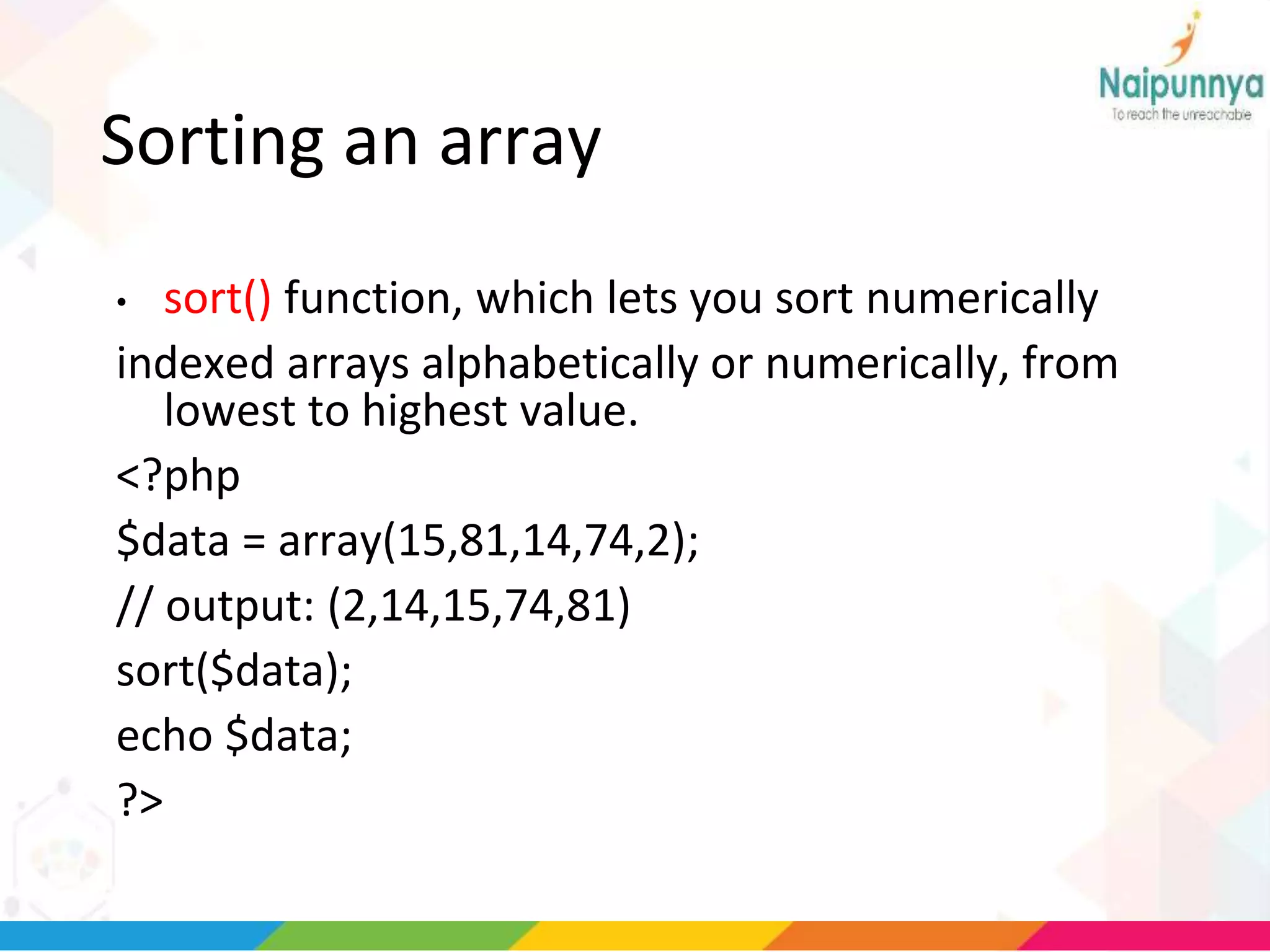
Sorting an array
• sort() function, which lets you sort numerically
indexed arrays alphabetically or numerically, from
lowest to highest value.
<?php
$data = array(15,81,14,74,2);
// output: (2,14,15,74,81)
sort($data);
echo $data;
?>
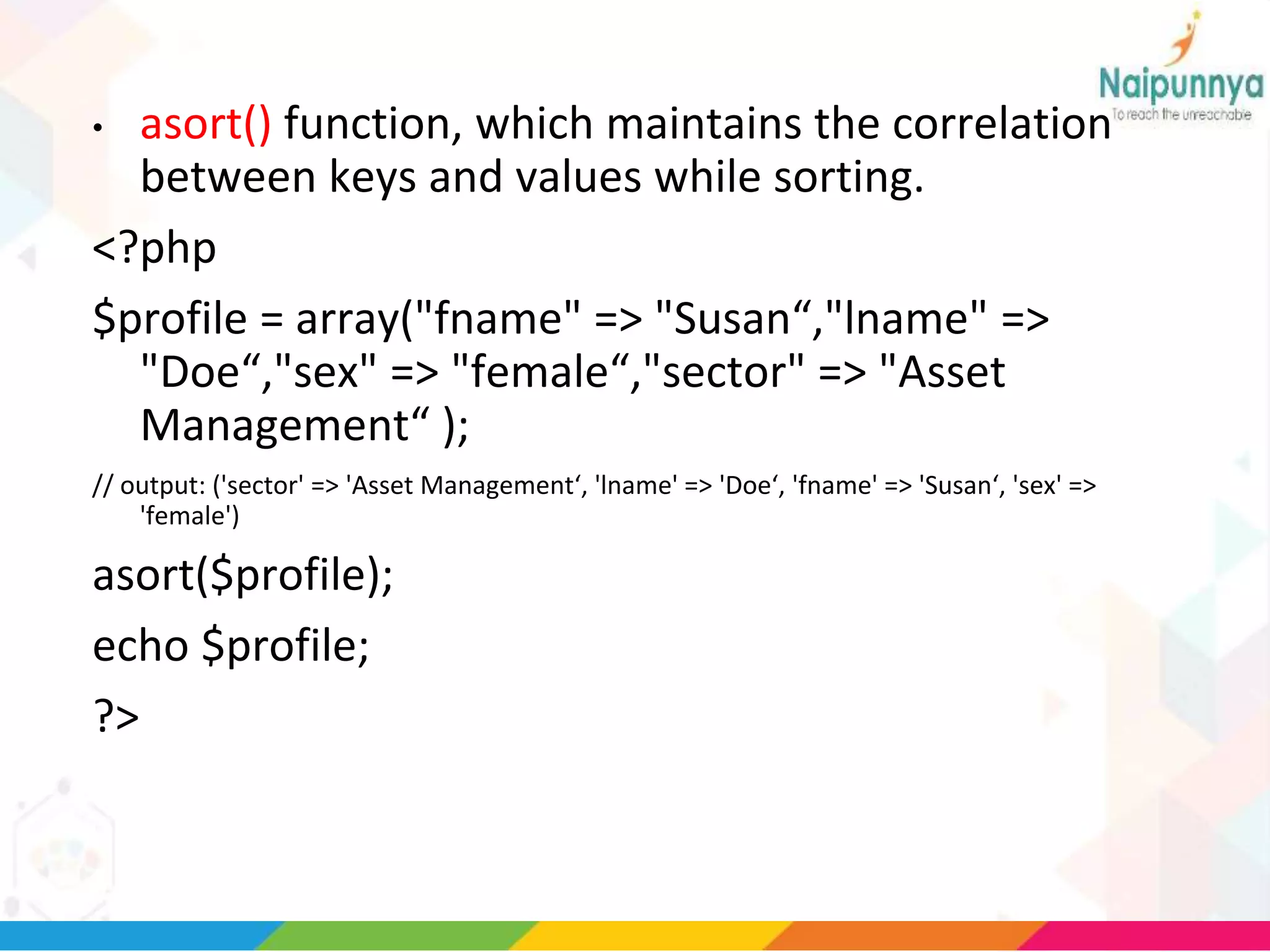
• asort() function, which maintains the correlation
between keys and values while sorting.
<?php
$profile = array("fname" => "Susan“,"lname" =>
"Doe“,"sex" => "female“,"sector" => "Asset
Management“ );
// output: ('sector' => 'Asset Management‘, 'lname' => 'Doe‘, 'fname' => 'Susan‘, 'sex' =>
'female')
asort($profile);
echo $profile;
?>
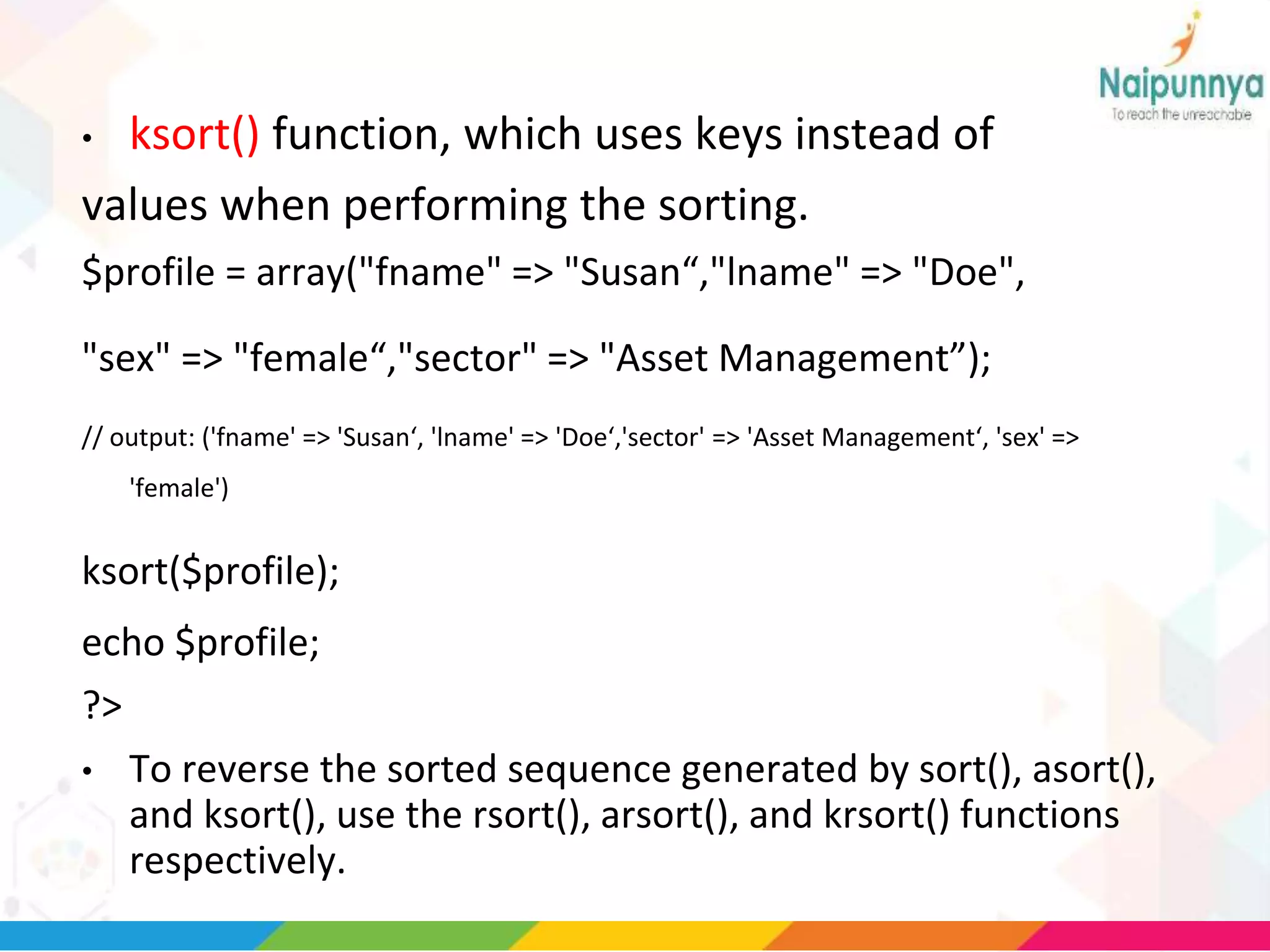
• ksort() function, which uses keys instead of
values when performing the sorting.
$profile = array("fname" => "Susan“,"lname" => "Doe",
"sex" => "female“,"sector" => "Asset Management”);
// output: ('fname' => 'Susan‘, 'lname' => 'Doe‘,'sector' => 'Asset Management‘, 'sex' =>
'female')
ksort($profile);
echo $profile;
?>
• To reverse the sorted sequence generated by sort(), asort(),
and ksort(), use the rsort(), arsort(), and krsort() functions
respectively.
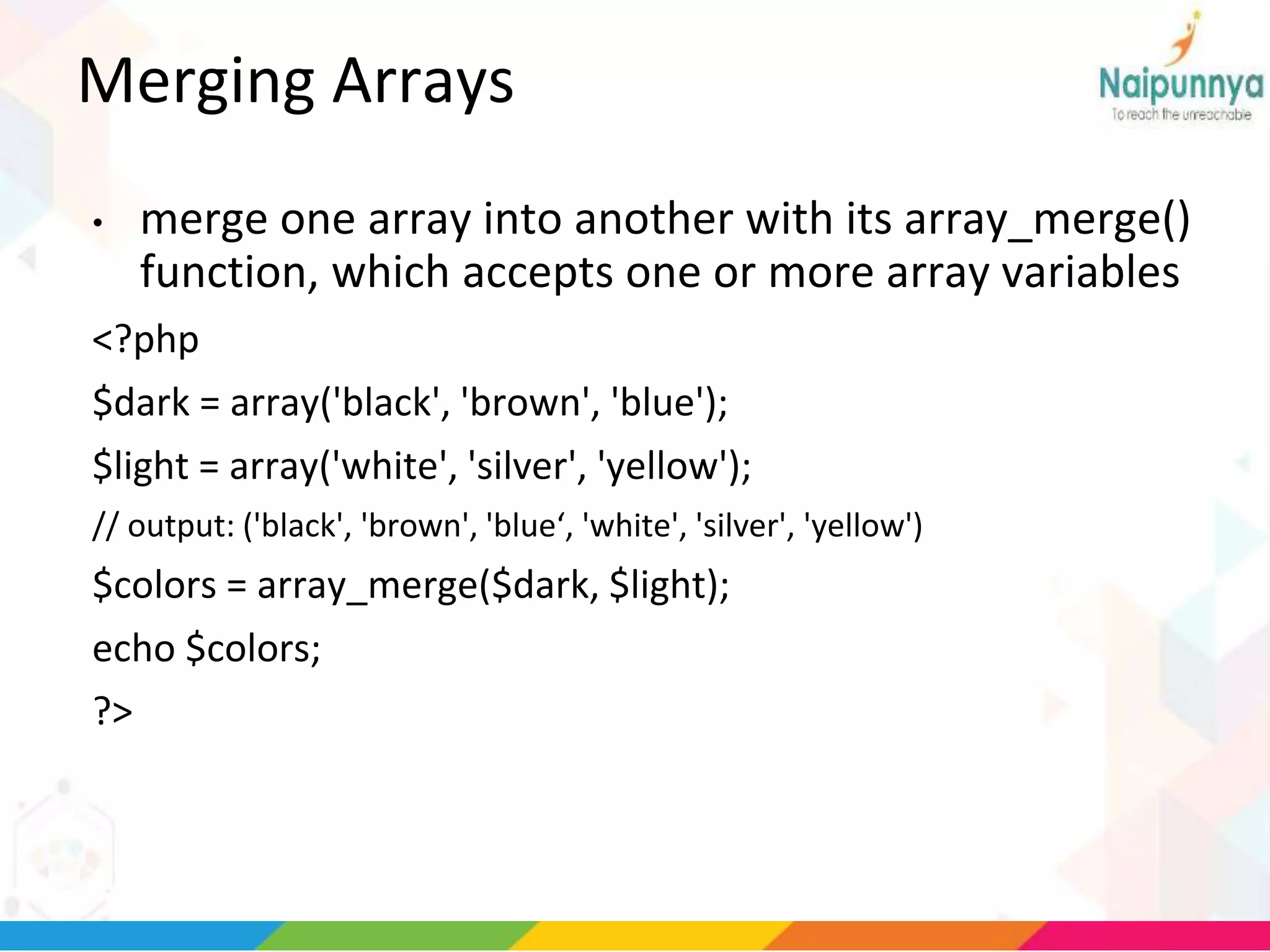
Merging Arrays
• merge one array into another with its array_merge()
function, which accepts one or more array variables
<?php
$dark = array('black', 'brown', 'blue');
$light = array('white', 'silver', 'yellow');
// output: ('black', 'brown', 'blue‘, 'white', 'silver', 'yellow')
$colors = array_merge($dark, $light);
echo $colors;
?>
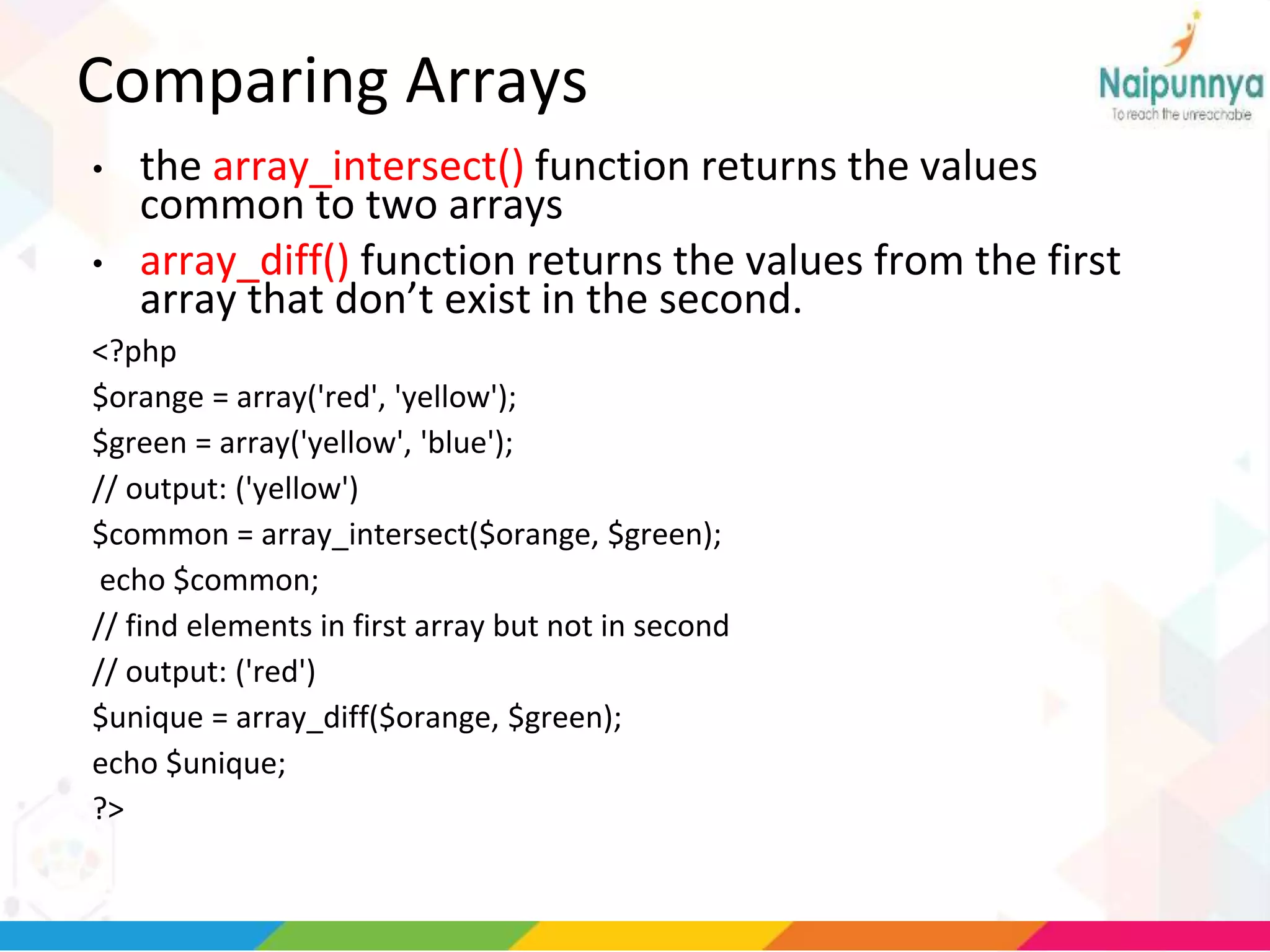
Comparing Arrays
• the array_intersect() function returns the values
common to two arrays
• array_diff() function returns the values from the first
array that don’t exist in the second.
<?php
$orange = array('red', 'yellow');
$green = array('yellow', 'blue');
// output: ('yellow')
$common = array_intersect($orange, $green);
echo $common;
// find elements in first array but not in second
// output: ('red')
$unique = array_diff($orange, $green);
echo $unique;
?>
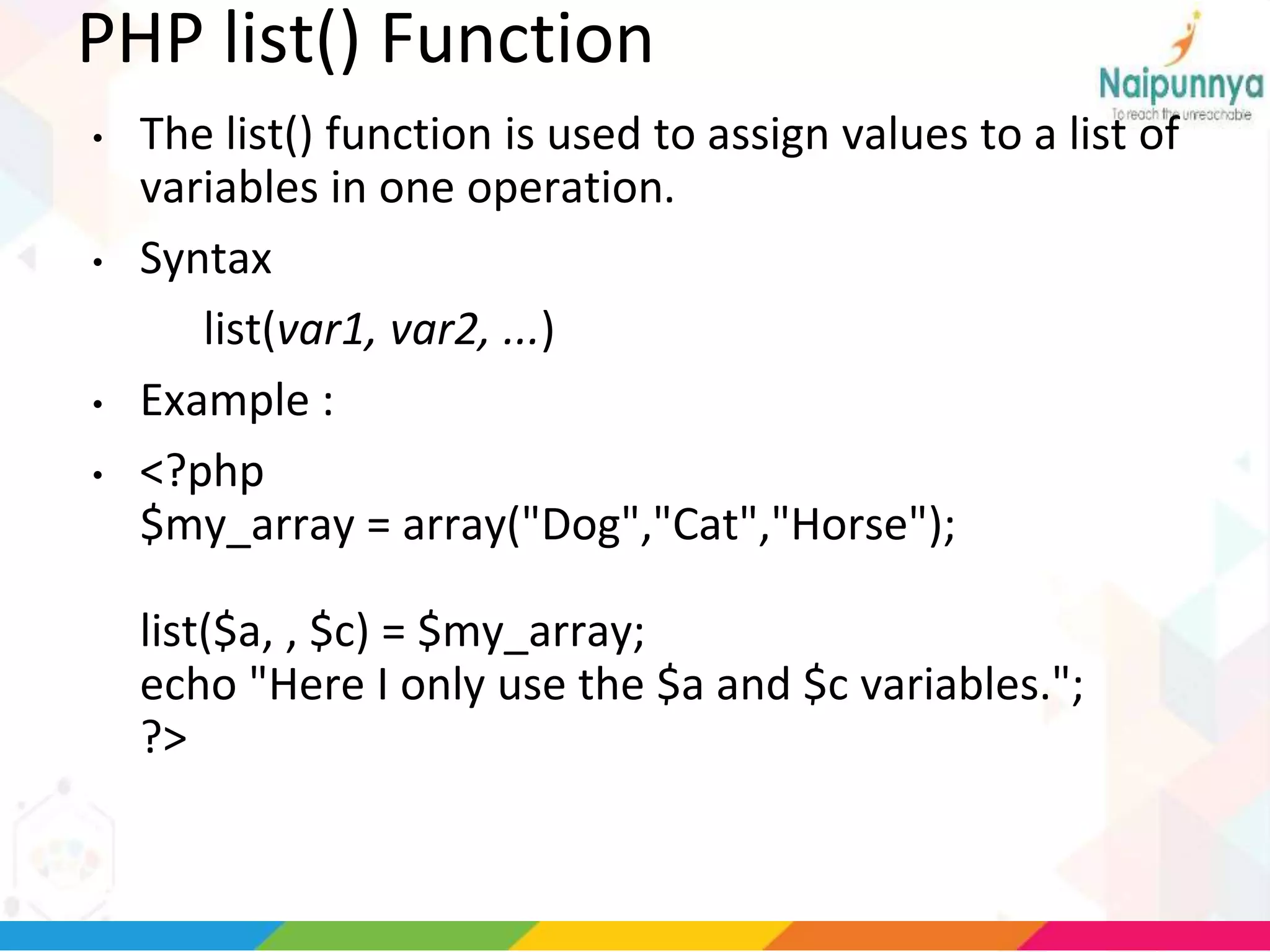
PHP list() Function
• The list() function is used to assign values to a list of
variables in one operation.
• Syntax
list(var1, var2, ...)
• Example :
• <?php
$my_array = array("Dog","Cat","Horse");
list($a, , $c) = $my_array;
echo "Here I only use the $a and $c variables.";
?>

Arrays in php

  • 1.
  • 2.
    array(); three types ofarrays: • Indexed arrays - Arrays with numeric index • Associative arrays - Arrays with named keys • Multidimensional arrays - Arrays containing one or more arrays
  • 3.
    PHP Indexed Arrays •two ways to create indexed arrays: $cars=array("Volvo","BMW","Toyota"); Or : • $cars[0]="Volvo"; $cars[1]="BMW"; $cars[2]="Toyota";
  • 4.
    EXAMPLE <?php $cars=array("Volvo","BMW","Toyota"); echo "I like" . $cars[0] . ", " . $cars[1] . " and " . $cars[2] . "."; ?>
  • 5.
    Get The Lengthof an Array - The count() Function used to return the length of an array: <?php $cars=array("Volvo","BMW","Toyota"); echo count($cars); ?>
  • 6.
    Loop Through anIndexed Array <?php $cars=array("Volvo","BMW","Toyota"); $arrlength=count($cars); for($x=0;$x<$arrlength;$x++) { echo $cars[$x]; echo "<br>"; } ?>
  • 7.
    PHP Associative Arrays •Associative arrays are arrays that use named keys that you assign to them. $age=array("Peter"=>"35","Ben"=>"37","Joe"=>"43"); or: $age['Peter']="35"; $age['Ben']="37"; $age['Joe']="43"; • The named keys can then be used in a script: Example <?php $age=array("Peter"=>"35","Ben"=>"37","Joe"=>"43"); echo "Peter is " . $age['Peter'] . " years old."; ?> •
  • 8.
    Loop Through anAssociative Array • use a foreach loop Example • <?php $age=array("Peter"=>"35","Ben"=>"37","Joe"=>"43"); foreach($age as $x=>$x_value) { echo "Key=" . $x . ", Value=" . $x_value; echo "<br>"; } ?>
  • 9.
    Multidimensional Arrays • Anarray can also contain another array as a value, which in turn can hold other arrays as well. Example <?php // A two-dimensional array: $cars = array ( array("Volvo",100,96), array("BMW",60,59), array("Toyota",110,100) ); ?>
  • 10.
  • 11.
    Array ( [Griffin] => Array ( [0]=> Peter [1] => Lois [2] => Megan ) [Quagmire] => Array ( [0] => Glenn ) [Brown] => Array ( [0] => Cleveland [1] => Loretta [2] => Junior ) )
  • 12.
    echo "Is ". $families['Griffin'][2] . " a part of the Griffin family?"; • Output • Is Megan a part of the Griffin family?
  • 13.
  • 15.
    explode() • Has 2arguments the separator and source string and returns an array. echo $arr; ?>
  • 16.
    implode() • to reversethe process, joining the elements of an array into a single string using user-supplied “glue.” <?php // define array $arr = array('one', 'two', 'three', 'four'); // convert array to string // output: 'one and two and three and four' $str = implode(' and ', $arr); echo $str; ?>
  • 17.
    range() • This functionaccepts two end points and returns an array containing all the numbers between those end points. <?php // define array $arr = range(1,1000); echo $arr; ?>
  • 18.
    min() and max() Theyaccept an array of numbers and return the smallest and largest values in the array respectively. <?php $arr = array(7, 36, 5, 48, 28, 90, 91, 3, 67, 42); echo 'Minimum is ' . min($arr) . ' and maximum is ' . max($arr); ?>
  • 19.
    array_slice() array_slice() function, whichaccepts three arguments: the original array, the index position (offset) at which to start slicing, and the number of elements to return from the starting offset. <?php $rainbow = array('violet', 'indigo', 'blue', 'green', 'yellow‘,'orange', 'red'); // output: ('blue', 'green', 'yellow') $arr = array_slice($rainbow, 2, 3); echo $arr; ?> • To extract a segment from the end of an array (rather than the beginning), pass array_slice() a negative offset • $arr = array_slice($rainbow, -5, 3);
  • 20.
    Adding and RemovingArray Elements • array_unshift() function adds an element to the beginning of an array; • array_shift() function removes the first element of an array; • array_push() function adds an element to the end of an array; • array_pop() function removes the last element of an array.
  • 21.
    <?php $movies = array('TheLion King', 'Cars', 'A Bug's Life'); // remove element from beginning of array array_shift($movies); // remove element from end of array array_pop($movies); // add element to end of array array_push($movies, 'Ratatouille'); // add element to beginning of array array_unshift($movies, 'The Incredibles'); // print array // output: ('The Incredibles', 'Cars', 'Ratatouille') echo $movies; ?>
  • 22.
    Removing Duplicate ArrayElements • array_unique() function, which accepts an array and returns a new array containing only unique values. <?php $duplicates = array('a', 'b', 'a', 'c', 'e', 'd', 'e'); // output: ('a', 'b', 'c', 'e', 'd') $uniques = array_unique($duplicates); echo $uniques; ?>
  • 23.
    Randomizing and Reversing Arrays •shuffle() function re-arranges the elements of an array in random order, • array_reverse() function reverses the order of an array’s elements. <?php $rainbow = array('violet', 'indigo', 'blue', 'green', 'yellow‘,'orange', 'red'); // randomize array shuffle($rainbow); echo $rainbow; // output: ('red', 'orange', 'yellow', 'green', 'blue‘, 'indigo', 'violet') $arr = array_reverse($rainbow); echo $arr; ?>
  • 24.
    Searching Arrays • in_array()function looks through an array for a specified value and returns true if found. <?php // define array $cities = array('London', 'Paris', 'Barcelona', 'Lisbon', 'Zurich'); // search array for value echo in_array('Barcelona', $cities); ?>
  • 25.
    • the array_key_exists()function looks for a match to the specified search term among an array’s key <?php $cities = array("United Kingdom" => "London", "United States" => "Washington", "France" => "Paris“,"India" => "Delhi”); // search array for key echo array_key_exists('India', $cities); ?>
  • 26.
    Sorting an array •sort() function, which lets you sort numerically indexed arrays alphabetically or numerically, from lowest to highest value. <?php $data = array(15,81,14,74,2); // output: (2,14,15,74,81) sort($data); echo $data; ?>
  • 27.
    • asort() function,which maintains the correlation between keys and values while sorting. <?php $profile = array("fname" => "Susan“,"lname" => "Doe“,"sex" => "female“,"sector" => "Asset Management“ ); // output: ('sector' => 'Asset Management‘, 'lname' => 'Doe‘, 'fname' => 'Susan‘, 'sex' => 'female') asort($profile); echo $profile; ?>
  • 28.
    • ksort() function,which uses keys instead of values when performing the sorting. $profile = array("fname" => "Susan“,"lname" => "Doe", "sex" => "female“,"sector" => "Asset Management”); // output: ('fname' => 'Susan‘, 'lname' => 'Doe‘,'sector' => 'Asset Management‘, 'sex' => 'female') ksort($profile); echo $profile; ?> • To reverse the sorted sequence generated by sort(), asort(), and ksort(), use the rsort(), arsort(), and krsort() functions respectively.
  • 29.
    Merging Arrays • mergeone array into another with its array_merge() function, which accepts one or more array variables <?php $dark = array('black', 'brown', 'blue'); $light = array('white', 'silver', 'yellow'); // output: ('black', 'brown', 'blue‘, 'white', 'silver', 'yellow') $colors = array_merge($dark, $light); echo $colors; ?>
  • 30.
    Comparing Arrays • thearray_intersect() function returns the values common to two arrays • array_diff() function returns the values from the first array that don’t exist in the second. <?php $orange = array('red', 'yellow'); $green = array('yellow', 'blue'); // output: ('yellow') $common = array_intersect($orange, $green); echo $common; // find elements in first array but not in second // output: ('red') $unique = array_diff($orange, $green); echo $unique; ?>
  • 31.
    PHP list() Function •The list() function is used to assign values to a list of variables in one operation. • Syntax list(var1, var2, ...) • Example : • <?php $my_array = array("Dog","Cat","Horse"); list($a, , $c) = $my_array; echo "Here I only use the $a and $c variables."; ?>