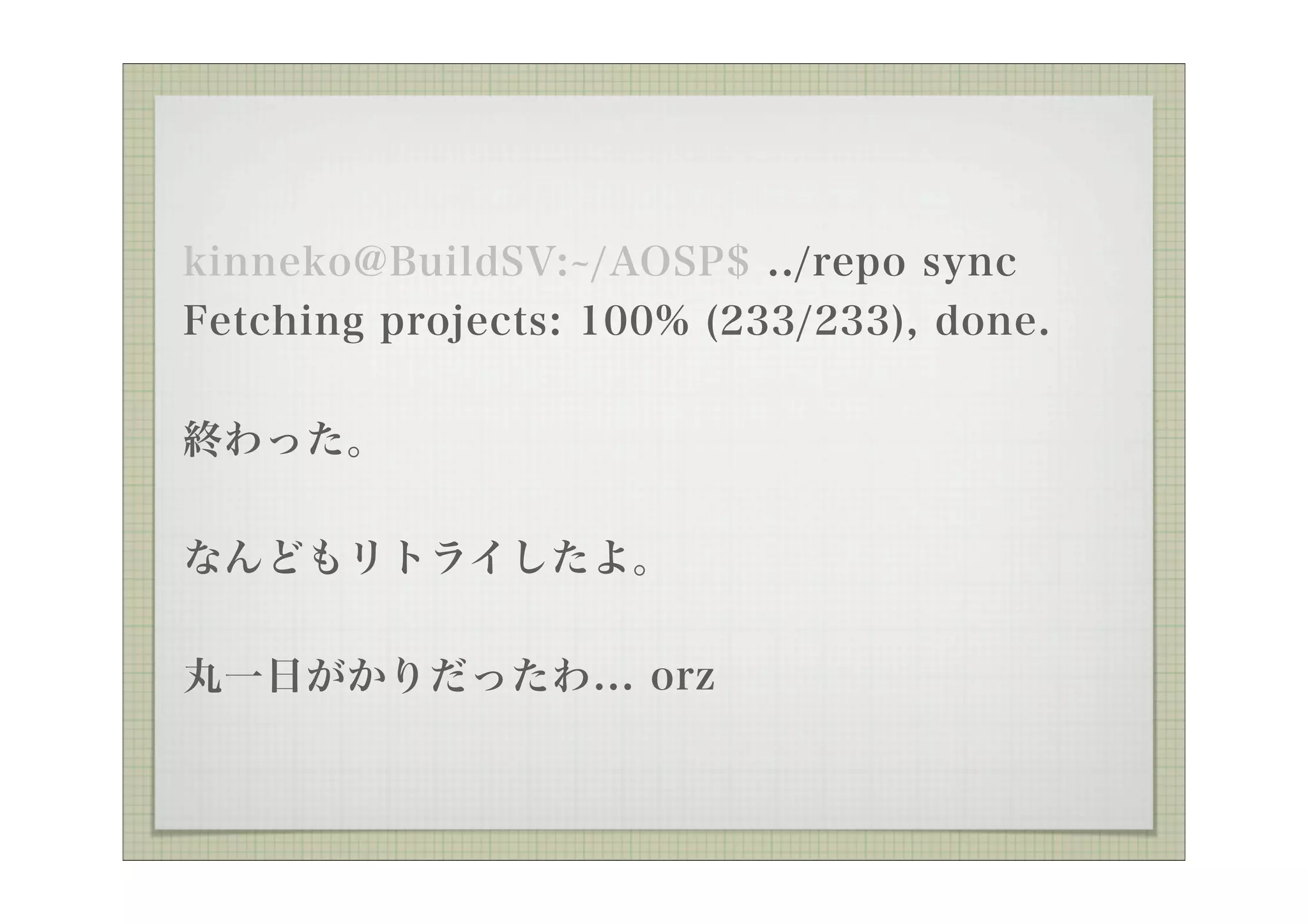
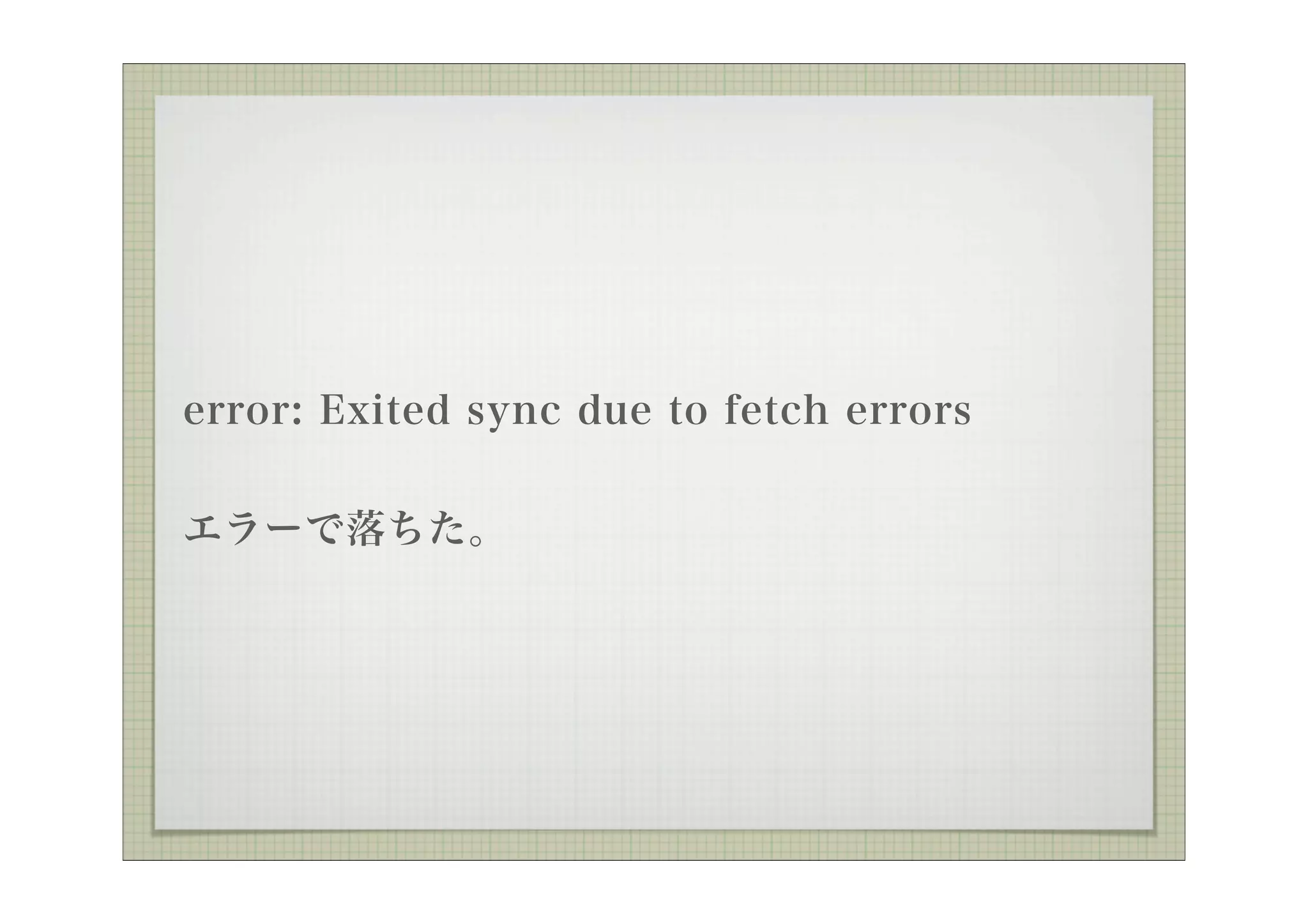
error: Exited sync due to fetch errors
error: Exited sync due to fetch errors
error: Exited sync due to fetch errors
error: Exited sync due to fetch errors
error: Exited sync due to fetch errors
error: Exited sync due to fetch errors
error: Exited sync due to fetch errors
error: Exited sync due to fetch errors
error: Exited sync due to fetch errors
エラーで落ちた。再実行しる。
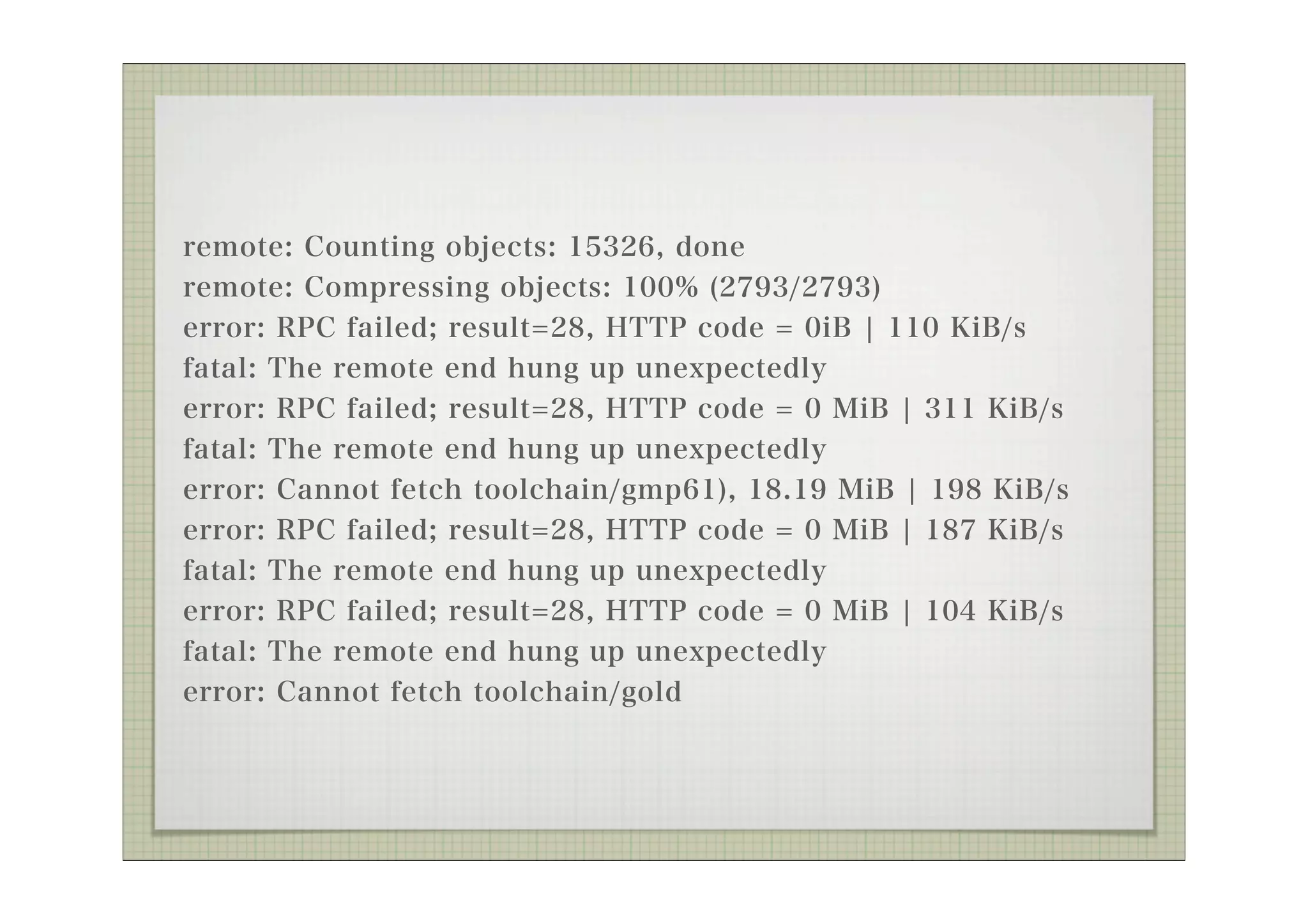
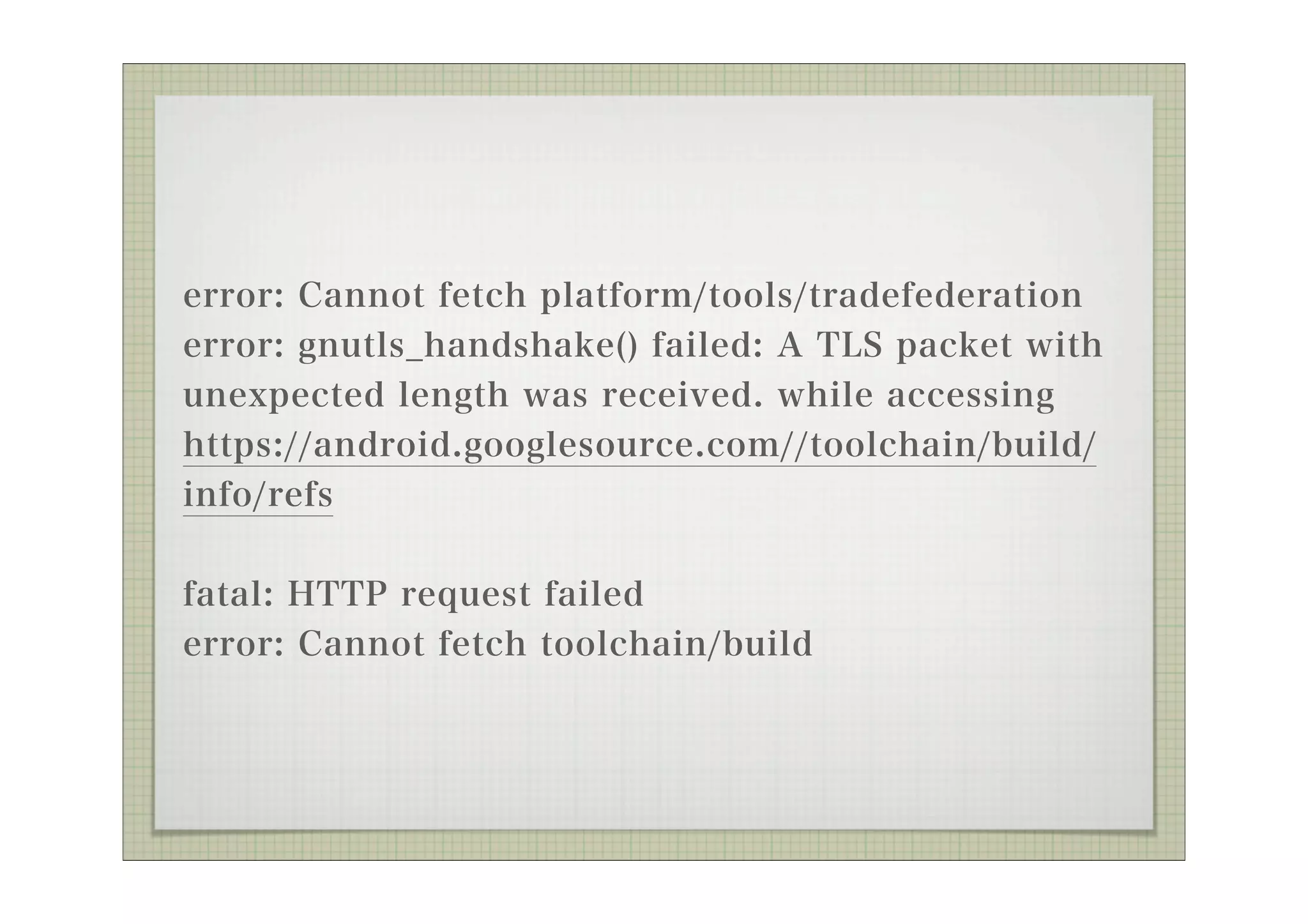
error: Cannot fetchplatform/tools/tradefederation
error: gnutls_handshake() failed: A TLS packet with
unexpected length was received. while accessing
https://android.googlesource.com//toolchain/build/
info/refs
fatal: HTTP request failed
error: Cannot fetch toolchain/build
41.
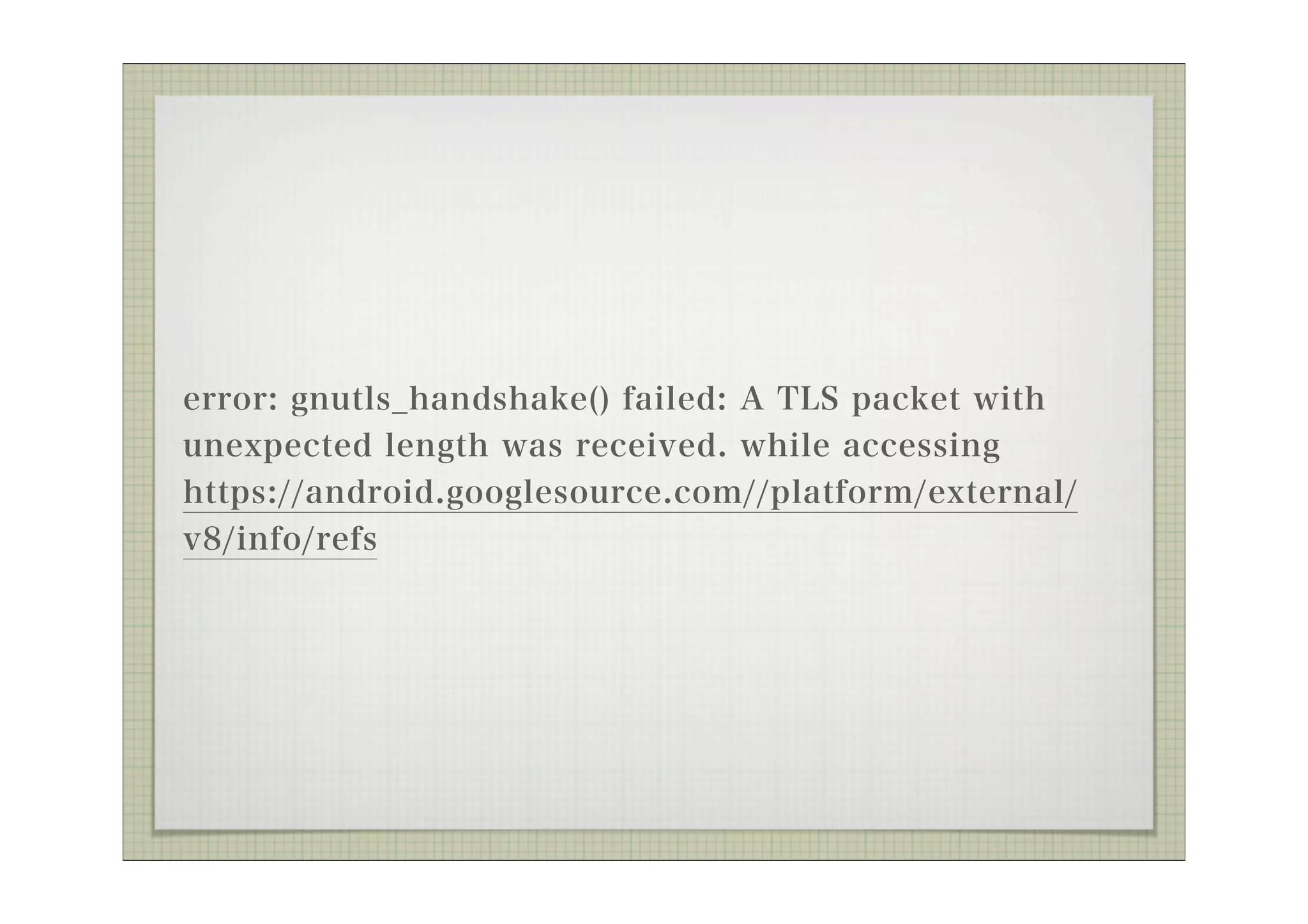
error: gnutls_handshake() failed:A TLS packet with
unexpected length was received. while accessing
https://android.googlesource.com//platform/external/
v8/info/refs
Exception in threadThread-224:0% (665/6647)
Traceback (most recent call last):
File "/usr/lib/python2.7/threading.py", line 552, in __bootstrap_inner
self.run()
File "/usr/lib/python2.7/threading.py", line 505, in run
self.__target(*self.__args, **self.__kwargs)
File "/home/kinneko/AOSP/.repo/repo/subcmds/sync.py", line 182, in
_FetchHelper
success = project.Sync_NetworkHalf(quiet=opt.quiet)
File "/home/kinneko/AOSP/.repo/repo/project.py", line 926, in
Sync_NetworkHalf
if alt_dir is None and self._ApplyCloneBundle(initial=is_new, quiet=quiet):
File "/home/kinneko/AOSP/.repo/repo/project.py", line 1444, in
_ApplyCloneBundle
exist_dst = self._FetchBundle(bundle_url, bundle_tmp, bundle_dst, quiet)
File "/home/kinneko/AOSP/.repo/repo/project.py", line 1508, in _FetchBundle
raise DownloadError('%s: %s ' % (req.get_host(), str(e)))
DownloadError: android.googlesource.com: <urlopen error [Errno 8] _ssl.c:499:
EOF occurred in violation of protocol>
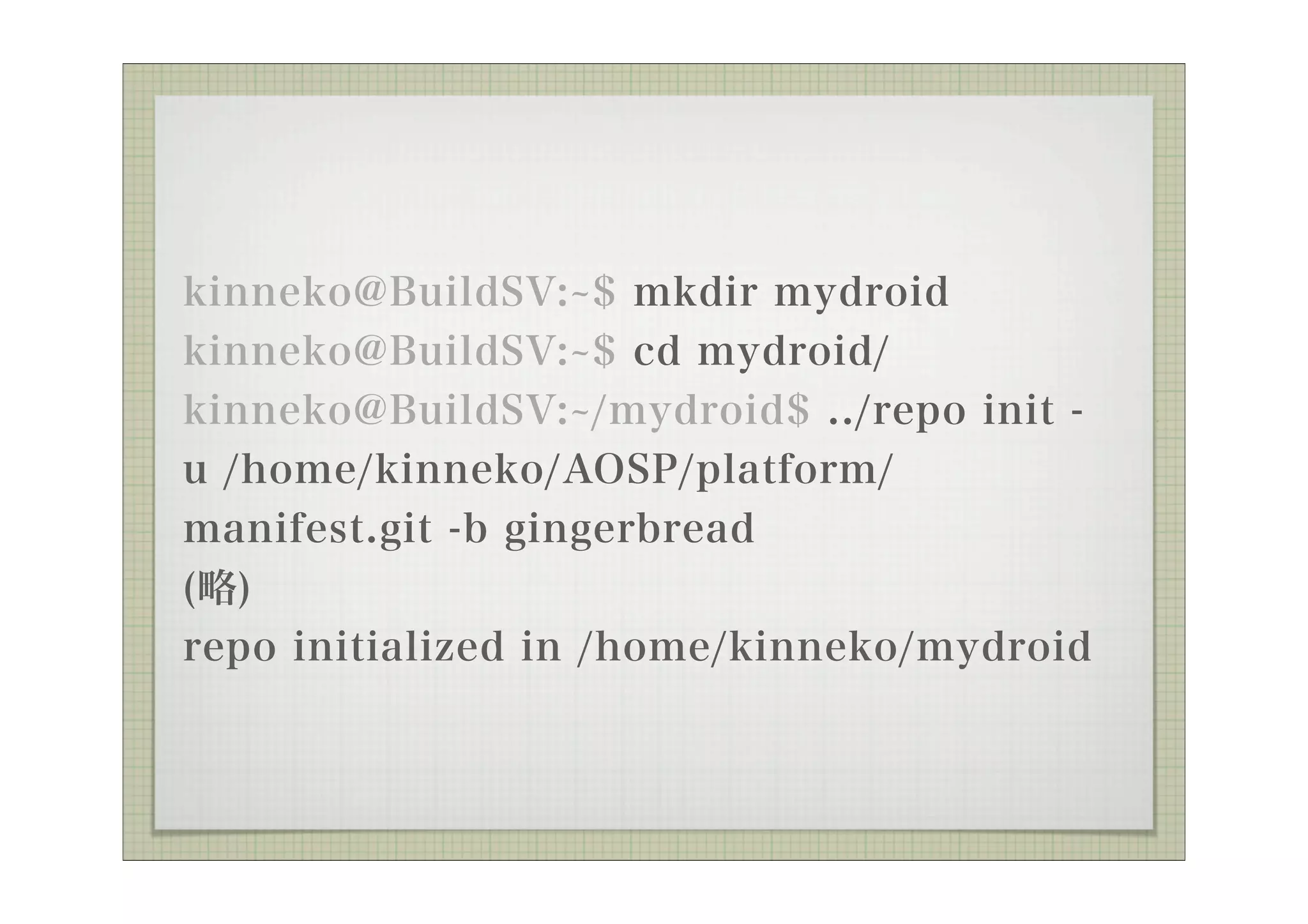
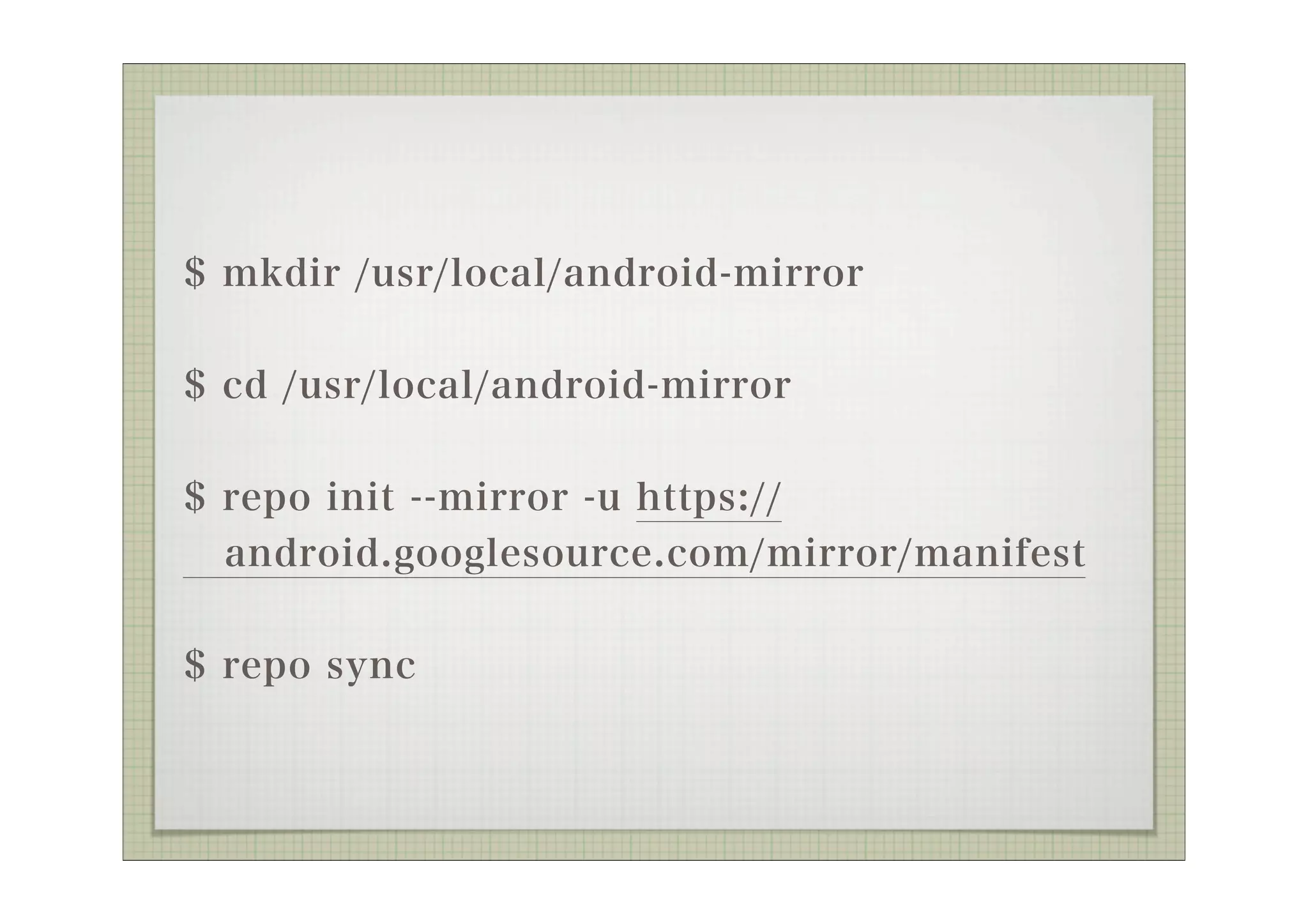
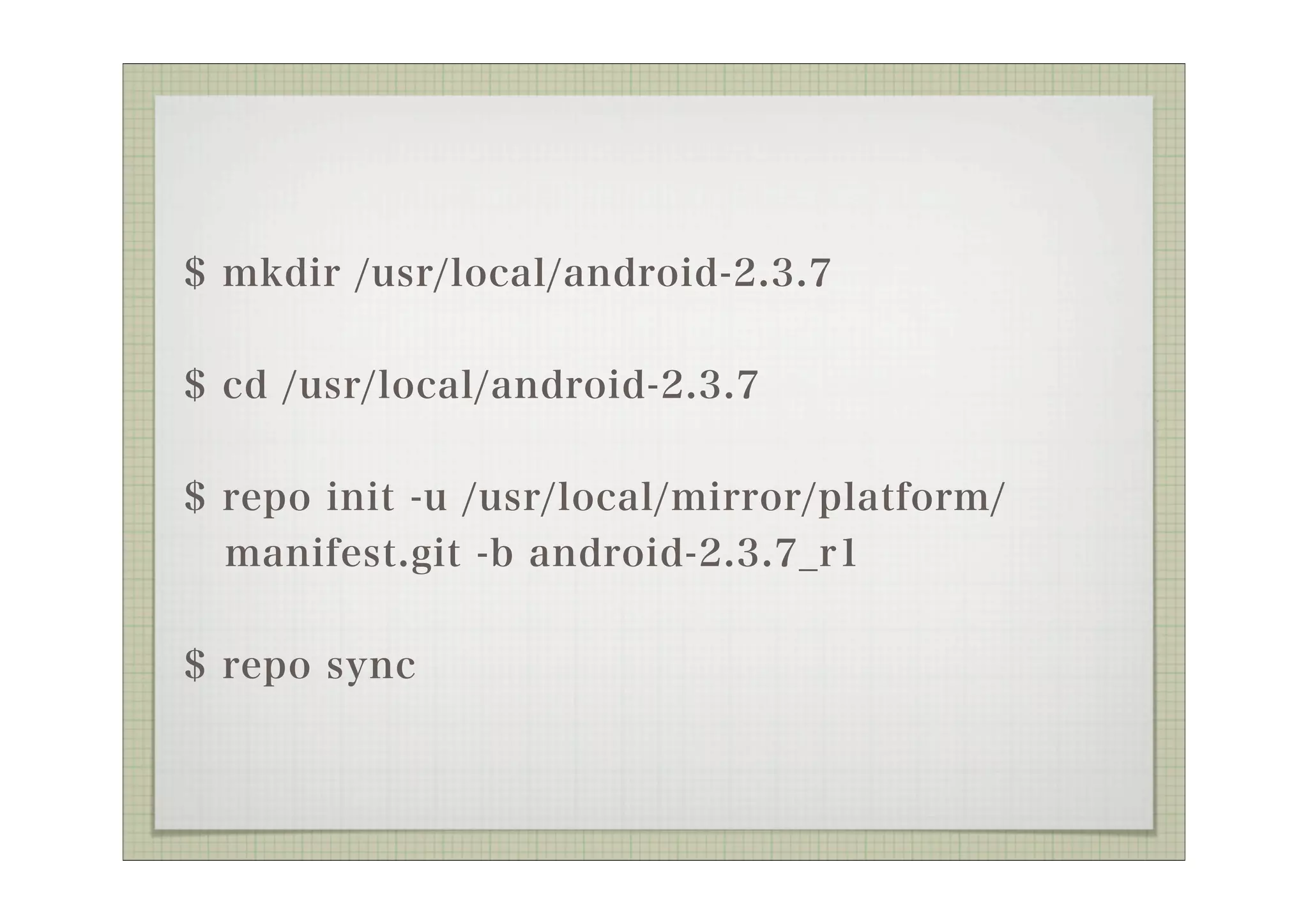
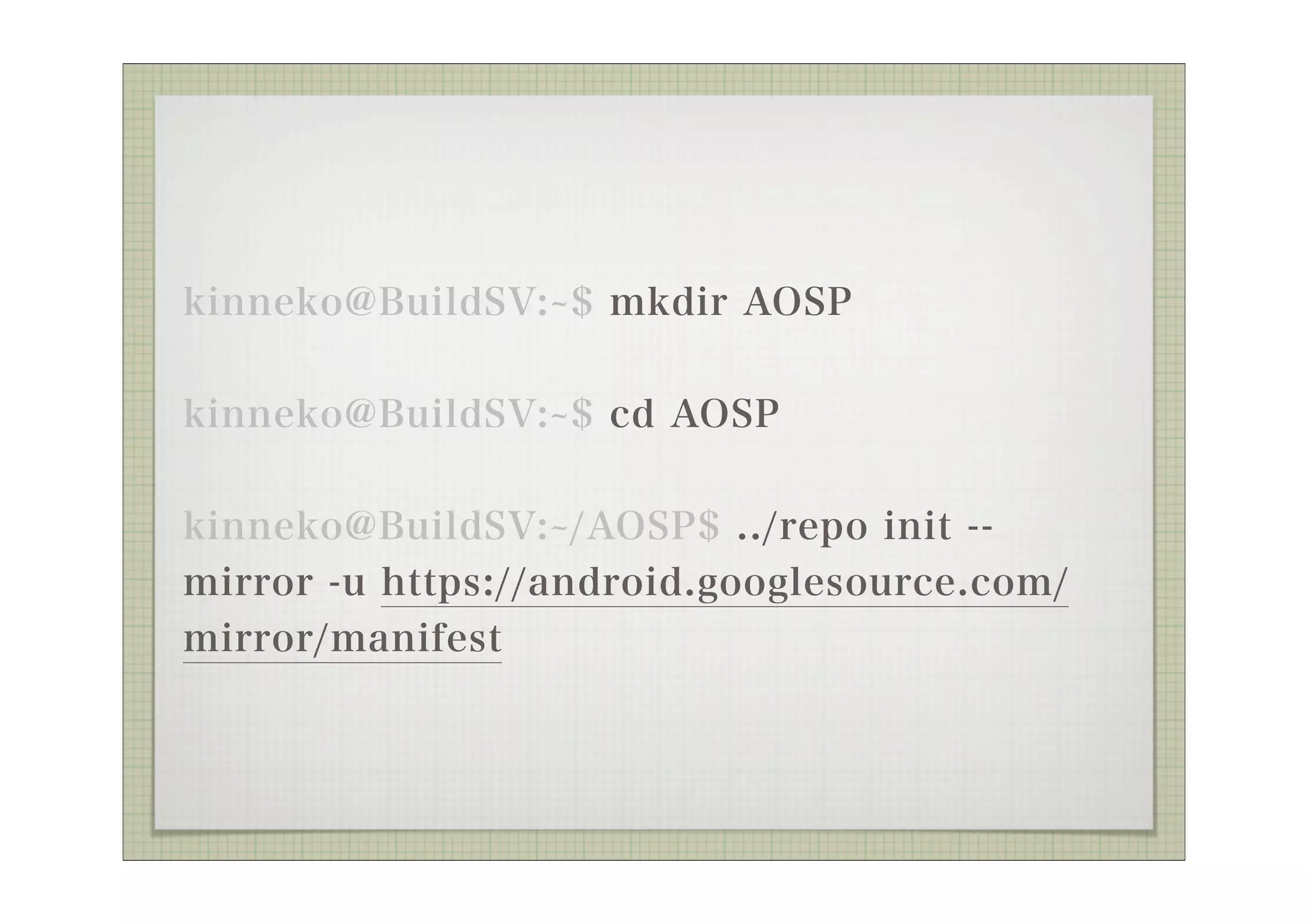
kinneko@BuildSV: $ mkdirmydroid
kinneko@BuildSV: $ cd mydroid/
kinneko@BuildSV: /mydroid$ ../repo init -
u /home/kinneko/AOSP/platform/
manifest.git -b gingerbread
(略)
repo initialized in /home/kinneko/mydroid
49.
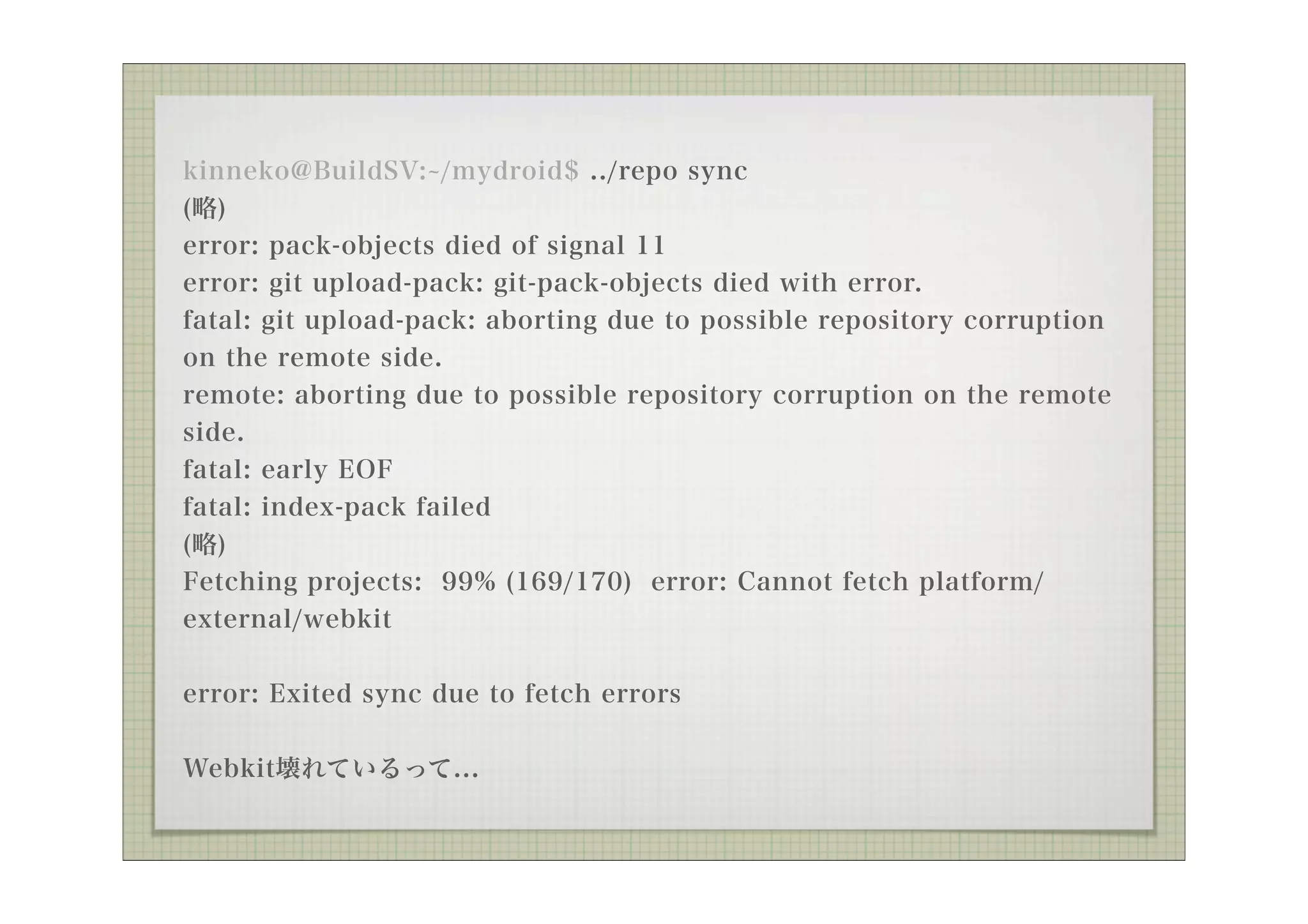
kinneko@BuildSV: /mydroid$ ../reposync
(略)
error: pack-objects died of signal 11
error: git upload-pack: git-pack-objects died with error.
fatal: git upload-pack: aborting due to possible repository corruption
on the remote side.
remote: aborting due to possible repository corruption on the remote
side.
fatal: early EOF
fatal: index-pack failed
(略)
Fetching projects: 99% (169/170) error: Cannot fetch platform/
external/webkit
error: Exited sync due to fetch errors
Webkit壊れているって...














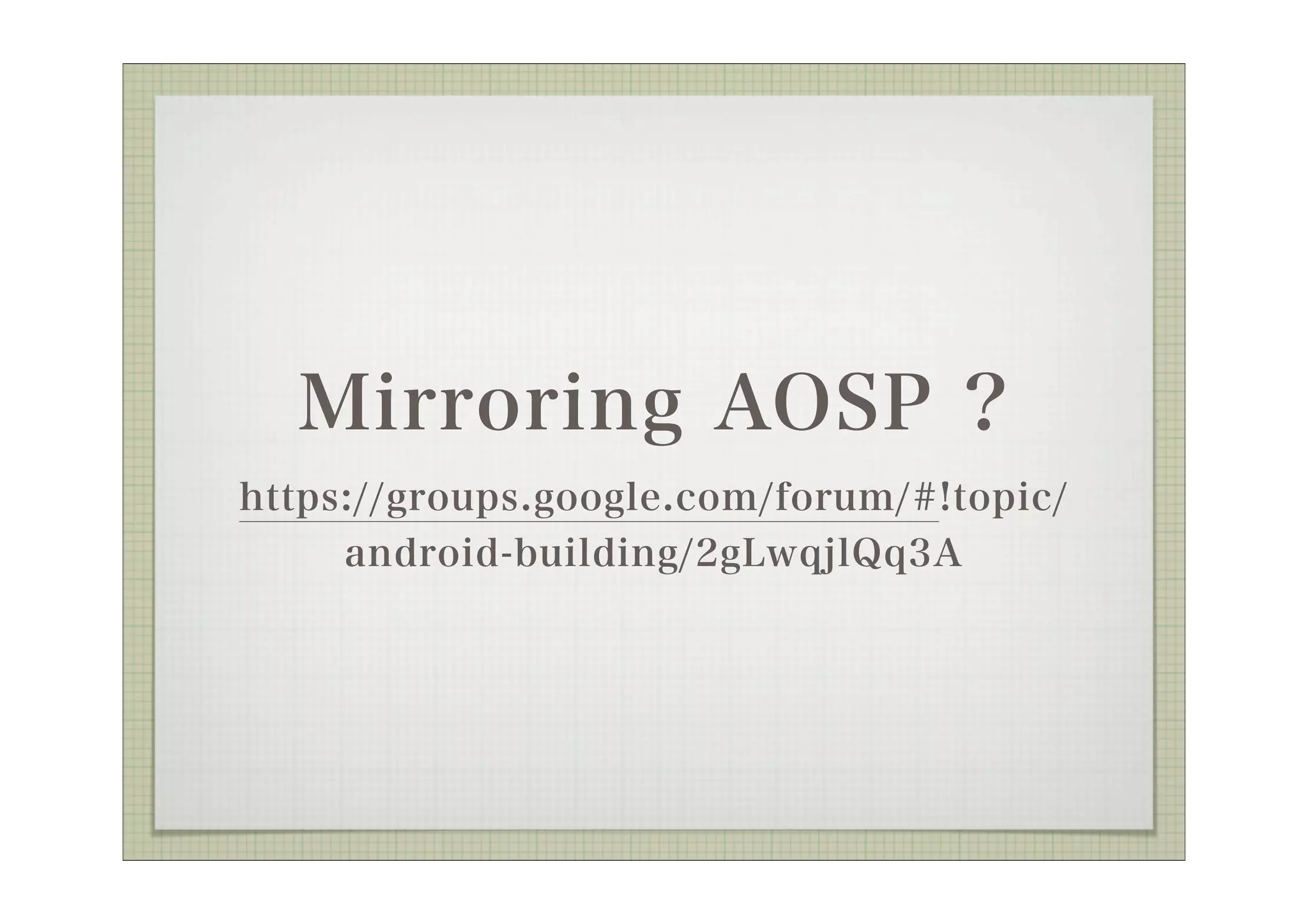

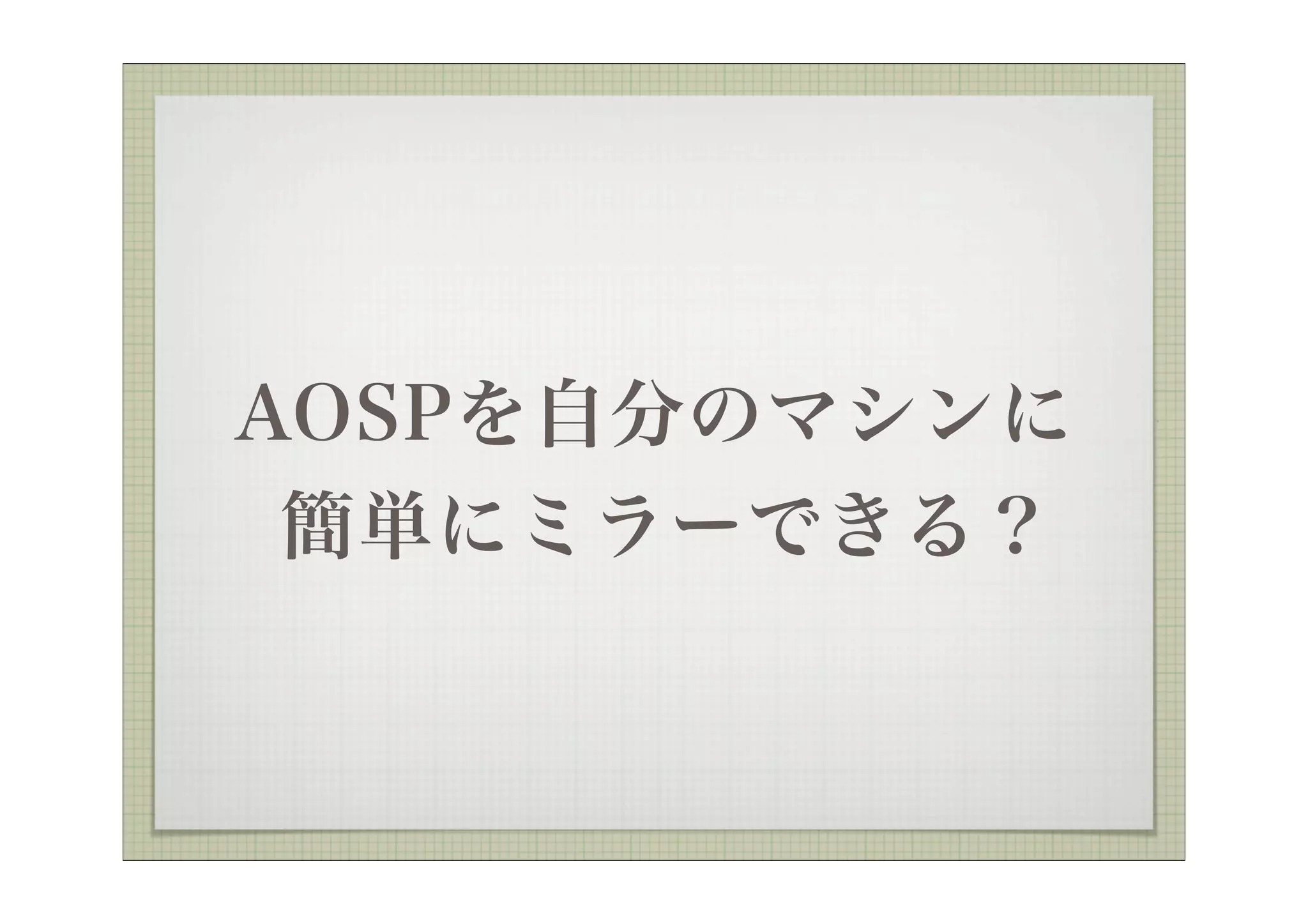




![Get https://android.googlesource.com/mirror/manifest
remote: Counting objects: 3, done
remote: Total 3 (delta 0), reused 3 (delta 0)
Unpacking objects: 100% (3/3), done.
From https://android.googlesource.com/mirror/manifest
* [new branch] master -> origin/master
repo mirror initialized in /home/kinneko/AOSP](https://image.slidesharecdn.com/aosppf20111023-111127233638-phpapp01/75/AOSP-31-2048.jpg)
![kinneko@BuildSV: /AOSP$ ../repo sync
From /home/kinneko/AOSP/device/google/accessory/
arduino.git/clone.bundle
* [new branch] master -> master
* [new branch] gingerbread -> gingerbread
remote: Counting objects: 6, done
remote: Finding sources: 100% (6/6)
remote: Total 6 (delta 0), reused 6 (delta 0)
Unpacking objects: 100% (6/6), done.
(略)](https://image.slidesharecdn.com/aosppf20111023-111127233638-phpapp01/75/AOSP-32-2048.jpg)



![Exception in thread Thread-224:0% (665/6647)
Traceback (most recent call last):
File "/usr/lib/python2.7/threading.py", line 552, in __bootstrap_inner
self.run()
File "/usr/lib/python2.7/threading.py", line 505, in run
self.__target(*self.__args, **self.__kwargs)
File "/home/kinneko/AOSP/.repo/repo/subcmds/sync.py", line 182, in
_FetchHelper
success = project.Sync_NetworkHalf(quiet=opt.quiet)
File "/home/kinneko/AOSP/.repo/repo/project.py", line 926, in
Sync_NetworkHalf
if alt_dir is None and self._ApplyCloneBundle(initial=is_new, quiet=quiet):
File "/home/kinneko/AOSP/.repo/repo/project.py", line 1444, in
_ApplyCloneBundle
exist_dst = self._FetchBundle(bundle_url, bundle_tmp, bundle_dst, quiet)
File "/home/kinneko/AOSP/.repo/repo/project.py", line 1508, in _FetchBundle
raise DownloadError('%s: %s ' % (req.get_host(), str(e)))
DownloadError: android.googlesource.com: <urlopen error [Errno 8] _ssl.c:499:
EOF occurred in violation of protocol>](https://image.slidesharecdn.com/aosppf20111023-111127233638-phpapp01/75/AOSP-43-2048.jpg)