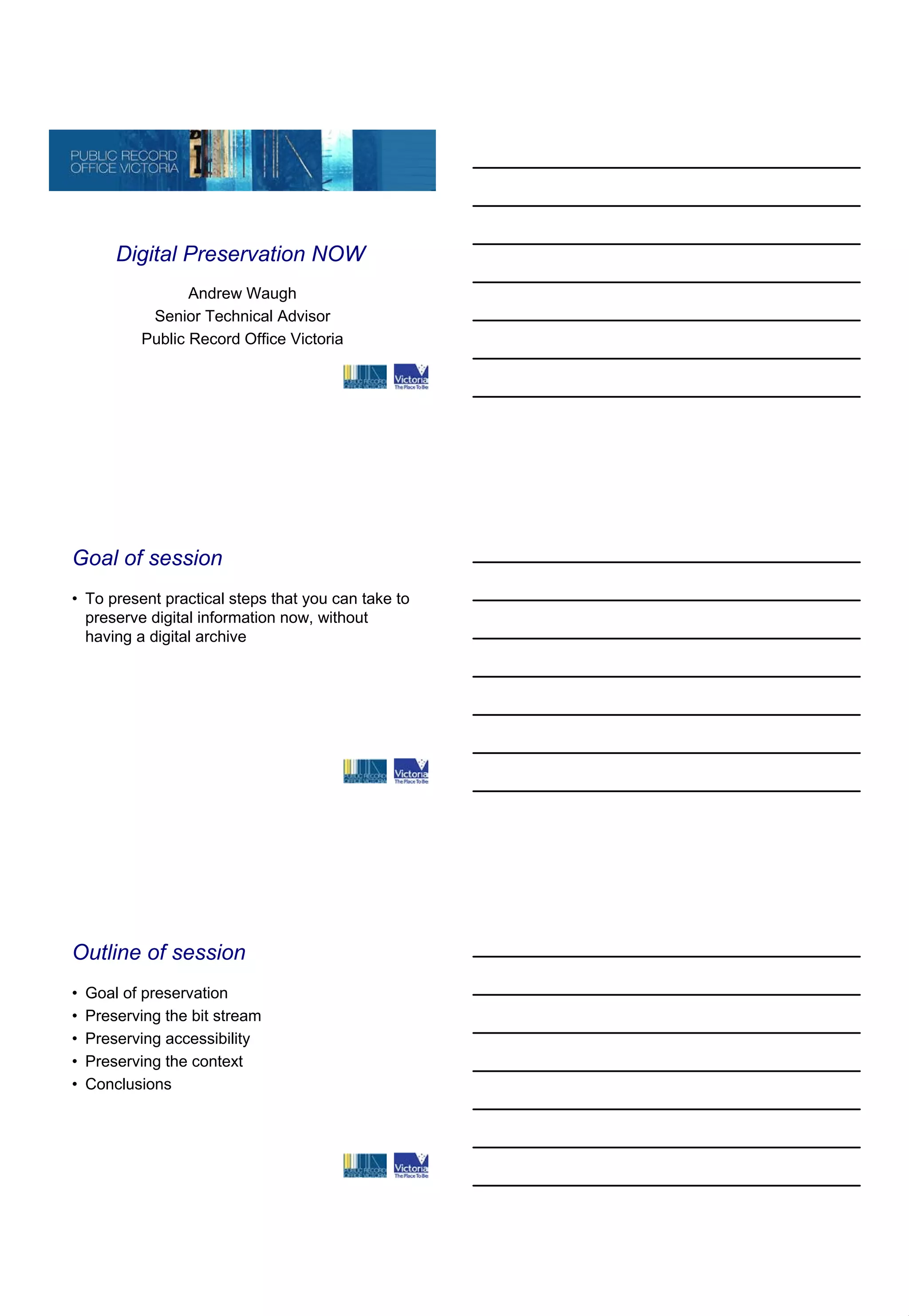
Digital Preservation NOW
                  Andrew Waugh
            Senior Technical Advisor
           Public Record Office Victoria


Goal of session
• To present practical steps that you can take to
  preserve digital information now, without
  having a digital archive


Outline of session
•   Goal of preservation
•   Preserving the bit stream
•   Preserving accessibility
•   Preserving the context
•   Conclusions
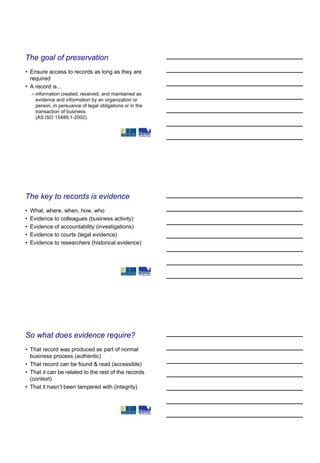
The goal of preservation
• Ensure access to records as long as they are
  required
• A record is…
    – information created, received, and maintained as
      evidence and information by an organization or
      person, in persuance of legal obligations or in the
      transaction of business
      (AS ISO 15489.1-2002)


The key to records is evidence
•   What, where, when, how, who
•   Evidence to colleagues (business activity)
•   Evidence of accountability (investigations)
•   Evidence to courts (legal evidence)
•   Evidence to researchers (historical evidence)


So what does evidence require?
• That record was produced as part of normal
  business process (authentic)
• That record can be found & read (accessible)
• That it can be related to the rest of the records
  (context)
• That it hasn’t been tampered with (integrity)
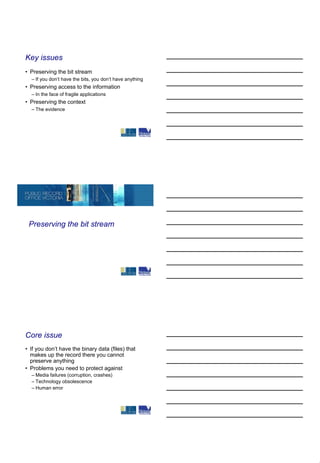
Key issues
• Preserving the bit stream
  – If you don’t have the bits, you don’t have anything
• Preserving access to the information
  – In the face of fragile applications
• Preserving the context
  – The evidence


 Preserving the bit stream


Core issue
• If you don’t have the binary data (files) that
  makes up the record there you cannot
  preserve anything
• Problems you need to protect against
  – Media failures (corruption, crashes)
  – Technology obsolescence
  – Human error
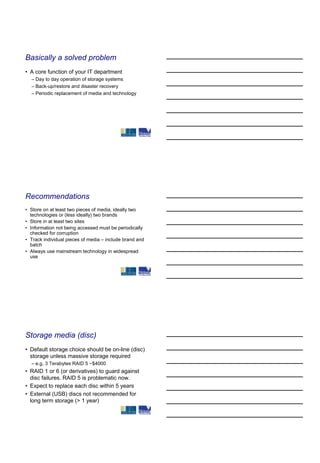
Basically a solved problem
• A core function of your IT department
  – Day to day operation of storage systems
  – Back-up/restore and disaster recovery
  – Periodic replacement of media and technology


Recommendations
• Store on at least two pieces of media, ideally two
  technologies or (less ideally) two brands
• Store in at least two sites
• Information not being accessed must be periodically
  checked for corruption
• Track individual pieces of media – include brand and
  batch
• Always use mainstream technology in widespread
  use


Storage media (disc)
• Default storage choice should be on-line (disc)
  storage unless massive storage required
  – e.g. 3 Terabytes RAID 5 ~$4000
• RAID 1 or 6 (or derivatives) to guard against
  disc failures. RAID 5 is problematic now.
• Expect to replace each disc within 5 years
• External (USB) discs not recommended for
  long term storage (> 1 year)
Storage media (tape)
• Choice when greater storage capacity than
  economic with disc
  – Be sure to factor in whole of life costs including media
    replacement and operator costs
• Preferred formats LTO Ultrium, IBM 3592, T10000
• Tape robots are preferred over manual handling
• Get expert advice on tape solutions as these are no
  longer common – use only for large organisations
• NEVER EVER choose leading edge technology,
  always stay within industry standard


Storage media (optical)
• Prefer CD-R (phthalocyanine dye)
• Can use CD-R (azo dye) or DVD-R, but monitor
  carefully
• Do not use CD-RW, DVD-RW, or CD-R (cyanine
  dye)
• Use ‘name brands’, and archival quality if possible
• Refresh in 2 to 5 years
• Unlikely to be generally economic compared with
  disc or tape due to high operator cost and low
  capacity


Monitor…
• Recommend statistical sampling of data to
  – check for corruption of copies (checksums)
  – deterioration of media
• Technology watch to guard against obsolete media
  – plan for media refresh every 2 to 10 years
• Track individual pieces of media (if used)
  – Ensure that none are lost
  – Ensure that all are tested and refreshed
Back-up & disaster recovery
• Ensure that
  – Your IT organisation has both a back-up and
    disaster recovery regime
  – It is effective (periodically test restoration)


 Preserving accessibility


Software fragility
• Without software to interpret and display the
  content, the data is lost
  – Software may not run on the current version of the
    operating system or current computer
  – Current software version may not accurately deal
    with files from older versions
  – You may not have the required software
Do nothing option
• So far has worked because backwards
  compatibility is better than we thought
   – Operating systems continue to support older
     programs (Windows, Unix/Linux)
   – Modern programs seem to have good support for
     files from older versions
   – This may not last forever…


If you are going to do nothing…
• Perform a risk analysis
   – Survey your holdings to identify and quantify file formats
      • versions, if possible, ages if not
   – Consider risk of loss of access
      • Use criteria from normalisation section
   – Identify high value holdings
• Monitor software trends (is risk increasing?)
• Identify contingency plans
• Influence users to use lower risk formats


Normalisation option
• Proactively convert formats to a long term
  preservation format (LTPF)
• This is a format that is likely to be usable for the
  forseeable future
   – Can find replacement software to render data
   – Can find software to migrate from LTPF to new format
• Library of Congress sustainability factors
   – http://www.digitalpreservation.gov/formats/
Characteristics of a good LTPF
•   Supports critical features of your data
•   Published file format specification
•   Independent implementations
•   Wide community adoption
•   Simple
•   Formal standard
•   Public domain
•   Low risk conversion


If you normalise
• Don’t jump out of the frying pan
    – Still need to do the analysis presented for ‘do
      nothing case’
    – Just fewer formats
• Develop test regime to test conversion into
  nominated format
    – Suite of ‘typical’ documents illustrating critical
      features


LTPF suggestions
• Documents
    – PDF/A, ODF
• Images
    – TIFF, JPEG2000, JPEG (if already in JPEG)
• Video
    – MPEG2 or MPEG4
Normalisation challenges
• Many types of data have no suitable LTPF
  (e.g. CAD/GIS)
• Long tail of formats (never be able to assign a
  LTPF for all types of digital object)
• Loss of characteristics in the normalisation
• Increasing complexity of digital objects (i.e.
  formats embedded within formats)


Digital rights management
• DRM systems are designed to control (prevent) access to
  digital objects
   – Owner of digital object removes right of access
   – May not permit access even though it is required (e.g. investigations)
   – DRM system ceases to exist
• DRM systems do not recognise an organisation’s right to use
  their records
• Trusted Computing and Digitial Rights Management
  Principles and Policies, NZESC
   – http://www.e.govt.nz/policy/tc-and-drm/principles-policies-06/tc-drm-
     0906.pdf


 Is it evidence?

                              (Context)
Core Issues
• If you cannot find it, it does not exist
• If you can find it, and cannot understand the
  context, it is meaningless
  – Users are interested in the story, not a document
• If you cannot show its authenticity, integrity,
  and context, it may have low evidential weight


It’s all basic records management
• Create the record as part of the business
  process (authenticity)
  – This includes putting it aside
• Putting the record in its context
  – Tell the story – who, what, where and when
• Show that the record has not been
  subsequently modified
  – Audit log


Key requirements
• Making sure that records are created in their
  context (business issue)
• Having someplace to put the records and
  capture their context
  – Electronic Document & Records Management
    System (EDRMS)
  – Classification system
If you do not have an EDRMS?
• Do whatever you can…
• Set up classification system in
  – Email system
  – Corporate file server
• Good idea even you plan to get an EDRMS
  – It gets everyone used to using a classification
    system


Why is metadata Important?
• Who, what, where and when is answered by
  metadata associated with record
  – Captured (ideally) by system when record is
    created
  – Entered by user
• Many different metadata standards


NAA/ANZ metadata standard
• Proposed basis for an Australian
  recordkeeping standard
• Australian Government Recordkeeping
  Standard version 2.0
  – http://www.naa.gov.au/Images/AGRkMS_Final%2
    0Edit_16%2007%2008_Revised_tcm2-12630.pdf
Minimum metadata to be kept
•   Identifier (unique id referring to this object)
•   Name (human readable tag)
•   Start date (creation date)
•   Contextual link (relation with file, series)
•   Change history (demonstrating integrity)
•   Disposal (when and how to dispose of record)
•   Extent (size)
•   Agent (organisation or person associated with
    record)


What can you do now - storage
• Make sure that your organisation can preserve the
  bits
    – Survey holdings of media to discover the extent of your
      problem
    – Move records off unmanaged, obsolete, deteriorating
      media
    – Ensure back-up and disaster recovery systems are in
      place and working
    – Sample records to detect corruption and decay
    – Plan to migrate to new technology


What can you do now – access
• Make sure that your organisation can turn the
  files into something a human can understand
    – Survey holdings of records to understand what
      formats you have and the importance of the
      records
    – Perform a risk assessment on the formats
    – Choose an LTPF and normalise high risk formats
    – Encourage use of LTPF for business
What can you do now – context
• Make sure that digital objects are records
  – Organise the objects so that they have a context
    (classification)
  – Move towards an EDRMS or business application
    that captures the records, preserves their context,
    and protects their integrity


Questions?

Andrew Waugh presentation

  • 1.
    Digital Preservation NOW Andrew Waugh Senior Technical Advisor Public Record Office Victoria Goal of session • To present practical steps that you can take to preserve digital information now, without having a digital archive Outline of session • Goal of preservation • Preserving the bit stream • Preserving accessibility • Preserving the context • Conclusions
  • 2.
    The goal ofpreservation • Ensure access to records as long as they are required • A record is… – information created, received, and maintained as evidence and information by an organization or person, in persuance of legal obligations or in the transaction of business (AS ISO 15489.1-2002) The key to records is evidence • What, where, when, how, who • Evidence to colleagues (business activity) • Evidence of accountability (investigations) • Evidence to courts (legal evidence) • Evidence to researchers (historical evidence) So what does evidence require? • That record was produced as part of normal business process (authentic) • That record can be found & read (accessible) • That it can be related to the rest of the records (context) • That it hasn’t been tampered with (integrity)
  • 3.
    Key issues • Preservingthe bit stream – If you don’t have the bits, you don’t have anything • Preserving access to the information – In the face of fragile applications • Preserving the context – The evidence Preserving the bit stream Core issue • If you don’t have the binary data (files) that makes up the record there you cannot preserve anything • Problems you need to protect against – Media failures (corruption, crashes) – Technology obsolescence – Human error
  • 4.
    Basically a solvedproblem • A core function of your IT department – Day to day operation of storage systems – Back-up/restore and disaster recovery – Periodic replacement of media and technology Recommendations • Store on at least two pieces of media, ideally two technologies or (less ideally) two brands • Store in at least two sites • Information not being accessed must be periodically checked for corruption • Track individual pieces of media – include brand and batch • Always use mainstream technology in widespread use Storage media (disc) • Default storage choice should be on-line (disc) storage unless massive storage required – e.g. 3 Terabytes RAID 5 ~$4000 • RAID 1 or 6 (or derivatives) to guard against disc failures. RAID 5 is problematic now. • Expect to replace each disc within 5 years • External (USB) discs not recommended for long term storage (> 1 year)
  • 5.
    Storage media (tape) •Choice when greater storage capacity than economic with disc – Be sure to factor in whole of life costs including media replacement and operator costs • Preferred formats LTO Ultrium, IBM 3592, T10000 • Tape robots are preferred over manual handling • Get expert advice on tape solutions as these are no longer common – use only for large organisations • NEVER EVER choose leading edge technology, always stay within industry standard Storage media (optical) • Prefer CD-R (phthalocyanine dye) • Can use CD-R (azo dye) or DVD-R, but monitor carefully • Do not use CD-RW, DVD-RW, or CD-R (cyanine dye) • Use ‘name brands’, and archival quality if possible • Refresh in 2 to 5 years • Unlikely to be generally economic compared with disc or tape due to high operator cost and low capacity Monitor… • Recommend statistical sampling of data to – check for corruption of copies (checksums) – deterioration of media • Technology watch to guard against obsolete media – plan for media refresh every 2 to 10 years • Track individual pieces of media (if used) – Ensure that none are lost – Ensure that all are tested and refreshed
  • 6.
    Back-up & disasterrecovery • Ensure that – Your IT organisation has both a back-up and disaster recovery regime – It is effective (periodically test restoration) Preserving accessibility Software fragility • Without software to interpret and display the content, the data is lost – Software may not run on the current version of the operating system or current computer – Current software version may not accurately deal with files from older versions – You may not have the required software
  • 7.
    Do nothing option •So far has worked because backwards compatibility is better than we thought – Operating systems continue to support older programs (Windows, Unix/Linux) – Modern programs seem to have good support for files from older versions – This may not last forever… If you are going to do nothing… • Perform a risk analysis – Survey your holdings to identify and quantify file formats • versions, if possible, ages if not – Consider risk of loss of access • Use criteria from normalisation section – Identify high value holdings • Monitor software trends (is risk increasing?) • Identify contingency plans • Influence users to use lower risk formats Normalisation option • Proactively convert formats to a long term preservation format (LTPF) • This is a format that is likely to be usable for the forseeable future – Can find replacement software to render data – Can find software to migrate from LTPF to new format • Library of Congress sustainability factors – http://www.digitalpreservation.gov/formats/
  • 8.
    Characteristics of agood LTPF • Supports critical features of your data • Published file format specification • Independent implementations • Wide community adoption • Simple • Formal standard • Public domain • Low risk conversion If you normalise • Don’t jump out of the frying pan – Still need to do the analysis presented for ‘do nothing case’ – Just fewer formats • Develop test regime to test conversion into nominated format – Suite of ‘typical’ documents illustrating critical features LTPF suggestions • Documents – PDF/A, ODF • Images – TIFF, JPEG2000, JPEG (if already in JPEG) • Video – MPEG2 or MPEG4
  • 9.
    Normalisation challenges • Manytypes of data have no suitable LTPF (e.g. CAD/GIS) • Long tail of formats (never be able to assign a LTPF for all types of digital object) • Loss of characteristics in the normalisation • Increasing complexity of digital objects (i.e. formats embedded within formats) Digital rights management • DRM systems are designed to control (prevent) access to digital objects – Owner of digital object removes right of access – May not permit access even though it is required (e.g. investigations) – DRM system ceases to exist • DRM systems do not recognise an organisation’s right to use their records • Trusted Computing and Digitial Rights Management Principles and Policies, NZESC – http://www.e.govt.nz/policy/tc-and-drm/principles-policies-06/tc-drm- 0906.pdf Is it evidence? (Context)
  • 10.
    Core Issues • Ifyou cannot find it, it does not exist • If you can find it, and cannot understand the context, it is meaningless – Users are interested in the story, not a document • If you cannot show its authenticity, integrity, and context, it may have low evidential weight It’s all basic records management • Create the record as part of the business process (authenticity) – This includes putting it aside • Putting the record in its context – Tell the story – who, what, where and when • Show that the record has not been subsequently modified – Audit log Key requirements • Making sure that records are created in their context (business issue) • Having someplace to put the records and capture their context – Electronic Document & Records Management System (EDRMS) – Classification system
  • 11.
    If you donot have an EDRMS? • Do whatever you can… • Set up classification system in – Email system – Corporate file server • Good idea even you plan to get an EDRMS – It gets everyone used to using a classification system Why is metadata Important? • Who, what, where and when is answered by metadata associated with record – Captured (ideally) by system when record is created – Entered by user • Many different metadata standards NAA/ANZ metadata standard • Proposed basis for an Australian recordkeeping standard • Australian Government Recordkeeping Standard version 2.0 – http://www.naa.gov.au/Images/AGRkMS_Final%2 0Edit_16%2007%2008_Revised_tcm2-12630.pdf
  • 12.
    Minimum metadata tobe kept • Identifier (unique id referring to this object) • Name (human readable tag) • Start date (creation date) • Contextual link (relation with file, series) • Change history (demonstrating integrity) • Disposal (when and how to dispose of record) • Extent (size) • Agent (organisation or person associated with record) What can you do now - storage • Make sure that your organisation can preserve the bits – Survey holdings of media to discover the extent of your problem – Move records off unmanaged, obsolete, deteriorating media – Ensure back-up and disaster recovery systems are in place and working – Sample records to detect corruption and decay – Plan to migrate to new technology What can you do now – access • Make sure that your organisation can turn the files into something a human can understand – Survey holdings of records to understand what formats you have and the importance of the records – Perform a risk assessment on the formats – Choose an LTPF and normalise high risk formats – Encourage use of LTPF for business
  • 13.
    What can youdo now – context • Make sure that digital objects are records – Organise the objects so that they have a context (classification) – Move towards an EDRMS or business application that captures the records, preserves their context, and protects their integrity Questions?