AJAX
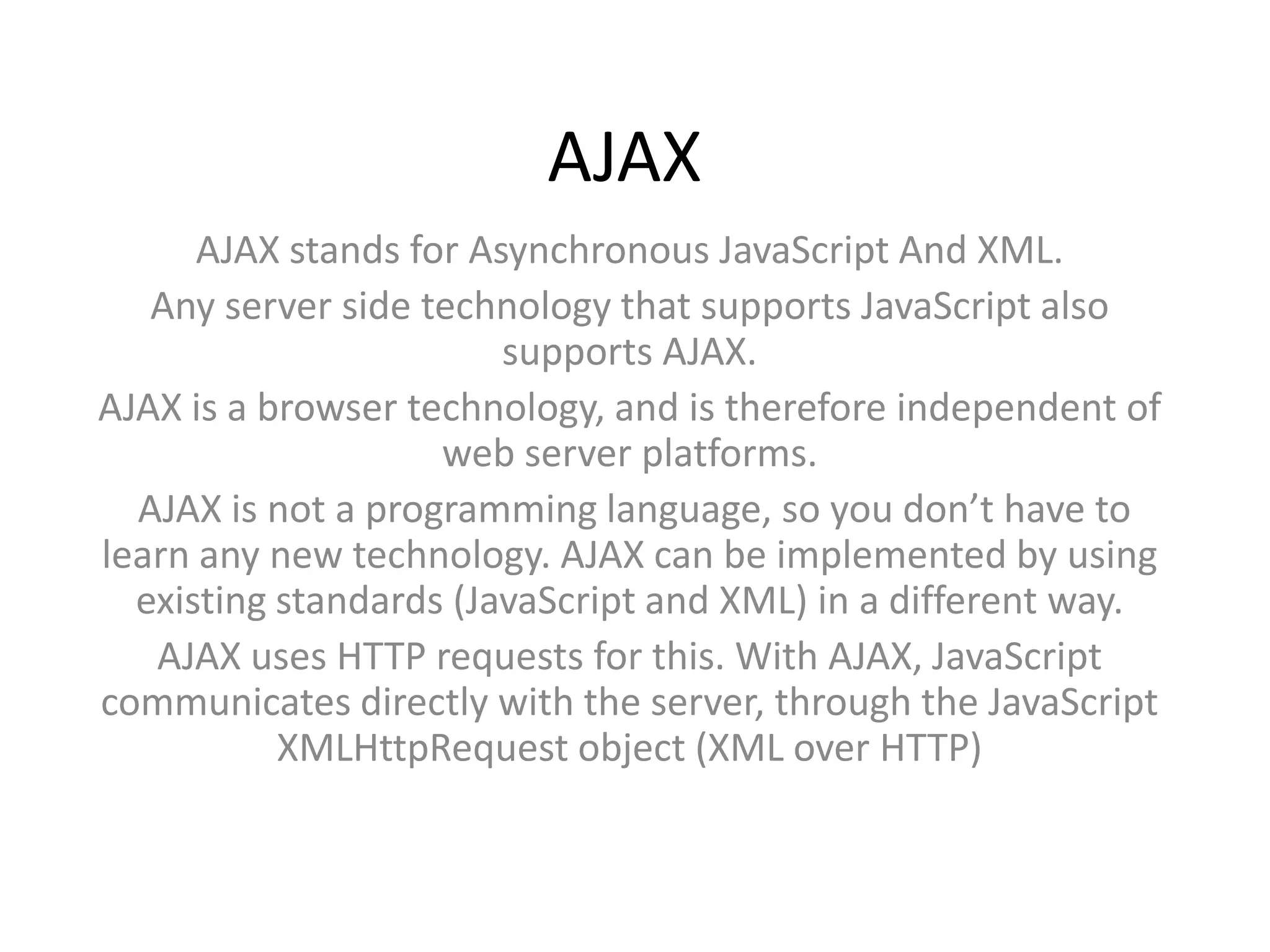
      AJAX stands for Asynchronous JavaScript And XML.
   Any server side technology that supports JavaScript also
                        supports AJAX.
AJAX is a browser technology, and is therefore independent of
                    web server platforms.
  AJAX is not a programming language, so you don’t have to
learn any new technology. AJAX can be implemented by using
  existing standards (JavaScript and XML) in a different way.
   AJAX uses HTTP requests for this. With AJAX, JavaScript
communicates directly with the server, through the JavaScript
           XMLHttpRequest object (XML over HTTP)
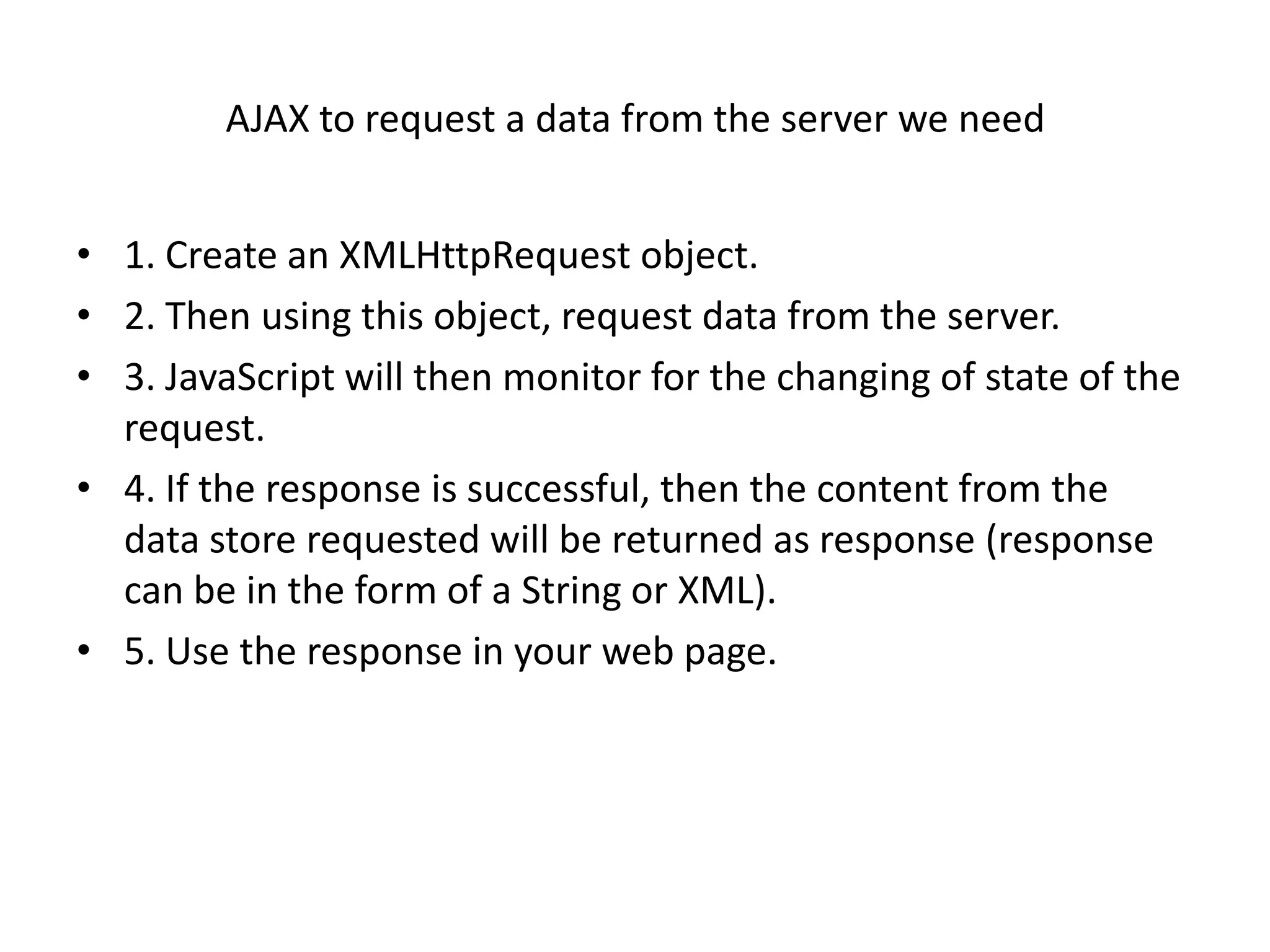
AJAX to request a data from the server we need


• 1. Create an XMLHttpRequest object.
• 2. Then using this object, request data from the server.
• 3. JavaScript will then monitor for the changing of state of the
  request.
• 4. If the response is successful, then the content from the
  data store requested will be returned as response (response
  can be in the form of a String or XML).
• 5. Use the response in your web page.
1.Create an XMLHttpRequest object


• JavaScript has a built-in XMLHttpRequest object
• For Internet Explorer use the ActiveXObject
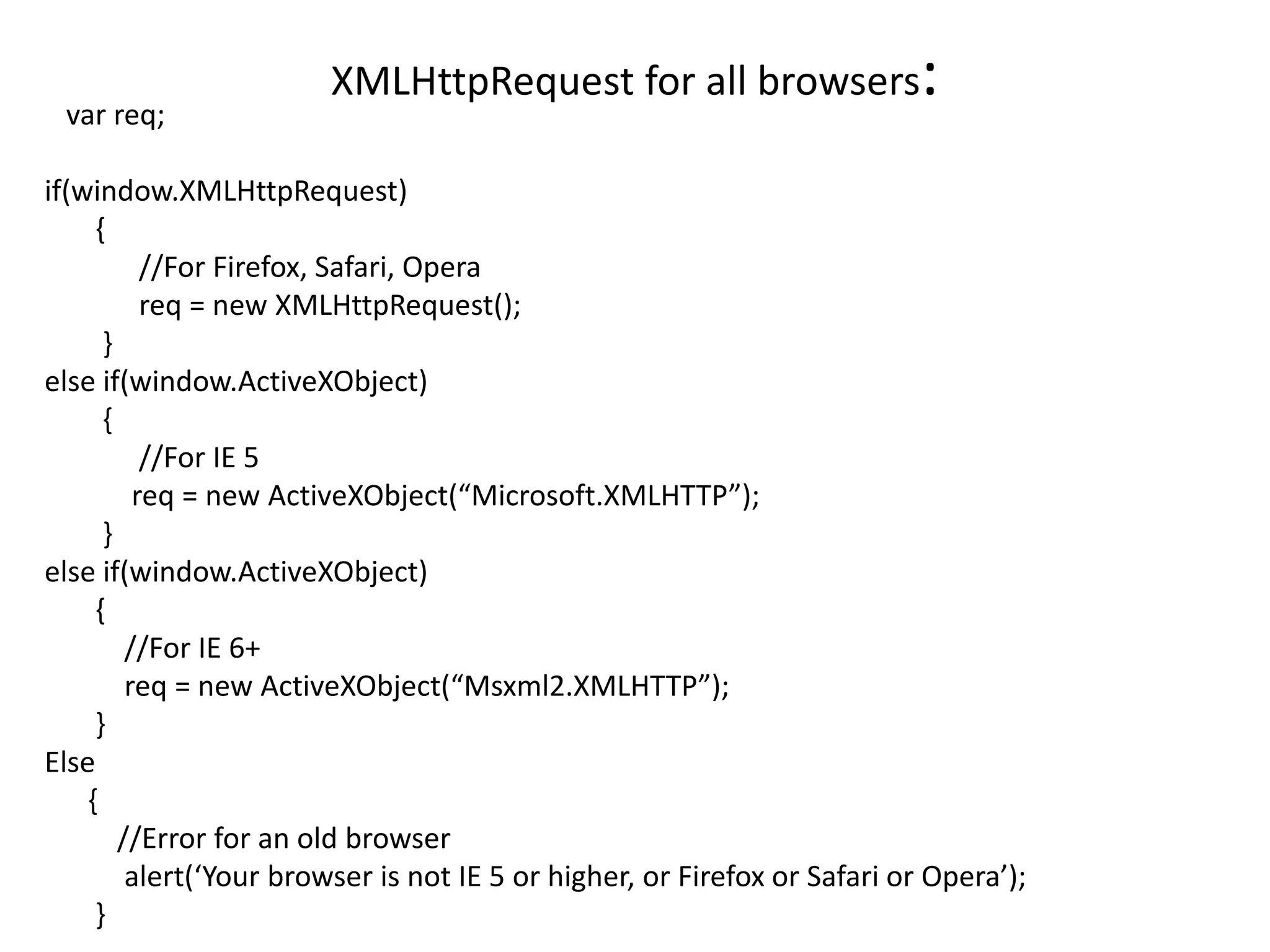
var req;
                        XMLHttpRequest for all browsers                   :
if(window.XMLHttpRequest)
     {
           //For Firefox, Safari, Opera
           req = new XMLHttpRequest();
      }
else if(window.ActiveXObject)
      {
           //For IE 5
          req = new ActiveXObject(“Microsoft.XMLHTTP”);
      }
else if(window.ActiveXObject)
     {
         //For IE 6+
         req = new ActiveXObject(“Msxml2.XMLHTTP”);
     }
Else
    {
        //Error for an old browser
         alert(‘Your browser is not IE 5 or higher, or Firefox or Safari or Opera’);
     }
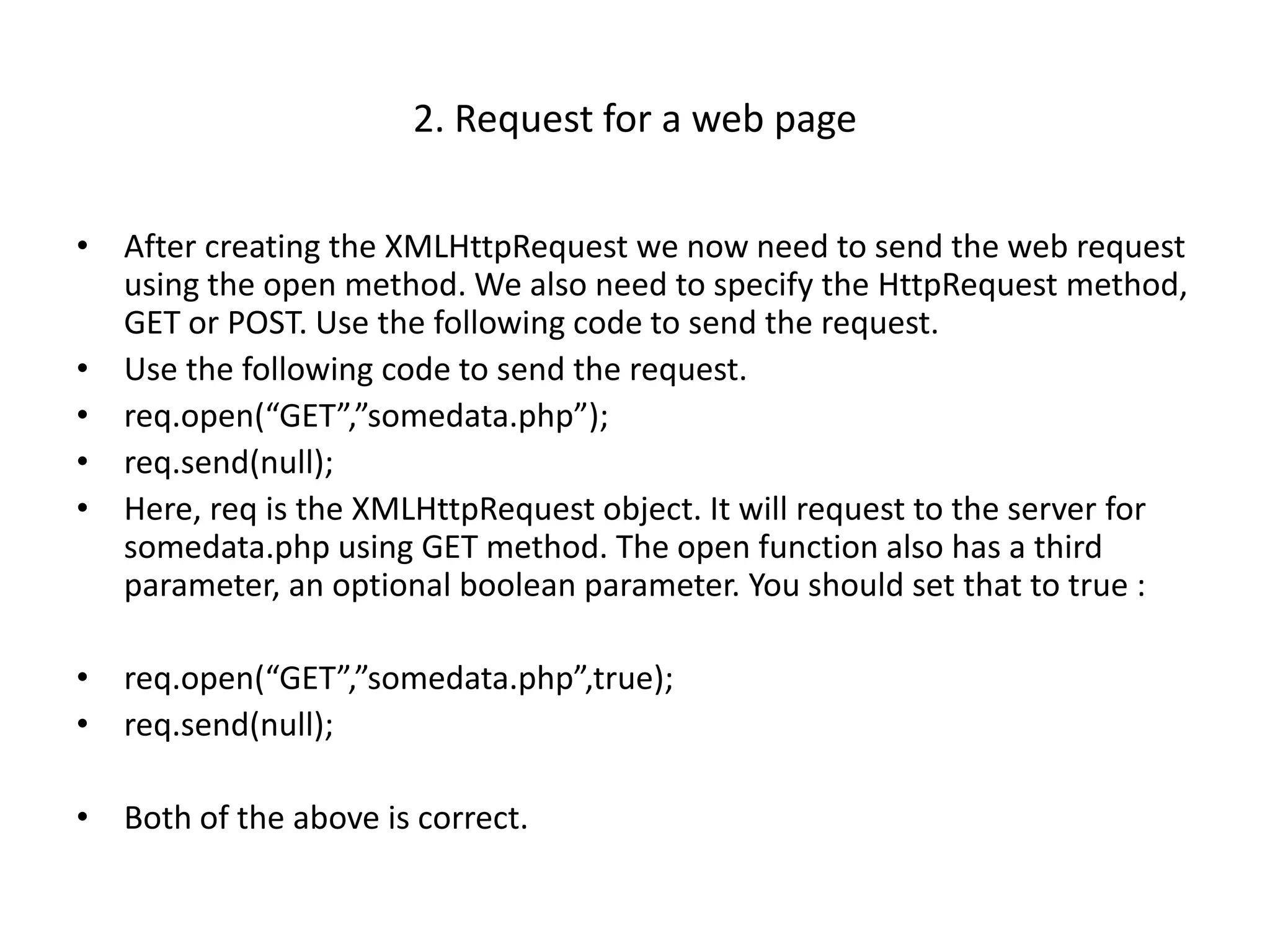
2. Request for a web page

• After creating the XMLHttpRequest we now need to send the web request
  using the open method. We also need to specify the HttpRequest method,
  GET or POST. Use the following code to send the request.
• Use the following code to send the request.
• req.open(“GET”,”somedata.php”);
• req.send(null);
• Here, req is the XMLHttpRequest object. It will request to the server for
  somedata.php using GET method. The open function also has a third
  parameter, an optional boolean parameter. You should set that to true :

• req.open(“GET”,”somedata.php”,true);
• req.send(null);

• Both of the above is correct.
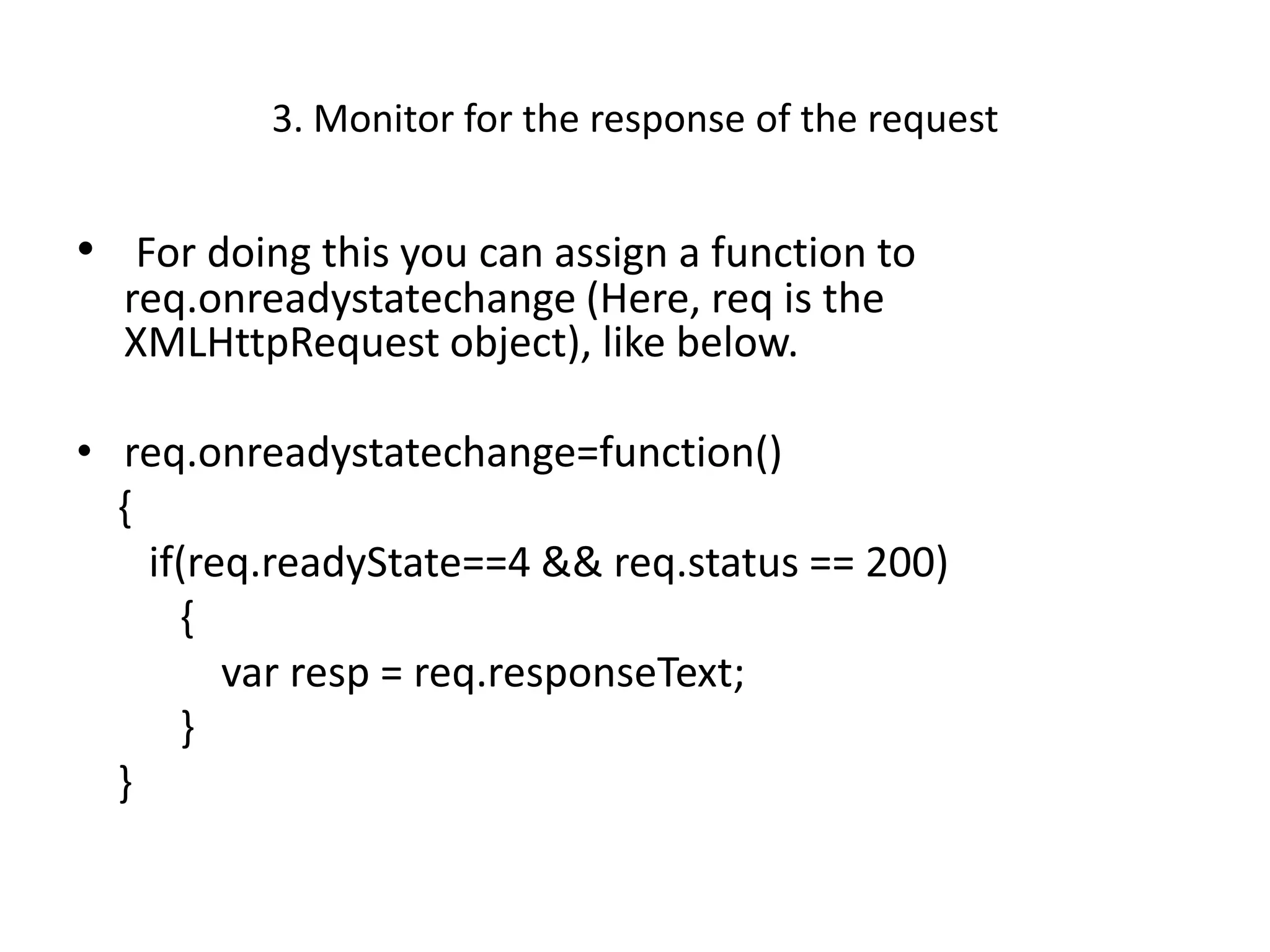
3. Monitor for the response of the request


• For doing this you can assign a function to
  req.onreadystatechange (Here, req is the
  XMLHttpRequest object), like below.

• req.onreadystatechange=function()
  {
    if(req.readyState==4 && req.status == 200)
      {
         var resp = req.responseText;
      }
  }
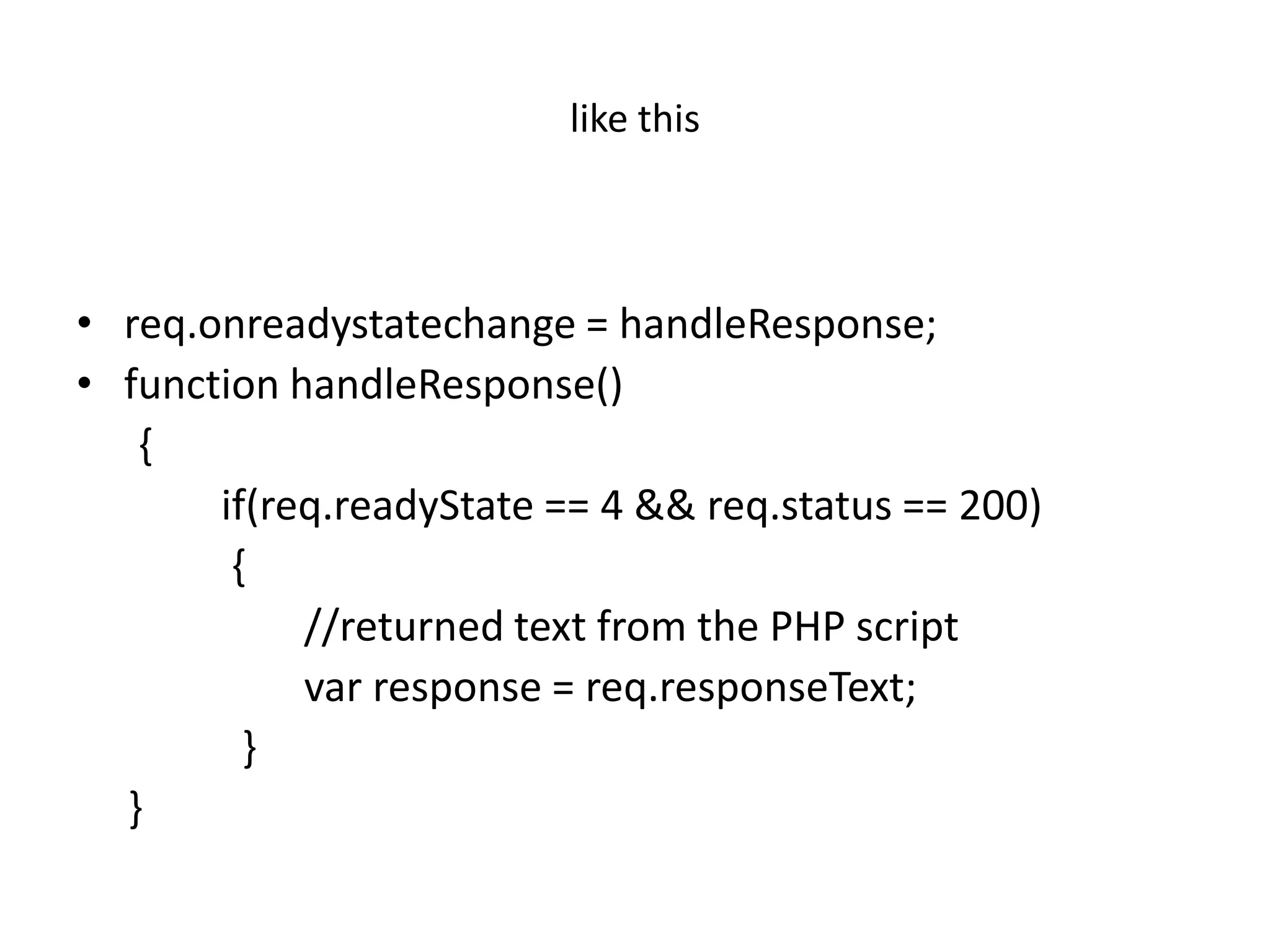
like this


• req.onreadystatechange = handleResponse;
• function handleResponse()
   {
       if(req.readyState == 4 && req.status == 200)
        {
            //returned text from the PHP script
            var response = req.responseText;
         }
  }
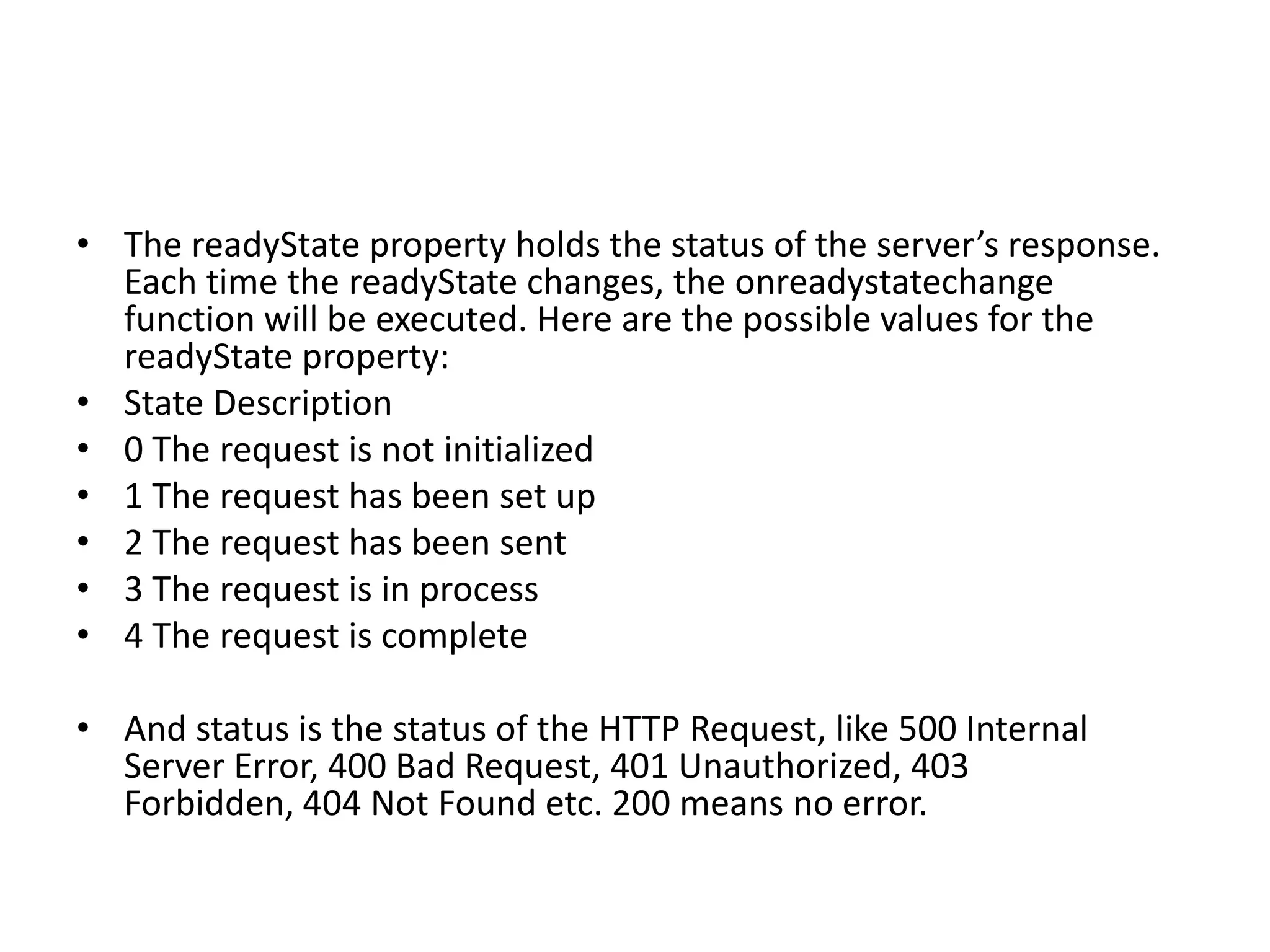
• The readyState property holds the status of the server’s response.
  Each time the readyState changes, the onreadystatechange
  function will be executed. Here are the possible values for the
  readyState property:
• State Description
• 0 The request is not initialized
• 1 The request has been set up
• 2 The request has been sent
• 3 The request is in process
• 4 The request is complete

• And status is the status of the HTTP Request, like 500 Internal
  Server Error, 400 Bad Request, 401 Unauthorized, 403
  Forbidden, 404 Not Found etc. 200 means no error.
4. Get the response


• The response will be as string or as XML. The data sent back
  from the server can be retrieved with the responseText
  property as string. Use responseXML for getting the response
  as XML.
5. Use the response on your web page


• You can use the response you got from the XMLHttpRequest
  in your web page/application. You can either set a value of a
  text field or use the returned HTML from the web request as
  innerHTML for a <div></div> tag or <span></span> tag (See
  below for the implementation of this)

Ajax

  • 1.
    AJAX AJAX stands for Asynchronous JavaScript And XML. Any server side technology that supports JavaScript also supports AJAX. AJAX is a browser technology, and is therefore independent of web server platforms. AJAX is not a programming language, so you don’t have to learn any new technology. AJAX can be implemented by using existing standards (JavaScript and XML) in a different way. AJAX uses HTTP requests for this. With AJAX, JavaScript communicates directly with the server, through the JavaScript XMLHttpRequest object (XML over HTTP)
  • 2.
    AJAX to requesta data from the server we need • 1. Create an XMLHttpRequest object. • 2. Then using this object, request data from the server. • 3. JavaScript will then monitor for the changing of state of the request. • 4. If the response is successful, then the content from the data store requested will be returned as response (response can be in the form of a String or XML). • 5. Use the response in your web page.
  • 3.
    1.Create an XMLHttpRequestobject • JavaScript has a built-in XMLHttpRequest object • For Internet Explorer use the ActiveXObject
  • 4.
    var req; XMLHttpRequest for all browsers : if(window.XMLHttpRequest) { //For Firefox, Safari, Opera req = new XMLHttpRequest(); } else if(window.ActiveXObject) { //For IE 5 req = new ActiveXObject(“Microsoft.XMLHTTP”); } else if(window.ActiveXObject) { //For IE 6+ req = new ActiveXObject(“Msxml2.XMLHTTP”); } Else { //Error for an old browser alert(‘Your browser is not IE 5 or higher, or Firefox or Safari or Opera’); }
  • 5.
    2. Request fora web page • After creating the XMLHttpRequest we now need to send the web request using the open method. We also need to specify the HttpRequest method, GET or POST. Use the following code to send the request. • Use the following code to send the request. • req.open(“GET”,”somedata.php”); • req.send(null); • Here, req is the XMLHttpRequest object. It will request to the server for somedata.php using GET method. The open function also has a third parameter, an optional boolean parameter. You should set that to true : • req.open(“GET”,”somedata.php”,true); • req.send(null); • Both of the above is correct.
  • 6.
    3. Monitor forthe response of the request • For doing this you can assign a function to req.onreadystatechange (Here, req is the XMLHttpRequest object), like below. • req.onreadystatechange=function() { if(req.readyState==4 && req.status == 200) { var resp = req.responseText; } }
  • 7.
    like this • req.onreadystatechange= handleResponse; • function handleResponse() { if(req.readyState == 4 && req.status == 200) { //returned text from the PHP script var response = req.responseText; } }
  • 8.
    • The readyStateproperty holds the status of the server’s response. Each time the readyState changes, the onreadystatechange function will be executed. Here are the possible values for the readyState property: • State Description • 0 The request is not initialized • 1 The request has been set up • 2 The request has been sent • 3 The request is in process • 4 The request is complete • And status is the status of the HTTP Request, like 500 Internal Server Error, 400 Bad Request, 401 Unauthorized, 403 Forbidden, 404 Not Found etc. 200 means no error.
  • 9.
    4. Get theresponse • The response will be as string or as XML. The data sent back from the server can be retrieved with the responseText property as string. Use responseXML for getting the response as XML.
  • 10.
    5. Use theresponse on your web page • You can use the response you got from the XMLHttpRequest in your web page/application. You can either set a value of a text field or use the returned HTML from the web request as innerHTML for a <div></div> tag or <span></span> tag (See below for the implementation of this)