TL/DR
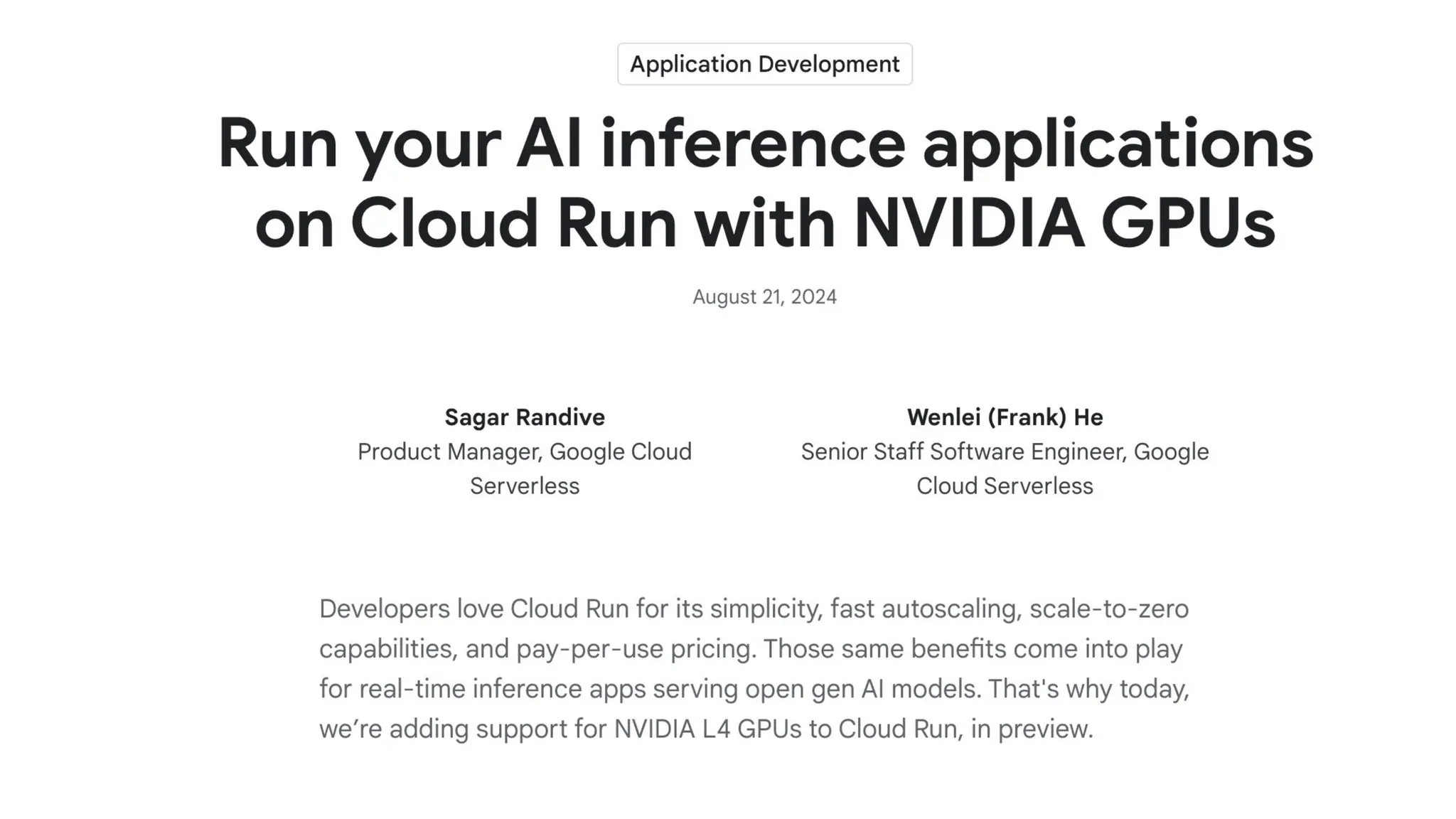
• Google have introduced 20GB Nvidia L4 GPUs for Cloud Run instances
into public preview
Longer
version…
GPU Enabled workloads…
• Apps
• APIs
• Local Host
• Cloud Run
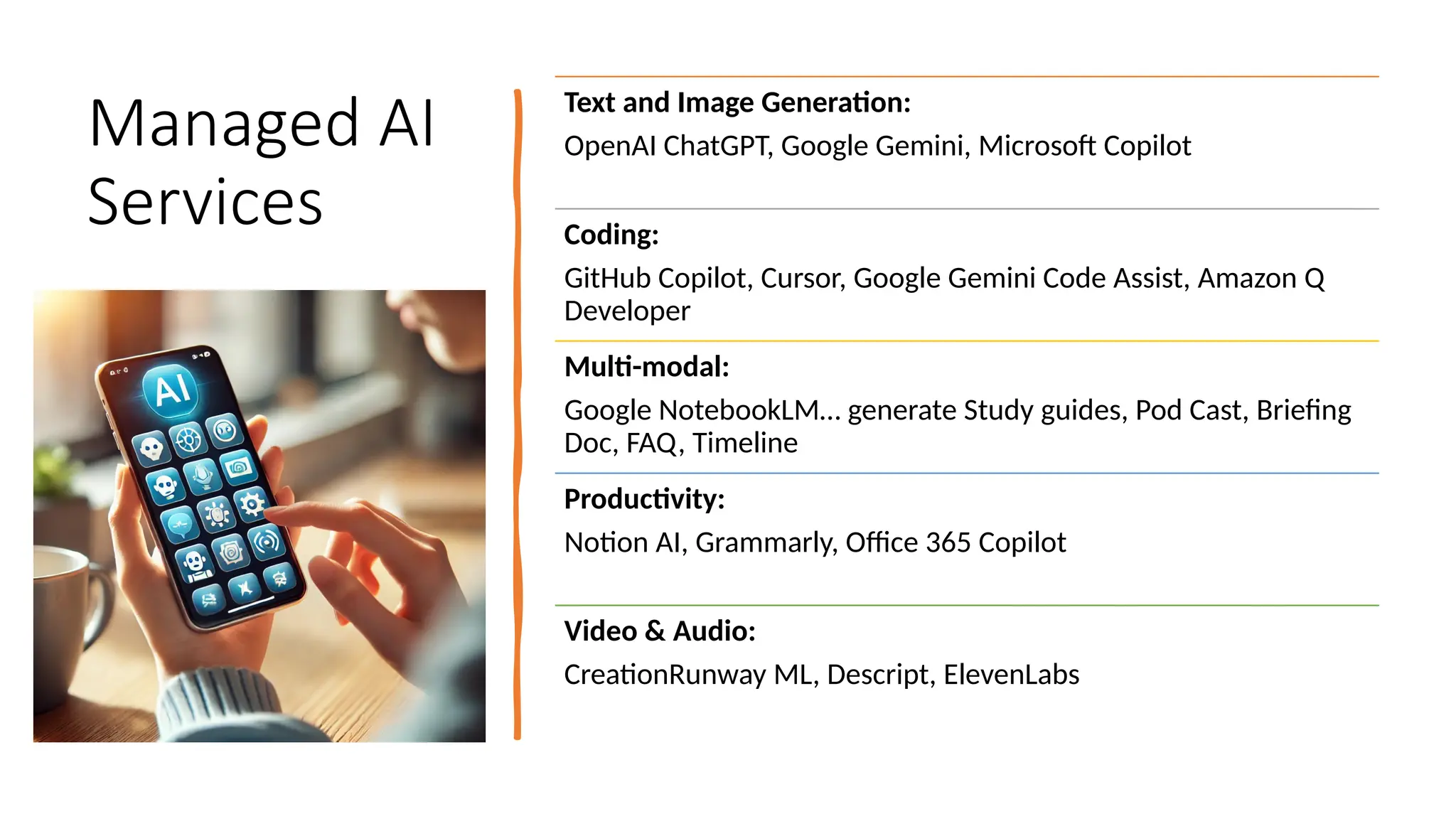
Managed AI
Services
Text and Image Generation:
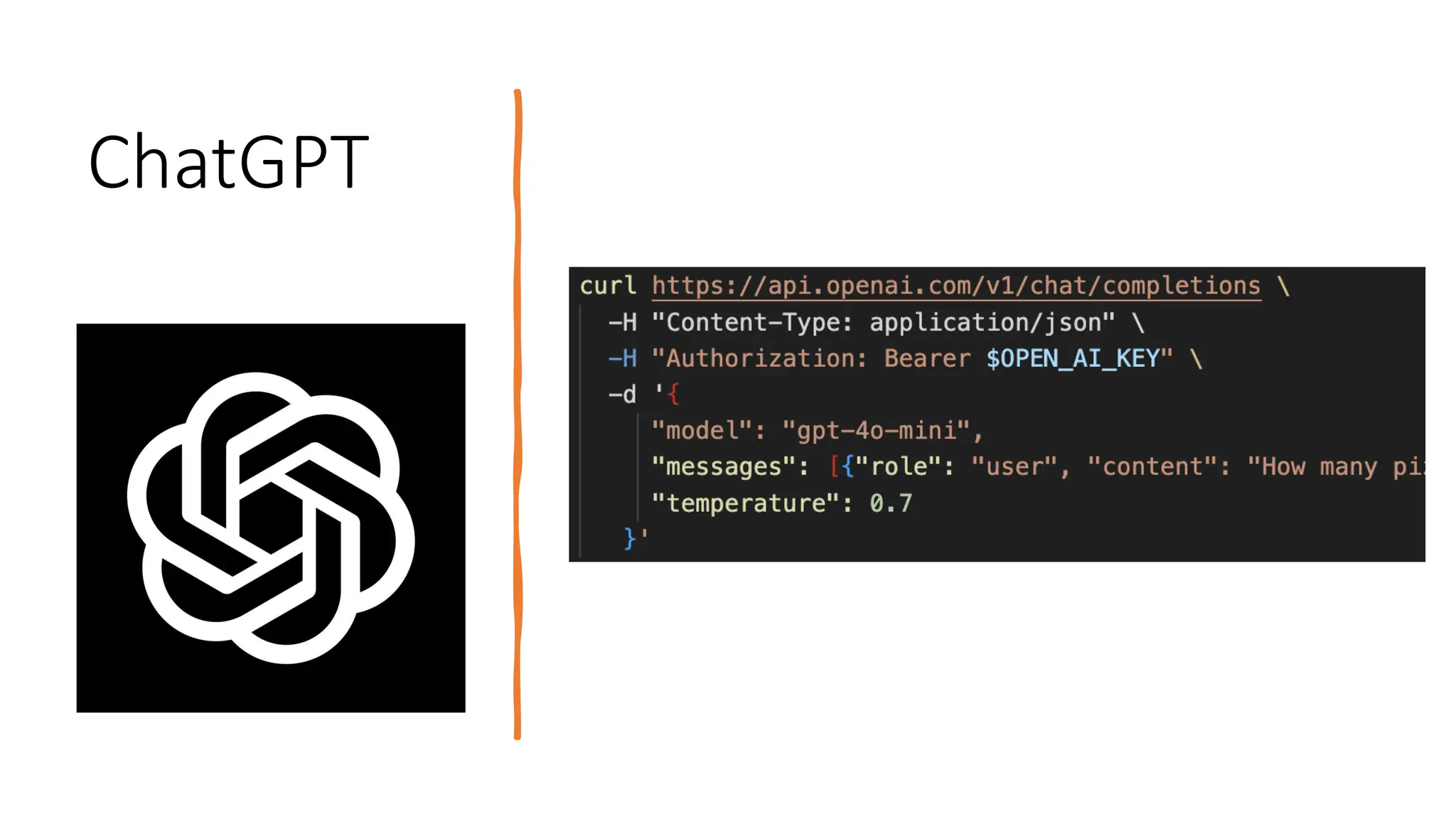
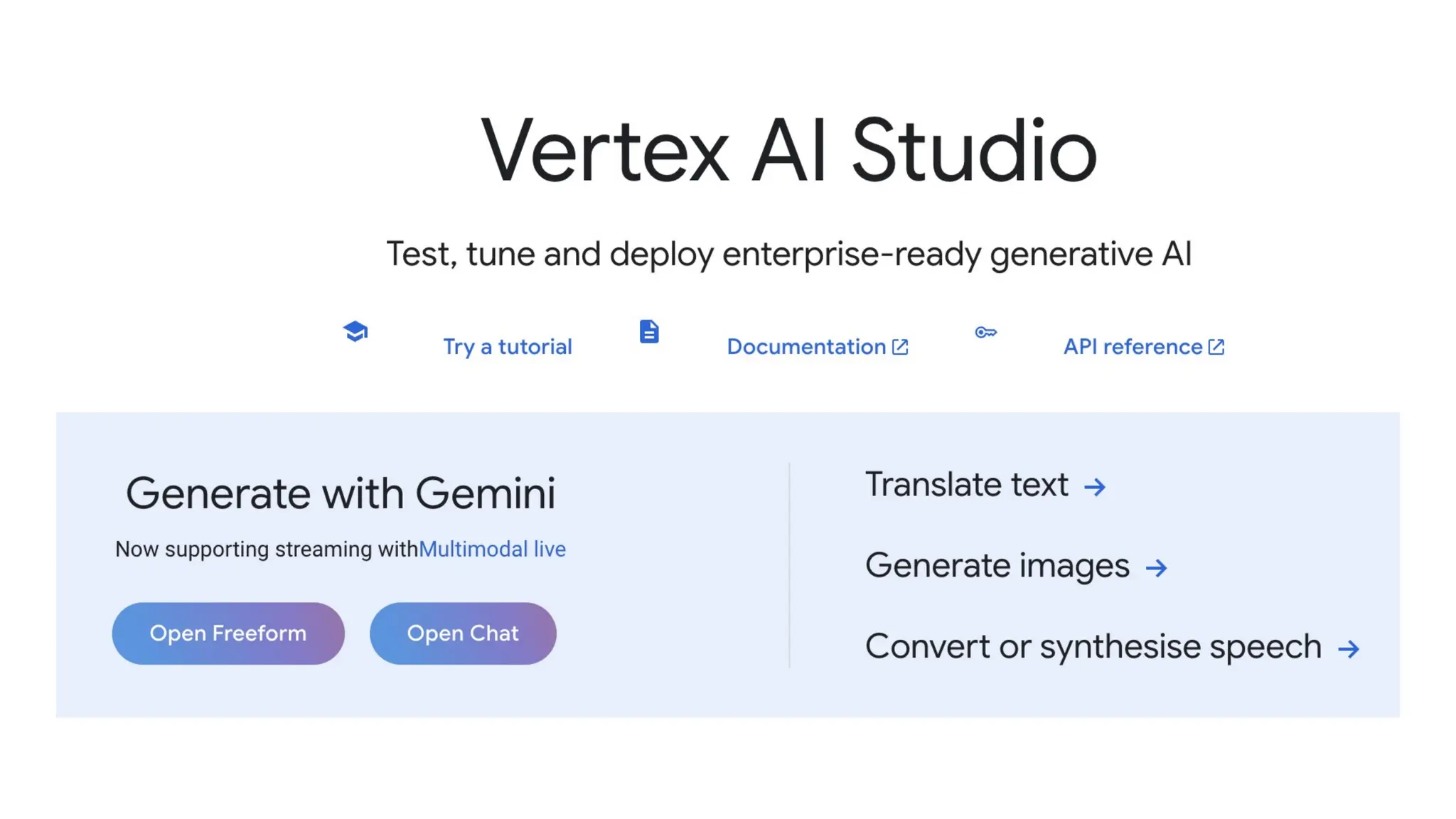
OpenAI ChatGPT, Google Gemini, Microsoft Copilot
Coding:
GitHub Copilot, Cursor, Google Gemini Code Assist, Amazon Q
Developer
Multi-modal:
Google NotebookLM… generate Study guides, Pod Cast, Briefing
Doc, FAQ, Timeline
Productivity:
Notion AI, Grammarly, Office 365 Copilot
Video & Audio:
CreationRunway ML, Descript, ElevenLabs
ChatGPT
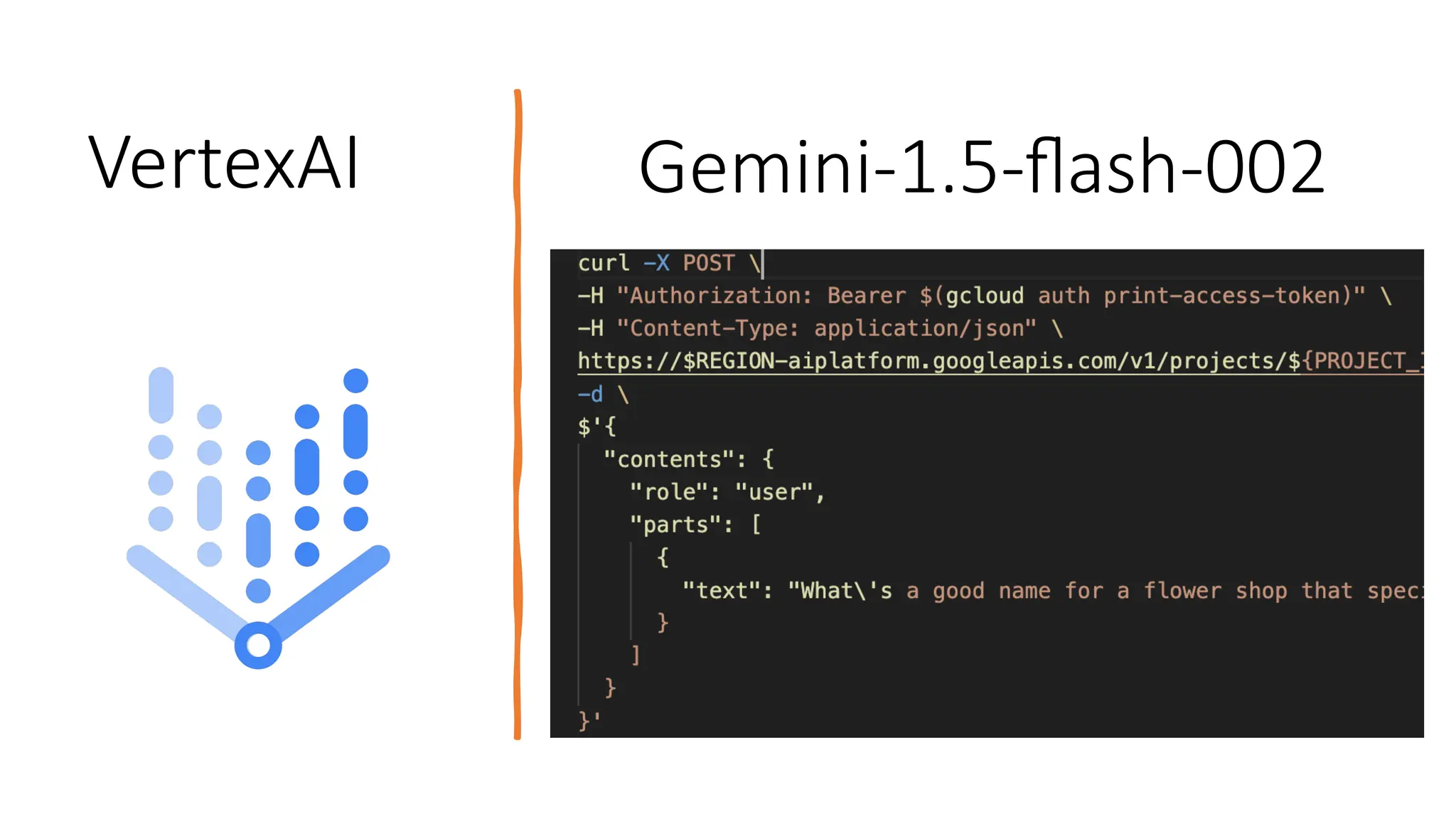
VertexAI Gemini-1.5-flash-002
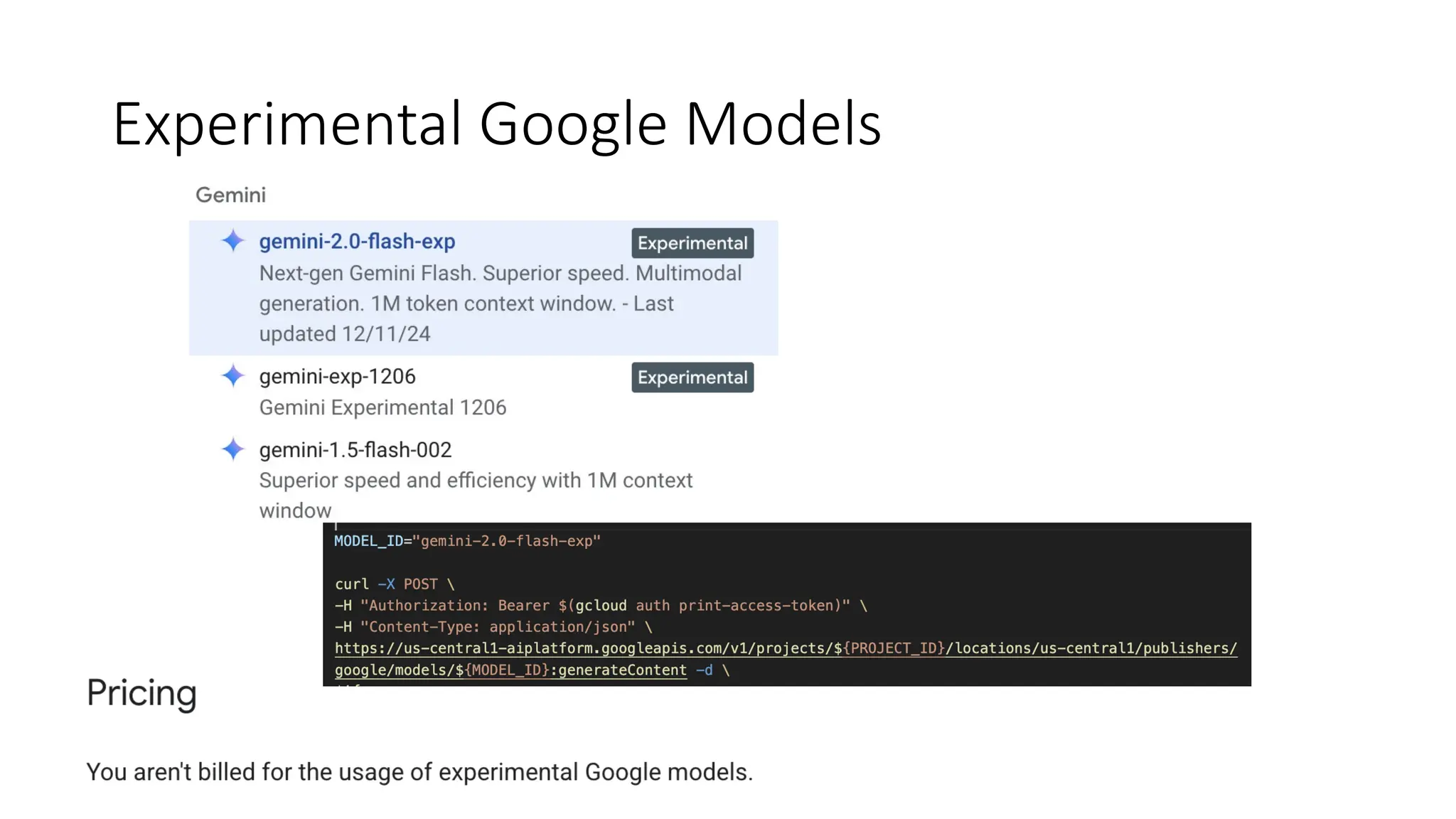
Experimental Google Models
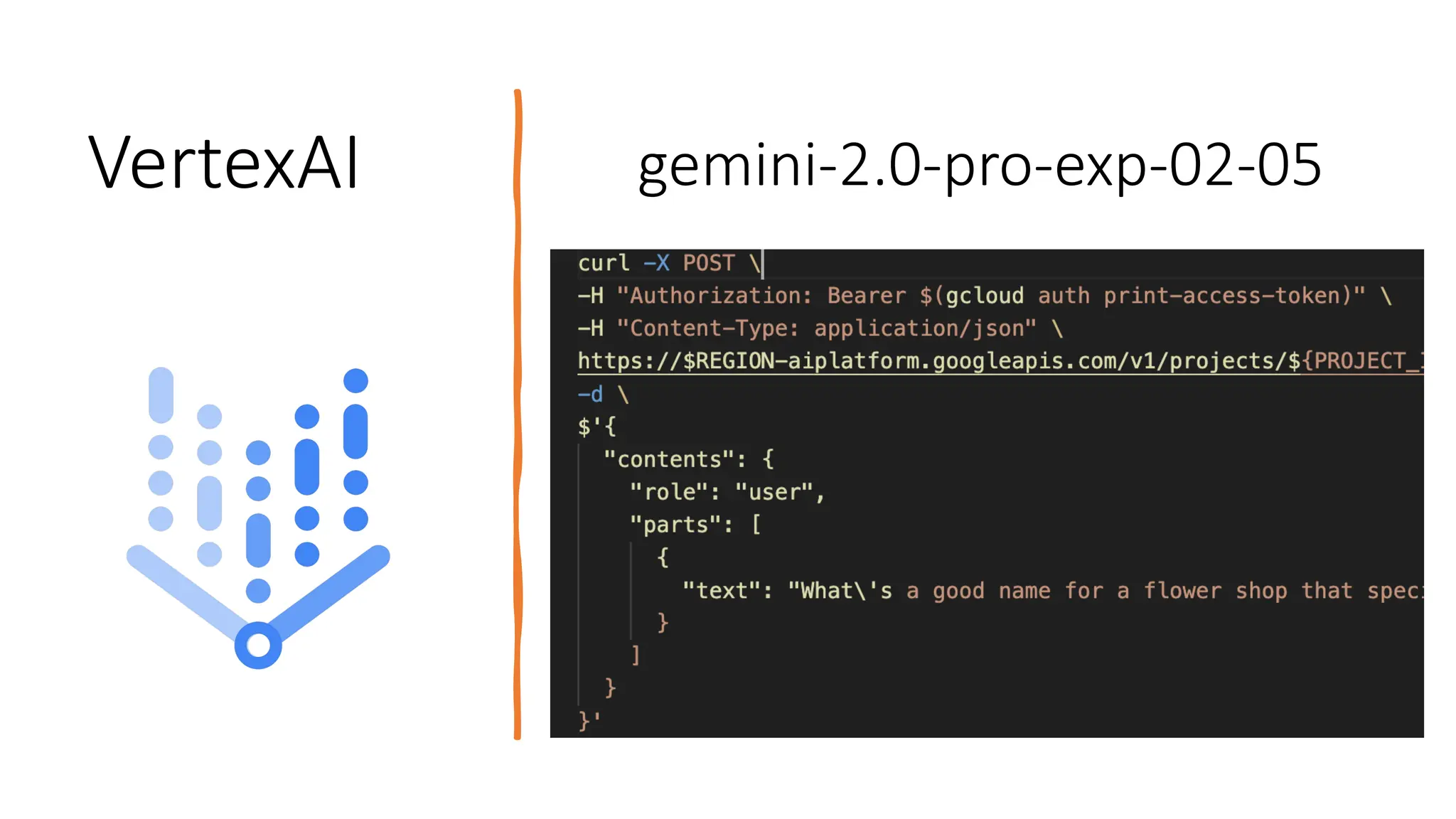
VertexAI gemini-2.0-pro-exp-02-05
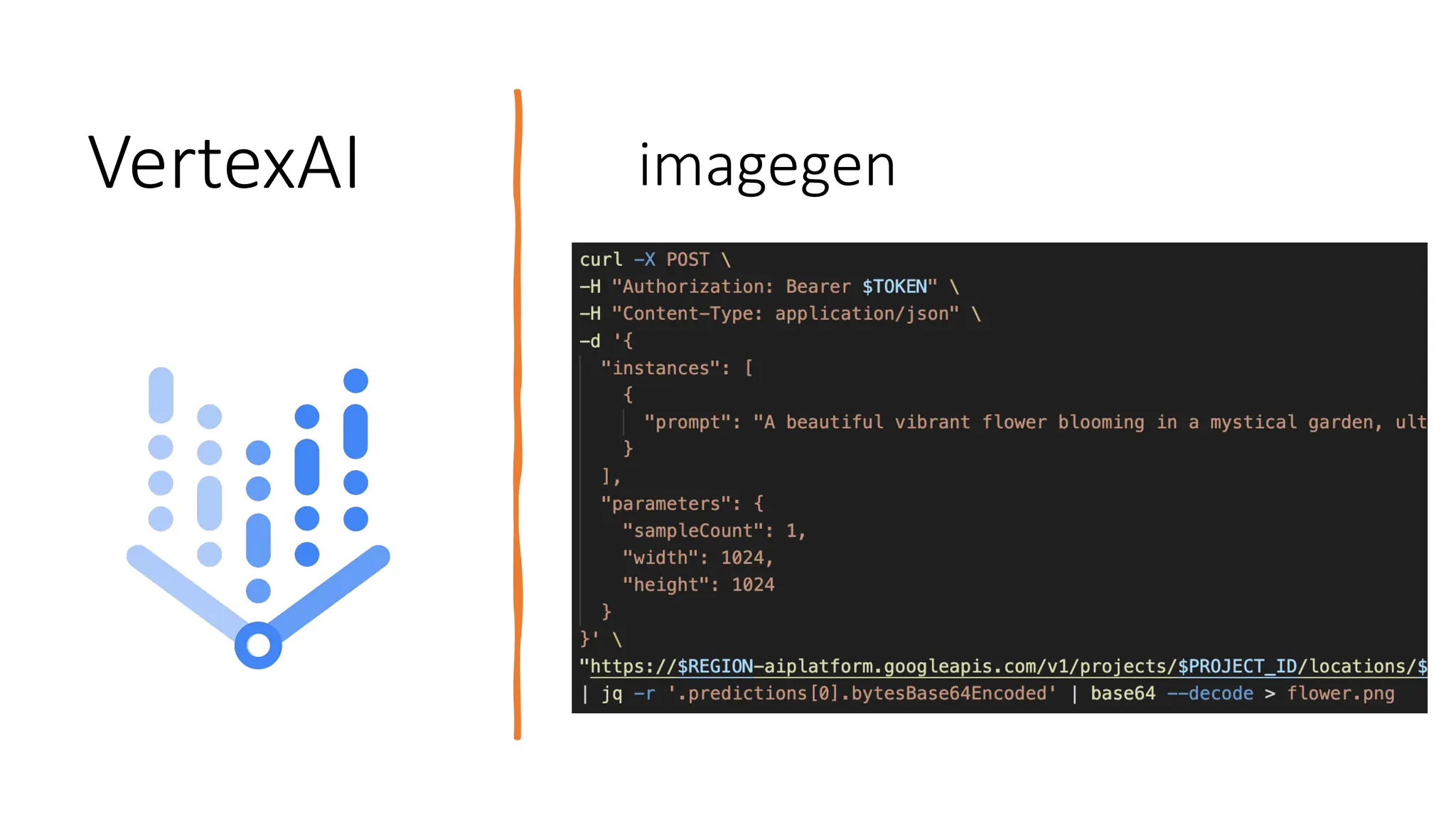
VertexAI imagegen
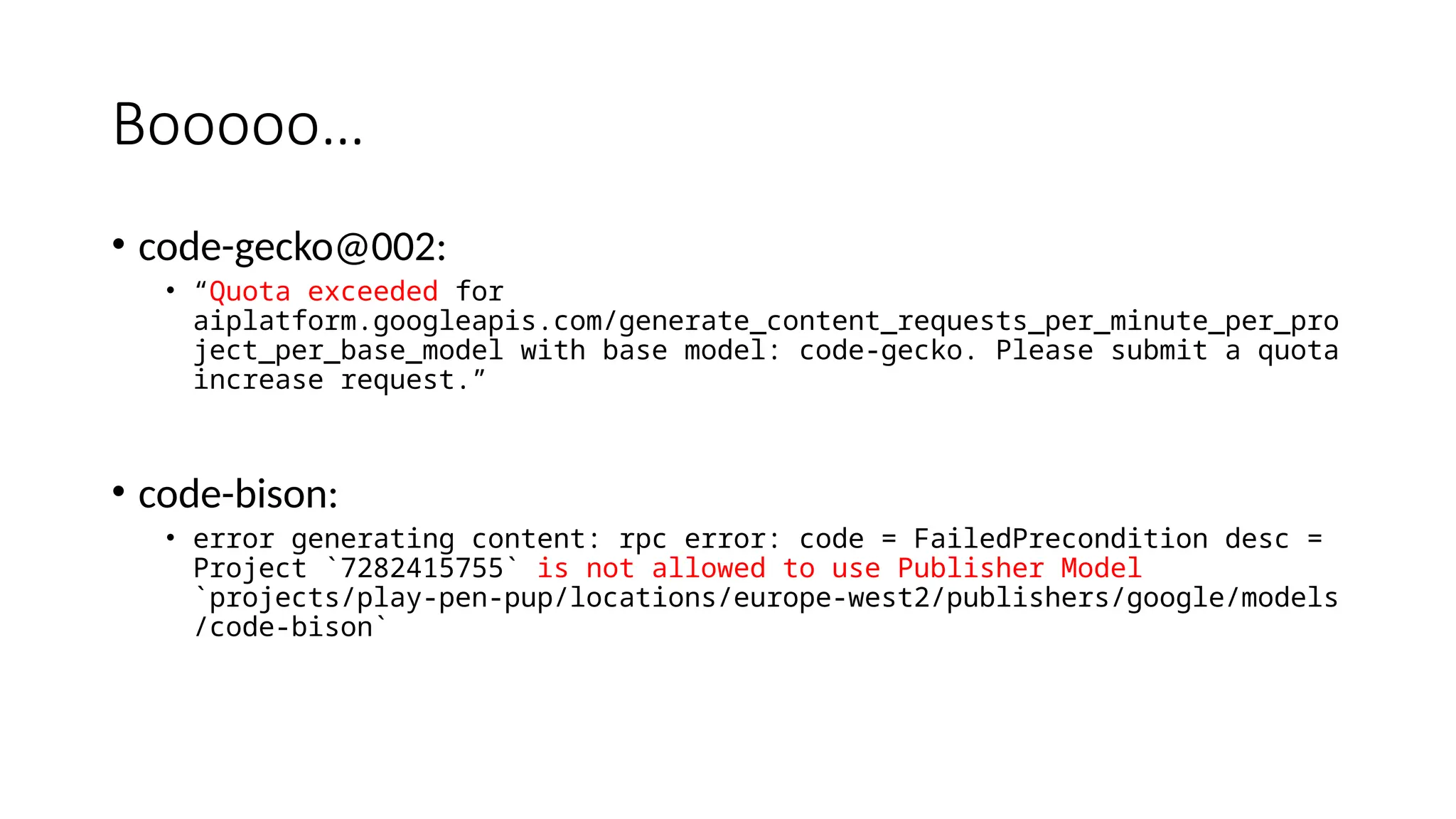
Booooo…
• code-gecko@002:
• “Quota exceeded for
aiplatform.googleapis.com/generate_content_requests_per_minute_per_pro
ject_per_base_model with base model: code-gecko. Please submit a quota
increase request.”
• code-bison:
• error generating content: rpc error: code = FailedPrecondition desc =
Project `7282415755` is not allowed to use Publisher Model
`projects/play-pen-pup/locations/europe-west2/publishers/google/models
/code-bison`
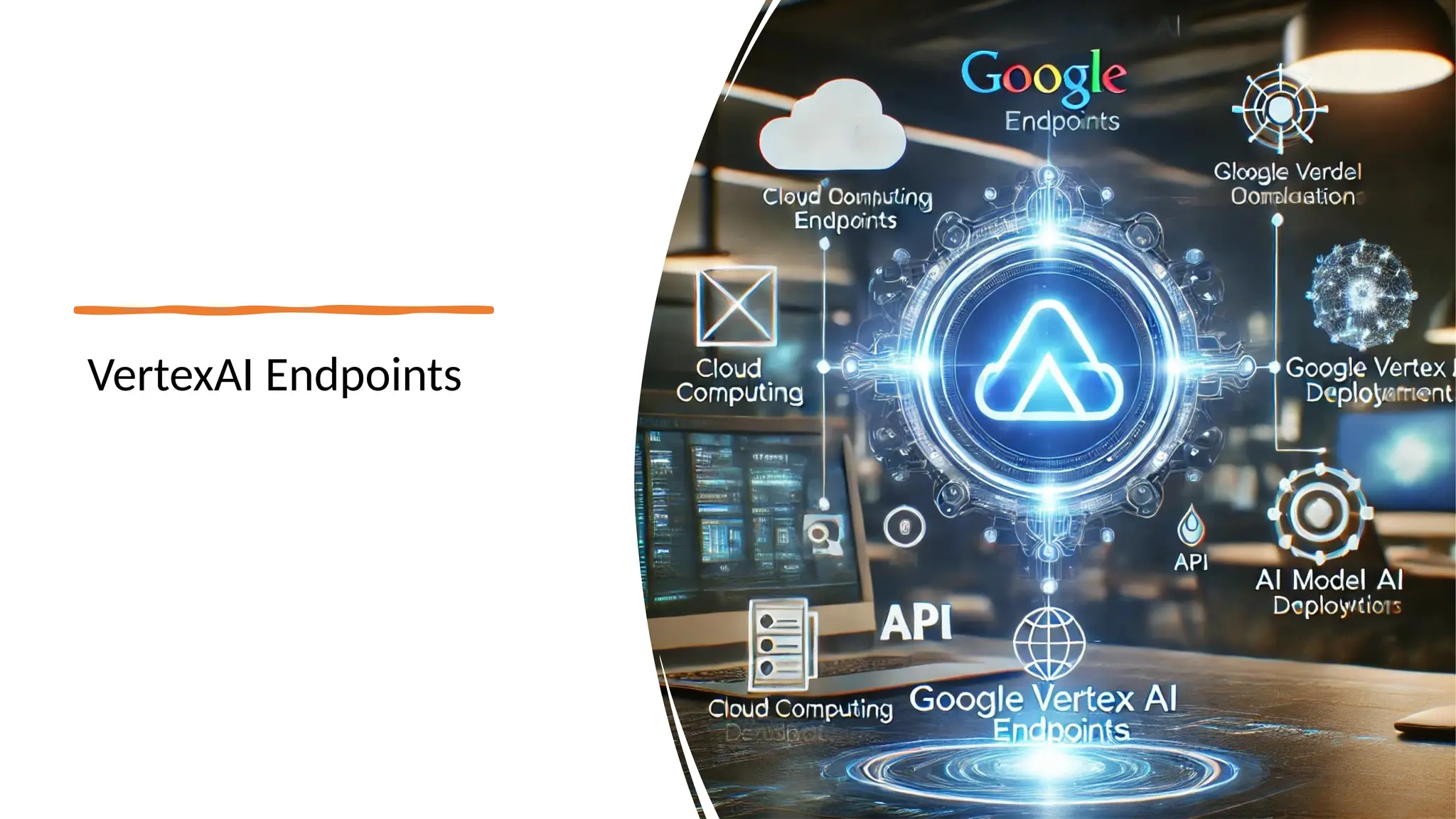
VertexAI Endpoints
Localhost
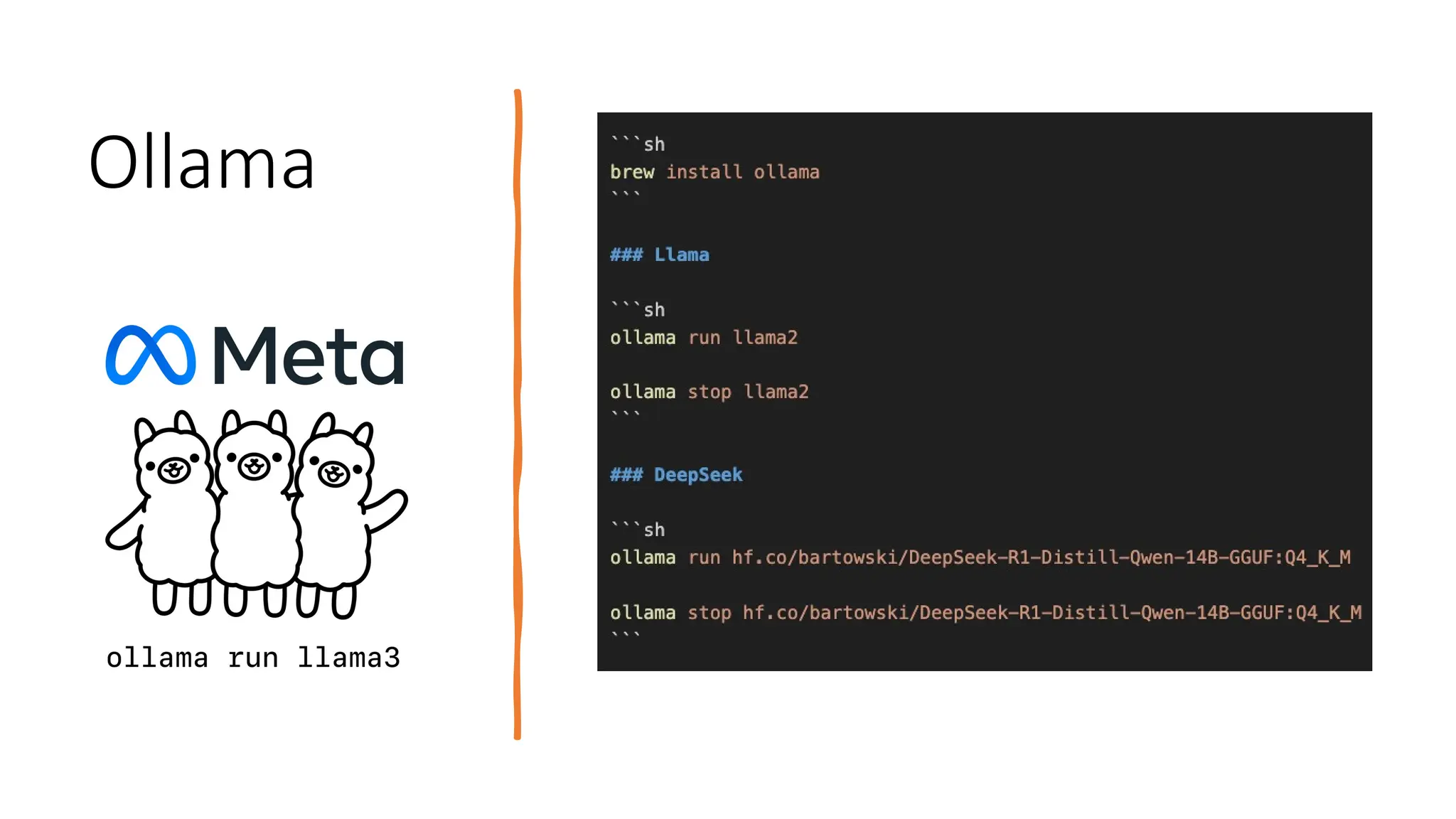
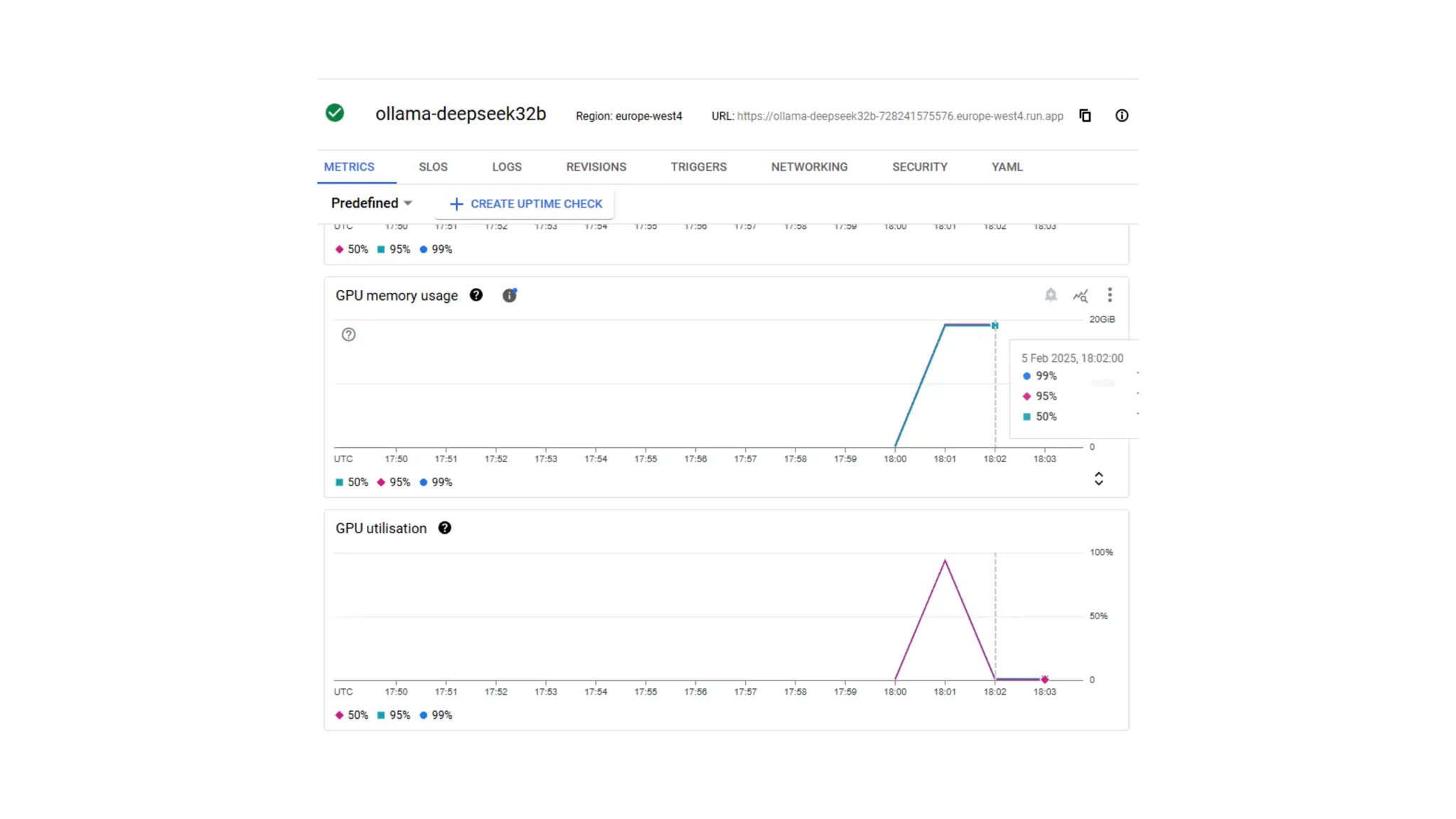
Ollama
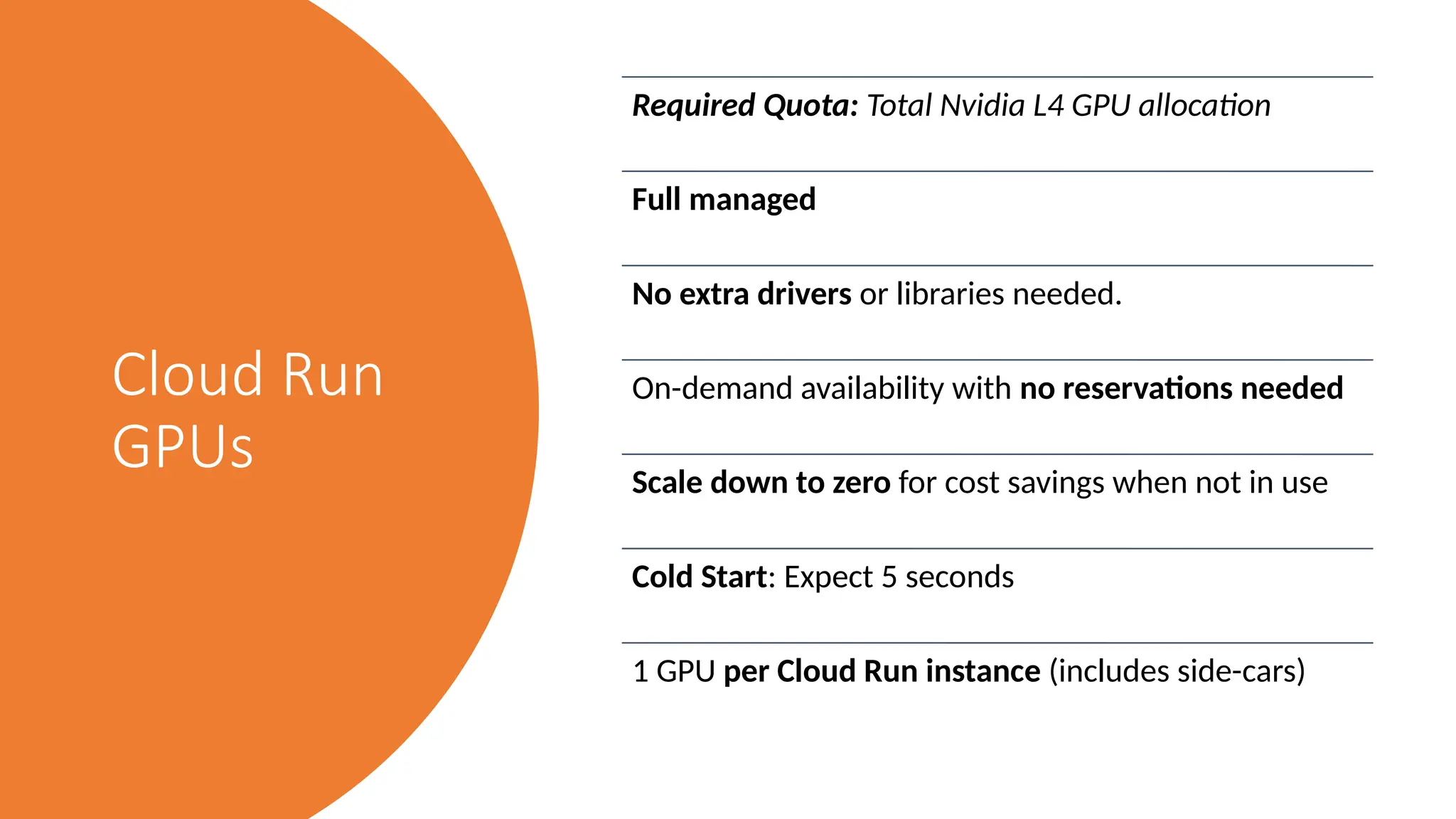
Cloud Run
GPUs
Required Quota: Total Nvidia L4 GPU allocation
Full managed
No extra drivers or libraries needed.
On-demand availability with no reservations needed
Scale down to zero for cost savings when not in use
Cold Start: Expect 5 seconds
1 GPU per Cloud Run instance (includes side-cars)
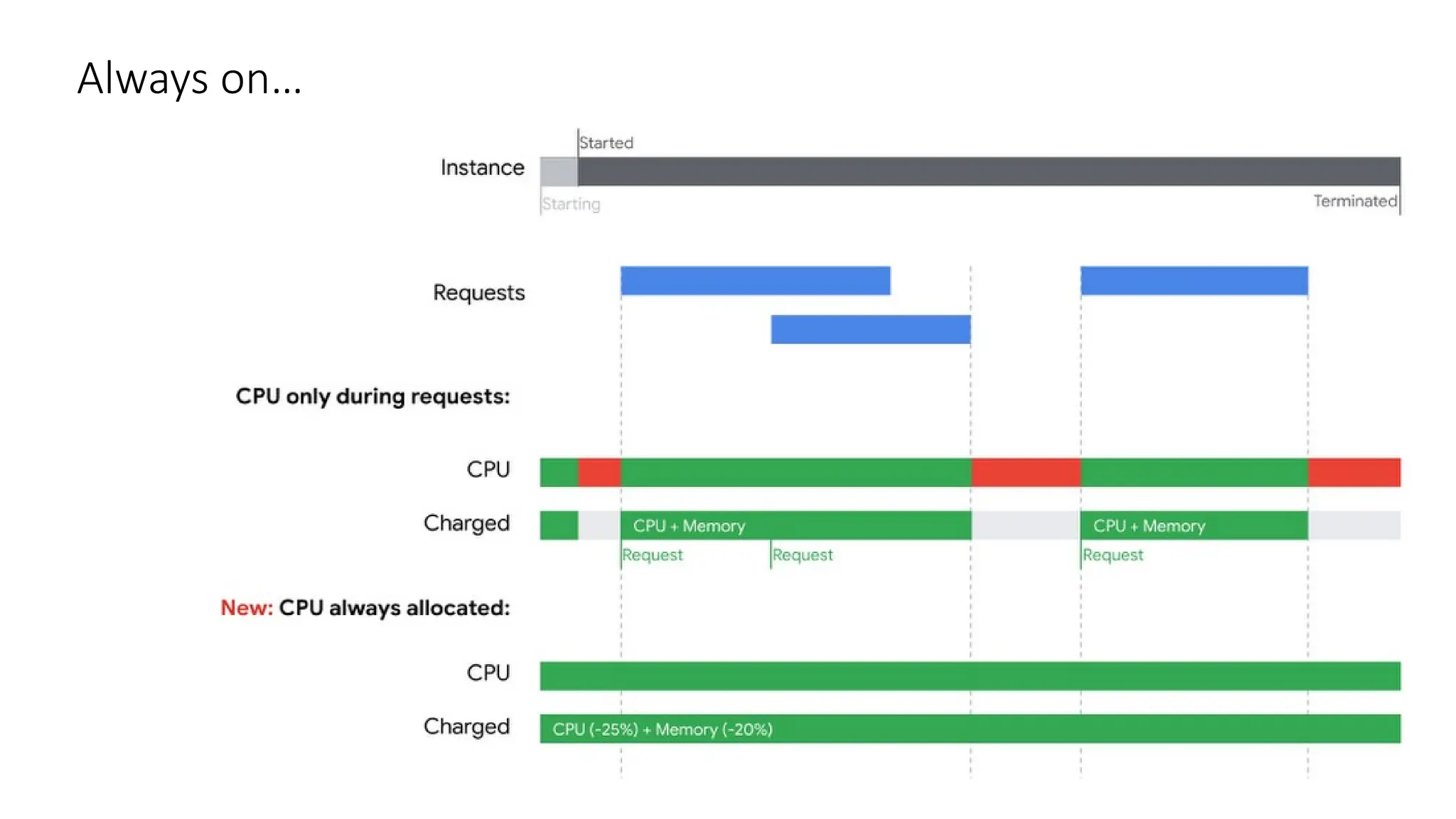
Always on…
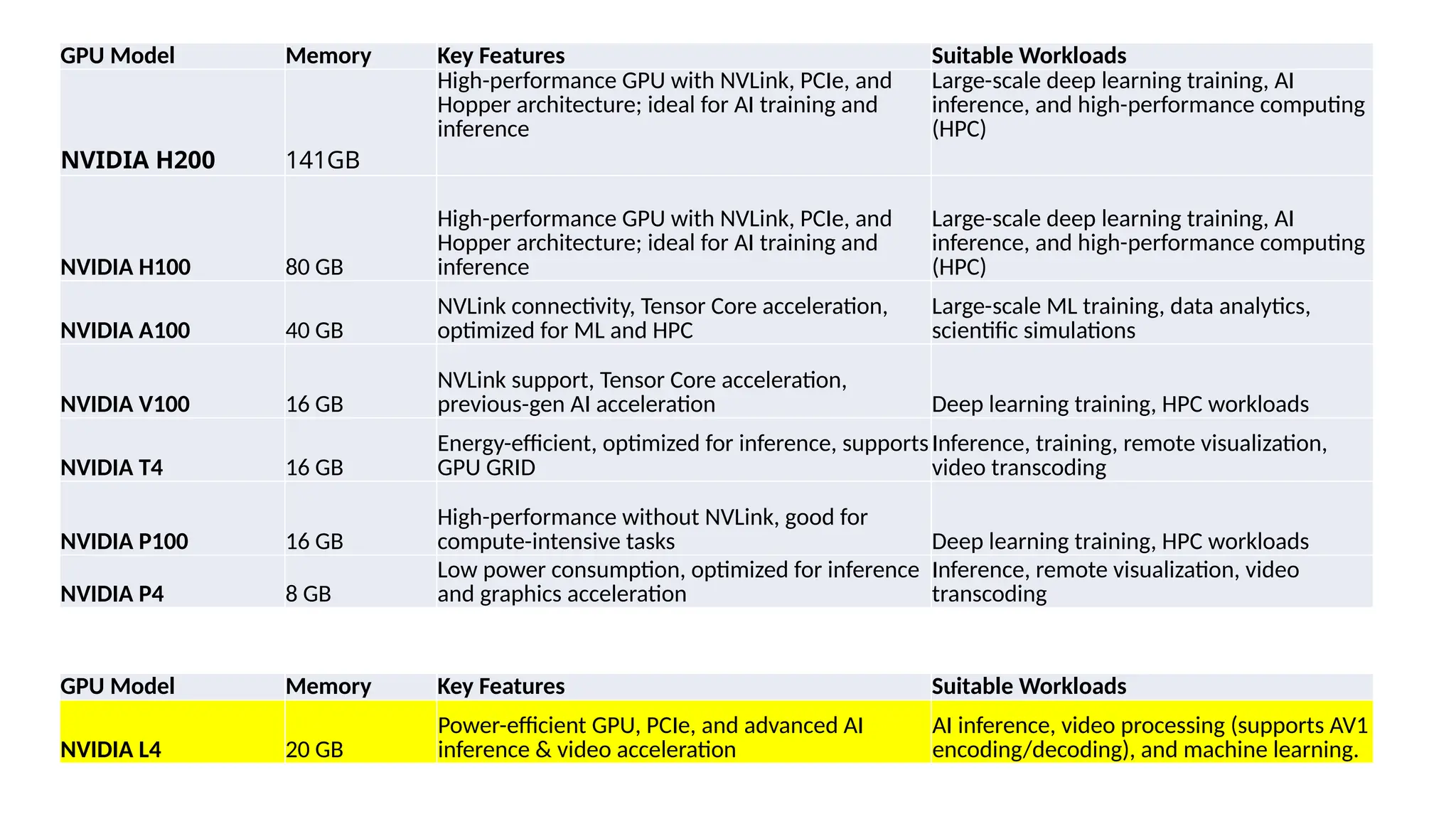
GPU Model Memory Key Features Suitable Workloads
NVIDIA H200 141GB
High-performance GPU with NVLink, PCIe, and
Hopper architecture; ideal for AI training and
inference
Large-scale deep learning training, AI
inference, and high-performance computing
(HPC)
NVIDIA H100 80 GB
High-performance GPU with NVLink, PCIe, and
Hopper architecture; ideal for AI training and
inference
Large-scale deep learning training, AI
inference, and high-performance computing
(HPC)
NVIDIA A100 40 GB
NVLink connectivity, Tensor Core acceleration,
optimized for ML and HPC
Large-scale ML training, data analytics,
scientific simulations
NVIDIA V100 16 GB
NVLink support, Tensor Core acceleration,
previous-gen AI acceleration Deep learning training, HPC workloads
NVIDIA T4 16 GB
Energy-efficient, optimized for inference, supports
GPU GRID
Inference, training, remote visualization,
video transcoding
NVIDIA P100 16 GB
High-performance without NVLink, good for
compute-intensive tasks Deep learning training, HPC workloads
NVIDIA P4 8 GB
Low power consumption, optimized for inference
and graphics acceleration
Inference, remote visualization, video
transcoding
GPU Model Memory Key Features Suitable Workloads
NVIDIA L4 20 GB
Power-efficient GPU, PCIe, and advanced AI
inference & video acceleration
AI inference, video processing (supports AV1
encoding/decoding), and machine learning.
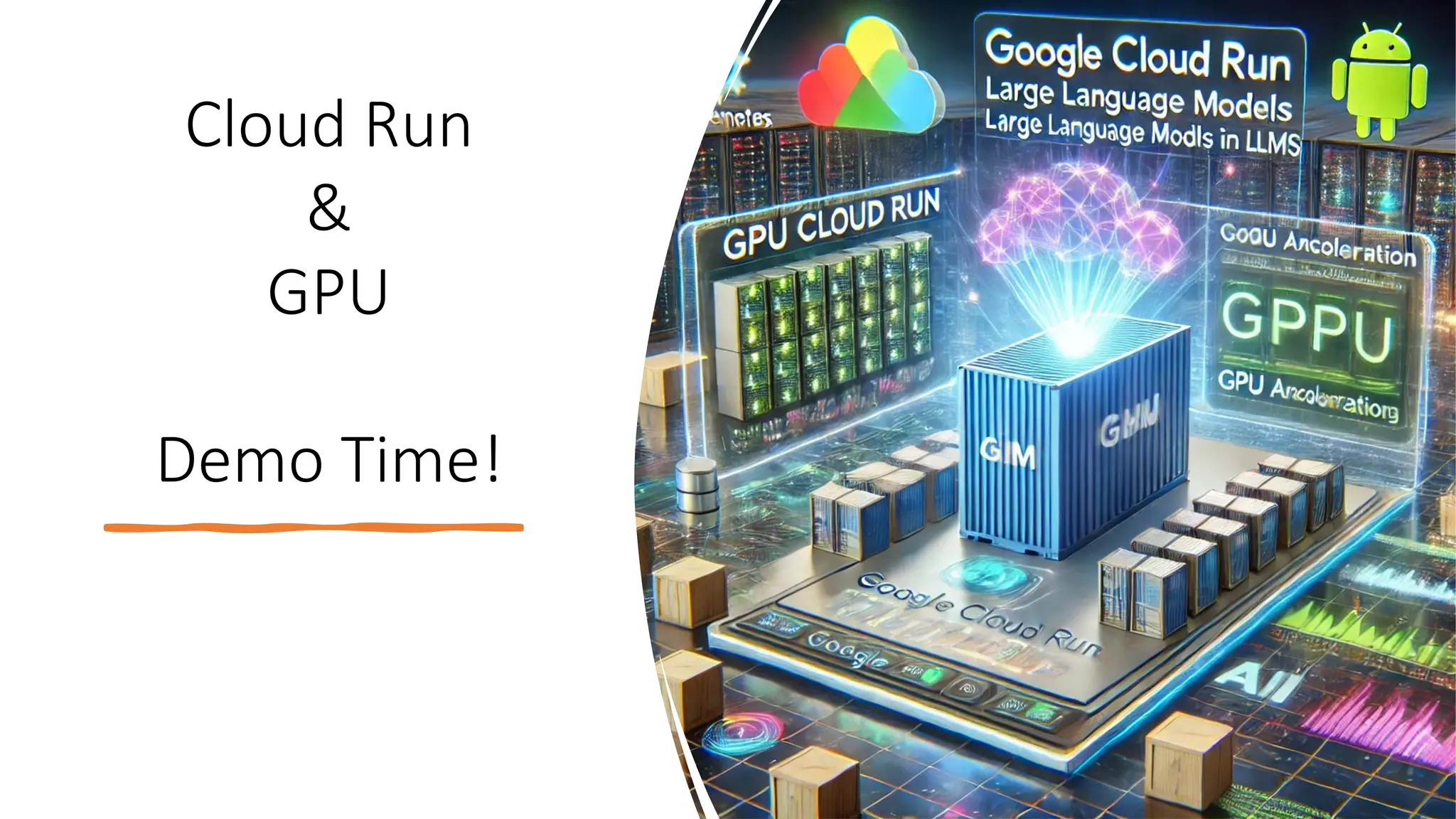
Cloud Run
&
GPU
Demo Time!
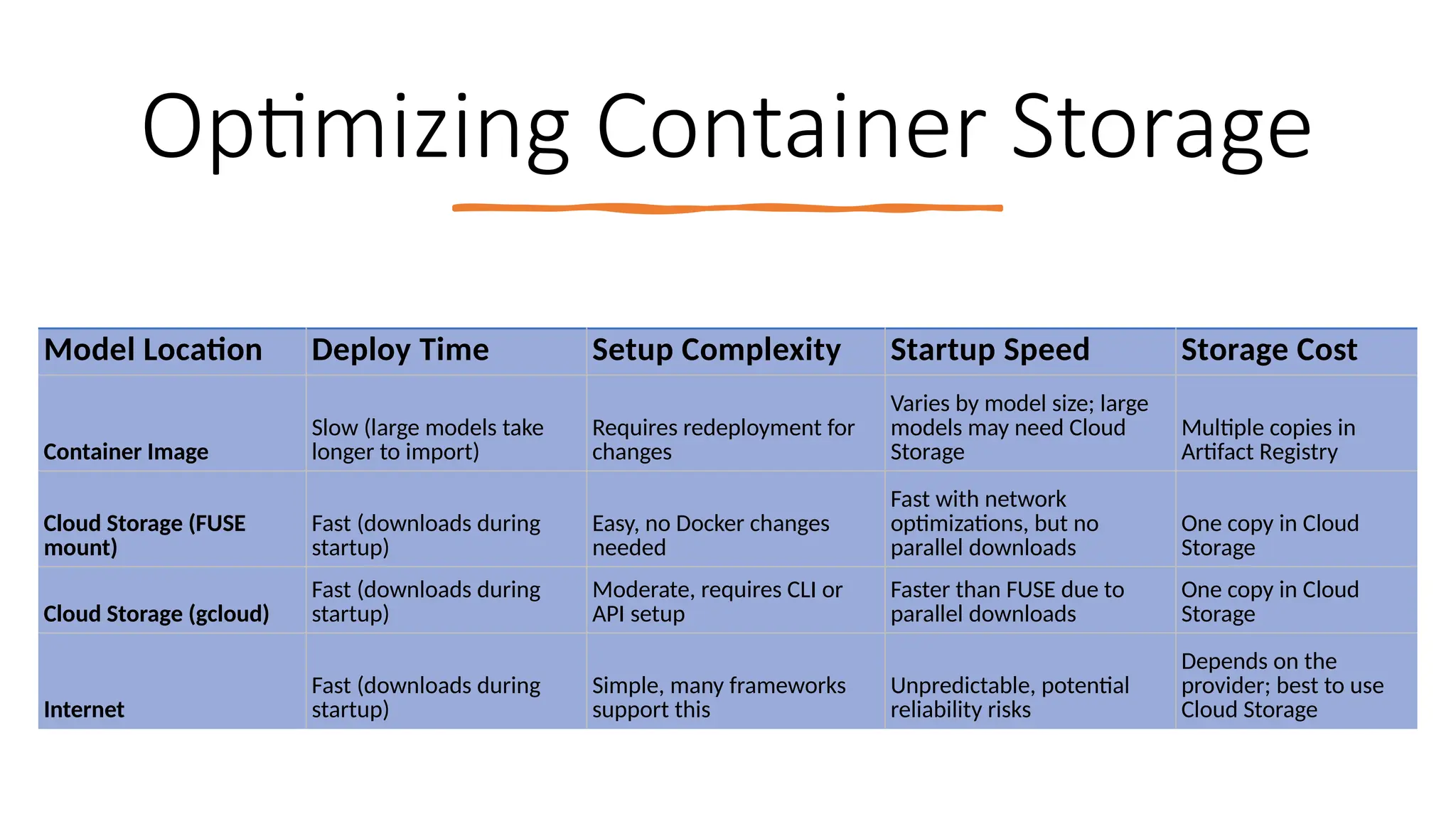
Optimizing Container Storage
Model Location Deploy Time Setup Complexity Startup Speed Storage Cost
Container Image
Slow (large models take
longer to import)
Requires redeployment for
changes
Varies by model size; large
models may need Cloud
Storage
Multiple copies in
Artifact Registry
Cloud Storage (FUSE
mount)
Fast (downloads during
startup)
Easy, no Docker changes
needed
Fast with network
optimizations, but no
parallel downloads
One copy in Cloud
Storage
Cloud Storage (gcloud)
Fast (downloads during
startup)
Moderate, requires CLI or
API setup
Faster than FUSE due to
parallel downloads
One copy in Cloud
Storage
Internet
Fast (downloads during
startup)
Simple, many frameworks
support this
Unpredictable, potential
reliability risks
Depends on the
provider; best to use
Cloud Storage
Thank you
/pmgledhill102/cloudrun-gpu-demos
References and Links
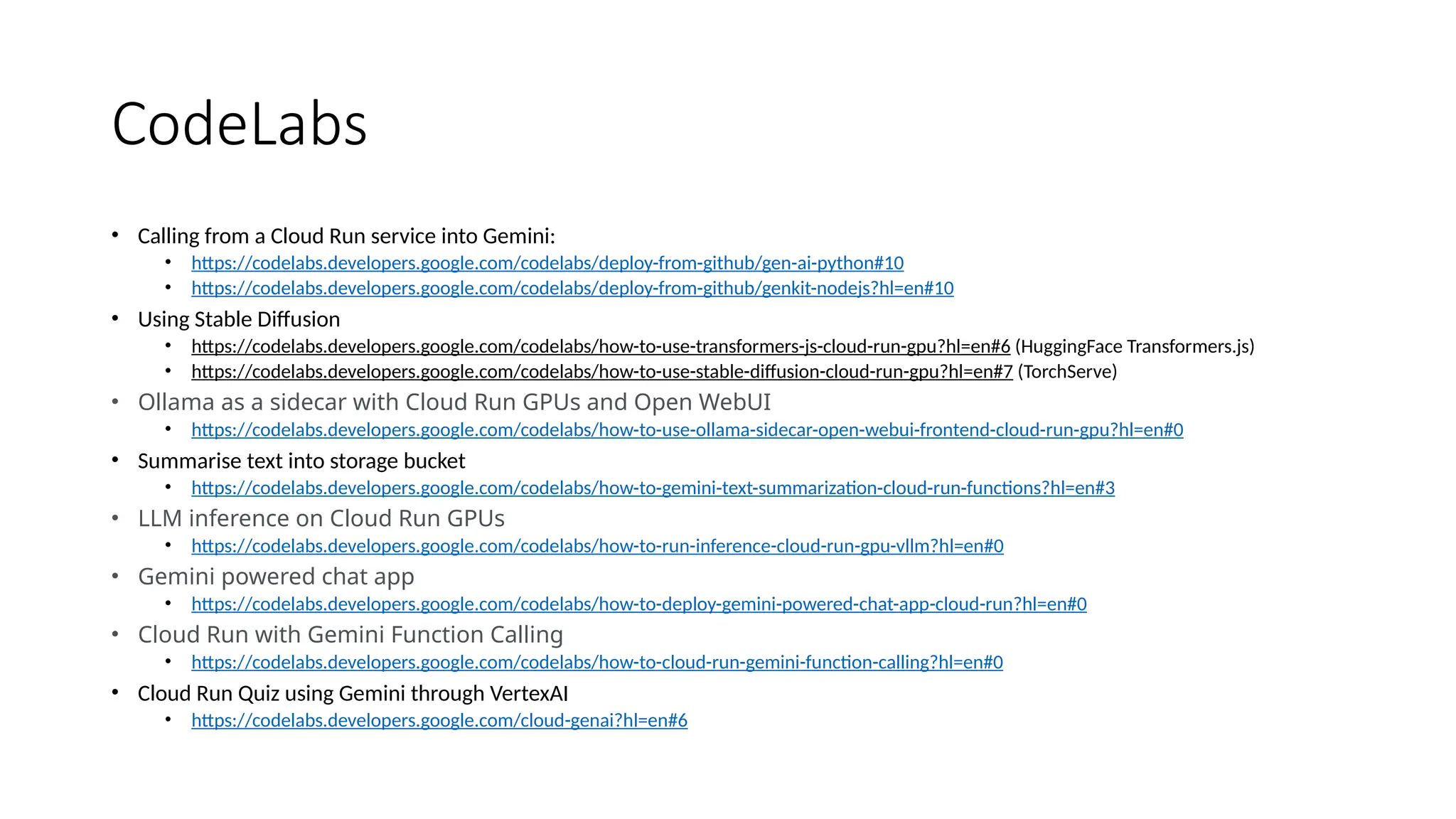
CodeLabs
• Calling from a Cloud Run service into Gemini:
• https://codelabs.developers.google.com/codelabs/deploy-from-github/gen-ai-python#10
• https://codelabs.developers.google.com/codelabs/deploy-from-github/genkit-nodejs?hl=en#10
• Using Stable Diffusion
• https://codelabs.developers.google.com/codelabs/how-to-use-transformers-js-cloud-run-gpu?hl=en#6 (HuggingFace Transformers.js)
• https://codelabs.developers.google.com/codelabs/how-to-use-stable-diffusion-cloud-run-gpu?hl=en#7 (TorchServe)
• Ollama as a sidecar with Cloud Run GPUs and Open WebUI
• https://codelabs.developers.google.com/codelabs/how-to-use-ollama-sidecar-open-webui-frontend-cloud-run-gpu?hl=en#0
• Summarise text into storage bucket
• https://codelabs.developers.google.com/codelabs/how-to-gemini-text-summarization-cloud-run-functions?hl=en#3
• LLM inference on Cloud Run GPUs
• https://codelabs.developers.google.com/codelabs/how-to-run-inference-cloud-run-gpu-vllm?hl=en#0
• Gemini powered chat app
• https://codelabs.developers.google.com/codelabs/how-to-deploy-gemini-powered-chat-app-cloud-run?hl=en#0
• Cloud Run with Gemini Function Calling
• https://codelabs.developers.google.com/codelabs/how-to-cloud-run-gemini-function-calling?hl=en#0
• Cloud Run Quiz using Gemini through VertexAI
• https://codelabs.developers.google.com/cloud-genai?hl=en#6
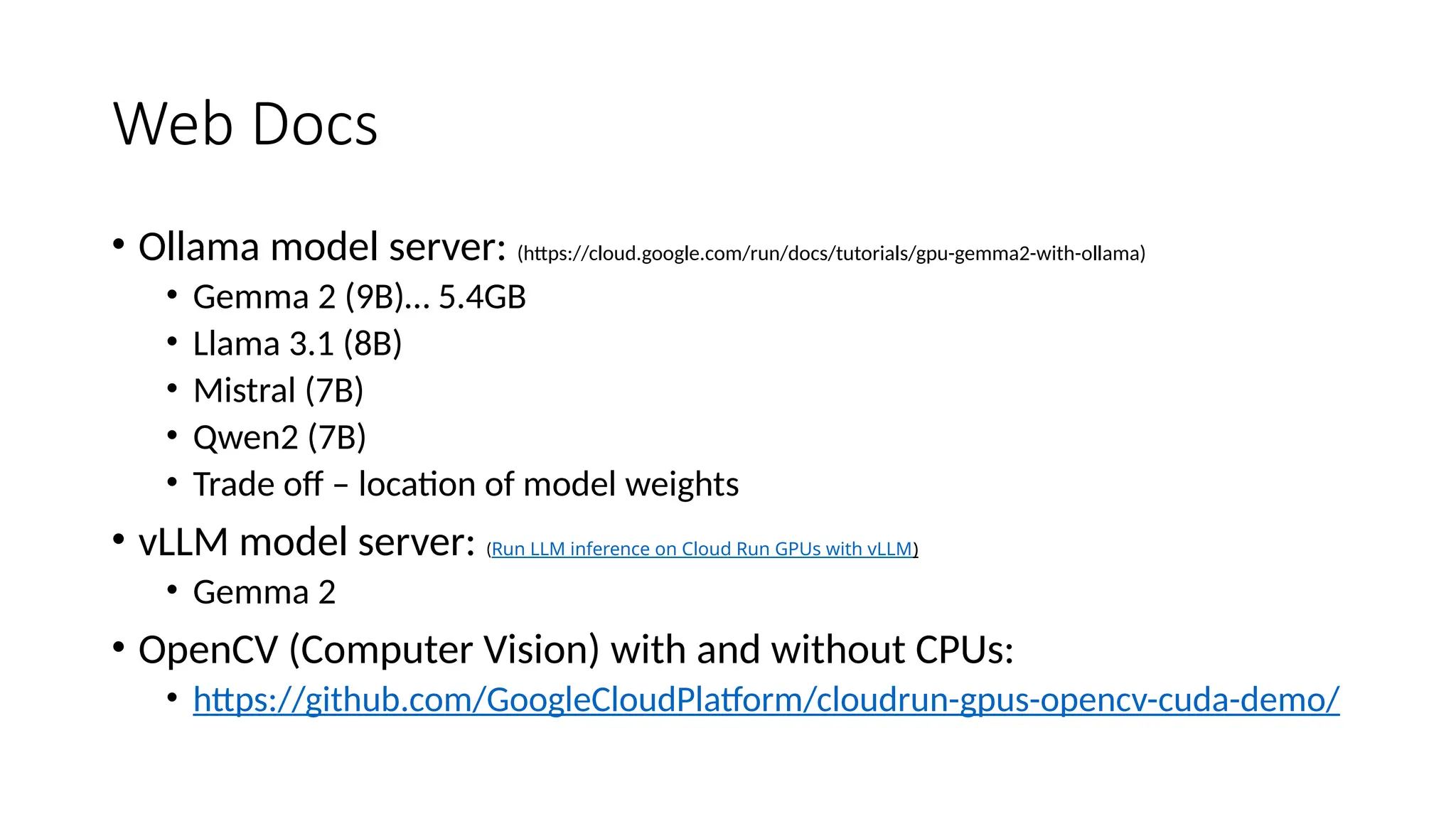
Web Docs
• Ollama model server: (https://cloud.google.com/run/docs/tutorials/gpu-gemma2-with-ollama)
• Gemma 2 (9B)… 5.4GB
• Llama 3.1 (8B)
• Mistral (7B)
• Qwen2 (7B)
• Trade off – location of model weights
• vLLM model server: (Run LLM inference on Cloud Run GPUs with vLLM)
• Gemma 2
• OpenCV (Computer Vision) with and without CPUs:
• https://github.com/GoogleCloudPlatform/cloudrun-gpus-opencv-cuda-demo/
YouTube Videos
• Building with HuggingFace playlist:
https://www.youtube.com/playlist?list=PLIivdWyY5sqIwEOfjCSVl87ND
7Rn3m1Fd

AI Workloads running on Cloud Run with GPUs

  • 2.
    TL/DR • Google haveintroduced 20GB Nvidia L4 GPUs for Cloud Run instances into public preview
  • 3.
    Longer version… GPU Enabled workloads… •Apps • APIs • Local Host • Cloud Run
  • 4.
    Managed AI Services Text andImage Generation: OpenAI ChatGPT, Google Gemini, Microsoft Copilot Coding: GitHub Copilot, Cursor, Google Gemini Code Assist, Amazon Q Developer Multi-modal: Google NotebookLM… generate Study guides, Pod Cast, Briefing Doc, FAQ, Timeline Productivity: Notion AI, Grammarly, Office 365 Copilot Video & Audio: CreationRunway ML, Descript, ElevenLabs
  • 5.
  • 7.
  • 8.
  • 9.
  • 10.
  • 11.
    Booooo… • code-gecko@002: • “Quotaexceeded for aiplatform.googleapis.com/generate_content_requests_per_minute_per_pro ject_per_base_model with base model: code-gecko. Please submit a quota increase request.” • code-bison: • error generating content: rpc error: code = FailedPrecondition desc = Project `7282415755` is not allowed to use Publisher Model `projects/play-pen-pup/locations/europe-west2/publishers/google/models /code-bison`
  • 12.
  • 13.
  • 14.
  • 16.
    Cloud Run GPUs Required Quota:Total Nvidia L4 GPU allocation Full managed No extra drivers or libraries needed. On-demand availability with no reservations needed Scale down to zero for cost savings when not in use Cold Start: Expect 5 seconds 1 GPU per Cloud Run instance (includes side-cars)
  • 17.
  • 18.
    GPU Model MemoryKey Features Suitable Workloads NVIDIA H200 141GB High-performance GPU with NVLink, PCIe, and Hopper architecture; ideal for AI training and inference Large-scale deep learning training, AI inference, and high-performance computing (HPC) NVIDIA H100 80 GB High-performance GPU with NVLink, PCIe, and Hopper architecture; ideal for AI training and inference Large-scale deep learning training, AI inference, and high-performance computing (HPC) NVIDIA A100 40 GB NVLink connectivity, Tensor Core acceleration, optimized for ML and HPC Large-scale ML training, data analytics, scientific simulations NVIDIA V100 16 GB NVLink support, Tensor Core acceleration, previous-gen AI acceleration Deep learning training, HPC workloads NVIDIA T4 16 GB Energy-efficient, optimized for inference, supports GPU GRID Inference, training, remote visualization, video transcoding NVIDIA P100 16 GB High-performance without NVLink, good for compute-intensive tasks Deep learning training, HPC workloads NVIDIA P4 8 GB Low power consumption, optimized for inference and graphics acceleration Inference, remote visualization, video transcoding GPU Model Memory Key Features Suitable Workloads NVIDIA L4 20 GB Power-efficient GPU, PCIe, and advanced AI inference & video acceleration AI inference, video processing (supports AV1 encoding/decoding), and machine learning.
  • 19.
  • 20.
    Optimizing Container Storage ModelLocation Deploy Time Setup Complexity Startup Speed Storage Cost Container Image Slow (large models take longer to import) Requires redeployment for changes Varies by model size; large models may need Cloud Storage Multiple copies in Artifact Registry Cloud Storage (FUSE mount) Fast (downloads during startup) Easy, no Docker changes needed Fast with network optimizations, but no parallel downloads One copy in Cloud Storage Cloud Storage (gcloud) Fast (downloads during startup) Moderate, requires CLI or API setup Faster than FUSE due to parallel downloads One copy in Cloud Storage Internet Fast (downloads during startup) Simple, many frameworks support this Unpredictable, potential reliability risks Depends on the provider; best to use Cloud Storage
  • 22.
  • 26.
  • 27.
    CodeLabs • Calling froma Cloud Run service into Gemini: • https://codelabs.developers.google.com/codelabs/deploy-from-github/gen-ai-python#10 • https://codelabs.developers.google.com/codelabs/deploy-from-github/genkit-nodejs?hl=en#10 • Using Stable Diffusion • https://codelabs.developers.google.com/codelabs/how-to-use-transformers-js-cloud-run-gpu?hl=en#6 (HuggingFace Transformers.js) • https://codelabs.developers.google.com/codelabs/how-to-use-stable-diffusion-cloud-run-gpu?hl=en#7 (TorchServe) • Ollama as a sidecar with Cloud Run GPUs and Open WebUI • https://codelabs.developers.google.com/codelabs/how-to-use-ollama-sidecar-open-webui-frontend-cloud-run-gpu?hl=en#0 • Summarise text into storage bucket • https://codelabs.developers.google.com/codelabs/how-to-gemini-text-summarization-cloud-run-functions?hl=en#3 • LLM inference on Cloud Run GPUs • https://codelabs.developers.google.com/codelabs/how-to-run-inference-cloud-run-gpu-vllm?hl=en#0 • Gemini powered chat app • https://codelabs.developers.google.com/codelabs/how-to-deploy-gemini-powered-chat-app-cloud-run?hl=en#0 • Cloud Run with Gemini Function Calling • https://codelabs.developers.google.com/codelabs/how-to-cloud-run-gemini-function-calling?hl=en#0 • Cloud Run Quiz using Gemini through VertexAI • https://codelabs.developers.google.com/cloud-genai?hl=en#6
  • 28.
    Web Docs • Ollamamodel server: (https://cloud.google.com/run/docs/tutorials/gpu-gemma2-with-ollama) • Gemma 2 (9B)… 5.4GB • Llama 3.1 (8B) • Mistral (7B) • Qwen2 (7B) • Trade off – location of model weights • vLLM model server: (Run LLM inference on Cloud Run GPUs with vLLM) • Gemma 2 • OpenCV (Computer Vision) with and without CPUs: • https://github.com/GoogleCloudPlatform/cloudrun-gpus-opencv-cuda-demo/
  • 29.
    YouTube Videos • Buildingwith HuggingFace playlist: https://www.youtube.com/playlist?list=PLIivdWyY5sqIwEOfjCSVl87ND 7Rn3m1Fd

Editor's Notes

  • #20 https://cloud.google.com/run/docs/configuring/services/gpu-best-practices#model-loading-recommendations