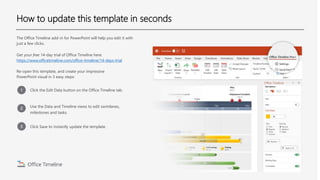
The document describes an Office Timeline add-in for PowerPoint that allows users to easily edit timelines with just a few clicks. It provides a free 14-day trial that can be used to open a template and create an impressive PowerPoint visual timeline in 3 simple steps: 1) Click "Edit Data" to modify swimlanes, milestones and tasks, 2) Use the data and timeline views for editing, and 3) Click "Save" to instantly update the template.