Advanced JavaScript
Dhruvin Shah
Agenda
• Hoisting and Strict Mode
• Functions as Objects
• Best Practices
• Objects and Prototypes
• Functions
• Closures
• Important Javascript Functions
• Javascript Global Objects
• Javascript Versions
Hoisting
• Moving declarations on top of the current
scope
• Only declarations and not initializations
• This can lead to errors and bugs in code if
unaware about variables
• Solution ?
Use Strict
• "use strict";
• Declared at the beginning of a script, it has
global scope
• Recognized only at the beginning of a script
• Introduced since ECMA 5
Best Practices
• Avoid Global variables
– Use strict mode to detect undeclared variables
– Use Closures
• Declarations and Initializations on top to avoid
undefined values
• Don’t declare type of variables
• Use === Comparison
• Don’t use eval()
• Try using for .. in instead of conventional for
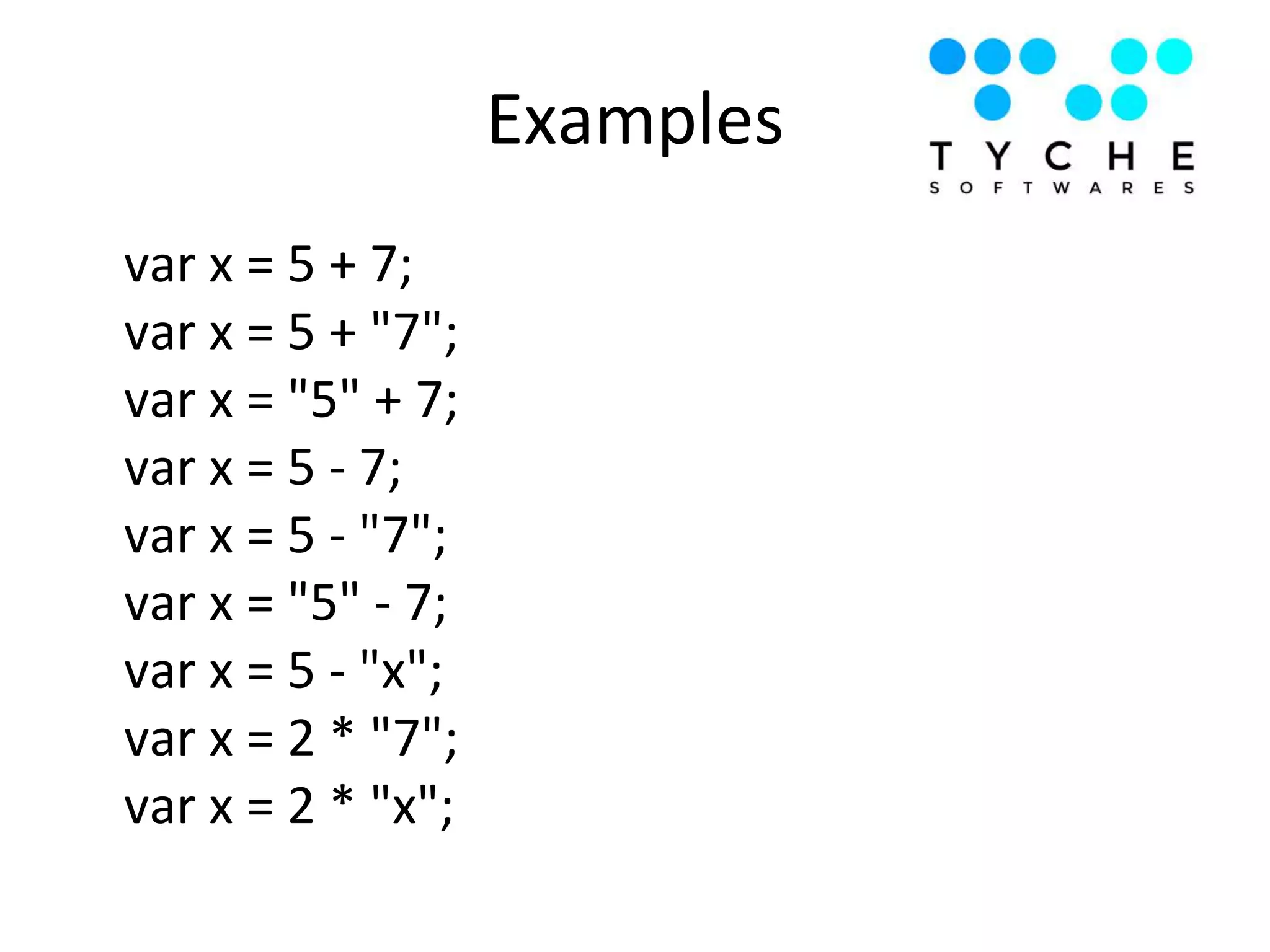
Examples
var x = 5 + 7;
var x = 5 + "7";
var x = "5" + 7;
var x = 5 - 7;
var x = 5 - "7";
var x = "5" - 7;
var x = 5 - "x";
var x = 2 * "7";
var x = 2 * "x";
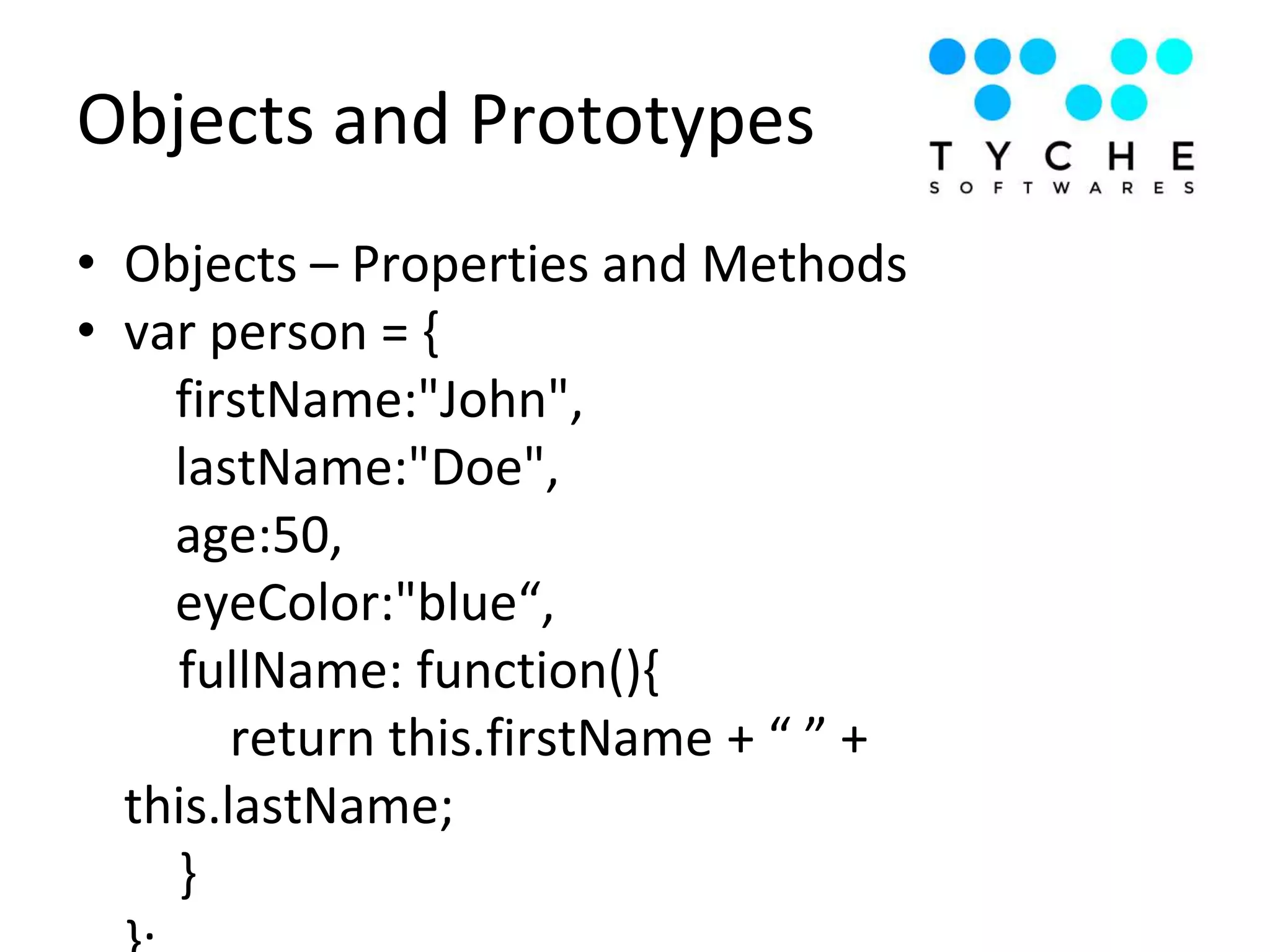
Objects and Prototypes
• Objects – Properties and Methods
• var person = {
firstName:"John",
lastName:"Doe",
age:50,
eyeColor:"blue“,
fullName: function(){
return this.firstName + “ ” +
this.lastName;
}
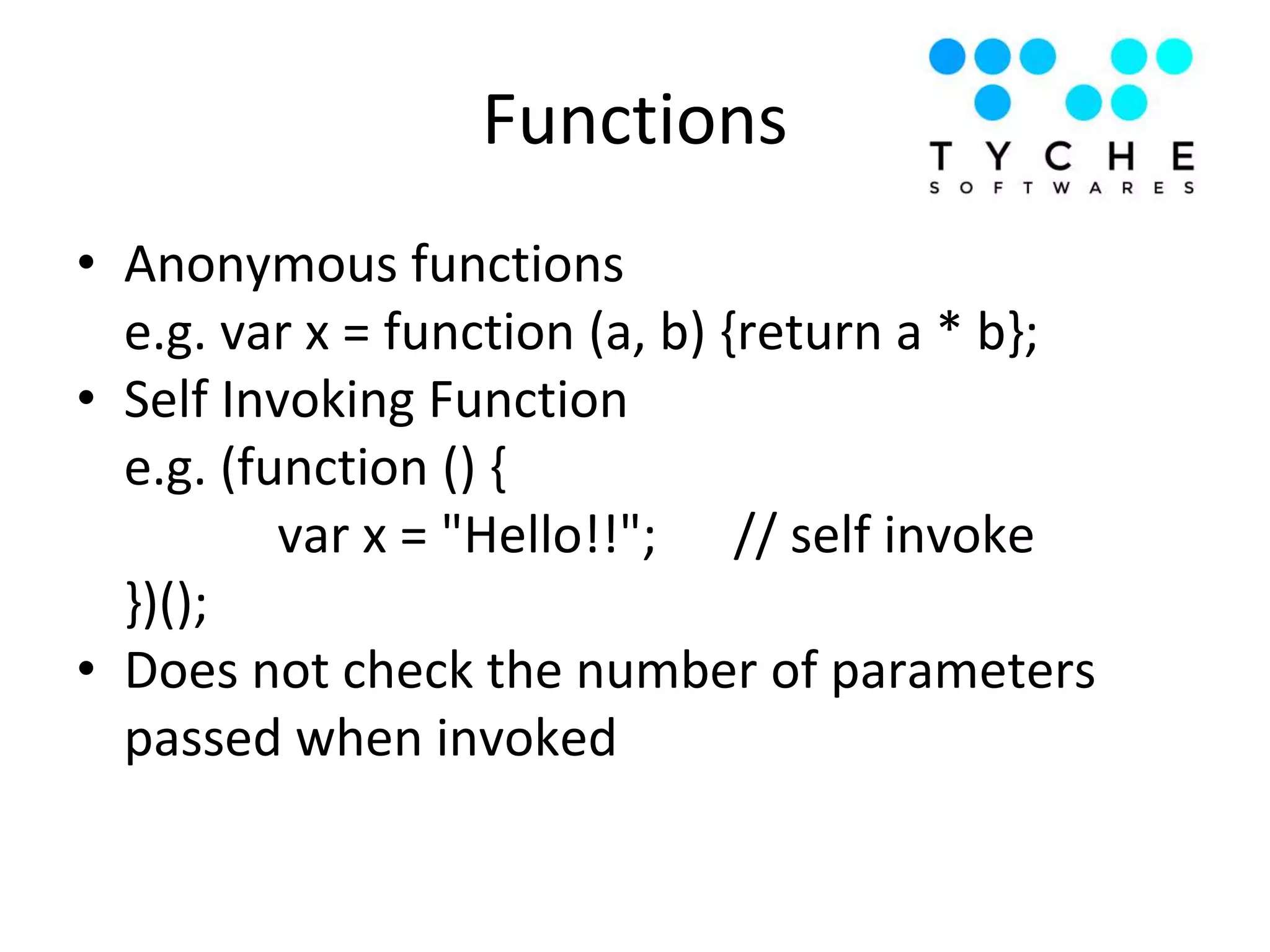
Functions
• Anonymous functions
e.g. var x = function (a, b) {return a * b};
• Self Invoking Function
e.g. (function () {
var x = "Hello!!"; // self invoke
})();
• Does not check the number of parameters
passed when invoked
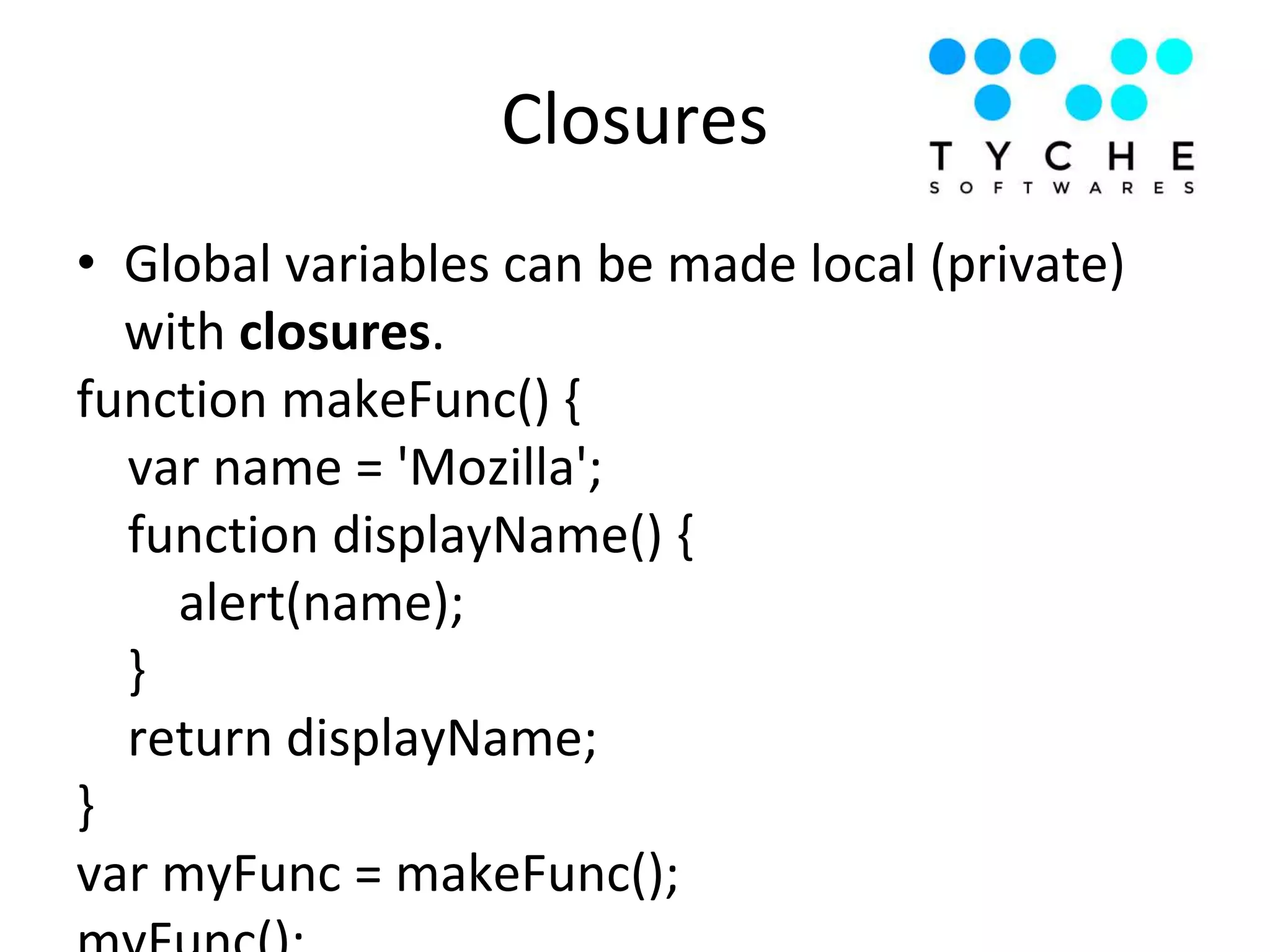
Closures
• Global variables can be made local (private)
with closures.
function makeFunc() {
var name = 'Mozilla';
function displayName() {
alert(name);
}
return displayName;
}
var myFunc = makeFunc();
Important Javascript Functions
Call vs Apply vs Bind
Parameter Call Apply Bind
Definition calls a function with
a given this value
and arguments
provided
individually
calls a function with
a given this value,
and arguments pro
vided as an array
(or an array-like
object
Function gets
executed when
event is triggered
or some condition
is satisfied
Syntax function.call(thisArg
, arg1, arg2, ...)
fun.apply(thisArg,
[argsArray])
fun.bind(thisArg[,
arg1[, arg2[, ...]]])
• setTimeout(func, millisec) => returns ID
• clearTimeout(ID)
• setInterval(func, millisec) => returns ID
• clearInterval(ID)
• this variable is not accessible while using
Timing Events
• Solution ?
Timing Events
• window – open, close, moveTo, resizeTo
• screen – height, width, pixel depth
• location –
window.location.href
window.location.hostname
window.location.pathname
window.location.protocol
window.location.assign
• history – back, forward
• navigator – browser information
Javascript Global Objects
• Device API
− Light sensor
− Battery
− Geolocation
− Device Orientation
− Screen Orientation
• Communication API
− Notification
− Network
• Data management
Web API
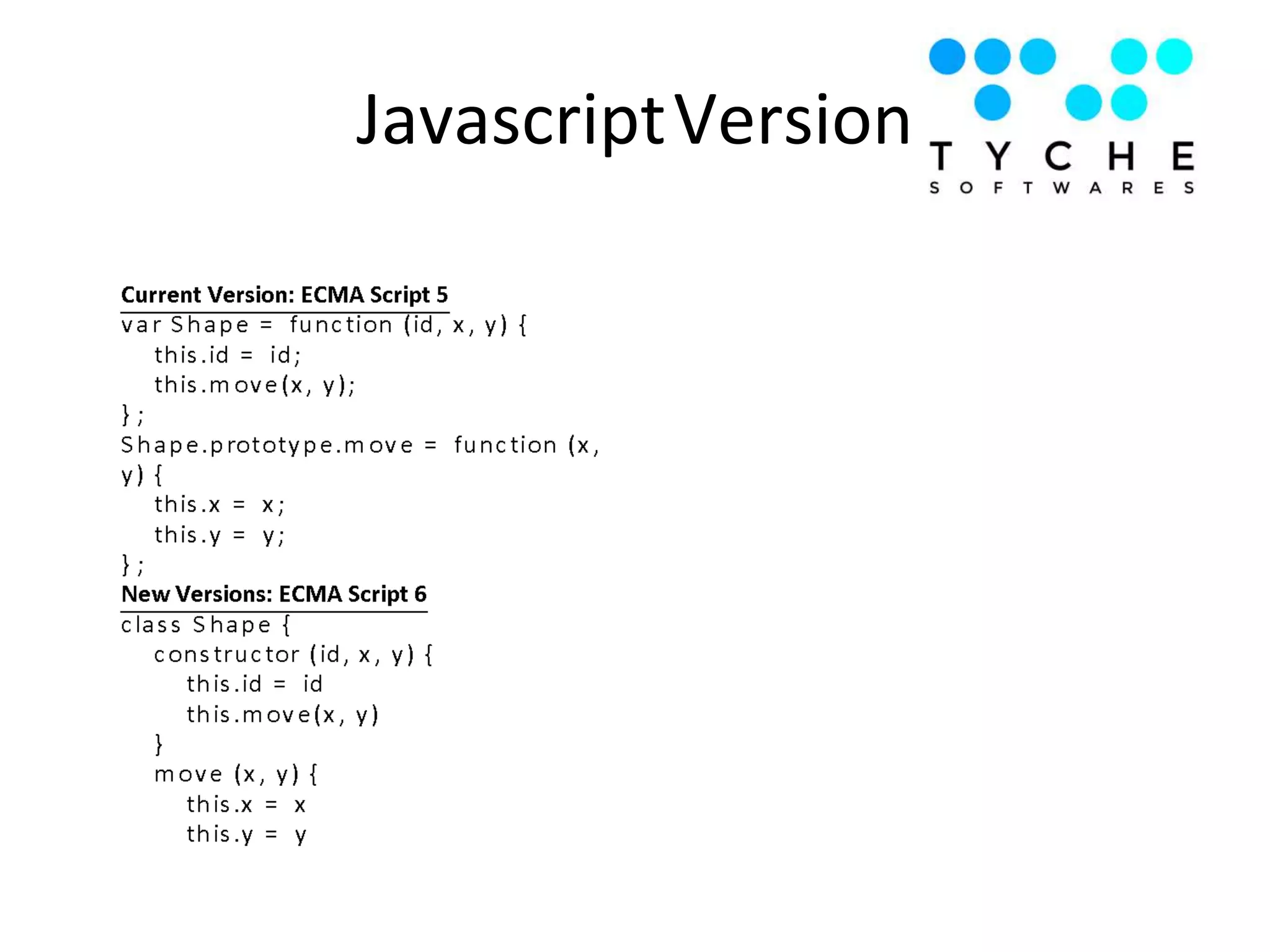
JavascriptVersion
• Arrow Functions
• Typescript
Further Reading
Sources
• W3schools.com
• Mozilla Developer network

Advanced Javascript

  • 1.
  • 2.
    Agenda • Hoisting andStrict Mode • Functions as Objects • Best Practices • Objects and Prototypes • Functions • Closures • Important Javascript Functions • Javascript Global Objects • Javascript Versions
  • 3.
    Hoisting • Moving declarationson top of the current scope • Only declarations and not initializations • This can lead to errors and bugs in code if unaware about variables • Solution ?
  • 4.
    Use Strict • "usestrict"; • Declared at the beginning of a script, it has global scope • Recognized only at the beginning of a script • Introduced since ECMA 5
  • 5.
    Best Practices • AvoidGlobal variables – Use strict mode to detect undeclared variables – Use Closures • Declarations and Initializations on top to avoid undefined values • Don’t declare type of variables • Use === Comparison • Don’t use eval() • Try using for .. in instead of conventional for
  • 6.
    Examples var x =5 + 7; var x = 5 + "7"; var x = "5" + 7; var x = 5 - 7; var x = 5 - "7"; var x = "5" - 7; var x = 5 - "x"; var x = 2 * "7"; var x = 2 * "x";
  • 7.
    Objects and Prototypes •Objects – Properties and Methods • var person = { firstName:"John", lastName:"Doe", age:50, eyeColor:"blue“, fullName: function(){ return this.firstName + “ ” + this.lastName; }
  • 8.
    Functions • Anonymous functions e.g.var x = function (a, b) {return a * b}; • Self Invoking Function e.g. (function () { var x = "Hello!!"; // self invoke })(); • Does not check the number of parameters passed when invoked
  • 9.
    Closures • Global variablescan be made local (private) with closures. function makeFunc() { var name = 'Mozilla'; function displayName() { alert(name); } return displayName; } var myFunc = makeFunc();
  • 10.
  • 11.
    Call vs Applyvs Bind Parameter Call Apply Bind Definition calls a function with a given this value and arguments provided individually calls a function with a given this value, and arguments pro vided as an array (or an array-like object Function gets executed when event is triggered or some condition is satisfied Syntax function.call(thisArg , arg1, arg2, ...) fun.apply(thisArg, [argsArray]) fun.bind(thisArg[, arg1[, arg2[, ...]]])
  • 12.
    • setTimeout(func, millisec)=> returns ID • clearTimeout(ID) • setInterval(func, millisec) => returns ID • clearInterval(ID) • this variable is not accessible while using Timing Events • Solution ? Timing Events
  • 13.
    • window –open, close, moveTo, resizeTo • screen – height, width, pixel depth • location – window.location.href window.location.hostname window.location.pathname window.location.protocol window.location.assign • history – back, forward • navigator – browser information Javascript Global Objects
  • 14.
    • Device API −Light sensor − Battery − Geolocation − Device Orientation − Screen Orientation • Communication API − Notification − Network • Data management Web API
  • 15.
  • 16.
    • Arrow Functions •Typescript Further Reading Sources • W3schools.com • Mozilla Developer network