Photo Album By  [email_address]


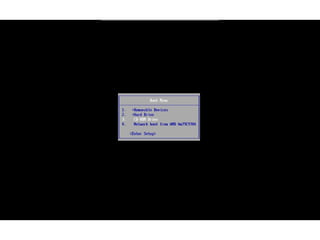
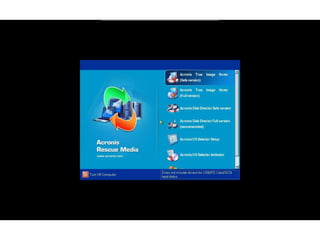
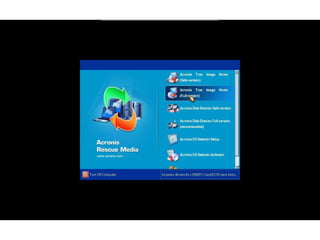
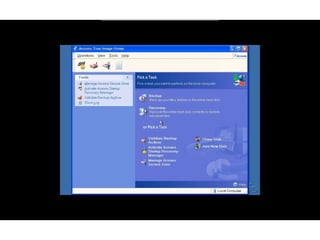
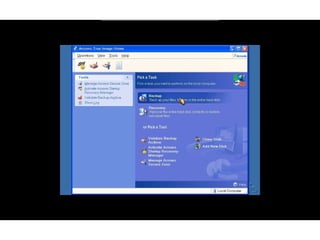
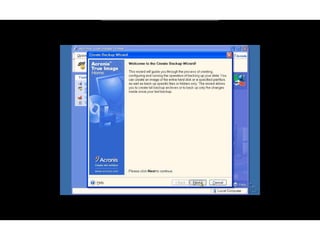
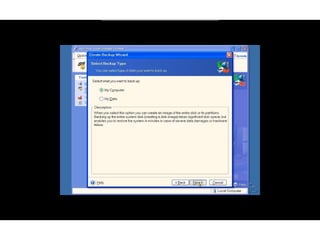
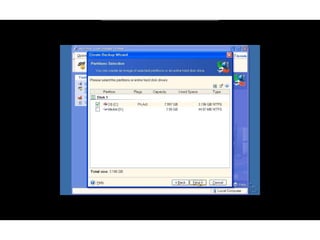
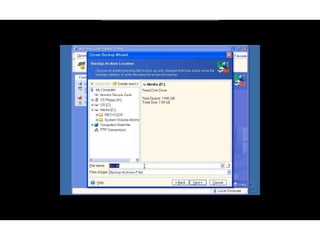
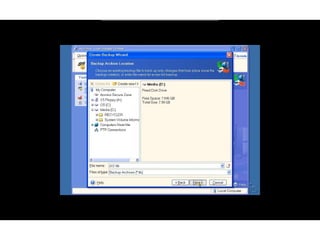
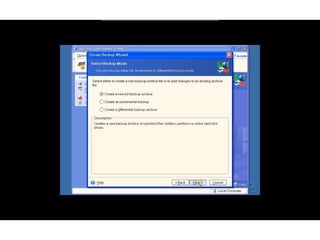
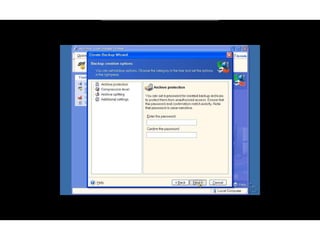
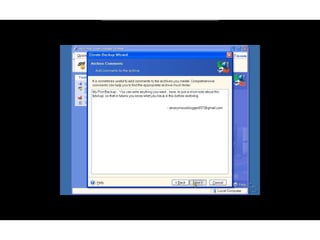
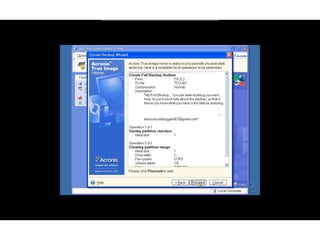
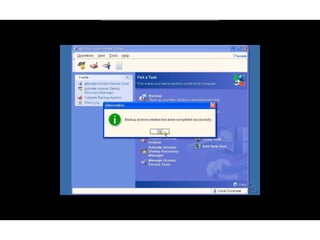
Backup using Acronis Make Sure you change the First boot preference in BIOS setup to CD. This varies for each computer, better google ot of you don know how Insert the Burnt Bootable Acronis Disc into the drive and restart the computer Slides 23 to 38 shows the screenshot of how to take backup.


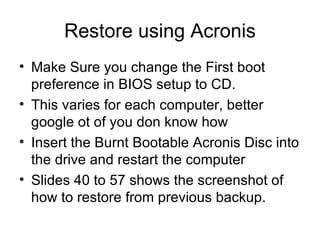
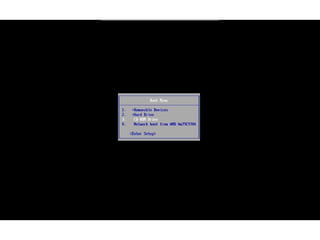
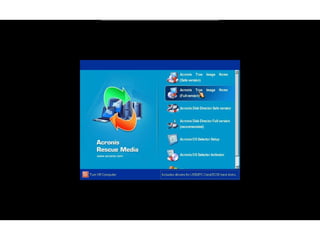
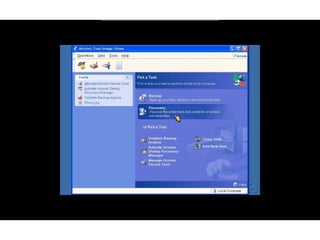
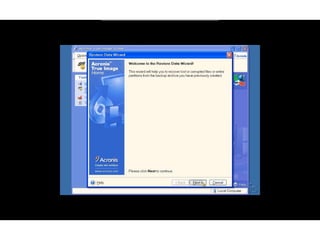
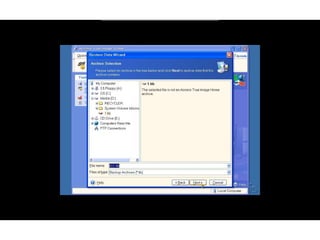
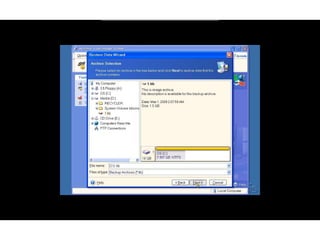
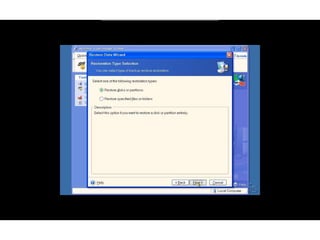
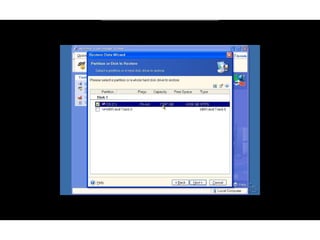
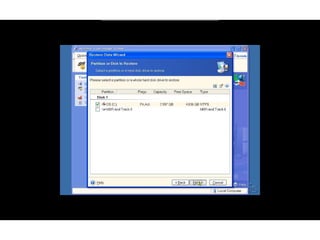
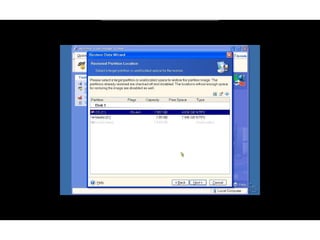
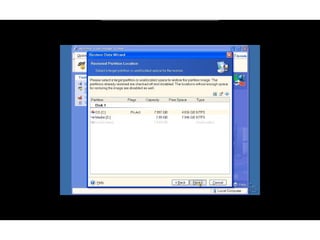
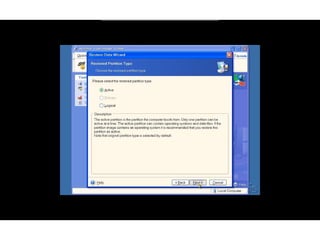
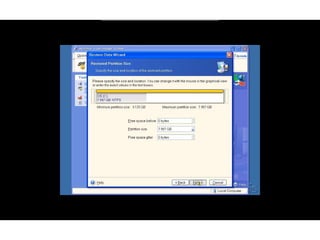
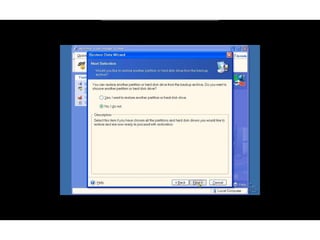
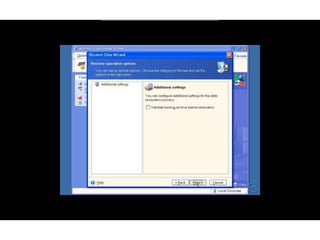
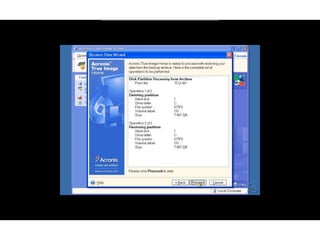
Restore using Acronis Make Sure you change the First boot preference in BIOS setup to CD. This varies for each computer, better google ot of you don know how Insert the Burnt Bootable Acronis Disc into the drive and restart the computer Slides 40 to 57 shows the screenshot of how to restore from previous backup.


Acronis

  • 1.
    Photo Album By [email_address]
  • 2.
  • 3.
  • 4.
  • 5.
  • 6.
  • 7.
  • 8.
  • 9.
  • 10.
  • 11.
  • 12.
  • 13.
  • 14.
  • 15.
  • 16.
  • 17.
  • 18.
  • 19.
  • 20.
  • 21.
  • 22.
    Backup using AcronisMake Sure you change the First boot preference in BIOS setup to CD. This varies for each computer, better google ot of you don know how Insert the Burnt Bootable Acronis Disc into the drive and restart the computer Slides 23 to 38 shows the screenshot of how to take backup.
  • 23.
  • 24.
  • 25.
  • 26.
  • 27.
  • 28.
  • 29.
  • 30.
  • 31.
  • 32.
  • 33.
  • 34.
  • 35.
  • 36.
  • 37.
  • 38.
  • 39.
    Restore using AcronisMake Sure you change the First boot preference in BIOS setup to CD. This varies for each computer, better google ot of you don know how Insert the Burnt Bootable Acronis Disc into the drive and restart the computer Slides 40 to 57 shows the screenshot of how to restore from previous backup.
  • 40.
  • 41.
  • 42.
  • 43.
  • 44.
  • 45.
  • 46.
  • 47.
  • 48.
  • 49.
  • 50.
  • 51.
  • 52.
  • 53.
  • 54.
  • 55.
  • 56.
  • 57.