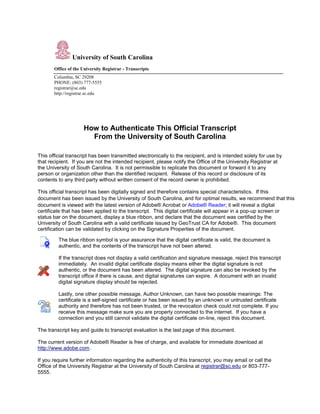
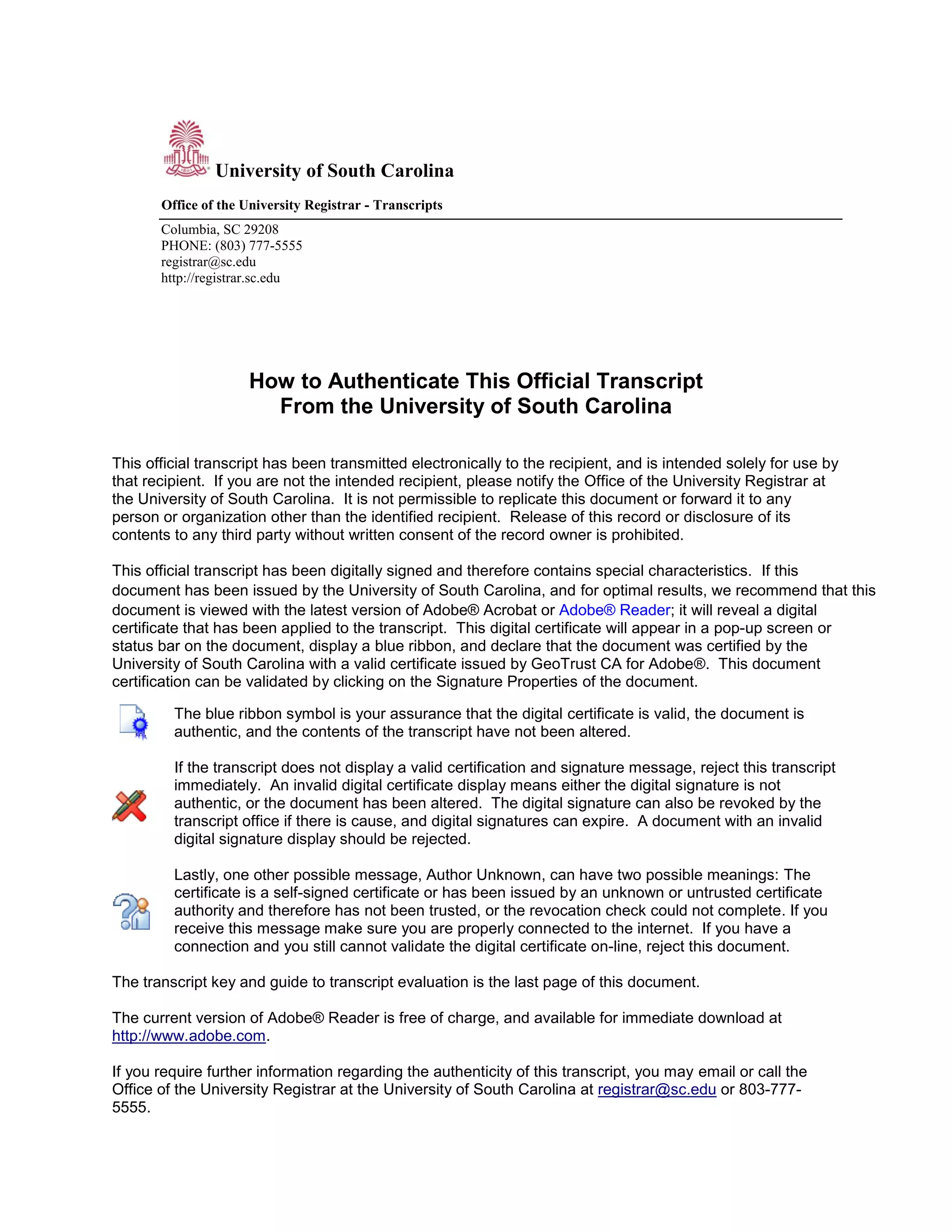
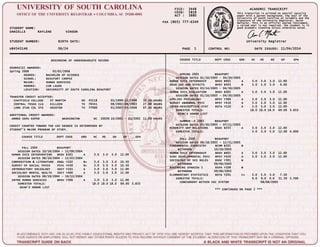
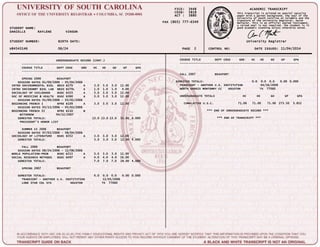
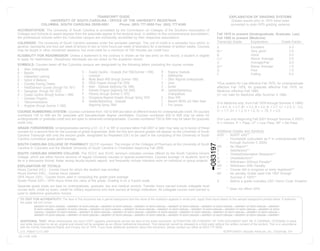
This document provides instructions for authenticating an official transcript from the University of South Carolina. It explains that the transcript has a digital signature that can be validated by opening the document in Adobe Acrobat or Reader. The signature will appear as a blue ribbon or pop-up message confirming the document is certified and unchanged. If the signature is invalid or missing, the transcript should be rejected as possibly altered. Contact information is provided to verify the transcript's authenticity.