7 Steps
to a successful ITSM tool implementation
D’Arcy McCallum
Copyright	
  2015,	
  Navvia	
  -­‐ A	
  Division	
  of	
  Consulting-­‐Portal 2
Welcome!
• Navvia Director	
  of	
  Education
• Background:
• ITSM	
  Consultant	
  &	
  Advisor
• 6	
  Sigma	
  Black	
  Belt	
  
• Business	
  Relationship	
  Manager
• Service	
  Desk	
  Manager
• Process	
  Owner	
  &	
  Manager:
• Information	
  Security
• Service	
  Continuity
• Change	
  Management
• dmccallum@navvia.com
We are a Software and Services company that provides our
clients with the tools, templates, training and mentorship to take
control of their ITSM program.
Over 15 years of ITSM success!
Copyright	
  2015,	
  Navvia	
  -­‐ A	
  Division	
  of	
  Consulting-­‐Portal 3
Copyright	
  2015,	
  Navvia	
  -­‐ A	
  Division	
  of	
  Consulting-­‐Portal 4
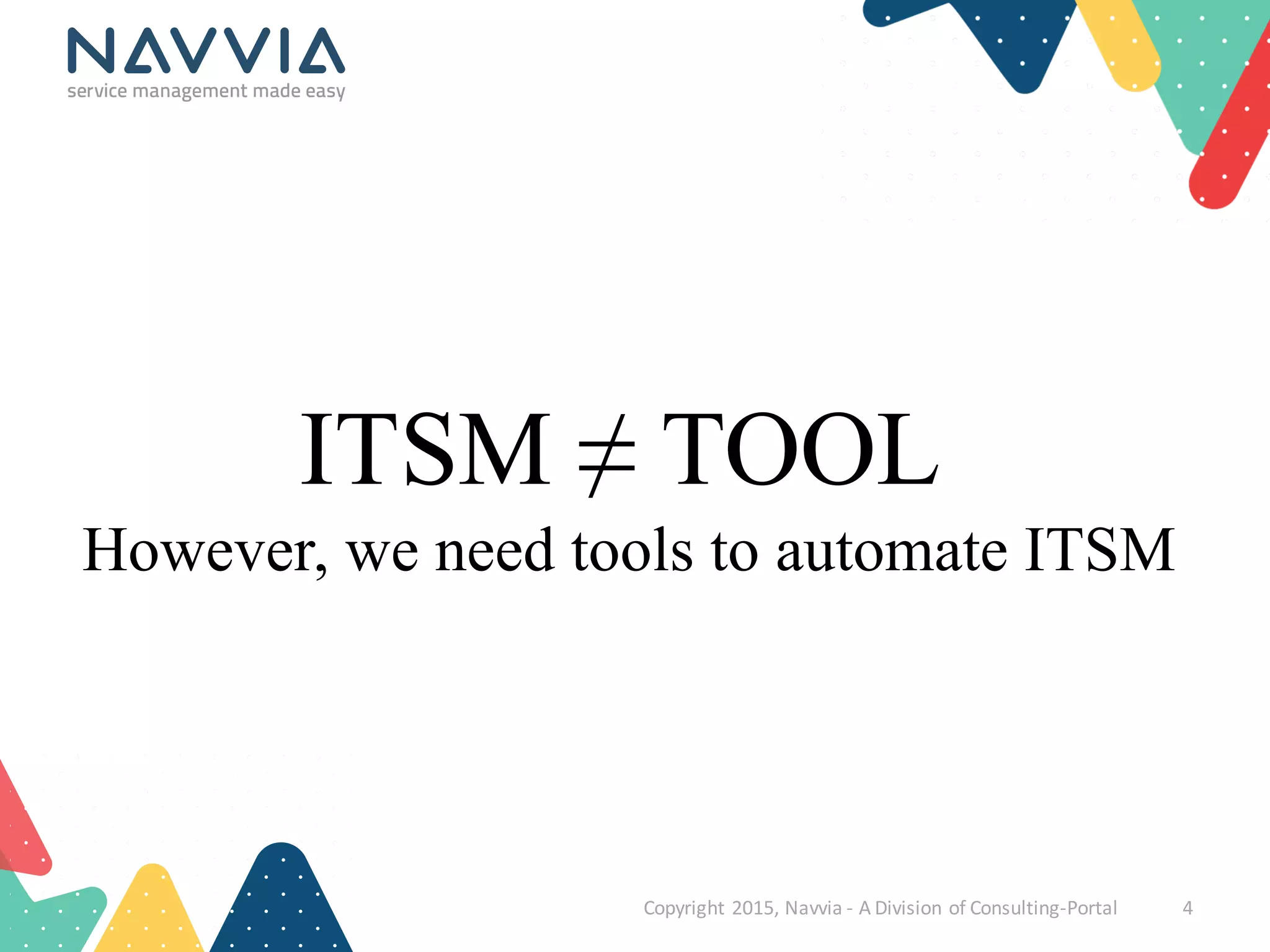
ITSM ≠ TOOL
However, we need tools to automate ITSM
Copyright	
  2015,	
  Navvia	
  -­‐ A	
  Division	
  of	
  Consulting-­‐Portal 5
ITSM Benefits
result from practicing Service Management
• Cost
• Quality
• Employee / Customer
Satisfaction
• Communication
• Efficiency& Effectiveness
• Governance
Copyright	
  2015,	
  Navvia	
  -­‐ A	
  Division	
  of	
  Consulting-­‐Portal 6
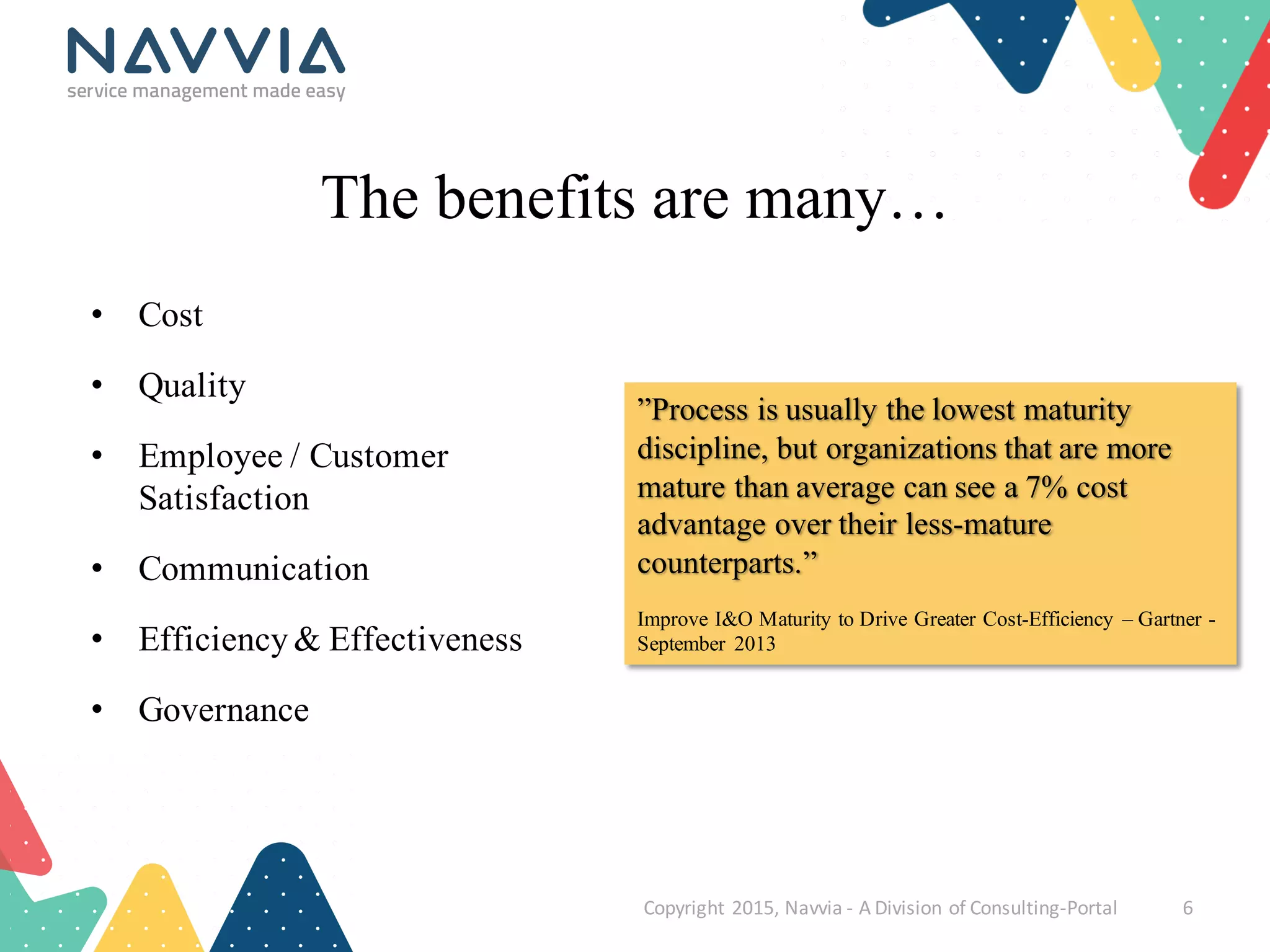
The benefits are many…
”Process is usually the lowest maturity
discipline, but organizations that are more
mature than average can see a 7% cost
advantage over their less-mature
counterparts.”
Improve I&O Maturity to Drive Greater Cost-Efficiency – Gartner -
September 2013
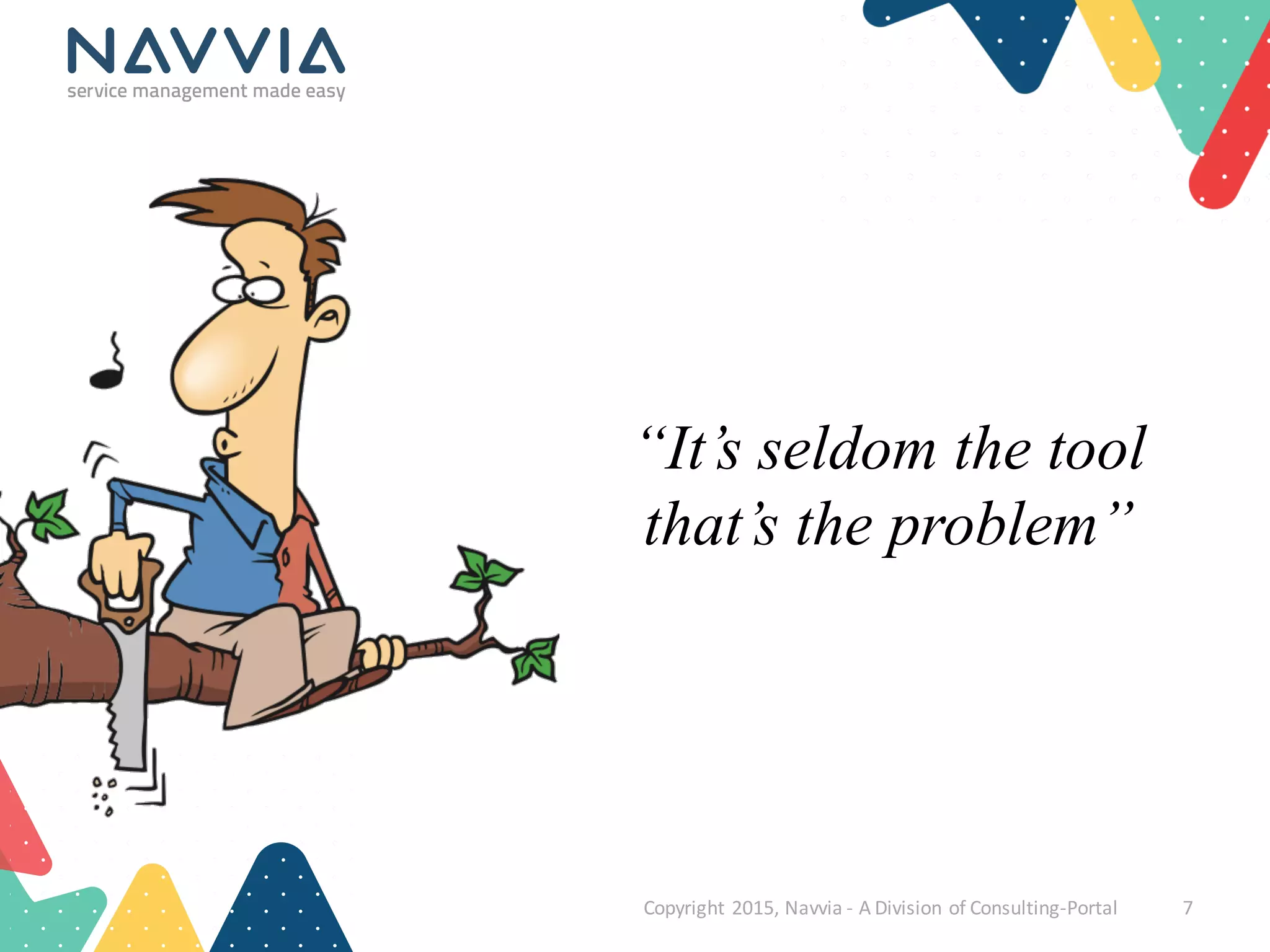
“It’s seldom the tool
that’s the problem”
Copyright	
  2015,	
  Navvia	
  -­‐ A	
  Division	
  of	
  Consulting-­‐Portal 7
Copyright	
  2015,	
  Navvia	
  -­‐ A	
  Division	
  of	
  Consulting-­‐Portal 8
If not the tool…then what is?
(hint: time for audience participation)
• Insufficient planning
• Poor requirements
• Time pressure
• The fallacy of “out of the
box”
• Scope creep
• No buy-in
• Poor communication /
education
• No governance / CSI
• Lift & shift
• Big Bang
Copyright	
  2015,	
  Navvia	
  -­‐ A	
  Division	
  of	
  Consulting-­‐Portal 9
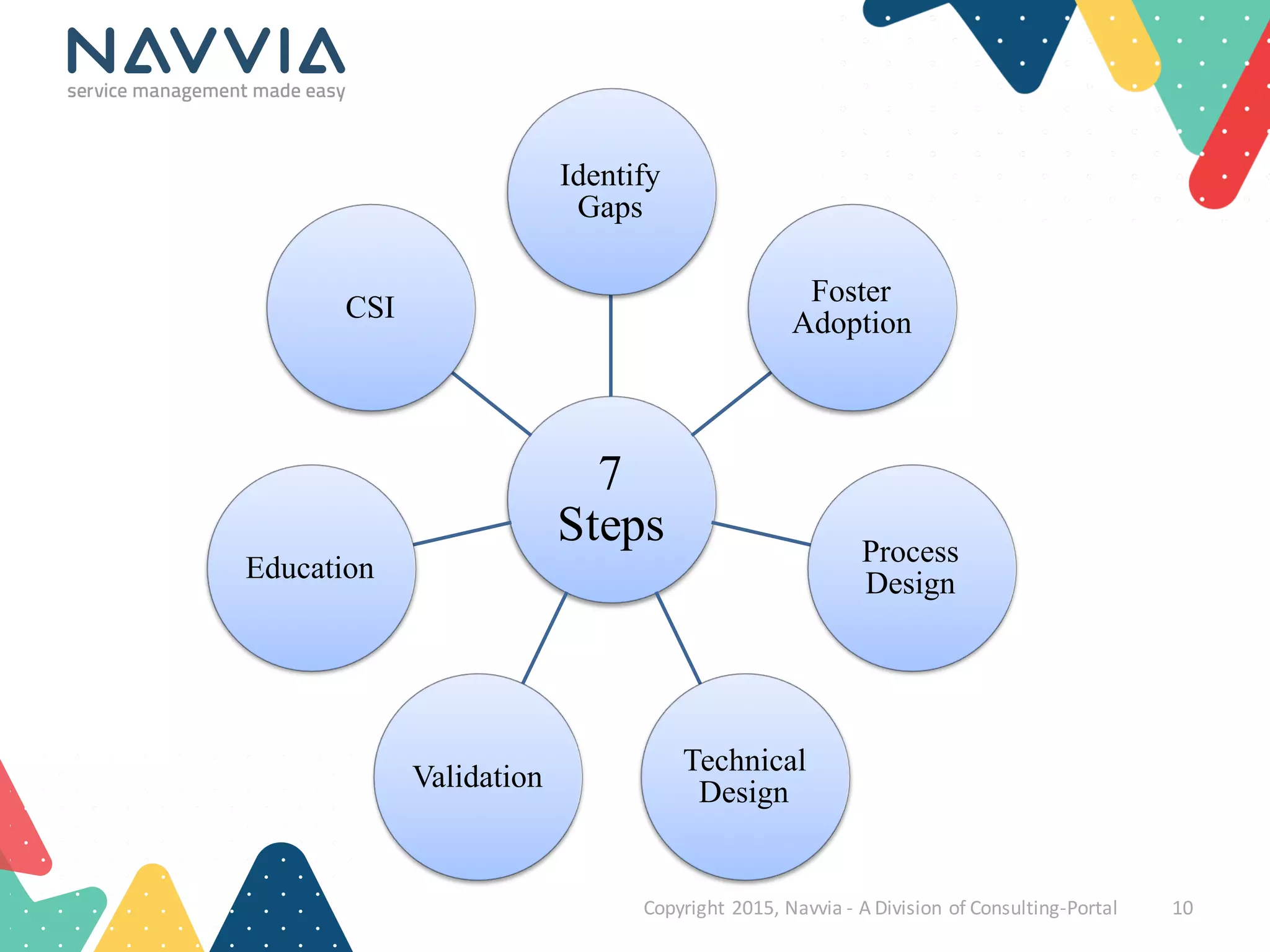
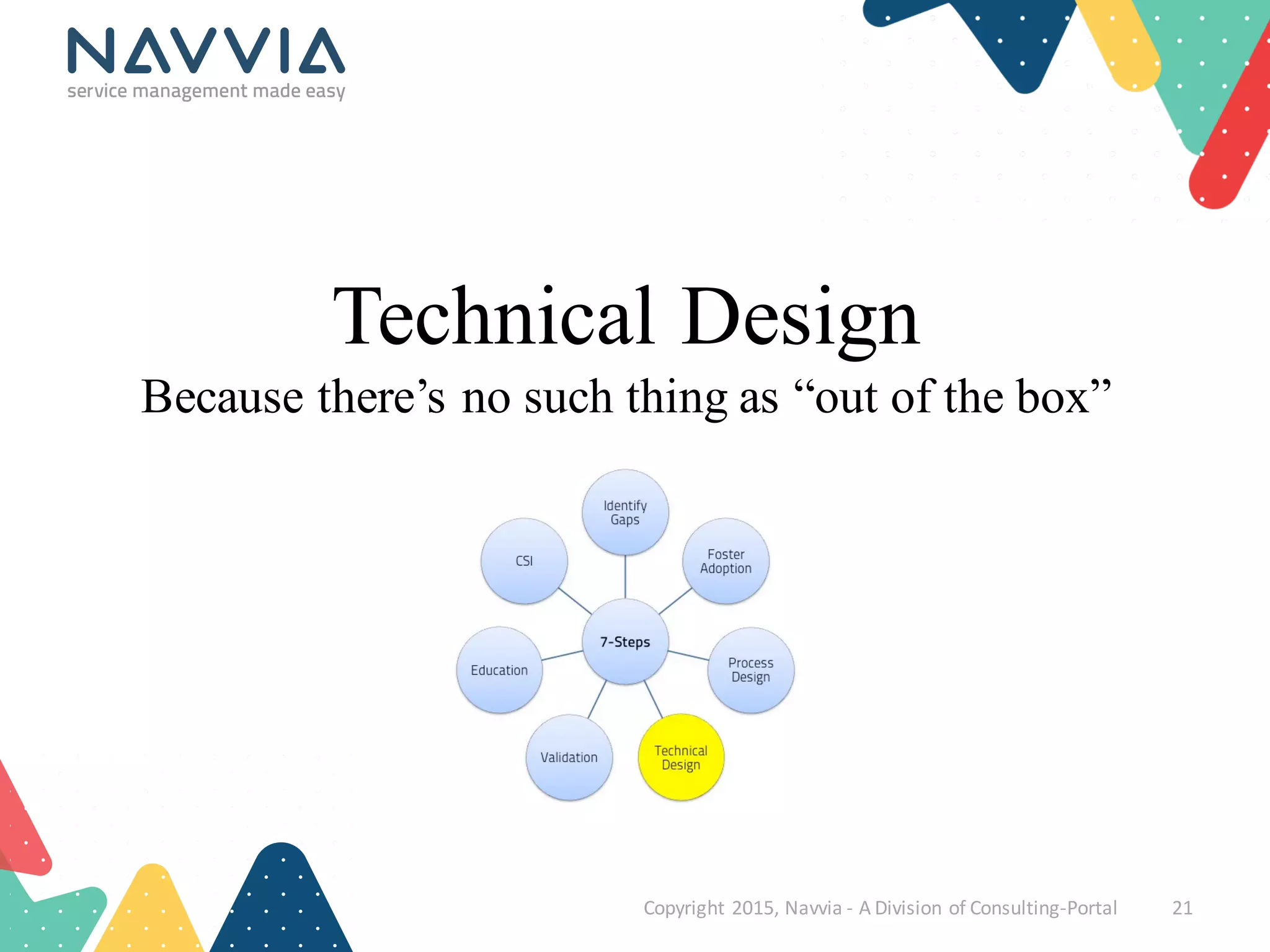
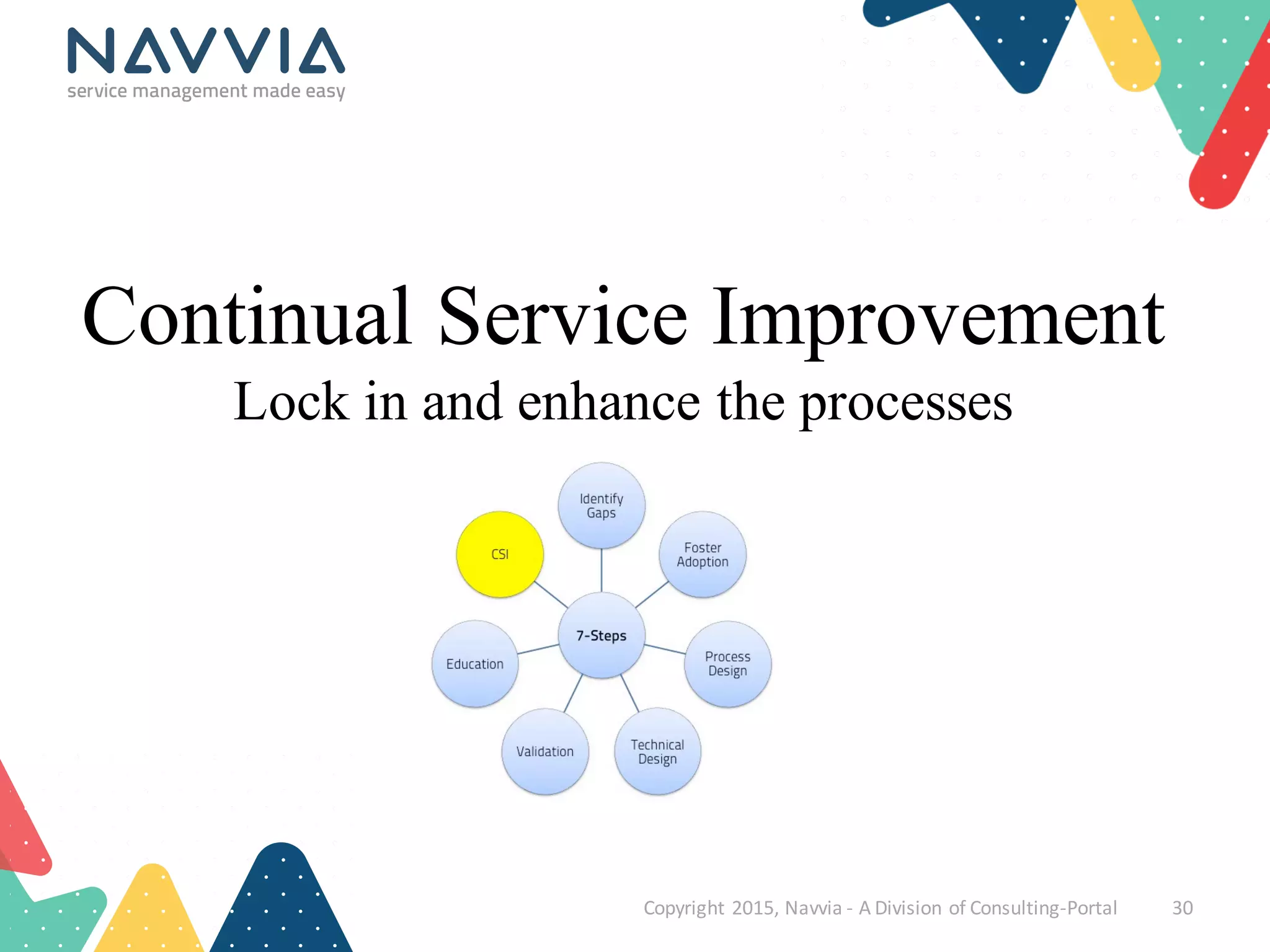
In our experience …
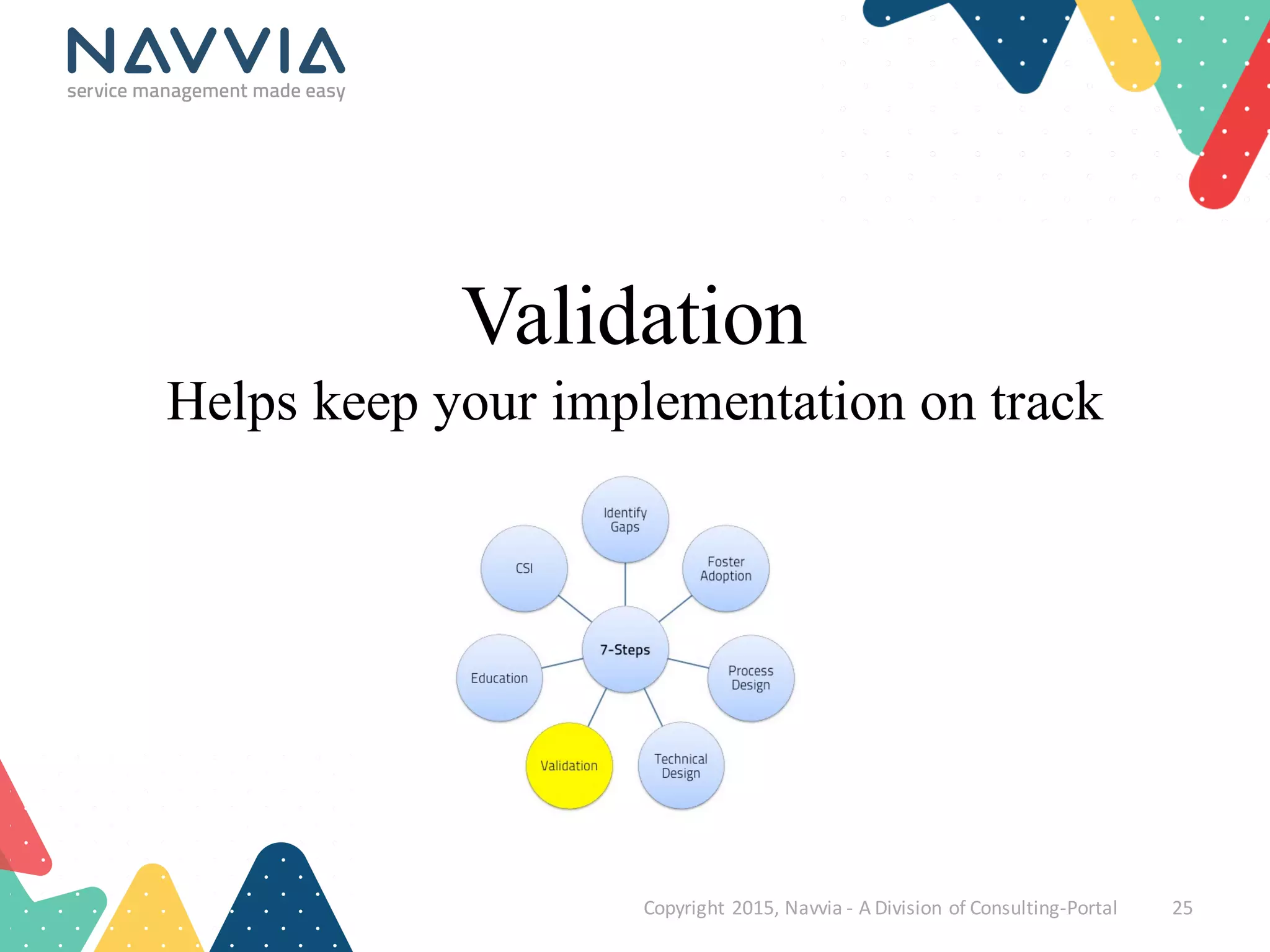
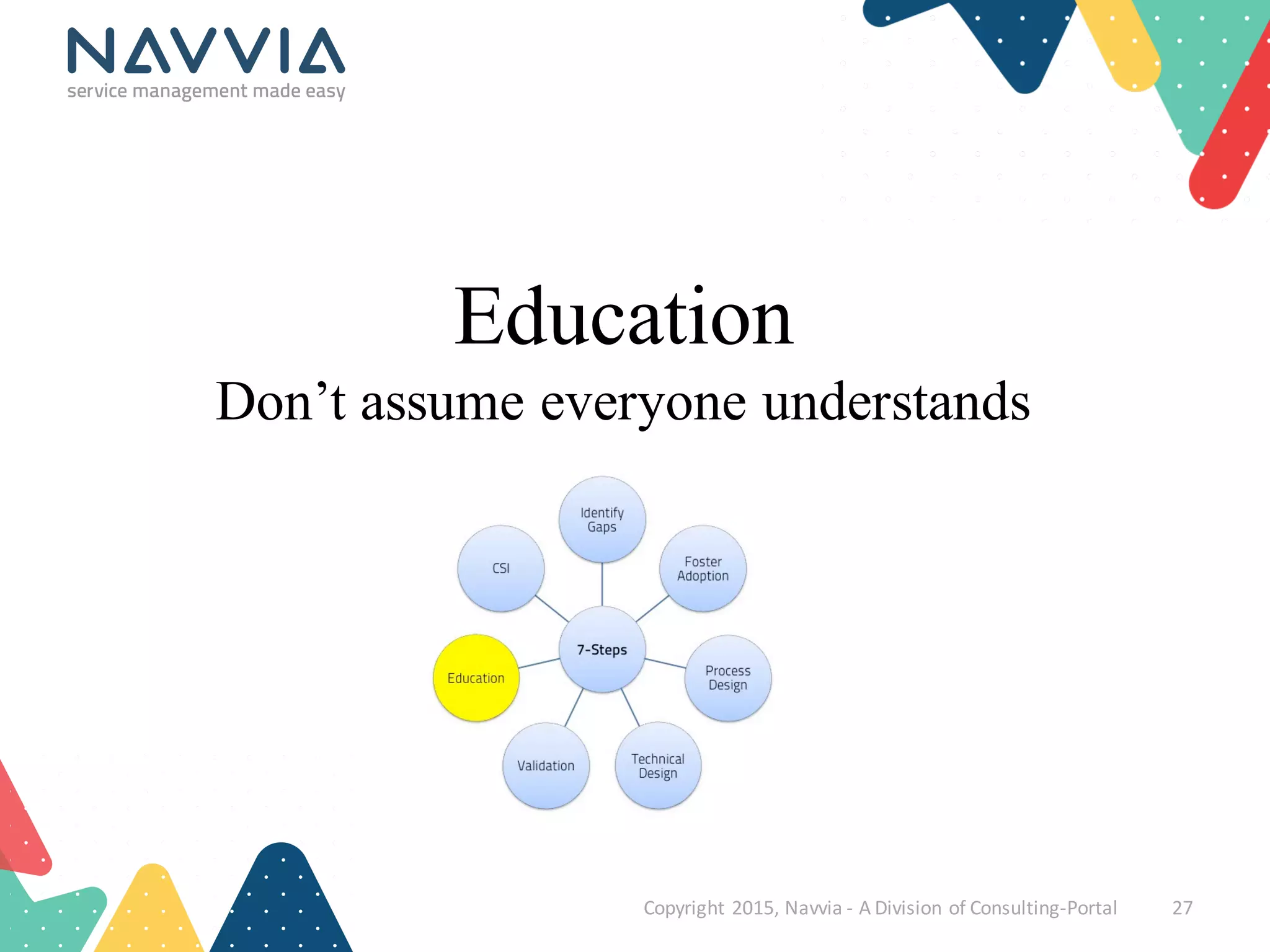
7
Steps
Identify
Gaps
Foster
Adoption
Process
Design
Technical
DesignValidation
Education
CSI
Copyright	
  2015,	
  Navvia	
  -­‐ A	
  Division	
  of	
  Consulting-­‐Portal 10
Copyright	
  2015,	
  Navvia	
  -­‐ A	
  Division	
  of	
  Consulting-­‐Portal 11
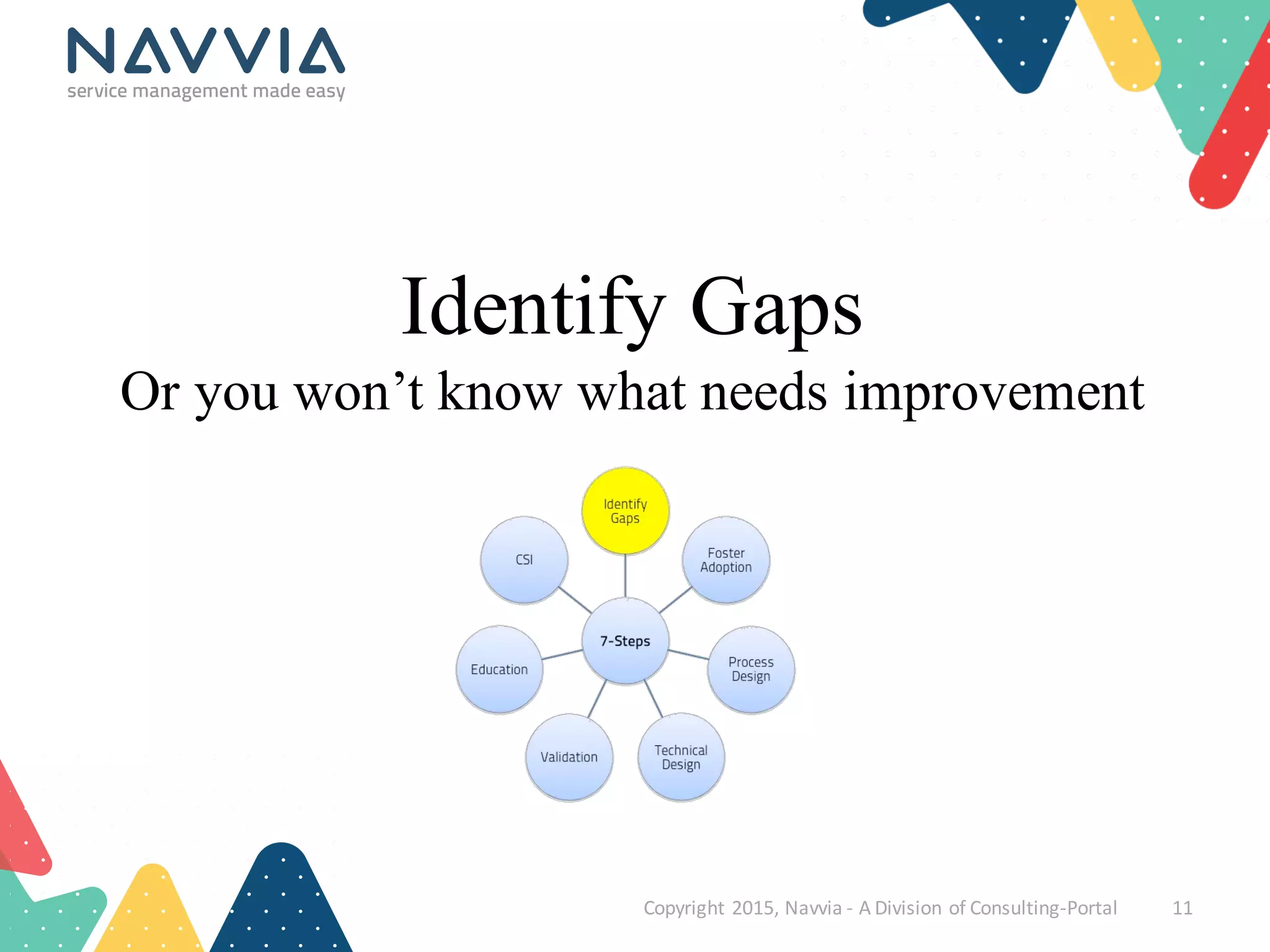
Identify Gaps
Or you won’t know what needs improvement
Identify Gaps
• Why are you implementinga new tool?
• What are the pain points with the current tool?
• Do you understandthe users’points of view?
• An ITSM assessment can help:
– Uncover people’s perceptions
– Foster organizational change management
• Dr. John Kotter 8-step change process
– Establish a baseline
– Develop a roadmap
Copyright	
  2015,	
  Navvia	
  -­‐ A	
  Division	
  of	
  Consulting-­‐Portal 12
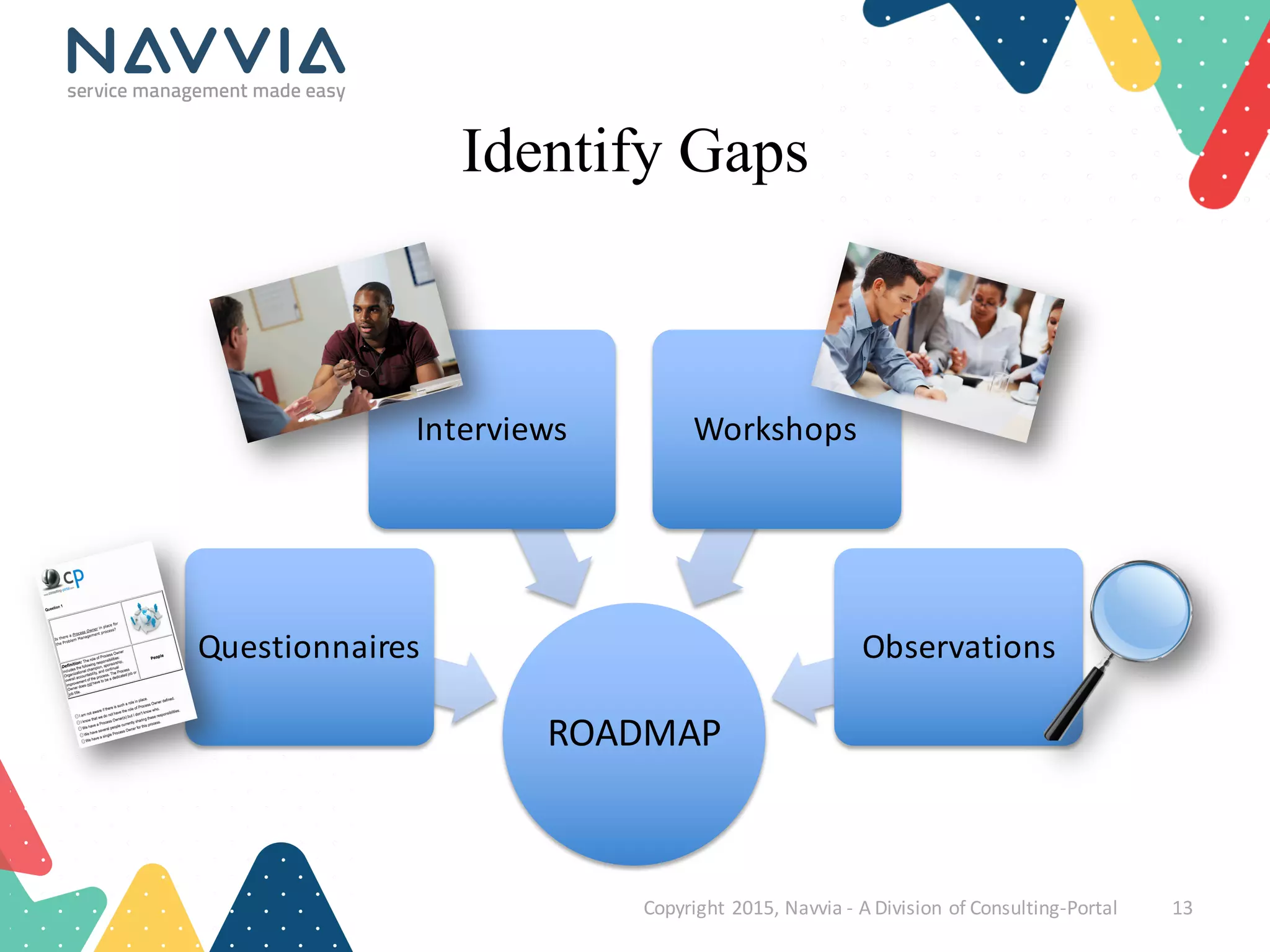
Identify Gaps
ROADMAP
Questionnaires
Interviews Workshops
Observations
Copyright	
  2015,	
  Navvia	
  -­‐ A	
  Division	
  of	
  Consulting-­‐Portal 13
Copyright	
  2015,	
  Navvia	
  -­‐ A	
  Division	
  of	
  Consulting-­‐Portal 14
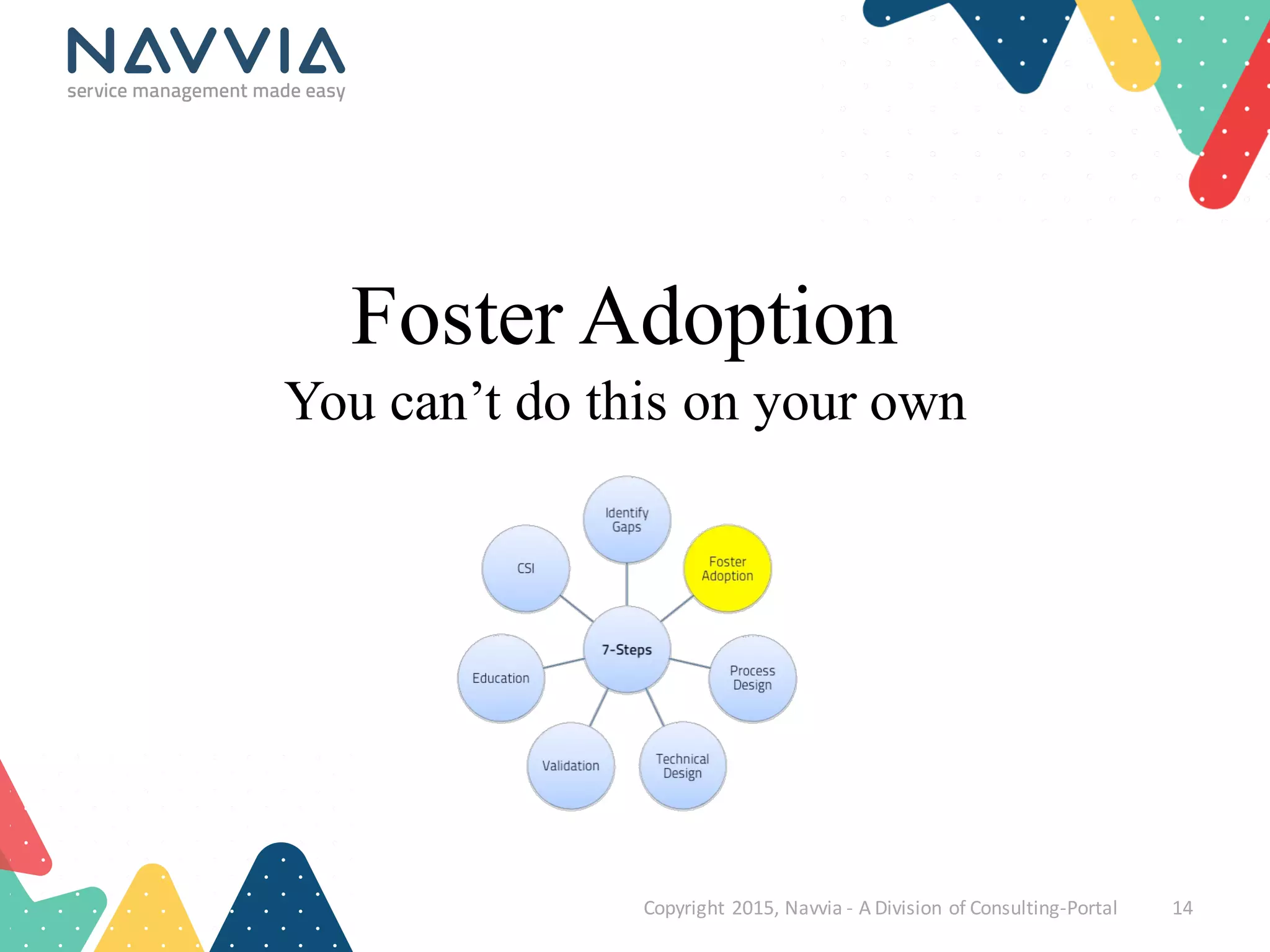
Foster Adoption
You can’t do this on your own
Foster Adoption
• Implementationrequires organizationalchange
– And you can’t foster change in a vacuum
• People need to understand “why”
– Simon Sinek - “Start With Why”
• Every stakeholder has their own perspective
– Express the “why” in terms that relate to them
• Get consensus
– But balance it with getting things done!
• Adoption drives success / success drives adoption
Copyright	
  2015,	
  Navvia	
  -­‐ A	
  Division	
  of	
  Consulting-­‐Portal 15
Foster Adoption
Copyright	
  2015,	
  Navvia	
  -­‐ A	
  Division	
  of	
  Consulting-­‐Portal 16
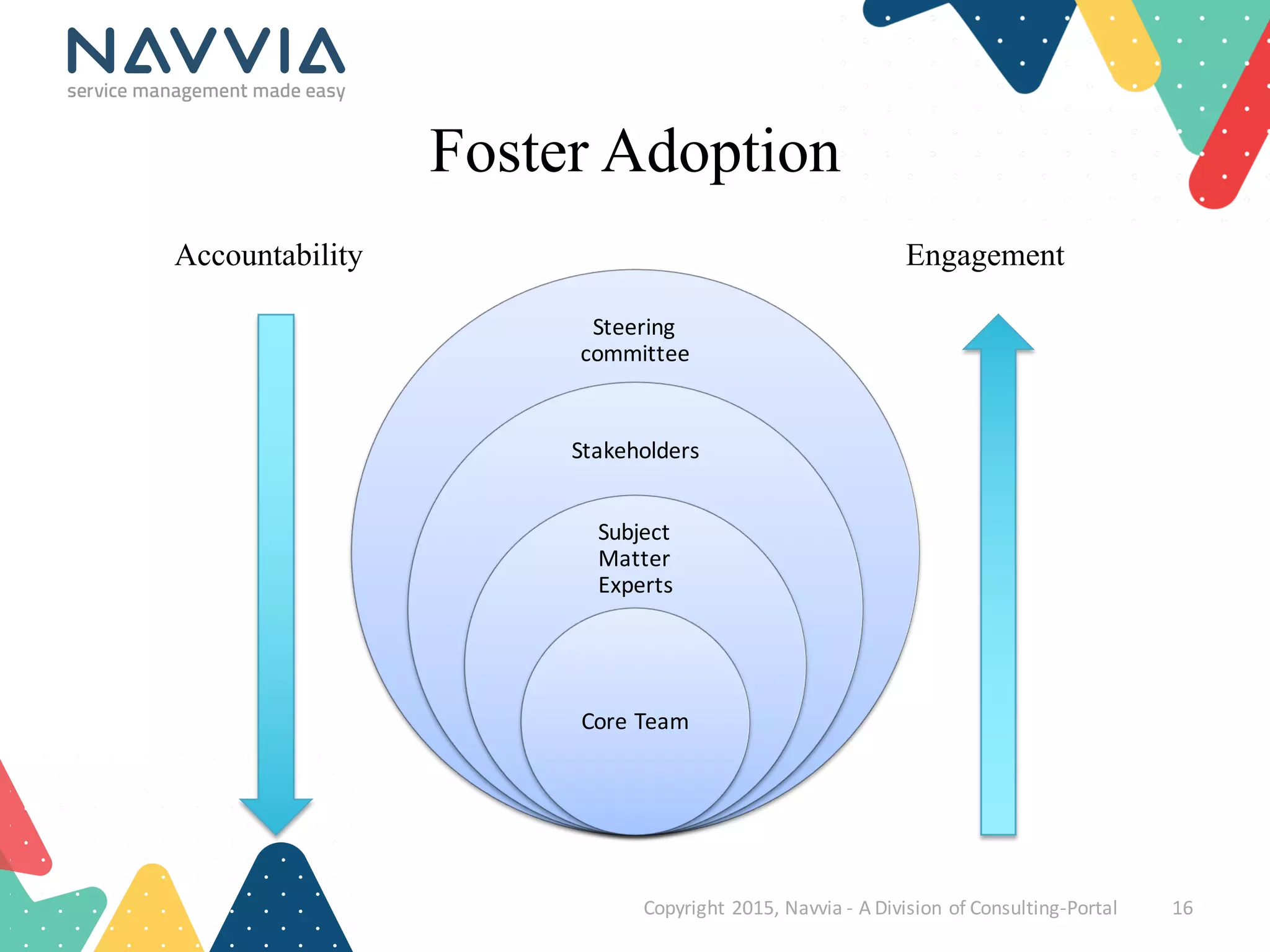
Steering	
  
committee
Stakeholders
Subject	
  
Matter	
  
Experts
Core	
  Team
Accountability Engagement
Copyright	
  2015,	
  Navvia	
  -­‐ A	
  Division	
  of	
  Consulting-­‐Portal 17
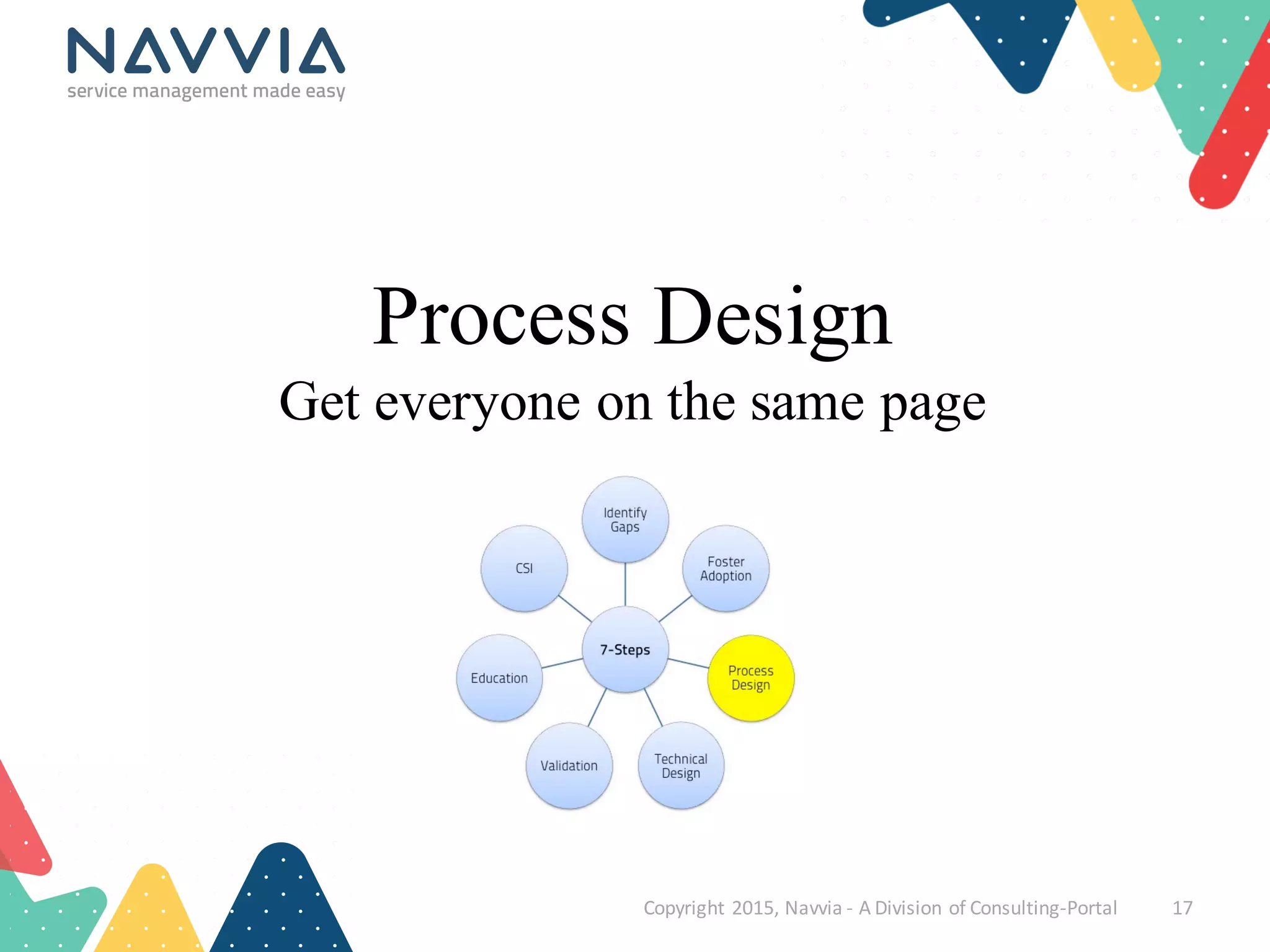
Process Design
Get everyone on the same page
Process Design
Copyright	
  2015,	
  Navvia	
  -­‐ A	
  Division	
  of	
  Consulting-­‐Portal 18
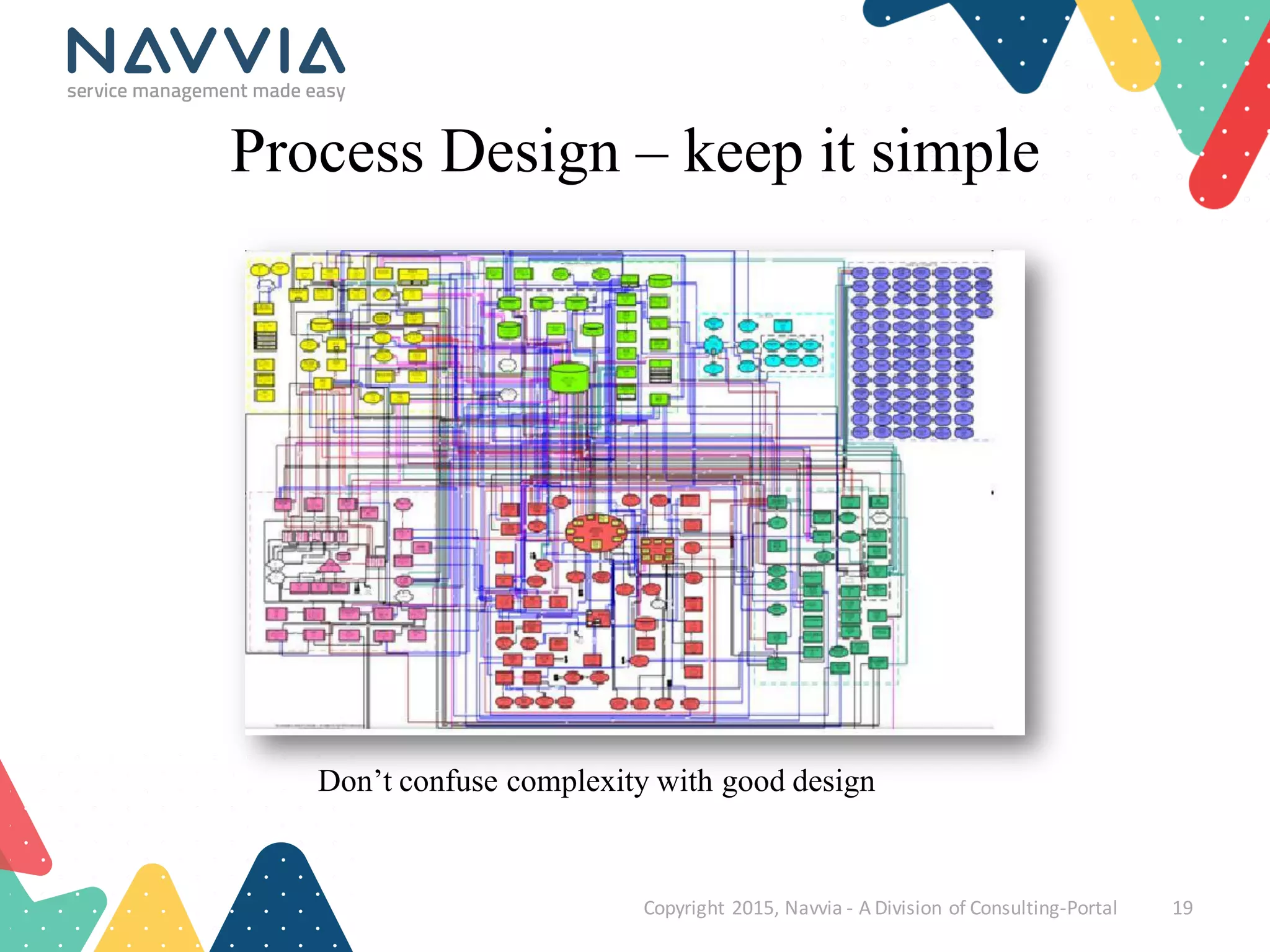
Process Design – keep it simple
Copyright	
  2015,	
  Navvia	
  -­‐ A	
  Division	
  of	
  Consulting-­‐Portal 19
Don’t confuse complexity with good design
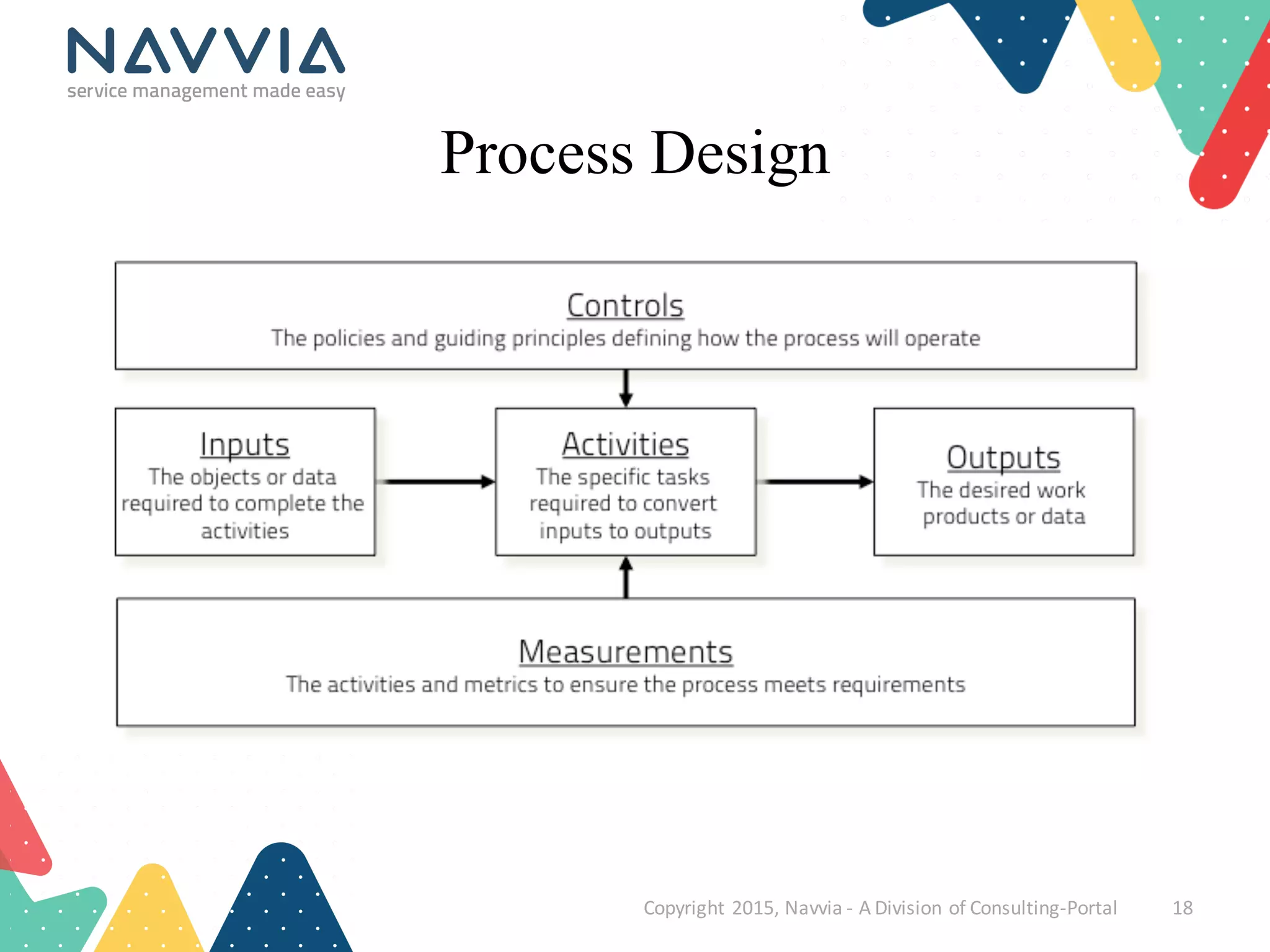
Process Design
• Always ask yourself “are we making things better”
• What are you doing today? What works, what doesn’t?
• Frameworks (like ITIL) provide guidance, they are not the law
– Balance frameworks with what's right for your organization
• Processes are intended to improve communicationand efficiency,resist the
urge to make them overly complex
• There is more to a process than a Visio Flow
– Description, goals, objectives, roles & responsibilities, activities & tasks, metrics,
policies, controls, work instructions
• Capture tool and data specifications (technical design)
Copyright	
  2015,	
  Navvia	
  -­‐ A	
  Division	
  of	
  Consulting-­‐Portal 20
Copyright	
  2015,	
  Navvia	
  -­‐ A	
  Division	
  of	
  Consulting-­‐Portal 21
Technical Design
Because there’s no such thing as “out of the box”
Technical Design
Copyright	
  2015,	
  Navvia	
  -­‐ A	
  Division	
  of	
  Consulting-­‐Portal 22
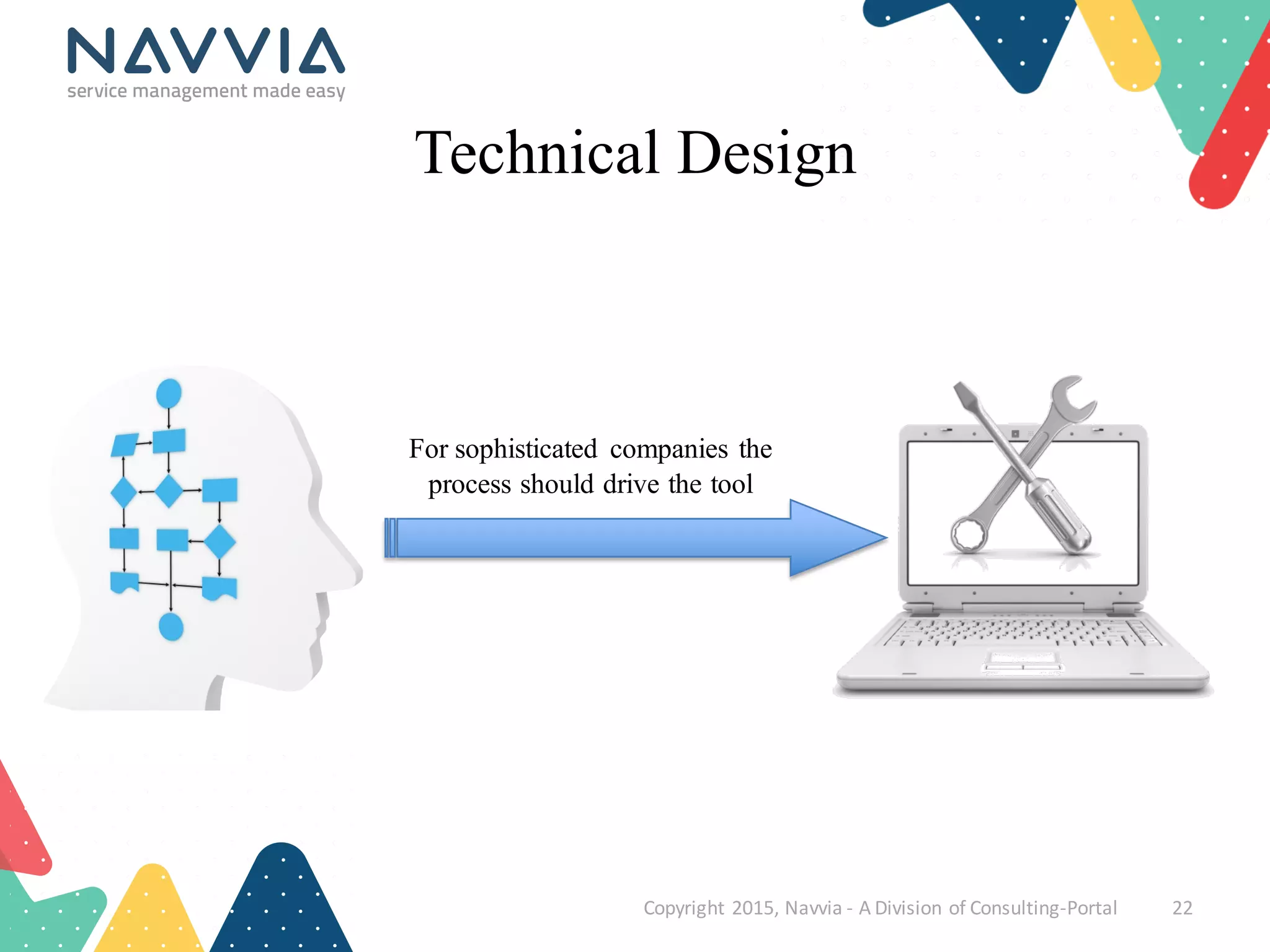
For sophisticated companies the
process should drive the tool
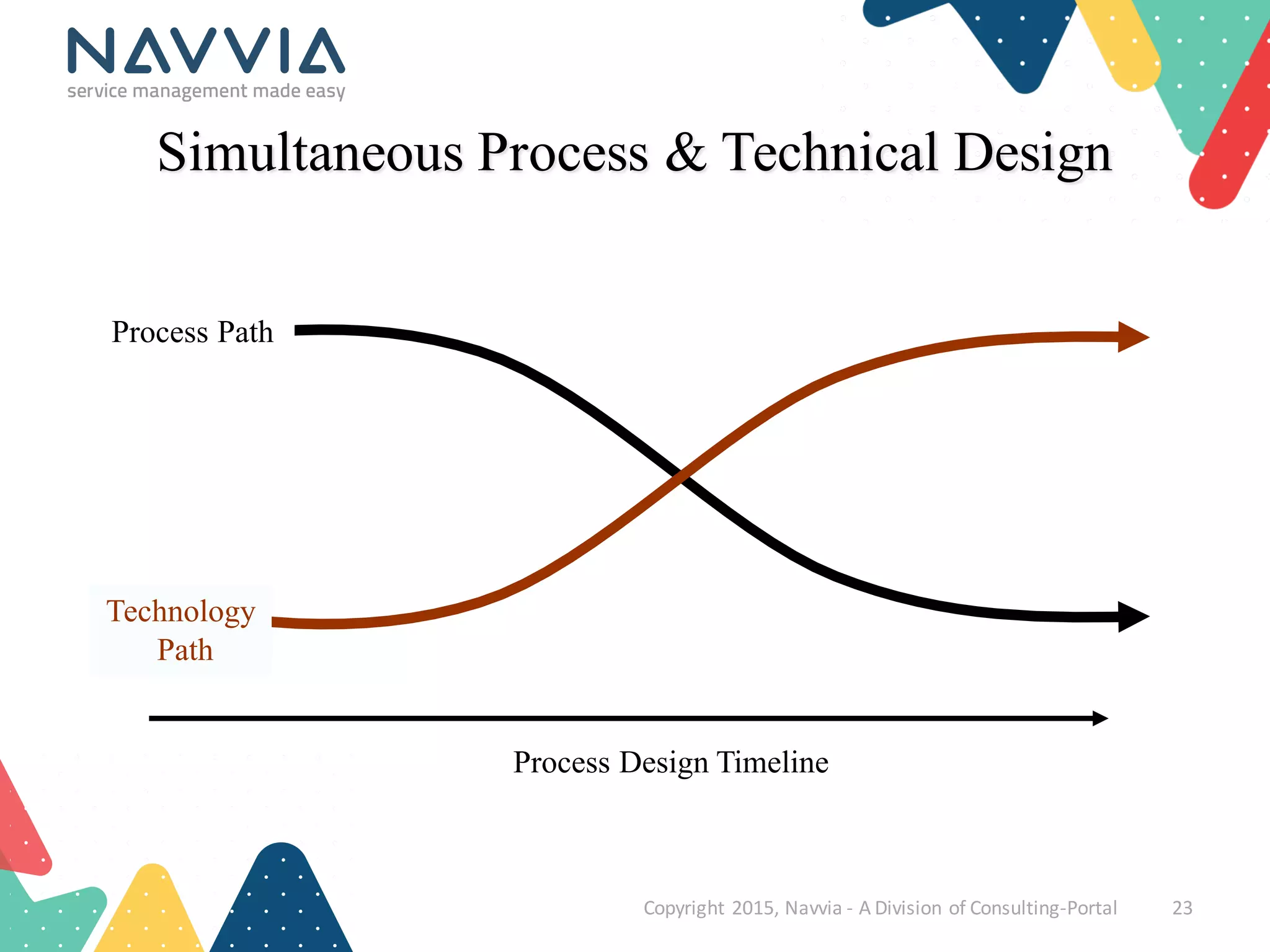
Process Design Timeline
Simultaneous Process & Technical Design
Copyright	
  2015,	
  Navvia	
  -­‐ A	
  Division	
  of	
  Consulting-­‐Portal 23
Process Path
Technology
Path
Technical Design
• Out of the box only works for the most simple processes / orgs
– Even then some configuration/tuning is required
• Don’t confuse technical design with customizations
– Most modern tools allow extensive configuration
• Map business outcomes to the tool / not the other way around
• Capture enough detail to tailor the tool:
– Process states, triggers, transitions and state diagrams
– Data and tool specifications
– Integrations
– Notifications
• The more detail you capture in advance the smoother the development
Copyright	
  2015,	
  Navvia	
  -­‐ A	
  Division	
  of	
  Consulting-­‐Portal 24
Copyright	
  2015,	
  Navvia	
  -­‐ A	
  Division	
  of	
  Consulting-­‐Portal 25
Validation
Helps keep your implementation on track
Validation
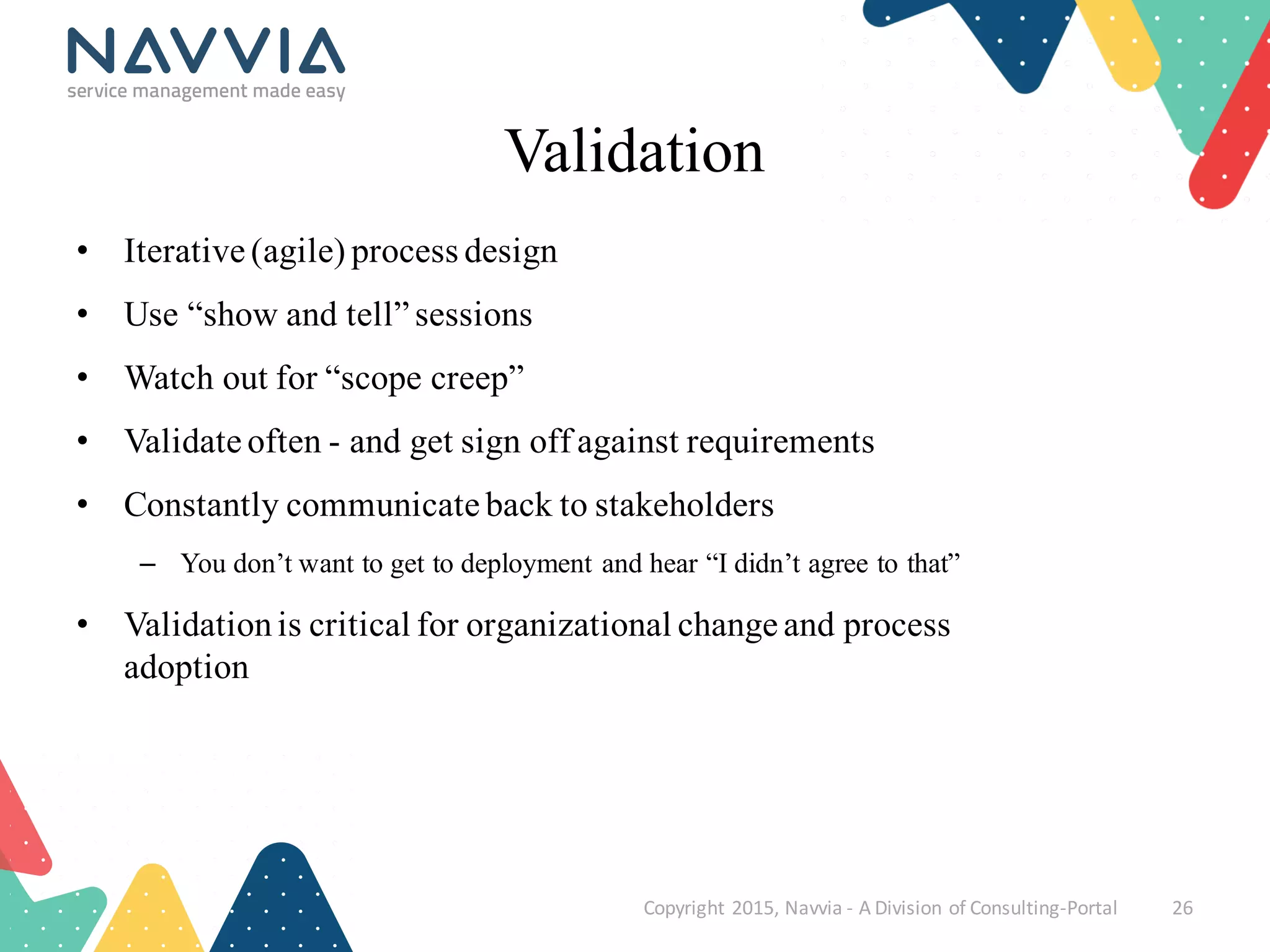
• Iterative (agile) process design
• Use “show and tell” sessions
• Watch out for “scope creep”
• Validate often - and get sign off against requirements
• Constantly communicate back to stakeholders
– You don’t want to get to deployment and hear “I didn’t agree to that”
• Validationis critical for organizational change and process
adoption
Copyright	
  2015,	
  Navvia	
  -­‐ A	
  Division	
  of	
  Consulting-­‐Portal 26
Copyright	
  2015,	
  Navvia	
  -­‐ A	
  Division	
  of	
  Consulting-­‐Portal 27
Education
Don’t assume everyone understands
Education
Copyright	
  2015,	
  Navvia	
  -­‐ A	
  Division	
  of	
  Consulting-­‐Portal 28
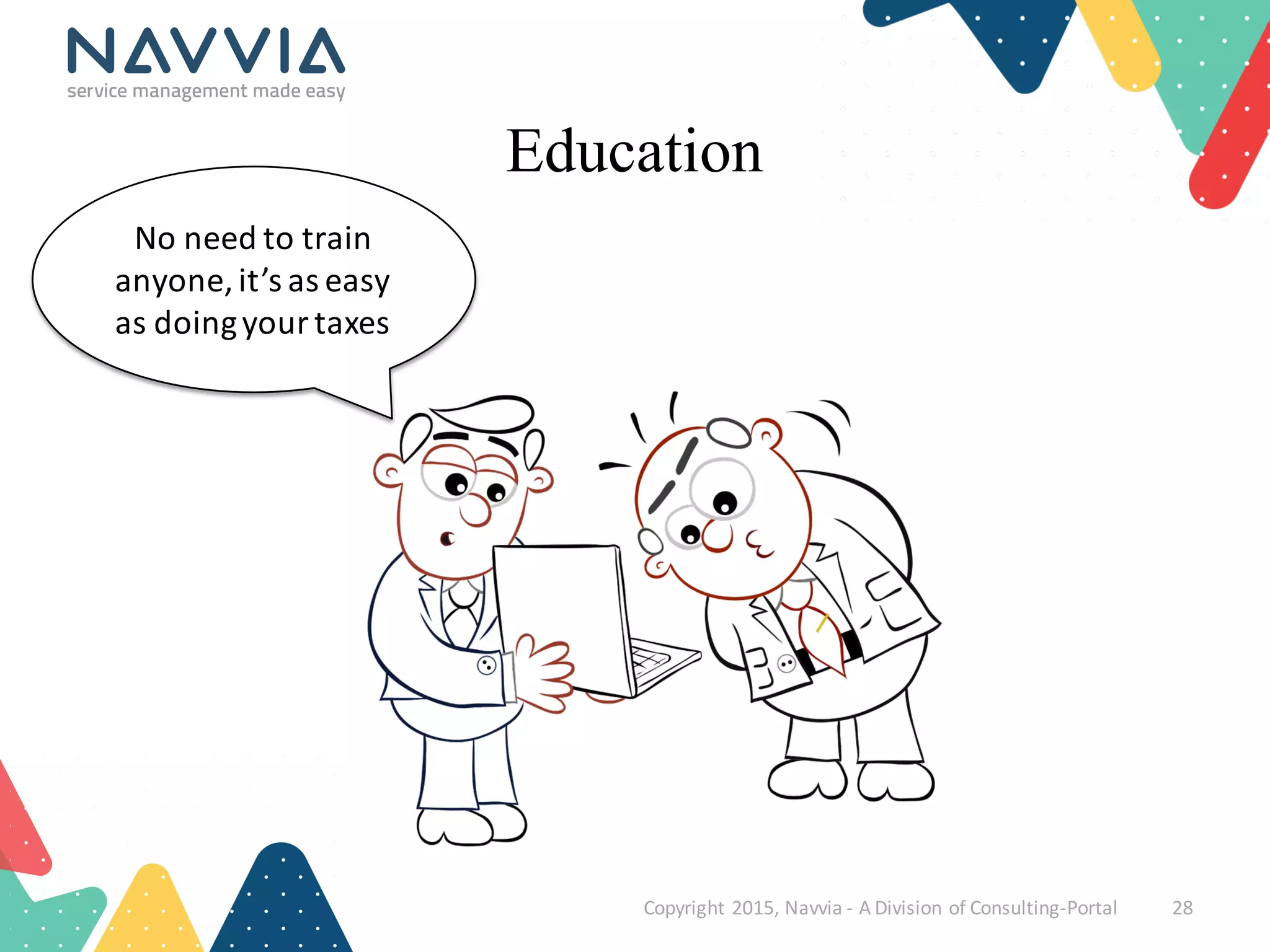
No	
  need	
  to	
  train	
  
anyone,	
  it’s	
  as	
  easy	
  
as	
  doing	
  your	
  taxes
Education
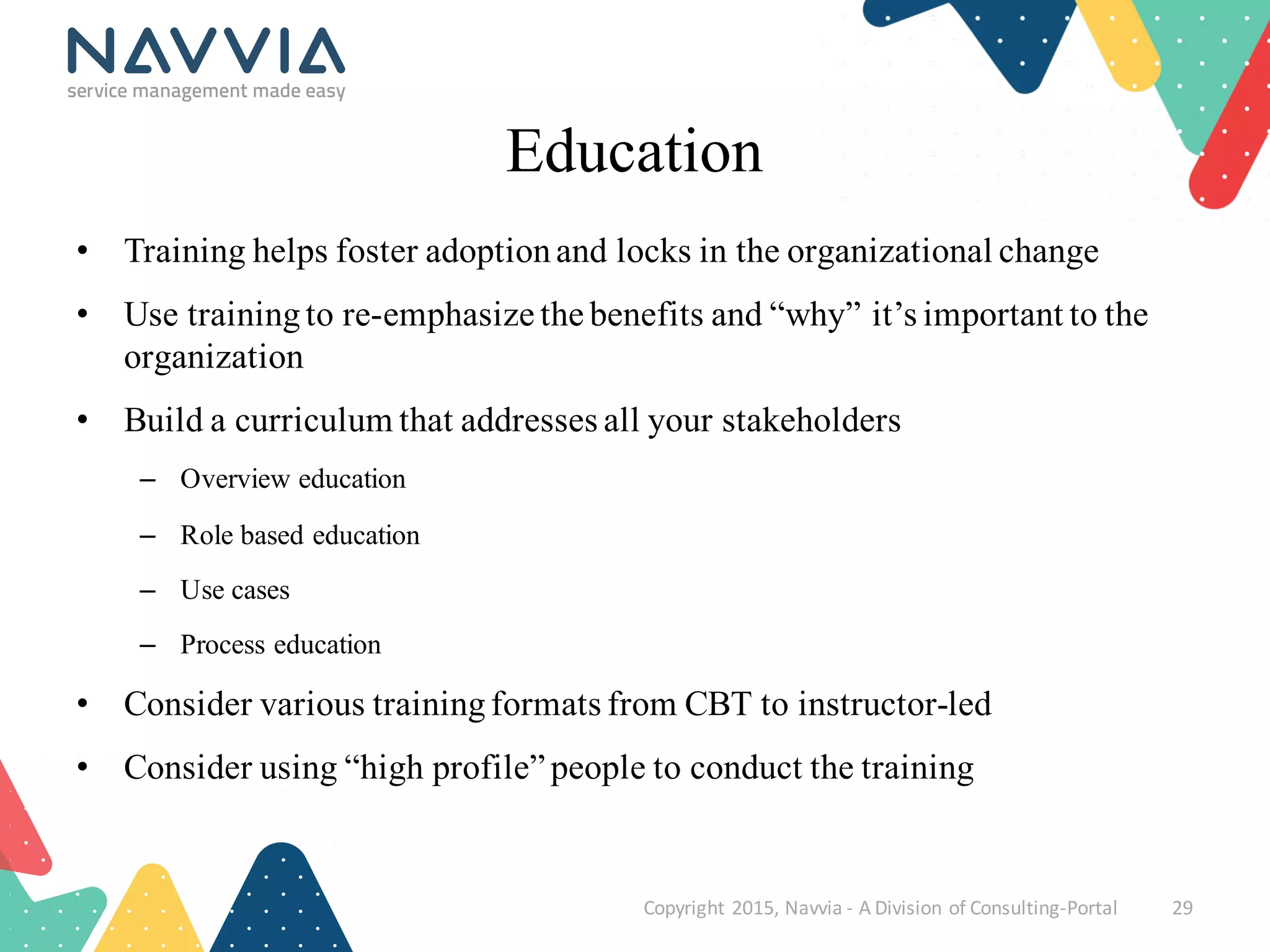
• Training helps foster adoptionand locks in the organizational change
• Use trainingto re-emphasize the benefits and “why” it’s important to the
organization
• Build a curriculum that addresses all your stakeholders
– Overview education
– Role based education
– Use cases
– Process education
• Consider various trainingformats from CBT to instructor-led
• Consider using “high profile” people to conduct the training
Copyright	
  2015,	
  Navvia	
  -­‐ A	
  Division	
  of	
  Consulting-­‐Portal 29
Copyright	
  2015,	
  Navvia	
  -­‐ A	
  Division	
  of	
  Consulting-­‐Portal 30
Continual Service Improvement
Lock in and enhance the processes
Continual Service Improvement
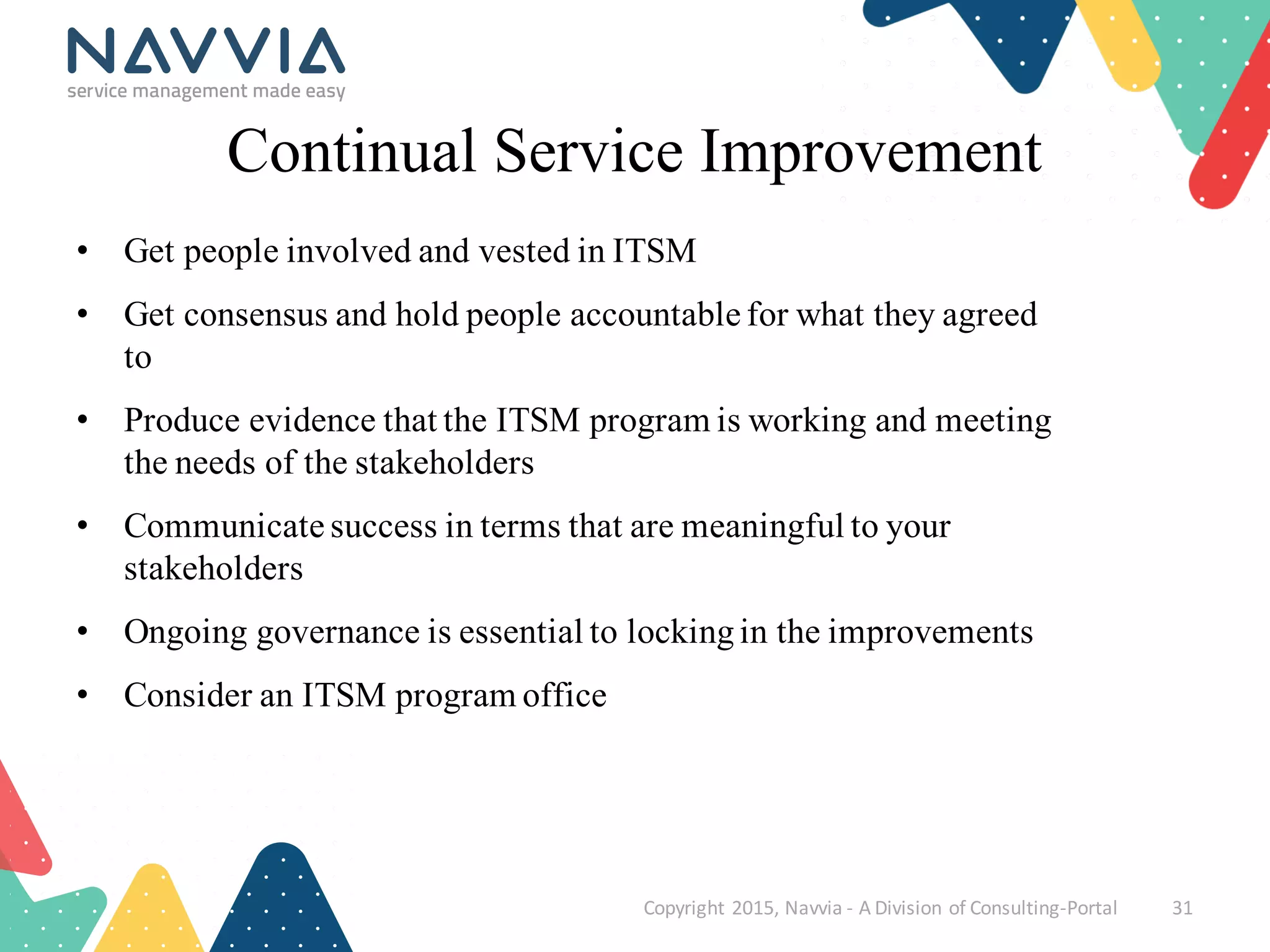
• Get people involved and vested in ITSM
• Get consensus and hold people accountable for what they agreed
to
• Produce evidence that the ITSM program is working and meeting
the needs of the stakeholders
• Communicate success in terms that are meaningful to your
stakeholders
• Ongoing governance is essential to lockingin the improvements
• Consider an ITSM program office
Copyright	
  2015,	
  Navvia	
  -­‐ A	
  Division	
  of	
  Consulting-­‐Portal 31
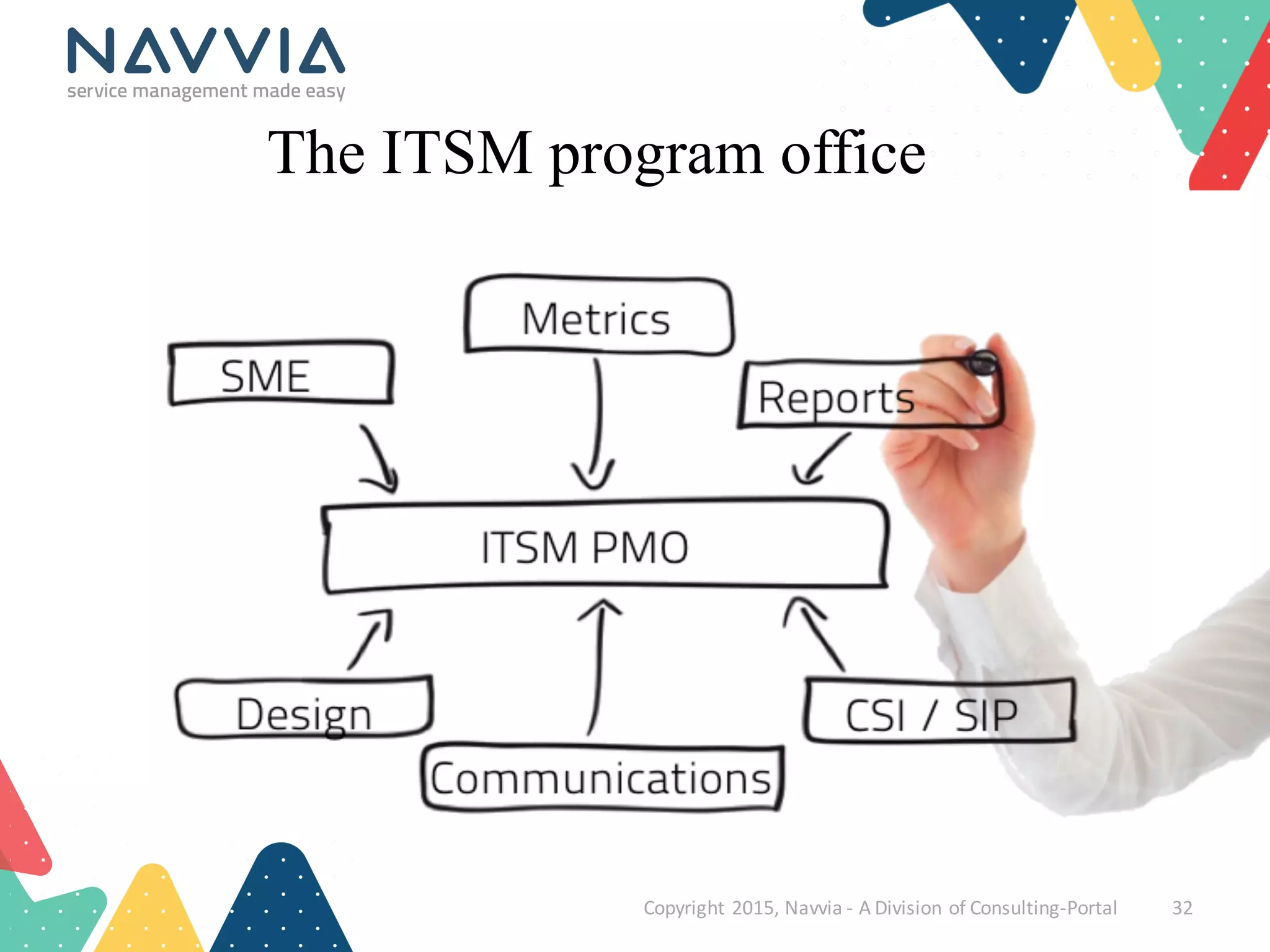
The ITSM program office
Copyright	
  2015,	
  Navvia	
  -­‐ A	
  Division	
  of	
  Consulting-­‐Portal 32
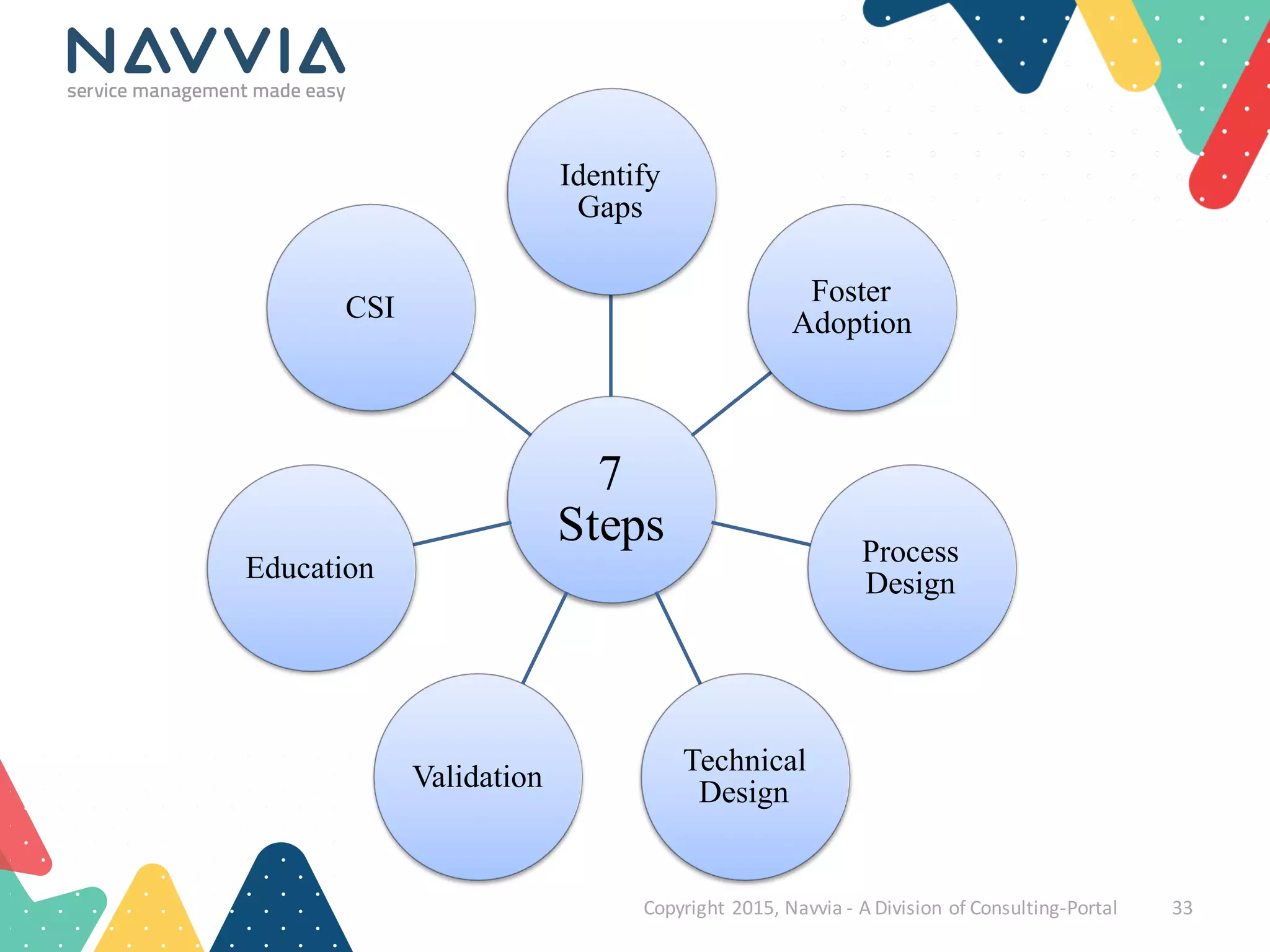
7
Steps
Identify
Gaps
Foster
Adoption
Process
Design
Technical
DesignValidation
Education
CSI
Copyright	
  2015,	
  Navvia	
  -­‐ A	
  Division	
  of	
  Consulting-­‐Portal 33
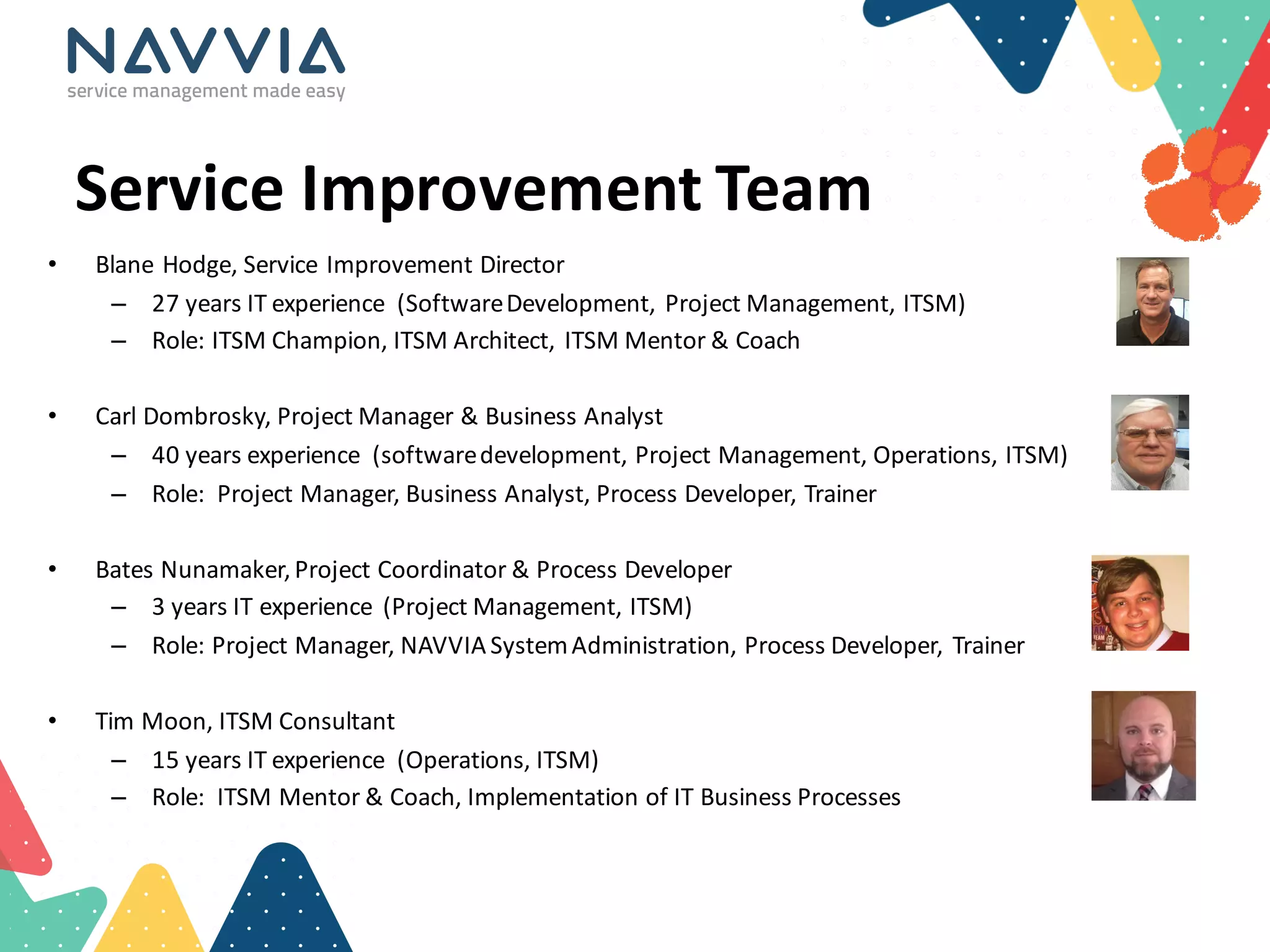
Service	
  Improvement	
  Team
• Blane	
  Hodge,	
  Service	
  Improvement	
  Director	
  
– 27	
  years	
  IT	
  experience	
   (Software	
  Development,	
  Project	
  Management,	
  ITSM)
– Role:	
  ITSM	
  Champion,	
  ITSM	
  Architect,	
  ITSM	
  Mentor	
  &	
  Coach	
  
• Carl	
  Dombrosky,	
  Project	
  Manager	
  &	
  Business	
  Analyst
– 40	
  years	
  experience	
   (software	
  development,	
  Project	
  Management,	
  Operations,	
  ITSM)
– Role:	
  	
  Project	
  Manager,	
  Business	
  Analyst,	
  Process	
  Developer,	
  Trainer
• Bates	
  Nunamaker,	
  Project	
  Coordinator	
  &	
  Process	
  Developer
– 3	
  years	
  IT	
  experience	
   (Project	
  Management,	
  ITSM)
– Role:	
  Project	
  Manager,	
  NAVVIA	
  System	
  Administration,	
  Process	
  Developer,	
  Trainer
• Tim	
  Moon,	
  ITSM	
  Consultant
– 15	
  years	
  IT	
  experience	
   (Operations,	
  ITSM)
– Role:	
  	
  ITSM	
  Mentor	
  &	
  Coach,	
  Implementation	
  of	
  IT	
  Business	
  Processes
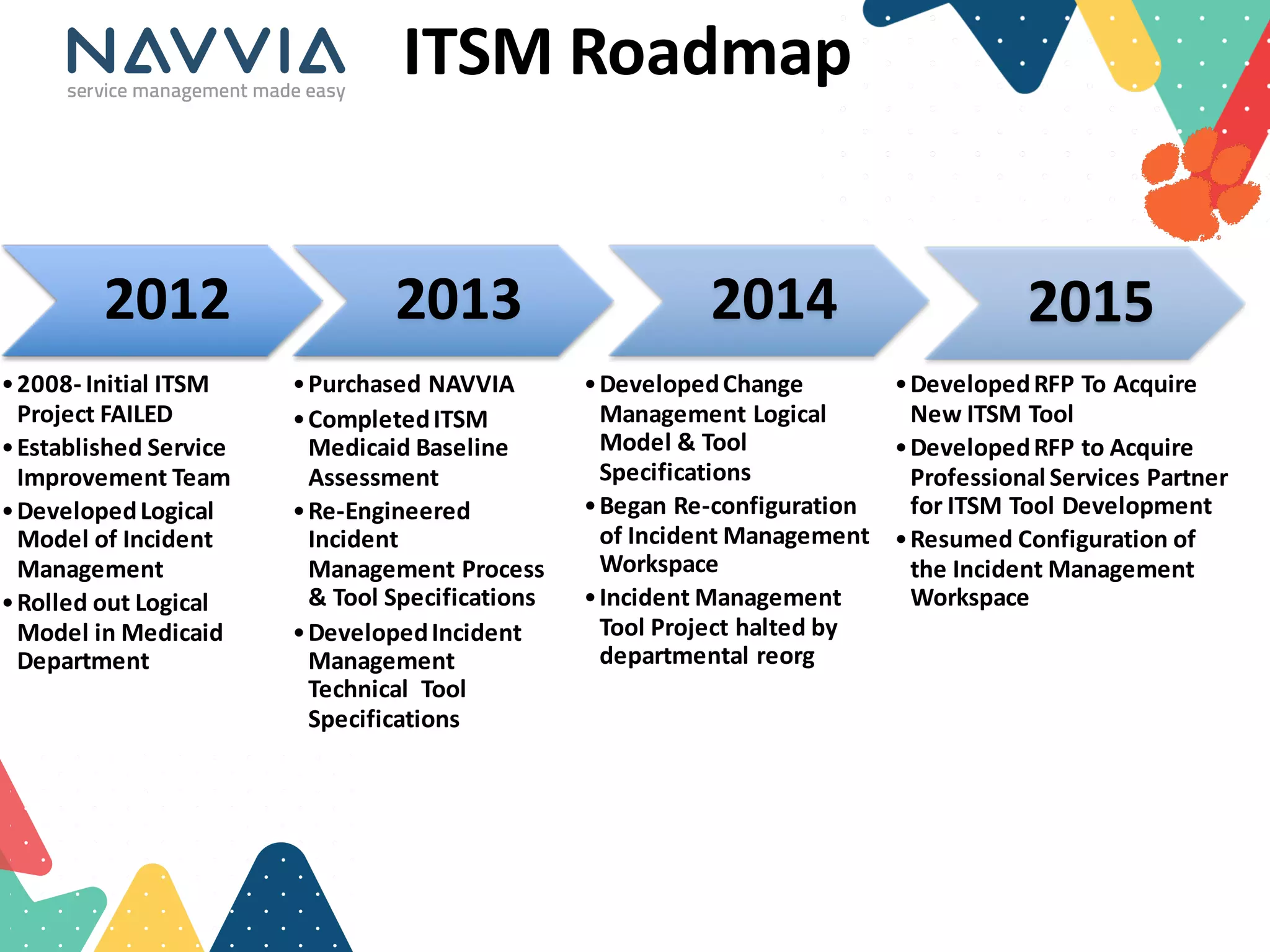
ITSM Roadmap
2012
•2008-­‐ Initial	
  ITSM	
  
Project	
  FAILED
•Established	
  Service	
  
Improvement	
  Team	
  
•Developed	
  Logical	
  
Model	
  of	
  Incident	
  
Management	
  
•Rolled	
  out	
  Logical	
  
Model	
  in	
  Medicaid	
  
Department
2013	
  
•Purchased	
  NAVVIA	
  
•Completed	
  ITSM	
  
Medicaid	
  Baseline	
  
Assessment	
  
•Re-­‐Engineered	
  
Incident	
  
Management	
  Process	
  
&	
  Tool	
  Specifications
•Developed	
  Incident	
  
Management	
  
Technical	
  	
  Tool	
  
Specifications
2014
•Developed	
  Change	
  
Management	
  Logical	
  
Model	
  &	
  Tool	
  
Specifications
•Began	
  Re-­‐configuration	
  
of	
  Incident	
  Management	
  
Workspace
•Incident	
  Management	
  
Tool	
  Project	
  halted	
  by	
  
departmental	
  reorg
2015
•Developed	
  RFP	
  To	
  Acquire	
  
New	
  ITSM	
  Tool
•Developed	
  RFP	
  to	
  Acquire	
  
Professional	
  Services	
  Partner	
  
for	
  ITSM	
  Tool	
  Development
•Resumed	
  Configuration	
  of	
  
the	
  Incident	
  Management	
  
Workspace	
  
ITSM	
  Roadmap
2015	
  &	
  Beyond	
  
2015	
  Q4
•Complete	
  ITSM	
  
Procurement	
  of	
  new	
  tool	
  &	
  
professional	
  services
•Complete	
  Development	
  of	
  
Event	
  Management	
  Process
•Complete	
  Development	
  of	
  
Knowledge	
  Management	
  
Process
•Complete	
  Development	
  of	
  
Service	
  Level	
  Management	
  
Process
•Assemble	
  an	
  ITSM	
  Steering	
  
Committee
2016
•Develop	
  first	
  four	
  phases	
  of	
  
ITSM	
  product	
  Roadmap
•Develop	
  processes	
  as	
  needed	
  
in	
  support	
  of	
  product	
  
roadmap
•Release	
  Management
•Demand	
  Management
•Configuration	
  Management
•Service	
  Catalog
2017
•Develop	
  processes	
  in	
  
support	
  of	
  ITSM	
  Product	
  
Roadmap
•Asset	
  Management
•Project	
  Management
•Resource	
  &	
  Time	
  
Management
•Complete	
  phases	
  5,	
  6,	
  and	
  7	
  
of	
  the	
  ITSM	
  Product	
  
Roadmap
Lessons	
  Learned	
  So	
  Far	
  
• Pitfalls	
  to	
  overcome
– Lack	
  of	
  Executive	
  Buy-­‐in
– Resistance	
  to	
  change
– State	
  procurement	
  process
• Benefits
– Assessment	
  helped	
  support	
  buy-­‐in
– Templates	
  reduced	
  overall	
  work	
  load
– Collaboration	
  turned	
  resistors	
  into	
  supporters
– Avoided	
  “Snobbery”
Questi ns?

7 steps to a successful itsm tool implementation - itsmf atlanta

  • 1.
    7 Steps to asuccessful ITSM tool implementation
  • 2.
    D’Arcy McCallum Copyright  2015,  Navvia  -­‐ A  Division  of  Consulting-­‐Portal 2 Welcome! • Navvia Director  of  Education • Background: • ITSM  Consultant  &  Advisor • 6  Sigma  Black  Belt   • Business  Relationship  Manager • Service  Desk  Manager • Process  Owner  &  Manager: • Information  Security • Service  Continuity • Change  Management • dmccallum@navvia.com
  • 3.
    We are aSoftware and Services company that provides our clients with the tools, templates, training and mentorship to take control of their ITSM program. Over 15 years of ITSM success! Copyright  2015,  Navvia  -­‐ A  Division  of  Consulting-­‐Portal 3
  • 4.
    Copyright  2015,  Navvia  -­‐ A  Division  of  Consulting-­‐Portal 4 ITSM ≠ TOOL However, we need tools to automate ITSM
  • 5.
    Copyright  2015,  Navvia  -­‐ A  Division  of  Consulting-­‐Portal 5 ITSM Benefits result from practicing Service Management
  • 6.
    • Cost • Quality •Employee / Customer Satisfaction • Communication • Efficiency& Effectiveness • Governance Copyright  2015,  Navvia  -­‐ A  Division  of  Consulting-­‐Portal 6 The benefits are many… ”Process is usually the lowest maturity discipline, but organizations that are more mature than average can see a 7% cost advantage over their less-mature counterparts.” Improve I&O Maturity to Drive Greater Cost-Efficiency – Gartner - September 2013
  • 7.
    “It’s seldom thetool that’s the problem” Copyright  2015,  Navvia  -­‐ A  Division  of  Consulting-­‐Portal 7
  • 8.
    Copyright  2015,  Navvia  -­‐ A  Division  of  Consulting-­‐Portal 8 If not the tool…then what is? (hint: time for audience participation)
  • 9.
    • Insufficient planning •Poor requirements • Time pressure • The fallacy of “out of the box” • Scope creep • No buy-in • Poor communication / education • No governance / CSI • Lift & shift • Big Bang Copyright  2015,  Navvia  -­‐ A  Division  of  Consulting-­‐Portal 9 In our experience …
  • 10.
  • 11.
    Copyright  2015,  Navvia  -­‐ A  Division  of  Consulting-­‐Portal 11 Identify Gaps Or you won’t know what needs improvement
  • 12.
    Identify Gaps • Whyare you implementinga new tool? • What are the pain points with the current tool? • Do you understandthe users’points of view? • An ITSM assessment can help: – Uncover people’s perceptions – Foster organizational change management • Dr. John Kotter 8-step change process – Establish a baseline – Develop a roadmap Copyright  2015,  Navvia  -­‐ A  Division  of  Consulting-­‐Portal 12
  • 13.
    Identify Gaps ROADMAP Questionnaires Interviews Workshops Observations Copyright  2015,  Navvia  -­‐ A  Division  of  Consulting-­‐Portal 13
  • 14.
    Copyright  2015,  Navvia  -­‐ A  Division  of  Consulting-­‐Portal 14 Foster Adoption You can’t do this on your own
  • 15.
    Foster Adoption • Implementationrequiresorganizationalchange – And you can’t foster change in a vacuum • People need to understand “why” – Simon Sinek - “Start With Why” • Every stakeholder has their own perspective – Express the “why” in terms that relate to them • Get consensus – But balance it with getting things done! • Adoption drives success / success drives adoption Copyright  2015,  Navvia  -­‐ A  Division  of  Consulting-­‐Portal 15
  • 16.
    Foster Adoption Copyright  2015,  Navvia  -­‐ A  Division  of  Consulting-­‐Portal 16 Steering   committee Stakeholders Subject   Matter   Experts Core  Team Accountability Engagement
  • 17.
    Copyright  2015,  Navvia  -­‐ A  Division  of  Consulting-­‐Portal 17 Process Design Get everyone on the same page
  • 18.
    Process Design Copyright  2015,  Navvia  -­‐ A  Division  of  Consulting-­‐Portal 18
  • 19.
    Process Design –keep it simple Copyright  2015,  Navvia  -­‐ A  Division  of  Consulting-­‐Portal 19 Don’t confuse complexity with good design
  • 20.
    Process Design • Alwaysask yourself “are we making things better” • What are you doing today? What works, what doesn’t? • Frameworks (like ITIL) provide guidance, they are not the law – Balance frameworks with what's right for your organization • Processes are intended to improve communicationand efficiency,resist the urge to make them overly complex • There is more to a process than a Visio Flow – Description, goals, objectives, roles & responsibilities, activities & tasks, metrics, policies, controls, work instructions • Capture tool and data specifications (technical design) Copyright  2015,  Navvia  -­‐ A  Division  of  Consulting-­‐Portal 20
  • 21.
    Copyright  2015,  Navvia  -­‐ A  Division  of  Consulting-­‐Portal 21 Technical Design Because there’s no such thing as “out of the box”
  • 22.
    Technical Design Copyright  2015,  Navvia  -­‐ A  Division  of  Consulting-­‐Portal 22 For sophisticated companies the process should drive the tool
  • 23.
    Process Design Timeline SimultaneousProcess & Technical Design Copyright  2015,  Navvia  -­‐ A  Division  of  Consulting-­‐Portal 23 Process Path Technology Path
  • 24.
    Technical Design • Outof the box only works for the most simple processes / orgs – Even then some configuration/tuning is required • Don’t confuse technical design with customizations – Most modern tools allow extensive configuration • Map business outcomes to the tool / not the other way around • Capture enough detail to tailor the tool: – Process states, triggers, transitions and state diagrams – Data and tool specifications – Integrations – Notifications • The more detail you capture in advance the smoother the development Copyright  2015,  Navvia  -­‐ A  Division  of  Consulting-­‐Portal 24
  • 25.
    Copyright  2015,  Navvia  -­‐ A  Division  of  Consulting-­‐Portal 25 Validation Helps keep your implementation on track
  • 26.
    Validation • Iterative (agile)process design • Use “show and tell” sessions • Watch out for “scope creep” • Validate often - and get sign off against requirements • Constantly communicate back to stakeholders – You don’t want to get to deployment and hear “I didn’t agree to that” • Validationis critical for organizational change and process adoption Copyright  2015,  Navvia  -­‐ A  Division  of  Consulting-­‐Portal 26
  • 27.
    Copyright  2015,  Navvia  -­‐ A  Division  of  Consulting-­‐Portal 27 Education Don’t assume everyone understands
  • 28.
    Education Copyright  2015,  Navvia  -­‐ A  Division  of  Consulting-­‐Portal 28 No  need  to  train   anyone,  it’s  as  easy   as  doing  your  taxes
  • 29.
    Education • Training helpsfoster adoptionand locks in the organizational change • Use trainingto re-emphasize the benefits and “why” it’s important to the organization • Build a curriculum that addresses all your stakeholders – Overview education – Role based education – Use cases – Process education • Consider various trainingformats from CBT to instructor-led • Consider using “high profile” people to conduct the training Copyright  2015,  Navvia  -­‐ A  Division  of  Consulting-­‐Portal 29
  • 30.
    Copyright  2015,  Navvia  -­‐ A  Division  of  Consulting-­‐Portal 30 Continual Service Improvement Lock in and enhance the processes
  • 31.
    Continual Service Improvement •Get people involved and vested in ITSM • Get consensus and hold people accountable for what they agreed to • Produce evidence that the ITSM program is working and meeting the needs of the stakeholders • Communicate success in terms that are meaningful to your stakeholders • Ongoing governance is essential to lockingin the improvements • Consider an ITSM program office Copyright  2015,  Navvia  -­‐ A  Division  of  Consulting-­‐Portal 31
  • 32.
    The ITSM programoffice Copyright  2015,  Navvia  -­‐ A  Division  of  Consulting-­‐Portal 32
  • 33.
  • 35.
    Service  Improvement  Team •Blane  Hodge,  Service  Improvement  Director   – 27  years  IT  experience   (Software  Development,  Project  Management,  ITSM) – Role:  ITSM  Champion,  ITSM  Architect,  ITSM  Mentor  &  Coach   • Carl  Dombrosky,  Project  Manager  &  Business  Analyst – 40  years  experience   (software  development,  Project  Management,  Operations,  ITSM) – Role:    Project  Manager,  Business  Analyst,  Process  Developer,  Trainer • Bates  Nunamaker,  Project  Coordinator  &  Process  Developer – 3  years  IT  experience   (Project  Management,  ITSM) – Role:  Project  Manager,  NAVVIA  System  Administration,  Process  Developer,  Trainer • Tim  Moon,  ITSM  Consultant – 15  years  IT  experience   (Operations,  ITSM) – Role:    ITSM  Mentor  &  Coach,  Implementation  of  IT  Business  Processes
  • 36.
    ITSM Roadmap 2012 •2008-­‐ Initial  ITSM   Project  FAILED •Established  Service   Improvement  Team   •Developed  Logical   Model  of  Incident   Management   •Rolled  out  Logical   Model  in  Medicaid   Department 2013   •Purchased  NAVVIA   •Completed  ITSM   Medicaid  Baseline   Assessment   •Re-­‐Engineered   Incident   Management  Process   &  Tool  Specifications •Developed  Incident   Management   Technical    Tool   Specifications 2014 •Developed  Change   Management  Logical   Model  &  Tool   Specifications •Began  Re-­‐configuration   of  Incident  Management   Workspace •Incident  Management   Tool  Project  halted  by   departmental  reorg 2015 •Developed  RFP  To  Acquire   New  ITSM  Tool •Developed  RFP  to  Acquire   Professional  Services  Partner   for  ITSM  Tool  Development •Resumed  Configuration  of   the  Incident  Management   Workspace  
  • 37.
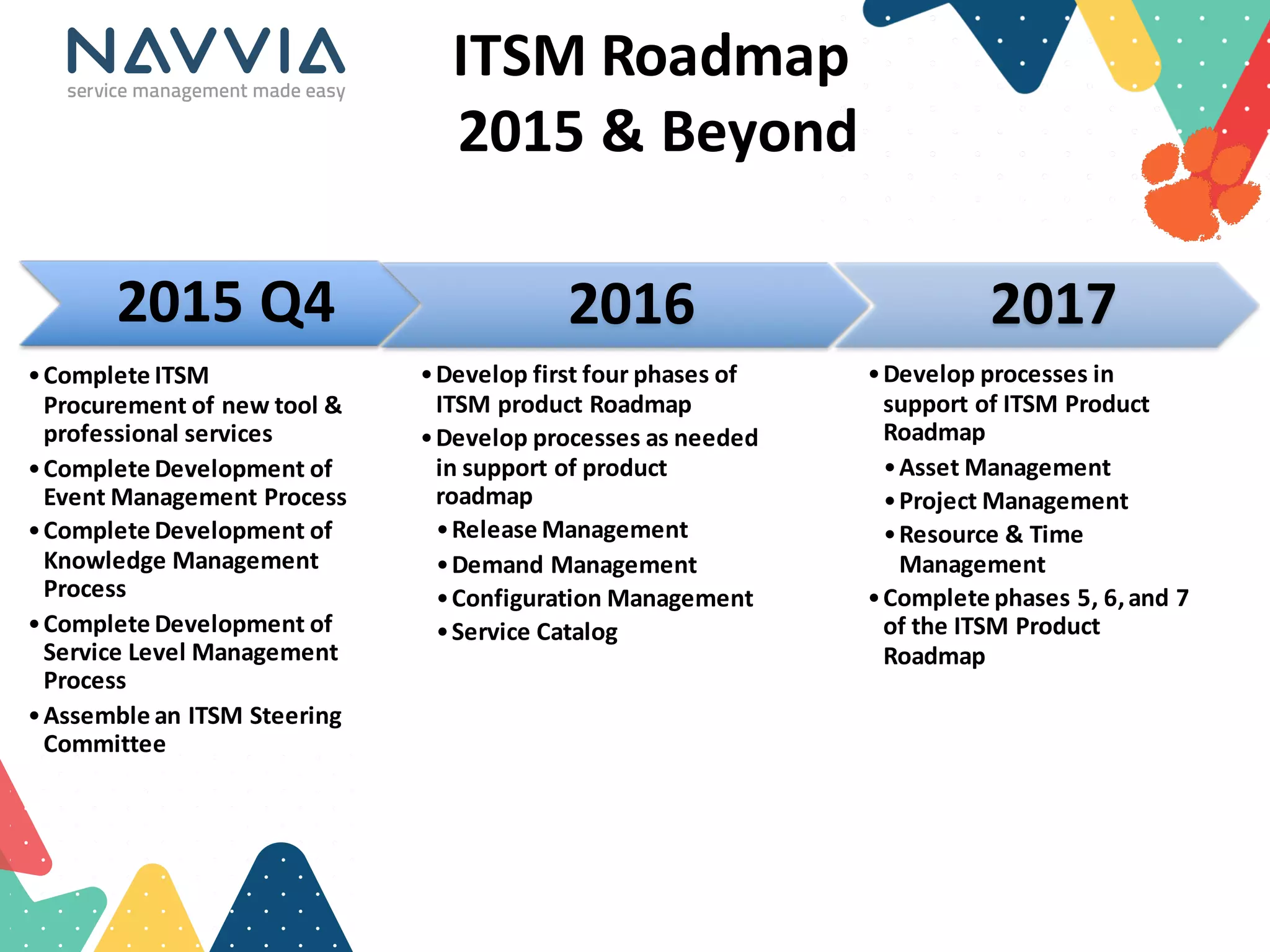
    ITSM  Roadmap 2015  &  Beyond   2015  Q4 •Complete  ITSM   Procurement  of  new  tool  &   professional  services •Complete  Development  of   Event  Management  Process •Complete  Development  of   Knowledge  Management   Process •Complete  Development  of   Service  Level  Management   Process •Assemble  an  ITSM  Steering   Committee 2016 •Develop  first  four  phases  of   ITSM  product  Roadmap •Develop  processes  as  needed   in  support  of  product   roadmap •Release  Management •Demand  Management •Configuration  Management •Service  Catalog 2017 •Develop  processes  in   support  of  ITSM  Product   Roadmap •Asset  Management •Project  Management •Resource  &  Time   Management •Complete  phases  5,  6,  and  7   of  the  ITSM  Product   Roadmap
  • 38.
    Lessons  Learned  So  Far   • Pitfalls  to  overcome – Lack  of  Executive  Buy-­‐in – Resistance  to  change – State  procurement  process • Benefits – Assessment  helped  support  buy-­‐in – Templates  reduced  overall  work  load – Collaboration  turned  resistors  into  supporters – Avoided  “Snobbery”
  • 39.