7 Steps to a Successful ITSM 
Tool Implementation
Welcome to the Presentation! 
• CEO & Co-founder of Navvia 
• 30 plus years of Service Management 
Experience 
• Twitter: @mainville 
• dmainville@navvia.com 
David Mainville 
April 2014 Copyright 2014, Navvia - A Division of Consulting-Portal 2
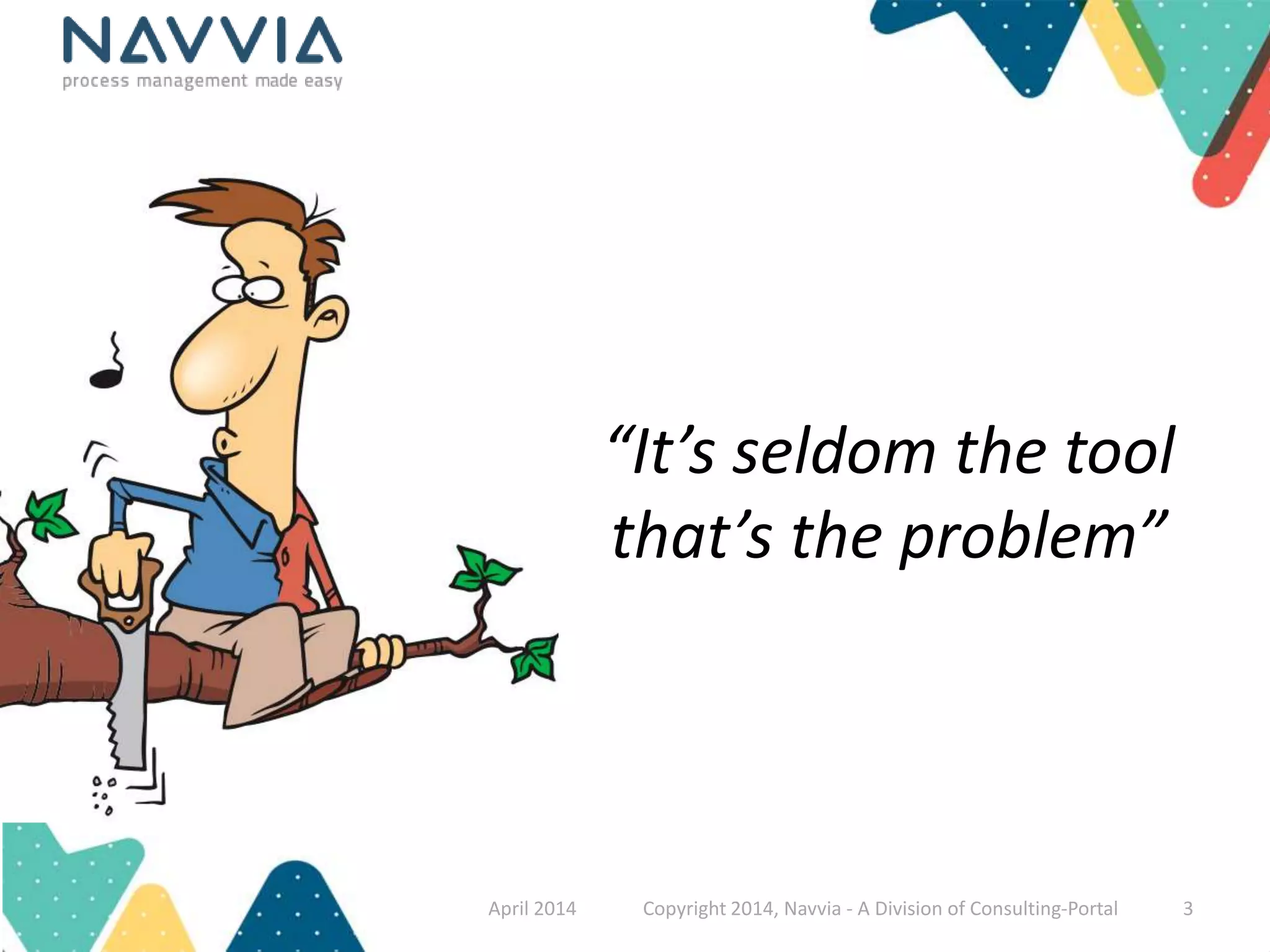
“It’s seldom the tool 
that’s the problem” 
April 2014 Copyright 2014, Navvia - A Division of Consulting-Portal 3
Why do you think ITSM tool projects fail? 
April 2014 Copyright 2014, Navvia - A Division of Consulting-Portal 4
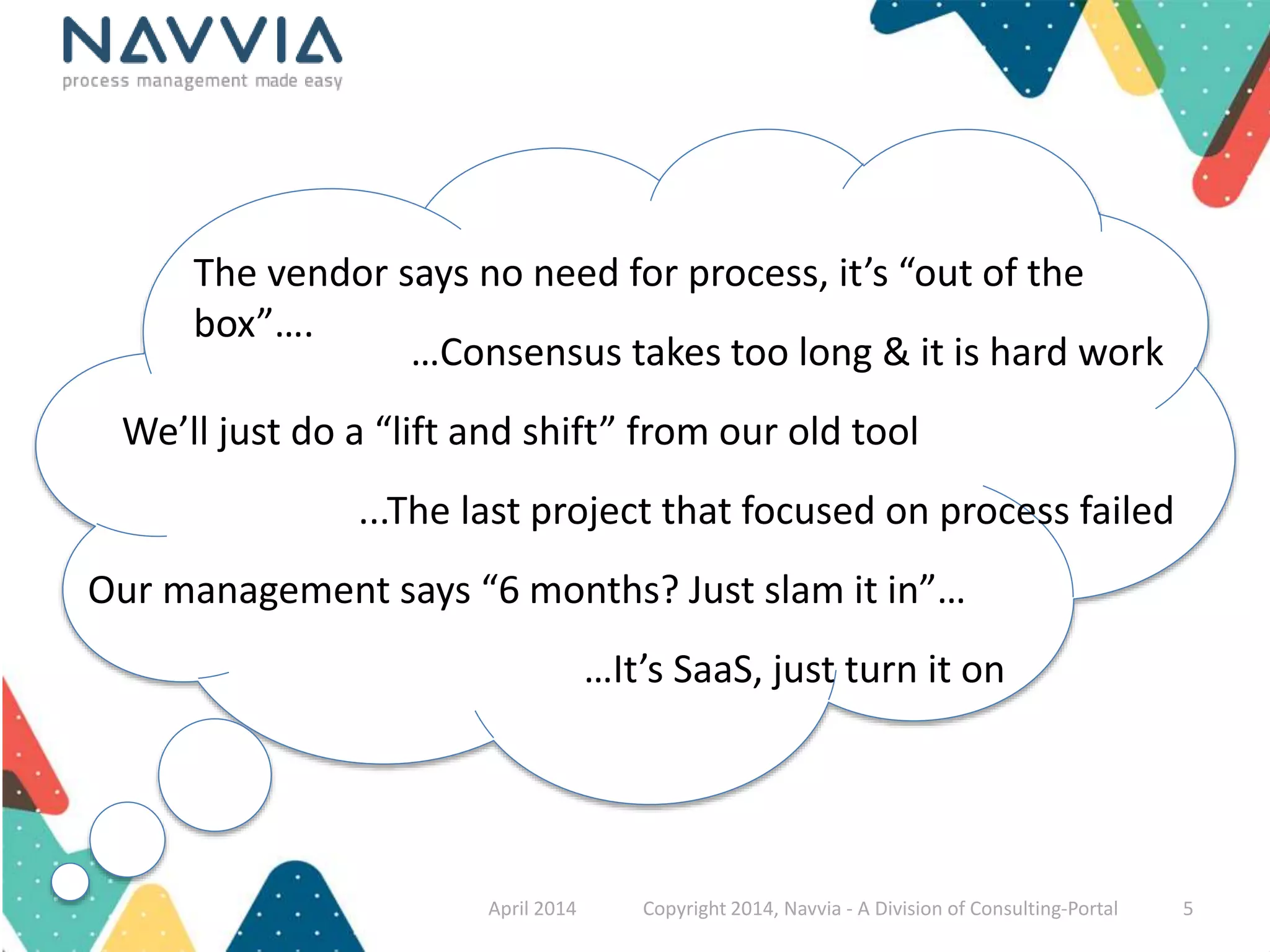
The vendor says no need for process, it’s “out of the 
box”…. 
…Consensus takes too long & it is hard work 
We’ll just do a “lift and shift” from our old tool 
...The last project that focused on process failed 
Our management says “6 months? Just slam it in”… 
…It’s SaaS, just turn it on 
April 2014 Copyright 2014, Navvia - A Division of Consulting-Portal 5
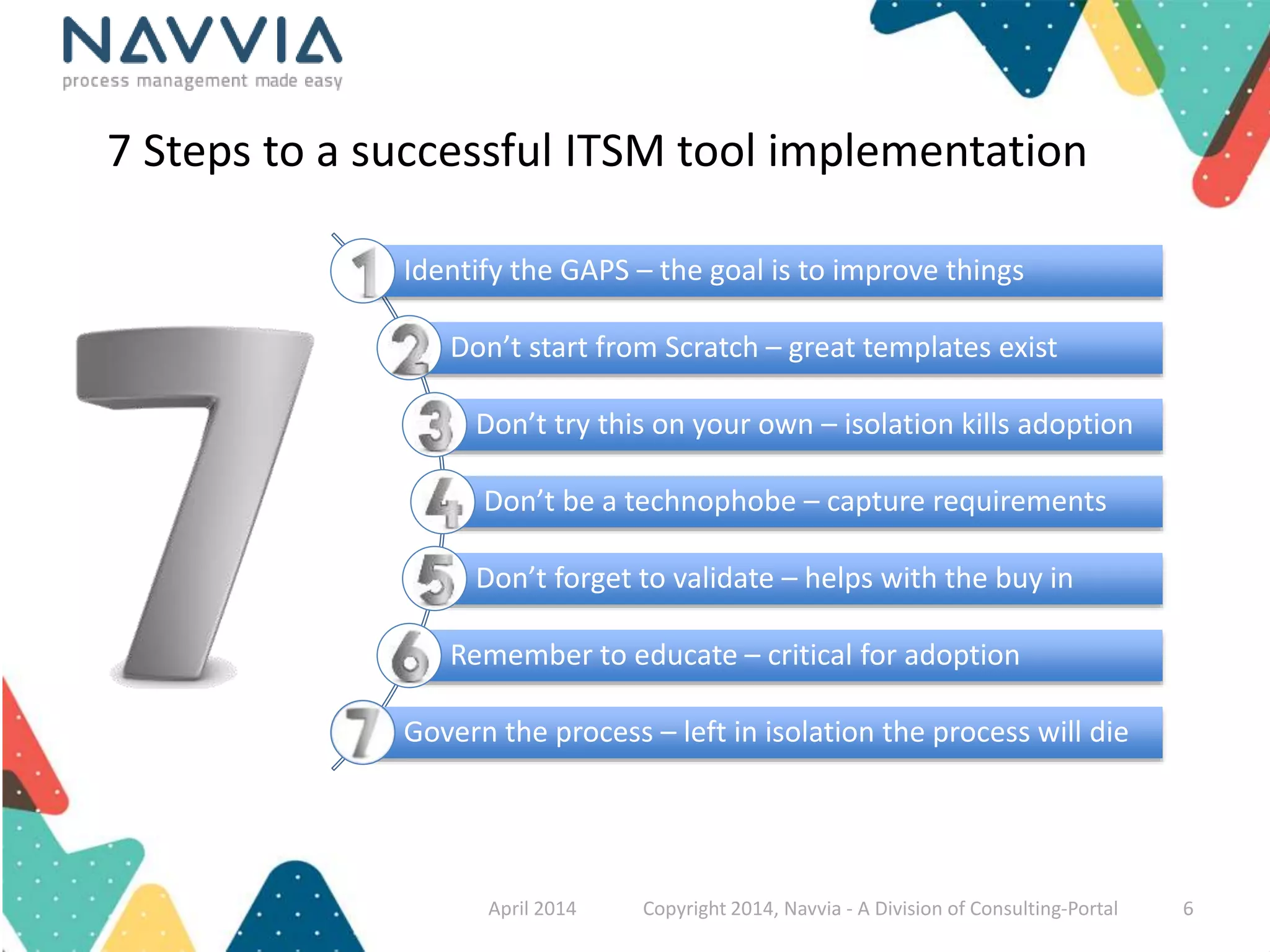
7 Steps to a successful ITSM tool implementation 
Identify the GAPS – the goal is to improve things 
Don’t start from Scratch – great templates exist 
Don’t try this on your own – isolation kills adoption 
Don’t be a technophobe – capture requirements 
Don’t forget to validate – helps with the buy in 
Remember to educate – critical for adoption 
Govern the process – left in isolation the process will die 
April 2014 Copyright 2014, Navvia - A Division of Consulting-Portal 6
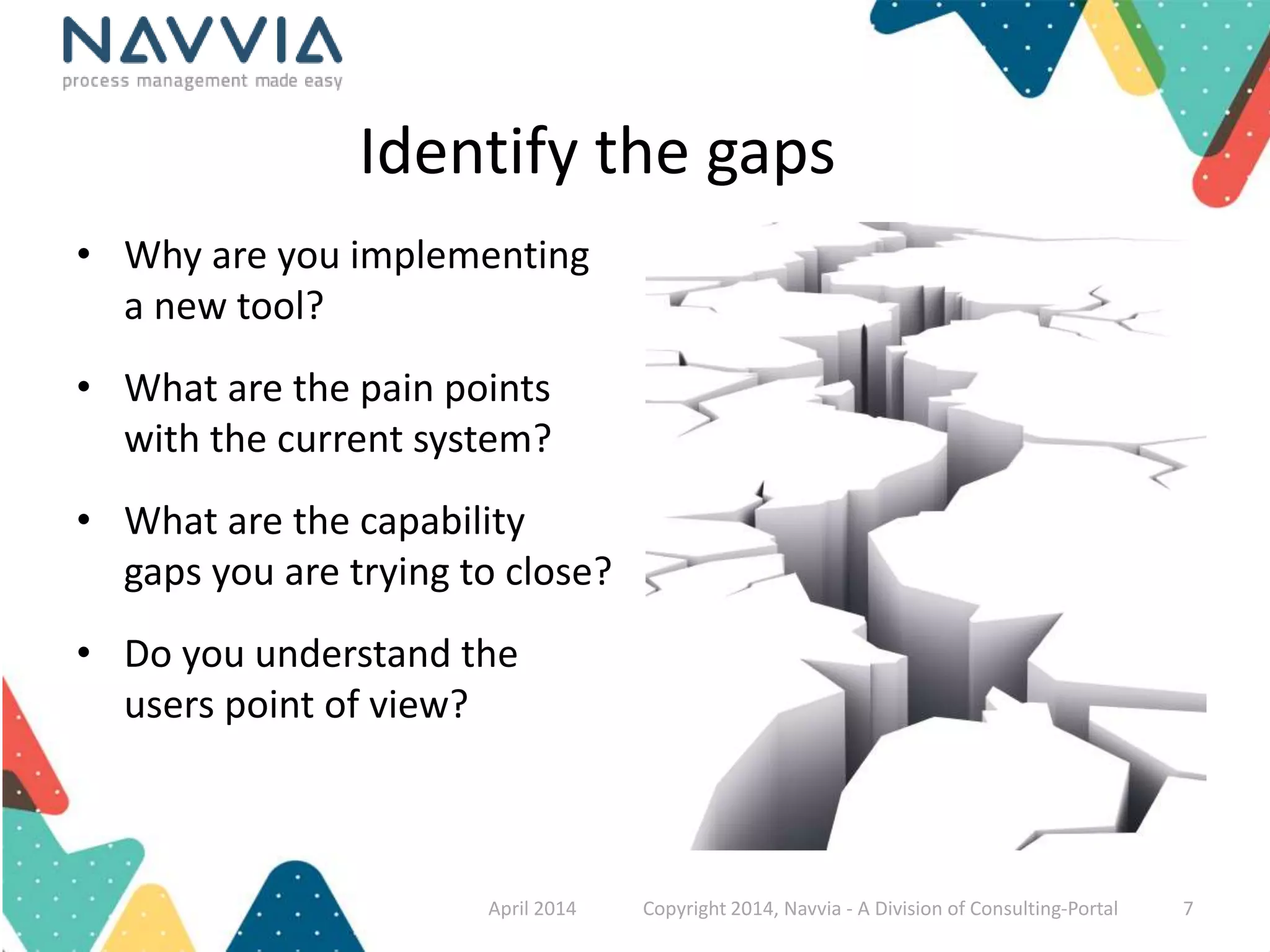
Identify the gaps 
• Why are you implementing 
a new tool? 
• What are the pain points 
with the current system? 
• What are the capability 
gaps you are trying to close? 
• Do you understand the 
users point of view? 
April 2014 Copyright 2014, Navvia - A Division of Consulting-Portal 7
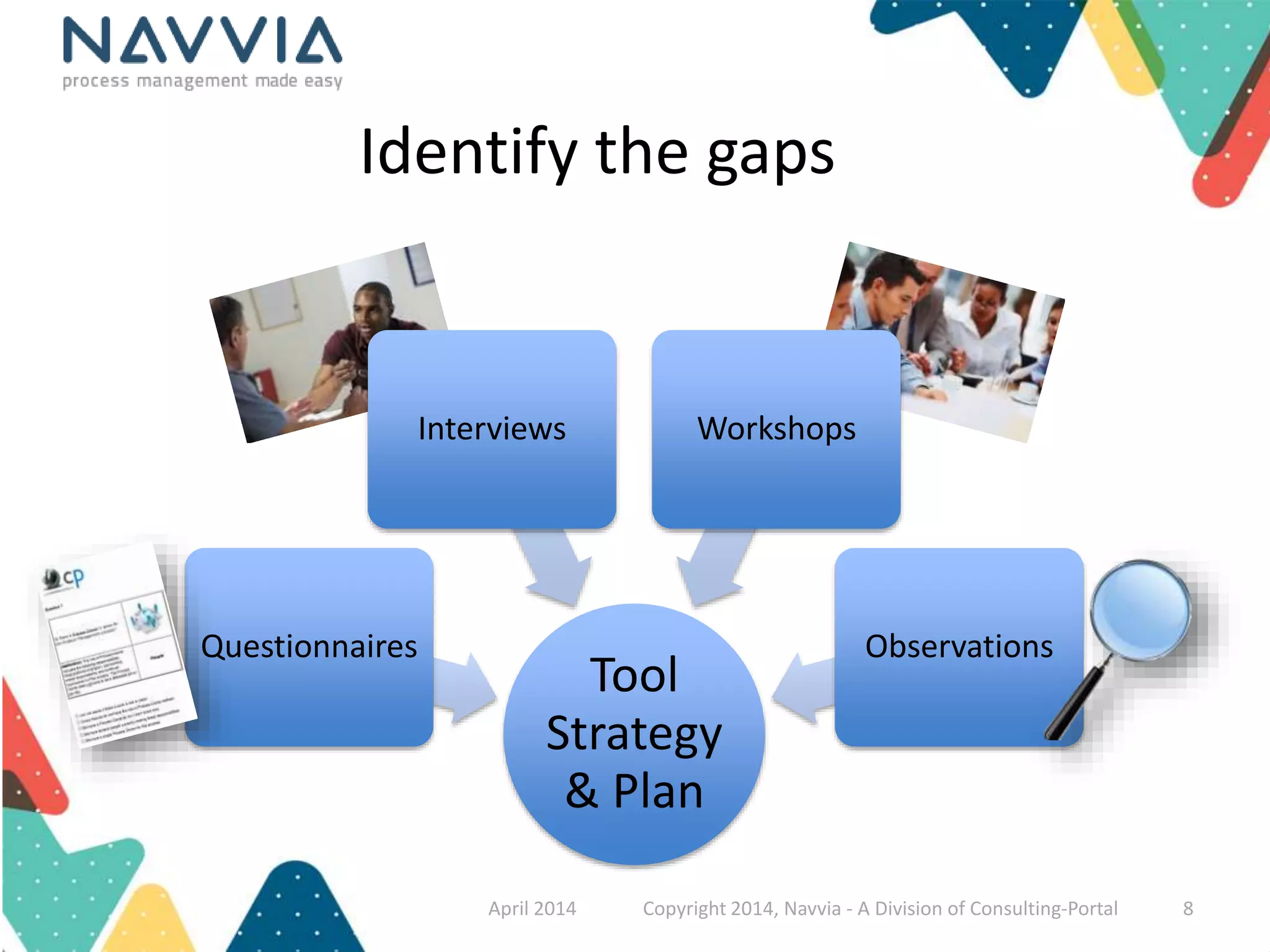
Identify the gaps 
Interviews Workshops 
Tool 
Strategy 
& Plan 
Questionnaires 
Observations 
April 2014 Copyright 2014, Navvia - A Division of Consulting-Portal 8
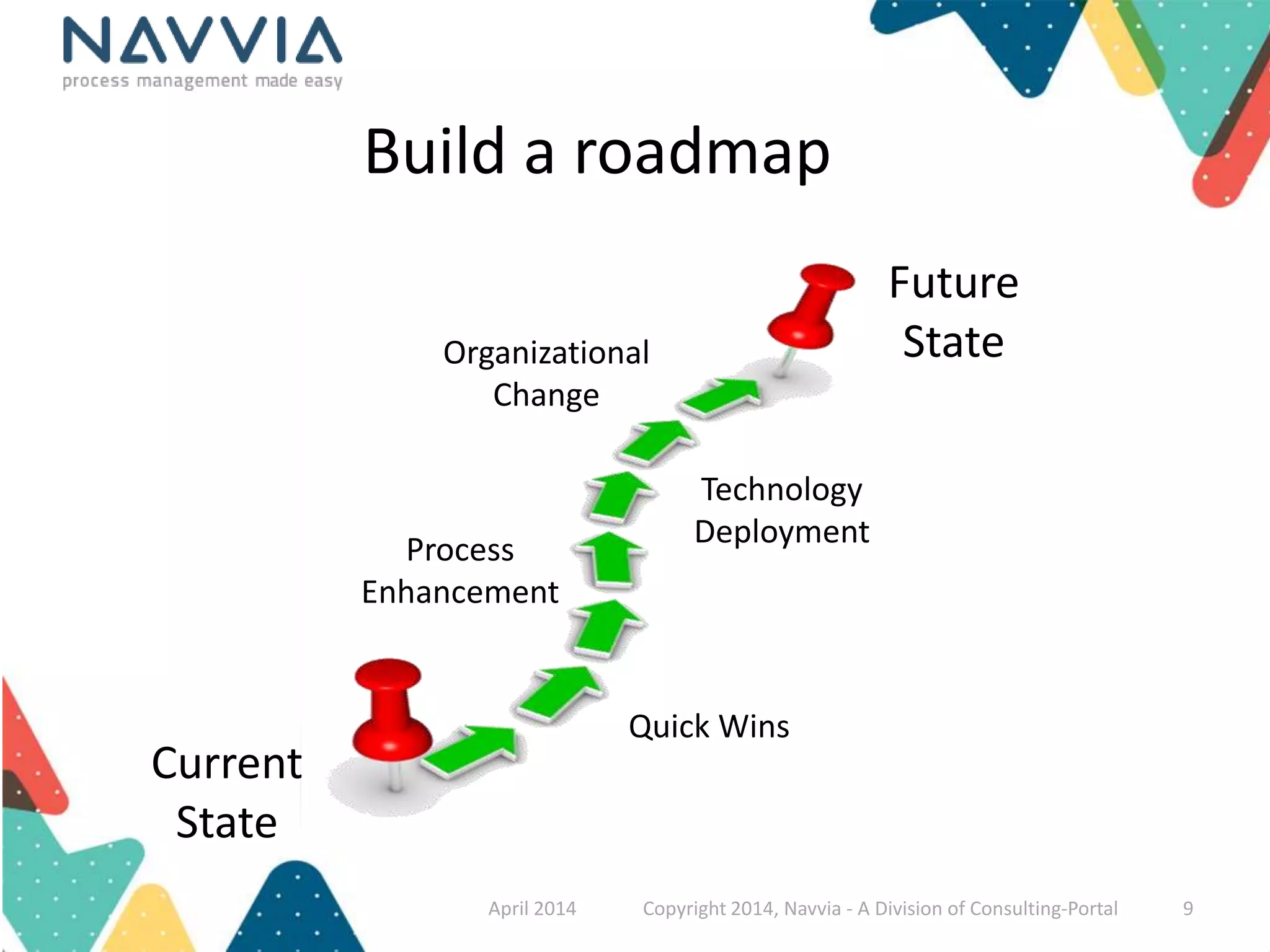
Build a roadmap 
Current 
State 
Future 
State 
Quick Wins 
Process 
Enhancement 
Technology 
Deployment 
Organizational 
Change 
April 2014 Copyright 2014, Navvia - A Division of Consulting-Portal 9
Don’t start from scratch 
• What are you doing today 
from a process perspective? 
• Are there templates or 
standards you can leverage? 
• What is being employed in 
other areas of your 
organization? 
• Can you leverage other 
programs (ISO, Six Sigma…) 
April 2014 Copyright 2014, Navvia - A Division of Consulting-Portal 10
Best practices, by their very nature, are absent of your company's 
organization, business, cultural and technology requirements 
To realize the full benefits, organizations must re-introduce their own reality 
April 2014 Copyright 2014, Navvia - A Division of Consulting-Portal 11
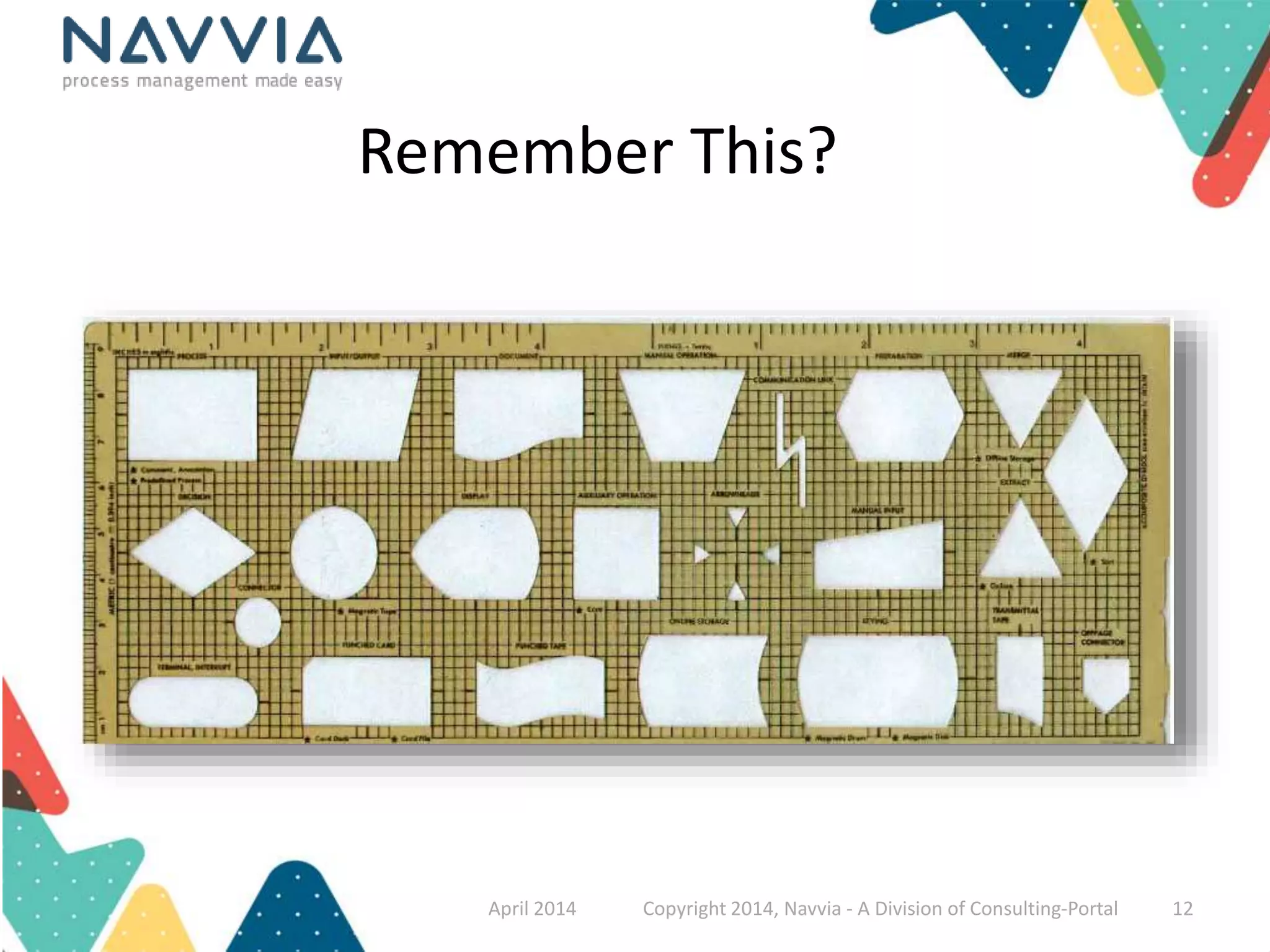
Remember This? 
April 2014 Copyright 2014, Navvia - A Division of Consulting-Portal 12
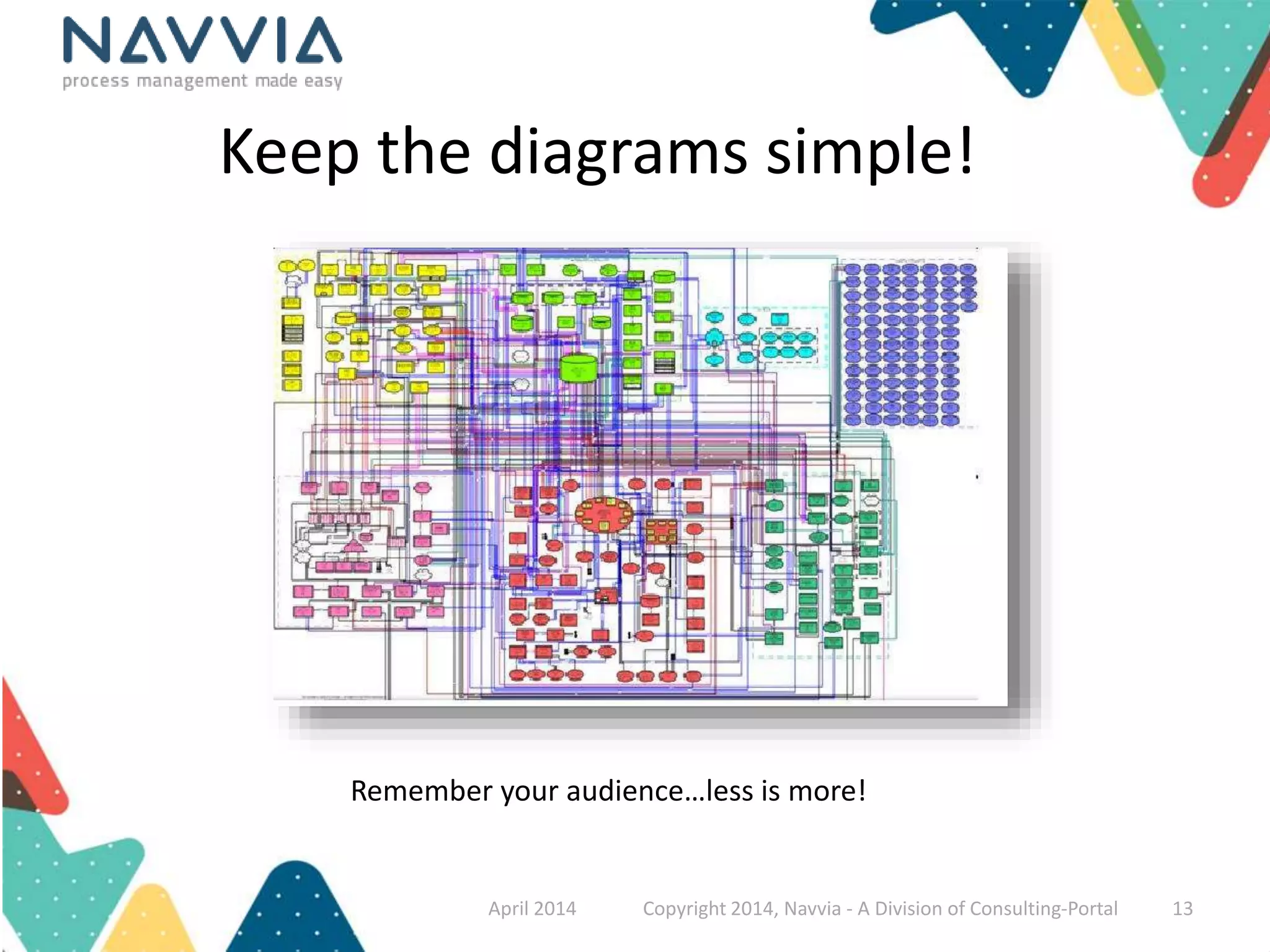
Keep the diagrams simple! 
Remember your audience…less is more! 
April 2014 Copyright 2014, Navvia - A Division of Consulting-Portal 13
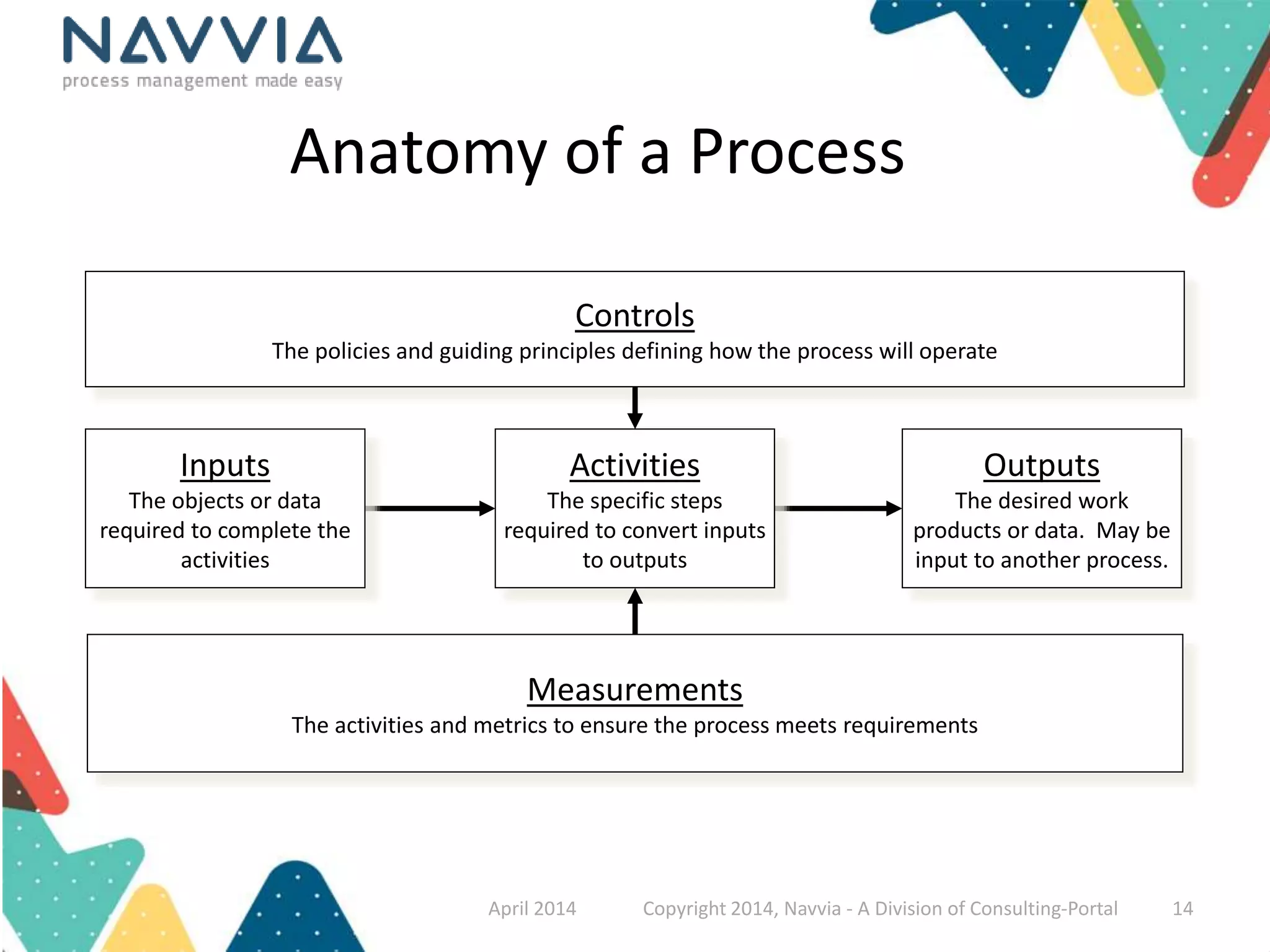
Anatomy of a Process 
Inputs 
The objects or data 
required to complete the 
activities 
Activities 
The specific steps 
required to convert inputs 
to outputs 
Outputs 
The desired work 
products or data. May be 
input to another process. 
Controls 
The policies and guiding principles defining how the process will operate 
Measurements 
The activities and metrics to ensure the process meets requirements 
April 2014 Copyright 2014, Navvia - A Division of Consulting-Portal 14
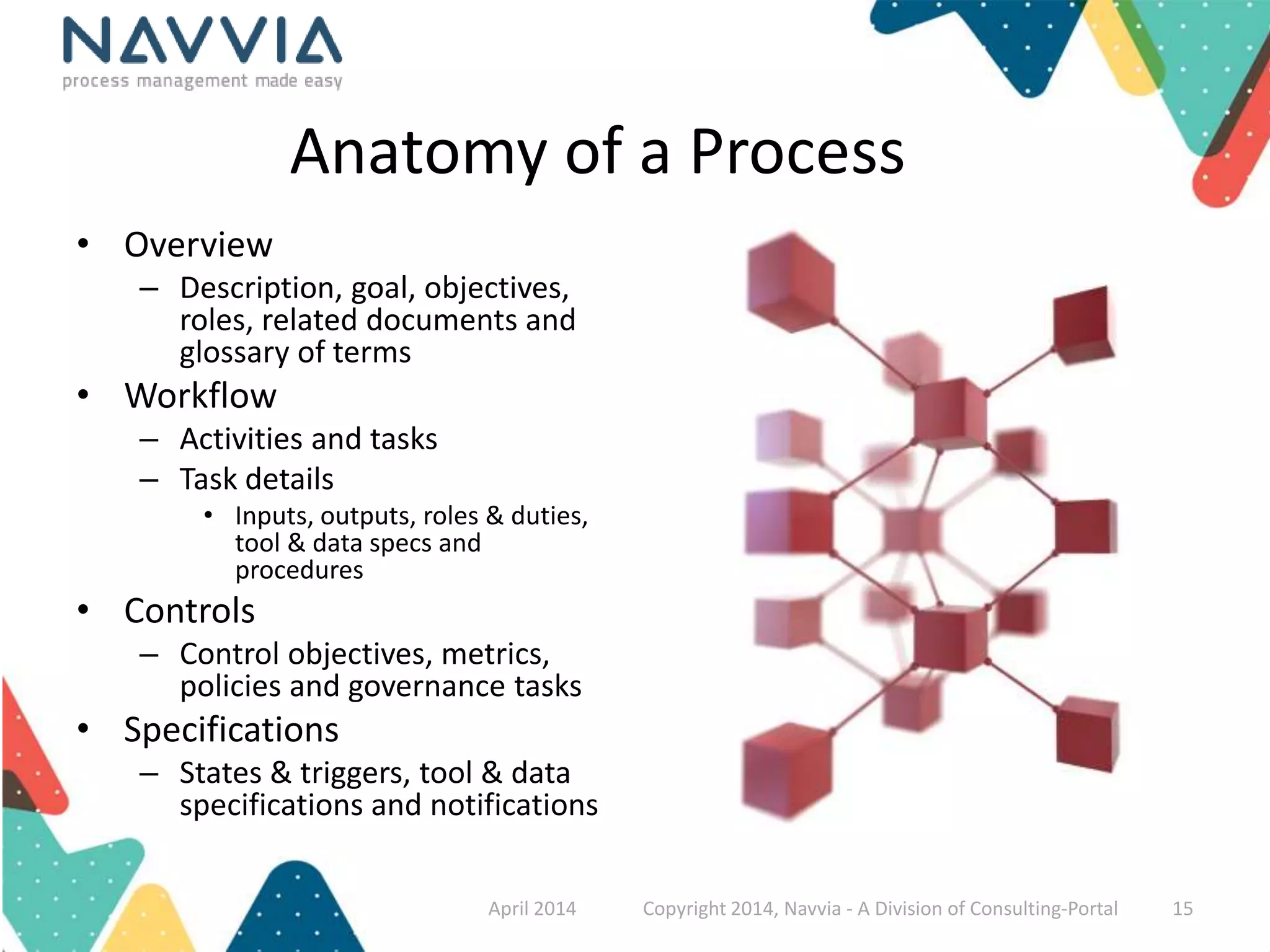
Anatomy of a Process 
• Overview 
– Description, goal, objectives, 
roles, related documents and 
glossary of terms 
• Workflow 
– Activities and tasks 
– Task details 
• Inputs, outputs, roles & duties, 
tool & data specs and 
procedures 
• Controls 
– Control objectives, metrics, 
policies and governance tasks 
• Specifications 
– States & triggers, tool & data 
specifications and notifications 
April 2014 Copyright 2014, Navvia - A Division of Consulting-Portal 15
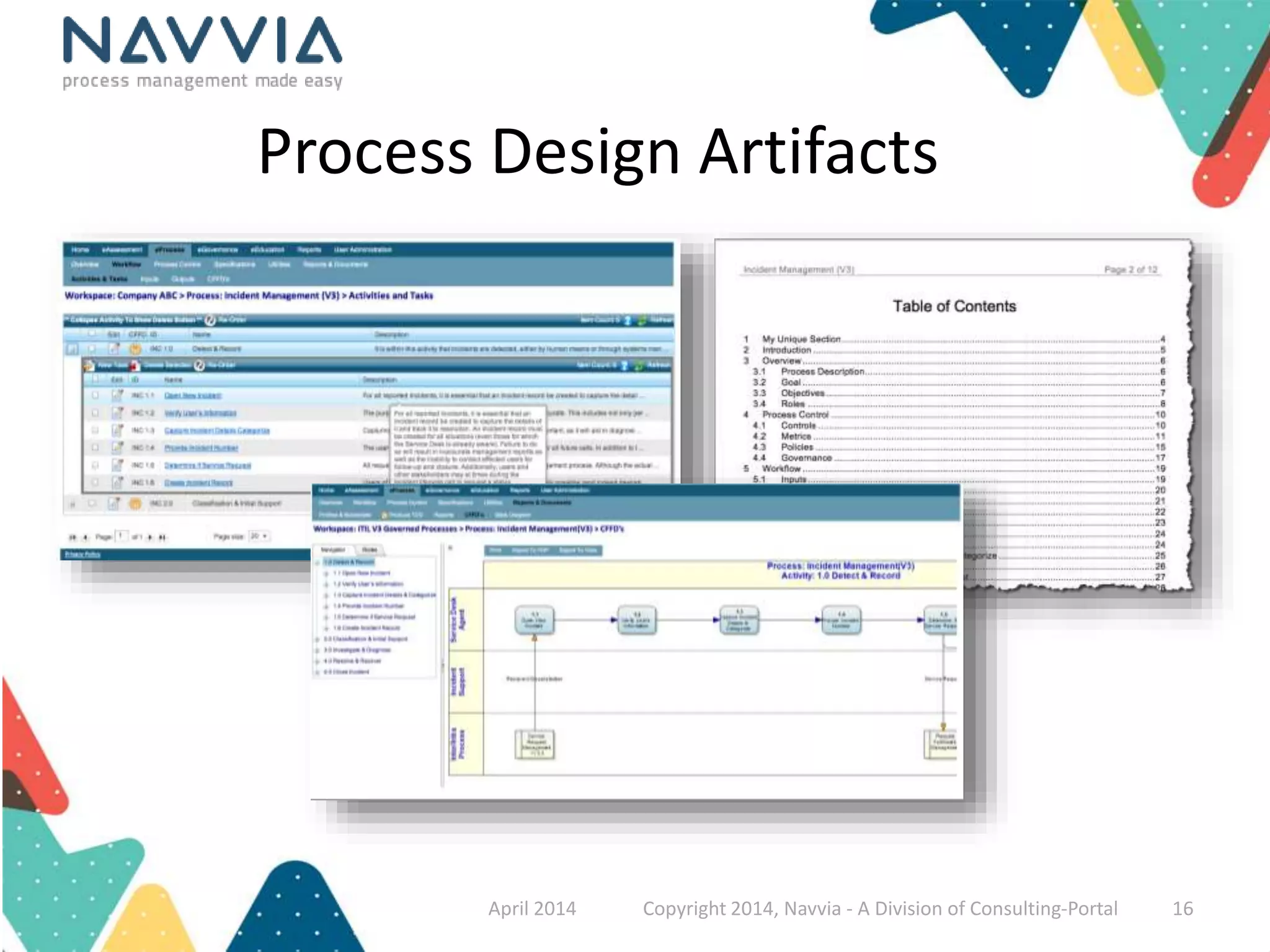
Process Design Artifacts 
April 2014 Copyright 2014, Navvia - A Division of Consulting-Portal 16
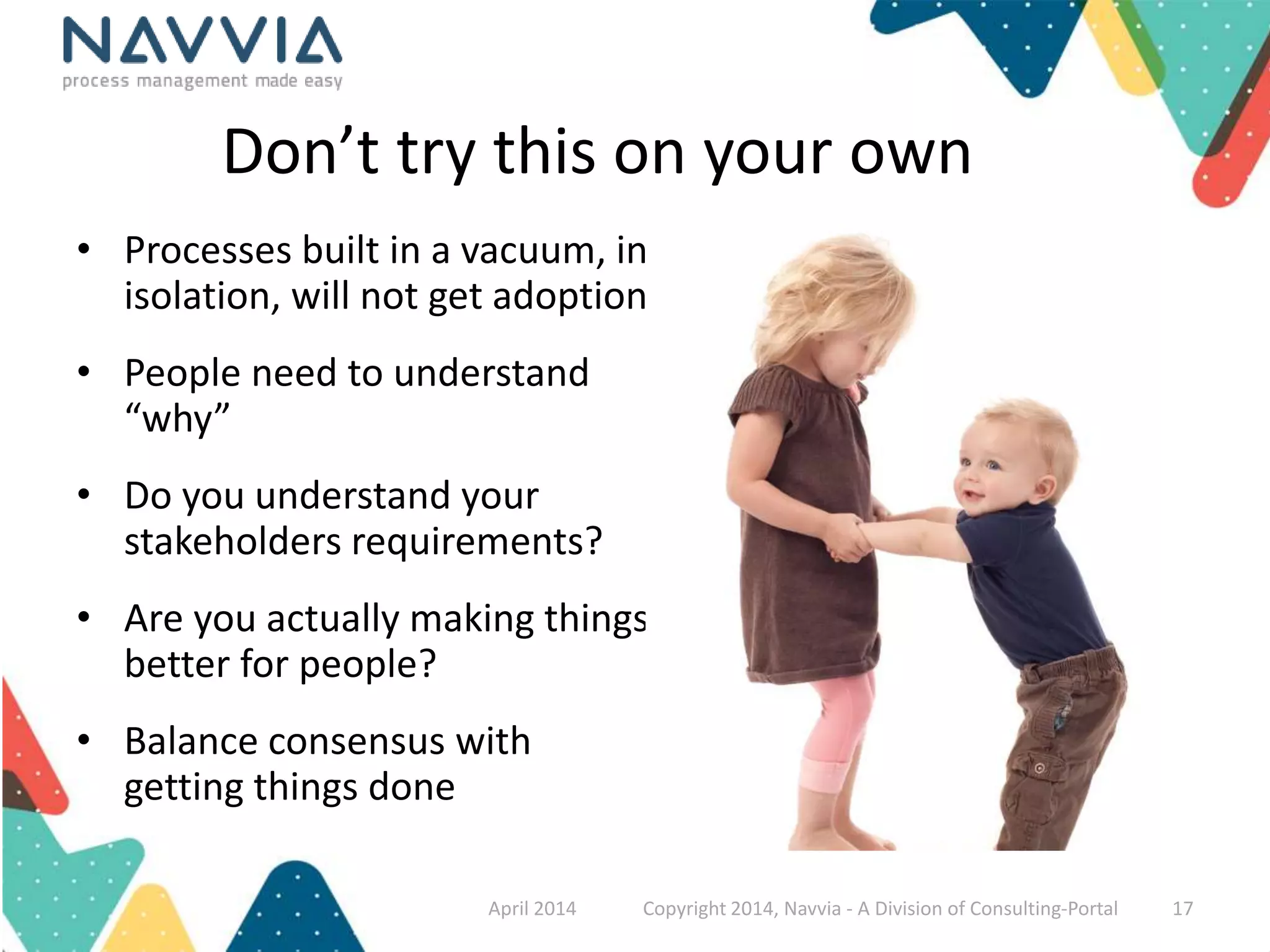
Don’t try this on your own 
• Processes built in a vacuum, in 
isolation, will not get adoption 
• People need to understand 
“why” 
• Do you understand your 
stakeholders requirements? 
• Are you actually making things 
better for people? 
• Balance consensus with 
getting things done 
April 2014 Copyright 2014, Navvia - A Division of Consulting-Portal 17
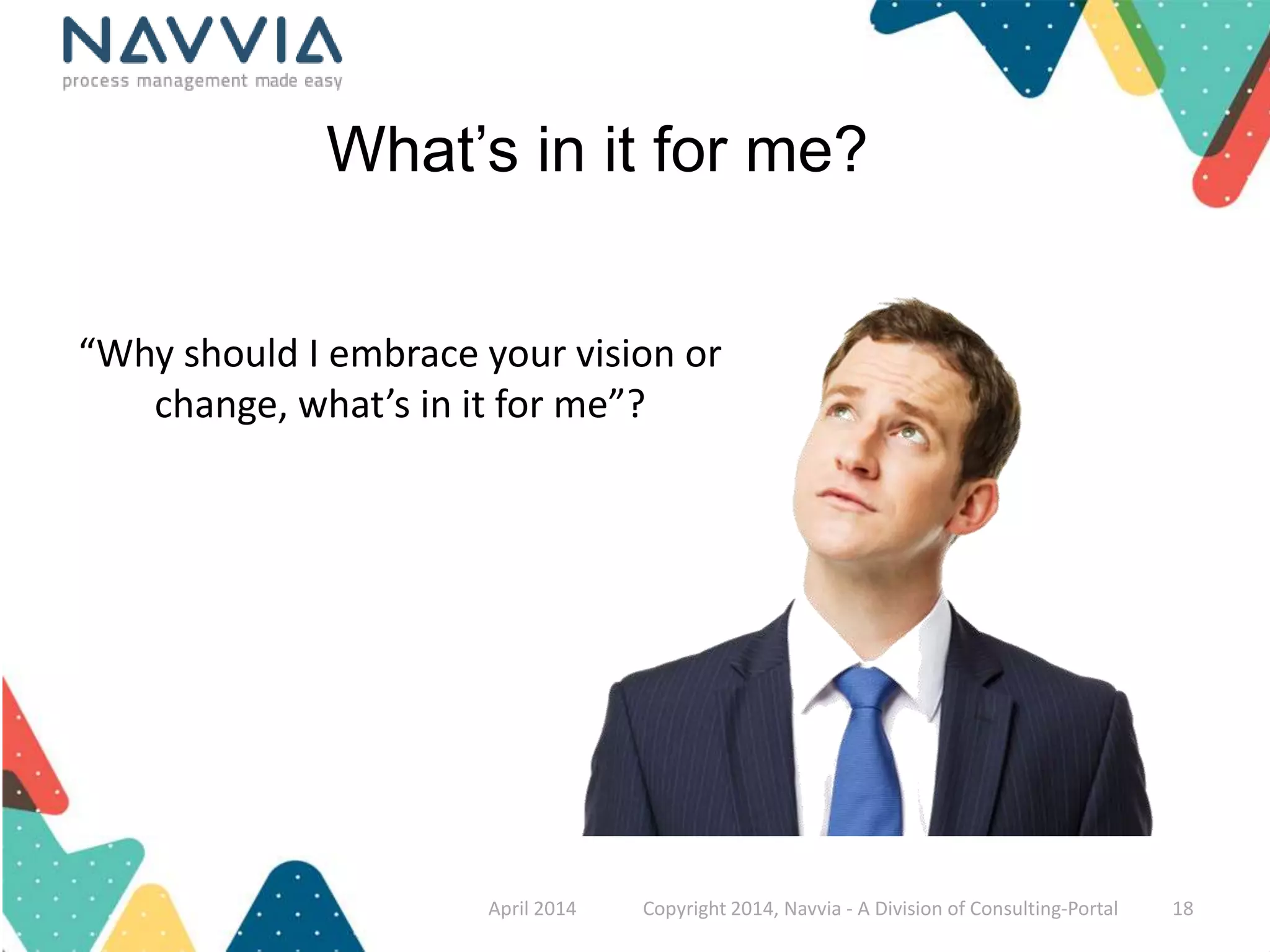
What’s in it for me? 
“Why should I embrace your vision or 
change, what’s in it for me”? 
April 2014 Copyright 2014, Navvia - A Division of Consulting-Portal 18
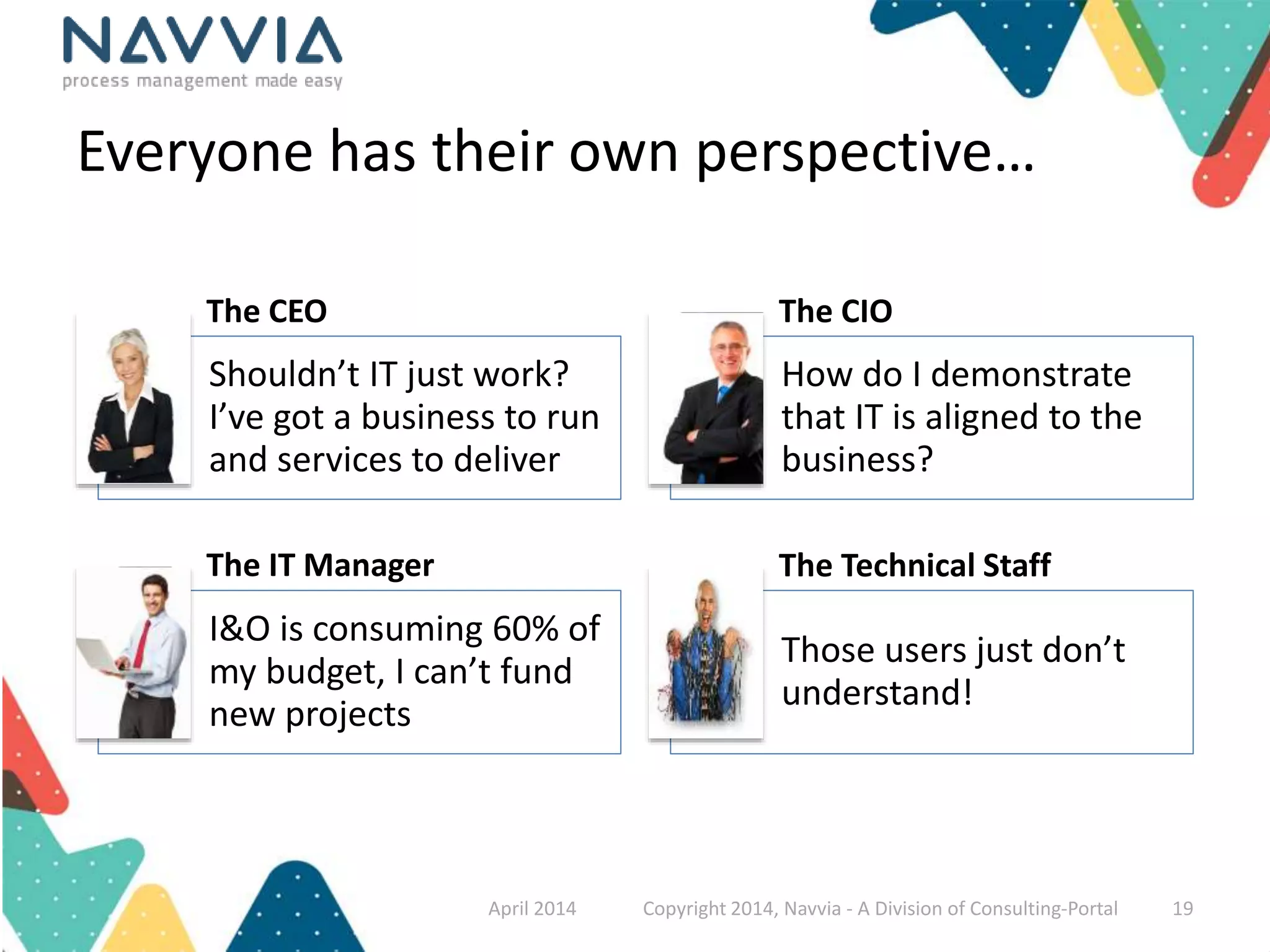
Everyone has their own perspective… 
The CEO The CIO 
Shouldn’t IT just work? 
I’ve got a business to run 
and services to deliver 
How do I demonstrate 
that IT is aligned to the 
business? 
The IT Manager The Technical Staff 
I&O is consuming 60% of 
my budget, I can’t fund 
new projects 
Those users just don’t 
understand! 
April 2014 Copyright 2014, Navvia - A Division of Consulting-Portal 19
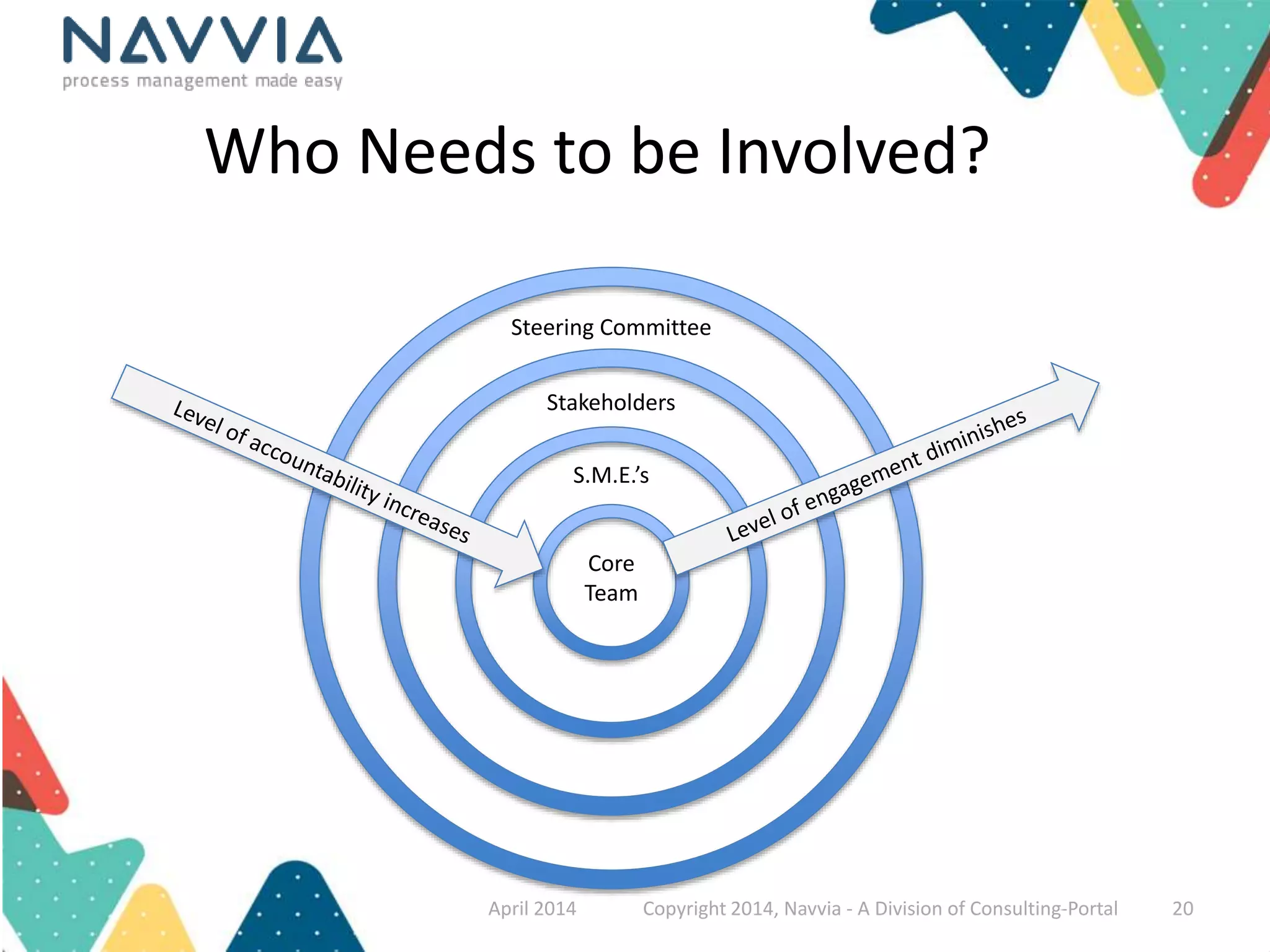
Who Needs to be Involved? 
Steering Committee 
Stakeholders 
S.M.E.’s 
Core 
Team 
April 2014 Copyright 2014, Navvia - A Division of Consulting-Portal 20
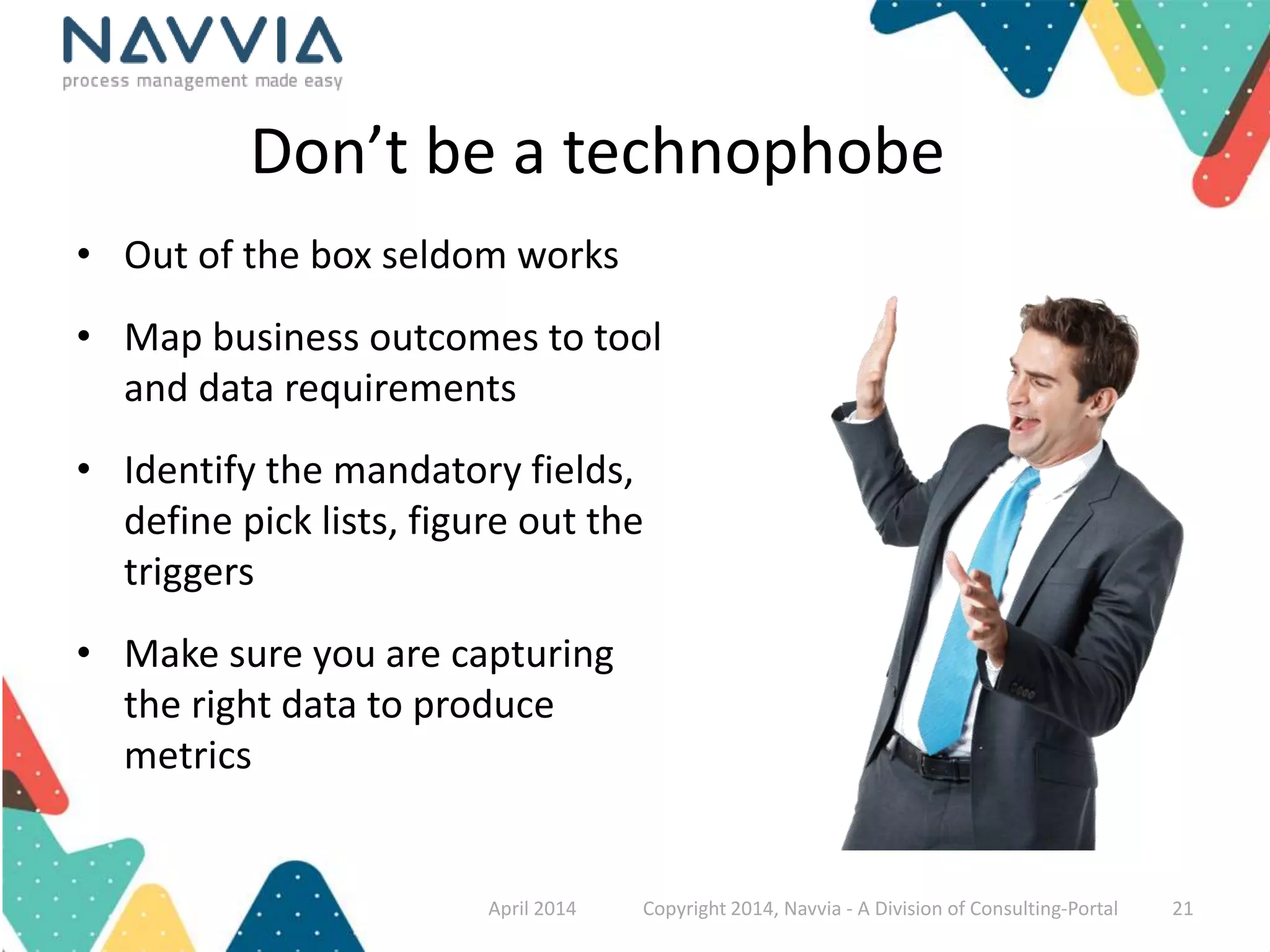
Don’t be a technophobe 
• Out of the box seldom works 
• Map business outcomes to tool 
and data requirements 
• Identify the mandatory fields, 
define pick lists, figure out the 
triggers 
• Make sure you are capturing 
the right data to produce 
metrics 
April 2014 Copyright 2014, Navvia - A Division of Consulting-Portal 21
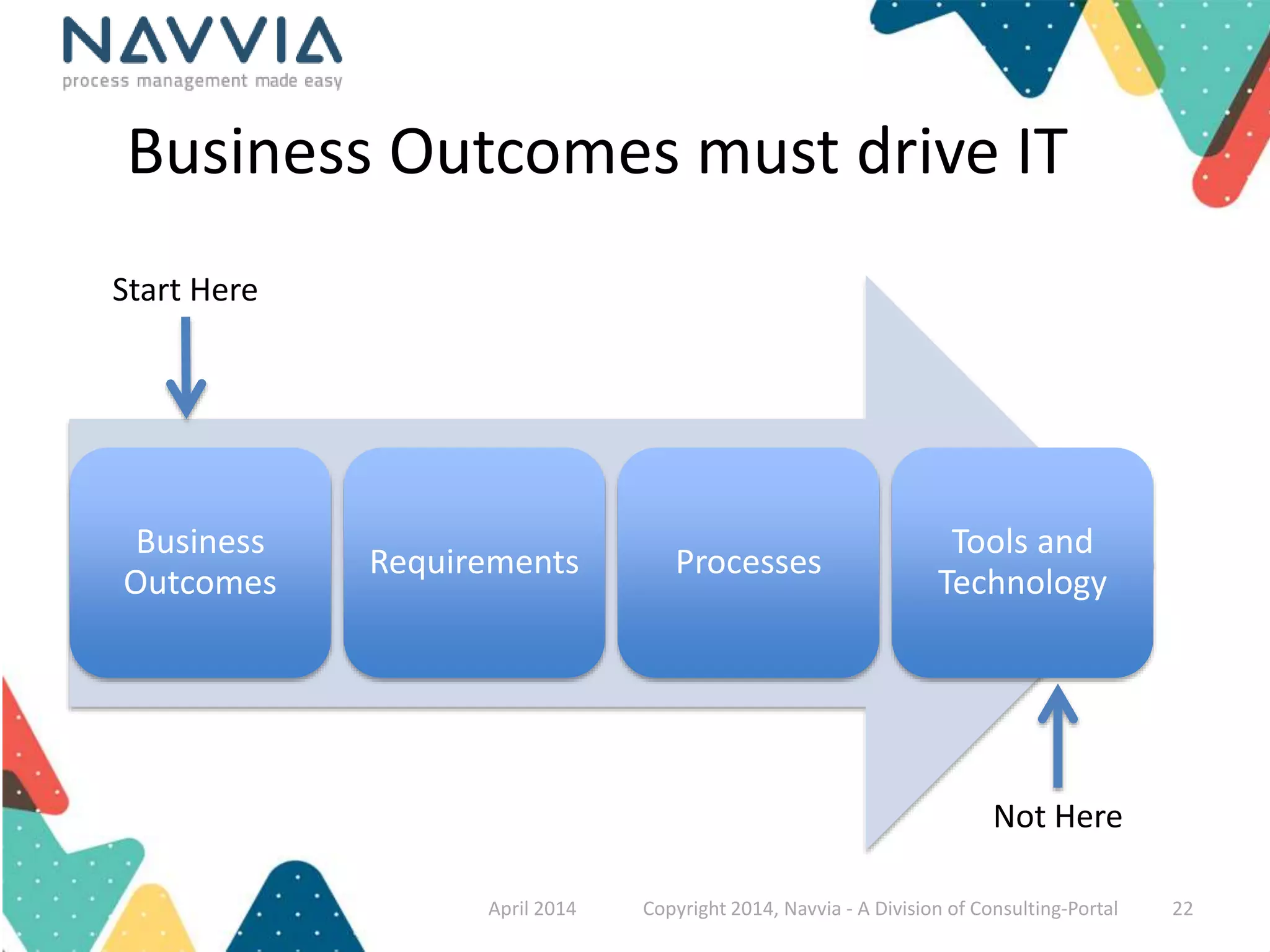
Business Outcomes must drive IT 
Business 
Outcomes 
Requirements Processes 
Tools and 
Technology 
Start Here 
Not Here 
April 2014 Copyright 2014, Navvia - A Division of Consulting-Portal 22
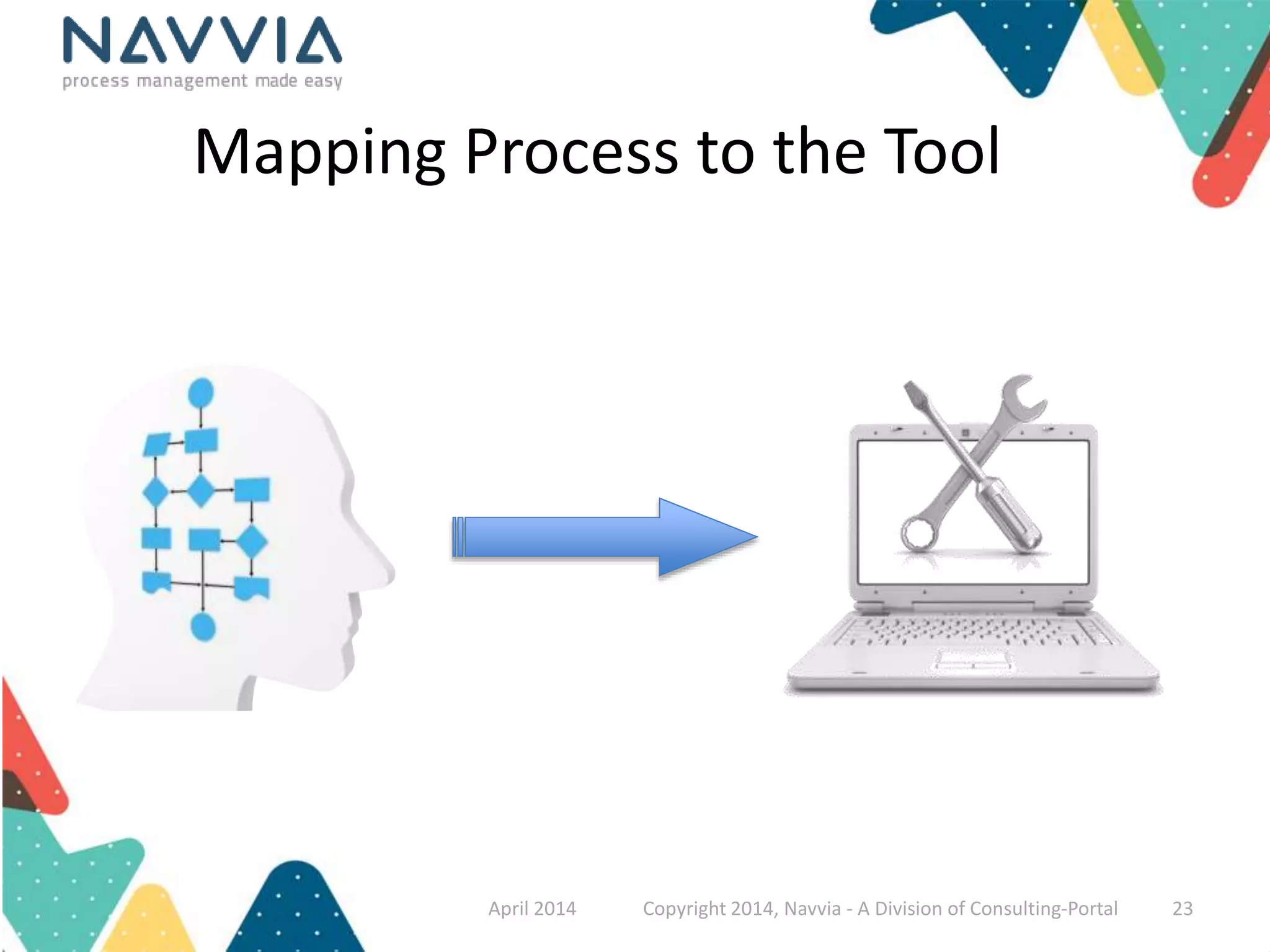
Mapping Process to the Tool 
April 2014 Copyright 2014, Navvia - A Division of Consulting-Portal 23
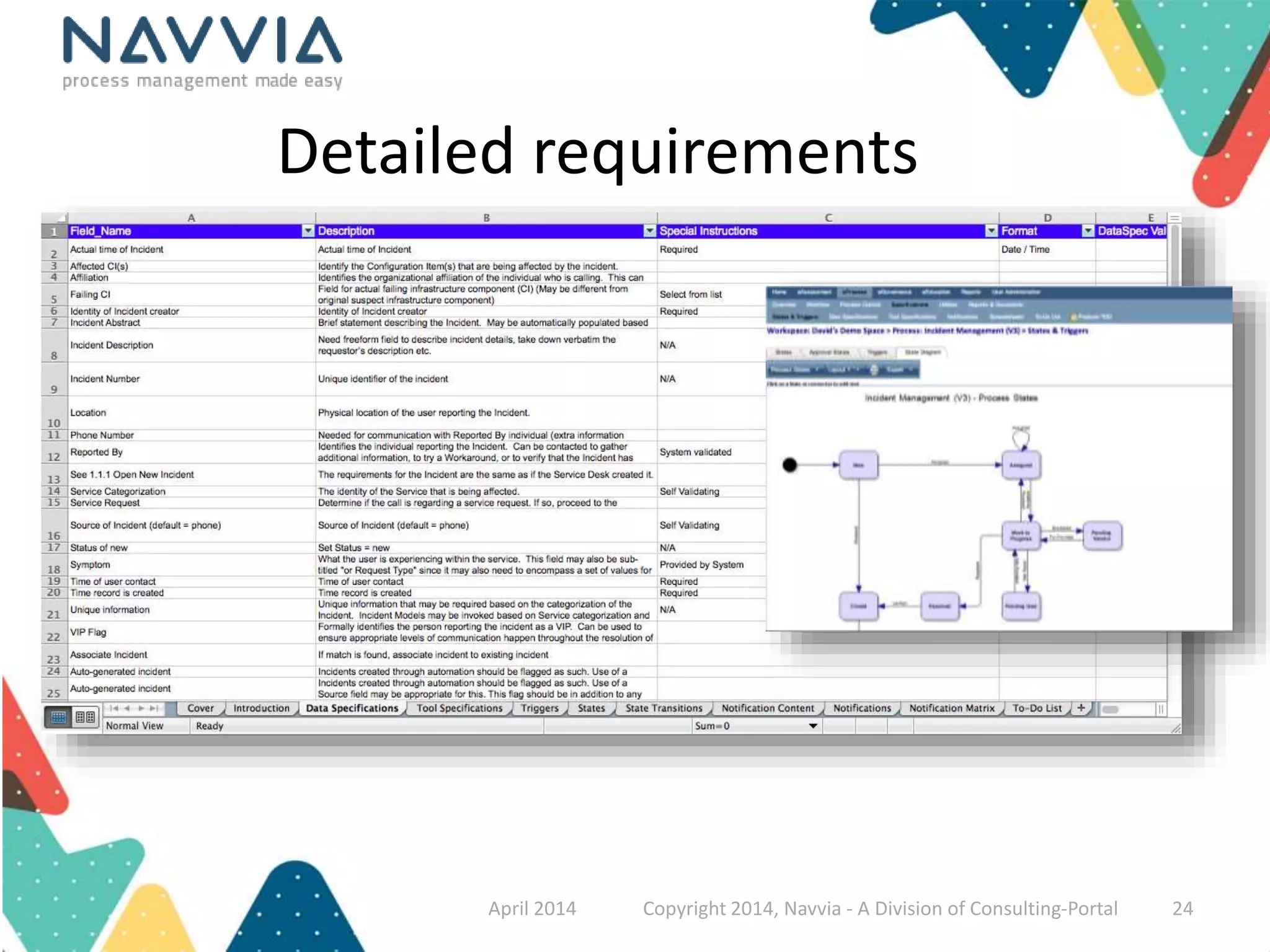
Detailed requirements 
April 2014 Copyright 2014, Navvia - A Division of Consulting-Portal 24
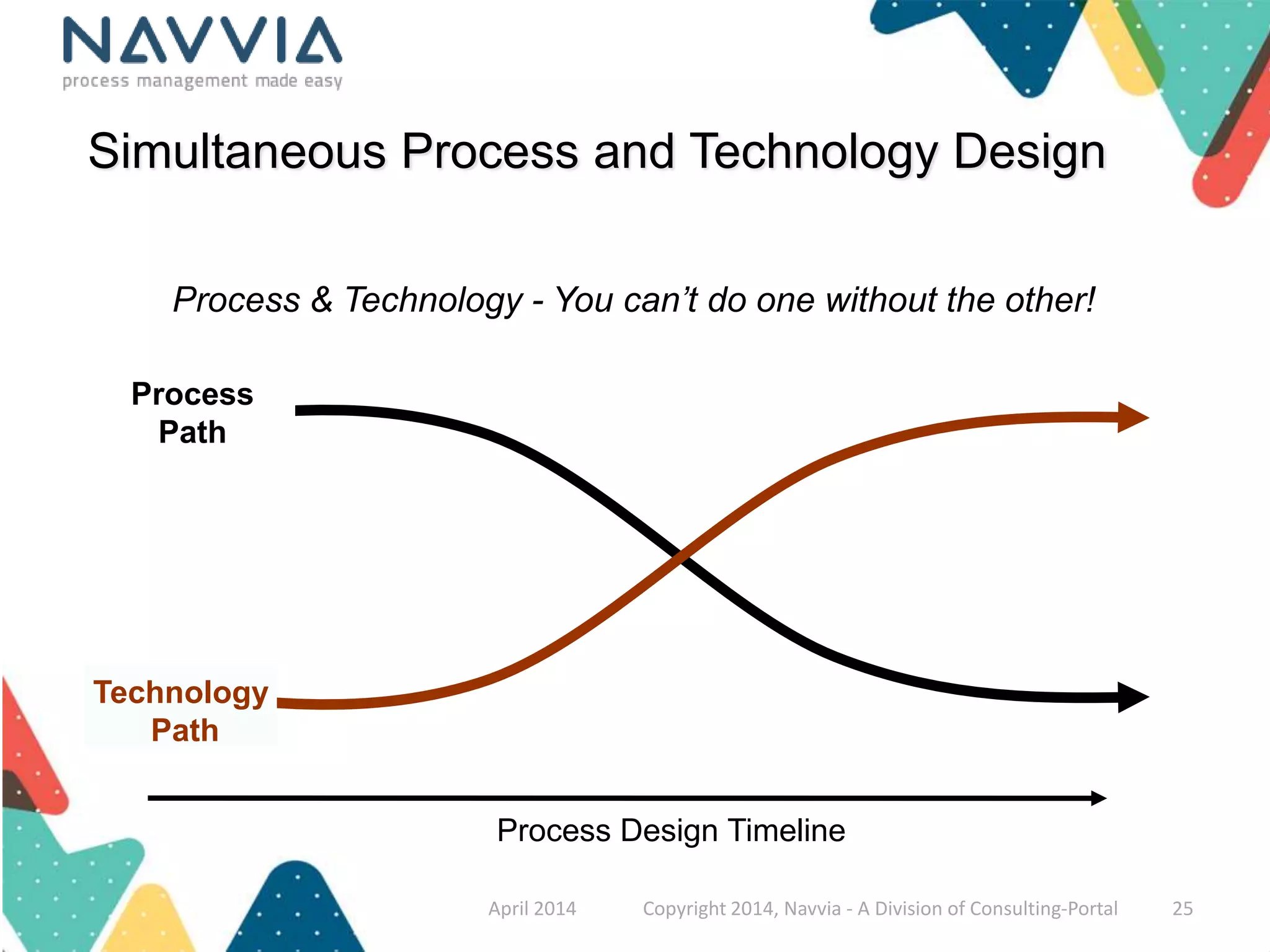
Simultaneous Process and Technology Design 
Process & Technology - You can’t do one without the other! 
Process Design Timeline 
Process 
Path 
Technology 
Path 
April 2014 Copyright 2014, Navvia - A Division of Consulting-Portal 25
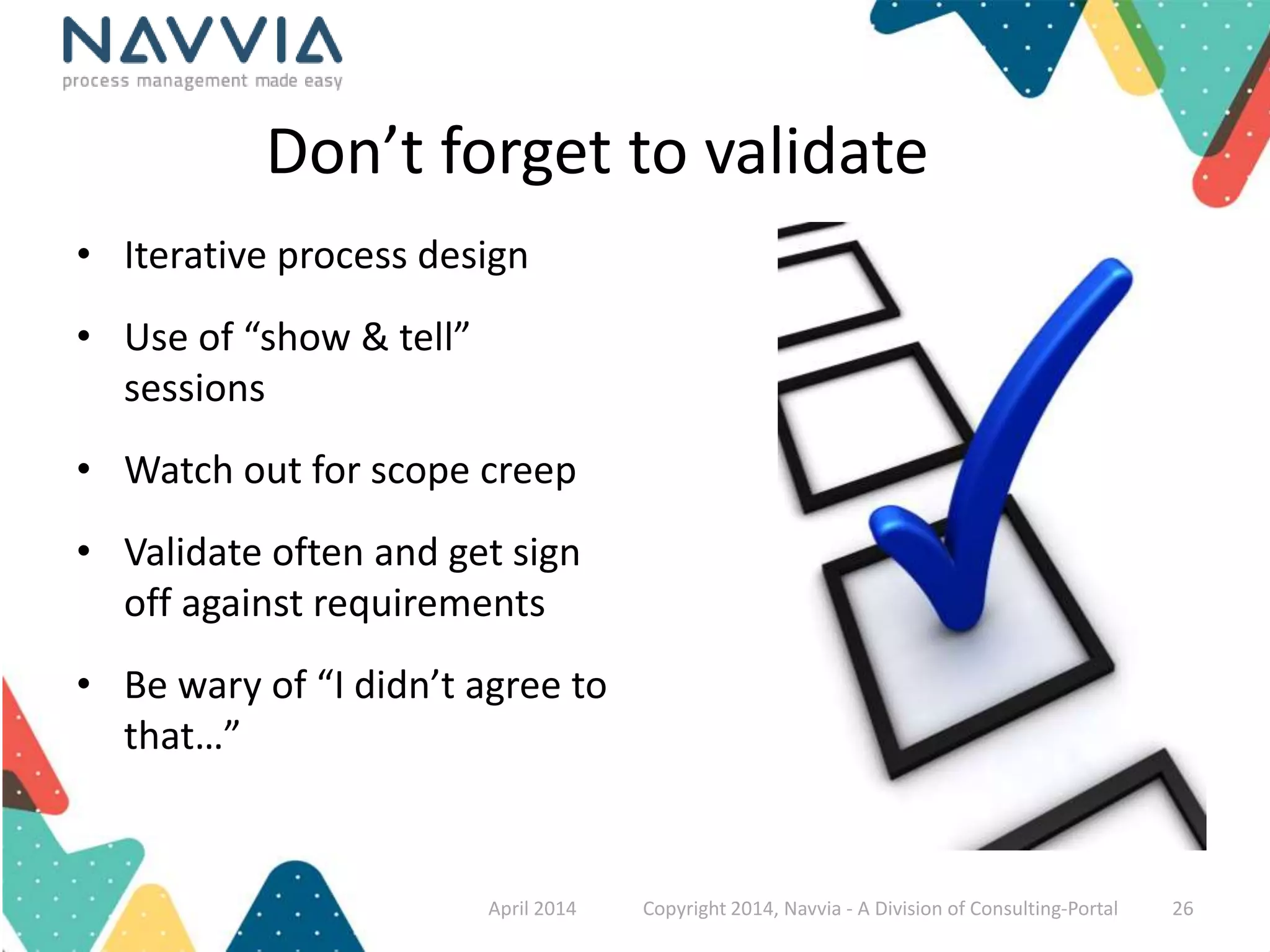
Don’t forget to validate 
• Iterative process design 
• Use of “show & tell” 
sessions 
• Watch out for scope creep 
• Validate often and get sign 
off against requirements 
• Be wary of “I didn’t agree to 
that…” 
April 2014 Copyright 2014, Navvia - A Division of Consulting-Portal 26
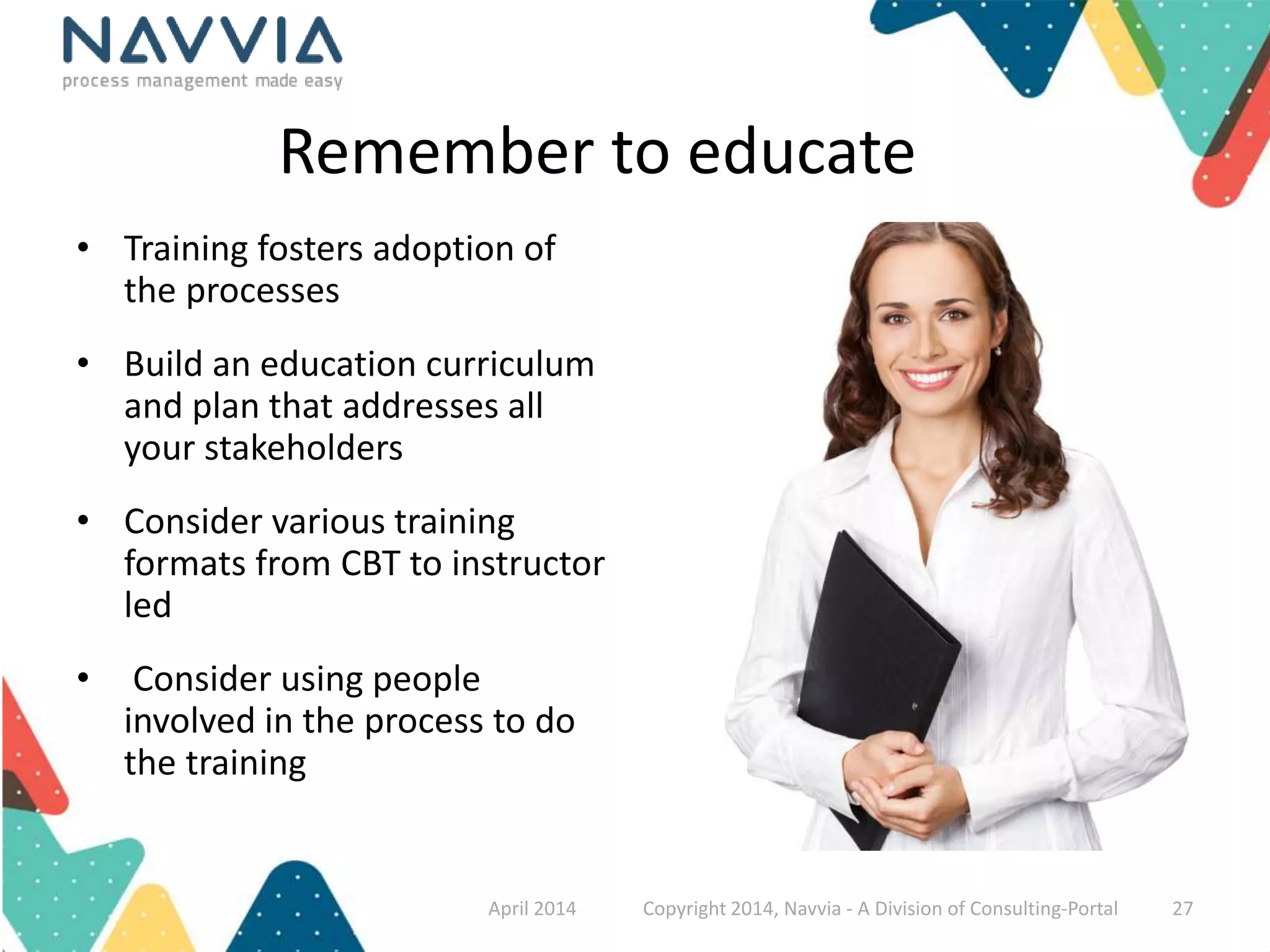
Remember to educate 
• Training fosters adoption of 
the processes 
• Build an education curriculum 
and plan that addresses all 
your stakeholders 
• Consider various training 
formats from CBT to instructor 
led 
• Consider using people 
involved in the process to do 
the training 
April 2014 Copyright 2014, Navvia - A Division of Consulting-Portal 27
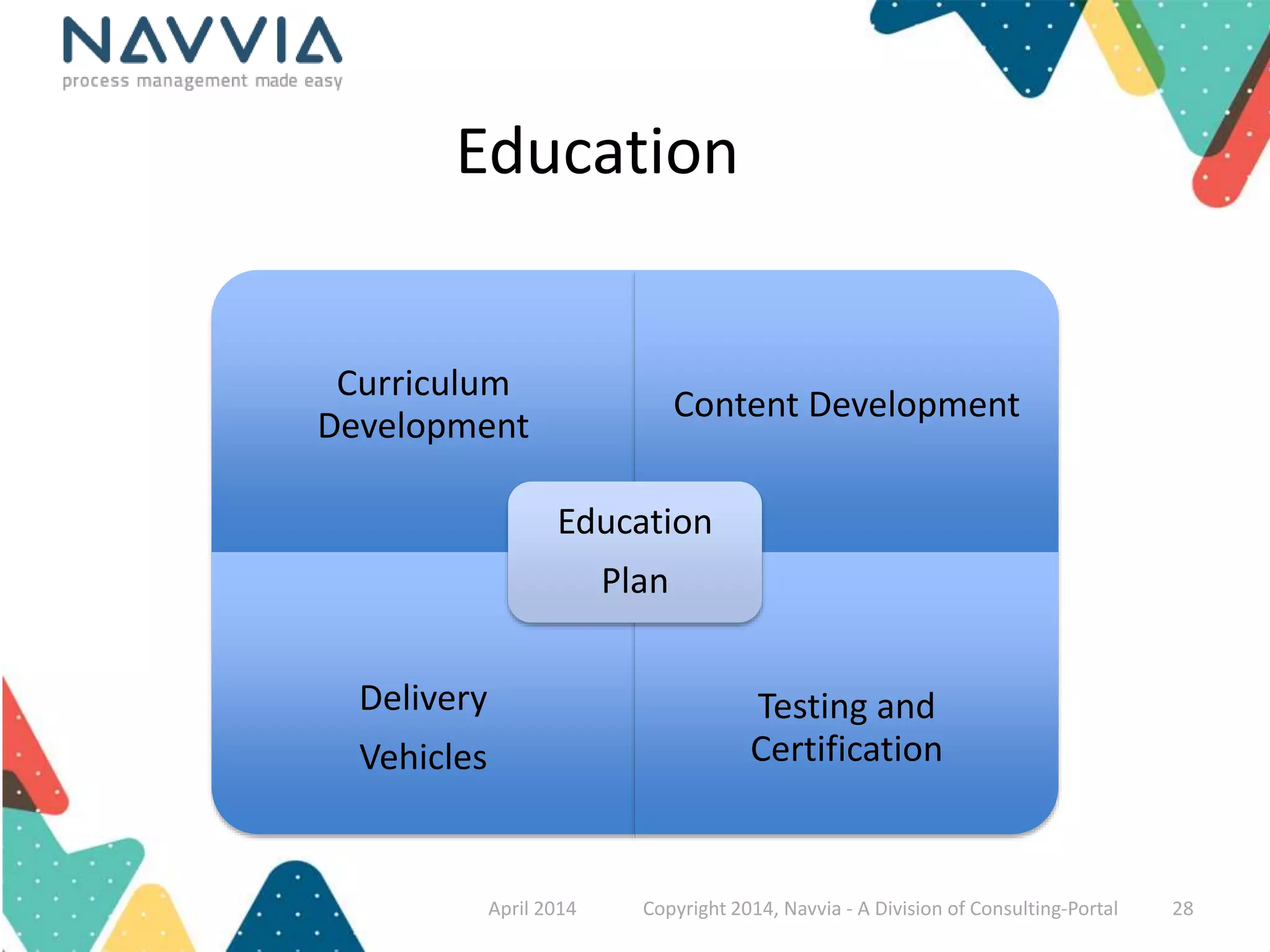
Education 
Curriculum 
Development 
Content Development 
Delivery 
Vehicles 
Testing and 
Certification 
Education 
Plan 
April 2014 Copyright 2014, Navvia - A Division of Consulting-Portal 28
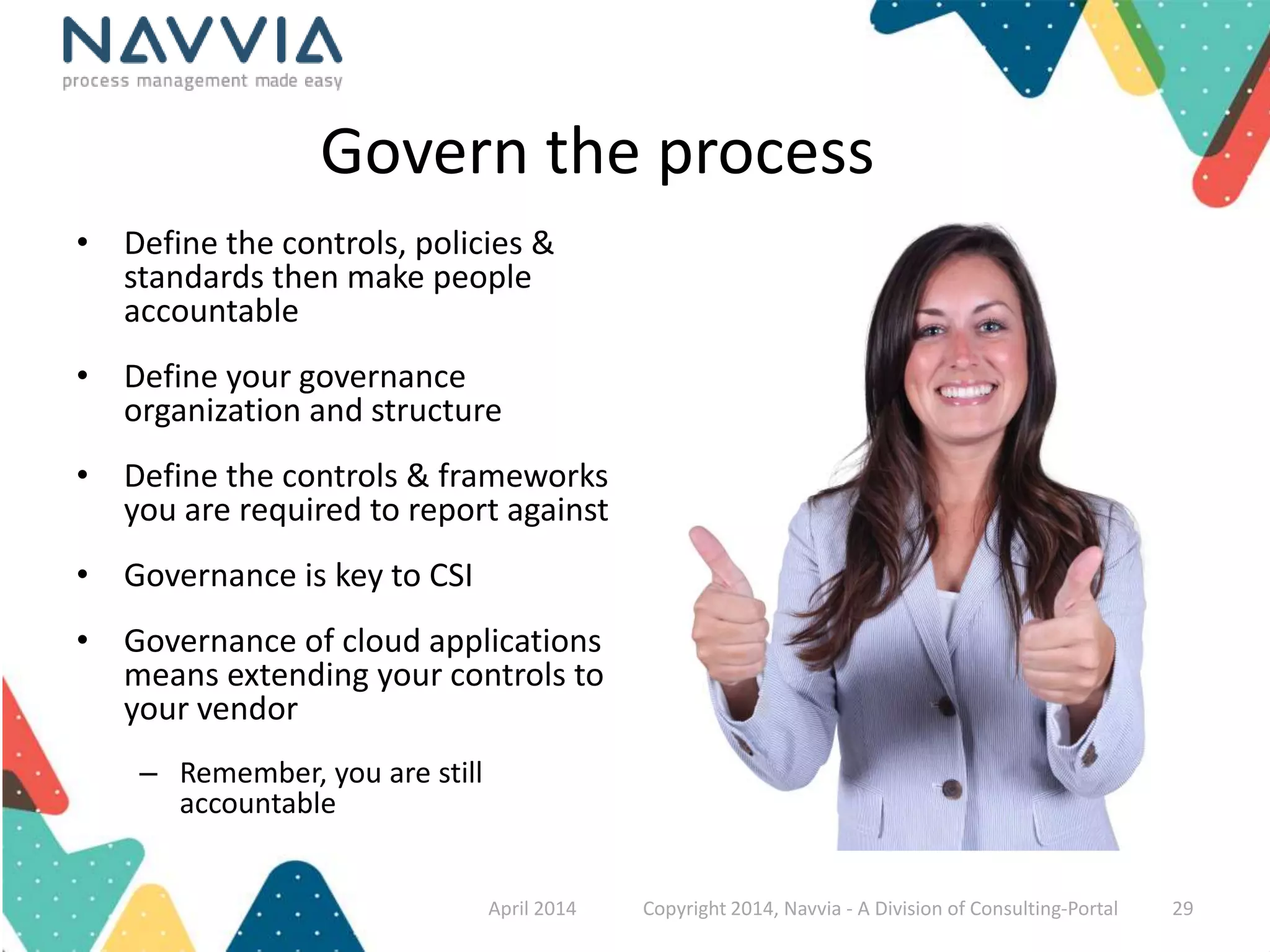
Govern the process 
• Define the controls, policies & 
standards then make people 
accountable 
• Define your governance 
organization and structure 
• Define the controls & frameworks 
you are required to report against 
• Governance is key to CSI 
• Governance of cloud applications 
means extending your controls to 
your vendor 
– Remember, you are still 
accountable 
April 2014 Copyright 2014, Navvia - A Division of Consulting-Portal 29
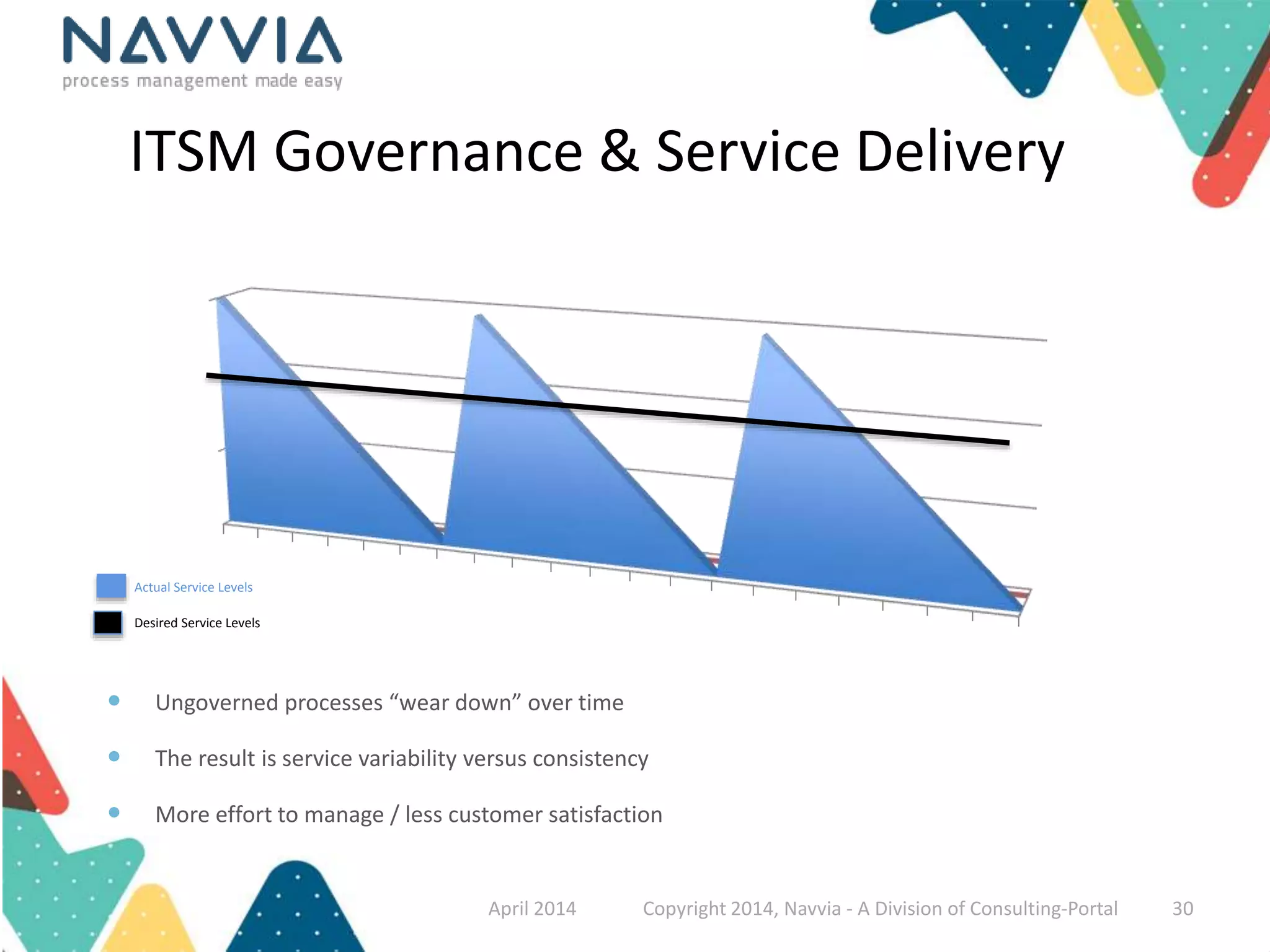
ITSM Governance & Service Delivery 
Actual Service Levels 
Desired Service Levels 
 Ungoverned processes “wear down” over time 
 The result is service variability versus consistency 
 More effort to manage / less customer satisfaction 
April 2014 Copyright 2014, Navvia - A Division of Consulting-Portal 30
Don’t be one of the statistics! 
 Understand what’s broke & build a plan 
 Collaborate with your stakeholders 
 Save time, don’t start from scratch 
 Define and capture your requirements 
 Validate, Keep asking if your on track 
 Educate to drive adoption 
 Govern to ensure accountability 
April 2014 Copyright 2014, Navvia - A Division of Consulting-Portal 31
We are a Software and Service company dedicated to 
helping organizations Navigate IT and Business Process 
Complexity Via our tools and services 
Over 14 years of ITSM success! 
April 2014 Copyright 2014, Navvia - A Division of Consulting-Portal 32
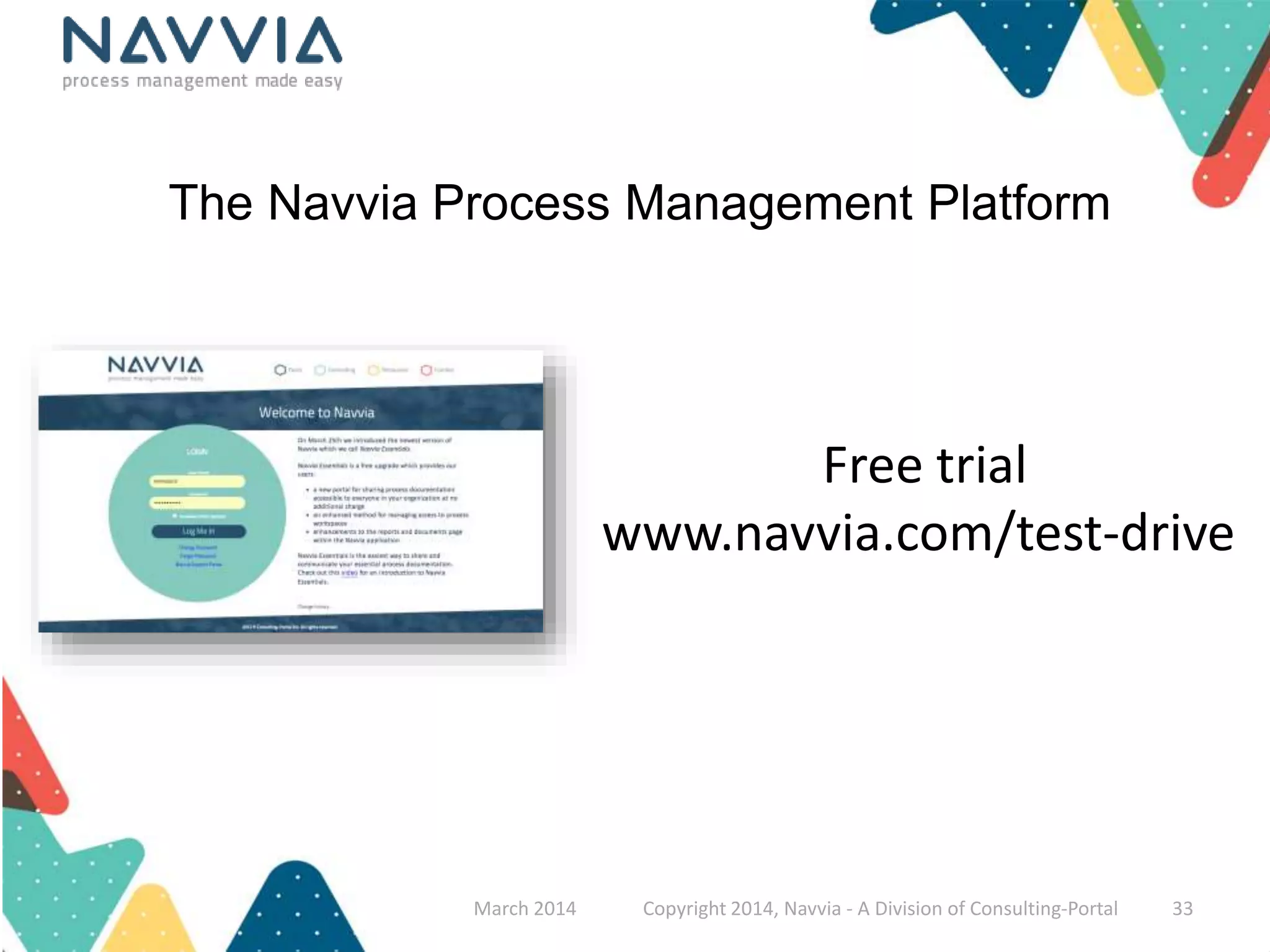
The Navvia Process Management Platform 
Free trial 
www.navvia.com/test-drive 
March 2014 Copyright 2014, Navvia - A Division of Consulting-Portal 33
Thank You! 
David Mainville 
dmainville@navvia.com 
Twitter: @mainville 
April 2014 Copyright 2014, Navvia - A Division of Consulting-Portal 34
Appendix 
April 2014 Copyright 2014, Navvia - A Division of Consulting-Portal 35
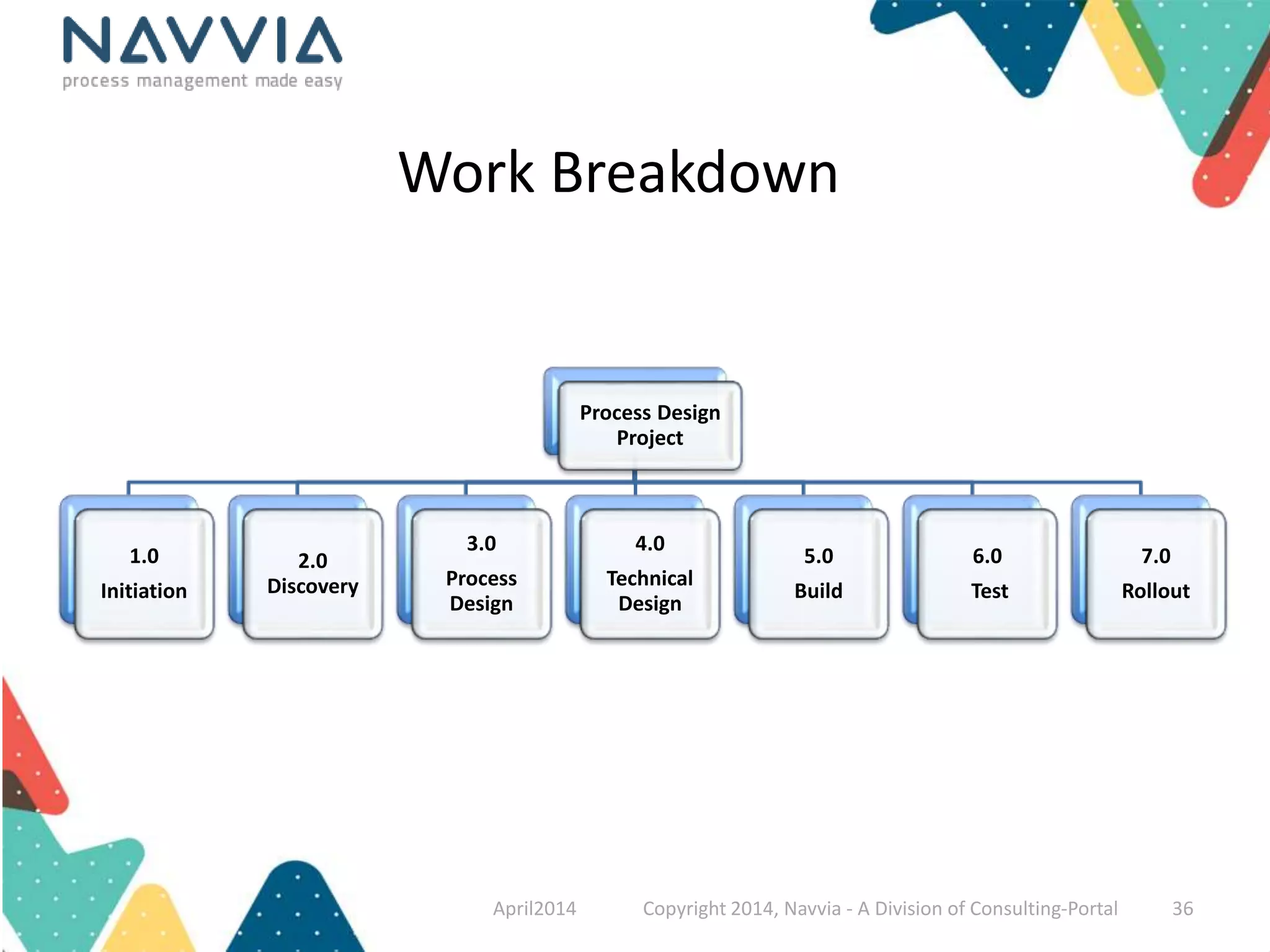
Process Design 
Project 
1.0 
Initiation 
2.0 
Discovery 
3.0 
Process 
Design 
4.0 
Technical 
Design 
5.0 
Build 
6.0 
Test 
7.0 
Rollout 
Work Breakdown 
April2014 Copyright 2014, Navvia - A Division of Consulting-Portal 36
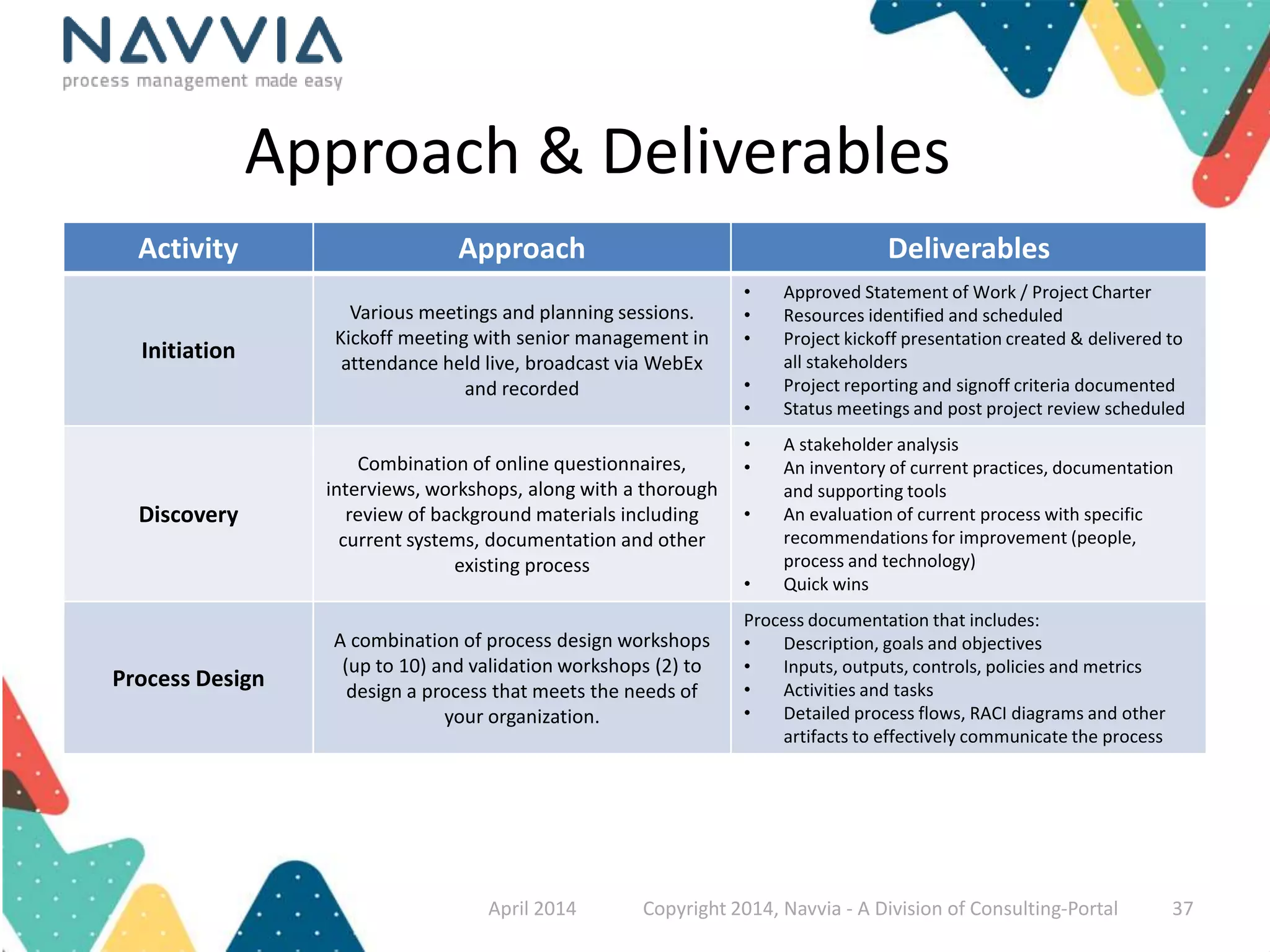
Approach & Deliverables 
Activity Approach Deliverables 
Initiation 
Various meetings and planning sessions. 
Kickoff meeting with senior management in 
attendance held live, broadcast via WebEx 
and recorded 
• Approved Statement of Work / Project Charter 
• Resources identified and scheduled 
• Project kickoff presentation created & delivered to 
all stakeholders 
• Project reporting and signoff criteria documented 
• Status meetings and post project review scheduled 
Discovery 
Combination of online questionnaires, 
interviews, workshops, along with a thorough 
review of background materials including 
current systems, documentation and other 
existing process 
• A stakeholder analysis 
• An inventory of current practices, documentation 
and supporting tools 
• An evaluation of current process with specific 
recommendations for improvement (people, 
process and technology) 
• Quick wins 
Process Design 
A combination of process design workshops 
(up to 10) and validation workshops (2) to 
design a process that meets the needs of 
your organization. 
Process documentation that includes: 
• Description, goals and objectives 
• Inputs, outputs, controls, policies and metrics 
• Activities and tasks 
• Detailed process flows, RACI diagrams and other 
artifacts to effectively communicate the process 
April 2014 Copyright 2014, Navvia - A Division of Consulting-Portal 37
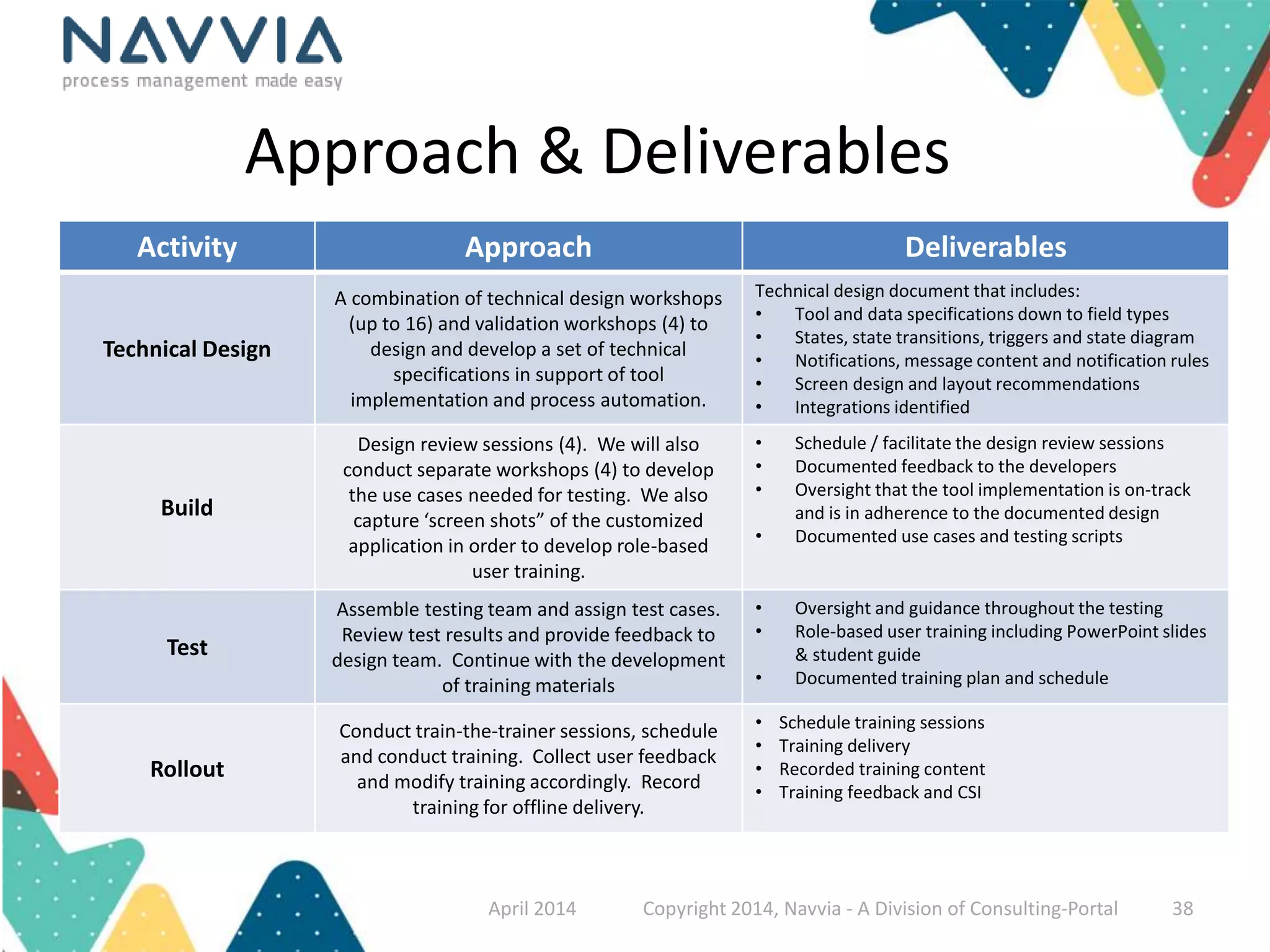
Approach & Deliverables 
Activity Approach Deliverables 
Technical Design 
A combination of technical design workshops 
(up to 16) and validation workshops (4) to 
design and develop a set of technical 
specifications in support of tool 
implementation and process automation. 
Technical design document that includes: 
• Tool and data specifications down to field types 
• States, state transitions, triggers and state diagram 
• Notifications, message content and notification rules 
• Screen design and layout recommendations 
• Integrations identified 
Build 
Design review sessions (4). We will also 
conduct separate workshops (4) to develop 
the use cases needed for testing. We also 
capture ‘screen shots” of the customized 
application in order to develop role-based 
user training. 
• Schedule / facilitate the design review sessions 
• Documented feedback to the developers 
• Oversight that the tool implementation is on-track 
and is in adherence to the documented design 
• Documented use cases and testing scripts 
Test 
Assemble testing team and assign test cases. 
Review test results and provide feedback to 
design team. Continue with the development 
of training materials 
• Oversight and guidance throughout the testing 
• Role-based user training including PowerPoint slides 
& student guide 
• Documented training plan and schedule 
Rollout 
Conduct train-the-trainer sessions, schedule 
and conduct training. Collect user feedback 
and modify training accordingly. Record 
training for offline delivery. 
• Schedule training sessions 
• Training delivery 
• Recorded training content 
• Training feedback and CSI 
April 2014 Copyright 2014, Navvia - A Division of Consulting-Portal 38
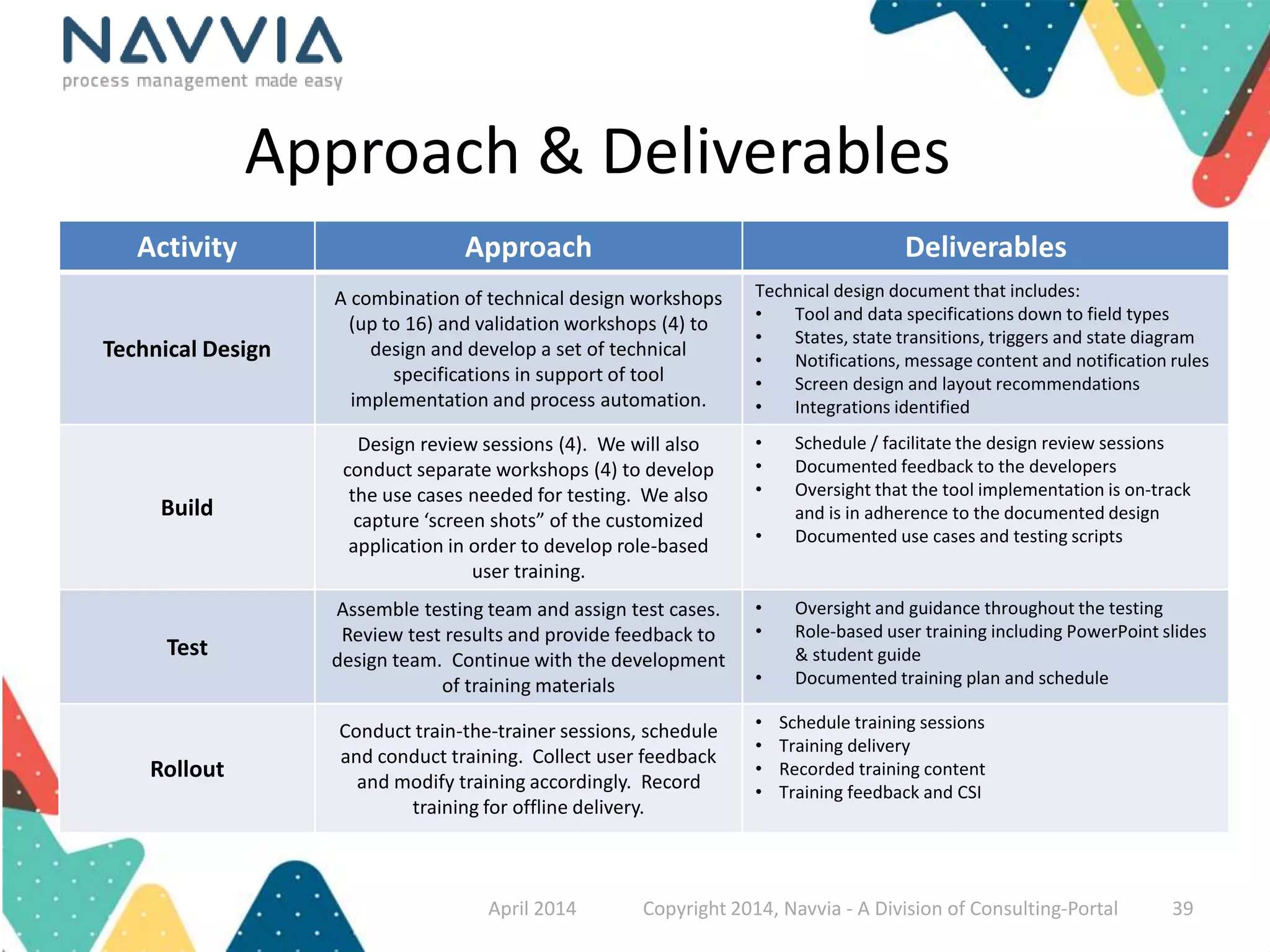
Approach & Deliverables 
Activity Approach Deliverables 
Technical Design 
A combination of technical design workshops 
(up to 16) and validation workshops (4) to 
design and develop a set of technical 
specifications in support of tool 
implementation and process automation. 
Technical design document that includes: 
• Tool and data specifications down to field types 
• States, state transitions, triggers and state diagram 
• Notifications, message content and notification rules 
• Screen design and layout recommendations 
• Integrations identified 
Build 
Design review sessions (4). We will also 
conduct separate workshops (4) to develop 
the use cases needed for testing. We also 
capture ‘screen shots” of the customized 
application in order to develop role-based 
user training. 
• Schedule / facilitate the design review sessions 
• Documented feedback to the developers 
• Oversight that the tool implementation is on-track 
and is in adherence to the documented design 
• Documented use cases and testing scripts 
Test 
Assemble testing team and assign test cases. 
Review test results and provide feedback to 
design team. Continue with the development 
of training materials 
• Oversight and guidance throughout the testing 
• Role-based user training including PowerPoint slides 
& student guide 
• Documented training plan and schedule 
Rollout 
Conduct train-the-trainer sessions, schedule 
and conduct training. Collect user feedback 
and modify training accordingly. Record 
training for offline delivery. 
• Schedule training sessions 
• Training delivery 
• Recorded training content 
• Training feedback and CSI 
April 2014 Copyright 2014, Navvia - A Division of Consulting-Portal 39
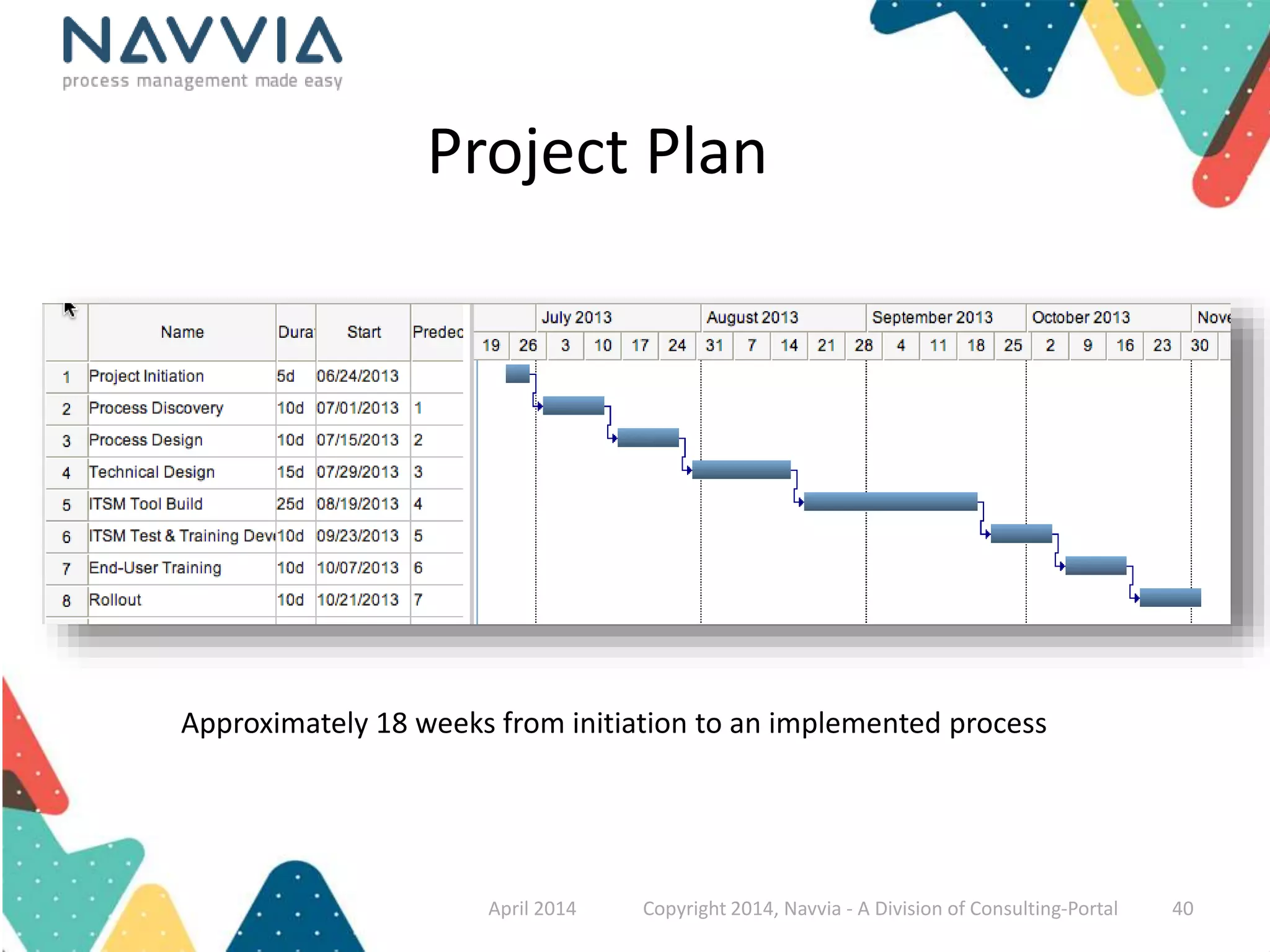
Project Plan 
Approximately 18 weeks from initiation to an implemented process 
April 2014 Copyright 2014, Navvia - A Division of Consulting-Portal 40

7 Steps to a Successful ITSM Tool Implementation

  • 1.
    7 Steps toa Successful ITSM Tool Implementation
  • 2.
    Welcome to thePresentation! • CEO & Co-founder of Navvia • 30 plus years of Service Management Experience • Twitter: @mainville • dmainville@navvia.com David Mainville April 2014 Copyright 2014, Navvia - A Division of Consulting-Portal 2
  • 3.
    “It’s seldom thetool that’s the problem” April 2014 Copyright 2014, Navvia - A Division of Consulting-Portal 3
  • 4.
    Why do youthink ITSM tool projects fail? April 2014 Copyright 2014, Navvia - A Division of Consulting-Portal 4
  • 5.
    The vendor saysno need for process, it’s “out of the box”…. …Consensus takes too long & it is hard work We’ll just do a “lift and shift” from our old tool ...The last project that focused on process failed Our management says “6 months? Just slam it in”… …It’s SaaS, just turn it on April 2014 Copyright 2014, Navvia - A Division of Consulting-Portal 5
  • 6.
    7 Steps toa successful ITSM tool implementation Identify the GAPS – the goal is to improve things Don’t start from Scratch – great templates exist Don’t try this on your own – isolation kills adoption Don’t be a technophobe – capture requirements Don’t forget to validate – helps with the buy in Remember to educate – critical for adoption Govern the process – left in isolation the process will die April 2014 Copyright 2014, Navvia - A Division of Consulting-Portal 6
  • 7.
    Identify the gaps • Why are you implementing a new tool? • What are the pain points with the current system? • What are the capability gaps you are trying to close? • Do you understand the users point of view? April 2014 Copyright 2014, Navvia - A Division of Consulting-Portal 7
  • 8.
    Identify the gaps Interviews Workshops Tool Strategy & Plan Questionnaires Observations April 2014 Copyright 2014, Navvia - A Division of Consulting-Portal 8
  • 9.
    Build a roadmap Current State Future State Quick Wins Process Enhancement Technology Deployment Organizational Change April 2014 Copyright 2014, Navvia - A Division of Consulting-Portal 9
  • 10.
    Don’t start fromscratch • What are you doing today from a process perspective? • Are there templates or standards you can leverage? • What is being employed in other areas of your organization? • Can you leverage other programs (ISO, Six Sigma…) April 2014 Copyright 2014, Navvia - A Division of Consulting-Portal 10
  • 11.
    Best practices, bytheir very nature, are absent of your company's organization, business, cultural and technology requirements To realize the full benefits, organizations must re-introduce their own reality April 2014 Copyright 2014, Navvia - A Division of Consulting-Portal 11
  • 12.
    Remember This? April2014 Copyright 2014, Navvia - A Division of Consulting-Portal 12
  • 13.
    Keep the diagramssimple! Remember your audience…less is more! April 2014 Copyright 2014, Navvia - A Division of Consulting-Portal 13
  • 14.
    Anatomy of aProcess Inputs The objects or data required to complete the activities Activities The specific steps required to convert inputs to outputs Outputs The desired work products or data. May be input to another process. Controls The policies and guiding principles defining how the process will operate Measurements The activities and metrics to ensure the process meets requirements April 2014 Copyright 2014, Navvia - A Division of Consulting-Portal 14
  • 15.
    Anatomy of aProcess • Overview – Description, goal, objectives, roles, related documents and glossary of terms • Workflow – Activities and tasks – Task details • Inputs, outputs, roles & duties, tool & data specs and procedures • Controls – Control objectives, metrics, policies and governance tasks • Specifications – States & triggers, tool & data specifications and notifications April 2014 Copyright 2014, Navvia - A Division of Consulting-Portal 15
  • 16.
    Process Design Artifacts April 2014 Copyright 2014, Navvia - A Division of Consulting-Portal 16
  • 17.
    Don’t try thison your own • Processes built in a vacuum, in isolation, will not get adoption • People need to understand “why” • Do you understand your stakeholders requirements? • Are you actually making things better for people? • Balance consensus with getting things done April 2014 Copyright 2014, Navvia - A Division of Consulting-Portal 17
  • 18.
    What’s in itfor me? “Why should I embrace your vision or change, what’s in it for me”? April 2014 Copyright 2014, Navvia - A Division of Consulting-Portal 18
  • 19.
    Everyone has theirown perspective… The CEO The CIO Shouldn’t IT just work? I’ve got a business to run and services to deliver How do I demonstrate that IT is aligned to the business? The IT Manager The Technical Staff I&O is consuming 60% of my budget, I can’t fund new projects Those users just don’t understand! April 2014 Copyright 2014, Navvia - A Division of Consulting-Portal 19
  • 20.
    Who Needs tobe Involved? Steering Committee Stakeholders S.M.E.’s Core Team April 2014 Copyright 2014, Navvia - A Division of Consulting-Portal 20
  • 21.
    Don’t be atechnophobe • Out of the box seldom works • Map business outcomes to tool and data requirements • Identify the mandatory fields, define pick lists, figure out the triggers • Make sure you are capturing the right data to produce metrics April 2014 Copyright 2014, Navvia - A Division of Consulting-Portal 21
  • 22.
    Business Outcomes mustdrive IT Business Outcomes Requirements Processes Tools and Technology Start Here Not Here April 2014 Copyright 2014, Navvia - A Division of Consulting-Portal 22
  • 23.
    Mapping Process tothe Tool April 2014 Copyright 2014, Navvia - A Division of Consulting-Portal 23
  • 24.
    Detailed requirements April2014 Copyright 2014, Navvia - A Division of Consulting-Portal 24
  • 25.
    Simultaneous Process andTechnology Design Process & Technology - You can’t do one without the other! Process Design Timeline Process Path Technology Path April 2014 Copyright 2014, Navvia - A Division of Consulting-Portal 25
  • 26.
    Don’t forget tovalidate • Iterative process design • Use of “show & tell” sessions • Watch out for scope creep • Validate often and get sign off against requirements • Be wary of “I didn’t agree to that…” April 2014 Copyright 2014, Navvia - A Division of Consulting-Portal 26
  • 27.
    Remember to educate • Training fosters adoption of the processes • Build an education curriculum and plan that addresses all your stakeholders • Consider various training formats from CBT to instructor led • Consider using people involved in the process to do the training April 2014 Copyright 2014, Navvia - A Division of Consulting-Portal 27
  • 28.
    Education Curriculum Development Content Development Delivery Vehicles Testing and Certification Education Plan April 2014 Copyright 2014, Navvia - A Division of Consulting-Portal 28
  • 29.
    Govern the process • Define the controls, policies & standards then make people accountable • Define your governance organization and structure • Define the controls & frameworks you are required to report against • Governance is key to CSI • Governance of cloud applications means extending your controls to your vendor – Remember, you are still accountable April 2014 Copyright 2014, Navvia - A Division of Consulting-Portal 29
  • 30.
    ITSM Governance &Service Delivery Actual Service Levels Desired Service Levels  Ungoverned processes “wear down” over time  The result is service variability versus consistency  More effort to manage / less customer satisfaction April 2014 Copyright 2014, Navvia - A Division of Consulting-Portal 30
  • 31.
    Don’t be oneof the statistics!  Understand what’s broke & build a plan  Collaborate with your stakeholders  Save time, don’t start from scratch  Define and capture your requirements  Validate, Keep asking if your on track  Educate to drive adoption  Govern to ensure accountability April 2014 Copyright 2014, Navvia - A Division of Consulting-Portal 31
  • 32.
    We are aSoftware and Service company dedicated to helping organizations Navigate IT and Business Process Complexity Via our tools and services Over 14 years of ITSM success! April 2014 Copyright 2014, Navvia - A Division of Consulting-Portal 32
  • 33.
    The Navvia ProcessManagement Platform Free trial www.navvia.com/test-drive March 2014 Copyright 2014, Navvia - A Division of Consulting-Portal 33
  • 34.
    Thank You! DavidMainville dmainville@navvia.com Twitter: @mainville April 2014 Copyright 2014, Navvia - A Division of Consulting-Portal 34
  • 35.
    Appendix April 2014Copyright 2014, Navvia - A Division of Consulting-Portal 35
  • 36.
    Process Design Project 1.0 Initiation 2.0 Discovery 3.0 Process Design 4.0 Technical Design 5.0 Build 6.0 Test 7.0 Rollout Work Breakdown April2014 Copyright 2014, Navvia - A Division of Consulting-Portal 36
  • 37.
    Approach & Deliverables Activity Approach Deliverables Initiation Various meetings and planning sessions. Kickoff meeting with senior management in attendance held live, broadcast via WebEx and recorded • Approved Statement of Work / Project Charter • Resources identified and scheduled • Project kickoff presentation created & delivered to all stakeholders • Project reporting and signoff criteria documented • Status meetings and post project review scheduled Discovery Combination of online questionnaires, interviews, workshops, along with a thorough review of background materials including current systems, documentation and other existing process • A stakeholder analysis • An inventory of current practices, documentation and supporting tools • An evaluation of current process with specific recommendations for improvement (people, process and technology) • Quick wins Process Design A combination of process design workshops (up to 10) and validation workshops (2) to design a process that meets the needs of your organization. Process documentation that includes: • Description, goals and objectives • Inputs, outputs, controls, policies and metrics • Activities and tasks • Detailed process flows, RACI diagrams and other artifacts to effectively communicate the process April 2014 Copyright 2014, Navvia - A Division of Consulting-Portal 37
  • 38.
    Approach & Deliverables Activity Approach Deliverables Technical Design A combination of technical design workshops (up to 16) and validation workshops (4) to design and develop a set of technical specifications in support of tool implementation and process automation. Technical design document that includes: • Tool and data specifications down to field types • States, state transitions, triggers and state diagram • Notifications, message content and notification rules • Screen design and layout recommendations • Integrations identified Build Design review sessions (4). We will also conduct separate workshops (4) to develop the use cases needed for testing. We also capture ‘screen shots” of the customized application in order to develop role-based user training. • Schedule / facilitate the design review sessions • Documented feedback to the developers • Oversight that the tool implementation is on-track and is in adherence to the documented design • Documented use cases and testing scripts Test Assemble testing team and assign test cases. Review test results and provide feedback to design team. Continue with the development of training materials • Oversight and guidance throughout the testing • Role-based user training including PowerPoint slides & student guide • Documented training plan and schedule Rollout Conduct train-the-trainer sessions, schedule and conduct training. Collect user feedback and modify training accordingly. Record training for offline delivery. • Schedule training sessions • Training delivery • Recorded training content • Training feedback and CSI April 2014 Copyright 2014, Navvia - A Division of Consulting-Portal 38
  • 39.
    Approach & Deliverables Activity Approach Deliverables Technical Design A combination of technical design workshops (up to 16) and validation workshops (4) to design and develop a set of technical specifications in support of tool implementation and process automation. Technical design document that includes: • Tool and data specifications down to field types • States, state transitions, triggers and state diagram • Notifications, message content and notification rules • Screen design and layout recommendations • Integrations identified Build Design review sessions (4). We will also conduct separate workshops (4) to develop the use cases needed for testing. We also capture ‘screen shots” of the customized application in order to develop role-based user training. • Schedule / facilitate the design review sessions • Documented feedback to the developers • Oversight that the tool implementation is on-track and is in adherence to the documented design • Documented use cases and testing scripts Test Assemble testing team and assign test cases. Review test results and provide feedback to design team. Continue with the development of training materials • Oversight and guidance throughout the testing • Role-based user training including PowerPoint slides & student guide • Documented training plan and schedule Rollout Conduct train-the-trainer sessions, schedule and conduct training. Collect user feedback and modify training accordingly. Record training for offline delivery. • Schedule training sessions • Training delivery • Recorded training content • Training feedback and CSI April 2014 Copyright 2014, Navvia - A Division of Consulting-Portal 39
  • 40.
    Project Plan Approximately18 weeks from initiation to an implemented process April 2014 Copyright 2014, Navvia - A Division of Consulting-Portal 40