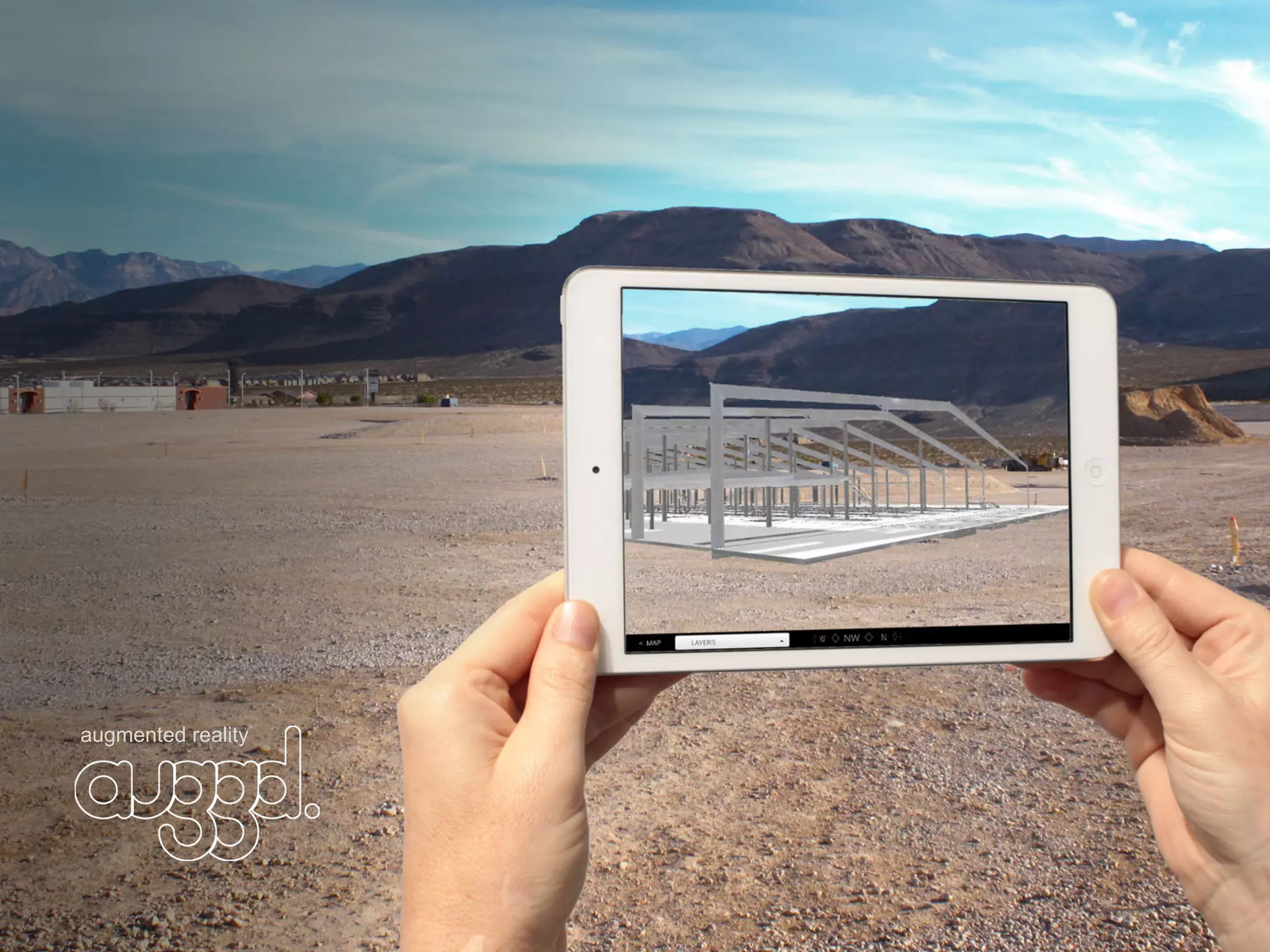
augmented reality
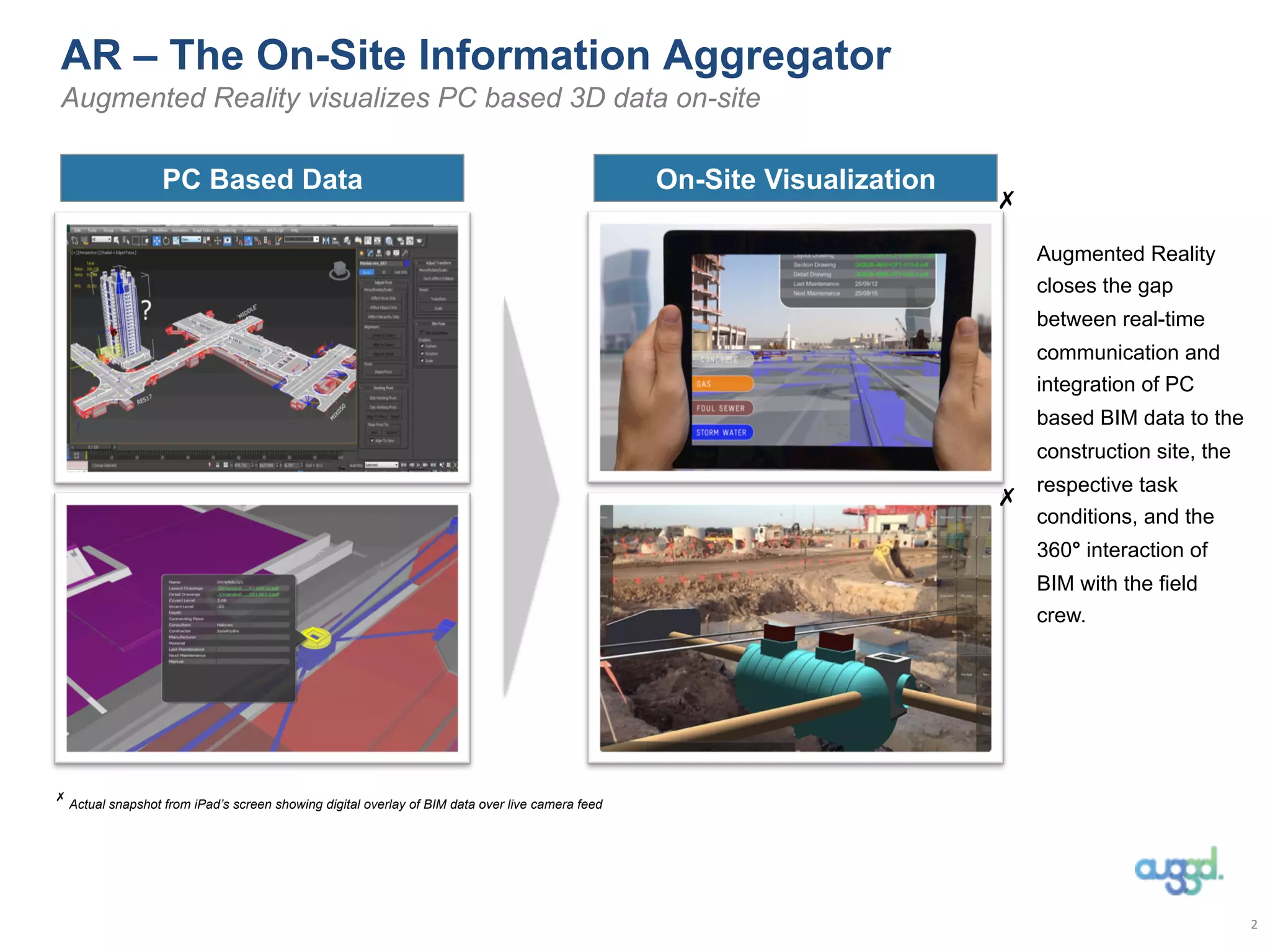
AR – The On-Site Information Aggregator
Augmented Reality visualizes PC based 3D data on-site
Augmented Reality
closes the gap
between real-time
communication and
integration of PC
based BIM data to the
construction site, the
respective task
conditions, and the
360° interaction of
BIM with the field
crew.
✗
✗
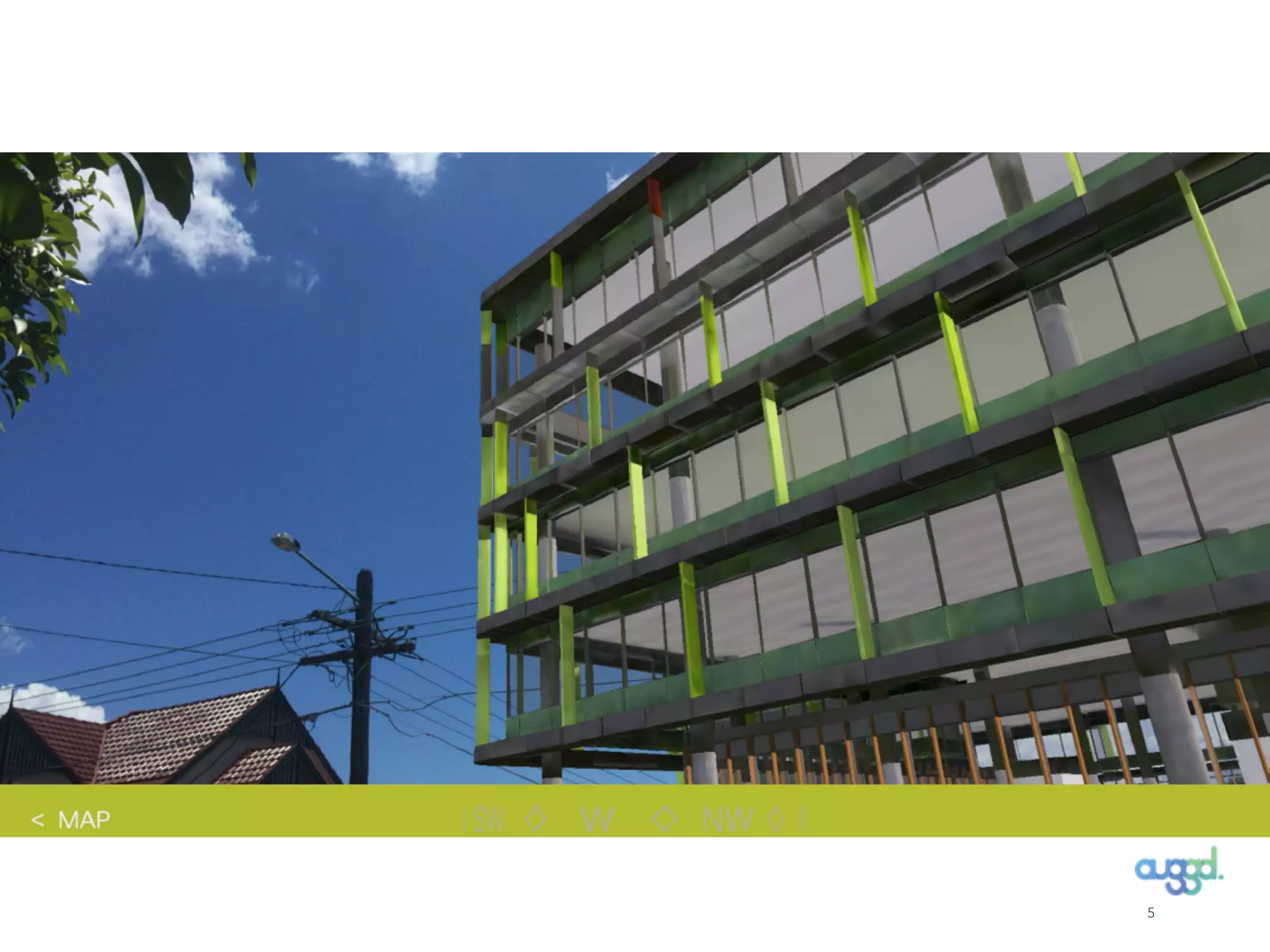
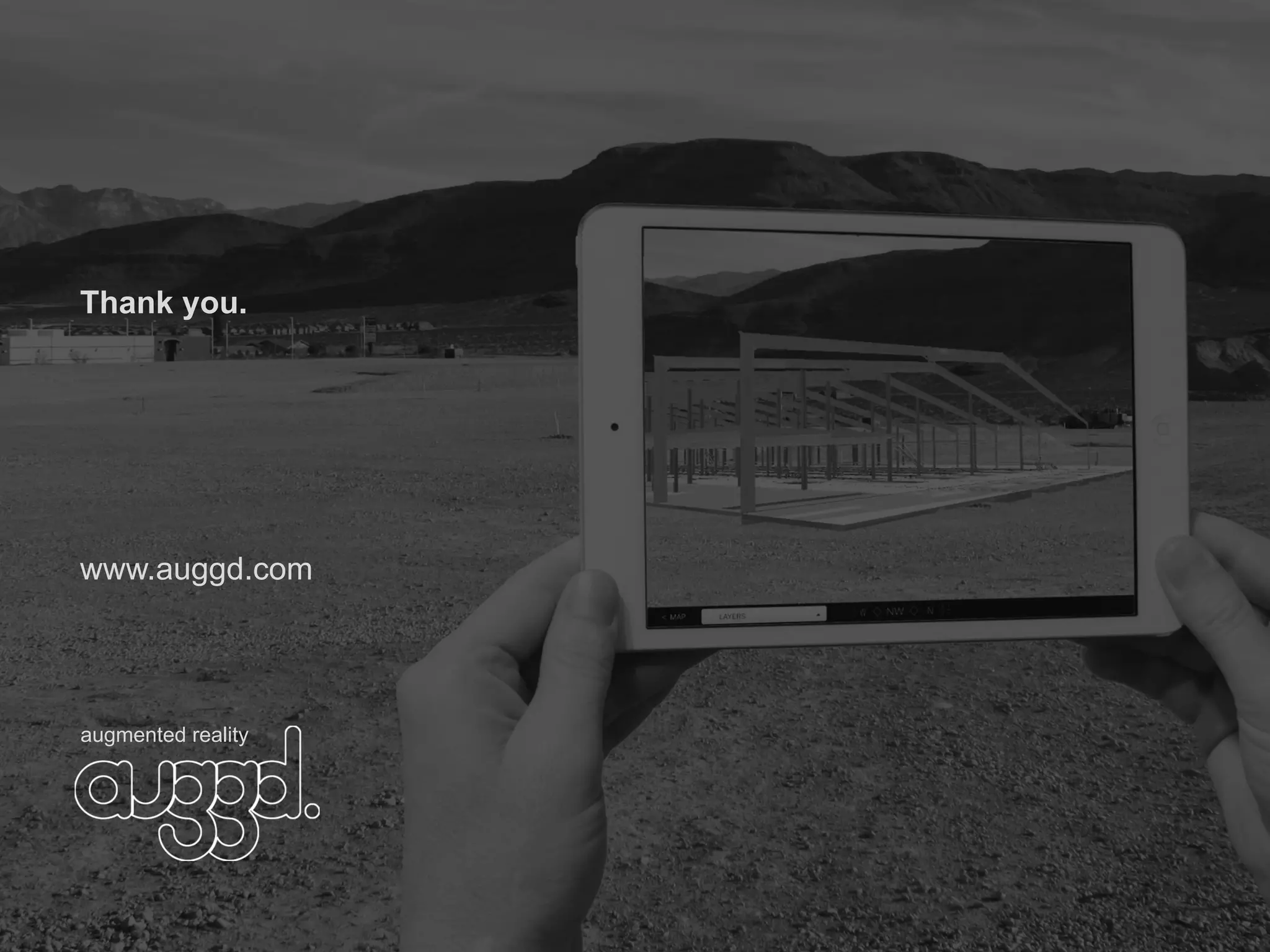
Actual snapshot from iPad’s screen showing digital overlay of BIM data over live camera feed
✗
PC Based Data On-Site Visualization
2	
  
Design
Construction
Current Product Use Case Examples
FM,
Operations,
Maintenance
•  Use it in the Sales & Marketing process
•  Visualize design alternatives in the context of the real environment and give stakeholders a
better spatial sense of how the design fits to the existing area and change accordingly.
•  Perform design analysis at full scale while walking around a project site.
•  Show (buried/sub-terrain) infrastructure elements.
•  Enable a real-time look at the actual progress compared to the planned.
•  Help visualize phased site logistics on complex projects.
•  Supports quality control and inspection – has it been built according to plan?
•  Use AR to look behind walls, above ceilings, and below floors without performing destructive
demolition and surveying.
•  Show (buried) infrastructure elements and highlight which have to be maintained.
(De-)
Comissioning
•  Overlay metadata onto the assets in the facility without having to search through reports and
logs to find or enter a specific point of information.
•  Visualize a step-by-step de-commissioning process of parts of an asset.
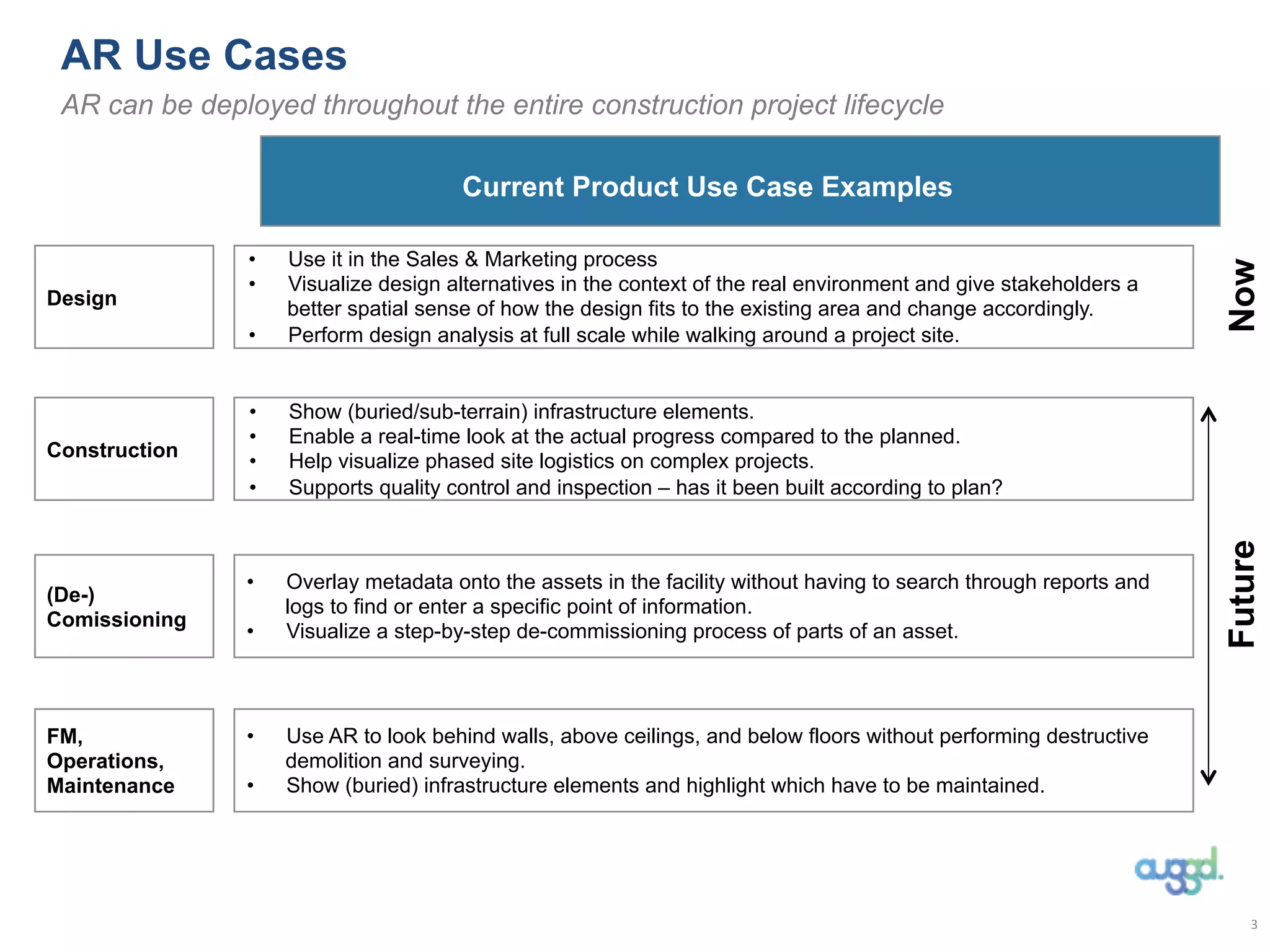
AR Use Cases
AR can be deployed throughout the entire construction project lifecycle
3	
  
FutureNow
4
5
Thank you.
www.auggd.com
augmented reality
Instruc(ons:	
  	
  
1)	
  Download	
  the	
  “auggd”	
  app	
  from	
  the	
  app	
  store	
  
2)	
  From	
  drop	
  down	
  menu	
  select	
  “Projects”	
  and	
  type	
  in	
  “BUD”	
  
2)	
  Wait	
  for	
  content	
  to	
  be	
  downloaded.	


Ma,hias	
  Krampe	
  Director	
  |	
  ARI	
  Pty.	
  Ltd.	
  |	
  +974	
  6668	
  2039	


Picture	
  for	
  360	
  view	
  (GF,	
  Lobby,	
  L5)	


5th Qatar BIM User Day, Expanding BIM into Augmented and Virtual Reality

5th Qatar BIM User Day, Expanding BIM into Augmented and Virtual Reality

  • 1.
  • 2.
    AR – TheOn-Site Information Aggregator Augmented Reality visualizes PC based 3D data on-site Augmented Reality closes the gap between real-time communication and integration of PC based BIM data to the construction site, the respective task conditions, and the 360° interaction of BIM with the field crew. ✗ ✗ Actual snapshot from iPad’s screen showing digital overlay of BIM data over live camera feed ✗ PC Based Data On-Site Visualization 2  
  • 3.
    Design Construction Current Product UseCase Examples FM, Operations, Maintenance •  Use it in the Sales & Marketing process •  Visualize design alternatives in the context of the real environment and give stakeholders a better spatial sense of how the design fits to the existing area and change accordingly. •  Perform design analysis at full scale while walking around a project site. •  Show (buried/sub-terrain) infrastructure elements. •  Enable a real-time look at the actual progress compared to the planned. •  Help visualize phased site logistics on complex projects. •  Supports quality control and inspection – has it been built according to plan? •  Use AR to look behind walls, above ceilings, and below floors without performing destructive demolition and surveying. •  Show (buried) infrastructure elements and highlight which have to be maintained. (De-) Comissioning •  Overlay metadata onto the assets in the facility without having to search through reports and logs to find or enter a specific point of information. •  Visualize a step-by-step de-commissioning process of parts of an asset. AR Use Cases AR can be deployed throughout the entire construction project lifecycle 3   FutureNow
  • 4.
  • 5.
  • 6.
  • 7.
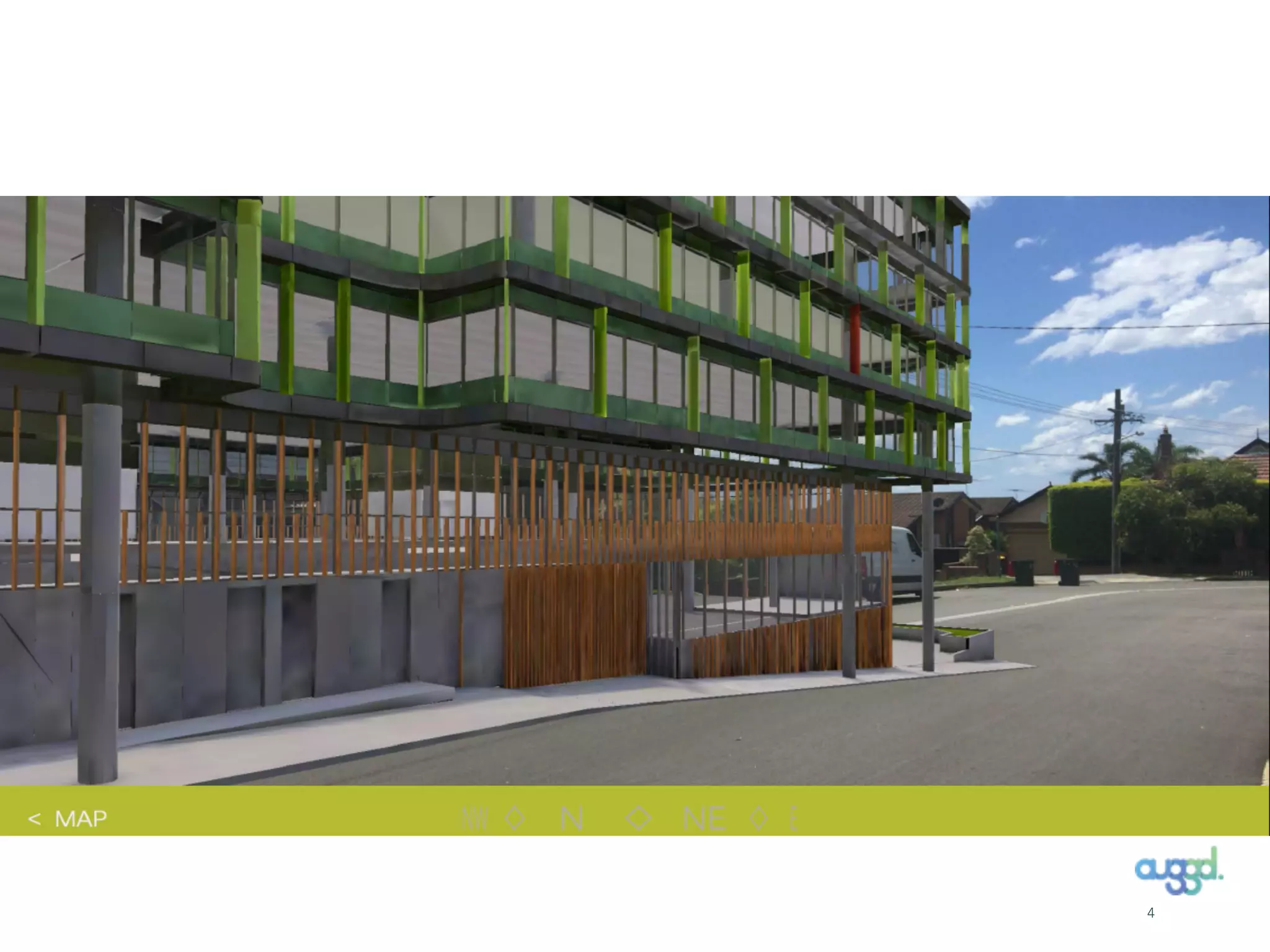
    Instruc(ons:     1)  Download  the  “auggd”  app  from  the  app  store   2)  From  drop  down  menu  select  “Projects”  and  type  in  “BUD”   2)  Wait  for  content  to  be  downloaded.     Ma,hias  Krampe  Director  |  ARI  Pty.  Ltd.  |  +974  6668  2039       Picture  for  360  view  (GF,  Lobby,  L5)