Download to read offline
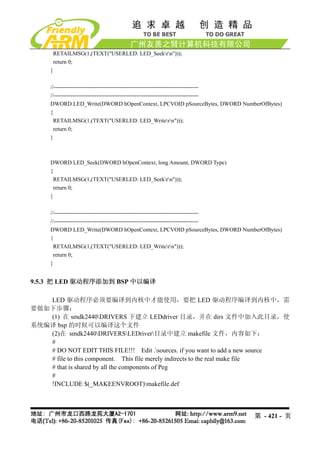
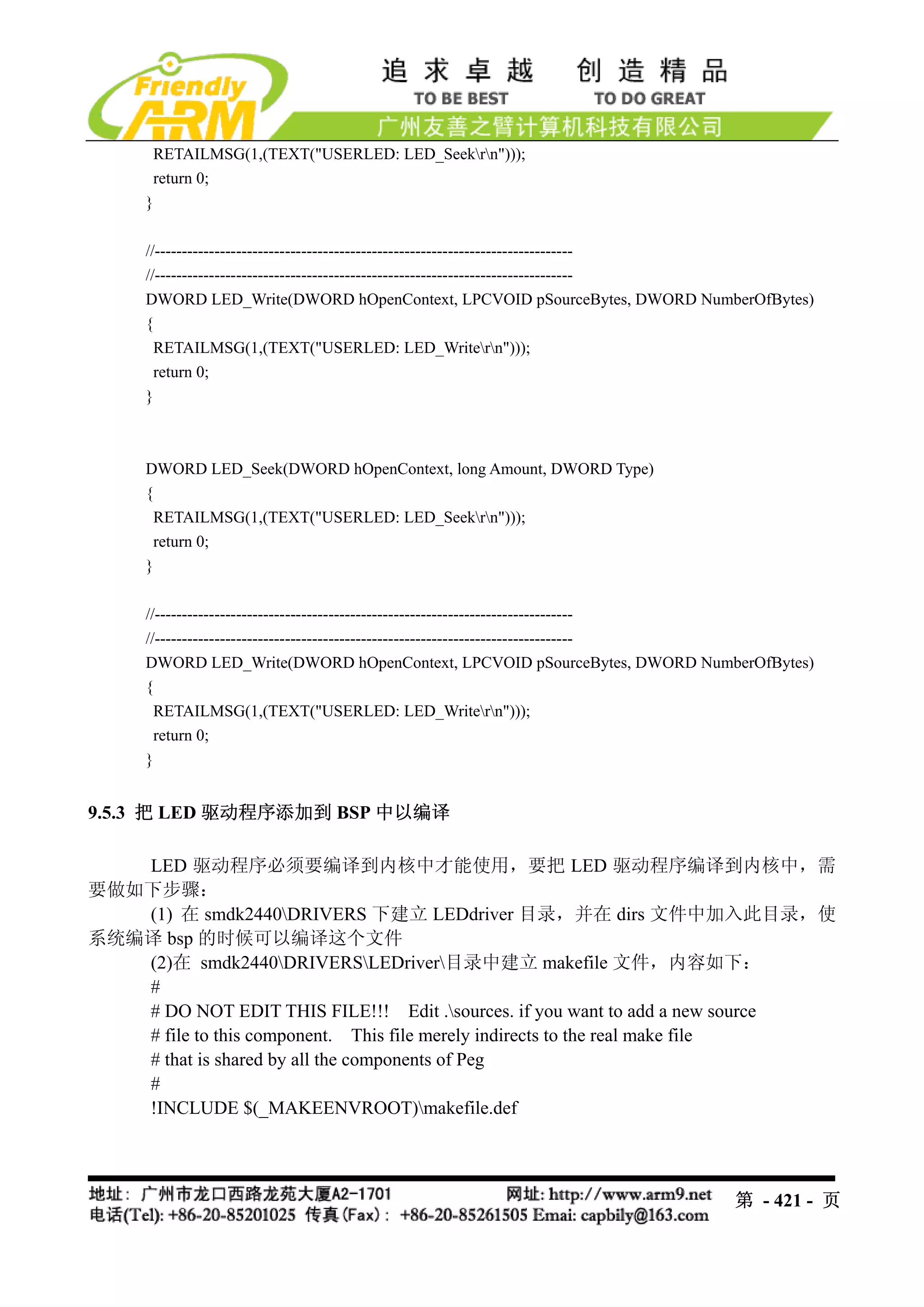
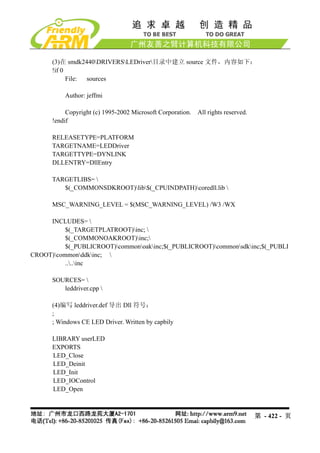
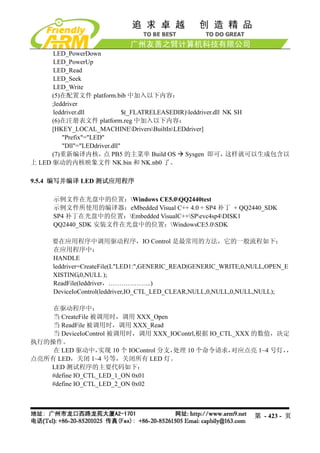
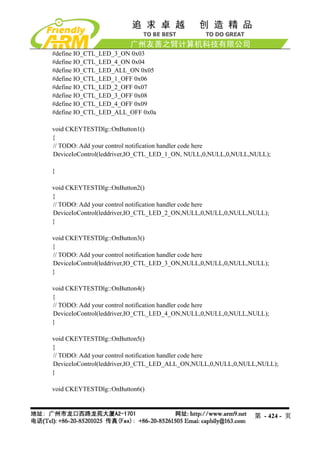
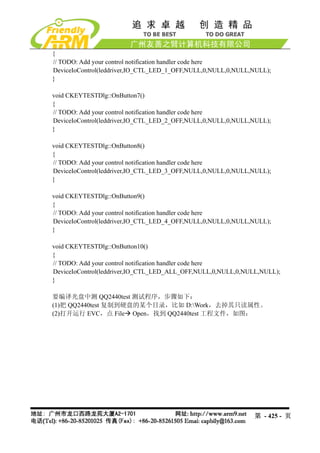
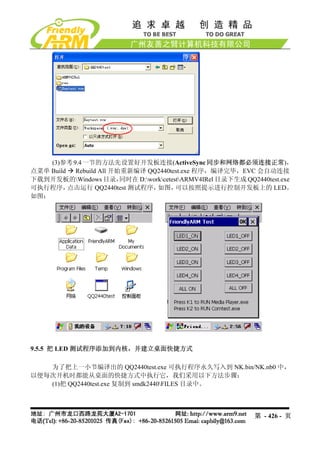
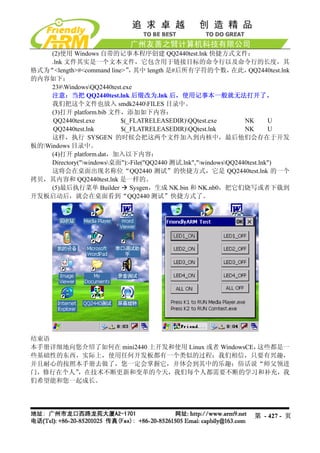

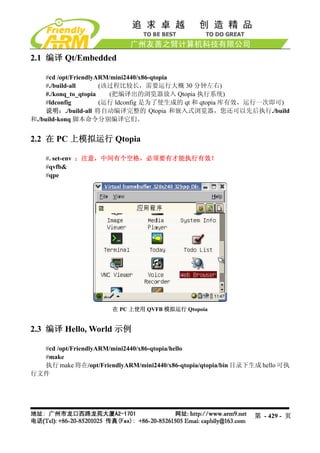
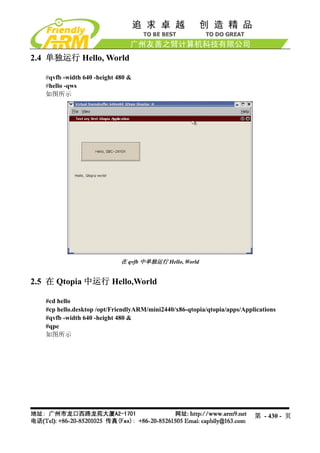


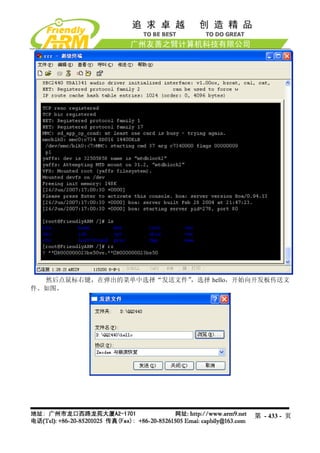

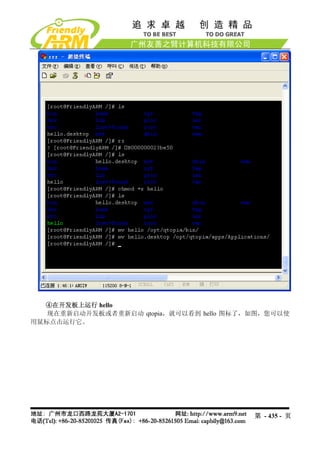
The document describes how to add LED driver programs to the BSP in Windows CE. It involves creating directories and files for the LED driver in the BSP folder, adding code to initialize and control the LEDs, compiling the driver and testing application, and integrating them into the kernel so the testing application runs at startup. Key steps include creating makefiles and source files for the driver, implementing IO control functions to turn LEDs on/off, and compiling the test application to call these driver functions through device I/O control calls.


