Download to read offline

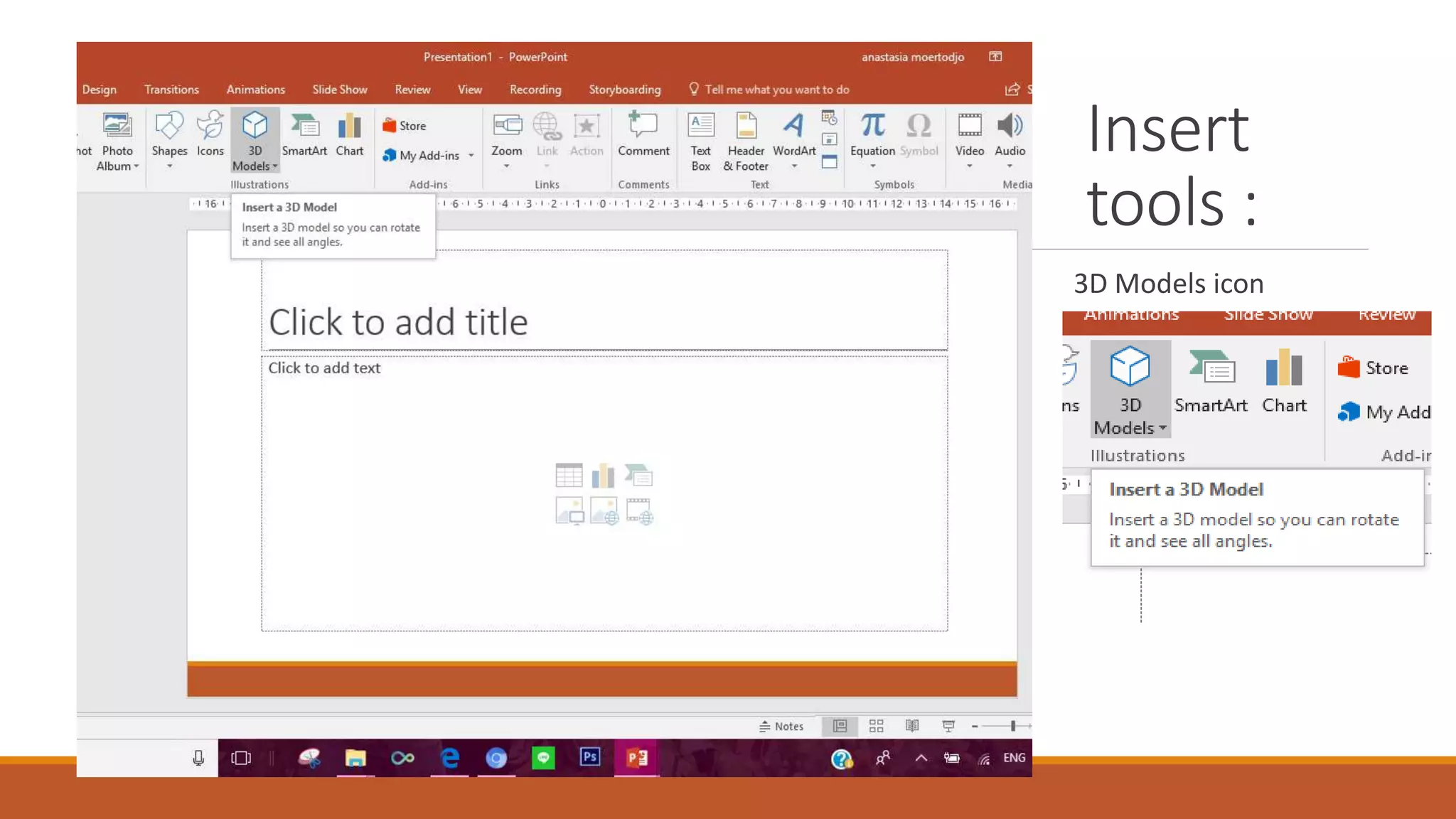
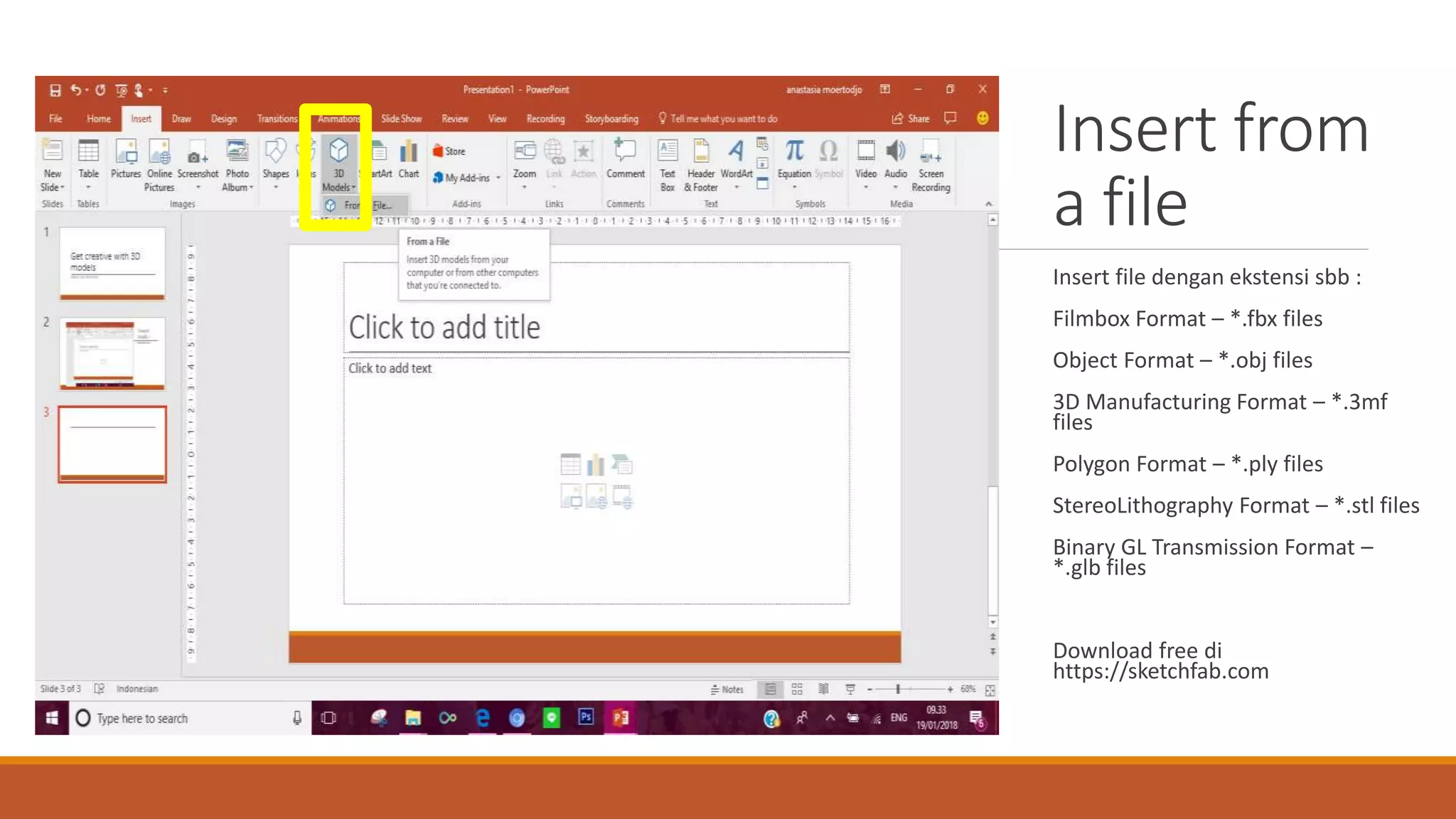
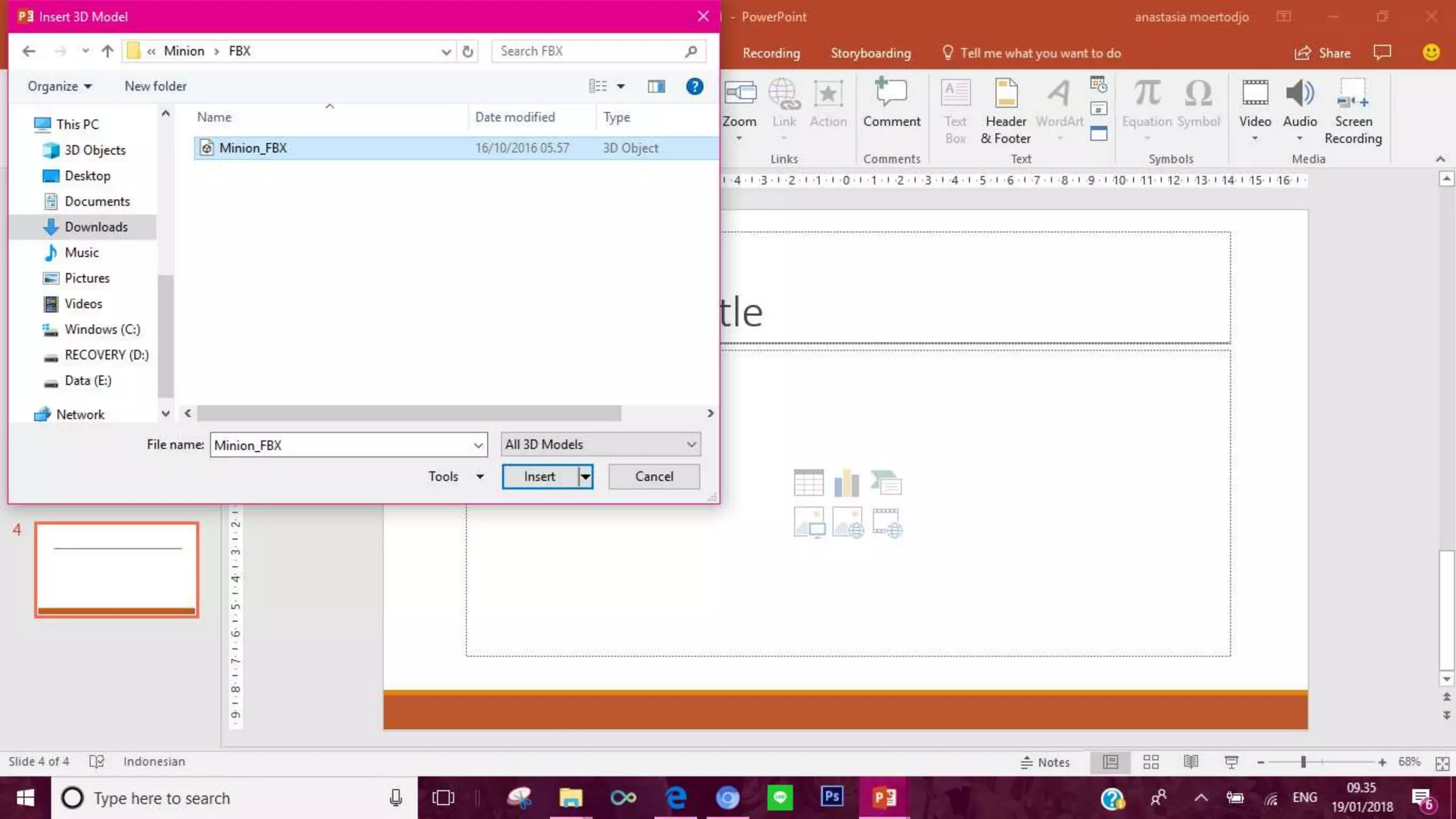
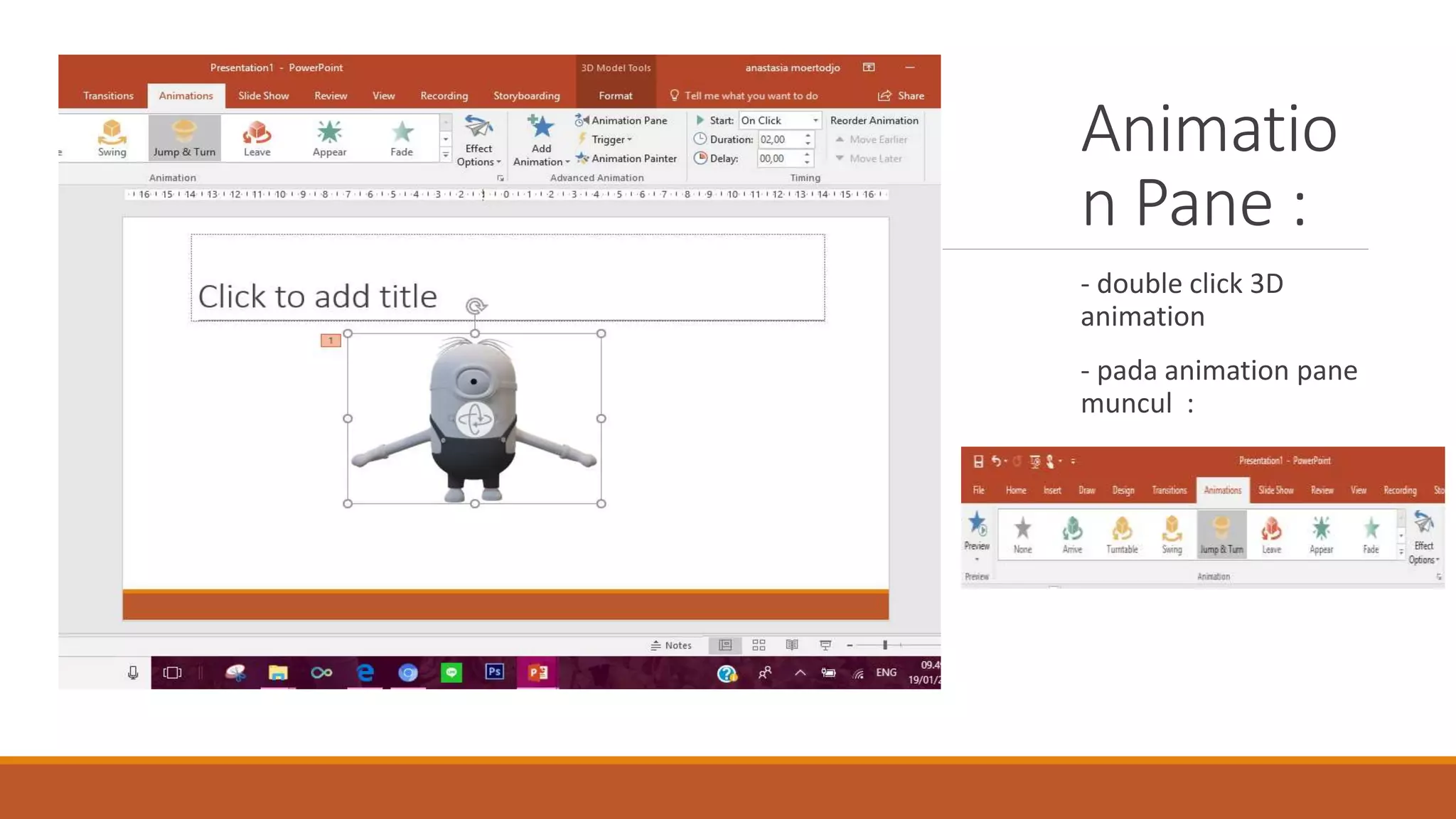
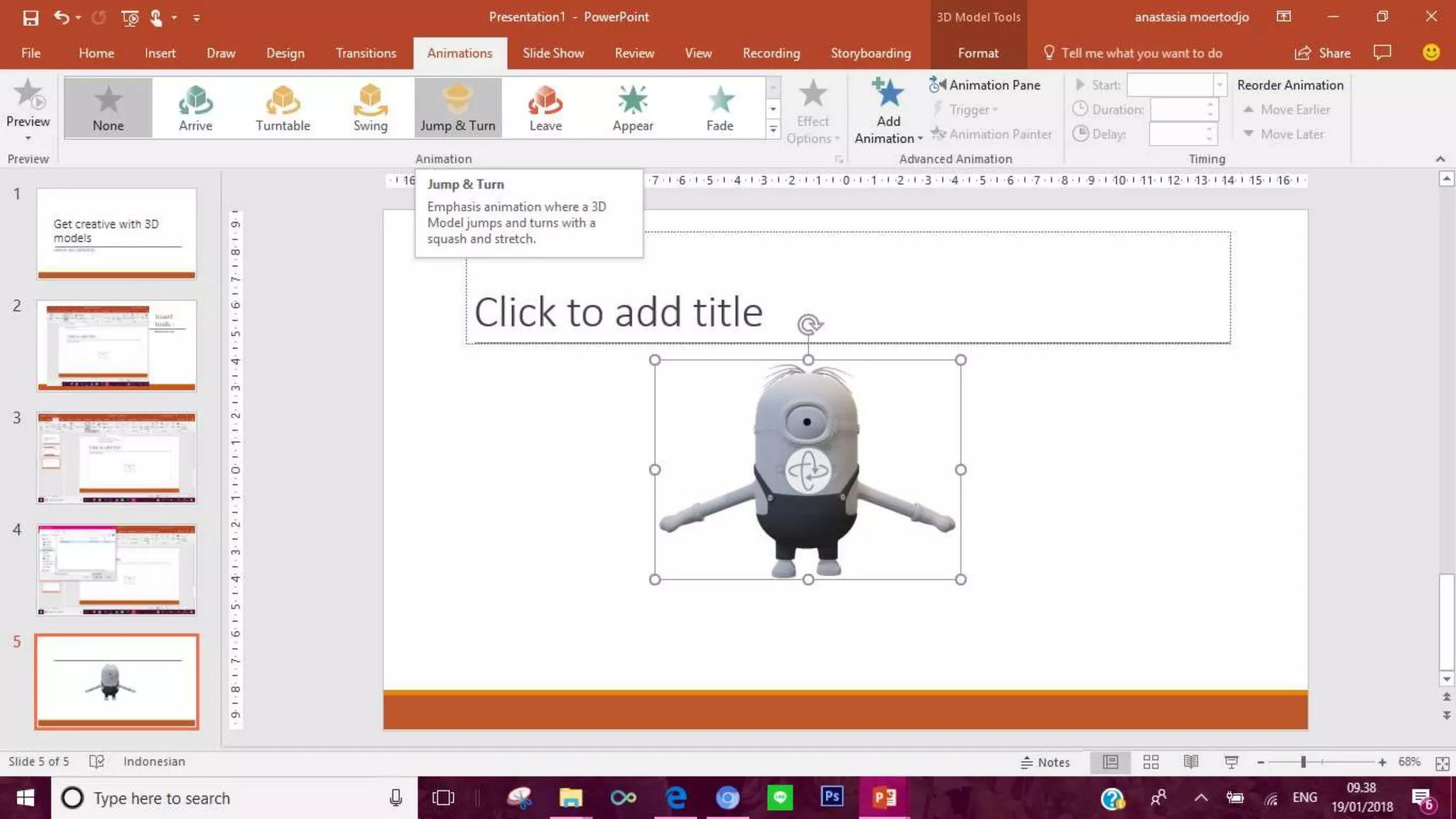
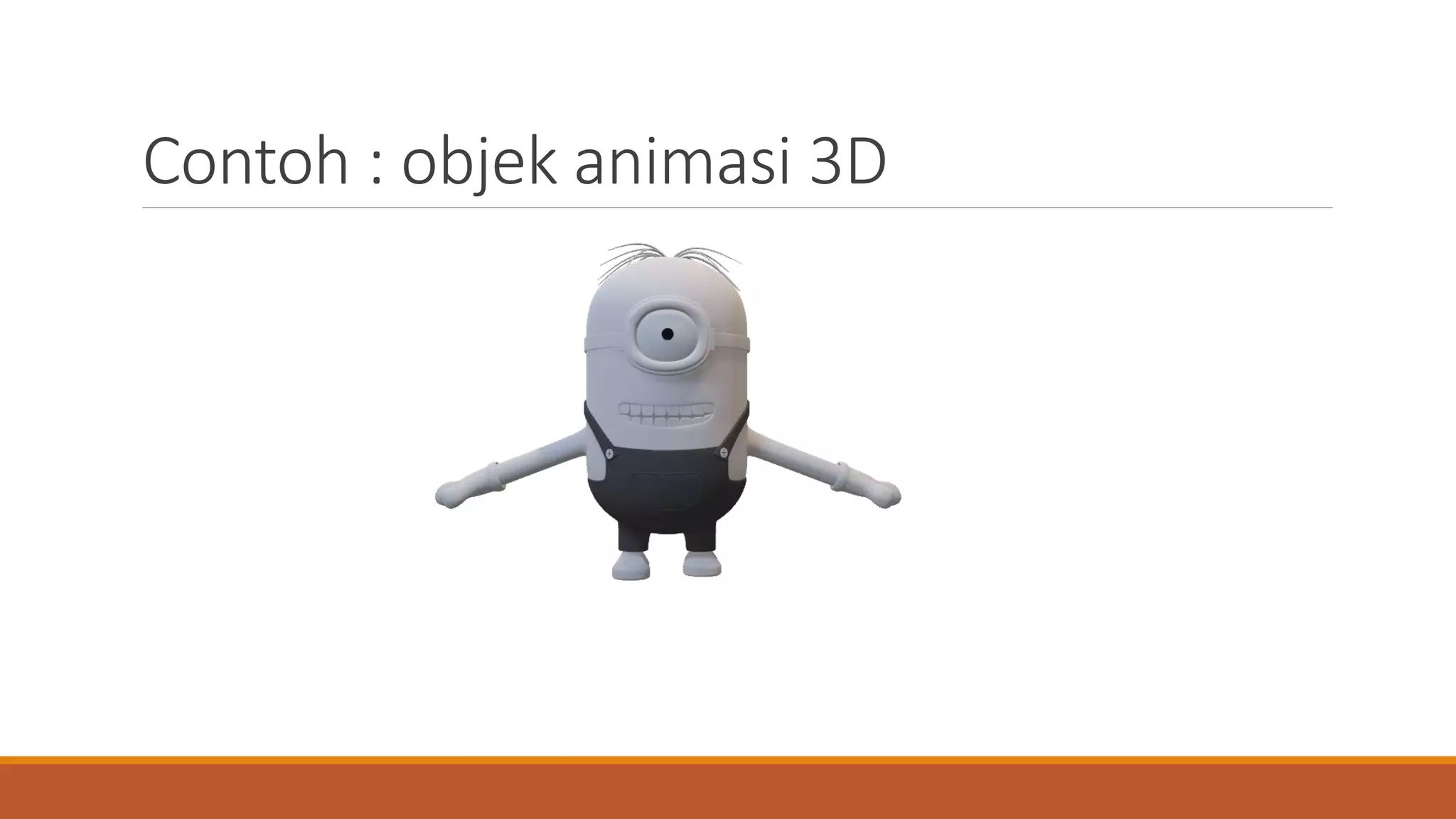
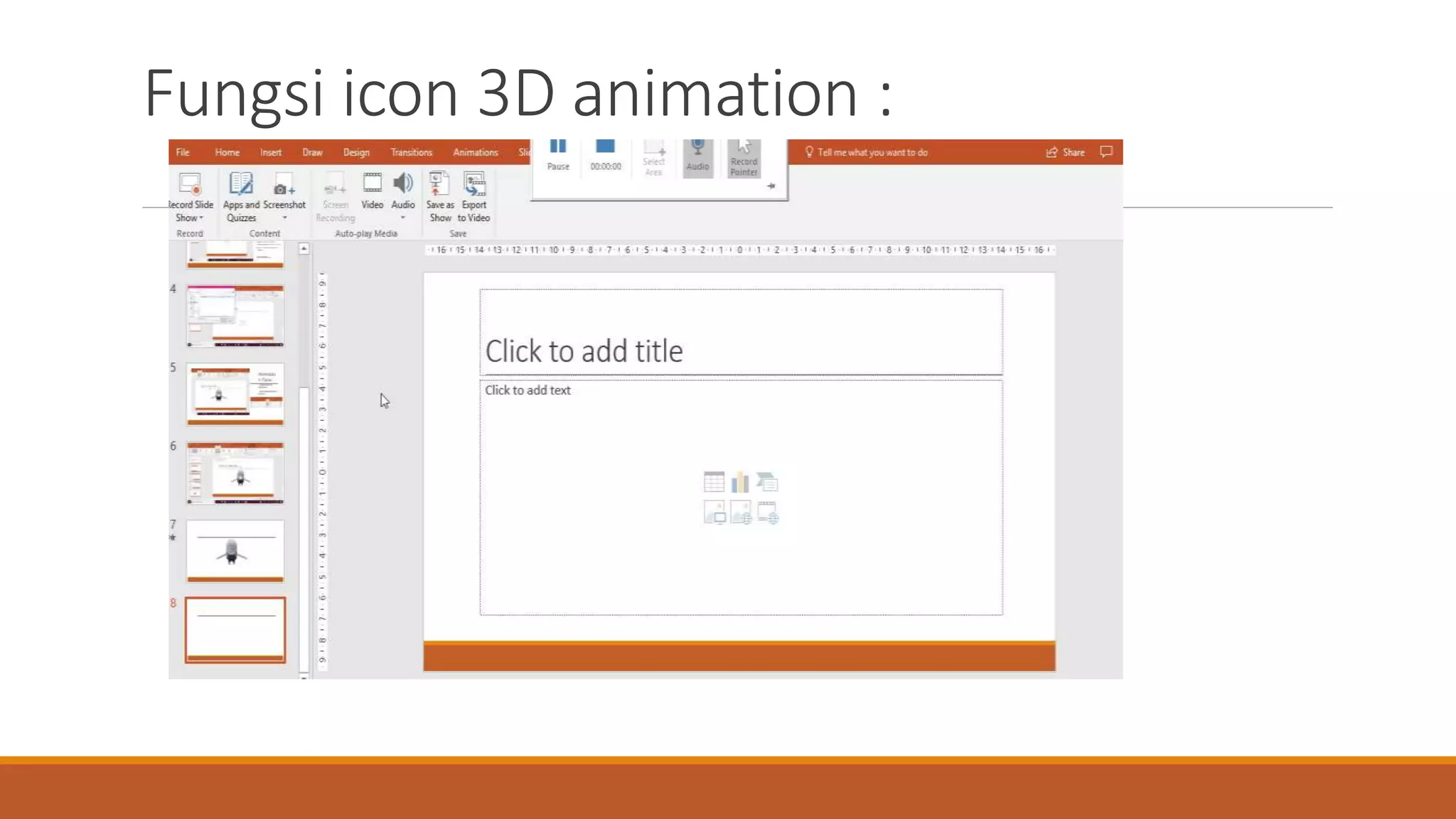
This document discusses how to insert and animate 3D models in Office 365. It provides information on the file formats supported for inserting 3D models from files, such as FBX, OBJ, 3MF, PLY, STL and GLB. It also explains that double clicking an inserted 3D model will open an animation pane where animations can be viewed and controlled. An example of an animated 3D object is given to demonstrate this functionality.


