兆毅資訊– 劉書豪 
eSignal 系統簡介
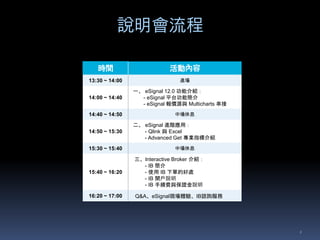
說明會流程 
2 
時間活動內容 
13:30 ~ 14:00 進場 
14:00 ~ 14:40 
一、eSignal 12.0 功能介紹: 
- eSignal 平台功能簡介 
- eSignal 報價源與Multicharts 串接 
14:40 ~ 14:50 中場休息 
14:50 ~ 15:30 
二、eSignal 進階應用: 
- Qlink 與Excel 
- Advanced Get 專業指標介紹 
15:30 ~ 15:40 中場休息 
15:40 ~ 16:20 
三、Interactive Broker 介紹: 
- IB 簡介 
- 使用IB 下單的好處 
- IB 開戶說明 
- IB 手續費與保證金說明 
16:20 ~ 17:00 Q&A、eSignal現場體驗、IB諮詢服務
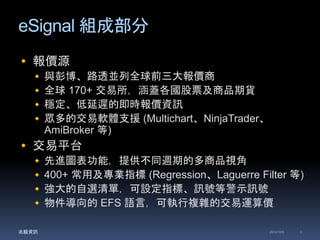
eSignal 組成部分 
 報價源 
 與彭博、路透並列全球前三大報價商 
 全球170+ 交易所,涵蓋各國股票及商品期貨 
 穩定、低延遲的即時報價資訊 
 眾多的交易軟體支援(Multichart、NinjaTrader、 
AmiBroker 等) 
 交易平台 
 先進圖表功能,提供不同週期的多商品視角 
 400+ 常用及專業指標(Regression、Laguerre Filter 等) 
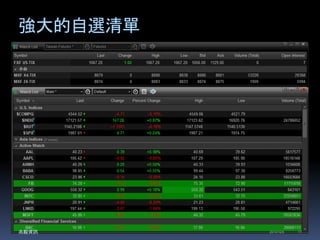
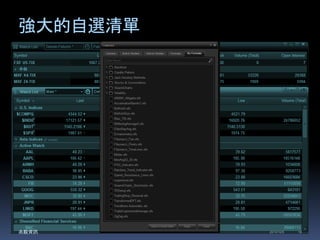
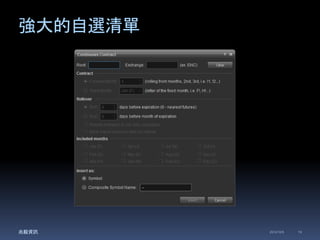
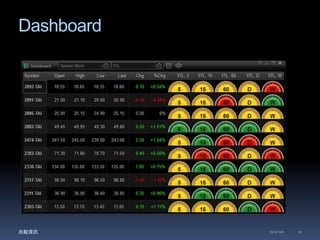
 強大的自選清單,可設定指標、訊號等警示訊號 
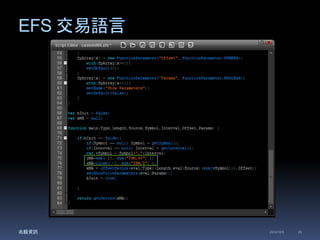
 物件導向的EFS 語言,可執行複雜的交易運算價 
兆毅資訊2014/12/5 3
eSignal 交易平台 
兆毅資訊2014/12/5 4
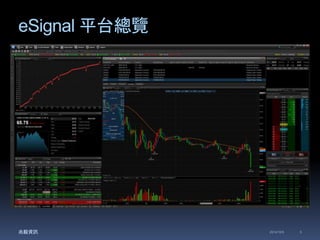
eSignal 平台總覽 
兆毅資訊2014/12/5 5
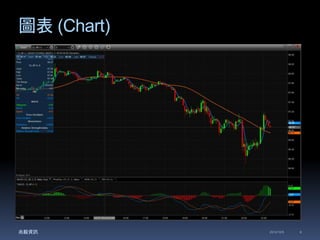
圖表(Chart) 
兆毅資訊2014/12/5 6
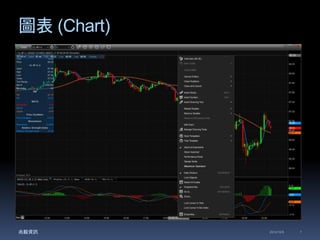
圖表(Chart) 
兆毅資訊2014/12/5 7
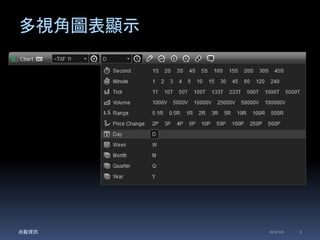
多視角圖表顯示 
兆毅資訊2014/12/5 8
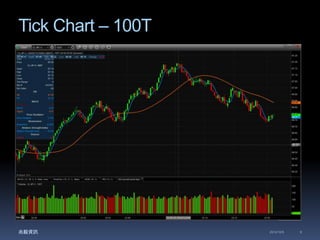
Tick Chart – 100T 
兆毅資訊2014/12/5 9
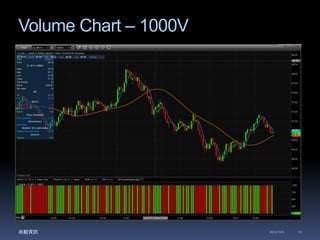
Volume Chart – 1000V 
兆毅資訊2014/12/5 10
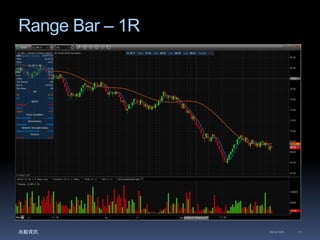
Range Bar – 1R 
兆毅資訊2014/12/5 11
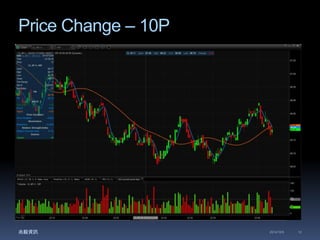
Price Change – 10P 
兆毅資訊2014/12/5 12
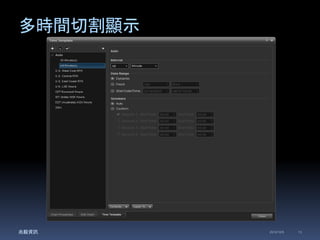
多時間切割顯示 
兆毅資訊2014/12/5 13
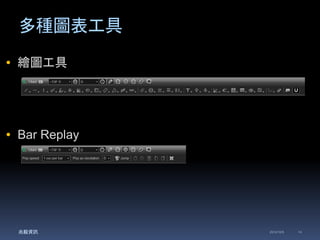
多種圖表工具 
 繪圖工具 
 Bar Replay 
兆毅資訊2014/12/5 14
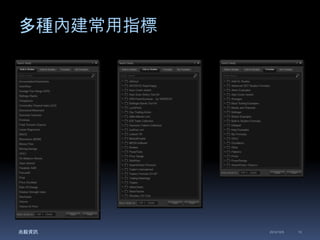
多種內建常用指標 
兆毅資訊2014/12/5 15
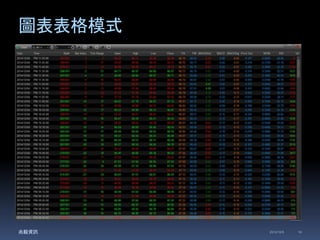
圖表表格模式 
兆毅資訊2014/12/5 16
強大的自選清單 
兆毅資訊2014/12/5 17
強大的自選清單 
兆毅資訊2014/12/5 18
強大的自選清單 
兆毅資訊2014/12/5 19
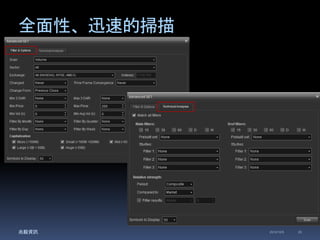
全面性、迅速的掃描 
兆毅資訊2014/12/5 20
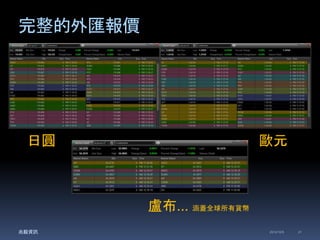
完整的外匯報價 
日圓歐元 
盧布... 涵蓋全球所有貨幣 
兆毅資訊2014/12/5 21
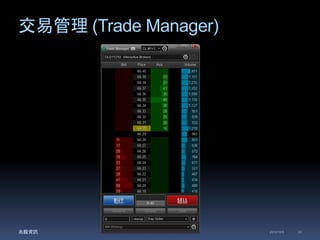
交易管理(Trade Manager) 
兆毅資訊2014/12/5 22
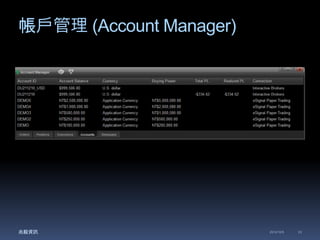
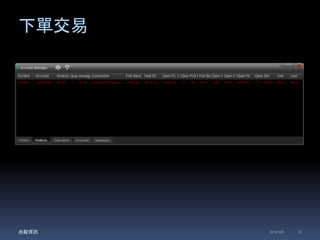
帳戶管理(Account Manager) 
兆毅資訊2014/12/5 23
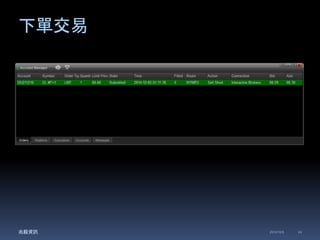
下單交易 
兆毅資訊2014/12/5 24
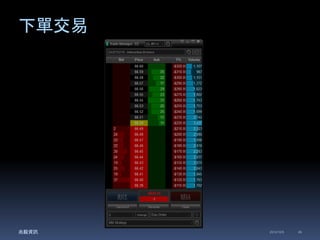
下單交易 
兆毅資訊2014/12/5 25
下單交易 
兆毅資訊2014/12/5 26
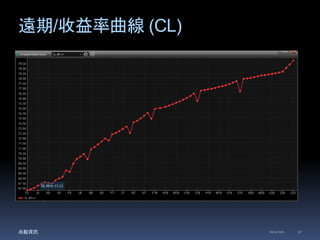
遠期/收益率曲線(CL) 
兆毅資訊2014/12/5 27
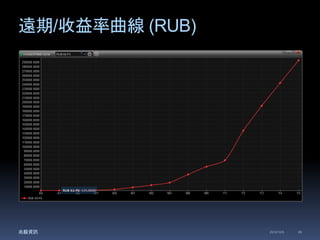
遠期/收益率曲線(RUB) 
兆毅資訊2014/12/5 28
EFS 交易語言 
兆毅資訊2014/12/5 29
Dashboard 
兆毅資訊2014/12/5 30
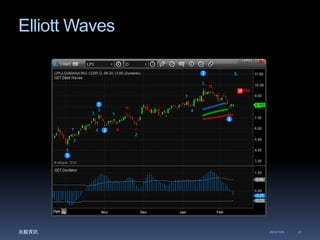
Elliott Waves 
兆毅資訊2014/12/5 31

2014/12/06 兆毅資訊 eSignal 12.0 產品發佈暨 IB 合作夥伴說明會 part 1

Editor's Notes

  • #2 大家好,非常榮幸今天有機會來到 XX 證券拜訪,兆毅資訊在最近取得了 Interactive Data 的產品代理。在正式推出之前,我們想先聽聽各位業內專業人士對產品的看法,以便做為上市前的參考依據。 那在開始之前,想請問各位有聽過 Interactive Data 這家公司嗎? 沒有: 那讓我鮮花點時間介紹一下 Interactive Data 這家公司的主要業務及產品服務 有: 那麼可以請你大略描述你對 Interactive Data 的印象嗎? 非常好!那就讓我做更進一步的詳細說明 Interactive Data 這家公司的主要業務及產品服務
  • #4 完整歷史資料,十年分線,長達40天的ASK、BID TICK資料 mc全球報價只有三家,其他理論可以但都沒拉線
  • #9 Price Change Bar Chart: A Price Change Bar chart is an Interval chart that uses changes in price, instead of time, to display the data. Instead of using a 1 minute chart, you might want 10 price changes per bar. Only a price change counts in this type of bar chart. Range Bar Chart A Range Bar chart is a type of tick chart that creates new bars based on a predetermined price range.  This range is set by the user to calculate the difference between the high and low value for each bar.  The bar will continue to build as long as this high/low range is less than or equal to the user defined range.  Once a trade occurs outside this range, a new bar is formed and the calculation resets and continues.  For example, if you set a $1 range for a non-volatile stock, if the trading activity never expands beyond $1 (i.e. a trading range of 25.50 to 25.80), then you'd only paint one bar for that activity. Note: Range Bar charts are available with eSignal Version 10.0 or higher.