W3C – WebAccessibility W3C – World-wide Web Consortium นำโดย Sir Tim Berners Lee ผู้คิดค้น WWW กำหนด มาตรฐานการพัฒนาเว็บ HTML, XHTML มาตรฐานการนำเสนอเว็บ CSS, XSL มาตรฐานการเข้าถึงข้อมูล Web Accessibility
5.
Web Accessibility Accessto Web content and services regardless of ability or disability, or assistive devices used Sensory: Vision, Hearing Motor: Use only keyboard; only mouse; touch screen Technological: old computer, slow connection, mobile device
6.
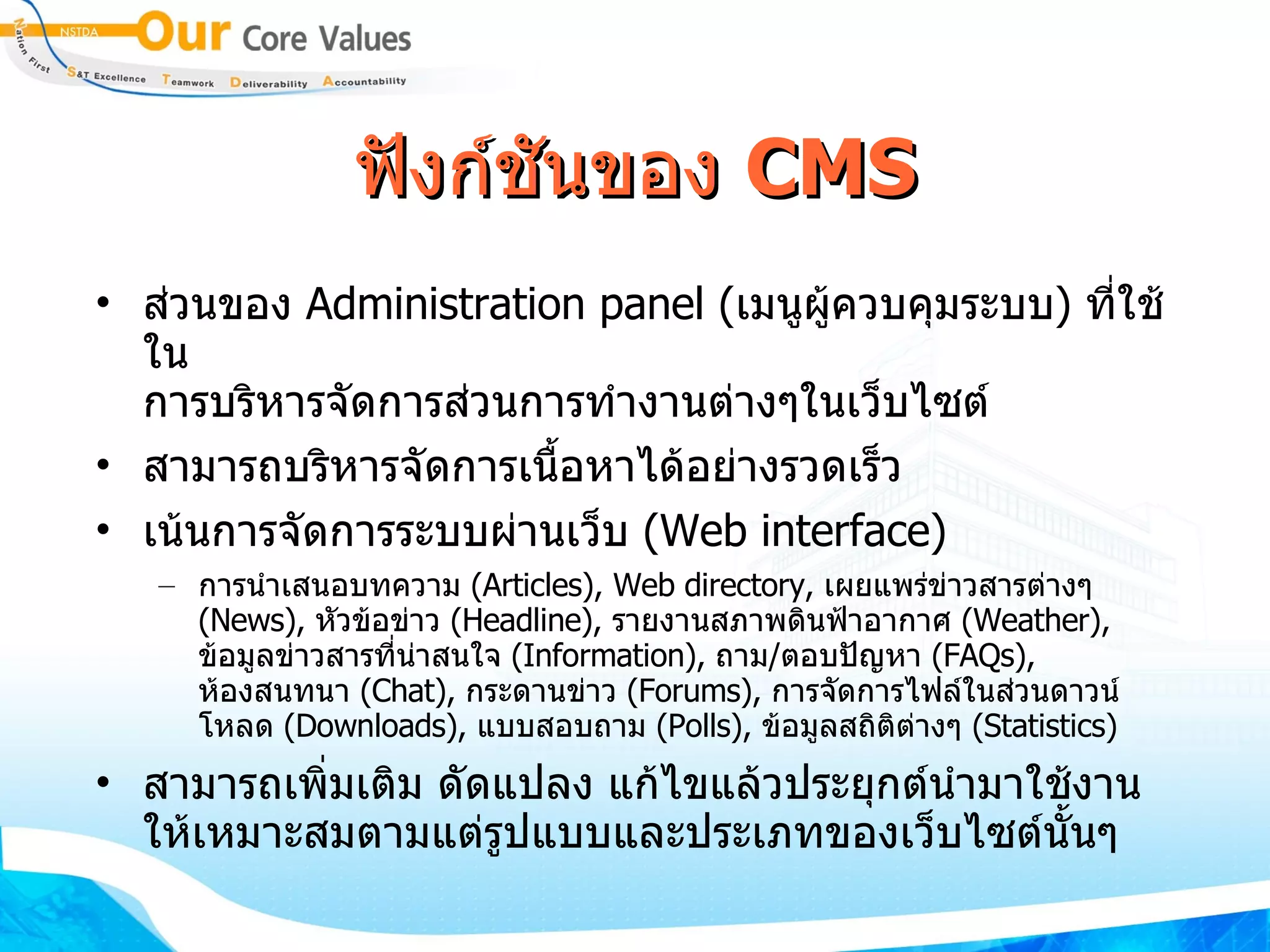
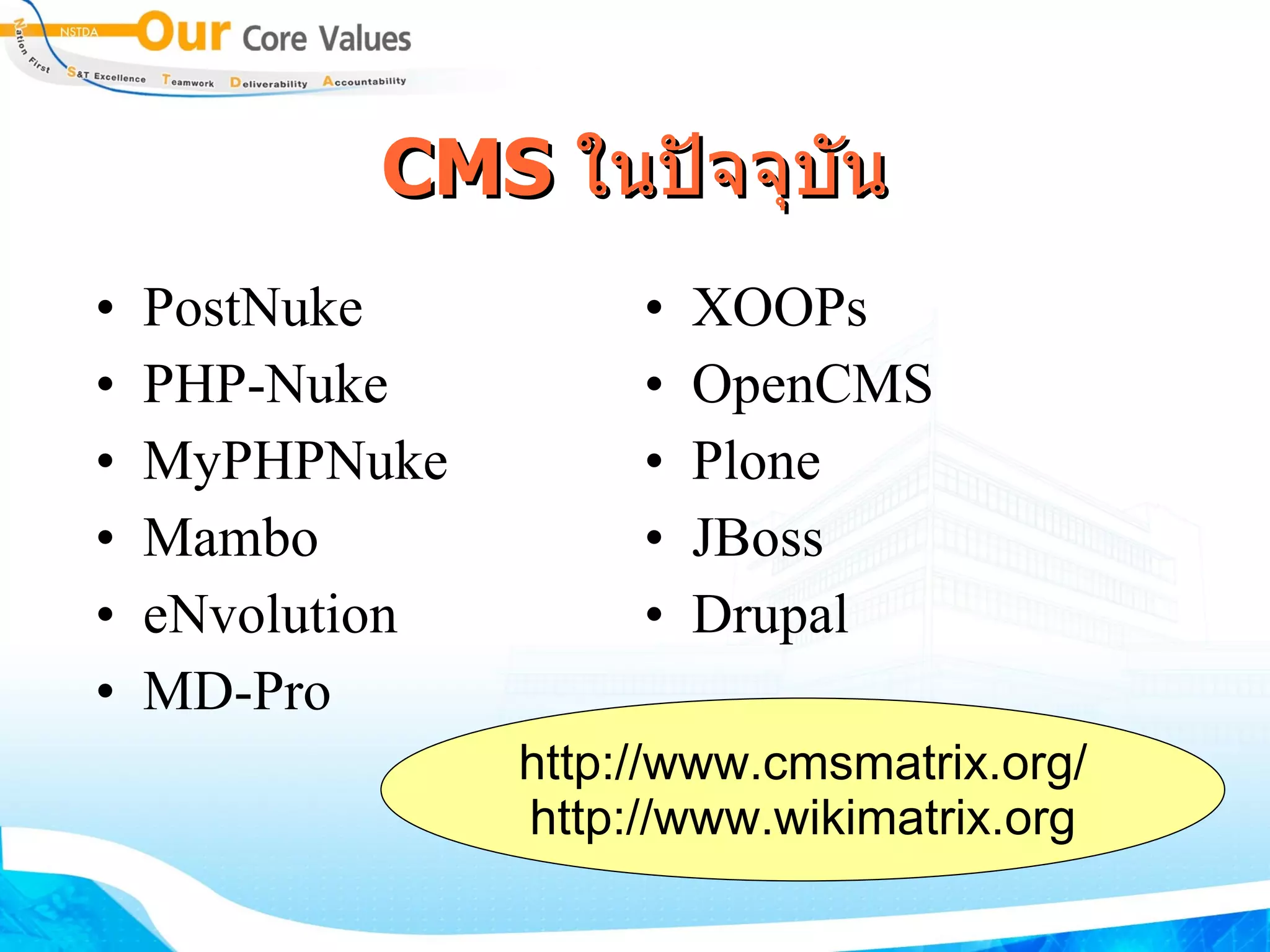
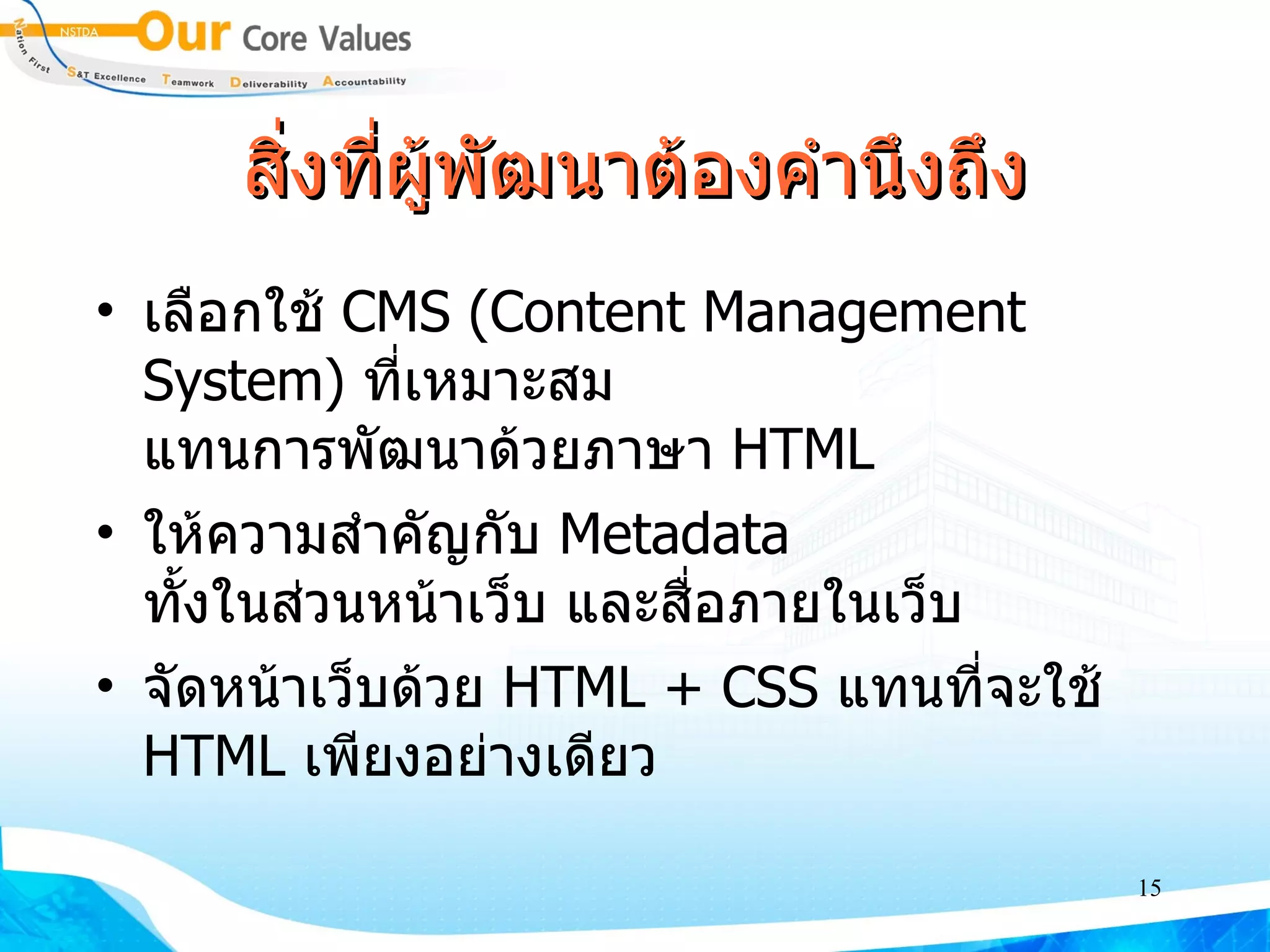
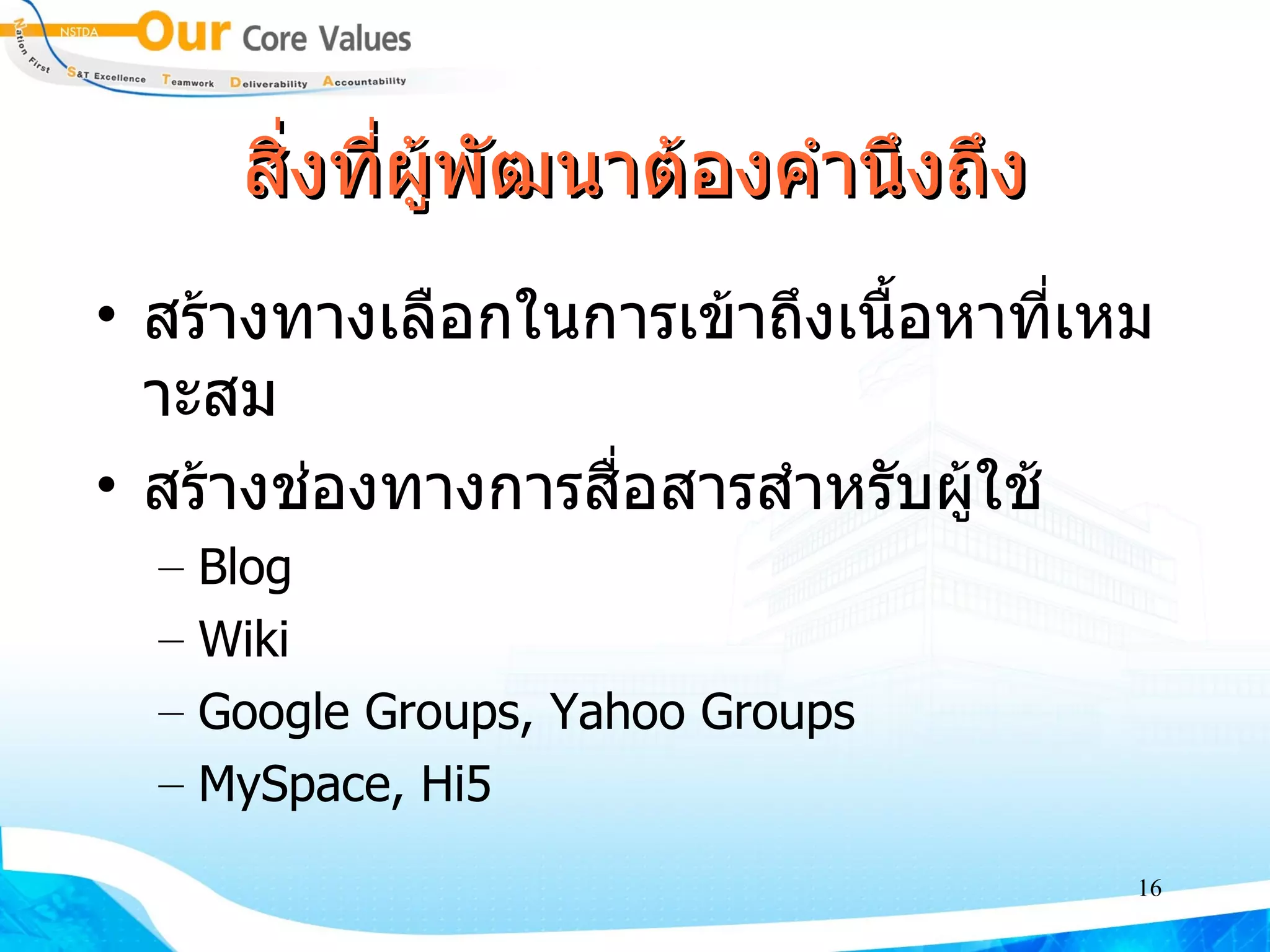
Web 2.0 คือคำตอบ ? Browsers, RSS Readers, anything Viewed through… Web browser Everyone Content Created by… Web Coders “ dynamic” State “ static” “ mass amatuerization” Domain of… “ geeks” “ Post / record” Primary Unit of content “ Page” “ Web Services” Architecture “ Client Server” “ Write” & Contribute Mode “ Read” Web 2.0 (2003- beyond) Web pages, plus a lot of other “content” shared over the web, with more interactivity; more like an application than a “page” Web 1.0 (1993-2003) Pretty much HTML pages viewed through a browser
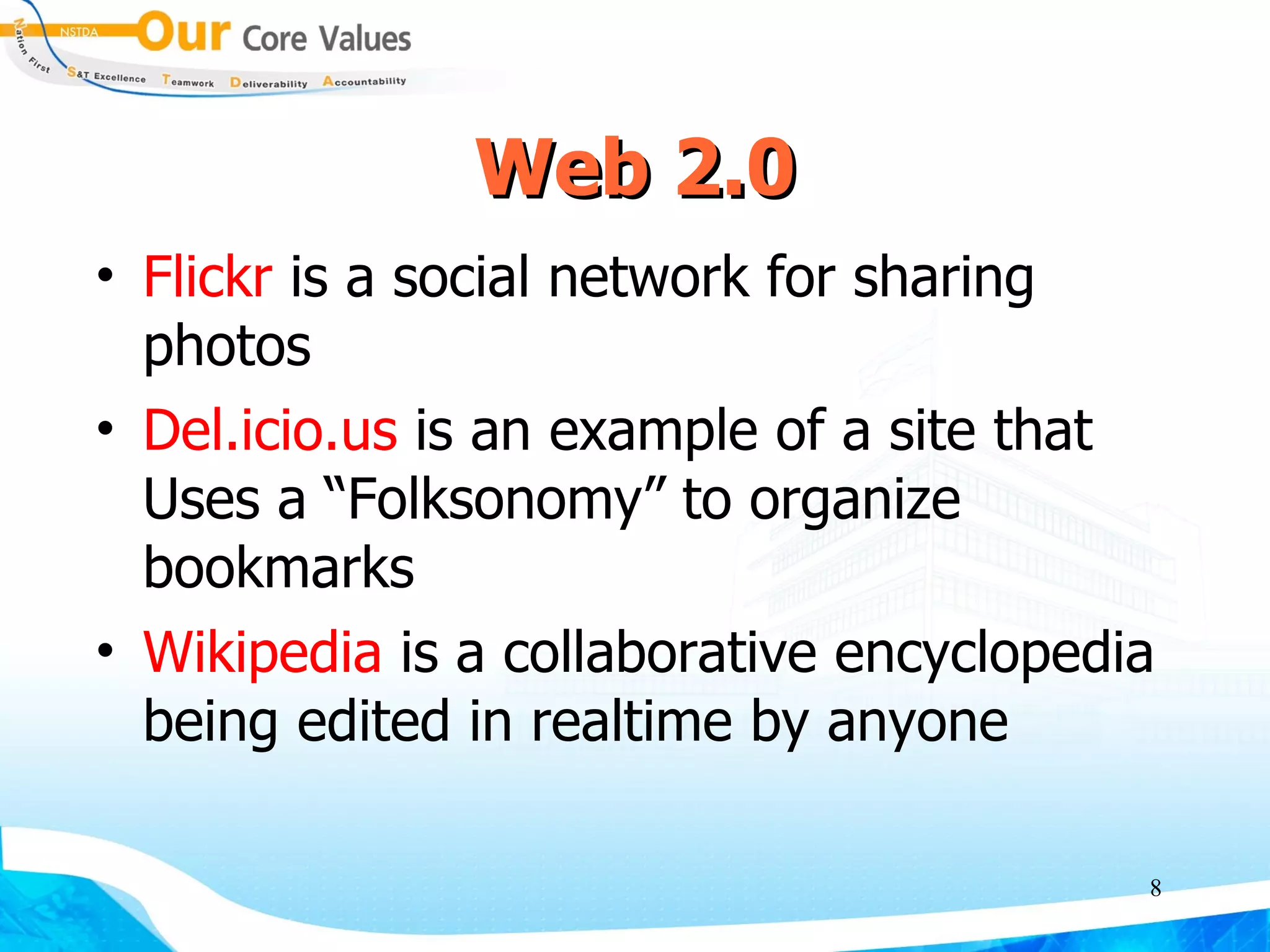
Web 2.0 Flickr is a social network for sharing photos Del.icio.us is an example of a site that Uses a “Folksonomy” to organize bookmarks Wikipedia is a collaborative encyclopedia being edited in realtime by anyone
9.
Web 2.0 Weblog(blog) Blogging is the most recognized example of Web 2.0 Really Simple Syndication (RSS) RSS adoption is small currently, but it could be an attractive tool for niche marketers
10.
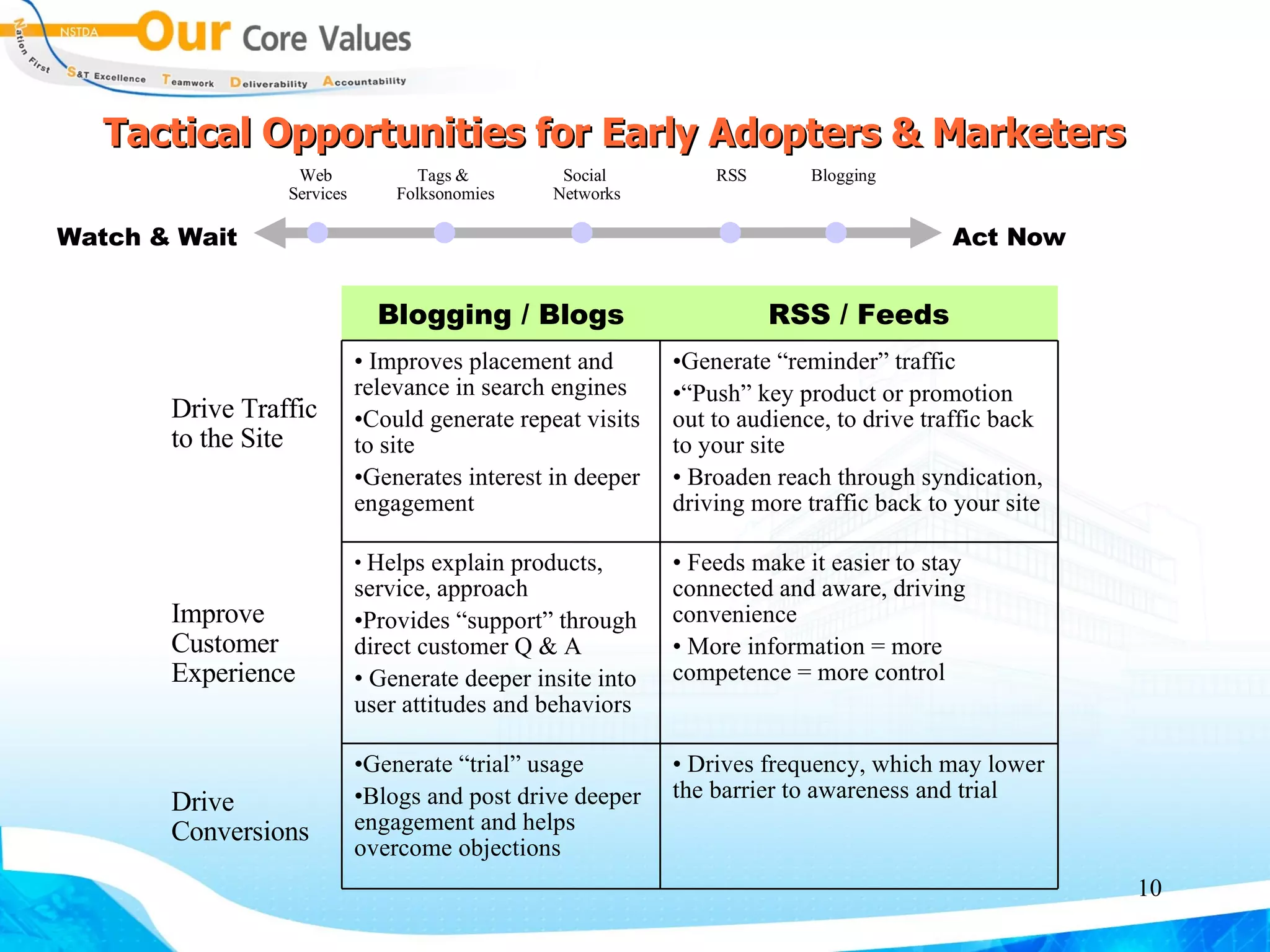
Tactical Opportunities forEarly Adopters & Marketers Watch & Wait Act Now Web Services Tags & Folksonomies Social Networks RSS Blogging Drives frequency, which may lower the barrier to awareness and trial Generate “trial” usage Blogs and post drive deeper engagement and helps overcome objections Drive Conversions Feeds make it easier to stay connected and aware, driving convenience More information = more competence = more control Helps explain products, service, approach Provides “support” through direct customer Q & A Generate deeper insite into user attitudes and behaviors Improve Customer Experience Generate “reminder” traffic “ Push” key product or promotion out to audience, to drive traffic back to your site Broaden reach through syndication, driving more traffic back to your site Improves placement and relevance in search engines Could generate repeat visits to site Generates interest in deeper engagement Drive Traffic to the Site RSS / Feeds Blogging / Blogs