Sri Balaji College of Engineering & Technology
MACRO in C
SUPERVISOR:-
MR. SANJAY SHARMA
Assistant Professor
SBCET , JAIPUR
SUBMITTED BY:-
NAME:- VIVEK SINGH RAJAWAT
ROLL NO. 19ESBCS020
BRANCH :- CSE
DEPARTMENT OF COMPUTER SCIENCE & ENGINEERING
Sri Balaji College of Engineering & Technology
Rajasthan Technical University , Kota
January 2021
A PRESENTATION ON MACRO
MACRO in C
CONTENTS
• MACROS:INTRO
• Using simple macros
• Parameterized macros
• Macros vs. functions
• Macros vs. Functions: Argument Evaluation
• Properties of macros
• Typedefs
• Conditional Compilation: #ifdef
• Solution to multiple inclusion problem
• Predefined Macros
Macros:INTRO
4
• A macro is a symbol that is recognized by the
preprocessor and replaced by the macro body
– Structure of simple macros:
#defineidentifierreplacement_list
– Examples:
#defin
e
BUFFER
SZ
102
4
#defin
e
WORDLE
N
64
Using simple macros
5
• We just use the macro name in place of the
value, e.g.:
#define BUFLEN
1024
#define Pi 3.1416
…
char
buffer[BUFLEN];
…
area = Pi * r * r;
NOT
: #define BUFLEN =
1024 #define Pi
3.1416;
Example 1
6
Parameterized macros
7
• Macros can have parameters
– these resemble functions in some ways:
• macro definition ~ formal parameters
• macro use ~ actual arguments
– Form:
#define macroName(arg1, …, argn)
replacement_list
– Example:
#define
deref(pt
r) #define
MAX(x,y
)
*ptr
x > y ? x
: y
no space
here!
(else preprocessor
will assume we’re
defining a simple
macro
Example
8
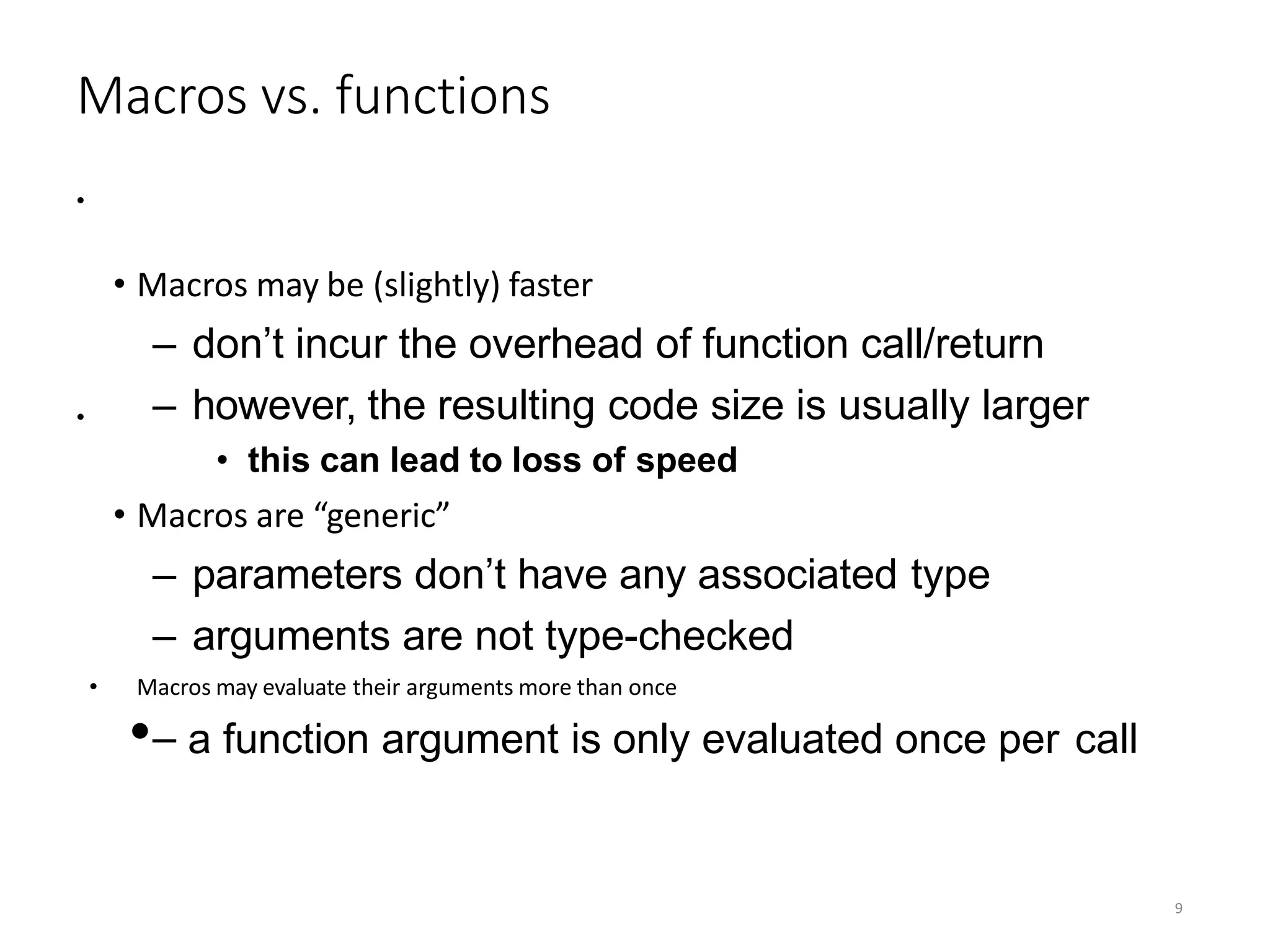
Macros vs. functions
• Macros may be (slightly) faster
– don’t incur the overhead of function call/return
– however, the resulting code size is usually larger
• this can lead to loss of speed
• Macros are “generic”
– parameters don’t have any associated type
– arguments are not type-checked
• Macros may evaluate their arguments more than once
•– a function argument is only evaluated once per call
9
•
•
Macros vs. Functions: Argument Evaluation
10
• Macros and functions may behave differently if an argument is referenced multiple times:
– a function argument is evaluated once, before the call
– a macro argument is evaluated each time it is
encountered in the macro body.
Example:
•
int dbl(x) { return x + x;}
…
u = 10; v = dbl(u++);
printf(“u = %d, v = %d”,
u, v);
prints: u = 11, v =
20
u = 10; v = Dbl(u++);
printf(“u = %d, v = %d”, u, v);
prints: u = 12, v =
21
Dbl(u++)
expands
to:
#define Dbl(x) x + x
…u++ + u++
Properties of macros
11
• Macros may be nested
– in definitions,
e.g.:
#define Pi 3.1416
2*Pi
#define Twice_Pi
– in uses, e.g.:
#define double(x) x+x
#define Pi 3.1416
…
if ( x > double(Pi)
) …
• Nested macros are expanded
recursively
typedefs
12
•
•
Allow us to define aliases for
types Syntax:
typedef old_type_name new_type_name;
• new_type_name becomes an alias for
old_type_name
Example:
•
– typedef int BasePay;
– typedef struct node {
int value;
struct node *next;
} node;
Conditional Compilation: #ifdef
13
#ifdef identifier
line 1
…
linen
#endif
•
• macros can be defined by the compiler:
– gcc –D macroName
– gcc –D macroName=definition
macros can be defined without giving them a
specific value, e.g.:
– #define macroName
line1 … linen will be included
if identifier has been defined
as a macro; otherwise
nothing will happen.
Conditional Compilation: #ifndef
14
#ifndefidentifier
line1
…
linen
#endi
f
line1 … linen will be
included if identifier
is NOT defined as a
macro; otherwise
nothing will happen.
Solution to multiple inclusion problem
15
The header file is written as
follows:
#ifndeffile_specific_flag
#define file_specific_flag
…contents of file…
#endif
• file_specific_flag usually constructed from the name of the header
file:
E.g.:file = foo.h  flag = _FOO_H_
– try to avoid macro names starting with
‘_’
indicates whether
or not this file has
been included
already
Another use of #ifdefs
16
• They can be useful for controlling debugging output
– Example 1: guard debugging code with #ifdefs:
#ifdef DEBUG
…debug message…
#endif
– Example 2: use the debug macro to control
what debugging code appears in the
program:
#ifdef DEBUG
#define
DMSG(msg)
printf(msg) // debugging
output
#else
#define
DMSG(msg)
{} // empty statement
#endif
straightforward, but
needs discipline to use
consistently
Generalizing #ifdef
17
#if constant-expression
line1
…
linen
#endif
 line1 … linen included if constant-expression evaluates to a non-zero value
Common
uses:
• #if 1
or
• #if 0
current line number of the source
file name of the current source
file
time of translation
1 if the compiler conforms to
ANSI C
LINE
FILE
TIME
STDC
printf("working on %sn", FILE );
Predefined Macros

1614745770521_vivek macros.pptx

  • 1.
    Sri Balaji Collegeof Engineering & Technology MACRO in C SUPERVISOR:- MR. SANJAY SHARMA Assistant Professor SBCET , JAIPUR SUBMITTED BY:- NAME:- VIVEK SINGH RAJAWAT ROLL NO. 19ESBCS020 BRANCH :- CSE DEPARTMENT OF COMPUTER SCIENCE & ENGINEERING Sri Balaji College of Engineering & Technology Rajasthan Technical University , Kota January 2021
  • 2.
    A PRESENTATION ONMACRO MACRO in C
  • 3.
    CONTENTS • MACROS:INTRO • Usingsimple macros • Parameterized macros • Macros vs. functions • Macros vs. Functions: Argument Evaluation • Properties of macros • Typedefs • Conditional Compilation: #ifdef • Solution to multiple inclusion problem • Predefined Macros
  • 4.
    Macros:INTRO 4 • A macrois a symbol that is recognized by the preprocessor and replaced by the macro body – Structure of simple macros: #defineidentifierreplacement_list – Examples: #defin e BUFFER SZ 102 4 #defin e WORDLE N 64
  • 5.
    Using simple macros 5 •We just use the macro name in place of the value, e.g.: #define BUFLEN 1024 #define Pi 3.1416 … char buffer[BUFLEN]; … area = Pi * r * r; NOT : #define BUFLEN = 1024 #define Pi 3.1416;
  • 6.
  • 7.
    Parameterized macros 7 • Macroscan have parameters – these resemble functions in some ways: • macro definition ~ formal parameters • macro use ~ actual arguments – Form: #define macroName(arg1, …, argn) replacement_list – Example: #define deref(pt r) #define MAX(x,y ) *ptr x > y ? x : y no space here! (else preprocessor will assume we’re defining a simple macro
  • 8.
  • 9.
    Macros vs. functions •Macros may be (slightly) faster – don’t incur the overhead of function call/return – however, the resulting code size is usually larger • this can lead to loss of speed • Macros are “generic” – parameters don’t have any associated type – arguments are not type-checked • Macros may evaluate their arguments more than once •– a function argument is only evaluated once per call 9 • •
  • 10.
    Macros vs. Functions:Argument Evaluation 10 • Macros and functions may behave differently if an argument is referenced multiple times: – a function argument is evaluated once, before the call – a macro argument is evaluated each time it is encountered in the macro body. Example: • int dbl(x) { return x + x;} … u = 10; v = dbl(u++); printf(“u = %d, v = %d”, u, v); prints: u = 11, v = 20 u = 10; v = Dbl(u++); printf(“u = %d, v = %d”, u, v); prints: u = 12, v = 21 Dbl(u++) expands to: #define Dbl(x) x + x …u++ + u++
  • 11.
    Properties of macros 11 •Macros may be nested – in definitions, e.g.: #define Pi 3.1416 2*Pi #define Twice_Pi – in uses, e.g.: #define double(x) x+x #define Pi 3.1416 … if ( x > double(Pi) ) … • Nested macros are expanded recursively
  • 12.
    typedefs 12 • • Allow us todefine aliases for types Syntax: typedef old_type_name new_type_name; • new_type_name becomes an alias for old_type_name Example: • – typedef int BasePay; – typedef struct node { int value; struct node *next; } node;
  • 13.
    Conditional Compilation: #ifdef 13 #ifdefidentifier line 1 … linen #endif • • macros can be defined by the compiler: – gcc –D macroName – gcc –D macroName=definition macros can be defined without giving them a specific value, e.g.: – #define macroName line1 … linen will be included if identifier has been defined as a macro; otherwise nothing will happen.
  • 14.
    Conditional Compilation: #ifndef 14 #ifndefidentifier line1 … linen #endi f line1… linen will be included if identifier is NOT defined as a macro; otherwise nothing will happen.
  • 15.
    Solution to multipleinclusion problem 15 The header file is written as follows: #ifndeffile_specific_flag #define file_specific_flag …contents of file… #endif • file_specific_flag usually constructed from the name of the header file: E.g.:file = foo.h  flag = _FOO_H_ – try to avoid macro names starting with ‘_’ indicates whether or not this file has been included already
  • 16.
    Another use of#ifdefs 16 • They can be useful for controlling debugging output – Example 1: guard debugging code with #ifdefs: #ifdef DEBUG …debug message… #endif – Example 2: use the debug macro to control what debugging code appears in the program: #ifdef DEBUG #define DMSG(msg) printf(msg) // debugging output #else #define DMSG(msg) {} // empty statement #endif straightforward, but needs discipline to use consistently
  • 17.
    Generalizing #ifdef 17 #if constant-expression line1 … linen #endif line1 … linen included if constant-expression evaluates to a non-zero value Common uses: • #if 1 or • #if 0
  • 18.
    current line numberof the source file name of the current source file time of translation 1 if the compiler conforms to ANSI C LINE FILE TIME STDC printf("working on %sn", FILE ); Predefined Macros