Introduction to Docker
Alexander González {Microsoft Student Partner}
alexander.gonzalez@studentpartner.com
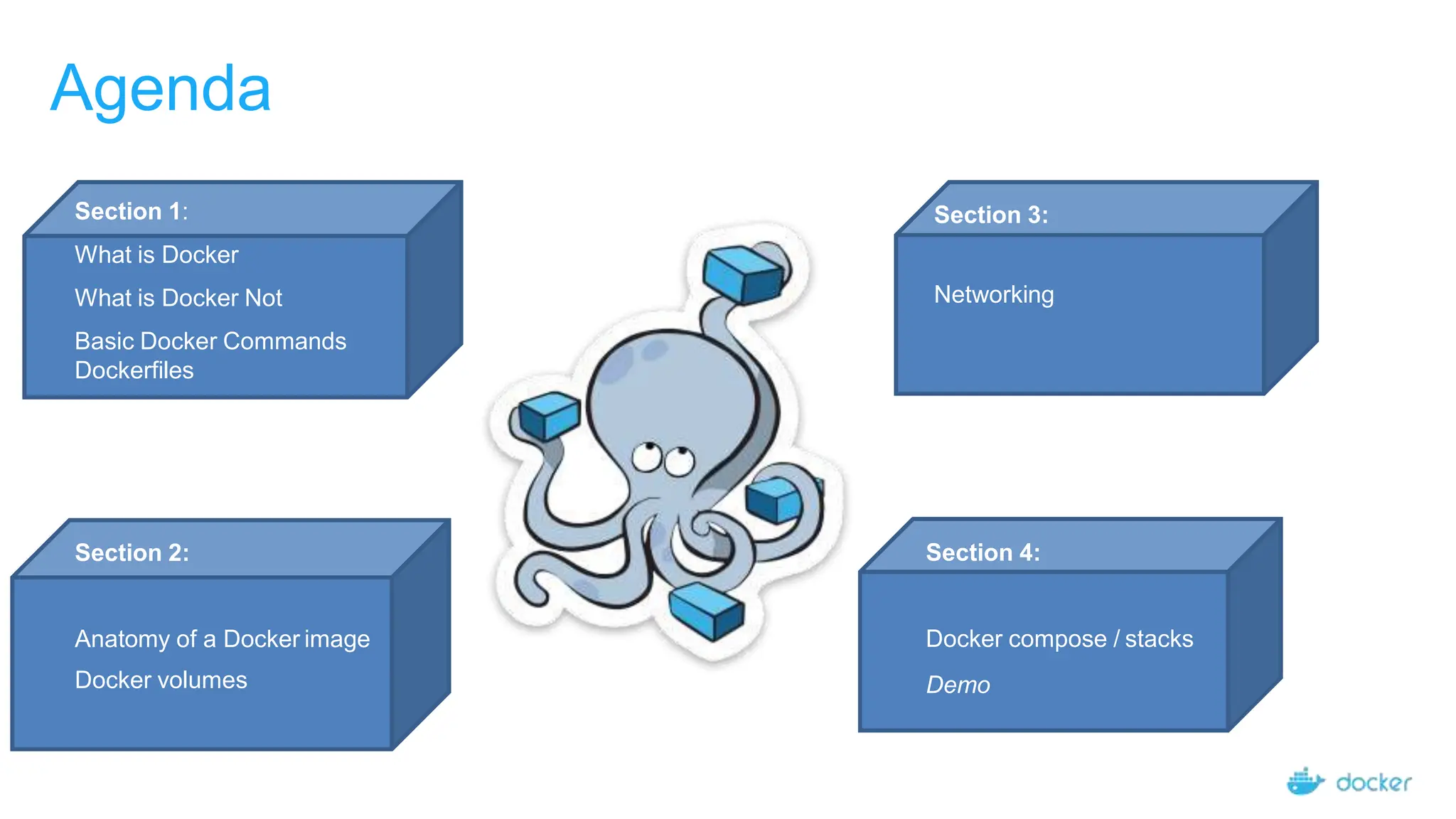
Agenda
Section 1:
What is Docker
What is Docker Not
Basic Docker Commands
Dockerfiles
Section 2:
Anatomy of a Docker image
Docker volumes
Section 3:
Networking
Section 4:
Docker compose / stacks
Demo
FIRST OF ALL!
Maquina programador/Entorno desarrollo Servidor/Entorno producción
App A App A
Section 1:
What is Docker
Basic Docker Commands
Dockerfiles
• Standardized packaging for
software and dependencies
• Isolate apps from each other
• Share the same OS kernel
• Works for all major Linux
distributions
• Containers native to Windows
Server 2016
What is a container?
Docker Image
Example: Ubuntu with Node.js and
Application Code
Docker Container
Created by using an image. Runs
your application.
The Role of Images and Containers
Docker containers are NOT VMs
7
• Easy connection to make
• Fundamentally different architectures
• Fundamentally different benefits
Maquina Virtual Contenedores
Docker Containers Versus Virtual Machines
A p p 1 A p p 2
Bins/Libs Bins/Libs
Guest O S Guest O S
Hypervisor
Host Operating System
A p p 1
Bins/Libs
A p p 2
Bins/Libs
Docker Engine
Host Operating System
Virtual Machines Docker Containers
• Lightweight, open, secure platform
• Simplify building, shipping, running
apps
• Runs natively on Linux or Windows
Server
• Runs on Windows or Mac
Development machines (with a
virtual machine)
• Relies on "images" and "containers"
What Is Docker?
Using Docker: Build, Ship, Run Workflow
Developers IT Operations
BUILD
Development Environments
SHIP
Create & Store Images
RUN
Deploy, Manage, Scale
10
Some Docker vocabulary
Docker Image
The basis of a Docker container. Represents a full application
Docker Container
The standard unit in which the application service resides and executes
Docker Engine
Creates, ships and runs Docker containers deployable on a physical or
virtual, host locally, in a datacenter or cloud service provider
Registry Service (Docker Hub(Public) or Docker Trusted
Registry(Private))
Cloud or server based storage and distribution service for your images
11
Basic Docker Commands
$ docker image pull node:latest
$ docker image ls
$ docker container run –d –p 5000:5000 –-name node node:latest
$ docker container ps
$ docker container stop node(or <container id>)
$ docker container rm node (or <container id>)
$ docker image rmi (or <image id>)
$ docker build –t node:2.0 .
$ docker image push node:2.0
$ docker --help
14
Dockerfile – Linux Example
• Instructions on
how to build a
Docker image
• Looks very similar
to “native”
commands
• Important to
optimize your
Dockerfile
Section 2:
Anatomy of a Docker Container
Docker Volumes
Volume Use Cases
Let’s Go Back to Our Dockerfile
15
Each Dockerfile Command Creates a Layer
Kernel
FROM
16
RUN
WORKDIR
COPY
EXPOSE
…
Docker Image Pull: Pulls Layers
17
Docker Volumes
18
• Volumes mount a directory on the host into the container at a specific location
• Can be used to share (and persist) data between containers
• Directory persists after the container is deleted
• Unless you explicitly delete it
• Can be created in a Dockerfile or via CLI
Why Use Volumes
19
• Mount local source code into a running container
docker container run -v $(pwd):/usr/src/app/
myapp
• Improve performance
− As directory structures get complicated traversing the tree can slow system
performance
• Data persistence
Section 3:
Networking
What is Docker Bridge Networking
Docker host
bridgenet1
Cntnr 1 Cntnr 2 Cntnr 3
Docker host
bridgenet2
Cntnr 4 Cntnr 5 Cntnr 6
bridgenet3
Cntnr 7
docker network create -d bridge --name bridgenet1
21
Docker Bridge Networking and Port Mapping
Docker host 1
Bridge
Cntnr1
10.0.0.8
L2/L3 physical network
:80
:8080
172.14.3.55
$ docker container run -p 8080:80 ...
Host port
22
Container port
Section 4:
Docker Compose
Docker Compose: Multi Container Applications
49
• Build and run one container at a time
• Manually connect containers together
• Must be careful with dependencies and start
up order
• Define multi container app in compose.yml file
• Single command to deploy entire app
• Handles container dependencies
• Works with Docker Swarm, Networking,
Volumes, Universal Control Plane
version: '2' # specify docker-compose version
# Define the services/containers to be run
services:
angular: # name of the first service
build: client # specify the directory of the Dockerfile
ports:
- "4200:4200" # specify port forewarding
express: #name of the second service
build: api # specify the directory of the Dockerfile
ports:
- "3977:3977" #specify ports forewarding
database: # name of the third service
image: mongo # specify image to build container from
ports:
- "27017:27017" # specify port forewarding
Docker Compose: Multi Container Applications
Docker Compose: Scale Container
Applications
Demo
Angular Node.js/Express Mongo DB
14309525_docker_docker_docker_docker_introduction.ppt

14309525_docker_docker_docker_docker_introduction.ppt

  • 1.
    Introduction to Docker AlexanderGonzález {Microsoft Student Partner} alexander.gonzalez@studentpartner.com
  • 2.
    Agenda Section 1: What isDocker What is Docker Not Basic Docker Commands Dockerfiles Section 2: Anatomy of a Docker image Docker volumes Section 3: Networking Section 4: Docker compose / stacks Demo
  • 3.
    FIRST OF ALL! Maquinaprogramador/Entorno desarrollo Servidor/Entorno producción App A App A
  • 4.
    Section 1: What isDocker Basic Docker Commands Dockerfiles
  • 5.
    • Standardized packagingfor software and dependencies • Isolate apps from each other • Share the same OS kernel • Works for all major Linux distributions • Containers native to Windows Server 2016 What is a container?
  • 6.
    Docker Image Example: Ubuntuwith Node.js and Application Code Docker Container Created by using an image. Runs your application. The Role of Images and Containers
  • 7.
    Docker containers areNOT VMs 7 • Easy connection to make • Fundamentally different architectures • Fundamentally different benefits Maquina Virtual Contenedores
  • 8.
    Docker Containers VersusVirtual Machines A p p 1 A p p 2 Bins/Libs Bins/Libs Guest O S Guest O S Hypervisor Host Operating System A p p 1 Bins/Libs A p p 2 Bins/Libs Docker Engine Host Operating System Virtual Machines Docker Containers
  • 9.
    • Lightweight, open,secure platform • Simplify building, shipping, running apps • Runs natively on Linux or Windows Server • Runs on Windows or Mac Development machines (with a virtual machine) • Relies on "images" and "containers" What Is Docker?
  • 10.
    Using Docker: Build,Ship, Run Workflow Developers IT Operations BUILD Development Environments SHIP Create & Store Images RUN Deploy, Manage, Scale 10
  • 11.
    Some Docker vocabulary DockerImage The basis of a Docker container. Represents a full application Docker Container The standard unit in which the application service resides and executes Docker Engine Creates, ships and runs Docker containers deployable on a physical or virtual, host locally, in a datacenter or cloud service provider Registry Service (Docker Hub(Public) or Docker Trusted Registry(Private)) Cloud or server based storage and distribution service for your images 11
  • 12.
    Basic Docker Commands $docker image pull node:latest $ docker image ls $ docker container run –d –p 5000:5000 –-name node node:latest $ docker container ps $ docker container stop node(or <container id>) $ docker container rm node (or <container id>) $ docker image rmi (or <image id>) $ docker build –t node:2.0 . $ docker image push node:2.0 $ docker --help
  • 13.
    14 Dockerfile – LinuxExample • Instructions on how to build a Docker image • Looks very similar to “native” commands • Important to optimize your Dockerfile
  • 14.
    Section 2: Anatomy ofa Docker Container Docker Volumes Volume Use Cases
  • 15.
    Let’s Go Backto Our Dockerfile 15
  • 16.
    Each Dockerfile CommandCreates a Layer Kernel FROM 16 RUN WORKDIR COPY EXPOSE …
  • 17.
    Docker Image Pull:Pulls Layers 17
  • 18.
    Docker Volumes 18 • Volumesmount a directory on the host into the container at a specific location • Can be used to share (and persist) data between containers • Directory persists after the container is deleted • Unless you explicitly delete it • Can be created in a Dockerfile or via CLI
  • 19.
    Why Use Volumes 19 •Mount local source code into a running container docker container run -v $(pwd):/usr/src/app/ myapp • Improve performance − As directory structures get complicated traversing the tree can slow system performance • Data persistence
  • 20.
  • 21.
    What is DockerBridge Networking Docker host bridgenet1 Cntnr 1 Cntnr 2 Cntnr 3 Docker host bridgenet2 Cntnr 4 Cntnr 5 Cntnr 6 bridgenet3 Cntnr 7 docker network create -d bridge --name bridgenet1 21
  • 22.
    Docker Bridge Networkingand Port Mapping Docker host 1 Bridge Cntnr1 10.0.0.8 L2/L3 physical network :80 :8080 172.14.3.55 $ docker container run -p 8080:80 ... Host port 22 Container port
  • 23.
  • 24.
    Docker Compose: MultiContainer Applications 49 • Build and run one container at a time • Manually connect containers together • Must be careful with dependencies and start up order • Define multi container app in compose.yml file • Single command to deploy entire app • Handles container dependencies • Works with Docker Swarm, Networking, Volumes, Universal Control Plane
  • 25.
    version: '2' #specify docker-compose version # Define the services/containers to be run services: angular: # name of the first service build: client # specify the directory of the Dockerfile ports: - "4200:4200" # specify port forewarding express: #name of the second service build: api # specify the directory of the Dockerfile ports: - "3977:3977" #specify ports forewarding database: # name of the third service image: mongo # specify image to build container from ports: - "27017:27017" # specify port forewarding Docker Compose: Multi Container Applications
  • 26.
    Docker Compose: ScaleContainer Applications
  • 27.