Xml Introduction
Agenda
 Xml Introduction
XML
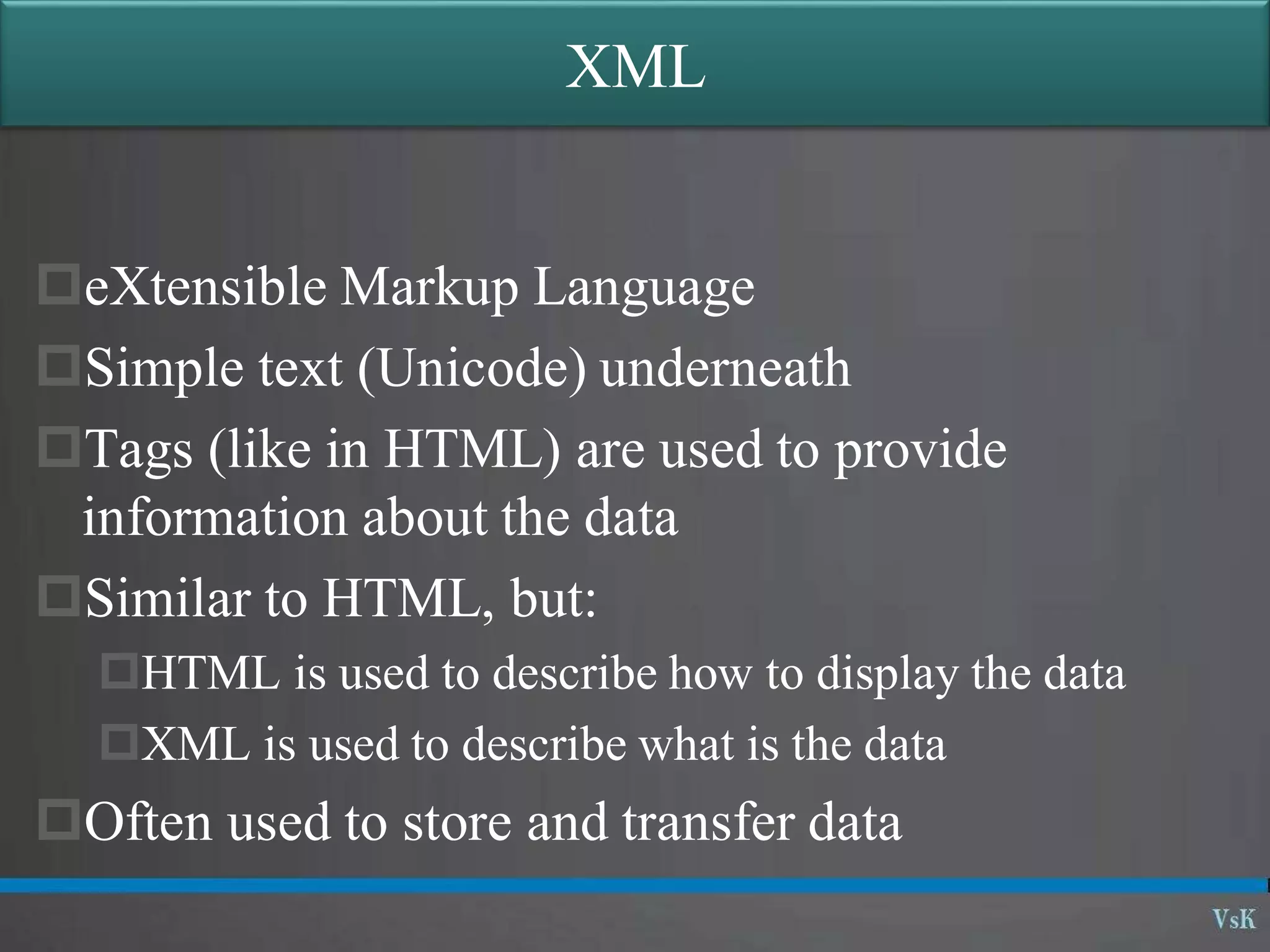
eXtensible Markup Language
Simple text (Unicode) underneath
Tags (like in HTML) are used to provide
information about the data
Similar to HTML, but:
HTML is used to describe how to display the data
XML is used to describe what is the data
Often used to store and transfer data
HTML Example
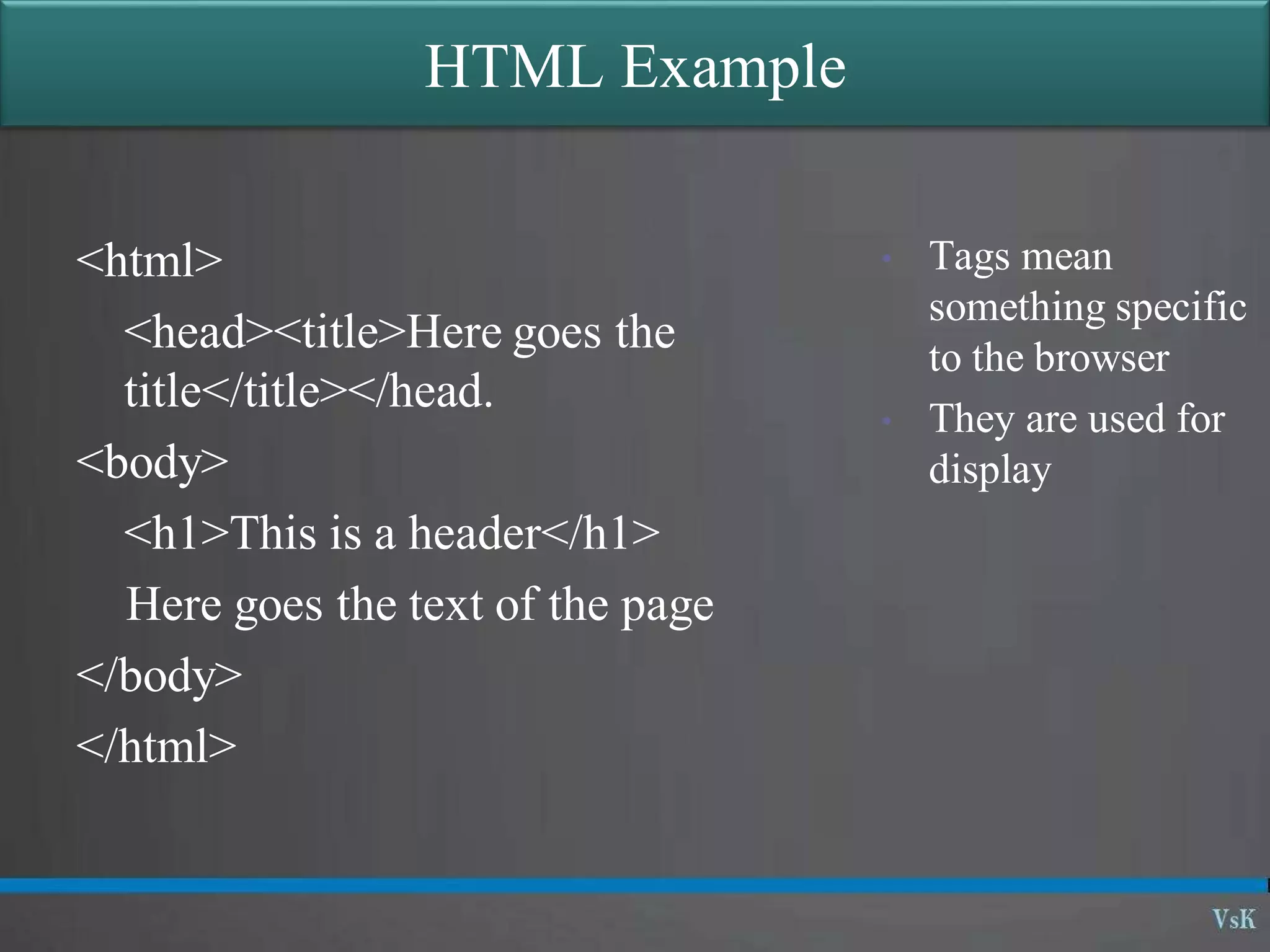
<html>
<head><title>Here goes the
title</title></head.
<body>
<h1>This is a header</h1>
Here goes the text of the page
</body>
</html>
• Tags mean
something specific
to the browser
• They are used for
display
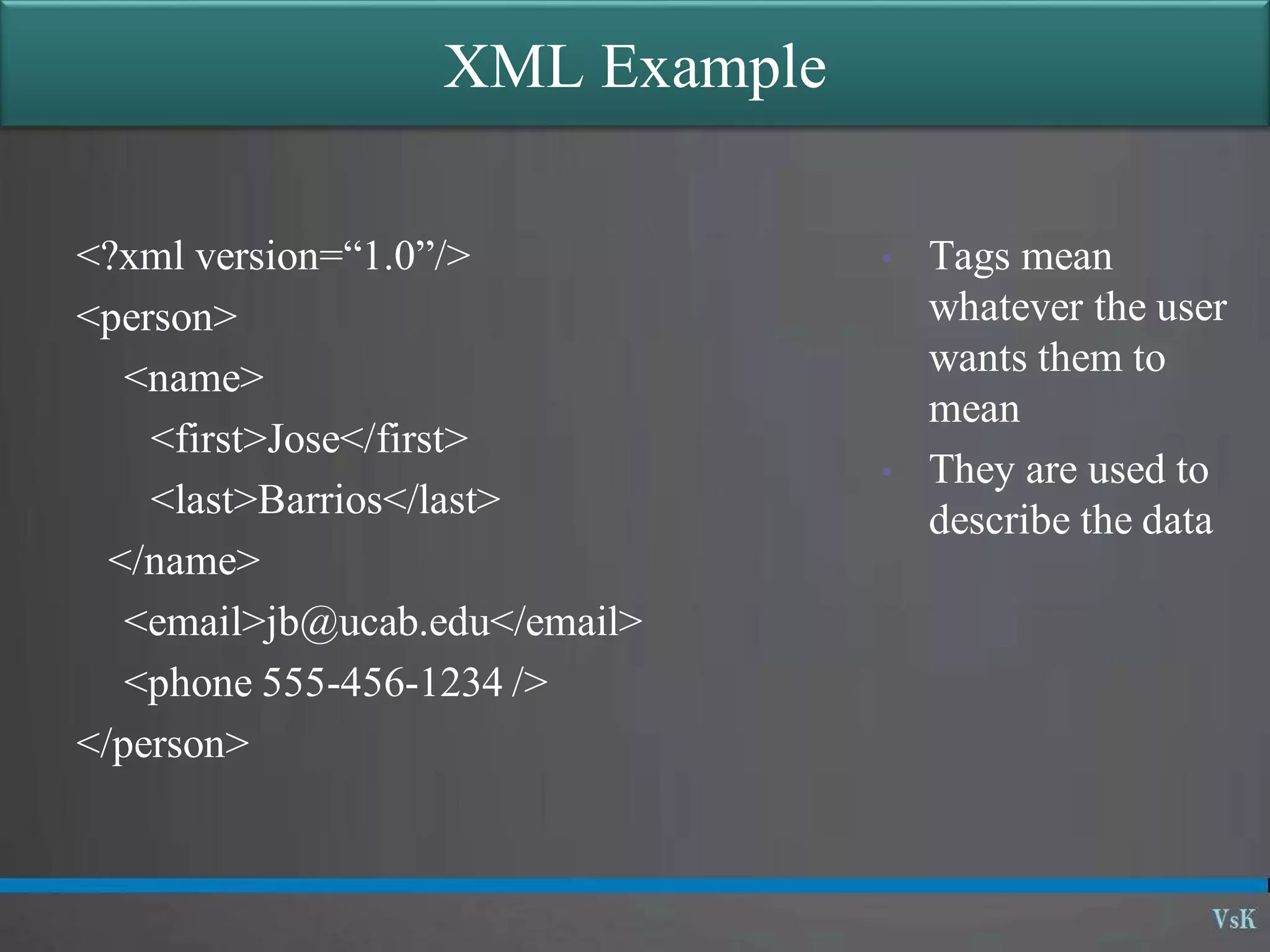
XML Example
<?xml version=“1.0”/>
<person>
<name>
<first>Jose</first>
<last>Barrios</last>
</name>
<email>jb@ucab.edu</email>
<phone 555-456-1234 />
</person>
• Tags mean
whatever the user
wants them to
mean
• They are used to
describe the data
XML Rules
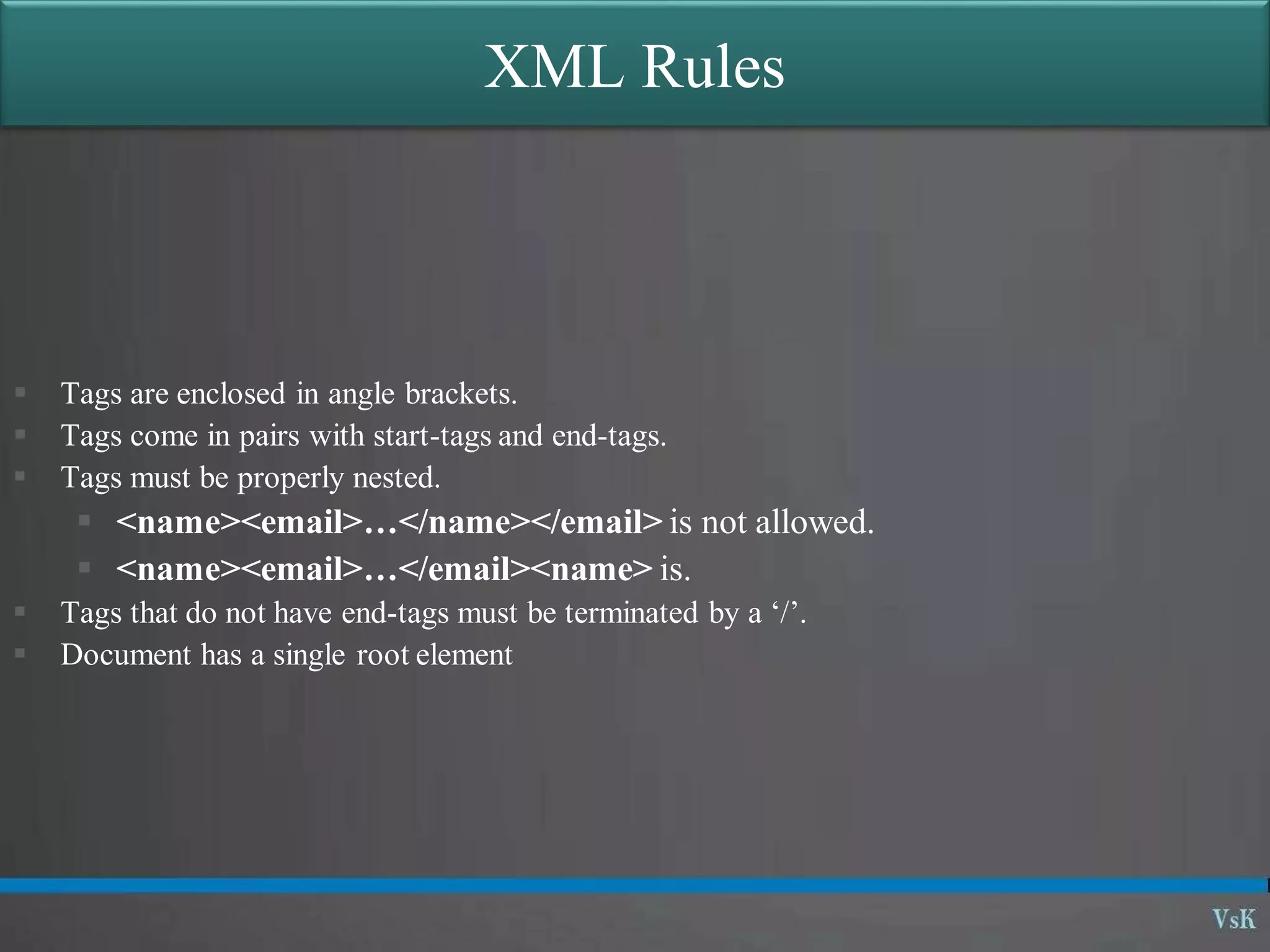
 Tags are enclosed in angle brackets.
 Tags come in pairs with start-tags and end-tags.
 Tags must be properly nested.
 <name><email>…</name></email> is not allowed.
 <name><email>…</email><name> is.
 Tags that do not have end-tags must be terminated by a ‘/’.
 Document has a single root element
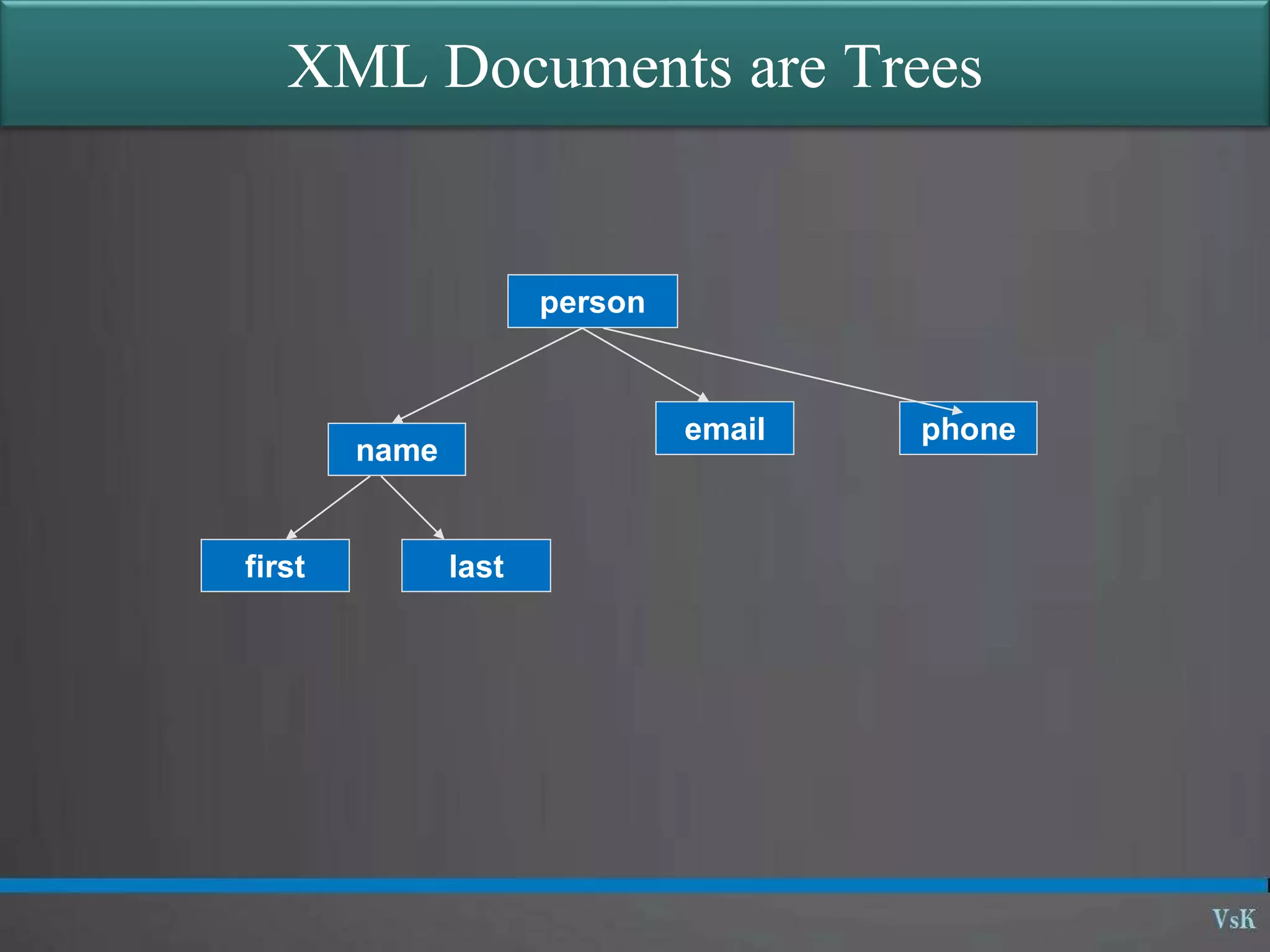
XML Documents are Trees
person
name
email phone
first last
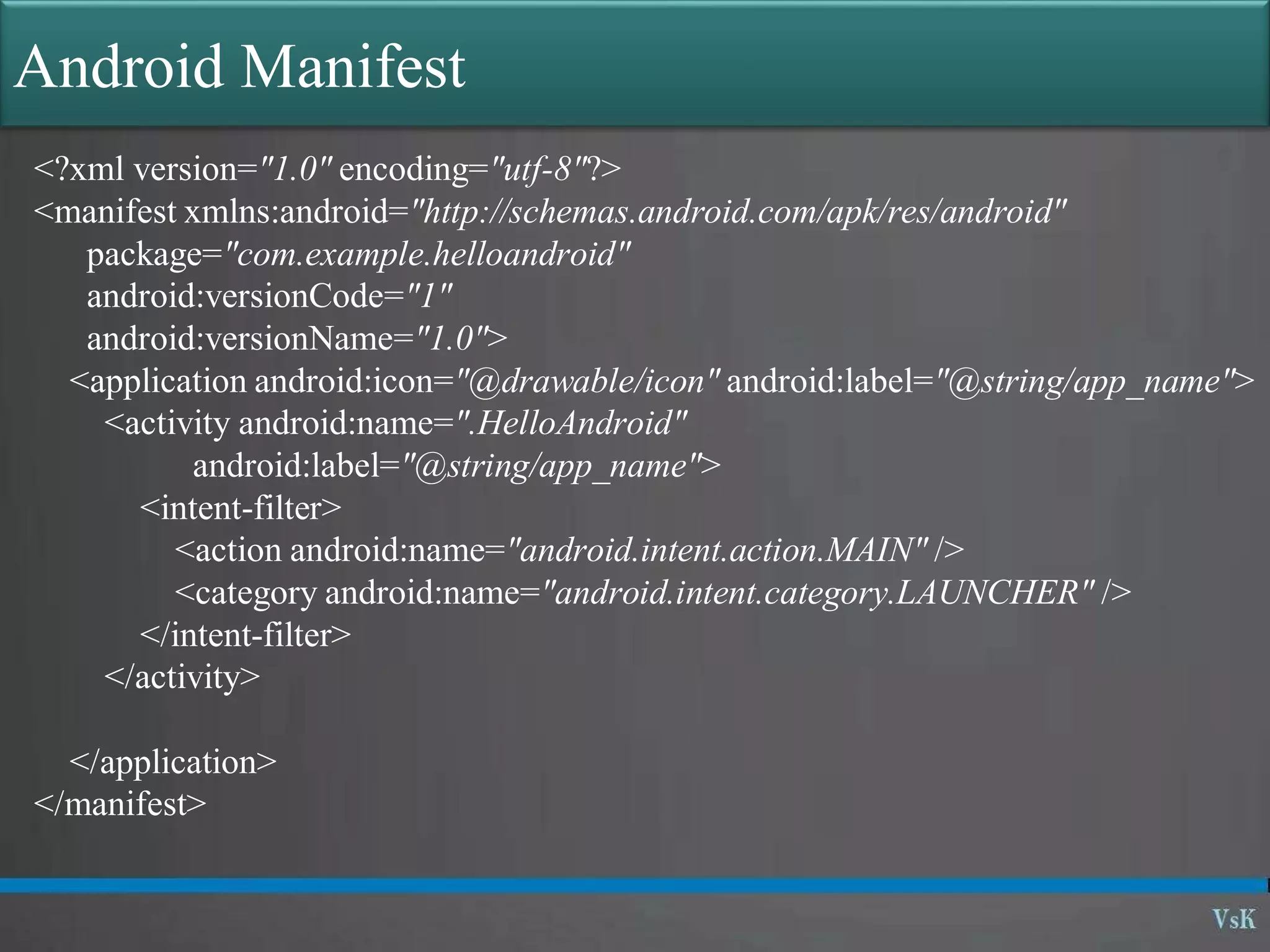
Android Manifest
<?xml version="1.0" encoding="utf-8"?>
<manifest xmlns:android="http://schemas.android.com/apk/res/android"
package="com.example.helloandroid"
android:versionCode="1"
android:versionName="1.0">
<application android:icon="@drawable/icon" android:label="@string/app_name">
<activity android:name=".HelloAndroid"
android:label="@string/app_name">
<intent-filter>
<action android:name="android.intent.action.MAIN" />
<category android:name="android.intent.category.LAUNCHER" />
</intent-filter>
</activity>
</application>
</manifest>
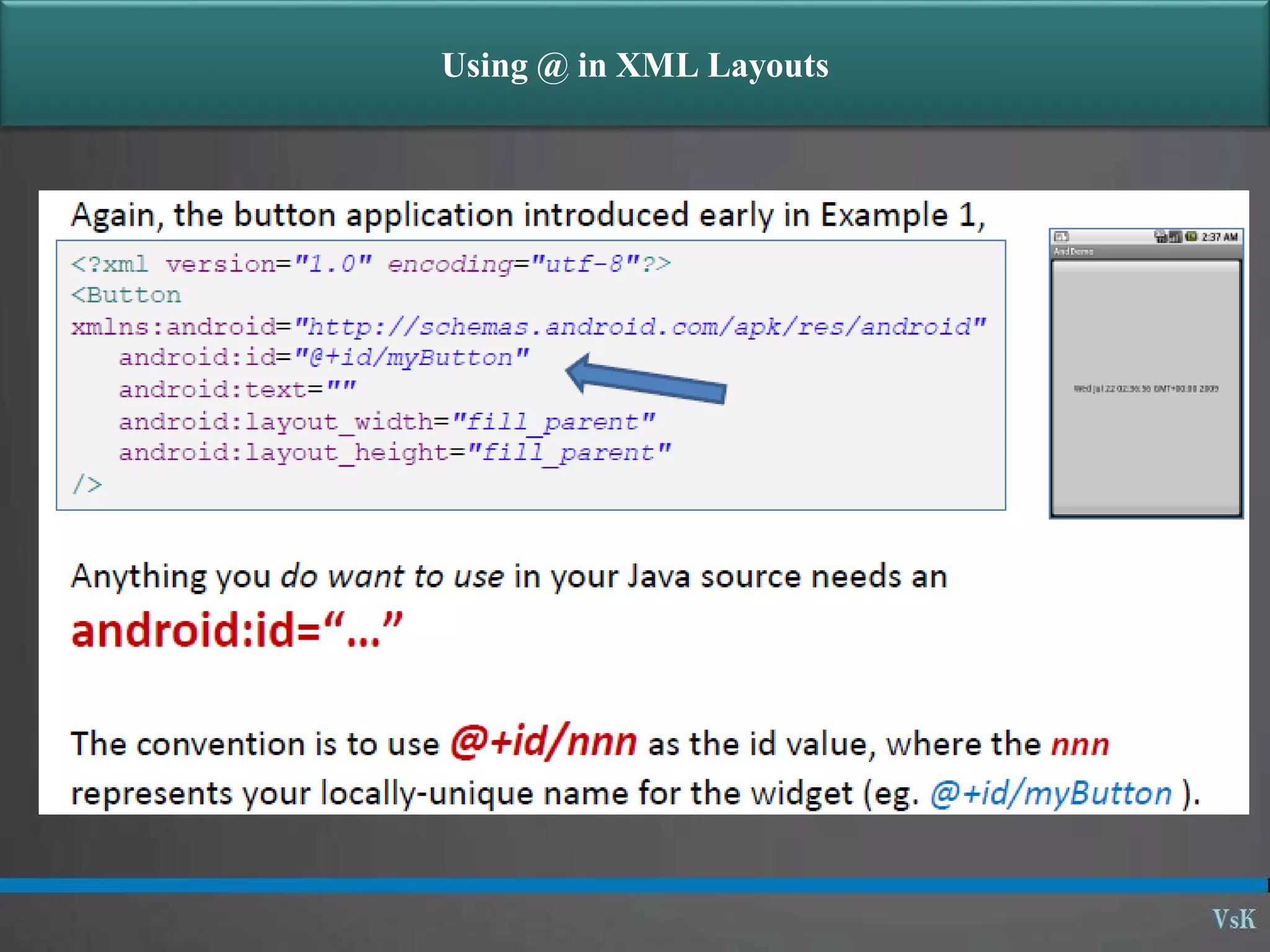
Using @ in XML Layouts
Attaching Layouts to Java Code
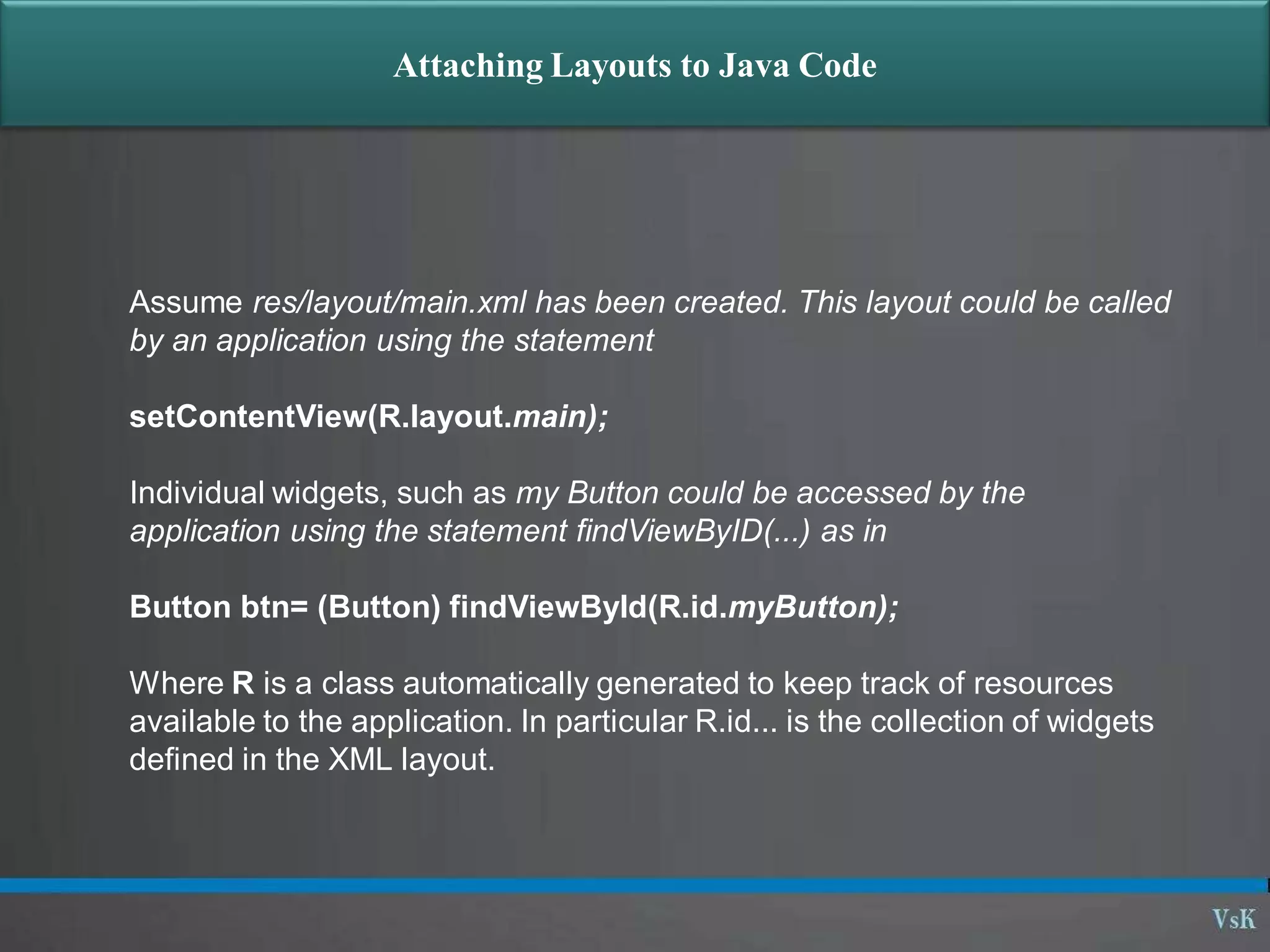
Assume res/layout/main.xml has been created. This layout could be called
by an application using the statement
setContentView(R.layout.main);
Individual widgets, such as my Button could be accessed by the
application using the statement findViewByID(...) as in
Button btn= (Button) findViewById(R.id.myButton);
Where R is a class automatically generated to keep track of resources
available to the application. In particular R.id... is the collection of widgets
defined in the XML layout.
Attaching Layouts to Java Code
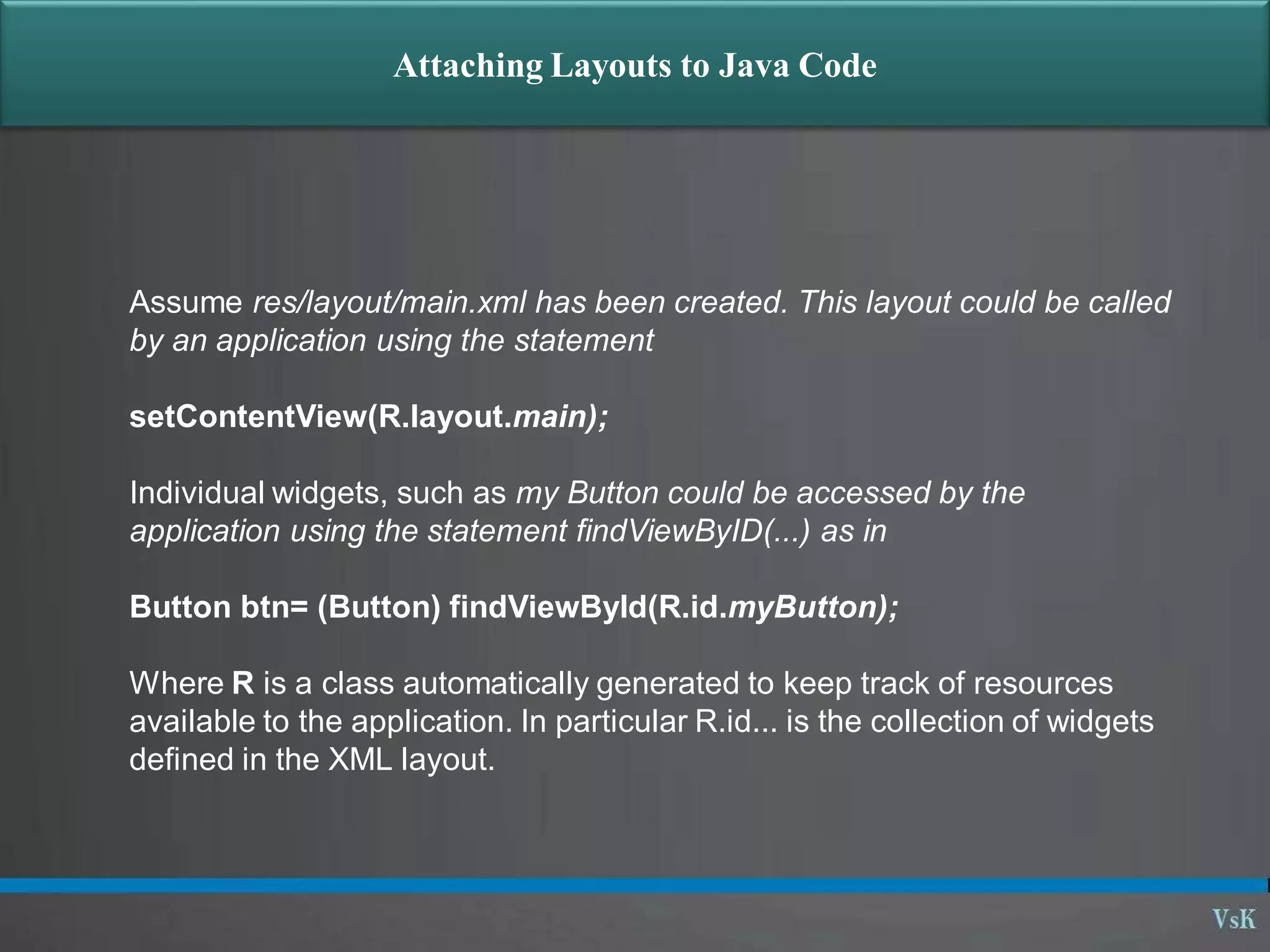
Assume res/layout/main.xml has been created. This layout could be called
by an application using the statement
setContentView(R.layout.main);
Individual widgets, such as my Button could be accessed by the
application using the statement findViewByID(...) as in
Button btn= (Button) findViewById(R.id.myButton);
Where R is a class automatically generated to keep track of resources
available to the application. In particular R.id... is the collection of widgets
defined in the XML layout.
Attaching Layouts to Java Code
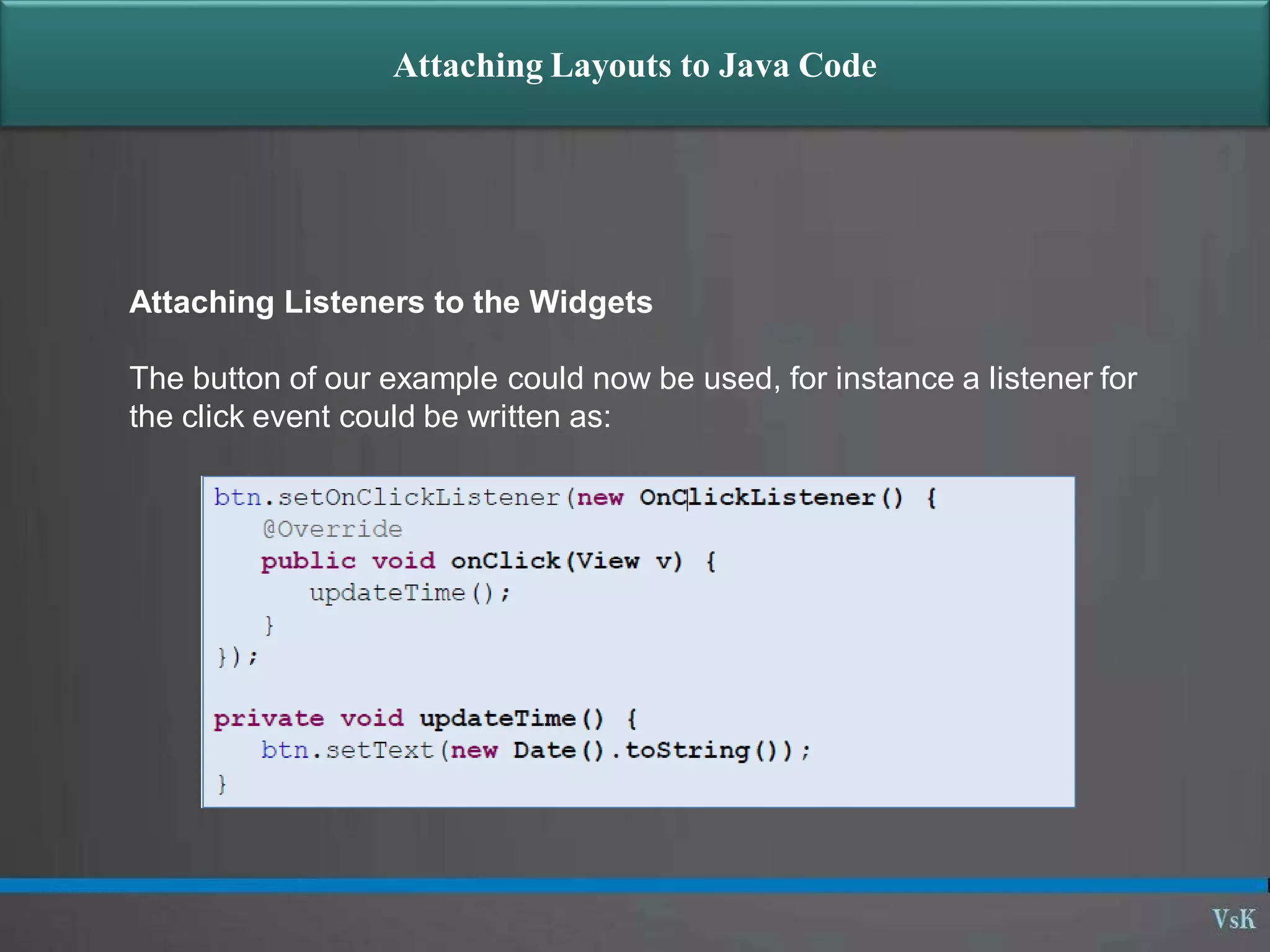
Attaching Listeners to the Widgets
The button of our example could now be used, for instance a listener for
the click event could be written as:
Questions?

01 05 - introduction xml

  • 1.
  • 2.
  • 3.
    XML eXtensible Markup Language Simpletext (Unicode) underneath Tags (like in HTML) are used to provide information about the data Similar to HTML, but: HTML is used to describe how to display the data XML is used to describe what is the data Often used to store and transfer data
  • 4.
    HTML Example <html> <head><title>Here goesthe title</title></head. <body> <h1>This is a header</h1> Here goes the text of the page </body> </html> • Tags mean something specific to the browser • They are used for display
  • 5.
    XML Example <?xml version=“1.0”/> <person> <name> <first>Jose</first> <last>Barrios</last> </name> <email>jb@ucab.edu</email> <phone555-456-1234 /> </person> • Tags mean whatever the user wants them to mean • They are used to describe the data
  • 6.
    XML Rules  Tagsare enclosed in angle brackets.  Tags come in pairs with start-tags and end-tags.  Tags must be properly nested.  <name><email>…</name></email> is not allowed.  <name><email>…</email><name> is.  Tags that do not have end-tags must be terminated by a ‘/’.  Document has a single root element
  • 7.
    XML Documents areTrees person name email phone first last
  • 8.
    Android Manifest <?xml version="1.0"encoding="utf-8"?> <manifest xmlns:android="http://schemas.android.com/apk/res/android" package="com.example.helloandroid" android:versionCode="1" android:versionName="1.0"> <application android:icon="@drawable/icon" android:label="@string/app_name"> <activity android:name=".HelloAndroid" android:label="@string/app_name"> <intent-filter> <action android:name="android.intent.action.MAIN" /> <category android:name="android.intent.category.LAUNCHER" /> </intent-filter> </activity> </application> </manifest>
  • 9.
    Using @ inXML Layouts
  • 10.
    Attaching Layouts toJava Code Assume res/layout/main.xml has been created. This layout could be called by an application using the statement setContentView(R.layout.main); Individual widgets, such as my Button could be accessed by the application using the statement findViewByID(...) as in Button btn= (Button) findViewById(R.id.myButton); Where R is a class automatically generated to keep track of resources available to the application. In particular R.id... is the collection of widgets defined in the XML layout.
  • 11.
    Attaching Layouts toJava Code Assume res/layout/main.xml has been created. This layout could be called by an application using the statement setContentView(R.layout.main); Individual widgets, such as my Button could be accessed by the application using the statement findViewByID(...) as in Button btn= (Button) findViewById(R.id.myButton); Where R is a class automatically generated to keep track of resources available to the application. In particular R.id... is the collection of widgets defined in the XML layout.
  • 12.
    Attaching Layouts toJava Code Attaching Listeners to the Widgets The button of our example could now be used, for instance a listener for the click event could be written as:
  • 13.