Windows 10
Tips and tricks most used
© NKS Tips and tricks
Try each
Shortcut keys
before
moving to
next
© NKS Tips and tricks 2
New must try
features
© NKS Tips and tricks 3
© NKS Tips and tricks 4
© NKS Tips and tricks 5
Most used shortcuts
And features
© NKS Tips and tricks 6
1
© NKS Tips and tricks 7
2
© NKS Tips and tricks 8
3
© NKS Tips and tricks 9
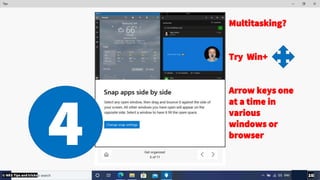
Multitasking?
Try Win+
Arrow keys one
at a time in
various
windows or
browser
4© NKS Tips and tricks 10
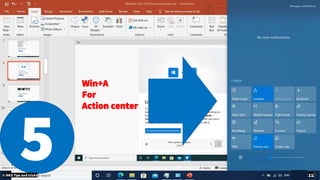
Win+A
For
Action center
5© NKS Tips and tricks 11
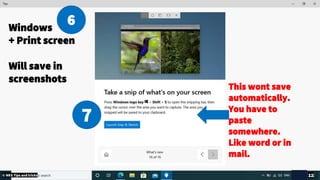
This wont save
automatically.
You have to
paste
somewhere.
Like word or in
mail.
Windows
+ Print screen
Will save in
screenshots
6
7
© NKS Tips and tricks 12
Stay organized
And Cool 😎
© NKS Tips and tricks 13
© NKS Tips and tricks 14
© NKS Tips and tricks 15
© NKS Tips and tricks 16
© NKS Tips and tricks 17
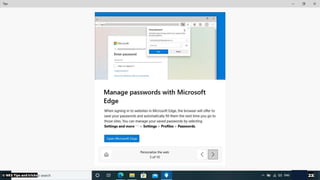
Edge web browser
Be productive
Keep Google Chrome as Backup browser in case.
© NKS Tips and tricks 18
© NKS Tips and tricks 19
© NKS Tips and tricks 20
© NKS Tips and tricks 21
© NKS Tips and tricks 22
© NKS Tips and tricks 23
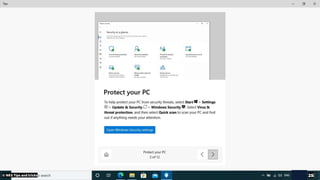
Security
Keep your eyes open.
Keep everything Green
© NKS Tips and tricks 24
© NKS Tips and tricks 25
© NKS Tips and tricks 26
© NKS Tips and tricks 27
© NKS Tips and tricks 28
© NKS Tips and tricks 29
Concerned losing
your Photos ?
Backup immediately
© NKS Tips and tricks 30
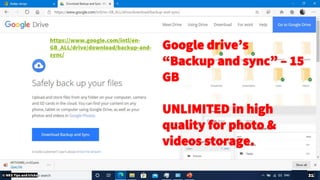
https://www.google.com/intl/en-
GB_ALL/drive/download/backup-and-
sync/
Google drive’s
“Backup and sync” – 15
GB
UNLIMITED in high
quality for photo &
videos storage.
© NKS Tips and tricks 31
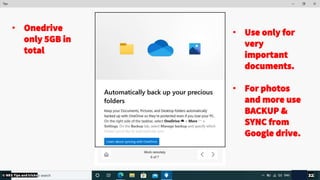
• Use only for
very
important
documents.
• For photos
and more use
BACKUP &
SYNC from
Google drive.
• Onedrive
only 5GB in
total
© NKS Tips and tricks 32
Monthly tasks
Clean up
as you do your room, so is you PC
© NKS Tips and tricks 33
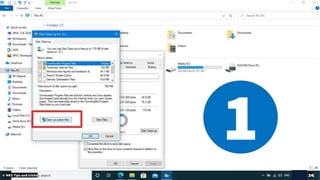
1
© NKS Tips and tricks 34
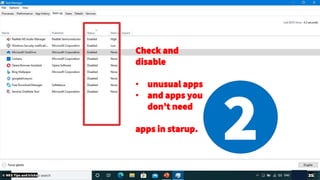
2
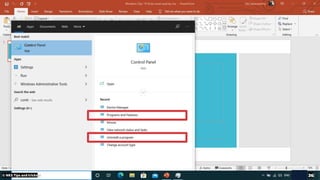
Check and
disable
• unusual apps
• and apps you
don’t need
apps in starup.
© NKS Tips and tricks 35
© NKS Tips and tricks 36
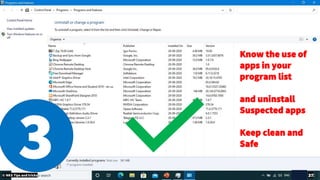
Know the use of
apps in your
program list
and uninstall
Suspected apps
Keep clean and
Safe
3© NKS Tips and tricks 37
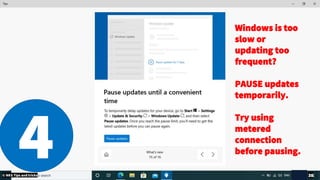
Windows is too
slow or
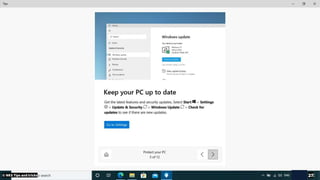
updating too
frequent?
PAUSE updates
temporarily.
Try using
metered
connection
before pausing.4© NKS Tips and tricks 38
Try features and apps
© NKS Tips and tricks 39
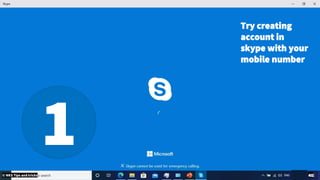
Try creating
account in
skype with your
mobile number
1© NKS Tips and tricks 40
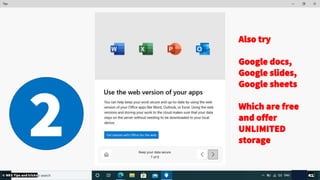
2
Also try
Google docs,
Google slides,
Google sheets
Which are free
and offer
UNLIMITED
storage
© NKS Tips and tricks 41
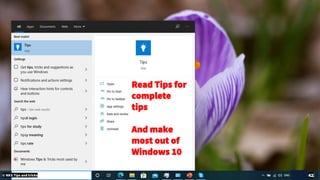
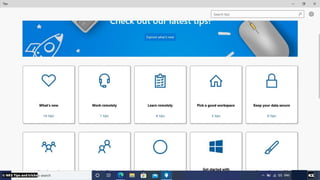
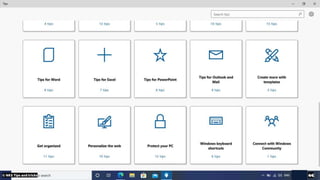
Read Tips for
complete
tips
And make
most out of
Windows 10
© NKS Tips and tricks 42
© NKS Tips and tricks 43
© NKS Tips and tricks 44
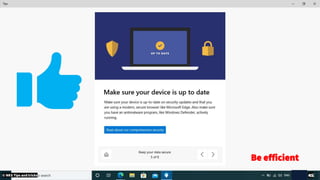
Be efficient
© NKS Tips and tricks 45

Windows10 tips and tricks most used - 2020