










!   10 Effortless tricks
    to speed up your
    Java development
    in Eclipse
Ctrl
    +space
 Code Completion
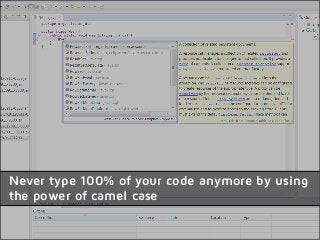
Never type 100% of your code anymore by using
the power of camel case
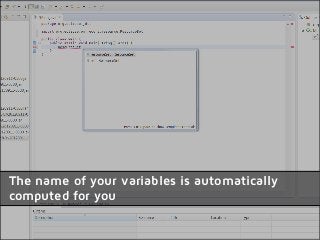
The name of your variables is automatically
computed for you
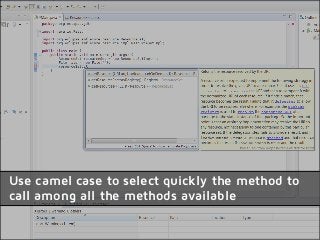
Use camel case to select quickly the method to
call among all the methods available
Quick Fix


 Ctrl+1
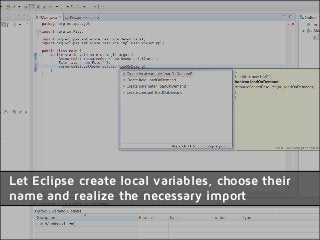
Let Eclipse create local variables, choose their
name and realize the necessary import
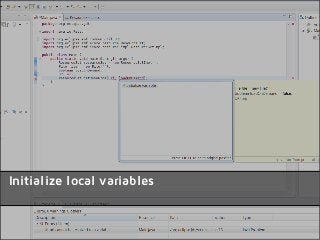
Initialize local variables
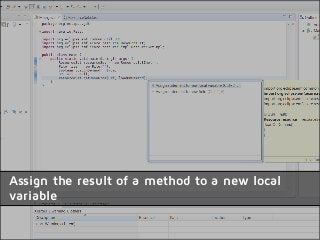
Assign the result of a method to a new local
variable
Code
 Templates
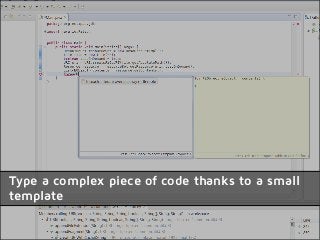
Type a complex piece of code thanks to a small
template
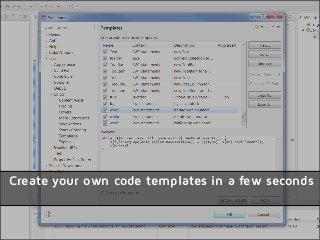
Create your own code templates in a few seconds
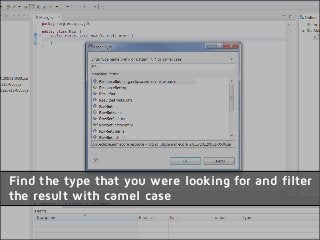
Open Type

Ctrl
 + Shift
     +T
Find the type that you were looking for and filter
the result with camel case
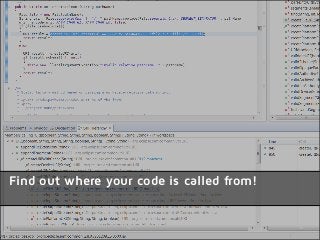
Call
       Hierarchy

Ctrl           +H
       + Alt
Find out where your code is called from!
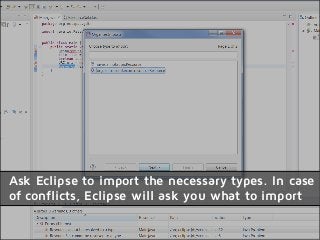
Ctrl +
Shift +
O        Organize
          Imports
Ask Eclipse to import the necessary types. In case
of conflicts, Eclipse will ask you what to import
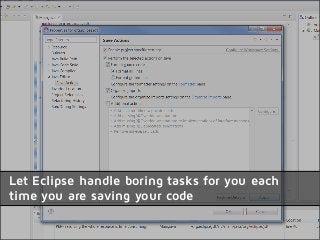
Save
Actions
Let Eclipse handle boring tasks for you each
time you are saving your code
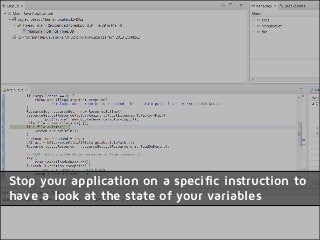
Debug
Debug
Debug   !
Stop your application on a specific instruction to
have a look at the state of your variables
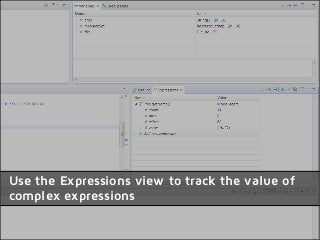
Use the Expressions view to track the value of
complex expressions
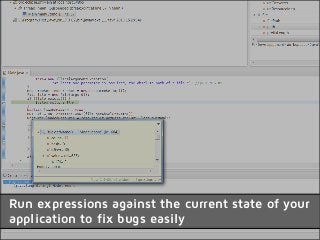
Display

     View
Run expressions against the current state of your
application to fix bugs easily
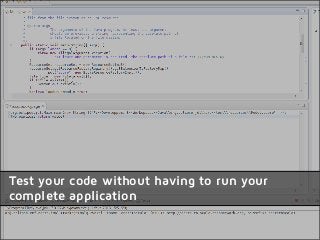
Scrapbook
   Page
Test your code without having to run your
complete application
Thanks for watching!

More tips and tricks:
Blog: stephanebegaudeau.tumblr.com
Twitter: @sbegaudeau


               Obeo 2013

10 effortless tricks to speed up your java development in eclipse