Download to read offline
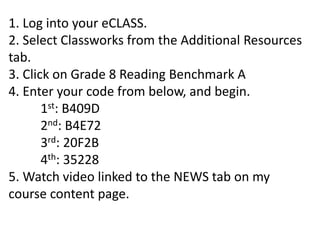
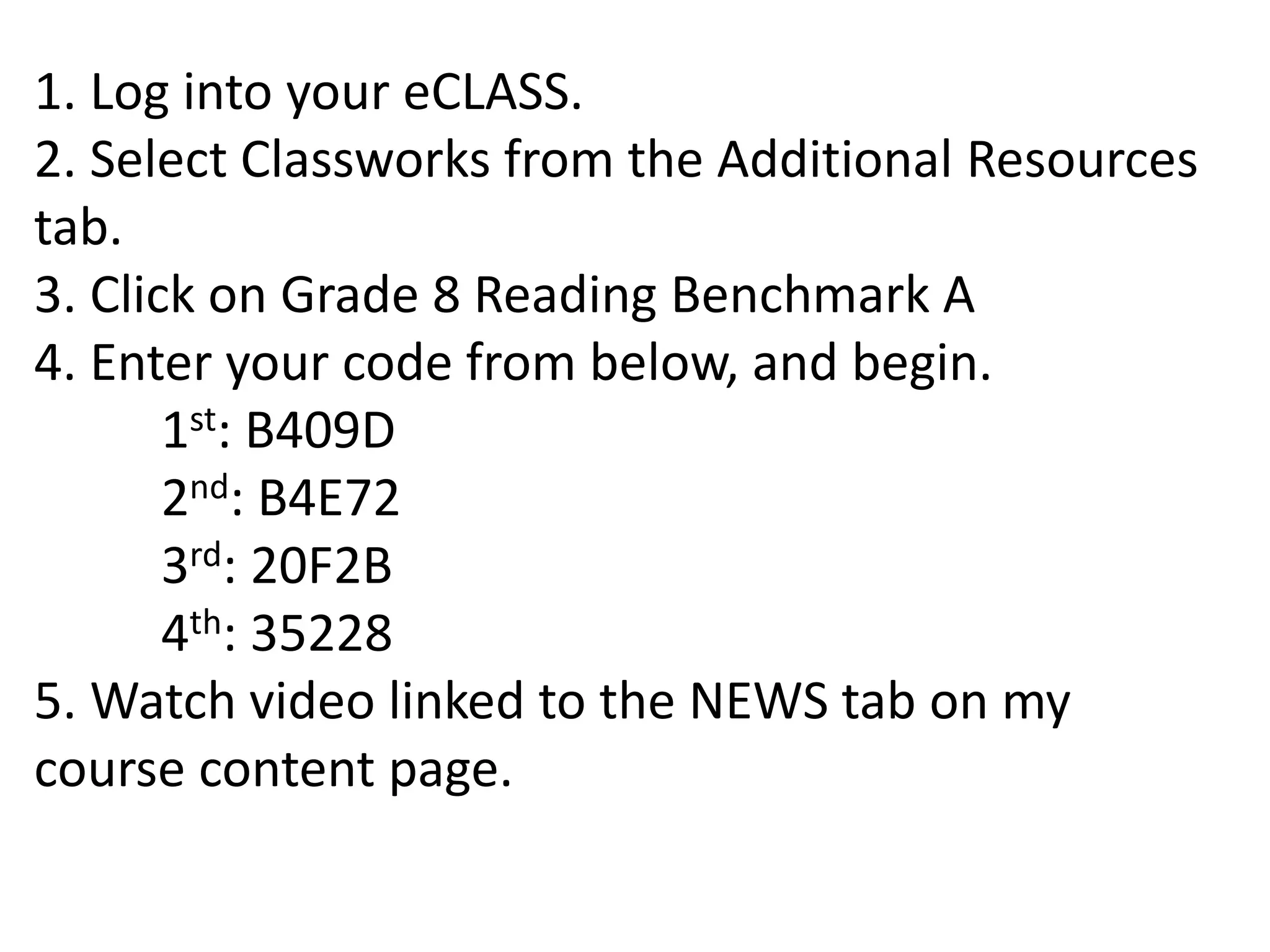
To complete the Grade 8 Reading Benchmark A assessment, students must log into their eCLASS account, select Classworks from the Additional Resources tab, enter a provided access code, and begin the online test. After finishing, students should watch a related video available on the instructor's course content page.


![How to window_dress[1]](https://cdn.slidesharecdn.com/ss_thumbnails/howtowindowdress1-130407233357-phpapp01-thumbnail.jpg?width=640&height=640&fit=bounds)


