Downloaded 14 times



![Page cache
[chenzongzhi@mdb9921:~]$ sudo sysctl -a | grep dirty
[sudo] password for chenzongzhi:
vm.dirty_background_ratio = 10
vm.dirty_background_bytes = 0
vm.dirty_ratio = 20
vm.dirty_bytes = 0
vm.dirty_writeback_centisecs = 500
vm.dirty_expire_centisecs = 3000](https://image.slidesharecdn.com/diskandpagecache-170302052010/85/Disk-and-page-cache-5-320.jpg)


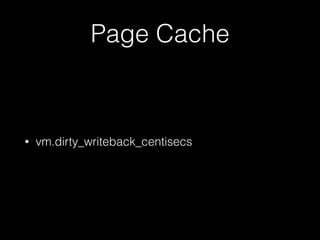




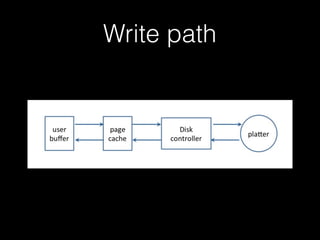
The document discusses the write path for data from a client's memory to physical storage, going through the database server's memory, kernel buffer, disk cache, and finally the physical disk. It also covers Linux page cache settings like vm.dirty_background_ratio and vm.dirty_ratio that control when cached data is written back to disk, and gives examples of adjusting these settings to decrease or increase caching for different server usage situations.


