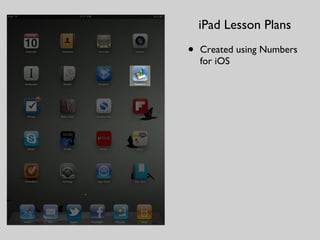
Details of how I've been lesson planning on my iPad
Watch the video here: http://bit.ly/pdXktm
Download the Numbers template here: http://bit.ly/pPMaZW
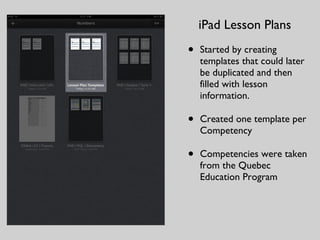
Started by creatingtemplates that could later be duplicated and then filled with lesson information. Created one template per Competency Competencies were taken from the Quebec Education Program iPad Lesson Plans
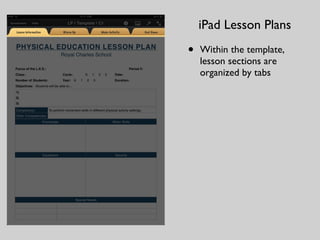
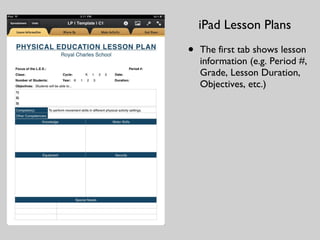
The first tabshows lesson information (e.g. Period #, Grade, Lesson Duration, Objectives, etc.) iPad Lesson Plans
7.
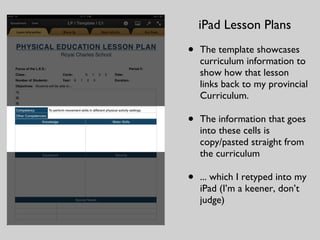
The template showcasescurriculum information to show how that lesson links back to my provincial Curriculum. The information that goes into these cells is copy/pasted straight from the curriculum ... which I retyped into my iPad (I’m a keener, don’t judge) iPad Lesson Plans
8.
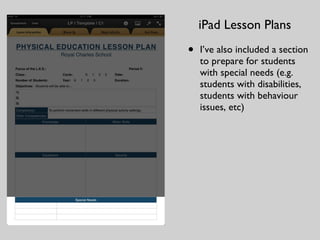
I’ve also includeda section to prepare for students with special needs (e.g. students with disabilities, students with behaviour issues, etc) iPad Lesson Plans
9.
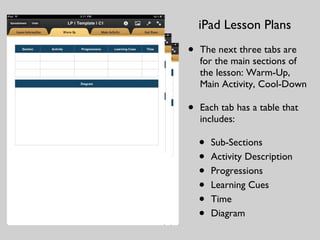
The next threetabs are for the main sections of the lesson: Warm-Up, Main Activity, Cool-Down Each tab has a table that includes: Sub-Sections Activity Description Progressions Learning Cues Time Diagram iPad Lesson Plans
10.
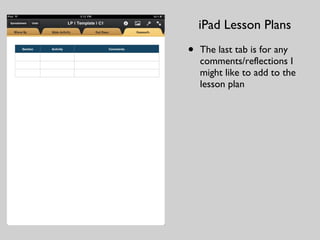
The last tabis for any comments/reflections I might like to add to the lesson plan iPad Lesson Plans
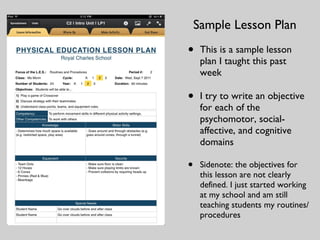
This is asample lesson plan I taught this past week I try to write an objective for each of the psychomotor, social-affective, and cognitive domains Sidenote: the objectives for this lesson are not clearly defined. I just started working at my school and am still teaching students my routines/procedures Sample Lesson Plan
13.
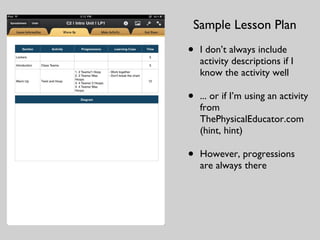
I don’t alwaysinclude activity descriptions if I know the activity well ... or if I’m using an activity from ThePhysicalEducator.com (hint, hint) However, progressions are always there Sample Lesson Plan
14.
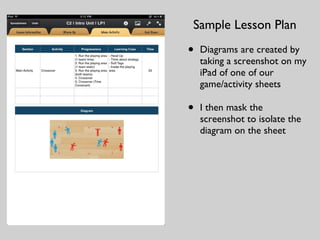
Diagrams are createdby taking a screenshot on my iPad of one of our game/activity sheets I then mask the screenshot to isolate the diagram on the sheet Sample Lesson Plan
15.
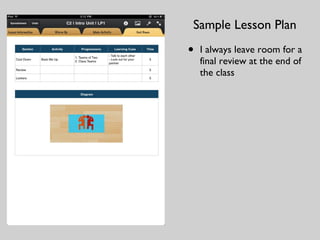
I always leaveroom for a final review at the end of the class Sample Lesson Plan