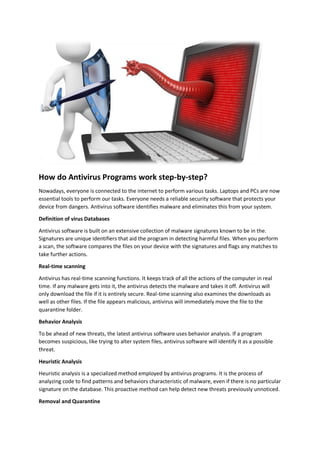
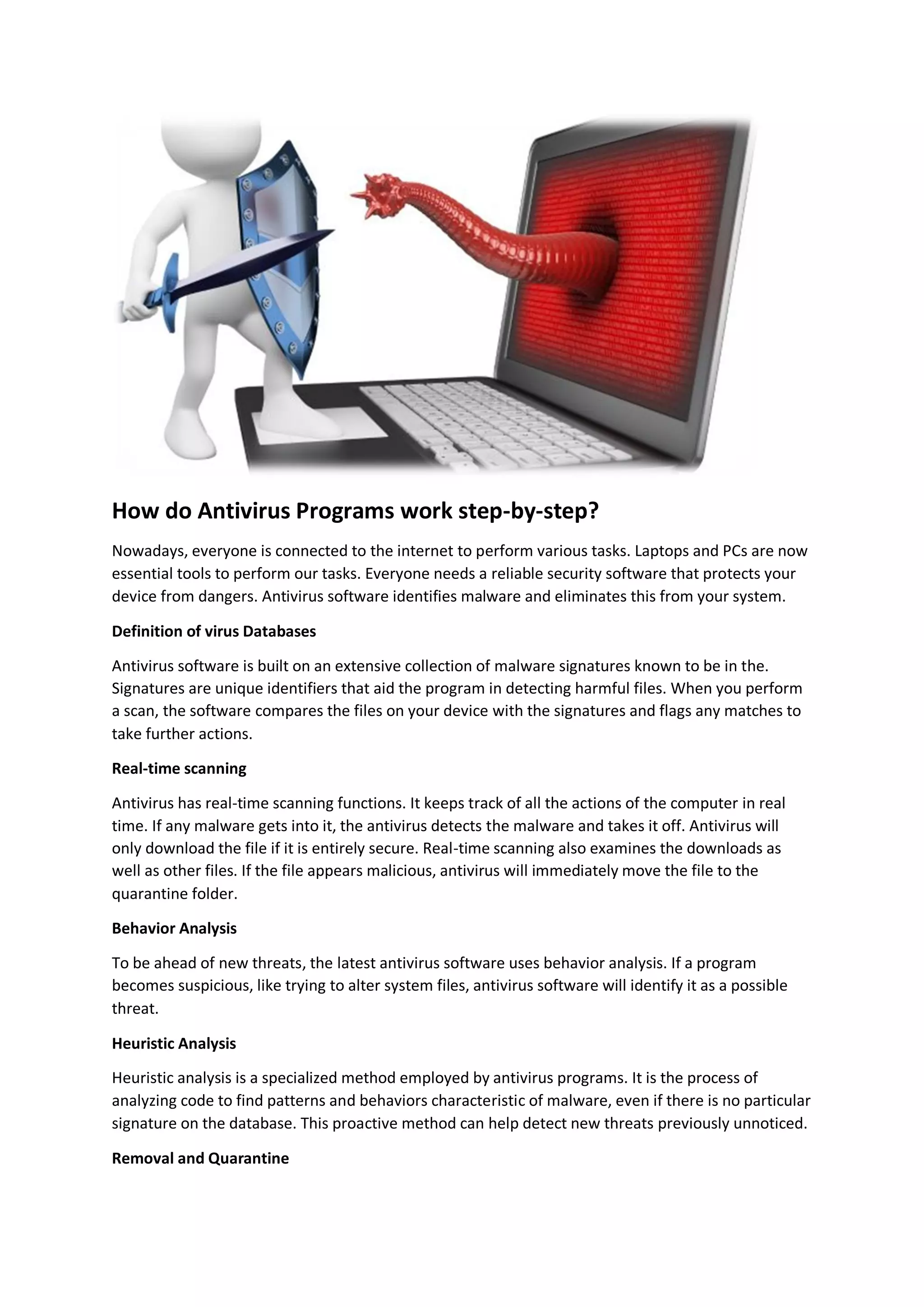
How do Antivirus Programs work step-by-step?
Nowadays, everyone is connected to the internet to perform various tasks. Laptops and PCs are now
essential tools to perform our tasks. Everyone needs a reliable security software that protects your
device from dangers. Antivirus software identifies malware and eliminates this from your system.
Definition of virus Databases
Antivirus software is built on an extensive collection of malware signatures known to be in the.
Signatures are unique identifiers that aid the program in detecting harmful files. When you perform
a scan, the software compares the files on your device with the signatures and flags any matches to
take further actions.
Real-time scanning
Antivirus has real-time scanning functions. It keeps track of all the actions of the computer in real
time. If any malware gets into it, the antivirus detects the malware and takes it off. Antivirus will
only download the file if it is entirely secure. Real-time scanning also examines the downloads as
well as other files. If the file appears malicious, antivirus will immediately move the file to the
quarantine folder.
Behavior Analysis
To be ahead of new threats, the latest antivirus software uses behavior analysis. If a program
becomes suspicious, like trying to alter system files, antivirus software will identify it as a possible
threat.
Heuristic Analysis
Heuristic analysis is a specialized method employed by antivirus programs. It is the process of
analyzing code to find patterns and behaviors characteristic of malware, even if there is no particular
signature on the database. This proactive method can help detect new threats previously unnoticed.
Removal and Quarantine
If the antivirus discovers any suspect file, the antivirus copies that file into the quarantine area. This
helps protect your device from being infected by the file. Within the quarantine folder, software
scans the files. If a file appears considered safe, it will be moved to the correct folder. However, if
the file appears harmful, the antivirus will delete it immediately.
Firewall Protection
A lot of antivirus software includes firewall protection that blocks the unauthorized access of your
device. Firewalls are a barrier between your device and potential cyber-attacks, improving overall
security.
Regular updates
Antivirus software should be updated regularly to stay efficient. The threat of new malware can be
detected at any time. Your antivirus can only detect malware if it is equipped with the data of the
new malware. To safeguard your system from new threats, it is recommended to always keep your
antivirus up-to-date.
Security Software Types
There are a variety of software applications to run on your device. A few of these programs are
entirely free. You can also find premium plans for paid subscriptions that offer more security
features. Premium antivirus software provides the most advanced security tools. You can pick an
antivirus program based on your budget and requirements.
Mobile Antivirus
Antivirus is also available on your phone. These antivirus software protect your phone from
malware, privacy lapses, and other dangers. If your antivirus expires and you are unsure how to
renew it, renew Norton with product key. After renewal, your antivirus will shield your phone from
threats.
Problems, Limits, and Challenges
Although antivirus software is an effective tool, it is not without limitations. It only defends against
known threats. It may not always be able to detect new weaknesses. In addition, some malware is
very sophisticated and may be able to avoid detection.
Tips for Using Antivirus Effectively
To increase the effectiveness of your antivirus program To maximize the effectiveness of your
antivirus software, follow these steps:
 Ensure that your software is updated.
 Do not download files from questionable sources.
 Use strong, unique passwords.
 Allow regular scans and real-time security.
The Constant Battle
Cybersecurity constantly changes, with hackers developing new methods to sabotage your security.
Antivirus software providers are aware of this and are constantly racing to remain in the lead. They
constantly update their databases to incorporate the most recent malware signatures and develop
new techniques to identify and eliminate new threats.
Read How do you Choose the most Effective Antivirus Program for Your Company?
The Role of the User
Although antivirus programs are vital to safeguard your devices, your actions and the user have a
significant role. Your vulnerability to threats is greatly affected by your online behavior. Take a look
at the following factors affecting users:
Safe Browsing: Clear downloading files from untrustworthy sites or clicking questionable hyperlinks.
Unscrupulous online behavior can lead to numerous malware-related infections.
Software Updates: Keep up-to-date with the operating system's current version and any other
installed programs. Cybercriminals often exploit vulnerabilities that are known to exist in outdated
software.
Manage email: Use caution while opening attachments to emails and clicking on links to emails.
Use a strong password: Unique passwords are advised for all your accounts. To secure your
passwords, you should use a reputable password manager.
Multi-factor authentication (MFA): Whenever you can, enable MFA. It improves security by asking
for two or more forms of ID prior to granting access to your accounts.
Conclusion
Ultimately, antivirus software is an essential security pillar in the digital age. Its complex functions
range from scans based on signatures to heuristic analysis and robust protection against various
dangers. However, knowing that no security tool is 100% secure is essential. Users should also be
mindful of secure online habits and update their software regularly to ensure their security.
While you explore the vast web, make educated choices and ensure you are using a reliable antivirus
program. Your security online is the responsibility of modern technology and your security.

How do Antivirus Programs work step-by-step.pdf

  • 1.
    How do AntivirusPrograms work step-by-step? Nowadays, everyone is connected to the internet to perform various tasks. Laptops and PCs are now essential tools to perform our tasks. Everyone needs a reliable security software that protects your device from dangers. Antivirus software identifies malware and eliminates this from your system. Definition of virus Databases Antivirus software is built on an extensive collection of malware signatures known to be in the. Signatures are unique identifiers that aid the program in detecting harmful files. When you perform a scan, the software compares the files on your device with the signatures and flags any matches to take further actions. Real-time scanning Antivirus has real-time scanning functions. It keeps track of all the actions of the computer in real time. If any malware gets into it, the antivirus detects the malware and takes it off. Antivirus will only download the file if it is entirely secure. Real-time scanning also examines the downloads as well as other files. If the file appears malicious, antivirus will immediately move the file to the quarantine folder. Behavior Analysis To be ahead of new threats, the latest antivirus software uses behavior analysis. If a program becomes suspicious, like trying to alter system files, antivirus software will identify it as a possible threat. Heuristic Analysis Heuristic analysis is a specialized method employed by antivirus programs. It is the process of analyzing code to find patterns and behaviors characteristic of malware, even if there is no particular signature on the database. This proactive method can help detect new threats previously unnoticed. Removal and Quarantine
  • 2.
    If the antivirusdiscovers any suspect file, the antivirus copies that file into the quarantine area. This helps protect your device from being infected by the file. Within the quarantine folder, software scans the files. If a file appears considered safe, it will be moved to the correct folder. However, if the file appears harmful, the antivirus will delete it immediately. Firewall Protection A lot of antivirus software includes firewall protection that blocks the unauthorized access of your device. Firewalls are a barrier between your device and potential cyber-attacks, improving overall security. Regular updates Antivirus software should be updated regularly to stay efficient. The threat of new malware can be detected at any time. Your antivirus can only detect malware if it is equipped with the data of the new malware. To safeguard your system from new threats, it is recommended to always keep your antivirus up-to-date. Security Software Types There are a variety of software applications to run on your device. A few of these programs are entirely free. You can also find premium plans for paid subscriptions that offer more security features. Premium antivirus software provides the most advanced security tools. You can pick an antivirus program based on your budget and requirements. Mobile Antivirus Antivirus is also available on your phone. These antivirus software protect your phone from malware, privacy lapses, and other dangers. If your antivirus expires and you are unsure how to renew it, renew Norton with product key. After renewal, your antivirus will shield your phone from threats. Problems, Limits, and Challenges Although antivirus software is an effective tool, it is not without limitations. It only defends against known threats. It may not always be able to detect new weaknesses. In addition, some malware is very sophisticated and may be able to avoid detection. Tips for Using Antivirus Effectively To increase the effectiveness of your antivirus program To maximize the effectiveness of your antivirus software, follow these steps:  Ensure that your software is updated.  Do not download files from questionable sources.  Use strong, unique passwords.  Allow regular scans and real-time security. The Constant Battle Cybersecurity constantly changes, with hackers developing new methods to sabotage your security. Antivirus software providers are aware of this and are constantly racing to remain in the lead. They constantly update their databases to incorporate the most recent malware signatures and develop new techniques to identify and eliminate new threats.
  • 3.
    Read How doyou Choose the most Effective Antivirus Program for Your Company? The Role of the User Although antivirus programs are vital to safeguard your devices, your actions and the user have a significant role. Your vulnerability to threats is greatly affected by your online behavior. Take a look at the following factors affecting users: Safe Browsing: Clear downloading files from untrustworthy sites or clicking questionable hyperlinks. Unscrupulous online behavior can lead to numerous malware-related infections. Software Updates: Keep up-to-date with the operating system's current version and any other installed programs. Cybercriminals often exploit vulnerabilities that are known to exist in outdated software. Manage email: Use caution while opening attachments to emails and clicking on links to emails. Use a strong password: Unique passwords are advised for all your accounts. To secure your passwords, you should use a reputable password manager. Multi-factor authentication (MFA): Whenever you can, enable MFA. It improves security by asking for two or more forms of ID prior to granting access to your accounts. Conclusion Ultimately, antivirus software is an essential security pillar in the digital age. Its complex functions range from scans based on signatures to heuristic analysis and robust protection against various dangers. However, knowing that no security tool is 100% secure is essential. Users should also be mindful of secure online habits and update their software regularly to ensure their security. While you explore the vast web, make educated choices and ensure you are using a reliable antivirus program. Your security online is the responsibility of modern technology and your security.