Beautiful Web Typography v5.3 Edge of the Web presentation

Loading...

Flash Player 9 (or above) is needed to view presentations.
We have detected that you do not have it on your computer. To install it, go here.

3 comments

Comments 1 - 3 of 3 previous next Post a comment

  • + guestbd142d9 bonestructure 6 days ago
    Thanks for sharing this!
    Very easy to follow and learn from if it’s a refresher or the first time you’re hearing of these web typography points.
  • + klepas Pascal Klein 2 weeks ago
    Thanks. Yea, happy to give it at LGD at LCA. Will add some more free desktop stuff to it for that. (:
  • + kattekrab Donna Benjamin 2 weeks ago
    Awesome Pascal! Looking forward to seeing this at Libre Graphics Day in January! :)
Post a comment
Embed Video
Edit your comment Cancel

7 Favorites

Beautiful Web Typography v5.3 Edge of the Web presentation - Presentation Transcript

  1. Beautiful Web Typography ❦ Letter, text, & page Simon Pascal Klein — @klepas Version 5.3
  2. Beautiful Web Typography
  3. Beautiful Web Typography Intro…
  4. Beautiful Web Typography I’m Pascal Klein.
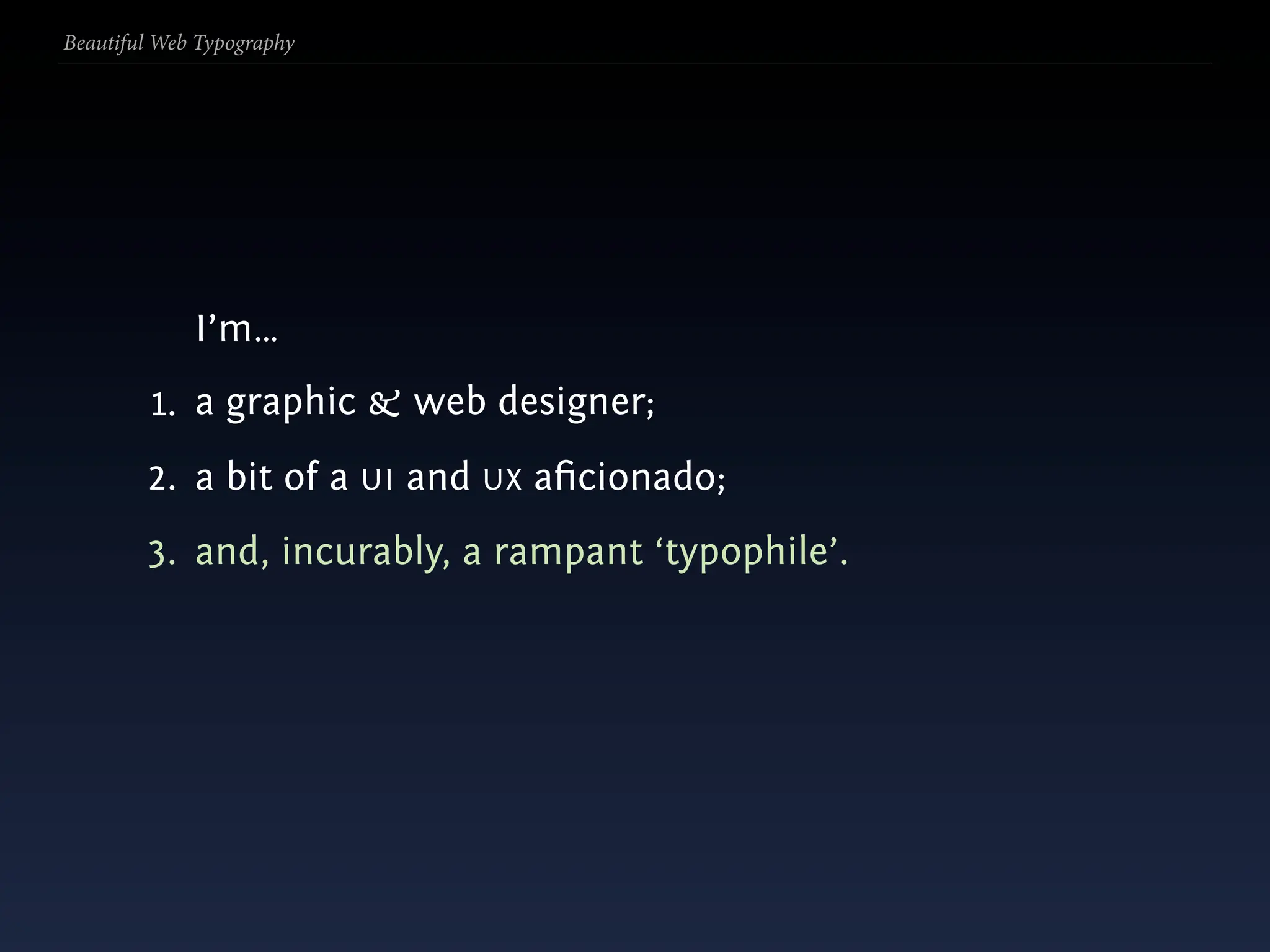
  5. Beautiful Web Typography I’m…
  6. Beautiful Web Typography I’m… 1. a graphic & web designer;
  7. Beautiful Web Typography I’m… 1. a graphic & web designer; 2. a bit of a UI and UX aficionado;
  8. Beautiful Web Typography I’m… 1. a graphic & web designer; 2. a bit of a UI and UX aficionado; 3. and, incurably, a rampant ‘typophile’.
  9. Beautiful Web Typography ‘Typophiles’ are über gεεks who typography.
  10. Beautiful Web Typography ‘Typophiles’ are über gεεks who typography. Hands up and make yourselves known.
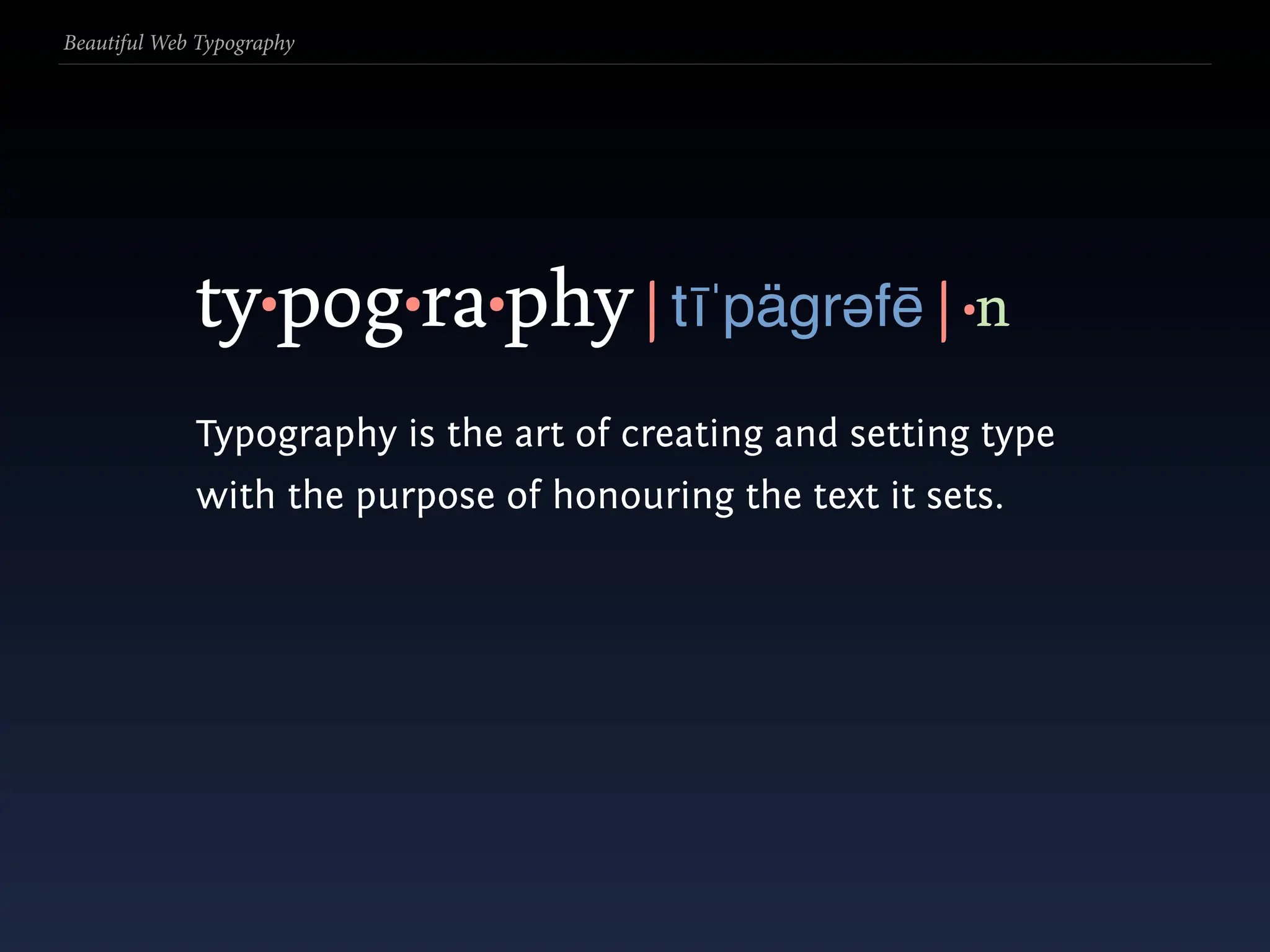
  11. Beautiful Web Typography ty•pog•ra•phy | tīˈpägrəfē | •n
  12. Beautiful Web Typography ty•pog•ra•phy | tīˈpägrəfē | •n Typography is the art of creating and setting type with the purpose of honouring the text it sets.
  13. Beautiful Web Typography
  14. Beautiful Web Typography Typography can bring aesthetic order to information, helping users read & navigate.
  15. Beautiful Web Typography
  16. Beautiful Web Typography i.e. make textual stuff look pretty. ☻
  17. Beautiful Web Typography
  18. Beautiful Web Typography premise:
  19. Beautiful Web Typography premise: The intertubes today are info-heavy.
  20. Beautiful Web Typography premise: The intertubes today are info-heavy. Much of it is textual.
  21. Beautiful Web Typography premise: The intertubes today are info-heavy. Much of it is textual. Much of it is a pain to read.
  22. Beautiful Web Typography
  23. Beautiful Web Typography Assumptions?
  24. Beautiful Web Typography Assumptions? It sucks? It’s boring?
  25. Beautiful Web Typography Assumptions? It sucks? It’s boring? 1. Limited to sans-serif only for readability?
  26. Beautiful Web Typography Assumptions? It sucks? It’s boring? 1. Limited to sans-serif only for readability? 2. Only ‘web-safe’ fonts?
  27. Beautiful Web Typography Assumptions? It sucks? It’s boring? 1. Limited to sans-serif only for readability? 2. Only ‘web-safe’ fonts? 3. Limited control—resort to Flash and other non- standard technologies?
  28. Beautiful Web Typography
  29. Beautiful Web Typography Not quite.
  30. Beautiful Web Typography Not quite. (Yay!)
  31. Beautiful Web Typography
  32. Beautiful Web Typography 1. Letter (micro)
  33. Beautiful Web Typography 1. Letter (micro) 3. Page or grid (macro)
  34. Beautiful Web Typography 1. Letter (micro) 2. Text 3. Page or grid (macro)
  35. Beautiful Web Typography
  36. Beautiful Web Typography 0. Reset
  37. Beautiful Web Typography 0. Reset All the browsers have their own default styling for various (x)HTML elements. This makes it a pain for cross-browser consistency.
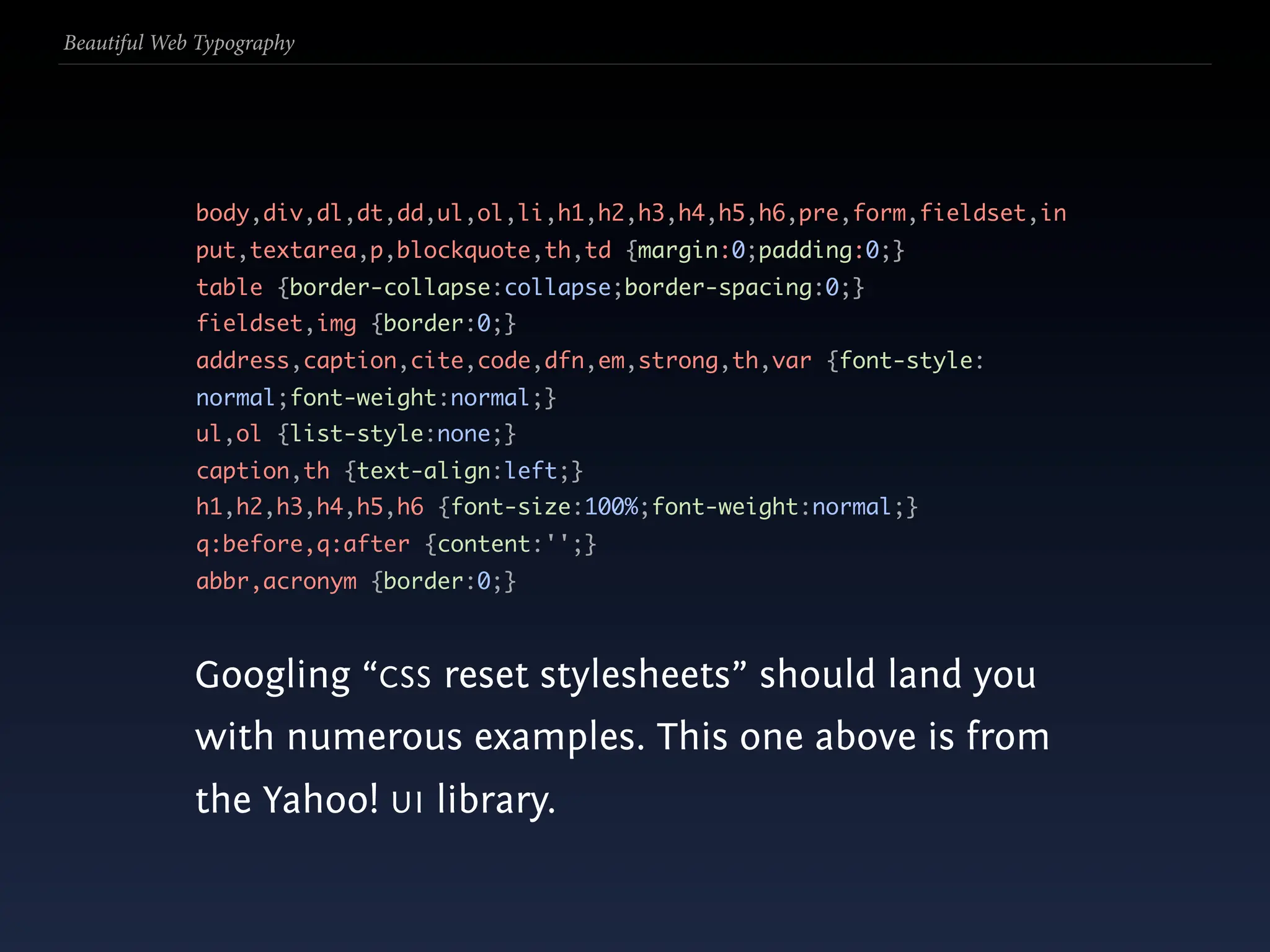
  38. Beautiful Web Typography body,div,dl,dt,dd,ul,ol,li,h1,h2,h3,h4,h5,h6,pre,form,fieldset,in put,textarea,p,blockquote,th,td {margin:0;padding:0;} table {border-collapse:collapse;border-spacing:0;} fieldset,img {border:0;} address,caption,cite,code,dfn,em,strong,th,var {font-style: normal;font-weight:normal;} ul,ol {list-style:none;} caption,th {text-align:left;} h1,h2,h3,h4,h5,h6 {font-size:100%;font-weight:normal;} q:before,q:after {content:'';} abbr,acronym {border:0;} Googling “CSS reset stylesheets” should land you with numerous examples. This one above is from the Yahoo! UI library.
  39. Beautiful Web Typography
  40. Beautiful Web Typography Letter & Text
  41. Beautiful Web Typography Letter & Text • typeface (font) and style
  42. Beautiful Web Typography Letter & Text • typeface (font) and style • spacing (tracking/letter-spacing)
  43. Beautiful Web Typography Letter & Text • typeface (font) and style • spacing (tracking/letter-spacing) • individual glyphs
  44. Beautiful Web Typography
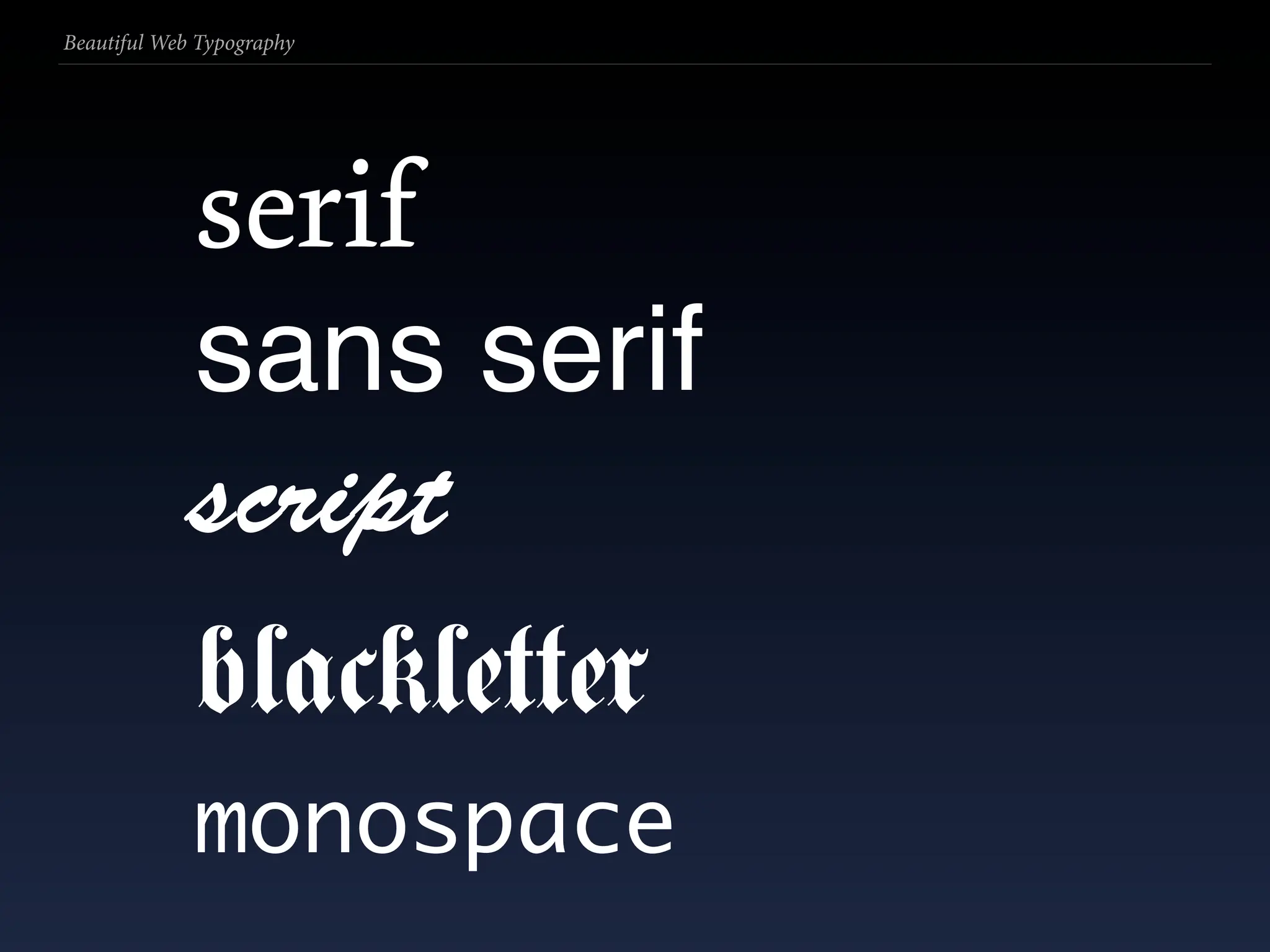
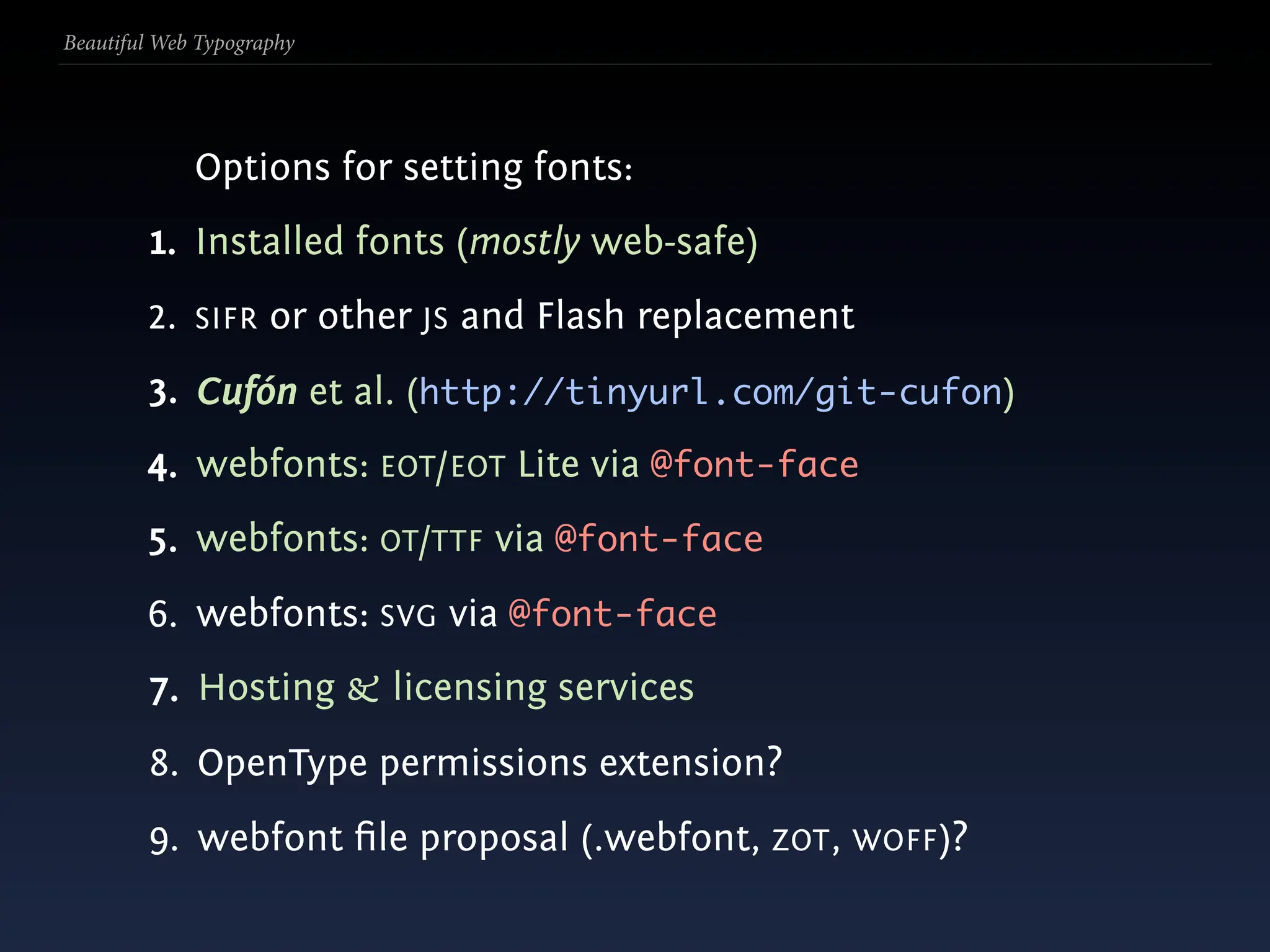
  45. Beautiful Web Typography serif
  46. Beautiful Web Typography serif sans serif
  47. Beautiful Web Typography serif sans serif script
  48. Beautiful Web Typography serif sans serif script blackletter
  49. Beautiful Web Typography serif sans serif script blackletter monospace
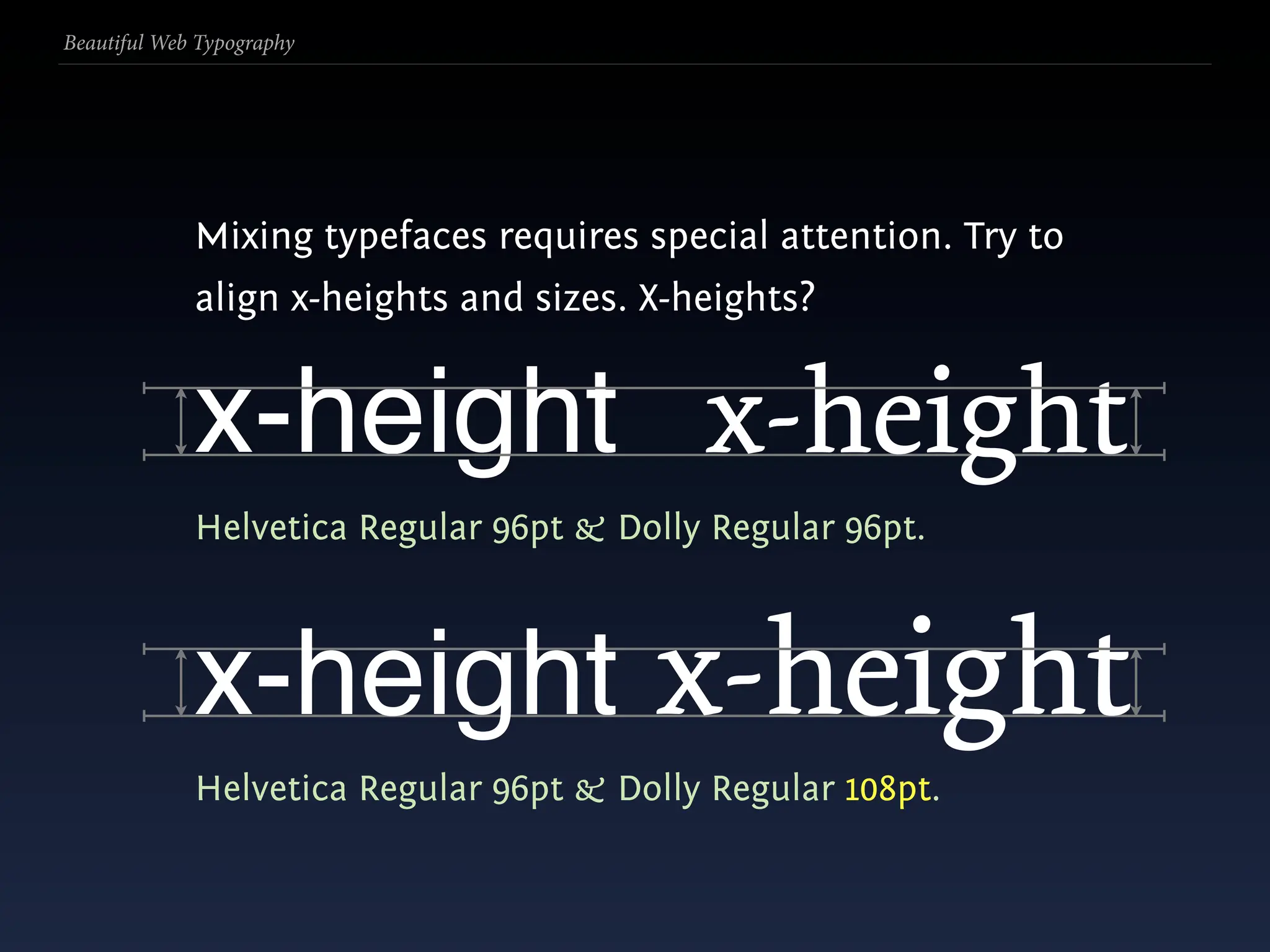
  50. Beautiful Web Typography Mixing typefaces requires special attention. Try to align x-heights and sizes. X-heights?
  51. Beautiful Web Typography Mixing typefaces requires special attention. Try to align x-heights and sizes. X-heights? x-height x-height Helvetica Regular 96pt & Dolly Regular 96pt.
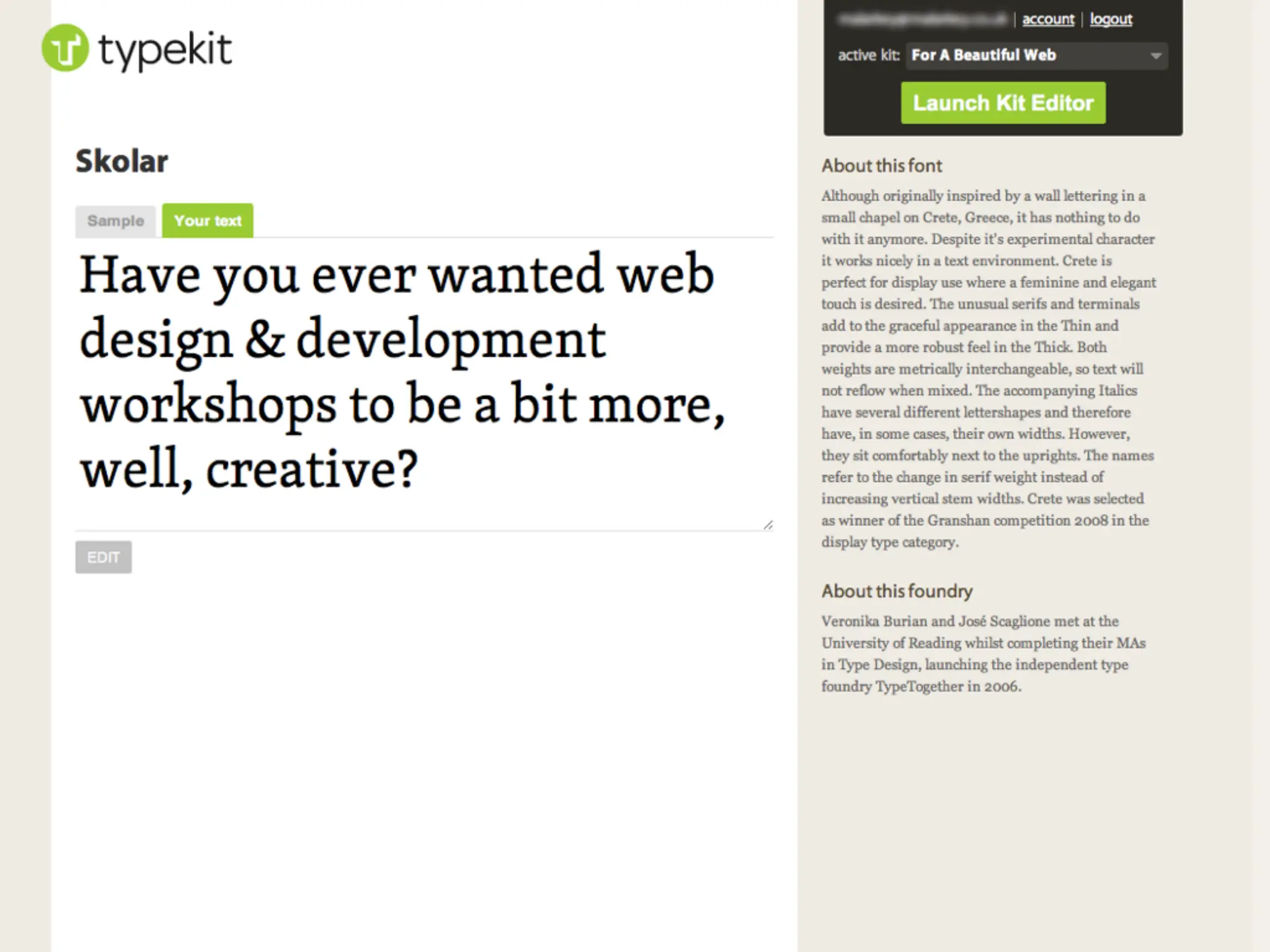
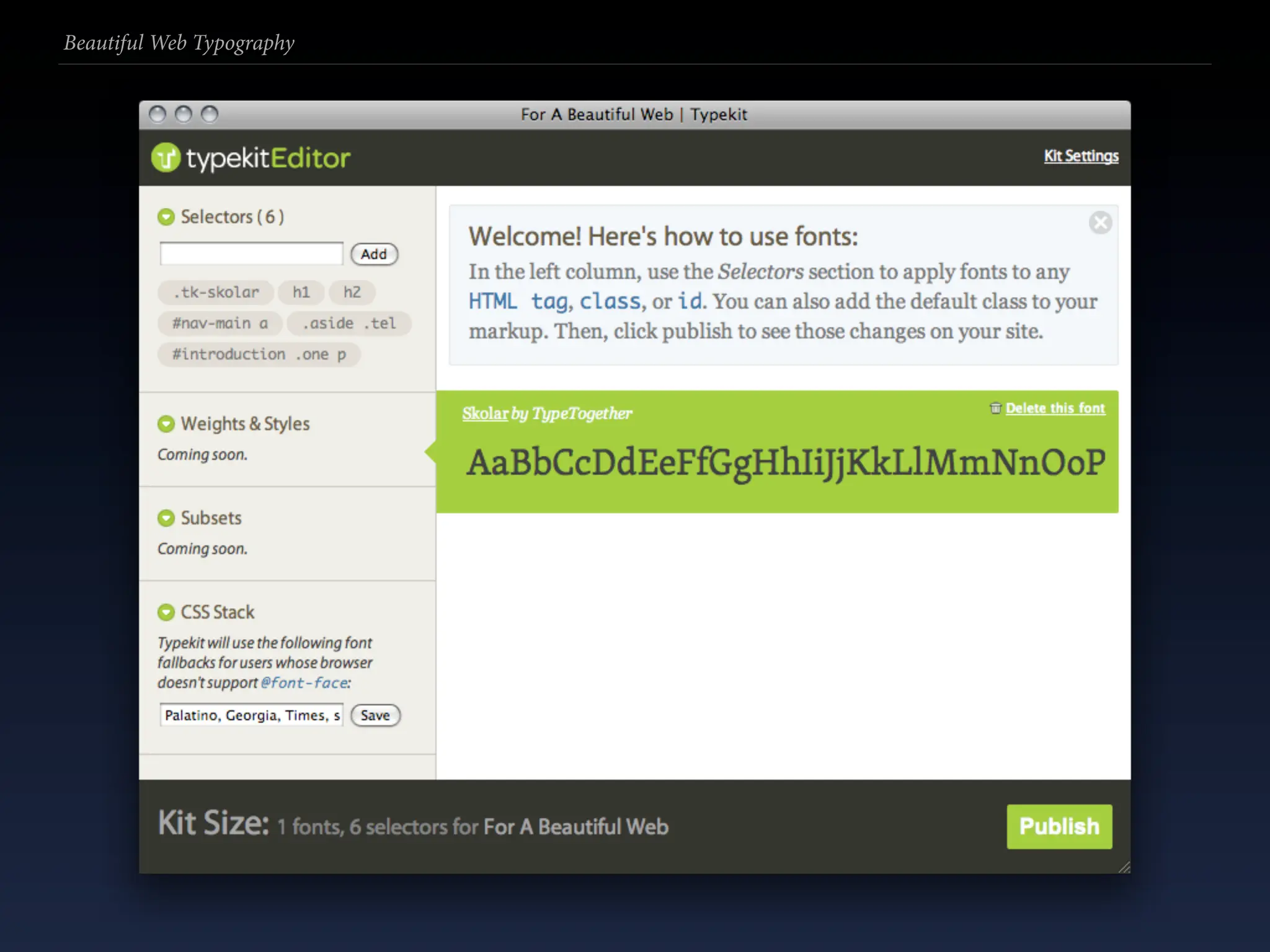
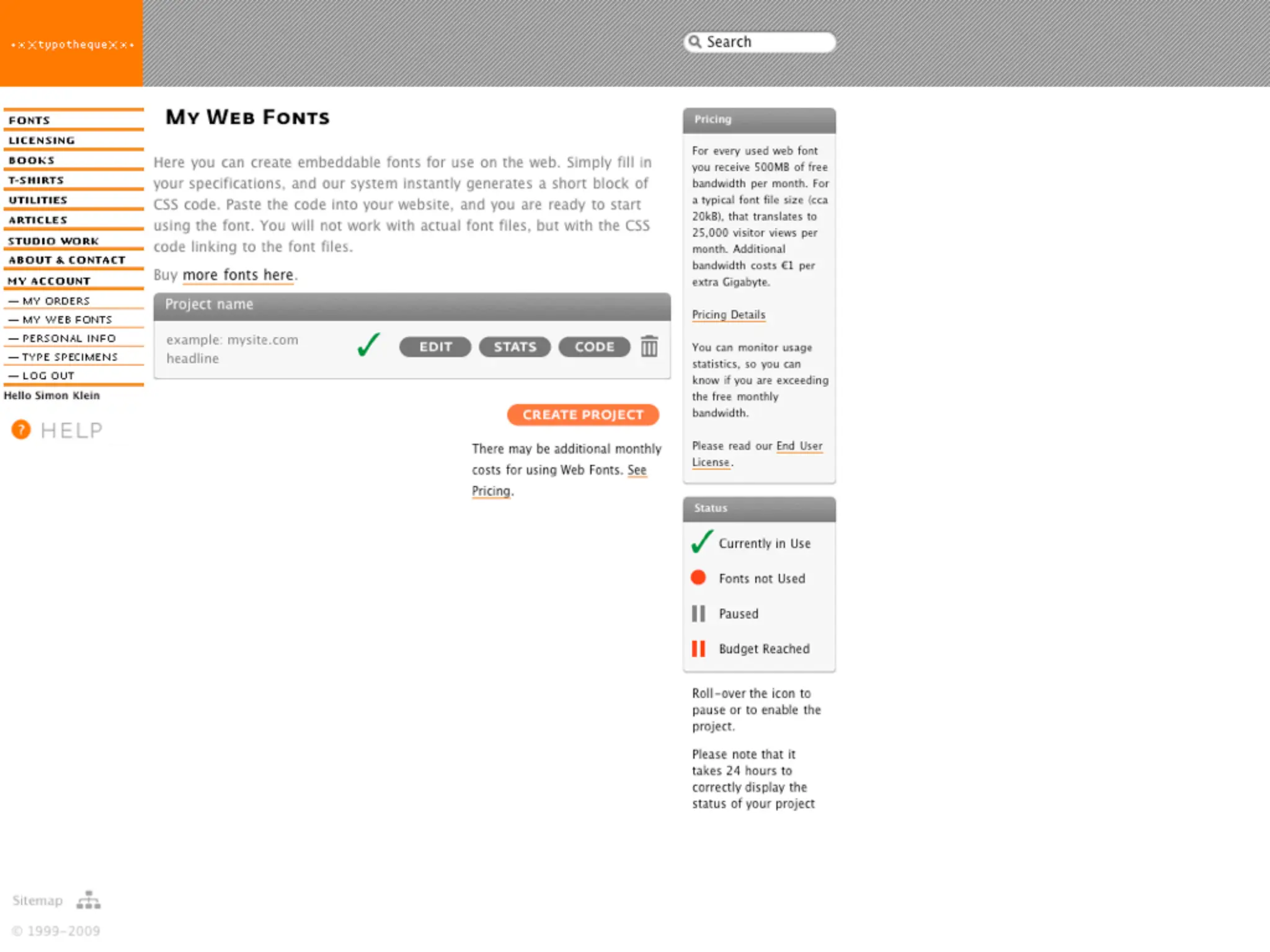
  52. Beautiful Web Typography Mixing typefaces requires special attention. Try to align x-heights and sizes. X-heights? x-height x-height Helvetica Regular 96pt & Dolly Regular 96pt. x-height x-height Helvetica Regular 96pt & Dolly Regular 108pt.
  53. Beautiful Web Typography
  54. Beautiful Web Typography Use a limited palette of type families. A common and effective technique is to pair a serif and a sans serif face together. E.g.:
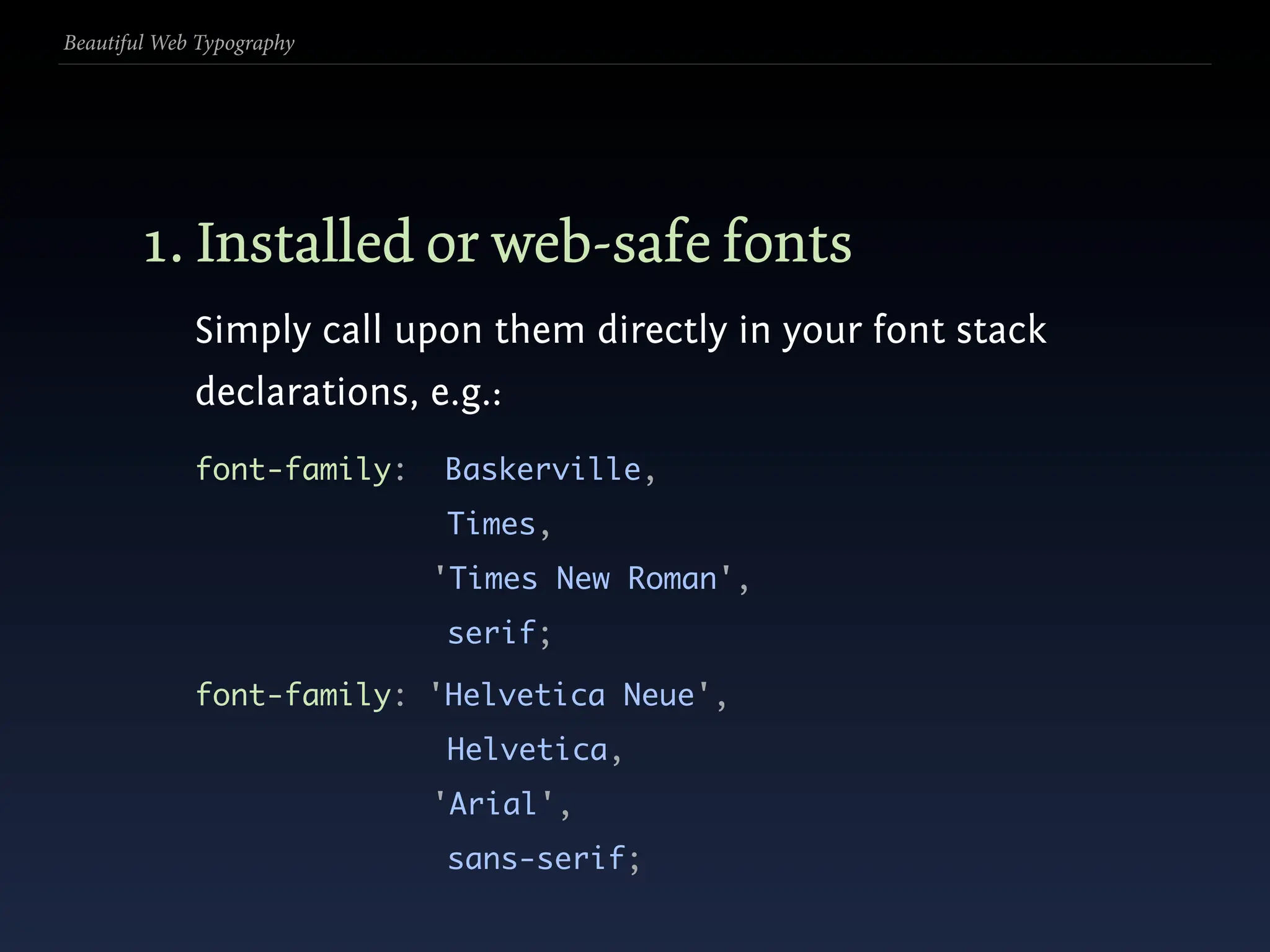
  55. Beautiful Web Typography Use a limited palette of type families. A common and effective technique is to pair a serif and a sans serif face together. E.g.: 1. one sets the body, the other the headings;
  56. Beautiful Web Typography Use a limited palette of type families. A common and effective technique is to pair a serif and a sans serif face together. E.g.: 1. one sets the body, the other the headings; 2. one sets primary content, the other UI controls.
  57. Beautiful Web Typography Use a limited palette of type families. A common and effective technique is to pair a serif and a sans serif face together. E.g.: 1. one sets the body, the other the headings; 2. one sets primary content, the other UI controls. We do this with the font-family property.
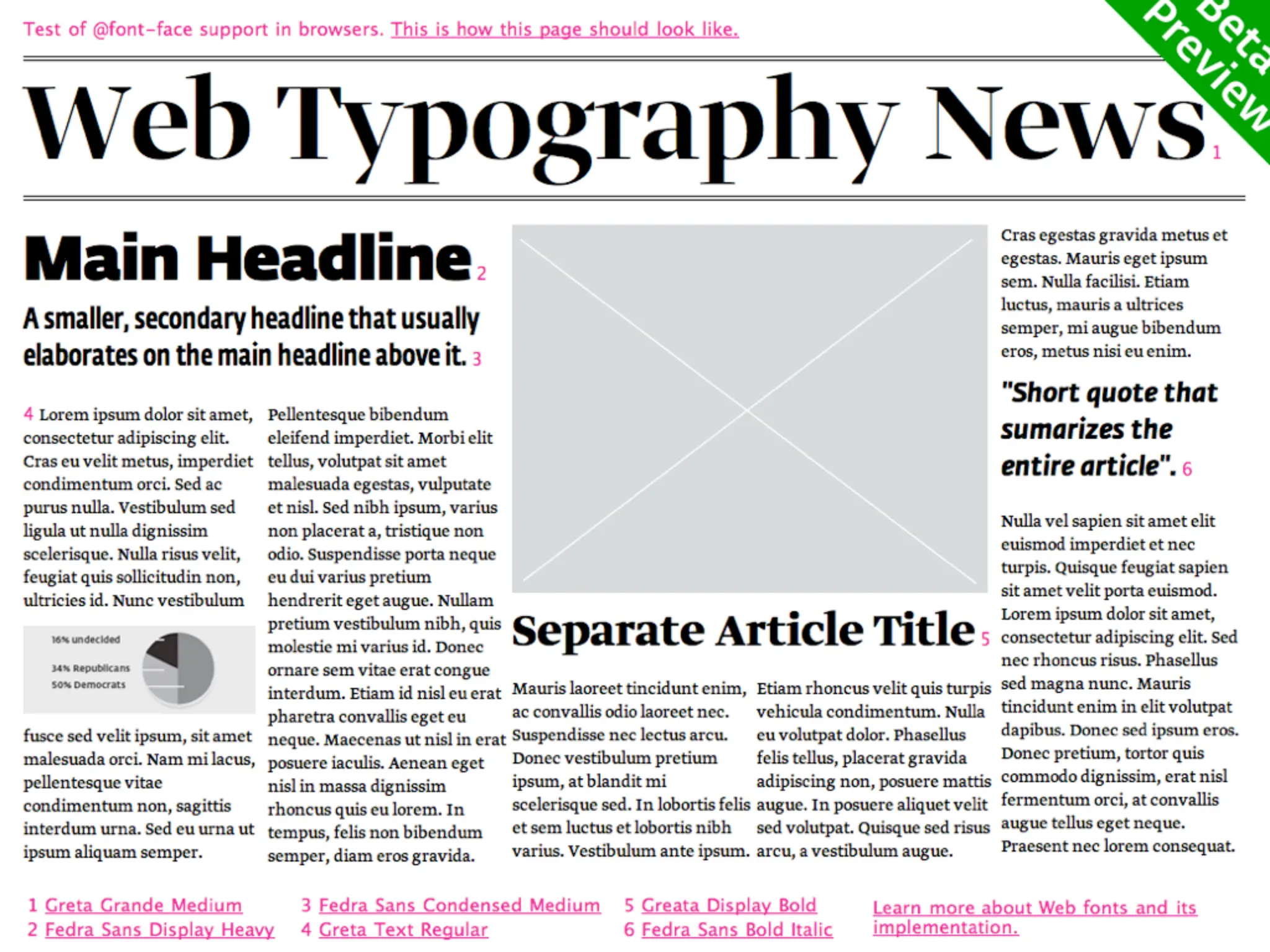
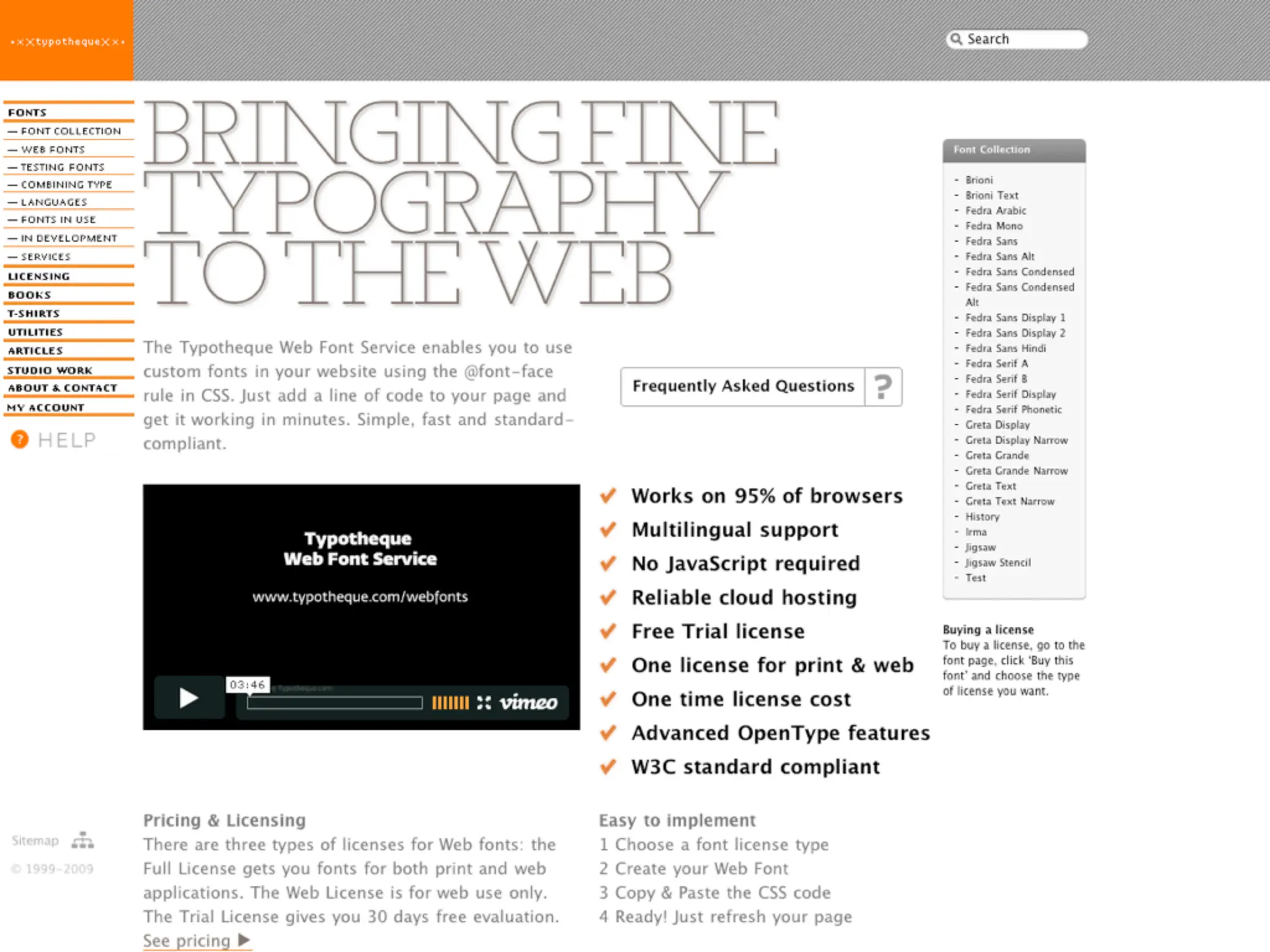
  58. Beautiful Web Typography
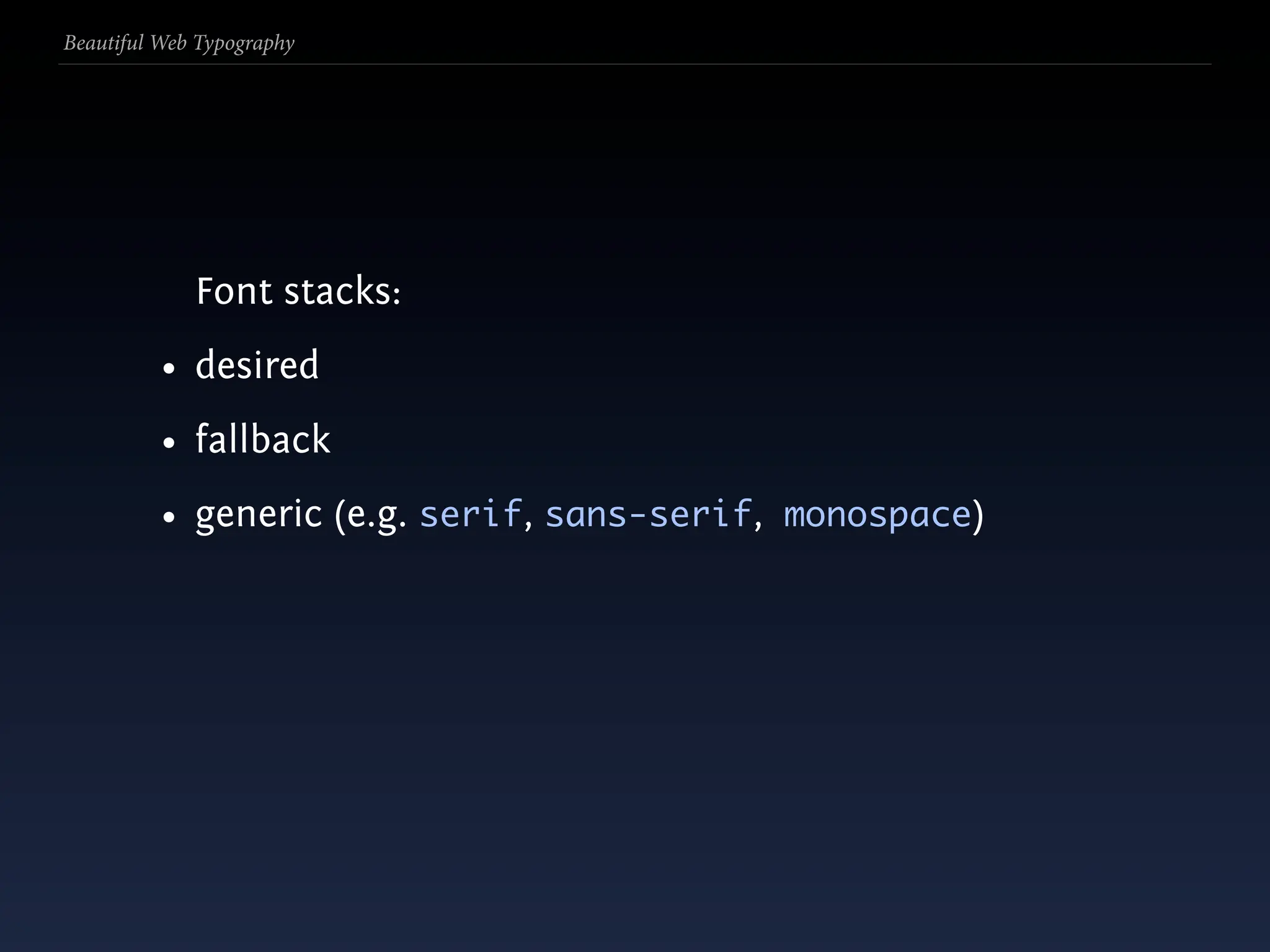
  59. Beautiful Web Typography …but only ‘web safe’ fonts?
  60. Beautiful Web Typography
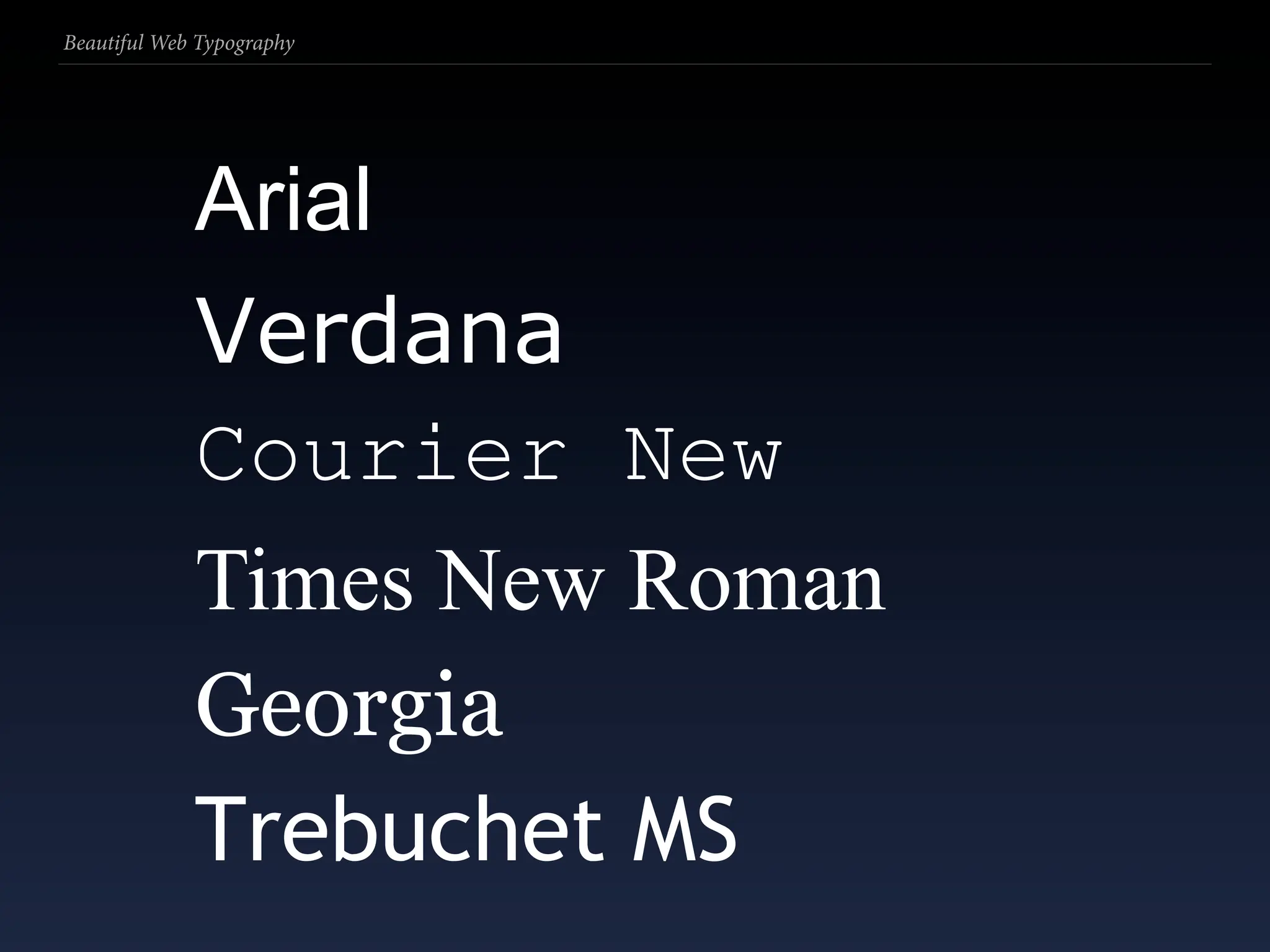
  61. Beautiful Web Typography Arial Verdana Courier New Times New Roman Georgia Trebuchet MS
  62. Beautiful Web Typography Options for setting fonts:
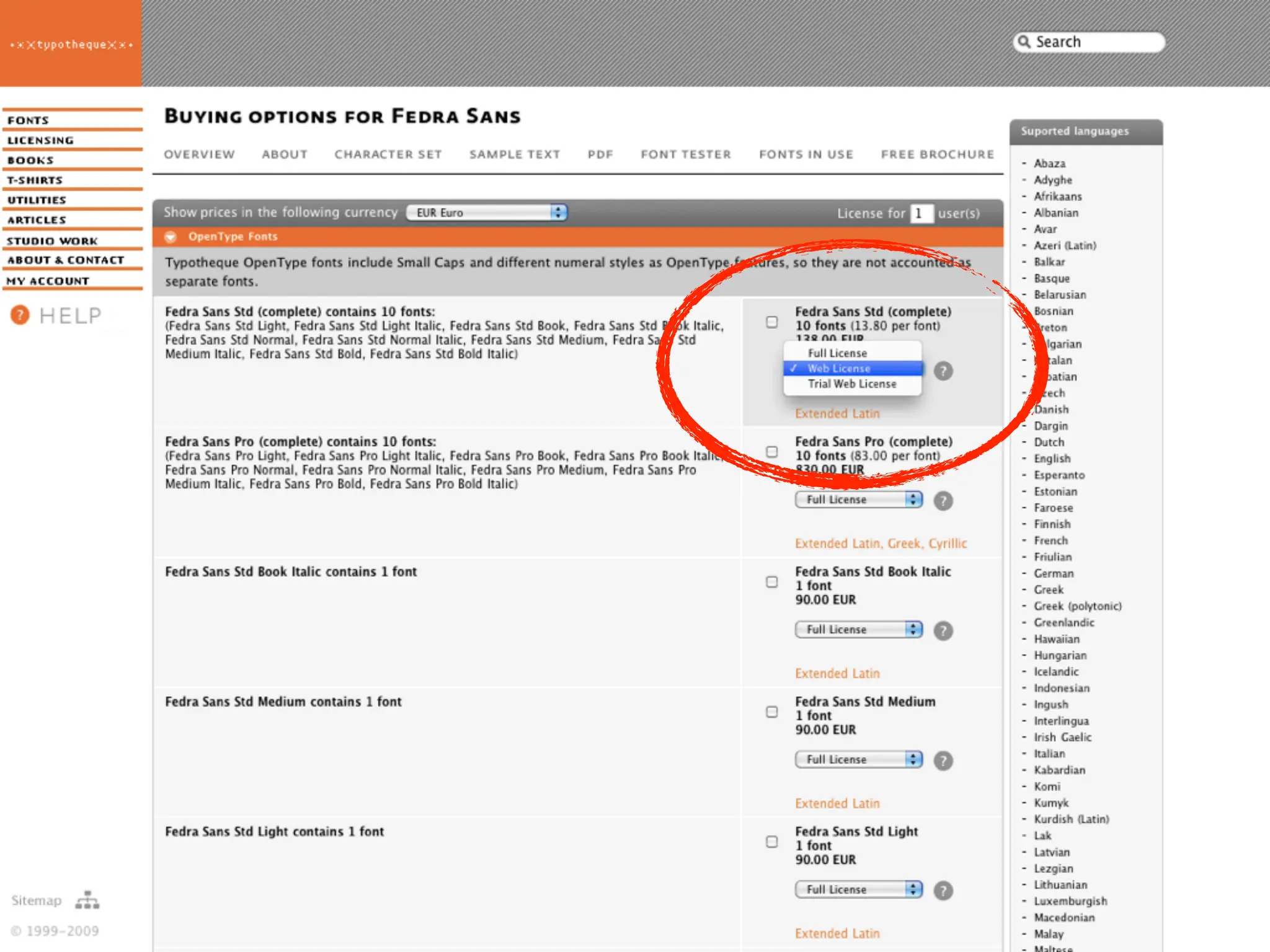
  63. Beautiful Web Typography Options for setting fonts: 1. Installed fonts (mostly web-safe)
  64. Beautiful Web Typography Options for setting fonts: 1. Installed fonts (mostly web-safe) 2. SIFR or other JS and Flash replacement
  65. Beautiful Web Typography Options for setting fonts: 1. Installed fonts (mostly web-safe) 2. SIFR or other JS and Flash replacement 3. Cufón et al. (http://tinyurl.com/git-cufon)
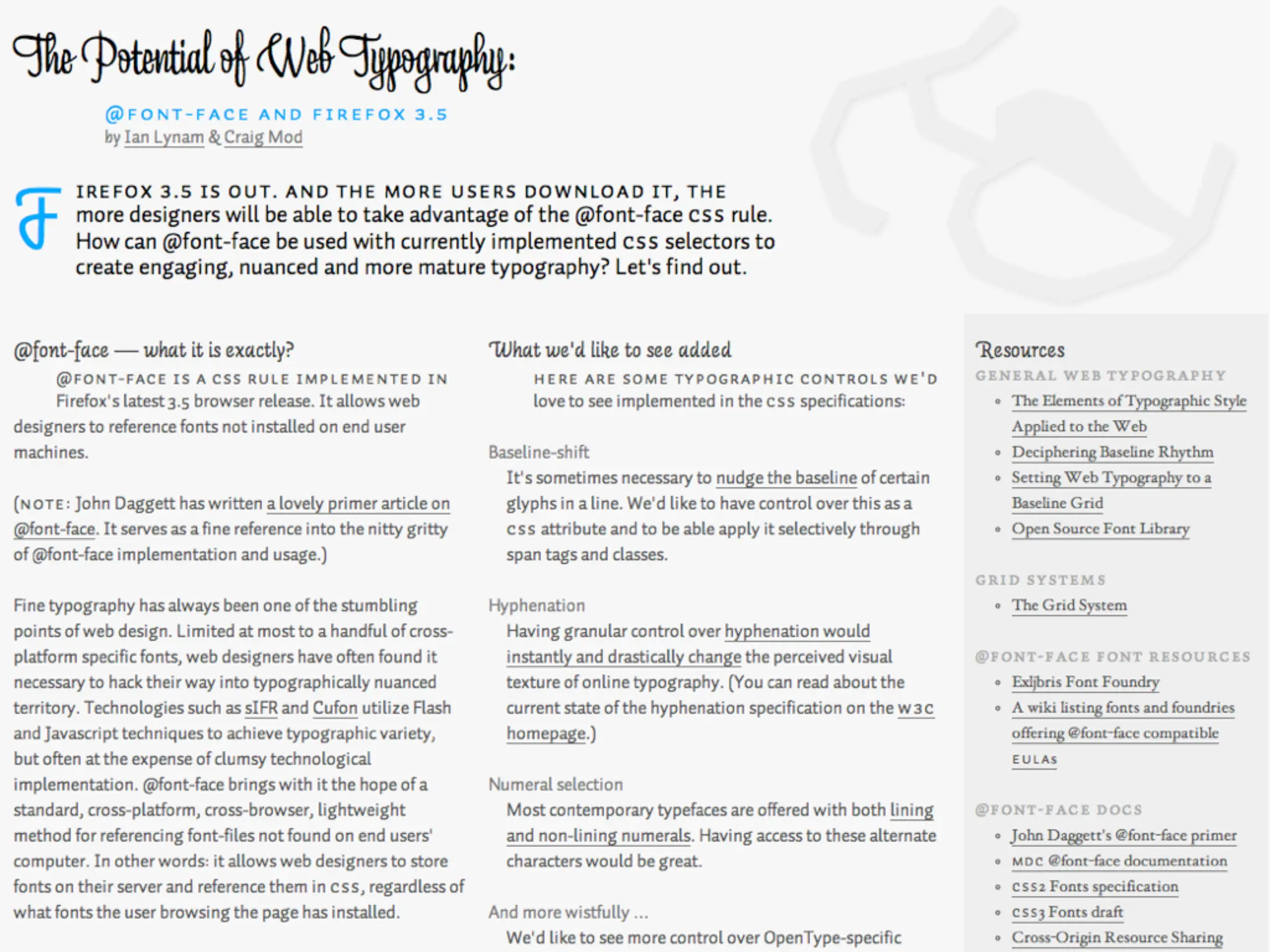
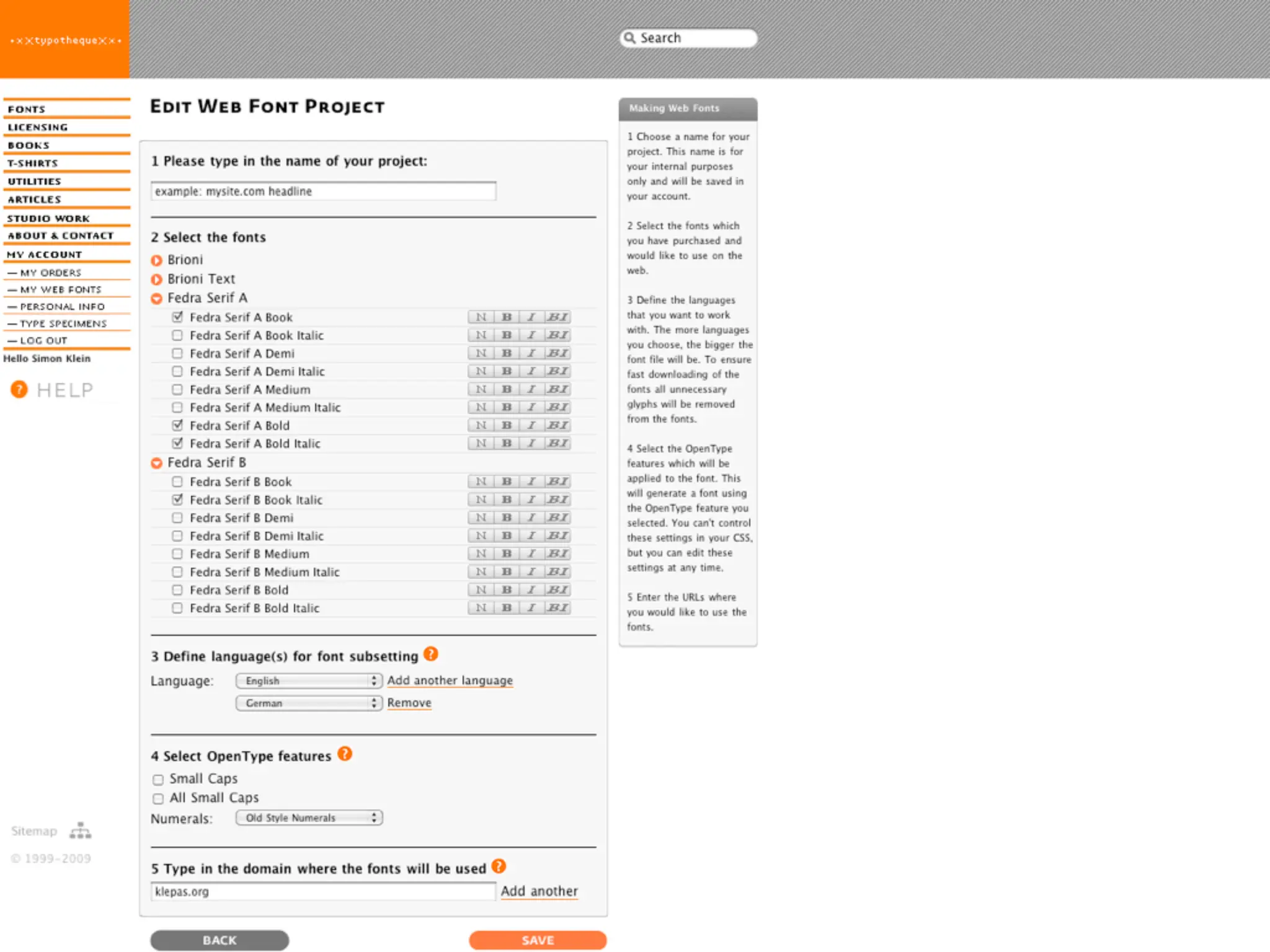
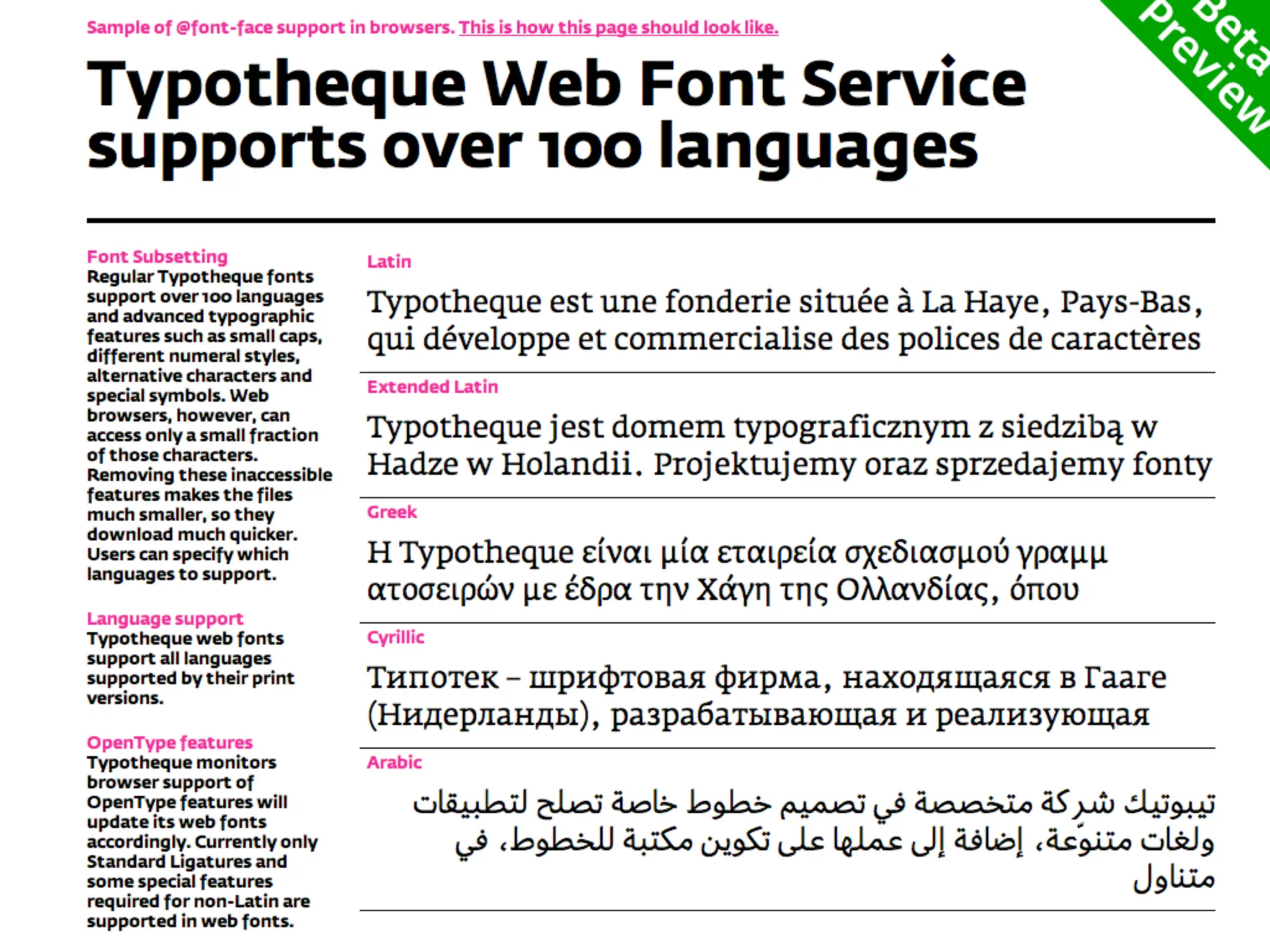
  66. Beautiful Web Typography Options for setting fonts: 1. Installed fonts (mostly web-safe) 2. SIFR or other JS and Flash replacement 3. Cufón et al. (http://tinyurl.com/git-cufon) 4. webfonts: EOT/EOT Lite via @font-face
  67. Beautiful Web Typography Options for setting fonts: 1. Installed fonts (mostly web-safe) 2. SIFR or other JS and Flash replacement 3. Cufón et al. (http://tinyurl.com/git-cufon) 4. webfonts: EOT/EOT Lite via @font-face 5. webfonts: OT/TTF via @font-face
  68. Beautiful Web Typography Options for setting fonts: 1. Installed fonts (mostly web-safe) 2. SIFR or other JS and Flash replacement 3. Cufón et al. (http://tinyurl.com/git-cufon) 4. webfonts: EOT/EOT Lite via @font-face 5. webfonts: OT/TTF via @font-face 6. webfonts: SVG via @font-face
  69. Beautiful Web Typography Options for setting fonts: 1. Installed fonts (mostly web-safe) 2. SIFR or other JS and Flash replacement 3. Cufón et al. (http://tinyurl.com/git-cufon) 4. webfonts: EOT/EOT Lite via @font-face 5. webfonts: OT/TTF via @font-face 6. webfonts: SVG via @font-face 7. Hosting & licensing services
  70. Beautiful Web Typography Options for setting fonts: 1. Installed fonts (mostly web-safe) 2. SIFR or other JS and Flash replacement 3. Cufón et al. (http://tinyurl.com/git-cufon) 4. webfonts: EOT/EOT Lite via @font-face 5. webfonts: OT/TTF via @font-face 6. webfonts: SVG via @font-face 7. Hosting & licensing services 8. OpenType permissions extension?
  71. Beautiful Web Typography Options for setting fonts: 1. Installed fonts (mostly web-safe) 2. SIFR or other JS and Flash replacement 3. Cufón et al. (http://tinyurl.com/git-cufon) 4. webfonts: EOT/EOT Lite via @font-face 5. webfonts: OT/TTF via @font-face 6. webfonts: SVG via @font-face 7. Hosting & licensing services 8. OpenType permissions extension? 9. webfont file proposal (.webfont, ZOT , WOFF)?
  72. Beautiful Web Typography 1. Installed or web-safe fonts
  73. Beautiful Web Typography 1. Installed or web-safe fonts Simply call upon them directly in your font stack declarations, e.g.:
  74. Beautiful Web Typography 1. Installed or web-safe fonts Simply call upon them directly in your font stack declarations, e.g.: font-family: Baskerville, Times, 'Times New Roman', serif;
  75. Beautiful Web Typography 1. Installed or web-safe fonts Simply call upon them directly in your font stack declarations, e.g.: font-family: Baskerville, Times, 'Times New Roman', serif; font-family: 'Helvetica Neue', Helvetica, 'Arial', sans-serif;
  76. Beautiful Web Typography Font stacks:
  77. Beautiful Web Typography Font stacks: • desired
  78. Beautiful Web Typography Font stacks: • desired • fallback
  79. Beautiful Web Typography Font stacks: • desired • fallback • generic (e.g. serif, sans-serif, monospace)
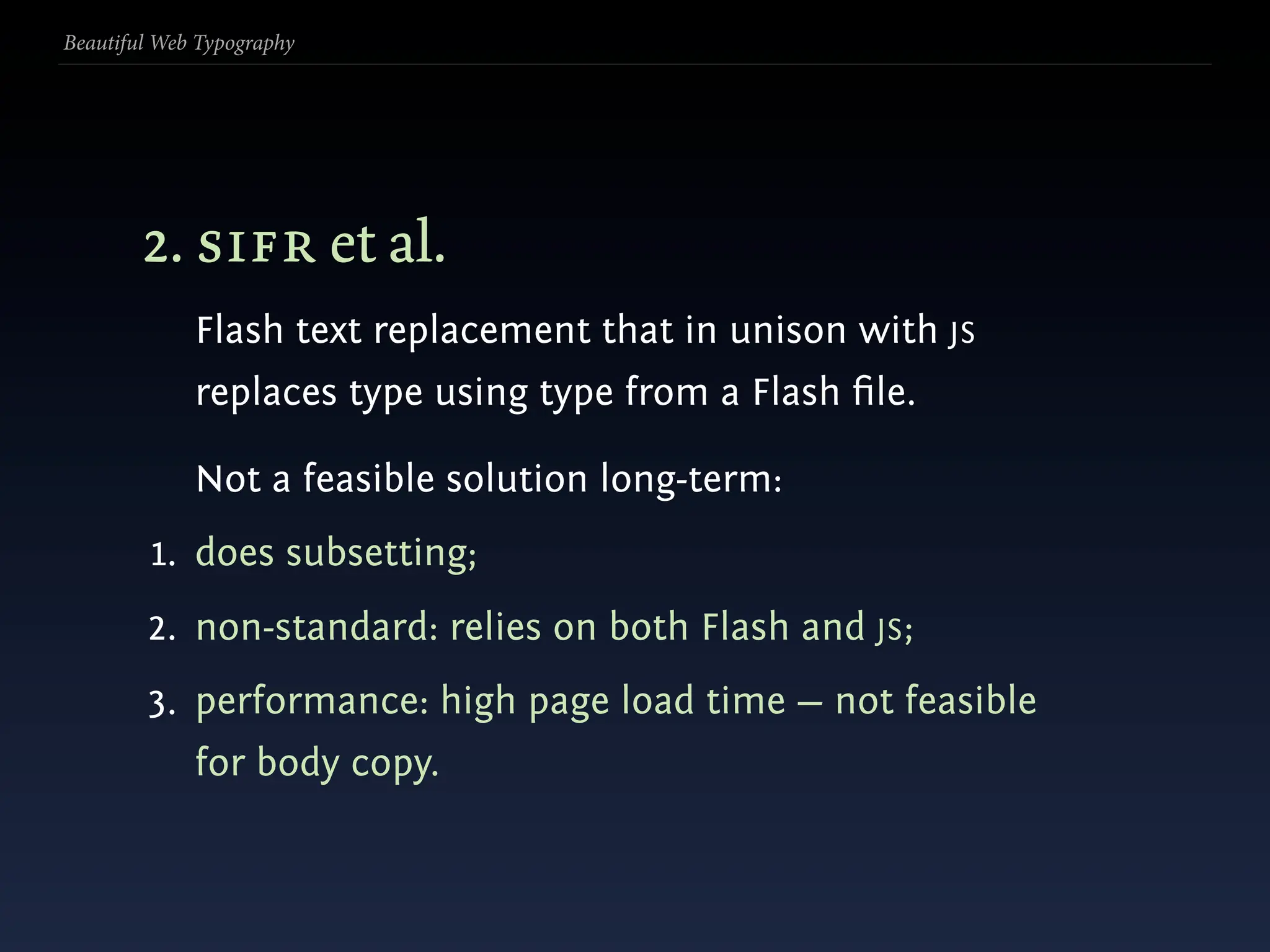
  80. Beautiful Web Typography 2. sifr et al. Flash text replacement that in unison with JS replaces type using type from a Flash file.
  81. Beautiful Web Typography 2. sifr et al. Flash text replacement that in unison with JS replaces type using type from a Flash file. Not a feasible solution long-term:
  82. Beautiful Web Typography 2. sifr et al. Flash text replacement that in unison with JS replaces type using type from a Flash file. Not a feasible solution long-term: 1. does subsetting;
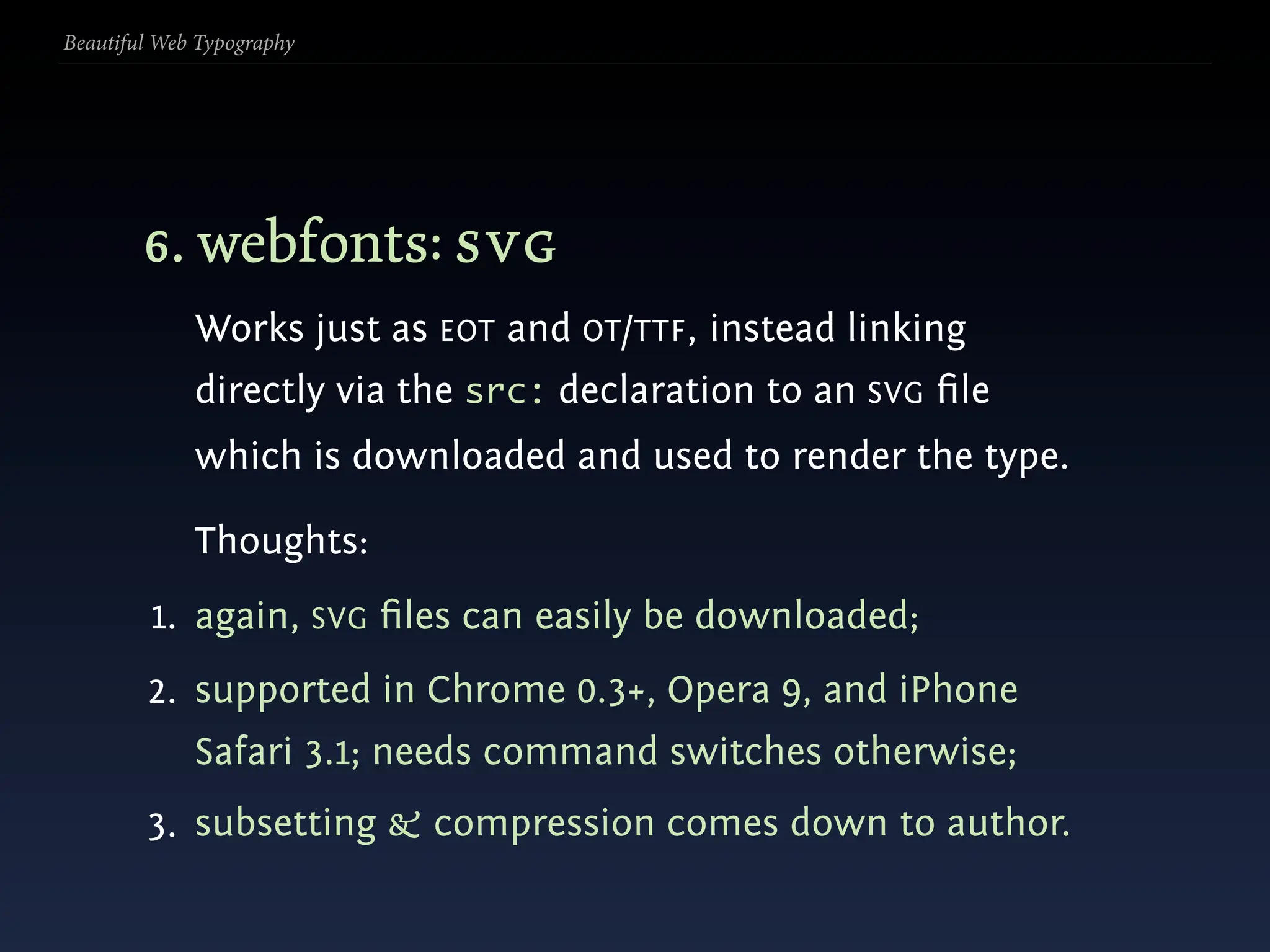
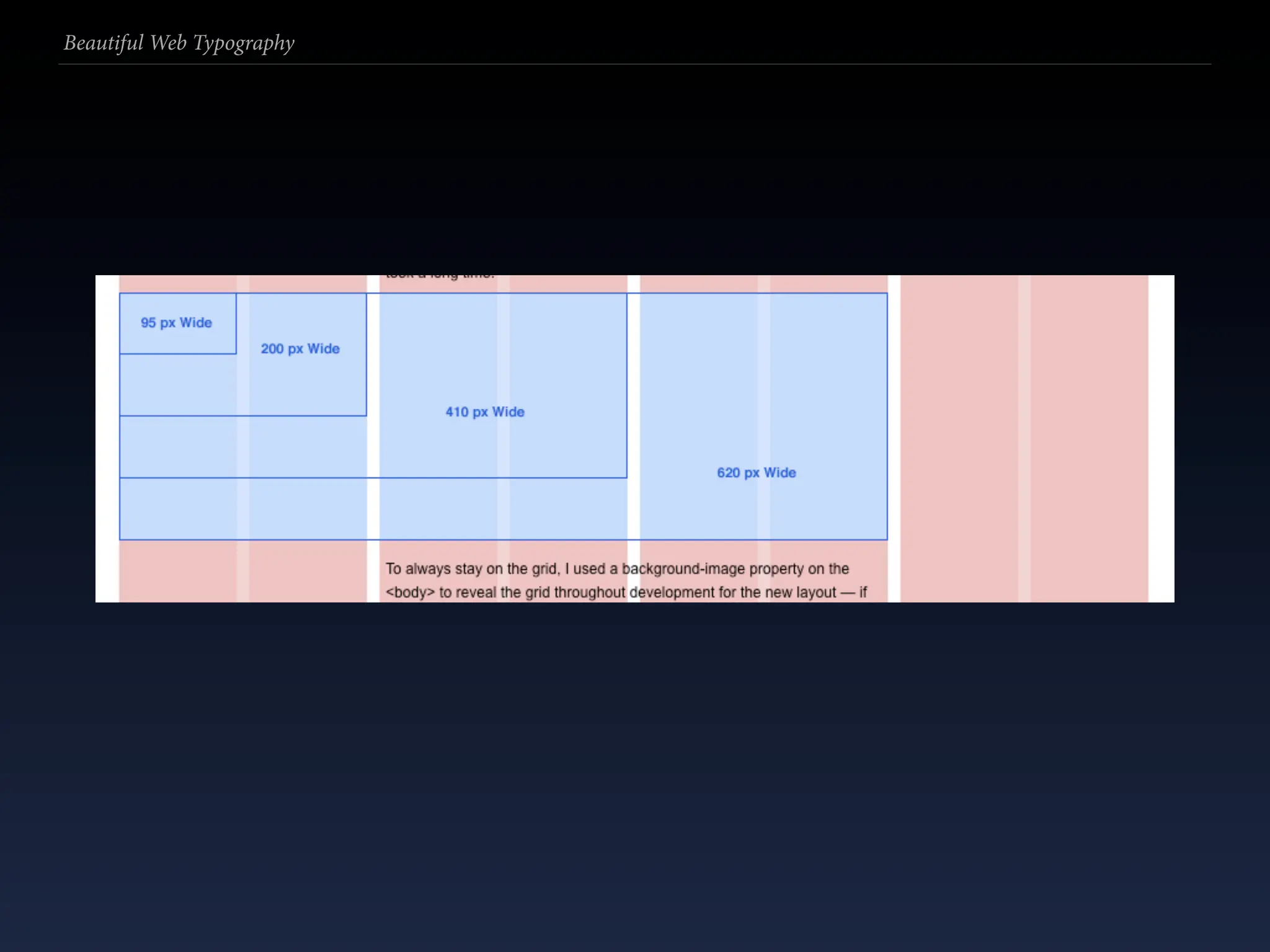
  83. Beautiful Web Typography 2. sifr et al. Flash text replacement that in unison with JS replaces type using type from a Flash file. Not a feasible solution long-term: 1. does subsetting; 2. non-standard: relies on both Flash and JS;
  84. Beautiful Web Typography 2. sifr et al. Flash text replacement that in unison with JS replaces type using type from a Flash file. Not a feasible solution long-term: 1. does subsetting; 2. non-standard: relies on both Flash and JS; 3. performance: high page load time — not feasible for body copy.
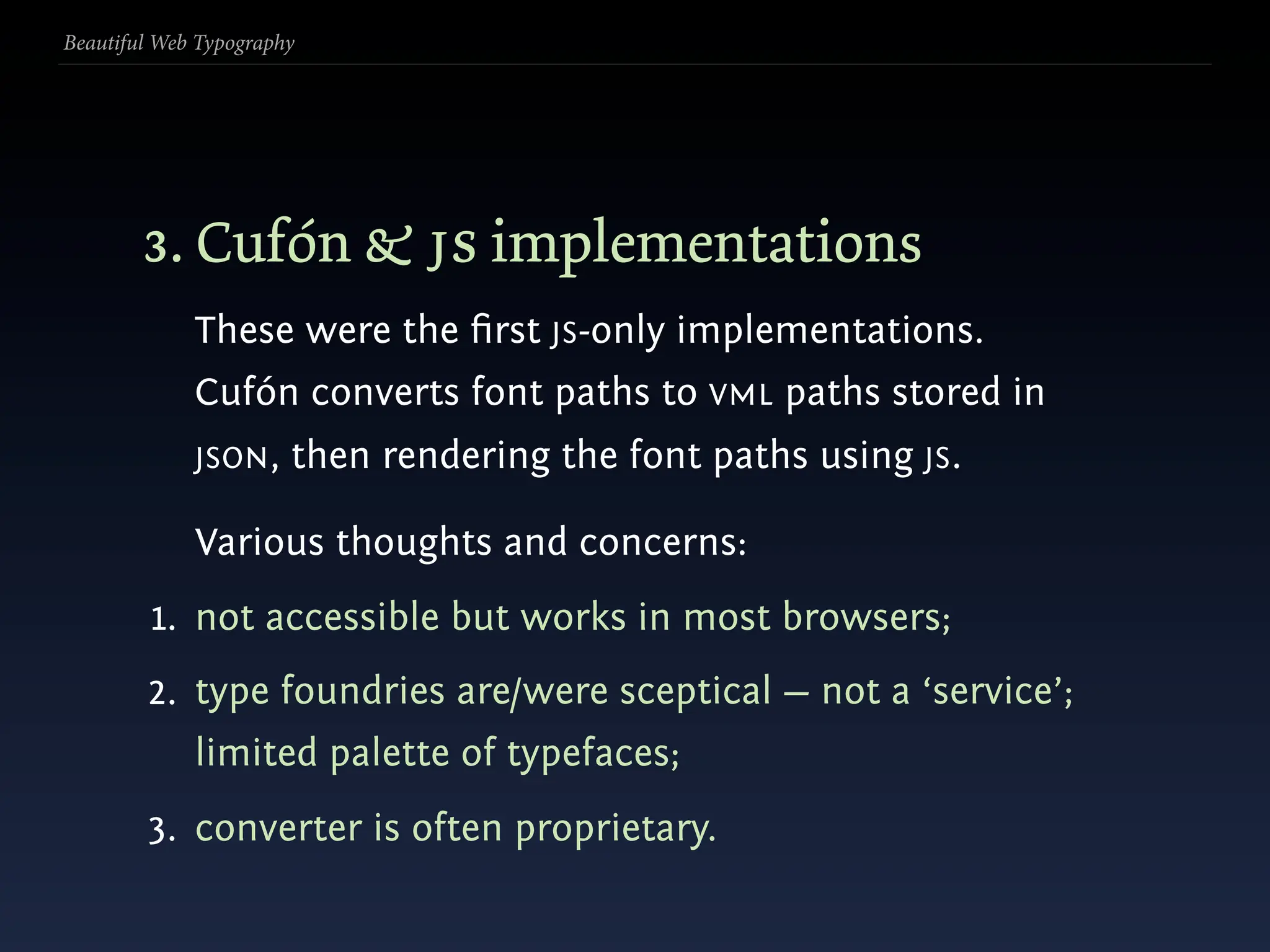
  85. Beautiful Web Typography 3. Cufón & js implementations These were the first JS-only implementations. Cufón converts font paths to VML paths stored in JSON , then rendering the font paths using JS.
  86. Beautiful Web Typography 3. Cufón & js implementations These were the first JS-only implementations. Cufón converts font paths to VML paths stored in JSON , then rendering the font paths using JS. Various thoughts and concerns:
  87. Beautiful Web Typography 3. Cufón & js implementations These were the first JS-only implementations. Cufón converts font paths to VML paths stored in JSON , then rendering the font paths using JS. Various thoughts and concerns: 1. not accessible but works in most browsers;
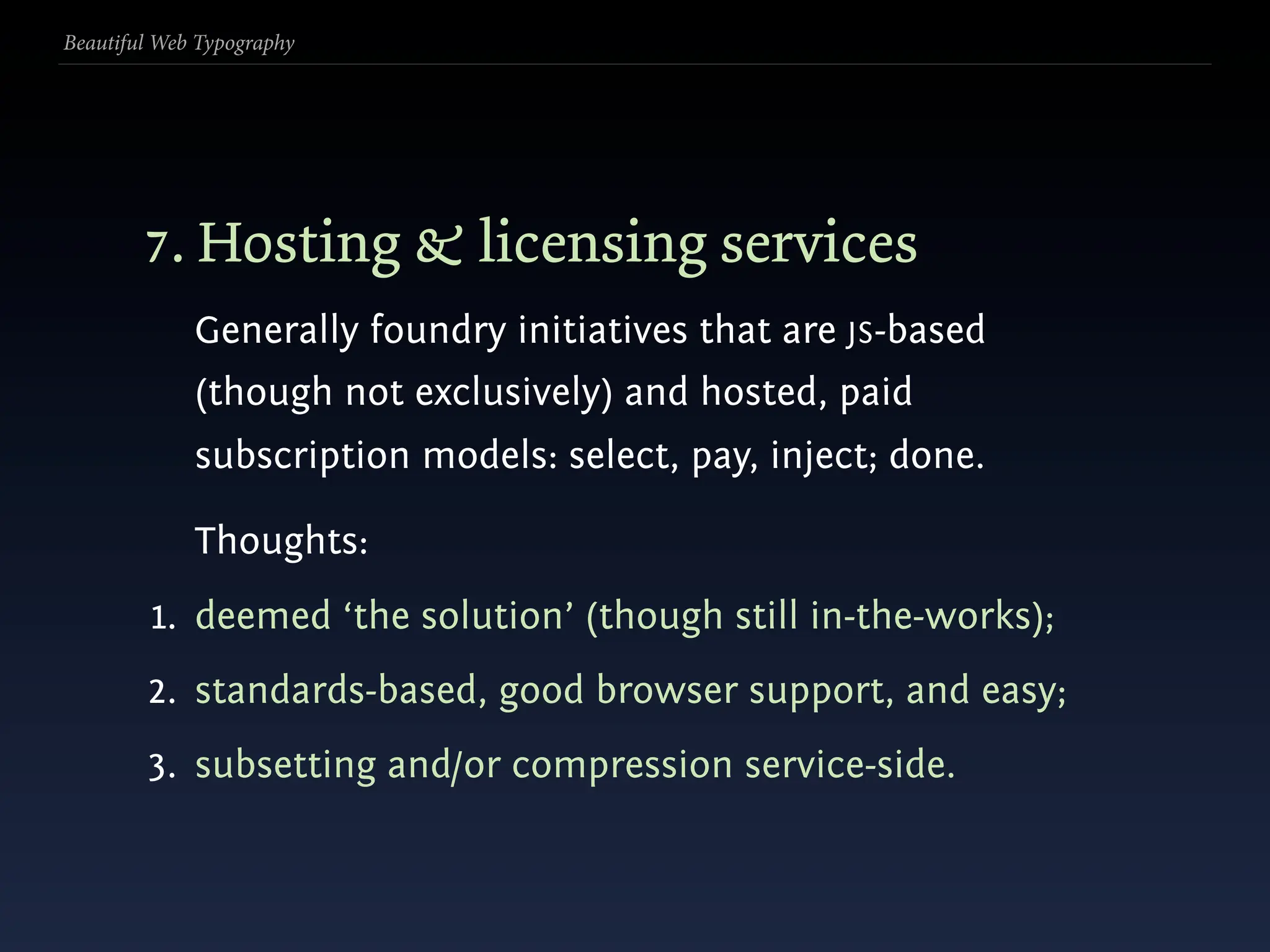
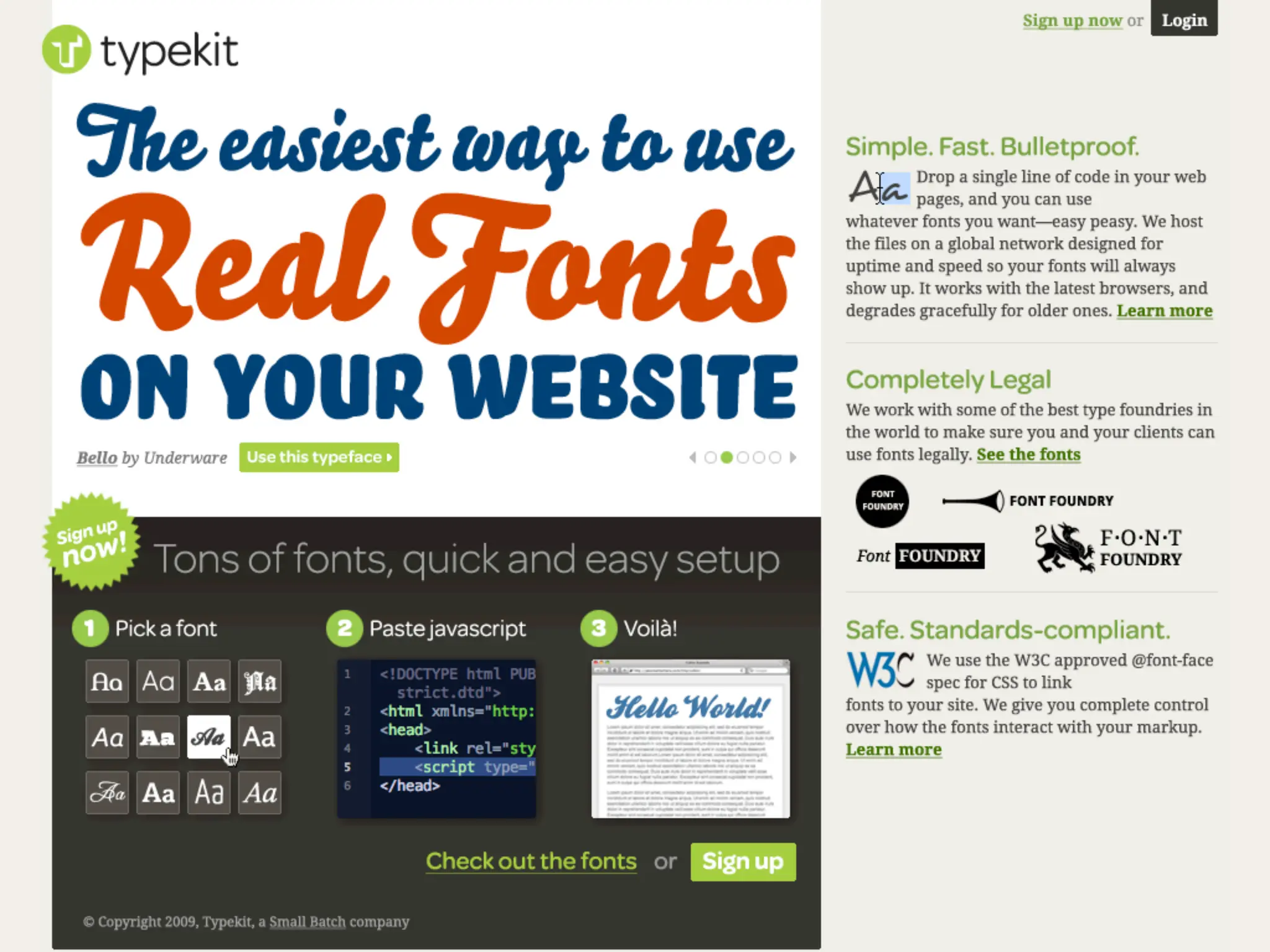
  88. Beautiful Web Typography 3. Cufón & js implementations These were the first JS-only implementations. Cufón converts font paths to VML paths stored in JSON , then rendering the font paths using JS. Various thoughts and concerns: 1. not accessible but works in most browsers; 2. type foundries are/were sceptical — not a ‘service’; limited palette of typefaces;
  89. Beautiful Web Typography 3. Cufón & js implementations These were the first JS-only implementations. Cufón converts font paths to VML paths stored in JSON , then rendering the font paths using JS. Various thoughts and concerns: 1. not accessible but works in most browsers; 2. type foundries are/were sceptical — not a ‘service’; limited palette of typefaces; 3. converter is often proprietary.
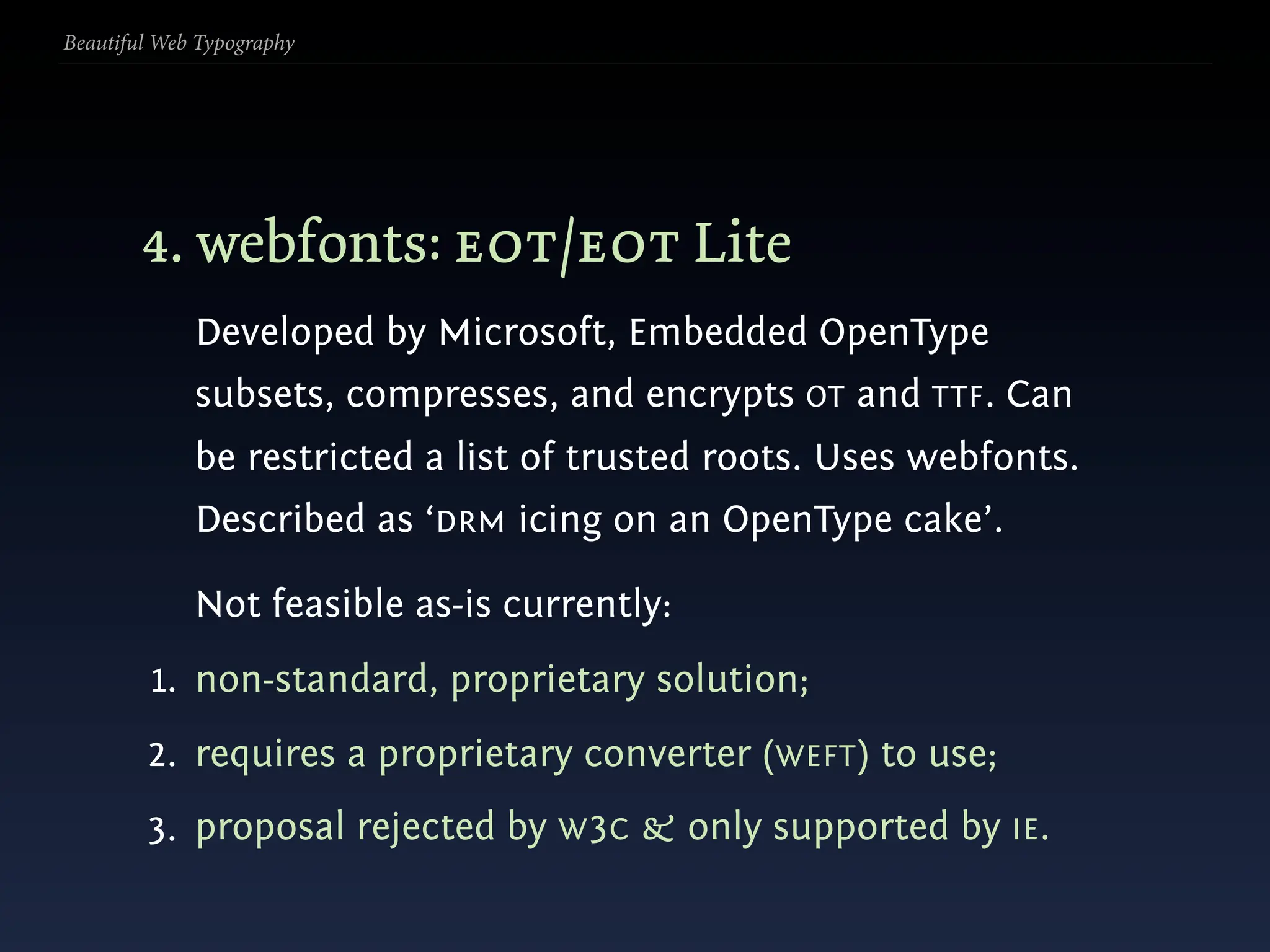
  90. Beautiful Web Typography 4. webfonts: eot/eot Lite Developed by Microsoft, Embedded OpenType subsets, compresses, and encrypts OT and TTF. Can be restricted a list of trusted roots. Uses webfonts. Described as ‘DRM icing on an OpenType cake’.
  91. Beautiful Web Typography 4. webfonts: eot/eot Lite Developed by Microsoft, Embedded OpenType subsets, compresses, and encrypts OT and TTF. Can be restricted a list of trusted roots. Uses webfonts. Described as ‘DRM icing on an OpenType cake’. Not feasible as-is currently:
  92. Beautiful Web Typography 4. webfonts: eot/eot Lite Developed by Microsoft, Embedded OpenType subsets, compresses, and encrypts OT and TTF. Can be restricted a list of trusted roots. Uses webfonts. Described as ‘DRM icing on an OpenType cake’. Not feasible as-is currently: 1. non-standard, proprietary solution;
  93. Beautiful Web Typography 4. webfonts: eot/eot Lite Developed by Microsoft, Embedded OpenType subsets, compresses, and encrypts OT and TTF. Can be restricted a list of trusted roots. Uses webfonts. Described as ‘DRM icing on an OpenType cake’. Not feasible as-is currently: 1. non-standard, proprietary solution; 2. requires a proprietary converter (WEFT) to use;
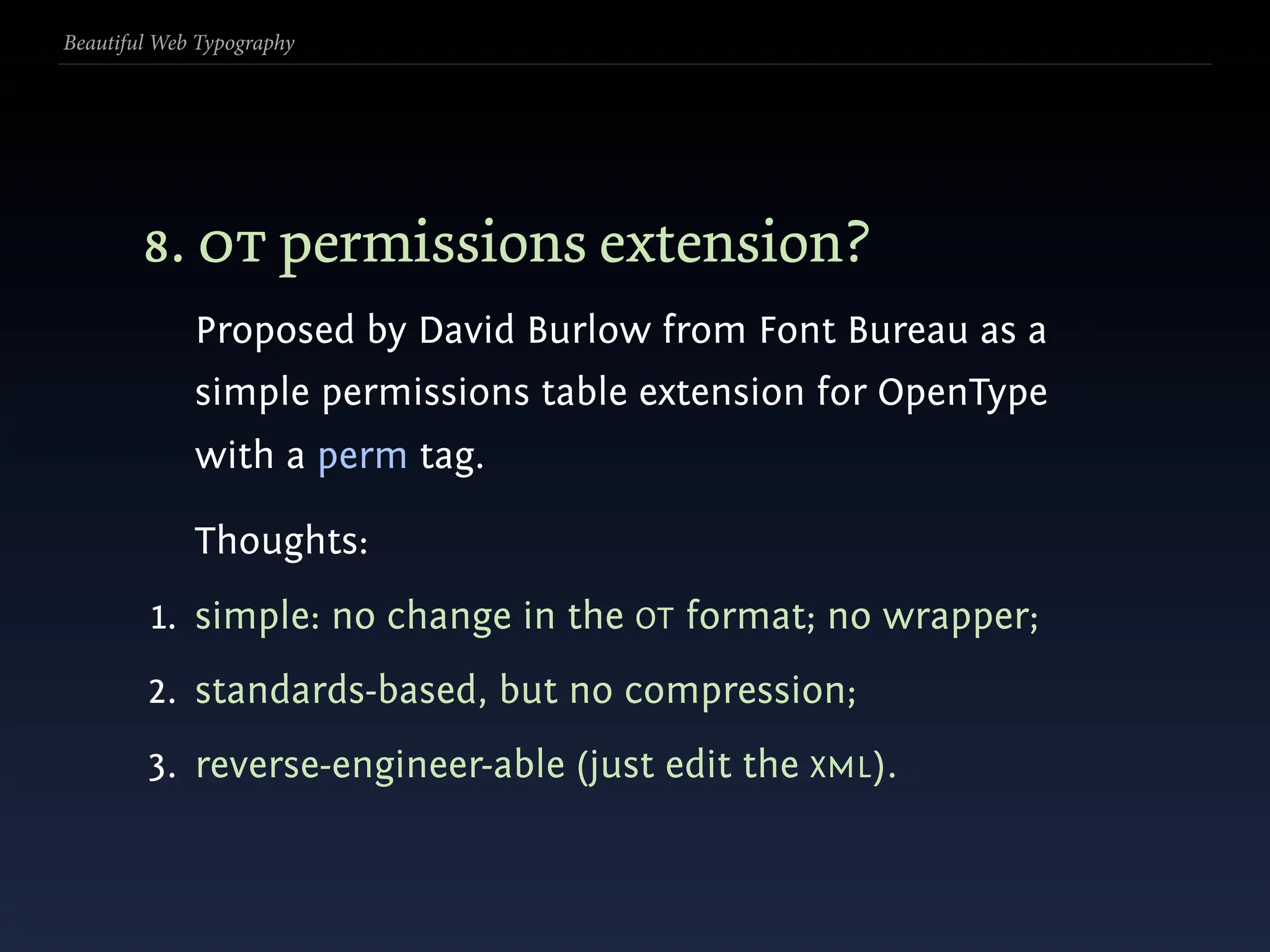
  94. Beautiful Web Typography 4. webfonts: eot/eot Lite Developed by Microsoft, Embedded OpenType subsets, compresses, and encrypts OT and TTF. Can be restricted a list of trusted roots. Uses webfonts. Described as ‘DRM icing on an OpenType cake’. Not feasible as-is currently: 1. non-standard, proprietary solution; 2. requires a proprietary converter (WEFT) to use; 3. proposal rejected by W 3C & only supported by IE .
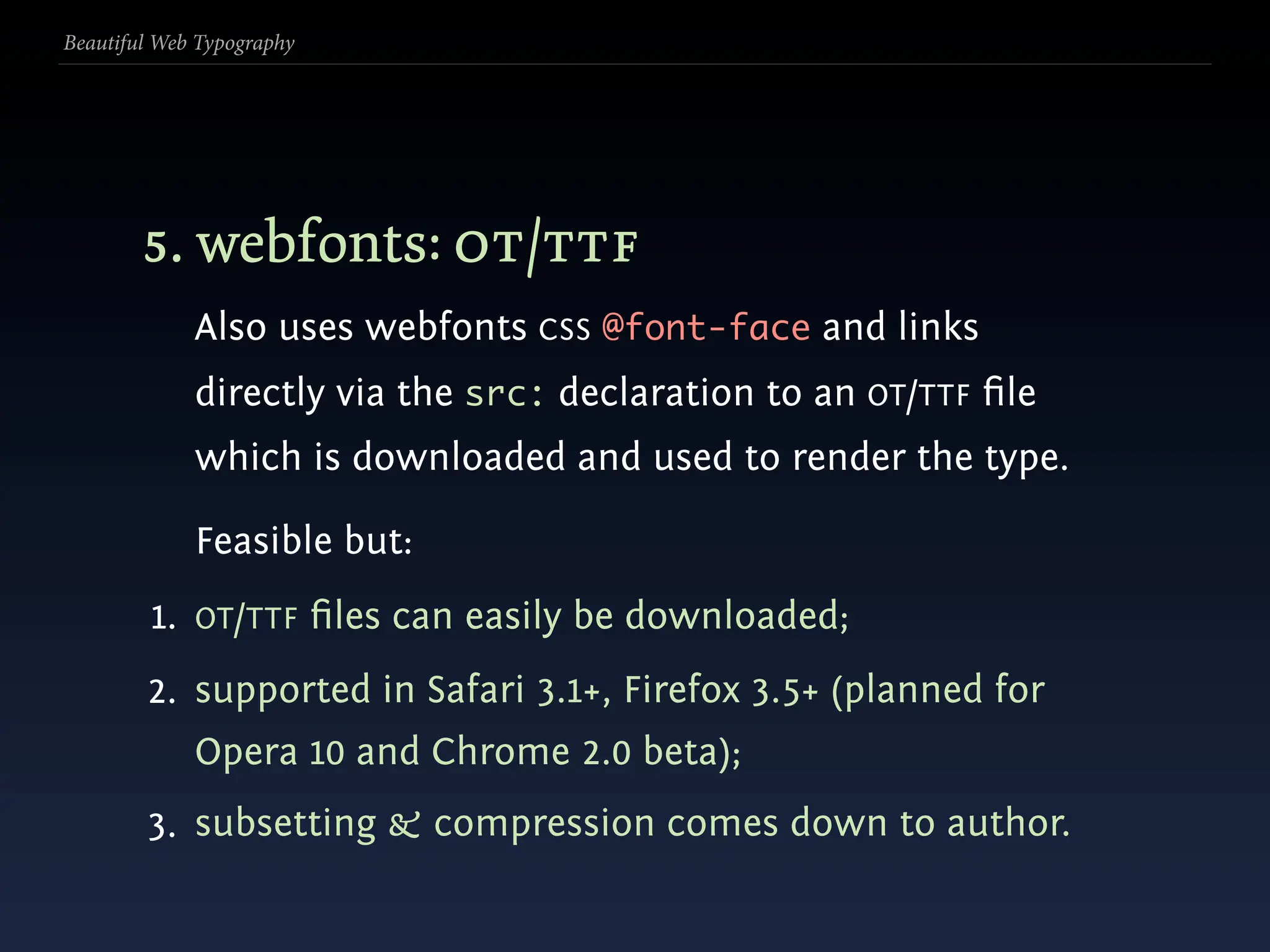
  95. Beautiful Web Typography 5. webfonts: ot/ttf Also uses webfonts CSS @font-face and links directly via the src: declaration to an OT/TTF file which is downloaded and used to render the type.
  96. Beautiful Web Typography 5. webfonts: ot/ttf Also uses webfonts CSS @font-face and links directly via the src: declaration to an OT/TTF file which is downloaded and used to render the type. Feasible but:
  97. Beautiful Web Typography 5. webfonts: ot/ttf Also uses webfonts CSS @font-face and links directly via the src: declaration to an OT/TTF file which is downloaded and used to render the type. Feasible but: 1. OT/TTF files can easily be downloaded;
  98. Beautiful Web Typography 5. webfonts: ot/ttf Also uses webfonts CSS @font-face and links directly via the src: declaration to an OT/TTF file which is downloaded and used to render the type. Feasible but: 1. OT/TTF files can easily be downloaded; 2. supported in Safari 3.1+, Firefox 3.5+ (planned for Opera 10 and Chrome 2.0 beta);
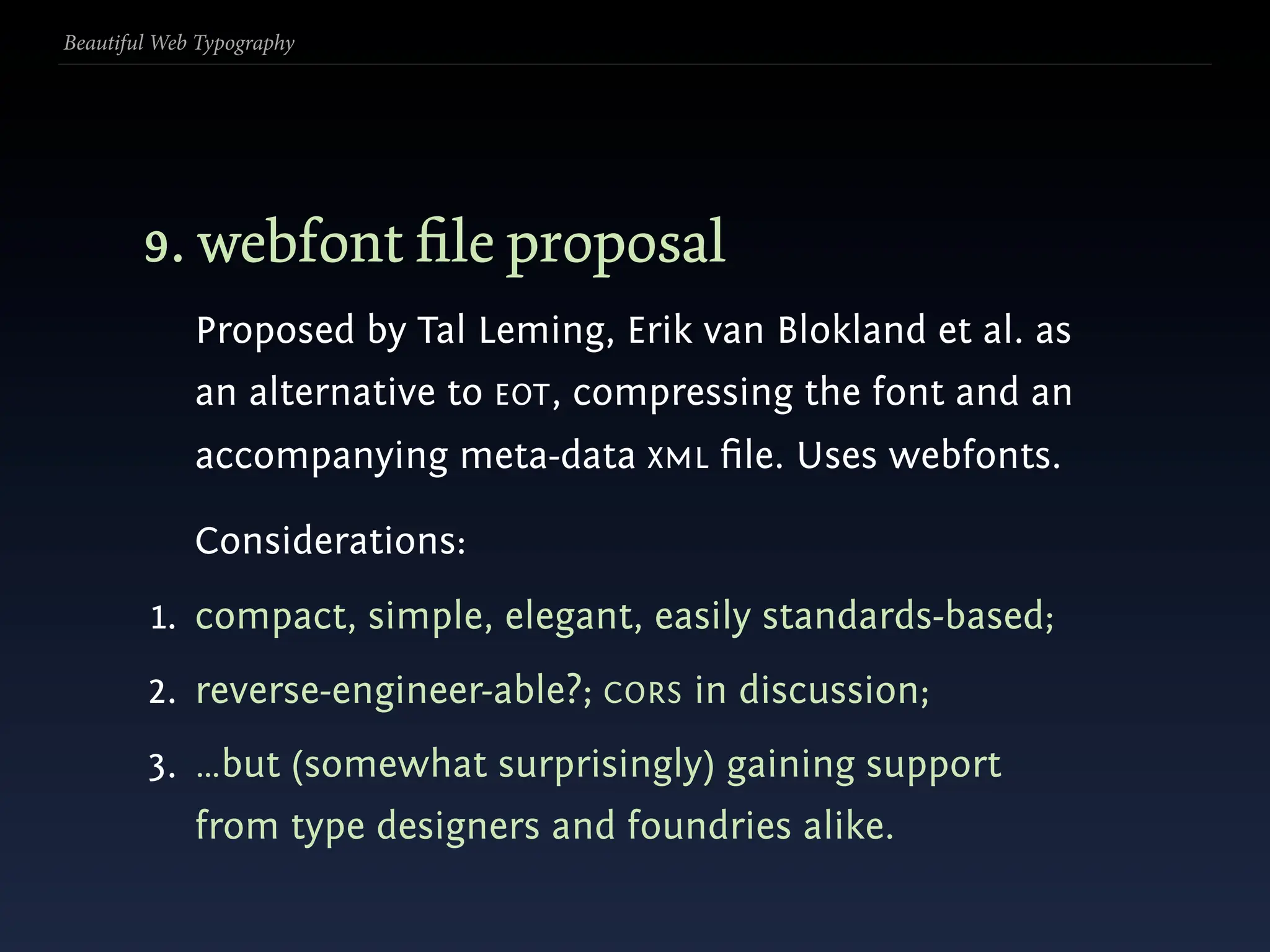
  99. Beautiful Web Typography 5. webfonts: ot/ttf Also uses webfonts CSS @font-face and links directly via the src: declaration to an OT/TTF file which is downloaded and used to render the type. Feasible but: 1. OT/TTF files can easily be downloaded; 2. supported in Safari 3.1+, Firefox 3.5+ (planned for Opera 10 and Chrome 2.0 beta); 3. subsetting & compression comes down to author.
  100. Beautiful Web Typography 6. webfonts: svg Works just as EOT and OT/TTF , instead linking directly via the src: declaration to an SVG file which is downloaded and used to render the type.
  101. Beautiful Web Typography 6. webfonts: svg Works just as EOT and OT/TTF , instead linking directly via the src: declaration to an SVG file which is downloaded and used to render the type. Thoughts:
  102. Beautiful Web Typography 6. webfonts: svg Works just as EOT and OT/TTF , instead linking directly via the src: declaration to an SVG file which is downloaded and used to render the type. Thoughts: 1. again, SVG files can easily be downloaded;
  103. Beautiful Web Typography 6. webfonts: svg Works just as EOT and OT/TTF , instead linking directly via the src: declaration to an SVG file which is downloaded and used to render the type. Thoughts: 1. again, SVG files can easily be downloaded; 2. supported in Chrome 0.3+, Opera 9, and iPhone Safari 3.1; needs command switches otherwise;
  104. Beautiful Web Typography 6. webfonts: svg Works just as EOT and OT/TTF , instead linking directly via the src: declaration to an SVG file which is downloaded and used to render the type. Thoughts: 1. again, SVG files can easily be downloaded; 2. supported in Chrome 0.3+, Opera 9, and iPhone Safari 3.1; needs command switches otherwise; 3. subsetting & compression comes down to author.
  105. Beautiful Web Typography 7. Hosting & licensing services Generally foundry initiatives that are JS-based (though not exclusively) and hosted, paid subscription models: select, pay, inject; done.
  106. Beautiful Web Typography 7. Hosting & licensing services Generally foundry initiatives that are JS-based (though not exclusively) and hosted, paid subscription models: select, pay, inject; done. Thoughts:
  107. Beautiful Web Typography 7. Hosting & licensing services Generally foundry initiatives that are JS-based (though not exclusively) and hosted, paid subscription models: select, pay, inject; done. Thoughts: 1. deemed ‘the solution’ (though still in-the-works);
  108. Beautiful Web Typography 7. Hosting & licensing services Generally foundry initiatives that are JS-based (though not exclusively) and hosted, paid subscription models: select, pay, inject; done. Thoughts: 1. deemed ‘the solution’ (though still in-the-works); 2. standards-based, good browser support, and easy;
  109. Beautiful Web Typography 7. Hosting & licensing services Generally foundry initiatives that are JS-based (though not exclusively) and hosted, paid subscription models: select, pay, inject; done. Thoughts: 1. deemed ‘the solution’ (though still in-the-works); 2. standards-based, good browser support, and easy; 3. subsetting and/or compression service-side.
  110. Beautiful Web Typography
  111. Beautiful Web Typography 8. ot permissions extension? Proposed by David Burlow from Font Bureau as a simple permissions table extension for OpenType with a perm tag.
  112. Beautiful Web Typography 8. ot permissions extension? Proposed by David Burlow from Font Bureau as a simple permissions table extension for OpenType with a perm tag. Thoughts:
  113. Beautiful Web Typography 8. ot permissions extension? Proposed by David Burlow from Font Bureau as a simple permissions table extension for OpenType with a perm tag. Thoughts: 1. simple: no change in the OT format; no wrapper;
  114. Beautiful Web Typography 8. ot permissions extension? Proposed by David Burlow from Font Bureau as a simple permissions table extension for OpenType with a perm tag. Thoughts: 1. simple: no change in the OT format; no wrapper; 2. standards-based, but no compression;
  115. Beautiful Web Typography 8. ot permissions extension? Proposed by David Burlow from Font Bureau as a simple permissions table extension for OpenType with a perm tag. Thoughts: 1. simple: no change in the OT format; no wrapper; 2. standards-based, but no compression; 3. reverse-engineer-able (just edit the XML).
  116. Beautiful Web Typography 9. webfont file proposal Proposed by Tal Leming, Erik van Blokland et al. as an alternative to EOT, compressing the font and an accompanying meta-data XML file. Uses webfonts.
  117. Beautiful Web Typography 9. webfont file proposal Proposed by Tal Leming, Erik van Blokland et al. as an alternative to EOT, compressing the font and an accompanying meta-data XML file. Uses webfonts. Considerations:
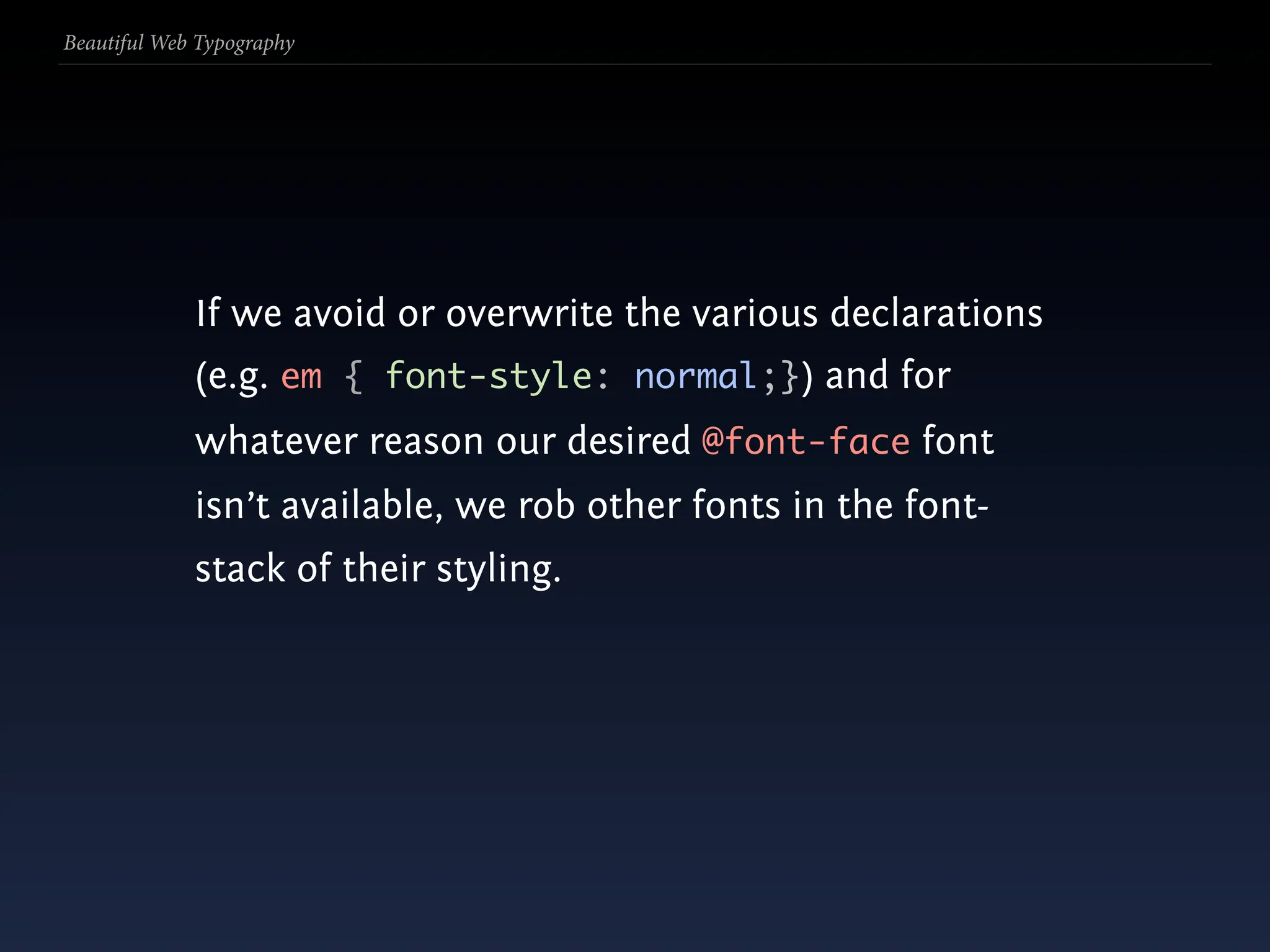
  118. Beautiful Web Typography 9. webfont file proposal Proposed by Tal Leming, Erik van Blokland et al. as an alternative to EOT, compressing the font and an accompanying meta-data XML file. Uses webfonts. Considerations: 1. compact, simple, elegant, easily standards-based;
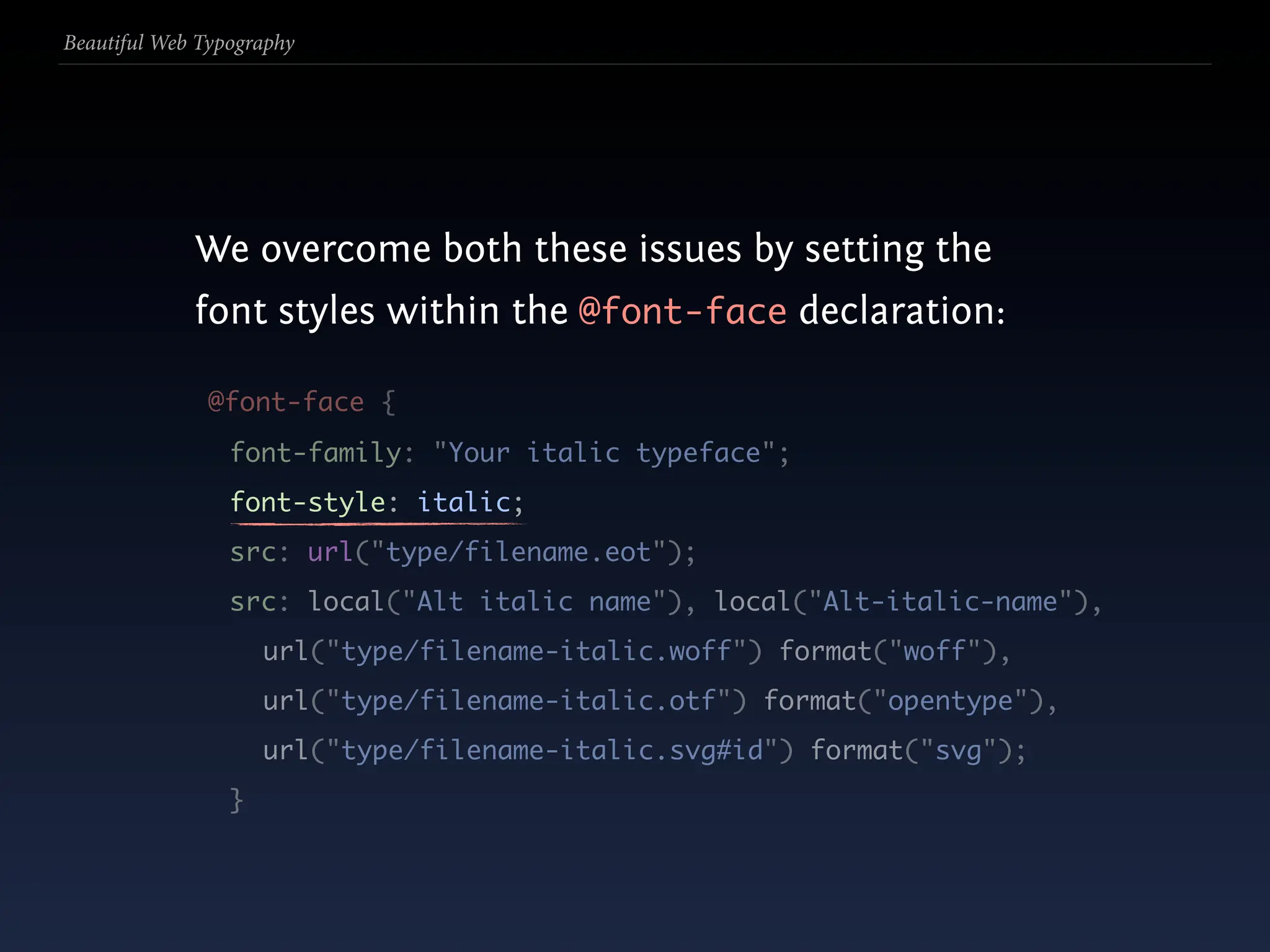
  119. Beautiful Web Typography 9. webfont file proposal Proposed by Tal Leming, Erik van Blokland et al. as an alternative to EOT, compressing the font and an accompanying meta-data XML file. Uses webfonts. Considerations: 1. compact, simple, elegant, easily standards-based; 2. reverse-engineer-able?; CORS in discussion;
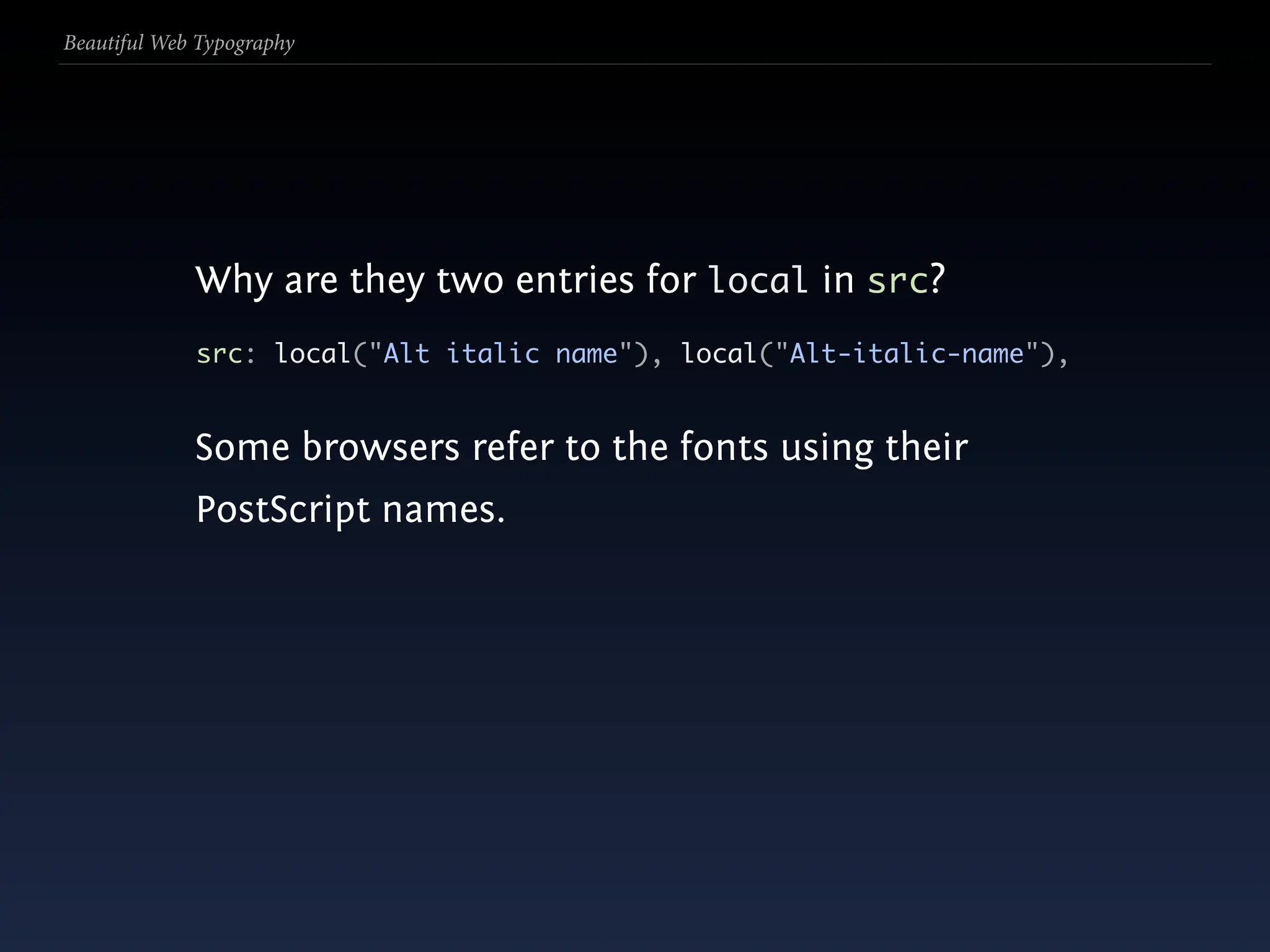
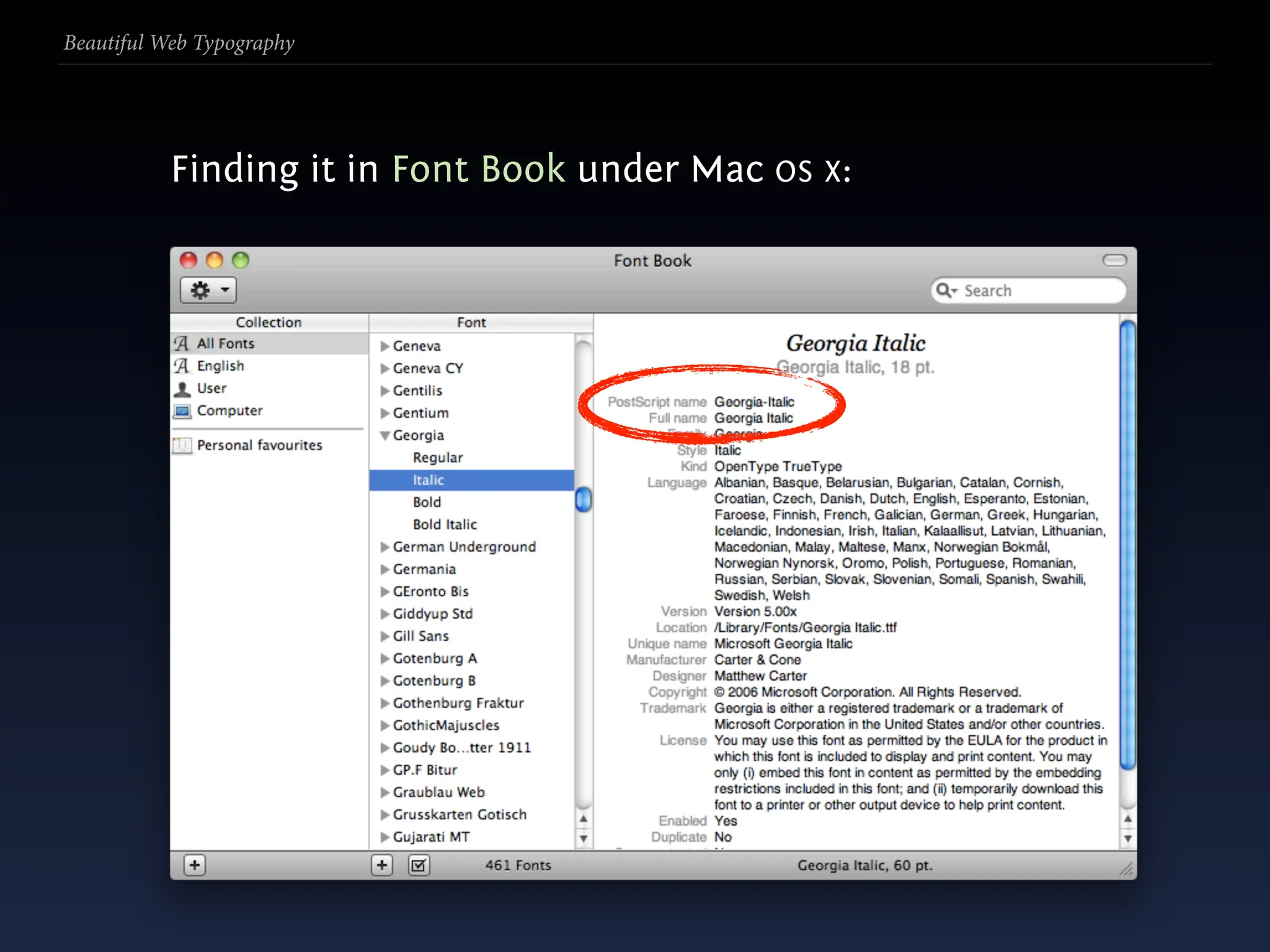
  120. Beautiful Web Typography 9. webfont file proposal Proposed by Tal Leming, Erik van Blokland et al. as an alternative to EOT, compressing the font and an accompanying meta-data XML file. Uses webfonts. Considerations: 1. compact, simple, elegant, easily standards-based; 2. reverse-engineer-able?; CORS in discussion; 3. …but (somewhat surprisingly) gaining support from type designers and foundries alike.
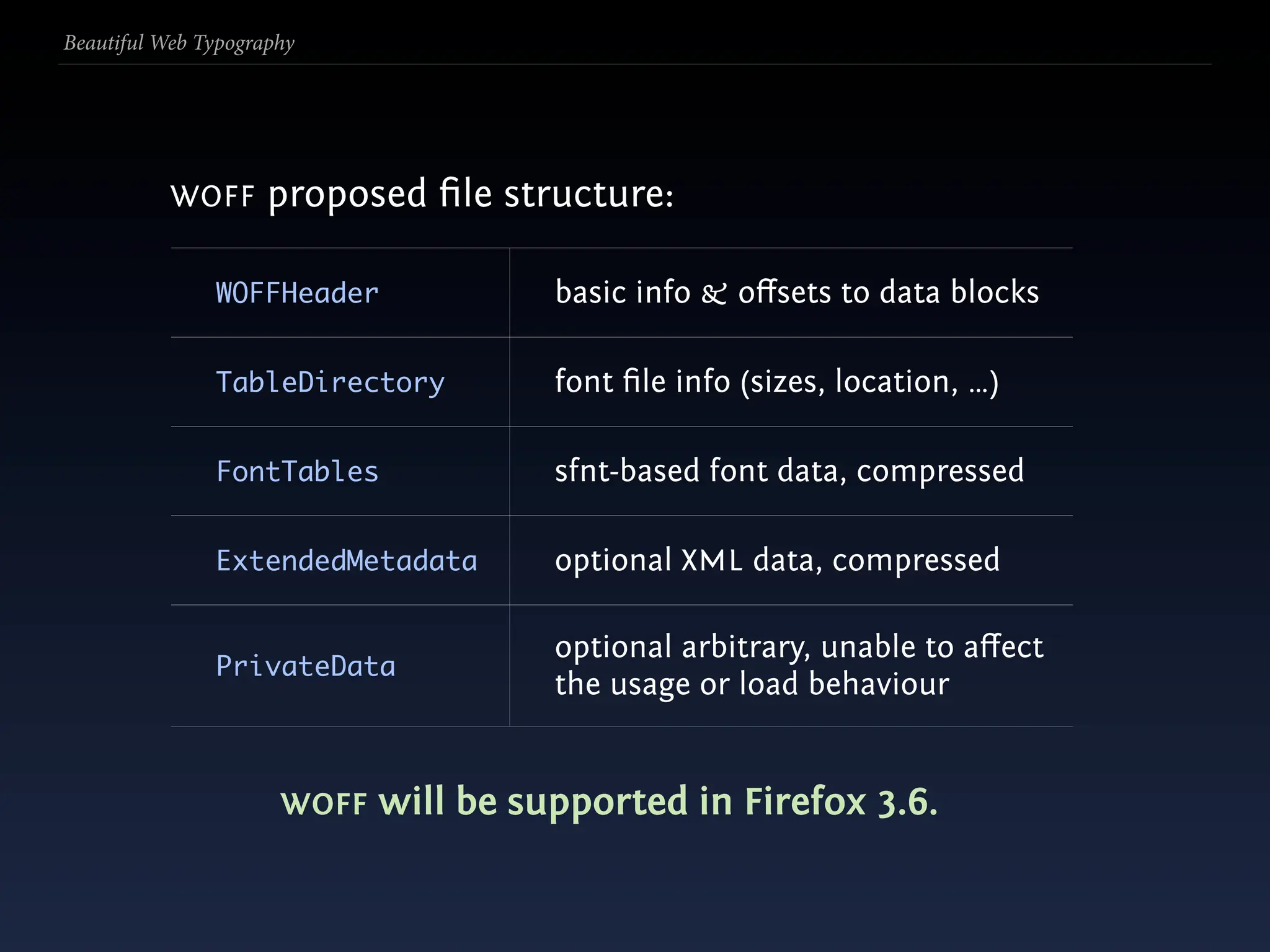
  121. Beautiful Web Typography WOFF proposed file structure: WOFFHeader basic info & offsets to data blocks TableDirectory font file info (sizes, location, …) FontTables sfnt-based font data, compressed ExtendedMetadata optional XML data, compressed optional arbitrary, unable to affect PrivateData the usage or load behaviour
  122. Beautiful Web Typography WOFF proposed file structure: WOFFHeader basic info & offsets to data blocks TableDirectory font file info (sizes, location, …) FontTables sfnt-based font data, compressed ExtendedMetadata optional XML data, compressed optional arbitrary, unable to affect PrivateData the usage or load behaviour WOFF will be supported in Firefox 3.6.
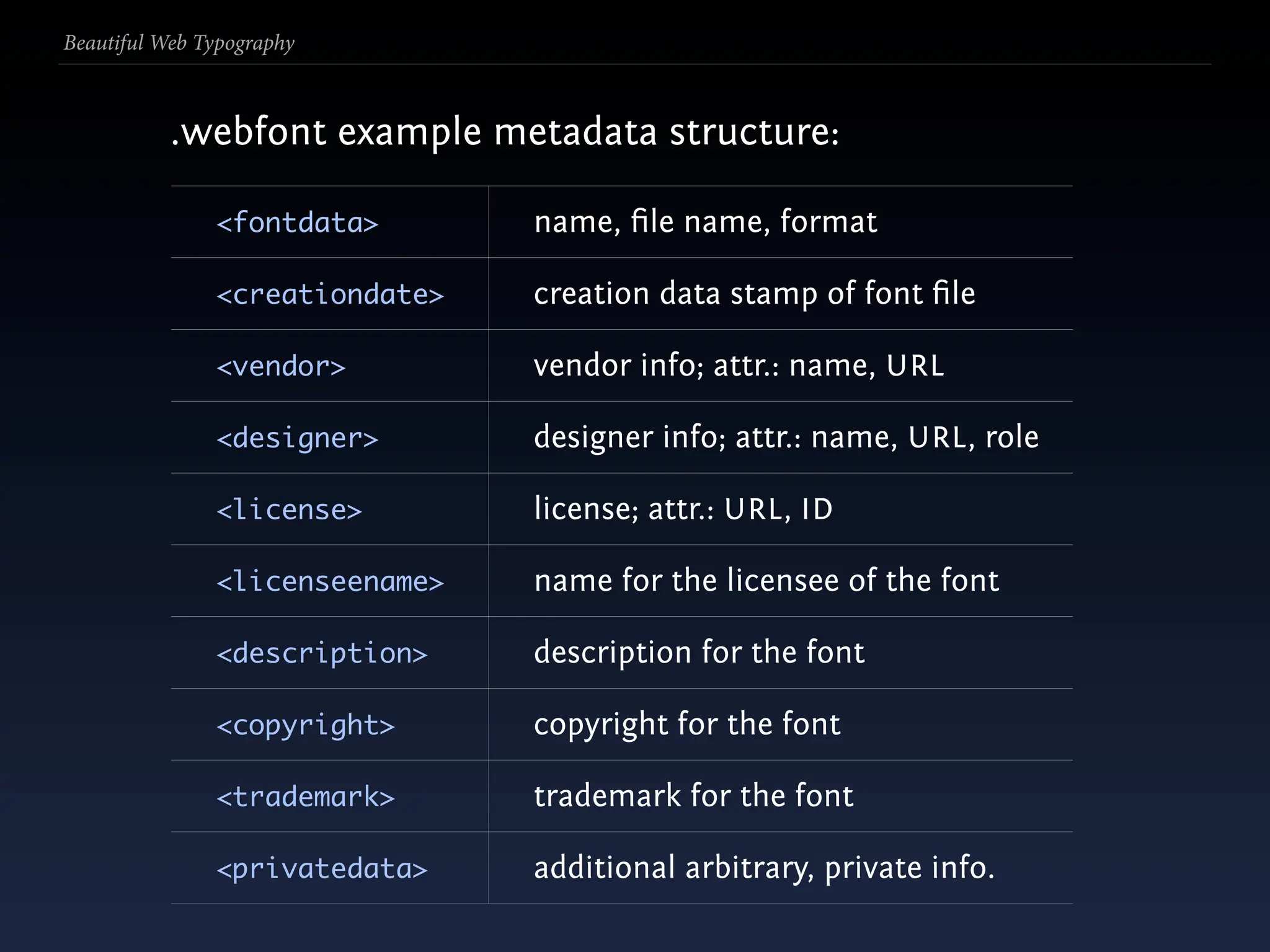
  123. Beautiful Web Typography .webfont example metadata structure: <fontdata> name, file name, format <creationdate> creation data stamp of font file <vendor> vendor info; attr.: name, URL <designer> designer info; attr.: name, URL , role <license> license; attr.: URL , ID <licenseename> name for the licensee of the font <description> description for the font <copyright> copyright for the font <trademark> trademark for the font <privatedata> additional arbitrary, private info.
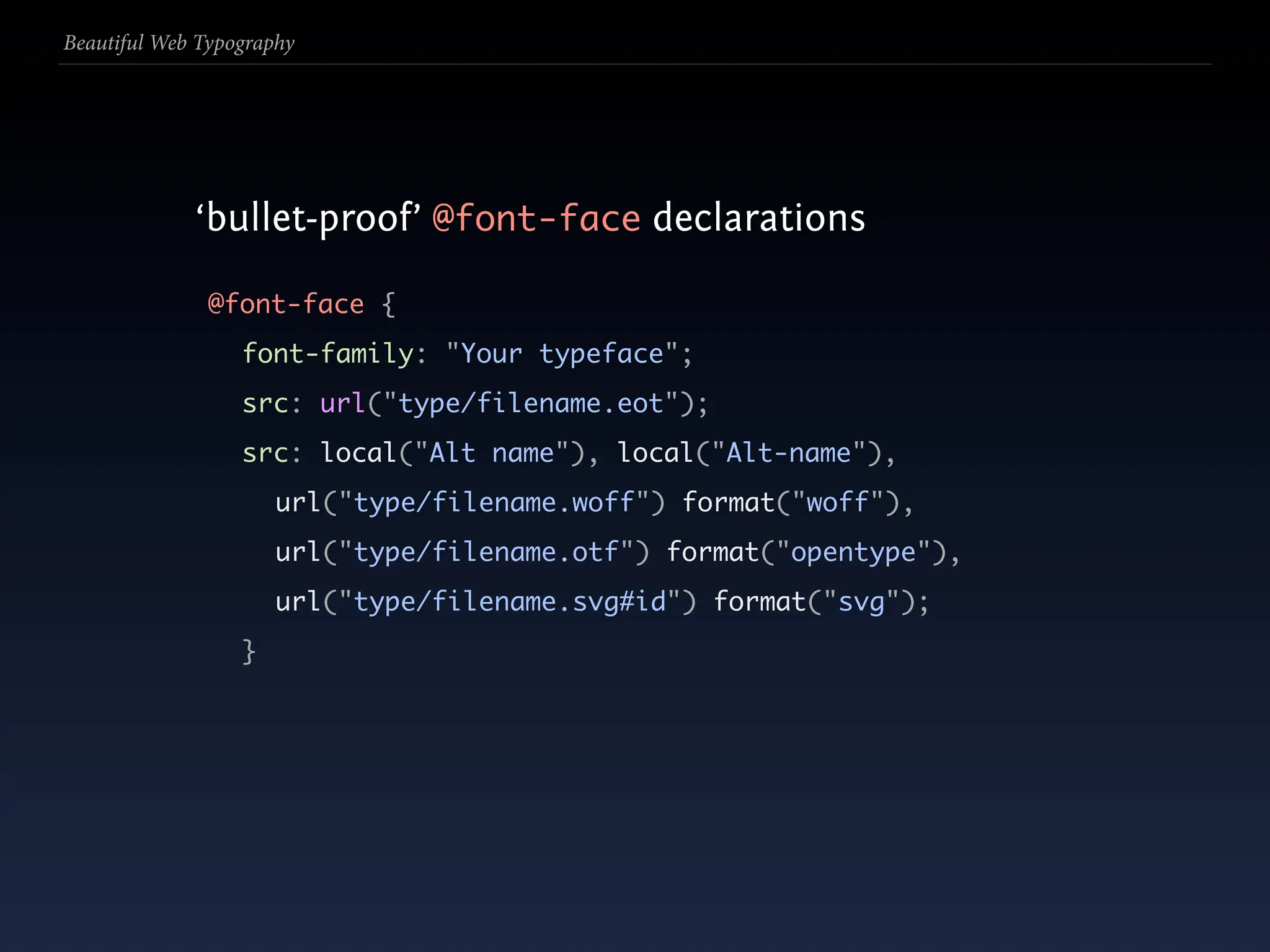
  124. Beautiful Web Typography ‘bullet-proof’ @font-face declarations
  125. Beautiful Web Typography ‘bullet-proof’ @font-face declarations @font-face {
  126. Beautiful Web Typography ‘bullet-proof’ @font-face declarations @font-face { font-family: "Your typeface";
  127. Beautiful Web Typography ‘bullet-proof’ @font-face declarations @font-face { font-family: "Your typeface"; src: url("type/filename.eot");
  128. Beautiful Web Typography ‘bullet-proof’ @font-face declarations @font-face { font-family: "Your typeface"; src: url("type/filename.eot"); src: local("Alt name"), local("Alt-name"),
  129. Beautiful Web Typography ‘bullet-proof’ @font-face declarations @font-face { font-family: "Your typeface"; src: url("type/filename.eot"); src: local("Alt name"), local("Alt-name"), url("type/filename.woff") format("woff"),
  130. Beautiful Web Typography ‘bullet-proof’ @font-face declarations @font-face { font-family: "Your typeface"; src: url("type/filename.eot"); src: local("Alt name"), local("Alt-name"), url("type/filename.woff") format("woff"), url("type/filename.otf") format("opentype"),
  131. Beautiful Web Typography ‘bullet-proof’ @font-face declarations @font-face { font-family: "Your typeface"; src: url("type/filename.eot"); src: local("Alt name"), local("Alt-name"), url("type/filename.woff") format("woff"), url("type/filename.otf") format("opentype"), url("type/filename.svg#id") format("svg"); }
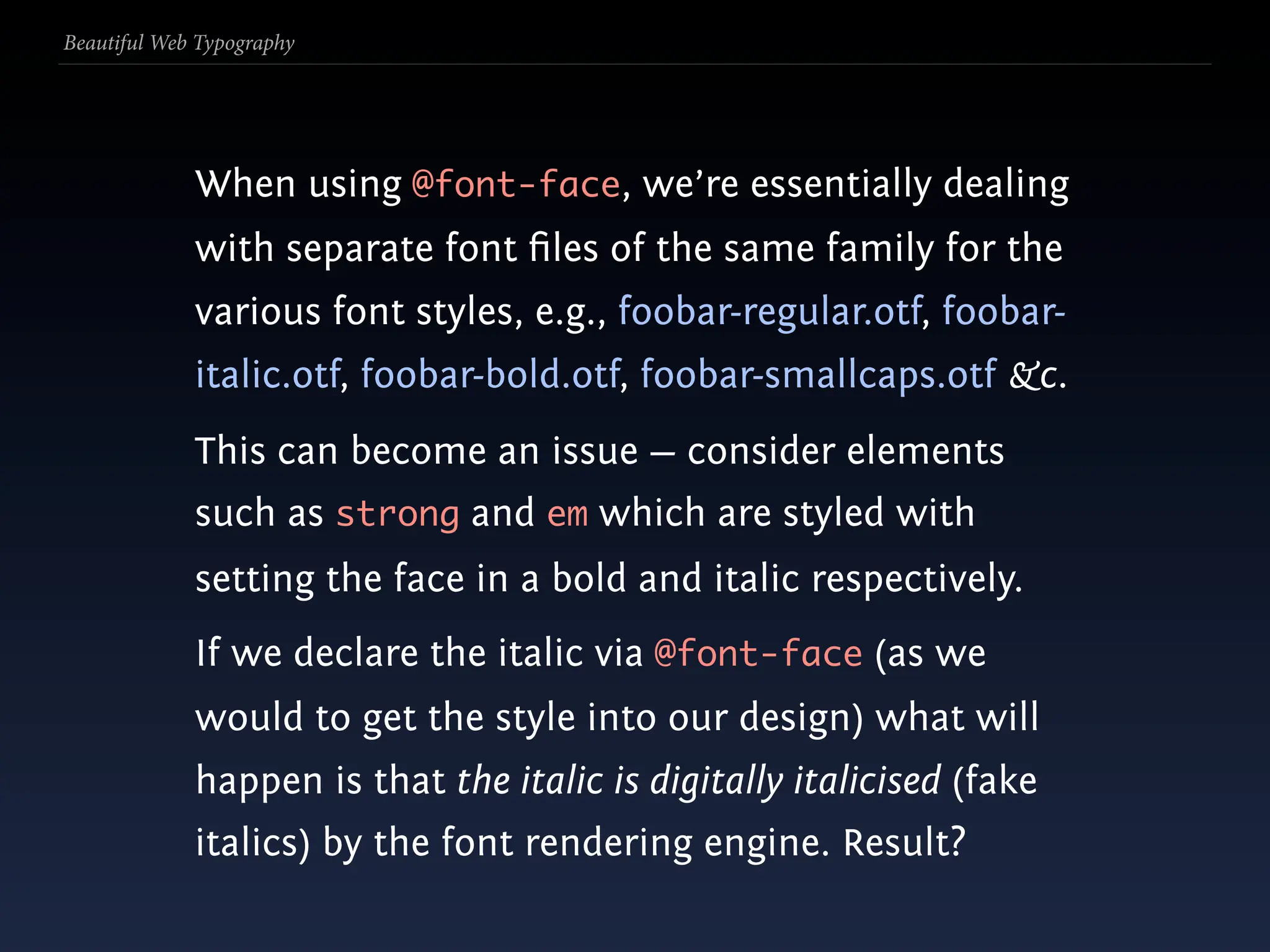
  132. Beautiful Web Typography When using @font-face, we’re essentially dealing with separate font files of the same family for the various font styles, e.g., foobar-regular.otf, foobar- italic.otf, foobar-bold.otf, foobar-smallcaps.otf &c.
  133. Beautiful Web Typography When using @font-face, we’re essentially dealing with separate font files of the same family for the various font styles, e.g., foobar-regular.otf, foobar- italic.otf, foobar-bold.otf, foobar-smallcaps.otf &c. This can become an issue — consider elements such as strong and em which are styled with setting the face in a bold and italic respectively.
  134. Beautiful Web Typography When using @font-face, we’re essentially dealing with separate font files of the same family for the various font styles, e.g., foobar-regular.otf, foobar- italic.otf, foobar-bold.otf, foobar-smallcaps.otf &c. This can become an issue — consider elements such as strong and em which are styled with setting the face in a bold and italic respectively. If we declare the italic via @font-face (as we would to get the style into our design) what will happen is that the italic is digitally italicised (fake italics) by the font rendering engine. Result?
  135. Beautiful Web Typography If we avoid or overwrite the various declarations (e.g. em { font-style: normal;}) and for whatever reason our desired @font-face font isn’t available, we rob other fonts in the font- stack of their styling.
  136. Beautiful Web Typography We overcome both these issues by setting the font styles within the @font-face declaration: @font-face { font-family: "Your italic typeface"; font-style: italic; src: url("type/filename.eot"); src: local("Alt italic name"), local("Alt-italic-name"), url("type/filename-italic.woff") format("woff"), url("type/filename-italic.otf") format("opentype"), url("type/filename-italic.svg#id") format("svg"); }
  137. Beautiful Web Typography Why are they two entries for local in src? src: local("Alt italic name"), local("Alt-italic-name"), Some browsers refer to the fonts using their PostScript names.
  138. Beautiful Web Typography Finding it in Font Book under Mac OS X:
  139. Beautiful Web Typography There is a free downloadable Font properties extension for Windows. Once installed right-click → Properties on a font file and click on the Names tab to see the name details.
  140. Beautiful Web Typography There is a free downloadable Font properties extension for Windows. Once installed right-click → Properties on a font file and click on the Names tab to see the name details. See: http://bit.ly/ms-font-prop.
  141. Beautiful Web Typography There is a free downloadable Font properties extension for Windows. Once installed right-click → Properties on a font file and click on the Names tab to see the name details. See: http://bit.ly/ms-font-prop. There are similar tools on the free desktops.
  142. Beautiful Web Typography
  143. Beautiful Web Typography When using @font-face for self-hosted fonts, we need to subset and compress ourselves.
  144. Beautiful Web Typography When using @font-face for self-hosted fonts, we need to subset and compress ourselves. Subsetting allows us to remove knowingly unused glyphs from the font file, thus limiting file size. E.g. if we know we won’t ever need Greek characters we can remove them likely drastically reducing the font files size, lowering page size.
  145. Beautiful Web Typography When using @font-face for self-hosted fonts, we need to subset and compress ourselves. Subsetting allows us to remove knowingly unused glyphs from the font file, thus limiting file size. E.g. if we know we won’t ever need Greek characters we can remove them likely drastically reducing the font files size, lowering page size. Subsetting is can be done in a font editor—I suggest FontForge (FOSS)—open your font, select unused character blocks and delete them; save.
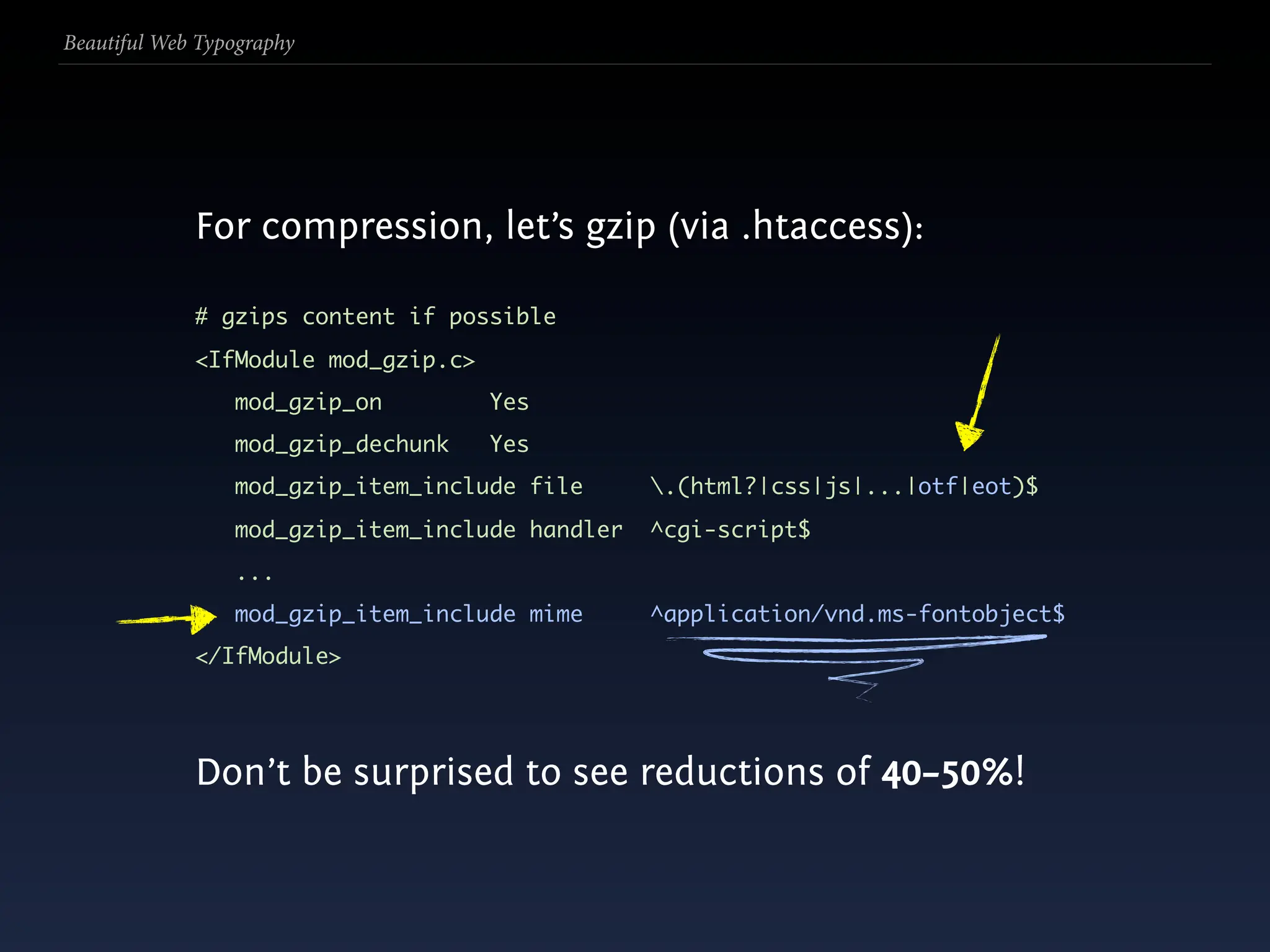
  146. Beautiful Web Typography For compression, let’s gzip (via .htaccess):
  147. Beautiful Web Typography For compression, let’s gzip (via .htaccess): # gzips content if possible <IfModule mod_gzip.c> mod_gzip_on Yes mod_gzip_dechunk Yes mod_gzip_item_include file .(html?|css|js|...|otf|eot)$ mod_gzip_item_include handler ^cgi-script$ ... mod_gzip_item_include mime ^application/vnd.ms-fontobject$ </IfModule>
  148. Beautiful Web Typography For compression, let’s gzip (via .htaccess): # gzips content if possible <IfModule mod_gzip.c> mod_gzip_on Yes mod_gzip_dechunk Yes mod_gzip_item_include file .(html?|css|js|...|otf|eot)$ mod_gzip_item_include handler ^cgi-script$ ... mod_gzip_item_include mime ^application/vnd.ms-fontobject$ </IfModule>
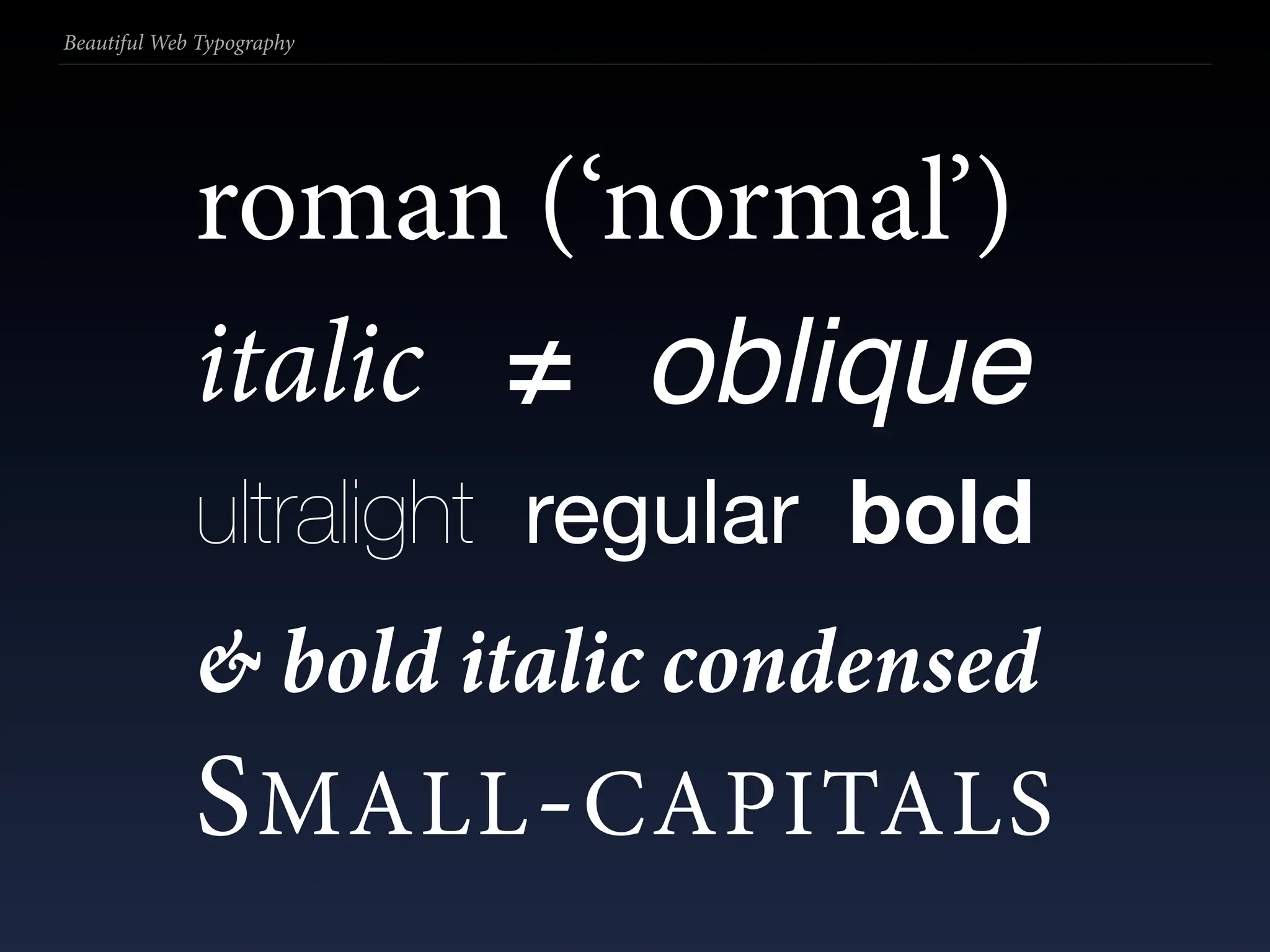
  149. Beautiful Web Typography For compression, let’s gzip (via .htaccess): # gzips content if possible <IfModule mod_gzip.c> mod_gzip_on Yes mod_gzip_dechunk Yes mod_gzip_item_include file .(html?|css|js|...|otf|eot)$ mod_gzip_item_include handler ^cgi-script$ ... mod_gzip_item_include mime ^application/vnd.ms-fontobject$ </IfModule>
  150. Beautiful Web Typography For compression, let’s gzip (via .htaccess): # gzips content if possible <IfModule mod_gzip.c> mod_gzip_on Yes mod_gzip_dechunk Yes mod_gzip_item_include file .(html?|css|js|...|otf|eot)$ mod_gzip_item_include handler ^cgi-script$ ... mod_gzip_item_include mime ^application/vnd.ms-fontobject$ </IfModule>
  151. Beautiful Web Typography For compression, let’s gzip (via .htaccess): # gzips content if possible <IfModule mod_gzip.c> mod_gzip_on Yes mod_gzip_dechunk Yes mod_gzip_item_include file .(html?|css|js|...|otf|eot)$ mod_gzip_item_include handler ^cgi-script$ ... mod_gzip_item_include mime ^application/vnd.ms-fontobject$ </IfModule> Don’t be surprised to see reductions of 40–50%!
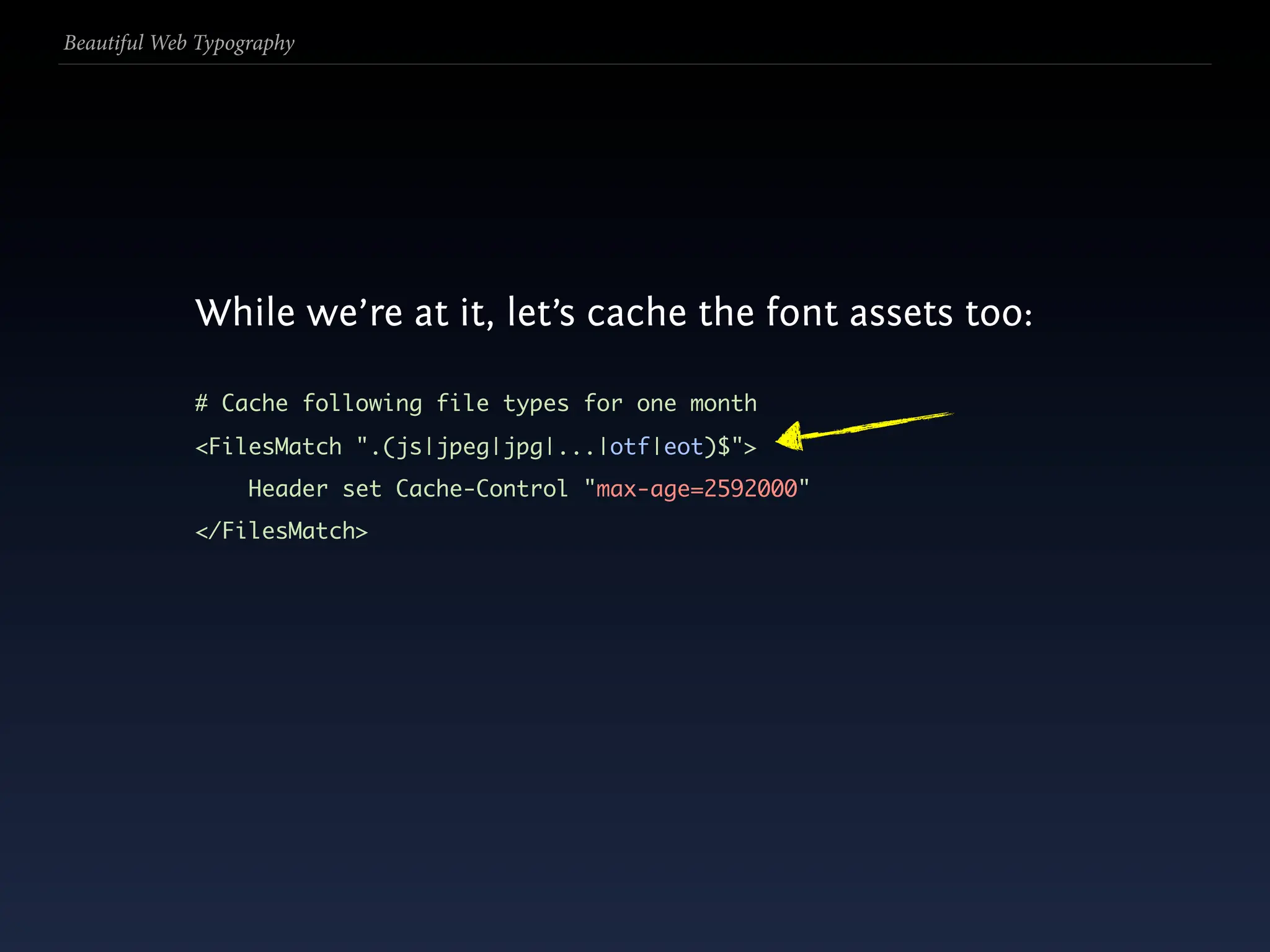
  152. Beautiful Web Typography While we’re at it, let’s cache the font assets too:
  153. Beautiful Web Typography While we’re at it, let’s cache the font assets too: # Cache following file types for one month <FilesMatch ".(js|jpeg|jpg|...|otf|eot)$"> Header set Cache-Control "max-age=2592000" </FilesMatch>
  154. Beautiful Web Typography While we’re at it, let’s cache the font assets too: # Cache following file types for one month <FilesMatch ".(js|jpeg|jpg|...|otf|eot)$"> Header set Cache-Control "max-age=2592000" </FilesMatch>
  155. Beautiful Web Typography
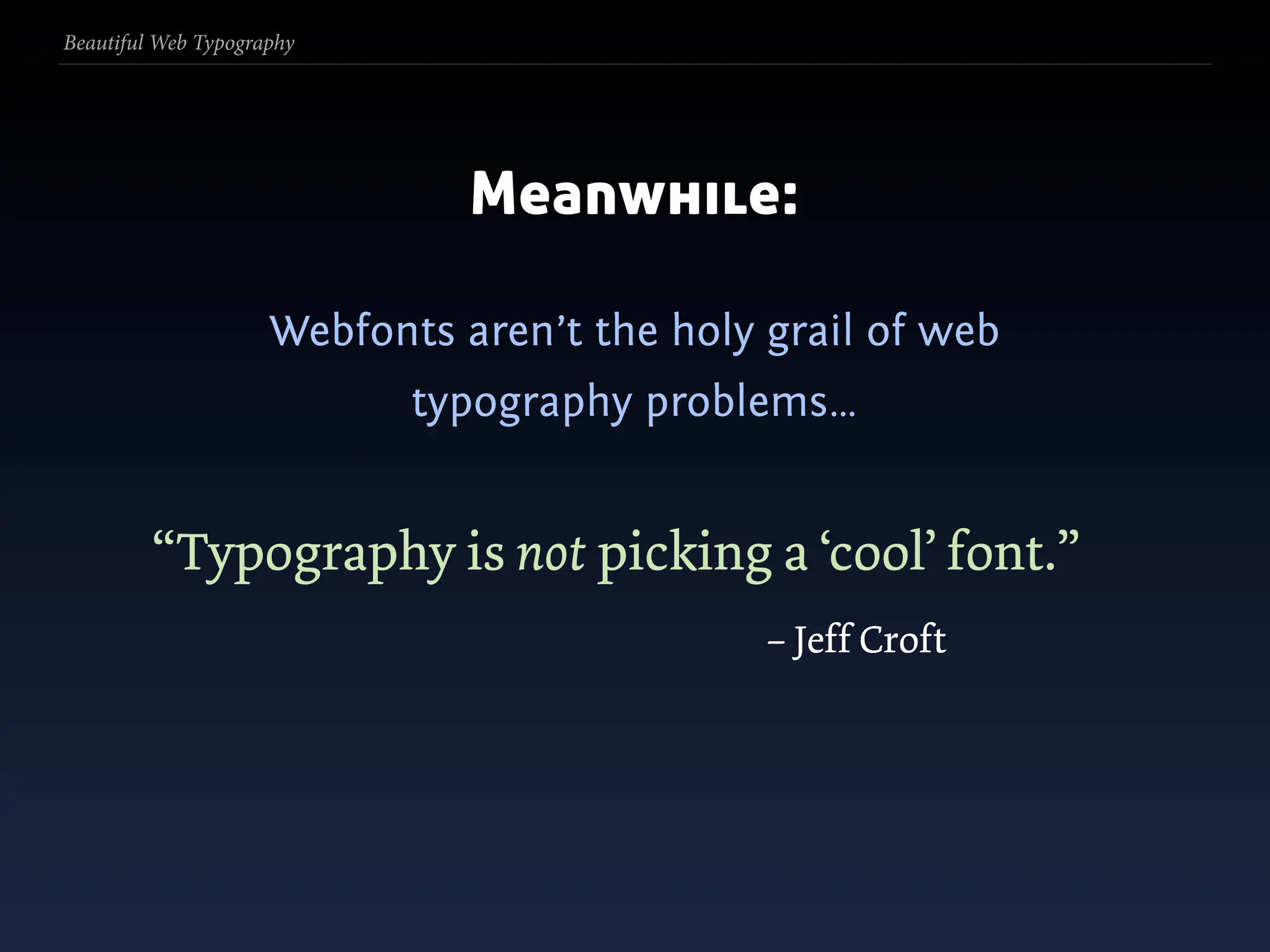
  156. Beautiful Web Typography Meanwhile:
  157. Beautiful Web Typography Meanwhile: Webfonts aren’t the holy grail of web typography problems…
  158. Beautiful Web Typography Meanwhile: Webfonts aren’t the holy grail of web typography problems… “Typography is not picking a ‘cool’ font.” – Jeff Croft
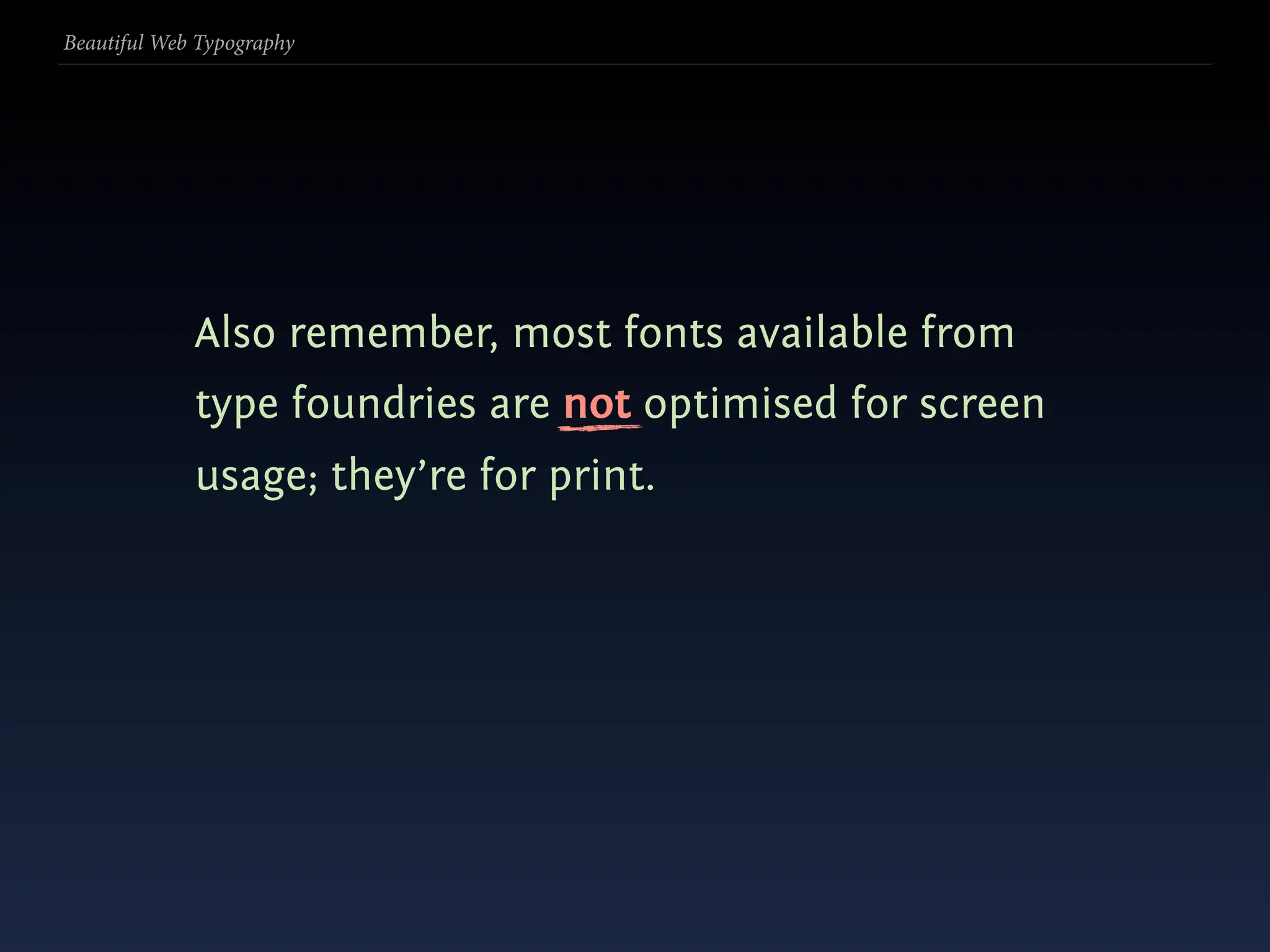
  159. Beautiful Web Typography Also remember, most fonts available from type foundries are not optimised for screen usage; they’re for print.
  160. Beautiful Web Typography
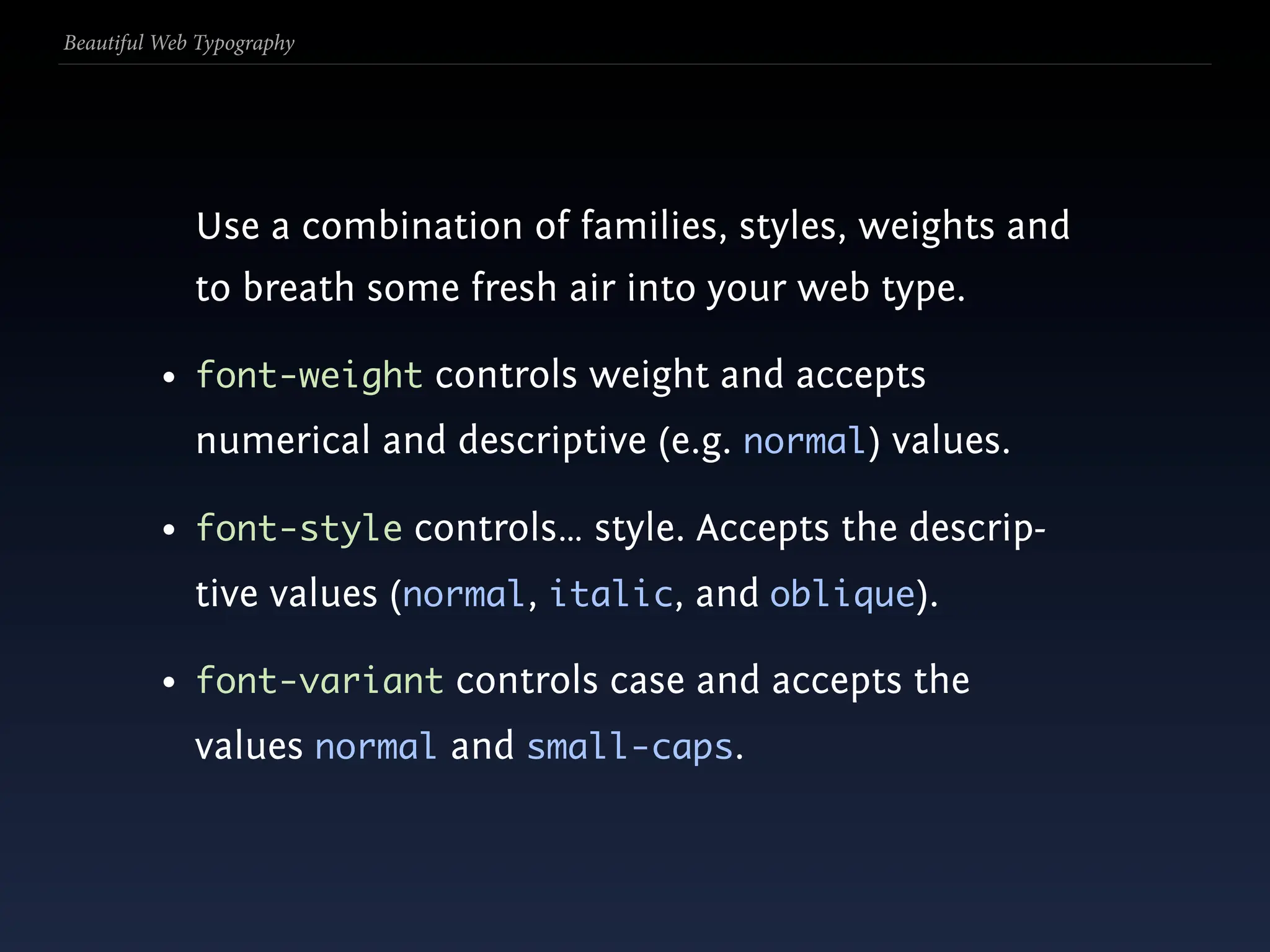
  161. Beautiful Web Typography Use a combination of families, styles, weights and to breath some fresh air into your web type.
  162. Beautiful Web Typography Use a combination of families, styles, weights and to breath some fresh air into your web type. • font-weight controls weight and accepts numerical and descriptive (e.g. normal) values.
  163. Beautiful Web Typography Use a combination of families, styles, weights and to breath some fresh air into your web type. • font-weight controls weight and accepts numerical and descriptive (e.g. normal) values. • font-style controls… style. Accepts the descrip- tive values (normal, italic, and oblique).
  164. Beautiful Web Typography Use a combination of families, styles, weights and to breath some fresh air into your web type. • font-weight controls weight and accepts numerical and descriptive (e.g. normal) values. • font-style controls… style. Accepts the descrip- tive values (normal, italic, and oblique). • font-variant controls case and accepts the values normal and small-caps.
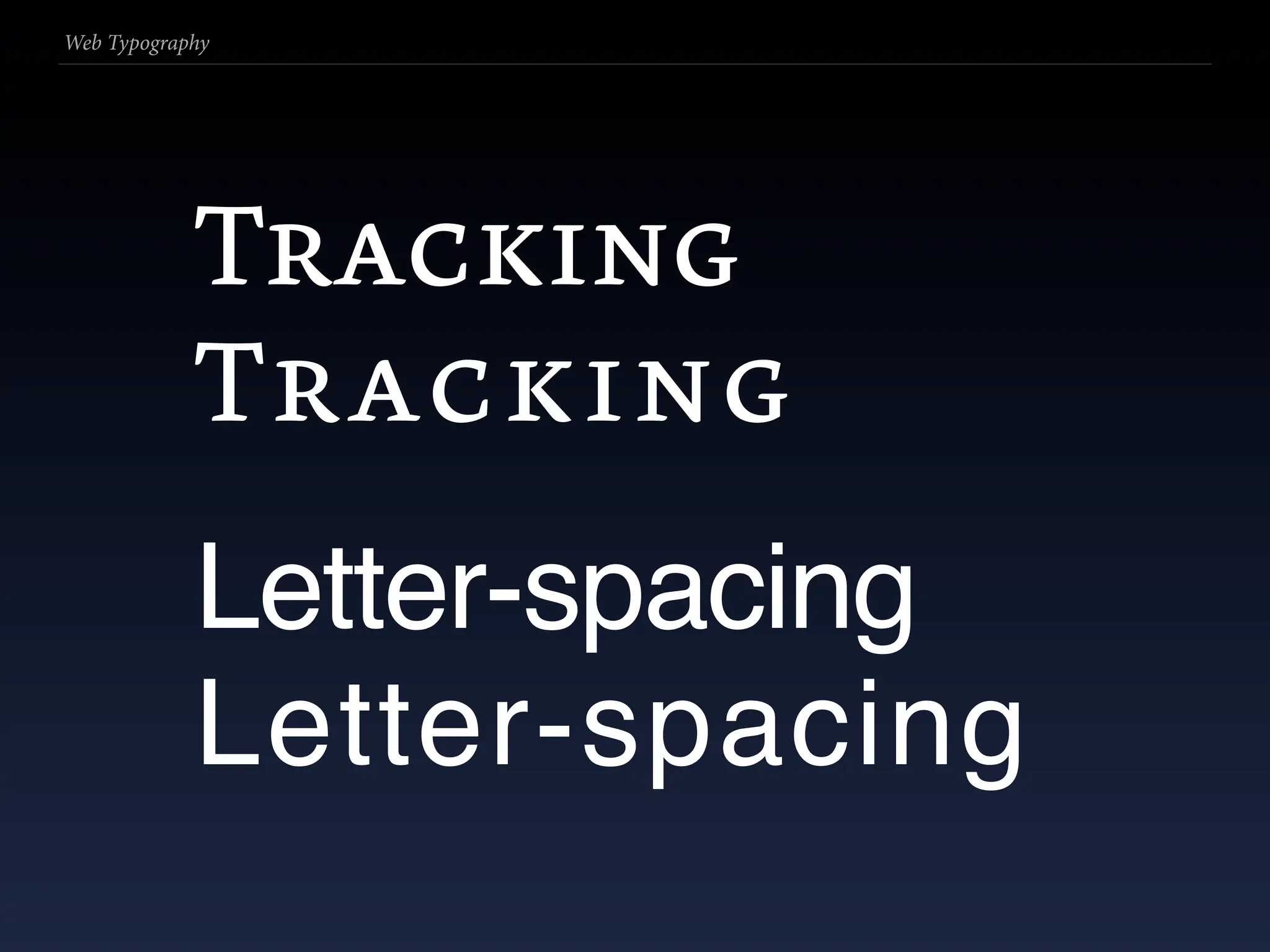
  165. Beautiful Web Typography
  166. Beautiful Web Typography roman (‘normal’)
  167. Beautiful Web Typography roman (‘normal’)
  168. Beautiful Web Typography roman (‘normal’) italic
  169. Beautiful Web Typography roman (‘normal’) italic ≠ oblique
  170. Beautiful Web Typography roman (‘normal’) italic ≠ oblique
  171. Beautiful Web Typography roman (‘normal’) italic ≠ oblique
  172. Beautiful Web Typography roman (‘normal’) italic ≠ oblique ultralight regular bold
  173. Beautiful Web Typography roman (‘normal’) italic ≠ oblique ultralight regular bold
  174. Beautiful Web Typography roman (‘normal’) italic ≠ oblique ultralight regular bold & bold italic condensed
  175. Beautiful Web Typography roman (‘normal’) italic ≠ oblique ultralight regular bold & bold italic condensed
  176. Beautiful Web Typography roman (‘normal’) italic ≠ oblique ultralight regular bold & bold italic condensed S MALL - CAPITALS
  177. Beautiful Web Typography roman (‘normal’) italic ≠ oblique ultralight regular bold & bold italic condensed S MALL - CAPITALS
  178. Web Typography
  179. Web Typography Tracking
  180. Web Typography Tracking Tracking
  181. Web Typography Tracking Tracking Letter-spacing
  182. Web Typography Tracking Tracking Letter-spacing Letter-spacing
  183. Beautiful Web Typography
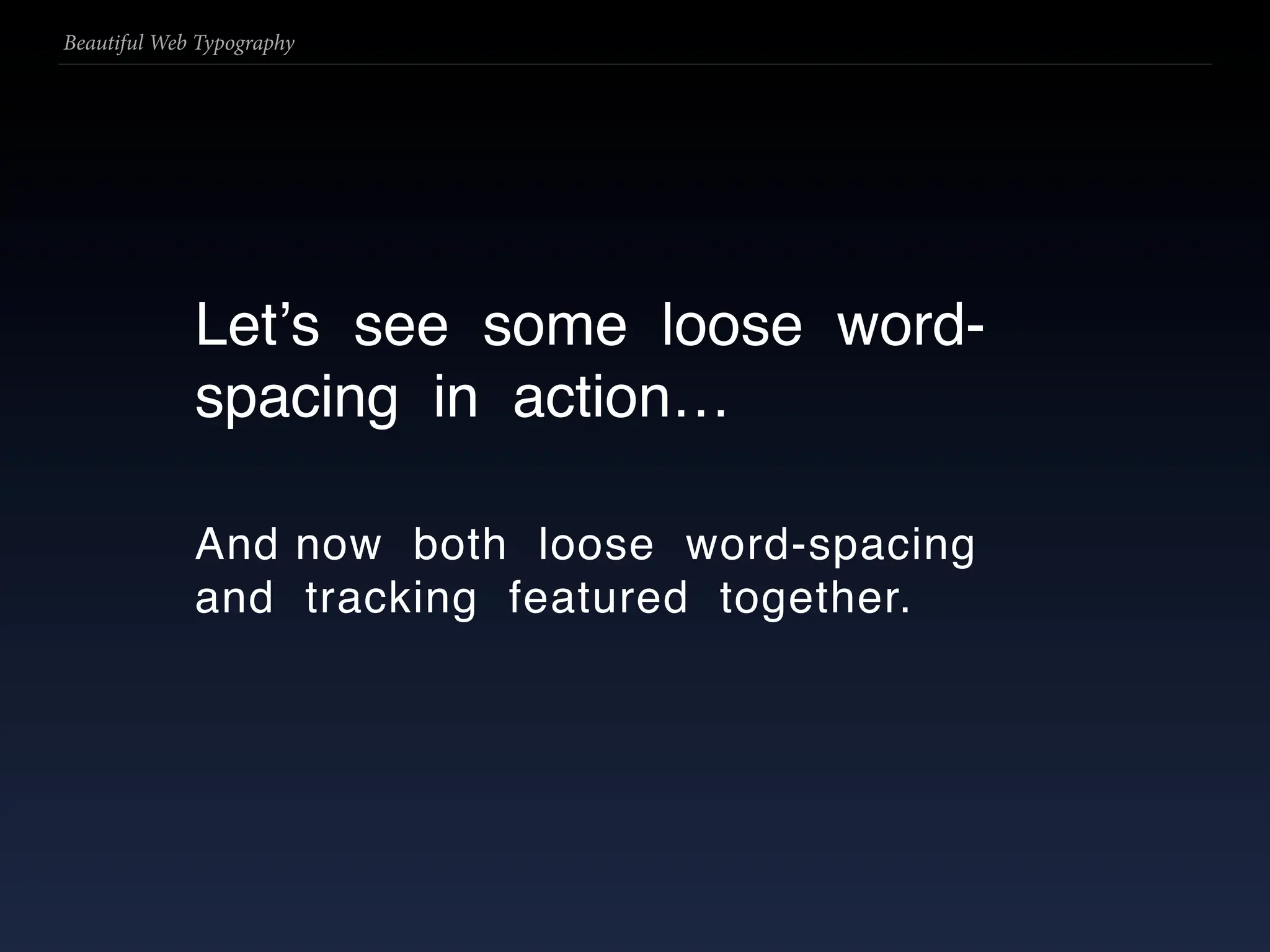
  184. Beautiful Web Typography Letʼs see some loose word- spacing in action…
  185. Beautiful Web Typography Letʼs see some loose word- spacing in action… And now both loose word-spacing and tracking featured together.
  186. Beautiful Web Typography
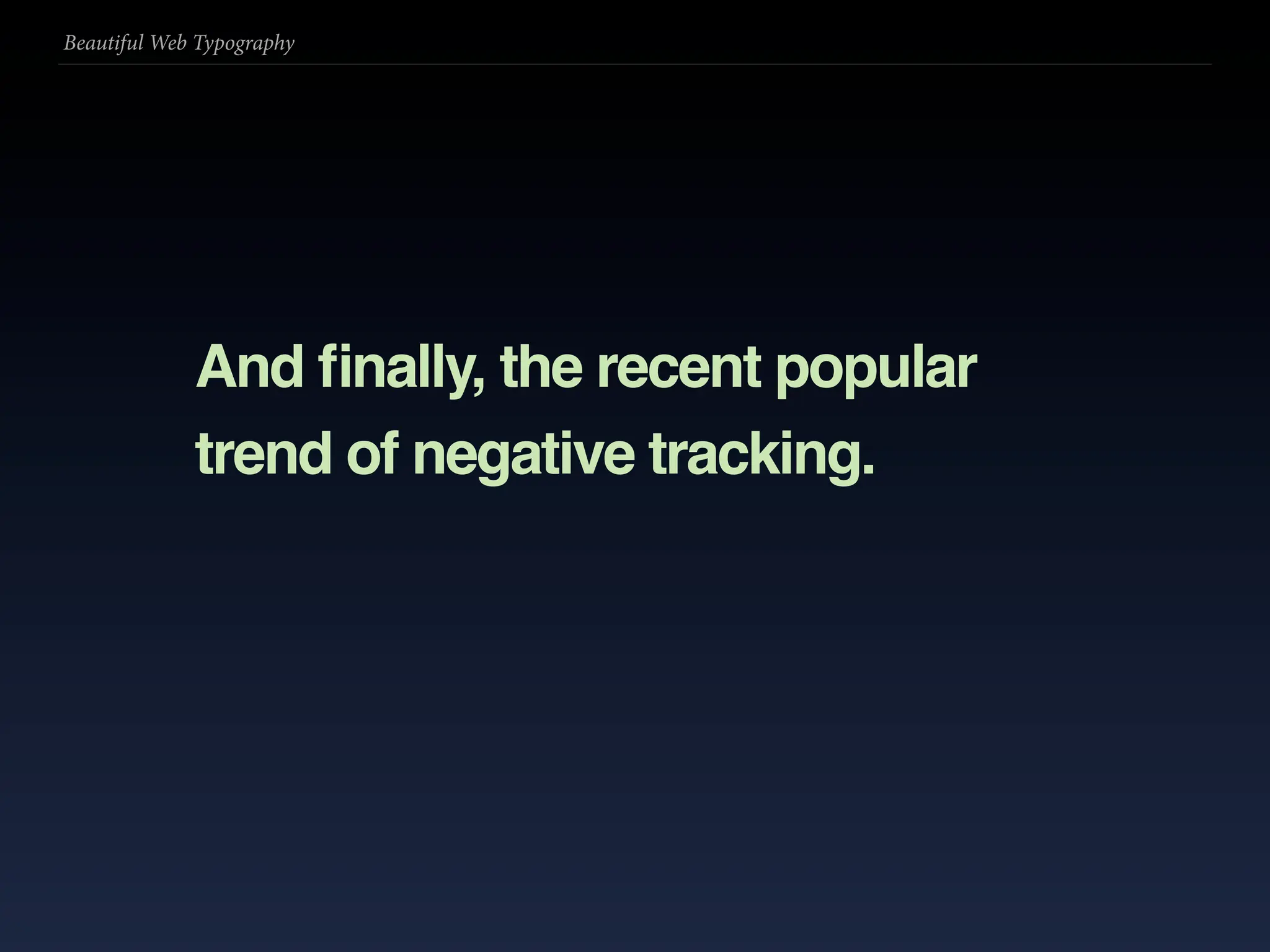
  187. Beautiful Web Typography And finally, the recent popular trend of negative tracking.
  188. Beautiful Web Typography
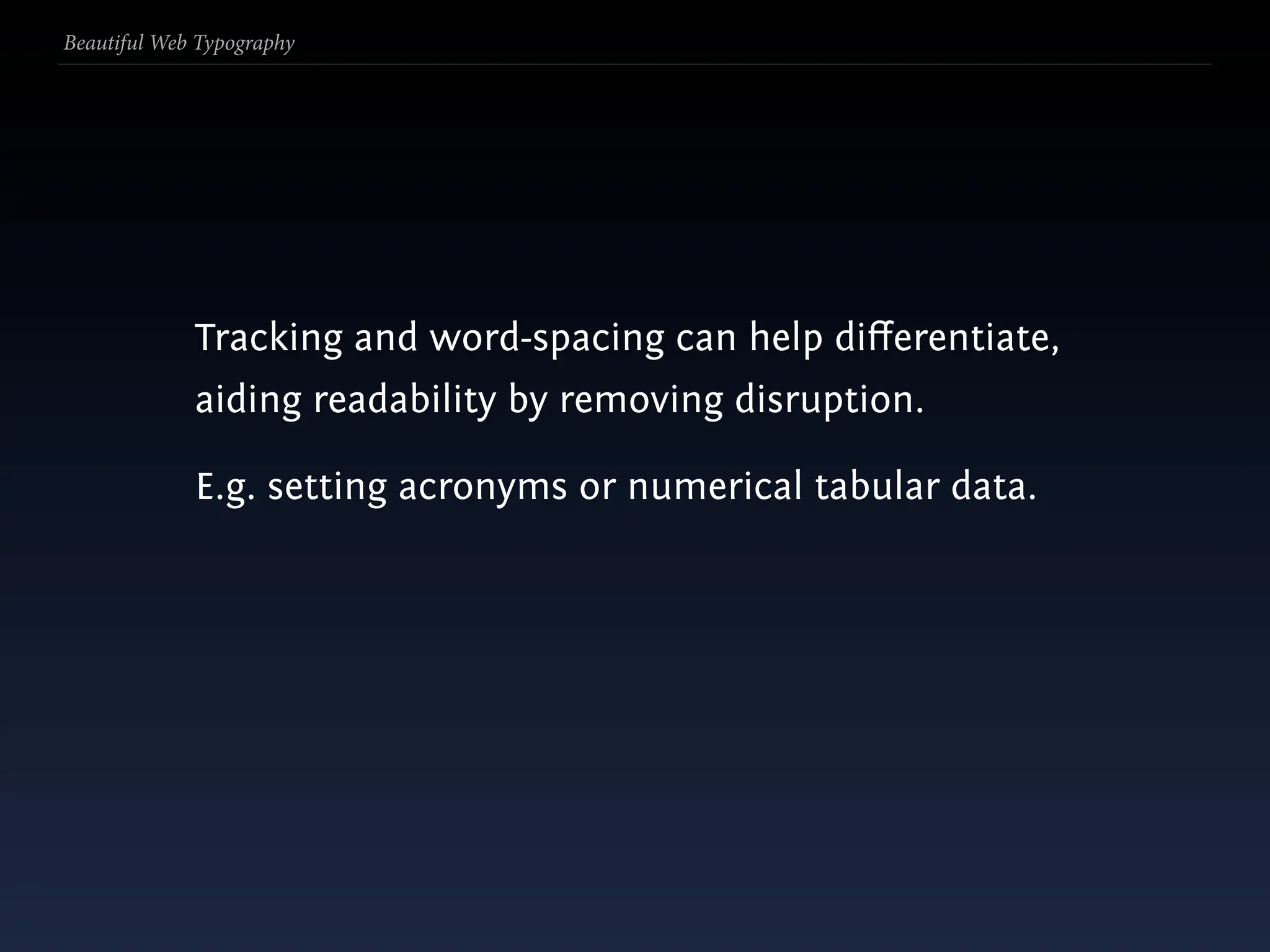
  189. Beautiful Web Typography Tracking and word-spacing can help differentiate, aiding readability by removing disruption.
  190. Beautiful Web Typography Tracking and word-spacing can help differentiate, aiding readability by removing disruption. E.g. setting acronyms or numerical tabular data.
  191. Beautiful Web Typography
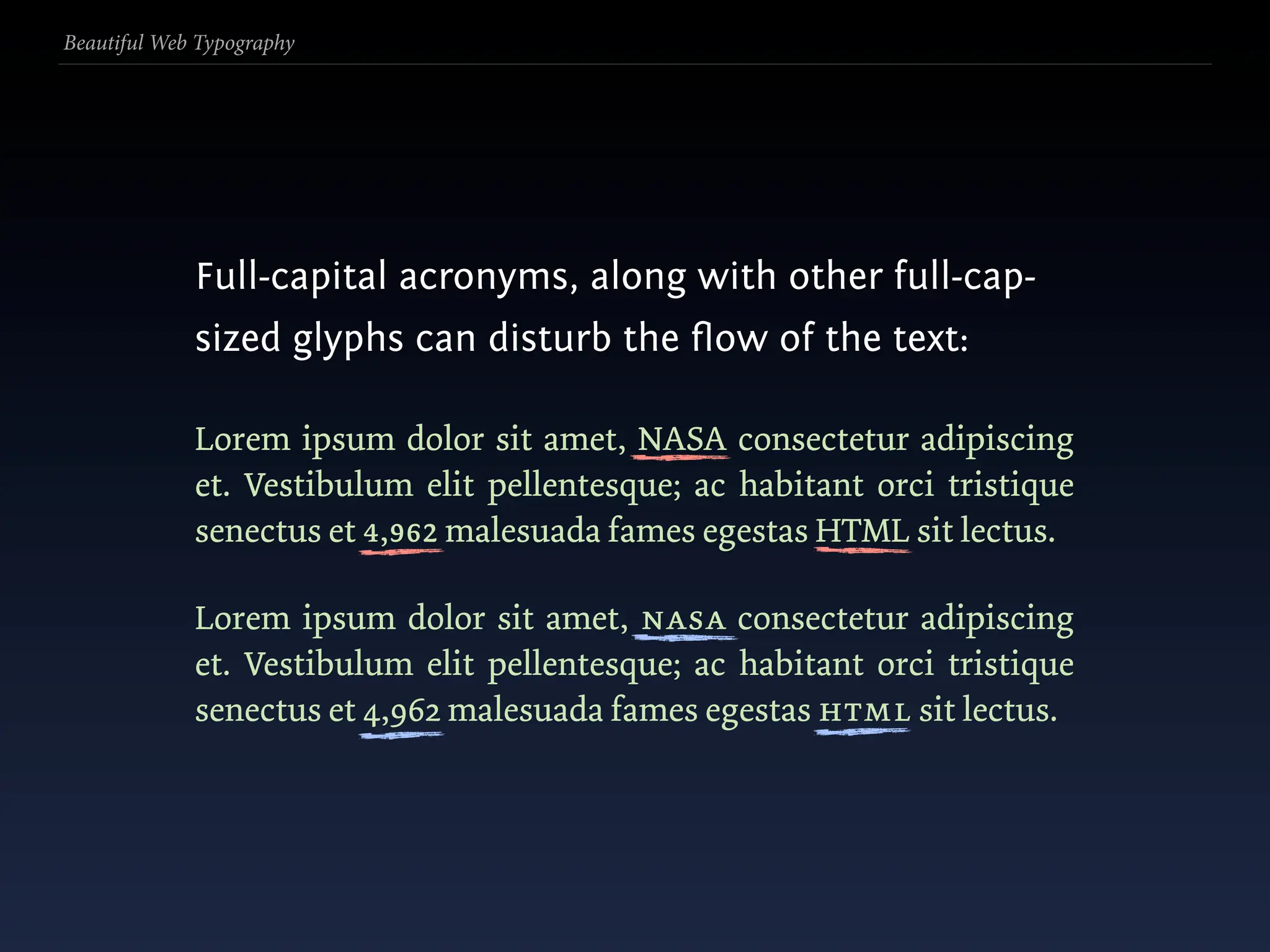
  192. Beautiful Web Typography Full-capital acronyms, along with other full-cap- sized glyphs can disturb the flow of the text:
  193. Beautiful Web Typography Full-capital acronyms, along with other full-cap- sized glyphs can disturb the flow of the text: Lorem ipsum dolor sit amet, NASA consectetur adipiscing et. Vestibulum elit pellentesque; ac habitant orci tristique senectus et 4,962 malesuada fames egestas HTML sit lectus.
  194. Beautiful Web Typography Full-capital acronyms, along with other full-cap- sized glyphs can disturb the flow of the text: Lorem ipsum dolor sit amet, NASA consectetur adipiscing et. Vestibulum elit pellentesque; ac habitant orci tristique senectus et 4,962 malesuada fames egestas HTML sit lectus.
  195. Beautiful Web Typography Full-capital acronyms, along with other full-cap- sized glyphs can disturb the flow of the text: Lorem ipsum dolor sit amet, NASA consectetur adipiscing et. Vestibulum elit pellentesque; ac habitant orci tristique senectus et 4,962 malesuada fames egestas HTML sit lectus. Lorem ipsum dolor sit amet, nasa consectetur adipiscing et. Vestibulum elit pellentesque; ac habitant orci tristique senectus et 4,962 malesuada fames egestas html sit lectus.
  196. Beautiful Web Typography Full-capital acronyms, along with other full-cap- sized glyphs can disturb the flow of the text: Lorem ipsum dolor sit amet, NASA consectetur adipiscing et. Vestibulum elit pellentesque; ac habitant orci tristique senectus et 4,962 malesuada fames egestas HTML sit lectus. Lorem ipsum dolor sit amet, nasa consectetur adipiscing et. Vestibulum elit pellentesque; ac habitant orci tristique senectus et 4,962 malesuada fames egestas html sit lectus.
  197. Beautiful Web Typography
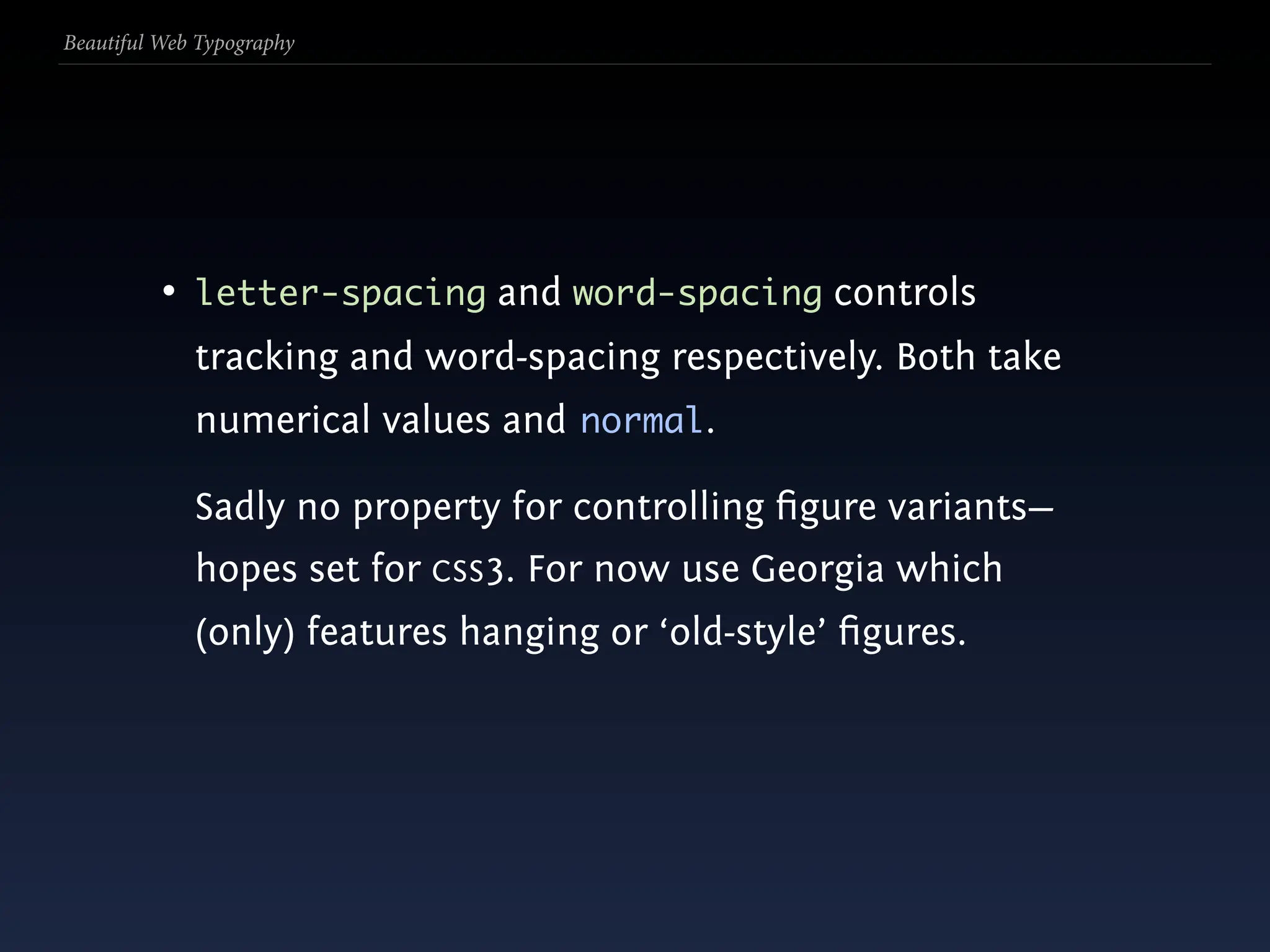
  198. Beautiful Web Typography • letter-spacing and word-spacing controls tracking and word-spacing respectively. Both take numerical values and normal.
  199. Beautiful Web Typography • letter-spacing and word-spacing controls tracking and word-spacing respectively. Both take numerical values and normal. Sadly no property for controlling figure variants— hopes set for CSS3. For now use Georgia which (only) features hanging or ‘old-style’ figures.
  200. Beautiful Web Typography
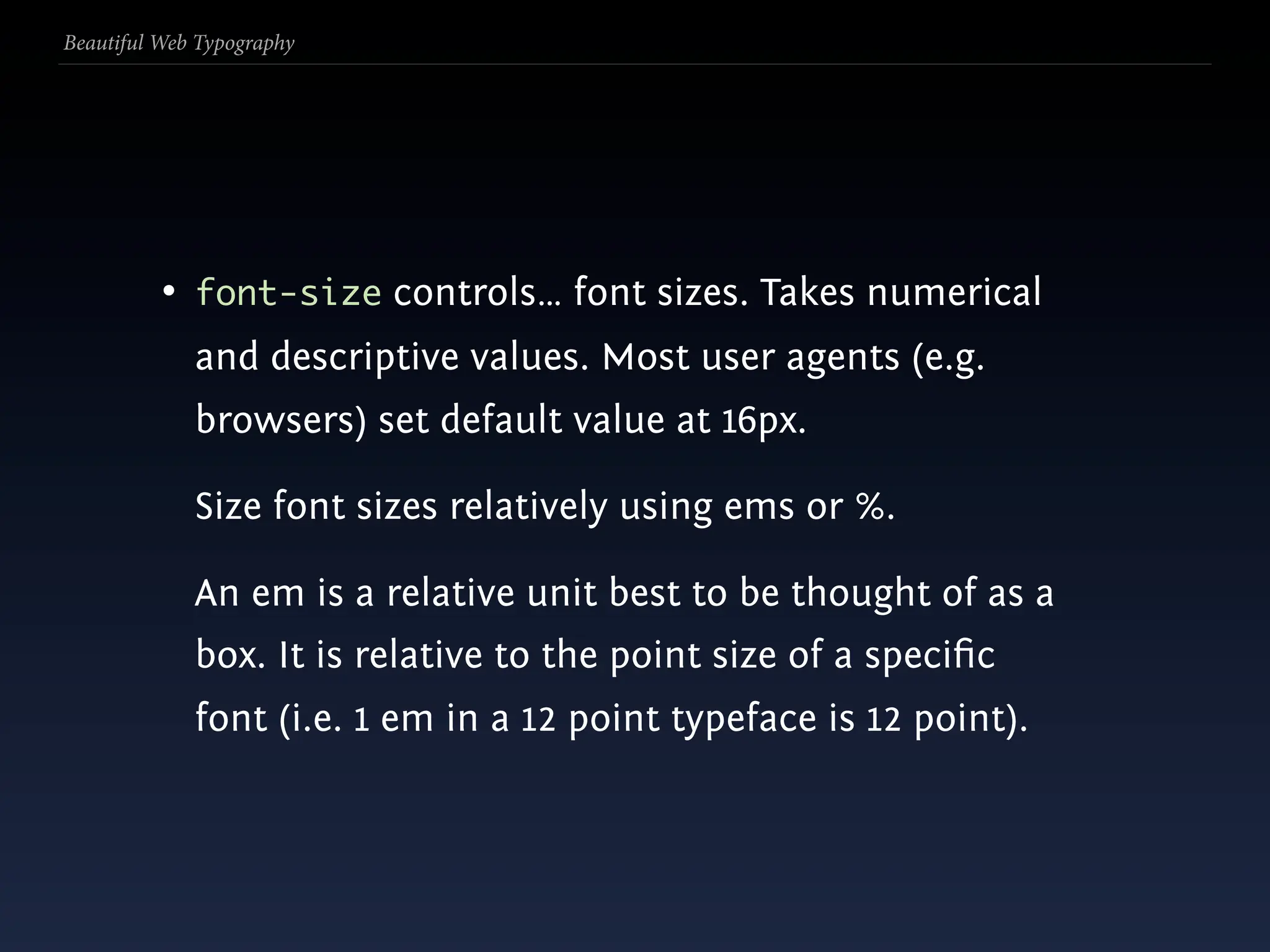
  201. Beautiful Web Typography • font-size controls… font sizes. Takes numerical and descriptive values. Most user agents (e.g. browsers) set default value at 16px.
  202. Beautiful Web Typography • font-size controls… font sizes. Takes numerical and descriptive values. Most user agents (e.g. browsers) set default value at 16px. Size font sizes relatively using ems or %.
  203. Beautiful Web Typography • font-size controls… font sizes. Takes numerical and descriptive values. Most user agents (e.g. browsers) set default value at 16px. Size font sizes relatively using ems or %. An em is a relative unit best to be thought of as a box. It is relative to the point size of a specific font (i.e. 1 em in a 12 point typeface is 12 point).
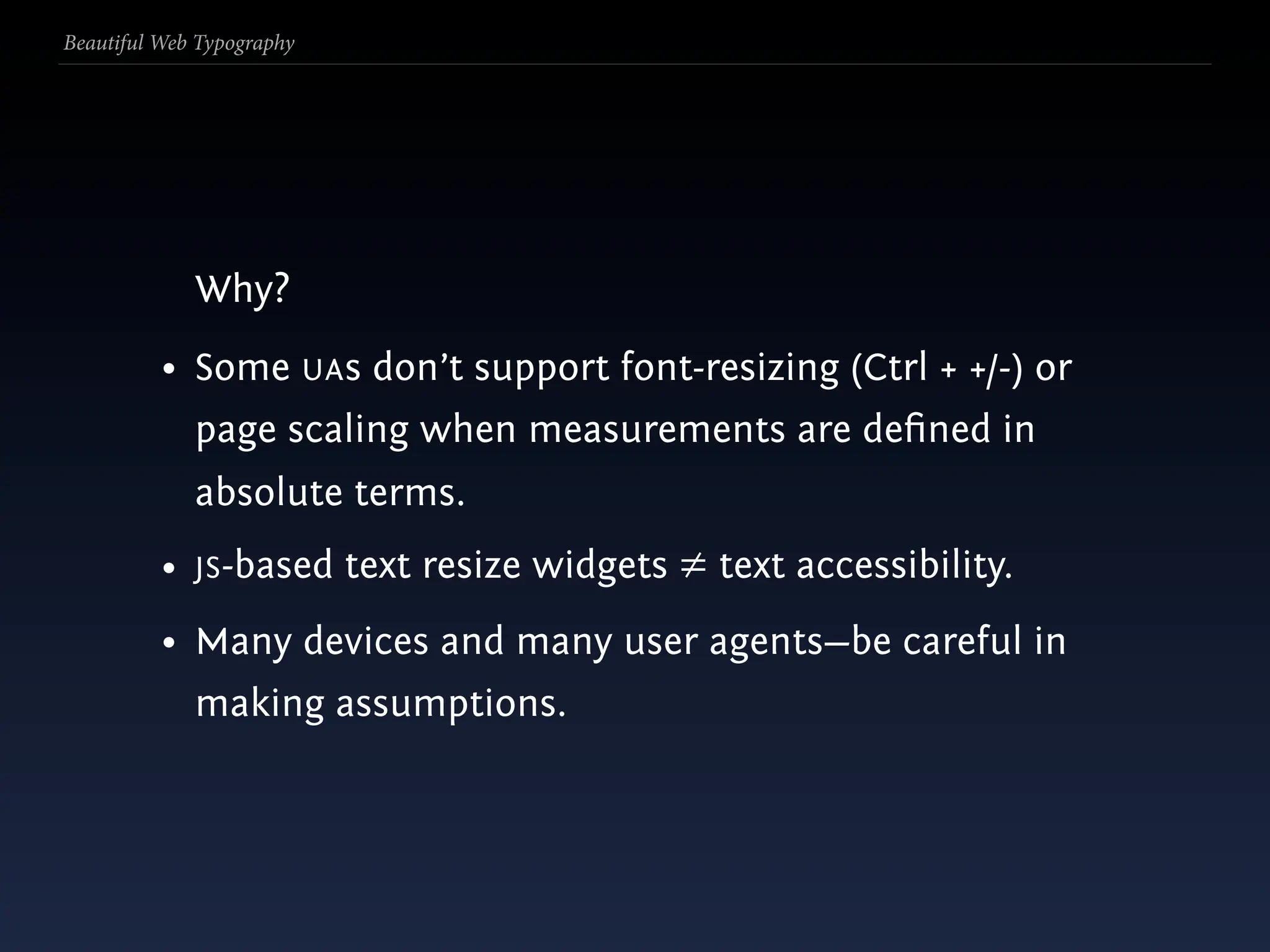
  204. Beautiful Web Typography Why?
  205. Beautiful Web Typography Why? • Some UAs don’t support font-resizing (Ctrl + +/-) or page scaling when measurements are defined in absolute terms.
  206. Beautiful Web Typography Why? • Some UAs don’t support font-resizing (Ctrl + +/-) or page scaling when measurements are defined in absolute terms. • JS-based text resize widgets ≠ text accessibility.
  207. Beautiful Web Typography Why? • Some UAs don’t support font-resizing (Ctrl + +/-) or page scaling when measurements are defined in absolute terms. • JS-based text resize widgets ≠ text accessibility. • Many devices and many user agents—be careful in making assumptions.
  208. Beautiful Web Typography
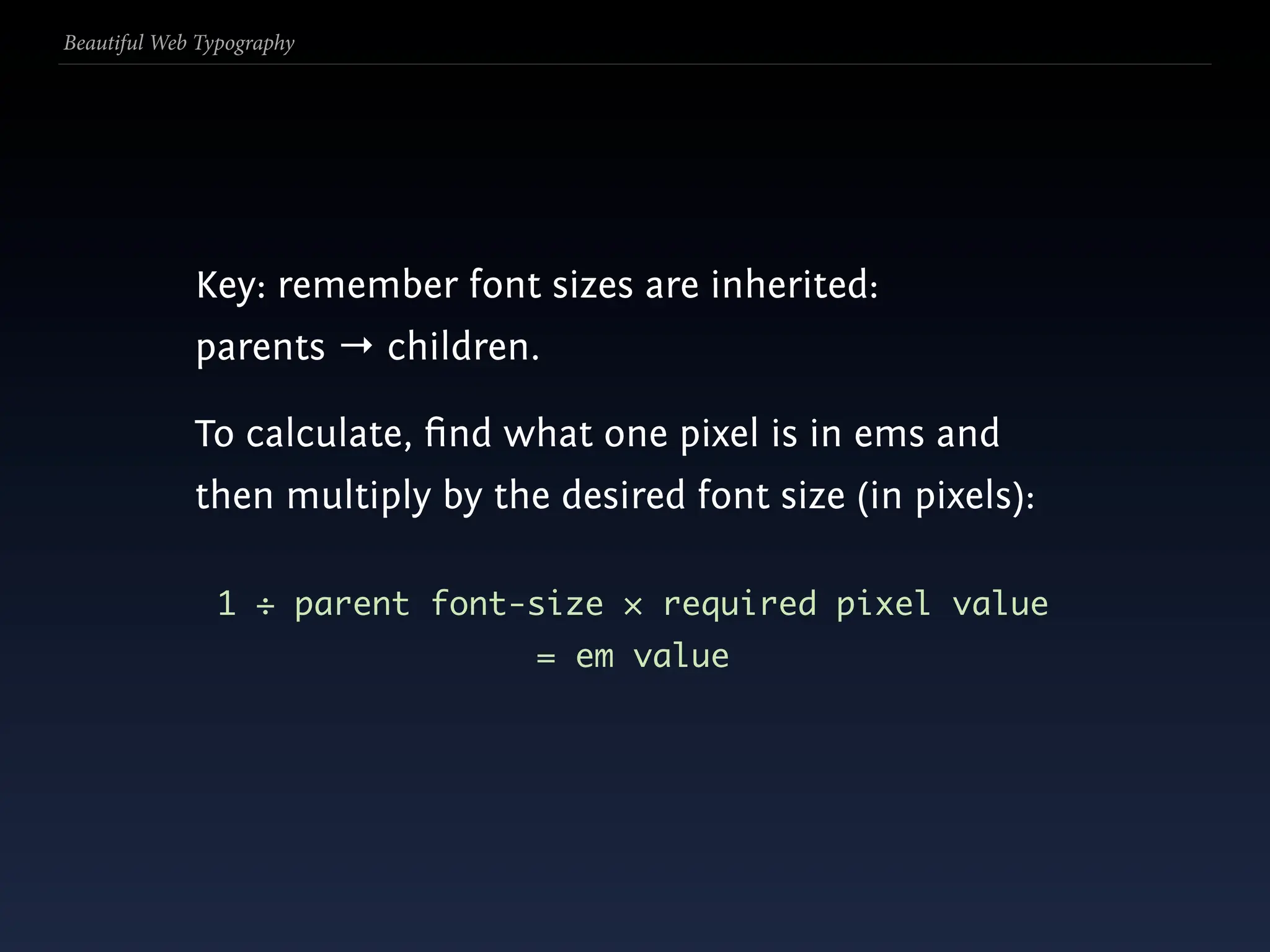
  209. Beautiful Web Typography Key: remember font sizes are inherited: parents → children.
  210. Beautiful Web Typography Key: remember font sizes are inherited: parents → children. To calculate, find what one pixel is in ems and then multiply by the desired font size (in pixels):
  211. Beautiful Web Typography Key: remember font sizes are inherited: parents → children. To calculate, find what one pixel is in ems and then multiply by the desired font size (in pixels): 1 ÷ parent font-size × required pixel value = em value
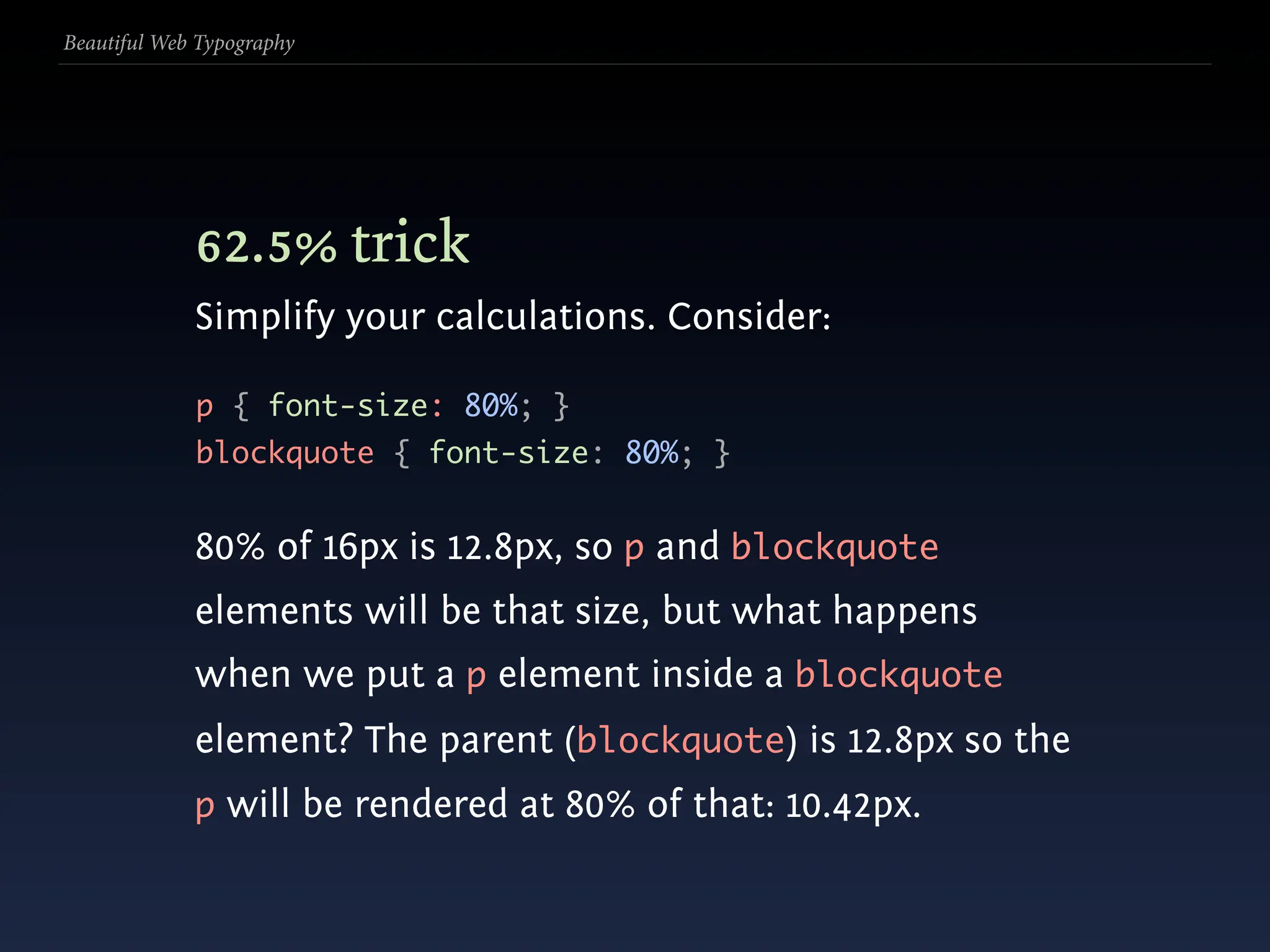
  212. Beautiful Web Typography 62.5% trick
  213. Beautiful Web Typography 62.5% trick Simplify your calculations. Consider: p { font-size: 80%; } blockquote { font-size: 80%; }
  214. Beautiful Web Typography 62.5% trick Simplify your calculations. Consider: p { font-size: 80%; } blockquote { font-size: 80%; } 80% of 16px is 12.8px, so p and blockquote elements will be that size, but what happens when we put a p element inside a blockquote element? The parent (blockquote) is 12.8px so the p will be rendered at 80% of that: 10.42px.
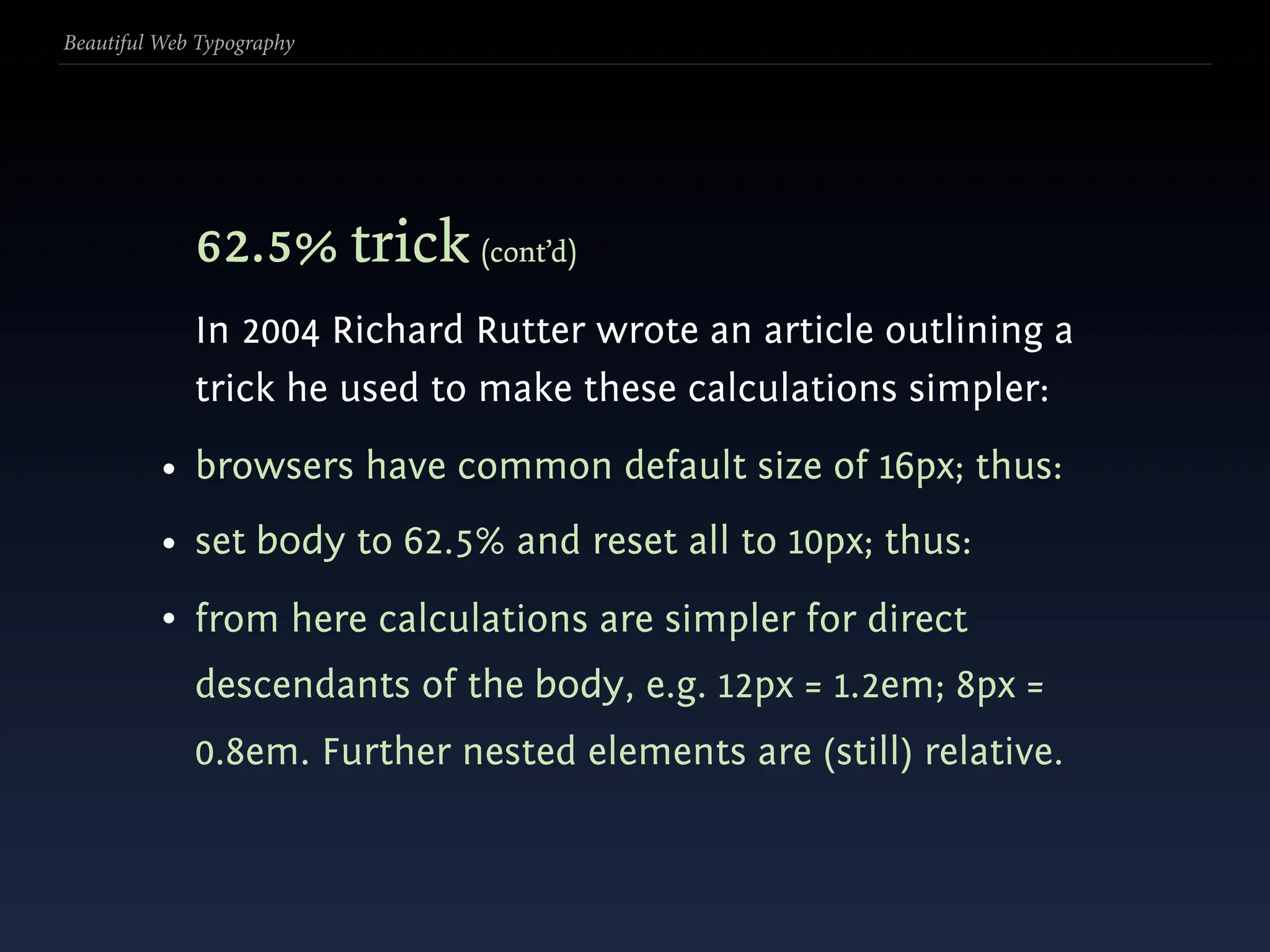
  215. Beautiful Web Typography 62.5% trick (cont’d) In 2004 Richard Rutter wrote an article outlining a trick he used to make these calculations simpler:
  216. Beautiful Web Typography 62.5% trick (cont’d) In 2004 Richard Rutter wrote an article outlining a trick he used to make these calculations simpler: • browsers have common default size of 16px; thus:
  217. Beautiful Web Typography 62.5% trick (cont’d) In 2004 Richard Rutter wrote an article outlining a trick he used to make these calculations simpler: • browsers have common default size of 16px; thus: • set body to 62.5% and reset all to 10px; thus:
  218. Beautiful Web Typography 62.5% trick (cont’d) In 2004 Richard Rutter wrote an article outlining a trick he used to make these calculations simpler: • browsers have common default size of 16px; thus: • set body to 62.5% and reset all to 10px; thus: • from here calculations are simpler for direct descendants of the body, e.g. 12px = 1.2em; 8px = 0.8em. Further nested elements are (still) relative.
  219. Beautiful Web Typography
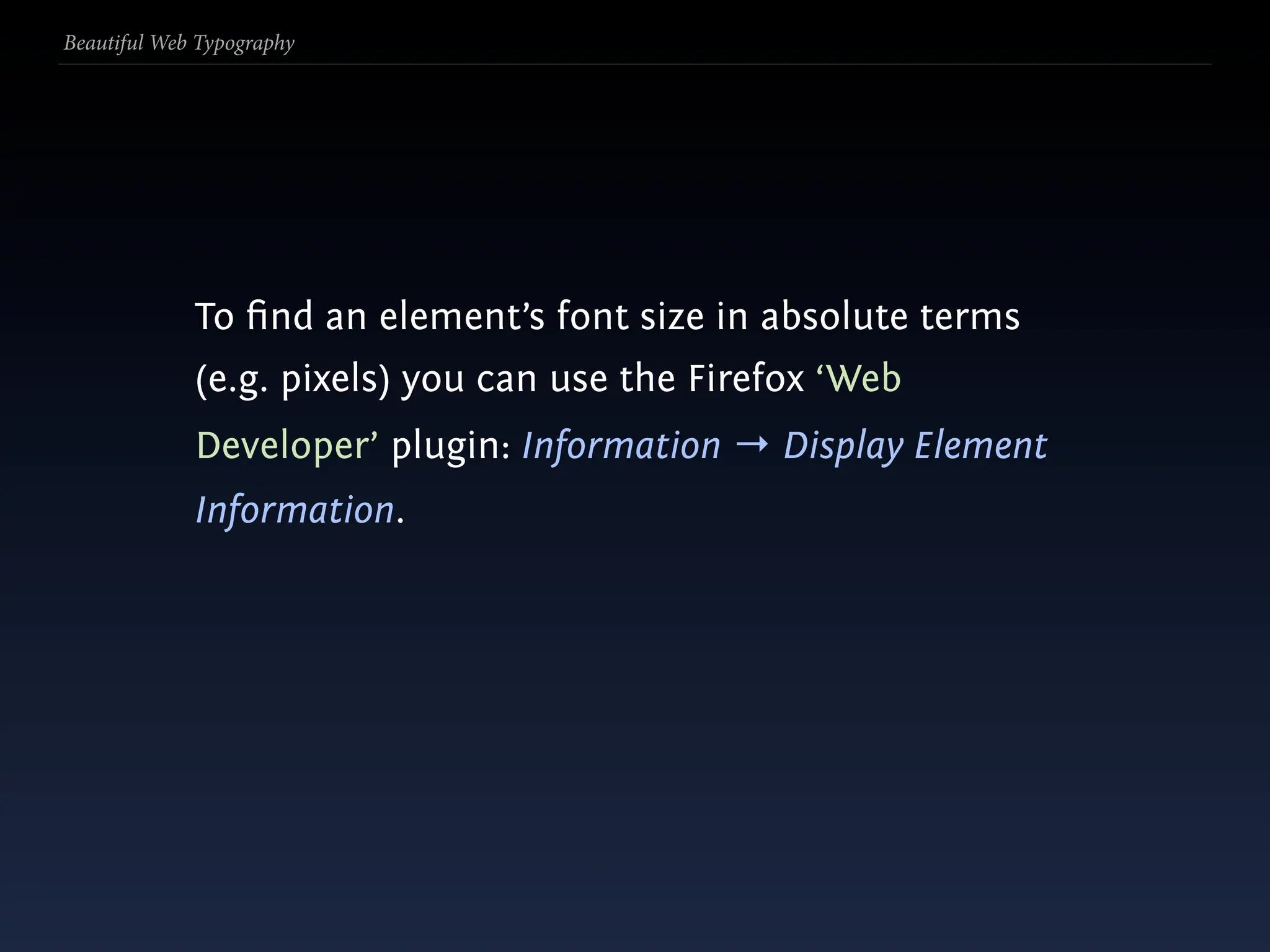
  220. Beautiful Web Typography To find an element’s font size in absolute terms (e.g. pixels) you can use the Firefox ‘Web Developer’ plugin: Information → Display Element Information.
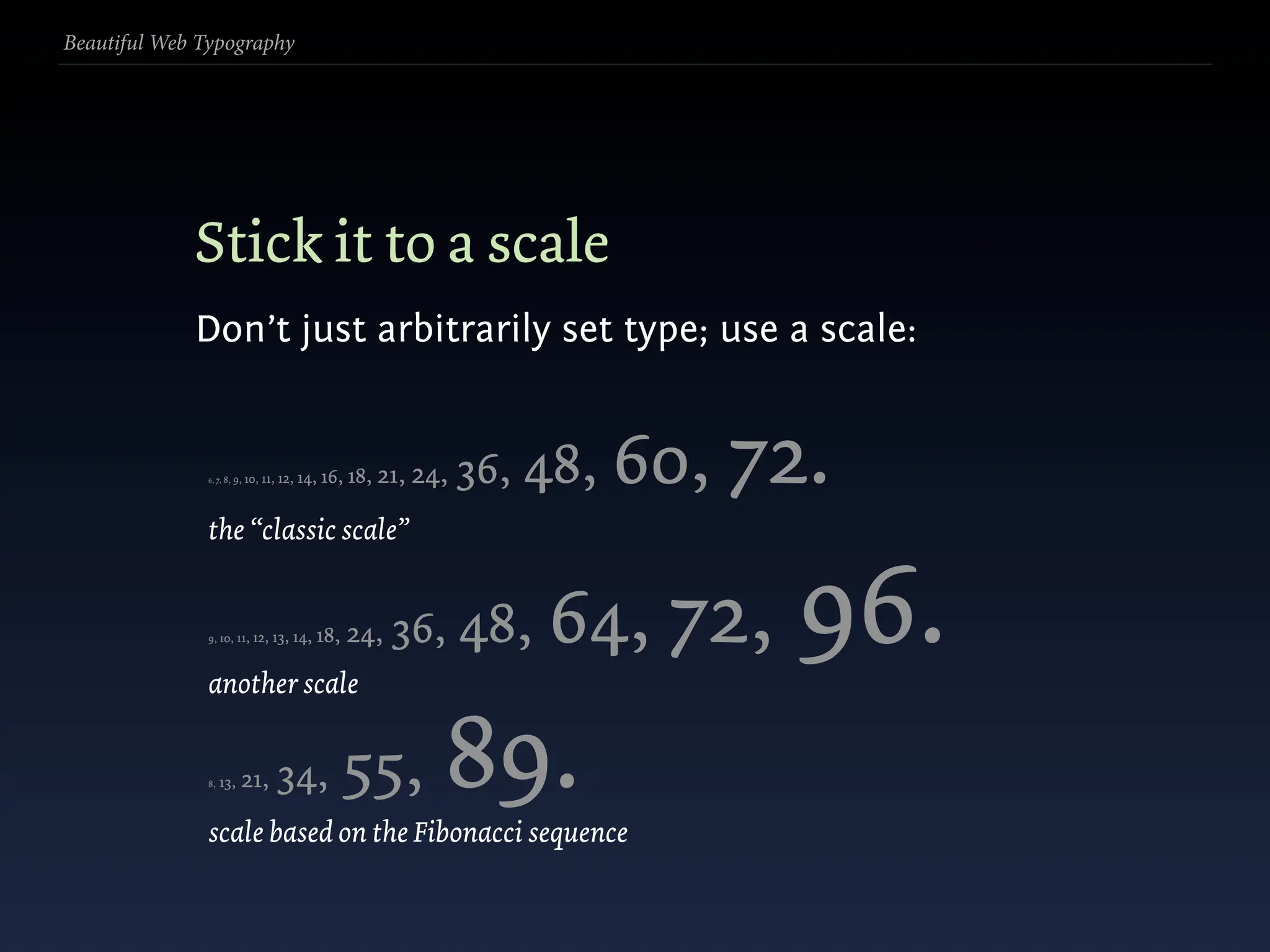
  221. Beautiful Web Typography Stick it to a scale Don’t just arbitrarily set type; use a scale:
  222. Beautiful Web Typography Stick it to a scale Don’t just arbitrarily set type; use a scale: 6, 7, 8, 9, 10, 11, 12, 14, 16, 18, 21, 24, 36, 48, 60, 72. the “classic scale” 9, 10, 11, 12, 13, another scale 14, 18, 24, 36, 48, 64, 72, 96. 8, 13, 21, 34, 55, scale based on the Fibonacci sequence 89.
  223. Beautiful Web Typography
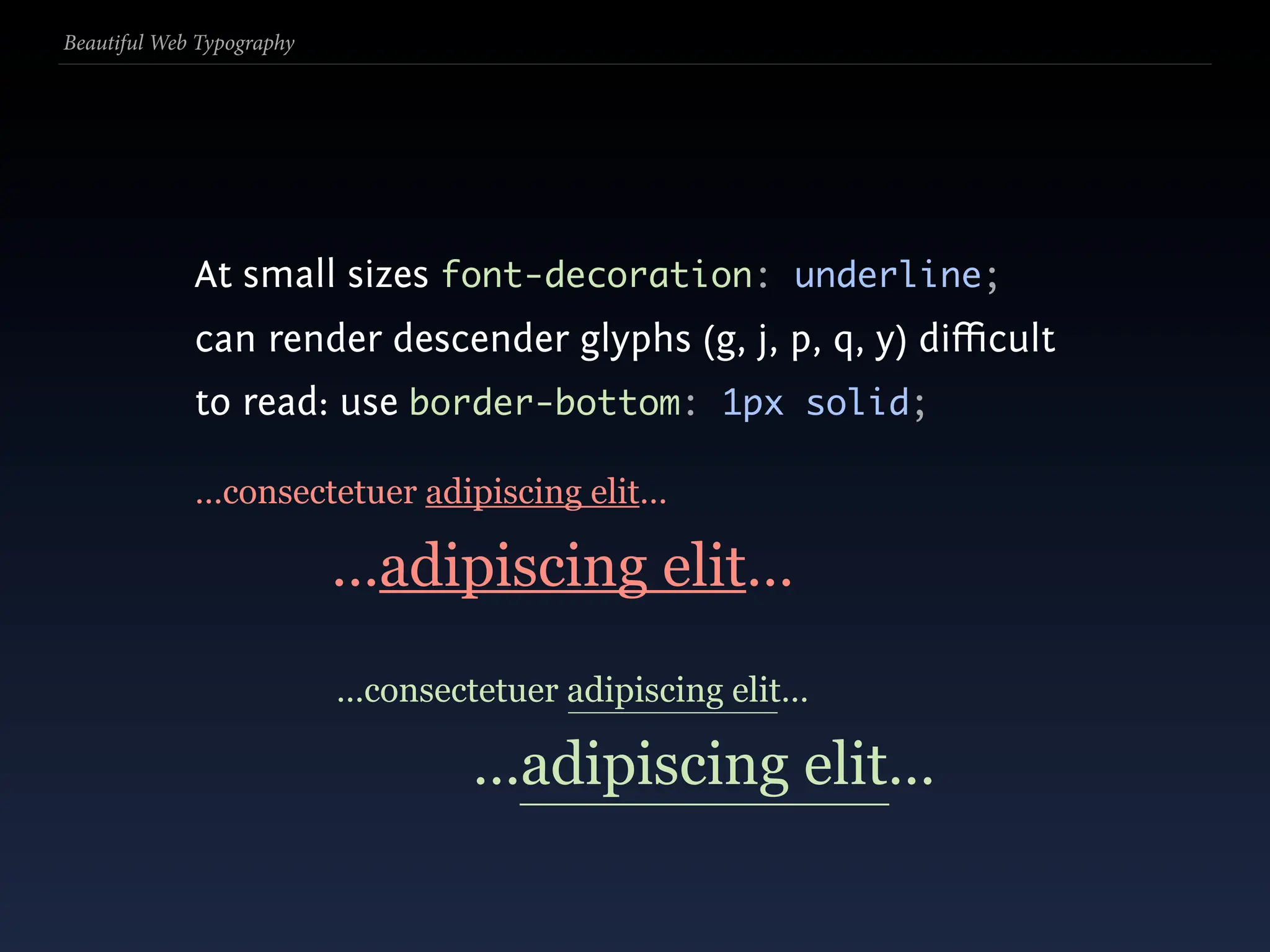
  224. Beautiful Web Typography At small sizes font-decoration: underline; can render descender glyphs (g, j, p, q, y) difficult to read: use border-bottom: 1px solid;
  225. Beautiful Web Typography At small sizes font-decoration: underline; can render descender glyphs (g, j, p, q, y) difficult to read: use border-bottom: 1px solid; …consectetuer adipiscing elit… …adipiscing elit…
  226. Beautiful Web Typography At small sizes font-decoration: underline; can render descender glyphs (g, j, p, q, y) difficult to read: use border-bottom: 1px solid; …consectetuer adipiscing elit… …adipiscing elit… …consectetuer adipiscing elit… …adipiscing elit…
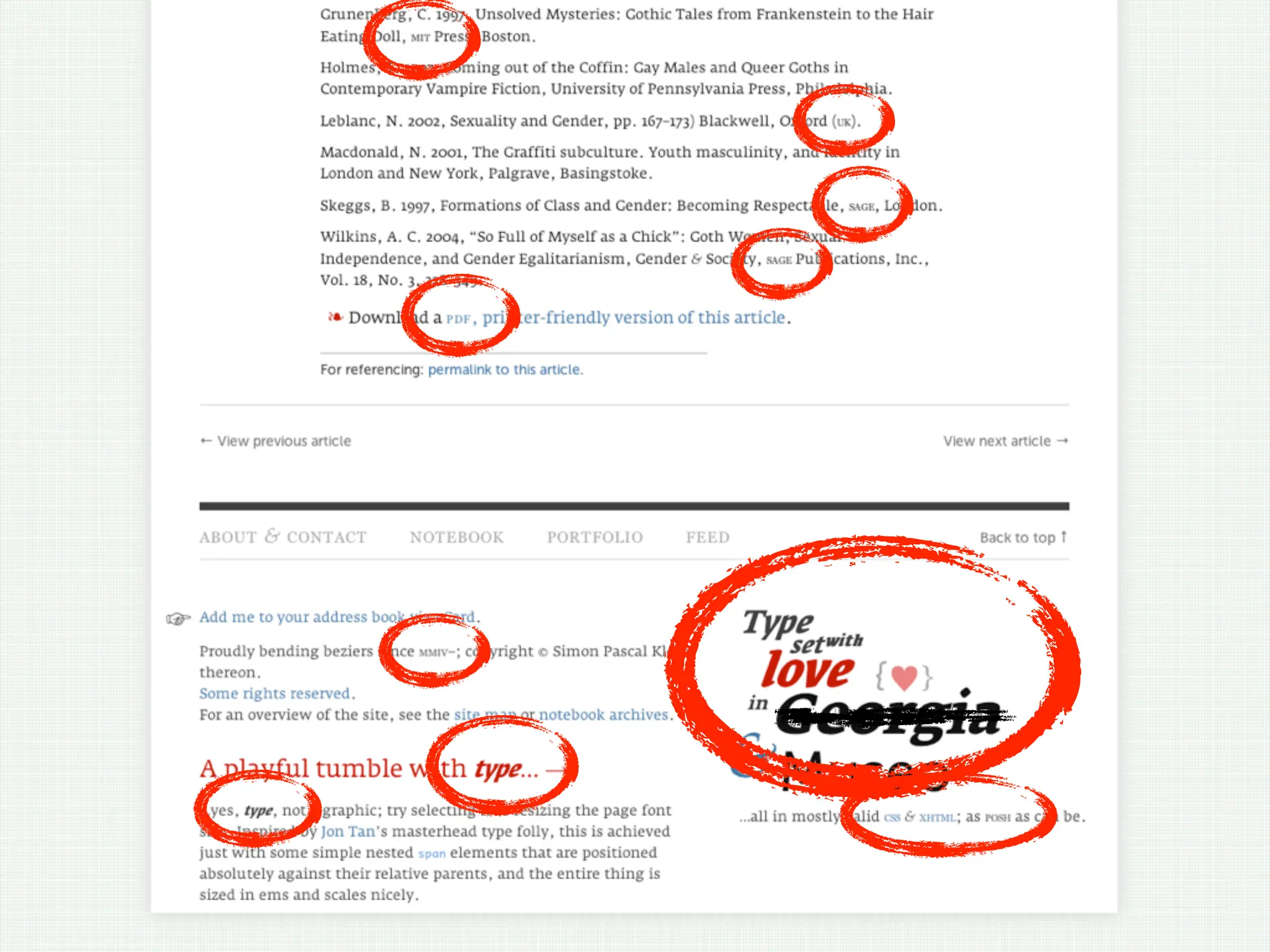
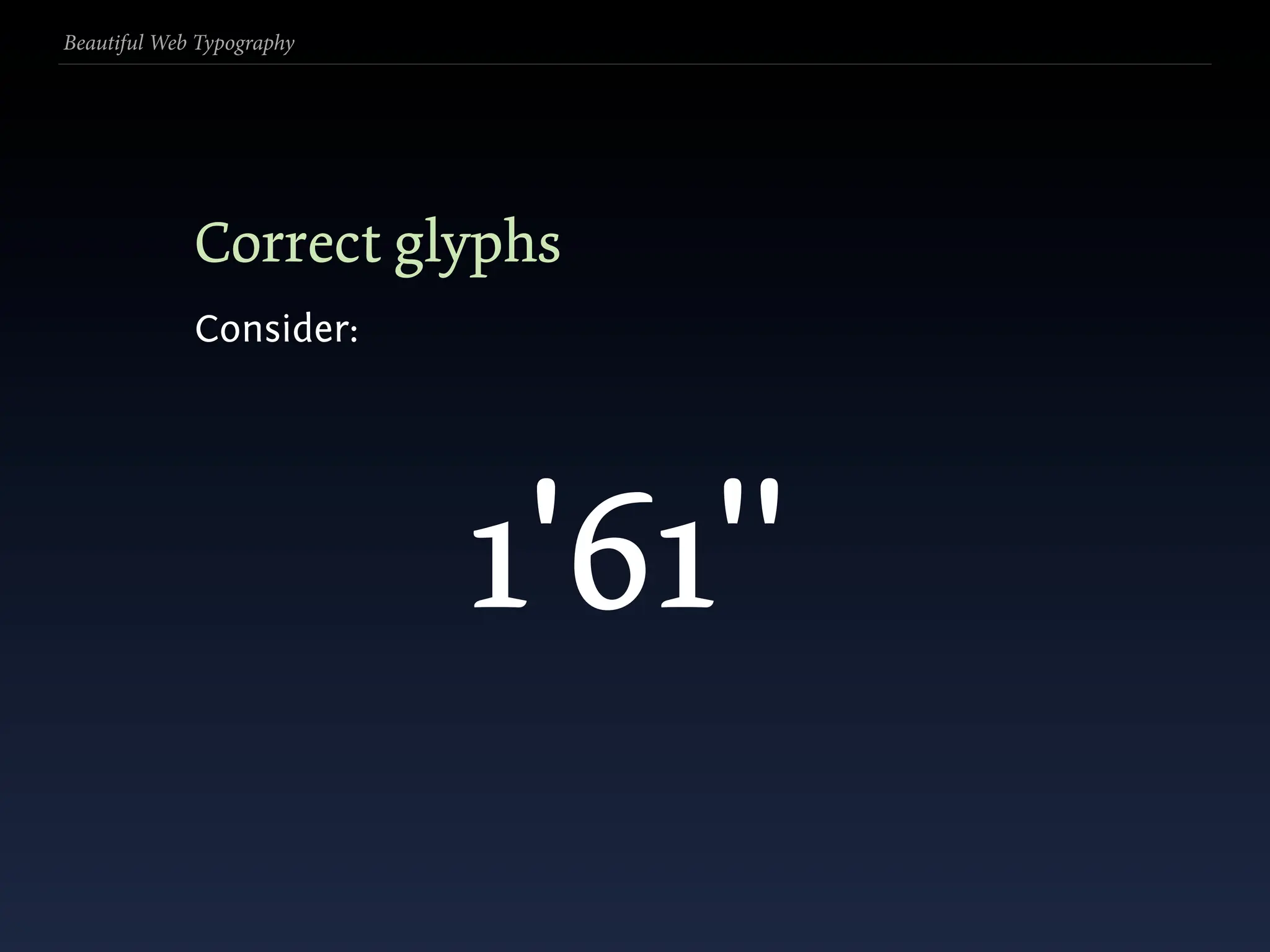
  227. Beautiful Web Typography Correct glyphs Consider: ' "
  228. Beautiful Web Typography Correct glyphs Consider: 1'61" ' "
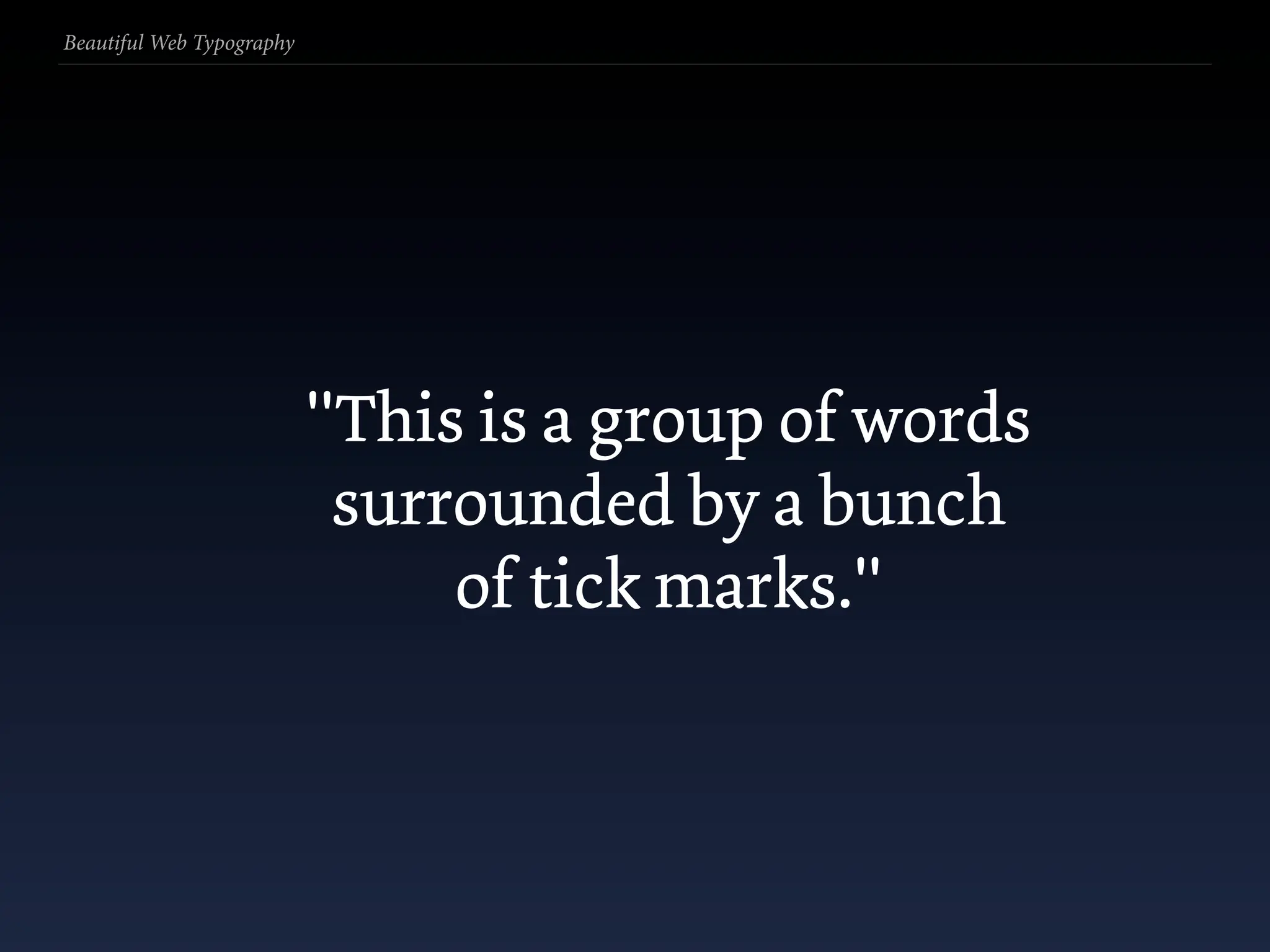
  229. Beautiful Web Typography "This is a group of words surrounded by a bunch of tick marks."
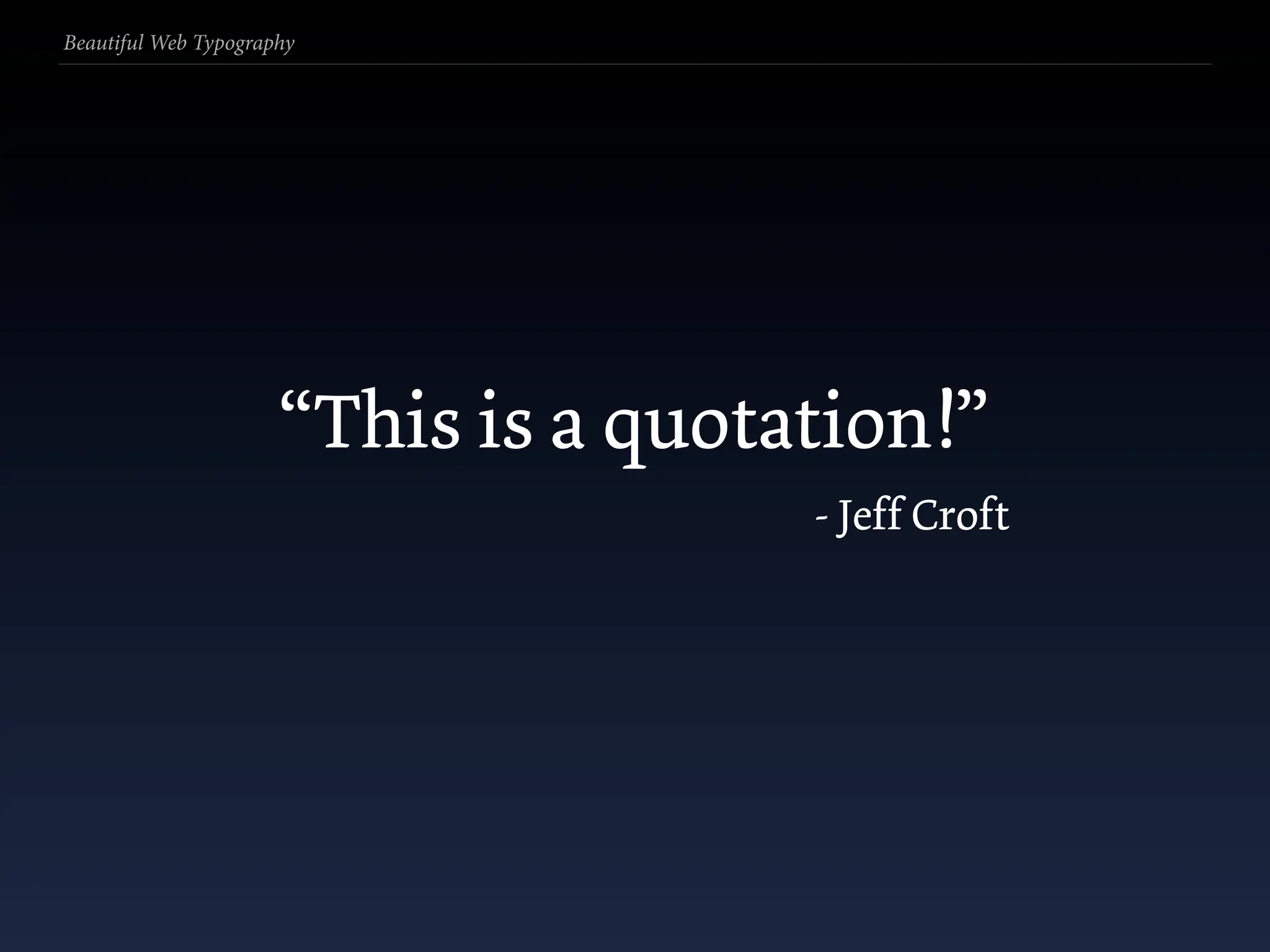
  230. Beautiful Web Typography “This is a quotation!” - Jeff Croft
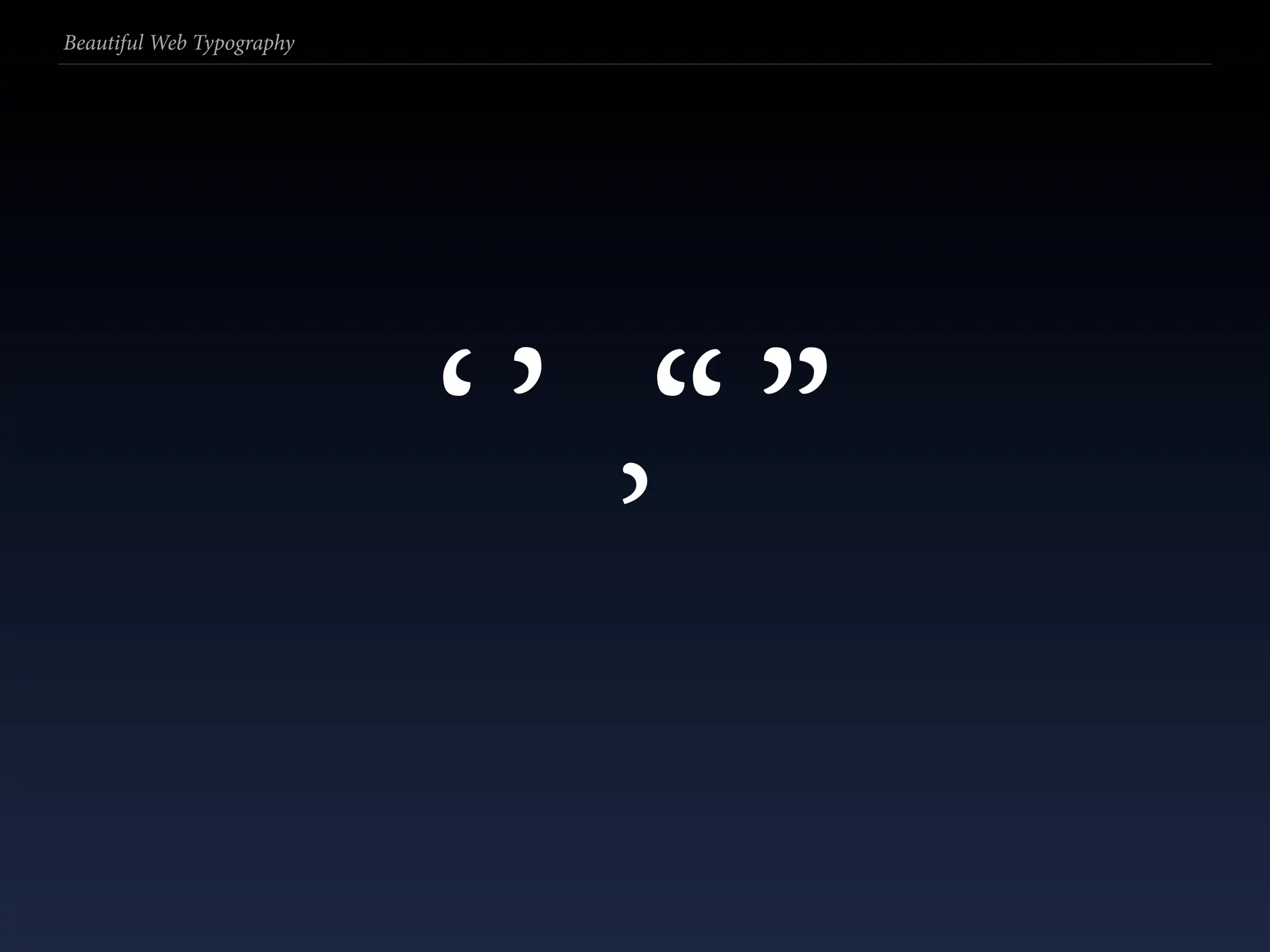
  231. Beautiful Web Typography ‘’ “” ’
  232. Beautiful Web Typography
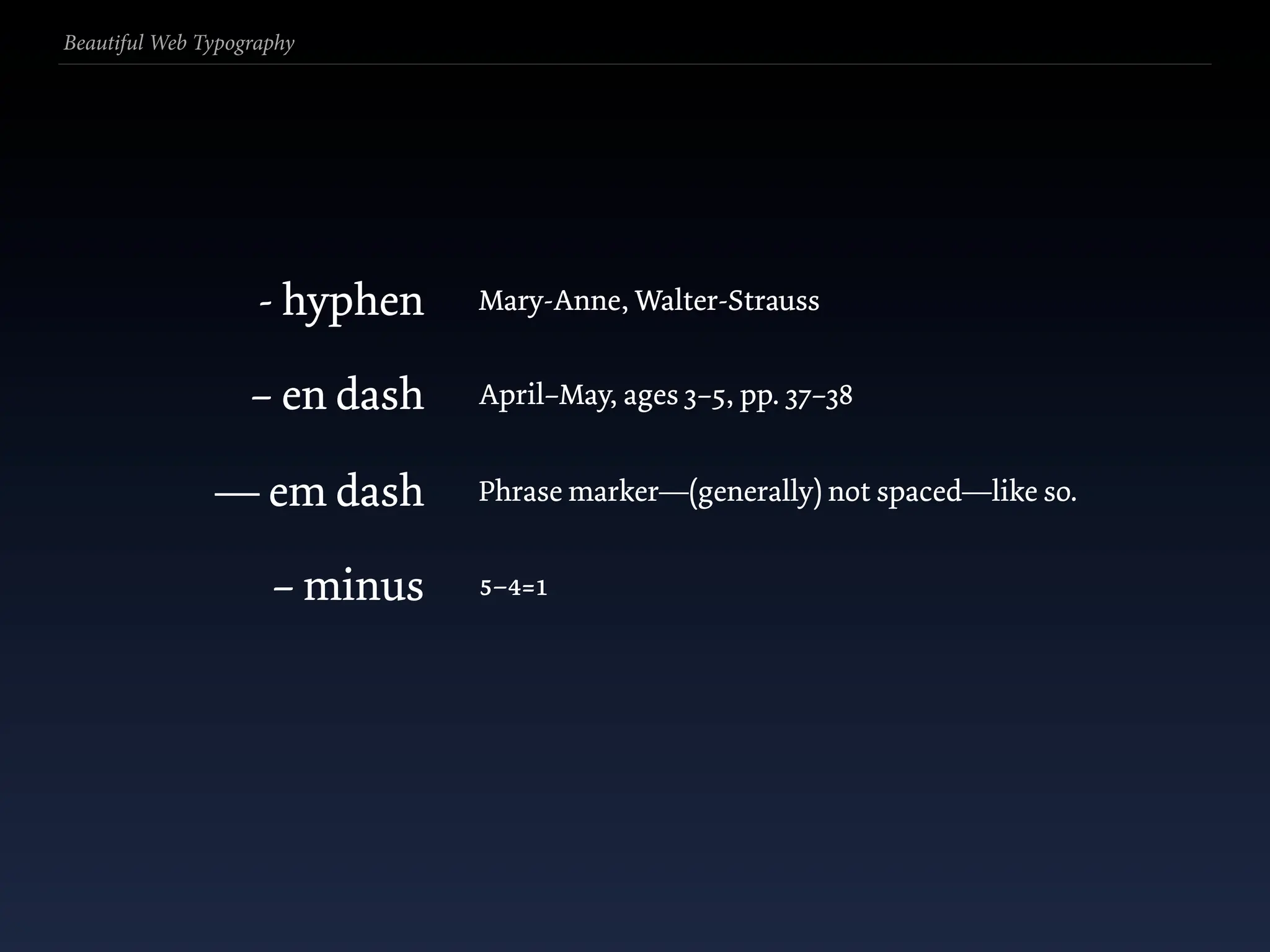
  233. Beautiful Web Typography - hyphen Mary-Anne, Walter-Strauss – en dash April–May, ages 3–5, pp. 37–38 — em dash Phrase marker—(generally) not spaced—like so. – minus 5–4=1
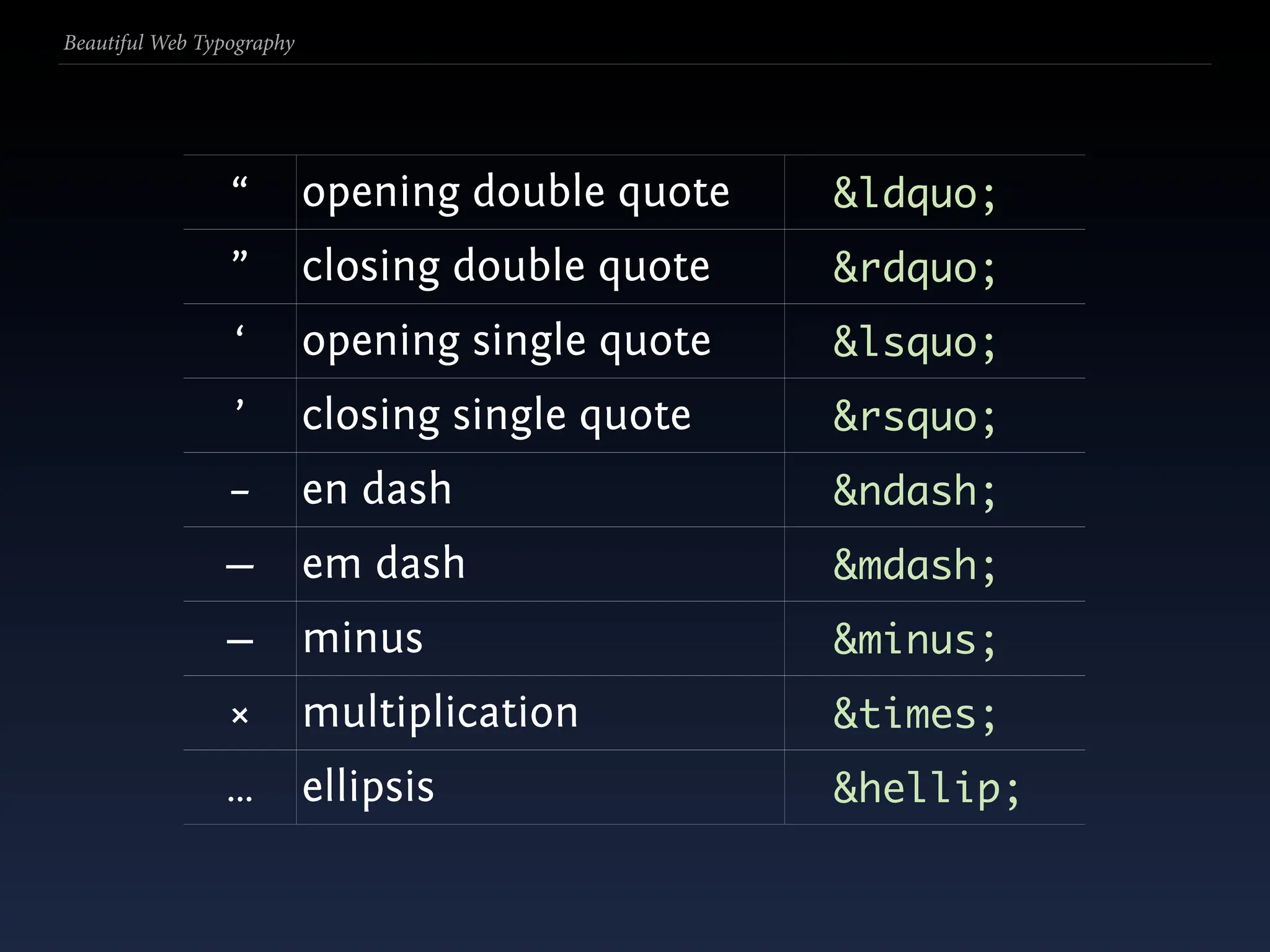
  234. Beautiful Web Typography “ opening double quote &ldquo; ” closing double quote &rdquo; ‘ opening single quote &lsquo; ’ closing single quote &rsquo; – en dash &ndash; — em dash &mdash; − minus &minus; × multiplication &times; … ellipsis &hellip;
  235. Beautiful Web Typography Smartypants et al.
  236. Beautiful Web Typography Smartypants et al. ‘Doing something repetitively? Likely you’re doing it wrong.’
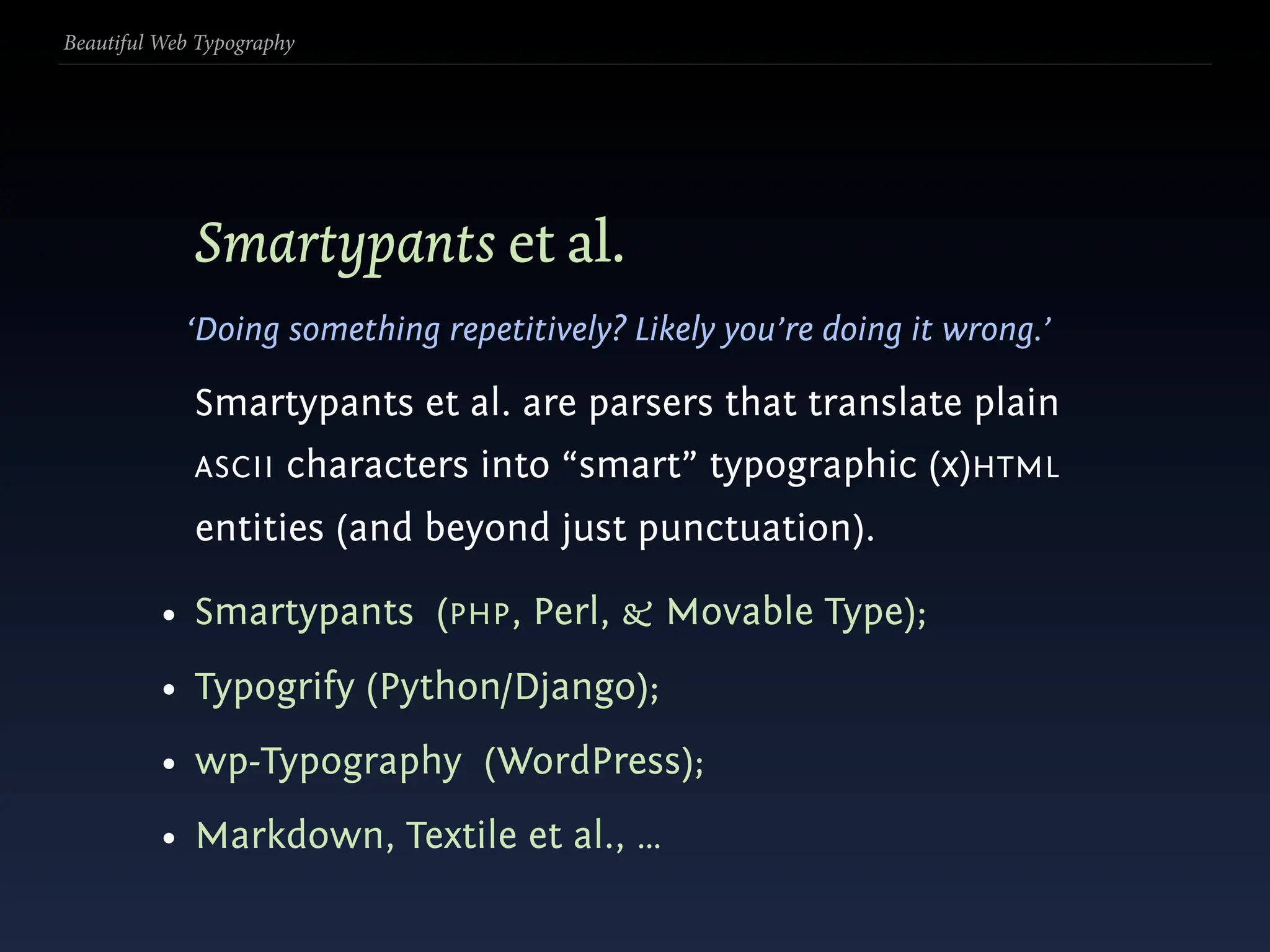
  237. Beautiful Web Typography Smartypants et al. ‘Doing something repetitively? Likely you’re doing it wrong.’ Smartypants et al. are parsers that translate plain ASCII characters into “smart” typographic (x)HTML entities (and beyond just punctuation).
  238. Beautiful Web Typography Smartypants et al. ‘Doing something repetitively? Likely you’re doing it wrong.’ Smartypants et al. are parsers that translate plain ASCII characters into “smart” typographic (x)HTML entities (and beyond just punctuation). • Smartypants (PHP, Perl, & Movable Type);
  239. Beautiful Web Typography Smartypants et al. ‘Doing something repetitively? Likely you’re doing it wrong.’ Smartypants et al. are parsers that translate plain ASCII characters into “smart” typographic (x)HTML entities (and beyond just punctuation). • Smartypants (PHP, Perl, & Movable Type); • Typogrify (Python/Django);
  240. Beautiful Web Typography Smartypants et al. ‘Doing something repetitively? Likely you’re doing it wrong.’ Smartypants et al. are parsers that translate plain ASCII characters into “smart” typographic (x)HTML entities (and beyond just punctuation). • Smartypants (PHP, Perl, & Movable Type); • Typogrify (Python/Django); • wp-Typography (WordPress);
  241. Beautiful Web Typography Smartypants et al. ‘Doing something repetitively? Likely you’re doing it wrong.’ Smartypants et al. are parsers that translate plain ASCII characters into “smart” typographic (x)HTML entities (and beyond just punctuation). • Smartypants (PHP, Perl, & Movable Type); • Typogrify (Python/Django); • wp-Typography (WordPress); • Markdown, Textile et al., …
  242. Beautiful Web Typography
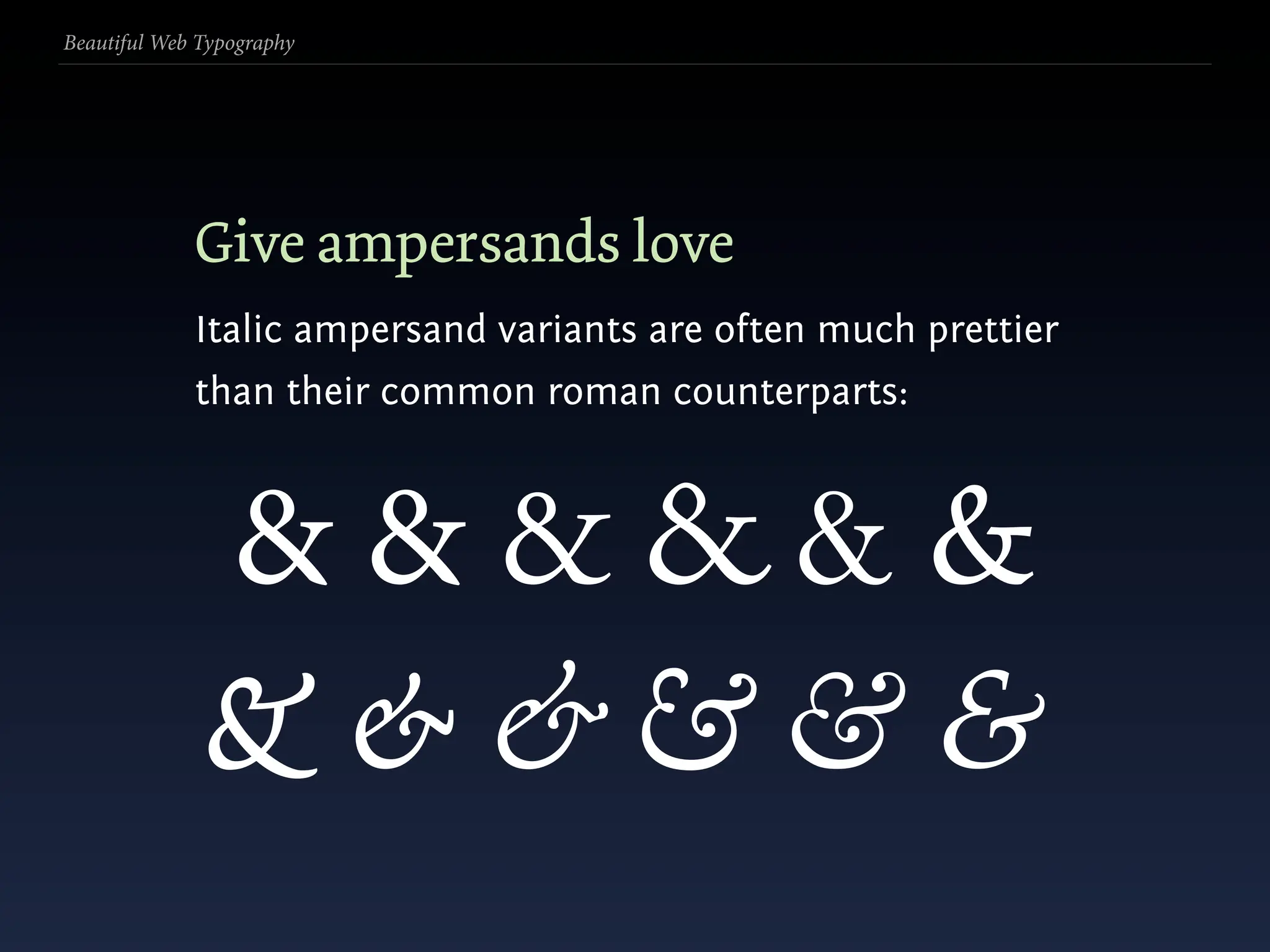
  243. Beautiful Web Typography Give ampersands love
  244. Beautiful Web Typography Give ampersands love Italic ampersand variants are often much prettier than their common roman counterparts:
  245. Beautiful Web Typography Give ampersands love Italic ampersand variants are often much prettier than their common roman counterparts: &&&&&&
  246. Beautiful Web Typography Give ampersands love Italic ampersand variants are often much prettier than their common roman counterparts: &&&&&& &&&&&&
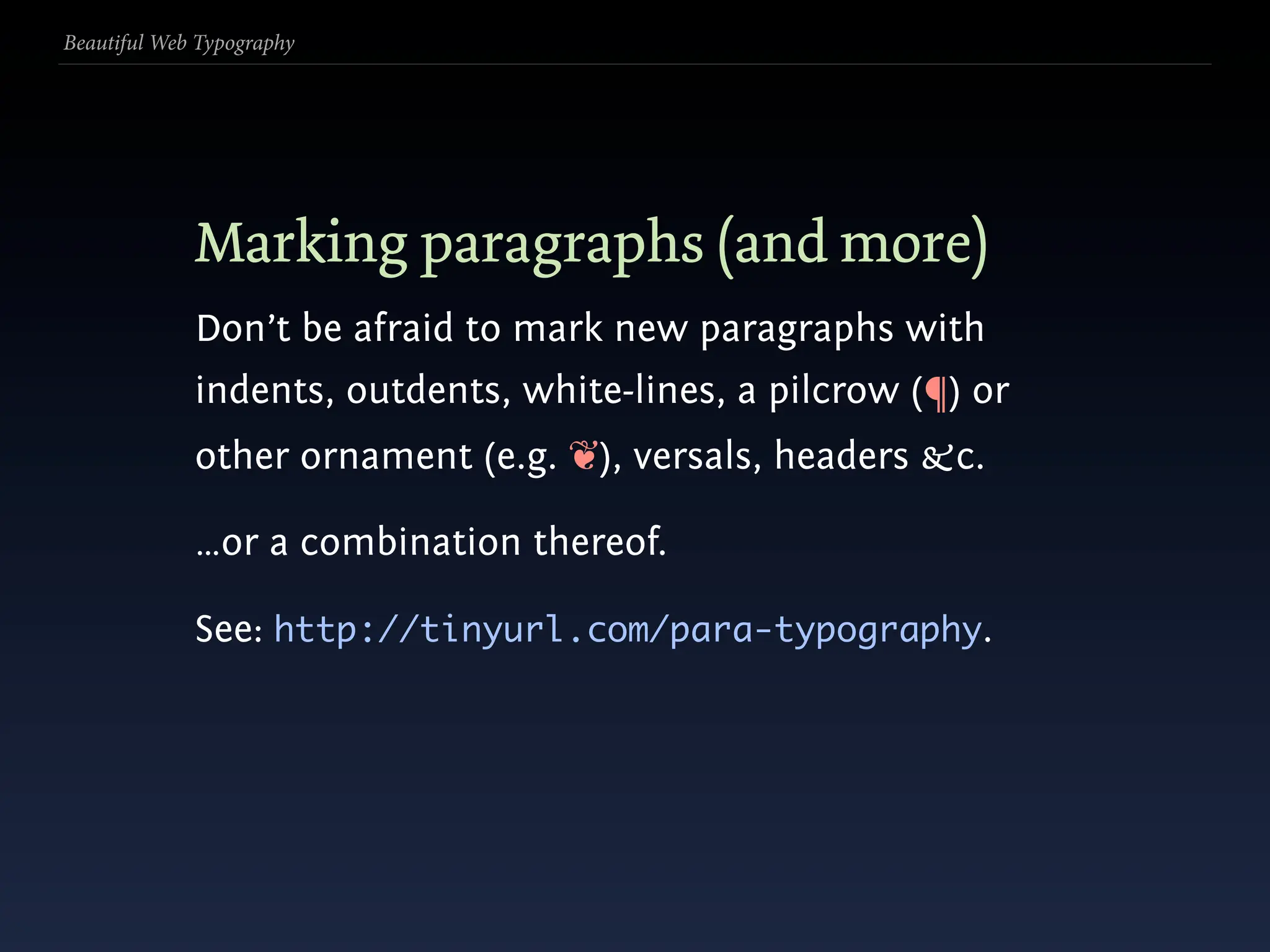
  247. Beautiful Web Typography Marking paragraphs (and more)
  248. Beautiful Web Typography Marking paragraphs (and more) Don’t be afraid to mark new paragraphs with indents, outdents, white-lines, a pilcrow (¶) or other ornament (e.g. ❦), versals, headers &c.
  249. Beautiful Web Typography Marking paragraphs (and more) Don’t be afraid to mark new paragraphs with indents, outdents, white-lines, a pilcrow (¶) or other ornament (e.g. ❦), versals, headers &c. …or a combination thereof.
  250. Beautiful Web Typography Marking paragraphs (and more) Don’t be afraid to mark new paragraphs with indents, outdents, white-lines, a pilcrow (¶) or other ornament (e.g. ❦), versals, headers &c. …or a combination thereof. See: http://tinyurl.com/para-typography.
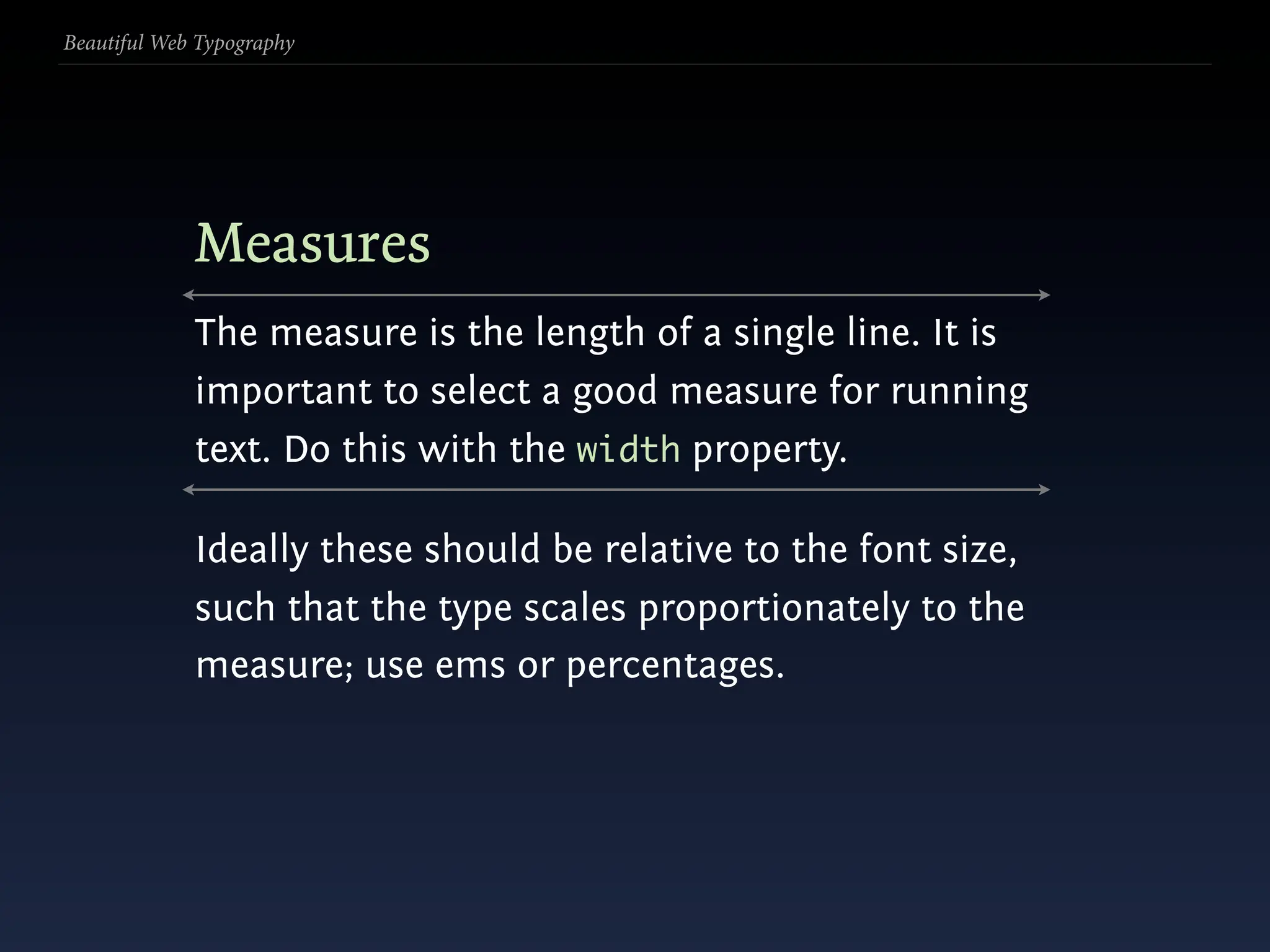
  251. Beautiful Web Typography Measures The measure is the length of a single line. It is important to select a good measure for running text. Do this with the width property.
  252. Beautiful Web Typography Measures The measure is the length of a single line. It is important to select a good measure for running text. Do this with the width property. Ideally these should be relative to the font size, such that the type scales proportionately to the measure; use ems or percentages.
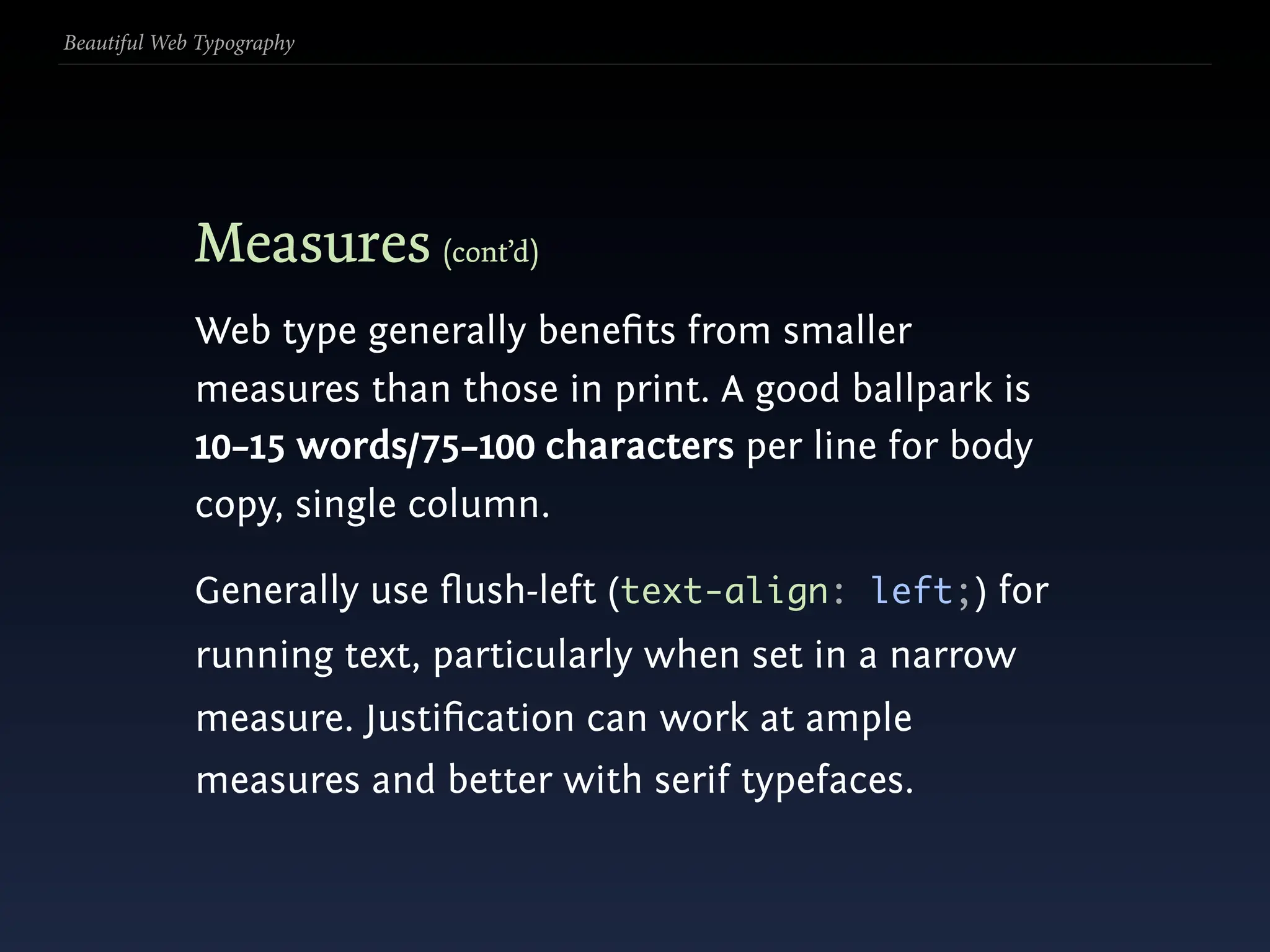
  253. Beautiful Web Typography Measures (cont’d)
  254. Beautiful Web Typography Measures (cont’d) Web type generally benefits from smaller measures than those in print. A good ballpark is 10–15 words/75–100 characters per line for body copy, single column.
  255. Beautiful Web Typography Measures (cont’d) Web type generally benefits from smaller measures than those in print. A good ballpark is 10–15 words/75–100 characters per line for body copy, single column. Generally use flush-left (text-align: left;) for running text, particularly when set in a narrow measure. Justification can work at ample measures and better with serif typefaces.
  256. Beautiful Web Typography Leading (line-height)
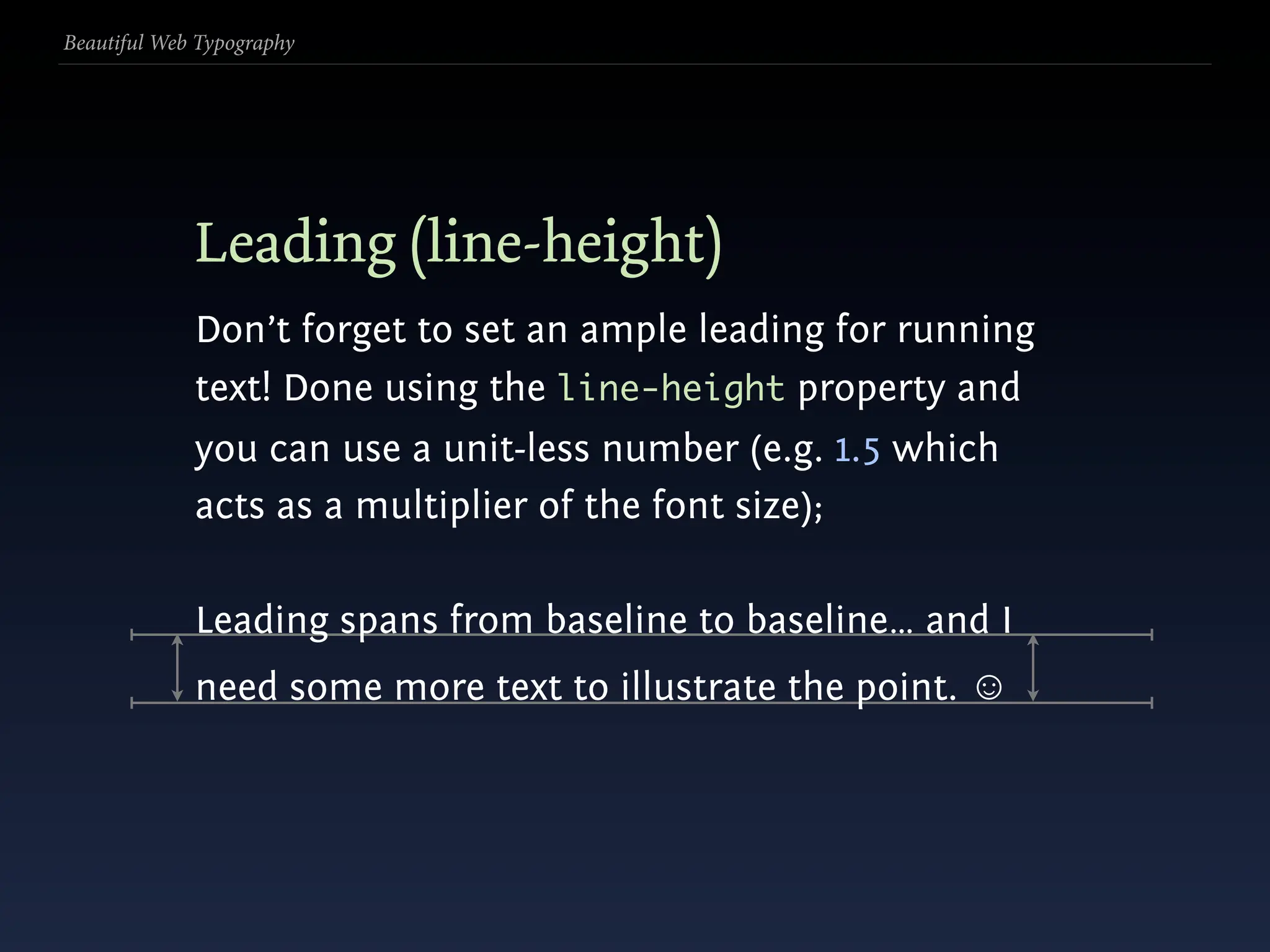
  257. Beautiful Web Typography Leading (line-height) Don’t forget to set an ample leading for running text! Done using the line-height property and you can use a unit-less number (e.g. 1.5 which acts as a multiplier of the font size);
  258. Beautiful Web Typography Leading (line-height) Don’t forget to set an ample leading for running text! Done using the line-height property and you can use a unit-less number (e.g. 1.5 which acts as a multiplier of the font size); Leading spans from baseline to baseline… and I need some more text to illustrate the point. ☺
  259. Beautiful Web Typography Leading (line-height) Don’t forget to set an ample leading for running text! Done using the line-height property and you can use a unit-less number (e.g. 1.5 which acts as a multiplier of the font size); Leading spans from baseline to baseline… and I need some more text to illustrate the point. ☺
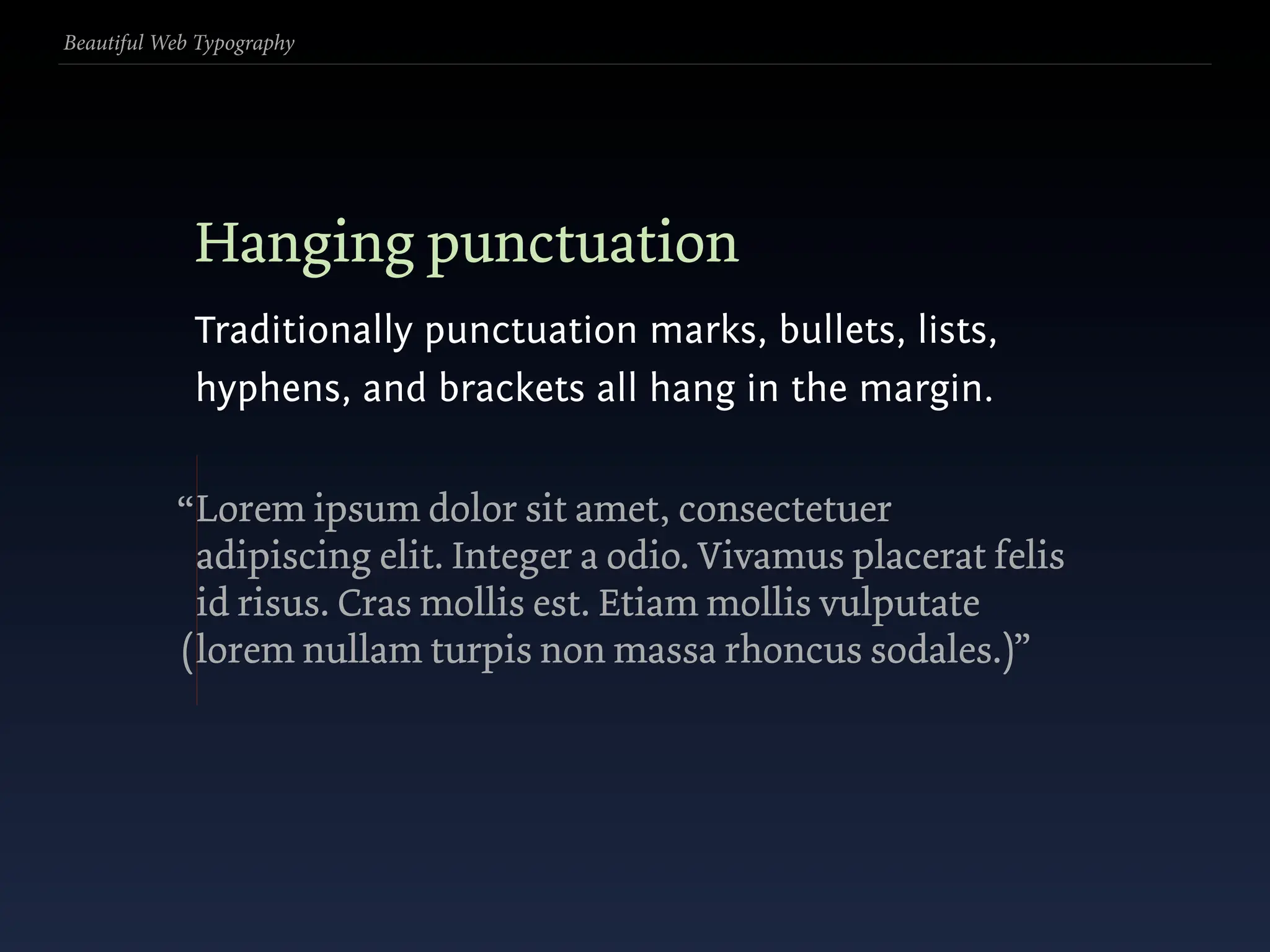
  260. Beautiful Web Typography Hanging punctuation Traditionally punctuation marks, bullets, lists, hyphens, and brackets all hang in the margin.
  261. Beautiful Web Typography Hanging punctuation Traditionally punctuation marks, bullets, lists, hyphens, and brackets all hang in the margin. “ Lorem ipsum dolor sit amet, consectetuer adipiscing elit. Integer a odio. Vivamus placerat felis id risus. Cras mollis est. Etiam mollis vulputate ( lorem nullam turpis non massa rhoncus sodales.)”
  262. Beautiful Web Typography Hanging punctuation Traditionally punctuation marks, bullets, lists, hyphens, and brackets all hang in the margin. “ Lorem ipsum dolor sit amet, consectetuer adipiscing elit. Integer a odio. Vivamus placerat felis id risus. Cras mollis est. Etiam mollis vulputate ( lorem nullam turpis non massa rhoncus sodales.)”
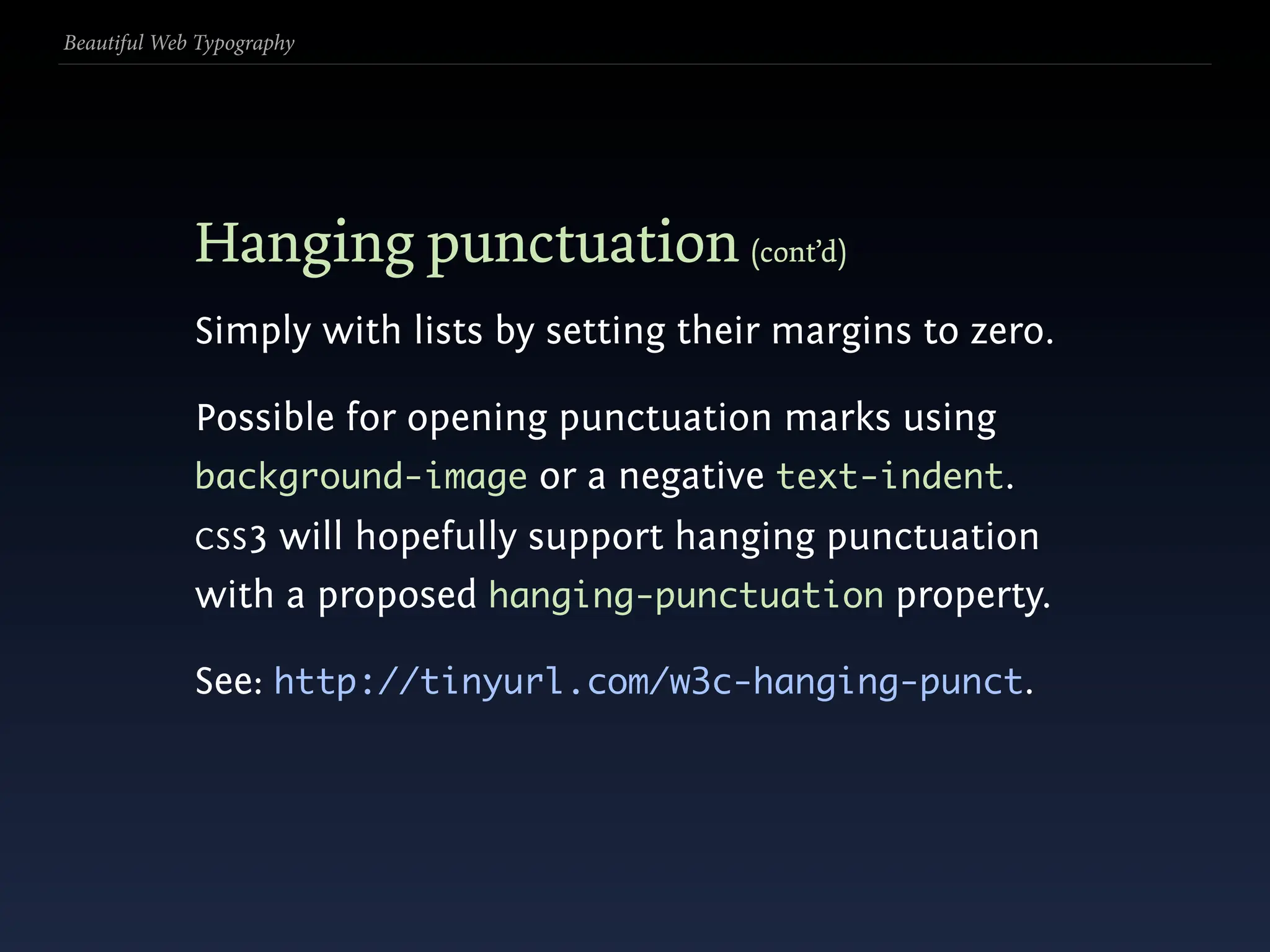
  263. Beautiful Web Typography Hanging punctuation (cont’d) Simply with lists by setting their margins to zero.
  264. Beautiful Web Typography Hanging punctuation (cont’d) Simply with lists by setting their margins to zero. Possible for opening punctuation marks using background-image or a negative text-indent. CSS 3 will hopefully support hanging punctuation with a proposed hanging-punctuation property.
  265. Beautiful Web Typography Hanging punctuation (cont’d) Simply with lists by setting their margins to zero. Possible for opening punctuation marks using background-image or a negative text-indent. CSS 3 will hopefully support hanging punctuation with a proposed hanging-punctuation property. See: http://tinyurl.com/w3c-hanging-punct.
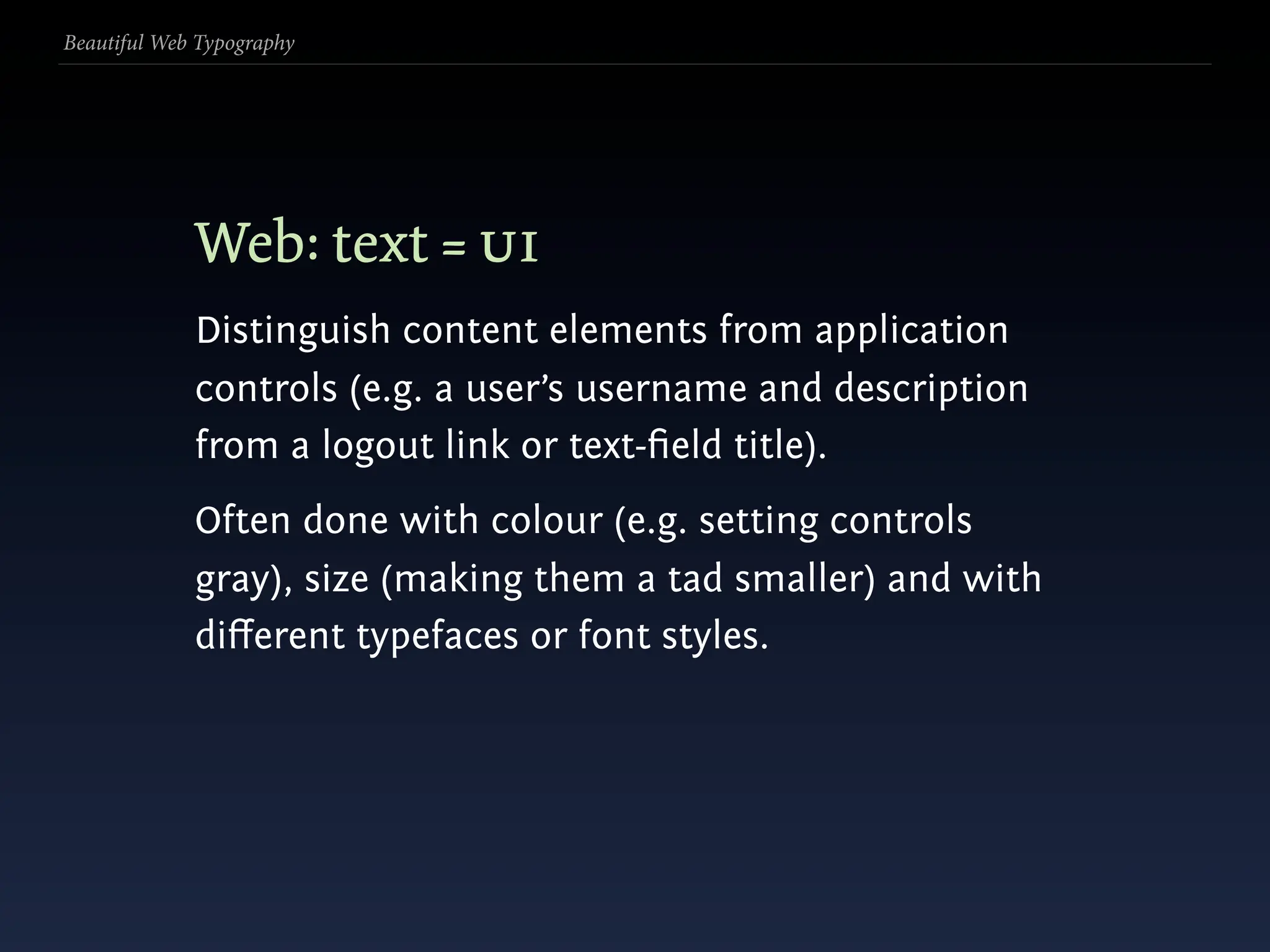
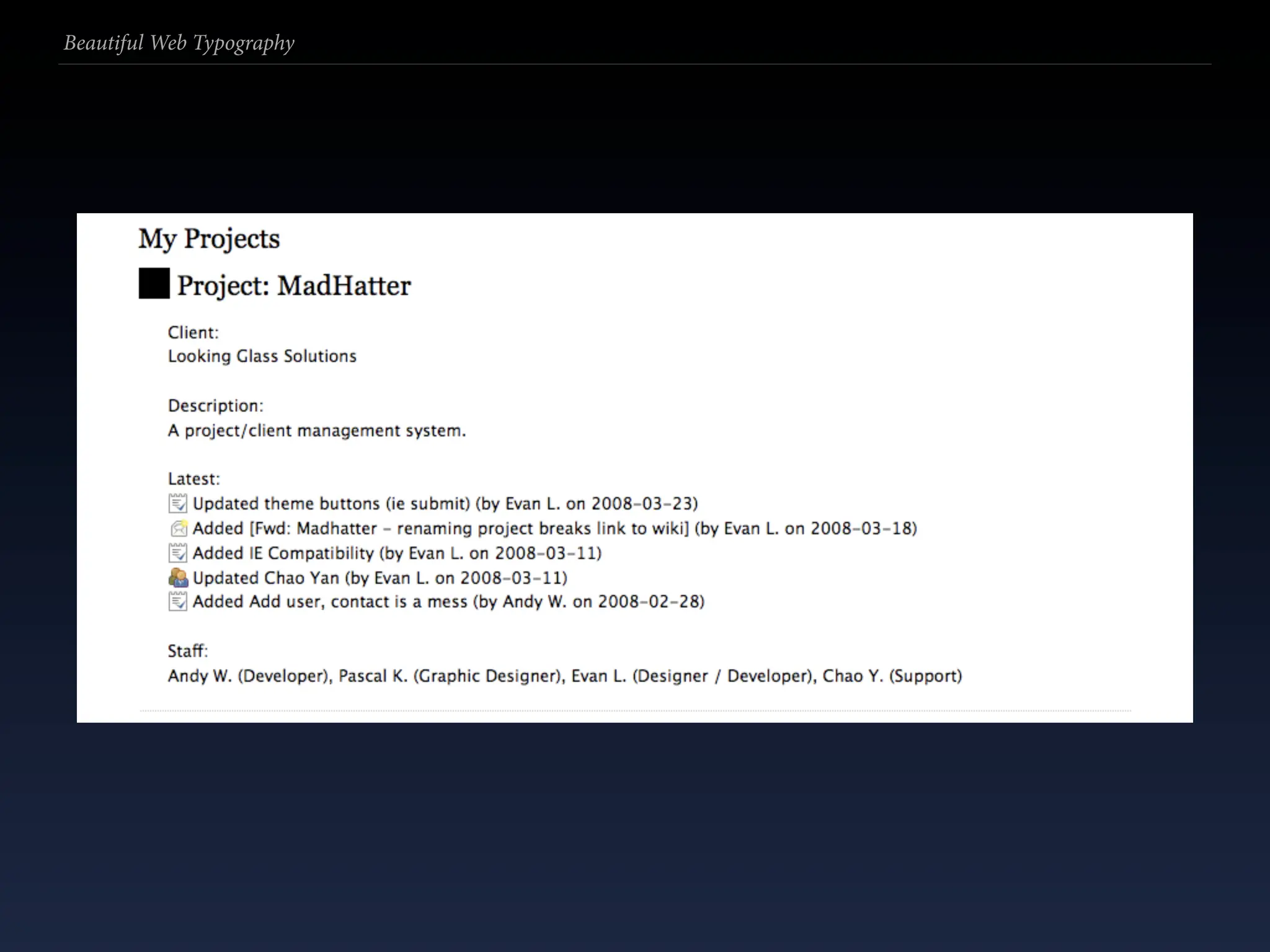
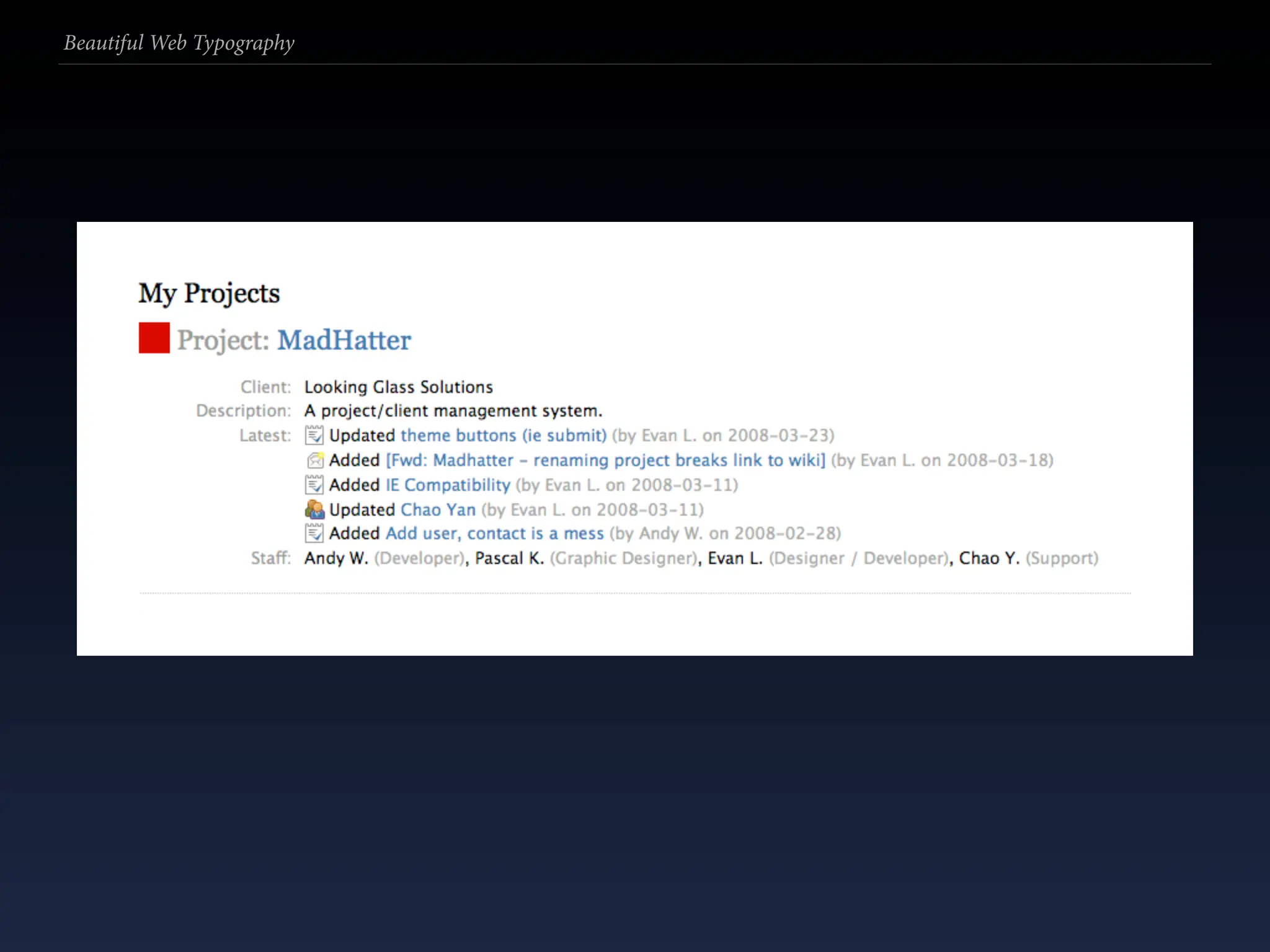
  266. Beautiful Web Typography Web: text = ui Distinguish content elements from application controls (e.g. a user’s username and description from a logout link or text-field title).
  267. Beautiful Web Typography Web: text = ui Distinguish content elements from application controls (e.g. a user’s username and description from a logout link or text-field title). Often done with colour (e.g. setting controls gray), size (making them a tad smaller) and with different typefaces or font styles.
  268. Beautiful Web Typography
  269. Beautiful Web Typography
  270. Beautiful Web Typography
  271. Beautiful Web Typography Page (grid)
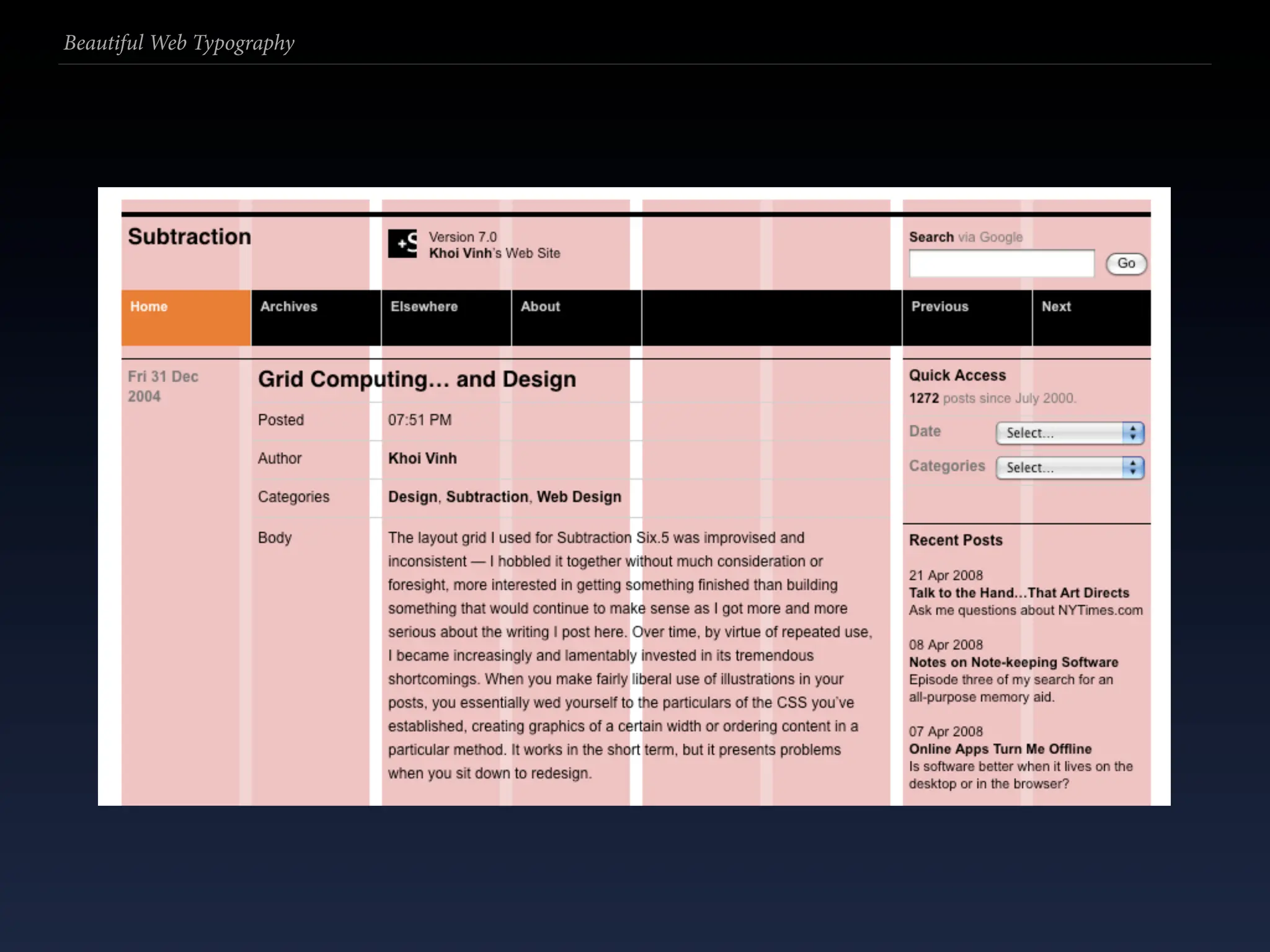
  272. Beautiful Web Typography Page (grid) Grids bring order to your page and help specify where things should go.
  273. Beautiful Web Typography Page (grid) Grids bring order to your page and help specify where things should go. Remember to put in apt “gutters” (margins between columns) to separate your columns.
  274. Beautiful Web Typography Page (grid) Grids bring order to your page and help specify where things should go. Remember to put in apt “gutters” (margins between columns) to separate your columns. Ruler guides help enormously: use the Web Developer extension for Firefox or ruler background images (also see the YUI library).
  275. Beautiful Web Typography
  276. Beautiful Web Typography
  277. Beautiful Web Typography
  278. Beautiful Web Typography Addendum
  279. Beautiful Web Typography Addendum Please don’t use Comic Sans unless you have a very, very good reason for its application.
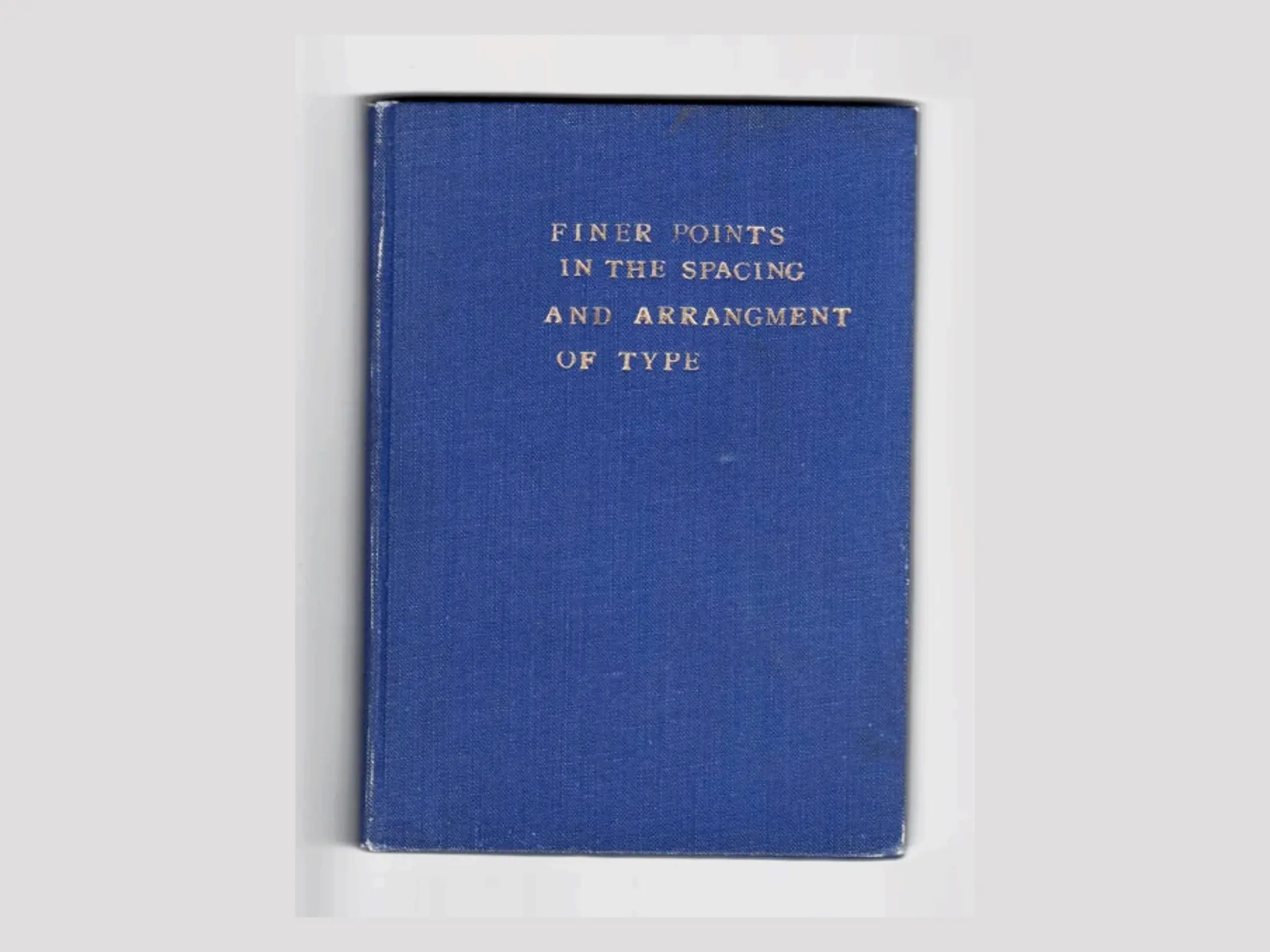
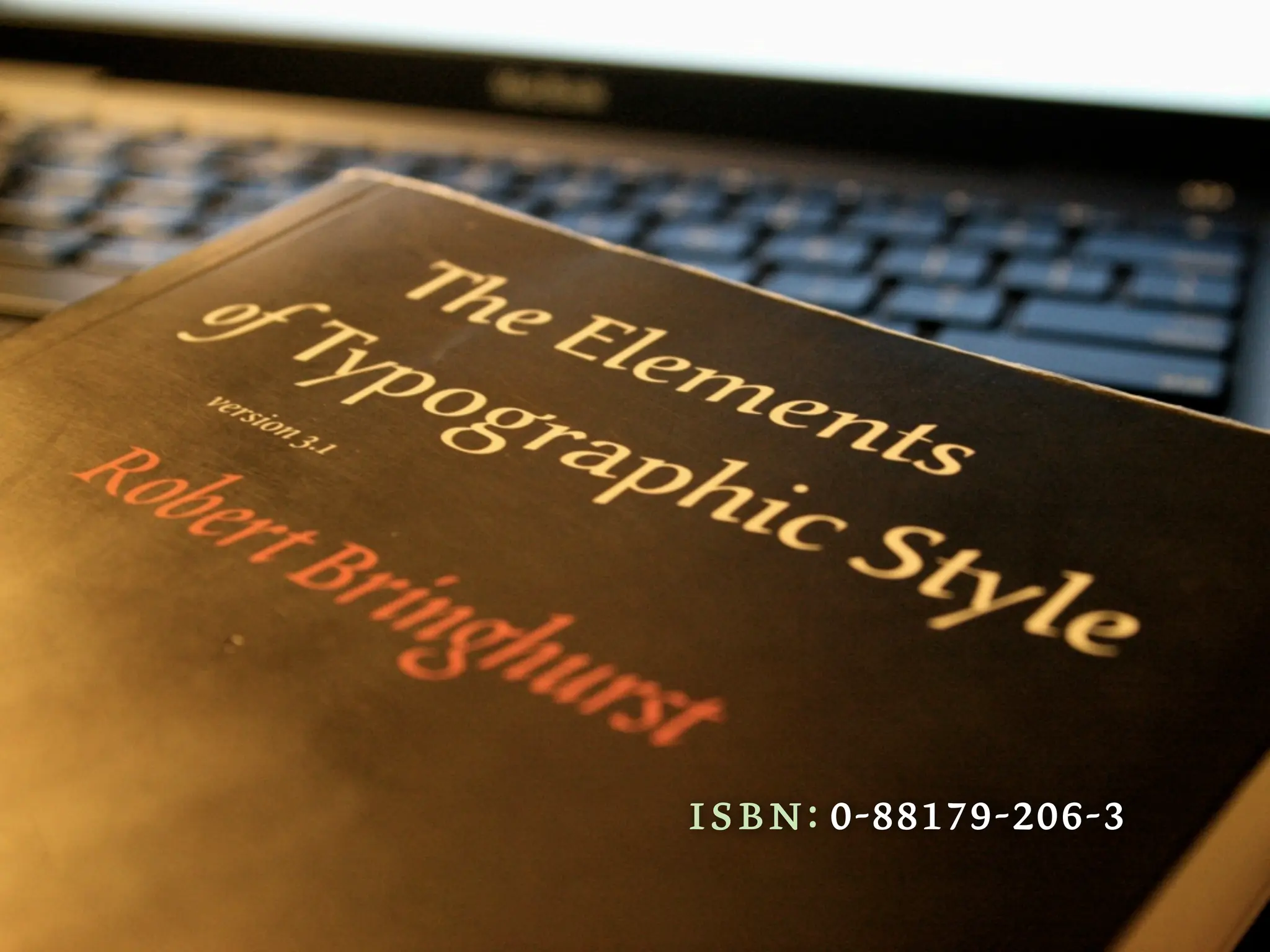
  280. isbn: 0-88179-206-3
  281. Beautiful Web Typography Inspirational typophiles • Cameron Moll: cameronmoll.com • Jeff Croft: jeffcroft.com • Jeffrey Zeldman: zeldman.com • Mark Boulton: markboulton.co.uk • Richard Rutter: clagnut.com • Jon Tan: jontangerine.com
  282. Beautiful Web Typography Resources & reading • http://webtypography.net • http://alistapart.com/topics/design/typography • http://usabletype.org • http://ilovetypography.com • http://www.papress.com/other/thinkingwithtype/
  283. Thanks! klepas@klepas.org klepas.org @klepas Licensed CC BY -NC-ND http://creativecommons.org/licenses/by-nc-nd/2.5/au/

+ Pascal KleinPascal Klein, 2 weeks ago

custom

1126 views, 7 favs, 0 embeds more stats

An updated fifth rendition of my Beautiful Web Typo more

More info about this document

© All Rights Reserved

Go to text version

  • Total Views 1126
    • 1126 on SlideShare
    • 0 from embeds
  • Comments 3
  • Favorites 7
  • Downloads 87
Most viewed embeds

more

All embeds

less

Flagged as inappropriate Flag as inappropriate
Flag as inappropriate

Select your reason for flagging this presentation as inappropriate. If needed, use the feedback form to let us know more details.

Cancel
File a copyright complaint
Having problems? Go to our helpdesk?

Categories