FBScanner: IBSurgeon's tool to solve all types of performance problems with Firebird
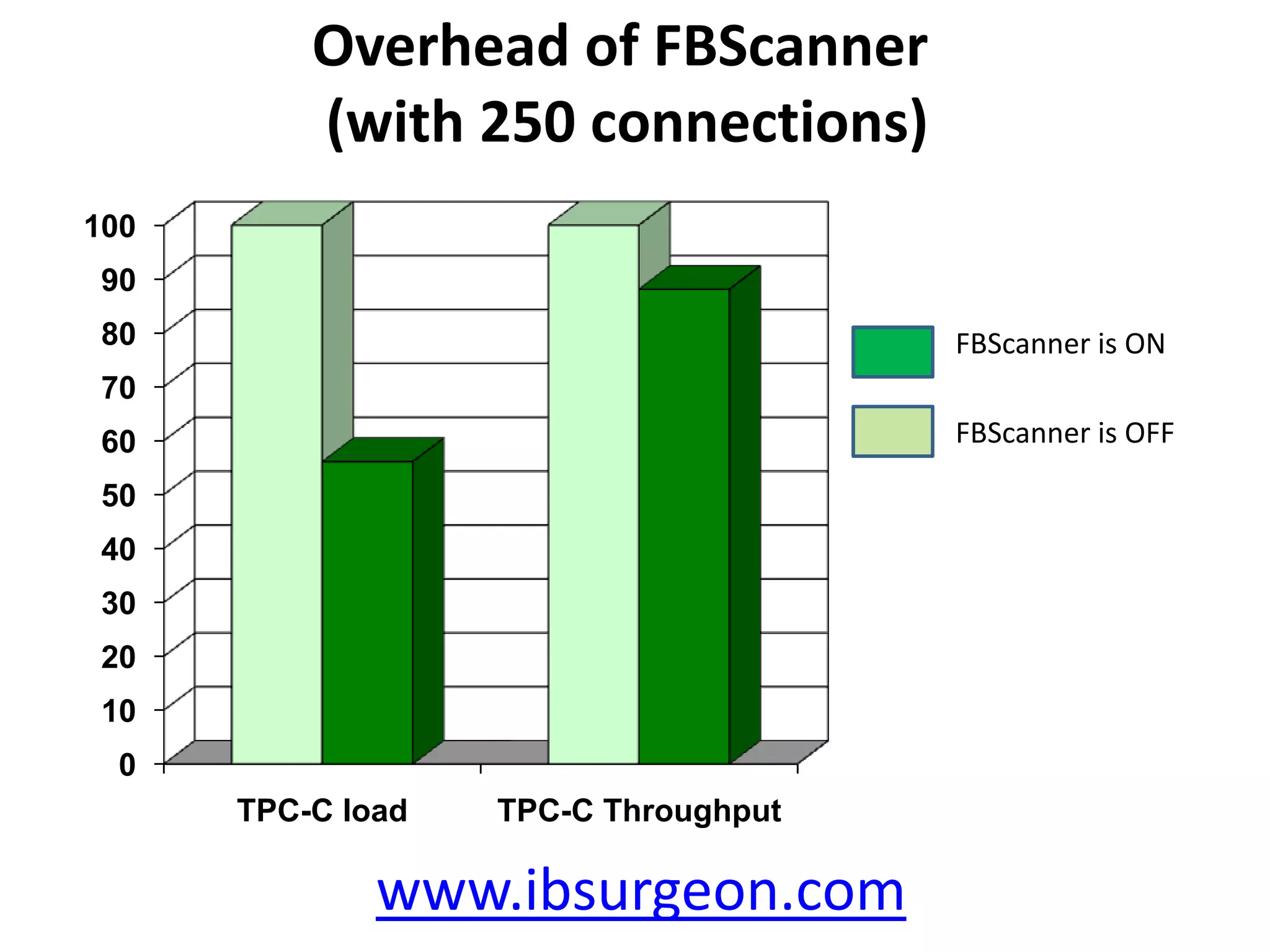
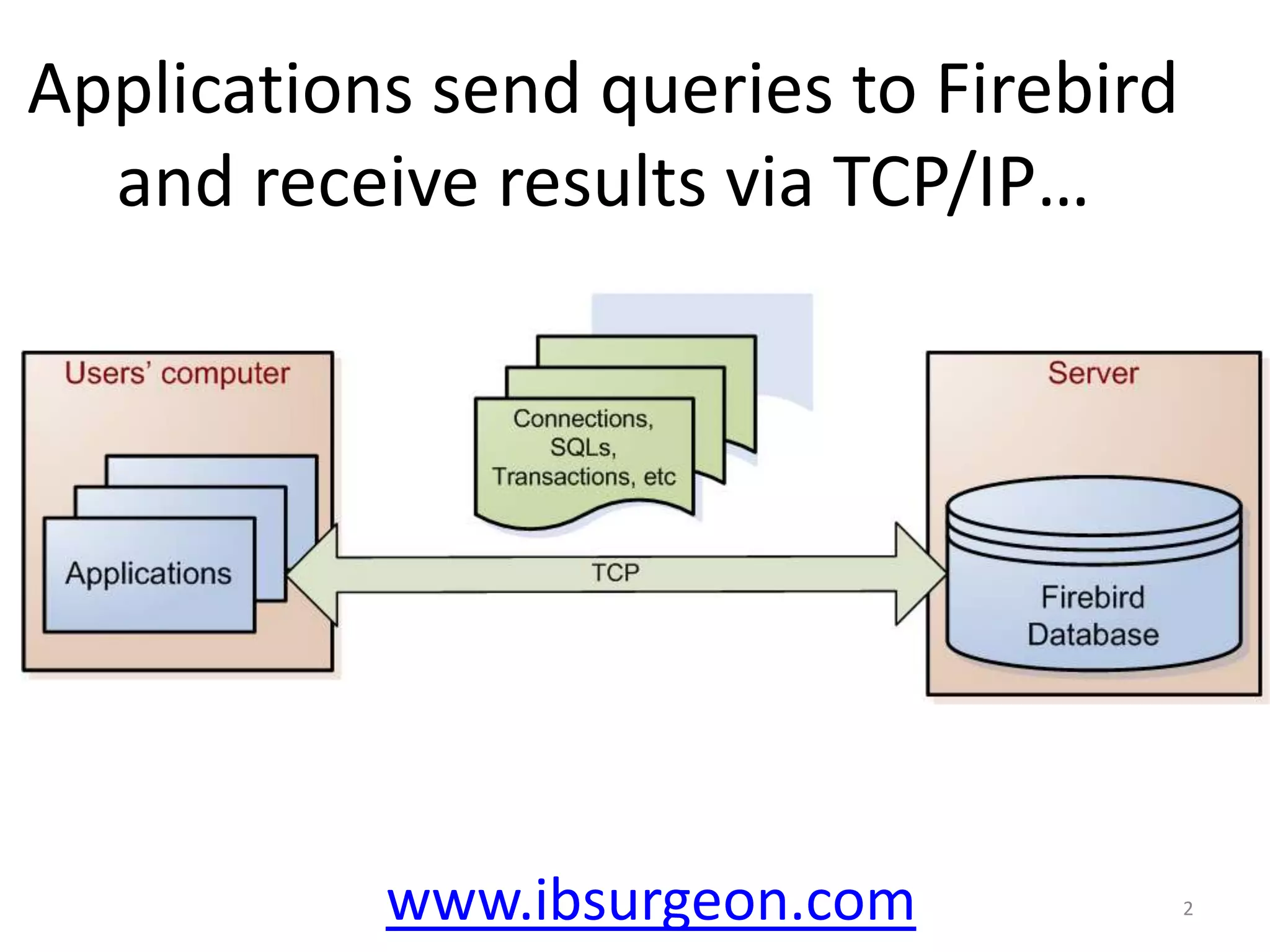
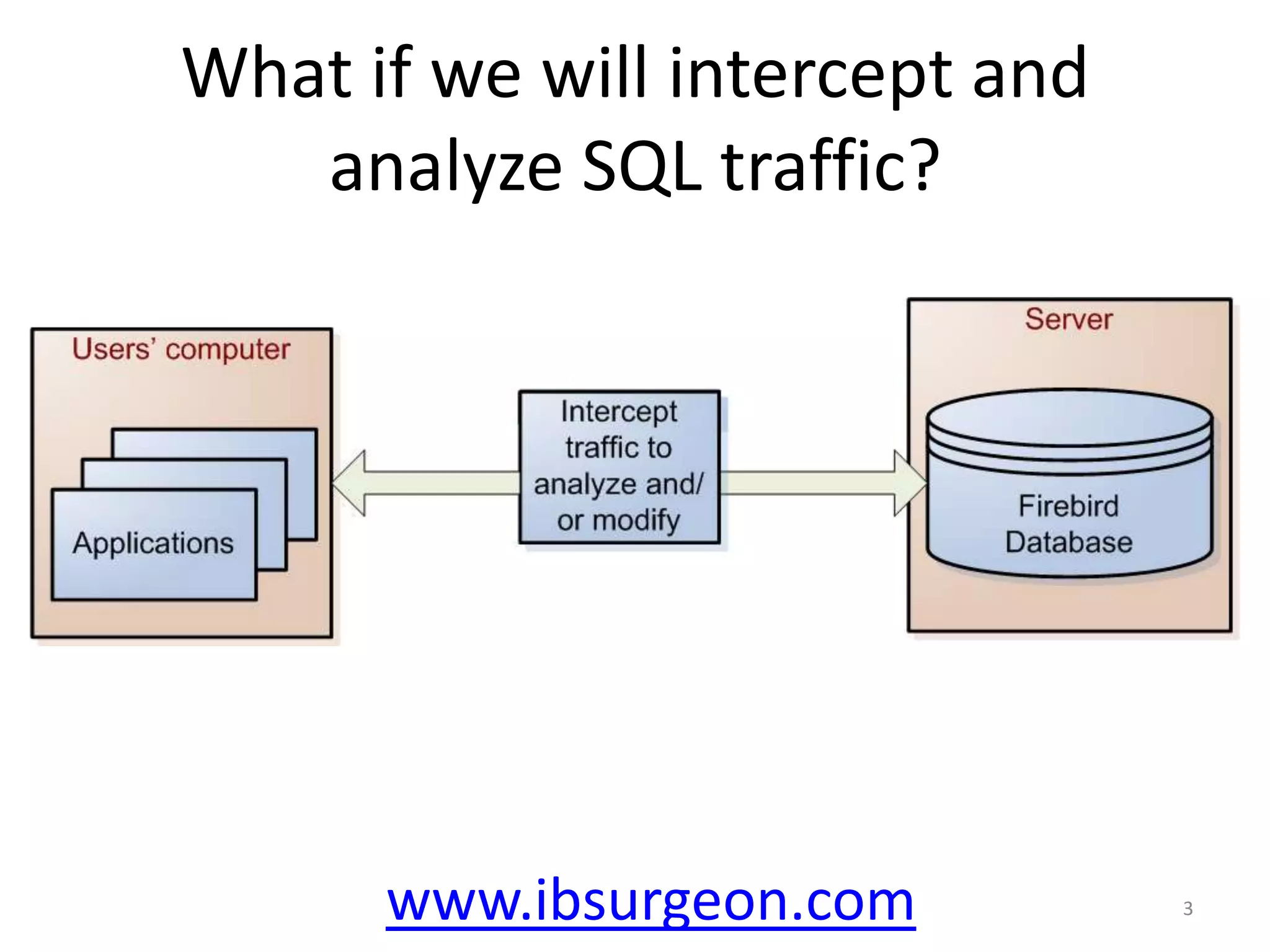
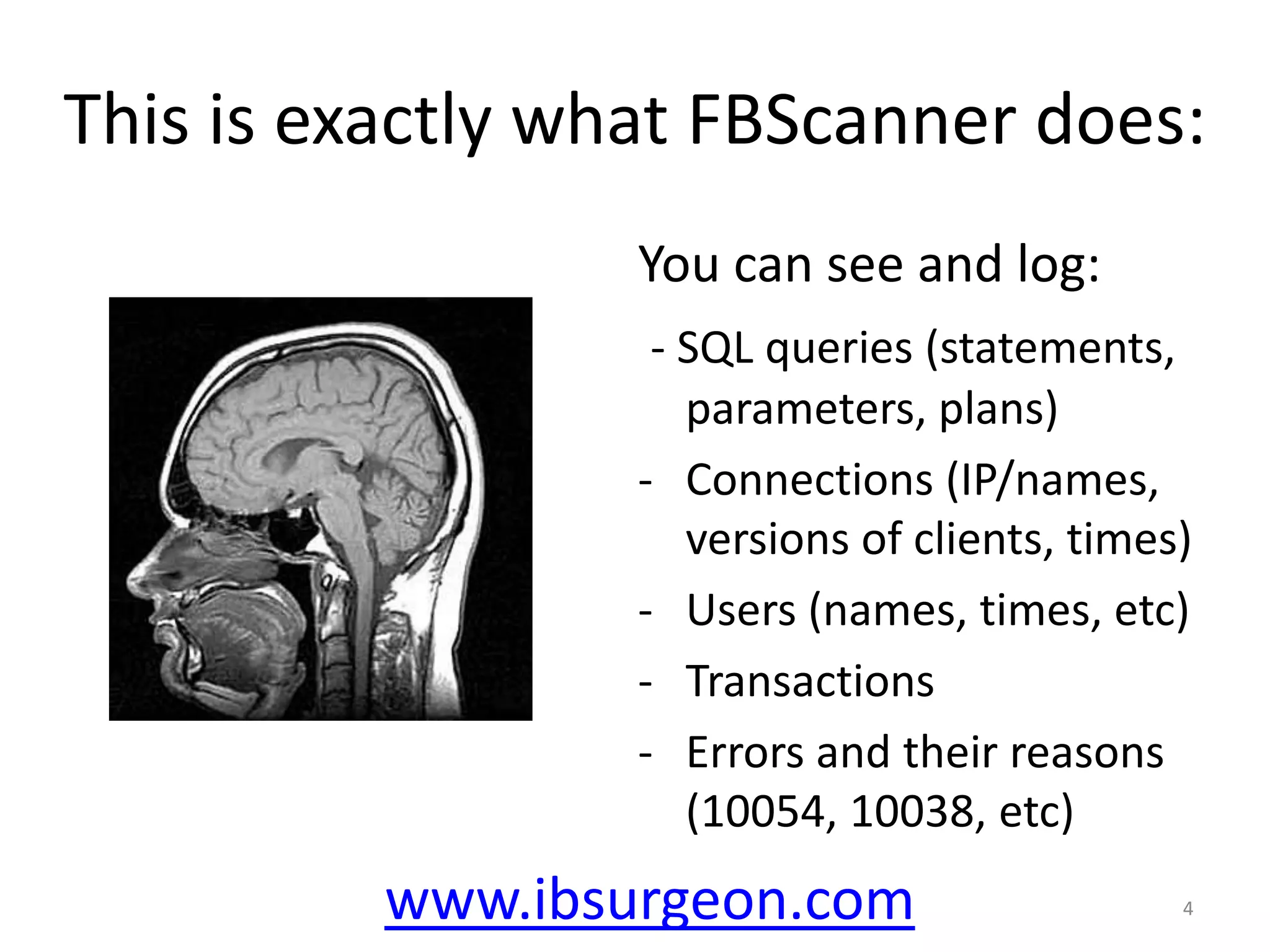
FBScanner is a tool designed for monitoring and managing SQL traffic with Firebird databases, allowing users to log queries, connections, transactions, and errors. It features tagging for easier identification of queries and supports connection filtering, prioritization, and management. The software is available for trial and offers licensing options for permanent server setups.
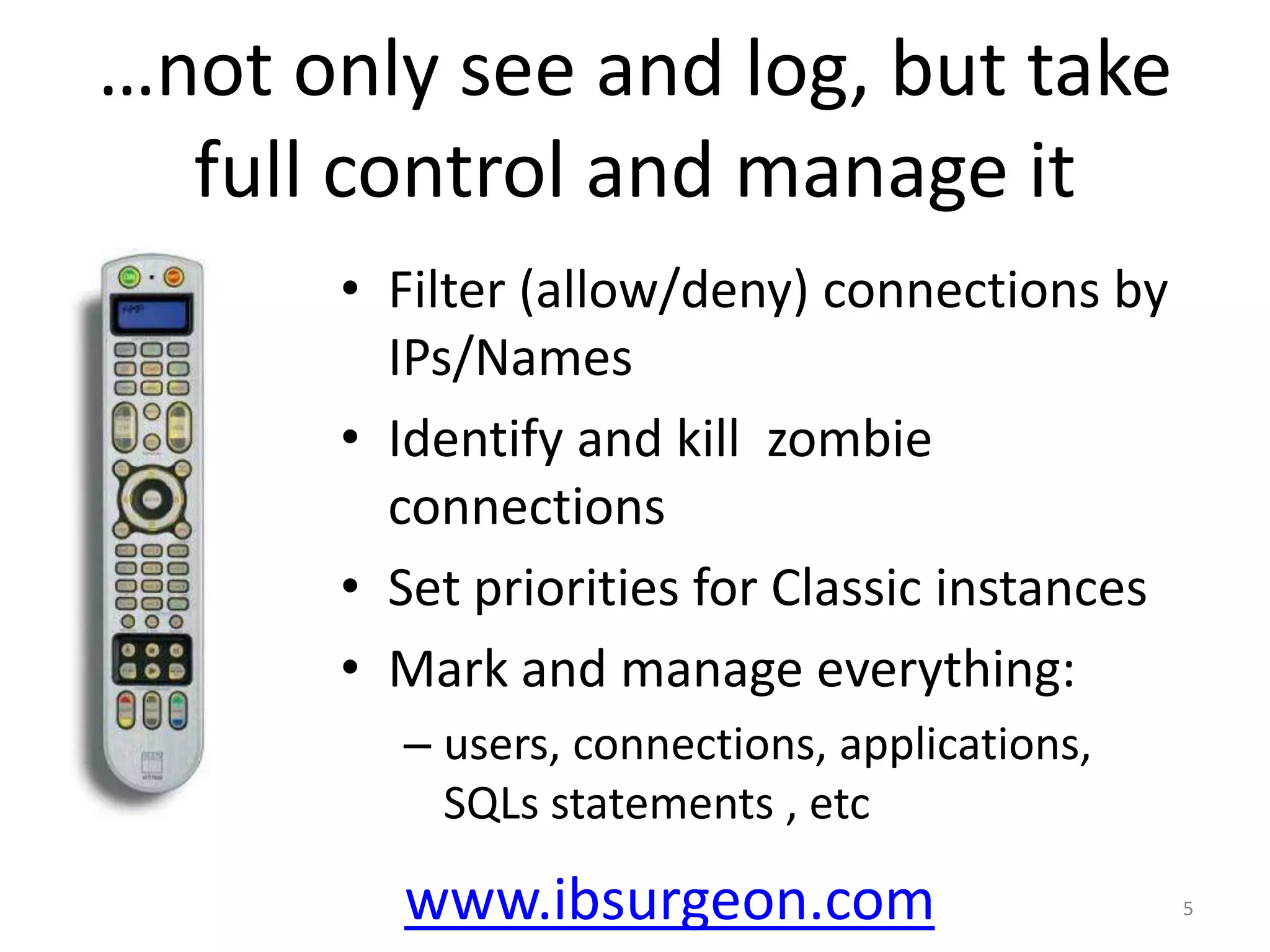
…not only seeand log, but take full control and manage itFilter (allow/deny) connections by IPs/NamesIdentify and kill zombie connectionsSet priorities for Classic instances Mark and manage everything:users, connections, applications, SQLs statements , etcwww.ibsurgeon.com5
9.
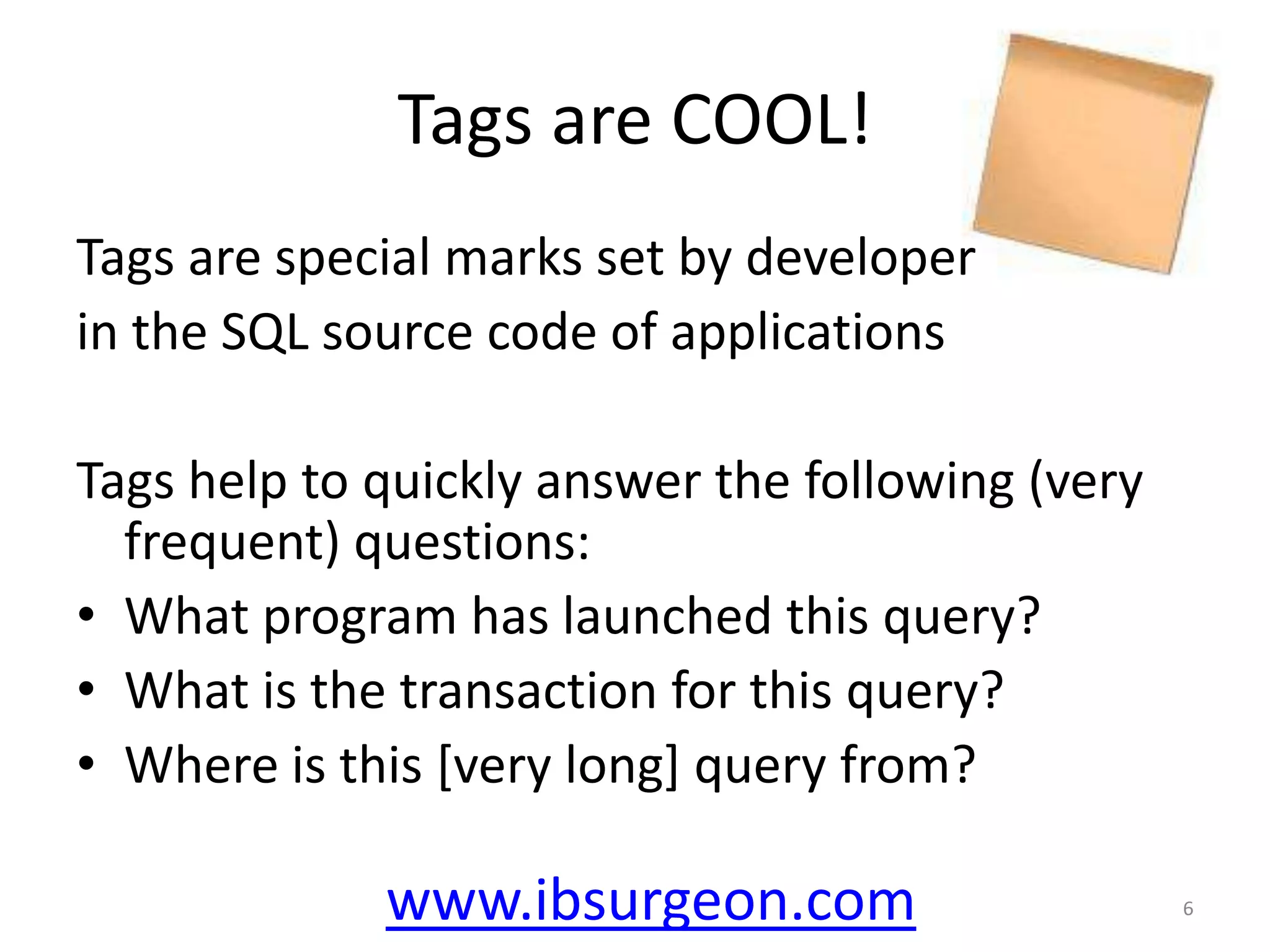
Tags are COOL!Tagsare special marks set by developer in the SQL source code of applicationsTags help to quickly answer the following (very frequent) questions:What program has launched this query? What is the transaction for this query? Where is this [very long] query from? www.ibsurgeon.com6
10.
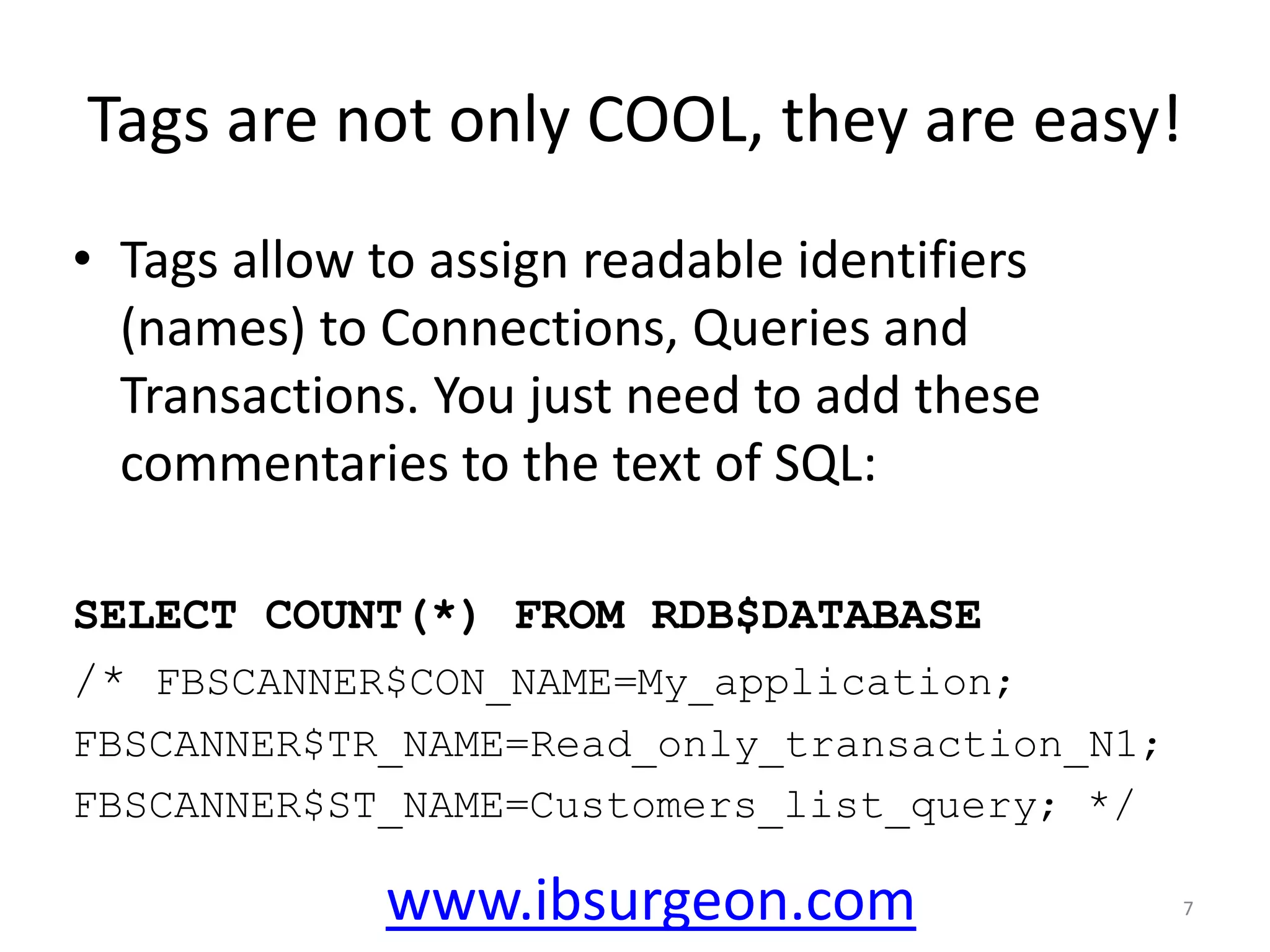
Tags are notonly COOL, they are easy!Tags allow to assign readable identifiers (names) to Connections, Queries and Transactions. You just need to add these commentaries to the text of SQL:SELECT COUNT(*) FROM RDB$DATABASE/* FBSCANNER$CON_NAME=My_application;FBSCANNER$TR_NAME=Read_only_transaction_N1;FBSCANNER$ST_NAME=Customers_list_query; */www.ibsurgeon.com7
11.
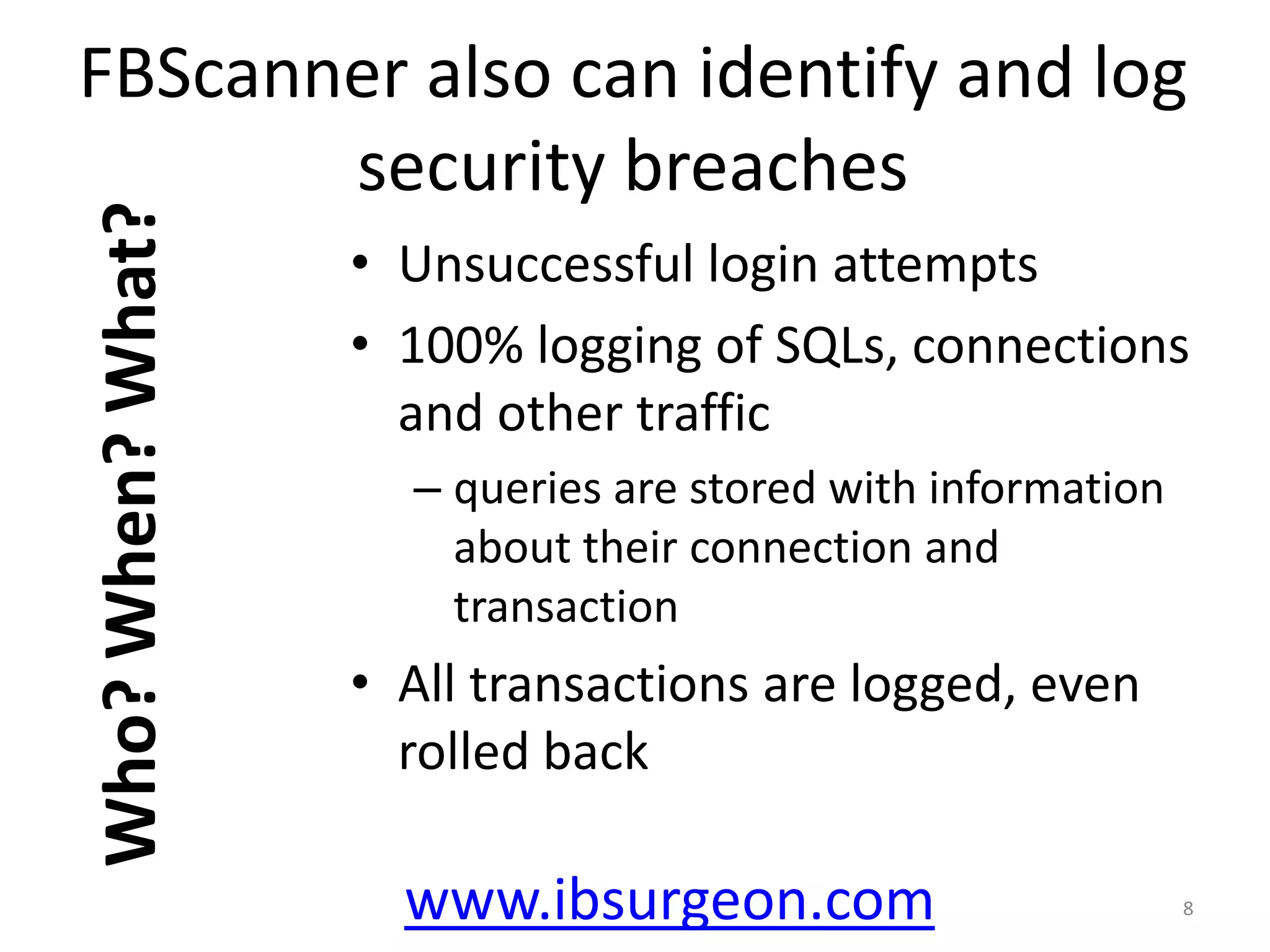
FBScanner also canidentify and log security breachesUnsuccessful login attempts100% logging of SQLs, connections and other traffic queries are stored with information about their connection and transactionAll transactions are logged, even rolled back8Who? When? What?www.ibsurgeon.com
12.
ScenariosLet’s quickly walkthrough the most popular scenarios where FBScanner is used:General monitoringConnections’ managementDebug and test applicationsLoggingwww.ibsurgeon.com9
13.
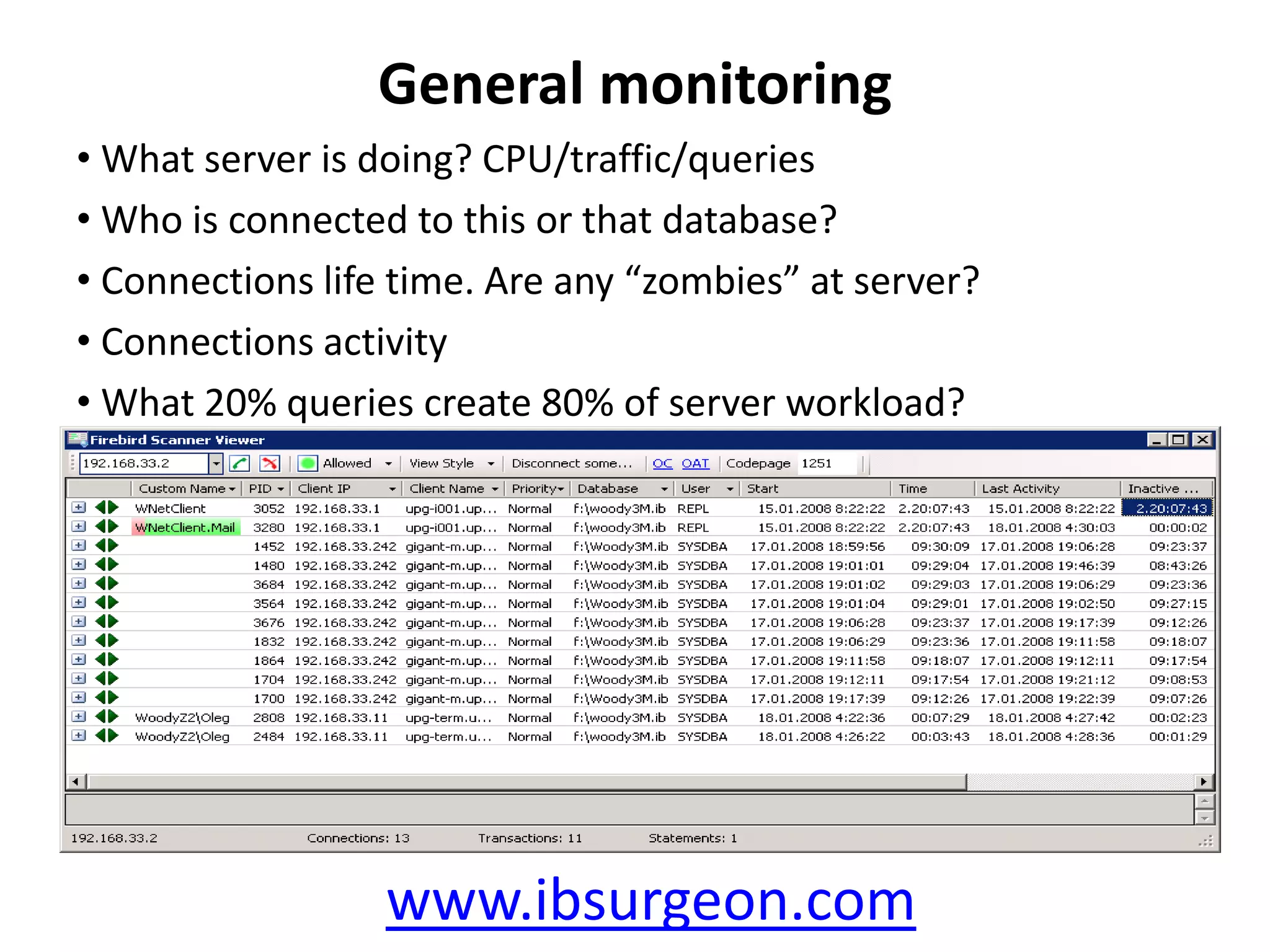
General monitoringWhat serveris doing? CPU/traffic/queriesWho is connected to this or that database?Connections life time. Are any “zombies” at server?Connections activityWhat 20% queries create 80% of server workload?www.ibsurgeon.com
14.
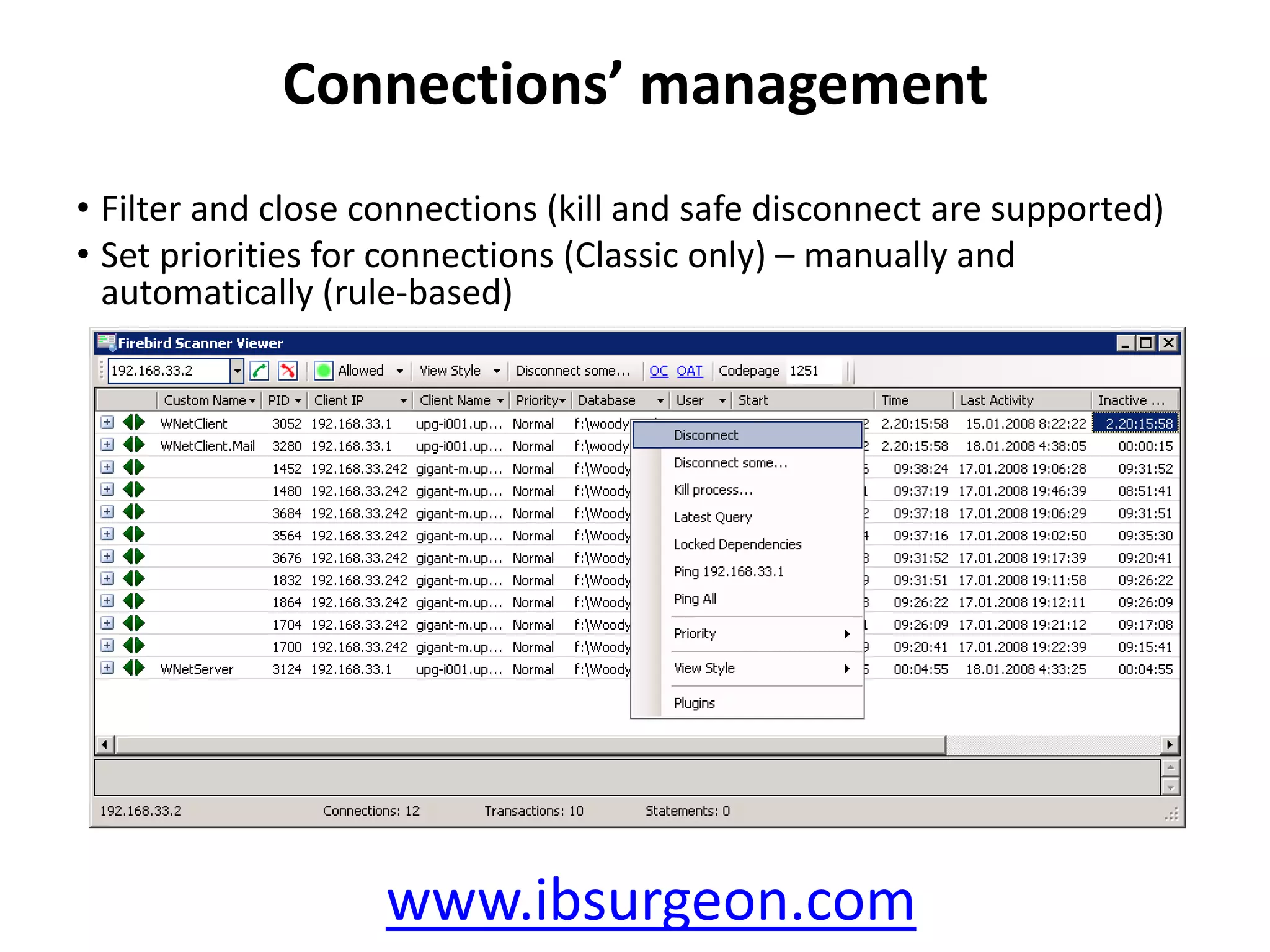
Connections’ managementFilter andclose connections (kill and safe disconnect are supported)Set priorities for connections (Classic only) – manually and automatically (rule-based)www.ibsurgeon.com
15.
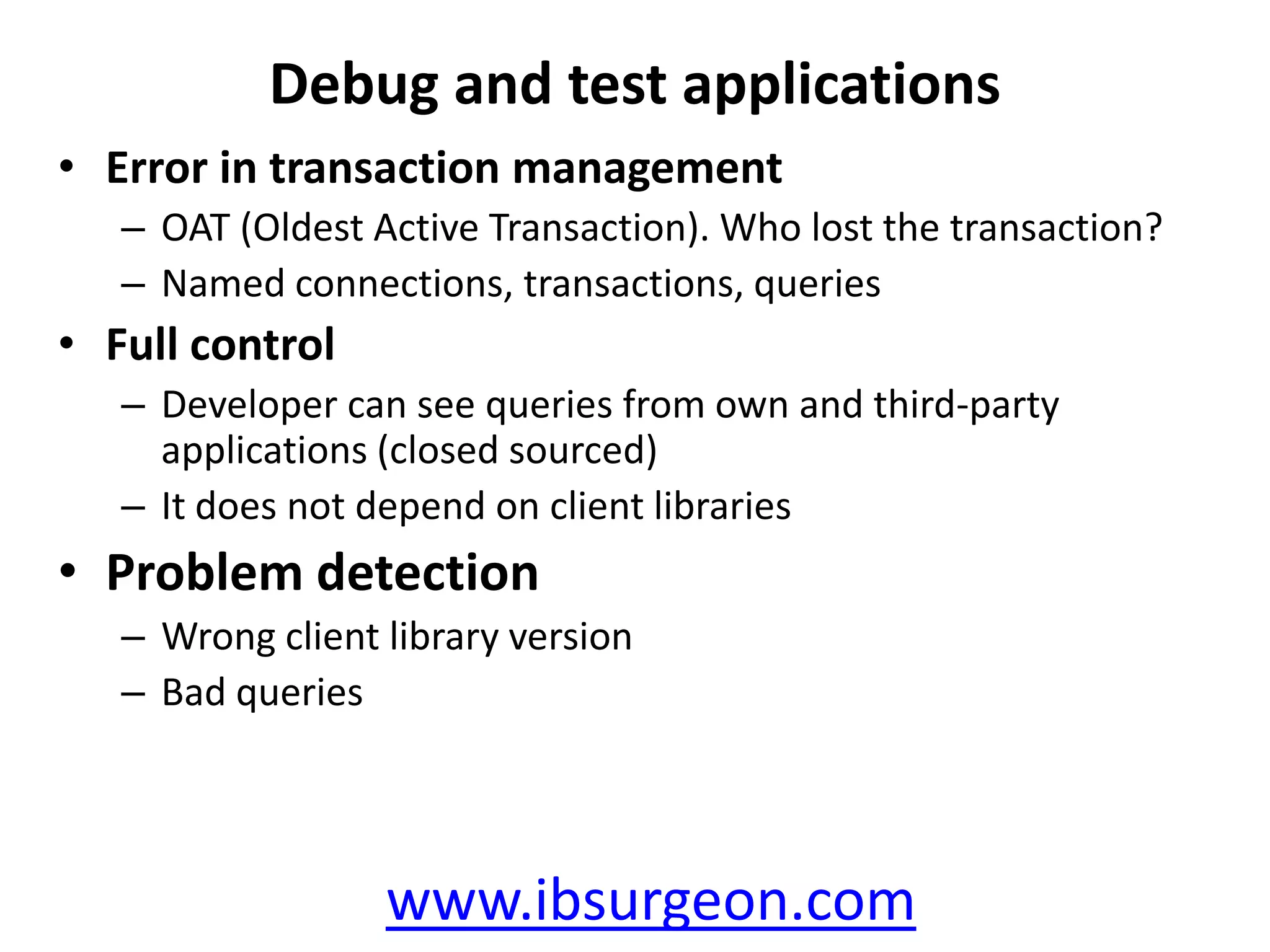
Debug and testapplicationsError in transaction managementOAT (Oldest Active Transaction).Who lost the transaction?Named connections, transactions, queriesFull controlDeveloper can see queries from own and third-party applications (closed sourced)It does not depend on client librariesProblem detectionWrong client library versionBad querieswww.ibsurgeon.com
16.
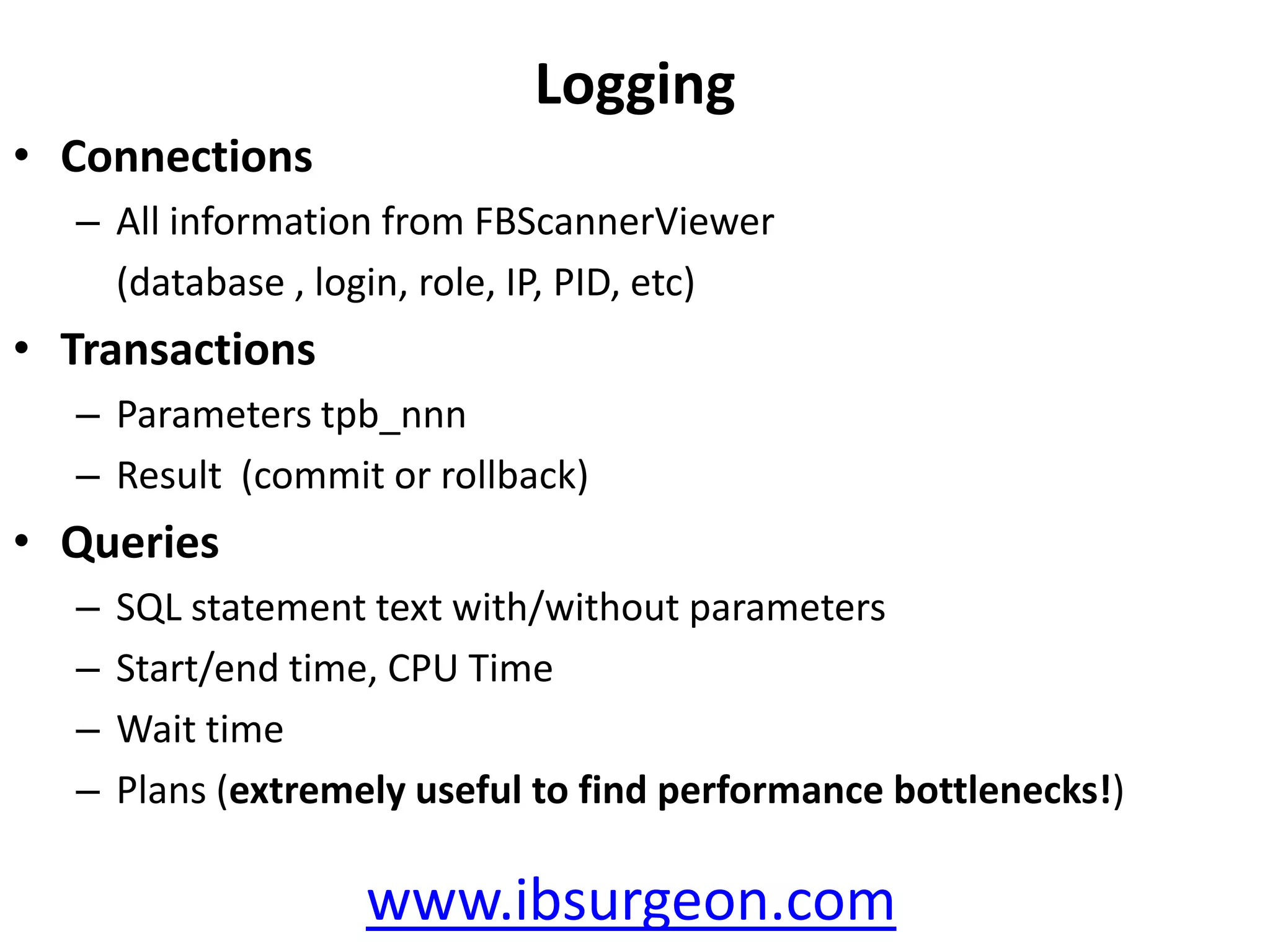
LoggingConnectionsAll information fromFBScannerViewer(database, login, role, IP,PID, etc)TransactionsParameterstpb_nnnResult (commit or rollback)QueriesSQL statement text with/without parametersStart/end time, CPU TimeWait timePlans (extremely useful to find performance bottlenecks!)www.ibsurgeon.com
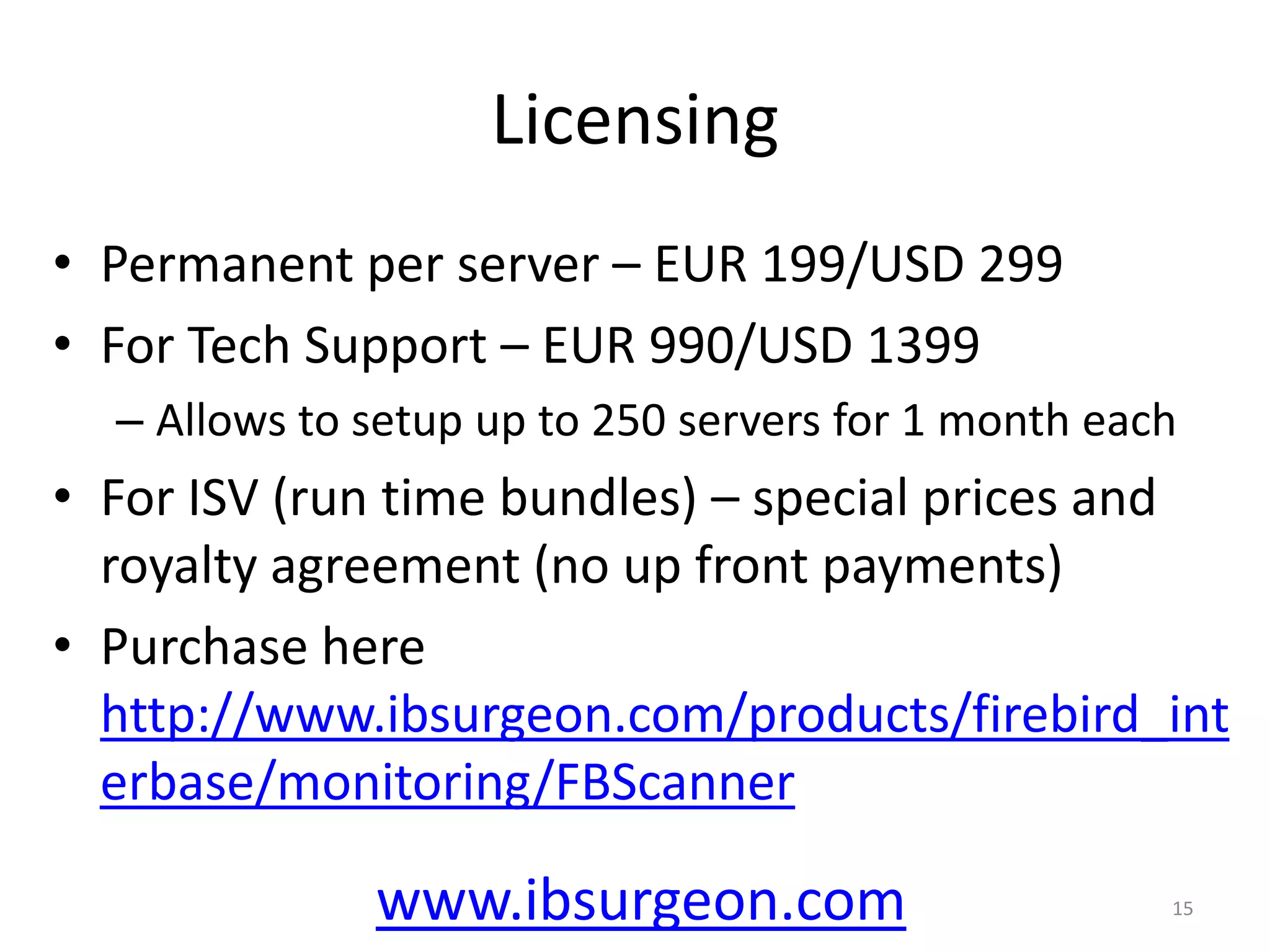
LicensingPermanent per server– EUR 199/USD 299For Tech Support – EUR 990/USD 1399 Allows to setup up to 250 servers for 1 month eachFor ISV (run time bundles) – special prices and royalty agreement (no up front payments)Purchase here http://www.ibsurgeon.com/products/firebird_interbase/monitoring/FBScanner15www.ibsurgeon.com
19.
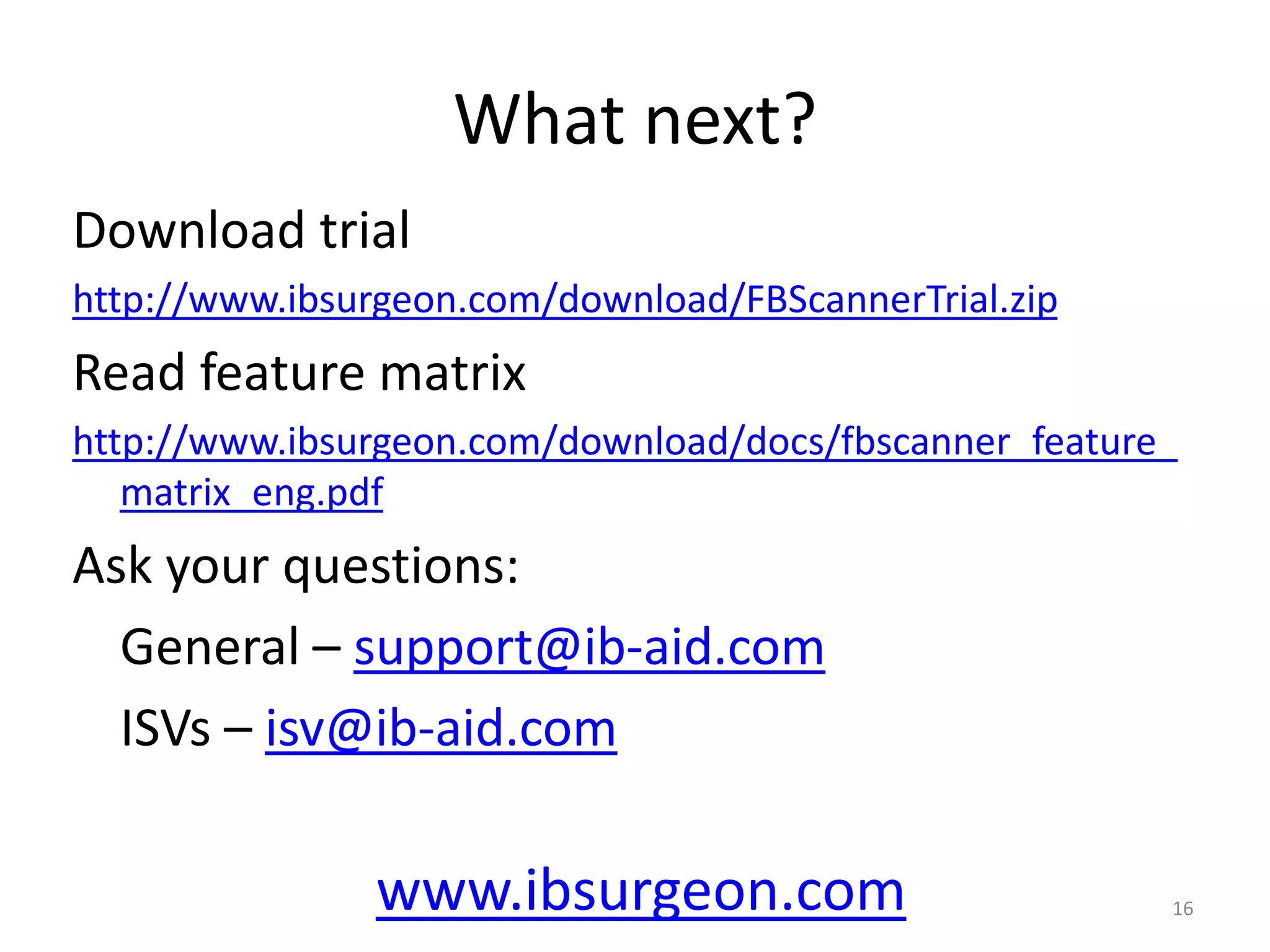
What next?Download trialhttp://www.ibsurgeon.com/download/FBScannerTrial.zipRead feature matrixhttp://www.ibsurgeon.com/download/docs/fbscanner_feature_matrix_eng.pdfAsk your questions: General – support@ib-aid.com ISVs – isv@ib-aid.com16www.ibsurgeon.com
![Tags are COOL!Tags are special marks set by developer in the SQL source code of applicationsTags help to quickly answer the following (very frequent) questions:What program has launched this query? What is the transaction for this query? Where is this [very long] query from? www.ibsurgeon.com6](https://image.slidesharecdn.com/fbscanner-091013173622-phpapp02/75/FBScanner-IBSurgeon-s-tool-to-solve-all-types-of-performance-problems-with-Firebird-9-2048.jpg)