A quick introduction to the new Merge Keyword in SQL 2008
Basic logic behind the Merge Keyword Breakdown the Syntax Lets see it in action Q & A Next Steps
Senior Systems Designer for Cybner Computer Solutions who specialise in Microsoft Dynamics CRM Implementation & Integration > 10 Years experience in the IT industry
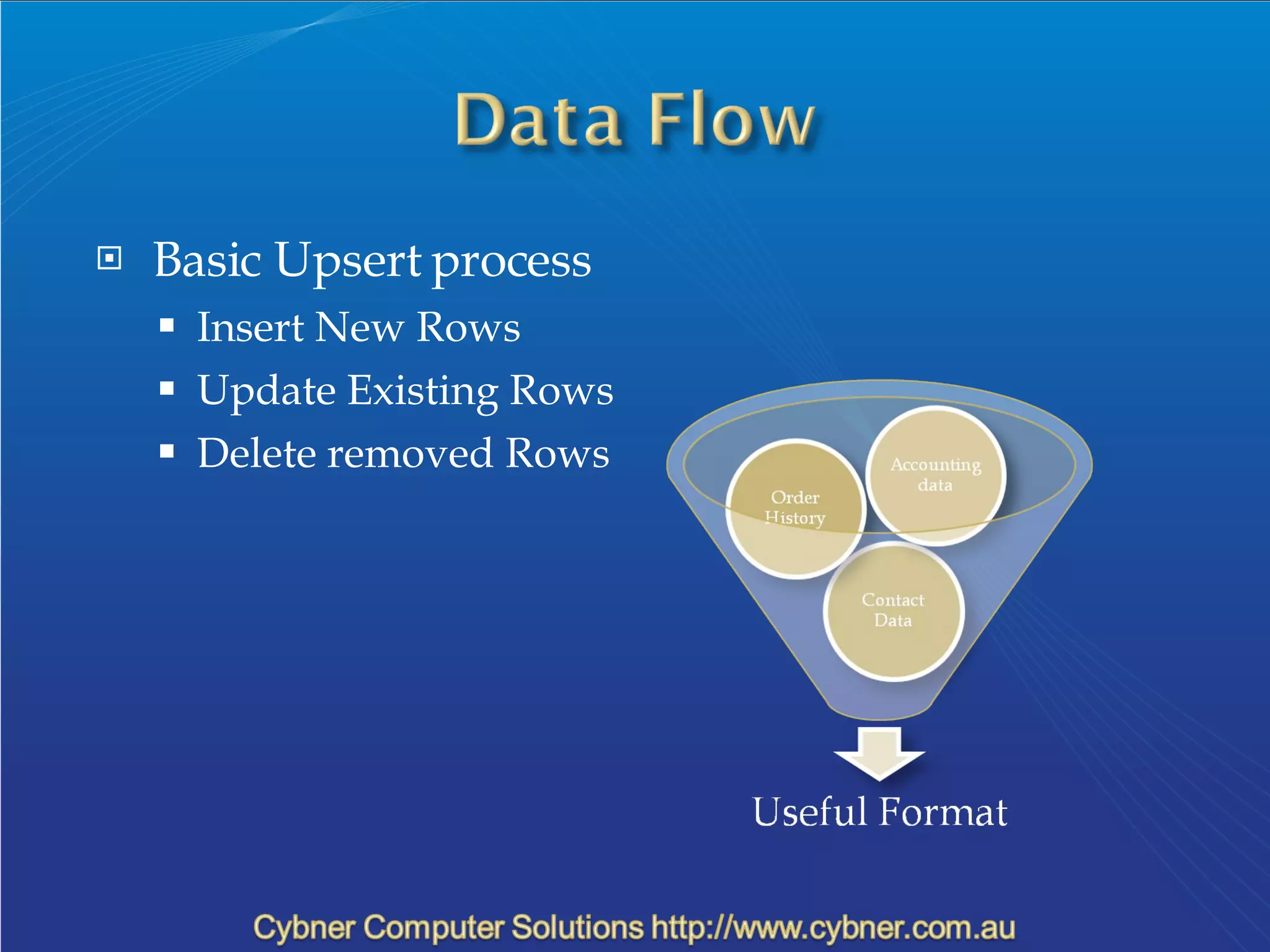
Basic Upsert process Insert New Rows Update Existing Rows Delete removed Rows
[ WITH <common_table_expression> [,...n] ]  MERGE  [ TOP ( expression ) [ PERCENT ] ]  [ INTO ] target_table [ [ AS ] table_alias ]  [ WITH ( <merge_hint> ) ]  USING <table_source>  ON <search_condition>  [ WHEN MATCHED [ AND <search_condition> ]         THEN <merge_matched> ] [ WHEN [TARGET] NOT MATCHED [ AND <search_condition> ]         THEN <merge_not_matched> ]  [ WHEN SOURCE NOT MATCHED [ AND <search_condition> ]         THEN <merge_ matched> ]  <output_clause>  [ OPTION ( <query_hint> [ ,...n ] ) ]  ;
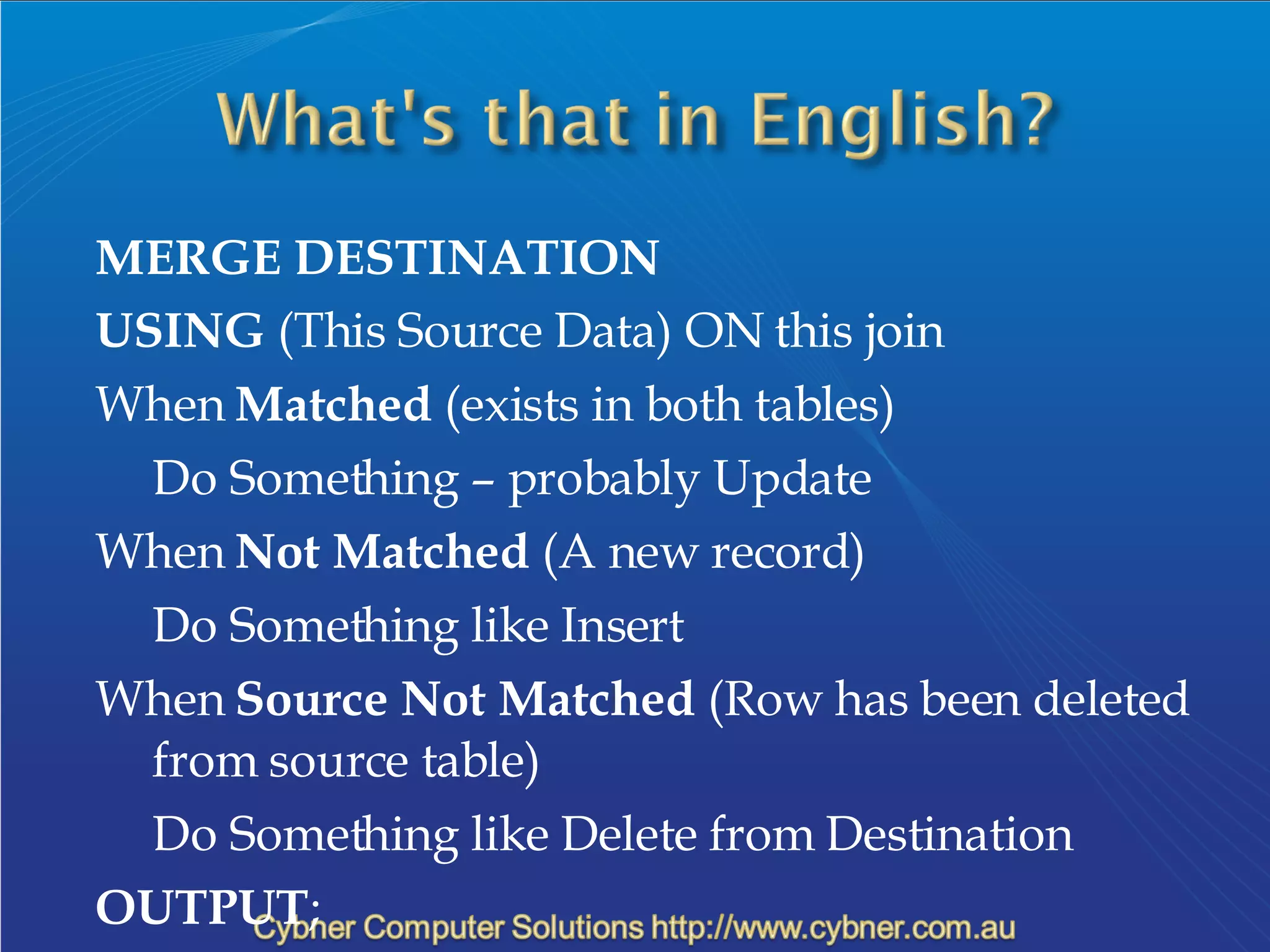
MERGE DESTINATION USING  (This Source Data) ON this join When  Matched  (exists in both tables) Do Something – probably Update When  Not Matched  (A new record) Do Something like Insert When  Source Not Matched  (Row has been deleted from source table) Do Something like Delete from Destination OUTPUT ;
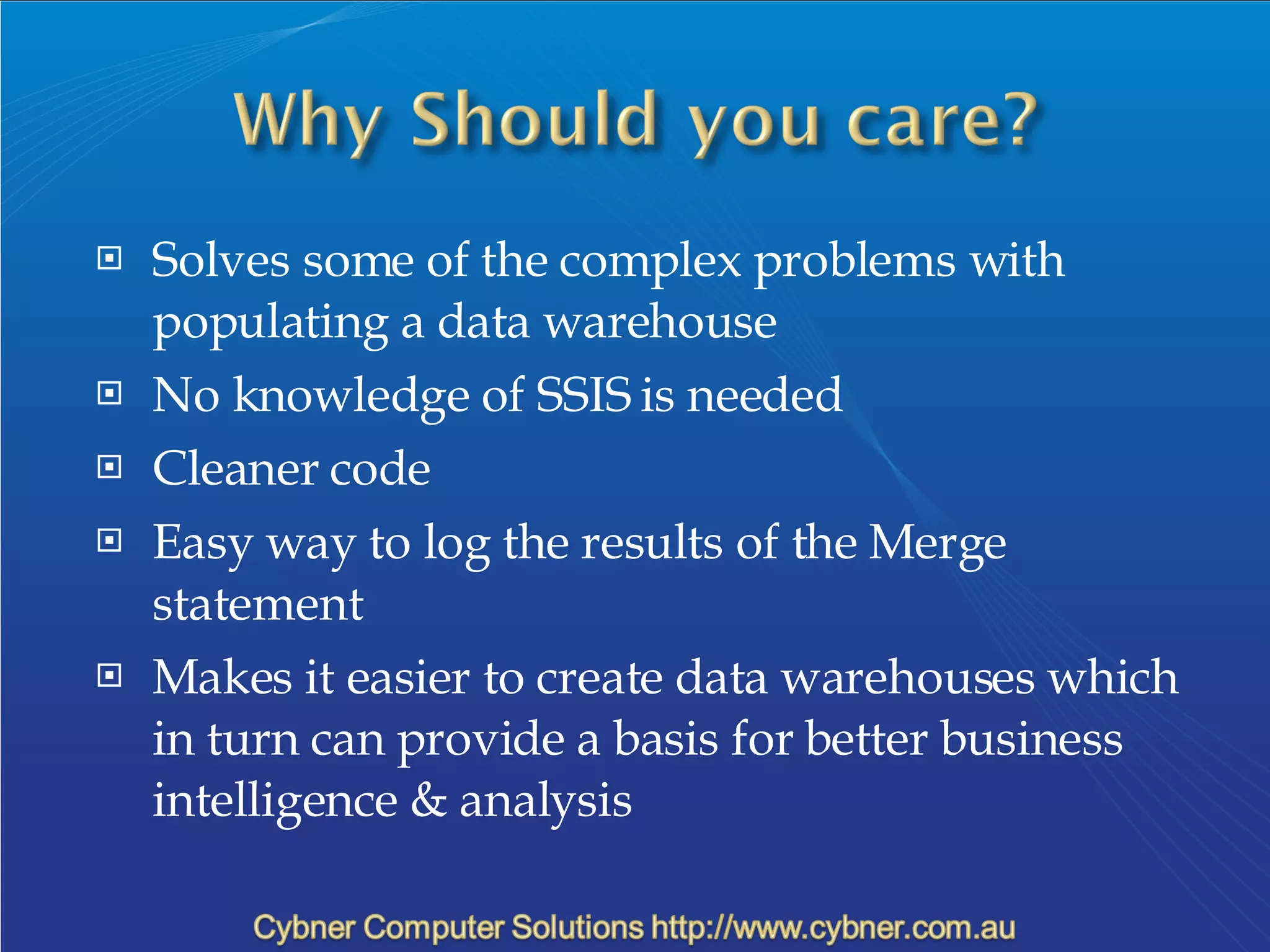
Solves some of the complex problems with populating a data warehouse No knowledge of SSIS is needed Cleaner code Easy way to log the results of the Merge statement Makes it easier to create data warehouses which in turn can provide a basis for better business intelligence & analysis
Over to you…
Best Resources for SQL 2008 resources: Google!!! Search what you are trying to do http://www.sqlservercentral.com/ http://msdn.microsoft.com/en-us/library/bb522522(SQL.100).aspx Download the latest CTP & Start Playing!! More info on me: http://blog.cybner.com.au/ http://www.twitter.com/ceibner

Merge In Sql 2008

  • 1.
    A quick introductionto the new Merge Keyword in SQL 2008
  • 2.
    Basic logic behindthe Merge Keyword Breakdown the Syntax Lets see it in action Q & A Next Steps
  • 3.
    Senior Systems Designerfor Cybner Computer Solutions who specialise in Microsoft Dynamics CRM Implementation & Integration > 10 Years experience in the IT industry
  • 4.
    Basic Upsert processInsert New Rows Update Existing Rows Delete removed Rows
  • 5.
    [ WITH <common_table_expression>[,...n] ] MERGE [ TOP ( expression ) [ PERCENT ] ] [ INTO ] target_table [ [ AS ] table_alias ] [ WITH ( <merge_hint> ) ] USING <table_source> ON <search_condition> [ WHEN MATCHED [ AND <search_condition> ]         THEN <merge_matched> ] [ WHEN [TARGET] NOT MATCHED [ AND <search_condition> ]         THEN <merge_not_matched> ] [ WHEN SOURCE NOT MATCHED [ AND <search_condition> ]         THEN <merge_ matched> ] <output_clause> [ OPTION ( <query_hint> [ ,...n ] ) ] ;
  • 6.
    MERGE DESTINATION USING (This Source Data) ON this join When Matched (exists in both tables) Do Something – probably Update When Not Matched (A new record) Do Something like Insert When Source Not Matched (Row has been deleted from source table) Do Something like Delete from Destination OUTPUT ;
  • 7.
    Solves some ofthe complex problems with populating a data warehouse No knowledge of SSIS is needed Cleaner code Easy way to log the results of the Merge statement Makes it easier to create data warehouses which in turn can provide a basis for better business intelligence & analysis
  • 8.
  • 9.
    Best Resources forSQL 2008 resources: Google!!! Search what you are trying to do http://www.sqlservercentral.com/ http://msdn.microsoft.com/en-us/library/bb522522(SQL.100).aspx Download the latest CTP & Start Playing!! More info on me: http://blog.cybner.com.au/ http://www.twitter.com/ceibner

Editor's Notes

  • #2 ETL – Extraction, Transformation &amp; Loading of data