NS2: Passing Valuesbetween C++ and OTcl domains by Teerawat Issariyakul http://www.ns2ultimate.com September 2010 http://www.ns2ultimate.com
2.
Outline Introduction MotivationExecuting OTcl statements C++ OTcl result(<constant string>) resultf(<string with printf format>) OTcl C++: result() http://www.ns2ultimate.com
3.
Introduction This isa series on how NS2 binds C++ and OTcl together. This is the second topic of the series: 1. Why Two Languages? 2. Binding C++ and OTcl classes 3. Variable binding 4. OTcl command: Invoking C++ statements from the OTcl domain 5. Eval and result: Invoking OTcl statements from the C++ domain 6. Object binding and object construction process. http://www.ns2ultimate.com
4.
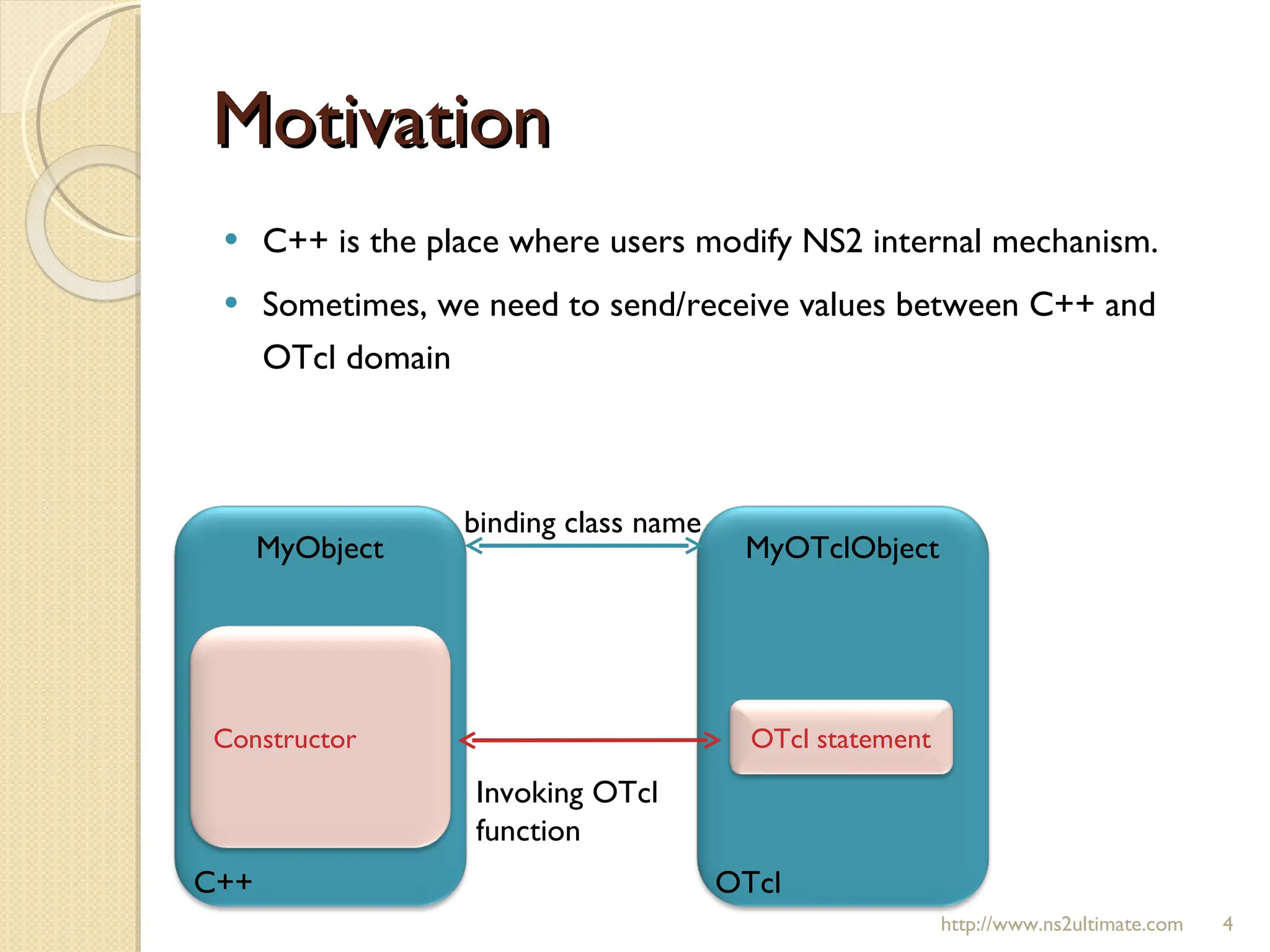
Motivation C++ isthe place where users modify NS2 internal mechanism. Sometimes, we need to send/receive values between C++ and OTcl domain http://www.ns2ultimate.com MyObject C++ MyOTclObject OTcl Invoking OTcl function binding class name Constructor OTcl statement
5.
Pre-requisite Pre-requisite Classbinding [see here and here ] OTcl command [see here , here , and here] Given the bound environment Objective: 1. C++ variable delay_ Value in the OTcl domain 2. A Value in the OTcl domain the C++ variable delay_ http://www.ns2ultimate.com C++: class = MyObject variable = delay_ OTcl: class = MyOTclObject variable = none
6.
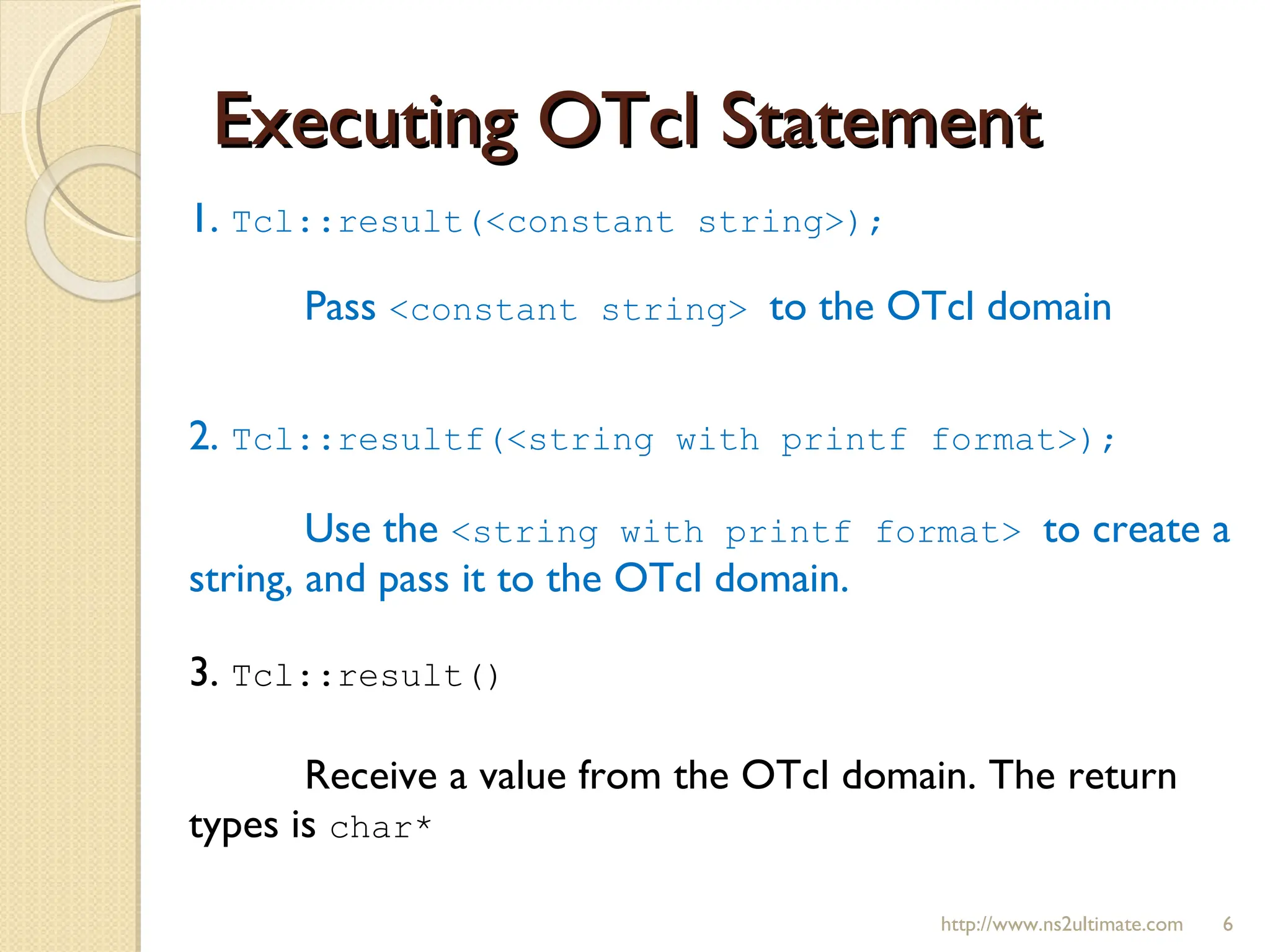
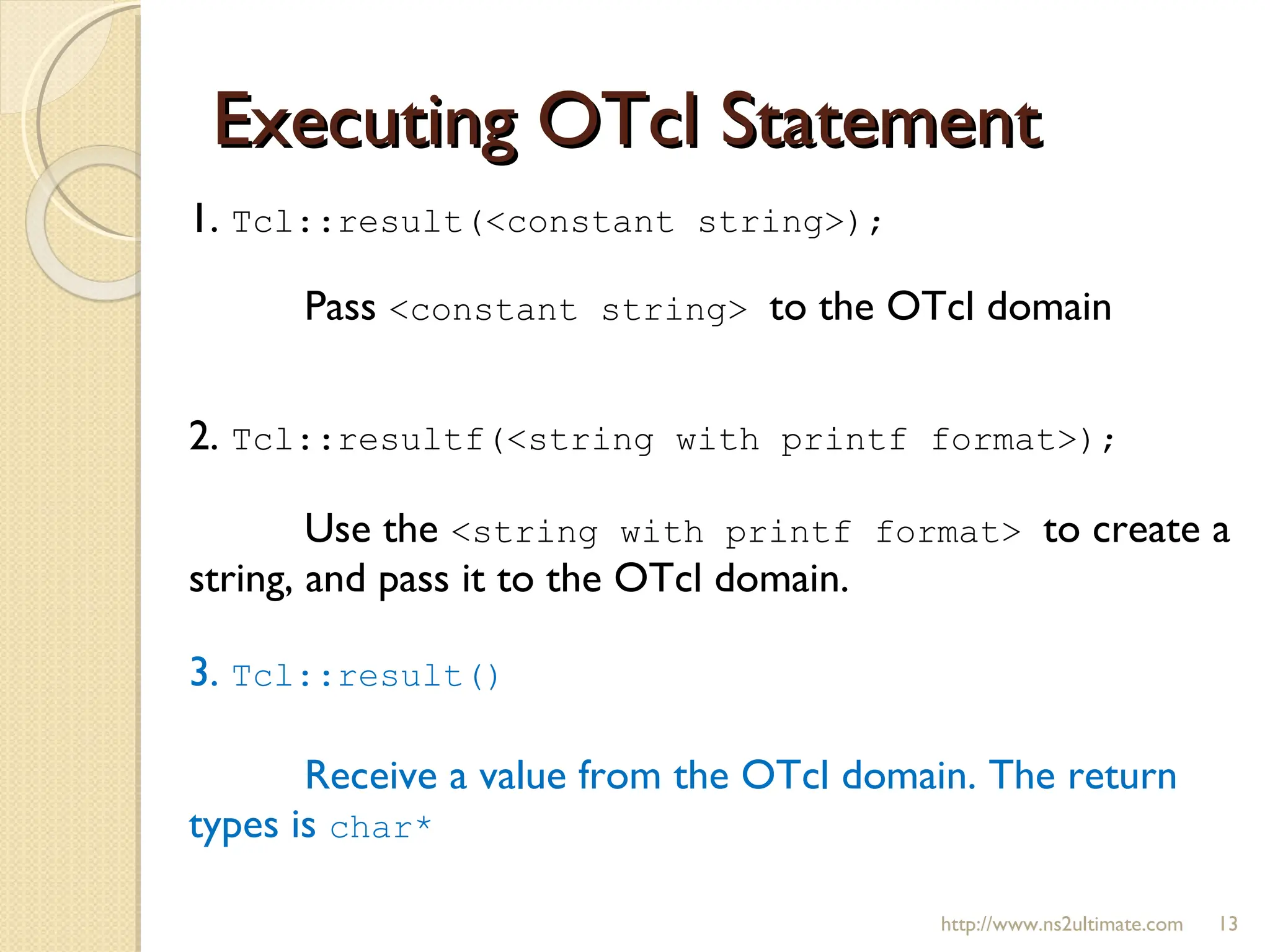
Executing OTcl Statement1. Tcl::result(<constant string>); Pass <constant string> to the OTcl domain 2. Tcl::resultf(<string with printf format>); Use the <string with printf format> to create a string, and pass it to the OTcl domain. 3. Tcl::result() Receive a value from the OTcl domain. The return types is char* http://www.ns2ultimate.com
7.
Environment Setup http://www.ns2ultimate.comConstructor OTcl command “ get-delay ” MyObject::MyObject(){ delay_ = 9.9; }; int MyObject::command(int argc, const char*const* argv) { if (argc==2) { if (strcmp(argv[1], “ get-delay ") == 0) { [ Passing delay_ to the OTcl ] return (TCL_OK); } } return TclObject::command(argc, argv); };
8.
Environment Setup http://www.ns2ultimate.comOTcl file “result.tcl” set ns [new Simulator] set obj [new MyOTclObject] set d [$obj get-delay] puts "The variable d contains” puts "$d"
9.
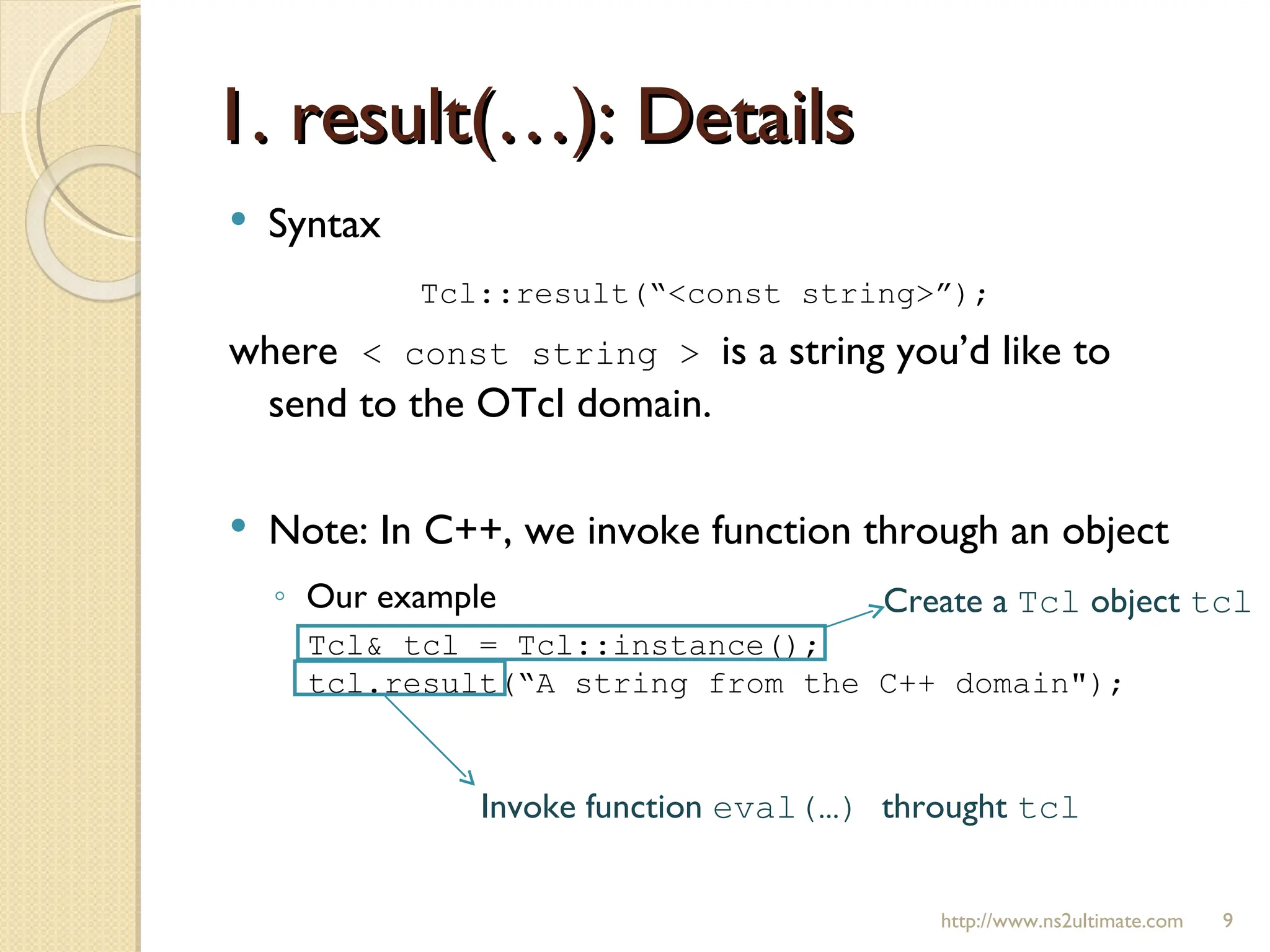
1. result(…): Detailshttp://www.ns2ultimate.com Syntax Tcl::result(“<const string>”); where < const string > is a string you’d like to send to the OTcl domain. Note: In C++, we invoke function through an object Our example Tcl& tcl = Tcl::instance(); tcl.result(“A string from the C++ domain"); Create a Tcl object tcl Invoke function eval(…) throught tcl
10.
1. result(…): Usagehttp://www.ns2ultimate.com Modify the OTcl command “ get-delay ” int MyObject::command(int argc, const char*const* argv) { Tcl& tcl = Tcl::instance(); if (argc==2) { if (strcmp(argv[1], “ get-delay ") == 0) { tcl.result("A string from the C++ domain"); return (TCL_OK); } } return TclObject::command(argc, argv); }; set ns [new Simulator] set obj [new MyOTclObject] set d [$obj get-delay] puts "The variable d contains” puts "$d" Run the Tcl simulation script “ result.tcl ” Output The string from the C++ domain is stored in the variable $d The value is displayed on this line
11.
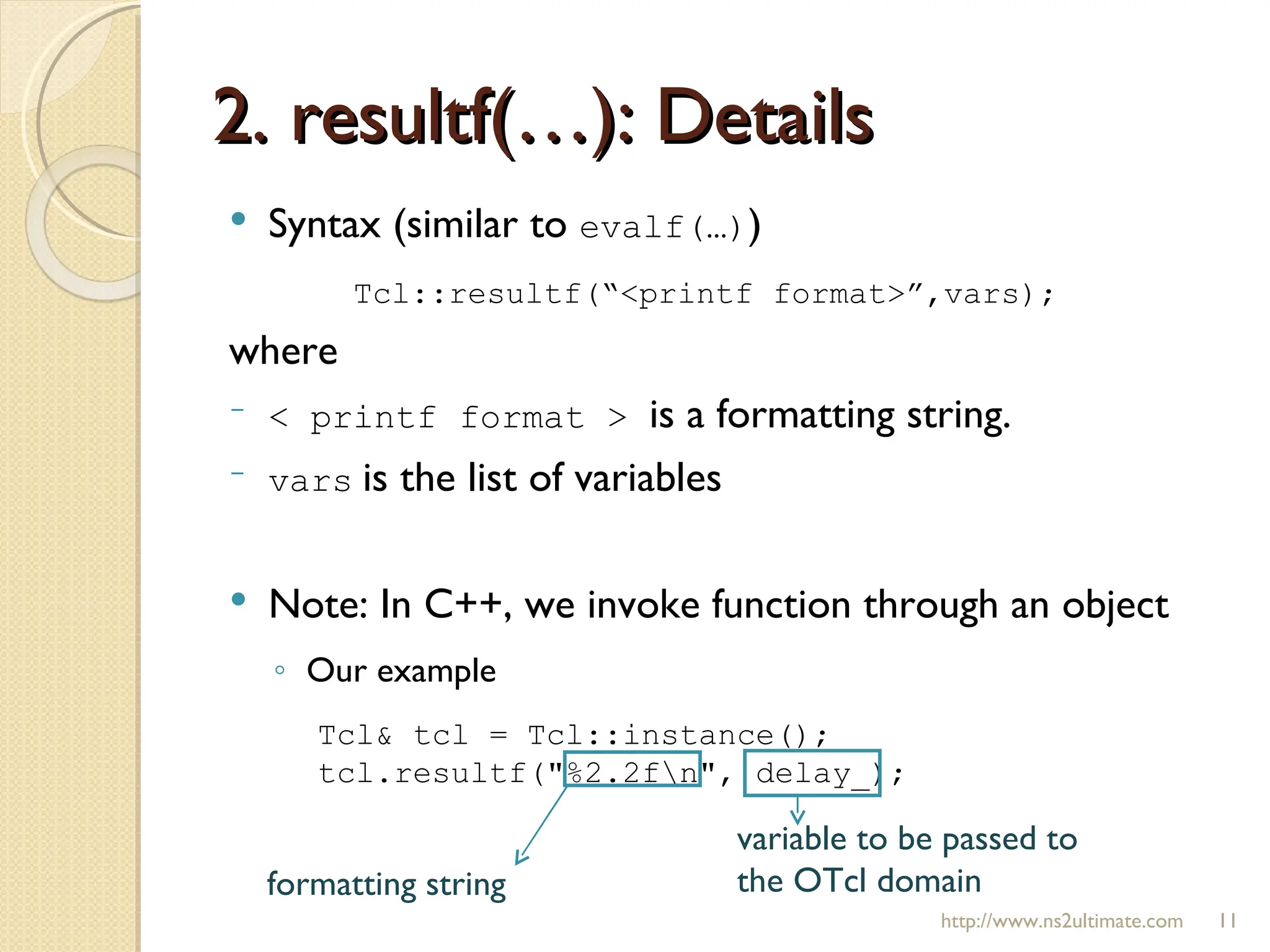
2. resultf(…): Detailshttp://www.ns2ultimate.com Syntax (similar to evalf(…) ) Tcl::resultf(“<printf format>”,vars); where < printf format > is a formatting string. vars is the list of variables Note: In C++, we invoke function through an object Our example Tcl& tcl = Tcl::instance(); tcl.resultf("%2.2f\n", delay_); formatting string variable to be passed to the OTcl domain
12.
2. resultf(…): Usagehttp://www.ns2ultimate.com Modify the OTcl command “ get-delay ” int MyObject::command(int argc, const char*const* argv) { Tcl& tcl = Tcl::instance(); if (argc==2) { if (strcmp(argv[1], “ get-delay ") == 0) { tcl.resultf("%2.2f\n", delay_); return (TCL_OK); } } return TclObject::command(argc, argv); }; set ns [new Simulator] set obj [new MyOTclObject] set d [$obj get-delay] puts "The variable d contains” puts "$d" Run the Tcl simulation script “ result.tcl ” Output The C++ variable delay_ was set to 9.9 in the constructor; It is now stored in the variable $d The value is displayed on this line
13.
Executing OTcl Statement1. Tcl::result(<constant string>); Pass <constant string> to the OTcl domain 2. Tcl::resultf(<string with printf format>); Use the <string with printf format> to create a string, and pass it to the OTcl domain. 3. Tcl::result() Receive a value from the OTcl domain. The return types is char* http://www.ns2ultimate.com
14.
Environment Setup http://www.ns2ultimate.comSuppose we would like to initiate the C++ variable delay_ with an OTcl local variable $d The Tcl Simulation script “ result.tcl ” would be In C++, the constructor of class MyObject needs to Read the value of $d from the OTcl domain Stored the value in the variable delay_ set ns [new Simulator] set d 50 set obj [new MyOTclObject] puts "The variable d contains” puts "$d"
15.
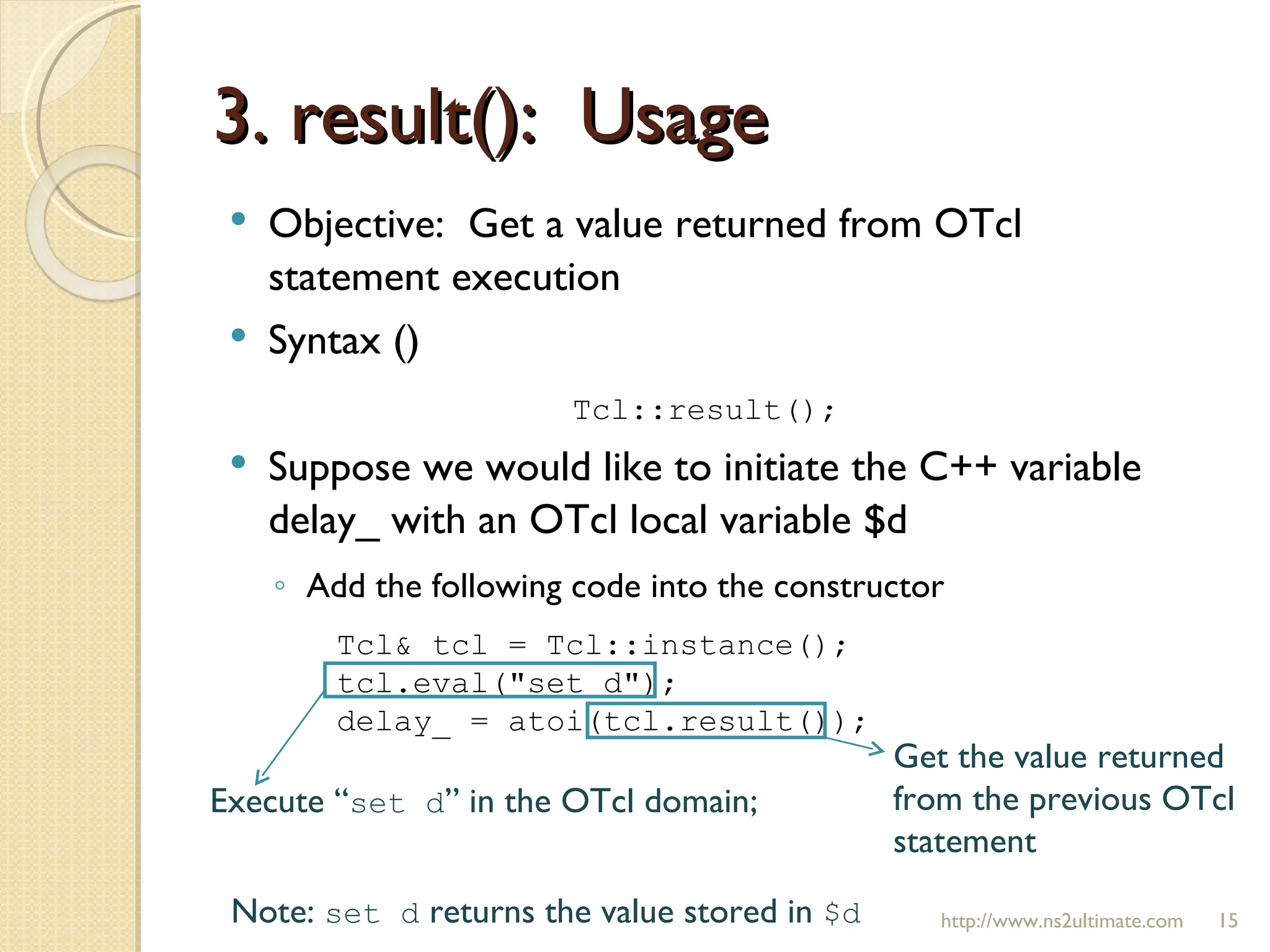
3. result(): Usage http://www.ns2ultimate.com Objective: Get a value returned from OTcl statement execution Syntax () Tcl::result(); Suppose we would like to initiate the C++ variable delay_ with an OTcl local variable $d Add the following code into the constructor Tcl& tcl = Tcl::instance(); tcl.eval("set d"); delay_ = atoi(tcl.result()); Execute “ set d ” in the OTcl domain; Get the value returned from the previous OTcl statement Note: set d returns the value stored in $d
16.
3. result(): Usagehttp://www.ns2ultimate.com Modify the Constructor MyObject::MyObject() { Tcl& tcl = Tcl::instance(); tcl.eval("set d"); delay_ = atoi(tcl.result()); } set ns [new Simulator] set d 50 set obj [new MyOTclObject] puts "The variable d contains” puts "$d" Run the Tcl simulation script “ result.tcl ” Output When creating a MyOTclObject object, The C++ constructor of class MyObject is invoked. The value is displayed on this line Now, the value stored in delay_ is 50.
17.
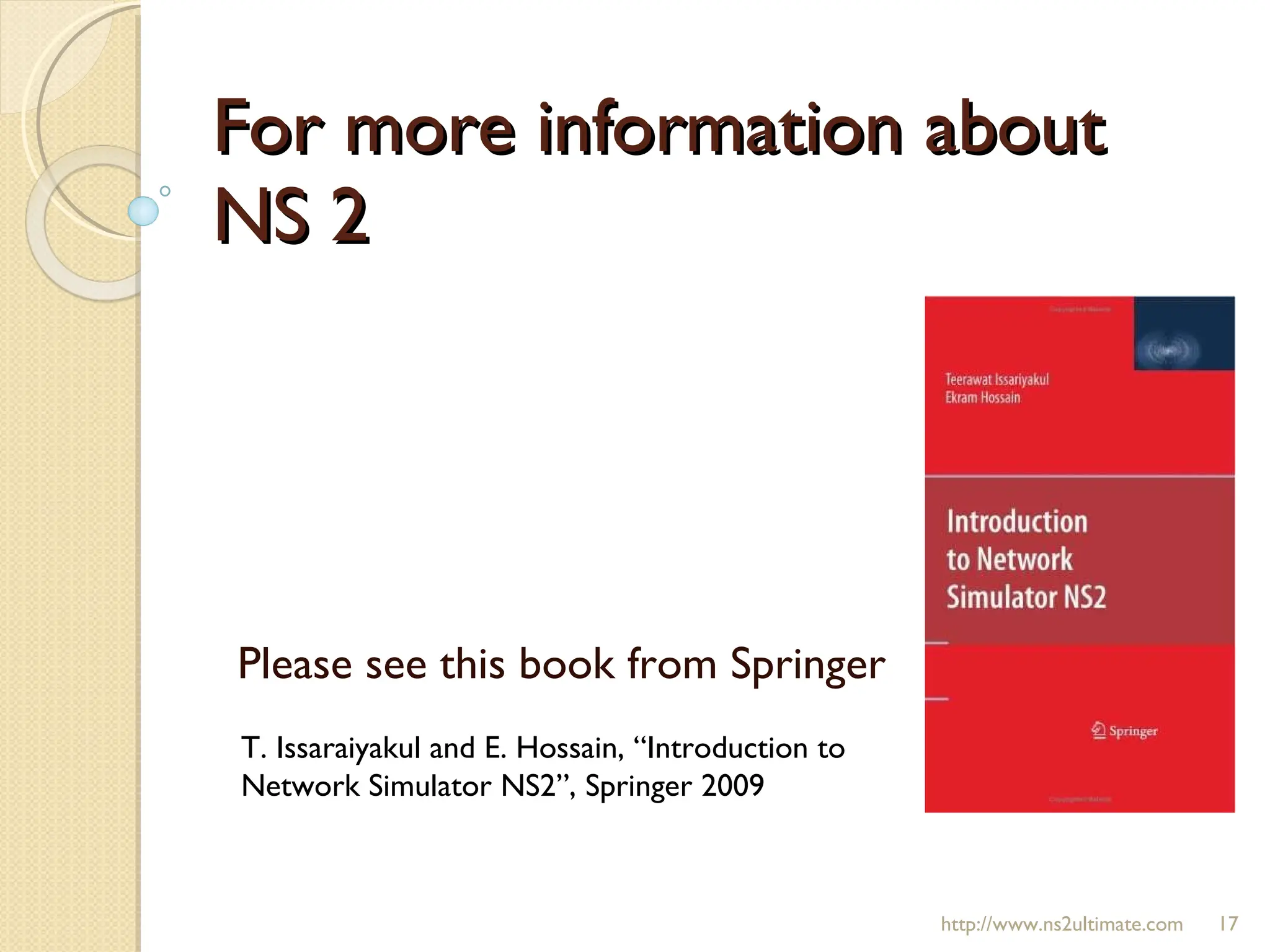
For more informationabout NS 2 Please see this book from Springer T. Issaraiyakul and E. Hossain, “Introduction to Network Simulator NS2”, Springer 2009 http://www.ns2ultimate.com
![Pre-requisite Pre-requisite Class binding [see here and here ] OTcl command [see here , here , and here] Given the bound environment Objective: 1. C++ variable delay_ Value in the OTcl domain 2. A Value in the OTcl domain the C++ variable delay_ http://www.ns2ultimate.com C++: class = MyObject variable = delay_ OTcl: class = MyOTclObject variable = none](https://image.slidesharecdn.com/20100905-otcl-result-new-100906214515-phpapp02/75/20100905-NS2-Passing-Values-Between-C-and-OTcl-5-2048.jpg)
![Environment Setup http://www.ns2ultimate.com Constructor OTcl command “ get-delay ” MyObject::MyObject(){ delay_ = 9.9; }; int MyObject::command(int argc, const char*const* argv) { if (argc==2) { if (strcmp(argv[1], “ get-delay ") == 0) { [ Passing delay_ to the OTcl ] return (TCL_OK); } } return TclObject::command(argc, argv); };](https://image.slidesharecdn.com/20100905-otcl-result-new-100906214515-phpapp02/75/20100905-NS2-Passing-Values-Between-C-and-OTcl-7-2048.jpg)
![Environment Setup http://www.ns2ultimate.com OTcl file “result.tcl” set ns [new Simulator] set obj [new MyOTclObject] set d [$obj get-delay] puts "The variable d contains” puts "$d"](https://image.slidesharecdn.com/20100905-otcl-result-new-100906214515-phpapp02/75/20100905-NS2-Passing-Values-Between-C-and-OTcl-8-2048.jpg)
![1. result(…): Usage http://www.ns2ultimate.com Modify the OTcl command “ get-delay ” int MyObject::command(int argc, const char*const* argv) { Tcl& tcl = Tcl::instance(); if (argc==2) { if (strcmp(argv[1], “ get-delay ") == 0) { tcl.result("A string from the C++ domain"); return (TCL_OK); } } return TclObject::command(argc, argv); }; set ns [new Simulator] set obj [new MyOTclObject] set d [$obj get-delay] puts "The variable d contains” puts "$d" Run the Tcl simulation script “ result.tcl ” Output The string from the C++ domain is stored in the variable $d The value is displayed on this line](https://image.slidesharecdn.com/20100905-otcl-result-new-100906214515-phpapp02/75/20100905-NS2-Passing-Values-Between-C-and-OTcl-10-2048.jpg)
![2. resultf(…): Usage http://www.ns2ultimate.com Modify the OTcl command “ get-delay ” int MyObject::command(int argc, const char*const* argv) { Tcl& tcl = Tcl::instance(); if (argc==2) { if (strcmp(argv[1], “ get-delay ") == 0) { tcl.resultf("%2.2f\n", delay_); return (TCL_OK); } } return TclObject::command(argc, argv); }; set ns [new Simulator] set obj [new MyOTclObject] set d [$obj get-delay] puts "The variable d contains” puts "$d" Run the Tcl simulation script “ result.tcl ” Output The C++ variable delay_ was set to 9.9 in the constructor; It is now stored in the variable $d The value is displayed on this line](https://image.slidesharecdn.com/20100905-otcl-result-new-100906214515-phpapp02/75/20100905-NS2-Passing-Values-Between-C-and-OTcl-12-2048.jpg)
![Environment Setup http://www.ns2ultimate.com Suppose we would like to initiate the C++ variable delay_ with an OTcl local variable $d The Tcl Simulation script “ result.tcl ” would be In C++, the constructor of class MyObject needs to Read the value of $d from the OTcl domain Stored the value in the variable delay_ set ns [new Simulator] set d 50 set obj [new MyOTclObject] puts "The variable d contains” puts "$d"](https://image.slidesharecdn.com/20100905-otcl-result-new-100906214515-phpapp02/75/20100905-NS2-Passing-Values-Between-C-and-OTcl-14-2048.jpg)
![3. result(): Usage http://www.ns2ultimate.com Modify the Constructor MyObject::MyObject() { Tcl& tcl = Tcl::instance(); tcl.eval("set d"); delay_ = atoi(tcl.result()); } set ns [new Simulator] set d 50 set obj [new MyOTclObject] puts "The variable d contains” puts "$d" Run the Tcl simulation script “ result.tcl ” Output When creating a MyOTclObject object, The C++ constructor of class MyObject is invoked. The value is displayed on this line Now, the value stored in delay_ is 50.](https://image.slidesharecdn.com/20100905-otcl-result-new-100906214515-phpapp02/75/20100905-NS2-Passing-Values-Between-C-and-OTcl-16-2048.jpg)