Let's create a website!
Let's find an interesting module

●   Go to CPAN
●   Search for something funny in Text::
●   We found Text::UpsideDown
●   It turns text upside down!
●   OMGZ0x0ztrzzzz11!
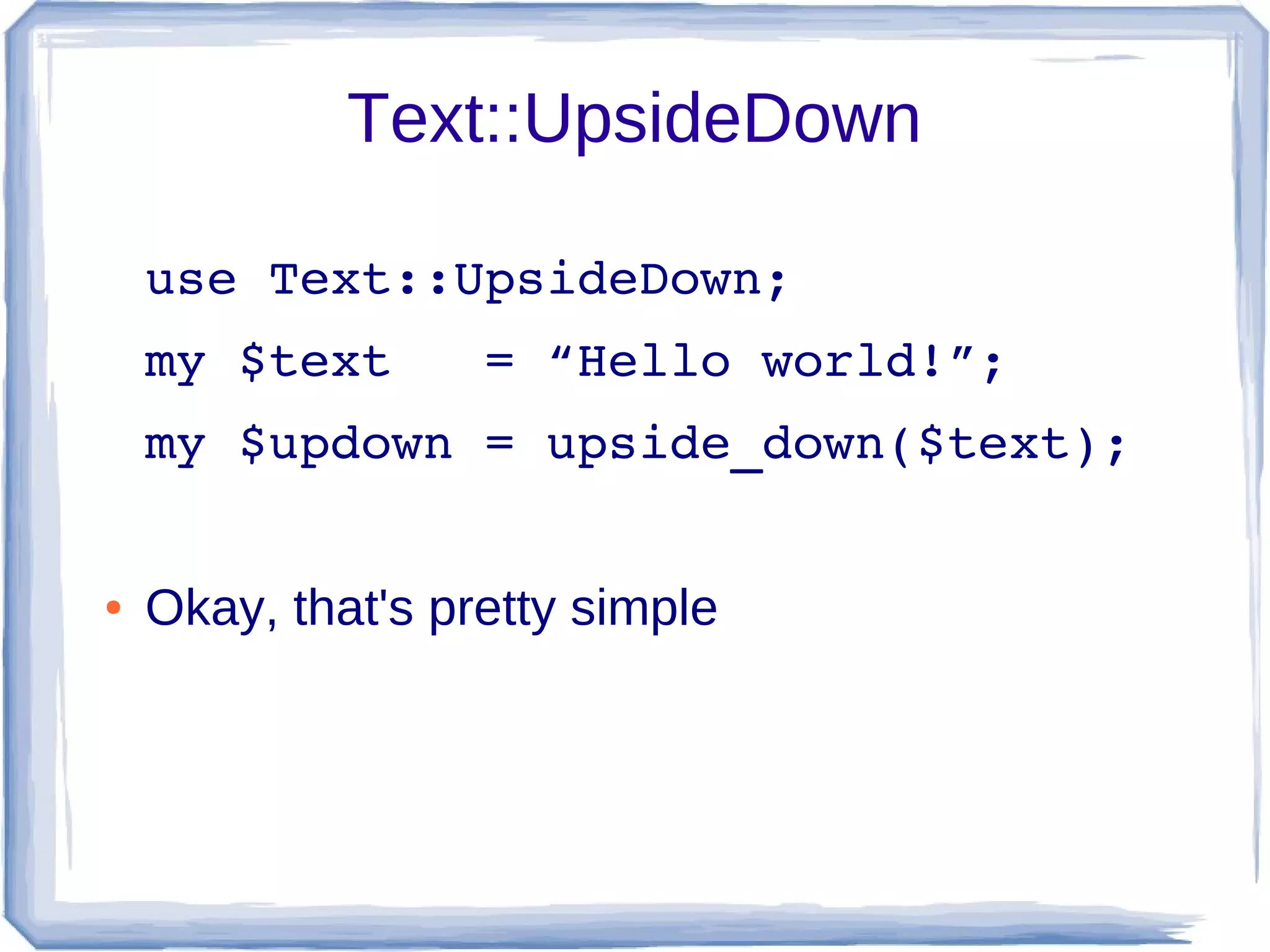
Text::UpsideDown

    use Text::UpsideDown;
    my $text   = “Hello world!”;
    my $updown = upside_down($text);


●   Okay, that's pretty simple
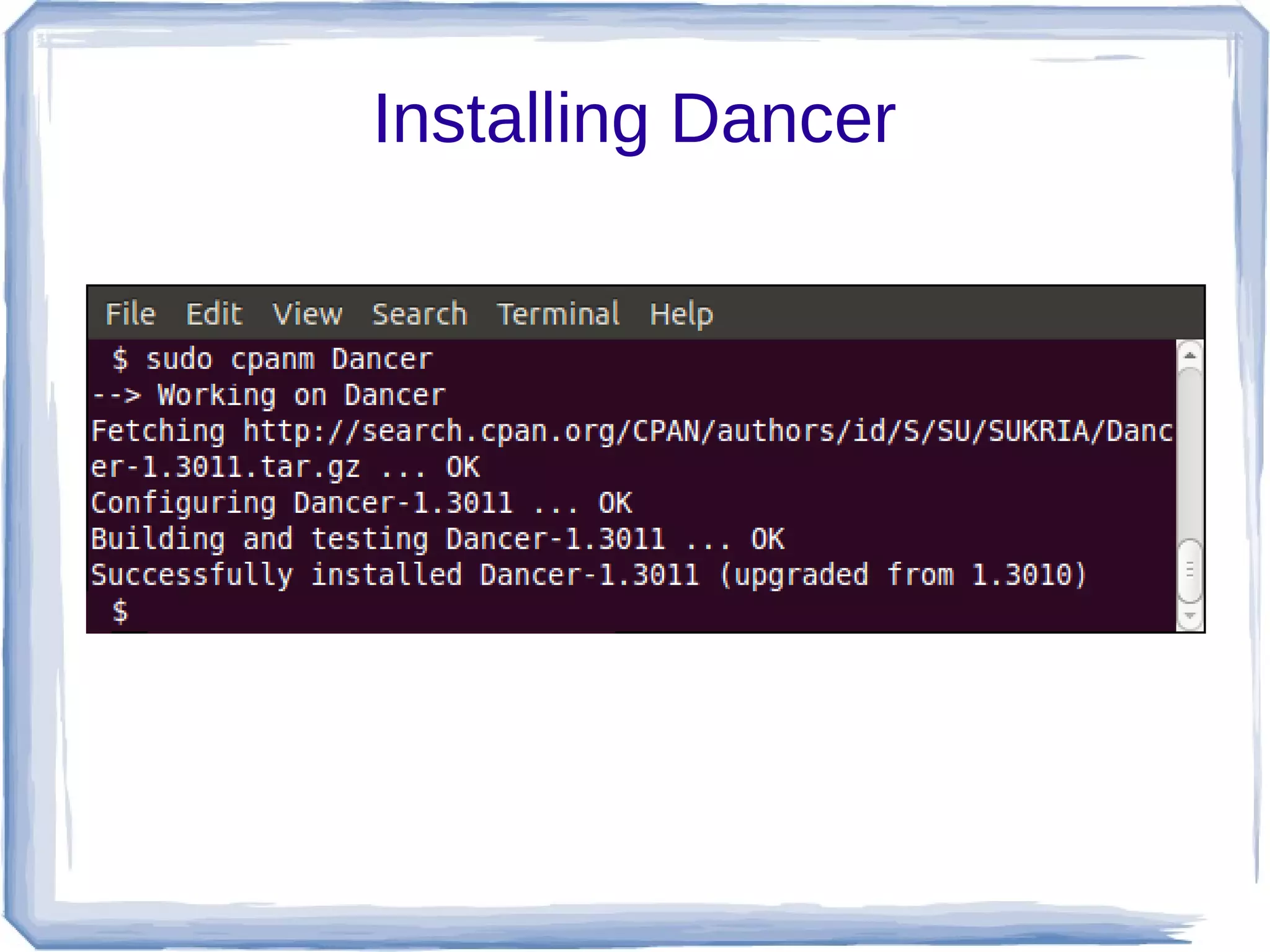
Installing Dancer
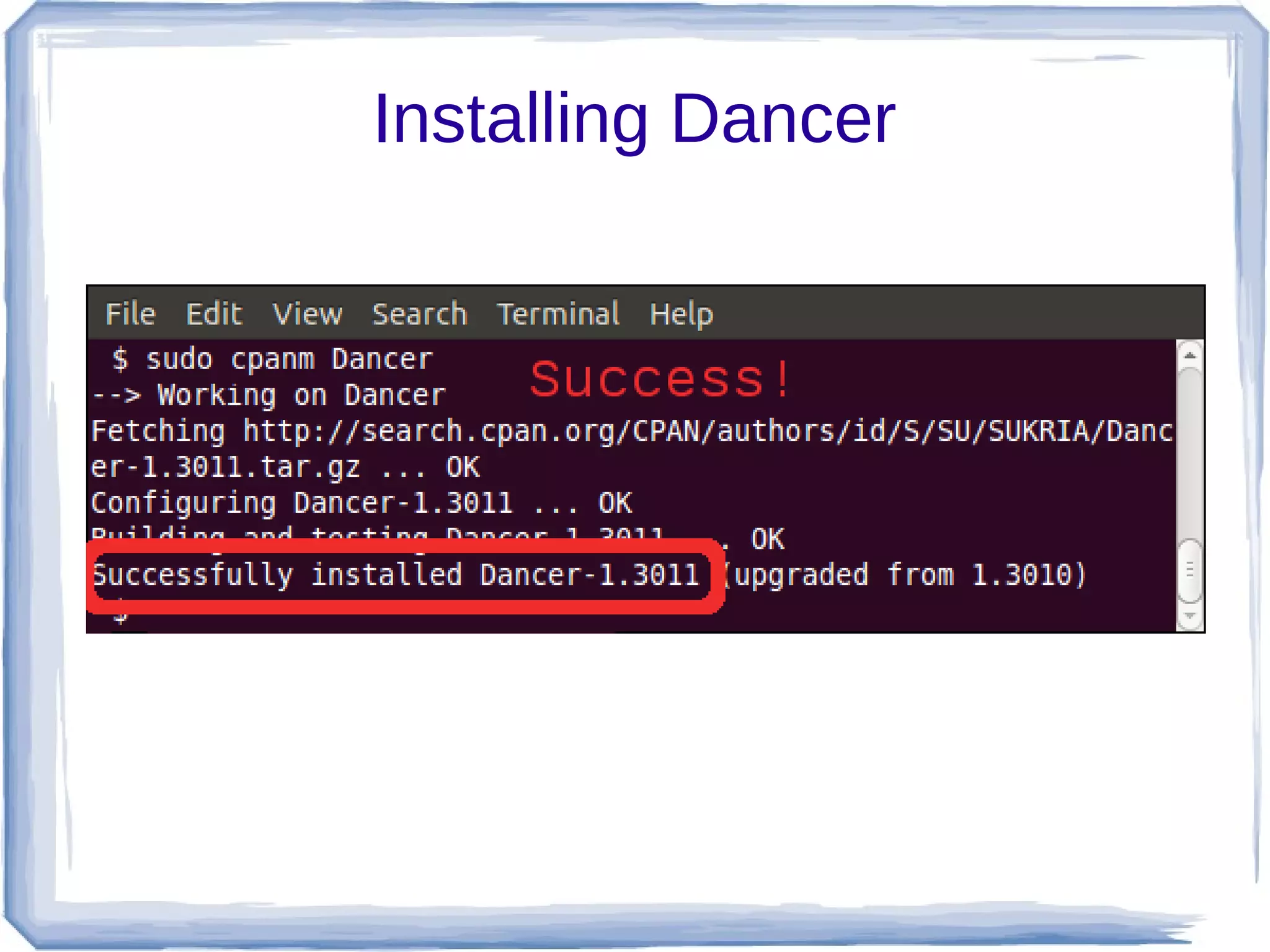
Installing Dancer
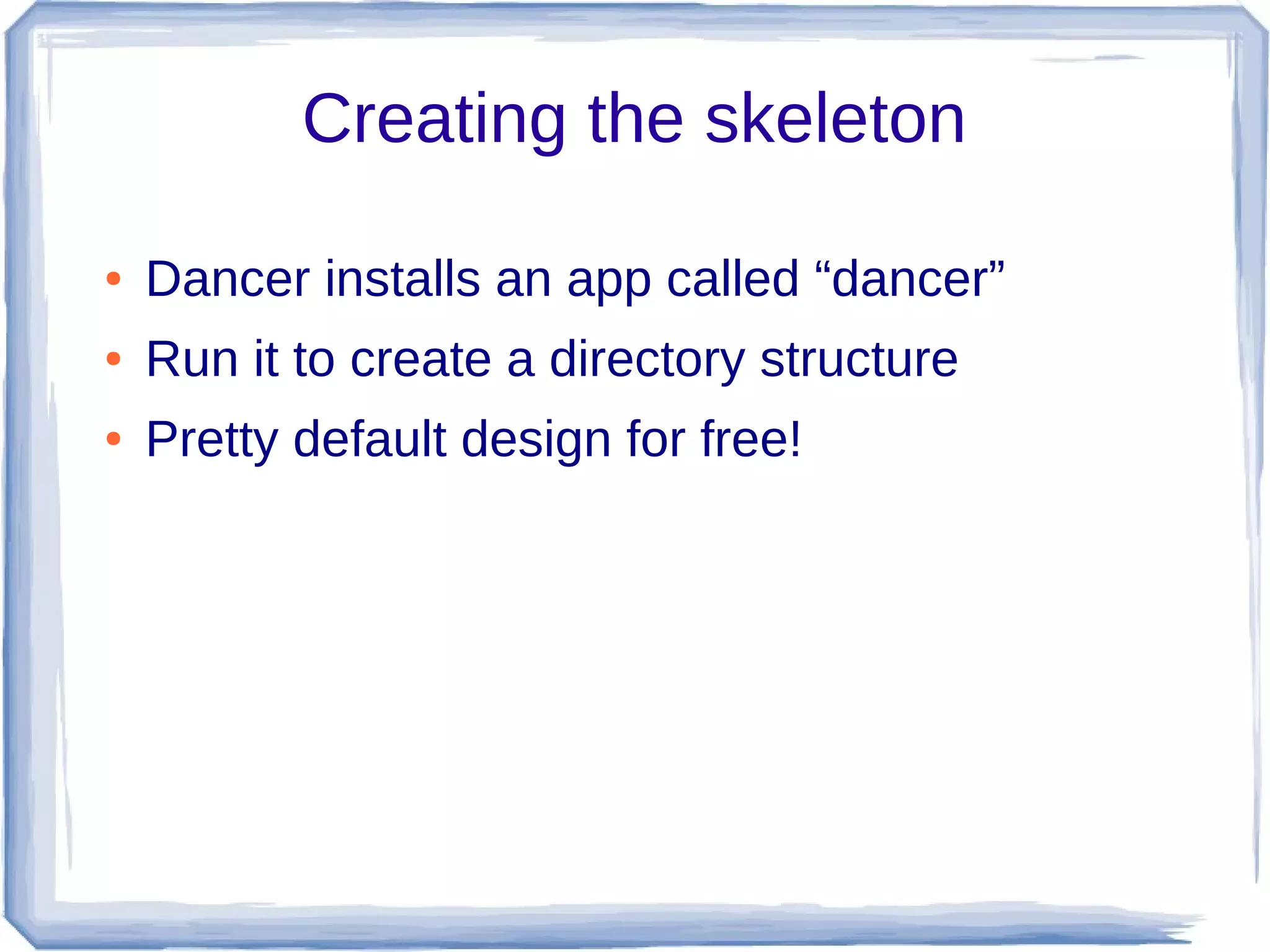
Creating the skeleton

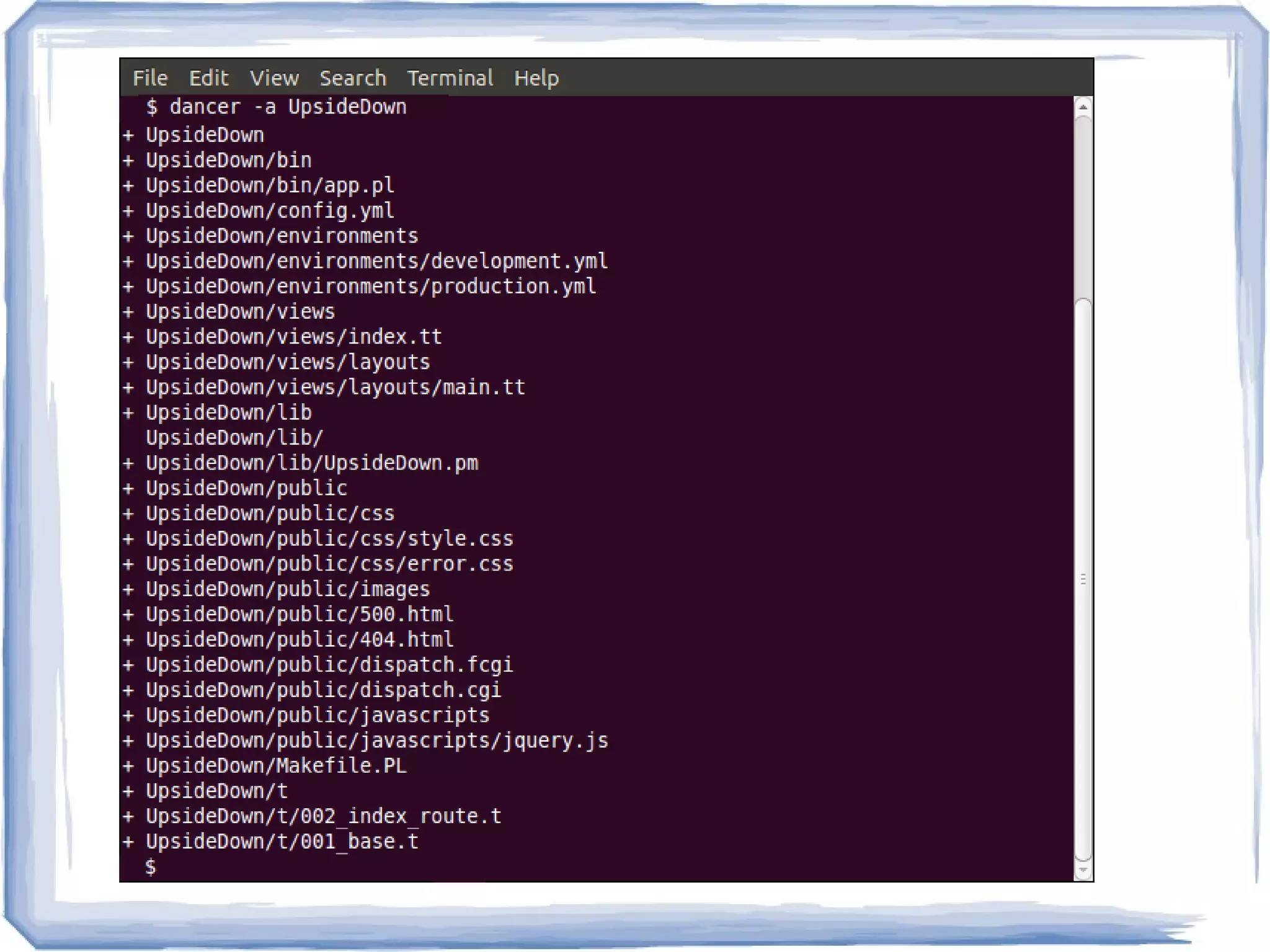
●   Dancer installs an app called “dancer”
●   Run it to create a directory structure
●   Pretty default design for free!
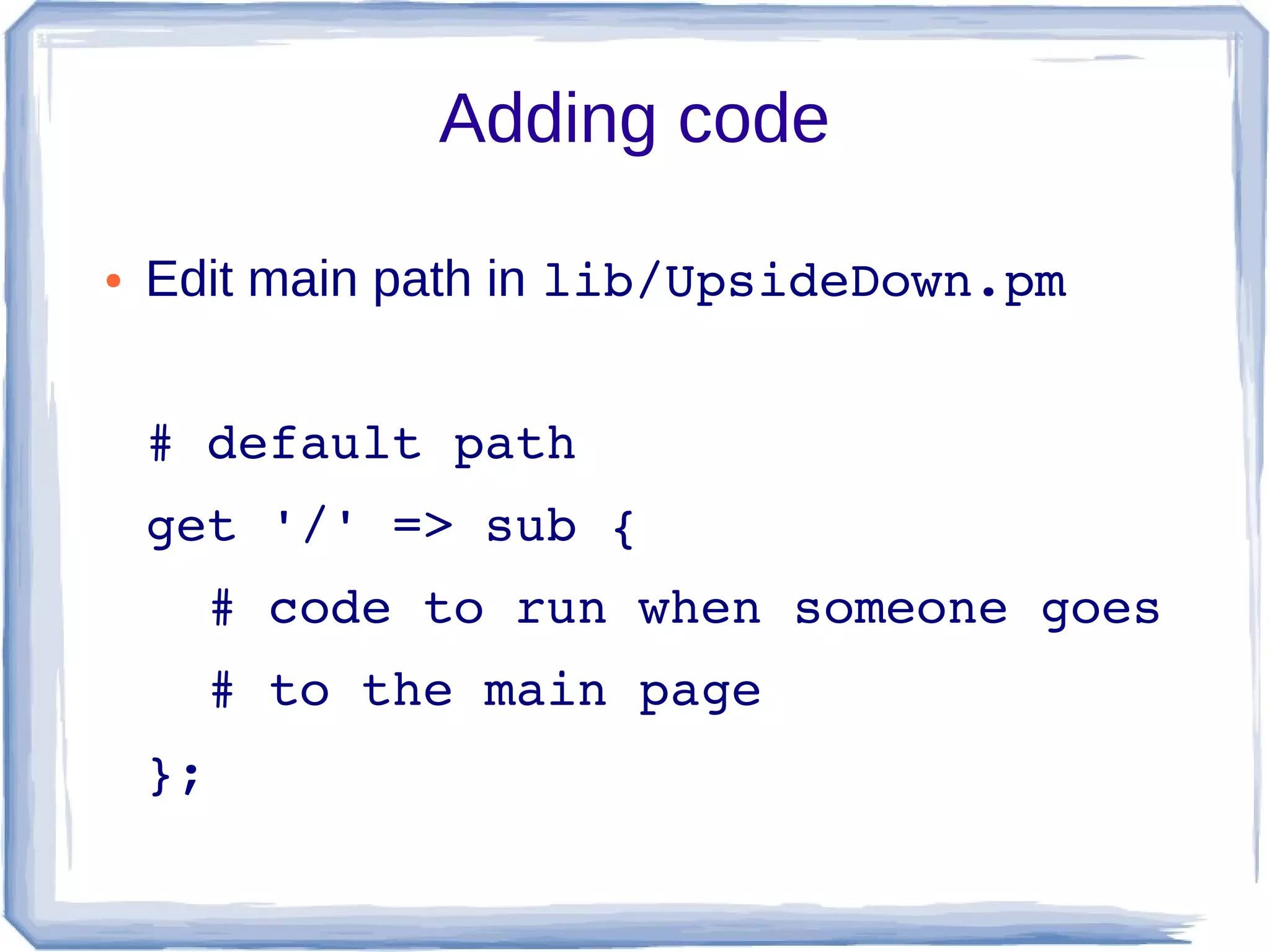
Adding code

●   Edit main path in lib/UpsideDown.pm


    # default path
    get '/' => sub {
      # code to run when someone goes
      # to the main page
    };
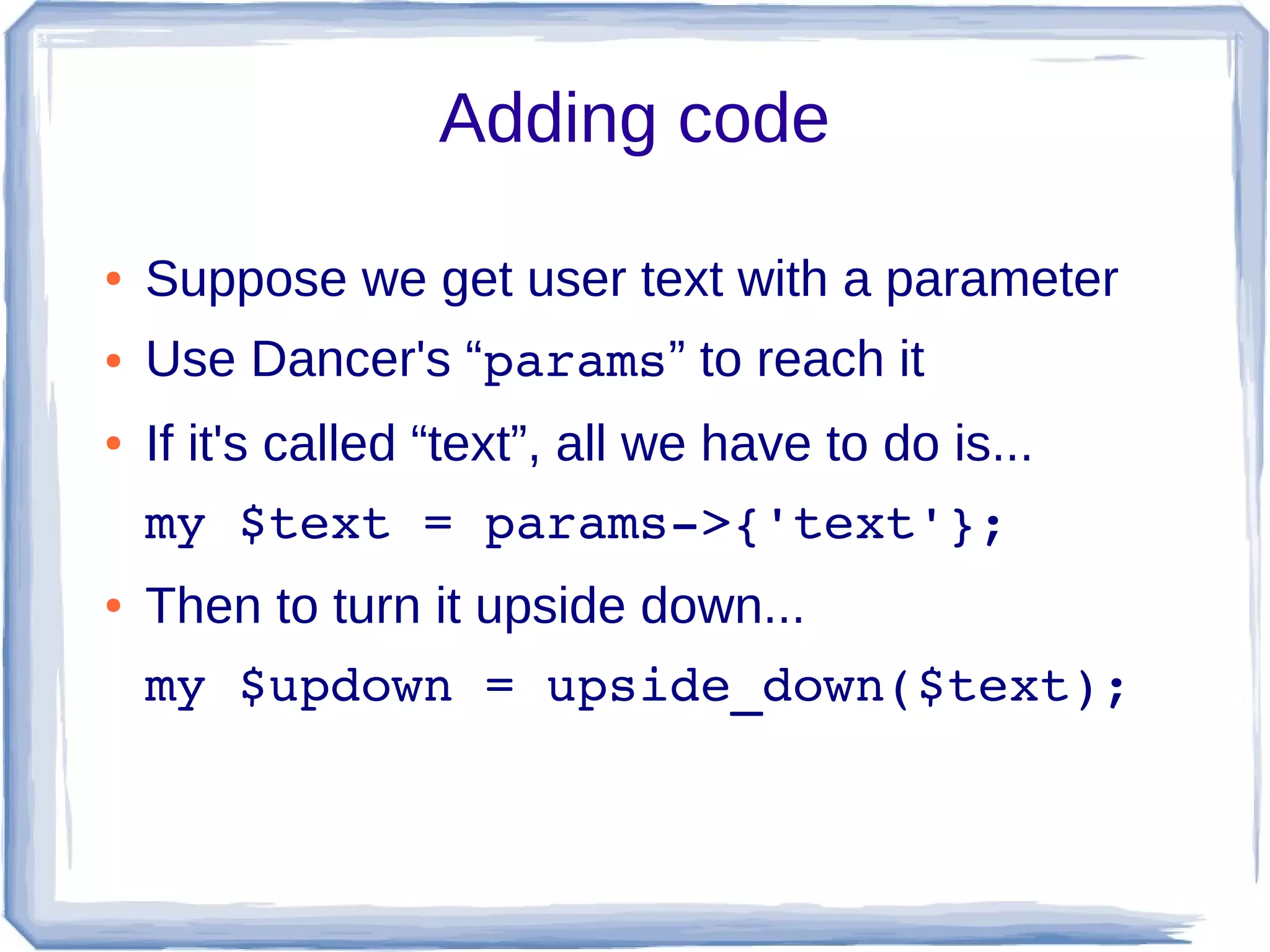
Adding code

●   Suppose we get user text with a parameter
●   Use Dancer's “params” to reach it
●   If it's called “text”, all we have to do is...
    my $text = params­>{'text'};
●   Then to turn it upside down...
    my $updown = upside_down($text);
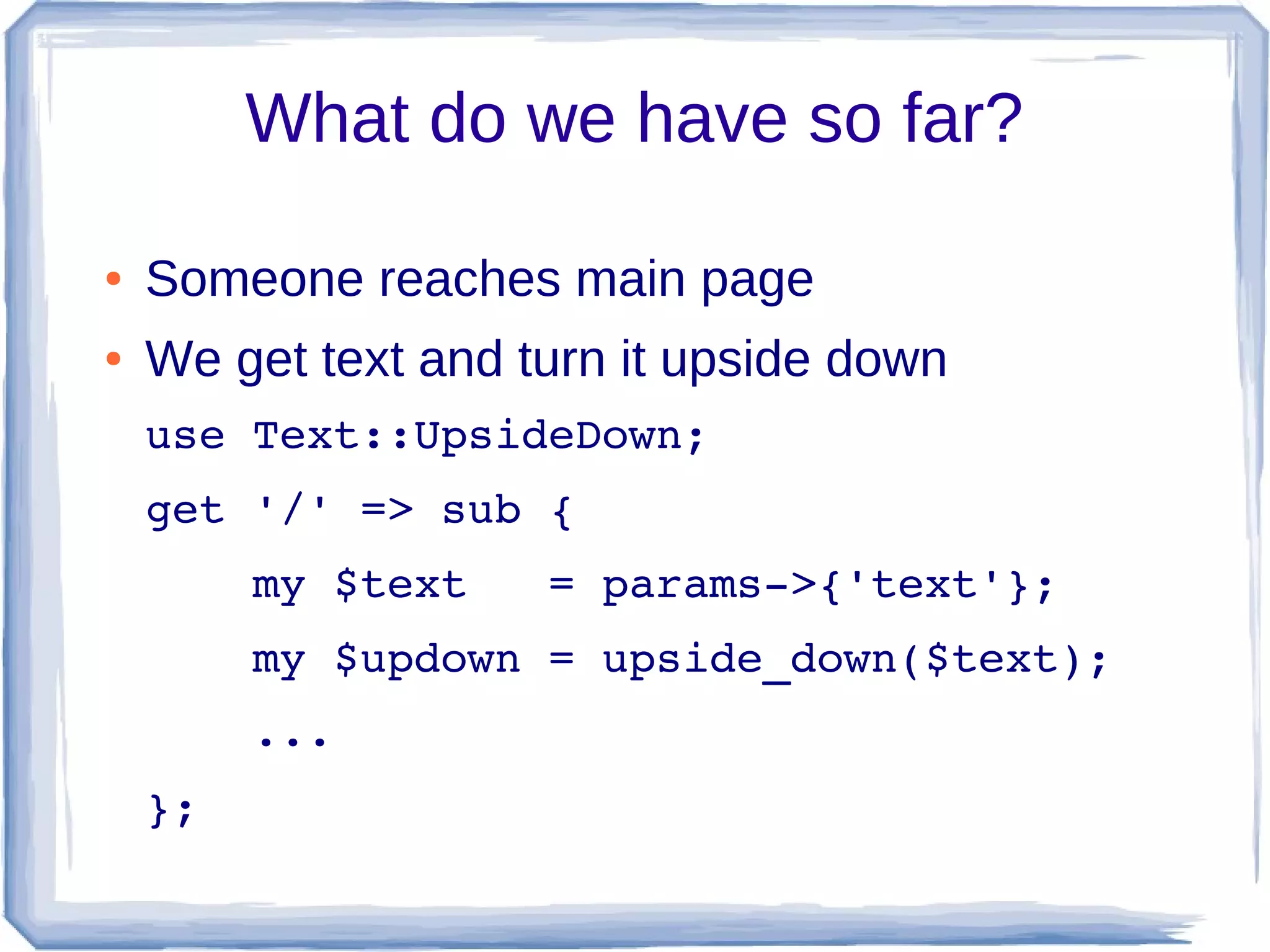
What do we have so far?

●   Someone reaches main page
●   We get text and turn it upside down
    use Text::UpsideDown;
    get '/' => sub {
        my $text   = params­>{'text'};
        my $updown = upside_down($text);
        ...
    };
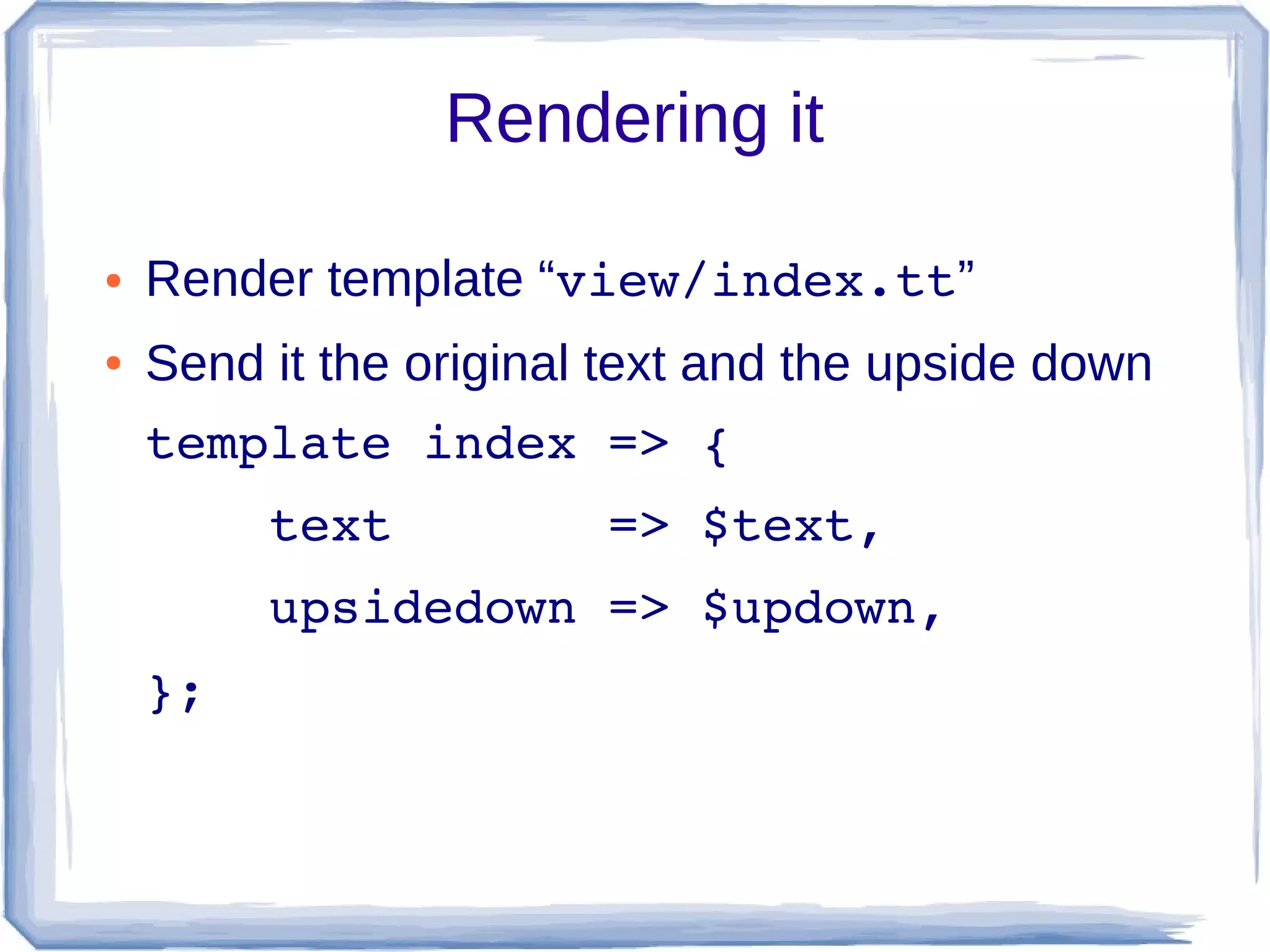
Rendering it

●   Render template “view/index.tt”
●   Send it the original text and the upside down
    template index => {
        text       => $text,
        upsidedown => $updown,
    };
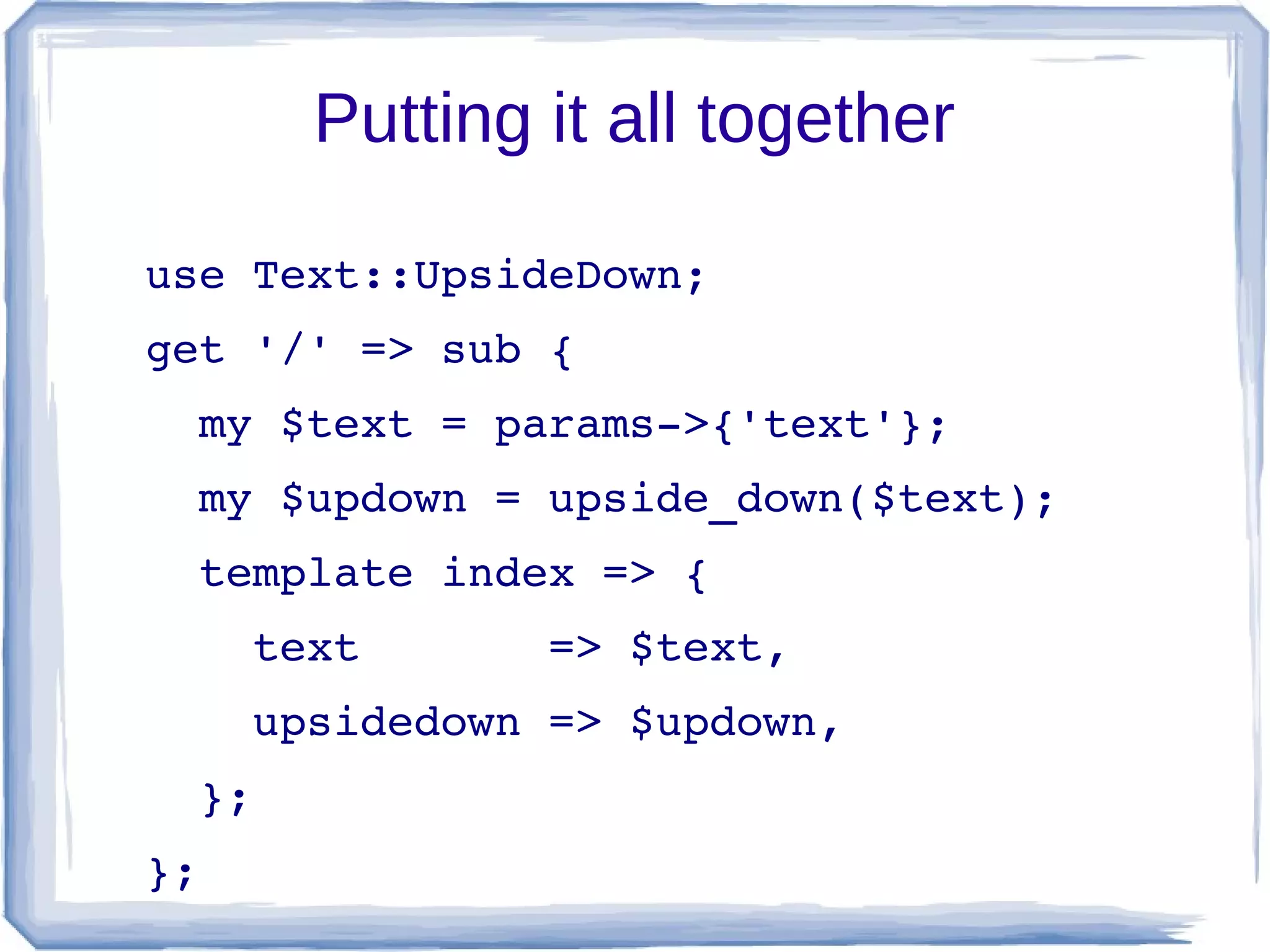
Putting it all together

use Text::UpsideDown;
get '/' => sub {
  my $text = params­>{'text'};
  my $updown = upside_down($text);
  template index => {
    text       => $text,
    upsidedown => $updown,
  };
};
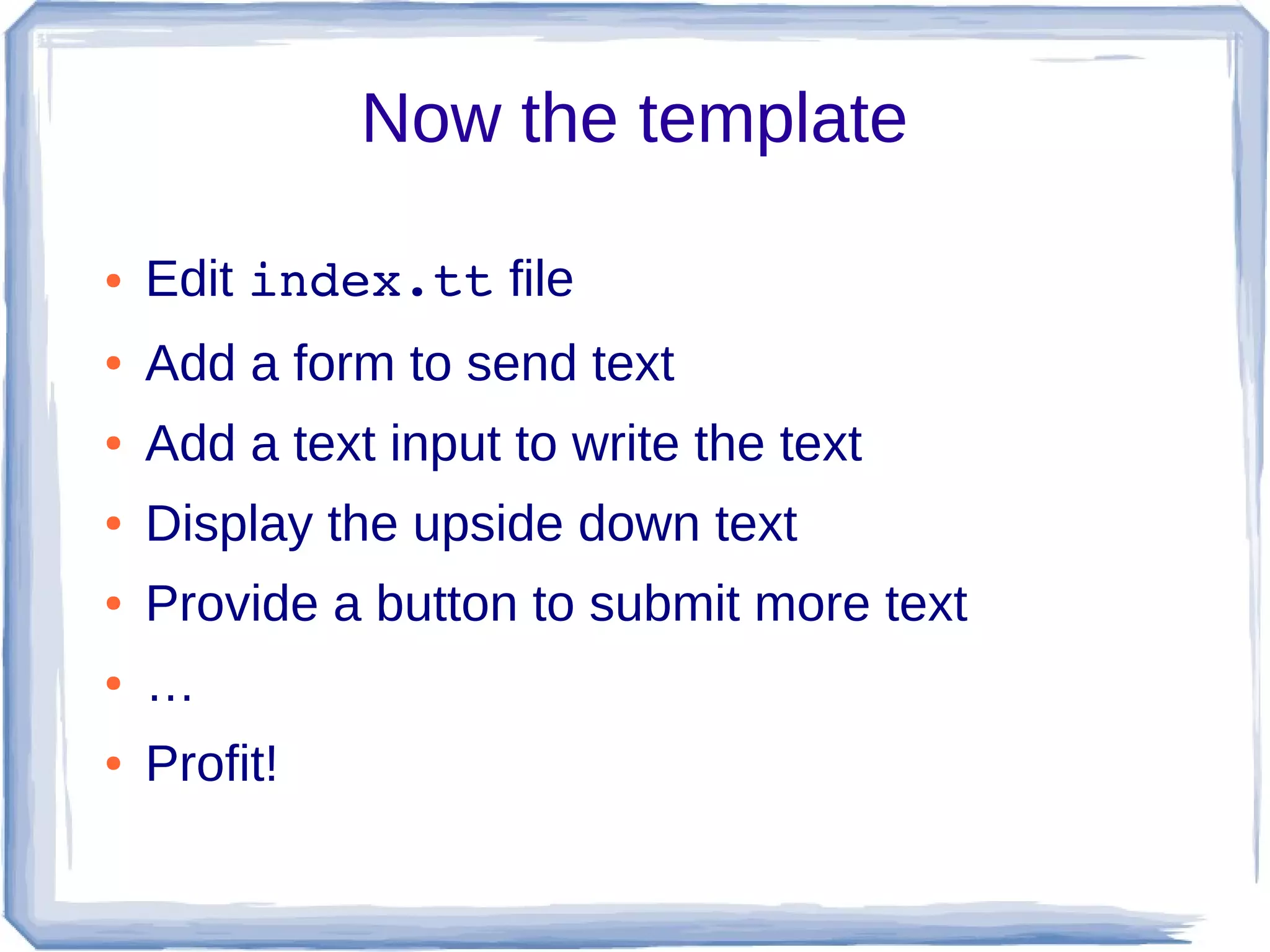
Now the template

●   Edit index.tt file
●   Add a form to send text
●   Add a text input to write the text
●   Display the upside down text
●   Provide a button to submit more text
●   …
●   Profit!
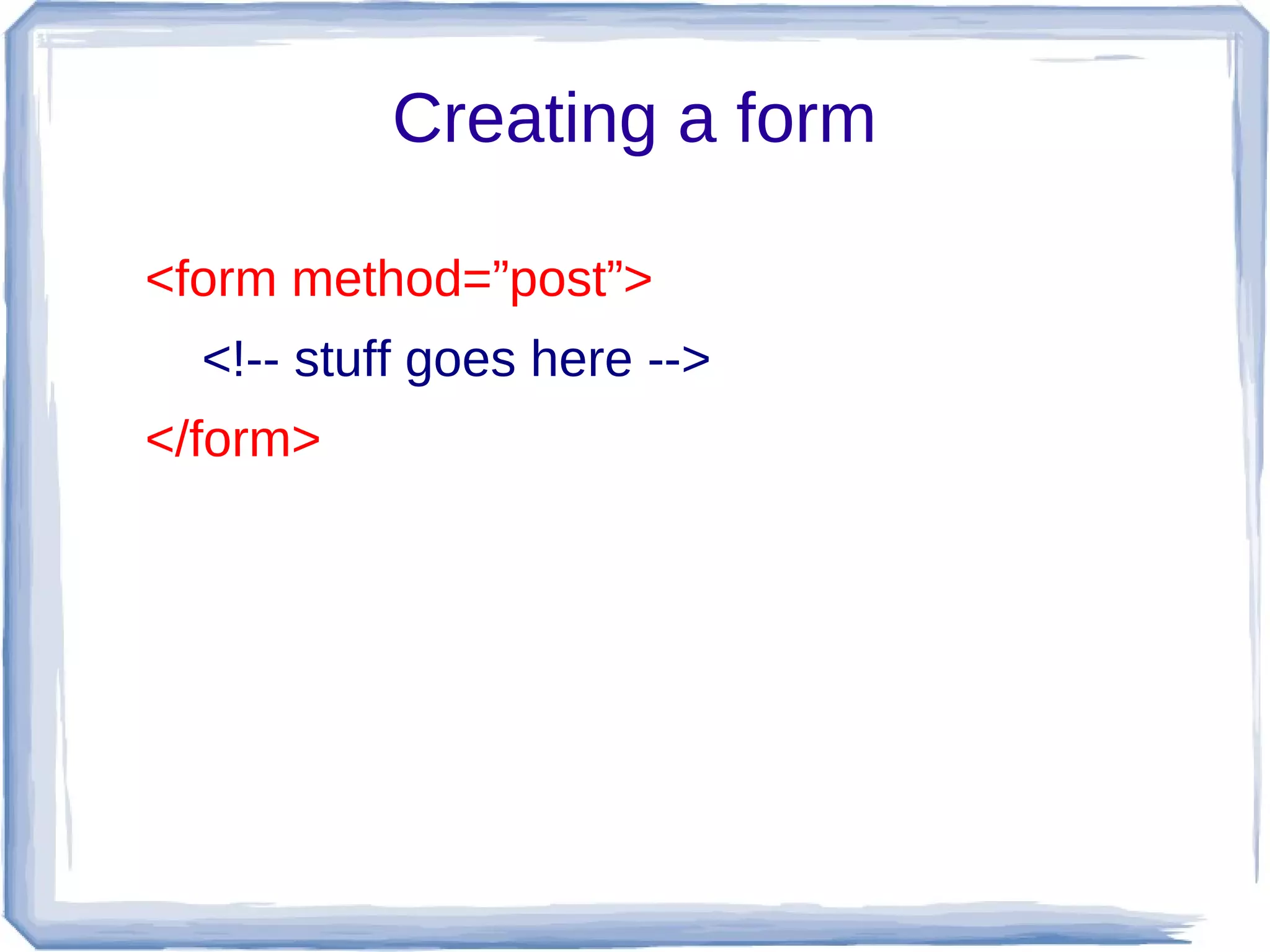
Creating a form

<form method=”post”>
  <!-- stuff goes here -->
</form>
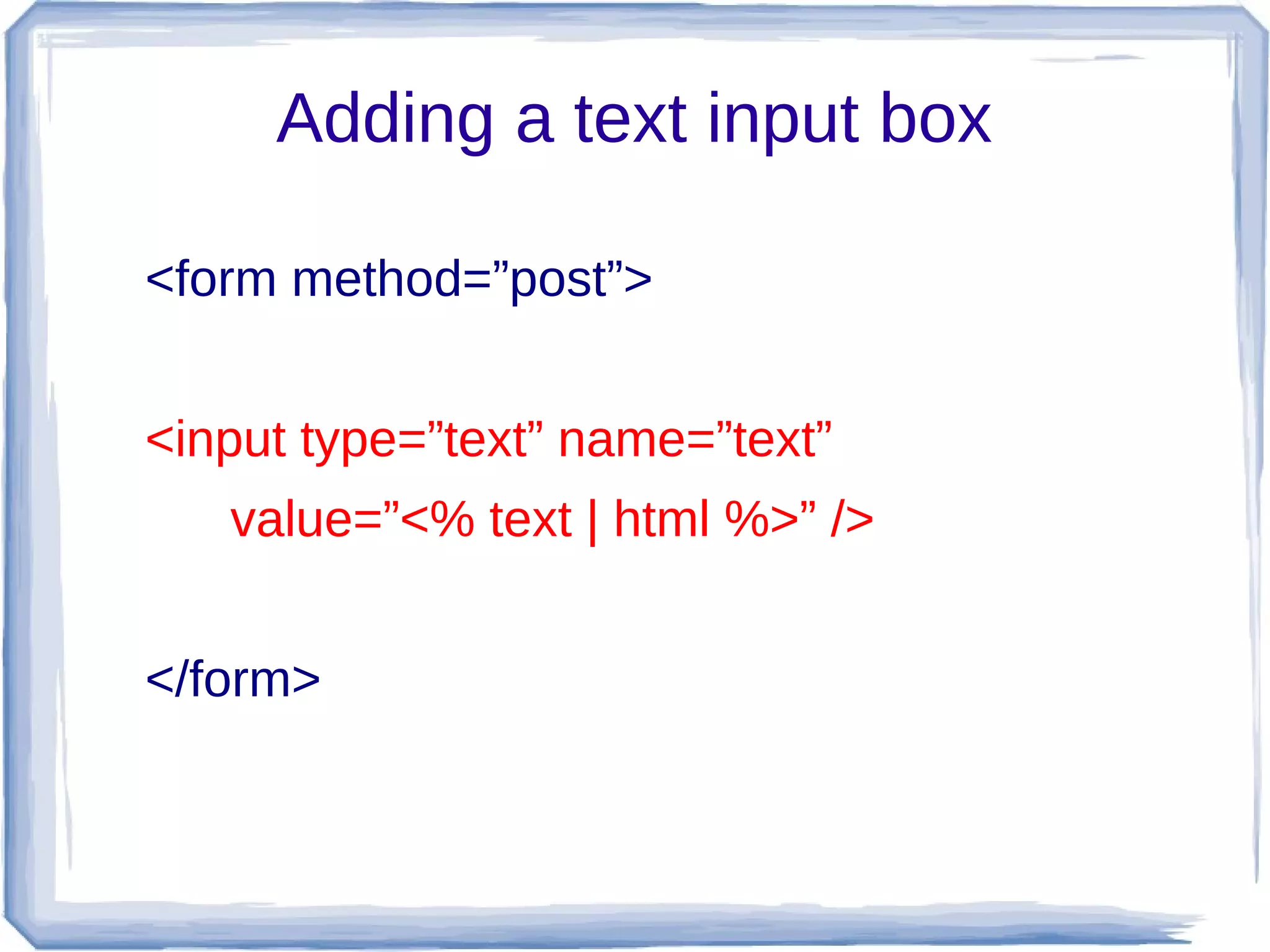
Adding a text input box

<form method=”post”>


<input type=”text” name=”text”
   value=”<% text | html %>” />


</form>
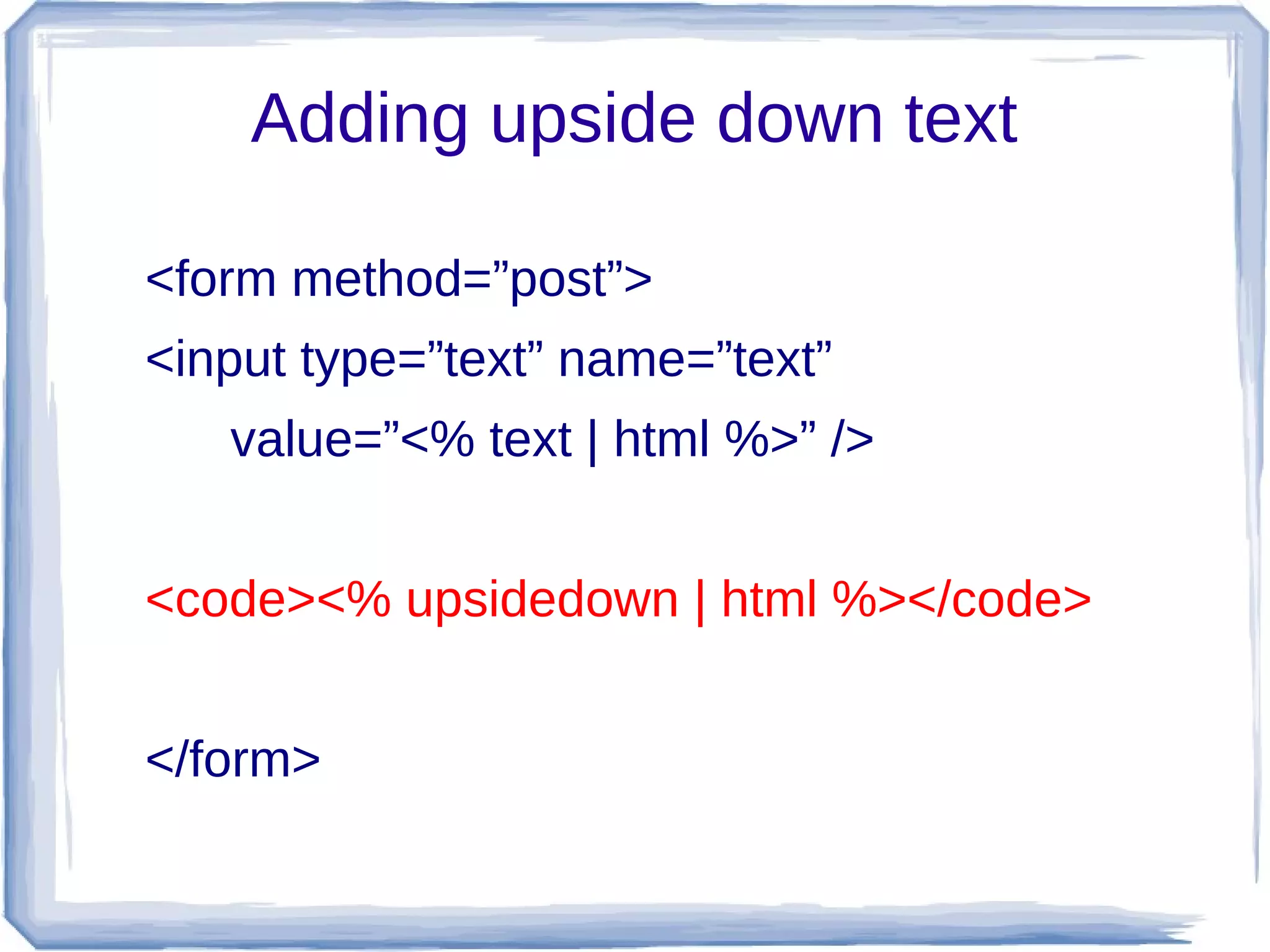
Adding upside down text

<form method=”post”>
<input type=”text” name=”text”
   value=”<% text | html %>” />


<code><% upsidedown | html %></code>


</form>
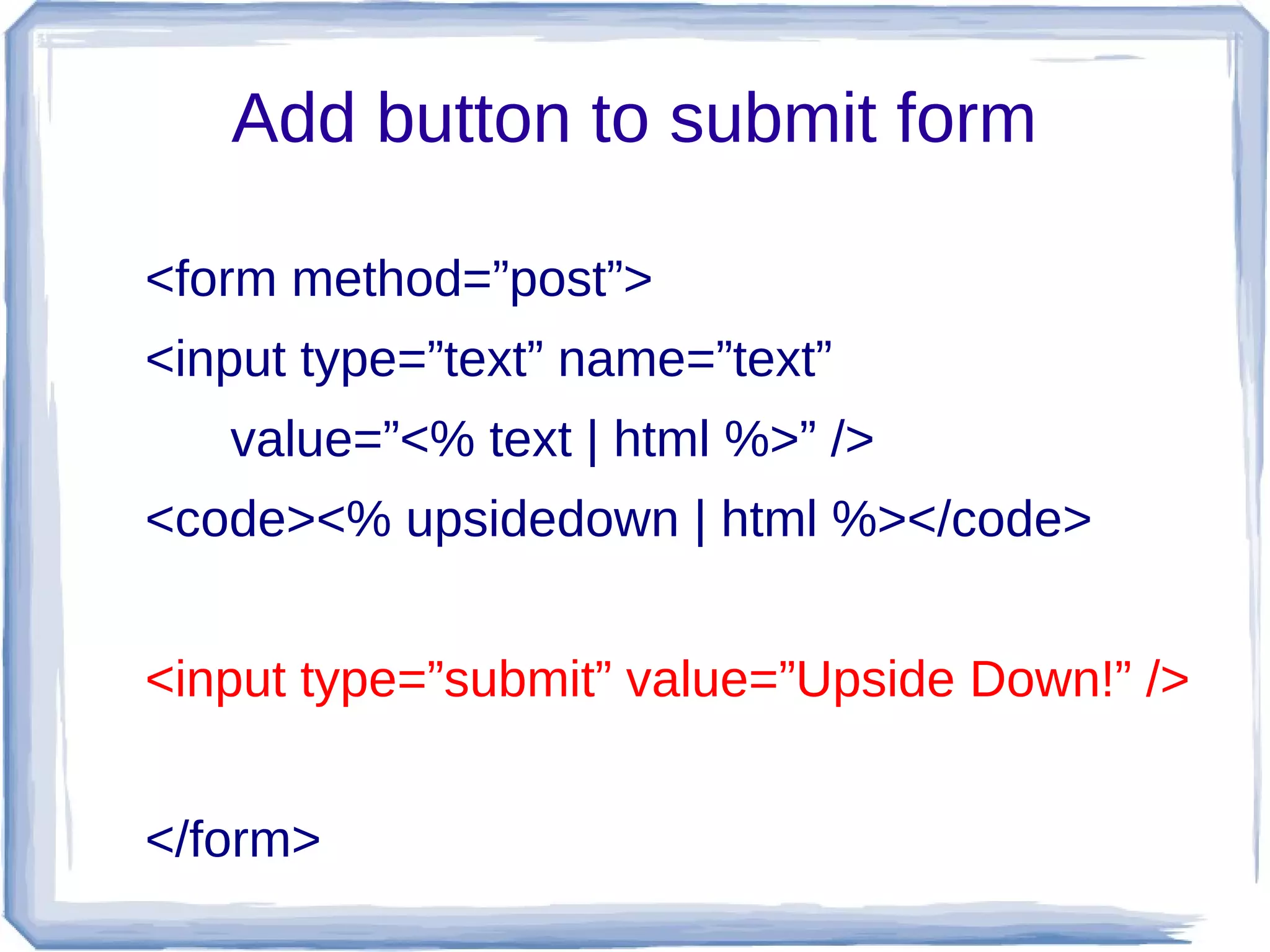
Add button to submit form

<form method=”post”>
<input type=”text” name=”text”
   value=”<% text | html %>” />
<code><% upsidedown | html %></code>


<input type=”submit” value=”Upside Down!” />


</form>
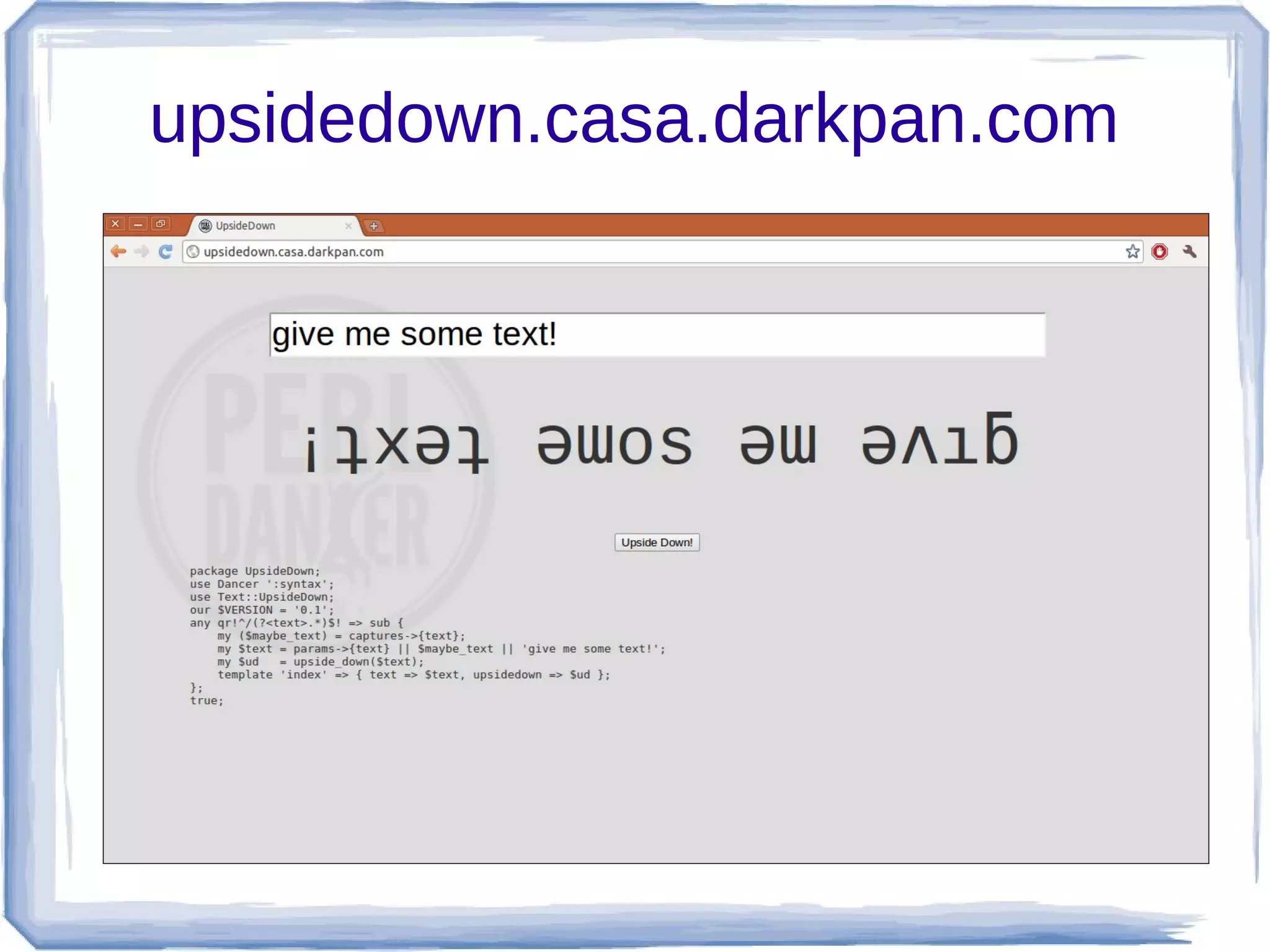
Hit it!
upsidedown.casa.darkpan.com
Dancer available @ http://perldancer.org

                  Credit:
             Marco Fontani
          (http://darkpan.com)

Your first website in under a minute with Dancer

  • 1.
  • 2.
    Let's find aninteresting module ● Go to CPAN ● Search for something funny in Text:: ● We found Text::UpsideDown ● It turns text upside down! ● OMGZ0x0ztrzzzz11!
  • 3.
    Text::UpsideDown use Text::UpsideDown; my $text   = “Hello world!”; my $updown = upside_down($text); ● Okay, that's pretty simple
  • 4.
  • 5.
  • 6.
    Creating the skeleton ● Dancer installs an app called “dancer” ● Run it to create a directory structure ● Pretty default design for free!
  • 8.
    Adding code ● Edit main path in lib/UpsideDown.pm # default path get '/' => sub {   # code to run when someone goes   # to the main page };
  • 9.
    Adding code ● Suppose we get user text with a parameter ● Use Dancer's “params” to reach it ● If it's called “text”, all we have to do is... my $text = params­>{'text'}; ● Then to turn it upside down... my $updown = upside_down($text);
  • 10.
    What do wehave so far? ● Someone reaches main page ● We get text and turn it upside down use Text::UpsideDown; get '/' => sub {     my $text   = params­>{'text'};     my $updown = upside_down($text);     ... };
  • 11.
    Rendering it ● Render template “view/index.tt” ● Send it the original text and the upside down template index => {     text       => $text,     upsidedown => $updown, };
  • 12.
    Putting it alltogether use Text::UpsideDown; get '/' => sub {   my $text = params­>{'text'};   my $updown = upside_down($text);   template index => {     text       => $text,     upsidedown => $updown,   }; };
  • 13.
    Now the template ● Edit index.tt file ● Add a form to send text ● Add a text input to write the text ● Display the upside down text ● Provide a button to submit more text ● … ● Profit!
  • 14.
    Creating a form <formmethod=”post”> <!-- stuff goes here --> </form>
  • 15.
    Adding a textinput box <form method=”post”> <input type=”text” name=”text” value=”<% text | html %>” /> </form>
  • 16.
    Adding upside downtext <form method=”post”> <input type=”text” name=”text” value=”<% text | html %>” /> <code><% upsidedown | html %></code> </form>
  • 17.
    Add button tosubmit form <form method=”post”> <input type=”text” name=”text” value=”<% text | html %>” /> <code><% upsidedown | html %></code> <input type=”submit” value=”Upside Down!” /> </form>
  • 18.
  • 19.
  • 20.
    Dancer available @http://perldancer.org Credit: Marco Fontani (http://darkpan.com)